Best Freshdesk Alternatives in 2026: 11 Helpdesk Tools for Support Teams That Want More
Turn this article into takeaways for your work.


Each assistant summarizes the article only for you and suggests best practices for your work.
Freshdesk has a lot going for it. The free tier is genuinely usable. The ticketing basics are solid. And for a team migrating off shared Gmail or a legacy Outlook inbox, Freshdesk gets the job done without a six-figure implementation project. But somewhere between "good enough to start" and "ready to scale," teams hit friction that compounds over time.
The core problem isn't any single feature gap. It's the Freshworks ecosystem itself. Want live chat? That's Freshchat, a separate product with separate pricing. Want CRM? That's Freshsales. Want IT service management? Freshservice. Each product works fine in isolation, but integrating them across your customer journey is messier than the marketing suggests. Meanwhile, Intercom and Zendesk have pulled ahead on AI-powered resolution, and Freshdesk's Freddy AI still feels like it's catching up. Add in pricing tiers that aren't always intuitive across the product suite, and you've got a tool that's hard to confidently grow into.
If you're re-evaluating your helpdesk in 2026, here are 11 alternatives worth a serious look.
Quick Comparison Table
| Tool | Best For | Starting Price | Key Strength | Key Limitation |
|---|---|---|---|---|
| Zendesk | Mid-market and enterprise support operations | $55/agent/mo (Suite Team, annual) | Mature ticketing, deep automation, best-in-class reporting | Expensive at scale; AI features cost extra |
| Intercom | Conversational support with AI-first resolution | $29/seat/mo (Essential, annual) | Fin AI agent, product tours, in-app messaging | Pricing surprises at scale; can feel complex |
| Rework | Teams wanting support + CRM in one unified timeline | From $159/mo billed yearly, 5 marketing + 5 sales seats (rework.com/pricing) | Unified CRM + chat inbox; support and sales share the same contact record | Not a ticketing system: no ticket queues, CSAT surveys, or help center |
| Help Scout | Email-first support teams wanting a clean inbox | $25/user/mo (Standard, annual) | Simple UX, docs-style knowledge base, Beacon widget | Limited chat and phone channels |
| Front | High-volume shared inbox across email and social | $25/seat/mo (Starter, annual) | Shared inbox with internal comments, multi-channel | Less purpose-built ticketing than Freshdesk |
| HubSpot Service Hub | Teams already using HubSpot CRM | Free tier; $15/seat/mo (Starter) | Native CRM connection, shared timeline with sales | Full features require expensive Professional tier |
| Zoho Desk | Budget-conscious teams in the Zoho ecosystem | Free tier; $14/agent/mo (Standard) | Affordable, Zoho One bundle, Zia AI | UI complexity; learning curve for agents |
| Kayako | Teams wanting unified customer journey visibility | $30/agent/mo | Customer journey view, unified conversations | Less polished UI; smaller community |
| Hiver | Gmail-native teams not wanting a new inbox | $19/user/mo (Lite) | Lives inside Gmail; zero agent retraining | Gmail-only; no standalone inbox |
| Crisp | SMBs needing simple chat + basic helpdesk | Free tier; $25/mo (Mini) | Affordable, chat-first, fast to set up | Limited at scale; sparse reporting |
| Gladly | High-volume CX teams wanting people-centric threads | Contact sales | Conversation threading by person, not ticket number | Enterprise pricing; complex onboarding |
Stage Fit Matrix
| Tool | Startup (1-20) | Growth (20-100) | Mid-Market (100-500) | Enterprise (500+) |
|---|---|---|---|---|
| Zendesk | Partial fit | Strong fit | Strong fit | Strong fit |
| Intercom | Partial fit | Strong fit | Strong fit | Strong fit |
| Rework | Partial fit | Strong fit | Strong fit | Partial fit |
| Help Scout | Strong fit | Strong fit | Partial fit | Not ideal |
| Front | Strong fit | Strong fit | Strong fit | Partial fit |
| HubSpot Service Hub | Strong fit | Strong fit | Strong fit | Partial fit |
| Zoho Desk | Strong fit | Strong fit | Strong fit | Partial fit |
| Kayako | Partial fit | Strong fit | Strong fit | Partial fit |
| Hiver | Strong fit | Strong fit | Partial fit | Not ideal |
| Crisp | Strong fit | Partial fit | Not ideal | Not ideal |
| Gladly | Not ideal | Partial fit | Strong fit | Strong fit |
Sizing and Persona Table
| Tool | Team Size Sweet Spot | Who Buys It |
|---|---|---|
| Zendesk | 50-5000 agents | VP Support, IT Manager, CX Director at mid-market/enterprise |
| Intercom | 20-300 seats | Head of Customer Success, VP Support, product-led GTM teams |
| Rework | 20-500 employees | COO, Head of Revenue, RevOps lead, ops-minded founder |
| Help Scout | 5-100 agents | Support team lead, founder, small CS team |
| Front | 5-200 seats | CS Director, Head of Ops, sales + support hybrid teams |
| HubSpot Service Hub | 10-500 seats | RevOps, Marketing Ops, CX lead already in HubSpot |
| Zoho Desk | 10-500 agents | Support Director, IT Manager, budget-conscious operations |
| Kayako | 20-300 agents | Support Manager, CX Director, mid-size B2B SaaS |
| Hiver | 5-150 agents | Support team lead, founder, Google Workspace users |
| Crisp | 1-50 seats | Founder, solo support, small SaaS, e-commerce |
| Gladly | 50-2000 agents | VP CX, Head of Support at high-volume consumer brands |
1. Zendesk: The enterprise-grade standard for complex support operations
Zendesk is what Freshdesk was designed to compete with, and in many ways, it still sets the benchmark for helpdesk depth. The ticketing engine is mature, the automation options are extensive, and the reporting satisfies VPs of Support who need to slice data across channels, agents, and SLAs. You can find a fuller breakdown of where the gaps show up in the best Zendesk alternatives guide.
The product vision is operational mastery at scale: route the right ticket to the right agent, measure everything, and continuously optimize workflows through Explore analytics. Zendesk AI (powered by OpenAI) can triage, summarize, and suggest replies. It's more developed than Freshdesk's Freddy AI today.
The tradeoff is cost and complexity. Suite Professional runs $115/agent/month on annual billing. A 20-person support team is looking at $27,600 per year before AI add-ons and implementation hours. That's the line where teams start looking at alternatives. But if you're at 100+ agents with complex routing needs, Zendesk earns its price.
| What you get | What you don't |
|---|---|
| Industry-leading ticketing and SLA management | Simple pricing (add-ons accumulate fast) |
| Deep routing and automation logic | Out-of-the-box sales CRM integration |
| Zendesk AI with triage, summarization, and suggestions | Fast setup for small teams |
| Explore analytics for SLA and CSAT reporting | Affordable entry for teams under 30 agents |
| 1,200+ integrations in the marketplace | People-centric conversation threading |
Pricing: $19/agent/mo (Support Team, email only) to $55/agent/mo (Suite Team) to $115/agent/mo (Suite Professional), billed annually.
Best for: Mid-market and enterprise support operations with 50+ agents who need mature SLA management, deep automation, and comprehensive reporting. Not ideal for: Teams under 30 agents looking for value, or businesses that want support and sales unified without buying separate Zendesk products.
2. Intercom: AI-first conversational support for product-led companies
Intercom has spent the last two years repositioning itself around AI resolution, and it shows. Fin, Intercom's AI agent, resolves a meaningful percentage of inbound tickets without human intervention. In documented cases, resolution rates on common query types hit 30-50%. For SaaS teams with high repeat-query volume (password resets, billing questions, onboarding steps), that's a real cost reduction. Teams evaluating this space should also look at the best Intercom alternatives for a sense of where Fin's per-resolution billing creates budget surprises.
The product philosophy is conversational rather than transactional: support should feel like a product feature, not a separate department. That shows up in Intercom's in-app messenger, product tours, and customer health signals. Support, success, and sales motions blend more naturally here than in traditional ticketing systems.
The risk with Intercom is pricing unpredictability. Seat costs plus resolution fees plus add-ons can scale faster than expected, and teams that haven't modeled their ticket volume carefully often get surprised by their second renewal.
| What you get | What you don't |
|---|---|
| Fin AI agent with genuine resolution capability | Predictable pricing at scale |
| In-app messaging and product tours | Classic ticketing features (SLA tiers, macros) |
| Proactive messaging based on user behavior | Simple setup for non-technical admins |
| Strong product integration for SaaS applications | Budget-friendly option for small teams |
| Shared inbox across chat, email, and in-app | Traditional email-only workflows |
Pricing: $29/seat/mo (Essential), $85/seat/mo (Advanced), $132/seat/mo (Expert), all billed annually. Fin AI resolution charged separately at $0.99 per resolution.
Best for: B2B SaaS companies at growth stage (Series A-C) where support is part of the product experience and AI resolution rates justify the cost. Not ideal for: Teams primarily handling email support without in-app or chat requirements, or anyone who needs predictable monthly costs.
3. Rework: Unified CRM and support inbox for ops-minded teams
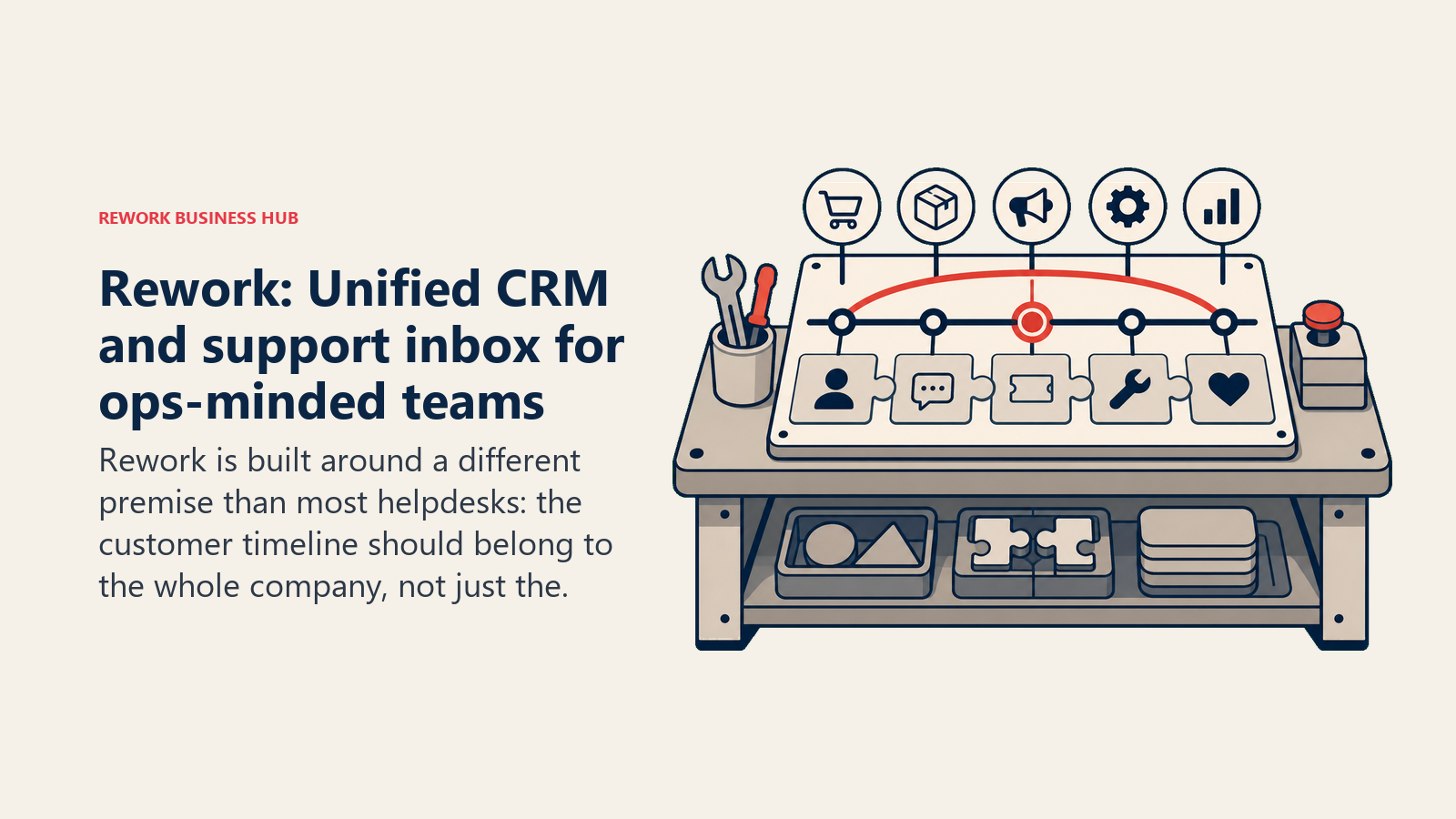
Rework is built around a different premise than most helpdesks: the customer timeline should belong to the whole company, not just the support team. Where Freshdesk creates tickets that live in a support silo, Rework shows every conversation, every deal, and every task on a single contact record that sales, support, and operations can all see and act on.
It is not a helpdesk in the Freshdesk sense, which is why Zendesk and Intercom rank above it here: there are no tickets, no CSAT surveys, and no customer-facing knowledge base. What it offers instead matters when a support question turns into a renewal conversation, or when an account manager needs to know whether a customer is mid-escalation before jumping on a call. Freshdesk doesn't solve that without patching together Freshdesk + Freshsales + a manual handoff workflow. Rework does it natively.
The chat inbox (Rework Prospect) covers WhatsApp, Messenger, Instagram, TikTok, Telegram, LINE, Zalo and a website live chat widget, with routing rules, SLA clocks, canned responses, and AI agents (in beta) that answer routine questions from your own knowledge sources. Email runs in a separate app, Rework Mail, where team inboxes let a shared support@ address be assigned, answered, and closed. Routing and assignment are built for cross-functional teams rather than dedicated support queues. If you're thinking about how this connects to customer acquisition, multi-channel inbox configuration walks through the practical setup decisions most teams skip.
| What you get | What you don't |
|---|---|
| Unified CRM + support on one contact record | Ticketing features (ticket queues, CSAT surveys) |
| 11 chat channels plus email team inboxes | SMS and phone/voice channels |
| Cross-team workflows connecting support, sales, and ops | Deep analytics for large support operations |
| Mid-market pricing built for 20-500 team companies | Enterprise compliance and security certifications |
| No Freshworks-style product fragmentation | Community forum and self-service portal builder |
Pricing: Revenue Engine (CRM, omnichannel inbox and lead capture) is $159/month billed yearly ($1,908/year) or $190 month to month, with 5 marketing and 5 sales seats included. The inbox alone is the Marketing Engine, from $99/month billed yearly. 14-day free trial. See rework.com/pricing.
Best for: Teams at 20-500 employees where support and sales share customer relationships and need a single source of truth, not two separate tools with a shaky integration. Not ideal for: Dedicated support operations that need ticketing, CSAT tracking, and deep queue management. Zendesk or Freshdesk remain better fits there.
4. Help Scout: The clean-inbox choice for email-first support teams
Help Scout doesn't try to be everything. It's a shared inbox with a clean interface, a solid knowledge base builder (Docs), and a lightweight customer widget (Beacon) that handles in-app chat and self-service. That's it. And for teams that don't need more than that, it's arguably the best product in the market for what it does.
The philosophy is inbox clarity: agents should spend their time helping customers, not navigating a complex UI. Help Scout's interface looks and feels more like email than a ticketing system, which means shorter onboarding and less agent resistance. The Docs product lets you build a real knowledge base without a separate tool. If you're comparing it against similar tools, the best Help Scout alternatives covers how it stacks up when multi-channel or CRM become priorities.
Where Help Scout falls short is channel breadth. If you need phone support, social channel routing, or a sophisticated chatbot, you'll be adding tools. And at companies with 100+ support agents, the reporting and SLA management features don't match what Zendesk or Freshdesk offer.
| What you get | What you don't |
|---|---|
| Clean shared inbox that agents actually enjoy using | Phone or voice channel support |
| Docs knowledge base built in (no extra tool) | Deep SLA management and reporting |
| Beacon for lightweight in-app chat and self-service | Sophisticated routing and automation |
| Reasonable per-seat pricing at small team scale | Social channel support (Twitter, Facebook) |
| Simple onboarding (hours, not days) | Enterprise compliance features |
Pricing: $25/user/mo (Standard, up to 25 users), $45/user/mo (Plus, up to 50 users), $75/user/mo (Pro, unlimited, 10-user minimum), billed annually ($30/$54/$90 billed monthly). Free plan up to 5 users.
Best for: Email-first support teams at 5-100 agents, particularly those coming from Gmail or Outlook and wanting a clean step up without full helpdesk complexity. Not ideal for: Teams with multi-channel requirements beyond email and basic chat, or operations that need formal SLA tracking and reporting.
5. Front: Shared inbox for high-volume, multi-channel teams
Front sits between a helpdesk and a shared email client. It lets teams manage email, SMS, social messages, and phone calls in a single inbox, with internal comments on every thread so teammates can collaborate without the customer seeing the discussion. It's the tool that works well for teams where the line between sales, support, and account management is blurry. The best Front alternatives guide is worth reading if Front's per-seat pricing is the main concern: a 12-person team on the Growth plan can hit $8,500/year before any add-ons.
The product vision is around inbox efficiency at volume: automate routing, reduce back-and-forth, and give managers visibility into response times across channels. Front's analytics show individual agent performance and team SLA data without requiring Zendesk-level setup complexity.
Front works well for companies where support isn't a dedicated department: account teams handling renewals and support questions, ops teams managing vendor communications, or customer-facing teams that span roles. It's not as deep as Freshdesk on pure ticketing, but it's more flexible on channel coverage.
| What you get | What you don't |
|---|---|
| Multi-channel inbox (email, SMS, social, voice) | Purpose-built SLA ticketing system |
| Internal comments and @mentions on every thread | Advanced AI resolution capabilities |
| Workflow automation and routing rules | Deep knowledge base builder |
| Analytics on response times and agent performance | Native CRM with deal tracking |
| Clean interface with fast agent onboarding | Community portal and self-service hub |
Pricing: $25/seat/mo (Starter, up to 10 seats), $65/seat/mo (Professional, up to 50 seats), $105/seat/mo (Enterprise), billed annually.
Best for: Teams of 5-200 managing high-volume shared inboxes across multiple channels, especially where support and sales functions overlap. Not ideal for: Teams that need dedicated ticketing with SLA enforcement or a formal knowledge base for customer self-service.
6. HubSpot Service Hub: Helpdesk for teams already living in HubSpot CRM
If your sales and marketing teams are in HubSpot, Service Hub is the path of least resistance for support. Every support conversation sits on the same contact record as the deal history, marketing emails, and activity timeline. There's no integration to build or sync to maintain. It's native.
The philosophy is the full funnel in one platform: attract, convert, close, retain. For companies where the CTO or RevOps lead is consolidating tools, Service Hub makes the cut. The ticketing features are solid at the Growth tier and above: SLA management, CSAT, ticket pipelines, and automation are all there. But if you're evaluating this from a pure cost angle, seat-based pricing is dying is worth reading before you lock in a per-seat contract.
The catch is value at lower tiers. The free and Starter tiers are genuinely limited, and unlocking features like custom reports, sequences from service, or advanced automation requires the Professional tier at $90/seat/mo. Teams that start on Starter and later realize they need more often find the jump painful.
| What you get | What you don't |
|---|---|
| Native CRM: support and sales on one contact record | Affordable advanced features (Professional is $90/seat) |
| Ticket pipelines, SLA management, and CSAT surveys | Best-in-class standalone helpdesk features |
| Knowledge base and customer portal built in | Deep AI resolution at starter pricing |
| Strong automation across marketing, sales, and support | Flexibility outside the HubSpot ecosystem |
| Easy adoption for teams already in HubSpot | Simple pricing without tier pressure |
Best for: Companies already using HubSpot for CRM and marketing who want to unify the full customer lifecycle without a third-party integration. Not ideal for: Teams evaluating tools independent of their CRM stack, or anyone who needs advanced support features without paying Professional tier pricing.
7. Zoho Desk: The budget helpdesk for Zoho ecosystem users
Zoho Desk is one of the most affordable full-featured helpdesks on this list, and in the context of Zoho One (the company's $37/user/mo all-apps bundle), it represents significant value for teams that want CRM, helpdesk, email, and project management without buying five separate products.
The product covers the full range: multi-channel support, SLA management, knowledge base, community forums, and Zia AI for ticket classification, sentiment analysis, and anomaly detection. At $14/agent/mo (Standard), you get features that cost 3-4x more on Freshdesk's higher tiers.
The honest limitation is UI complexity. Zoho products are feature-rich but don't always feel polished. Agents new to Zoho Desk often take longer to ramp than on Help Scout or Front, and the interface density can slow workflows for high-volume teams. If you're not already invested in the Zoho ecosystem, the UI friction may not justify the cost savings versus a more focused tool.
| What you get | What you don't |
|---|---|
| Full helpdesk features at affordable pricing | Modern, polished UI that's easy to ramp |
| Zia AI for ticket classification and sentiment | Ecosystem appeal outside Zoho users |
| Multi-channel support including social and phone | Intuitive onboarding for new agents |
| Zoho One bundle covers CRM, desk, email, and more | Intercom-level AI resolution capabilities |
| Community forums and self-service portal | Large third-party integration marketplace |
Pricing: Free tier (up to 3 agents). Standard at $14/agent/mo. Professional at $23/agent/mo. Enterprise at $40/agent/mo. Annual billing.
Best for: Budget-conscious teams at 10-500 agents who are already using or open to adopting the Zoho ecosystem, particularly Zoho CRM. Not ideal for: Teams that prioritize UI quality and fast agent onboarding, or those not already in the Zoho ecosystem.
8. Kayako: Customer journey-aware support for mid-size B2B teams
Kayako takes a different angle on support: rather than organizing around tickets, it organizes around customer journeys. Every conversation a customer has (across email, live chat, social, and help center interactions) shows up in a single threaded timeline sorted by customer, not ticket number. That context makes it easier to spot patterns, understand history, and avoid making customers repeat themselves.
The product vision sits between traditional ticketing (Freshdesk, Zendesk) and conversational support (Intercom). It's a good fit for B2B SaaS companies in the 50-300 employee range that want more context than a ticket system offers but aren't ready to commit to Intercom's pricing or product complexity.
Kayako has a smaller community than Zendesk or Freshdesk, which means fewer public integrations and a thinner third-party app ecosystem. But for teams that prioritize customer visibility over marketplace breadth, that's an acceptable tradeoff.
| What you get | What you don't |
|---|---|
| Customer journey view across all channels | Polished modern UI |
| Unified conversations (email, chat, social, help center) | Large integration marketplace |
| Real-time conversation tracking and typing indicators | AI resolution capabilities comparable to Intercom |
| Single customer timeline instead of ticket numbers | Enterprise compliance certifications |
| Solid multi-channel coverage at mid-market pricing | Large active user community |
Pricing: $30/agent/mo (Growth), $60/agent/mo (Scale). Annual billing available.
Best for: Mid-size B2B SaaS teams at 50-300 employees that want customer journey context built into their support workflow, not bolted on. Not ideal for: Teams that rely on a rich integration marketplace or need cutting-edge AI resolution without additional tooling.
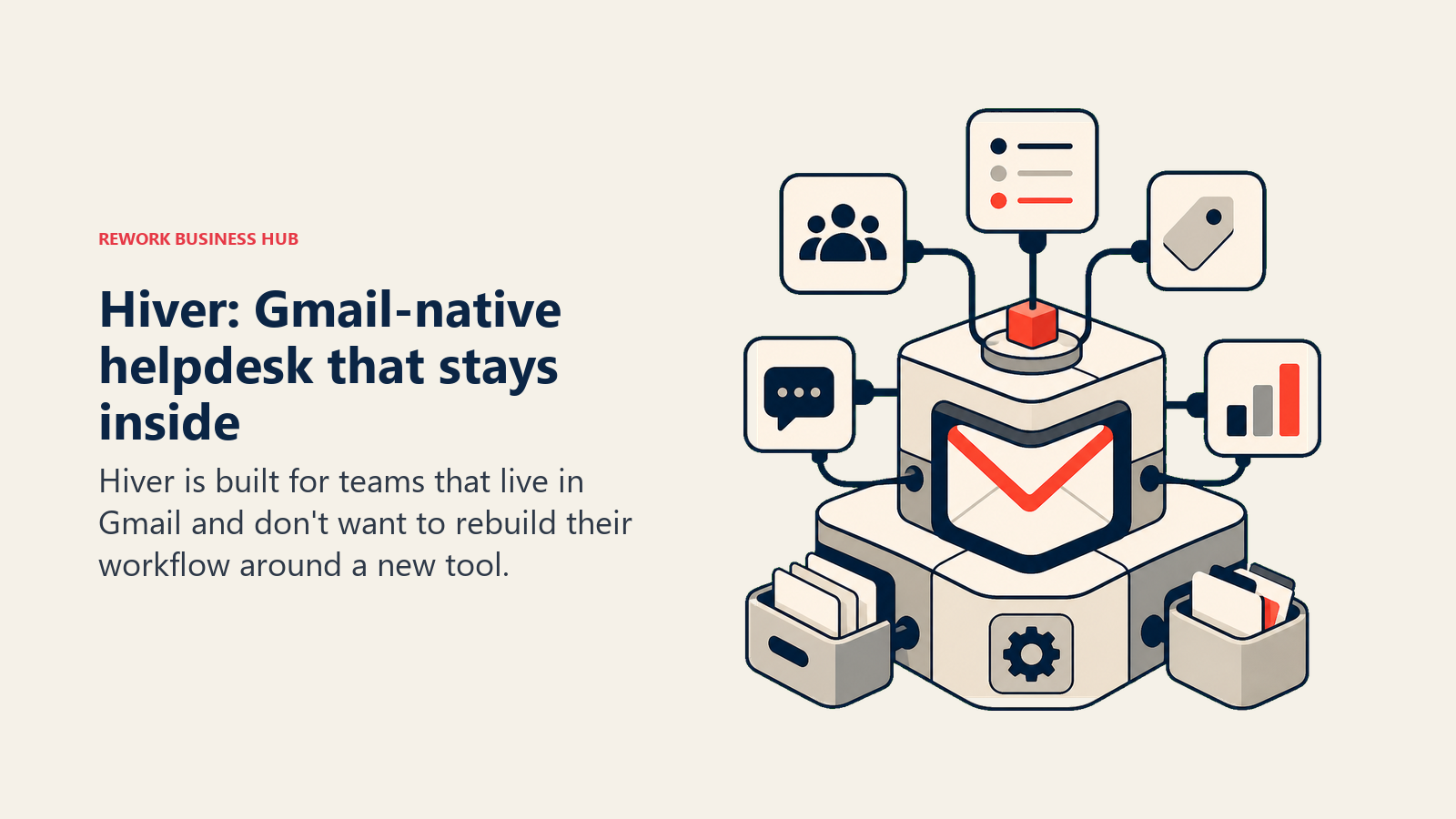
9. Hiver: Gmail-native helpdesk that stays inside Google Workspace
Hiver is built for teams that live in Gmail and don't want to rebuild their workflow around a new tool. It sits inside Google Workspace. Agents see support emails alongside their regular inbox, assign them to teammates, leave internal notes, and track resolution status, all without leaving Gmail.
The value proposition is behavioral: support teams that resist adopting new software adopt Hiver quickly because the UI never changes. For companies with small support teams that are already Gmail-native, it eliminates the tool-switching tax entirely. If this kind of low-friction setup matters to you, chatbot-to-rep handoff covers how to design the routing logic so agents get the context they need on every conversation.
The hard constraint is Gmail dependency. Hiver only works if your team uses Google Workspace. There's no standalone inbox, no mobile app independent of Gmail, and no way to onboard non-Gmail users. If you have a mix of email environments, or if you scale to a point where agents need a dedicated support interface, Hiver will hit a ceiling.
| What you get | What you don't |
|---|---|
| Full helpdesk inside Gmail (zero UI change for agents) | Support for non-Google Workspace teams |
| Shared labels, assignment, and internal notes | Standalone inbox or dedicated support app |
| Analytics on response time and team workload | Advanced AI resolution tools |
| SLA management and CSAT surveys (higher tiers) | Multi-channel beyond email (limited chat) |
| Fast onboarding (no new software to learn) | Enterprise features at competitive pricing |
Pricing: $19/user/mo (Lite), $29/user/mo (Growth), $49/user/mo (Pro). Annual billing.
Best for: Teams of 5-150 fully on Google Workspace that want shared inbox and basic helpdesk features without leaving Gmail. Not ideal for: Teams using Outlook or mixed email environments, or anyone planning to scale to a dedicated support operation beyond 150 agents.
10. Crisp: Simple chat-first helpdesk for SMBs and early-stage teams
Crisp is for teams that want to start fast and not overthink it. The free tier gives you a shared inbox, live chat, and basic contact management for two agents. That's enough to handle early-stage support without any upfront cost. Paid plans add team inboxes, a knowledge base, chatbot automation, and CRM features. You can see how it compares head-to-head in the best Crisp alternatives guide if you're evaluating it alongside chat-focused tools.
The product stays deliberately simple. There's no SLA management, no complex routing engine, no enterprise compliance framework. What you get is a fast, clean chat widget, a shared inbox that multiple agents can use without colliding, and a knowledge base you can spin up in an afternoon.
For bootstrapped SaaS teams, small e-commerce operations, or any business that's outgrown Gmail-for-support but isn't ready for a full helpdesk, Crisp hits a real sweet spot. But it doesn't scale gracefully. The reporting is limited, the automation is lightweight, and teams with 50+ support tickets per day will quickly want something more structured.
| What you get | What you don't |
|---|---|
| Generous free tier for small teams | SLA management or formal ticketing |
| Fast setup (live in under an hour) | Deep reporting and analytics |
| Live chat, shared inbox, and basic CRM in one | Complex routing or workflow automation |
| Knowledge base included at paid tiers | Phone or voice channel |
| Affordable pricing for early-stage budgets | Scalable architecture for 50+ agents |
Best for: Startups, solo operators, and small teams with under 30-50 support tickets per day that need a fast, affordable solution without complexity. Not ideal for: Teams with growing ticket volume, formal SLA requirements, or any operation that will need real reporting within 12 months.
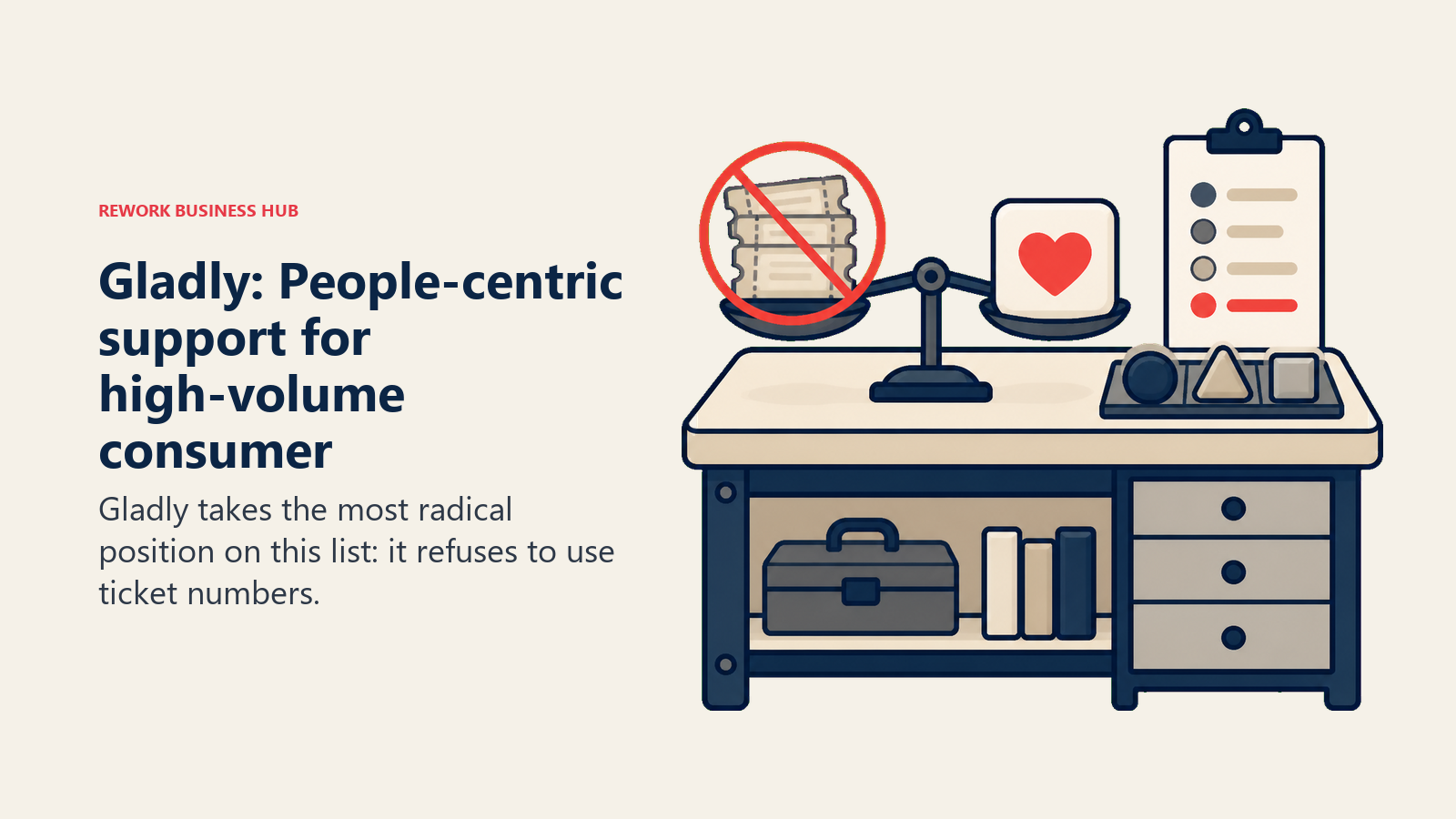
11. Gladly: People-centric support for high-volume consumer CX teams
Gladly takes the most radical position on this list: it refuses to use ticket numbers. Every customer gets a single lifetime conversation thread. Whether they contact you by email, phone, chat, SMS, or social, it all flows into the same chronological timeline, organized by person rather than channel. Agents see the full history without asking customers to repeat themselves.
That philosophy is designed for consumer brands handling thousands of interactions per day where repeat contacts are common and agent context is everything. It's built for teams where a customer might call about an order, then email about a return, then chat about a refund. Forcing agents to cross-reference three separate tickets in that scenario creates both errors and frustrated customers.
The tradeoff is market fit. Gladly is designed for enterprise consumer CX, not B2B SaaS teams. It's a significant investment in money and implementation time, and it doesn't make sense for companies under 50 agents. But for the right company, it solves a real structural problem that neither Freshdesk nor Zendesk fully address.
| What you get | What you don't |
|---|---|
| Lifetime conversation thread per customer (no tickets) | Affordable entry pricing for smaller teams |
| All channels (email, phone, chat, SMS, social) in one thread | Fast, low-complexity setup |
| Agent context across the full customer history | B2B SaaS feature depth (product tours, in-app chat) |
| AI-assisted routing and response suggestions | Transparent self-serve pricing |
| Purpose-built for high-volume consumer brands | Broad third-party integration marketplace |
Pricing: Contact sales. Typically enterprise-range pricing starting around $150/agent/mo.
Best for: High-volume consumer brands at 50-2000 agents where customer experience is a key differentiator and repeat-contact problem is costing resolution quality. Not ideal for: B2B SaaS teams, companies under 50 agents, or anyone evaluating based on self-serve pricing and fast setup.
Why Teams Leave Freshdesk
Before you commit to a replacement, it's worth being specific about which Freshdesk limitation is actually driving the change. The frustrations aren't all the same.
| Pain Point | What It Looks Like | Better Fit |
|---|---|---|
| Freshworks fragmentation | Paying for Freshdesk + Freshchat + Freshsales separately, with clunky integration | Rework, HubSpot Service Hub, Zendesk |
| Weak AI vs. competitors | Freddy AI resolves fewer tickets than Intercom Fin or Zendesk AI | Intercom, Zendesk |
| Confusing pricing tiers | Unsure whether to buy Freshdesk Growth vs. Pro vs. Enterprise, and what Freshchat adds | Help Scout, Zoho Desk, Crisp |
| Reporting limitations at scale | Can't slice SLA data the way enterprise operations need | Zendesk, Kayako |
| No native CRM for support-sales handoffs | Support team can't see deal status; sales can't see open tickets | Rework, HubSpot Service Hub |
| UI that agents resist using | New agents take too long to ramp; ticket-finding is cumbersome | Help Scout, Front, Hiver |
| Over-engineered for the team size | Most features go unused; paying for complexity that doesn't add value | Crisp, Help Scout, Hiver |
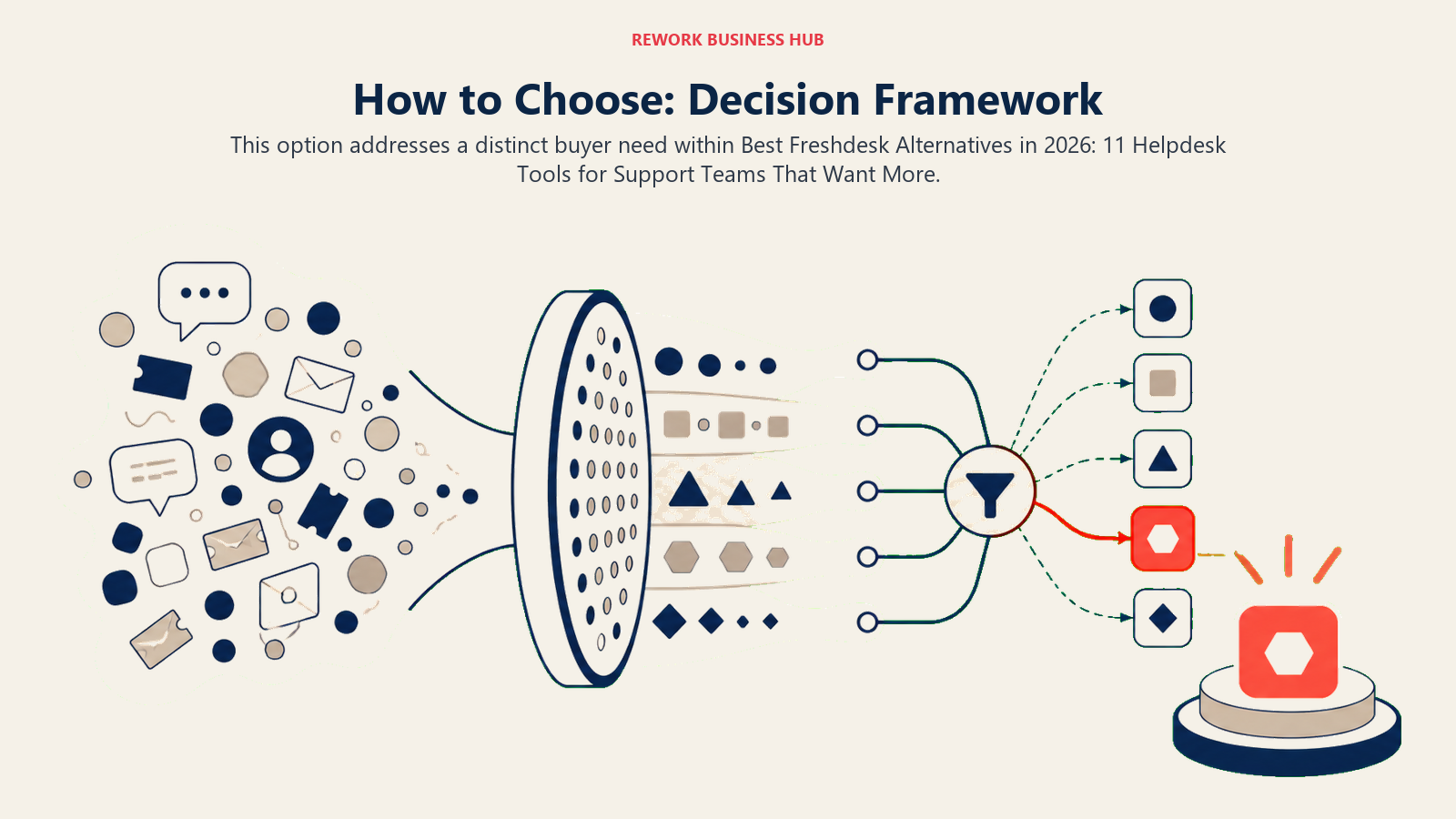
How to Choose: Decision Framework
| If you need... | Pick... |
|---|---|
| Best-in-class ticketing, SLA, and reporting at scale | Zendesk |
| AI that resolves tickets automatically at volume | Intercom |
| Support and sales unified on one customer record | Rework |
| The simplest possible shared inbox for email-first teams | Help Scout |
| Multi-channel inbox where support and account management overlap | Front |
| A helpdesk native to your existing HubSpot CRM | HubSpot Service Hub |
| The most affordable full-featured helpdesk | Zoho Desk |
| Customer journey context across all channels | Kayako |
| Helpdesk that lives inside Gmail without a new interface | Hiver |
| The fastest, cheapest way to get off shared Gmail | Crisp |
| People-centric threads for high-volume consumer CX | Gladly |
What to Do Next
Don't evaluate 11 tools at once. Identify the two or three pain points that are actually costing you time or money right now. Match those to the tools in the decision framework above and run a two-week pilot with your top two picks.
Most of these tools offer trials or free tiers, including Rework's 14-day free trial. The ones that don't (Gladly) will do a sales-led demo and proof of concept. Either way, the evaluation process itself is useful. It forces you to document your support workflows, which most teams should do regardless of which tool they pick.
The goal isn't the best helpdesk in the abstract. It's the right fit for your team's size, channel mix, and how closely your support and sales motions need to stay connected. If the true cost of software sprawl from running Freshdesk alongside separate Freshchat and Freshsales instances is part of your evaluation, that guide has the framework to put a real number on it.
If you're comparing tools that prioritize inbox simplicity over ticket depth, the best Help Scout alternatives covers a narrower set of tools focused on that trade-off. For teams where support hands off to account management, the best Front alternatives guide maps tools across shared-inbox and ops-team use cases. And if the CRM integration question is central to your evaluation, the best HubSpot alternatives compares platforms that combine support and CRM without the HubSpot pricing ladder.

Principal Product Marketing Strategist
On this page
- Quick Comparison Table
- Stage Fit Matrix
- Sizing and Persona Table
- 1. Zendesk: The enterprise-grade standard for complex support operations
- 2. Intercom: AI-first conversational support for product-led companies
- 3. Rework: Unified CRM and support inbox for ops-minded teams
- 4. Help Scout: The clean-inbox choice for email-first support teams
- 5. Front: Shared inbox for high-volume, multi-channel teams
- 6. HubSpot Service Hub: Helpdesk for teams already living in HubSpot CRM
- 7. Zoho Desk: The budget helpdesk for Zoho ecosystem users
- 8. Kayako: Customer journey-aware support for mid-size B2B teams
- 9. Hiver: Gmail-native helpdesk that stays inside Google Workspace
- 10. Crisp: Simple chat-first helpdesk for SMBs and early-stage teams
- 11. Gladly: People-centric support for high-volume consumer CX teams
- Why Teams Leave Freshdesk
- How to Choose: Decision Framework
- What to Do Next