Best Airtable Alternatives in 2026: 11 Tools for Teams That Need More Than a Fancy Spreadsheet
Turn this article into takeaways for your work.


Each assistant summarizes the article only for you and suggests best practices for your work.
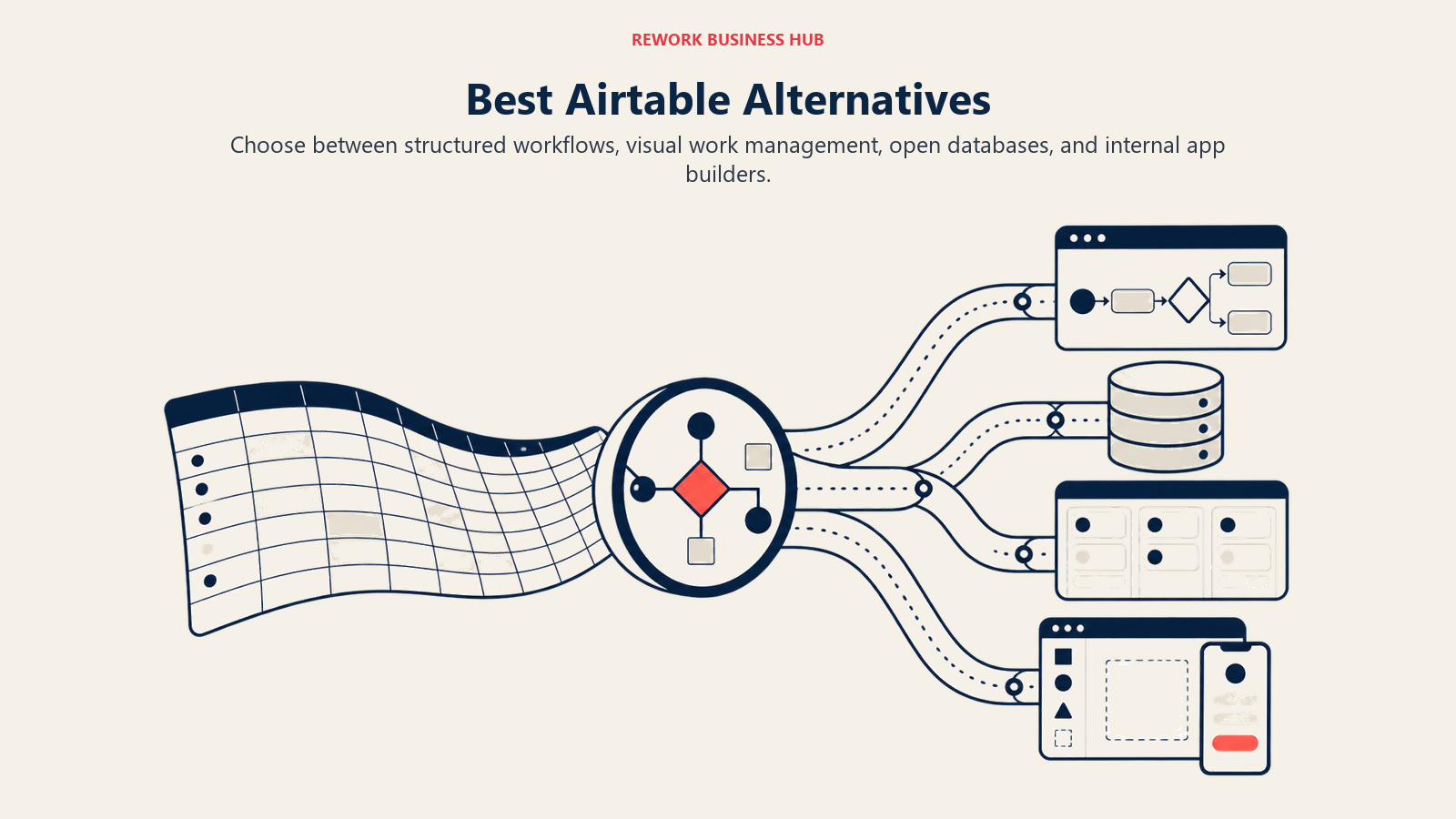
The best Airtable alternatives in 2026 are Monday.com and ClickUp for visual project management, Notion for docs plus databases, Rework for ops workflows plus CRM, Baserow and NocoDB for self-hosting, and Smartsheet for enterprise PM. The right pick depends on why you are leaving Airtable: record limits, pricing jumps, weak automation, or the need for a real CRM. This guide compares all 11 by use case, team size, and price.
Airtable is clever. It takes the mental model everyone already knows (a spreadsheet) and adds relational databases, multiple views, and a low-code automation layer on top. For a small team building a content calendar, a product roadmap, or a lightweight CRM, that combination is genuinely useful and fast to set up. If you're also evaluating Notion as part of this search, the best Notion alternatives guide is worth reading alongside this one. The two tools overlap significantly in small-team use cases.
But here's where the story changes. You hit 1,200 records on the free plan and everything locks. You move to Team and your bill jumps to $20 per user per month. Your base gets larger, and performance starts to drag. You want to automate something real and discover you need Business tier at $45/user/month. You try to use it as an actual workflow engine and realize it was never built for that. Airtable's methodology is a spreadsheet-database hybrid: flexible enough to model anything, opinionated about nothing. That's the product's strength and its ceiling. When your team needs enforced process, cross-team ops, or genuine CRM capabilities, the flexibility starts working against you, because nobody configured it the same way. This is the same dynamic behind the RevOps maturity model. Teams at early stages can absorb flexibility-based tools; at mid-maturity, the lack of enforcement becomes a real cost.
This article is for ops leaders, directors, and COOs at companies between 20 and 300 people who've outgrown Airtable's record limits, pricing model, or structural flexibility. We've reviewed 11 alternatives across several distinct categories: dedicated ops workflow tools, structured databases, open-source options, enterprise PM platforms, and developer-adjacent internal tools.
Quick Comparison Table
| Tool | Best For | Starting Price | Key Strength | Key Limitation |
|---|---|---|---|---|
| Monday.com | Visual work OS with database views | $9/user/mo (Basic) | Polished UI, flexible boards, strong automations | Expensive at scale; limited relational database depth |
| Notion | Docs + databases + wiki in one workspace | Free; $10/user/mo | Highly flexible, beautiful, great for knowledge management | No enforcement; becomes chaotic at 50+ people |
| Rework | Mid-size teams needing ops workflows + CRM | From $99/mo billed yearly, 5 seats (rework.com/pricing) | Dedicated cross-team workflows + CRM in one product | Not a spreadsheet tool; overkill for content-only teams |
| ClickUp | Everything-app with table views | Free; $7/user/mo (Unlimited) | Deepest feature set among PM tools, very customizable | Steep learning curve; overwhelming for non-power users |
| Smartsheet | Spreadsheet-native enterprise PM | $9/user/mo | Familiar spreadsheet UI, enterprise governance, Gantt | Dated UI; expensive for full feature access |
| Coda | Docs-as-apps with formula power | Free; $10/user/mo | Packs (app-like blocks), powerful formulas, docs + data | Niche skill requirement; smaller ecosystem than Airtable |
| Google Sheets + AppSheet | Free base + low-code apps | Free (Sheets); AppSheet Core $10/user/mo | Near-zero base cost, AppSheet can build real workflows | Separate products; requires integration effort; limited scale |
| Baserow | Open-source Airtable alternative | Free (self-hosted); $10/user/mo annually (Cloud) | Self-hostable, no record limits on self-host, familiar UI | Fewer automations than Airtable; smaller template library |
| NocoDB | Source-available database UI | Free (self-hosted); $0 cloud free tier | Turns any database into a spreadsheet UI; free to self-host | Relicensed away from AGPL in January 2026; developer setup required |
| Retool | Internal tools builder | Free (5 users); $10/user/mo | Build custom internal apps on top of any data source | Requires developer time; not a self-serve tool for ops teams |
| Rows | Spreadsheet with built-in integrations | Free; $59/mo (Team) | Native integrations (Stripe, Salesforce, HubSpot) in cells | Less flexible than Airtable for relational data modeling |
Stage Fit Matrix
| Tool | Startup (1-20) | Growth (20-100) | Mid-Market (100-500) | Enterprise (500+) |
|---|---|---|---|---|
| Monday.com | Good fit | Strong fit | Strong fit | Good fit |
| Notion | Strong fit | Good fit | Partial fit | Weak fit |
| Rework | Limited fit | Strong fit | Strong fit | Partial fit |
| ClickUp | Good fit | Strong fit | Good fit | Partial fit |
| Smartsheet | Weak fit | Good fit | Strong fit | Strong fit |
| Coda | Good fit | Good fit | Partial fit | Weak fit |
| Google Sheets + AppSheet | Strong fit | Good fit | Partial fit | Weak fit |
| Baserow | Good fit | Good fit | Partial fit | Weak fit |
| NocoDB | Good fit | Good fit | Partial fit | Weak fit |
| Retool | Weak fit | Good fit | Strong fit | Strong fit |
| Rows | Good fit | Good fit | Weak fit | Weak fit |
Sizing and Persona Table
| Tool | Team Size Sweet Spot | Who Typically Buys It |
|---|---|---|
| Monday.com | 10-500 | Project managers, team leads, operations directors |
| Notion | 1-100 | Founders, product teams, content teams, knowledge workers |
| Rework | 20-500 | COO, Head of Ops, RevOps lead, founder-operator |
| ClickUp | 5-300 | Operations managers, PMs, productivity-focused teams |
| Smartsheet | 50-2,000 | Enterprise PMs, PMOs, resource planning leads |
| Coda | 5-150 | Product teams, ops innovators, formula-comfortable teams |
| Google Sheets + AppSheet | 1-200 | SMBs, ops teams avoiding SaaS spend, Google Workspace shops |
| Baserow | 5-200 | Dev-forward ops teams, privacy-conscious orgs, EU companies |
| NocoDB | 5-200 | Developers, data-forward teams, self-hosted preference |
| Retool | 10-500 | Engineering teams, data teams, internal tools leads |
| Rows | 1-100 | Analysts, revenue teams, anyone doing spreadsheet + API combos |
1. Monday.com: Visual Work OS with Database Views
Monday.com has evolved well past its early "colorful spreadsheet" reputation. Today it's a proper Work OS: boards, automations, a native CRM module, Gantt charts, resource management, and a reasonably mature database view system. The product is polished in a way that most work management tools aren't, and adoption rates tend to be high because the interface is intuitive.
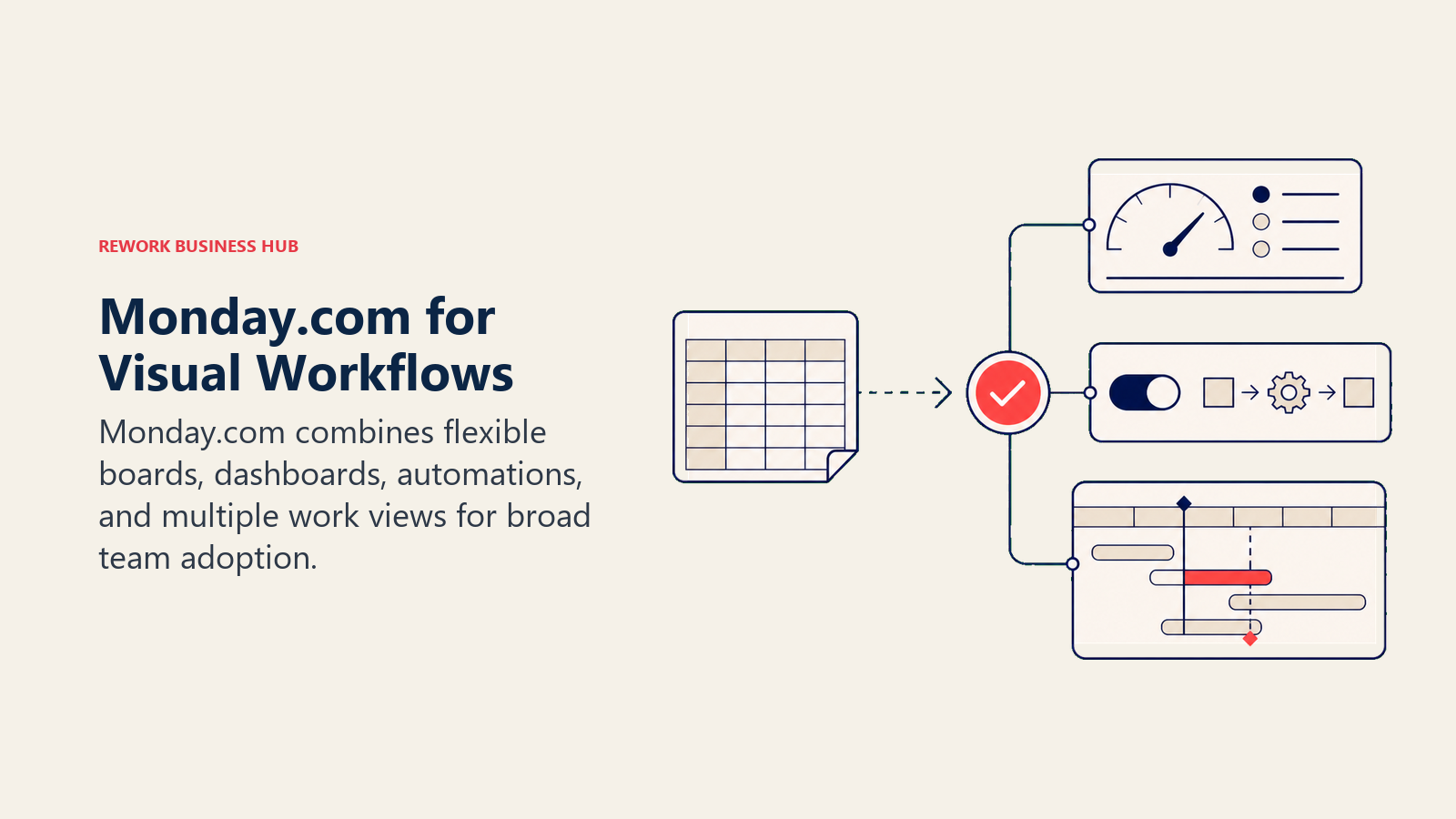
Its methodology is still "flexible visual work management," which puts it in a similar philosophical space to Airtable but with better workflow tooling and a broader feature surface. The database views in Monday are less relational than Airtable's, but the automation engine is stronger and more accessible to non-technical teams.
Monday's ICP is project-heavy teams at 10 to 500 people where visual tracking and cross-team coordination matter more than database power. It fits well in marketing operations, agency project management, and cross-functional product launches. The CRM module is real but not deep. It works for basic pipeline tracking, but won't replace a purpose-built CRM for teams with serious lead management needs. See our Rework vs Monday breakdown if you're weighing the two against each other.
| Pros | Cons |
|---|---|
| Polished UI with fast team adoption | Gets expensive quickly on larger teams |
| Strong automations on Team and above | Automations limited to 250 actions/mo on Basic |
| Broad feature set (CRM, Gantt, resource mgmt) | Relational database depth weaker than Airtable |
| Native mobile apps, good integrations | Storage limits on lower tiers |
Pricing: Basic $9/user/mo, Standard $12/user/mo, Pro $19/user/mo, Enterprise custom. Minimum 3 seats on paid plans.
Best for: Visual-first teams at 10-500 people who need project tracking, light automation, and broad team adoption without a long implementation cycle.
2. Notion: Docs + Databases + Wiki
Notion's pitch is "the everything app for notes and structure." And within that frame, it's excellent. Pages, databases, linked views, kanban, calendars, AI writing assistance. For a small team that needs shared knowledge management, project docs, and light data organization in one place, Notion is hard to beat on value and experience.
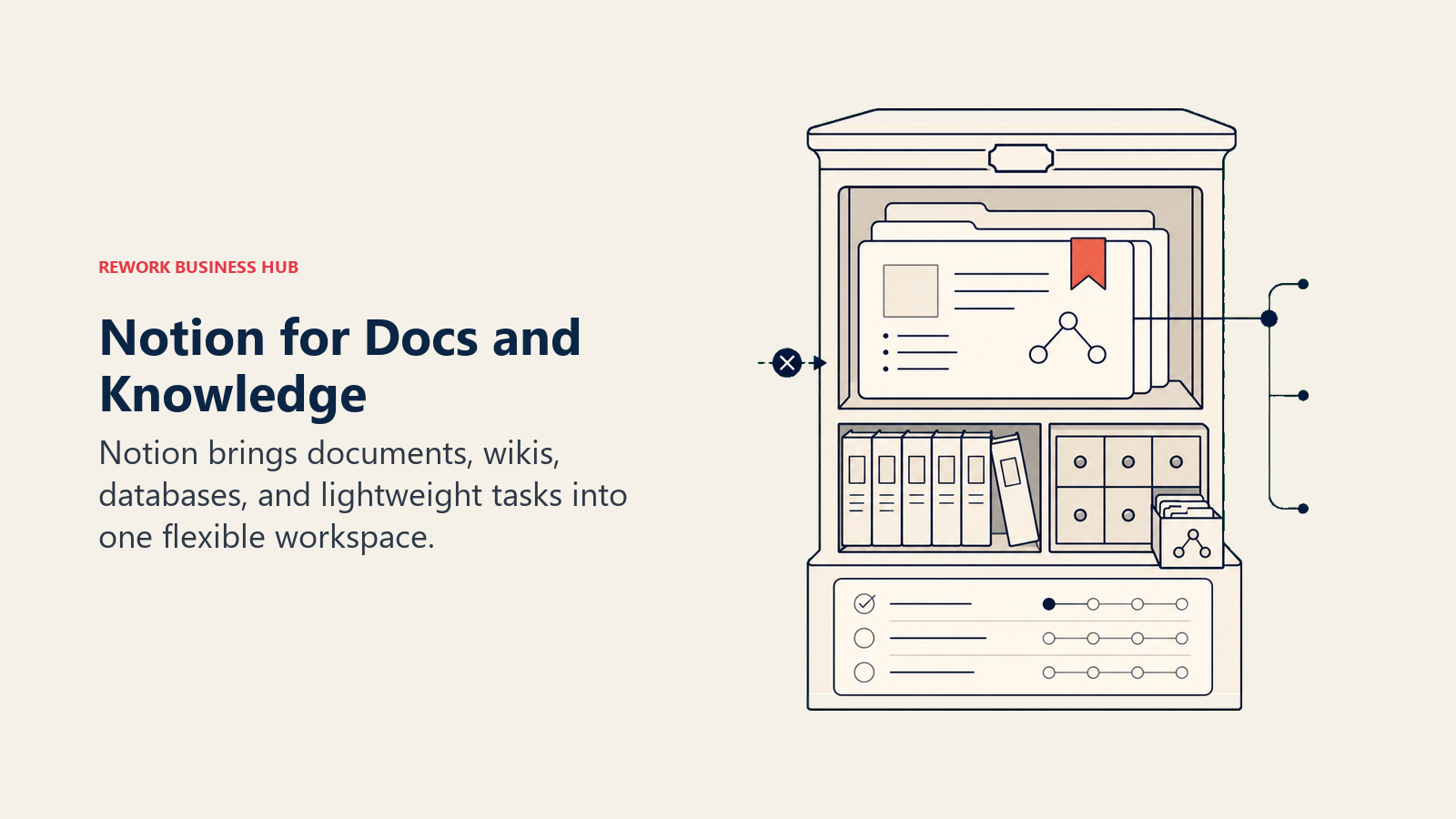
But its methodology is still document-first. The database layer is powerful for a docs tool and weak for a real relational data tool. Notion doesn't enforce structure. Anyone can add a column, rename a field, skip required values. That's fine for 10 people and starts producing chaos at 40.
The teams that do well with Notion long-term are knowledge-intensive businesses: product teams, design teams, content orgs, and companies where the primary work product is documents and decisions rather than tracked workflows and CRM records.
| Pros | Cons |
|---|---|
| Best docs + database UX in this category | No workflow enforcement; structure degrades at scale |
| AI features built in at reasonable price | Slow search on large workspaces |
| Generous free tier for small teams | No real CRM, no lead management |
| Very active template ecosystem | Can't replace a workflow engine for cross-team ops |
Pricing: Free for individuals; Plus $10/user/mo, Business $15/user/mo, Enterprise custom.
Best for: Teams of 1-100 where knowledge management, docs, and flexible databases are the primary need. Less ideal when you need enforced ops workflows or a real CRM.
3. Rework: Dedicated Ops Workflows + CRM (Structured Work, Not Spreadsheet-Flex)
If the reason you're leaving Airtable is that your team needs real cross-team workflows and a CRM that isn't assembled from a relational database template, Rework is a strong answer. It ranks third here because Monday.com and Notion stay closer to the flexible, build-it-yourself model most Airtable users actually liked.
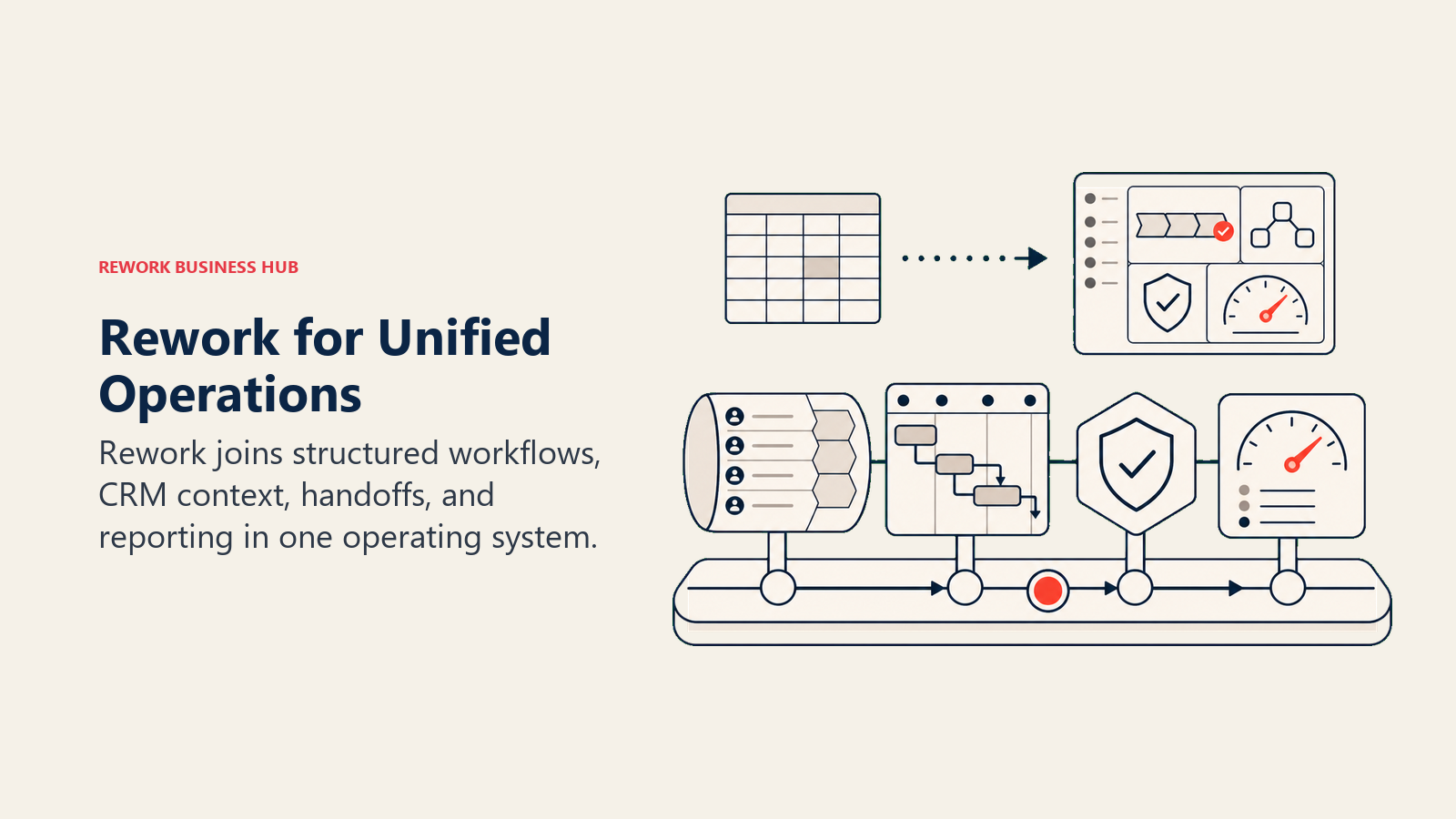
Rework isn't competing with Airtable's flexible-database philosophy. It does have a Dataset app for linked custom tables, views and simple dashboards (it can even sit on an external PostgreSQL or Supabase database), but that is a supporting layer for its work apps, not a blank canvas to model anything you dream up. What it does is give mid-size cross-functional teams a single product that covers CRM, lead management, and operational workflows without requiring your operations lead to spend weeks building it from scratch.
The core contrast: Airtable models your data; Rework runs your process. Round-robin lead distribution, SLA-based routing, approval chains, projects with table, kanban, timeline and calendar views, and a chat inbox pulling in WhatsApp, Messenger, Instagram DMs, Telegram, LINE, Zalo and website live chat: these aren't things you build in Airtable. They're wired up out of the box.
Rework's ICP is the 20-500 person company where sales, marketing, ops, and customer success are running shared workflows and need a single source of truth across teams. That's a different product category than Airtable, which is why it's listed here: if you're leaving Airtable because the spreadsheet metaphor was the wrong abstraction for your workflow needs, Rework is probably the right direction.
| What you get | What you don't |
|---|---|
| Full CRM + lead management + pipeline built in | Flexible blank-canvas database views |
| Chat inbox for WhatsApp, Messenger, Instagram, LINE, Zalo and live chat (email sits in a separate Mail app) | A company-wide wiki (docs live inside each project) |
| Dedicated, opinionated ops workflow templates | Ability to model arbitrary datasets freely |
| Cross-team process enforcement (not just tracking) | Starts from $99/mo billed yearly with 5 seats (rework.com/pricing) |
| Round-robin, territory, SLA-based lead routing | A replacement for Airtable's record-level flexibility |
Pricing: The workflow side is the Process Engine (approvals, BPM, requests) or the Project Engine (projects), each from $99/month billed yearly ($1,188/year) or $120 month to month, with 5 work seats included. The CRM is the Sales Engine, from $69/month billed yearly with 5 sales seats; the chat inbox and lead routing come with the Marketing Engine ($99/month billed yearly), or take the Revenue Engine ($159/month billed yearly) for CRM, inbox and lead capture together. There is a 14-day free trial and no free plan. (rework.com/pricing)
Best for: Mid-size cross-functional teams (20-500 employees) that need enforced ops workflows and a real CRM in the same product, not a spreadsheet-database they configure themselves.
Not ideal for: Solo operators, small teams under 10 people, or teams whose primary use case is flexible data modeling rather than cross-team process execution.
4. ClickUp: Everything-App with Table Views
ClickUp's positioning is "replace everything." And the feature set backs that up. Tasks, docs, goals, time tracking, whiteboards, table views, a built-in CRM (ClickUp CRM), dashboards, AI assistance, custom fields, and formula fields. For teams that want one vendor to cover as much surface area as possible, ClickUp is the densest product in this list.
It's the closest Airtable alternative in terms of sheer configurability. Custom fields, formula fields, table views with relational data, and an automation engine that runs on triggers and conditions. The tradeoff is complexity: ClickUp is genuinely hard to set up well, and teams that don't invest in configuration often end up with a messy workspace that nobody uses consistently. If you're evaluating ClickUp seriously, our Rework vs ClickUp comparison covers how the two differ for ops-heavy teams.
Sizing and stage: ClickUp fits best at 10 to 300 people, growth through mid-market stage, where there's an ops-minded admin or RevOps person willing to build and maintain the workspace structure.
| Pros | Cons |
|---|---|
| Deepest feature set in this category | Steep learning curve for non-power users |
| Flexible enough to replace most Airtable use cases | Performance can lag on very large workspaces |
| Free tier is genuinely functional | "Everything" means decision fatigue on setup |
| Good automation on Unlimited and above | Mobile app less polished than Monday or Notion |
Pricing: Free forever (limited); Unlimited $7/user/mo, Business $12/user/mo, Enterprise custom. Annual billing.
Best for: Teams of 10-300 who want maximum configurability in a single product and have someone willing to manage the setup. Not ideal for teams that need a lightly-configured tool that works out of the box.
5. Smartsheet: Spreadsheet-Native Enterprise PM
Smartsheet is Airtable's enterprise sibling, built for organizations where the spreadsheet metaphor needs to hold all the way through resource planning, Gantt charts, budget tracking, and portfolio-level reporting. It's been around since 2006 and has accumulated enterprise governance features (admin controls, audit logs, compliance certifications) that Airtable still doesn't fully match. Teams doing a broader search here should also check the best Smartsheet alternatives for context on what Smartsheet's own ceiling looks like.
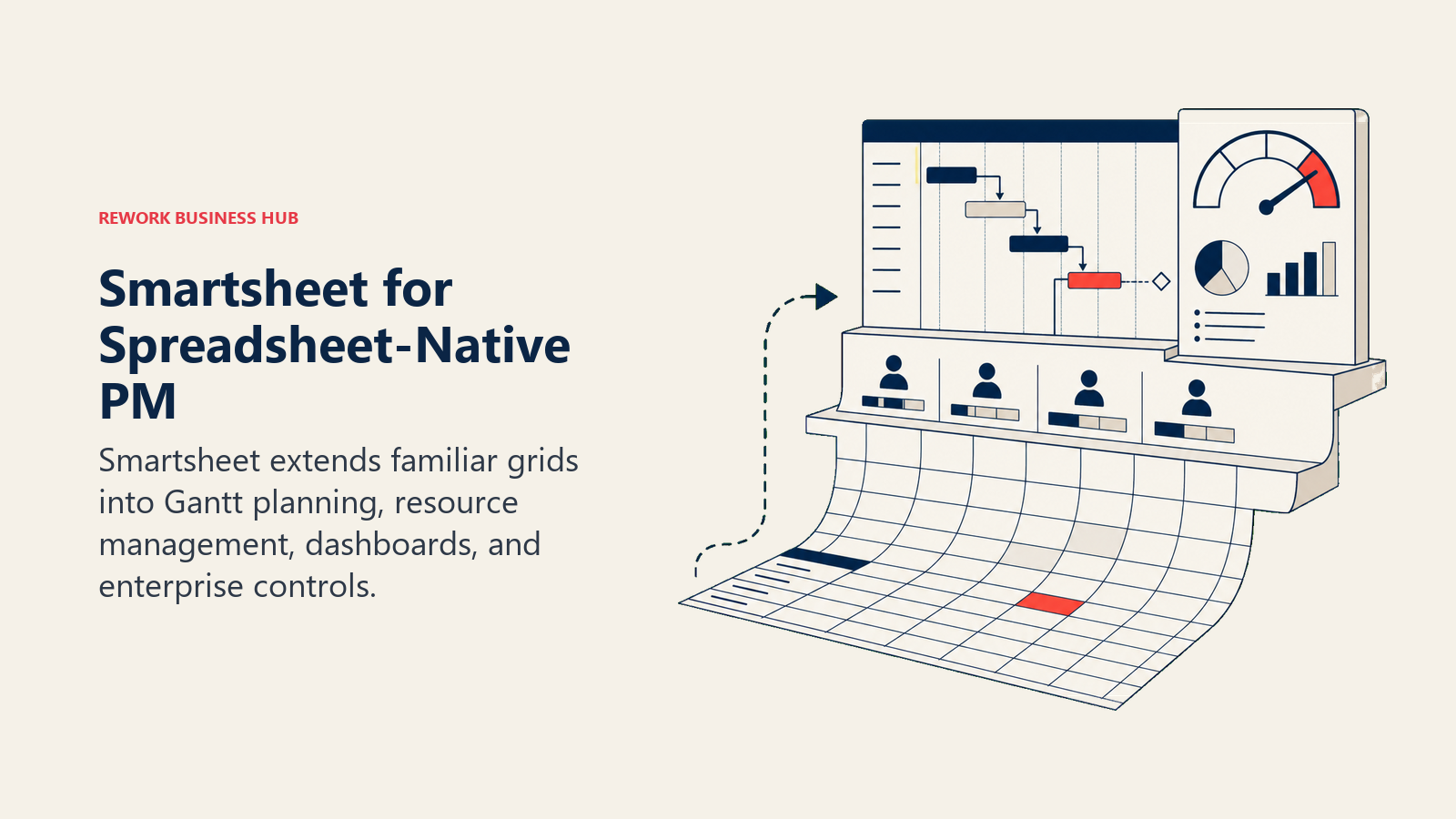
The methodology is "spreadsheet as project management backbone." If your team lives in Excel and the transition to any non-spreadsheet tool is politically impossible, Smartsheet is the path of least resistance. It also integrates deeply with Microsoft 365 and Salesforce, which matters for organizations already in those ecosystems.
Sizing and stage: Smartsheet is a poor fit for startups and small teams. The UI feels dated and the learning curve for its row-level logic is non-trivial. It earns its seat at 100+ people, especially in construction, manufacturing, financial services, and enterprise project management offices.
| Pros | Cons |
|---|---|
| Familiar spreadsheet model with enterprise power | UI is dated compared to Monday or Airtable |
| Strong Gantt, resource management, portfolio views | Advanced features locked behind Business/Enterprise |
| Enterprise compliance and governance | Not flexible as a relational database tool |
| Deep Microsoft and Salesforce integrations | Expensive at scale for what you get |
Pricing: Pro $9/user/mo, Business $19/user/mo, Enterprise custom. Annual billing.
Best for: Enterprises of 100+ people in project-heavy or resource-constrained environments where the spreadsheet mental model must hold and enterprise governance matters.
6. Coda: Docs-as-Apps with Formula Power
Coda sits in an interesting niche: it's neither a database tool nor a docs tool, but a "doc that can run logic." Coda Packs connect your doc to external data sources (Salesforce, Jira, Slack, Google Sheets), and formulas let you build conditional logic, buttons, and automations inside pages. The result is that a sufficiently skilled Coda user can build internal tools that look and behave like real apps, all from within a document.
The methodology is "documents as the operating layer," closer to Notion philosophically, but with far more formula and automation depth. The teams that get the most out of Coda are product and ops people who think in spreadsheet logic and want to build something more dynamic than a Notion page without writing actual code.
The ceiling: Coda's ecosystem is smaller than Airtable's, and the learning curve for Packs and formulas is real. Teams that aren't willing to invest in learning it often end up using Coda like a worse Notion rather than the powerful tool it can be.
| Pros | Cons |
|---|---|
| Formula-powered docs that can act like apps | Steeper skill requirement than Airtable |
| Packs connect to 600+ external data sources | Smaller template ecosystem |
| Very flexible structure for creative ops teams | Not ideal as a pure database or CRM replacement |
| Strong collaboration features | Less intuitive for non-formula-literate users |
Pricing: Free (limited doc size); Pro $10/user/mo, Team $30/user/mo, Enterprise custom.
Best for: Product and ops teams of 5-150 who want document-driven workflows with real automation logic and are willing to invest in learning Coda's formula language.
7. Google Sheets + AppSheet: Free Base + Low-Code Apps
This isn't one product, but the combination behaves like one once you're inside Google Workspace. Google Sheets handles the data layer: familiar, free, collaborative, and already installed everywhere. AppSheet, Google's no-code app builder (acquired 2020), sits on top and lets you build mobile-friendly interfaces, forms, workflows, and automations against your Sheets data.
The methodology is "spreadsheet as database + no-code apps layer." The economic case is strong for teams already paying for Google Workspace: you can build fairly sophisticated internal apps without adding a new SaaS vendor or touching code. AppSheet has real workflow capabilities: approval flows, notification triggers, conditional logic, offline mobile forms.
The tradeoff: you're stitching two products together. The experience is less polished than any native tool on this list. AppSheet's UI builder takes real time to learn, and maintaining a Sheets-backed data model as your team grows means managing more manual structure than Airtable would require.
| Pros | Cons |
|---|---|
| Near-zero base cost if you're in Google Workspace | Two separate products to learn and maintain |
| AppSheet can build real workflows and mobile apps | Less polished UX than dedicated tools |
| No record limits (Sheets scales reasonably well) | Formula errors and structure decay at scale |
| Good for teams resistant to new SaaS tools | AppSheet pricing can add up at larger seat counts |
Pricing: Google Sheets free with Workspace (Business Starter $6/user/mo). AppSheet Core $10/user/mo, Pro $10/user/mo (bundled with some Workspace plans).
Best for: Teams of 1-200 already in Google Workspace who need more structure than a spreadsheet and more automation than Sheets alone can provide, without adding a new vendor.
8. Baserow: Open-Source Airtable Alternative
Baserow is the most direct structural replacement for Airtable: it looks like Airtable, has relational tables, multiple views (grid, gallery, kanban, calendar, form), row-level permissions, and a growing automation engine. The key difference is that it's open-source and self-hostable, which means no record limits on a self-hosted instance and full control over your data.
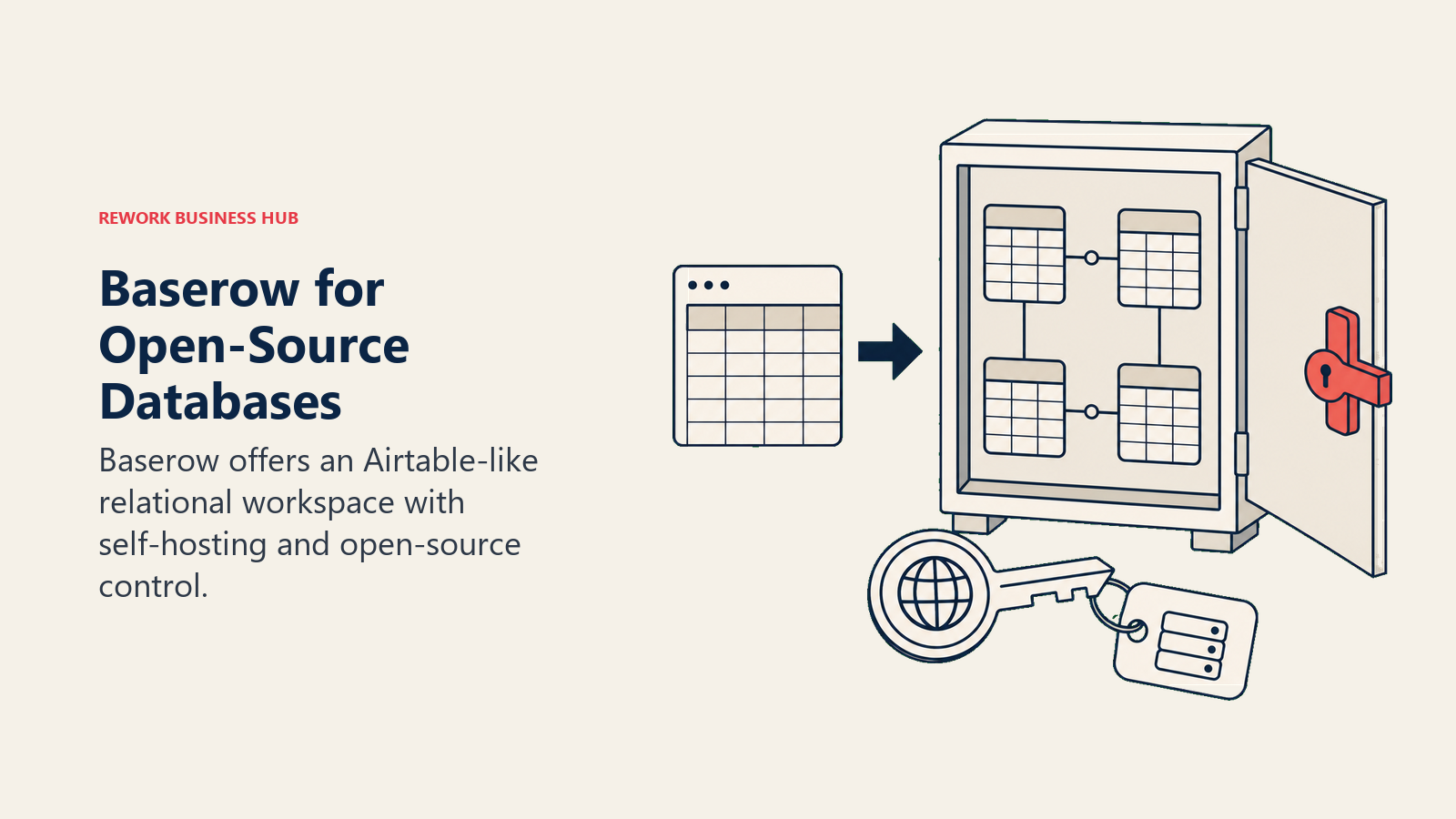
The methodology is "Airtable's UX, your infrastructure." For European teams with data residency requirements, privacy-conscious organizations, or companies that want to eliminate per-user SaaS costs at scale, Baserow is the most viable option in this list. The product has matured significantly in 2024-2025 and the cloud-hosted version is now a credible alternative to Airtable's paid tiers.
Where it falls behind: Baserow's automation engine has fewer actions and triggers than Airtable's, the template library is smaller, and the integrations ecosystem is narrower. It's also a smaller team maintaining it, so feature velocity lags behind Airtable.
| Pros | Cons |
|---|---|
| No record limits on self-hosted instances | Fewer automations than Airtable |
| Full data control with self-hosting | Smaller template and integration ecosystem |
| Open-source (AGPL): inspect and modify | Feature velocity slower than funded SaaS |
| Cloud plan pricing is much lower than Airtable | Less polished automation builder |
Pricing: Free self-hosted. On Baserow Cloud, Free covers 3,000 rows per workspace, Premium is $10 per user per month billed annually ($12 monthly) with 50,000 rows, and Advanced is $18 annually ($22 monthly) with 250,000 rows. Enterprise is quoted, per Baserow pricing.
Best for: Privacy-conscious teams, EU organizations with data residency requirements, or companies that want Airtable's structure without Airtable's pricing model. Requires someone willing to manage a self-hosted instance. If self-hosting is the whole reason you are looking, the wider no-code database software roundup compares Baserow against NocoDB, Grist, and Teable side by side.
9. NocoDB: Source-Available Database UI
NocoDB takes a different approach than Baserow: instead of building a new database from scratch, it wraps a spreadsheet-style UI around your existing databases. Connect NocoDB to MySQL, PostgreSQL, SQLite, SQL Server, or MariaDB, and instantly get a grid, kanban, gallery, and form view over your data.
The methodology is "your database, Airtable's UX." For engineering teams that already have a PostgreSQL database running their application but want non-technical stakeholders to view and edit data, NocoDB is the most elegant solution in this list. No data migration, no separate data store. Just a UI layer over what already exists. Teams evaluating this path often also look at best Jira alternatives since the overlap in developer-adjacent tooling is significant.
The ceiling: NocoDB is fundamentally a developer tool that pretends to be a business tool. The setup requires database knowledge, and the automation capabilities are limited compared to Airtable or even Baserow. Ops teams without a developer on hand will struggle.
| Pros | Cons |
|---|---|
| Works with existing databases (Postgres, MySQL, etc.) | Requires developer setup for full power |
| Truly open-source (AGPL) | Limited automations vs Airtable |
| No record limits (your database's limits apply) | Fewer views and template options |
| Cloud free tier is genuinely free | Not self-serve for non-technical ops teams |
Pricing: Free self-hosted; Cloud free tier available, paid plans under development.
Best for: Engineering teams and data-forward organizations that want a spreadsheet-style UI over an existing database without migrating data to a new SaaS product.
10. Retool: Internal Tools Builder
Retool is a different category entirely: it's a platform for building internal apps, dashboards, and admin panels, not a database or project management tool. You connect Retool to any data source (PostgreSQL, REST API, Salesforce, Google Sheets, S3, anything) and use a drag-and-drop builder to create custom internal UIs.
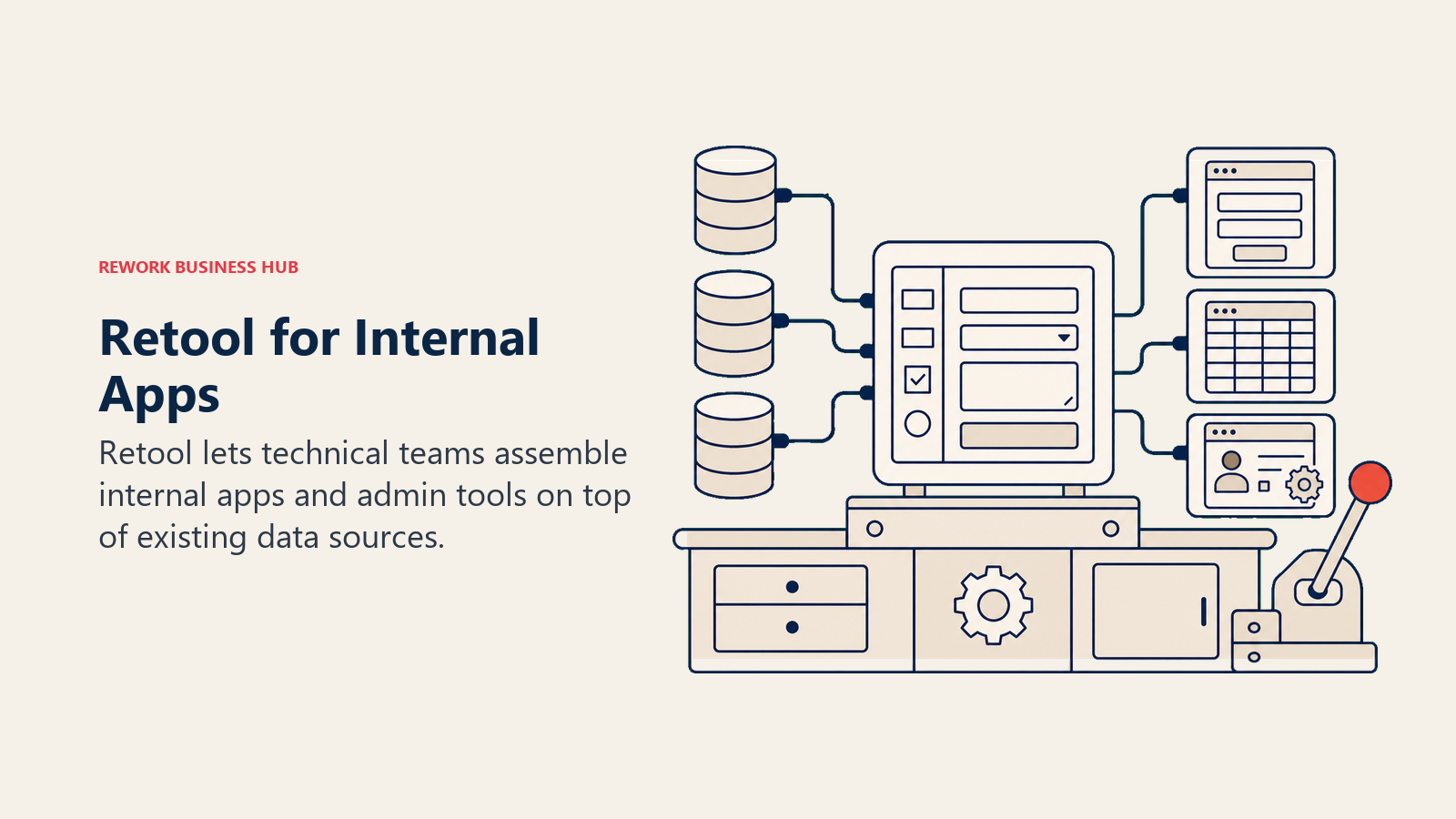
The methodology is "build your internal ops tool instead of buying a generic one." For teams that have hit the ceiling of Airtable's configurability and keep finding themselves needing views, workflows, or logic that Airtable can't produce, Retool is the answer. Provided you have a developer to build and maintain it.
This is why Retool is on this list: teams that scale past Airtable often either move to a purpose-built tool (Monday, ClickUp, Rework) or decide that no off-the-shelf product fits and they need to build something custom. Retool is the fastest path to that custom tool without writing a full-stack application.
| Pros | Cons |
|---|---|
| Connect to any data source (maximum flexibility) | Requires developer time to build and maintain |
| Can build exactly what your ops team needs | Not a self-serve product for non-technical teams |
| Strong for admin dashboards, internal CRUD apps | Each new workflow requires a build cycle |
| Good free tier (5 users, unlimited apps) | Overkill for teams that just need database views |
Pricing: Free (5 users); Team $10/user/mo, Business $50/user/mo, Enterprise custom.
Best for: Teams of 10-500 where a dedicated developer can build and maintain internal tools tailored to specific ops workflows, especially when off-the-shelf tools can't match the required logic.
11. Rows: Spreadsheet with Built-In Integrations
Rows is a modern spreadsheet that integrates directly with external data sources. Instead of building a Zapier automation to pull Stripe revenue into a spreadsheet, Rows has a native Stripe integration that populates cells directly. Same for Salesforce, HubSpot, Google Analytics, Twitter, Clearbit, and 50+ other sources.
The methodology is "spreadsheet as the interface to your business data." Rows is best used when you want to analyze and report on operational data from multiple sources in a familiar spreadsheet format, without writing code or managing ETL pipelines.
Where it diverges from Airtable: Rows doesn't have a relational database model, kanban views, or form-based data collection. It's a spreadsheet first. If your Airtable use case was "build a lightweight CRM or project tracker," Rows won't replace it. If your use case was "pull data from multiple tools and analyze it in a spreadsheet," Rows does that much better.
| Pros | Cons |
|---|---|
| Native integrations eliminate Zapier for data pulls | Not a relational database tool |
| Familiar spreadsheet interface | Less flexible than Airtable for data modeling |
| Collaborative and shareable like Google Sheets | Limited automation capabilities |
| Good for revenue reporting and data-heavy analysis | Smaller ecosystem than Google Sheets |
Pricing: Free (limited integrations); Team $59/mo (5 users); Business $149/mo (10 users).
Best for: Revenue analysts, ops teams, and business leaders who want live business data from multiple SaaS tools organized in a spreadsheet, not teams looking for a database or workflow tool.
Why Teams Leave Airtable
Before picking a replacement, it helps to name exactly which Airtable problem you're solving:
| Problem | Root Cause | Best Move |
|---|---|---|
| Hit 1,200-record free tier limit | Airtable's free plan is not viable for real work | Baserow self-hosted (no limit) or any paid tool |
| Pricing jumps from Plus to Team to Business | 3x-5x cost increases for features you need | Evaluate total cost vs ClickUp, Notion, or Monday |
| Performance degrades on large bases | Airtable was not built for 10,000+ record bases | Baserow, NocoDB, or a real database-backed tool |
| Can't build real workflow automation | Automations limited to 25,000 runs/mo on Team | ClickUp, Monday, or Rework for workflow depth |
| Need a real CRM, not a CRM template | Airtable is a database, not a CRM product | Rework or HubSpot depending on team size |
| Flexibility creates inconsistency at scale | Airtable won't enforce structure for you | Monday, ClickUp, or Rework with enforced templates |
| Need self-hosted / data residency | Airtable is cloud-only, US-hosted | Baserow or NocoDB self-hosted |
How to Choose: Decision Framework
| If you need this... | Pick this |
|---|---|
| Visual project tracking with broad team adoption | Monday.com |
| Docs + databases + wiki for knowledge-intensive teams | Notion |
| Real cross-team ops workflows + CRM in one product | Rework |
| Maximum configurability in a single app | ClickUp |
| Enterprise PM with spreadsheet UI and governance | Smartsheet |
| Document-driven workflows with formula power | Coda |
| Free spreadsheet + low-code apps in Google ecosystem | Google Sheets + AppSheet |
| Airtable-style database with no record limits, self-hosted | Baserow |
| Spreadsheet UI over an existing PostgreSQL/MySQL database | NocoDB |
| Custom internal ops tools built by your developer | Retool |
| Spreadsheet with live data from 50+ business integrations | Rows |
Frequently Asked Questions
What is the best free alternative to Airtable? NocoDB and Baserow are the strongest free options. NocoDB is genuinely free on its cloud tier and self-hostable with no record limits beyond your own database. Baserow offers a free self-hosted version and a limited free cloud plan. Both replicate Airtable's grid, kanban, and form views, though their automation engines are lighter than Airtable's.
Why do teams leave Airtable? The most common reasons are hitting the 1,200-record free tier limit, sharp pricing jumps from Plus to Team to Business, performance lag on large bases, automation caps, and the realization that Airtable is a flexible database rather than a real CRM or enforced workflow tool. The right replacement depends on which of those problems is blocking you.
Is there an open-source Airtable alternative? Partly, and the answer changed in 2026. Baserow is still open source: its Open Source Edition is MIT licensed, with the premium and enterprise modules under separate terms. NocoDB moved off AGPL-3.0 to the Sustainable Use License on 9 January 2026, so it is now source-available rather than open source. Self-hosting it for internal use is still unrestricted at any company size; offering it as a managed service or reselling it now needs a commercial licence. Baserow rebuilds the Airtable experience as its own self-hostable app, while NocoDB wraps a spreadsheet-style interface around an existing PostgreSQL, MySQL, or SQLite database. Both still suit privacy-conscious teams and organizations with data residency requirements.
What is the best Airtable alternative for a CRM? If you are leaving Airtable because you need a real CRM rather than a database styled as one, Rework is the most direct fit for teams of 20 to 500. It combines CRM, lead management, and cross-team ops workflows in one product with routing and a unified inbox built in, rather than asking you to assemble those from templates.
How do I migrate my data off Airtable? Export your bases to CSV, then import into the new tool during a two-week pilot using real data, not a sample. Most alternatives on this list provide direct CSV import, and Baserow offers the closest UI match for the lowest learning curve. Run the new tool in parallel before fully cutting over to catch any structural gaps.
What to Do Next
Pick the two tools from the decision framework that match your primary use case, and run a two-week pilot with 3-5 people from the team that will use it most. Bring real data: import your actual Airtable base into the new tool during the pilot, not a stripped-down sample. The friction of a real data migration reveals 90% of the fit gaps that a feature comparison misses. For teams that land on Monday as the replacement, the best Monday.com alternatives guide is useful context on what Monday does well and where it has its own ceiling.
If you're leaving Airtable because you need real cross-team ops workflows and a CRM, start with Rework's 14-day free trial and bring your ops lead and sales lead into the pilot together. If you're leaving because of record limits or pricing and you're happy with the Airtable UX, Baserow on their cloud plan is the fastest migration with the least learning curve. And before any migration, an async communication audit helps identify which Airtable bases are genuinely doing workflow work versus which ones are just shared spreadsheets that could live in a simpler tool.
Teams evaluating this switch often find it useful to understand the true cost of software sprawl before committing to a new platform. The seat cost is rarely the whole story. And if async work is a priority for your team, Async-First vs Remote-First gives a useful framework for thinking about how your tooling choices connect to how your team actually communicates. For teams also considering best Asana alternatives or best Basecamp alternatives, those guides cover adjacent territory that may sharpen your evaluation.
External references: Airtable pricing page | Monday.com pricing | Baserow open-source | G2 Airtable alternatives rankings | Gartner reviews: collaborative work management

Customer Success Operations Manager
On this page
- Quick Comparison Table
- Stage Fit Matrix
- Sizing and Persona Table
- 1. Monday.com: Visual Work OS with Database Views
- 2. Notion: Docs + Databases + Wiki
- 3. Rework: Dedicated Ops Workflows + CRM (Structured Work, Not Spreadsheet-Flex)
- 4. ClickUp: Everything-App with Table Views
- 5. Smartsheet: Spreadsheet-Native Enterprise PM
- 6. Coda: Docs-as-Apps with Formula Power
- 7. Google Sheets + AppSheet: Free Base + Low-Code Apps
- 8. Baserow: Open-Source Airtable Alternative
- 9. NocoDB: Source-Available Database UI
- 10. Retool: Internal Tools Builder
- 11. Rows: Spreadsheet with Built-In Integrations
- Why Teams Leave Airtable
- How to Choose: Decision Framework
- Frequently Asked Questions
- What to Do Next