Best Creately Alternatives in 2026: 12 Visual Collaboration Tools Compared
Turn this article into takeaways for your work.


Each assistant summarizes the article only for you and suggests best practices for your work.
Lucidchart fits teams that need data-linked shapes and the deepest technical diagram library, Miro and Mural fit teams that want real-time whiteboard facilitation for workshops and retros, and draw.io fits anyone who wants a genuinely free diagramming tool with no seat or item limits at all. This guide covers 12 Creately alternatives, evaluated on what each tool actually does differently, pricing, and fit for the specific reason a team is looking past Creately in the first place.
Creately deserves a fair hearing before any of that. Its Business plan is flat rate and unlimited user at $89 a month billed annually, genuinely one of the cheapest ways to put an entire department on the same canvas, and its free plan is real rather than a crippled trial. Most teams that leave don't leave over price. They leave because the free plan's 45-items-per-canvas ceiling gets hit inside the first real diagram, because that item cap follows every tier up the chain (1,000 on Starter, 3,000 on Business), because the shape and template library is lighter than Visio's or Lucidchart's for technical diagram types, and because a team that actually wants real-time whiteboard facilitation or deep design-tool integration is shopping in a different category entirely. Structural reasons, not financial ones, are what organize this list.
Key Facts
- The collaborative whiteboard software market is projected to grow from $3.81 billion in 2026 to $9.59 billion by 2031, a 20.28% CAGR, per Mordor Intelligence. (ResearchAndMarkets)
- 79% of decision-makers say their organization's use of digital canvas and whiteboard tools has increased in recent years, per a Forrester Consulting study commissioned by Miro (518 decision-makers, surveyed August-September 2025). (Forrester Consulting)
- The average large US business loses $47 million a year in productivity to inefficient knowledge sharing, and knowledge workers waste 5.3 hours a week waiting for information or recreating it, per Panopto's Workplace Knowledge and Productivity Report, a YouGov survey of 1,001 US workers. (PR Newswire)
- 62% of respondents say business users and IT struggle to collaborate on individual processes, per Camunda's 2025 State of Process Orchestration and Automation Report, a Coleman Parkes survey of 800 respondents at companies with 1,000+ employees. (Camunda)
Quick Comparison Table
| Tool | Best For | Starting Price | Key Strength | Key Limitation |
|---|---|---|---|---|
| Lucidchart | Data-linked technical diagrams | $9/month (Individual) | Deepest cloud-architecture and ERD import tooling | Team pricing isn't published; per-seat cost compounds |
| Miro | Real-time whiteboard facilitation | $8/member/month billed annually (Starter) | Best-in-class live collaboration for workshops | Not built for precise technical diagrams |
| draw.io (diagrams.net) | Zero-cost diagramming with no limits | Free forever | Genuinely free, open source, no seat cap | No AI generation, thinner real-time collaboration |
| Microsoft Visio | Enterprise IT and network diagrams | $5/user/month billed annually (Plan 1, web only) | Largest technical shape library (250,000+ shapes) | Desktop app needs the $15/month Plan 2 |
| Whimsical | Fast flowcharts for PMs | $10/month per editor (Pro) | Fastest time-to-diagram, no learning curve | No data-linked shapes or technical depth |
| FigJam | Whiteboarding bundled with Figma | $3/month per Collab seat (Professional) | Free if your team already pays for Figma | Not a diagramming tool; no ERDs or network maps |
| Mural | Facilitated workshops at scale | $9.99/month per member billed annually (Team+) | Deep facilitation frameworks (LUMA) | Business tier jumps to $17.99/member/month |
| SmartDraw | Automated org charts from data | $8.95/user/month introductory, $10.95 regular (Team) | Auto-layout engine, strongest Visio import | 3-user minimum on Team; dated interface |
| Cacoo | Budget team diagramming with presenting | $6/user/month monthly, $4.98 annual (Pro) | Built-in presentation mode | Smaller shape library than Lucidchart or Visio |
| Excalidraw | Hand-drawn technical sketching | Free forever (core) | Open source, zero friction, no account needed | No data linking, no enterprise features |
| Gliffy Diagrams for Confluence | Native Atlassian diagramming | Free up to 10 users | Diagrams version natively with Confluence pages | Effectively useless outside Confluence |
| EdrawMax | Widest diagram-type coverage | $69/year promotional (Annual) | 280+ diagram types, perpetual license option | Team and business pricing isn't published |
Creately's Plans and Canvas Limits
Before comparing alternatives, it helps to know exactly what Creately charges and where the canvas actually caps out, since that ceiling, not the price, is the thing most switchers hit first.
| Plan | Price | Canvas Item Limit | Notes |
|---|---|---|---|
| Free | $0 forever | 45 items per canvas | 1 folder, 2 imports, unlimited collaborators |
| Starter | $5/user/month billed annually ($8 monthly) | 1,000 items per canvas | For individuals and small teams |
| Business | $89/month billed annually ($149 monthly), unlimited users | 3,000 items per canvas | Flat rate, not per seat; 100 folders, 1-year version history, databases |
| Enterprise | Custom | Custom | Excel and Google Sheets sync |
Figures per Creately's plans page. The unlimited-user Business plan is genuinely unlimited, and it's Creately's real headline: no other tool on this list prices a whole department at one flat rate.
Flat Rate vs. Per Seat: The Real Cost at 10, 25, and 50 Users
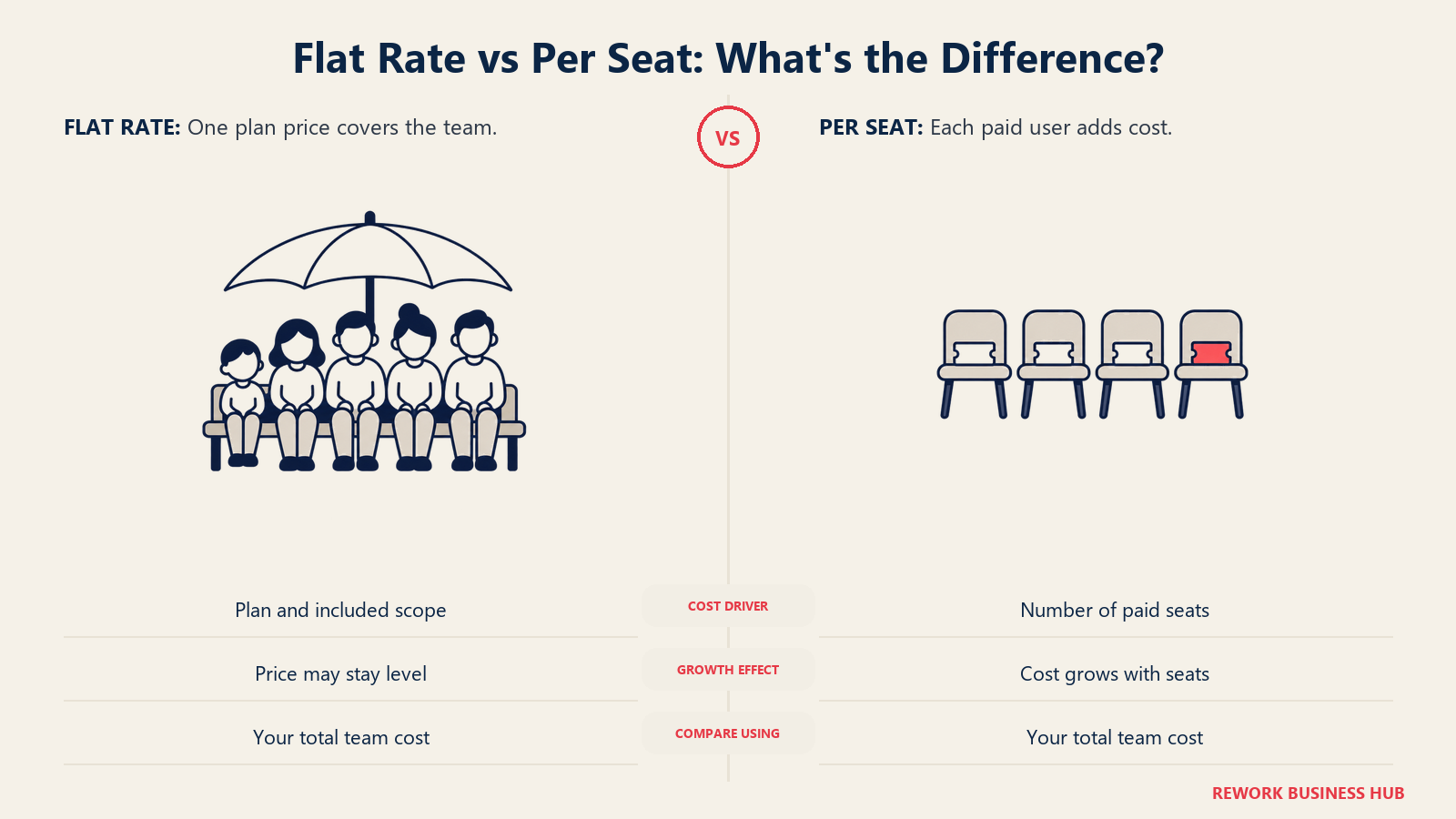
Creately's Business plan is genuinely flat rate: $89 a month whether the team is 10 people or 200. That's the honest headline, and it holds up. Whether it's actually cheaper than the alternative depends entirely on headcount and which competitor you're pricing it against, not on the flat-rate claim by itself.
| Users | Creately Business (flat) | Miro Business ($20/mo, annual) | Mural Business ($17.99/mo, annual) | Cacoo Team (~$4.98/mo, annual) | Lucidchart Team (~$10/mo, reported) |
|---|---|---|---|---|---|
| 10 | $89/month | $200/month | $179.90/month | $49.80/month | $100/month (reported) |
| 25 | $89/month | $500/month | $449.75/month | $124.50/month | $250/month (reported) |
| 50 | $89/month | $1,000/month | $899.50/month | $249/month | $500/month (reported) |
At 25 or 50 users, Creately's flat rate beats every per-seat whiteboard or diagramming tool in this table except the free ones. At 10 users, a cheaper per-seat tool like Cacoo still undercuts it, since $89 flat only pays for itself against Cacoo's rate once headcount clears roughly 18 seats. Run the actual math against your own headcount before assuming a flat rate wins by default.
1. Lucidchart: Data-Linked Diagrams for Technical Teams
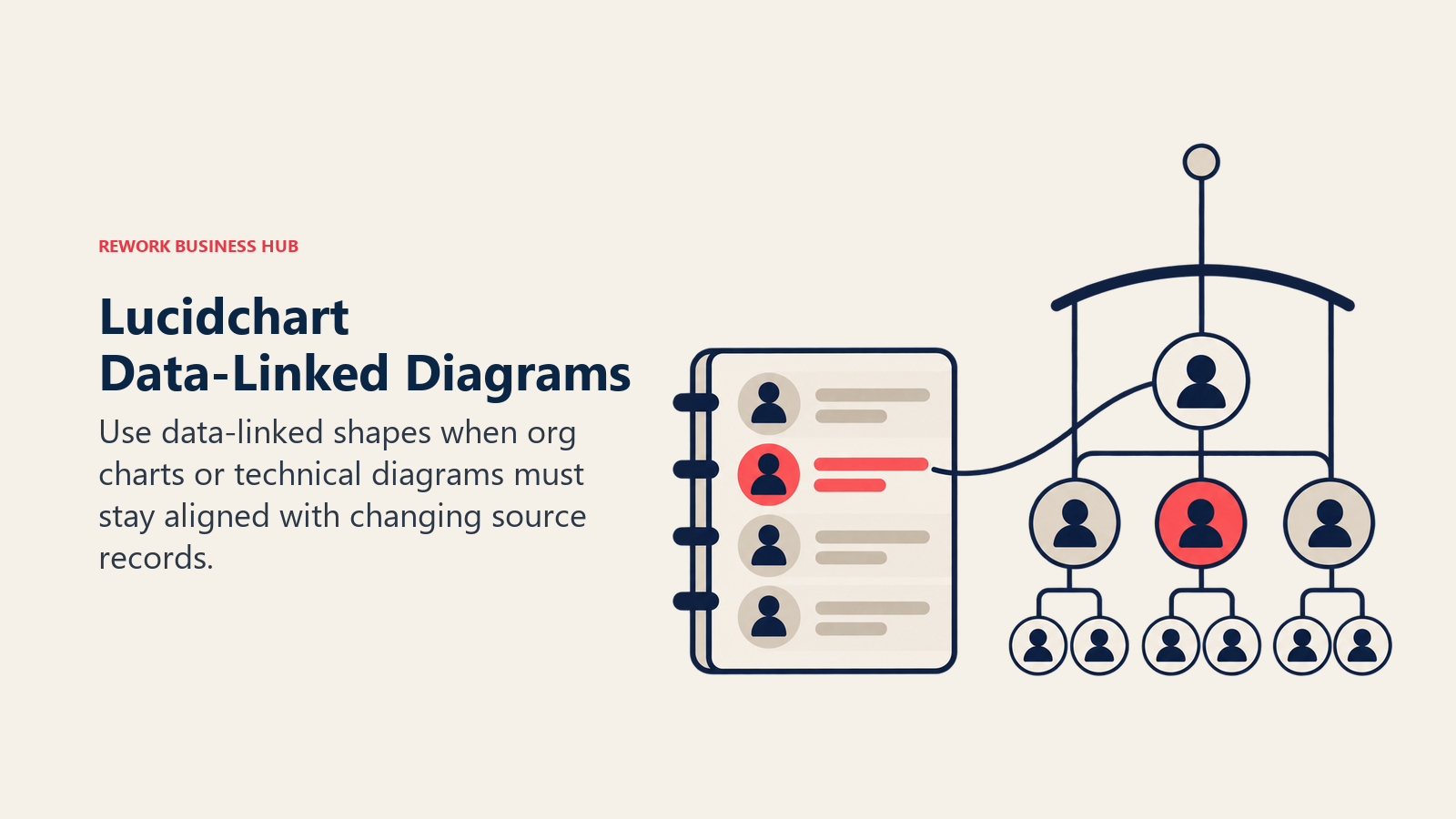
Lucidchart is where most Creately switchers land first, and for good reason. It pulls live data into shapes so an org chart or network diagram updates itself when the source spreadsheet changes, it imports AWS and Azure architecture automatically, and its shape library goes deeper into ERDs, UML, and network topology than Creately's does. That depth is exactly what a team hits Creately's ceiling looking for: Creately's canvas item caps top out at 3,000 on Business, and its template library favors process flows and mind maps over Lucidchart's engineering-grade diagram types. The tradeoff is licensing. Lucidchart's free plan caps at 3 editable documents with 60 shapes each, thinner than Creately's 45-items-per-canvas free tier, and Team pricing isn't published on a static page at all. Lucid quotes it only inside its interactive sales configurator, commonly reported around $10/user/month with a 3-seat minimum, per Vendr's marketplace data, a figure that isn't vendor-confirmed. For a team weighing Lucidchart specifically against a whiteboard-first alternative, see our Lucidchart vs Miro comparison.
| What you get | What you don't |
|---|---|
| Data-linked shapes and live AWS/Azure import | Creately's flat-rate, unlimited-user Business plan |
| Deeper ERD, UML, and network diagram libraries | A published Team price outside the sales configurator |
| Visio import and export on paid plans | Creately's built-in visual databases and task tracking |
| Premium shape libraries and Presentation Mode | A free plan as generous as Creately's 45 items/canvas |
Pricing: Free: 3 editable documents, 60 shapes per document. Individual: $9.00/month plus tax. Team: not published on a static page, commonly reported around $10/user/month with a 3-seat minimum (reported, unconfirmed by Lucid). Enterprise: contact sales, bundles Lucidchart with Lucidspark. Best for: Technical teams that need data-linked shapes, cloud architecture import, and the deepest ERD or network diagram support. Not ideal for: Teams that valued Creately's flat per-department rate; Lucidchart's model stays per seat all the way up.
2. Miro: Real-Time Whiteboard Facilitation Creately Doesn't Do
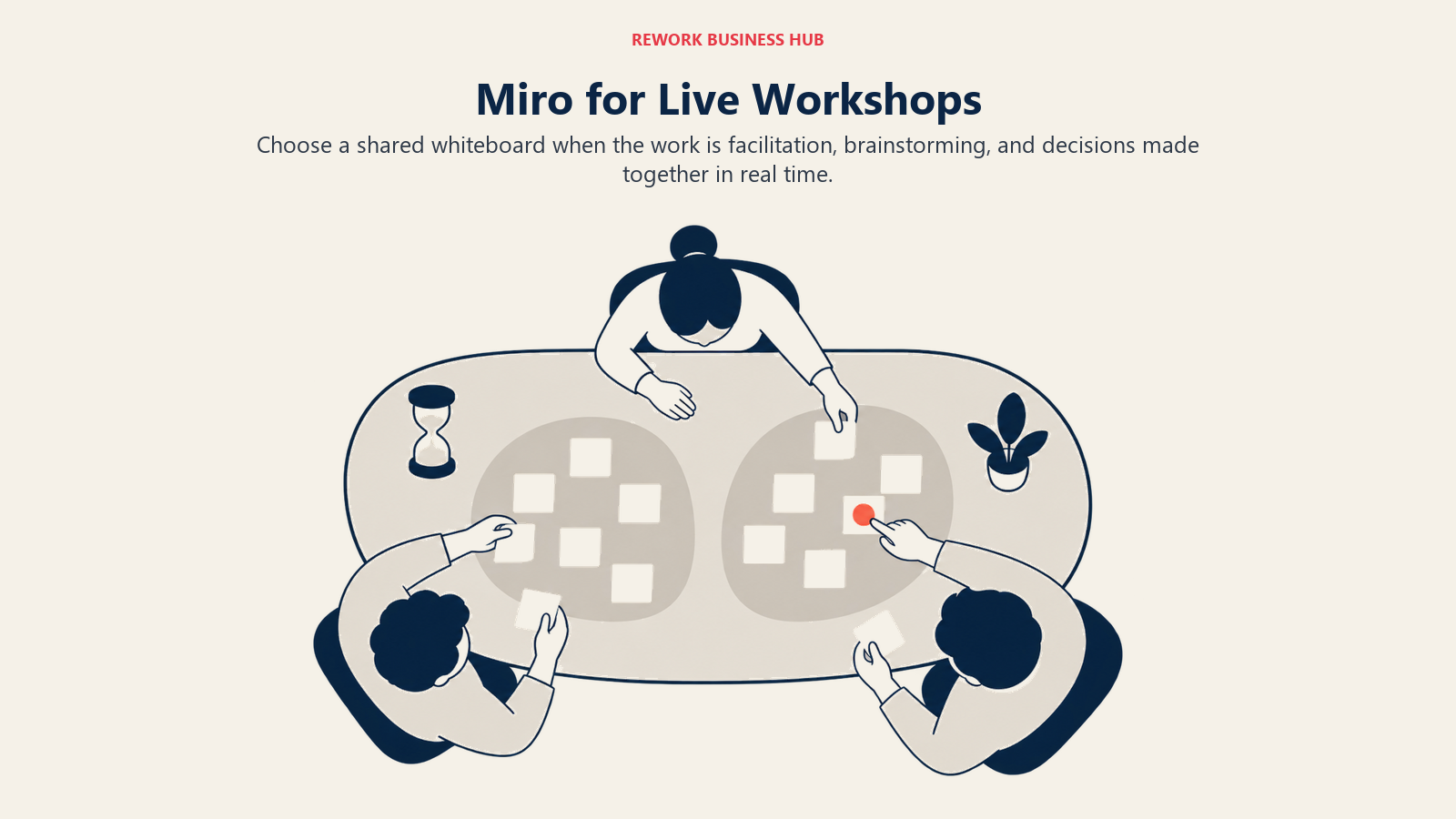
Miro isn't a diagramming tool with a whiteboard bolted on. It's a whiteboard platform where diagrams are one format among many, stickies, mind maps, timelines, and live video-annotated workshops all live on the same infinite canvas. That's the category a lot of Creately switchers are actually shopping in when the real complaint isn't "the diagrams aren't good enough," it's "we need to run a live retro or a sprint planning session and Creately isn't built for that." Miro's free plan gives 3 editable boards (older boards go read-only; the three most recent stay editable), and its Business plan runs $20/member/month billed annually, real money next to Creately's $89 flat rate once a team clears about 5 people. For teams weighing this exact tradeoff, see Lucidchart vs Miro, or the fuller Best Miro Alternatives guide if Miro itself is what you're evaluating away from.
| What you get | What you don't |
|---|---|
| Best-in-class real-time collaboration and video annotation | Creately's flat, unlimited-user Business rate |
| Deep integrations: Jira, Confluence, Figma, Slack, Teams | Precise technical diagram types (ERDs, network topology) |
| Built-in templates for every workshop and retro format | A published per-canvas item limit as generous as Creately's |
| A genuinely usable free plan (3 editable boards) | Visual databases or built-in task tracking |
Pricing: Free: 3 editable boards. Starter: $8/member/month billed annually ($10 monthly). Business: $20/member/month billed annually ($25 monthly). Enterprise: custom, from 30 members. Best for: Distributed teams that need live facilitation, workshops, and brainstorming, with diagrams as one format among many. Not ideal for: Teams that want a dedicated diagramming tool with data-linked shapes or a flat per-department price.
3. draw.io (diagrams.net): Free Forever, No Limits at All
draw.io costs nothing, and unlike Creately's free tier, there's no 45-item ceiling, no folder cap, and no account required to start. It runs in the browser, as a desktop app, and as a VS Code extension, with native integrations into Google Workspace, Microsoft 365, Atlassian, GitHub, and Notion. The tradeoff for that price is obvious: no AI diagram generation, no visual databases, and real-time collaboration that's functional but basic next to Miro's or even Creately's own live editing. For a team that hit Creately's free-plan wall and just wants a genuinely unlimited free tool rather than a paid upgrade, draw.io is the honest answer, not a free trial dressed up as a free tier.
| What you get | What you don't |
|---|---|
| Completely free, forever, with no seat or item limits | Creately's visual databases and task-tracking layer |
| Open source, self-hostable, XML export with no lock-in | AI-assisted diagram generation |
| Native Confluence, Jira, GitHub, and VS Code integration | Polished real-time co-editing like Miro's |
| Works offline, no account required | A paid tier with dedicated support |
Pricing: draw.io web and desktop: free forever, no sign-up required, open source. Confluence and Jira add-ons are paid Atlassian Marketplace apps priced by user tier (figures render client-side; check the Marketplace listing directly). Best for: Teams that hit Creately's free-plan item cap and want a genuinely unlimited free tool, not a paid upgrade. Not ideal for: Teams that want AI-assisted diagramming or Creately's built-in project-tracking features.
4. Microsoft Visio: The Deepest Technical Shape Library
Visio has drawn technical diagrams since 1992, and its shape library, more than 250,000 shapes covering IT infrastructure, BPMN 2.0, P&ID, UML, and Azure/AWS architecture, is the thing Creately's lighter, process-first template set can't match. For a solution architect who needs a diagram type Creately doesn't have a good template for, Visio is the default answer. "Visio starts at $5" needs a caveat most people skip: that Plan 1 tier is web and Teams only, with no desktop app at all. The desktop app, the thing most people actually picture when they hear "Visio," needs Plan 2 at $15/user/month. There's also a free option many buyers don't realize they already have: Visio in Microsoft 365 ships at no extra charge inside Microsoft 365 commercial plans for basic web and Teams diagramming. If Visio itself is the tool you're evaluating away from, our dedicated Best Visio Alternatives guide covers that swap.
| What you get | What you don't |
|---|---|
| 250,000+ shapes across BPMN, UML, P&ID, and network diagrams | Creately's flat-rate, unlimited-user Business plan |
| Native Microsoft 365, Teams, and SharePoint integration | Real-time collaboration as smooth as Miro's |
| A perpetual, one-time-purchase option | A desktop app on the cheapest paid tier |
| Data-linked shapes that refresh from live sources | Cross-platform parity (Mac is web-only) |
Pricing: Visio in Microsoft 365: included in Microsoft 365 commercial plans at no extra charge. Plan 1: $5.00/user/month paid yearly (web and Teams apps only, no desktop app). Plan 2: $15.00/user/month paid yearly (adds the desktop app). Visio Standard 2024: $309.99 one-time purchase. Visio Professional 2024: $579.99 one-time purchase. Best for: Enterprise IT, network, and engineering teams on Microsoft 365 who need the deepest technical shape library. Not ideal for: Small teams wanting one flat price; Visio's desktop capability sits behind the pricier Plan 2 tier or a one-time purchase.
5. Whimsical: Faster Than Creately for Simple Flowcharts
Whimsical strips out everything Creately's project-management layer adds. No task tracking, no visual databases, no 3,000-item canvas ceiling to worry about, because the flowcharts Whimsical is built for rarely get that big. What's left is a fast, opinionated tool for the flowcharts, wireframes, and mind maps most business teams actually draw day to day. If the bulk of a team's Creately use is "sketch a decision flow before the 2pm meeting," Whimsical does that with less friction and a genuinely usable free plan. Whimsical prices editors, not viewers, so stakeholders who only need to look at a diagram cost nothing on any plan, including unlimited viewers on Free.
| What you get | What you don't |
|---|---|
| Fastest time-to-diagram of any tool on this list | Visual databases or built-in task tracking |
| Unlimited free viewers on every plan, including Free | Data-linked shapes or technical diagram depth |
| A genuinely usable free plan (3 team boards) | Creately's flat per-department Business rate |
| Clean, constrained UI that produces consistent output | Integrations with Confluence, Jira, or GitHub |
Pricing: Free: $0/month, 3 team boards, 3 teams, 10 guests, 5 MB per file. Pro: $10/month per editor (17% off billed annually). Business: $20/month per editor (17% off billed annually), unlimited teams, 200+ guests, SSO/SAML. Best for: Product managers and business teams that need quick, clean flowcharts without a learning curve. Not ideal for: Teams that want data-linked shapes, visual databases, or Creately's process-tracking layer.
6. FigJam: The Free Whiteboard If You Already Pay for Figma
FigJam is Figma's whiteboard, bundled into every Figma paid seat. If a design-adjacent team already pays for Figma, FigJam costs nothing extra, and that changes the math against Creately entirely for teams whose diagramming needs are lighter (retro boards, user journey maps, sprint planning) rather than process-heavy. FigJam is priced by the Collab seat, the cheap one at $3/month on Professional, but a team that also needs actual Figma design files pays for a Full seat instead, $16 to $90/month depending on tier, not $3. FigJam won't replace Creately's process diagrams or visual databases; it's a whiteboard for ideation that happens to render flowcharts well. See Best FigJam Alternatives if FigJam is the tool you're actually comparing away from.

| What you get | What you don't |
|---|---|
| Free if your team already pays for Figma design seats | A standalone diagramming tool; no ERDs or network maps |
| Seamless handoff into Figma design files | Creately's process templates or visual databases |
| Strong templates for retros, journeys, and workshops | Value if your team isn't already on Figma |
| Easy for non-designers, no training needed | Task tracking or process-management features |
Pricing: Collab seat (the FigJam seat): $3/month on Professional, $5/month on Organization and Enterprise (annual). A Full seat with Figma design access runs $16 to $90/month depending on tier. Starter is free with limited access. Best for: Teams already paying for Figma who want a zero-additional-cost whiteboard for ideation and workshops. Not ideal for: Teams that need dedicated process diagrams, ERDs, or Creately's PM-adjacent features, and aren't already Figma customers.
7. Mural: Facilitation Frameworks Creately Doesn't Build For
Mural leans hardest into structured facilitation of any tool on this list. Its LUMA framework library gives facilitators a repeatable structure for running a session instead of a blank canvas, which matters for an ops or people team that runs the same kind of workshop, sprint retro, strategy offsite, discovery session, every week and wants consistency across facilitators. Mural's free plan allows unlimited murals but only 3 editable at a time, with unlimited view-only visitors, a real free tier rather than a crippled trial. Team+ at $9.99/month per member billed annually (or $12 monthly) unlocks unlimited editable murals and unlimited visitors with editing rights; Business jumps to $17.99/member/month for SSO and unlimited external collaborators. Neither pricing model resembles Creately's flat per-department rate, so a Mural evaluation should run the actual headcount math, not compare per-seat sticker prices in isolation. For the fuller comparison, see Best Mural Alternatives.
| What you get | What you don't |
|---|---|
| Structured facilitation frameworks (LUMA) built in | Creately's flat-rate, unlimited-user Business plan |
| Unlimited murals on the free plan (3 editable at once) | Data-linked shapes or technical diagram depth |
| Mural AI and basic integrations from the Team+ tier | Visual databases or process-tracking features |
| Unlimited view-only visitors on every plan, including free | A price that stays flat as headcount grows |
Pricing: Free: $0, unlimited murals with 3 editable at a time, unlimited view-only visitors. Team+: $9.99/month per member billed annually ($12 monthly). Business: $17.99/member/month billed annually. Enterprise: custom. Best for: Ops, people, and facilitation-heavy teams that run repeatable structured workshops and want a framework library, not a blank canvas. Not ideal for: Budget-conscious teams past 10 or so members; per-seat pricing compounds fast against Creately's flat rate.
8. SmartDraw: Automated Layout for Org Charts Creately Draws by Hand
SmartDraw's auto-layout engine is the differentiator: type a list of steps or a reporting hierarchy and SmartDraw arranges the shapes, connectors, and labels automatically, instead of a person dragging boxes into place the way Creately's canvas works. For HR teams generating org charts or compliance teams standardizing process diagrams at volume, that automation is a real time saver Creately doesn't replicate. SmartDraw also has the strongest Visio file import of anything on this list, useful for a team migrating away from Visio without a Lucidchart-level subscription. On pricing, quote both numbers together: Team runs $8.95/user/month introductory, $10.95/user/month regular, billed annually with a 3-user minimum, and Individual runs $9.95/month introductory, $10.95/month regular. The introductory rate is for new customers only, so budget for the regular price once it expires.
| What you get | What you don't |
|---|---|
| Auto-layout engine that generates diagrams from data | Creately's flat per-department Business rate |
| The strongest Visio (.vsdx) import in this list | A free tier; only a trial is available |
| 70+ integrations including Microsoft 365 and Google Workspace | Real-time collaboration as polished as Miro's |
| Site licensing for high-volume org chart generation | A modern-feeling interface |
Pricing: Individual: $9.95/month introductory, $10.95/month regular, billed annually. Team: $8.95/user/month introductory, $10.95/user/month regular, billed annually, 3-user minimum. Enterprise: contact sales. Best for: HR and compliance teams generating org charts or standardized process diagrams at volume, or Visio users wanting a cheaper cloud option. Not ideal for: Teams wanting a free tier to start, or real-time collaboration as the priority.
9. Cacoo: Cheaper Than Creately's Starter Tier, With Presenting Built In
Cacoo undercuts Creately's own Starter plan on a per-seat basis (about $4.98/user/month annually versus Creately's $5/user/month) while adding something Creately doesn't build in: a presentation mode that turns a finished diagram into a slide-by-slide deck without exporting to PowerPoint. Built by Nulab, the company behind the Backlog project-tracking tool, Cacoo's real-time co-editing and inline comments are aimed squarely at teams that run regular diagram review meetings and want to present straight from the canvas. Its free plan is smaller than Creately's on one axis (6 sheets, not 45 items per canvas) but has no user-count restriction: unlimited users on the free plan.
| What you get | What you don't |
|---|---|
| Built-in presentation mode, no PowerPoint export needed | Creately's 45-items-per-canvas free allowance |
| Unlimited users on the free plan | Visual databases or built-in task tracking |
| Real-time co-editing with inline comments | A large shape library for technical diagram types |
| Integrations with Confluence, Jira, Slack, Google Drive | Strong brand recognition outside Japan and APAC |
Pricing: Free: always free, 6 sheets, unlimited users. Pro: $6/user/month monthly, about $4.98/user/month billed annually (17% off), 1 user. Team: same per-seat pricing, up to 1,000 users. Enterprise: custom. Best for: Small-to-mid teams that diagram frequently and present findings to stakeholders without leaving the tool. Not ideal for: Teams needing Lucidchart- or Visio-level technical diagram depth.
10. Excalidraw: Open-Source Sketching for the Team That Never Wanted Creately's Depth
Excalidraw's hand-drawn rendering style is a deliberate choice: it signals "this is a sketch," which removes the pressure to make something look finished and speeds up the kind of quick technical whiteboarding engineers actually want. It's the opposite instinct from Creately's polished templates and PM overlay, no visual databases, no task tracking, no account required to start, just a fast canvas that's genuinely free forever for the core editor. Excalidraw+ at $6/user/month billed annually adds cloud storage and access management for teams that outgrow the local-only free version, still a fraction of Creately's Starter price.
| What you get | What you don't |
|---|---|
| Free forever for the full editor, open source (MIT license) | Visual databases, task tracking, or Creately's PM layer |
| No account required, end-to-end encrypted local collaboration | A shape library for technical or industry-standard diagrams |
| VS Code extension embeds diagrams directly in code repos | Native Confluence or Jira integration |
| Unlimited collaborators even on the free tier | Enterprise compliance features in the core product |
Pricing: Free: "free forever," full editor, 1 infinite scene, unlimited collaborators, open source. Excalidraw+: $6/user/month billed annually ($7 monthly, annual saves 14%), unlimited scenes and folders, cloud storage, presentations. Best for: Engineering teams wanting fast, private, zero-friction technical sketching without per-seat pressure. Not ideal for: Teams that need Creately's process templates, visual databases, or a polished, non-technical audience-facing look.
11. Gliffy Diagrams for Confluence: Native Atlassian Diagramming Creately Can't Match
For a team that lives inside Confluence and Jira, Gliffy Diagrams for Confluence beats Creately on the one thing that matters most for that workflow: diagrams that live natively in the page, version with the page's edit history, and update in place without opening a separate tab or exporting an image. It's free for up to 10 users with no time limit, then $3.80/user/month billed annually for 11 to 100 users, well under what a Creately Starter seat costs per person. One naming note worth being precise about: Gliffy Online, the old standalone web diagramming tool, is closed to new accounts, and Gliffy stopped selling and renewing Gliffy for Jira licenses on March 31, 2026. Neither of those is what's being recommended here. Gliffy Diagrams for Confluence is a separate, actively sold product, and it's the one worth evaluating.

| What you get | What you don't |
|---|---|
| Diagrams that version natively with Confluence pages | A standalone tool usable outside Atlassian products |
| Free for up to 10 users, no time limit | Creately's canvas-based, cross-platform flexibility |
| $3.80/user/month (11-100 users) undercuts most competitors | Advanced technical diagram types like Visio's stencils |
| Billed through Atlassian, one less vendor relationship | Real-time whiteboard facilitation |
Pricing: Gliffy Diagrams for Confluence: free for up to 10 users, no time limit; 11-100 users at $3.80/user/month billed annually; enterprise pricing above that. Gliffy Zero Egress for Confluence: 1-100 users "as low as" $2.80/user/month. Best for: Teams standardized on Confluence and Jira who want diagrams embedded natively in pages, not linked externally. Not ideal for: Teams outside the Atlassian ecosystem, or anyone who needs the old standalone Gliffy Online tool, which no longer accepts new accounts.
12. EdrawMax: The Widest Diagram-Type Coverage, With a One-Time Option
EdrawMax's pitch is breadth: more than 280 diagram types in one product, floor plans, electrical schematics, Gantt charts, mind maps, and every standard IT and business diagram Creately's more focused template set doesn't try to cover. It also does something almost nothing else on this list still does: sells a genuine perpetual license. A single perpetual license runs $245 regular, $198 promotional, with lifetime desktop access to EdrawMax V15 plus 3 years of mobile and online access, a real alternative for a team that would rather buy once than subscribe to Creately or anyone else indefinitely. The subscription options run cheaper up front: Annual at $99 regular, $69 promotional; Semi-annual at $99 regular, $89 promotional. Team and business pricing sits on a separate page that wasn't resolved, so don't assume a per-seat figure without checking directly.
| What you get | What you don't |
|---|---|
| 280+ diagram types, the widest coverage in this list | Real-time collaboration as smooth as Miro's or Creately's |
| A genuine perpetual, one-time-purchase license option | A published Team or business per-seat price |
| AI diagram generation from text prompts | Creately's visual databases or task-tracking layer |
| Works fully offline on desktop | A modern, minimal interface |
Pricing: Semi-annual: $99 regular, $89 promotional. Annual: $99 regular, $69 promotional. Perpetual single license: $245 regular, $198 promotional. 2-in-1 bundle (adds EdrawMind): $312 regular, $245 promotional. 3-in-1 bundle (adds EdrawProj): $390 regular, $215 promotional. Best for: Cost-conscious teams needing the widest possible diagram-type coverage, or anyone who'd rather buy once than subscribe. Not ideal for: Teams that need real-time collaboration or a published per-seat team price for budgeting.
Stage Fit Matrix
| Tool | Startup (0-10) | Growth (10-50) | Mid-Market (50-200) | Enterprise (200+) |
|---|---|---|---|---|
| Lucidchart | Good | Strong | Strong | Excellent |
| Miro | Good | Excellent | Strong | Excellent |
| draw.io | Excellent | Excellent | Strong | Good |
| Microsoft Visio | Limited | Good (M365 shops) | Strong | Excellent |
| Whimsical | Excellent | Strong | Good | Limited |
| FigJam | Good (Figma users) | Strong (Figma users) | Good (Figma users) | Good (Figma users) |
| Mural | Good | Strong | Strong | Excellent |
| SmartDraw | Moderate | Good | Excellent | Good |
| Cacoo | Good | Excellent | Strong | Moderate |
| Excalidraw | Excellent | Strong | Good (eng teams) | Limited |
| Gliffy Diagrams for Confluence | Good (Atlassian) | Strong (Atlassian) | Strong (Atlassian) | Good (Atlassian) |
| EdrawMax | Excellent | Strong | Good | Moderate |
Sizing and Persona Table
| Tool | Team Size Sweet Spot | Primary Buyer | Secondary Buyer |
|---|---|---|---|
| Lucidchart | 5-500 | Solution Architect | Business Analyst |
| Miro | 5-500+ | Head of Product | Agile Coach |
| draw.io | 1-500+ | Engineering Lead | Operations Analyst |
| Microsoft Visio | 10-500 (IT/eng teams) | IT Director | Network Engineer |
| Whimsical | 1-50 | Product Manager | Startup Founder |
| FigJam | 2-200 (Figma users) | Design Lead | Product Manager |
| Mural | 10-1,000+ | Facilitation or People Lead | Strategy Lead |
| SmartDraw | 10-200 | HR Director | Compliance Analyst |
| Cacoo | 2-100 | Team Lead / PM | Operations Manager |
| Excalidraw | 1-50 (eng teams) | Staff Engineer | Technical PM |
| Gliffy Diagrams for Confluence | 5-500 (Atlassian) | Engineering Manager | Confluence Admin |
| EdrawMax | 1-100 | Solo Professional / SMB Owner | Facilities or IT Manager |
Why Teams Actually Leave Creately
Give Creately its due first. It built a genuinely flat-rate Business plan in a category where almost everyone else prices per seat, its free plan is real rather than a demo dressed up as a trial, and for a mid-size operations team that wants to put 20 or 30 people on the same canvas without doing per-seat math every quarter, that's a defensible reason to stay. Most buyers evaluating alternatives aren't rejecting the pricing model. They're running into the canvas.
The first edge is the free plan's 45-items-per-canvas limit, which sounds generous until a real process map with decision branches, swimlanes, and annotations eats through it fast, often inside the first serious diagram a new user draws. The second edge is that the cap never actually goes away: it just gets bigger, 1,000 items on Starter, 3,000 on Business, so a genuinely large architecture diagram or an enterprise process map can still hit a wall that Visio, Lucidchart, or draw.io simply don't impose. The third edge is depth in specific diagram types. Creately's templates lean toward process flows, org charts, and mind maps; a team documenting BPMN 2.0 swimlanes, P&ID schematics, or ERDs at an engineering level will find Visio's or Lucidchart's libraries go further.
The fourth edge is the one that sends buyers to a genuinely different category rather than a different Creately tier: real-time whiteboard facilitation and design-tool integration aren't things Creately competes on. A team that wants Miro's or Mural's live-workshop experience, or FigJam's zero-cost bundle with an existing Figma seat, isn't choosing between Creately plans. It's choosing a different kind of tool. For the wider category view beyond one-to-one swaps, see our Best Business Process Management Software roundup.
How to Choose: Decision Framework
| If you need... | Best pick |
|---|---|
| Data-linked shapes and cloud architecture import | Lucidchart |
| Real-time whiteboard facilitation for workshops and retros | Miro or Mural |
| A completely free tool with no item or seat limits | draw.io or Excalidraw |
| The deepest technical shape library (BPMN, P&ID, UML) | Microsoft Visio |
| Fast flowcharts with zero learning curve | Whimsical |
| A whiteboard bundled free with an existing Figma seat | FigJam |
| Auto-generated org charts or Visio file migration | SmartDraw |
| Diagrams that live natively inside Confluence and Jira | Gliffy Diagrams for Confluence |
| The widest diagram-type coverage, or a one-time purchase | EdrawMax |
Frequently Asked Questions about Creately Alternatives
Why do teams look for Creately alternatives if it's one of the cheapest tools in the category?
Because the reasons are structural, not financial. The free plan's 45-items-per-canvas limit gets hit fast, that cap persists up every tier (1,000 on Starter, 3,000 on Business), the shape library is lighter than Visio's or Lucidchart's for technical diagram types, and teams that want real-time whiteboard facilitation or design-tool integration are shopping in a different category entirely.
Is Creately's Business plan really unlimited users at one flat price?
Yes. Creately's Business plan is $89/month billed annually ($149 monthly) for unlimited users. It's genuinely flat rate, not per seat, which makes it cheaper than every per-seat competitor in this guide once a team clears roughly 18 to 25 people, depending which competitor you're comparing it to.
What's the best free Creately alternative with no item limit?
draw.io. It's free forever with no seat cap and no per-canvas item ceiling, unlike Creately's free tier which stops at 45 items. Excalidraw is a close second for teams that want a hand-drawn, technical-sketch aesthetic instead.
What's the best Creately alternative for real-time whiteboard facilitation?
Miro for general workshops and cross-functional planning, Mural if your team wants built-in structured facilitation frameworks (LUMA) rather than a blank canvas. Neither is priced flat like Creately, so run the per-seat math against your actual headcount first.
Is Gliffy Online still available?
No. Gliffy is no longer accepting new accounts to its stand-alone online diagramming tool. Existing subscribers keep access, but new buyers should look at Gliffy Diagrams for Confluence instead, which is a separate, actively sold product.
What happened to Gliffy for Jira?
Gliffy stopped selling and renewing Gliffy for Jira licenses on March 31, 2026. Existing licenses get support until they expire per Atlassian Marketplace SLAs, and Gliffy itself recommends moving Jira diagrams to Confluence, where Gliffy Diagrams for Confluence is still fully sold.
What's the best Creately alternative for enterprise technical diagrams?
Microsoft Visio, for its 250,000-plus shape library covering BPMN 2.0, P&ID, UML, and cloud architecture. Just note that its cheapest tier, Plan 1 at $5/user/month, is web and Teams only; the desktop app needs Plan 2 at $15/user/month.
Is there a Creately alternative billed one time instead of a subscription?
EdrawMax. A perpetual single license runs $245 regular, $198 promotional, with lifetime desktop access. Microsoft Visio also sells one-time perpetual licenses (Standard 2024 at $309.99, Professional 2024 at $579.99) alongside its subscription plans.
What's the best Creately alternative for teams already on Confluence or Figma?
Gliffy Diagrams for Confluence for Atlassian-native teams, free for up to 10 users. FigJam for teams already paying for Figma design seats, since the FigJam Collab seat is bundled at $3/month on Professional and free viewers are unlimited.
How does Creately's per-canvas item limit compare to competitors?
Most competitors on this list don't publish a hard item cap at all; draw.io, Excalidraw, Miro, and Mural size their limits around boards, scenes, or editable murals rather than a fixed shape count. Creately's 45-item free cap and 1,000/3,000-item paid caps are the most explicit item ceilings in this comparison, which is exactly why they're the thing most switchers run into first.
What to Do Next
Use the Decision Framework above to shortlist two tools that match the actual reason you're evaluating alternatives, not a general "best diagramming tool" search, then run a two-week pilot recreating one real diagram your team already maintains: a process map, an org chart, or a system architecture sketch. If the gap is technical diagram depth, start with Lucidchart or Microsoft Visio. If the gap is real-time facilitation, start with Miro or Mural. If the gap is simply cost at your current headcount, price draw.io or Excalidraw against Creately's own flat rate before assuming either one wins. For the wider category view, see Best Business Process Management Software, and for a closer look at the enterprise end of this list, Best Visio Alternatives.

Customer Success Operations Manager
On this page
- Key Facts
- Quick Comparison Table
- Creately's Plans and Canvas Limits
- Flat Rate vs. Per Seat: The Real Cost at 10, 25, and 50 Users
- 1. Lucidchart: Data-Linked Diagrams for Technical Teams
- 2. Miro: Real-Time Whiteboard Facilitation Creately Doesn't Do
- 3. draw.io (diagrams.net): Free Forever, No Limits at All
- 4. Microsoft Visio: The Deepest Technical Shape Library
- 5. Whimsical: Faster Than Creately for Simple Flowcharts
- 6. FigJam: The Free Whiteboard If You Already Pay for Figma
- 7. Mural: Facilitation Frameworks Creately Doesn't Build For
- 8. SmartDraw: Automated Layout for Org Charts Creately Draws by Hand
- 9. Cacoo: Cheaper Than Creately's Starter Tier, With Presenting Built In
- 10. Excalidraw: Open-Source Sketching for the Team That Never Wanted Creately's Depth
- 11. Gliffy Diagrams for Confluence: Native Atlassian Diagramming Creately Can't Match
- 12. EdrawMax: The Widest Diagram-Type Coverage, With a One-Time Option
- Stage Fit Matrix
- Sizing and Persona Table
- Why Teams Actually Leave Creately
- How to Choose: Decision Framework
- What to Do Next