Best Smartsheet Alternatives in 2026: 11 Tools for Operations Teams That Want Real Workflows
Turn this article into takeaways for your work.


Each assistant summarizes the article only for you and suggests best practices for your work.
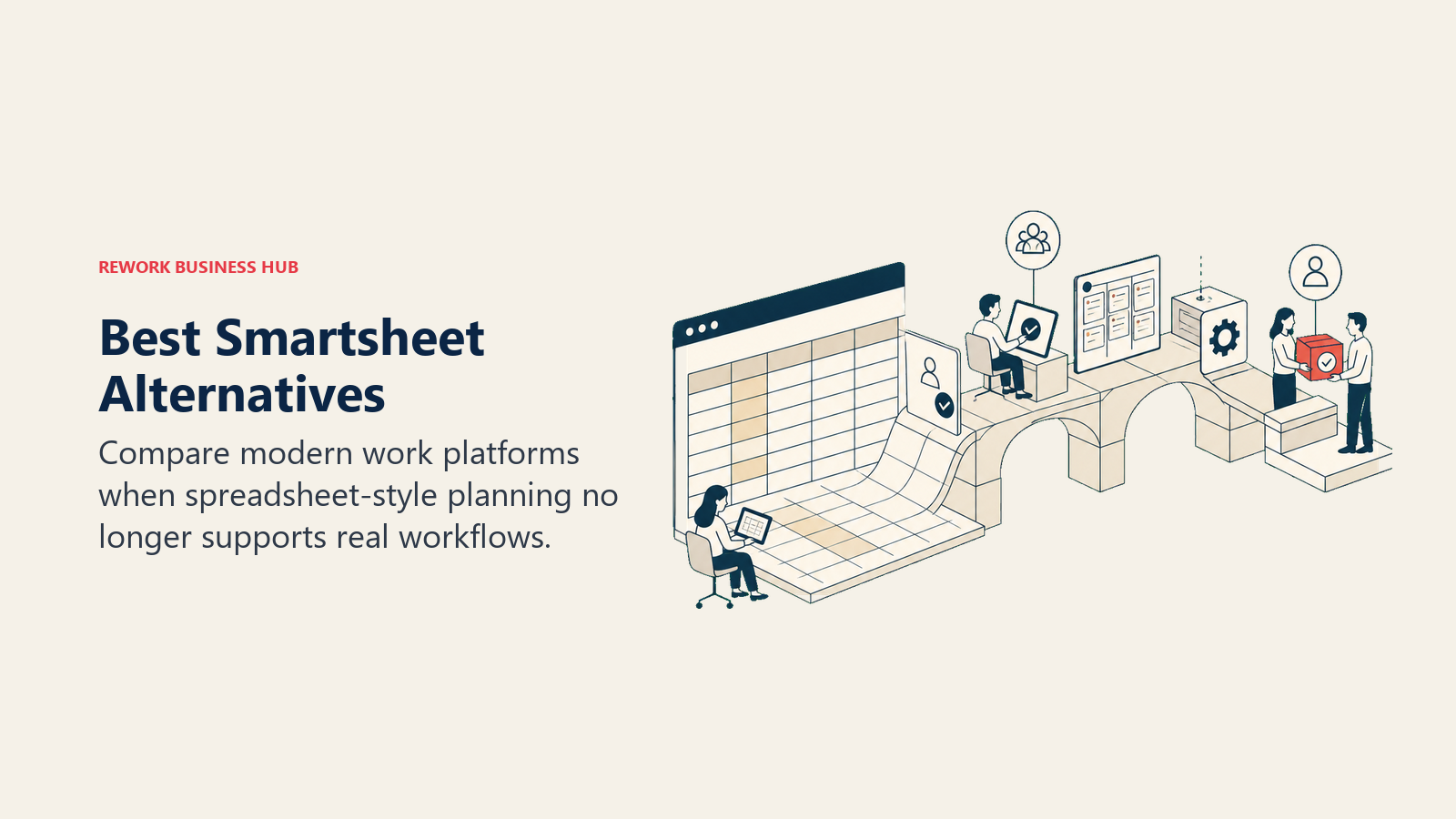
Smartsheet has a well-earned reputation in enterprise PMO circles. The spreadsheet-native interface made adoption easy for teams that already lived in Excel, and the Gantt charts, dashboards, and cross-sheet formulas gave project managers real planning muscle. For large organizations managing capital programs, construction timelines, or multi-project portfolios under a PMO umbrella, Smartsheet still makes a lot of sense.
But if you're an operations team running onboarding, sales ops, cross-functional approvals, client delivery, or revenue workflows, Smartsheet starts to feel like you're driving a semi-truck to the grocery store. The spreadsheet metaphor limits the UI to rows and columns when you actually need boards, forms, and automated handoffs. Resource Management and Control Center (the features that make Smartsheet enterprise-ready) are expensive add-ons that push the annual bill into territory that only large PMO teams can justify. And the tool is built for PMO-led organizations where someone owns the sheet architecture. Self-serve ops teams that need process enforced rather than just modeled will run into its limits fast. This article is for mid-size operations, sales, and cross-functional teams looking for what fits better in 2026.
Quick Comparison Table
| Tool | Best For | Starting Price (per seat/mo) | Key Strength | Key Limitation |
|---|---|---|---|---|
| Monday.com | Visual boards + flexible automation | $9 (Basic) | Colorful UI, fast board setup, 200+ integrations | Expensive at scale, no native CRM |
| Rework | Cross-team ops + CRM in one product | From $99/mo billed yearly, 5 seats (rework.com/pricing) | Dedicated ops workflows + unified CRM + chat inbox | Not a blank-canvas builder |
| Asana | Project tracking + portfolio visibility | $10.99 (Starter) | Goals, Portfolios, Timeline | Weak CRM and client ops |
| Wrike | Enterprise PM + resource management | $9.80 (Team) | Resource allocation, proofing, approvals | Complex UI, expensive at scale |
| Airtable | Database-first flexible work management | $20 (Team) | Relational data, custom views, flexible schema | Expensive for large teams |
| Microsoft Project / Planner | Enterprise PM inside Microsoft 365 | Included in M365 / $10 (Project Plan 1) | Deep Gantt + Microsoft ecosystem | Limited outside Microsoft stack |
| ClickUp | Everything-app for ops + dev teams | $7 (Unlimited) | All-in-one: tasks, docs, goals, dashboards | Steep learning curve, feature bloat |
| Notion | Docs + databases + lightweight PM | $10 (Plus) | Flexible knowledge + wiki + light project management | Not built for process enforcement |
| Basecamp | Simple team communication and project mgmt | $15/user or $299 flat | Simple structure, flat-rate pricing option | No Gantt, minimal reporting |
| Teamwork | Agency/services PM + client billing | $10.99 (Deliver) | Client billing, time tracking, retainers | Less strong for internal ops |
| Process Street | Checklist-based workflow automation | $25 (Startup) | Structured recurring checklists, approval flows | Narrow: works best for linear processes |
Stage Fit Matrix
| Tool | Startup (1-20) | Growth (20-100) | Mid-Market (100-500) | Enterprise (500+) |
|---|---|---|---|---|
| Monday.com | Good fit | Good fit | Good fit | Possible |
| Rework | Partial fit | Strong fit | Strong fit | Partial fit |
| Asana | Good fit | Good fit | Good fit | Good fit |
| Wrike | Weak fit | Good fit | Strong fit | Strong fit |
| Airtable | Good fit | Good fit | Partial fit | Weak fit |
| Microsoft Project | Weak fit | Partial fit | Good fit | Strong fit |
| ClickUp | Good fit | Good fit | Good fit | Partial fit |
| Notion | Strong fit | Good fit | Partial fit | Weak fit |
| Basecamp | Good fit | Good fit | Partial fit | Weak fit |
| Teamwork | Partial fit | Good fit | Good fit | Partial fit |
| Process Street | Good fit | Good fit | Partial fit | Partial fit |
Sizing and Persona Table
| Tool | Sweet Spot Team Size | Primary Buyer | Team Scope |
|---|---|---|---|
| Monday.com | 10-500 employees | Operations Manager, Team Lead | Department or cross-team |
| Rework | 20-500 employees | COO, Head of Ops, RevOps lead | Cross-functional (sales + ops + marketing + CS) |
| Asana | 10-1000 employees | PMO, Project Manager, Director | Department or portfolio |
| Wrike | 50-2000 employees | PMO, Enterprise PM, Resource Manager | PMO-led or cross-department |
| Airtable | 5-200 employees | Operations, Data, Product | Custom ops use cases |
| Microsoft Project | 100-5000 employees | IT, PMO, Enterprise Architect | IT/PMO portfolio |
| ClickUp | 5-500 employees | Team Lead, Ops, Engineering | Team or company-wide |
| Notion | 2-200 employees | Founder, Product, Knowledge Worker | Team wikis + light PM |
| Basecamp | 5-100 employees | Agency Owner, Small Business Founder | Team communication + simple projects |
| Teamwork | 10-200 employees | Agency Director, Account Manager | Client delivery + internal PM |
| Process Street | 10-300 employees | Operations Manager, Compliance, HR | Recurring process teams |
1. Monday.com: Visual Boards + Automation at Scale
Monday.com is what many teams turn to first when they outgrow Smartsheet's spreadsheet interface. The visual appeal is immediate: colorful boards, drag-and-drop cards, status columns that actually feel like a dashboard rather than a grid. Before committing, it's worth reading the Monday.com alternatives breakdown to understand where its flexibility becomes a liability at scale.
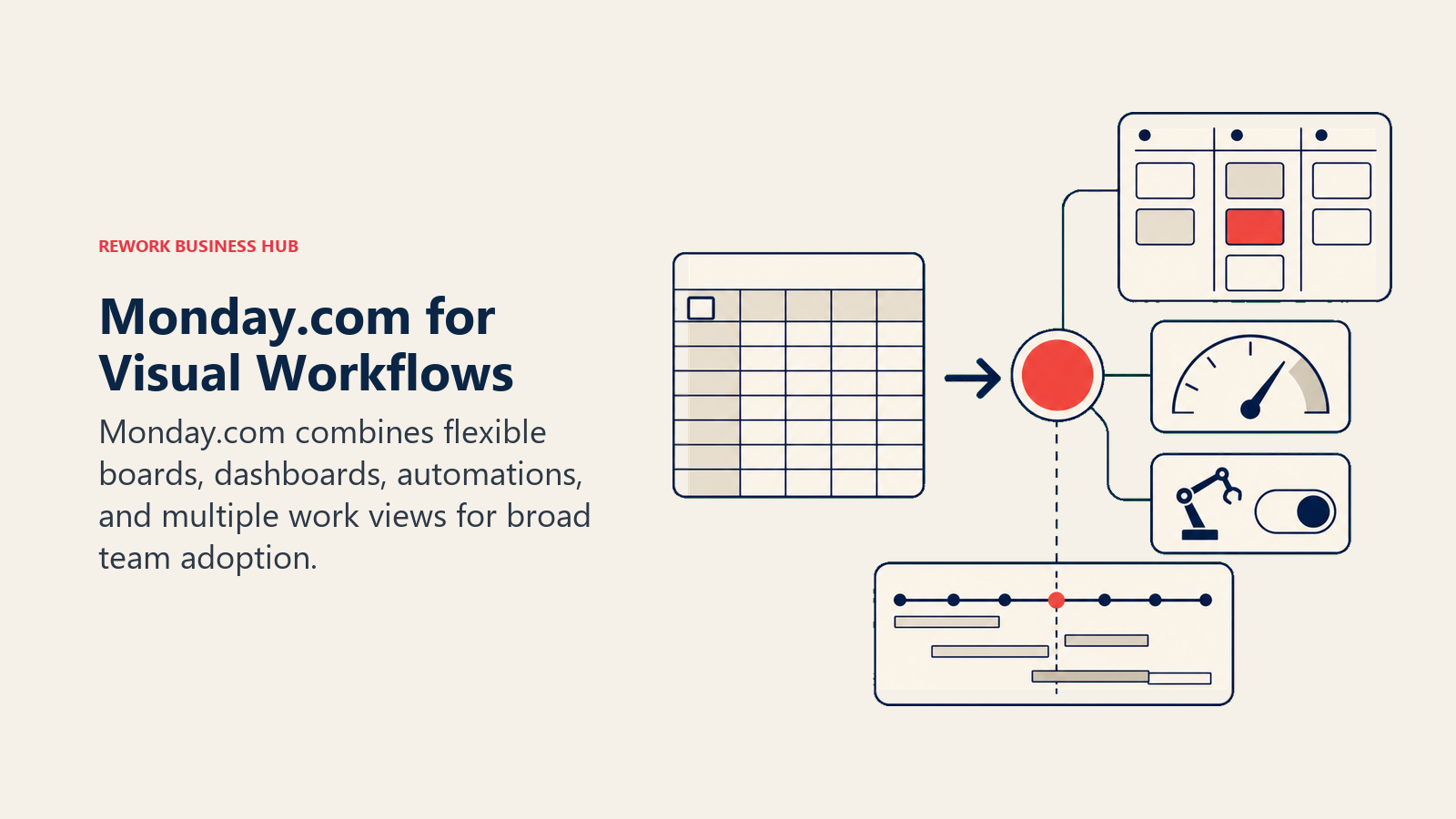
Monday's methodology is "work OS": a flexible platform that can model almost any process with enough board columns, automations, and views. It's not opinionated about how you run operations, but it's very good at visualizing whatever you define. The automation builder is genuinely capable: trigger-action rules, cross-board dependencies, and integrations with 200+ tools.
Where Monday starts to strain: it's still a task board, not a workflow engine. Complex multi-team handoffs require significant configuration to enforce, and the tool has no native CRM. If your ops team touches sales or revenue, you'll end up with a separate CRM alongside Monday and another tool to sync.
| What you get | What you don't |
|---|---|
| Rich visual boards with multiple views (Gantt, Calendar, Kanban) | Native CRM or lead management |
| 200+ integrations and a capable automation builder | Process enforcement: flexible means anything goes |
| Board-level dashboards with charts and summaries | Affordable pricing beyond mid-market size |
| Guest access for client-facing projects | Consistent UX across mobile and desktop |
Pricing: Basic at $9/seat/mo (annual), Standard at $12, Pro at $19, Enterprise on request. Teams of 50+ on Pro can spend $950+/month. See Monday.com's pricing page for current details.
Best for: Operations and marketing teams that want a visual project layer and don't need CRM functionality built in. Not ideal for: Revenue teams that need pipeline management alongside process. You'll still need a separate CRM.
2. Rework: Dedicated Ops Workflows + CRM in One Product
Most tools on this list are blank canvases: they give you the building blocks and let you assemble. Rework makes a different bet, and it ranks second, behind Monday.com, because Monday is the easier like-for-like move for teams that still want flexible boards, broad integrations and Gantt-style planning. It ships opinionated, ready-to-run process templates designed for how cross-functional ops teams actually work (sales ops, client onboarding, procurement approvals, team handoffs) without requiring you to architect the schema from scratch.
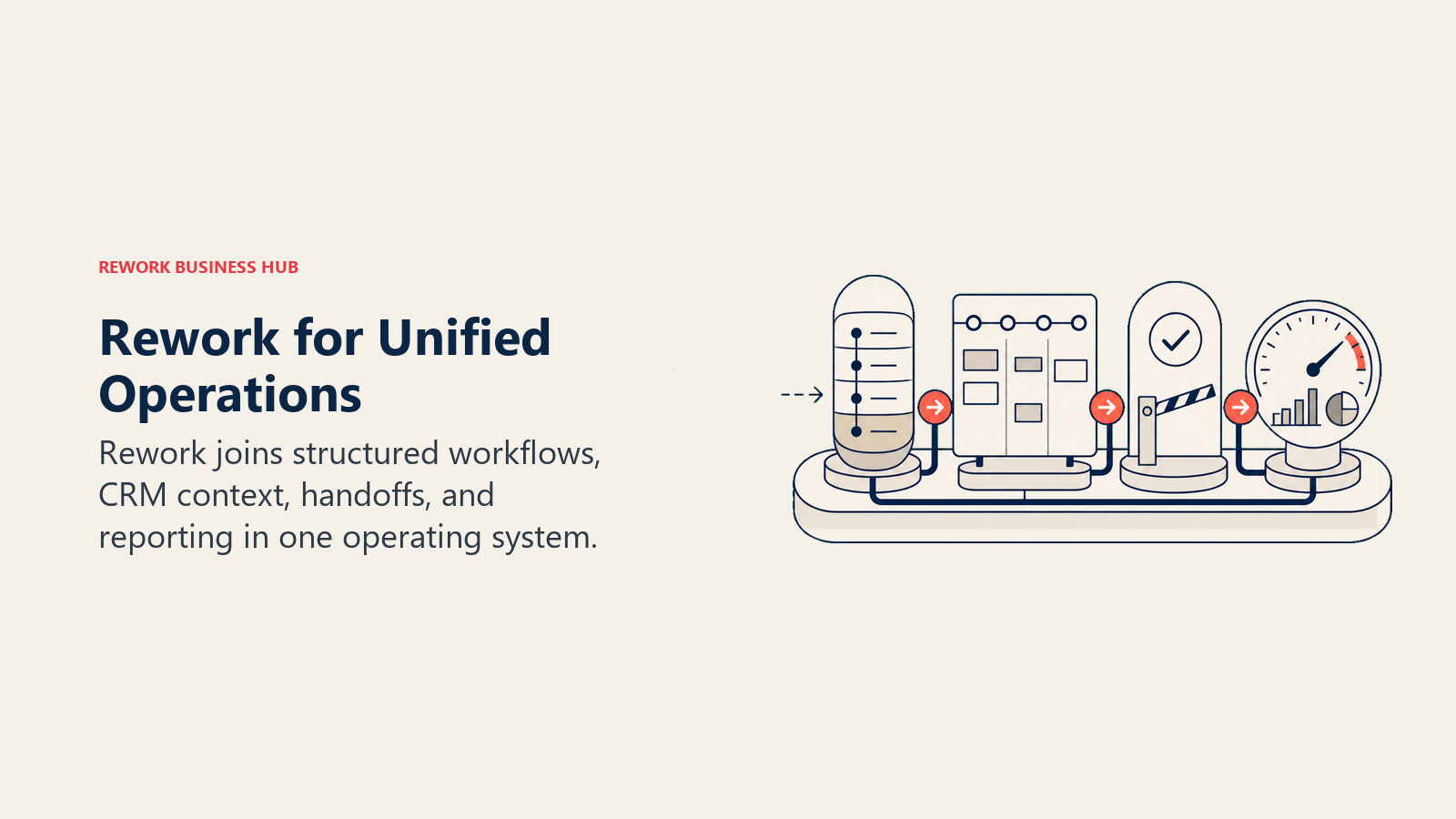
That's the sharpest contrast with Smartsheet. Smartsheet is fundamentally a spreadsheet engine that you shape into workflows. Rework is a workflow engine that already knows what operations teams need.
The second differentiator for ops teams that touch revenue: Rework includes a full CRM and Lead Management module, with a chat inbox (WhatsApp, Messenger, Instagram DM, TikTok, Telegram, LINE, Zalo, web chat; email is a separate Mail app) tied to contact records. Smartsheet can model a pipeline with rows and columns. Rework is built as a revenue-plus-operations product.
| What you get | What you don't |
|---|---|
| Pre-built ops workflow templates | Blank-canvas flexibility |
| Full CRM + Lead Management native | PMO portfolio management depth |
| Chat inbox for the major messaging apps | Deep spreadsheet/formula-based planning |
| Round-robin and territory-based lead routing | Enterprise governance (Control Center equivalent) |
| Cross-team process enforcement | Budget for teams that just need simple task lists |
Pricing: Process Engine (approvals, BPM, requests) or Project Engine (projects with timeline views and workload), each from $99/month billed yearly ($1,188/year) or $120 month to month, with 5 work seats included; extra seats come in blocks of 5 ($13/month per block, billed yearly). The CRM is the Sales Engine, from $69/month billed yearly; lead routing and the chat inbox are in the Marketing Engine ($99/month billed yearly). 14-day free trial, no free plan. (rework.com/pricing)
Best for: Mid-size operations, revenue, and cross-functional teams that want workflows to run themselves, not a tool they have to maintain. Not ideal for: Teams that live in Excel/spreadsheet logic, large PMO organizations doing capital portfolio management, or sub-10-person startups who just need a simple list.
3. Asana: Project Management + Goals Alignment
Asana has grown from a simple task tracker into one of the more complete project management platforms for growing companies. The Goals and Portfolios features set it apart from most alternatives: teams can connect individual tasks up to company-level objectives, giving executives and directors a real view of whether work maps to strategy.
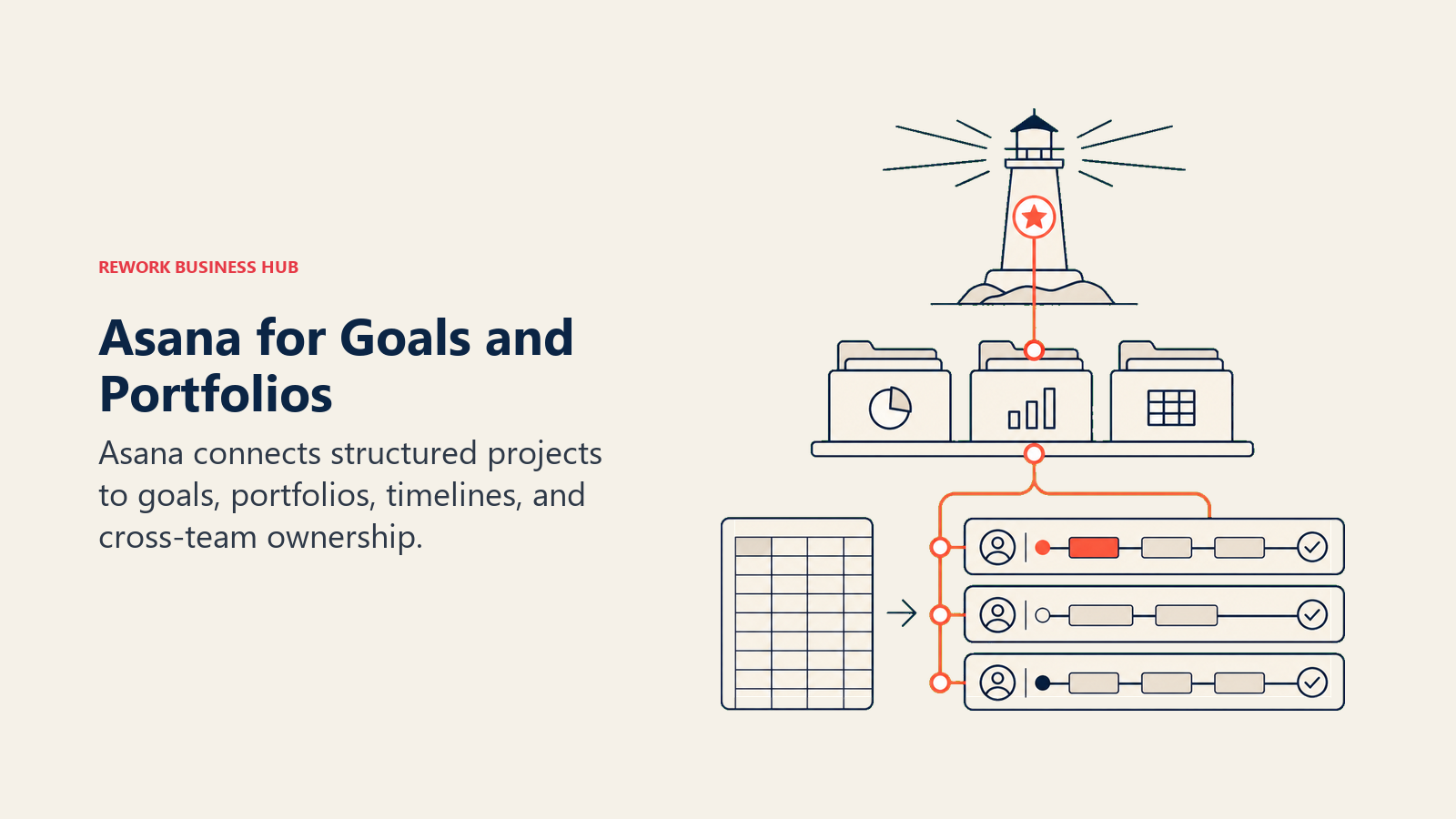
Asana's methodology is "work coordination at scale": helping teams see how work connects across departments without getting lost in status meetings. Timeline view, workload management, and rules-based automation are solid. The approvals feature is genuinely useful for teams that pass deliverables between departments.
For ops teams specifically, Asana works best when the workflows are project-shaped: defined start, defined end, clear owner per task. It handles recurring process less elegantly: you can model it, but it doesn't enforce repeatable procedure the way a dedicated workflow tool does.
| What you get | What you don't |
|---|---|
| Goals + Portfolios for strategy alignment | Native CRM or lead management |
| Timeline, Gantt, and workload views | Process enforcement for recurring operational work |
| Approvals and rules-based automation | Flat-rate pricing (grows with seat count) |
| Strong integrations (Salesforce, Slack, HubSpot) | Built-in reporting beyond task completion |
Pricing: Personal (free), Starter at $10.99/seat/mo, Advanced at $24.99, Enterprise on request.
Best for: PMOs, project managers, and teams that want to see how tasks roll up to company goals. Not ideal for: Sales and revenue ops teams. Asana is a work coordination tool, not a CRM or revenue platform.
4. Wrike: Enterprise PM + Resource Management
Wrike is the closest direct replacement for Smartsheet if your main use case is PMO-led project portfolio management. It has a similar enterprise-grade positioning: resource management, workload views, approval workflows, proofing for creative teams, and cross-project reporting.
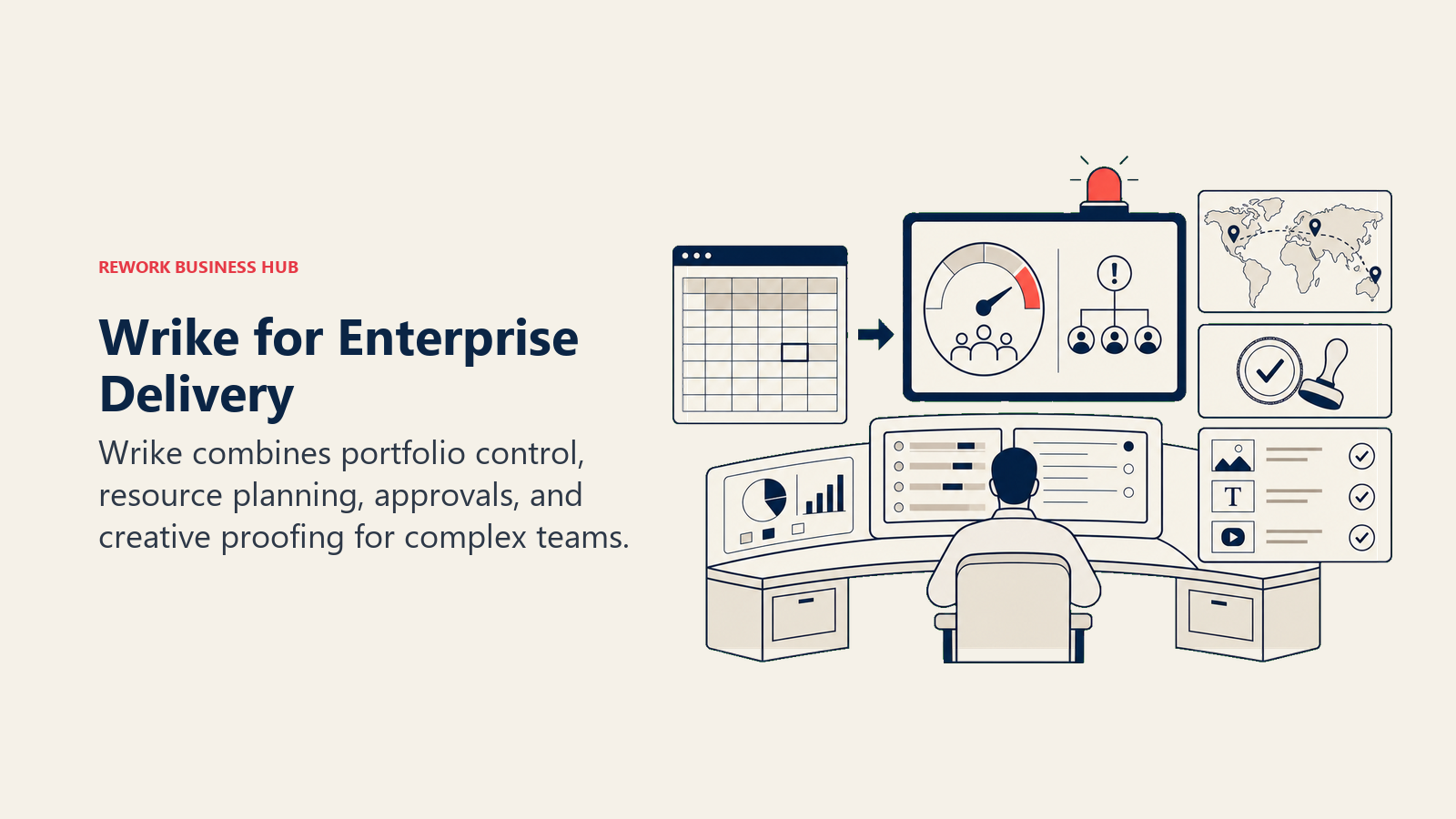
Wrike's methodology is "enterprise work management": giving large organizations a single platform to plan, execute, and report across complex programs. The Gantt chart and resource allocation features are among the best in class for teams managing multiple parallel projects with shared headcount. For marketing agencies and PMOs running 10+ concurrent projects, Wrike's structure fits well.
The trade-off is the same as Smartsheet's: you're getting depth, not simplicity. Wrike's interface can be genuinely intimidating for teams adopting it without dedicated admin support. Pricing also climbs fast. The best Wrike alternatives guide covers which teams are best served by moving away from this tier of product entirely.
| What you get | What you don't |
|---|---|
| Gantt, workload, and resource management | Approachable UI for non-PM-trained users |
| Proofing and approval workflows for creative | CRM or lead pipeline features |
| Time tracking and budget management | Quick setup without configuration work |
| Cross-project portfolio views and dashboards | Transparent enterprise pricing |
Pricing: Free (limited), Team at $9.80/seat/mo, Business at $24.80, Enterprise on request.
Best for: PMOs and enterprise teams running multiple complex programs who need resource management and structured approval workflows. Not ideal for: Small or mid-size ops teams that need agility. Wrike's depth is also its setup cost.
5. Airtable: Database-First Flexible Work Management
Airtable fills a gap that neither Smartsheet nor traditional PM tools cover: it's a relational database you can actually use without a database degree. Each table is a spreadsheet, but fields can link to other tables, trigger automations, and serve as the data backbone for apps and forms you build on top.
Airtable's methodology is "structured data + flexible views": give teams the relational data model that was previously only possible in custom software, with a low-code interface for building ops apps. For teams that build custom workflows (inventory tracking, vendor management, content ops, product roadmaps), Airtable's flexibility beats Smartsheet's grid.
The catch: at scale, Airtable gets expensive fast. The Team plan at $20/seat/month can surprise growing teams. And while it's powerful, that power requires a systems-minded person to design the base. It doesn't ship with the ops workflow templates a traditional PM tool would provide.
| What you get | What you don't |
|---|---|
| Relational data model without SQL | Pre-built process templates or workflow enforcement |
| 30+ field types, views (Gallery, Kanban, Calendar, Grid) | Affordable pricing for large teams |
| Automation builder + Interface Designer for custom apps | Native CRM or lead pipeline |
| API access and strong integration ecosystem | Out-of-the-box PM structure |
Pricing: Free (limited), Team at $20/seat/mo, Business at $45, Enterprise on request.
Best for: Operations and product teams building custom internal tools on a relational data foundation. Not ideal for: Teams that want a tool to hand them a workflow, not build one.
6. Microsoft Project / Planner: Enterprise PM Inside M365
If your organization already runs on Microsoft 365, Project and Planner deserve serious consideration. Not because they're the best standalone tools, but because the integration cost drops to near zero. Planner (now part of the Microsoft 365 suite via the "new Planner" that combines old Planner and To Do) handles lightweight kanban-style task management. Project handles complex scheduling, critical path analysis, and resource management at an enterprise scale that few tools match.
Microsoft's methodology is "enterprise project management for organizations already standardized on Microsoft." Teams using Teams, SharePoint, Power Automate, and Azure Active Directory get genuine workflow integration that third-party tools can't replicate through connectors alone.
The limitations show outside that ecosystem. Microsoft Project's interface hasn't caught up visually to its cloud-native competitors. Planner is adequate but not powerful for complex ops. And if your team isn't already in the Microsoft universe, the setup cost and licensing complexity can negate the value.
| What you get | What you don't |
|---|---|
| Deep Gantt, critical path, and resource management (Project) | Clean, modern UI that non-technical users enjoy |
| Tight integration with M365, Teams, SharePoint | Strong cross-team automation outside Microsoft tools |
| Familiar Microsoft interface for enterprise users | Feature parity with standalone PM tools at every level |
| Power Automate integration for custom workflows | Quick adoption by users unfamiliar with Microsoft ecosystem |
Pricing: Planner included in most M365 plans. Project Plan 1 at $10/seat/mo, Plan 3 at $30, Plan 5 at $55.
Best for: Enterprise organizations already standardized on Microsoft 365 who want project management without adding another vendor. Not ideal for: Teams outside the Microsoft ecosystem, or companies that want a modern, intuitive UI.
7. ClickUp: The Everything-App for Ops and Dev Teams
ClickUp has aggressively positioned itself as the tool that replaces every other tool: tasks, docs, chat, goals, whiteboards, dashboards, time tracking, and mind maps all inside one product. Teams evaluating ClickUp for cross-functional ops should also review the Jira alternatives guide, which covers how engineering-adjacent teams weigh ClickUp versus more opinionated ops platforms. The breadth is real. For a team that wants to consolidate its tool stack and doesn't mind the setup investment, ClickUp's feature density is unmatched at its price point.
ClickUp's methodology is "one app to replace them all," which appeals to ops leads who are tired of managing integrations. The Spaces/Folders/Lists hierarchy is flexible enough to mirror almost any org structure. Custom fields, custom views, and custom statuses make it adaptable to widely varying workflows across departments.
The challenge is the same one that comes with any everything-app: the learning curve is steep, and the UX can feel cluttered when you have that many options. Teams that want a tool to enforce process rather than model it often find ClickUp requires more admin overhead to maintain the structure they built.
| What you get | What you don't |
|---|---|
| Broadest feature set of any tool on this list | Simple, focused UI |
| Multiple view types: List, Board, Gantt, Calendar, Mind Map | Native CRM with pipeline management |
| Built-in Docs, Goals, and time tracking | Quick adoption for non-technical users |
| Generous free tier, affordable paid plans | A tool that enforces process (you still have to build that) |
Pricing: Free (limited), Unlimited at $7/seat/mo, Business at $12, Enterprise on request.
Best for: Tech-savvy ops or engineering-adjacent teams that want breadth and don't mind configuring everything from scratch. Not ideal for: Teams that want process enforcement out of the box, or users who get overwhelmed by complex interfaces.
8. Notion: Docs + Databases for Teams That Think in Writing
Notion is the go-to tool for teams that organize their work through documentation rather than task assignment. The wiki-plus-database model (where a page can contain a table, a kanban board, a calendar view, or a gallery) gives knowledge workers a flexible home for both reference content and light project tracking.
Notion's methodology is "the doc is the workflow": meeting notes link to project tables, which link to task databases, which pull into team dashboards. For product teams, design teams, and cross-functional groups where knowledge sharing is central to how work gets done, this model clicks.
Where Notion falls short for ops teams: it's a documentation platform that can approximate project management, not a project management platform that ships process. If you need automation, SLA tracking, or recurring operational workflows, you'll hit the ceiling quickly. The best Notion alternatives guide covers the full replacement landscape if you're evaluating a complete Notion exit.
| What you get | What you don't |
|---|---|
| Flexible docs-as-database model | Process automation or workflow enforcement |
| Wiki, meeting notes, roadmaps, and task tracking in one | Native time tracking or resource management |
| Clean, modern interface that teams actually enjoy using | Strong reporting and dashboards |
| Notion AI for writing assistance and summaries | A tool built for ops execution (vs. knowledge management) |
Pricing: Free (limited), Plus at $10/seat/mo, Business at $15, Enterprise on request.
Best for: Product, design, and content teams that prioritize documentation and knowledge sharing alongside lightweight task tracking. Not ideal for: Ops teams that need workflow automation, SLA enforcement, or structured recurring process management.
9. Basecamp: Simple Project Management Without the Complexity Tax
Basecamp made its name by doing less on purpose. No Gantt charts. No resource management. No custom fields. What you get instead: a set of simple, named tools (message boards, to-do lists, file storage, group chats, check-ins) packaged in a deliberately calm interface. And a pricing model that charged a flat company rate rather than per seat, though the current version does charge per user.
Basecamp's methodology is "calm software": reduce the noise, create clarity, get out of your team's way. For small agencies, consultancies, and service businesses running straightforward client projects, that philosophy translates into real productivity gains. Teams spend less time in the tool and more time doing the work.
But if you need more than a shared to-do list and message board, Basecamp will frustrate you. There's no built-in time tracking, no resource management, no workflow automation, and no reporting beyond task completion. It's a tool that stays out of your way partly because it can't get in it.
| What you get | What you don't |
|---|---|
| Deliberately simple, low-noise interface | Gantt charts or timeline planning |
| Flat-rate pricing option ($299/mo for unlimited users) | Resource management or workload views |
| Client-facing project spaces | Workflow automation or approval flows |
| Group messaging + message boards built in | Integration depth with enterprise tools |
Pricing: Per-user plan at $15/user/mo. Flat-rate Basecamp Pro Unlimited at $299/mo.
Best for: Small agencies and service businesses running straightforward client-facing projects that want simplicity over features. Not ideal for: Growing ops teams that need workflow automation, reporting, or cross-team process management.
10. Teamwork: Agency and Services PM with Client Billing
Teamwork is one of the few tools on this list built explicitly for agency-style project management: billable time tracking, client permissions, retainer management, and project budgets are first-class features, not add-ons. For a digital agency or consultancy managing 10-50 concurrent client projects, Teamwork's feature set is close to perfect.
Teamwork's methodology is "client delivery operations": the tool assumes you bill by the hour, report to clients, and need to track profitability at the project level. The time tracking is tight, the invoicing integration is real, and the client portal gives clients visibility without giving them access to internal conversations.
Outside of agency-style work, Teamwork feels constrained. Internal ops teams that don't bill clients won't use half its best features. The best Teamwork alternatives guide covers what to evaluate when you've outgrown its agency-first model.
| What you get | What you don't |
|---|---|
| Billable time tracking and budget management | Strong internal ops workflow automation |
| Client portal and permissions | Native CRM in the core product |
| Retainer and invoice management | A fast, modern UI for non-client work |
| Project profitability reporting | Competitive pricing at the upper tiers |
Pricing: Free (limited), Starter at $5.99/seat/mo, Deliver at $9.99, Grow at $17.99, Scale on request.
Best for: Digital agencies, consultancies, and professional services teams managing billable client projects. Not ideal for: Internal ops teams with no client billing component. The core value proposition won't apply.
11. Process Street: Checklist-Based Workflow Automation
Process Street sits in a category of its own: it's not a project management tool or a team communication platform. It's specifically designed for recurring operational workflows: SOPs, onboarding checklists, compliance procedures, and approval chains that need to run consistently every time, not just once.
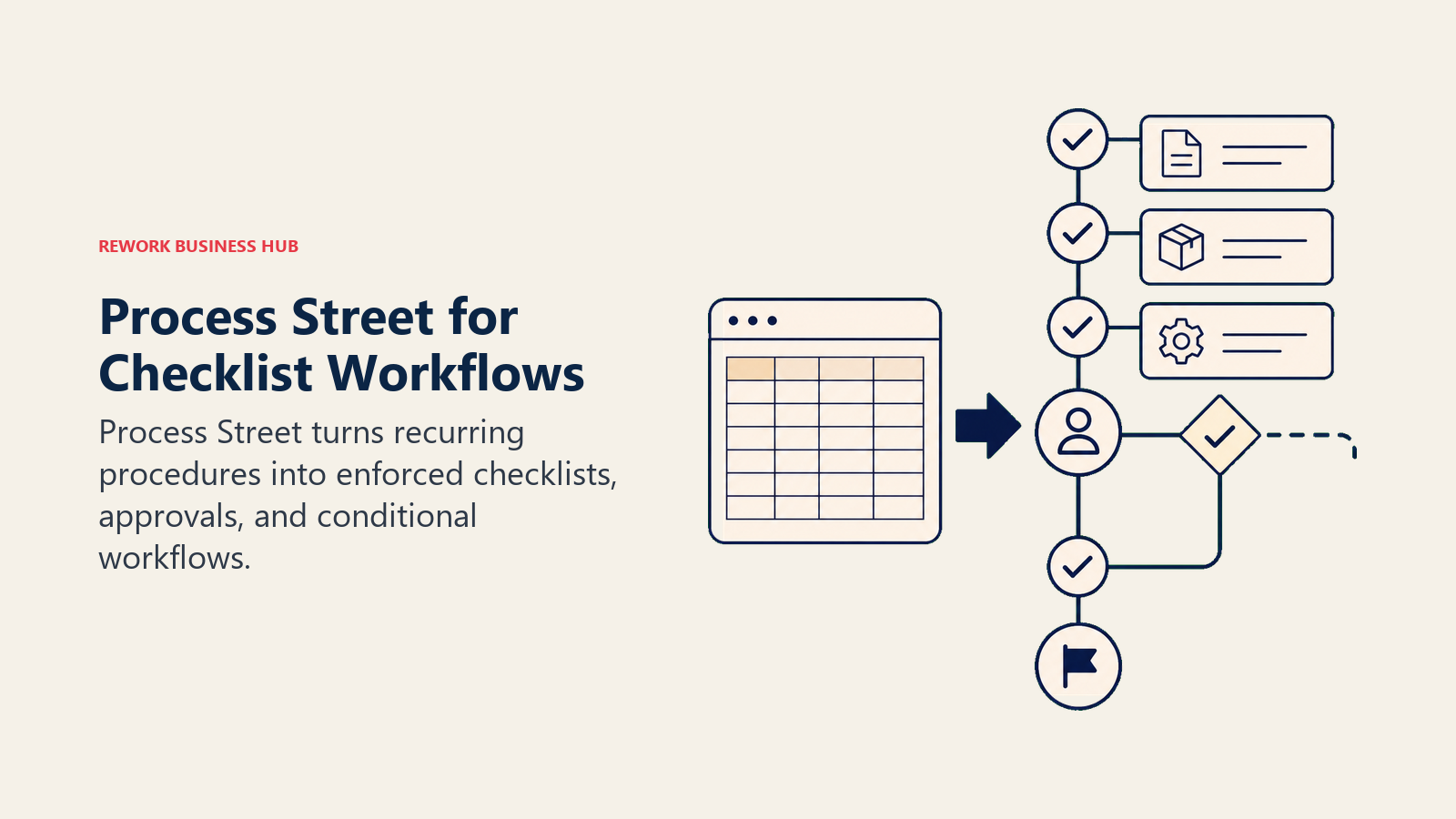
Process Street's methodology is "structured process management": every recurring operation is a template that gets triggered, assigned, and tracked. Each step can have conditional logic, approvals, form fields, and integrations. For an operations team that runs the same 20-step employee onboarding workflow every week, Process Street makes that workflow auditable and consistent in a way that task boards simply can't.
The limitation is the tool's narrow scope. It works best for linear, repeatable processes with clear step sequences. It's not designed to manage projects, track portfolios, or replace a PM tool for creative or knowledge work. Use it alongside a broader work management tool, not instead of one.
| What you get | What you don't |
|---|---|
| Structured, template-driven recurring workflows | Project management or portfolio visibility |
| Conditional logic, approvals, and form fields per step | Flexible creative or non-linear work tracking |
| Audit trail for compliance and process adherence | Native CRM or customer-facing features |
| Integration with Zapier, Slack, Salesforce, and more | Affordable pricing for teams needing 50+ active workflows |
Pricing: Startup at $25/mo (5 members), Pro at $100/mo (15 members), Enterprise on request.
Best for: Operations teams running compliance, onboarding, or repeatable approval-chain workflows where every step must be completed consistently. Not ideal for: Teams that need broad project management. Process Street is a complement to a PM tool, not a replacement.
Why Teams Leave Smartsheet
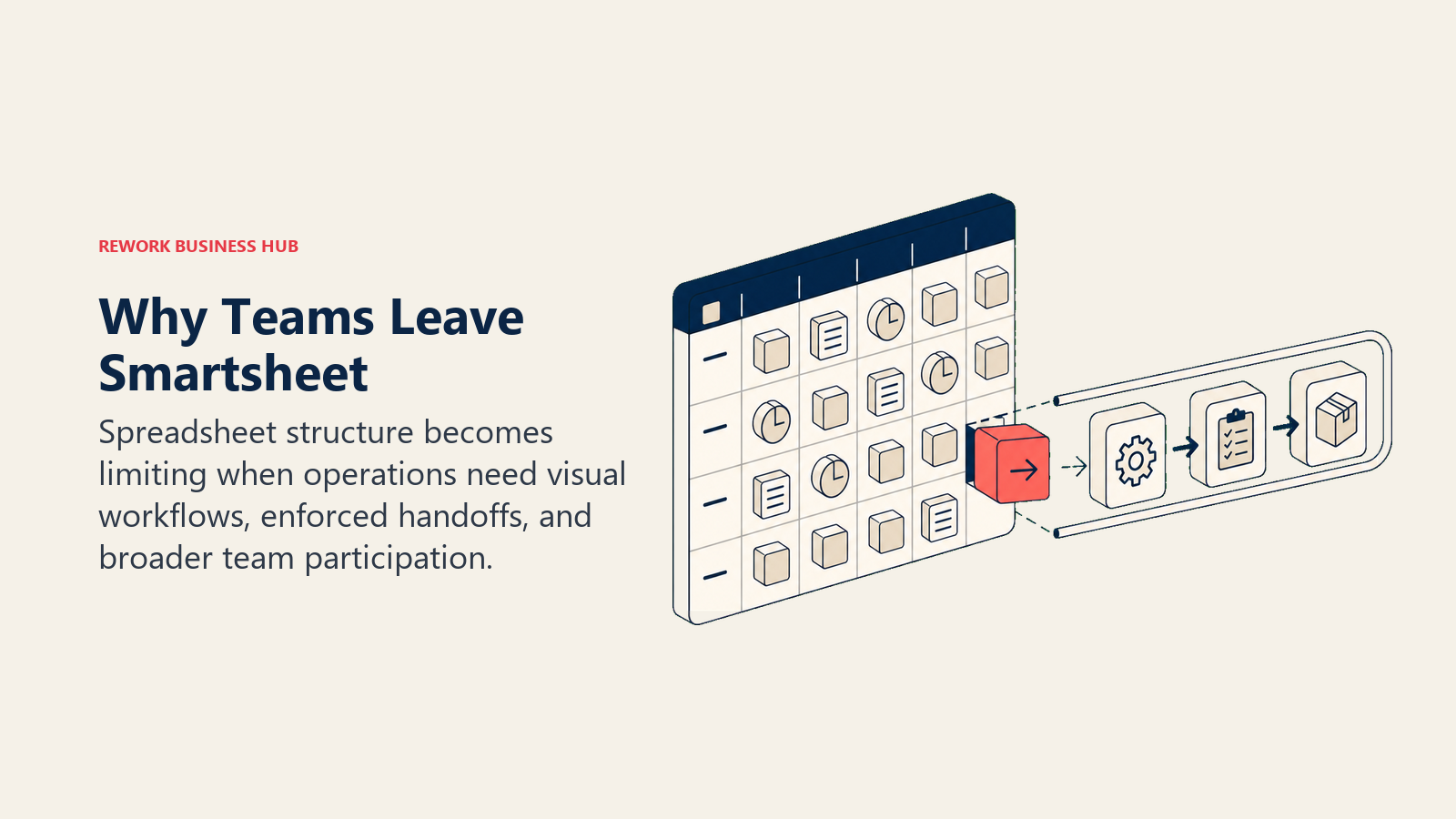
Before choosing an alternative, it's worth being precise about what isn't working. Smartsheet has genuine strengths, and the right replacement depends on which specific friction you're trying to solve. G2 data on Smartsheet reviews consistently surfaces the same five or six complaints from teams making the switch.
| Pain Point | What It Means | Better Fit |
|---|---|---|
| "It's basically Excel with sharing" | Spreadsheet UI limits non-spreadsheet work (boards, forms, automations) | Monday.com, ClickUp, Asana |
| "Resource Management is too expensive" | Smartsheet's RM is a paid add-on adding $25+/seat/mo | Wrike, Microsoft Project |
| "Control Center requires a dedicated admin" | Automation at portfolio scale needs a Smartsheet expert | Asana, Wrike |
| "It's not ops-friendly, it's PMO-friendly" | Built for project managers, not cross-functional ops teams | Rework, ClickUp |
| "We also need CRM: it's a separate tool" | No native lead management or sales pipeline | Rework |
| "Pricing jumped when we scaled past 50 seats" | Per-seat pricing + add-ons creates a large gap at growth stage | Monday.com, ClickUp |
| "Teams won't adopt it: too many formulas" | Steep learning curve for non-Excel users | Notion, Asana, Basecamp |
How to Choose: Decision Framework
| If you need this... | Pick this |
|---|---|
| Visual project management with broad integrations | Monday.com |
| Cross-team ops workflows + CRM in one product | Rework |
| Goals alignment from task to company objective | Asana |
| Enterprise-grade resource management (like Smartsheet RM) | Wrike |
| Relational data model + custom ops apps | Airtable |
| PM depth inside an existing Microsoft 365 environment | Microsoft Project / Planner |
| Broadest feature set at the lowest per-seat cost | ClickUp |
| Documentation-first light project tracking | Notion |
| Simple agency/client project management | Teamwork |
| Flat-rate simple projects with no feature noise | Basecamp |
| Recurring SOPs, onboarding, and compliance checklists | Process Street |
One more frame: team scope
| If your team is... | Avoid Smartsheet because... | Consider instead... |
|---|---|---|
| Cross-functional: sales + ops + marketing | Smartsheet has no CRM and requires PMO architecture | Rework, ClickUp |
| A pure PMO managing portfolio programs | Smartsheet is actually strong here | Wrike, Microsoft Project |
| A small agency or consultancy | Smartsheet is overkill for simple client projects | Basecamp, Teamwork |
| A growth-stage startup | Pricing and setup complexity are disproportionate | Asana, Monday.com, Notion |
| A data-driven ops team building custom tools | Grid interface limits relational data modeling | Airtable |
What to Do Next
Run a 2-week pilot with your top two picks using a real workflow your team runs every week, not a test project. Set up the same process in both tools (an onboarding flow, a sales handoff, or a client delivery checklist), and track three things: how long it took to configure, whether your team adopted it without prompting, and whether the process ran end-to-end without someone manually checking on it. The tool that passes all three is your answer.
Also worth reading before you switch: the true cost of software sprawl. Smartsheet's add-on model is a common culprit in tool bloat. And if async-first workflows are part of how your team works, that framing changes which features actually matter in the replacement tool.
Pricing data current as of early 2026. Check each vendor's pricing page before making a purchase decision. G2 ratings referenced reflect early 2026 aggregate data.

Customer Success Operations Manager
On this page
- Quick Comparison Table
- Stage Fit Matrix
- Sizing and Persona Table
- 1. Monday.com: Visual Boards + Automation at Scale
- 2. Rework: Dedicated Ops Workflows + CRM in One Product
- 3. Asana: Project Management + Goals Alignment
- 4. Wrike: Enterprise PM + Resource Management
- 5. Airtable: Database-First Flexible Work Management
- 6. Microsoft Project / Planner: Enterprise PM Inside M365
- 7. ClickUp: The Everything-App for Ops and Dev Teams
- 8. Notion: Docs + Databases for Teams That Think in Writing
- 9. Basecamp: Simple Project Management Without the Complexity Tax
- 10. Teamwork: Agency and Services PM with Client Billing
- 11. Process Street: Checklist-Based Workflow Automation
- Why Teams Leave Smartsheet
- How to Choose: Decision Framework
- One more frame: team scope
- What to Do Next