More in
AI at Work News
OpenAI Opened ChatGPT Advertising to Small Businesses at Any Budget
Jun 6, 2026
AI Is Everywhere at Work. Only 1 in 10 Say It Transformed the Job
Jun 6, 2026
Vibe Coding's $10.5B Moment: AI Now Starts Most New Software Builds
Jun 6, 2026
AI Agents Now Have More System Access Than Your Employees. Few Are Secured
Jun 5, 2026
Should You Build Your AI or Buy It? Watch What the Giants Bought.
Jun 5, 2026
Uber Caps Employee AI Spending at $1,500 Per Seat After a Budget Blowout
Jun 5, 2026
Trump's AI Executive Order Is Deregulatory. Your Compliance Risk Didn't Move
Jun 4, 2026
AI Pushed 220 Unicorns Below $1B. Pre-ChatGPT Companies Face a Reckoning
Jun 4, 2026
Token Prices Fell 67% This Year. Your AI Bill Is Going Up Anyway
Jun 3, 2026
Small Businesses Using AI Report Higher Revenue and Shorter Workdays
Jun 3, 2026
GPT-5.4 Can Use a Computer Autonomously: What That Means for Enterprise Automation
Turn this article into takeaways for your work.


Each assistant summarizes the article only for you and suggests best practices for your work.
Most enterprise automation discussions in the past two years have run into the same wall: AI models could understand instructions, but they couldn't actually operate the systems those instructions referred to. You could ask a model to update a record in your ERP, and it would tell you exactly how to do it. But it couldn't do it for you.
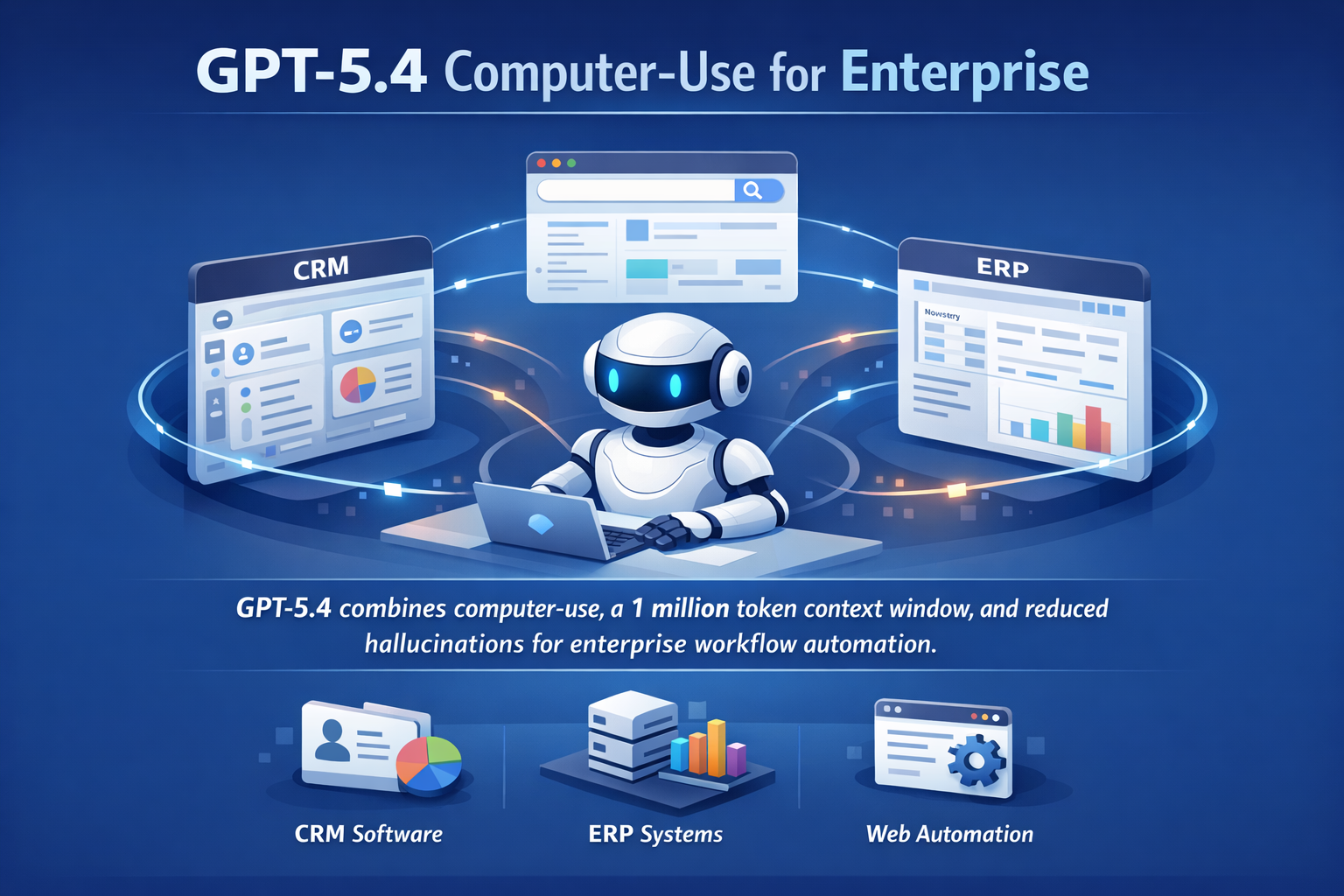
GPT-5.4, released March 5, 2026 and detailed by TechCrunch, removes that constraint. The model can autonomously navigate desktop applications, browse the web, and operate software without human input at each step. Combined with a 1 million token context window and a measurably lower hallucination rate (per-claim errors are 33% less frequent compared to GPT-5.2, full response errors 18% less frequent) this is a capability profile that opens use cases that were genuinely impractical before.
For CTOs evaluating their automation roadmap, GPT-5.4 is worth a serious assessment. But the right response isn't to immediately expand agent deployments. It's to ask a structured set of questions about where this model changes the calculus in your specific environment.
What "Computer-Use" Means in Practice
The phrase "computer-use capability" can sound abstract. In concrete enterprise terms, it means an AI agent can do the following without a human clicking through screens:
Navigate a legacy application that doesn't have a REST API, fill out fields, and submit forms. Extract information from a website or internal tool by actually browsing to it and reading the page, rather than relying on a pre-built integration. Move data between systems by operating them directly: opening the source, copying the value, opening the destination, entering the data. Run multi-step workflows inside a desktop application by identifying UI elements, clicking them, entering inputs, and responding to what appears on screen.
For enterprise environments where a significant portion of operational work still happens in legacy systems with poor or nonexistent API coverage, this is meaningful. The integration approach that previously required expensive custom connectors or robotic process automation (RPA) tooling now has a model-native alternative. If your team has been evaluating AI integration with existing systems as part of a broader AI rollout, computer-use capability changes the feasibility calculation for legacy system coverage.
But "can do this" and "should do this in production" are different questions. The computer-use capability is new, and real-world enterprise deployments will encounter edge cases that early testing doesn't surface. The governance and monitoring questions are not fully settled yet.
The Context Window and What It Enables
A 1 million token context window is the largest OpenAI has offered via API. To put that in practical terms: it's sufficient to hold an entire enterprise contract document set, a full quarter of CRM activity logs, a large codebase, or an extended multi-session conversation history within a single model call.
The workflows this unlocks are ones where the relevant information is distributed across a large document or dataset, and the previous solution was chunking: breaking the input into pieces, processing each separately, and reconciling the outputs. Chunking introduces errors at the seams: information that spans chunk boundaries can be missed, contradictions across chunks can be invisible to the model, and the reconciliation logic adds engineering complexity.
Full-document analysis (compliance review across a complete contract, security audit of a complete codebase, synthesis across a full set of customer support transcripts) becomes architecturally simpler when you don't need to chunk. Whether the latency and cost profile of 1M token calls is acceptable for your use case is a separate evaluation, but the capability removes an architectural constraint that was affecting design decisions.
Hallucination Improvements and Why They Matter for Production Deployments
A 33% reduction in per-claim errors is not a minor tuning improvement. It's the difference between an AI output that requires careful line-by-line review and one that can be reviewed at a summary level with spot-checks.
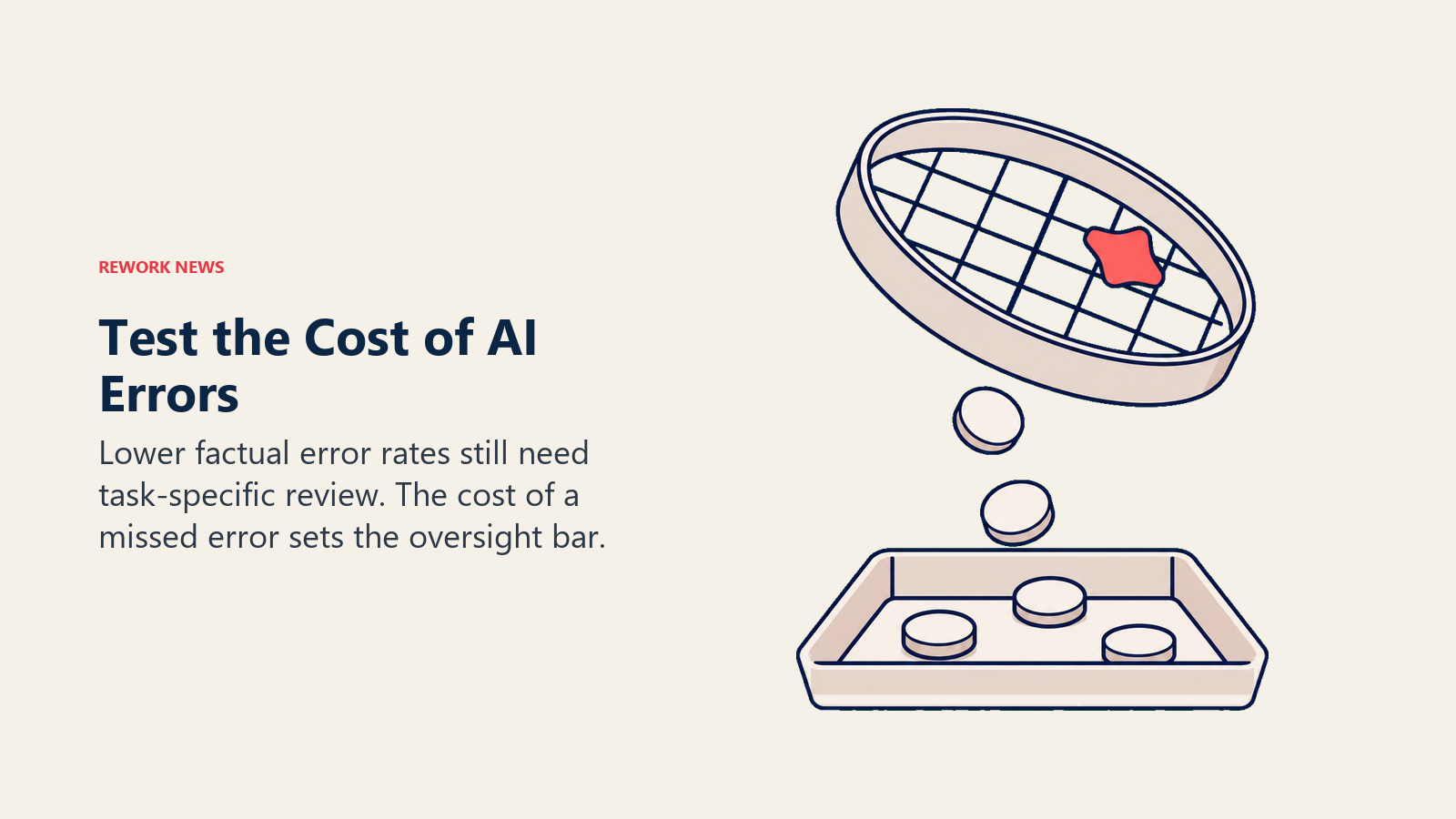
But CTOs evaluating this for production workflows should be precise about what the improvement covers. It's a reduction in factual errors: statements the model makes about the world that turn out to be false. It does not eliminate hallucination. And it doesn't address errors that stem from ambiguous instructions, poor data quality in the input, or tasks where the model is confidently wrong in a way that's hard to detect without domain knowledge.
For production workflows, the practical test is whether the accuracy level is sufficient for the specific task at the intended review intensity. An agent that processes 500 records per day and makes factual errors on 5% of them (down from 7.5%) may still require human review on every record if the cost of an undetected error is high. The improvement matters, but the question to answer is whether it crosses the threshold for your specific use case.
Three workflow categories where the accuracy improvement has the most practical impact:
Reporting and analytics generation. AI-generated summaries and analyses that feed executive decision-making benefit most from accuracy improvements. The hallucination improvement makes the case for human-in-the-loop review (rather than human generation from scratch) more viable. This is the same threshold question CROs are asking about sales workflows: the GPT-5.4 sales impact analysis covers the revenue operations angle in detail.
Document processing at scale. Classification, extraction, and summarization tasks applied to large document sets improve in reliability. The risk of a hallucinated extraction (a model inventing a value that doesn't appear in the source document) decreases.
Agent chains and multi-step workflows. In agentic pipelines where outputs from one step become inputs to the next, hallucinations compound. A 33% reduction in per-step error rate meaningfully reduces the compounding error problem in longer chains.
A Decision Framework for CTOs
When evaluating whether to incorporate GPT-5.4 into production workflows, five questions give structure to the assessment.
What is the cost of an undetected error in this workflow? This is the first filter. Workflows where an error causes recoverable, visible problems (a wrong field value that gets caught in review) are different from workflows where errors propagate silently into decisions or external communications. Start with the former.
Does this workflow require operating systems we haven't been able to integrate? Computer-use capability is most valuable where API coverage is low. If the workflow already has clean integration paths, the computer-use capability adds little. Identify the specific legacy systems or poorly-connected tools where browser/desktop navigation would unlock something new.
How large is the relevant context, and are we currently chunking to handle it? If your current architecture involves chunking large documents and reconciling outputs, 1M token context is worth evaluating specifically for those cases. Measure the engineering overhead of your current chunking approach and weigh it against the alternative.
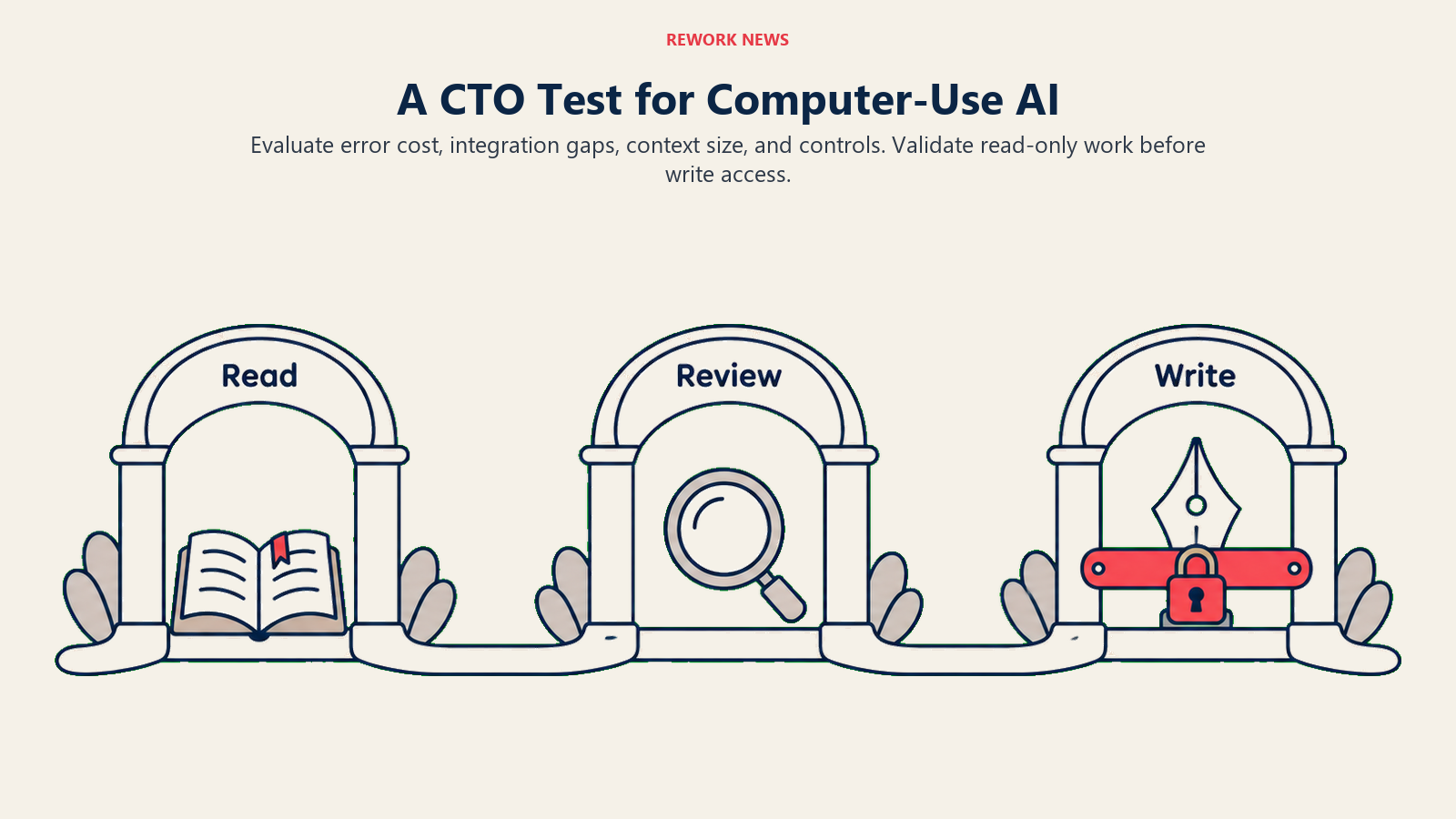
What's our current monitoring and governance posture for agentic workflows? Before deploying an agent that can autonomously operate software, you need logging of every action the agent takes, alerting on anomalous behavior, human review checkpoints at appropriate intervals, and a clear rollback path for undoing agent actions. If that infrastructure isn't in place, build it before you expand deployment. An AI governance framework that covers agentic systems specifically is different from a general AI policy: the write-access scenarios GPT-5.4 enables require a higher governance bar.
Can we start with read-only or draft workflows before write workflows? The lowest-risk entry point for computer-use agents is workflows where the agent observes, extracts, and reports but doesn't write to production systems. Move to write workflows only after you've validated accuracy at the read stage. This sequencing is straightforward to implement and substantially reduces the blast radius of early errors.
Three Use Cases Worth Evaluating Now
Based on the capability profile, three categories of enterprise workflows are worth scoping for near-term testing.
Legacy system data extraction. Systems with poor API coverage but predictable screen layouts (certain ERPs, older CRM platforms, internal tools built before API-first design was standard) are good candidates for computer-use agents that extract, clean, and move data. Start with extraction workflows where a human currently spends repetitive manual time.
Long-document compliance and contract review. Legal and compliance teams that process large volumes of contracts, policies, or regulatory documents benefit from both the context window improvement and the accuracy improvement. The use case is AI-assisted review that flags issues for human attention, not autonomous approval. But the efficiency gain can be significant.
Multi-step internal workflows with fragmented tooling. Workflows that currently require a human to move between several internal tools (copying data, triggering actions, logging results) are good candidates for agent automation where each step is well-defined and the outcome of each step is verifiable.
What to Do This Week
Three evaluation actions are practical to take now.
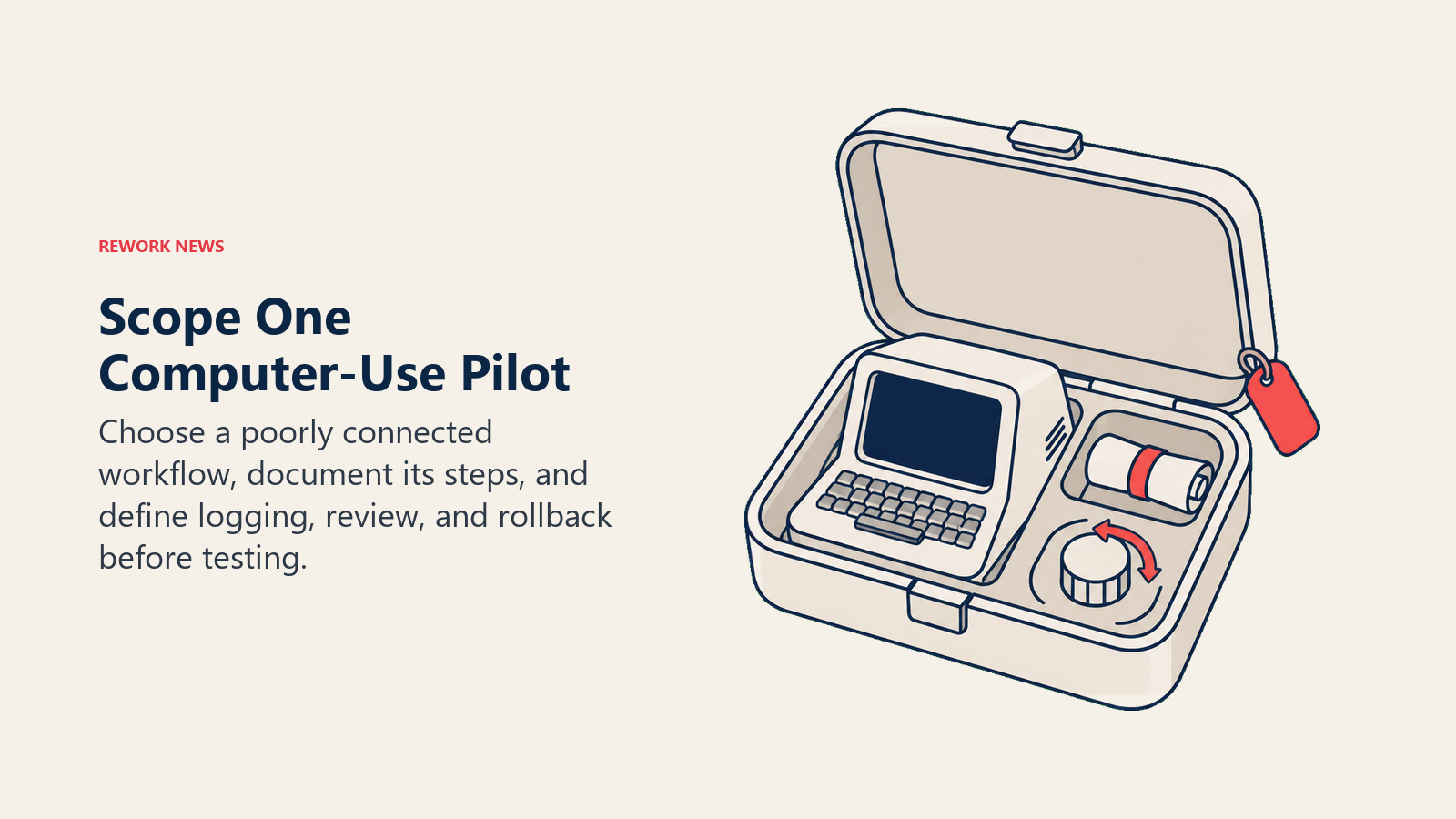
Identify one specific workflow in your environment where the bottleneck is operating a system with poor API coverage. Document the steps a human currently takes, the frequency of the task, and the cost of an error. That's your computer-use pilot candidate.
Pull the engineering documentation on any current workflows where you're chunking large documents to stay within context limits. Assess the complexity of the chunking and reconciliation logic. If it's significant, a 1M token context evaluation is worth scoping.
Review your current agentic deployment governance documentation, or create it if it doesn't exist. Logging, rollback, anomaly alerting, and human review checkpoints should be defined before you extend GPT-5.4 into write workflows, not after.
The capability profile of GPT-5.4 is genuinely different from what came before it. The CTOs who benefit most from it will be the ones who evaluate it against specific, well-scoped use cases, not the ones who deploy it broadly and find out where it fails. And if your organization is also working through the EU AI Act compliance timeline, the governance infrastructure you build for GPT-5.4 agentic deployments is the same infrastructure that satisfies high-risk AI oversight requirements.
Learn More
- AI Agents Are Taking Over Revenue Workflows: The governance checklist before your agents start writing to production systems
- AI Governance Policy for Departments: How to define agent authority envelopes and decision boundaries
- Measuring AI Adoption ROI: Frameworks for evaluating whether agentic workflows are delivering
- The Governance Gap in Enterprise AI: Why oversight is lagging behind deployment and how to close it
