Real Estate CRM Integration: Connecting Your Tech Stack
Turn this article into takeaways for your work.


Each assistant summarizes the article only for you and suggests best practices for your work.
A CRM that doesn't talk to your other tools is just an expensive contact list. Real estate agents typically run half a dozen separate systems: the CRM itself, an IDX website, the MLS, email, an e-signature platform, and often a separate transaction management tool. Without integration, someone has to manually copy data between all of them, which is slow, error-prone, and the first thing to get skipped when things get busy.
Once your CRM is configured, integration is what turns it from a standalone database into the central hub your whole business runs through. This guide walks through which connections matter most and how to sequence building them.
Why Integration Matters More in Real Estate Than Most Industries
Real estate transactions touch an unusually large number of systems compared to a typical sales process. A single deal might involve your CRM, the MLS, a lender's portal, a title company's system, an e-signature platform, and your own email, sometimes all within the same week.
Without integration, every one of those touchpoints requires manual re-entry. A new lead fills out a form on your IDX site, and if that form doesn't connect to your CRM, someone has to notice it, copy the details, and create the contact by hand. By the time that happens, minutes matter, and the lead may have already reached out to someone else.
Integration removes that lag. Data flows automatically, agents spend less time on data entry, and nothing falls through the cracks because a busy afternoon got in the way of manual copying.
MLS and IDX Integration
This is usually the first integration to prioritize because it connects your lead generation directly to your CRM.
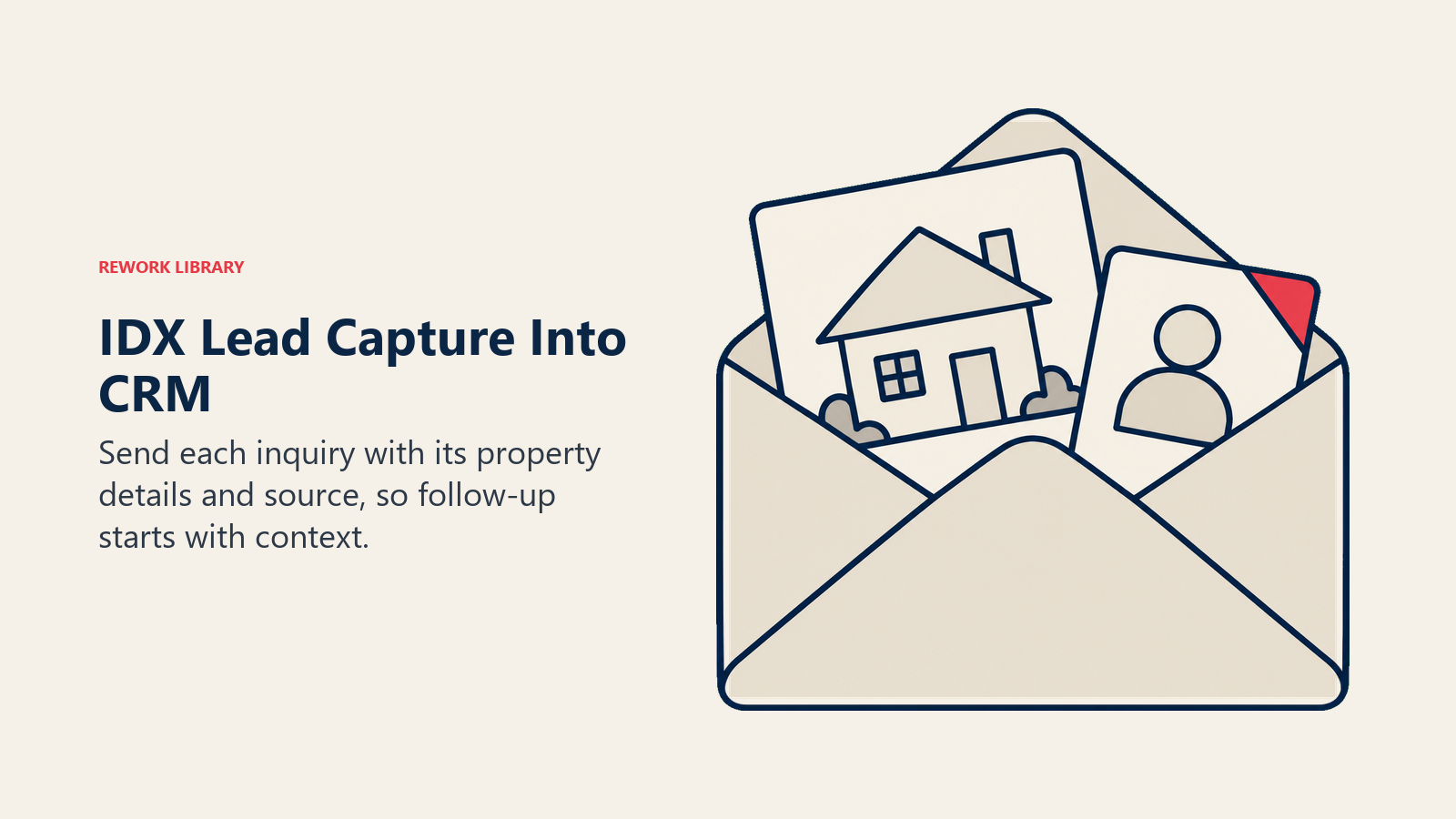
Website form syncing means every inquiry from your IDX website, a saved search signup, a "schedule a showing" request, a valuation request, lands in your CRM automatically as a new lead with the property details attached, not just a name and email you have to chase down for context.
Listing data syncing connects your CRM to current MLS inventory, so when you're working with a buyer, you can reference live listing data without switching to a separate portal. This is a two-way relationship: the MLS feeds your marketing tools, and your CRM captures the leads that come from browsing that inventory.
Saved search alerts should trigger CRM activity logging when a buyer client opens or clicks through a listing alert. That engagement signal tells you who's actively browsing versus who's gone quiet, which matters for prioritizing follow-up.
Email and Calendar Integration
This connection is table stakes, but it's worth confirming it's actually set up correctly rather than assumed.
Two-way email sync logs sent and received messages against the correct contact record automatically. Without this, agents either manually forward important emails into the CRM (which they'll forget to do under pressure) or the CRM misses half the conversation history for a given lead.
Calendar sync keeps appointments, showings, and consultations flowing both directions. Book an appointment in the CRM, and it should appear on your calendar. Book it in your calendar app, and the CRM should log the activity against the right contact.
Email template tracking lets you see when a client opens an email or clicks a link, useful signal for gauging engagement without having to ask directly.
Transaction and Document Management Integration
Once a deal moves past active search into contract, a different set of integrations becomes critical.
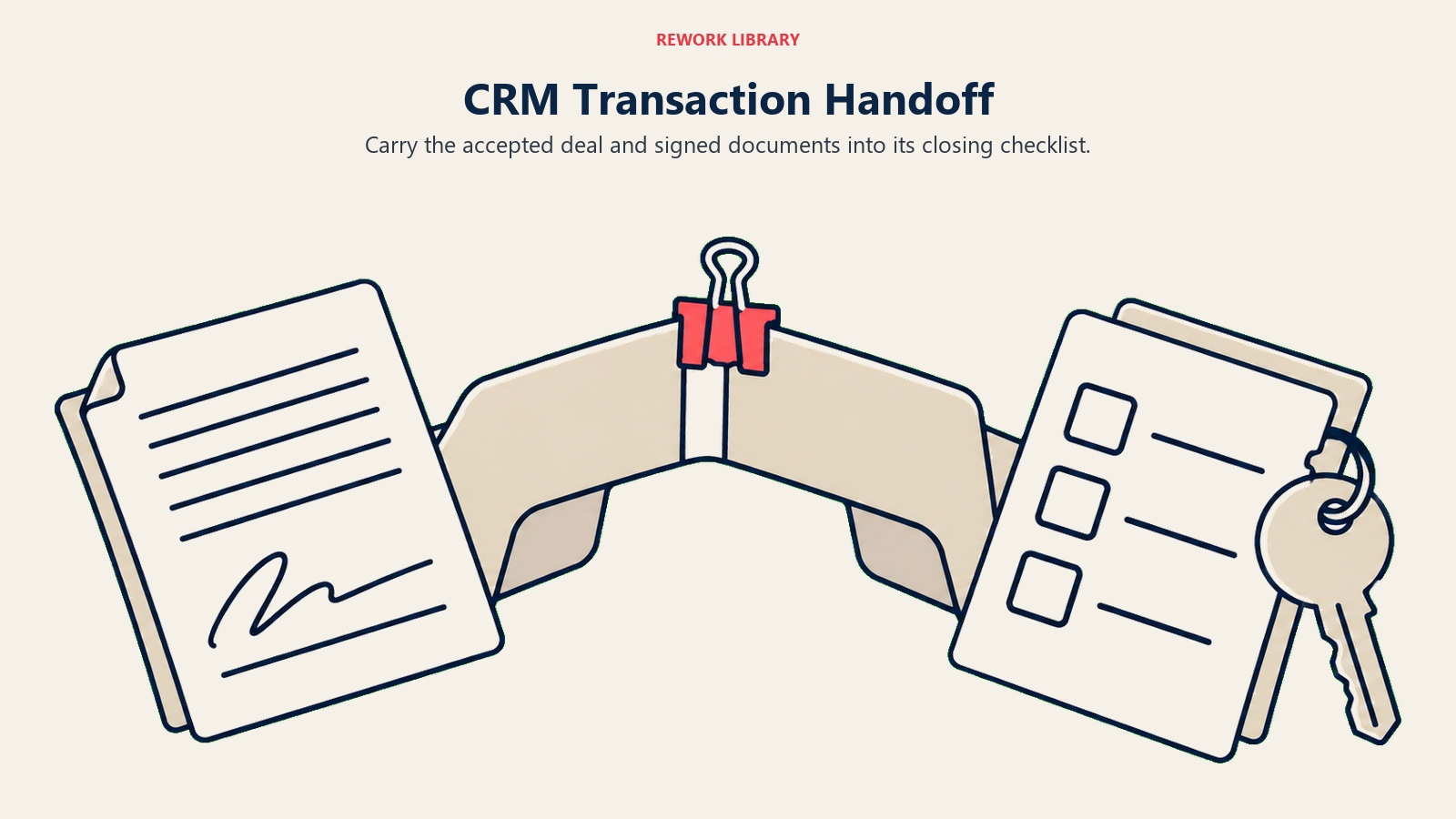
E-signature platforms are now the most widely adopted technology in real estate, used by 79% of agents according to NAR's 2025 survey. Connecting your e-signature tool to your CRM means signed documents attach automatically to the right transaction record instead of living in a separate inbox you have to cross-reference.
Transaction management platforms handle the document and deadline tracking that a CRM typically isn't built for. Integrating the two means a deal moving to "under contract" in your CRM can automatically kick off the checklist in your transaction coordination process without anyone manually re-creating that deal in a second system.
Title and escrow coordination benefits from integration too. When your CRM can pass transaction details directly to your title and escrow workflow, you avoid re-entering closing dates, purchase prices, and party details that already exist elsewhere in your system.
Marketing and Communication Tool Integration
Your CRM should be the source of truth that feeds your outbound marketing, not a separate silo your marketing tools ignore.
Email marketing platforms need a live connection to your CRM's contact list and segmentation so campaigns reach the right audience without manual list exports. When a contact's status changes, active buyer to closed client, their marketing segment should update automatically.
Drip campaign automation works best when it's triggered directly by CRM stage changes. A lead entering "new lead" status should automatically enter your nurture sequence without a human having to manually add them.
SMS and texting platforms should log conversations back into the CRM the same way email does, so a client's full communication history lives in one place regardless of which channel they used to reach you.
Social media lead capture from platforms where you run Facebook and Instagram ads should flow directly into your CRM as new leads with the ad campaign attached as the source, so you can measure real cost per lead by campaign.
How to Prioritize Your Integration Roadmap
You don't need to connect everything on day one. Sequence integrations by impact:
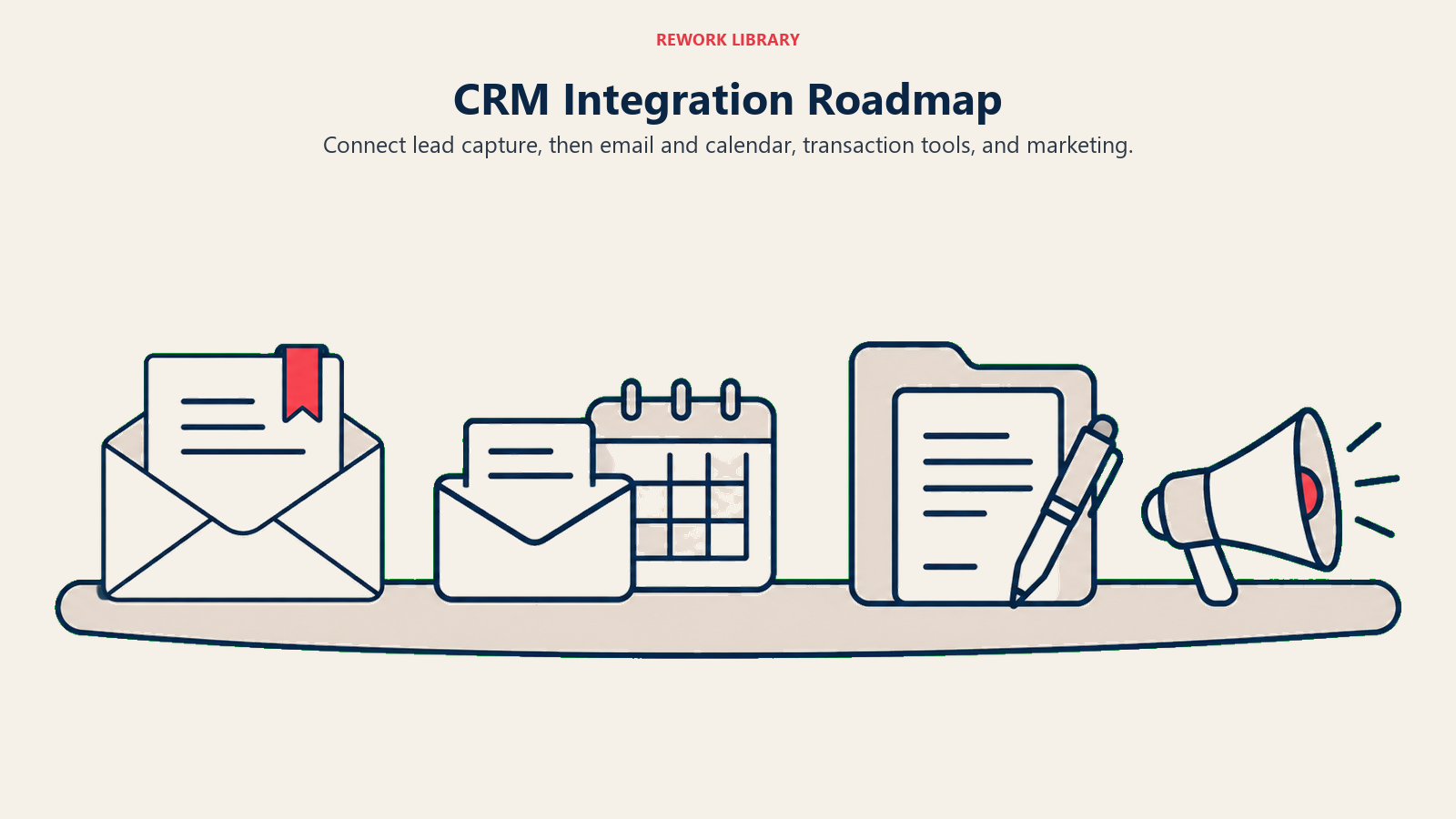
- Lead capture sources first: your IDX website, social ad platforms, and any lead portals. These directly affect how fast you respond to new business.
- Email and calendar next: this is the daily-use connection that saves the most manual effort across your entire team.
- Transaction tools third: e-signature and transaction management, once you have a steady flow of deals moving through the pipeline.
- Marketing automation last: drip campaigns and segmented email, once your core data is flowing cleanly and your lead scoring is reliable enough to trust automated triggers.
Trying to wire up every integration simultaneously usually means none of them get tested properly. Build one connection, confirm it works with real data, then move to the next.
Common Integration Pitfalls
Assuming "integration" means the same thing across platforms. Some integrations are native and fully automatic. Others require a third-party connector tool and only sync one direction. Read the actual documentation before assuming data flows both ways.
Not testing with real scenarios. Submit an actual test lead through your website form and confirm it appears correctly in the CRM with the right source attribution before trusting the connection with live leads.
Ignoring what happens when an integration breaks. Integrations occasionally fail silently, an API key expires, a platform changes its data format. Build in a periodic check (monthly is reasonable) to confirm your key integrations are still passing data correctly.
Over-connecting before you need to. Every integration is one more thing that can break and one more place data has to be reconciled if something goes wrong. Connect what you'll actually use, not every tool your CRM's marketplace supports.
A well-integrated CRM means your team spends time talking to clients instead of copying data between systems. That's the entire point of the technology investment, get it connected properly and it pays for itself in reclaimed hours every week. It also compounds: 21% of agents already use a CRM with AI-powered insights, and those tools only get smarter with a fuller, cleanly integrated data set to learn from.
Related Resources
- Real Estate CRM Setup - Configure your CRM before connecting it to other tools
- CRM Implementation - The full rollout plan, including where integration fits in the timeline
- IDX Website Optimization - Optimize the lead capture source your CRM integration depends on
- Transaction Coordination Process - See how integrated data flows through your closing workflow
- Drip Campaign Strategy - Build the automation that a connected CRM can trigger automatically
Frequently Asked Questions about Real Estate CRM Integration
Which CRM integration should a real estate team set up first?
Lead capture sources, your IDX website and any ad platforms you run. These integrations directly affect how quickly you respond to new leads, which has the biggest impact on conversion of any single factor.
Does MLS integration work both directions with a CRM?
It depends on the platform. Listing data typically flows one direction, from the MLS into your marketing tools and CRM, while lead activity like saved search clicks can flow back into the CRM as engagement signals. Check your specific platform's documentation since implementations vary.
How do I know if a CRM integration is actually working?
Test it with a real scenario. Submit an actual lead through the connected form or send a real test email, then confirm it appears correctly in the CRM with the right details and source attribution before trusting it with live leads.
What happens if a CRM integration breaks?
Most integrations fail silently rather than sending an alert, an expired API key or a changed data format can quietly stop the connection. Build in a periodic check, monthly is reasonable, to confirm your key integrations are still passing data correctly.
Should we connect every tool our CRM supports?
No. Connect what you'll actually use regularly. Every additional integration is one more point of failure and one more thing to maintain. Prioritize lead capture, email, and transaction tools before adding less-critical connections.

Sales Director