作業分解構成図(WBS):定義と実例
Turn this article into takeaways for your work.


Each assistant summarizes the article only for you and suggests best practices for your work.
ほとんどのプロジェクトが失敗するのは、チームのスキルが不足しているからではありません。スコープが、担当者が実際に責任を持てる単位まで明確に分解されていなかったからです。作業分解構成図(WBS)はこの問題を解決します。プロジェクト全体を成果物の階層に分解し、各ワークパッケージに明確な担当者・見積もり・完了の定義を与えます。
このガイドでは、WBSとは何か、機能させるためのルール、使用できる3つの形式、そして複数の業界にわたる実例を交えたゼロからの作成方法を解説します。
作業分解構成図とは何か
作業分解構成図は、プロジェクトのスコープの全体を、より小さく管理しやすい単位に分解した階層型の成果物指向の構成図です。階層の各レベルは、現実的に見積もり・割り当てが可能な最小単位まで、プロジェクトのアウトプットをより詳細に定義したものです。
WBSは1962年、米国国防総省がポラリスやアポロのような防衛プログラムの複雑さを管理するためにMIL-STD-881を通じて正式化しました。その後、Project Management InstituteがPMBOKガイドの基礎的なツールとして体系化し、現在は建設からソフトウェアまで幅広い業界で標準的な手法となっています。
重要な区別として、WBSは活動ではなく成果物を記述します。「何をするか」ではなく「何を作るか」に答えるのです。この転換がスコープクリープを防ぎます。必要な成果物をすべて定義してしまえば、WBSにないものは明示的にスコープ外となるからです。プロジェクト成果物では、成果物の種類、それぞれの記述方法、正式な受け入れに実際に何が必要かを解説しています。
WBSはプロジェクト計画・所有権のためのRACIマトリクス・スケジューリングのためのGanttチャートと自然に統合されます。また、コスト見積もり・リスク特定・リソース配分の基盤にもなります。
Key Facts
- PMIはPMBOK第7版でWBSをプロジェクトスコープ管理の基礎的な成果物として位置付けており、プロジェクトに含まれるものと含まれないものを定義・管理するために不可欠だと説明しています。
- 米国国防総省のMIL-STD-881は1962年に初版が発行され、2025年には881Fに更新されています。防衛調達プログラムの標準WBS規格として現在も参照されています。
- 2024年のWellingtone State of Project Management報告書によると、WBSをプロジェクト全体で一貫して使用している組織はわずか46%にとどまり、ベストプラクティスと現実の間に大きなギャップがあることが示されています。
100%ルールと8/80ルール
100%ルール
100%ルールはWBS設計で最も重要な原則です。WBSはプロジェクトスコープで定義された作業の100%を捕捉しなければなりません。つまり、すべての成果物・サブ成果物・ワークパッケージは親レベルの100%に積み上がる必要があり、ギャップも重複もあってはなりません。
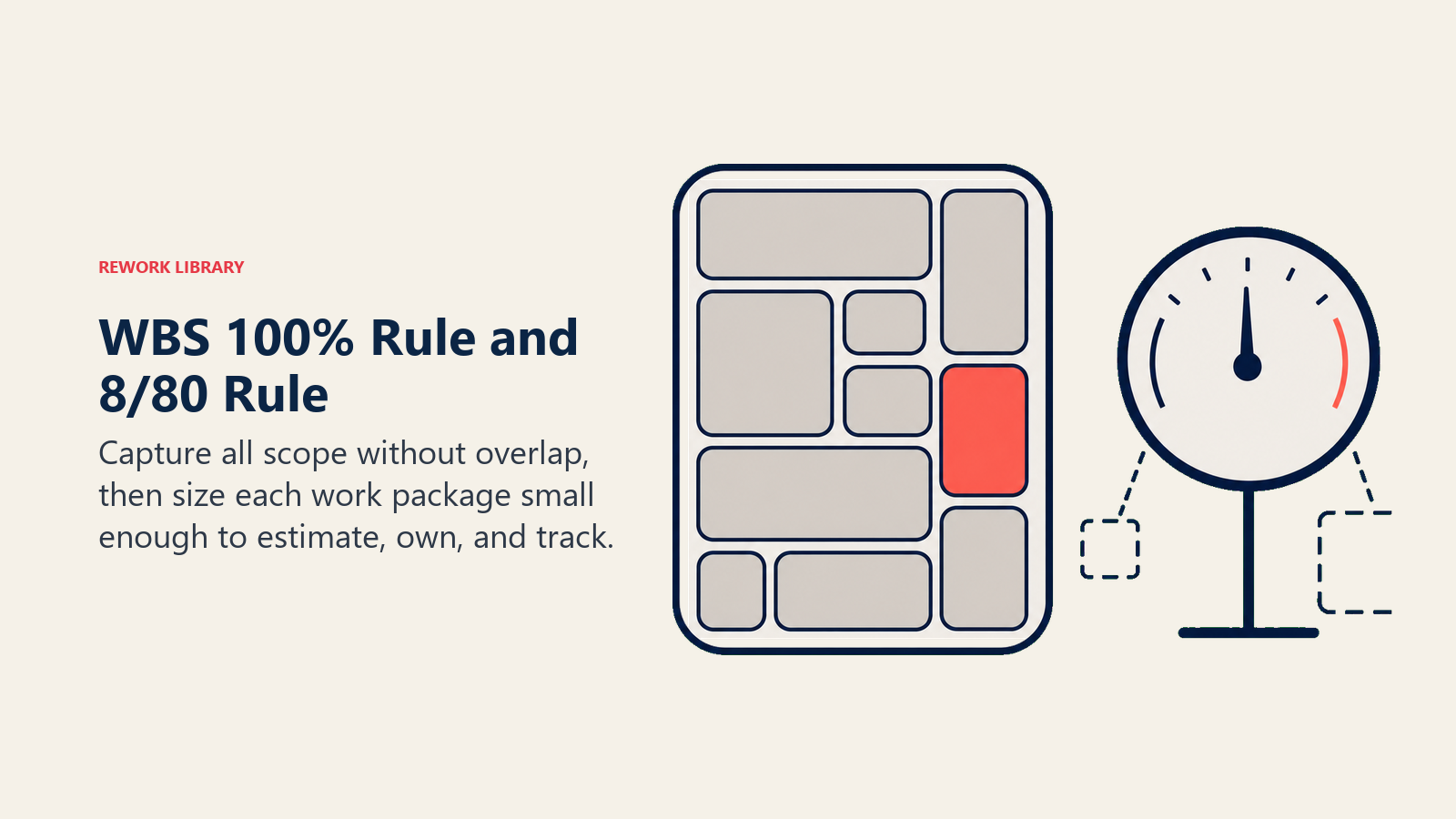
成果物がWBSになければ、チームはそれを計画・見積もり・デリバリーしません。作業が2か所に現れれば、チームは作業を重複させるか、所有権について議論することになります。100%ルールはスコープをすべてのレベルで可視化・完全なものにすることで、両方の問題を防ぎます。
コンプライアンスの確認は簡単です。親アイテムに対して、その子の合計がちょうどその親の100%になるかどうかを確認します。どこにも当てはまらない作業を指摘できる場合、または同じ領域をカバーしているように見える2つのアイテムがある場合、構造を修正する必要があります。
8/80ルール
8/80ルールはワークパッケージのサイズに関する実践的なガイドラインです。ワークパッケージの工数は8時間未満でも80時間超でもいけません。8時間未満のパッケージは意味のある洞察を与えずに管理オーバーヘッドを増やします。80時間超のパッケージは確信を持って見積もったり、正確にトラッキングしたりするには大きすぎます。
このルールは法則ではなく、経験則です。2週間のプロジェクトでは4〜40時間の範囲を使うかもしれませんし、数年にわたるプログラムでは160時間までのパッケージを許容するかもしれません。意図は同じです。見積もり・1人の担当者への割り当て・1つの報告期間内の完了追跡が可能なサイズにワークパッケージを保つこと。
WBSのレベルと構成要素
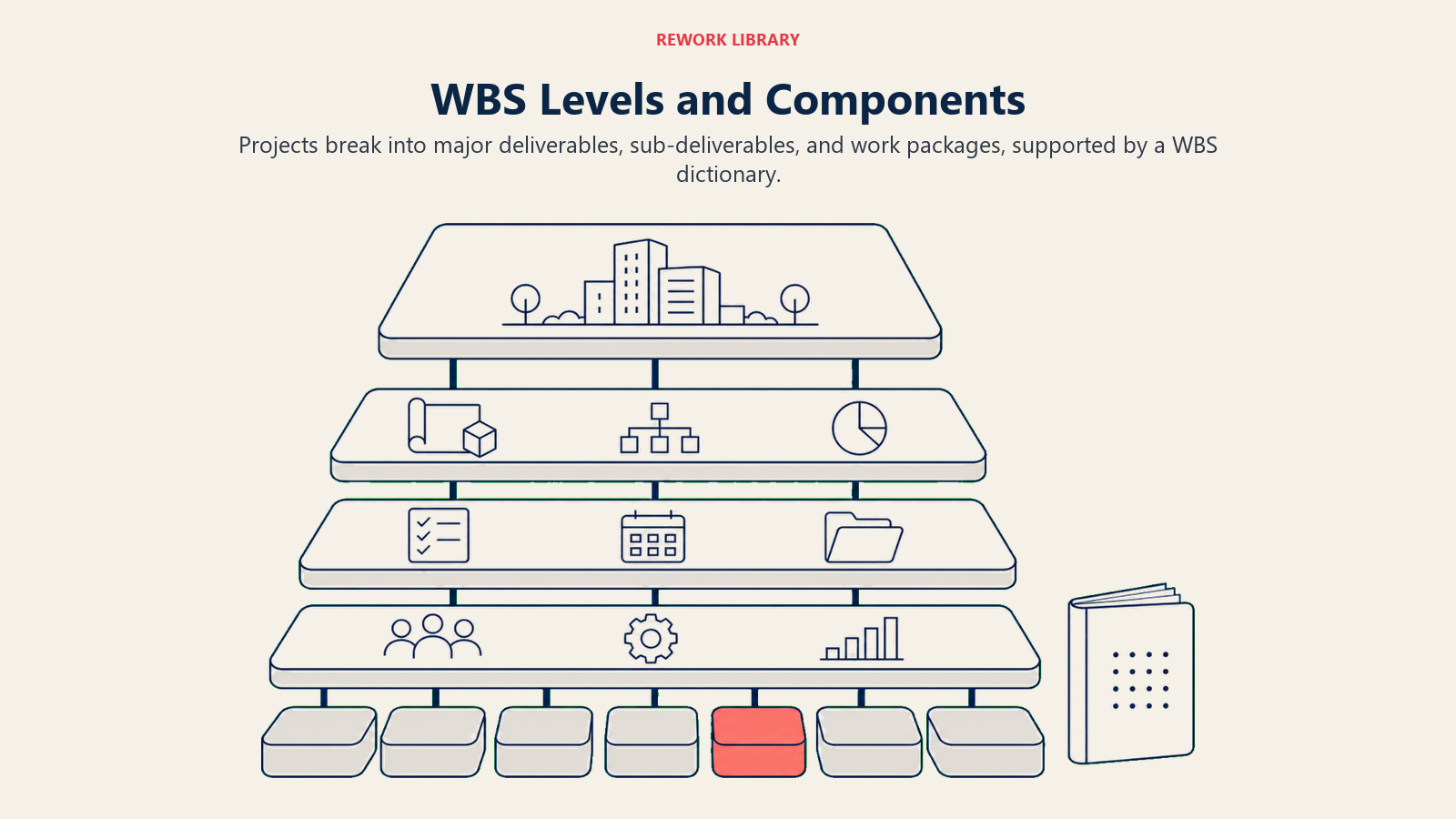
階層は、1つのプロジェクトから主要な成果物、サブ成果物へと進み、最終的に個人またはチームが担当できるワークパッケージにたどり着きます。
| レベル | 要素 | 担当 | 例 |
|---|---|---|---|
| 1 | プロジェクト | プロジェクトスポンサー | ウェブサイトリニューアル |
| 2 | 主要成果物またはフェーズ | プロジェクトマネージャー | 1.2 デザイン |
| 3 | サブ成果物 | ワークストリームリード | 1.2.1 ワイヤーフレーム |
| 4以上 | ワークパッケージ | 個人担当者 | 1.2.1.1 モバイルワイヤーフレーム |
レベル1はプロジェクト自体です。このレベルにはちょうど1つのアイテムがあります。
レベル2は主要な成果物またはフェーズを表します。成果物ベースのWBSでは、これらは有形のアウトプットです(発見、設計、構築、ローンチ)。フェーズベースのWBSではプロジェクトのフェーズです。どちらも有効ですが、フェーズは変わってもアウトプットは変わらないため、成果物ベースの方が耐久性があります。
レベル3以降は、ワークパッケージに達するまで順次詳細化されます。ワークパッケージは作業が計画・見積もり・割り当てられる最下位のレベルです。ワークパッケージは1人または1チームが8〜80時間の範囲内で完了できるものでなければなりません。
WBS辞書は各要素を定義する補足文書です。説明・受け入れ基準・担当者・見積もり工数・必要なリソース・前後の依存関係が含まれます。辞書がなければ、WBSは中身のない構造にすぎません。WBSを地図とするなら、辞書はその凡例です。
WBSの3つの形式(ツリー、リスト、表形式)
ツリー(組織図スタイル)
ツリー形式は、プロジェクトを最上位に、各レベルが下に向かって枝分かれする組織図のようなものです。最も視覚的に直感的な形式で、階層が一目でわかります。
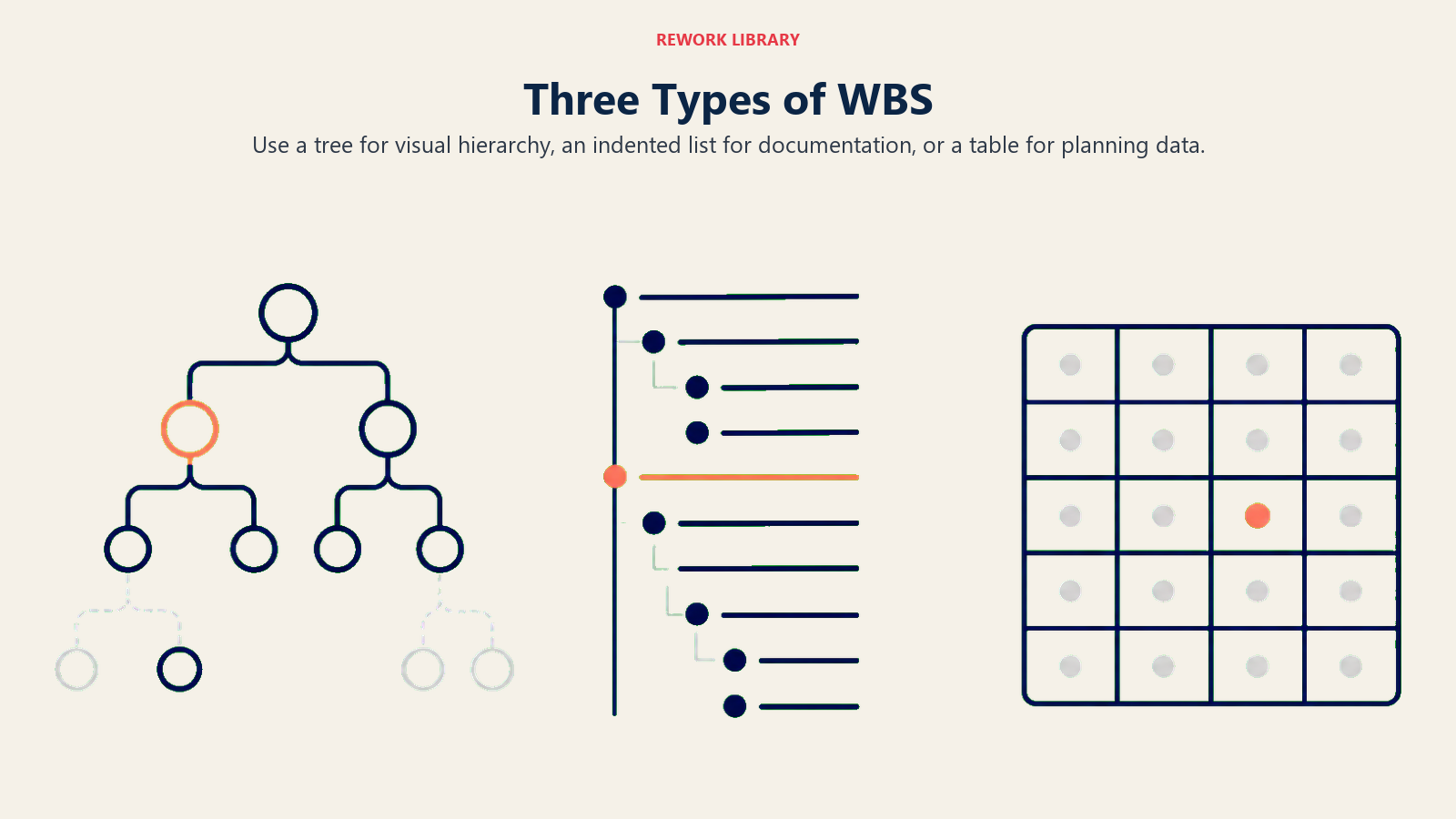
ステークホルダーへのプレゼンテーション、キックオフミーティング、スコープ全体の構造を一目で伝える必要があるあらゆる場面でツリー形式を使ってください。制限はスペースです。多くのワークパッケージを持つ大規模なプロジェクトは、1枚の図に収まりにくくなります。
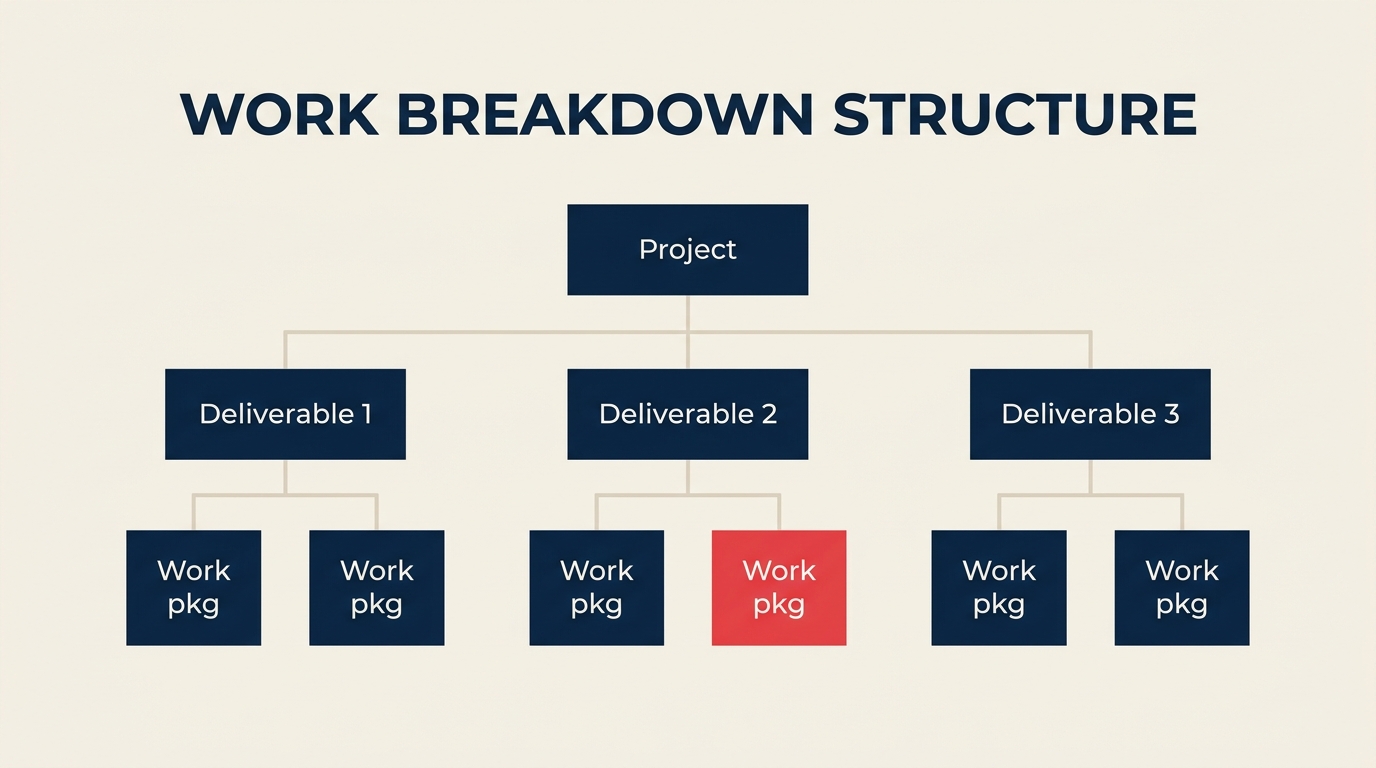
ツリーの例: 最上位にプロジェクト、中段に3つの成果物ボックス、最下部に6つのワークパッケージボックス、線で接続。
インデントリスト(アウトライン形式)
インデントリストはWBSを番号付きのアウトラインとしてフォーマットします。コンパクトで、どのワードプロセッサやプロジェクトツールでも簡単に作成でき、プレーンテキストファイルでバージョン管理も容易です。
1.0 ウェブサイトリニューアル
  1.1 発見
    1.1.1 ステークホルダーインタビュー
    1.1.2 競合分析
  1.2 デザイン
    1.2.1 ワイヤーフレーム
    1.2.2 ビジュアルデザイン
ドキュメント作成・詳細計画セッション・テキストベースのツールでWBSを共有する場合はリスト形式を使ってください。特定の成果物をWBSコードで参照する標準作業手順書との組み合わせに適しています。
表形式
表形式はWBSをスプレッドシートまたはテーブルとして提示します。各行がWBS要素であり、コード・成果物名・担当者・見積もり工数・ステータスの列があります。
| WBSコード | 成果物 | 担当者 | 工数 |
|---|---|---|---|
| 1.0 | ウェブサイトリニューアル | PM | |
| 1.1 | 発見 | UXリード | |
| 1.1.1 | ステークホルダーインタビュー | UXリード | 16時間 |
| 1.1.2 | 競合分析 | UXリード | 8時間 |
WBSがリソース計画・コスト見積もり・プロジェクトトラッキングに直接入力される場合は表形式を使ってください。スプレッドシートやほとんどのプロジェクト管理ツールとのクリーンな統合が可能です。
6ステップでWBSを作成する方法
6ステップの手法は、プロジェクトの目標を、チームが見積もりと割り当てを行える、承認済みの完全なスコープベースラインへと変えていきます。
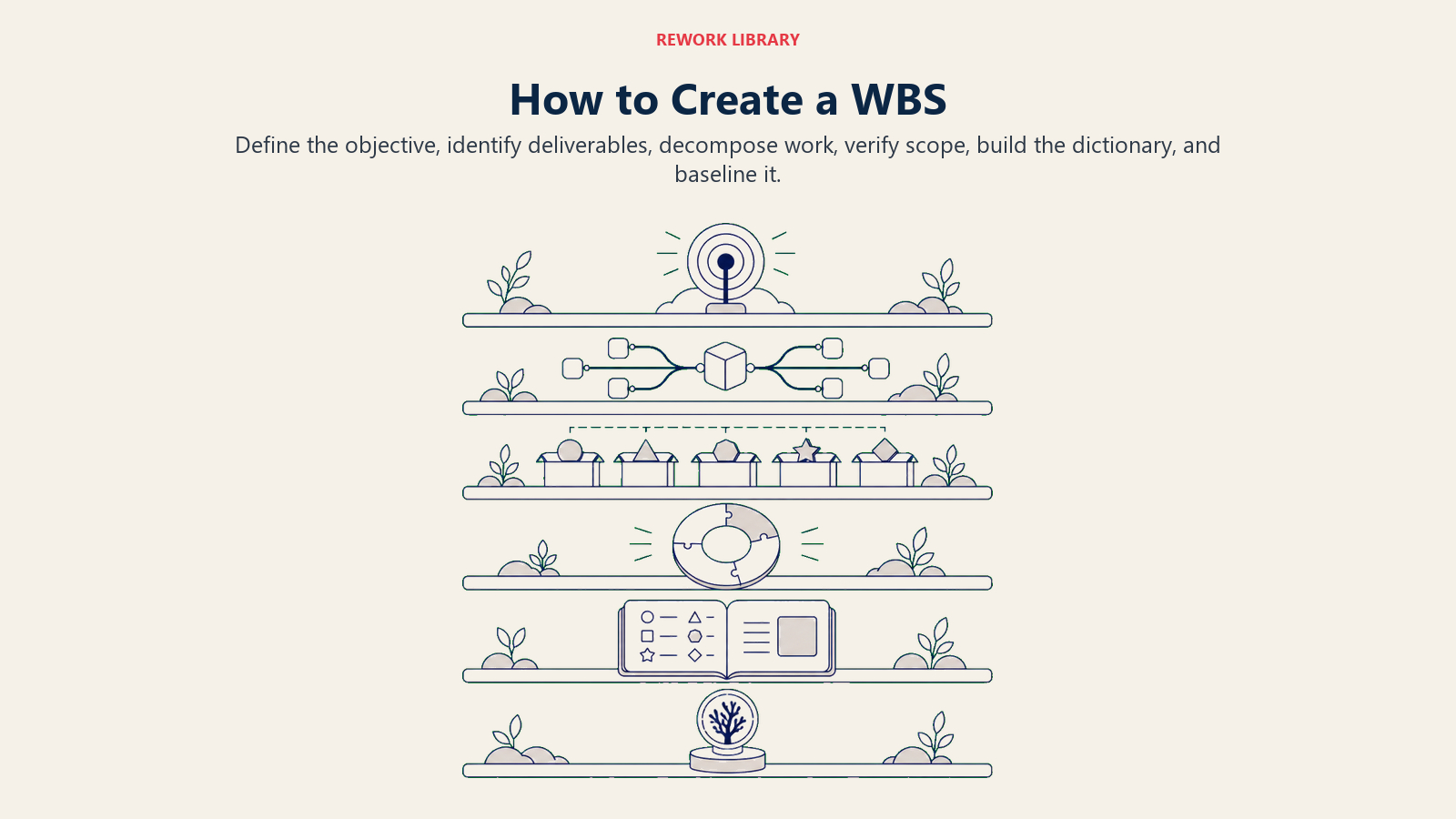
ステップ1:プロジェクトの目標を定義する
プロジェクト憲章またはスコープ記述書から始めます。プロジェクトの最終成果物を1文で定義する必要があります。「2026年第4四半期までにリニューアルした企業ウェブサイトをローンチする」というようなものです。明確な目標がなければ、ステークホルダーがスコープを追加するにつれてWBSは揺らいでいきます。
- スポンサーとプロジェクト目標を確認する。
- 成功がどのように見えるかを特定する(受け入れ基準)。
- 明示的にスコープ外とするものを文書化する。
ステップ2:主要成果物(フェーズ)を特定する
プロジェクトを4〜8つの主要成果物またはフェーズに分解します。これらがWBSのレベル2になります。ほとんどのプロジェクトでは、作業から自然なフェーズが生まれます。発見・設計・開発・テスト・デプロイメント・引き渡しなどです。
- プロジェクトが生産しなければならないすべての主要アウトプットをリストアップする。
- このレベルで8つを超える場合は関連するアウトプットをグループ化する。
- プロジェクト構造上必要でない限り、同じWBS内で成果物とフェーズを混在させない。
ステップ3:ワークパッケージに分解する
各レベル2の成果物を8〜80時間のしきい値に達するまでサブ成果物に分解します。最も時間がかかるステップであり、WBSのエラーがもっとも多く発生する場所でもあります。
- 一度に1つのブランチを、上から下へ分解する。
- 成果物を1人の担当者に割り当てて自信を持って見積もれる状態になったら止める。
- 実際にトラッキングするレベル以下には分解しない。
ステップ4:100%ルールを適用する
すべてのレベルが親の100%に積み上がることを確認します。各ブランチを確認して問いかけてください。「この成果物を作るために必要な作業で、ここに捕捉されていないものはあるか?」あれば追加します。2つのアイテムが重複していれば、統合または分割します。
- 欠落している成果物(ギャップ)を確認する。
- 重複している成果物(オーバーラップ)を確認する。
- WBSにない作業が明示的にスコープ外であることを確認する。
ステップ5:WBS辞書を構築する
各ワークパッケージについて、説明・担当者・見積もり工数・必要なインプット・成果物基準・依存関係を文書化します。辞書はWBSを図から契約書に変えます。
- すべてのエントリに一貫したテンプレートを使用する。
- 各要素に一意のWBSコードを割り当てる(例:1.2.3)。
- 辞書をプロジェクト計画とスケジュールにリンクする。
ステップ6:ベースラインを設定し更新する
スポンサーがWBSと辞書を承認したら、スコープベースラインの完成です。ワークパッケージへの変更はすべて正式な変更管理が必要になります。
- ベースラインバージョンを日付付きで保存する。
- 承認されたスコープ変更が発生した際はWBSを更新する。
- 影響を受けるワークパッケージを担当するすべてのステークホルダーに変更を周知する。
業界別WBS実例
ウェブサイトリニューアル
インデントリスト:
1.0 ウェブサイトリニューアル
  1.1 発見
    1.1.1 ステークホルダーインタビュー
    1.1.2 競合分析
  1.2 デザイン
    1.2.1 ワイヤーフレーム
    1.2.2 ビジュアルデザイン
    1.2.3 コンポーネントライブラリ
  1.3 構築
    1.3.1 フロントエンド開発
    1.3.2 CMS設定
  1.4 ローンチ
    1.4.1 QAテスト
    1.4.2 本番環境デプロイ
| WBSコード | 成果物 | ワークパッケージ |
|---|---|---|
| 1.1.1 | 発見 | ステークホルダーインタビュー |
| 1.2.2 | デザイン | ビジュアルデザイン |
| 1.3.1 | 構築 | フロントエンド開発 |
ソフトウェアリリース
1.0 ソフトウェアv2.0リリース
  1.1 要件定義
    1.1.1 機能仕様書
    1.1.2 受け入れ基準
  1.2 開発
    1.2.1 バックエンドAPI変更
    1.2.2 フロントエンドUI更新
    1.2.3 データベースマイグレーション
  1.3 テスト
    1.3.1 ユニットテスト
    1.3.2 統合テスト
    1.3.3 ユーザー受け入れテスト
  1.4 リリース
    1.4.1 リリースノート
    1.4.2 本番環境デプロイ
| WBSコード | 成果物 | ワークパッケージ |
|---|---|---|
| 1.1.1 | 要件定義 | 機能仕様書 |
| 1.2.2 | 開発 | フロントエンドUI更新 |
| 1.3.3 | テスト | ユーザー受け入れテスト |
オフィス移転
1.0 オフィス移転
  1.1 計画
    1.1.1 フロアプラン設計
    1.1.2 ベンダー選定
  1.2 ロジスティクス
    1.2.1 ITインフラ移設
    1.2.2 家具搬送
  1.3 セットアップ
    1.3.1 ワークステーション設定
    1.3.2 ネットワークテスト
  1.4 クローズアウト
    1.4.1 旧オフィスの撤退
    1.4.2 住所変更通知
| WBSコード | 成果物 | ワークパッケージ |
|---|---|---|
| 1.1.2 | 計画 | ベンダー選定 |
| 1.2.1 | ロジスティクス | ITインフラ移設 |
| 1.3.1 | セットアップ | ワークステーション設定 |
WBSとプロジェクトスケジュールとGanttチャートの違い
この3つのアーティファクトは補完的なものであり、互換性はありません。多くのチームがWBSをスキップしてGanttチャートに直行します。つまり、まだ完全に定義されていない作業のスケジュールを作っていることになります。
| アーティファクト | 答える問い | アウトプット | 一般的なツール |
|---|---|---|---|
| WBS | 何を作らなければならないか | 成果物の階層と辞書 | Lucidchart、Miro、Excel |
| プロジェクトスケジュール | どの順序で、いつまでに | マイルストーンと日付を含むタイムライン | MS Project、Asana、Jira |
| Ganttチャート | 誰が、何を、いつ | タスクを時間軸にバーで示す図 | MS Project、Monday.com、TeamGantt |
WBSがスケジュールを支えます。すべてのワークパッケージが揃ったら、それらを順序付け・期間設定・リソース割り当てを行いスケジュールを作成します。Ganttチャートはスケジュールをタイムライン上のバーとして可視化したものです。
順序付けとビジュアル計画については、KanbanとWaterfallメソドロジーのガイドを参照してください。
ベストプラクティスとよくあるミス
ベストプラクティス:
- 活動ではなく成果物。 WBSは「何を作るか」に答えます。要素が動詞のように聞こえる場合(例:「インタビューを実施する」)、成果物として再フレームします(例:「インタビュー結果レポート」)。
- ワークパッケージごとに1人の担当者。 2人が所有権を共有している場合は、パッケージを分割するか、辞書で主担当者を定義して補助的な貢献者を明示します。
- 適切な詳細レベル。 ワークパッケージが8〜80時間の範囲に収まり、明確な受け入れ基準を持ったら分解を止めます。過剰な分解は洞察なしにオーバーヘッドを増やします。
- WBS辞書は必須。 辞書のない図は解釈の余地を残しすぎます。
- チームを巻き込む。 PMだけが進行するWBSセッションは盲点を生みます。実際に作業を行う人が、作業に本当に何が必要かを知っています。
よくあるミス:
- 成果物ではなく活動を含める。 「バックエンドAPIモジュール」の代わりに「コードを書く」と記載すると、スケジュールがWBSのふりをすることになります。
- 孤立した作業。 実施されているがWBSのどの要素にも捕捉されていない作業は、計画・見積もり・変更管理において不可視です。
- ワークパッケージ間の重複。 同じアウトプットをカバーする2つのパッケージは、見積もりにおける混乱と二重計算を招きます。
- 100%確認のスキップ。 スコープのギャップのほとんどは、欠落している成果物が問題になってからプロジェクト開始後に発見されます。
- ベースラインを更新しない。 承認されたスコープ変更を反映していないWBSは不正確になり、チームは信頼を失います。
WBSはビジネスプロセス管理のプラクティスとも補完し合います。プロセスとプロジェクトスコープを合わせて文書化することで、プロジェクトの成果物が継続的なオペレーションとどこで整合する必要があるかを正確に把握できます。

Senior Operations & Growth Strategist
On this page
- 作業分解構成図とは何か
- Key Facts
- 100%ルールと8/80ルール
- 100%ルール
- 8/80ルール
- WBSのレベルと構成要素
- WBSの3つの形式(ツリー、リスト、表形式)
- ツリー(組織図スタイル)
- インデントリスト(アウトライン形式)
- 表形式
- 6ステップでWBSを作成する方法
- ステップ1:プロジェクトの目標を定義する
- ステップ2:主要成果物(フェーズ)を特定する
- ステップ3:ワークパッケージに分解する
- ステップ4:100%ルールを適用する
- ステップ5:WBS辞書を構築する
- ステップ6:ベースラインを設定し更新する
- 業界別WBS実例
- ウェブサイトリニューアル
- ソフトウェアリリース
- オフィス移転
- WBSとプロジェクトスケジュールとGanttチャートの違い
- ベストプラクティスとよくあるミス