Lead Response Time: Benchmarks, Speed-to-Lead SLA & Template
Turn this article into takeaways for your work.


Each assistant summarizes the article only for you and suggests best practices for your work.
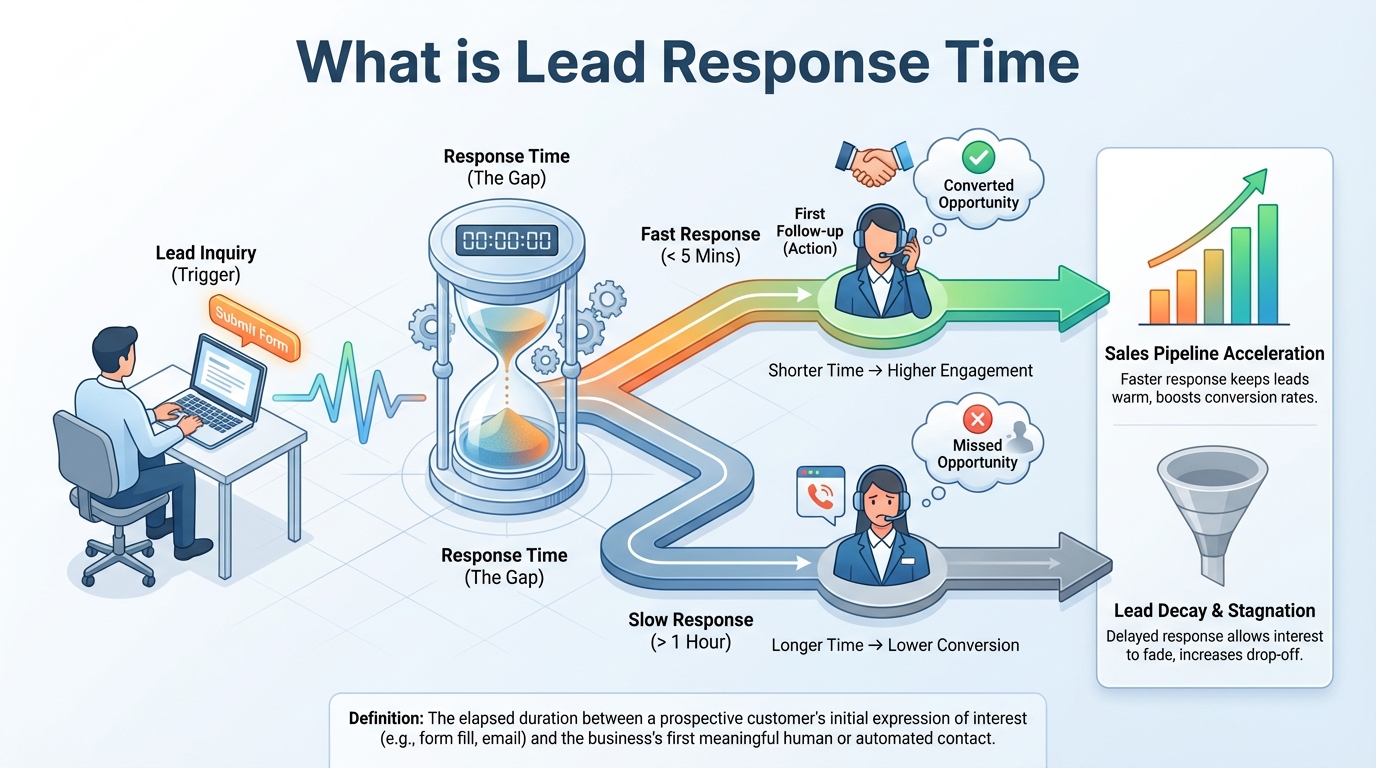
Lead response time is the time between a lead's inquiry and your team's first genuine human reply. It's measured in minutes for inbound requests like demo forms or chat, and it's the clearest early signal of whether a lead will ever speak to you. The faster the first real touch, the better your odds of reaching and qualifying the buyer.
This guide covers how to measure it, what the research actually says, how to cut it, and a speed-to-lead SLA you can copy into your own CRM. It also corrects a few famous numbers that get repeated with the wrong source attached. If you're still building your inbound engine, start with inbound lead generation.
How to measure lead response time
Measuring lead response time takes one formula and three decisions. The formula is simple:
Lead response time = timestamp of first qualifying response minus timestamp the lead was created
A lead arrives at 10:02 and a rep calls at 10:09. Your lead response time for that lead is 7 minutes. The hard part is deciding what counts as "created" and what counts as "response." Settle these three things before you build a dashboard.
1. Clock hours or business hours?
Clock hours run 24/7. A lead that comes in Friday at 6 PM and gets a call Monday at 9 AM has a clock-hour response time of about 63 hours. That number is accurate but unfair to your team and useless for coaching.
Business-hours measurement pauses the clock outside your coverage window, so the same lead shows a response time of 0 to a few minutes, depending on when the clock restarts. Most teams track both:
- Clock-hour response time shows the buyer's real experience.
- Business-hour response time shows rep and process performance.
If you only track one, track clock hours for your highest-intent lead types. Buyers don't care that your office was closed.
2. First touch or meaningful contact?
An automated confirmation email is a first touch, but it isn't a response. Count the two separately:
| Milestone | What counts | What doesn't count |
|---|---|---|
| First touch | Any outbound attempt by a human or a personalized automation (call, email, SMS, chat reply) | A generic "we received your request" auto-reply |
| Meaningful contact | A two-way conversation with the lead (call answered, reply received, meeting booked) | Voicemail left, email sent with no reply |
Track time to first touch as your core response time metric, because that's the part your team controls. Track time to meaningful contact as the outcome, because that's what the buyer experiences. The gap between the two tells you how many attempts it takes to reach people.
3. Mean, median, or percentile?
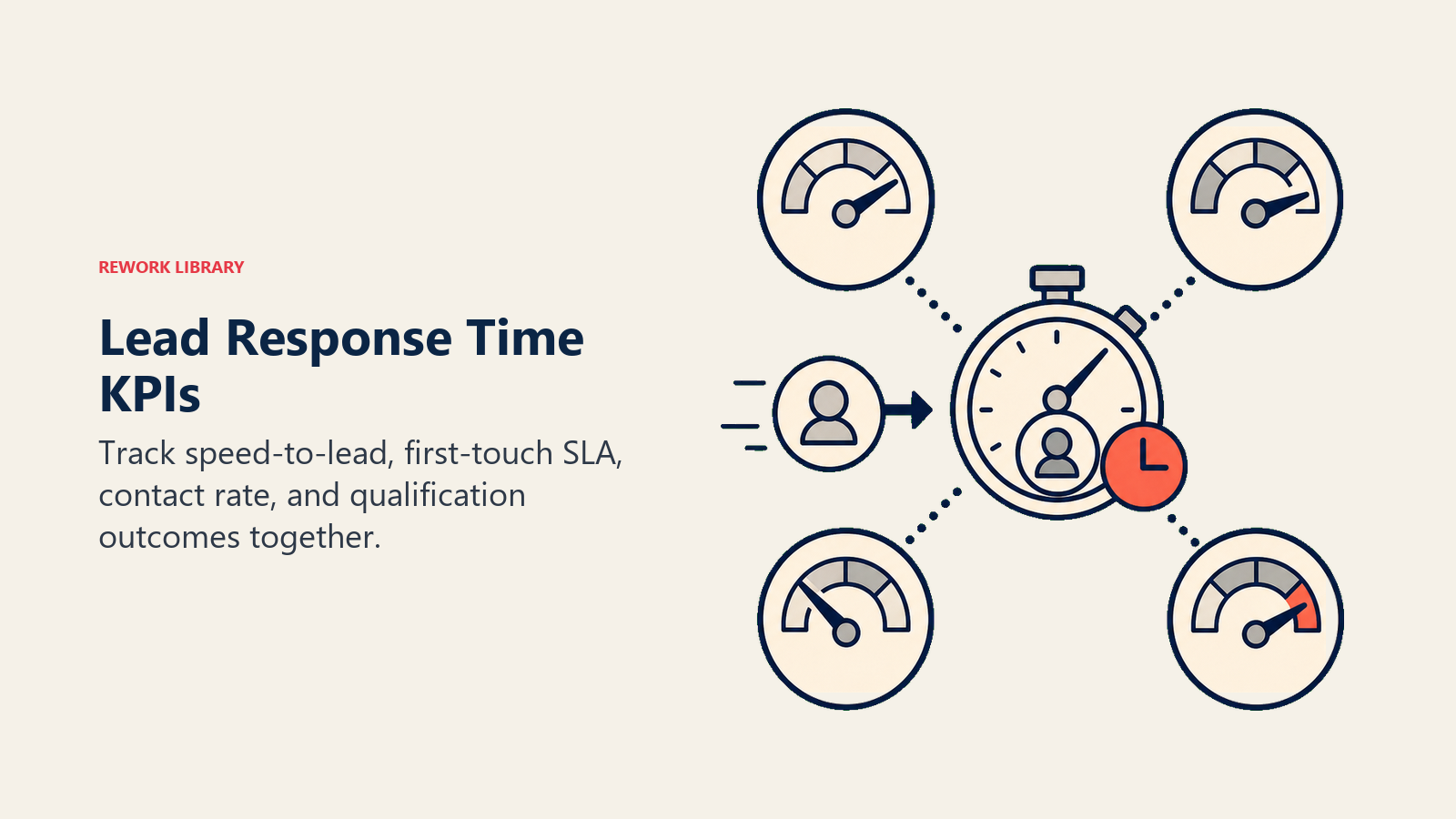
Averages hide the worst cases. A team that answers 9 leads in 2 minutes and 1 lead in 5 hours has a mean of about 31 minutes, which describes nobody's real experience. Report:
- Median (the typical lead)
- 90th percentile (how bad the slow tail gets)
- SLA compliance rate (the share of leads answered inside the target)
Break each of these out by lead source and lead type. A blended number across demo requests, newsletter signups, and event scans tells you almost nothing. Once those numbers exist, tie them to lead status management so every lead has a clear owner and state while the clock runs.
Lead response time vs speed to lead vs first response time
These three terms get used as if they were the same thing. They overlap, but they aren't identical.
| Lead response time | Speed to lead | First response time (FRT) | |
|---|---|---|---|
| What it is | A metric: elapsed time from lead creation to first reply | A practice and goal: reaching new leads faster than competitors do | A support metric: elapsed time from ticket creation to first agent reply |
| Who owns it | Sales, SDR, or lead-ops team | Sales and marketing together | Customer support |
| Starts when | A form is submitted, chat starts, or a lead is imported | The same moment, though often loosely defined | A customer opens a ticket or sends a support message |
| Counts auto-replies? | Usually no, if you track meaningful contact | Often yes, which is why the term is looser | Depends on the help desk; many teams exclude auto-replies |
| Typical unit | Minutes | Minutes (or "same day") | Minutes to hours |
| Goal | Reach and qualify the buyer | Win the conversation first | Resolve the customer's issue |
In practice: speed to lead is the strategy, lead response time is how you measure it, and first response time is the support-desk cousin that shares the math but not the stakes. A slow reply to a support ticket annoys a customer. A slow reply to a demo request can lose the deal.
What good lead response time looks like
Most pages on this topic recycle the same handful of numbers, often with the wrong attribution. Here's what the sources actually say.
The 5-minute study (2007)
The famous "100x" and "21x" figures come from a 2007 Lead Response Management study by InsideSales.com and Dr. James Oldroyd. As CustomerThink summarizes it:
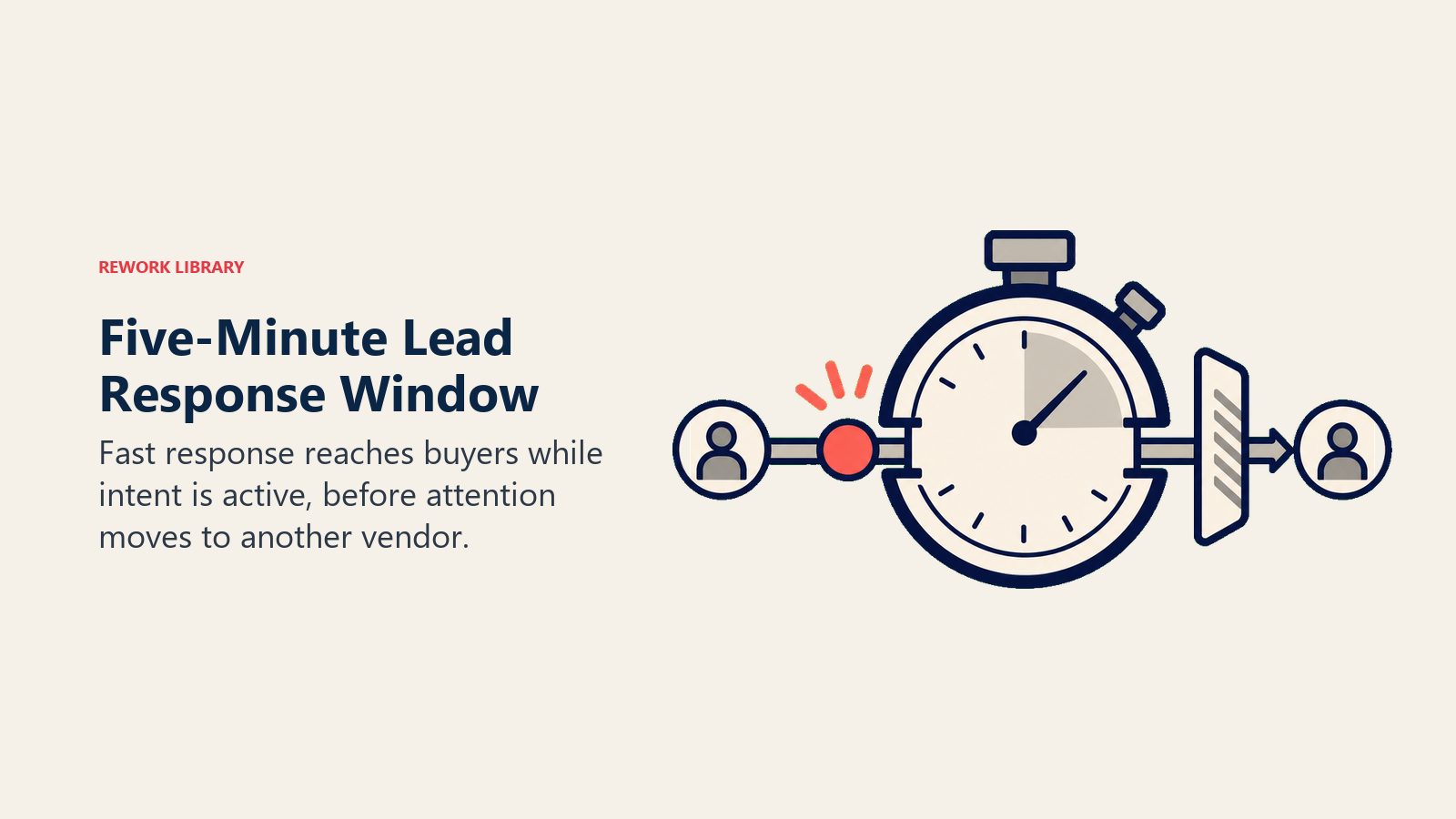
- The odds of contacting a lead are 100 times greater when the first attempt happens within 5 minutes than after 30 minutes.
- The odds of qualifying a lead are 21 times greater under the same comparison.
Two cautions. First, these are odds ratios between two response windows (5 minutes vs 30 minutes), not conversion rates, and not a claim that every lead converts 21 times more often. Second, the study was co-run by a sales-software vendor, and the pages that reproduce it give no sample size or method detail. It's useful as a directional signal, not a law of physics.
The Harvard Business Review study (2011)
The better-documented source is The Short Life of Online Sales Leads by James Oldroyd, Kristina McElheran, and David Elkington (Harvard Business Review, March 2011). The article is paywalled, but its key passages are quoted in full by CustomerThink and Venture Harbour. It reports two separate datasets:
An audit of 2,241 U.S. companies, each sent a web-generated test lead:
| Response outcome | Share of companies |
|---|---|
| Responded within one hour | 37% |
| Responded in 1 to 24 hours | 16% |
| Took more than 24 hours | 24% |
| Never responded | 23% |
Among the companies that did respond within 30 days, the average response time was 42 hours.
An analysis of 1.25 million sales leads received by 29 B2C and 13 B2B companies. Firms that tried to contact a lead within an hour were nearly seven times as likely to qualify it (defined as a meaningful conversation with a key decision maker) as firms that waited even an hour longer, and more than 60 times as likely as firms that waited 24 hours or longer.
Note how this differs from what circulates online. The HBR figures compare an hour against later windows, not 5 minutes against 30. And the "2.24 million leads" figure sometimes attached to this study is a mix-up of the 2,241 audited companies and the 1.25 million analyzed leads.
Both datasets are over a decade old. Treat them as evidence that speed matters and that most companies are slow, not as a 2026 benchmark for your market.
What we suggest as targets
No published study gives you a universal "good" number. So treat the table below as our recommended starting points, drawn from the research direction above and from common practice, not as a measured industry benchmark. Tighten or relax them using your own conversion data.
| Lead type | Suggested first-touch target | Why |
|---|---|---|
| Demo or "talk to sales" request | Under 5 minutes | Highest intent, buyer is at the keyboard |
| Pricing or quote request | Under 5 to 15 minutes | Buyer is comparing vendors now |
| Live chat or web chat | Under 1 minute | The conversation is already open |
| Content download or webinar signup | Under 1 hour | Interest is real but lower intent |
| Event or trade-show scan | Same business day | Buyer expectation is different |
| Newsletter or low-intent signup | Within 1 business day | Nurture, not sales |
The pattern matters more than the exact number: the more a lead has raised their hand, the shorter the clock. To see which leads deserve the tightest SLA, pair this with lead scoring systems.
How to cut lead response time in 7 steps
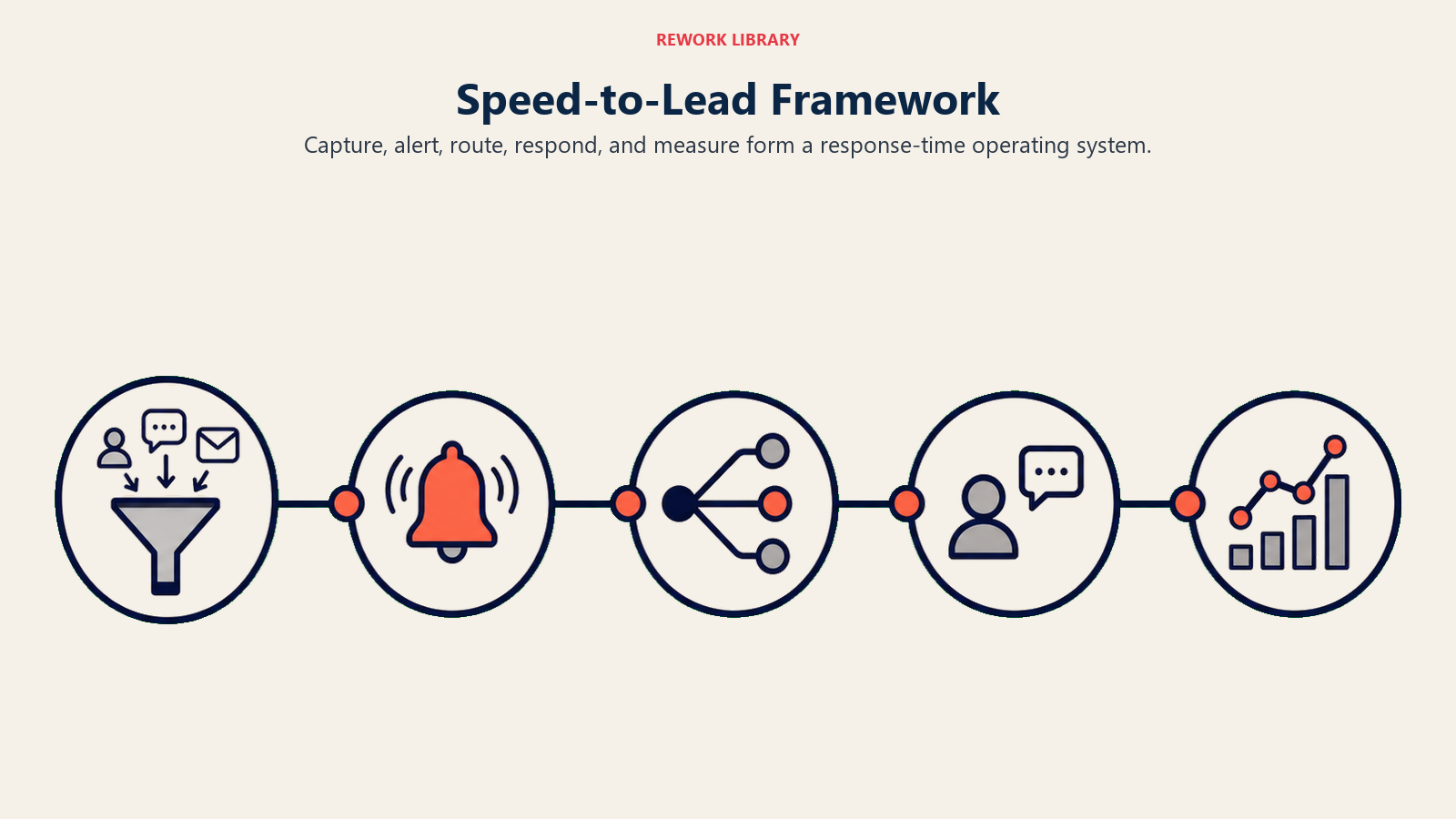
Most slow response is a process problem, not a rep problem. Work through these in order.
Step 1: Capture a baseline
Pull the last 30 to 90 days of leads. Calculate median and 90th-percentile time to first touch by lead source. You'll usually find that one or two sources (often a form that routes to a shared inbox) account for most of the slow responses. Fix those first.
Step 2: Put every lead in one place
Leads that land in a spreadsheet, a shared mailbox, and three ad platforms can't be answered quickly because nobody knows they exist. Route every form, chat, and ad lead into one CRM or inbox, with a creation timestamp that can't be edited. Strong landing page lead capture forms that write directly into your CRM remove the first delay.
Step 3: Route automatically
Manual assignment is the biggest hidden delay, because somebody has to notice the lead, decide who gets it, and assign it. Replace that with rules. Round-robin assignment is the simplest starting point, and lead routing automation lets you add territory, product, language, or account-owner rules on top. For the broader design choices, see lead routing.
Step 4: Alert where reps actually look
Email notifications get buried. Send new-lead alerts to the places reps already watch: mobile push, SMS for hot leads, and a team channel in Slack or Teams. Each alert should include the lead name, company, phone number, source, and what they asked for, so the rep can act without opening three tabs.
Step 5: Acknowledge instantly, then follow with a human
Send an automated confirmation within seconds that does real work: it confirms the request, says when a human will reach out ("within 15 minutes during business hours"), and offers a booking link. This doesn't count as your first touch for SLA purposes, but it stops the buyer from drifting while your rep picks up the phone. If you have chat or messaging, good lead queue management keeps those replies from splitting across tools.
Step 6: Set an SLA with escalation
A target without an owner or a consequence is a wish. Write the SLA down (template below), assign every lead to a named owner, and add an automatic escalation: if the lead is untouched when the clock hits the limit, reassign it or alert the manager. The lead assignment SLA guide goes deeper on how to define the rules, and the general SLA definition explains the contract mechanics.
Step 7: Cover after-hours and review weekly
Decide what happens to a lead that arrives at 8 PM or on a Sunday. Options: an on-call rotation for your highest-intent sources, a follow-up queue that opens first thing the next morning, or a chat or booking tool that lets the buyer self-serve. Then review SLA compliance weekly, by source and by rep, and share the numbers with the team. Reps improve metrics they can see.
Speed-to-lead SLA template (copy and adapt)
Paste this into your sales playbook or CRM documentation, then edit the targets to fit your own volume and conversion data. The targets shown are starting points, not industry standards.
| Lead type | Channel | First-touch target | Owner | Escalation if missed |
|---|---|---|---|---|
| Demo request | Web form | 5 minutes (business hours) | Assigned AE or SDR (round robin) | At 10 minutes: alert backup rep and team channel. At 15 minutes: reassign and notify manager |
| Pricing or quote request | Web form | 15 minutes (business hours) | Assigned AE or SDR | At 30 minutes: reassign to next available rep |
| Live chat request | Website chat | 1 minute | Chat owner on duty | At 2 minutes: route to backup agent |
| High-intent inbound reply | Email or SMS | 15 minutes (business hours) | Original lead owner | At 30 minutes: alert manager, owner or backup replies |
| Marketplace or third-party lead | Vendor portal or API | 5 minutes (business hours) | Marketplace queue owner | At 10 minutes: reassign, flag lead source to ops |
| Content download | Web form | 1 hour | SDR queue | At 2 hours: move to top of next-morning queue |
| Event or trade-show lead | Badge scan or CSV import | Same business day | Event follow-up owner | At end of day: manager review |
| After-hours lead | Any | Auto-acknowledge immediately; human reply by 10 AM next business day | On-call rep or morning queue | If still open at 10 AM: manager alert |
Rules that go with the table:
- The clock starts at lead creation in the CRM, not when a rep first opens it.
- Only a human or personalized message counts as first touch. Generic auto-replies don't.
- Every lead has one named owner at all times. "The team" is not an owner.
- Voicemail plus an email counts as first touch. Follow-up attempts are tracked separately in your lead follow-up best practices cadence.
- SLA compliance is reported weekly: percent of leads inside target, median time, and 90th percentile.
If you run these rules in Rework Lead Ops, the round-robin, territory, and SLA-based distribution can live in the same system that captures the lead, so the clock and the owner are set the moment it arrives.
Lead response time examples by sales motion
The mechanics change with how the lead arrives. Here's how the same principles play out in four common motions.
Inbound demo request
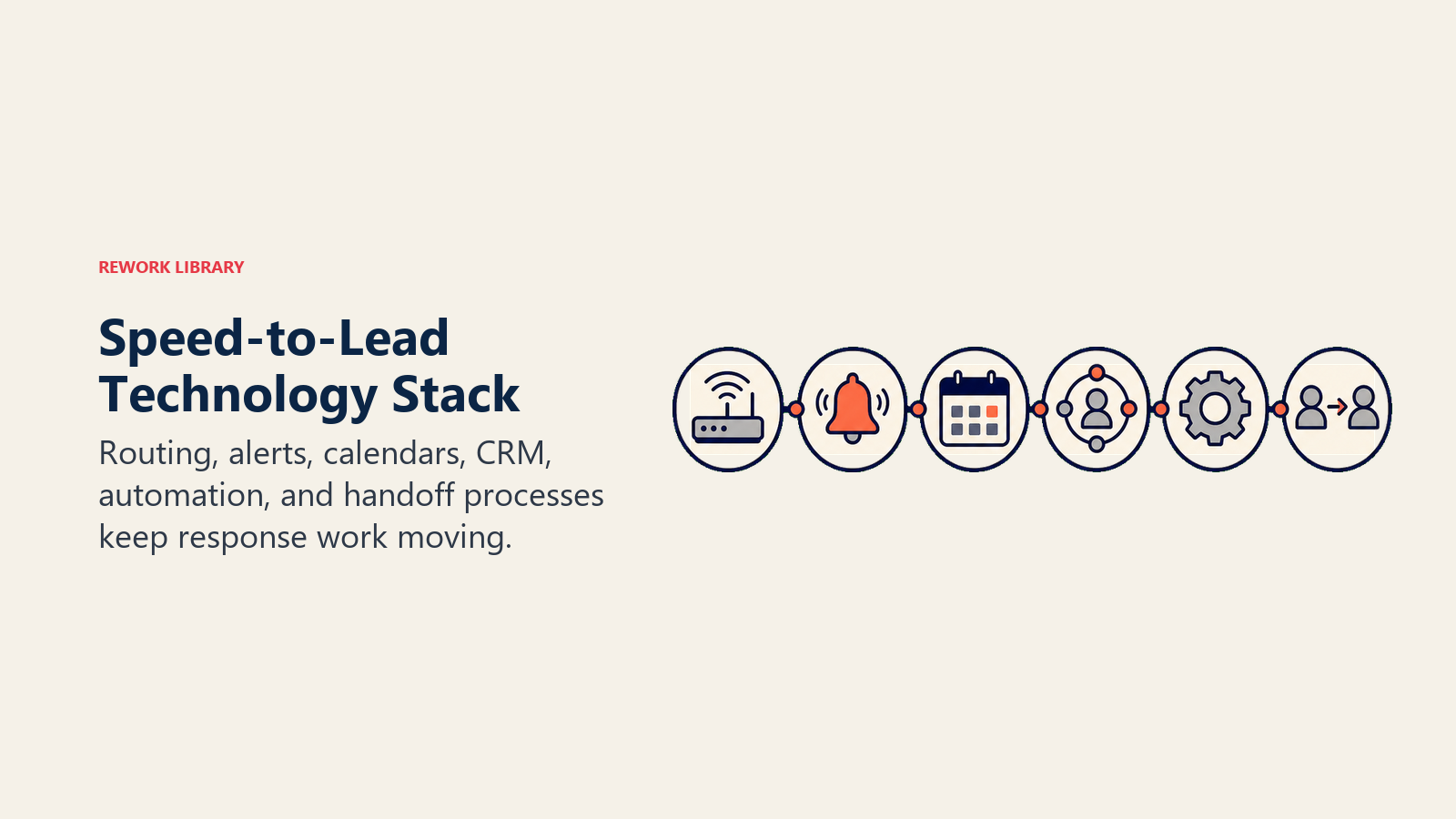
A prospect submits a demo form at 2:14 PM. The CRM creates the lead, enriches company data, and routes it to the next AE in rotation within seconds. The AE gets a mobile push and a Slack alert at 2:14. The buyer receives an email with a booking link. The AE calls at 2:17. No answer, so the AE leaves a voicemail and sends a short email that references the form: "Saw you asked about our reporting. I have 15 minutes today at 3:00 or 4:30, which works?" If there's no response by 2:24, the AE tries again.
What to copy: one owner, automated routing, a first touch inside the SLA, and a second attempt that doesn't wait a day.
Web chat
Chat is the shortest clock because the buyer is on your site right now. If nobody picks up within a minute or so, visitors leave. Set a chat rota with a backup, use a bot to collect name and email while a human joins, and make sure a missed chat still creates a lead that follows your normal SLA. A chat transcript with no follow-up is just a lost lead.
What to copy: a backup agent, a bot that bridges the gap but doesn't replace a person, and a rule that every abandoned chat creates a CRM record.
Marketplace or third-party leads
Leads bought from directories, comparison sites, or lead marketplaces are often sent to more than one vendor at the same time, which makes them a race you can't see. Buyers submit one form and hear from several companies. These sources need the tightest SLA and the most reliable alerts, and they need their own source tag so you can compare their cost per qualified lead against your own inbound. Check that the vendor's delivery (API, email, or webhook) is itself fast, because a lead that sits in a vendor queue for an hour has already started aging. For source-level economics, see paid ads lead generation.
What to copy: a dedicated queue, a source tag on every lead, and a periodic test where you submit a lead yourself to time the real delivery.
Outbound reply
When a prospect replies to a cold email ("Interested, can you call tomorrow?") the lead is warm, but it is not a form fill, so many teams treat it as ordinary inbox traffic. It's the same clock. Reply to positive responses within the same working window, keep ownership with the SDR who sent the sequence (or hand off cleanly to an AE with a note), and stop the automated sequence the moment a human replies. A prospect who answered and then got a cold follow-up the next day has just learned what working with you is like.
What to copy: a positive-reply alert, sequence auto-pause, and a handoff rule with a time limit.
Lead response time do's and don'ts
Do:
- Do define "first touch" and "meaningful contact" in writing before you measure anything.
- Do report median and 90th percentile, not just the average.
- Do set different SLAs for different lead types, based on intent.
- Do automate routing and alerts so no step needs a human to notice a lead.
- Do build an escalation path so a missed SLA reassigns the lead automatically.
- Do cover after-hours leads with a defined rule, even if it's just a morning queue.
- Do compare conversion by response-time bucket using your own data. That's the proof that convinces leadership.
Don't:
- Don't count a generic auto-reply as your first touch.
- Don't quote "21x" or "100x" without saying it's a 2007 vendor study of 5 minutes vs 30 minutes.
- Don't reward reps purely for speed. A fast, careless call that burns a good lead is worse than a prompt, prepared one.
- Don't send every lead to a shared inbox and hope somebody grabs it.
- Don't apply the same SLA to a demo request and a newsletter signup.
- Don't let the metric hide the work. Speed gets you into the conversation; qualification and follow-up are what win it, so keep an eye on lead qualification frameworks too.
Where to go from here
If your median first-touch time is over 30 minutes, start with the unglamorous basics: one place for all leads, automatic routing, and an alert that reaches the rep's phone. Then write the SLA, add the escalation, and look at the numbers every week. For a broader view of how response time connects to what happens after first contact, read lead-to-opportunity conversion and pipeline velocity.

On this page
- How to measure lead response time
- 1. Clock hours or business hours?
- 2. First touch or meaningful contact?
- 3. Mean, median, or percentile?
- Lead response time vs speed to lead vs first response time
- What good lead response time looks like
- The 5-minute study (2007)
- The Harvard Business Review study (2011)
- What we suggest as targets
- How to cut lead response time in 7 steps
- Step 1: Capture a baseline
- Step 2: Put every lead in one place
- Step 3: Route automatically
- Step 4: Alert where reps actually look
- Step 5: Acknowledge instantly, then follow with a human
- Step 6: Set an SLA with escalation
- Step 7: Cover after-hours and review weekly
- Speed-to-lead SLA template (copy and adapt)
- Lead response time examples by sales motion
- Inbound demo request
- Web chat
- Marketplace or third-party leads
- Outbound reply
- Lead response time do's and don'ts
- Where to go from here