Best UpKeep Alternatives in 2026: 12 CMMS and Asset Tracking Tools Compared
Turn this article into takeaways for your work.


Each assistant summarizes the article only for you and suggests best practices for your work.
MaintainX, Limble, and Fiix are the three most common landing spots for teams evaluating UpKeep alternatives in 2026, and Rework is worth a look if the real problem is that your asset register lives apart from your finance, work, and CRM data. UpKeep earns its reputation as one of the easiest mobile CMMS apps to get a technician to actually open, and for a lot of small maintenance teams that alone justifies the subscription. It's also, as of 2026, a product with no free plan, an entry tier that leaves out parts inventory and PM scheduling, and per-user pricing that gets expensive fast past 15 or 20 technicians.
This guide covers 12 alternatives, evaluated on pricing structure (per user, per item, or per admin), how deep the entry tier actually goes, and whether the tool is a real CMMS or an asset register wearing CMMS marketing.
Key Facts
Maintenance, Downtime, and the CMMS Category
- Unplanned downtime costs Fortune Global 500 industrial companies an estimated $1.5 trillion a year, about 11% of their combined annual revenue, per Siemens and Senseye's research (via IDT, 2022 study, still the most-cited industry figure in 2026).
- 71% of maintenance leaders call preventive maintenance a core strategy, but 58% still spend more than half their time reacting to breakdowns instead. (MaintainX 2025 State of Industrial Maintenance survey, 1,320 maintenance professionals across the US and Canada, via getmaintainx.com, vendor survey data)
- World-class planned maintenance percentage sits at 85% or higher; most facilities running mostly reactive work never clear that mark. (Fiix by Rockwell Automation, fiixsoftware.com, vendor benchmark data)
- Best-in-class maintenance operations run roughly 80% planned work against 10% reactive and 10% deferred backlog; the industry average is closer to 50% planned, 30% reactive, and 20% deferred. (Reliability Solutions)
- Industrial machinery mechanics, machinery maintenance workers and millwrights are projected to grow 14% from 2025 to 2035, much faster than the average for all occupations, with about 51,900 openings a year (US Bureau of Labor Statistics, bls.gov). The wider manufacturing workforce needs 3.8 million new workers by 2033, with 1.9 million of those roles at risk of going unfilled. (Deloitte and The Manufacturing Institute, via Manufacturing Dive)
That last stat matters more than it looks. A CMMS priced per technician gets more expensive at exactly the rate the technician workforce is projected to grow, which is the core argument for looking past UpKeep's pricing model.
What UpKeep Does Well (and Who Should Stay)
UpKeep's mobile app is the reason it built a following. Technicians can close a work order, snap a photo, and log parts used from a phone without the app feeling like a desktop tool crammed onto a small screen. Onboarding is fast, the no-credit-card trial removes friction, and the Nova AI assistant ships on every paid tier, including Essential.
If your team is a single site running 5 to 15 technicians, unlimited work orders are enough (UpKeep doesn't cap them on any tier), and you don't need PM scheduling, parts costing, custom checklists, or offline mode yet, Essential at $24 per user per month does the job. Where UpKeep strains is exactly where those features live, and where the per-user math meets a growing headcount.
Where UpKeep's Pricing Gets Complicated: Which Tier Does What
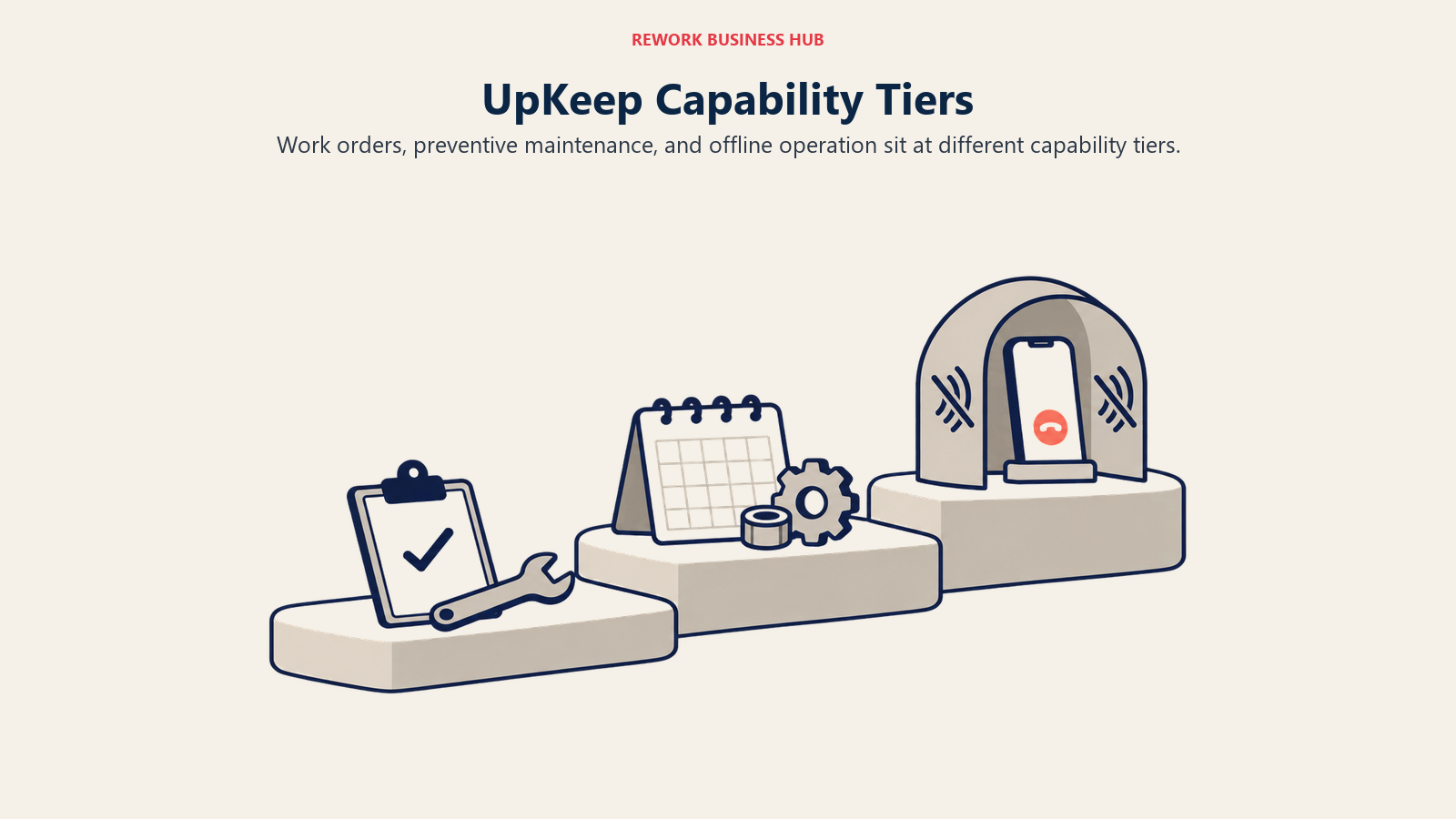
This is the table most third-party roundups skip, and it's why "starts at $24/user/month" is a misleading headline on its own. Per UpKeep's own pricing page, most of what a maintenance team associates with a CMMS, PM scheduling, custom checklists, parts and inventory costing, and time and labor tracking, sits on Premium at $55 per user per month, not Essential. Offline mode, the external request portal, and asset lifecycle tracking sit one tier higher, on Professional, which UpKeep doesn't price publicly.
| Capability | Essential ($24/user/mo) | Premium ($55/user/mo) | Professional (quote only) |
|---|---|---|---|
| Unlimited work orders | Yes | Yes | Yes |
| Unlimited locations | Yes | Yes | Yes |
| Nova AI assistant | Yes (250 credits/mo) | Yes (500 credits/mo) | Yes (750 credits/mo) |
| PM scheduling | No | Yes | Yes |
| Custom checklists | No | Yes | Yes |
| Parts and inventory management with costing | No | Yes | Yes |
| Time and labor tracking | No | Yes | Yes |
| Analytics history | Not stated | 30-day | Full history |
| Mobile offline mode | No | No | Yes |
| External request portal | No | No | Yes |
| Asset lifecycle tracking | No | No | Yes |
| Signature capture | No | No | Yes |
UpKeep's pricing page does not state whether $24 and $55 are billed monthly or annually, so treat both as the published rate rather than assuming a discount either way. The practical takeaway: if PM scheduling and parts inventory are why you're buying a CMMS at all, your real UpKeep starting price is $55 per user per month, not $24. And if your sites have any dead zones, basements, or remote equipment with no signal, offline mode lives on the quote-only Professional tier, which is a real problem for a lot of maintenance work.
A lot of older listicles still describe an "UpKeep Lite" tier around $20 per user per month, or claim UpKeep has a free plan outright. Neither is true as of August 2026: UpKeep's only published tiers are Essential and Premium, plus a no-credit-card trial. No free plan, full stop.
Quick Comparison Table
| Tool | Best For | Starting Price | Key Strength | Key Limitation |
|---|---|---|---|---|
| MaintainX | Teams wanting a real free tier to pilot on | Free (capped) or $20/user/mo billed annually ($25/mo monthly) | Genuinely usable free tier plus mobile-first work order execution | Free tier caps at 2 procedure work orders and 2 repeating work orders |
| Limble | Teams wanting the deepest configurable CMMS | $28/user/mo (Standard) | Strong PM scheduling, IoT and reliability features, highly configurable | No free plan; per-user pricing scales the same way UpKeep's does |
| Fiix | Teams wanting a free tier with real limits, not just a trial | Free (capped at 25 active PMs) or $45/user/mo (Basic) | Unlimited work orders, assets, and service requests even on the free plan | Free tier caps active PM schedules at 25 |
| eMaint | Multi-site reliability programs tied to Fluke instrumentation | No published per-user price (3-user minimum, prepaid annual) | Deep reliability and condition-monitoring integration via Fluke | No self-serve pricing; 3 and 5-user minimums shut out small teams |
| EZOfficeInventory | Teams where unlimited seats matter more than deep PM workflows | $40/mo (Essentials, up to 250 items, unlimited users) | Priced by tracked items, not seats, so adding staff is free | Lighter on PM scheduling and work order depth than a dedicated CMMS |
| Rework | Teams wanting the asset register on the same platform as CRM, work, and finance | Quote on request (rework.com/pricing) | Consolidation: assets, cost, and ownership live with the rest of ops, not in a fourth tool | Not a CMMS; no PM scheduling or technician work order execution |
| Asset Panda | Highly configurable barcode/QR tracking across mixed asset types | Quote on request (reported $10-$75/user/mo) | Deep configurability, strong mobile scanning | No published price; wide reported range makes budgeting hard |
| Snipe-IT | IT asset teams wanting a free, self-hosted register | Free (self-hosted) or $39.99/mo (Cloud Basic) | Genuinely free forever if self-hosted, unlimited users and assets | Asset register only, no maintenance workflow or network discovery |
| Asset Essentials (Brightly, a Siemens company) | Public sector, education, and healthcare facilities EAM | Quote only | Purpose-built for facilities and public-sector maintenance workflows | No published price, demo-gated |
| Sortly | Mobile-first inventory and asset counting for small teams | Free (100 items, 1 user) or $24/mo first-year promo (Advanced) | Simple mobile scanning, fastest tool on this list to onboard | Not a CMMS; yearly promo pricing renews higher after year one |
| IBM Maximo Application Suite | Enterprise, asset-intensive industries | Maintenance Essentials "starting under US$ 40K per year", metered in AppPoints | Deepest enterprise EAM and APM feature set in the category | Not a self-serve SMB purchase; pricing requires a sales conversation |
| Reftab | Budget IT and equipment asset tracking with unlimited users | Free (50 assets) or $31.25/mo billed annually (Starter) | Unlimited platform users on every plan, real free-forever tier | Asset tracking only, no PM scheduling or work order workflow |
Free-Tier Reality Check
"Free" means very different things across this category. Here's exactly what each cap actually allows, because the gap between "has a free tier" and "the free tier is usable" is where most teams get surprised.
| Tool | Free plan | Exact cap |
|---|---|---|
| UpKeep | None | No free tier at any level; trial only, no credit card required |
| Limble | None | No free tier; free trial only |
| MaintainX | Yes | 2 procedure work orders, 2 active repeating work orders, 1 month of Advanced Analytics access |
| Fiix | Yes | 25 active preventive maintenance schedules; work orders, assets, and service requests are unlimited |
| Snipe-IT | Yes (self-hosted) | Unlimited users and assets, 120 API calls/minute; cloud-hosted plans start at $39.99/mo |
| Sortly | Yes | 100 unique items, 1 user license, 2 active jobs |
| Reftab | Yes | 50 assets, unlimited accessories, licenses, locations, and custom fields |
| AssetTiger | No | 30-day trial capped at 250 assets and 2 users, then view-only |
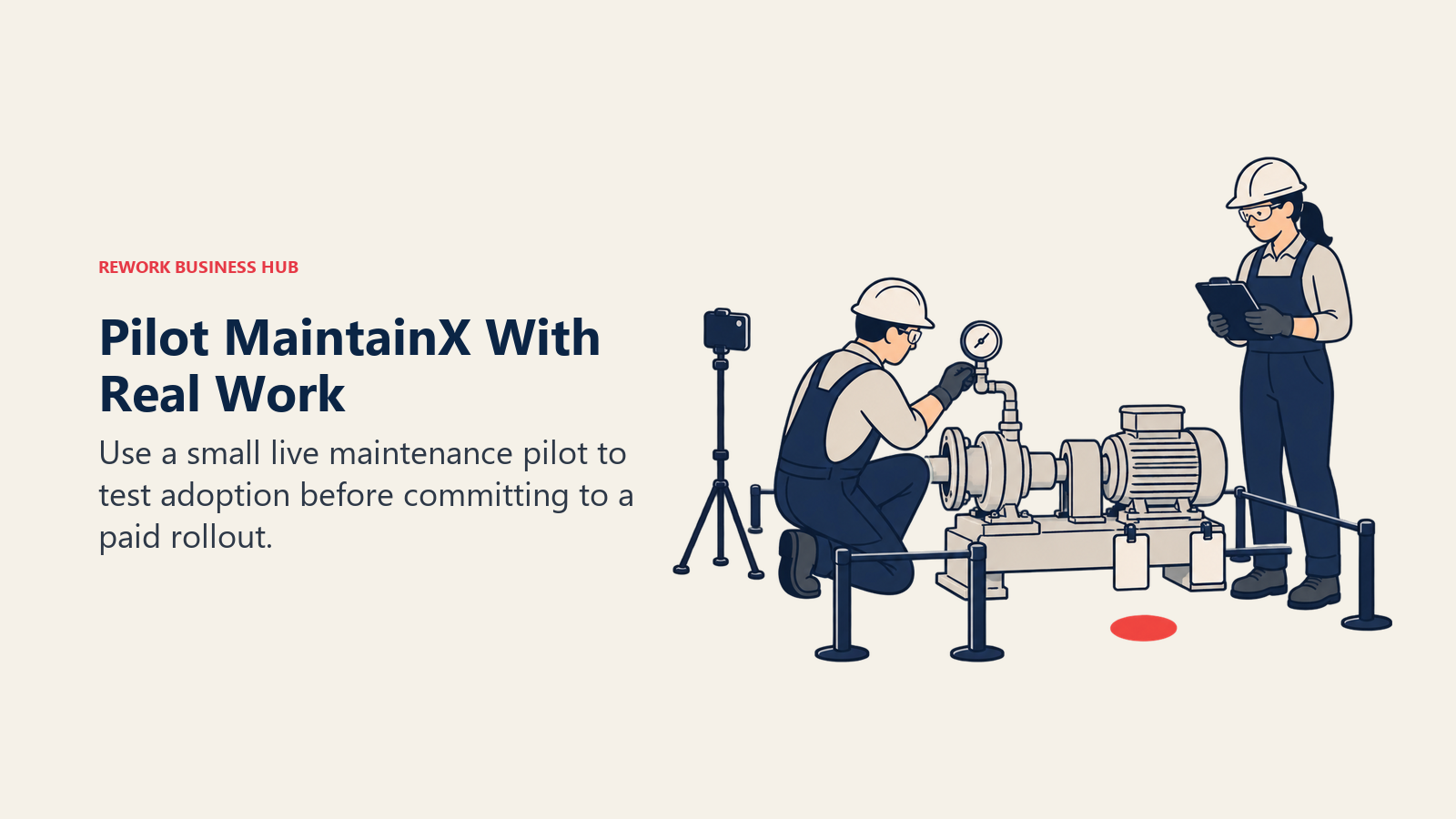
MaintainX and Fiix are the two genuine CMMS options here with a usable free plan. Both cap you fast (2 work orders with procedures, or 25 active PMs) but both let you run a real pilot with real technicians before anyone signs anything. UpKeep and Limble give you neither.
What 10, 25, and 50 Technicians Actually Cost
Per-user pricing is where a CMMS decision gets expensive quietly. Here's the entry and mid tier monthly cost at three common team sizes, using each vendor's own published per-user rate. Vendors that don't publish a per-user rate are marked quote-only rather than estimated.
| Tool and tier | 10 technicians | 25 technicians | 50 technicians |
|---|---|---|---|
| UpKeep Essential ($24/user/mo) | $240/mo | $600/mo | $1,200/mo |
| UpKeep Premium ($55/user/mo) | $550/mo | $1,375/mo | $2,750/mo |
| MaintainX Essential, annual ($20/user/mo) | $200/mo | $500/mo | $1,000/mo |
| MaintainX Essential, monthly ($25/user/mo) | $250/mo | $625/mo | $1,250/mo |
| MaintainX Premium, annual ($65/user/mo) | $650/mo | $1,625/mo | $3,250/mo |
| Limble Standard ($28/user/mo) | $280/mo | $700/mo | $1,400/mo |
| Limble Premium+ ($69/user/mo) | $690/mo | $1,725/mo | $3,450/mo |
| Fiix Basic ($45/user/mo) | $450/mo | $1,125/mo | $2,250/mo |
| Fiix Professional ($75/user/mo) | $750/mo | $1,875/mo | $3,750/mo |
| eMaint | Quote-only (3-user minimum, prepaid annual) | Quote-only | Quote-only |
| Rework | Quote on request, packaged per organization, not per seat | Quote on request | Quote on request |
The "full-featured" tier of every per-seat CMMS here costs roughly double to triple the entry tier at every headcount, so the price in a sales email is rarely what you'll pay. At 50 technicians, the spread between the cheapest entry tier and the priciest full-featured tier runs close to $33,000 a year, for what's nominally the same category of software.
The 12 Best UpKeep Alternatives
1. MaintainX: The Real Free Tier
MaintainX competes closest to UpKeep on paper: mobile-first work order execution, a technician-friendly app, and a similar target buyer. The real difference is the free tier. UpKeep has none; MaintainX's Basic plan is free forever, capped at 2 procedure work orders and 2 active repeating work orders, with 1 month of Advanced Analytics thrown in. That's tight, but it's enough to run a genuine two-week pilot with a small crew before anyone commits budget.
| What you get | What you don't |
|---|---|
| A free tier you can actually pilot on | Depth beyond 2 procedure and 2 repeating work orders, free |
| Mobile-first work order execution technicians will open | A tier breakdown as granular as UpKeep's |
| Both monthly and annual billing shown up front | Parts costing as deep as Premium-tier UpKeep |
Pricing: Basic is free (capped). Essential is $20/user/mo billed annually or $25/user/mo billed monthly. Premium is $65/user/mo billed annually or $75/user/mo billed monthly. Enterprise is custom. (getmaintainx.com/pricing)
Best for: Teams that want to run a real pilot with real technicians before signing anything, and teams price-sensitive enough that MaintainX's $20/user annual rate undercuts UpKeep's $24 Essential rate outright. What's different from UpKeep: A usable free plan and a lower entry price at the same billing cadence.
2. Limble: The Deepest Configurable CMMS
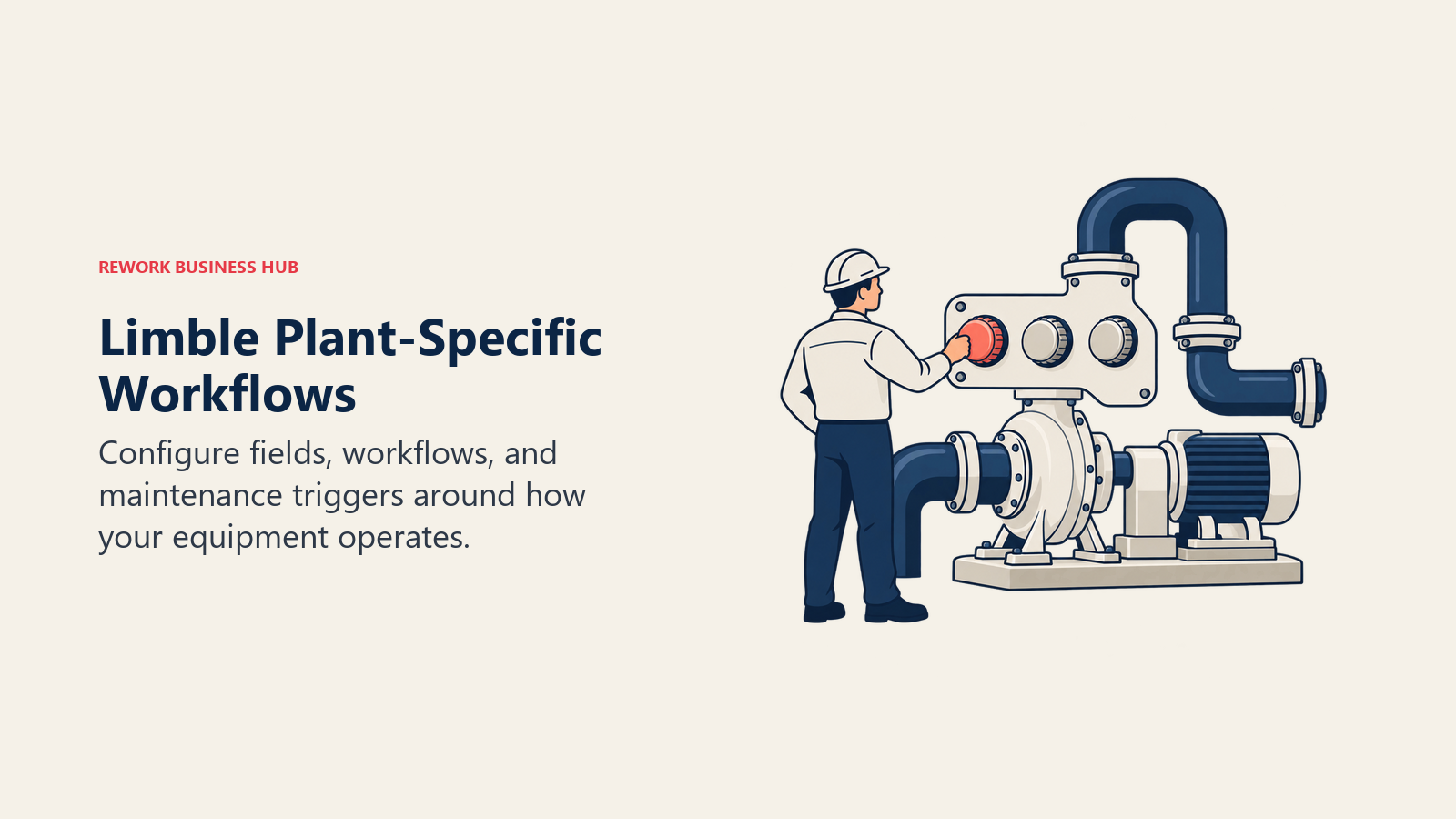
Limble built its reputation on configurability and a support team that maintenance managers consistently praise for actually picking up the phone. It's the pick for a team that has outgrown a generic CMMS and wants to build workflows, custom fields, and IoT-triggered PMs that match how their specific plant actually runs.
| What you get | What you don't |
|---|---|
| Highly configurable workflows, custom fields, and PM triggers | A free plan of any kind; trial only |
| Strong IoT and reliability feature set for condition-based PMs | Item-based or unlimited-user pricing; it's per seat like UpKeep |
| A support reputation maintenance managers rate highly | Published enterprise pricing (Enterprise is custom quote) |
Pricing: Standard is $28/user/mo. Premium+ is $69/user/mo. Enterprise is a custom quote. Limble publishes these figures itself at limble.com/learn/cost. Older reviews describing a free "Basic" tier are out of date; that tier no longer exists.
Best for: Maintenance teams that have outgrown a basic CMMS and want deep configurability without jumping to enterprise-tier IBM Maximo pricing. What's different from UpKeep: More configuration depth at a comparable price point, but the same no-free-plan reality UpKeep has. If Limble is the front-runner, the UpKeep vs Limble head-to-head prices both at the tier that actually contains a working PM program, and Limble alternatives covers the rest of that shortlist.
3. Fiix: A Free Tier With Real Teeth
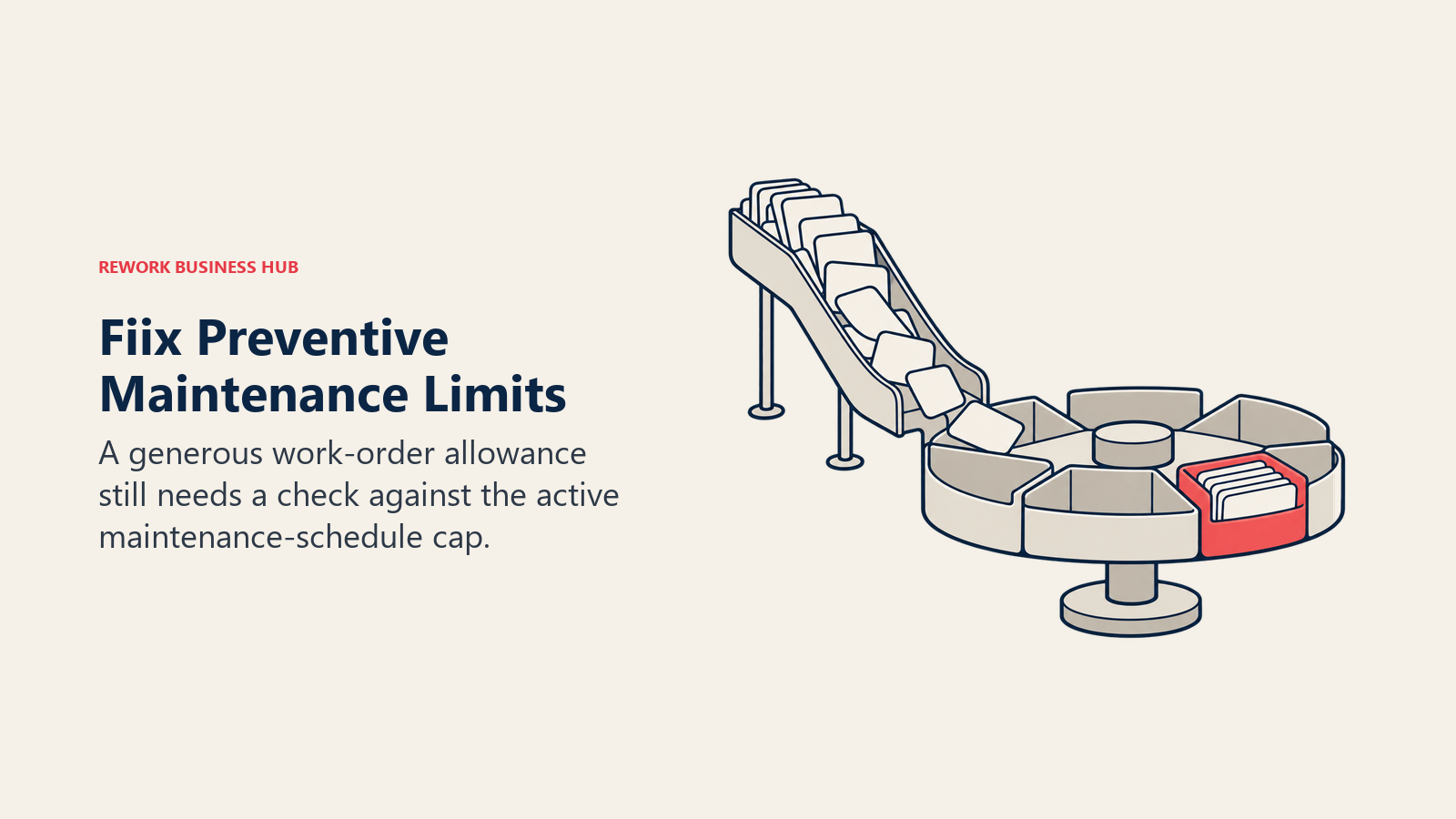
Fiix, now owned by Rockwell Automation, offers the most generous free plan of any dedicated CMMS on this list: unlimited work orders, unlimited assets, unlimited service requests, and mobile app access, all with no credit card required. The catch is a 25-active-PM cap, which a single mid-size site will hit fast, but it's a genuinely different offer than a 14-day trial clock.
| What you get | What you don't |
|---|---|
| Unlimited work orders and assets, even for free | More than 25 active PM schedules on the free tier |
| Backing and reliability credibility from Rockwell Automation | A published price for Fiix MAX or the Lite add-on |
| No credit card required to start | A per-item pricing option like EZOfficeInventory |
Pricing: Free plan capped at 25 active PMs. Basic is $45/user/mo. Professional is $75/user/mo. Enterprise is custom. (fiixsoftware.com/pricing)
Best for: Teams that want to run maintenance on a genuinely free plan for as long as possible before their PM count forces an upgrade decision. What's different from UpKeep: A real free tier and unlimited work orders at every tier, where UpKeep offers neither.
4. eMaint: Reliability-First, Built for Fluke's Ecosystem
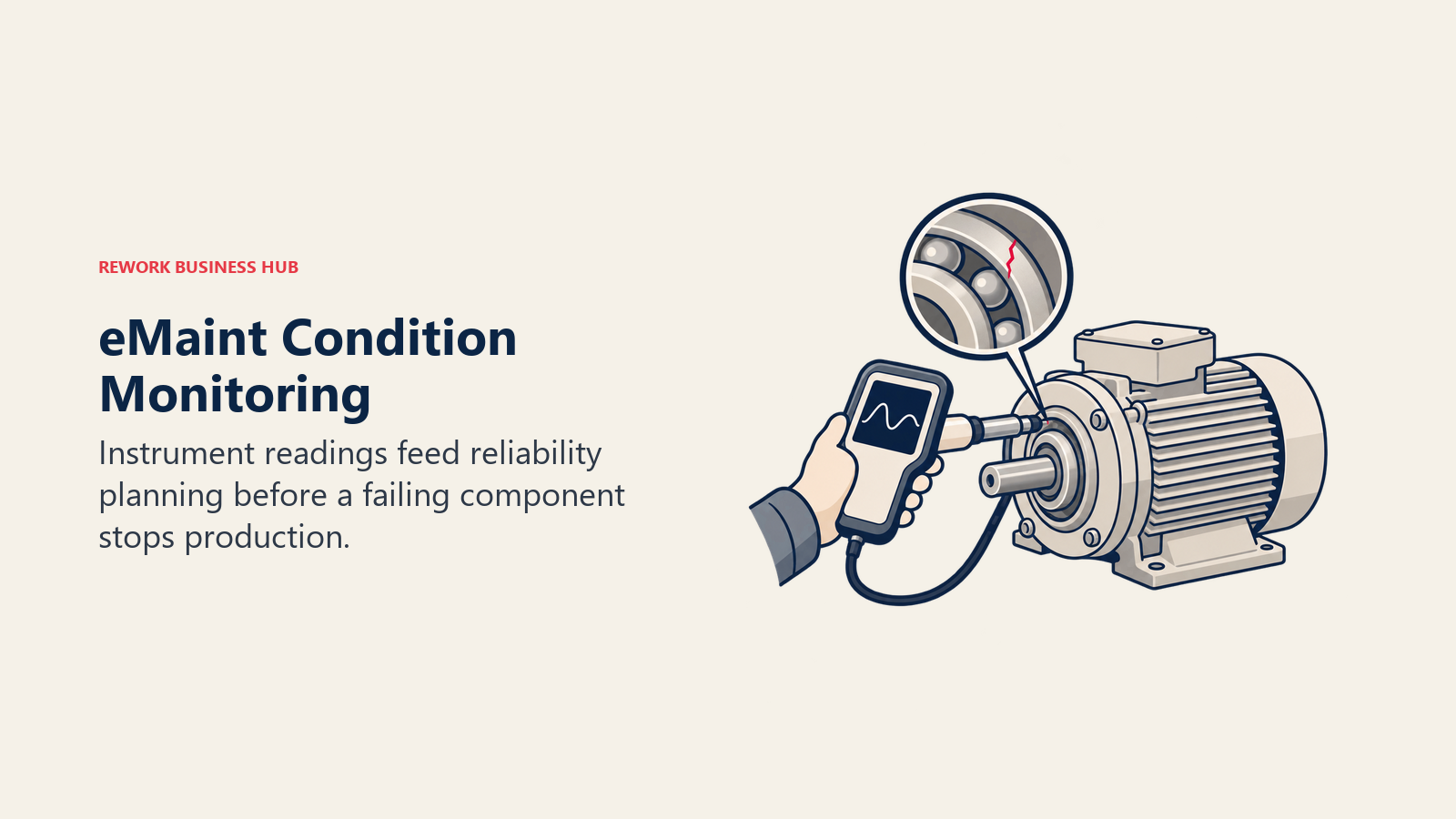
eMaint, a Fluke Reliability company, leans into condition-based and reliability-centered maintenance more than any other tool on this list, which makes sense given its parent company sells the vibration analyzers, thermal cameras, and testers that feed data into it. It's a fit for reliability engineering teams first and general maintenance teams second.
| What you get | What you don't |
|---|---|
| Deep reliability and condition-monitoring tie-in via Fluke instruments | Self-serve, published per-user pricing |
| Professional and Enterprise tiers built for multi-site programs | A single-user or small-team entry point (3-user minimum) |
| À-la-carte add-ons: vendor portal, validation scripts, on-site training | Predictable year-one cost without a sales call |
Pricing: No published per-user price. Professional requires a 3-user minimum; Enterprise requires a 5-user minimum, both on a prepaid annual commitment, plus optional paid add-ons. (emaint.com/pricing)
Best for: Multi-site reliability programs already invested in Fluke instrumentation and condition monitoring. What's different from UpKeep: Built around reliability engineering and instrumentation integration rather than mobile-first work order speed, with a minimum user commitment UpKeep doesn't impose.
5. EZOfficeInventory: Priced by Items, Not People
EZOfficeInventory (EZO) flips the pricing model that makes UpKeep expensive at scale. Instead of charging per user, it charges by how many items you're tracking, with unlimited users included under a fair-use policy. For a team where headcount grows faster than the equipment list, that's a real structural advantage over UpKeep.
| What you get | What you don't |
|---|---|
| Unlimited users under fair use, no per-seat penalty for adding staff | The PM scheduling and work order depth of a dedicated CMMS |
| Pricing that scales with tracked items, not headcount | Clear billing-basis disclosure (monthly vs. annual isn't stated) |
| Four published tiers from $40 to $65/mo at the entry item band | A separate CMMS product (EZO CMMS) with published pricing |
Pricing: Essentials is $40/mo for up to 250 items with unlimited users. Advanced is $55/mo. Premium is $65/mo. Custom Enterprise is quote-based. Pricing scales up at larger item counts. EZO also sells a separate EZO CMMS product; its rates aren't confirmed on a page that renders, so they're not quoted here. (ezo.io)
Best for: Teams whose technician headcount grows faster than their equipment count, where per-user pricing punishes exactly the wrong thing. What's different from UpKeep: Adding a tenth or twentieth technician costs nothing extra; the price is set by asset volume instead.
6. Rework: Consolidating the Asset Register, Not the Work Order Queue
Rework is the right comparison when the actual pain isn't UpKeep's scheduling screen, it's that the asset register, its purchase cost, its vendor, and the person currently holding it all live in a different system than the rest of operations. Rework's Assets module is a fixed asset register, live on the same platform as Task, Project, and Workflow on the work side, Inventory, Invoice, and Bankfeeds on the finance side, Sales CRM and Lead, the People app (HRIS, timesheets, payroll), and a unified multi-channel inbox. The argument here is consolidation, not maintenance depth: fewer systems joined by integrations that break quietly on a Friday.
| What you get | What you don't |
|---|---|
| A fixed asset register on the same platform as CRM, Task, Project, and finance | Native PM scheduling or technician work order execution |
| Assets tied to owner, cost, vendor, and location on one shared record | Barcode and QR field-scanning depth like Asset Panda |
| People app (HRIS, time and attendance, timesheets) on the same login | Condition monitoring, meter-driven PM triggers, or IoT integration |
| Packaged annual pricing across the platform, not per-asset or per-seat | A free tier, or a solo/single-user fit |
Pricing: Rework does not publish a price for the Assets module. Rework sells packaged annual plans rather than per-user licenses, and pricing here is quoted per organization. See rework.com/pricing for the published product lines, or ask the team for a quote.
Best for: Mid-size operations teams (roughly 10-200 people) whose core asset problem is ownership, cost, and custody tracking sitting apart from the rest of the business, not preventive-maintenance scheduling. Not ideal for: Rework's Assets module is a fixed asset register, not a CMMS. Teams whose core job is preventive-maintenance scheduling, technician work orders, and mobile maintenance execution should look at UpKeep, Limble, MaintainX, Fiix, or eMaint. Teams whose core job is barcode-and-QR field scanning at Asset Panda depth, or agent-based IT discovery, should use the purpose-built tools in this list. Rework is also not for solo or single-user buyers. What's different from UpKeep: Rework isn't trying to out-schedule UpKeep on maintenance workflow; it's the option when the asset register itself needs to live with CRM, finance, and work management instead of standing alone.
7. Asset Panda: Configurable Barcode and QR Tracking
Asset Panda tracks a mixed bag of asset types (IT equipment, tools, vehicles, furniture) with heavy mobile barcode and QR scanning, and lets you configure fields and workflows to match how your organization labels things. It competes with UpKeep on "where's this asset and who has it" more than "when does it need maintenance." See the best Asset Panda alternatives guide if its quote-only pricing is the sticking point.
| What you get | What you don't |
|---|---|
| Deep field and workflow configurability for mixed asset types | Any published price; every quote requires a sales call |
| Strong mobile barcode and QR scanning | PM scheduling or work order execution depth |
| A 7-day free trial of a fully featured account | A free-forever tier |
Pricing: No published price. The vendor offers only a custom quote and a 7-day free trial. Third-party trackers report a wide range, roughly $10 to $75 per user per month (reported), with one tracker citing a $50/user/month Starter tier with a 5-user minimum, billed annually (reported). (assetpanda.com/pricing)
Best for: Field-heavy operations tracking mixed, non-maintenance asset types (IT gear, tools, fleet, furniture) that need deep barcode and QR configurability. What's different from UpKeep: Asset-tracking configurability over maintenance-workflow depth, and no self-serve pricing at all.
8. Snipe-IT: Free, Self-Hosted, and Honest About What It Isn't
Snipe-IT is the open-source answer for IT asset teams: self-hosted, free, unlimited users and assets, with the vendor's own wording blunt about it, "Snipe-IT Asset Management is and always will be free." That undercuts every per-seat CMMS on this list by definition, if you're comfortable self-hosting. Read the best Snipe-IT alternatives guide if you're not.
| What you get | What you don't |
|---|---|
| Genuinely free forever if self-hosted, unlimited users and assets | Any PM scheduling, work order queue, or maintenance workflow |
| Cloud-hosted tiers if you don't want to run your own server | Network discovery or agent-based scanning |
| Every tier, cloud or self-hosted, includes unlimited assets | A mobile-first technician app built for field maintenance |
Pricing: Self-hosted is free (unlimited users and assets, 120 API calls/minute). Cloud Basic is $39.99/mo or $399.99/yr. Cloud Small Business is $99.99/mo or $999.99/yr. Cloud Dedicated (Small) is $249.99/mo or $2,499.99/yr. Dedicated Medium is $5,000/yr and Large is $7,500/yr. (snipeitapp.com/pricing)
Best for: IT asset teams that want a free, unlimited register and are comfortable self-hosting, or that want predictable flat-rate cloud pricing instead of per-user math. What's different from UpKeep: It's an asset register, not a CMMS, and it's free at a scale UpKeep can't match because UpKeep doesn't have a free tier at all.
9. Asset Essentials (Brightly, a Siemens company): Built for Facilities and Public Sector
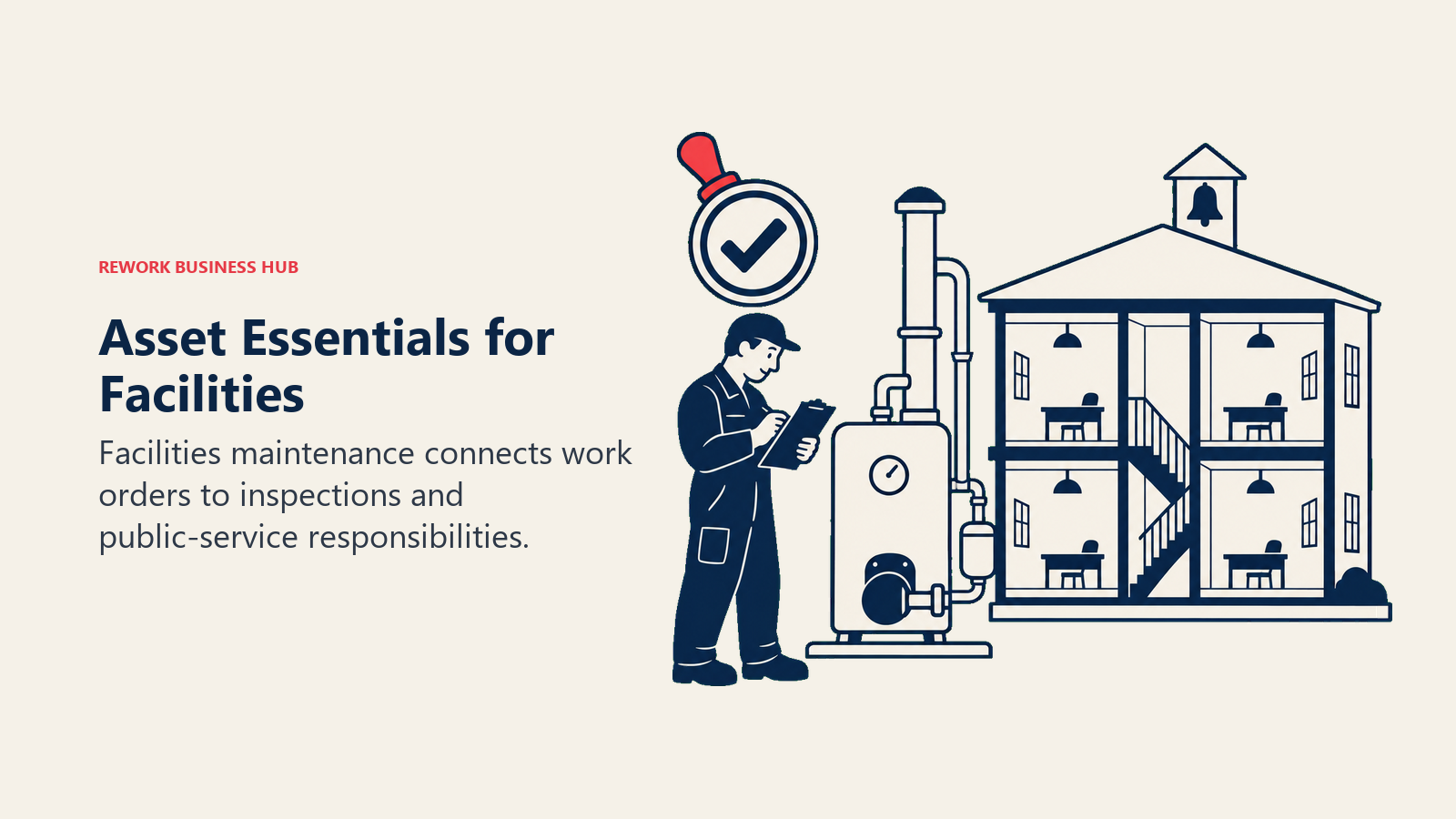
Asset Essentials comes from Brightly, acquired by Siemens; the product now sits under assetmanagement.siemens.com rather than the old Brightly domain. It's purpose-built for public-sector, education, and healthcare facilities maintenance, where work orders tie into inspections and compliance in ways a generalist CMMS like UpKeep doesn't model well.
| What you get | What you don't |
|---|---|
| Purpose-built workflows for facilities, K-12, higher ed, and healthcare | Any published price; quote-only via demo request |
| Siemens-backed enterprise support and roadmap | Self-serve trial or transparent starting price |
| Compliance and inspection-linked work order structures | Fit for pure industrial or manufacturing use cases |
Pricing: No published price; quote only, via a demo request. (assetmanagement.siemens.com/products/asset-essentials)
Best for: Public sector, education, and healthcare facilities teams whose maintenance work is tied to inspections and compliance, not industrial production lines. What's different from UpKeep: Vertical-specific workflows for facilities and public-sector compliance rather than UpKeep's more general industrial/commercial maintenance focus.
10. Sortly: Mobile Inventory Counting, Not a CMMS
Sortly is worth including because a meaningful share of teams that search "UpKeep alternatives" don't actually need PM scheduling, they need to know what they have, where it is, and how many are left. Sortly is a mobile-first inventory and asset counting app built around photos and quick scans, not work orders.
| What you get | What you don't |
|---|---|
| The simplest, fastest mobile onboarding on this list | Any PM scheduling, work order queue, or maintenance workflow |
| A genuinely free tier (100 items, 1 user) | A permanent yearly price; year-one is a promotional rate |
| Photo-based item tracking that's easy to teach non-technical staff | Depth for 5,000+ items without the Premium tier |
Pricing: Free is $0/mo (100 items, 1 user). Advanced is $24/mo yearly or $49/mo monthly (500 items, 2 users). Ultra is $74/mo yearly or $149/mo monthly (2,000 items, 5 users). Premium is $149/mo yearly or $299/mo monthly (5,000 items, 8 users). Enterprise is custom. The yearly rates are a first-year promo: 50% off year one, 20% off on renewal. (sortly.com/pricing)
Best for: Small teams that need fast, mobile-first inventory counting and don't need work order or PM scheduling at all. What's different from UpKeep: Sortly doesn't try to be a CMMS; it's a lighter-weight tool for a narrower job, and it's honest about that in its own positioning.
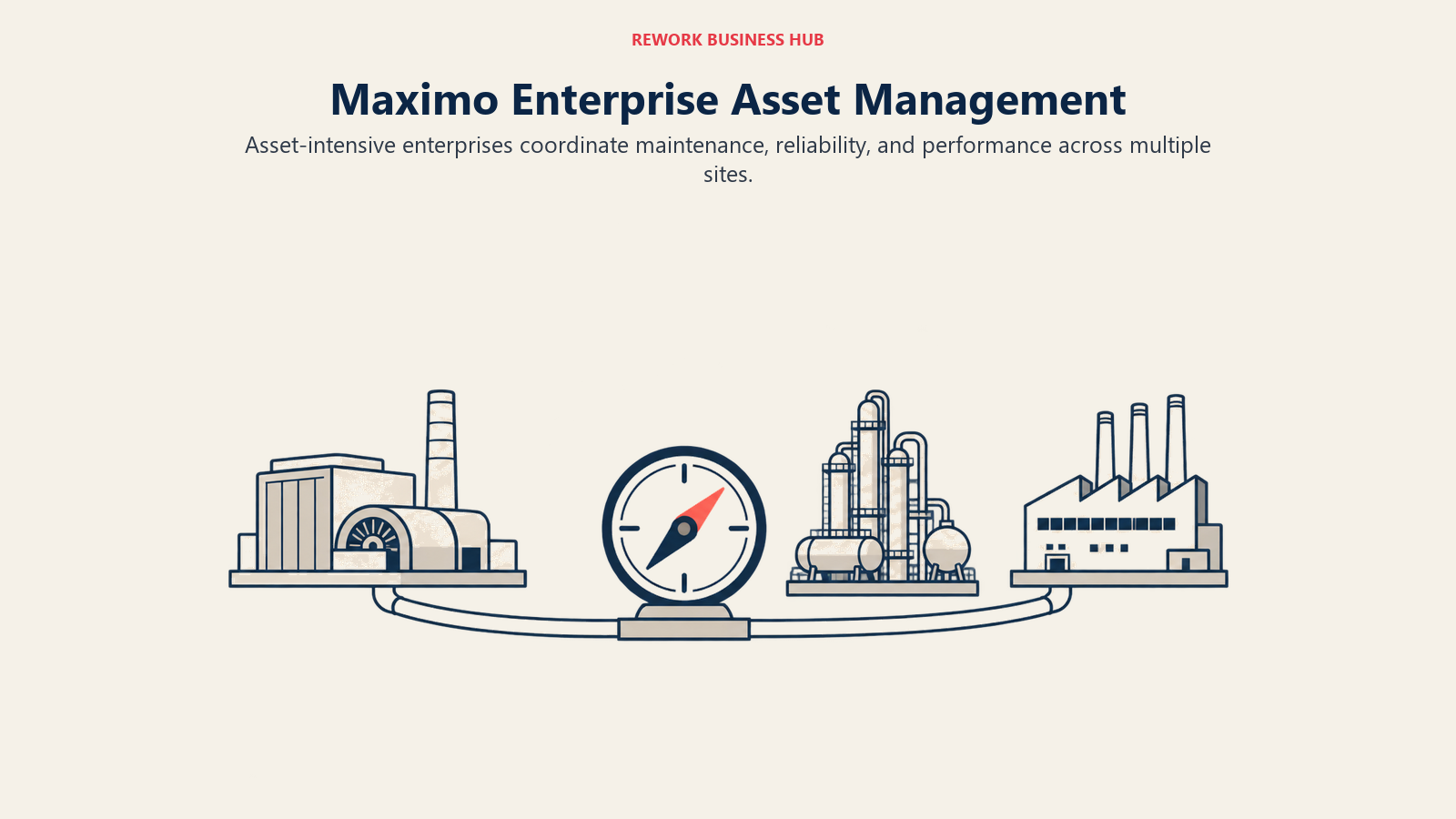
11. IBM Maximo Application Suite: Enterprise EAM at Enterprise Scale
IBM Maximo is where an UpKeep user graduates only after crossing into genuinely enterprise territory: multi-site, asset-intensive industries like utilities, oil and gas, and heavy manufacturing, where asset performance management and IoT analytics need to run at a scale UpKeep was never built for. IBM prices it through AppPoints, a credit-based entitlement pool, and publishes annual starting points per capability rather than a per-seat rate.
| What you get | What you don't |
|---|---|
| The deepest enterprise EAM and APM feature set in the category | Any self-serve path; Standard and Premium tiers are quote-only |
| IoT, reliability, and asset performance analytics at scale | A quick evaluation path for a small or mid-size team |
| Multi-site, multi-industry deployment maturity | Transparent cost without a sales conversation |
Pricing: IBM meters MAS in AppPoints, a credit-based entitlement pool, and publishes annual starting points per capability rather than a per-user rate. Maintenance Essentials starts "under US$ 40K per year" from 150 AppPoints, and Inspection Essentials "under US$ 47K per year" from 175. Standard and Premium tiers are quote-only, and a subscription licence is a minimum 12-month non-cancellable agreement. (ibm.com/products/maximo/pricing)
Best for: Large, asset-intensive enterprises (utilities, oil and gas, mining, heavy manufacturing) that need enterprise EAM and asset performance management, not a self-serve SMB CMMS. What's different from UpKeep: Built for a completely different buyer, enterprise reliability and asset performance management rather than a mobile-first team CMMS, at a price and complexity to match.
12. Reftab: Unlimited Users on Every Plan, Including Free
Reftab tracks IT hardware and equipment with a structural pricing advantage UpKeep can't offer: unlimited platform users included on every plan, from the free tier up through Business. For a team where more people than technicians need visibility into the asset list (helpdesk, office managers, department heads), that changes the math entirely.
| What you get | What you don't |
|---|---|
| Unlimited platform users on every plan, including free | Any PM scheduling, work order queue, or maintenance workflow |
| A real free-forever tier (50 assets) | Depth past 3,000+ assets without a higher hardware tier |
| A dedicated Software Management add-on for license tracking | Industrial maintenance workflow depth |
Pricing: Free Forever covers 50 assets, unlimited accessories, licenses, locations, categories, and custom fields. Starter is $31.25/mo billed annually. Pro is $62.50/mo billed annually. Business is $125.00/mo billed annually (marked "Most Popular"). All hardware plans start at a 250-asset cap and scale to 3,000+ assets, with unlimited users on every plan. A Software Management add-on runs $0.75/mo per tracked user, billed annually; Complete IT Management (hardware plus software) is $125.75/mo billed annually. (reftab.com/pricing)
Best for: IT and equipment asset tracking for small to mid-size teams that want unlimited internal visibility without paying per login. What's different from UpKeep: No per-user penalty for adding non-technician viewers, and a real free tier UpKeep doesn't have, but no CMMS work order or PM layer at all.
Stage Fit Matrix
| Company stage | Best fits | Why |
|---|---|---|
| Solo or 1-2 person operation | Reftab or Sortly free tiers | Free caps (50 and 100 items) cover a tiny footprint at zero cost |
| Small team (3-15 technicians) | MaintainX, Fiix, or UpKeep Essential | Free or entry-tier per-user pricing stays manageable |
| Growing team (15-50 technicians) | Limble, Fiix Professional, EZOfficeInventory, or Rework | Per-user cost starts to bite; item-based or packaged pricing changes the math |
| Mid-size operation (50-200 people, cross-functional) | Rework, EZOfficeInventory, Asset Panda | Consolidation matters more than raw CMMS depth |
| Multi-site reliability program | eMaint, Limble Premium+, Asset Essentials | Condition monitoring and multi-site support decide it |
| Enterprise, asset-intensive industry | IBM Maximo Application Suite | The only tool here built for utilities and heavy manufacturing scale |
Sizing and Persona Fit
| Persona | Primary concern | Tools worth evaluating first |
|---|---|---|
| Maintenance Manager | PM scheduling depth and technician adoption | Limble, Fiix, MaintainX |
| Operations Manager | Consolidating asset data with the rest of the business | Rework, EZOfficeInventory |
| COO | Total cost at scale and vendor consolidation | Rework, EZOfficeInventory |
| IT Manager | Software and hardware asset tracking, license management | Snipe-IT, Reftab, EZOfficeInventory |
| Finance Manager | Predictable annual cost, asset cost and depreciation visibility | Rework, Reftab, Snipe-IT self-hosted |
Migrating Off UpKeep: What Moves and What Usually Doesn't
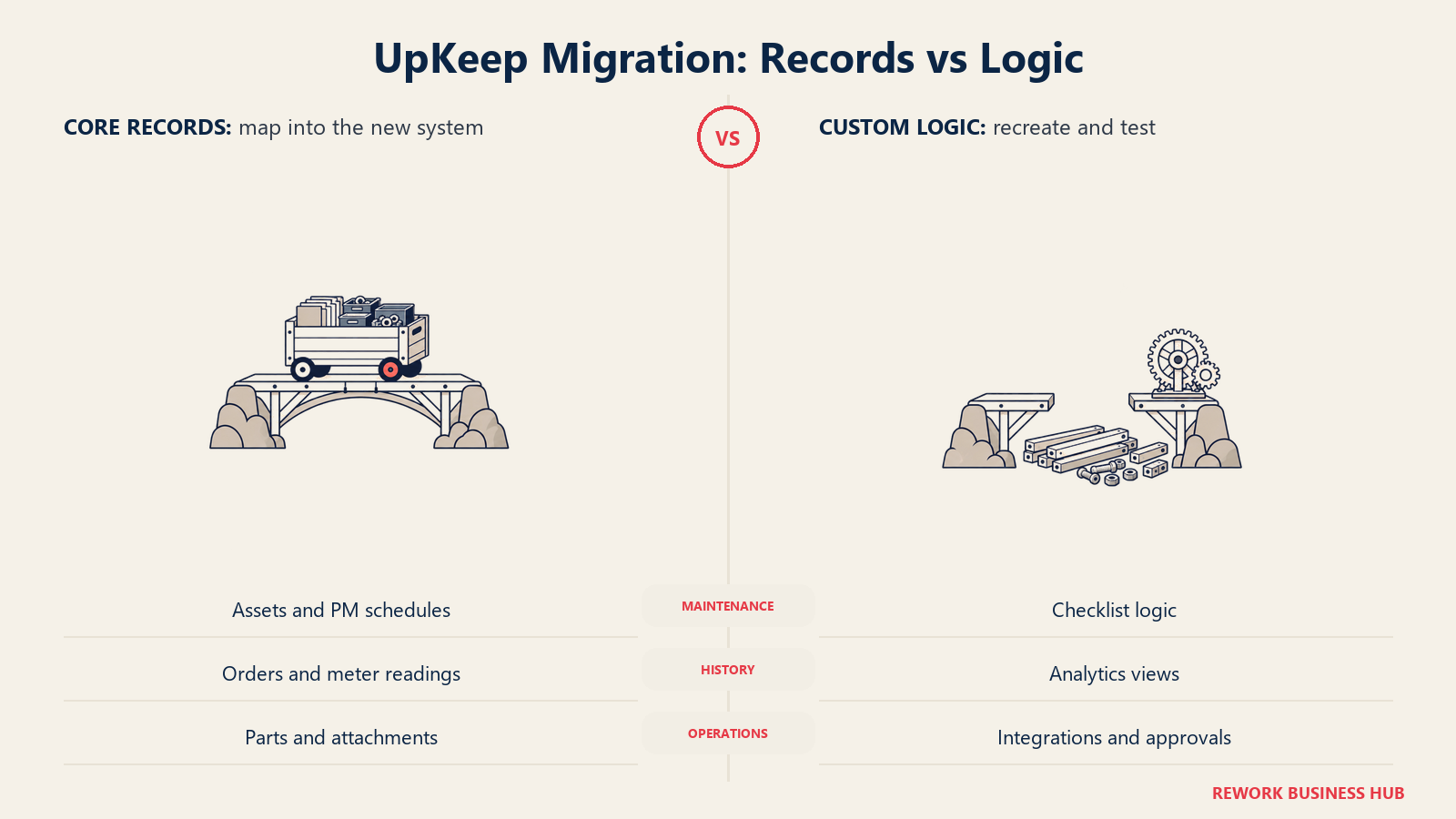
Most of the core data moves cleanly. Assets, PM schedules, work order history, parts inventory counts, meter readings, and file attachments export in a structured enough format that a competent implementation team can map them into MaintainX, Limble, Fiix, or a non-CMMS register like Rework or Snipe-IT without much drama.
| Usually moves cleanly | Usually needs rebuilding |
|---|---|
| Asset records and hierarchy | Nova AI configuration and prompt history |
| PM schedules and recurrence rules | Deeply nested custom checklist logic |
| Work order history | Dashboard and analytics view configurations |
| Parts and inventory counts | Third-party integrations and webhooks |
| Meter readings | Custom user permission and approval chains |
| File attachments and photos | Historical trend charts tied to UpKeep's own analytics engine |
Budget real time for the second column. It's rarely the data migration that blows a switch timeline, it's rebuilding automation and reporting logic that only existed inside the old tool's configuration screens. The SaaS vendor diligence checklist and switching SaaS vendors guides cover the broader playbook.
How to Choose: Decision Framework
| If you need... | Best pick |
|---|---|
| A free tier to actually pilot on before buying | MaintainX or Fiix |
| The deepest configurable CMMS feature set | Limble |
| Reliability and condition-monitoring tied to instrumentation | eMaint |
| Pricing that scales with items, not headcount | EZOfficeInventory |
| The asset register consolidated with CRM, work, and finance | Rework |
| Deep barcode and QR tracking across mixed asset types | Asset Panda |
| A free, self-hosted, unlimited IT asset register | Snipe-IT |
| Enterprise asset-intensive industries (utilities, oil and gas) | IBM Maximo Application Suite |
Frequently Asked Questions about UpKeep Alternatives
Does UpKeep have a free plan?
No. UpKeep offers a no-credit-card trial but no free tier. Published plans are Essential at $24/user/mo and Premium at $55/user/mo; Professional and Enterprise are custom quotes. Claims of an "UpKeep Lite" tier or a free plan are out of date.
What's the actual UpKeep starting price if I need PM scheduling?
$55 per user per month, not $24. PM scheduling, custom checklists, parts and inventory management, and time and labor tracking all sit on Premium, per UpKeep's own pricing page. Essential covers unlimited work orders and locations plus Nova AI, but not scheduled preventive maintenance.
Which UpKeep alternatives have a real free plan?
MaintainX and Fiix. MaintainX's free Basic plan caps at 2 procedure work orders and 2 active repeating work orders. Fiix's free plan caps at 25 active PM schedules but allows unlimited work orders and assets. Limble and UpKeep both have no free plan, trial only.
Is Rework a CMMS alternative to UpKeep?
Not directly. Rework's Assets module is a fixed asset register, not a CMMS, so it doesn't handle PM scheduling or technician work orders. It fits when assets, cost, and ownership data live apart from CRM and finance, not when the problem is maintenance scheduling itself.
Why does per-user CMMS pricing matter more for maintenance teams specifically?
Because a CMMS gets more useful the more technicians log work in it, so per-seat pricing penalizes exactly that. Item-based tools like EZOfficeInventory, or packaged tools like Rework, avoid it, and the maintenance technician workforce is projected to grow 14% from 2025 to 2035, which compounds the cost over time.
Is offline mode common in this category, and why does it matter?
It's not universal, and on UpKeep it's gated behind the quote-only Professional tier, not Essential or Premium. For plants, basements, and remote sites with weak signal, that's a real gap: a technician who can't sync a closed work order until they're back in coverage loses the point of a mobile CMMS.
What to Do Next
If the free plan is the deciding factor, run MaintainX and Fiix side by side for two weeks with real technicians and real work orders, not sample data. Their caps are tight enough that you'll know within days whether the free tier holds up or whether you need to budget for Essential or Basic.
If per-user pricing is the actual pain and your equipment count grows slower than your headcount, put EZOfficeInventory's item-based pricing next to UpKeep's per-seat math at your real technician count, not today's count. And if the root problem is that your asset register, finance data, and work management all live in separate logins, start with Rework instead of another CMMS; pricing there is quoted per organization at rework.com/pricing. For the wider category, see the Best CMMS Software in 2026 roundup, the Best Asset Management Software in 2026 guide and the Best Field Service Management Software in 2026 guide, and read predictive maintenance strategy, total productive maintenance, and overall equipment effectiveness before you lock in a PM philosophy your new CMMS needs to support.

Principal Product Marketing Strategist
On this page
- Key Facts
- What UpKeep Does Well (and Who Should Stay)
- Where UpKeep's Pricing Gets Complicated: Which Tier Does What
- Quick Comparison Table
- Free-Tier Reality Check
- What 10, 25, and 50 Technicians Actually Cost
- The 12 Best UpKeep Alternatives
- 1. MaintainX: The Real Free Tier
- 2. Limble: The Deepest Configurable CMMS
- 3. Fiix: A Free Tier With Real Teeth
- 4. eMaint: Reliability-First, Built for Fluke's Ecosystem
- 5. EZOfficeInventory: Priced by Items, Not People
- 6. Rework: Consolidating the Asset Register, Not the Work Order Queue
- 7. Asset Panda: Configurable Barcode and QR Tracking
- 8. Snipe-IT: Free, Self-Hosted, and Honest About What It Isn't
- 9. Asset Essentials (Brightly, a Siemens company): Built for Facilities and Public Sector
- 10. Sortly: Mobile Inventory Counting, Not a CMMS
- 11. IBM Maximo Application Suite: Enterprise EAM at Enterprise Scale
- 12. Reftab: Unlimited Users on Every Plan, Including Free
- Stage Fit Matrix
- Sizing and Persona Fit
- Migrating Off UpKeep: What Moves and What Usually Doesn't
- How to Choose: Decision Framework
- What to Do Next