UpKeep vs Limble in 2026: Which CMMS Fits Your Maintenance Team?
Turn this article into takeaways for your work.


Each assistant summarizes the article only for you and suggests best practices for your work.
You're running maintenance for a plant, a hospital campus, a property portfolio or a few production lines, and the whiteboard has stopped working. Work orders arrive by text message. Preventive maintenance happens when somebody remembers. Nobody can tell you what a given pump cost in parts last year. UpKeep and Limble are the two names that survive most CMMS shortlists at that stage, and they survive for the same reasons: both are modern and mobile-first, both are priced for a mid-market maintenance team rather than an enterprise reliability department, both have no free plan, and both charge per user per month.
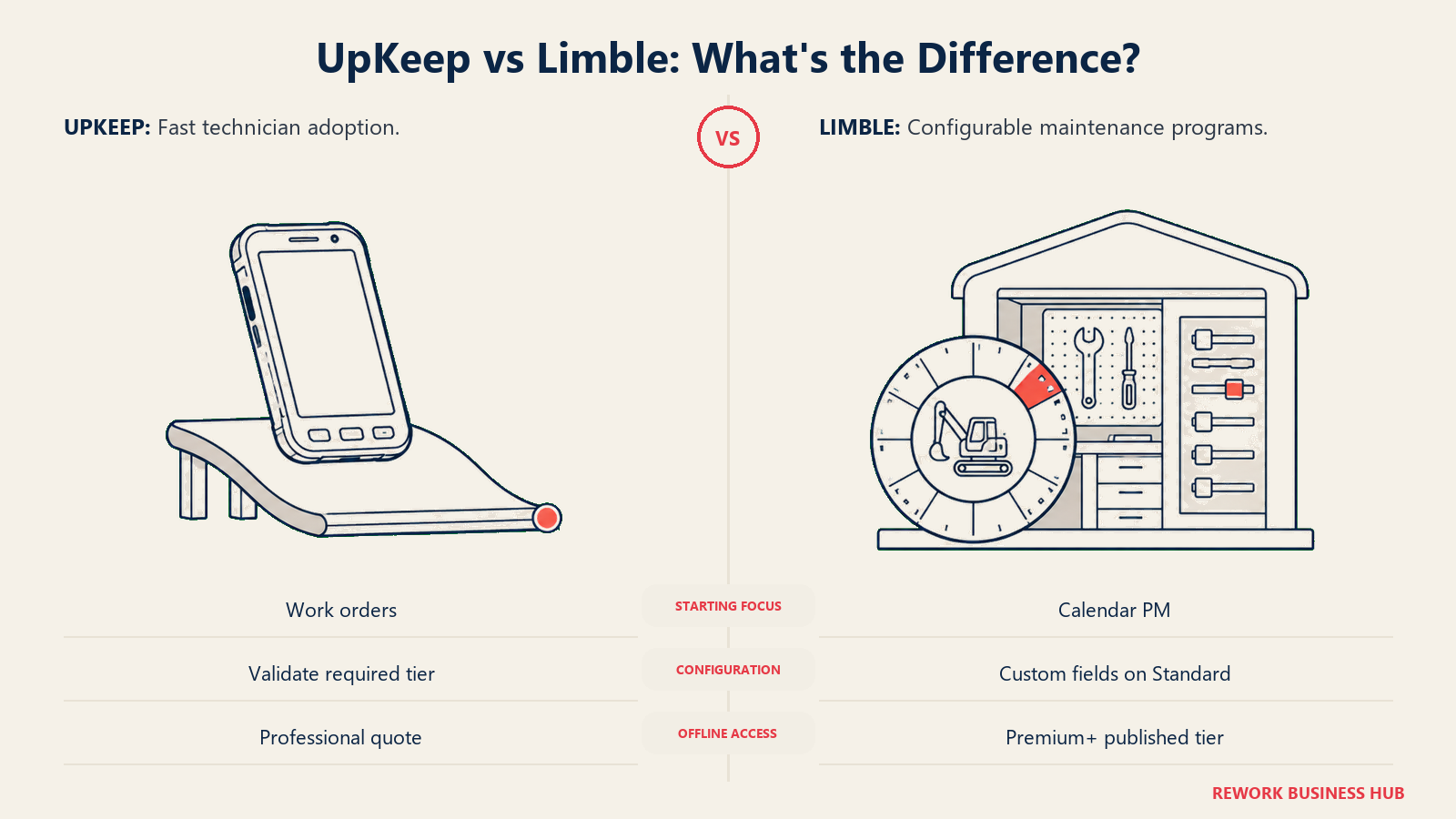
That symmetry is why this one has to be settled on specifics. On sticker price UpKeep looks cheaper, $24 a user a month against Limble's $28. On the tier that actually schedules preventive maintenance the ranking flips hard, because UpKeep's PM scheduling lives on a $55 tier and Limble's lives on its $28 one. Then there's offline mode, which most buyers only think about after a technician stands in a basement with no signal, and which sits on a quote-only tier at one vendor and a published one at the other. This page works through each vendor's own published tiers, models the cost at 10, 25 and 50 technicians, and gives a verdict per buyer type rather than a blanket winner. If you're still deciding which CMMS category you're shopping in at all, our best CMMS software in 2026 roundup is the wider map this page sits inside.
TL;DR
| UpKeep | Limble | |
|---|---|---|
| What it is | Mobile-first CMMS built around fast technician adoption and a work order app that opens quickly on a phone | Configurable CMMS built around asset hierarchies, PM depth and a support team maintenance managers consistently rate highly |
| Published entry price | Essential $24/user/mo | Standard $28/user/mo |
| Cheapest tier with PM scheduling | Premium $55/user/mo | Standard $28/user/mo |
| Cheapest tier with offline mode | Professional, quote only, no published price | Premium+ $69/user/mo |
| Billing term published? | No. UpKeep's pricing page states no monthly or annual term anywhere | No. Limble's figures carry no stated billing term either |
| Where the prices live | Listed directly on upkeep.com/pricing | Not on limble.com/pricing, which publishes no figures at all. The $28 and $69 come from Limble's own limble.com/learn/cost page |
| Free plan | None. Free View Only, Requester and Third-Party user types exist, but they are permission-restricted, not licences | None. Free trial only. Older reviews describing a free "Basic" tier are out of date |
| Best for | A small crew you need using a CMMS this month, where speed of adoption matters more than PM depth | A team building a real preventive maintenance program, where unlimited PMs and custom fields on the entry tier do the heavy lifting |
| Worst for | A team buying a CMMS specifically to run preventive maintenance on a budget, since the real entry price is $55 | A team that wants the lowest possible sticker price, or one that needs a published number for the offline tier before finance will sign |
The short version: if preventive maintenance is why you're buying a CMMS at all, Limble Standard at $28 does more of that job than UpKeep Essential at $24, and more of it than UpKeep Premium at $55 costs. If your problem is a crew that has never used a CMMS and you need them logging work this quarter, UpKeep's app is the easier sell, and $24 is a legitimate place to start as long as you know what it leaves out.
Key Facts
- Predictive and preventive maintenance programs increase equipment uptime and availability by 10 to 20 percent, cut overall maintenance costs by 5 to 10 percent, and reduce the time required to plan maintenance by 20 to 50 percent, per Deloitte Insights. That range is the return either of these tools has to earn back. Deloitte Insights
- Poor maintenance strategies can cut a plant's overall productive capacity by between 5 and 20 percent, according to the same Deloitte analysis, which also puts unplanned downtime at an estimated $50 billion a year for industrial manufacturers. Deloitte Insights
- Unplanned downtime costs the world's 500 largest industrial companies a combined $1.4 trillion a year, about 11 percent of their revenue, per Siemens' The True Cost of Downtime 2024 report. Siemens sells maintenance software itself, so treat that as vendor-published research, but the order of magnitude is consistent across the category. Siemens, True Cost of Downtime 2024 (PDF)
- US manufacturers could need as many as 3.8 million new workers by 2033, and roughly 1.9 million of those roles could go unfilled if current labor gaps persist, per research from Deloitte and The Manufacturing Institute. Both of these tools are priced per person, so that shortage cuts two ways on your budget. Manufacturing Dive
- Neither UpKeep nor Limble publishes a billing term with its per-user rate. UpKeep lists $24 and $55 with no monthly or annual toggle anywhere on its pricing page, and Limble's $28 and $69 carry no stated cycle either. Get the term in writing before you compare either number to a competitor's annual rate. UpKeep pricing and Limble cost page
Who Each Tool Is Built For
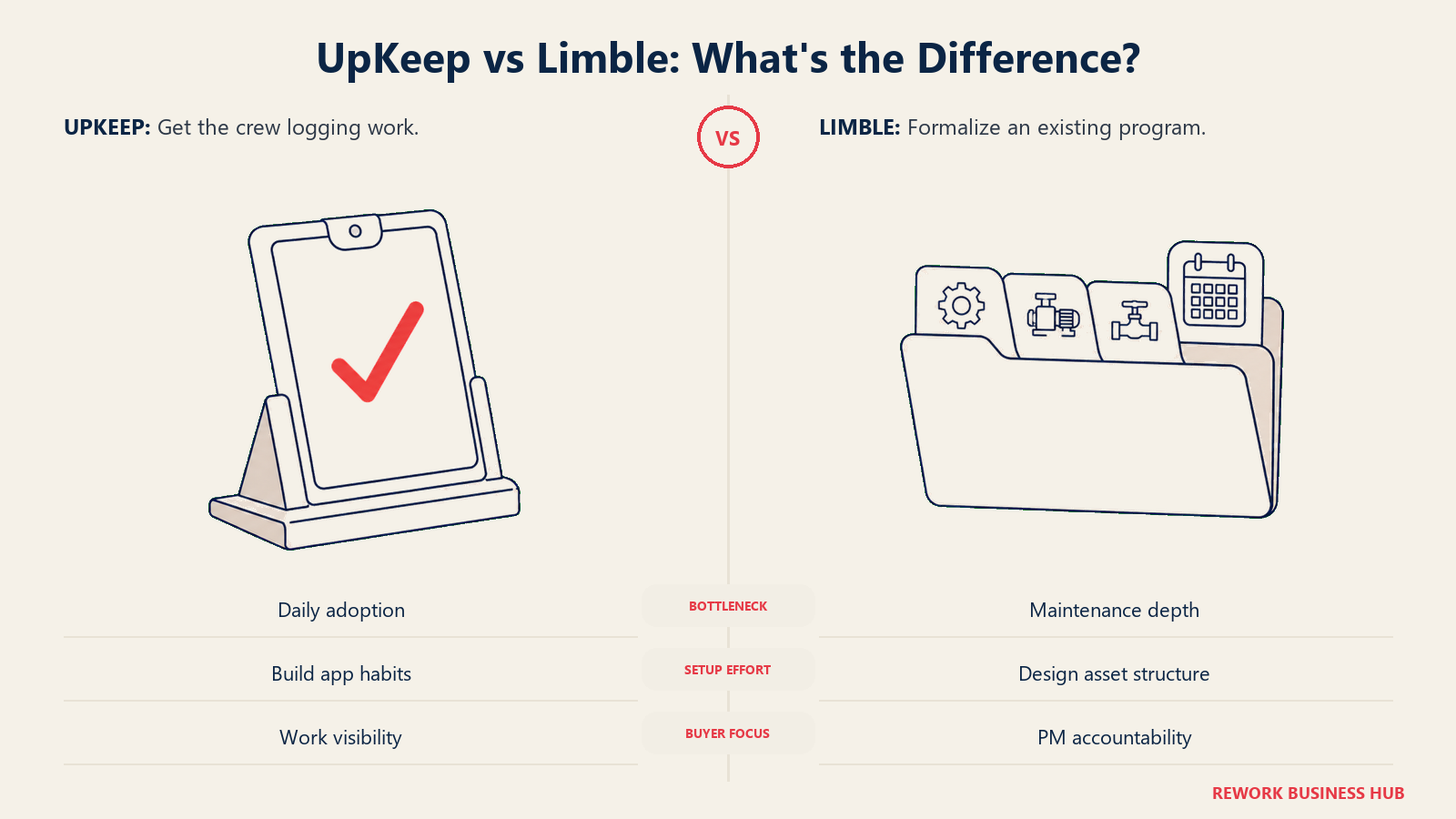
The useful distinction is whether your team needs faster work-order adoption or a more configurable preventive maintenance program.
| UpKeep | Limble | |
|---|---|---|
| Target team size | 5 to 25 technicians on one or two sites, where per-user math stays manageable | 10 to 100 technicians, often across multiple sites, with someone who owns the system internally |
| Team maturity | Coming off paper, whiteboards or a shared spreadsheet, with no existing PM program to migrate | Has an existing PM program (even a messy one) and wants to formalize and measure it |
| Primary use case | Getting work orders off text messages and onto a phone app technicians will actually open | Building asset hierarchies, recurring and usage-triggered PMs, and downtime reporting that survives an audit |
| Ideal buyer | A maintenance or facilities manager who needs adoption more than configuration | A maintenance manager or reliability lead who will invest setup time in exchange for a system shaped around the plant |
| Who signs off | Often the maintenance manager alone, on a departmental budget | Often maintenance plus operations or finance, because the multi-year number is bigger |
Both tools serve the same industries: manufacturing, facilities and property management, healthcare, food and beverage, education, fleet and utilities. The split isn't the industry, it's whether your bottleneck is adoption or program depth. If nobody on your crew has ever closed a digital work order, the tool that gets opened beats the tool with better meter-based triggers. If technicians already log work and the gap is that PM slips with nobody able to prove it, configuration depth is what pays. Teams weighing a third option should read best UpKeep alternatives and best Limble CMMS alternatives.
Pricing: Which Tier Actually Contains a CMMS
This is the section that decides most of this comparison, and it isn't close once you read past the headline numbers.
UpKeep publishes two prices and hides two. Limble publishes two prices, but not on its pricing page. Neither states a billing term. Here's exactly what each vendor puts in front of a buyer.
UpKeep Pricing, Tier by Tier
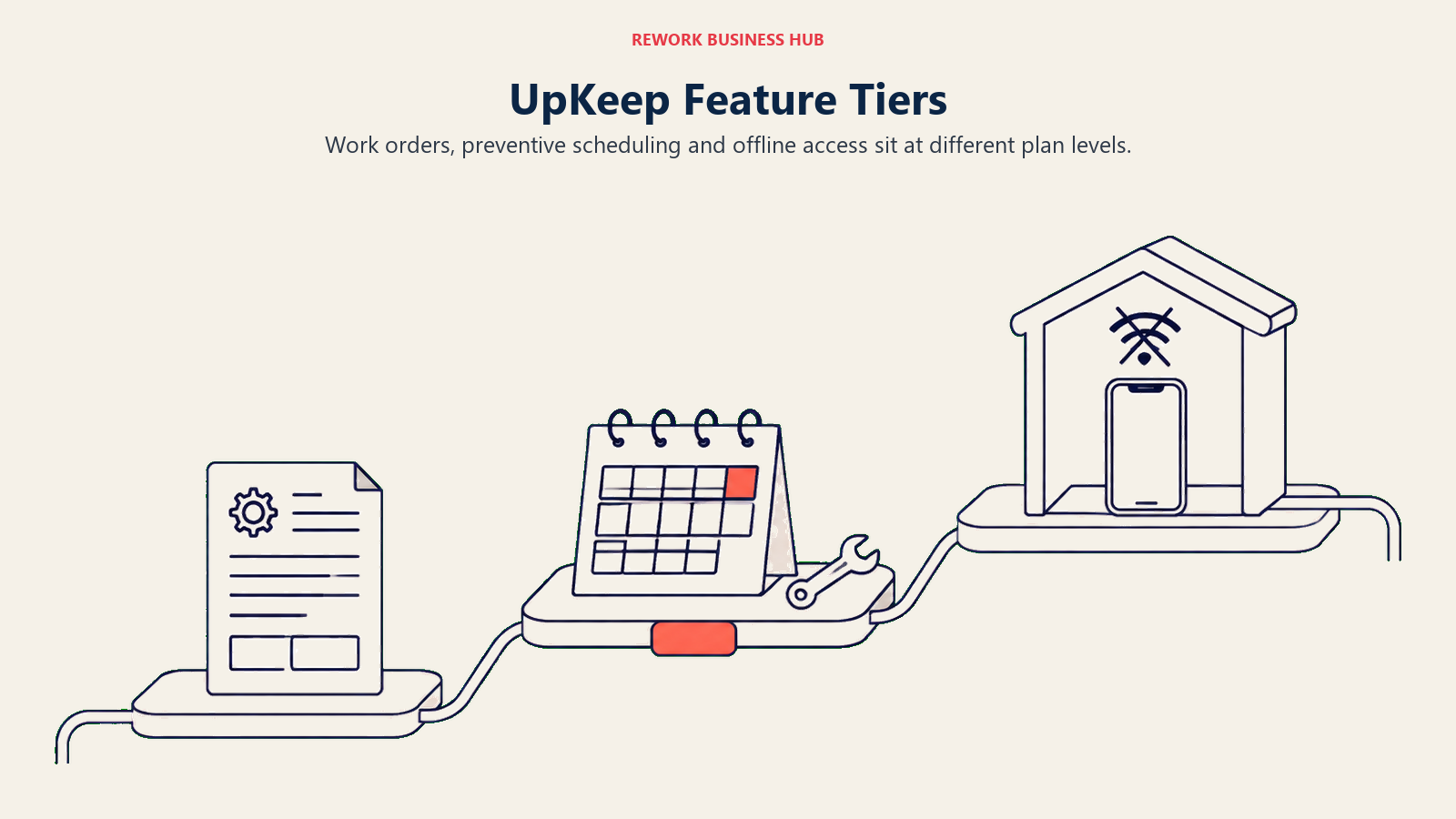
UpKeep separates basic work orders, preventive maintenance and offline capability across its plan levels.
| Capability | Essential ($24/user/mo) | Premium ($55/user/mo) | Professional (quote only) | Enterprise (quote only) |
|---|---|---|---|---|
| Unlimited work orders | Yes | Yes | Yes | Yes |
| Unlimited locations | Yes | Yes | Yes | Yes |
| Nova AI assistant credits | 250 credits/mo | 500 credits/mo | 750 credits/mo | 1,000 credits/mo |
| PM scheduling | No | Yes | Yes | Yes |
| Custom checklists | No | Yes | Yes | Yes |
| Parts and inventory with costing | No | Yes | Yes | Yes |
| Time and labor tracking | No | Yes | Yes | Yes |
| Analytics history | Not stated | 30 days | Full history | Full history |
| Mobile offline mode | No | No | Yes | Yes |
| External request portal | No | No | Yes | Yes |
| Asset lifecycle tracking | No | No | Yes | Yes |
| Signature capture | No | No | Yes | Yes |
| Purchase order management | No | No | No | Yes |
| API and custom integrations | No | No | No | Yes |
| SSO and custom roles | No | No | No | Yes |
| Multi-site module support | No | No | No | Yes |
Read that column by column. UpKeep Essential is a work order app: unlimited work orders, unlimited locations, an AI assistant and a phone app technicians pick up quickly. What it is not is a preventive maintenance system, because PM scheduling isn't on it. Neither are custom checklists, which is how you standardize a repair so two technicians do it the same way, nor parts costing, nor labor time. So the honest way to state UpKeep's entry price for a team buying a CMMS to run PM is $55 per user per month, not $24.
Then the second cliff. Offline mode, the external request portal, full analytics history, asset lifecycle tracking and signature capture all sit on Professional, which UpKeep does not price publicly. API access, purchase orders and SSO sit one further up on Enterprise, also quote-only. A team with basement equipment or a warehouse with dead zones cannot get a number for the tier that solves it without a sales conversation.
Limble Pricing, Tier by Tier
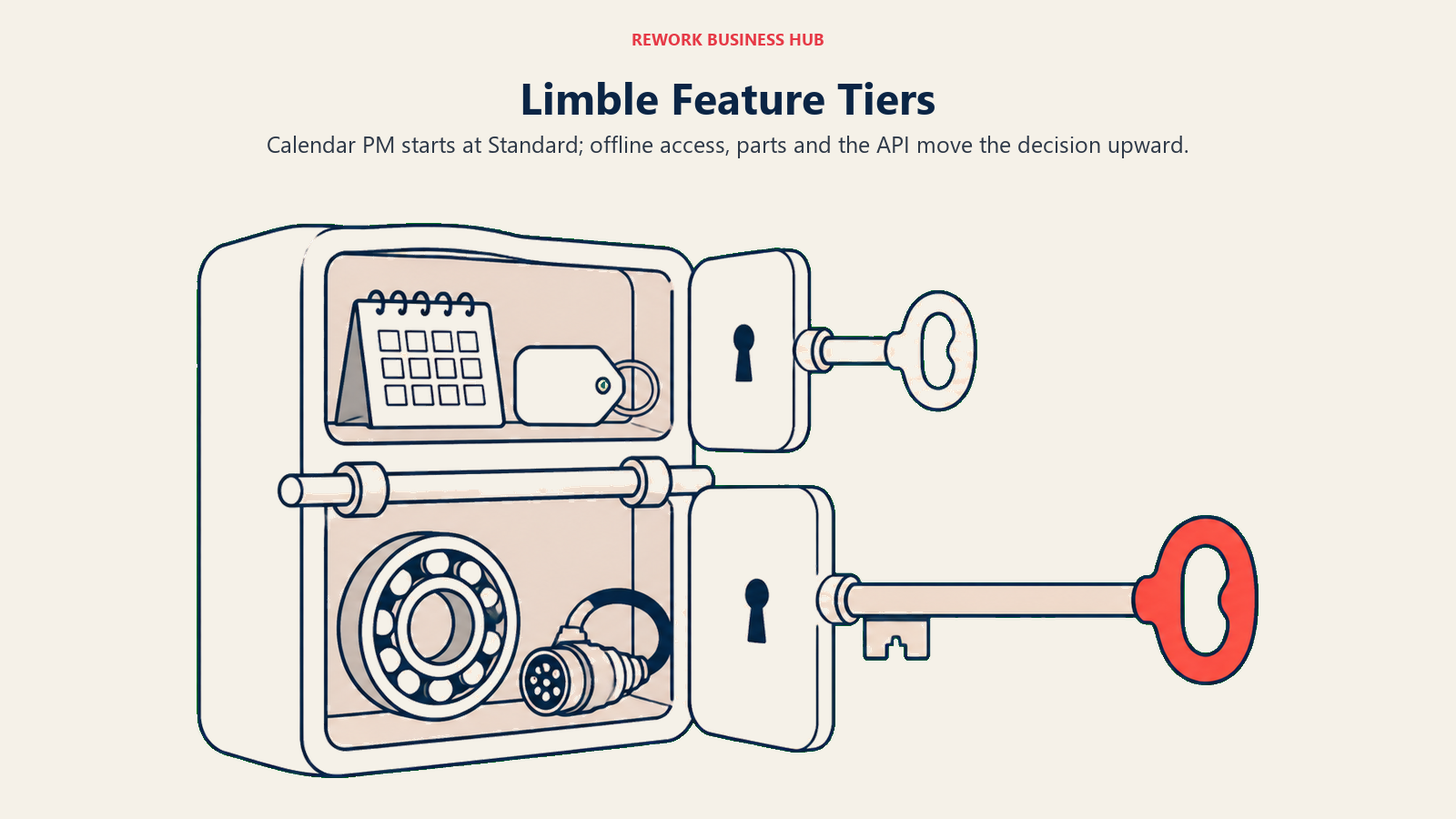
Limble Standard covers calendar-based preventive maintenance, while Premium+ adds capabilities a more connected maintenance program may need.
| Capability | Standard ($28/user/mo) | Premium+ ($69/user/mo) | Enterprise (custom quote) |
|---|---|---|---|
| Unlimited work orders and PMs | Yes | Yes | Yes |
| Unlimited assets | Yes | Yes | Yes |
| Unlimited custom fields | Yes | Yes | Yes |
| Unlimited work requesters | Yes | Yes | Yes |
| Custom dashboards and downtime reporting | Yes | Yes | Yes |
| Advanced analytics reports | 3 per month | Unlimited | Unlimited |
| Mobile offline mode | No | Yes | Yes |
| Spare parts management | No | Yes | Yes |
| Vendor and purchase order management | No | Yes | Yes |
| Meter and usage-based scheduling | No | Yes | Yes |
| REST API access | No | Yes | Yes |
| Dedicated customer success manager | No | Yes | Yes |
| SSO | No | Paid add-on | Included |
| Multi-location tools, custom roles, approval workflows, cycle counts | No | No | Yes |
| 21 CFR Part 11 compliance support | No | No | Yes |
| ERP and IoT integrations | No | Yes, noted as potentially involving extra cost | Yes |
Limble's entry tier does something UpKeep's does not: it includes unlimited preventive maintenance schedules, unlimited assets and unlimited custom fields at $28. A team can run a genuine calendar-based PM program on Limble Standard. The gate at Limble sits in a different place, on what a maturing program wants next: offline mode, spare parts tied to a job, purchase orders, meter-based triggers and the API all live on Premium+ at $69.
The other Standard limit worth planning around is reporting. Three advanced analytics reports a month is enough to check a couple of KPIs, not enough to run a monthly review across several asset classes. Custom dashboards and downtime reporting are on Standard, so it isn't a blackout, but a reliability lead who wants to slice failure data freely will hit that ceiling early.
Price Transparency: What Each Vendor Actually Publishes
| UpKeep | Limble | |
|---|---|---|
| Prices on the pricing page | Yes, Essential and Premium both listed | No. limble.com/pricing publishes no dollar figures and routes you to a "Calculate my price" tool |
| Where the published figures live | upkeep.com/pricing | limble.com/learn/cost, still a Limble domain |
| Tiers with a public number | 2 of 4 (Essential, Premium) | 2 of 3 (Standard, Premium+) |
| Billing term stated | No | No |
| Free plan | None | None |
| Free trial | Yes, no credit card required. Length not stated on the pricing page | Yes, trial only. Length not published |
| Implementation priced publicly | Yes, four named packages with figures | No, onsite implementation mentioned without a price |
Neither vendor comes out of this clean. UpKeep puts real numbers on its pricing page but withholds them for the two tiers where the features most plants need actually live. Limble publishes numbers for the tiers that matter most to a mid-size buyer, but not on the page a buyer looks at first, so anyone reading limble.com/pricing alone would reasonably conclude Limble is quote-only. And neither tells you whether the rate is billed monthly or annually, which makes any comparison against a vendor that publishes both cycles slightly apples-to-oranges until you ask.
What 10, 25 and 50 Technicians Actually Cost
Both tools meter purely on licensed users, so the math is simple once you fix the tier. The complication is that the equivalent tiers aren't the ones with matching names.
Straight Per-Tier Cost
| Team size | UpKeep Essential ($24) | UpKeep Premium ($55) | Limble Standard ($28) | Limble Premium+ ($69) |
|---|---|---|---|---|
| 10 technicians | $240/mo | $550/mo | $280/mo | $690/mo |
| 25 technicians | $600/mo | $1,375/mo | $700/mo | $1,725/mo |
| 50 technicians | $1,200/mo | $2,750/mo | $1,400/mo | $3,450/mo |
Compare the two entry tiers and UpKeep wins by $40 a month at 10 users and $200 at 50. Compare the two tiers that both include preventive maintenance scheduling, which is the comparison a maintenance buyer actually needs, and the result inverts completely.
Like-for-Like: The Cheapest Tier at Each Vendor That Runs PM
| Team size | UpKeep Premium ($55) | Limble Standard ($28) | Limble's advantage |
|---|---|---|---|
| 10 technicians | $550/mo, $6,600 across 12 months | $280/mo, $3,360 across 12 months | $3,240 a year |
| 25 technicians | $1,375/mo, $16,500 across 12 months | $700/mo, $8,400 across 12 months | $8,100 a year |
| 50 technicians | $2,750/mo, $33,000 across 12 months | $1,400/mo, $16,800 across 12 months | $16,200 a year |
Those annual figures are the published monthly rate multiplied by twelve, modeled rather than quoted, because neither vendor states whether its number is monthly or annual. If either offers an annual discount on request, the real figure drops. Ask both before you sign, and read our TCO modeling guide for a structure that survives that kind of unknown.
The Offline Tier, Where the Comparison Breaks Down
| Team size | UpKeep Professional (offline mode) | Limble Premium+ ($69, offline mode) |
|---|---|---|
| 10 technicians | No published price | $690/mo, $8,280 across 12 months |
| 25 technicians | No published price | $1,725/mo, $20,700 across 12 months |
| 50 technicians | No published price | $3,450/mo, $41,400 across 12 months |
That table is the most useful thing on this page for a buyer with signal problems. If offline mode is a requirement, Limble gives you a number you can put in a budget request today and UpKeep gives you a phone call. One vendor can be shortlisted on published information at the exact tier where the requirement lives, and the other can't.
Core Capability Comparison
| Capability | UpKeep | Limble |
|---|---|---|
| Work order management | Unlimited on every tier including Essential | Unlimited on every tier including Standard |
| PM scheduling (calendar) | Premium and up ($55) | Standard and up ($28) |
| Custom checklists and procedures | Premium and up | Included, built around unlimited custom fields on every tier |
| Custom fields | Not called out as unlimited on the published tiers | Unlimited on every tier |
| Parts and inventory with costing | Premium and up | Premium+ and up |
| Purchase orders | Enterprise only, quote-priced | Premium+ and up |
| Time and labor tracking | Premium and up | Included in Premium+'s time tracking, per Limble's own tier list |
| Mobile app | Core strength, built for fast technician pickup | Full mobile app on every tier |
| Offline mode | Professional and up, quote-priced | Premium+ ($69) |
| Asset hierarchies | Asset lifecycle tracking on Professional and up | Core to the product, available from Standard |
| Multi-site support | Enterprise only | Enterprise only |
| AI assistant | Nova AI on every paid tier, credits scale with the tier | Not published as a named per-tier feature at this level of detail |
| Free requester or view-only users | Yes, View Only, Requester and Third-Party user types need no licence | Yes, unlimited work requesters on every tier |
Two patterns fall out of that table. First, Limble puts more capability lower down the ladder for the things a maintenance program needs: PM scheduling, custom fields and asset hierarchies all start at $28. Second, UpKeep pushes almost everything a growing operation needs onto tiers it doesn't price, which is why an UpKeep evaluation tends to turn into a sales cycle earlier than a Limble one does. The one place UpKeep clearly leads on the published sheet is Nova, its AI assistant, which ships on every paid tier with credits that scale. Whether that matters is a trial question, not a spec-sheet question.
Preventive Maintenance and Scheduling
If you're reading a CMMS comparison at all, this is probably the job you're hiring the software to do. Deloitte's research puts the payoff at 10 to 20 percent more uptime and 5 to 10 percent lower maintenance costs, but only for a program that actually runs. The software either supports that program on the tier you can afford or it doesn't.
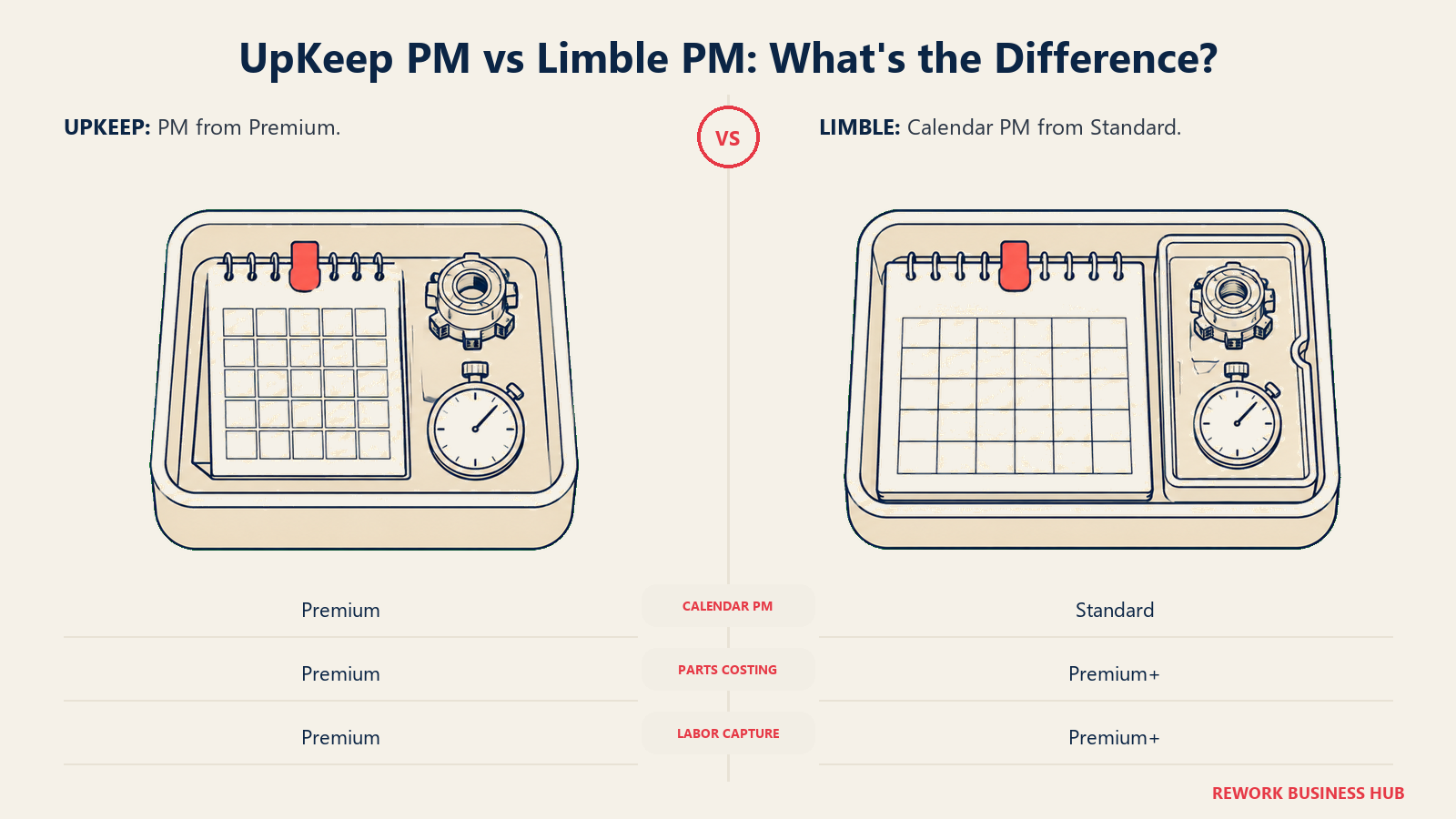
| UpKeep | Limble | |
|---|---|---|
| Cheapest tier with any PM scheduling | Premium, $55/user/mo | Standard, $28/user/mo |
| PM volume limits | Not published as a cap; unlimited work orders are stated on every tier | Unlimited PMs stated on every tier |
| Standardized procedures on a PM | Custom checklists from Premium up | Built on unlimited custom fields from Standard up |
| Usage or meter-triggered PM | Not published on Essential or Premium; reliability and downtime tracking appear on Enterprise | Premium+, $69/user/mo |
| Parts consumed against a PM | Premium and up | Premium+ and up |
| Labor time captured against a PM | Premium and up | Premium+ time tracking |
| Compliance-grade audit trail | Not published as a named feature | Enterprise, with 21 CFR Part 11 support |
A concrete way to read that: a 20-person team that wants recurring PMs with a standard checklist, parts logged and hours captured needs UpKeep Premium at $55 a user, or Limble Premium+ at $69. The gap narrows sharply at that specification, from more than two to one down to about 25 percent, because UpKeep's Premium bundles parts and labor while Limble's Standard doesn't.
So the honest framing isn't "Limble is half the price." It's this: for a calendar-based PM program without parts costing, Limble is dramatically cheaper. For a program that tracks parts and labor against every job, the two are close and fit should decide it. Which of those you're building is worth settling before you look at either demo again. Our predictive maintenance strategy primer is a reasonable place to do that, and total productive maintenance covers the operating model underneath it.
Mobile and Offline: The Constraint Most Buyers Discover Late
Almost nobody puts offline mode on the requirements list at the start of a CMMS search. Almost everybody discovers it in month two, when a technician finishes a job in a mechanical room with no bars and the work order sits uncommitted on their phone until they walk back upstairs.
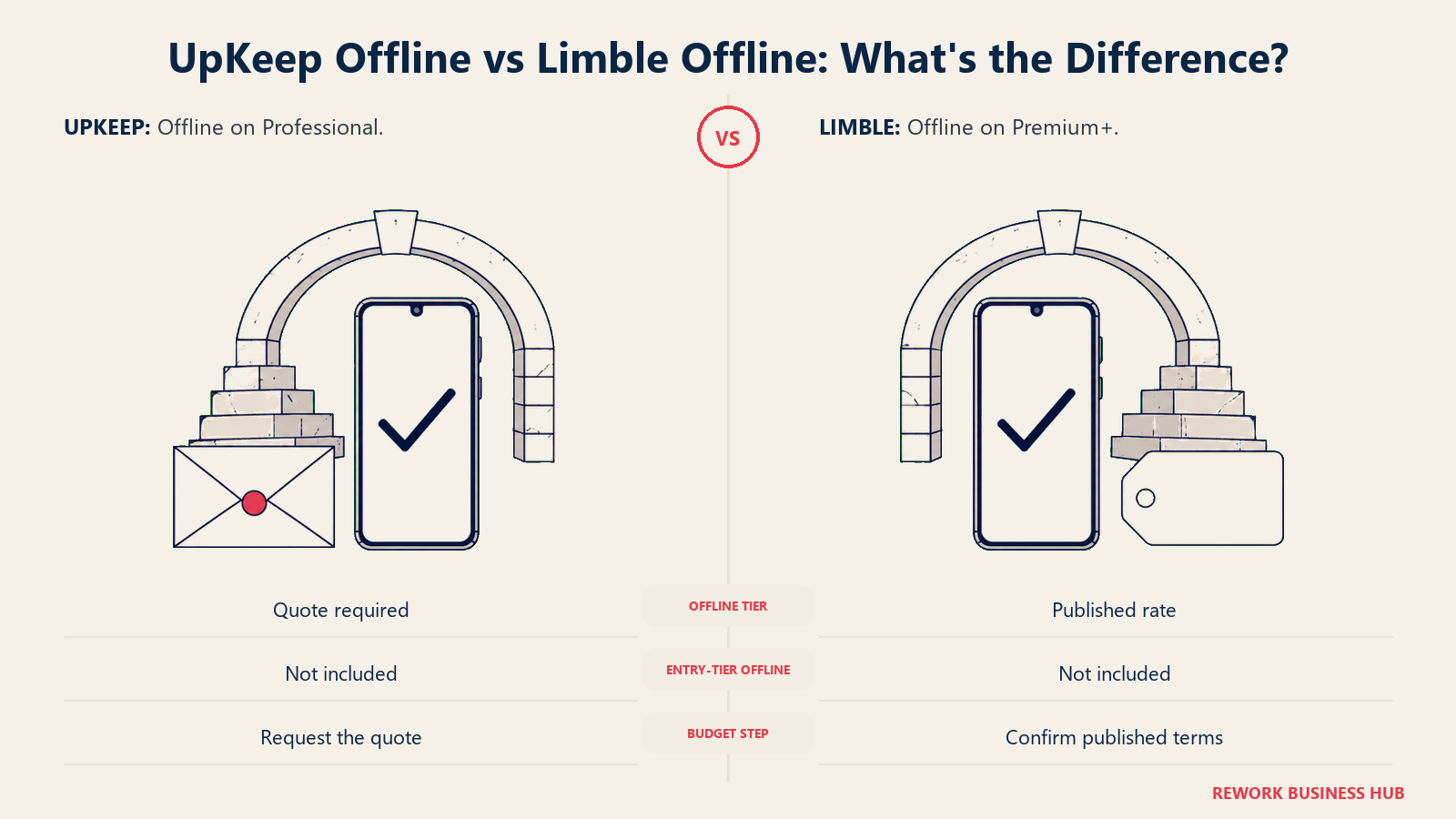
| UpKeep | Limble | |
|---|---|---|
| Mobile app on entry tier | Yes | Yes |
| Offline mode available on | Professional, quote only | Premium+, $69/user/mo published |
| Offline mode on the cheapest PM-capable tier | No (Premium, $55, does not include it) | No (Standard, $28, does not include it) |
| Can you budget the offline tier from published info | No | Yes |
| Signature capture on the job | Professional and up, quote only | Not published as a named per-tier feature |
| External request portal for non-technicians | Professional and up, quote only | Unlimited work requesters from Standard up |
Both vendors gate offline mode above their entry tier, so neither gets a clean win on availability. The difference is whether you can plan for it. Limble tells you offline costs $69 a user a month. UpKeep tells you offline is on Professional and then asks you to call.
The requester line deserves its own note, because it's a real operational difference that gets buried. Limble includes unlimited work requesters on every tier, so any nurse, line supervisor or building tenant can submit a request without consuming a licence. UpKeep also has free Requester and View Only user types, but the external request portal, the thing that lets people outside your system submit work without an account, sits on quote-only Professional. If intake from non-maintenance staff is a big part of your volume, check which of those two shapes you need before you price anything.
Configurability, Reporting and IoT
Limble's reputation in this category is configurability, and the published tier list backs it. Unlimited custom fields on every tier means the asset record can carry your serial numbers, warranty dates, criticality ratings and site codes from day one, on the cheapest plan, without a negotiation. Asset hierarchies are core to how the product models a plant rather than an add-on. That's the same depth argument in our Sortly vs Limble vs MaintainX three-way, where Limble came out ahead of a chat-first CMMS on configuration and behind it on adoption speed.
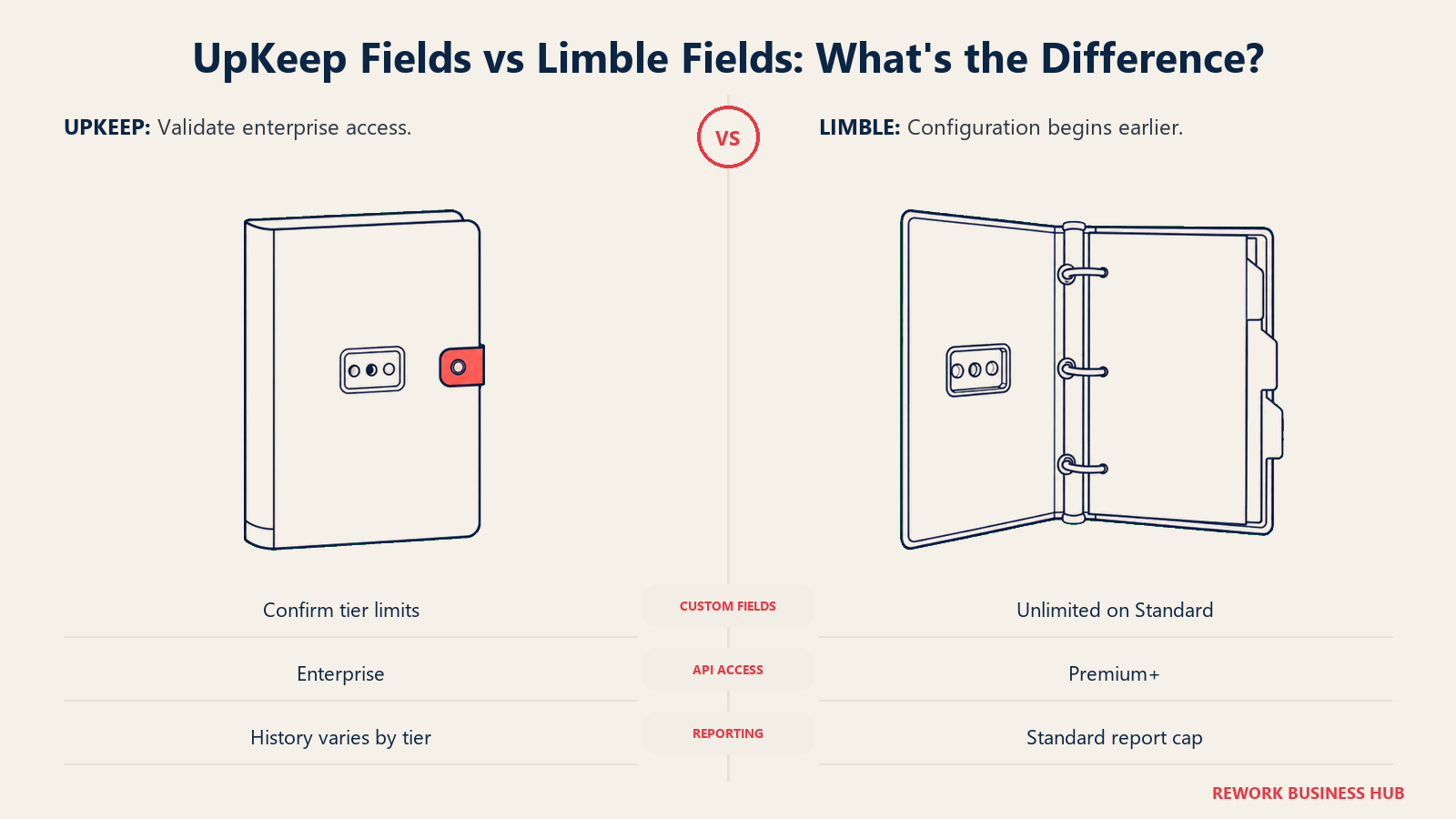
| UpKeep | Limble | |
|---|---|---|
| Custom fields | Not published as unlimited on the priced tiers | Unlimited, every tier |
| Custom dashboards | Enterprise | Standard and up |
| Advanced analytics volume | 30-day history on Premium, full history from Professional | 3 reports per month on Standard, unlimited on Premium+ |
| Downtime and reliability tracking | Enterprise | Downtime reporting from Standard |
| Workflow automation | Enterprise | Approval workflows on Enterprise |
| Custom roles and permissions | Enterprise | Enterprise |
| ERP integration | API and custom integrations on Enterprise | Premium+ and up, noted as possibly involving extra cost |
| IoT and sensor integration | Not published as a named per-tier feature | Premium+ and up |
| API | Enterprise only | REST API on Premium+ |
One caution before you read that table as a rout: "not published as a named feature" is not the same as "doesn't exist." UpKeep publishes a coarser feature list than Limble does, so several capabilities that probably exist somewhere in the product simply aren't attributed to a tier on the pricing page. Ask in the demo and get the answer in writing.
The API gap, though, is real and expensive. If you need your CMMS to talk to an ERP, a BMS or a sensor platform, Limble gets you a REST API at a published $69 a user a month. UpKeep puts API access on Enterprise, which has no published price at all. For a team whose whole reason for replacing spreadsheets is to stop rekeying data between systems, that's decisive rather than a footnote.
Implementation, Support and Time to Value
This is where UpKeep's transparency advantage shows up, and it's worth crediting: UpKeep publishes what implementation costs. Most CMMS vendors don't.
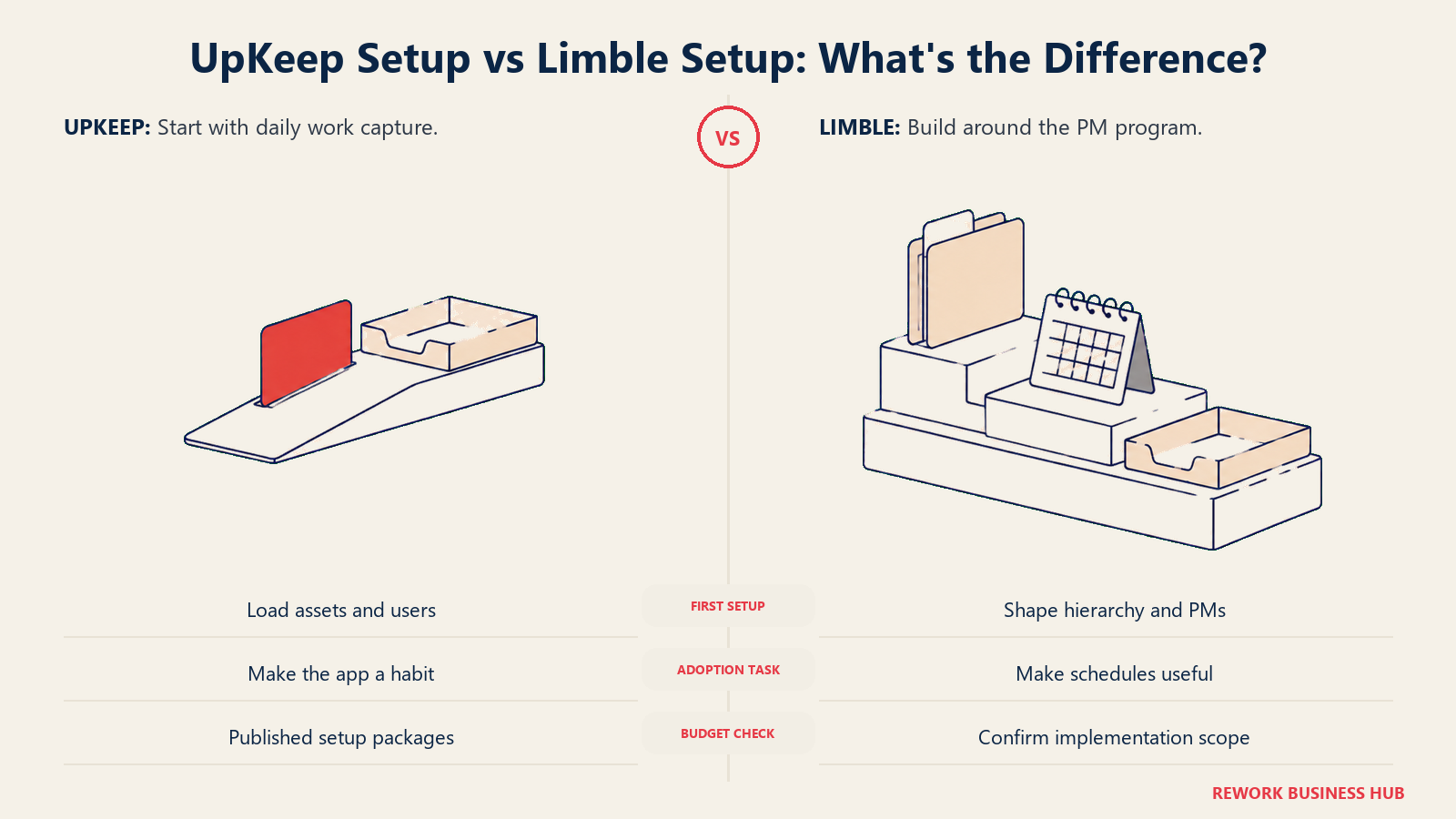
| UpKeep | Limble | |
|---|---|---|
| Training only | $500 | Not separately priced |
| Implementation and training (Quickstart) | $1,500 | Not separately priced |
| Advanced implementation | $5,000 | Not separately priced |
| Custom implementation | Contact us | Onsite implementation mentioned, no price published |
| Standard support | 24/7 live chat, phone 8am to 5pm PST Monday to Friday | 24/7 support and help center on every tier |
| Premium support | Paid add-on: 24/7 chat, text, email and phone, plus a dedicated success manager | Dedicated customer success manager included from Premium+ |
| Free trial | Yes, no credit card required, length not stated on the pricing page | Yes, length not published |
Read those rows together and a real trade-off appears. UpKeep tells you a proper implementation costs $1,500 or $5,000 on top of the subscription, which is uncomfortable to see but useful to budget. Limble folds implementation into the sales conversation: a lower visible number and a less certain one. Meanwhile Limble includes 24/7 support on every tier and a dedicated CSM from Premium+, where UpKeep's equivalent 24/7 access across every channel plus a named success manager is a paid add-on.
| UpKeep | Limble | |
|---|---|---|
| Typical setup shape | Load assets, invite technicians, start closing work orders | Build the asset hierarchy and PM program, then invite technicians |
| Where the time goes | Getting a crew into the habit of opening a phone app daily | Designing the hierarchy, fields and PM schedules the program needs |
| Realistic time to first value | Days, if you're only chasing work order visibility | Weeks, because the value is the PM program and someone has to build it |
| Biggest rollout risk | Buying Essential, discovering PM isn't on it, re-budgeting at $55 | Buying Standard, building a program, then hitting the parts, PO and API wall at $69 |
Those two rollout risks are the honest failure modes for each product, and both are avoidable by reading the tier tables above before you sign rather than after. Our vendor diligence checklist covers the rest of the questions worth asking both sales teams, starting with the billing term neither one publishes.
When UpKeep Is the Right Call
- Adoption is your actual bottleneck. If the risk is that a 12-person crew never opens the app, UpKeep's mobile experience and fast onboarding are worth more than configuration depth they'd never use. A CMMS nobody logs into returns nothing.
- You need work order visibility now and PM later. Essential at $24 a user a month is a legitimate stepping stone: unlimited work orders, unlimited locations and an AI assistant, for less than Limble's floor. Just budget for the move to $55, and don't let the $24 figure into a three-year plan.
- You want implementation priced before you commit. UpKeep publishes $500, $1,500 and $5,000 packages, which is more than most vendors here give you and makes the first-year number easier to defend to finance.
- The Nova AI assistant is something your team will genuinely use. It ships on every paid tier with credits scaling by tier, a published differentiator rather than a marketing claim.
If none of that fits, and what's pushing you off UpKeep is the gap between the $24 headline and the $55 reality, our best UpKeep alternatives roundup covers the field, including several vendors with a real free tier.
When Limble Is the Right Call
- Preventive maintenance is the reason you're buying. Unlimited PMs, unlimited assets and unlimited custom fields at $28 a user a month is more CMMS than UpKeep gives you at $55. At 25 technicians that's roughly $8,100 a year of difference for a better-equipped tier.
- You need a published number for the offline tier. Limble's offline mode costs $69 a user a month, a figure you can put in a budget request this week. UpKeep's offline tier has no published price at any team size.
- You need an API or an ERP integration. Limble's REST API is on Premium+ at a published rate. UpKeep's is on quote-only Enterprise, which turns an integration requirement into a negotiation.
- You're in a regulated or audited environment. Limble publishes 21 CFR Part 11 support on Enterprise, which matters for pharma, food and beverage, and validated manufacturing. UpKeep doesn't publish an equivalent.
- Your requests come from outside maintenance. Unlimited work requesters on every tier means supervisors, nurses or facility tenants can submit work without a licence or a quote-only portal.
If Limble is close but the sticker price or the Premium+ jump is the problem, our best Limble CMMS alternatives roundup covers the tools teams most often move to, and best MaintainX alternatives is worth reading alongside it if a chat-first work order app is also on your list.
A Third Option Worth Knowing About
Both of these are CMMS platforms, and if your core job really is preventive maintenance, one of them (or MaintainX, Fiix or eMaint) is your answer. But a decent share of teams land on a CMMS shortlist while chasing a different problem, worth naming before you spend $16,800 a year on the wrong category. The symptom sounds like this: nobody disputes what needs maintaining, they dispute what the asset cost, who approved the purchase, which vendor is on the contract, which cost center it sits in and who is holding it. That's a register and finance problem, and no amount of PM scheduling depth fixes it.
Rework's Assets module is a fixed asset register that lives on the same platform as Task, Project, Workflow and BPM on the work side, Inventory, Invoice and Bankfeeds on the finance side, Sales CRM and Lead, the People app (HRIS, timesheets, payroll and ATS), and a unified multi-channel inbox. The argument is consolidation rather than maintenance depth: the asset, its cost, its vendor and the person responsible for it stop living in four systems joined by integrations that break quietly on a Friday. That's the same case made in our SaaS consolidation guide.
Not ideal for: Rework's Assets module is a fixed asset register, not a CMMS. It does not do preventive-maintenance scheduling, technician work orders or mobile maintenance execution. If that's your core job, pick UpKeep, Limble, MaintainX, Fiix or eMaint instead. Rework isn't built for solo or single-user buyers either.
Price: Quote on request, priced per organization rather than per seat. See rework.com/pricing.
Decision Framework
| If you are... | Pick |
|---|---|
| Buying a CMMS specifically to run calendar-based preventive maintenance on a budget | Limble Standard, $28, where UpKeep's equivalent is $55 |
| Trying to get a crew that has never used a CMMS to log work this quarter | UpKeep Essential, with a planned move to Premium once PM matters |
| Running technicians in basements, remote sites or anywhere without signal | Limble Premium+, the only one of the two with a published price for offline mode |
| Needing parts costing and labor time captured against every job | Either. UpKeep Premium ($55) versus Limble Premium+ ($69) is close enough that fit should decide it |
| Required to integrate the CMMS with an ERP, BMS or sensor platform | Limble Premium+, where the REST API is published; UpKeep's API is quote-only Enterprise |
| Operating in a validated or regulated environment | Limble Enterprise, which publishes 21 CFR Part 11 support |
| Needing implementation cost on paper before you commit | UpKeep, the only one of the two that publishes implementation package prices |
| Discovering your real problem is the asset register and its finance data, not maintenance | Neither. See the consolidation option above, or the wider CMMS roundup |
What Carries Over If You Switch
Asset data and operating rules need separate migration plans because schedules, links and reporting do not transfer in the same way.
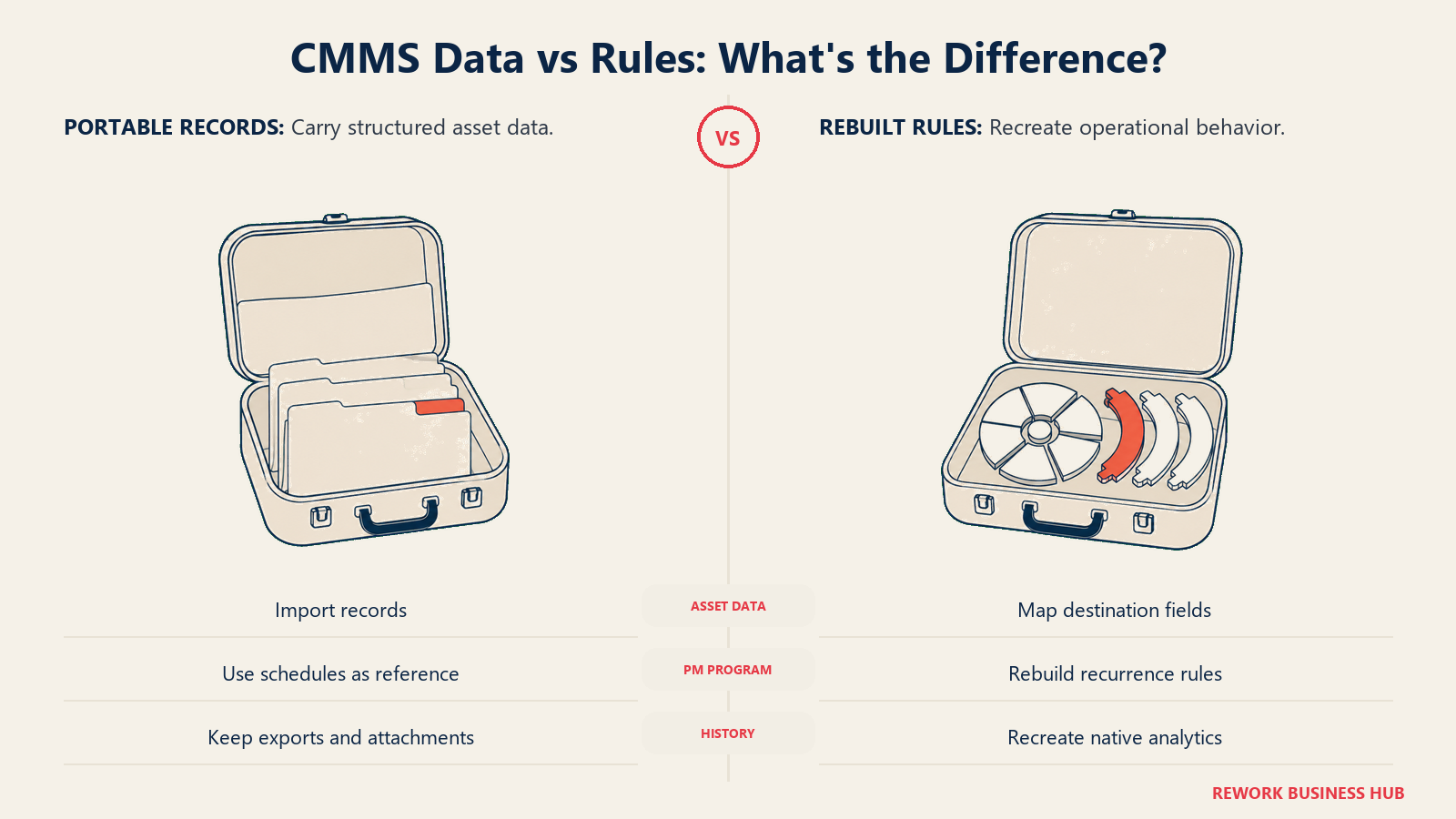
| What carries over | UpKeep to Limble | Limble to UpKeep |
|---|---|---|
| Asset records (name, location, category, serial, custodian) | Yes, via CSV export and import | Yes, via CSV export and import |
| Custom fields | Maps well. Limble's unlimited custom fields absorb most schemas without trimming | Rebuild and trim. Limble schemas are often wider than what UpKeep's published tiers model |
| Open and closed work orders | Export and re-enter. Historical detail usually lands as an attachment or note, not a native record | Same, in reverse |
| PM schedules | Rebuild. Recurrence rules and checklist steps do not transfer between vendors | Rebuild. Meter-based triggers have no UpKeep equivalent below Enterprise reliability tracking |
| Parts and inventory records | Export as a list. Reorder points and vendor links need rebuilding | Same, and only if you're on a tier that has parts at all |
| Purchase order history | Partial, and only relevant if you were on UpKeep Enterprise | Partial, and only if you land on UpKeep Enterprise |
| Attachments and photos | Yes, though bulk re-linking to the right asset is manual | Yes, same caveat |
| Analytics and trend history | No. Both tools' charts are tied to their own engines | No, same |
One practical note either direction: rebuild the PM program rather than porting it. A migration is the cheapest moment you will ever get to delete the recurring tasks nobody has closed on time in two years, and importing a broken schedule into a better tool just gives you the same backlog in a nicer interface. Our guide to switching SaaS vendors covers the sequencing for the rest.
Frequently Asked Questions about UpKeep vs Limble
Is UpKeep cheaper than Limble?
Only at the entry tier, and only if you don't need preventive maintenance scheduling. UpKeep Essential is $24 per user per month against Limble Standard's $28. But UpKeep doesn't include PM scheduling until Premium at $55, and Limble includes unlimited PMs on Standard at $28. For a team buying a CMMS to run preventive maintenance, Limble is cheaper by a wide margin.
Does either UpKeep or Limble have a free plan?
No. Neither vendor offers a free tier. UpKeep has free View Only, Requester and Third-Party user types, but those are permission-restricted roles rather than a free plan, and Limble offers a trial only. Older reviews describing a free Limble "Basic" tier are out of date. If a genuinely free plan is a requirement, MaintainX and Fiix are the two CMMS options that publish one.
Are UpKeep's and Limble's prices billed monthly or annually?
Neither vendor says. UpKeep's pricing page lists $24 and $55 per user per month with no monthly or annual toggle anywhere on the page, and Limble's $28 and $69 figures carry no stated billing cycle either. Get the term in writing from both before comparing either number against a vendor that publishes separate monthly and annual rates.
Which one has offline mode on the mobile app?
Both, but not on their cheapest plans. Limble puts offline mode on Premium+ at a published $69 per user per month. UpKeep puts it on Professional, which has no published price at all. If technicians regularly work in basements, plant rooms or remote sites, Limble is the only one of the two you can budget for without a sales call.
What does UpKeep actually cost if I need preventive maintenance scheduling?
$55 per user per month, not $24. PM scheduling, custom checklists, parts and inventory with costing, and time and labor tracking all sit on UpKeep Premium per UpKeep's own pricing page. Essential covers unlimited work orders, unlimited locations and the Nova AI assistant, but no scheduled preventive maintenance.
Why doesn't Limble publish prices on its pricing page?
limble.com/pricing carries no dollar figures and routes visitors to a "Calculate my price" tool instead. The $28 Standard and $69 Premium+ figures used throughout this comparison come from Limble's own limble.com/learn/cost page, which is still a Limble domain. Anyone reading only the pricing page would reasonably conclude Limble is quote-only, which it isn't.
Which is better for a multi-site maintenance operation?
Both put multi-site capability on their quote-only top tier, so neither publishes a number for it. Limble's Enterprise adds multi-location tools, custom roles, approval workflows and 21 CFR Part 11 support; UpKeep's Enterprise adds multi-site module support, workflow automation, PO management, API access and SSO. For a regulated multi-site operation, Limble's published compliance support is the stronger starting position.
How much does implementation cost on each?
UpKeep publishes four packages: Training Only at $500, Quickstart implementation and training at $1,500, Advanced at $5,000, and a custom option. Limble doesn't publish implementation pricing, though it mentions onsite implementation and includes 24/7 support and a customer success manager across its tiers, with a dedicated CSM from Premium+.
What to Do Next
- Decide which program you're actually buying. Calendar-based PMs with checklists is one specification; parts costed and labor captured against every job is a different and more expensive one. That single answer moves the comparison from "Limble is half the price" to "these two are within 25 percent of each other."
- Get the billing term in writing from both vendors. Neither publishes it. Ask specifically whether $24, $55, $28 and $69 are monthly or annual rates, and whether an annual commitment carries a discount.
- Ask UpKeep for a Professional quote up front if offline mode matters. Don't run a trial on Essential or Premium and discover the gap later. Get the number for the tier that meets your requirement before you compare anything.
- Run both trials with real technicians and a real asset. Load one genuinely awkward piece of equipment, build one recurring PM against it, and watch which app your crew opens on day three without being reminded. That test predicts more than any feature table.
- Model three years at your projected headcount, not today's. Both tools price per person. At 50 technicians the gap between the cheapest PM-capable tiers runs past $16,000 a year, and the gap between UpKeep Premium and Limble Premium+ runs the other way. Price the tier you'll be on in year two, not the one you sign in month one.

Principal Product Marketing Strategist
On this page
- TL;DR
- Key Facts
- Who Each Tool Is Built For
- Pricing: Which Tier Actually Contains a CMMS
- UpKeep Pricing, Tier by Tier
- Limble Pricing, Tier by Tier
- Price Transparency: What Each Vendor Actually Publishes
- What 10, 25 and 50 Technicians Actually Cost
- Straight Per-Tier Cost
- Like-for-Like: The Cheapest Tier at Each Vendor That Runs PM
- The Offline Tier, Where the Comparison Breaks Down
- Core Capability Comparison
- Preventive Maintenance and Scheduling
- Mobile and Offline: The Constraint Most Buyers Discover Late
- Configurability, Reporting and IoT
- Implementation, Support and Time to Value
- When UpKeep Is the Right Call
- When Limble Is the Right Call
- A Third Option Worth Knowing About
- Decision Framework
- What Carries Over If You Switch
- What to Do Next