Best Field Service Management Software in 2026: 15 Tools for Trades and Home Services
Turn this article into takeaways for your work.


Each assistant summarizes the article only for you and suggests best practices for your work.
The best field service management software in 2026 depends on your trade, your crew size, and how much of the job you need in one system. ServiceTitan wins enterprise HVAC and plumbing depth, Jobber wins fast setup for small home service teams, ServiceM8 wins pay-by-job simplicity, and Rework wins for teams that want field service alongside CRM, lead management, and HR in one platform. This guide ranks 15 platforms by fit.
Most buyers start by comparing feature lists, then get stuck when three tools all claim to do "scheduling, dispatch, and invoicing." The real differences show up in trade fit (residential versus commercial), pricing model (per seat versus per job versus per company), and how much the tool assumes about your crew size.
Key Facts
- The global field service management market was valued at $4.43 billion in 2022 and is projected to reach $11.78 billion by 2030, a 13.3% CAGR, per Grand View Research.
- Analytics-based maintenance strategies can cut maintenance costs by 18 to 25% and lift asset availability by 5 to 15%, according to McKinsey.
- 66% of field service technicians report burnout at least once a month, and mobile workers say roughly 18% of working hours (7+ hours a week) go to admin instead of billable work, per Salesforce.
- A Forrester study commissioned by Microsoft found Dynamics 365 Field Service delivered a 346% ROI over three years, including $2.1 million saved from optimized routing alone, per Forrester.
- 55% of field service leaders call advanced technology their top competitive differentiator, and 40% already use generative AI for analysis, reporting, or technician assistance, per Deloitte's 2026 Field Service Report.
Quick Comparison Table
| Tool | Best For | Starting Price | Key Strength | Key Limitation |
|---|---|---|---|---|
| ServiceTitan | Enterprise HVAC/plumbing/electrical | ~$245-$500/tech/mo (reported) | Deepest all-in-one feature set | Expensive, long contracts |
| Jobber | Small home service teams | From $49/mo (1 user) | Fast setup, clean UX | Job costing thinner than enterprise tools |
| Housecall Pro | SMB teams wanting built-in marketing | From $59/mo annual | Booking plus review/marketing automation | Add-ons stack up fast |
| Workiz | Phone-heavy trades | ~$187/mo (reported) | Built-in call tracking and attribution | Real cost above the base plan |
| Service Fusion | Budget teams with many field users | $208/mo annual, unlimited users | Per-company, not per-seat pricing | Interface feels dated |
| Rework | Field service inside a CRM + HR platform | From $142/mo billed yearly (Process Engine + Field Work, 5 seats); People quoted separately | Field Work plus CRM, leads, and People in one system | Not built for deep trade price books |
| FieldEdge | HVAC/plumbing shops on QuickBooks | ~$225+/mo (reported) | Real-time two-way QuickBooks sync | No public pricing |
| FieldPulse | Lean teams, mixed office/field seats | Quote-based, seat pricing | Cheaper field-only seats | No published pricing |
| ServiceM8 | Solo operators to ~20 techs | Free-$349/mo, unlimited users | Pay by job volume, not seat | Job caps hit high-volume shops |
| Kickserv | Very small crews, tight budget | From $60/mo (5 users) | Lowest real entry price | Thin reporting and inventory |
| Simpro | Commercial project + service work | ~$30-$70+/user/mo (reported) | Deep job costing and inventory | Steep learning curve |
| BuildOps | Commercial specialty contractors | ~$150-$300+/user/mo (reported) | Built for commercial service agreements | Not for residential-only shops |
| Zuper | Multi-trade, franchise, API needs | ~$50-$150/user/mo (reported) | Strong API and integration depth | Pricing opacity |
| Salesforce Field Service | Enterprises on Salesforce Service Cloud | ~$50-$165/user/mo (reported) | CRM-native case and asset management | Requires a Service Cloud base license |
| Dynamics 365 Field Service | Microsoft-ecosystem enterprises | $105/user/mo | Deep Dynamics 365/Microsoft 365 tie-in | Overkill for small trade businesses |
How to Choose Field Service Software in 2026
Answer three questions before comparing features: how many techs are in the field and how fast are you hiring; is your work residential, commercial, or both (commercial work needs multi-phase scheduling, GC coordination, and change orders that one-call residential tools skip); and how much of the back office (CRM, HR, payroll) you want tied to the same data model versus kept separate.
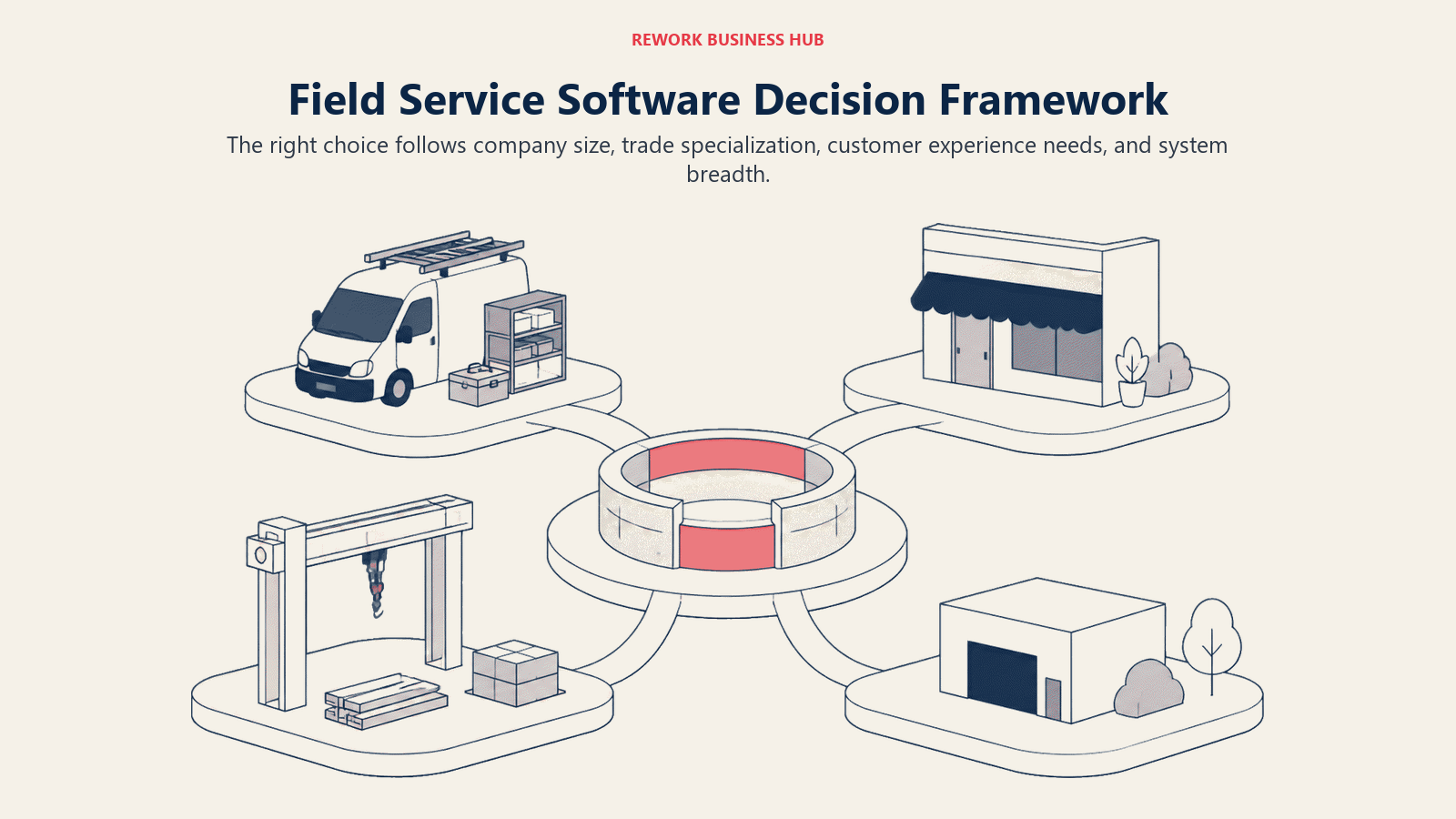
Labor is the fourth variable driving 2026 decisions. 45% of senior field service leaders cite technician shortage and workforce capacity as a top barrier to growth, per TrueContext, which is why AI-assisted dispatch has become a real differentiator, not a checkbox. If you're building the stack that feeds jobs into your dispatch board, D2D CRM and canvassing apps covers lead capture, and first service and install scheduling covers the handoff from signed deal to first job.
Framework: By Crew Size
| Crew Size | What You Need | Best Fits |
|---|---|---|
| 1-5 techs | Simple scheduling, low cost | ServiceM8, Kickserv, Jobber Core |
| 6-20 techs | Structured dispatch, job costing, marketing | Jobber, Housecall Pro, Workiz, Service Fusion, FieldPulse |
| 20-75 techs | Full FSM, inventory, deeper reporting | FieldEdge, Simpro, Zuper, Rework |
| 75-200 techs | Multi-location, price books, franchise support | ServiceTitan, BuildOps, Simpro |
| 200+ / enterprise | CRM-native or ERP-native, custom workflows | Salesforce Field Service, Dynamics 365, ServiceTitan |
Trade fit matters as much as size: HVAC and plumbing lean toward ServiceTitan, FieldEdge, or Simpro for price books and maintenance agreements; cleaning and landscaping lean toward Jobber, ServiceM8, or Kickserv for recurring scheduling; commercial electrical and fire/life safety lean toward Simpro or BuildOps for project-plus-service work.
1. ServiceTitan: Enterprise Powerhouse for HVAC, Plumbing, and Electrical
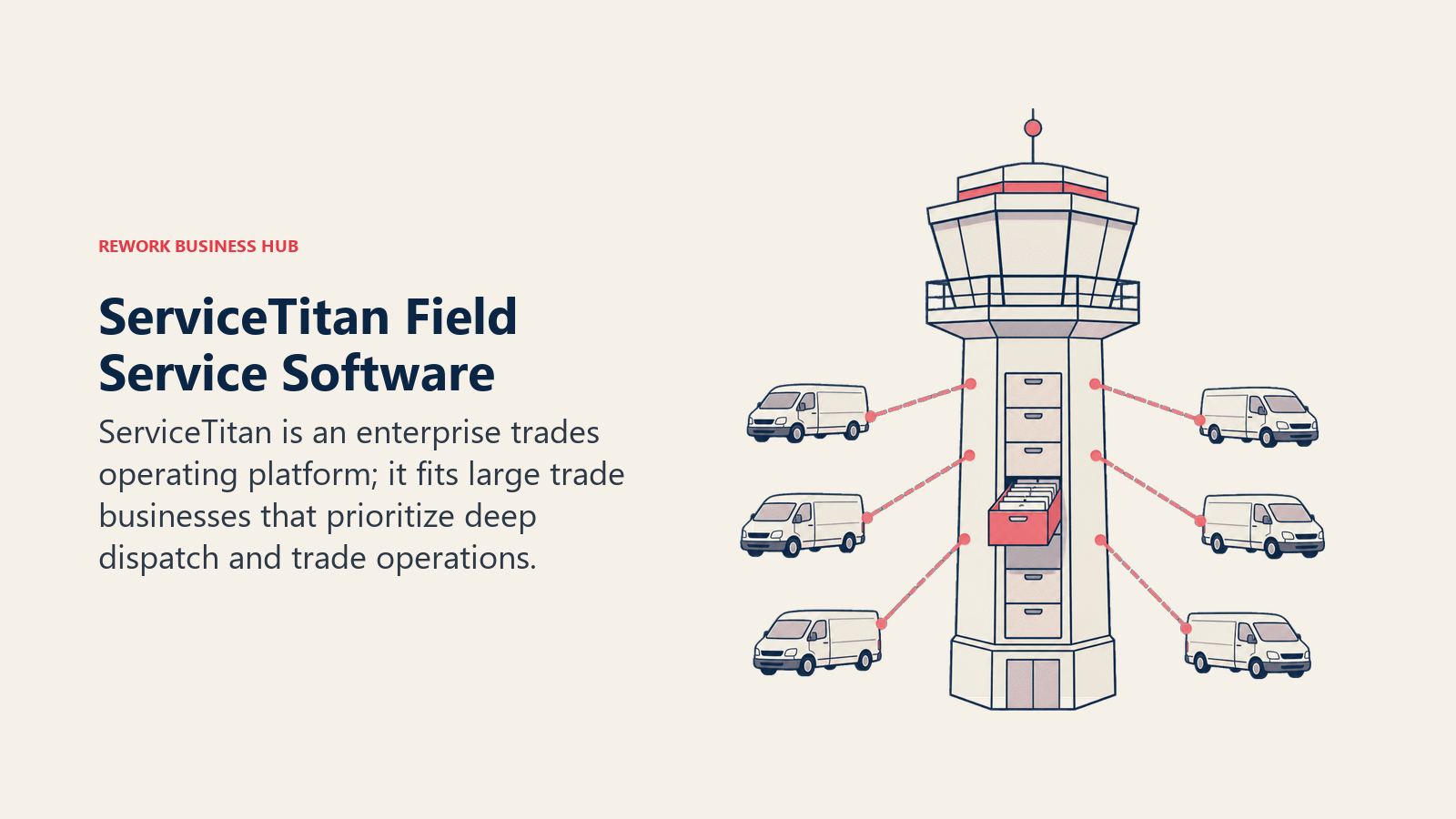
Built for trade businesses doing millions in revenue, ServiceTitan bundles dispatching, flat-rate pricebooks, marketing attribution, an integrated phone system with CSR monitoring, inventory, and payroll in one product. More than 100,000 service businesses run on it. Pricing isn't public; third-party buyer analyses report roughly $245-$500+ per technician per month, plus $5,000-$50,000 in setup fees and 12-month-plus contracts. If you've outgrown a lighter tool, best ServiceTitan alternatives covers what competes at this tier.
| What you get | What you don't |
|---|---|
| Deepest feature set: pricebook, marketing, CSR tools, payroll | High cost and long contracts |
| Built specifically for HVAC, plumbing, electrical | Overkill for crews under 20 techs |
Pricing: Not published; reported at $245-$500+/technician/month plus setup fees.
Best for: Established HVAC, plumbing, and electrical contractors with 50+ technicians.
2. Jobber: Easiest Onboarding for Small Home Service Teams
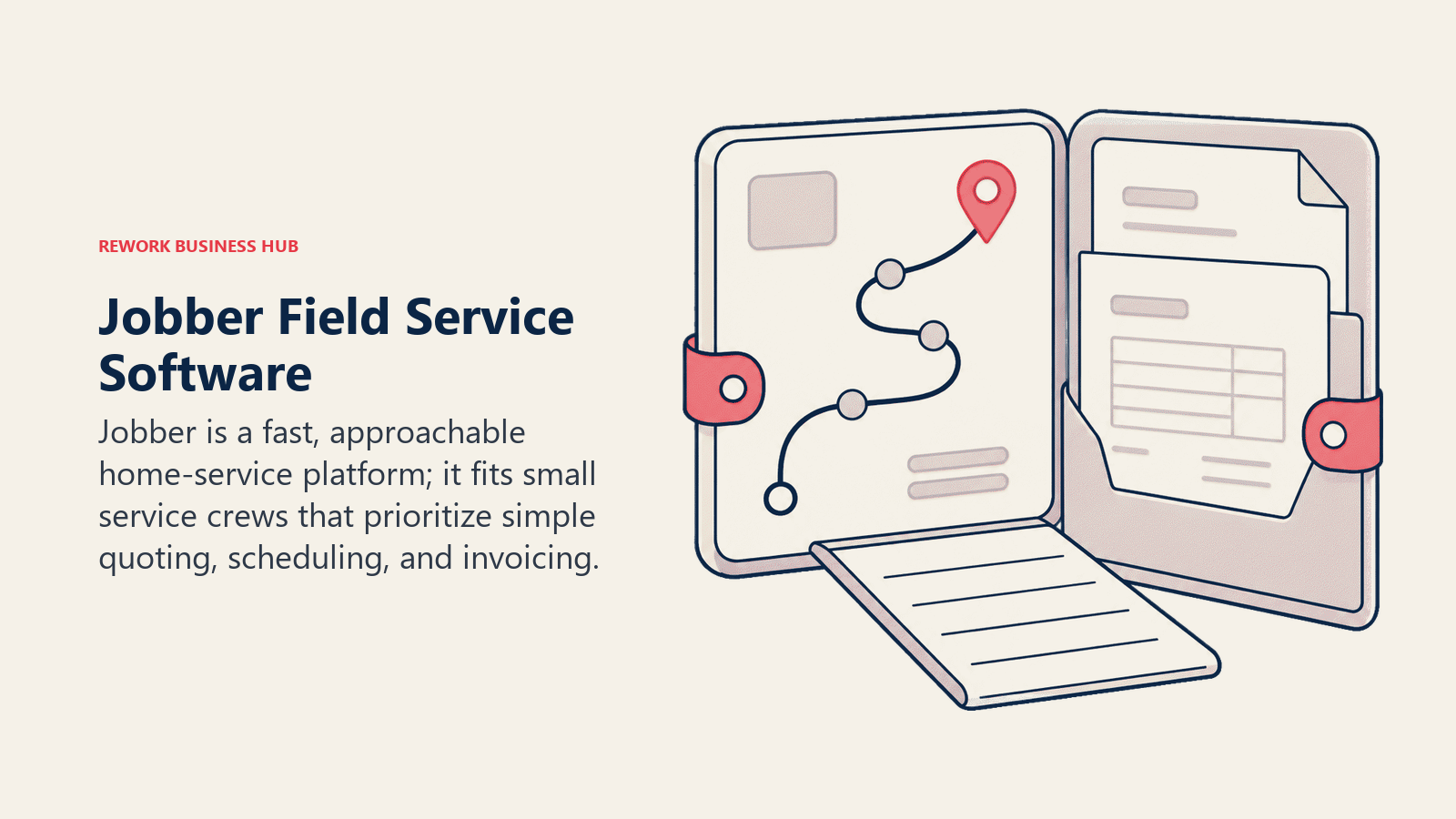
Jobber's bet is speed to value: quoting, scheduling, invoicing, and a client hub a 2-person crew can set up in an afternoon. The visual schedule stays one of the cleanest in the category. The ceiling shows in job costing and multi-location reporting, both lighter than ServiceTitan or Simpro, and additional seats run $29/month each past the plan's included count.
| What you get | What you don't |
|---|---|
| Fastest setup; clean client-facing tools | Job costing depth below commercial-grade tools |
| Solid built-in scheduling and route optimization | Not built for commercial multi-phase jobs |
Pricing: Core $49/mo (1 user); Connect $139/mo (5 users); Grow $299/mo (10 users); Plus $499/mo (15 users); +$29/mo per user. Annual billing saves up to 25% off those rates.
Best for: 1-25 person residential home service teams that want to be live within a week.
3. Housecall Pro: Consumer-Facing Marketing Built Into the Job
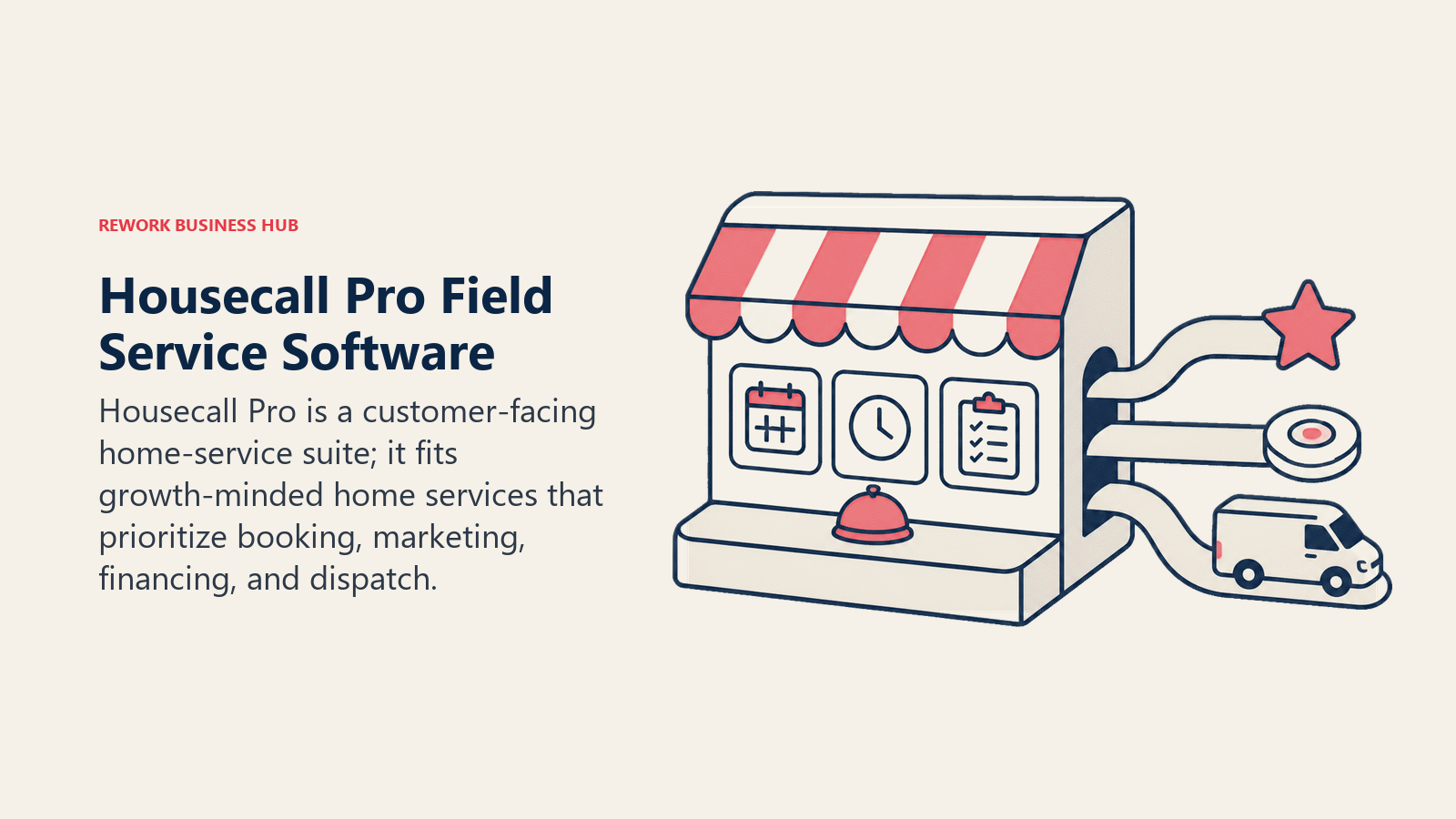
Housecall Pro leans into the consumer side: online booking, automated review requests, and marketing campaigns that make the customer experience feel like a modern retail brand rather than a dispatch board. The advertised price is a starting point; SMS, integrations, and extra seats ($35/month each past the included count) push the real bill higher. For a direct look at how it stacks against Jobber, see best Jobber alternatives; if Housecall Pro itself is the tool you are trying to replace, best Housecall Pro alternatives works through the swap, and ServiceTitan vs Housecall Pro settles the most common head to head in this category. The other two worth reading before you commit are ServiceTitan vs Jobber, on when moving up actually pays for itself, and Jobber vs Housecall Pro, the closest head to head in the small-crew tier.
| What you get | What you don't |
|---|---|
| Built-in review requests, campaigns, booking widget | Add-ons for SMS/integrations inflate real cost |
| Consumer-friendly customer app | Essentials plan's 5-user cap is tight for growing crews |
Pricing: Basic $59/mo annual (1 user); Essentials $149/mo annual (5 users); Max $299/mo annual (8 users, +$35/mo/user).
Best for: Brand-conscious SMB home service teams that treat marketing as core, not an afterthought.
4. Workiz: Call-Driven Dispatch for High-Volume Service Calls
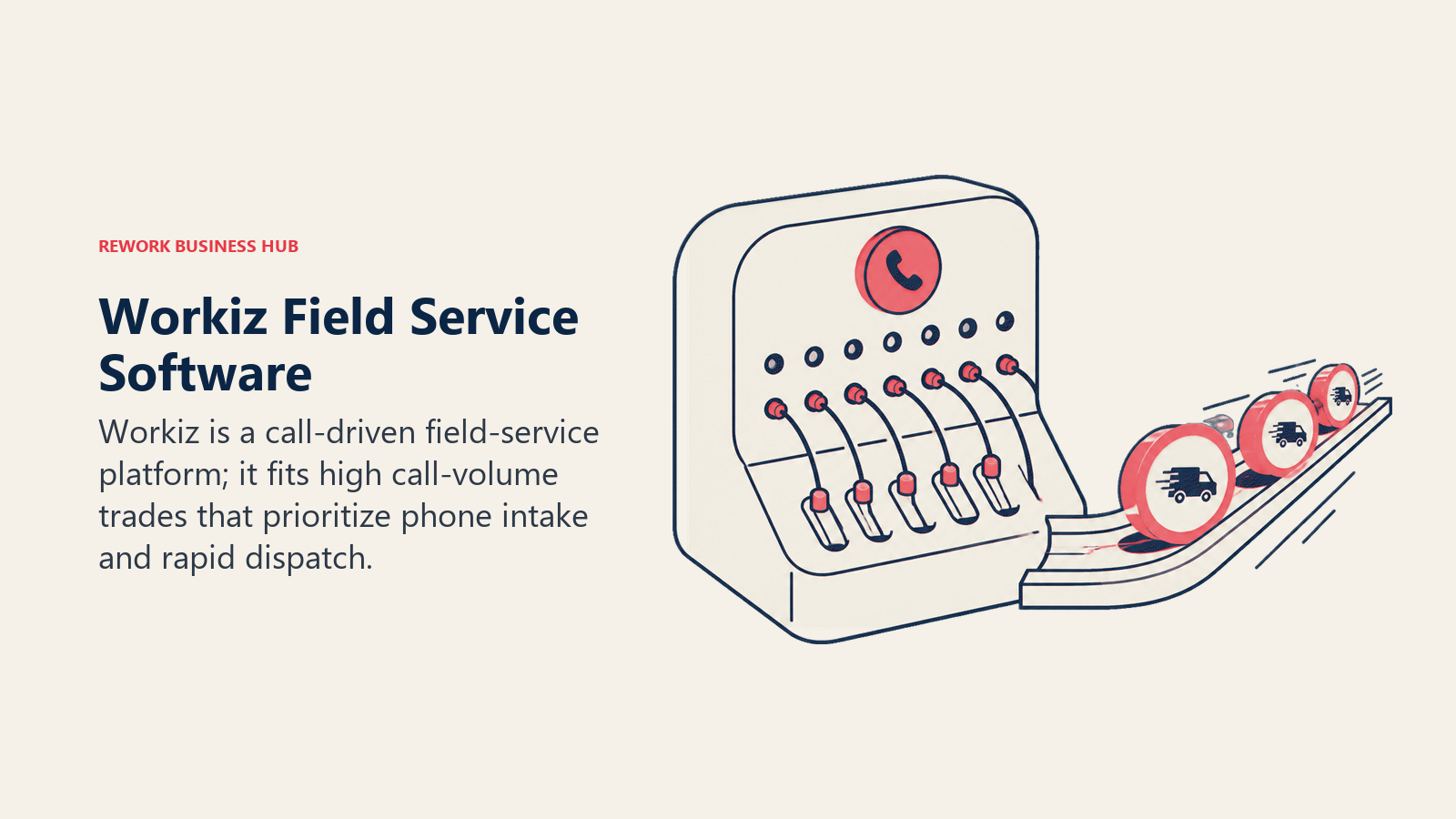
Workiz is built around the phone call: built-in call tracking, lead attribution back to the ad or number that generated the call, and AI-assisted answering, which fits trades that live on inbound call volume (appliance repair, locksmiths, garage door, HVAC). The catch is that phone minutes, SMS credits, extra users ($30/month each), and AI add-ons stack on top of the base plan fast. A free Lite plan covers up to 2 users for testing core scheduling.
| What you get | What you don't |
|---|---|
| Built-in call tracking and lead attribution | Real monthly cost runs well above the base plan |
| Free Lite plan (2 users) to test core features | Less job-costing depth than Simpro or ServiceTitan |
Pricing: Reported at Kickstart ~$187/mo, Standard ~$229/mo, Pro ~$270/mo; +$30/mo per user.
Best for: Phone-heavy trades where call attribution and answer speed drive revenue. See Best Workiz Alternatives.
5. Service Fusion: Unlimited Users, Per-Company Pricing
Service Fusion prices per company, not per seat, so every plan includes unlimited users, a real cost advantage for a large field crew on a modest budget. The tradeoff is polish: the interface is functional but visibly older than Jobber or Housecall Pro, and job costing and eSign require the Plus or Pro tier. There's no free trial, but also no long-term contract on monthly billing.
| What you get | What you don't |
|---|---|
| Unlimited users on every plan | Interface feels dated |
| No contract requirement on monthly billing | No free trial |
Pricing: Starter $208/mo annual ($245 monthly); Plus $325/mo annual; Pro $533/mo annual; unlimited users on all tiers.
Best for: Budget-conscious teams with a large field headcount who don't want per-seat costs.
6. Rework: Field Service Inside a Unified CRM, Lead, and People Platform
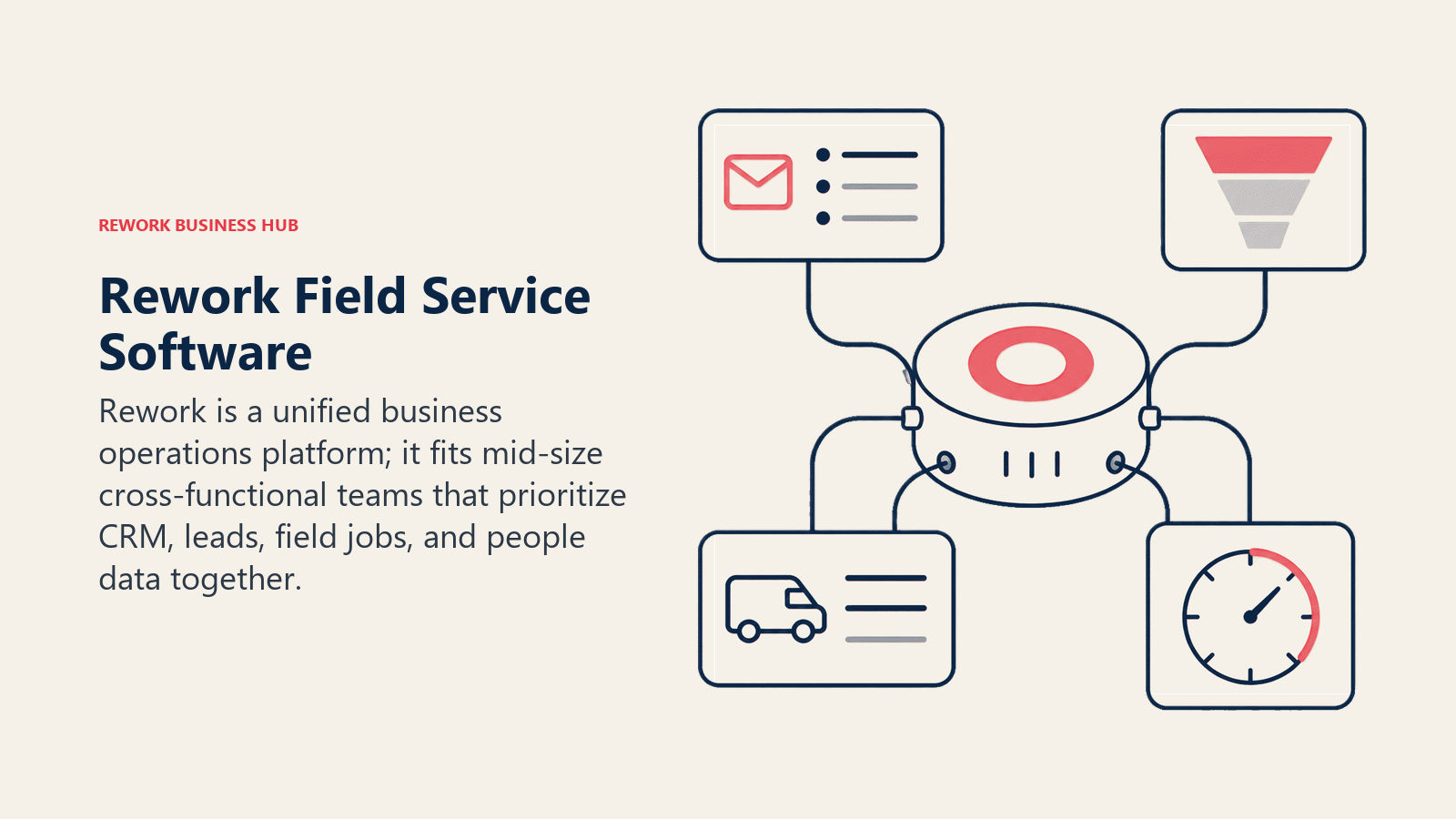
Rework's field service top-up, Field Work, ships inside the same platform as its CRM, lead management, and People (HRIS plus time and attendance) apps. The pitch isn't the deepest dispatch board; it's that a trades business scheduling jobs, tracking customer history, and running staff timesheets doesn't need three logins and a Zapier connection between them. That fits a specific buyer: a growing home services or trades business (roughly 10-200 people) that's outgrown spreadsheets on both the customer and field-ops side. It is not the fit for a business that needs deep trade-specific price books or complex multi-day commercial dispatch boards the way ServiceTitan or Simpro built for. If your bigger gap is CRM rather than dispatch, see best CRM software in 2026 or how to choose a CRM for small business; if it's HR, see best HR software in 2026.
| What you get | What you don't |
|---|---|
| Field Work plus CRM, lead management, and People in one data model | Not built for deep trade price books or dispatch complexity |
| Published pricing; extra work seats come in blocks of 5 ($13/month per block, billed yearly) | Not for solo operators or teams under 10 people |
Pricing: Rework sells field visits as the Field Work top-up ("field visits and service jobs"), from $43/month billed yearly for 1,000 visits a month. It's added to a Process or Project Engine, from $99/month billed yearly with 5 work seats included, so field jobs start at about $142/month billed yearly; extra work seats come in blocks of 5. The CRM is the Sales Engine, from $69/month billed yearly, or the Revenue Engine, from $159/month billed yearly, if you want lead management in the same plan. People (HR, attendance, and timesheets) is not publicly priced; it's quoted per organization. See rework.com/pricing for current plans.
Best for: 10-200 person trades or home services businesses that want field scheduling, customer records, and staff time in one system.
7. FieldEdge: HVAC-First Software Built by Contractors
FieldEdge, now part of Xplor, targets HVAC, plumbing, and electrical contractors specifically, with a real-time two-way QuickBooks sync as its signature feature, avoiding the double-entry problem some competitors still have. Pricing isn't public; reported figures put it around $100 per office user plus $125 per technician per month, with Select, Premier, and Elite tiers gated behind a sales call and a multi-week onboarding period.
| What you get | What you don't |
|---|---|
| Real-time two-way QuickBooks sync | No public pricing; requires a sales call |
| Built specifically for HVAC/plumbing/electrical | Less flexible for trades outside that focus |
Pricing: Quote-based; reported around $100/office user plus $125/technician per month.
Best for: HVAC and plumbing shops that run their books through QuickBooks. See Best FieldEdge Alternatives.
8. FieldPulse: Flexible Seats for Lean, Growing Teams
FieldPulse's differentiator is its seat model: full-access seats for office staff and cheaper field-only seats for technicians who just need the mobile app, which lowers the bill for lean teams. None of it is published, though; Essentials, Professional, and Enterprise tiers all require a demo call for a real number. Add-ons for a phone system, AI dispatch assistance, and fleet tracking are sold separately.
| What you get | What you don't |
|---|---|
| Full-access vs field-only seat pricing | No published pricing; demo required |
| Enterprise tier adds multi-location and open API | Fewer built-in marketing tools than Housecall Pro |
Pricing: Quote-based, seat pricing; no public monthly figure.
Best for: Small, growing crews that want to pay less for field-only technicians.
9. ServiceM8: Pay by Job Volume, Not by Seat
ServiceM8 flips the standard model: it charges by monthly job volume with unlimited users on every paid tier, so an efficient 15-person crew can pay the same as a 3-person crew at the same job count. Starter runs $29/month for 50 jobs up to Premium Plus at $349/month for 1,500+ jobs, with a genuinely usable free tier for testing. High-volume, low-headcount trades (locksmiths, cleaners) hit job caps faster than headcount caps.
| What you get | What you don't |
|---|---|
| Unlimited users; pricing scales with job volume | High-volume, low-headcount trades hit job caps |
| Genuinely usable free tier for solo operators | Native marketing thinner than Housecall Pro |
Pricing: Free (1 user, 30 jobs/mo); Starter $29/mo; Growing $79/mo; Premium $149/mo; Premium Plus $349/mo.
Best for: Solo operators and small crews (up to ~20 techs) with moderate job volume. See Best ServiceM8 Alternatives.
10. Kickserv: Budget-Friendly Simplicity for Small Crews
Kickserv is deliberately simpler than ServiceTitan at a correspondingly lower price: scheduling, dispatching, and invoicing without a feature set most small crews will never touch, plus a 20% discount on annual billing. The honest ceiling is reporting and inventory depth, which don't compete with Simpro or ServiceTitan on advanced job costing or multi-location analytics.
| What you get | What you don't |
|---|---|
| Lowest real entry price with true scheduling/invoicing | Advanced reporting and inventory are thin |
| Simple, fast onboarding | Customer self-service portal is now a paid add-on |
Pricing: Start $60/mo (5 users); Run $119/mo (10 users); Scale $199/mo (20 users); 20% off annual billing.
Best for: Very small crews (2-20 techs) that want reliable core FSM features without enterprise depth.
11. Simpro: Commercial-Grade Job Costing and Project Work
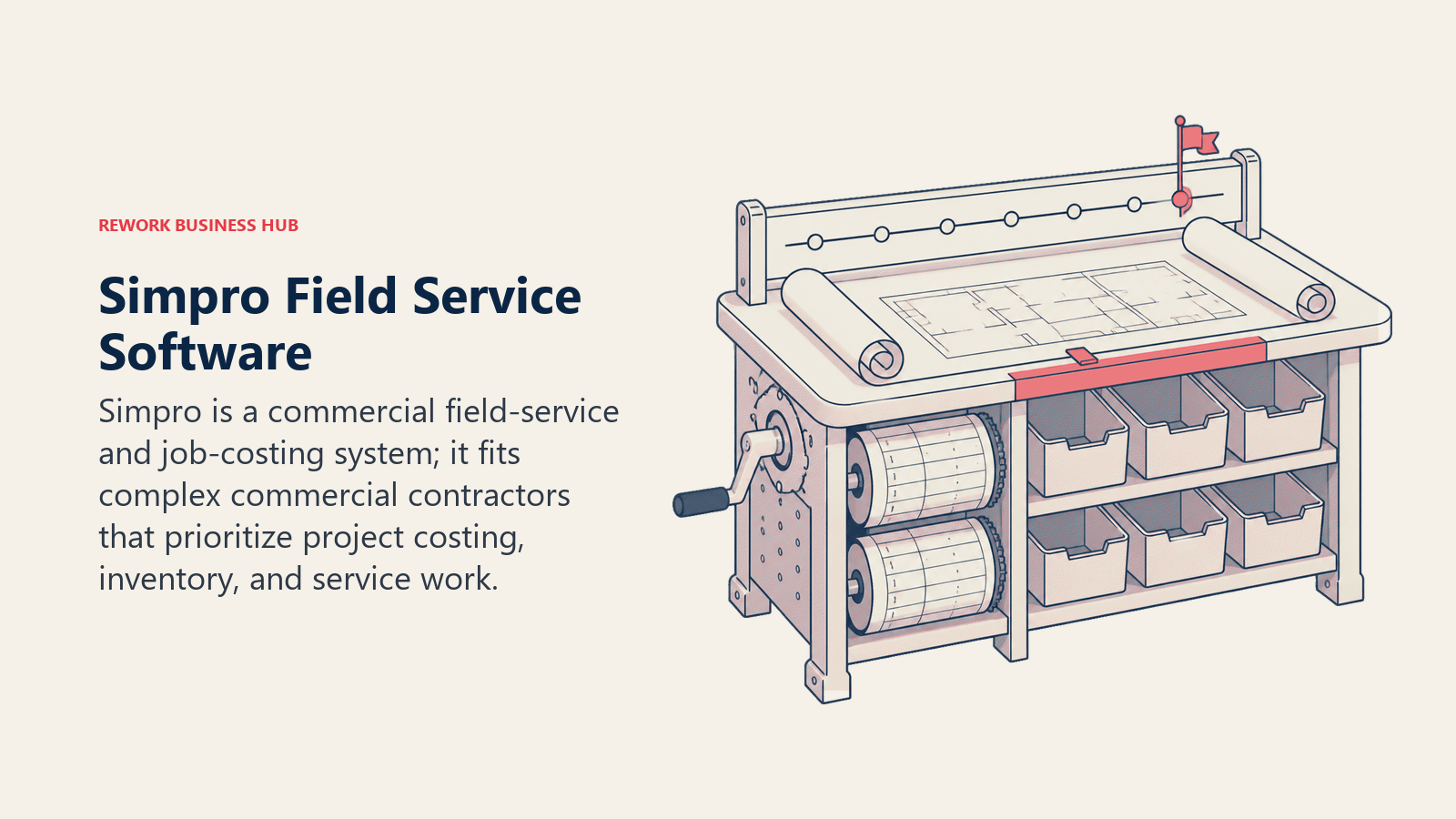
Simpro is built for trade businesses running project work alongside service calls, not just one-off residential visits: estimating, quoting, job costing, inventory, and financial reporting designed around the full job lifecycle. That depth comes with a learning curve; it's not the tool for a 3-person residential crew that just wants a schedule. Simpro Lightning, its AI layer, targets the same labor-shortage pressure behind the 45% technician-shortage stat above.
| What you get | What you don't |
|---|---|
| Full job costing and inventory for commercial complexity | Steep learning curve for small or simple crews |
| Handles project work and recurring service together | Pricing is quote-based; wide reported range |
Pricing: Quote-based; third-party estimates range roughly $30-$70+/user/month.
Best for: Commercial trade businesses (electrical, fire protection, HVAC) mixing project and service work, roughly 20-200 techs. See Best Simpro Alternatives.
12. BuildOps: Purpose-Built for Commercial Specialty Contractors
BuildOps was built specifically for commercial specialty contractors, HVAC, electrical, plumbing, fire/life safety, and refrigeration businesses handling multi-phase schedules, GC coordination, progress billing, and change orders. It's the one tool here that doesn't also try to serve residential-only shops. That focus is the whole pitch and the whole limitation: more machinery than a residential-only business needs, and the natural fit for anyone running commercial service agreements.
| What you get | What you don't |
|---|---|
| Built for commercial service agreements and GC coordination | Not designed for residential-only businesses |
| Progress billing and change order management native | Pricing is quote-based only |
Pricing: Quote-based; reported roughly $150-$300+/user/month.
Best for: Commercial specialty contractors managing service agreements and GC relationships.
13. Zuper: API-First Flexibility for Multi-Trade and Franchise Operations
Zuper's differentiator is integration depth: strong APIs and prebuilt connectors that let mid-market and franchise operations wire field service into whatever CRM, billing, or IoT stack they already run, serving multi-trade residential and commercial operations and utility providers doing scheduled maintenance at scale. Pricing isn't published, and reported figures span a wide $50-$150 per user per month, which makes budgeting before a sales call harder than it should be.
| What you get | What you don't |
|---|---|
| Strong API and integration capability | Pricing not published; wide reported range |
| Skill-based scheduling matches jobs to the right tech | Setup complexity favors teams with technical resources |
Pricing: Quote-based; reported roughly $50-$150/user/month.
Best for: Mid-market and franchise multi-trade operations (20-500 techs) needing field service wired into other systems.
14. Salesforce Field Service (Agentforce Field Service): Enterprise CRM-Native Dispatch
Salesforce's field service product, recently rebranded Agentforce Field Service, extends Service Cloud's case and asset management into scheduling, the Intelligent Dispatch Console, and mobile technician tools, useful for enterprises already running customer data through Salesforce. It's an add-on to a base Service Cloud license, not standalone, so the real cost includes both. Reported per-user pricing spans roughly $50 (Contractor) to $165 (Dispatcher/Technician) a month; Salesforce doesn't publish exact figures.
| What you get | What you don't |
|---|---|
| Native extension of Salesforce Service Cloud data | Requires a Service Cloud license as a base |
| Intelligent Dispatch Console on the same CRM data | Overkill and expensive for SMB trade businesses |
Pricing: Quote-based; reported roughly $50-$165/user/month, plus a required Service Cloud base license.
Best for: Enterprises already running Salesforce Service Cloud that want field dispatch on the same data.
15. Dynamics 365 Field Service: Microsoft Ecosystem Depth for Complex Operations
Dynamics 365 Field Service targets enterprises already living in the Dynamics and Microsoft 365 ecosystem: work order management, resource scheduling optimization, IoT-driven predictive maintenance, and remote assist tied into Teams and Outlook. A Forrester-commissioned study found it delivered 346% ROI over three years, with $2.1 million of that from optimized routing and reduced travel time alone. Licensing is published, unusual for enterprise FSM, but the real cost is rarely justified for a mid-size trades business not already standardized on Dynamics.
| What you get | What you don't |
|---|---|
| Published per-user pricing | Overkill and costly for small or mid-size trades |
| Native Teams, Outlook, Dynamics 365 integration | Best value only inside an existing Microsoft footprint |
Pricing: Dynamics 365 Field Service $105/user/mo; Field Service Contractor $50/user/mo; Resource Scheduling Optimization add-on ~$30/resource/mo.
Best for: Enterprises already standardized on Microsoft Dynamics 365 that need field service tied into the same stack.
Field Service Software Buying Mistakes to Avoid
Most failed rollouts are a fit problem, not a software problem. Check your shortlist against these before signing.
| Mistake | What It Looks Like | What to Do Instead |
|---|---|---|
| Buying enterprise depth too early | Signing with ServiceTitan at 8 technicians "to grow into it" | Buy for current crew size plus 12-18 months of hiring |
| Ignoring residential vs commercial fit | Using a residential-first tool for multi-phase GC jobs | Match the tool to your actual job type |
| Comparing sticker price only | Picking the cheapest plan without pricing SMS, seats, add-ons | Ask for an all-in monthly cost at your real headcount |
| Splitting CRM, field service, and HR across three tools | Managing customer, job, and staff data separately | Decide upfront whether unified data or specialist depth matters more |
| Not checking the pricing model | Assuming every tool charges per seat | Confirm per seat, per job, or per company before comparing prices |
If your gap is the scheduling layer itself rather than full dispatch, how to choose scheduling software covers that narrower category, and route and time management for door-to-door sales reps is a useful companion on the field-crew routing side.
Decision Framework
| If you need... | Pick... | Why |
|---|---|---|
| Deepest all-in-one platform for a large HVAC/plumbing shop | ServiceTitan | Pricebook, marketing, CSR, payroll built in |
| Fastest setup for a small home service team | Jobber | Clean UX, live in days |
| Built-in marketing and reputation management | Housecall Pro | Reviews, campaigns, booking widget native |
| Call tracking for phone-driven trades | Workiz | Attribution tied to dispatch |
| Unlimited users without per-seat cost | Service Fusion | Priced per company |
| Real-time QuickBooks sync | FieldEdge | Two-way sync avoids double entry |
| Lower cost for field-only technicians | FieldPulse | Field-only seats priced separately |
| Pay by job volume instead of by seat | ServiceM8 | Unlimited users; scales with job count |
| Lowest real entry price | Kickserv | Scheduling and invoicing at small-crew pricing |
| Commercial job costing and project work | Simpro | Built for complex commercial job lifecycles |
| Software built for commercial specialty contractors | BuildOps | Progress billing, change orders, GC coordination |
| API-first flexibility for multi-trade/franchise | Zuper | Strong integration layer |
| Field service plus CRM and HR in one platform | Rework | Field Work shares data with CRM and People apps |
| Field dispatch on existing Salesforce data | Salesforce Field Service | Native Service Cloud extension |
| Field service tied into an existing Microsoft stack | Dynamics 365 Field Service | Deepest fit inside Microsoft/Dynamics |
Frequently Asked Questions about Field Service Management Software
What is the best field service management software in 2026?
There's no single best tool for every trade. ServiceTitan leads for large HVAC, plumbing, and electrical shops needing marketing and payroll built in. Jobber and Housecall Pro lead for small residential teams. Simpro and BuildOps lead for commercial trade work. Rework fits teams that want field service, CRM, and HR unified in one platform.
What is the best field service software for a small crew under 10 techs?
ServiceM8 and Kickserv are built for small crews and price accordingly, ServiceM8 by job volume and Kickserv by a flat monthly rate. Jobber is a strong middle ground for more client-facing polish.
How much does field service management software cost in 2026?
Entry pricing starts around $29-$60 a month for small-crew tools like ServiceM8 or Kickserv. Mid-market SMB tools (Jobber, Housecall Pro, Workiz) typically run $150-$350 a month for a small team. Enterprise platforms like ServiceTitan and BuildOps are quote-based and often run several hundred to a few thousand dollars a month.
What's the difference between residential and commercial field service software?
Residential-first tools (Jobber, Housecall Pro, ServiceM8) are built around single-visit jobs: quote, schedule, invoice, done. Commercial-first tools (Simpro, BuildOps) handle multi-phase projects, GC coordination, progress billing, and change orders, workflows residential tools generally don't support well.
Does Rework offer field service management?
Yes. Rework's Field Work top-up handles field service scheduling and job management inside the same platform as its CRM, lead management, and People apps. It's built for unified data across sales, field ops, and HR, not the deepest trade-specific dispatch board on the market.
Which field service software has the best AI features in 2026?
Simpro Lightning and ServiceTitan both lean into AI-assisted scheduling and admin reduction, and Salesforce and Dynamics 365 build AI into their broader platforms. Per Deloitte's 2026 Field Service Report, 40% of field service organizations already use generative AI for analysis, reporting, or technician assistance.
Do I need field service software with only 1-2 techs?
At 1-2 people, a free or near-free tool (ServiceM8's free tier, or a simple calendar and invoicing app) usually covers it. The inflection point for paid software is typically 3-5 techs, when scheduling conflicts start costing real revenue.
What to Do Next
Narrow your list to two tools before booking a demo: one that fits your crew size and trade today, and one you'd grow into over the next 18 months. Use the crew size framework above to eliminate anything over- or under-built for your operation, then run a real 2-week pilot with actual jobs on the schedule. If your team wants sales, marketing, and HR tools on the same data model as field dispatch instead of three separate logins, start with Rework's Field Work top-up.

Business Consultant
On this page
- Key Facts
- Quick Comparison Table
- How to Choose Field Service Software in 2026
- Framework: By Crew Size
- 1. ServiceTitan: Enterprise Powerhouse for HVAC, Plumbing, and Electrical
- 2. Jobber: Easiest Onboarding for Small Home Service Teams
- 3. Housecall Pro: Consumer-Facing Marketing Built Into the Job
- 4. Workiz: Call-Driven Dispatch for High-Volume Service Calls
- 5. Service Fusion: Unlimited Users, Per-Company Pricing
- 6. Rework: Field Service Inside a Unified CRM, Lead, and People Platform
- 7. FieldEdge: HVAC-First Software Built by Contractors
- 8. FieldPulse: Flexible Seats for Lean, Growing Teams
- 9. ServiceM8: Pay by Job Volume, Not by Seat
- 10. Kickserv: Budget-Friendly Simplicity for Small Crews
- 11. Simpro: Commercial-Grade Job Costing and Project Work
- 12. BuildOps: Purpose-Built for Commercial Specialty Contractors
- 13. Zuper: API-First Flexibility for Multi-Trade and Franchise Operations
- 14. Salesforce Field Service (Agentforce Field Service): Enterprise CRM-Native Dispatch
- 15. Dynamics 365 Field Service: Microsoft Ecosystem Depth for Complex Operations
- Field Service Software Buying Mistakes to Avoid
- Decision Framework
- What to Do Next