Best CMMS Software in 2026: 14 Maintenance Management Tools Compared
Turn this article into takeaways for your work.


Each assistant summarizes the article only for you and suggests best practices for your work.
The best CMMS software in 2026 depends on how big your crew is and how much of your maintenance is still reactive. MaintainX leads for teams that need technicians using the thing by Friday, because it's the only major CMMS here with a genuinely free tier plus a mobile app people open without being nagged. Limble leads for reliability teams that want to shape the system around how the plant actually runs, with meter-triggered PM and asset hierarchies nobody needs a consultant to build. UpKeep leads on pure technician experience but has no free plan and puts preventive-maintenance scheduling on its pricier Premium tier, which surprises people. Fiix is the free plan for manufacturers who want unlimited work orders and assets and can live inside 25 active PM schedules. And eMaint is the pick when validation and audit trails matter more than price, which is why it shows up in regulated plants.
This guide ranks 14 platforms for maintenance managers, facilities managers, operations managers, plant managers and COOs choosing or replacing a CMMS, evaluated on PM scheduling depth, mobile work-order execution, free-tier caps, and the thing most buyers miss until renewal: what each vendor actually meters on. If your problem is knowing what you own rather than keeping it running, best asset management software covers the register side of the category instead.
Key Facts
- Unplanned downtime costs the world's 500 biggest companies about $1.4 trillion a year, roughly 11% of their combined revenue, up from $864 billion across 2019 and 2020, per Siemens' The True Cost of Downtime 2024.
- A functioning preventive maintenance program saves 12% to 18% on average against a reactive-only program, and a facility moving off a purely reactive approach can see savings "exceeding 30% to 40%", per the US Department of Energy's Operations & Maintenance Best Practices Guide (Release 3.0).
- World-class planned maintenance percentage, meaning planned maintenance hours divided by total maintenance hours, sits at 85% or higher. Most facilities running mostly reactive work never clear that mark. (Fiix by Rockwell Automation, vendor benchmark data)
- 71% of maintenance leaders name preventive maintenance as a core strategy, yet 58% of teams still spend more than half their time responding to equipment that has already failed. (MaintainX 2025 State of Industrial Maintenance, a vendor survey of 1,320 maintenance professionals across the US and Canada)
- US employment of industrial machinery mechanics, machinery maintenance workers and millwrights is projected to grow 14% from 2025 to 2035, much faster than the average occupation, with about 51,900 openings a year and a 2025 median wage of $64,100, per the US Bureau of Labor Statistics. The crew you're buying software for is getting harder to hire and more expensive to keep.
Quick Comparison Table
| Tool | Best For | Starting Price | Key Strength | Key Limitation |
|---|---|---|---|---|
| MaintainX | Crews that need to be live and adopted this quarter | Free (tightly capped); Essential $20/user/mo billed annually, $25 monthly | The only real free CMMS tier here paired with genuine mobile adoption | Free tier caps work orders with procedures at 2, and repeating work orders at 2 |
| Limble CMMS | Reliability teams configuring PM around how the plant actually runs | Standard $28 per user, per month; no free plan | Deepest configurability in the mid-market, meter-triggered PM on Premium+ | No free plan, and limble.com/pricing publishes no figures at all |
| UpKeep | Technician-first mobile work order execution | Essential $24 per user per month as published; no free plan | The cleanest technician mobile experience in the category | No free plan, and PM scheduling sits on Premium at $55, not Essential |
| Fiix (Rockwell Automation) | Manufacturers wanting unlimited work orders on a free plan | Free (25 active PMs); Basic $45 per user, per month | Unlimited work orders, assets and service requests even on the free plan | Free plan caps active preventive maintenance schedules at 25 |
| eMaint (Fluke Reliability) | Regulated manufacturers needing validated, audit-ready maintenance | No published price; Professional has a 3-user minimum | Reliability and compliance depth, backed by Fluke's instrument ecosystem | No published price, prepaid annual commitment, seat minimums |
| Rework | Mid-size operators wanting the asset register on the same platform as work, invoices and the customer | Quote on request, priced per organization | Consolidation: assets, work, finance, CRM and HR on one platform | Not a CMMS: no PM scheduling, technician work orders or parts inventory |
| Coast | Small teams that want a paid CMMS for the price of a coffee | Free $0; Starter $2 per user/month monthly, $1.80 yearly | Cheapest published per-user rate in the entire category | Free tier caps repeating work orders at 5 and history at 7 days |
| Click Maint | Buyers tired of guessing which tier hides the feature they need | Professional $35 per user per month billed annually, $42 billed monthly | One plan, one price, no feature-gating maze to decode | No free plan, and no cheaper entry tier if you only need the basics |
| MPulse | Crews where a few admins configure and many technicians just execute | MPACT Professional $29 per user/month billed annually, 3-user minimum | A $29 technician licence on Advanced so the crew isn't priced as full seats | Annual billing only on published tiers, and a 3-user floor |
| Maintenance Care | Small facilities, senior living and community sites starting a PM program | Free forever (2 users); Enterprise is a custom quote | A permanent free tier with real preventive maintenance scheduling in it | Free tier caps at 2 users, 3 PM schedules and 5 assets |
| MicroMain | Facilities and CAFM teams with a small admin core and a large crew | Starting at $99 per admin licence and $45 per technician licence | Split admin and technician licensing, unlimited service requesters | The pricing page states no billing term, so monthly versus annual is unknown |
| Fracttal One | Asset-intensive operations leaning into IoT and condition monitoring | No published price, quote only | Strong asset-intensive and IoT positioning with a modern interface | No published price, no tiers and no free plan listed |
| Asset Essentials (Brightly, a Siemens company) | Public sector, education and healthcare facilities operations | No published price, demo-gated | Deep public-sector and facilities maintenance heritage, now backed by Siemens | No price transparency at all, a demo request is the only route in |
| IBM Maximo Application Suite | Asset-intensive enterprises running the full lifecycle under governance | Maintenance Essentials "starting under US$ 40K per year", metered in AppPoints | Full enterprise EAM: reliability, inspection, monitoring and safety in one suite | Not an SMB purchase, and AppPoints are genuinely hard to estimate up front |
"CMMS" Covers Three Different Buys, and Picking the Wrong Band Is Expensive
Everything on this list gets sold as "a CMMS", and that single word hides three very different products with a 100x spread in price. Work out which band you're shopping in before you compare a single feature, because most bad CMMS purchases aren't bad software. They're the right software bought one band away from the job.
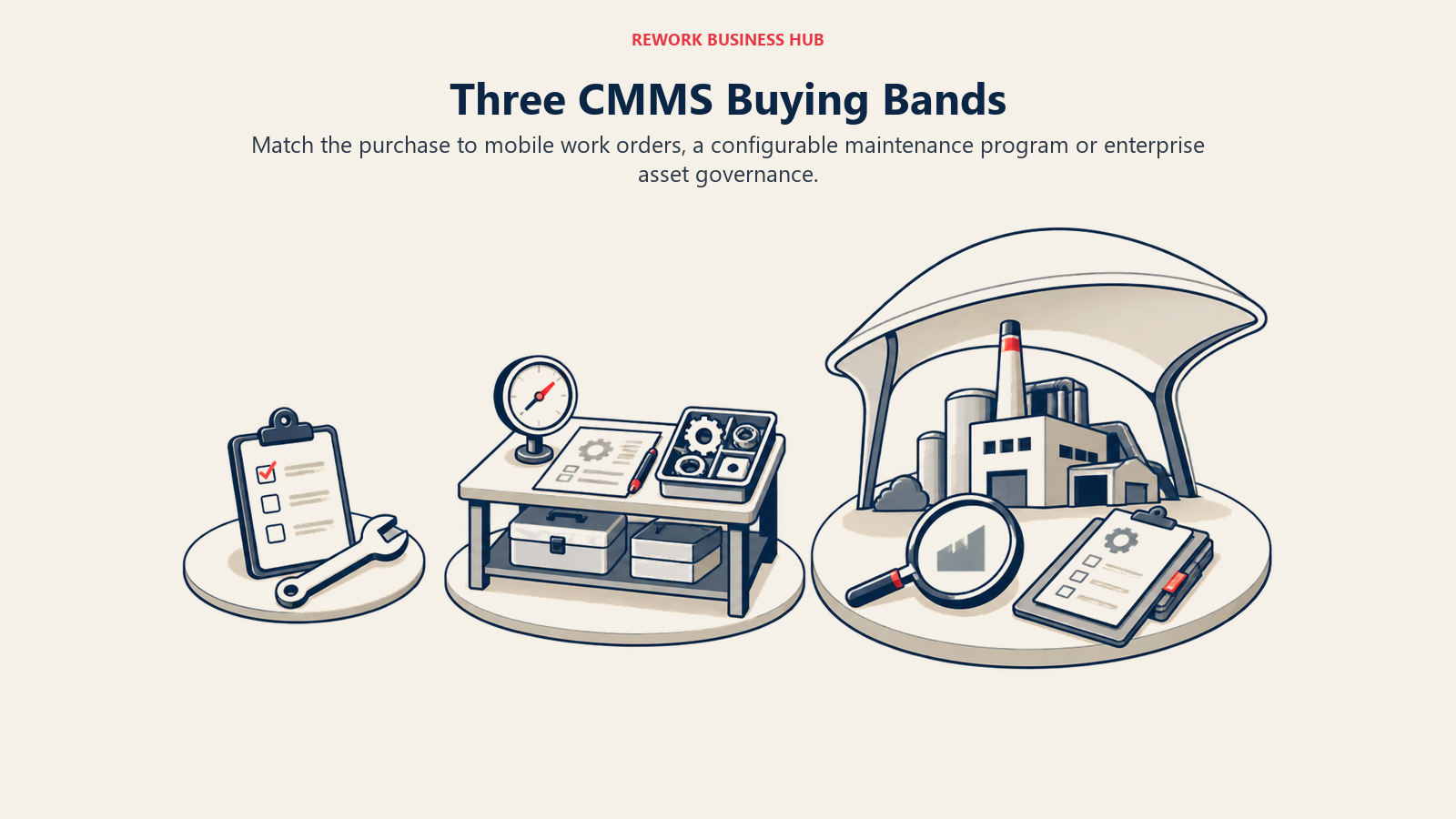
| Band | What it's actually for | Tools in this guide | Realistic entry cost |
|---|---|---|---|
| Light mobile work-order app | Get a crew off paper and WhatsApp. Reactive work orders, simple recurring tasks, photos, a checklist, a phone | MaintainX, Coast, Maintenance Care, UpKeep Essential | $0 to $25 per user per month |
| Configurable mid-market CMMS | Run a real preventive maintenance program: asset hierarchies, meter-based triggers, parts and inventory, cost reporting, multi-site | Limble, UpKeep Premium, Fiix, eMaint, Click Maint, MPulse, MicroMain | $28 to $79 per user per month, or a quote |
| Enterprise EAM | The whole asset lifecycle under governance: reliability, inspection, condition monitoring, safety and compliance | Fracttal One, Asset Essentials, IBM Maximo Application Suite | Quote only, and Maximo starts under US$ 40K a year |
Buy one band down from your job and you'll find out in month three that the tool can't trigger maintenance off a meter reading, can't tie parts to a work order, or can't tell you cost per asset when finance asks. Buy one band up and you'll pay for a reliability module nobody opens, run a six-month implementation to replace a whiteboard, and watch adoption die because the crew found the app confusing on day one. That second failure is more common than the first and much harder to admit to.
Rework sits outside all three bands, which is why it's ranked mid-list here rather than at the top. It isn't a CMMS. It's a fixed asset register that happens to live on the same platform as the work, the invoice, the vendor and the customer, and that's a consolidation argument, not a maintenance-depth one. More on exactly where that helps and where it doesn't at number six.
The band question is also the moment to be honest about whether you have a maintenance program at all. Software won't create one. A predictive maintenance strategy and a working total productive maintenance practice are what a CMMS accelerates, and buying one before you've decided what "planned" means at your site just gives you a faster way to log the same reactive work.
What Each Tool Meters On
This is the analytical spine of the whole category, and it matters more than the sticker price. Two CMMS platforms can quote nearly the same number on demo day and diverge by five figures a year by renewal, purely because of what the vendor counts against you as the operation grows. Read this table before you read any tool section.
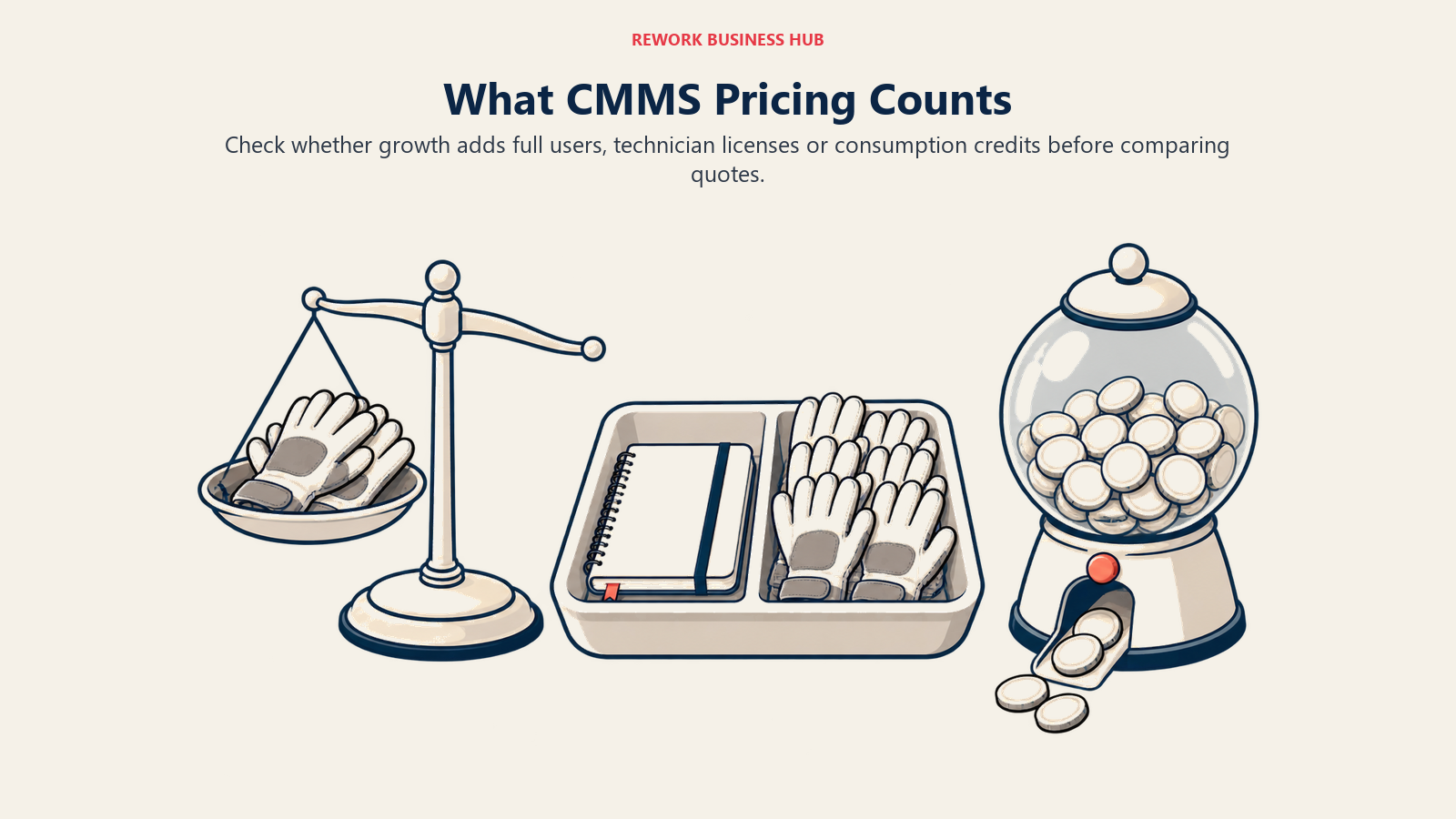
| Tool | Meters on | What that means as you grow |
|---|---|---|
| MaintainX | Users | Every technician and supervisor adds a seat. Requester accounts are free, so people who only submit tickets cost nothing |
| Limble CMMS | Users | Same basis across every published tier. A 40-person crew on Premium+ is a serious annual number |
| UpKeep | Users | Every seat counts, and the tier you need (Premium, for PM scheduling) more than doubles the per-seat rate |
| Fiix | Users, with a free plan capped on PM schedules | Work orders and assets are unlimited even free. What pushes you to paid is the 25 active PM ceiling, not headcount |
| eMaint | Users, with a 3-user minimum on Professional and 5 on Enterprise | Even a 2-person maintenance team pays for 3 seats, prepaid annually |
| Rework | Not per seat. Quoted per organization | Adding people to the operation doesn't restructure the quote the way a per-seat CMMS does |
| Coast | Users | At $2 per user per month, seat growth barely registers. This is the one tool here where headcount is close to a rounding error |
| Click Maint | Users, one plan only | Predictable: users times one rate. There's no tier to get upsold into later |
| MPulse | Users, plus a separate technician licence on Advanced | A few configuring admins at $79 and a crew at the $29 technician licence, instead of everyone at full seat price |
| Maintenance Care | Free tier caps users at 2; Enterprise is quoted with unlimited users | The paid path is a quote, and it explicitly removes the user cap rather than charging per seat |
| MicroMain | Two licence types: $99 per admin, $45 per technician | A small admin core stays cheap while the crew scales at under half the admin rate. Service requesters are unlimited and free |
| Fracttal One | Not published | Quote only. Meter basis undisclosed, so confirm it in the first sales call |
| Asset Essentials | Not published | Quote only, demo-gated |
| IBM Maximo | AppPoints, a credit-based entitlement pool | Priced by capability consumed rather than by seat. Maintenance starts at 150 AppPoints, Inspection at 175 |
Three patterns are worth pulling out of that table.
First, per-user metering is the default and it punishes exactly the operations that need a CMMS most: the ones with a big crew. A 50-technician plant on Limble Premium+ is looking at a very different conversation from a 6-person facilities team on Coast.
Second, the two tools that split admin and technician licences, MPulse and MicroMain, are the structural answer to that problem. If your reality is three people who configure and thirty who execute, a split licence model can cut the bill in half without cutting anyone out of the system.
Third, free requester accounts are quietly one of the most valuable things in this category and almost nobody shops for them. MaintainX makes requester accounts free, and MicroMain lets unlimited users submit service requests without a licence. That's how a nurse, a shift supervisor or a tenant reports a fault without you buying them a seat, and it's the difference between a CMMS the whole site uses and one only the crew touches. UpKeep has free View Only, Requester and Third-Party user types too, though they're permission-restricted rather than a way to sneak full access in the back door.
1. MaintainX: The Real Free Tier, and the Fastest Crew Adoption
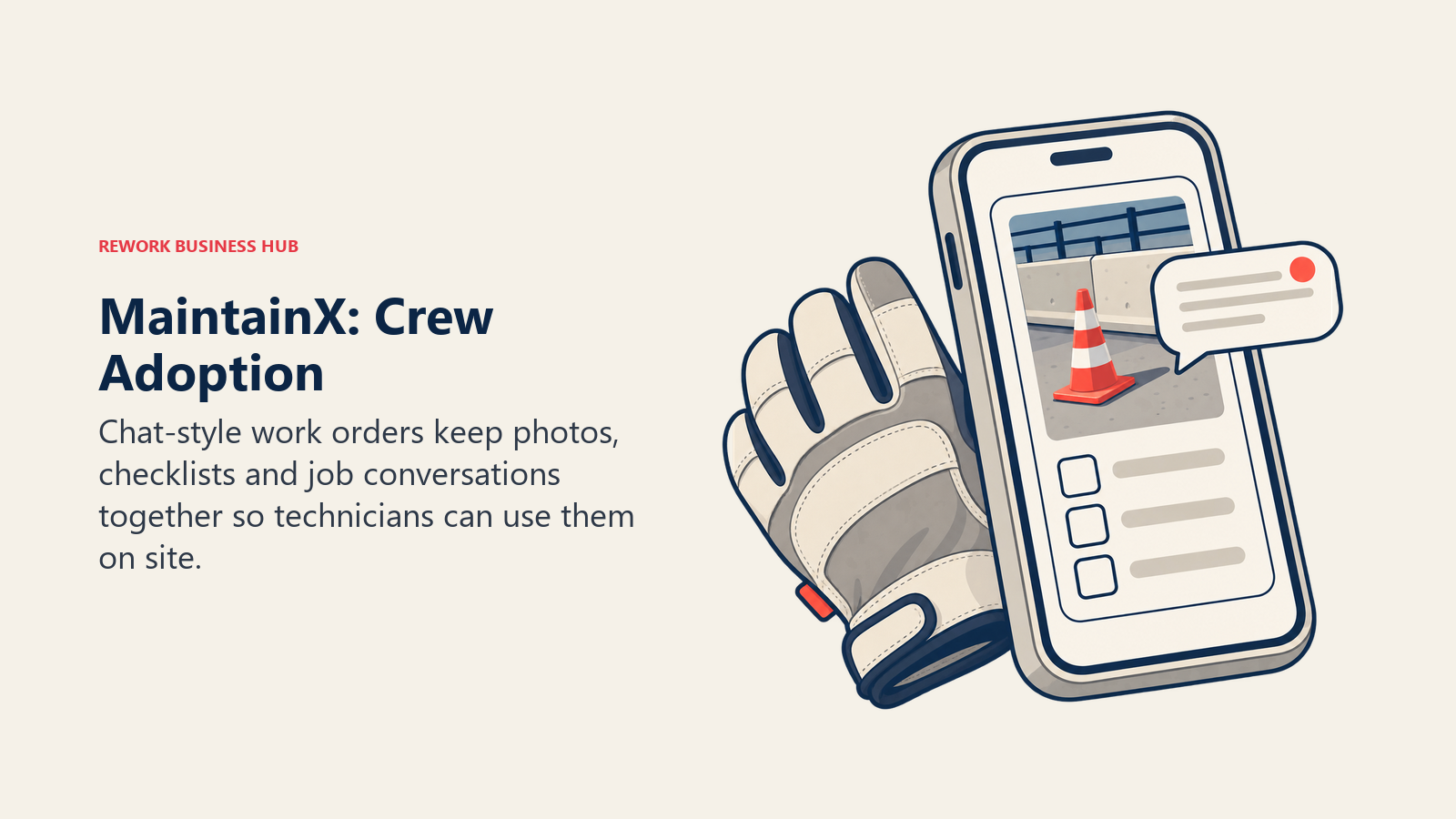
MaintainX built its product around one insight most CMMS vendors missed: the person who decides whether a maintenance system succeeds isn't the manager who bought it, it's the technician who has to open it on a plant floor with oily hands. So the work order looks like a chat thread. Messages, photos and checklists live inside the job rather than in a separate group text or on a whiteboard by the door, and that lowers the adoption curve more than any feature list does.
That design pairs with the one thing no other major CMMS here offers: a real, permanent free tier. Basic is free with no time limit, capped at 2 work orders with attached procedures, 2 active repeating work orders, and 1 month of Advanced Analytics access. Say those caps out loud every time, because "MaintainX is free" without them is the single most repeated wrong sentence about this vendor. It's a genuine proof of concept, not a working maintenance program. Essential is $20 per user per month billed annually or $25 billed monthly, Premium is $65 annually or $75 monthly, and Enterprise is a custom quote. Requester accounts are free at every level.
The honest gap sits at the Essential tier. Custom fields, parts and inventory with purchase orders, meter-based PM, offline mode and signature capture all live on Premium, so the tier most teams actually need is the $65 one, not the $20 one. Budget for that before you compare it against Limble Standard on price alone. If MaintainX is your incumbent and the caps are what's pushing you to look, MaintainX alternatives covers the field in detail.
| Pros | Cons |
|---|---|
| Genuinely free tier, permanent rather than a trial | Free tier caps procedure work orders and repeating work orders at 2 each |
| Chat-style work orders drive real technician adoption | Custom fields, parts and meter-based PM all sit on Premium |
| Both monthly and annual rates published for every tier | Offline mode is a Premium feature, a problem for signal-dead sites |
| Requester accounts are free, so the whole site can raise tickets | Per-user metering gets expensive fast with a large crew |
Pricing: Basic free (2 procedure work orders, 2 active repeating work orders, 1 month of Advanced Analytics). Essential $20 per user/month billed annually, $25 billed monthly. Premium $65 annually, $75 monthly. Enterprise custom. Best for: Maintenance and facilities crews that need real adoption this quarter, especially first-time CMMS buyers who want to pilot on a free tier without a sales call.
2. Limble CMMS: The Deepest Configurable CMMS in the Mid-Market
Limble is the CMMS reliability people reach for when the plant doesn't fit a template. Custom asset hierarchies you can nest to match how the site is actually laid out, PM triggers that fire off a calendar or off a meter reading, a parts and inventory module, automated corrective actions, and workflows a maintenance planner can reshape without filing a ticket with the vendor. That configurability is the whole pitch, and it's why Limble tends to win head-to-head evaluations where a reliability engineer is in the room.
Pricing takes a little digging, which is worth flagging plainly. Limble's own /pricing page publishes no figures at all and pushes you into a "Calculate my price" tool, so anyone reading only that page would reasonably conclude Limble is quote-only. It isn't. Limble publishes the numbers itself on its cost page: Standard at $28 per user, per month, Premium+ at $69 per user, per month, and Enterprise on a custom quote. The billing term isn't stated, so don't assume monthly or annual until sales confirms it.
Two things get repeated about Limble that aren't true anymore. There's no free plan; older reviews describing a free "Basic" tier are out of date, and it's a trial only now. And the depth people associate with the brand, meter and threshold-triggered PM, automated corrective actions, an open REST API, IoT integration, mostly lives on Premium+ at $69, not on Standard at $28. Standard is a solid calendar-based CMMS. It is not the version of Limble the case studies are describing. For the wider field, see Limble CMMS alternatives, and for the head-to-head most buyers actually run, UpKeep vs Limble.
| Pros | Cons |
|---|---|
| Deepest configurability in the mid-market band | No free plan, and the old "Basic" free tier is gone |
| Meter and threshold-triggered PM, not just calendar reminders | The features Limble is known for mostly sit on Premium+ at $69 |
| Unlimited custom fields and asset hierarchies on every tier | Main pricing page publishes no figures, only a calculator |
| SOC 2 Type II, with 21 CFR Part 11 support on Enterprise | Billing term is not stated anywhere on the published rates |
Pricing: Standard $28 per user, per month; Premium+ $69 per user, per month; Enterprise custom quote. No free plan. Billing term not stated by the vendor. Best for: Reliability and maintenance teams standardizing a PM program across a complex asset hierarchy or several sites, with someone internally who owns configuring it properly.
3. UpKeep: Mobile-First Work Orders, No Free Plan, PM Gated to Premium
UpKeep is built for the person holding the phone. Create a work order from the floor, snap a photo of the failed part, log what you used, close it, get pushed the next job. The interface is deliberately spare and technicians pick it up quickly, which is why it keeps showing up on shortlists next to MaintainX even though the two vendors sell very differently.
Two published tiers: Essential at $24 per user per month and Premium at $55 per user per month, with Professional and Enterprise both "Request a Quote". Worth stating precisely, because it's easy to get wrong: UpKeep's pricing page carries no billing toggle and no monthly-versus-annual statement at all, so $24 per user per month is the published figure and UpKeep does not state whether that's billed monthly or annually. Ask, and get the answer in writing before you sign.
Now the correction that matters most about this vendor, and it cuts the opposite way from its reputation. UpKeep has no free plan. Not on any tier. The page offers a trial that needs no credit card, and free View Only, Requester and Third-Party user types that are permission-restricted rather than a working free account. Older listicles still describing an "UpKeep Lite" free tier are describing something that no longer exists. The second surprise is what sits behind Essential: preventive maintenance scheduling, parts and inventory with costing, custom checklists and time-and-labor tracking are all Premium features at $55, and mobile offline mode plus the external request portal sit on the quote-only Professional tier. If PM scheduling is the reason you're buying a CMMS, UpKeep's real entry price is $55, not $24. UpKeep alternatives covers where teams go when that lands badly.
| Pros | Cons |
|---|---|
| The cleanest technician-first mobile work order flow here | No free plan at all, despite a persistent reputation for one |
| Two published tiers make the entry decision simple | PM scheduling and parts costing are gated to Premium at $55 |
| Photo, checklist and parts logging inside every work order | Offline mode sits on the quote-only Professional tier |
| Free View Only and Requester user types for the wider site | The page states no billing term, monthly or annual |
Pricing: Essential $24 per user per month as published, Premium $55 per user per month; Professional and Enterprise are "Request a Quote". No free plan. UpKeep does not state whether the published rates are billed monthly or annually. Best for: Frontline maintenance crews that want the smoothest technician mobile experience and are ready to pay from day one, budgeting Premium if PM scheduling is the actual requirement.
4. Fiix: Unlimited Work Orders Free, Capped at 25 Active PMs
Fiix belongs to Rockwell Automation, and that parentage shows in who it fits: manufacturers with real production equipment, an eye on OEE, and an interest in connecting maintenance data to the rest of the plant rather than running it as an island. Asset hierarchies, work order management, parts, and an integration story that leans toward industrial systems rather than office SaaS.
The headline is the free plan, and the way people describe it is half right in a way that costs money. Fiix Free gives you unlimited work orders, unlimited assets and unlimited service requests, which genuinely is more generous than any other free tier here. The cap is somewhere else: 25 active preventive maintenance schedules, with users described as "limited". Always state the unlimited half and the cap in the same sentence, because the unlimited half is the famous half and the 25-PM ceiling is the half that gets dropped from the retelling. Twenty-five active PMs is a single production line or a small facility. A plant with 300 assets on a schedule blows through it immediately.
Paid tiers are Basic at $45 per user, per month and Professional at $75 per user, per month, with Enterprise custom. The Lite License (Operator Access) and Fiix MAX are both "Contact for pricing". Fiix's page says both month-to-month and annual plans exist but publishes no separate annual rate, so treat the figures above as the published price and ask what the annual commitment discount looks like. Note the entry price: at $45, Fiix Basic is the most expensive first paid tier of the four mainstream CMMS platforms here, which is the trade for that unusually generous free plan.
| Pros | Cons |
|---|---|
| Unlimited work orders, assets and service requests on the free plan | Free plan caps active preventive maintenance schedules at 25 |
| Rockwell Automation backing and an industrial integration story | Basic at $45 per user is the priciest entry tier of the big four here |
| Strong fit for manufacturers tracking OEE alongside maintenance | Free plan users are "limited" with no published number |
| Both month-to-month and annual plans available | No separate annual rate is published, so you have to ask |
Pricing: Free $0 (unlimited work orders, assets and service requests; capped at 25 active PMs, users limited). Basic $45 per user, per month. Professional $75 per user, per month. Enterprise custom. Lite License and Fiix MAX are contact-for-pricing. Annual rate not published. Best for: Manufacturers who want to pilot a full-featured CMMS free on unlimited work orders and assets, and who can genuinely run inside 25 active PM schedules while they prove it out.
5. eMaint: Reliability-First CMMS for Regulated Manufacturing
eMaint is part of Fluke Reliability, and that context explains the product better than any feature list. Fluke makes the instruments that measure vibration, thermal signature and alignment on rotating equipment. eMaint is where those readings turn into condition-based work. If your maintenance program is genuinely reliability-led rather than calendar-led, eMaint is designed for the way you already work.
It's also the pick for regulated environments. Audit trails, electronic signatures, validation documentation and the compliance scaffolding that a pharmaceutical, food or medical-device plant needs when an inspector asks who changed the PM interval and why. That's a different purchase from "our crew needs an app", and it's priced like one.
eMaint publishes no price. Two tiers, Professional with a 3-user minimum and Enterprise with a 5-user minimum, and the page states plainly that "Professional and Enterprise plans are billed as a prepaid annual commitment", with features available a la carte. So even a two-person maintenance team pays for three seats, prepaid for a year, and the modules you need are quoted individually. That's not a criticism, it's how reliability software has always been sold, but it does mean eMaint is not a tool you can size on a spreadsheet before talking to sales. Don't let anyone hand you a per-user figure for eMaint; the vendor doesn't publish one.
| Pros | Cons |
|---|---|
| Reliability and condition-based maintenance depth, backed by Fluke | No published price at all, quote only |
| Compliance, validation and audit-trail tooling for regulated plants | 3-user minimum on Professional, 5 on Enterprise |
| A la carte features so you buy the modules you actually run | Prepaid annual commitment, no month-to-month path |
| Natural fit where vibration and thermal data already drive the program | Overkill and over-priced for a small facilities team |
Pricing: No published price. Professional (3-user minimum) and Enterprise (5-user minimum), both billed as a prepaid annual commitment. Features available a la carte. Best for: Regulated manufacturers and reliability-led plants that need validated, audit-ready maintenance and already use condition-monitoring data to drive the schedule.
6. Rework: The Asset Register on the Same Platform as the Work, the Invoice and the Customer
Rework's Assets module is a fixed asset register, and it belongs in a CMMS guide for one reason: a large share of the teams shopping for a CMMS don't actually need one. They need to know what they own, what it cost, who's holding it, which vendor supplied it and when the warranty ends, and they've been told that's a CMMS problem because the asset word is in both product categories.
Where Rework is genuinely different is what sits next to the register. The asset, the work that happens against it, the invoice, the vendor record and the person responsible all live on one platform instead of four tools joined by integrations that break quietly on a Friday afternoon. On the same platform: Task, Project, Workflow and BPM on the work side; Inventory, Invoice, Incomes and Bankfeeds on the finance side; Sales CRM and Lead; the People app covering HRIS, timesheets, payroll and ATS; and a unified multi-channel inbox spanning WhatsApp, Messenger, Instagram DM, Zalo and web chat, with email in its own Mail app. For a mid-size operator whose real complaint is that nobody can answer a simple question without opening three systems, that consolidation is the argument. The pattern shows up repeatedly: teams consolidate several departments onto one platform and remove the double-entry between them.
Said plainly, because a roundup that oversells is worth less than one that doesn't: Rework is not a CMMS. It does not do preventive-maintenance scheduling, technician work orders, mobile maintenance execution or parts inventory tied to a job. If any of those is the core job, the right answer is elsewhere on this list. Rework does not publish a price for the Assets module; it's quoted per organization rather than per seat, so see rework.com/pricing or ask for a quote. If the consolidation argument is the interesting part, the SaaS consolidation guide is a better read than another feature comparison.
| Pros | Cons |
|---|---|
| Asset register, work, invoicing, CRM and HR on one platform | Not a CMMS: no PM scheduling, work orders or parts inventory |
| No integration layer between the asset and the money or the work | No mobile maintenance execution for technicians in the field |
| Quoted per organization rather than per seat | Pricing is quoted rather than published, so no self-serve sizing |
| Fits mid-size operators consolidating a sprawling tool stack | Built for mid-size teams, not solo or single-user buyers |
Pricing: Quote on request, priced per organization rather than per seat. See rework.com/pricing. Best for: Mid-size operators (roughly 10 to 200 people) whose real problem is that assets, work, invoices and customer records live in separate systems, and who want the register on the same platform as everything attached to it. Not ideal for: Teams whose core job is preventive-maintenance scheduling, technician work orders or mobile maintenance execution. Pick UpKeep, Limble, MaintainX, Fiix or eMaint instead. Also not for solo or single-user buyers.
7. Coast: The Cheapest Published Per-User CMMS in the Category
Coast is the price outlier of this entire category, and not by a little. Starter is $2 per user per month billed monthly, or $1.80 per user per month on the yearly plan, which Coast's page labels "Yearly Save 10%". Pro is $4 per user per month monthly, $3.60 yearly. Enterprise is "Contact Us for Pricing". Read those numbers again next to Limble Premium+ at $69 and Fiix Professional at $75. Coast's Pro tier costs less per user per month than a single coffee, which changes what a 40-person crew costs from a budget line into a rounding error.
The product itself is a work-order-and-scheduling app with maintenance features layered on: work orders, recurring tasks, asset records, checklists, messaging and shift scheduling, on a mobile-first interface built for teams that were previously running on a group chat and a clipboard. It's the light band, and it's honest about that.
Coast also has a free tier, and the caps are the part to check before you build a plan around it: 5 repeating work orders, 7 days of history, and file uploads capped at 3 MB. The 7-day history limit is the one that bites. A maintenance record you can't look back at past last week isn't a maintenance record, it's a task list, so treat Coast Free as a trial with no clock rather than an ongoing plan. At $2 a user, the paid tier is cheap enough that the free tier isn't really the point. What you give up against the mid-market band is depth: no meter-triggered PM, no reliability analytics, no validation tooling, no deep asset hierarchy.
| Pros | Cons |
|---|---|
| By far the cheapest published per-user rate in the category | Light band, no meter-triggered PM or reliability analytics |
| Both monthly and yearly rates published on every paid tier | Free tier keeps only 7 days of history |
| Mobile-first, easy for a crew moving off group chat and paper | Free tier caps repeating work orders at 5 |
| Shift scheduling and messaging built in alongside work orders | 3 MB file upload cap on the free plan is tight for photo-heavy jobs |
Pricing: Free $0. Starter $2 per user/month monthly, $1.80 yearly. Pro $4 per user/month monthly, $3.60 yearly. Enterprise contact for pricing. Best for: Small facilities, property and light-industrial teams moving off paper and group chat who want a real work-order system at a price that doesn't need a business case.
8. Click Maint: One Plan, One Price, No Tier Maze
Click Maint sells one thing, and the pricing model is the product decision. There's a single plan called Professional at $42 USD per user per month billed monthly, or $35 USD per user per month billed annually. No Essential, no Premium, no Enterprise, no feature matrix to decode, and no discovering in month two that PM scheduling lives one tier up.
That matters more than it sounds. Almost every frustration in this category traces back to tier gating: MaintainX puts meter-based PM on Premium, UpKeep puts PM scheduling on Premium, Limble puts its automation layer on Premium+, and every one of those decisions turns a $20 to $28 evaluation into a $55 to $69 purchase. Click Maint's answer is to stop playing. You get the CMMS, all of it, at one rate.
The product covers the mid-market band competently: work orders, preventive maintenance scheduling, asset management, parts and inventory, vendor management, requests and reporting, with a mobile app for technicians. Implementation support is part of the pitch, aimed at teams who've failed at a CMMS rollout before and don't want to do it alone again. The trade is at both ends of the range. There's no free plan, only a 30-day free trial, and there's no cheap entry tier either, so a small team that genuinely only needs basic work orders pays the same $35 to $42 as a team using everything. If you're that small team, Coast or MaintainX will cost you a fraction of it.
| Pros | Cons |
|---|---|
| One plan, one price, nothing gated behind a higher tier | No free plan, only a 30-day trial |
| Both monthly and annual rates clearly published | No cheaper entry tier for teams needing only the basics |
| Annual billing saves $7 per user per month against monthly | Smaller vendor with a shorter track record than the big four |
| Implementation support aimed at teams recovering a failed rollout | Not the reliability depth of Limble Premium+ or eMaint |
Pricing: One plan, Professional: $42 USD per user per month billed monthly, $35 USD per user per month billed annually. No free plan, 30-day free trial. Best for: Mid-size maintenance teams that want the full CMMS feature set at a single predictable rate and have been burned by discovering a critical feature sits one tier up.
9. MPulse: Separate Technician Licences So the Crew Doesn't Cost Full Seat Price
MPulse has been selling maintenance software since well before "CMMS" was a search term, and its pricing reflects an old, sensible observation about how maintenance teams are actually shaped: a handful of people build the program and a much larger group executes it. Charging both groups the same per-seat rate is how a CMMS quote gets rejected by finance.
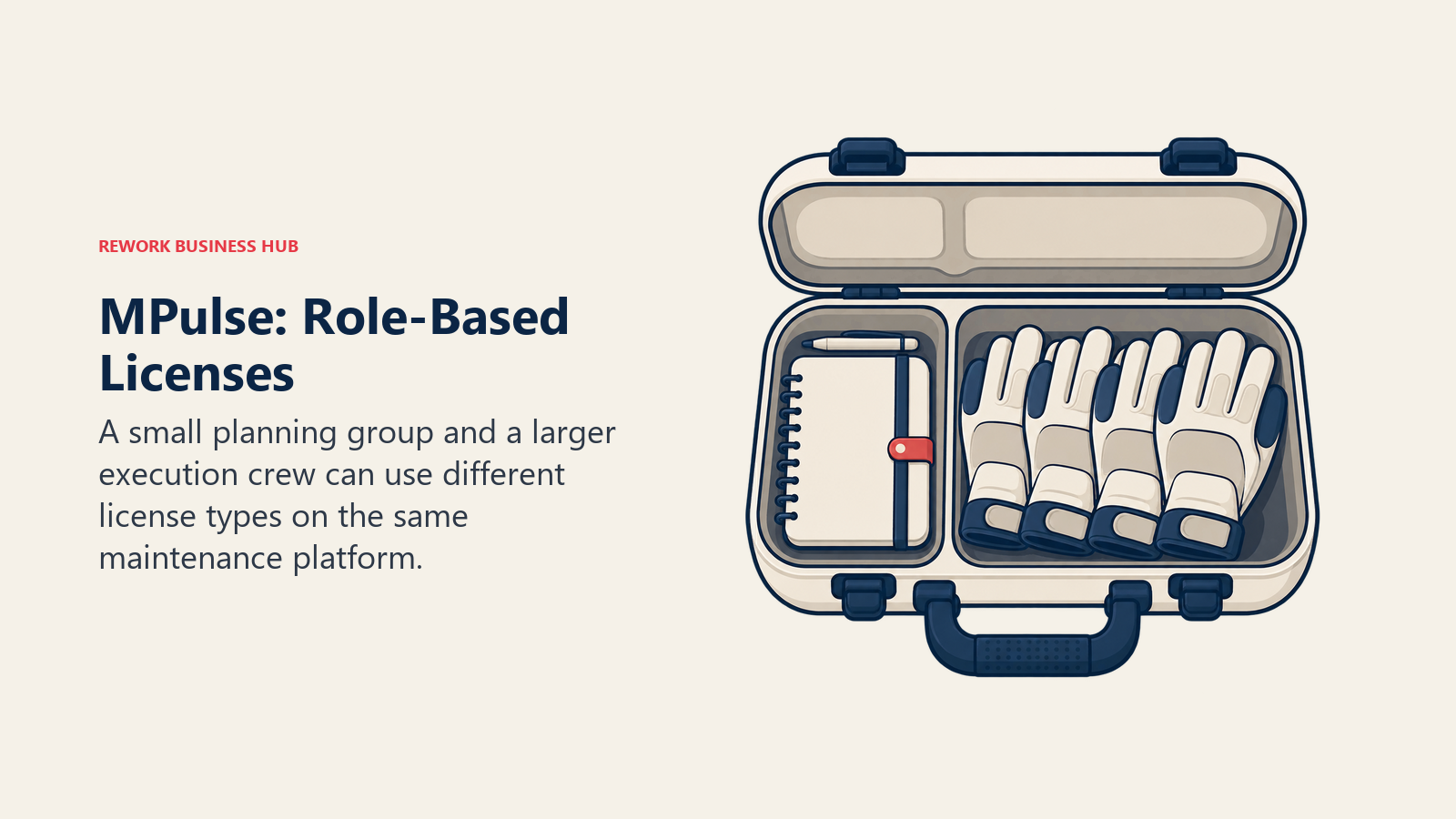
MPACT Professional is $29 per user per month, billed annually, with a minimum of 3 users. Advanced is $79 per user per month billed annually, and this is the interesting part: Advanced carries a separate $29 Technician License option. So a plant with 4 planners and supervisors on Advanced and 30 technicians on technician licences pays a very different number from the same plant putting 34 people on full Advanced seats. Enterprise is a quote. Both published tiers are billed annually, so there's no month-to-month path on the published rates.
Feature-wise MPulse sits squarely in the configurable mid-market band: preventive maintenance scheduling, work order management, asset tracking, inventory, and reporting, with the sort of depth you'd expect from a vendor that has been iterating on the same problem for decades. What it doesn't have is the design polish or the mobile-first reputation of MaintainX and UpKeep, and it doesn't publish a free tier at all. If your crew's biggest risk is adoption, that's a real consideration. If your crew's biggest risk is a per-seat bill that scales linearly with headcount, MPulse's licence split is the most direct answer on this list.
| Pros | Cons |
|---|---|
| $29 Technician License on Advanced avoids full seat price for the crew | Published tiers are billed annually only, no month-to-month rate |
| Long-established CMMS with genuine mid-market depth | No free tier published |
| Clear published rates with the billing term stated | 3-user minimum on MPACT Professional |
| MPACT Professional at $29 undercuts most of the mid-market band | Interface and mobile experience trail MaintainX and UpKeep |
Pricing: MPACT Professional $29 per user/month, billed annually, minimum 3 users. Advanced $79 per user/month billed annually, with a $29 Technician License option. Enterprise quoted. Best for: Maintenance operations with a small planning core and a large execution crew, where per-seat pricing on everyone is what's killing the business case.
10. Maintenance Care: A Free Forever Tier Built for Small Facilities and Senior Living
Maintenance Care aims at a segment the industrial CMMS vendors mostly talk past: senior living communities, healthcare facilities, hotels, schools, churches and small municipal buildings. Places where the maintenance team is two or three people, the assets are boilers and HVAC and door hardware rather than production lines, and the person raising the request is a nurse or a front-desk manager who has never heard the phrase "work order backlog".
Its Free Edition is described as "free forever" and, unlike most free CMMS tiers, it includes real preventive maintenance scheduling rather than just reactive tickets. The caps are specific and tight: 2 users, 3 preventive maintenance schedules, 5 assets, 3 vendor profiles, and no detailed reporting, integrations or document management. Five assets is a genuinely small footprint, so read that as a starter kit for a very small site or a way to try the workflow before you commit, not as a free CMMS for a working facility.
Above that sits the Enterprise Edition, a custom quote with unlimited users. No dollar figure is published, and note what the paid tier removes: the user cap. That's a meaningfully different model from the per-seat CMMS pattern, and for a facility where a dozen people need to raise and see work, it can land better than $28 a head. Ask what the quote is based on if headcount isn't the meter.
| Pros | Cons |
|---|---|
| Free forever tier that includes real PM scheduling, not just tickets | Free tier caps at 2 users, 3 PM schedules and 5 assets |
| Enterprise Edition is quoted with unlimited users | No published price for the paid tier |
| Purpose-built for senior living, healthcare and small facilities | No detailed reporting, integrations or document management on free |
| Simple enough for non-technical staff to raise requests | Not built for industrial reliability or condition-based maintenance |
Pricing: Free Edition free forever (2 users, 3 preventive maintenance schedules, 5 assets, 3 vendor profiles; no detailed reporting, integrations or document management). Enterprise Edition is a custom quote with unlimited users, no figure published. Best for: Senior living, healthcare, hospitality and small facilities teams that want a permanent free starting point and a paid path that lifts the user cap rather than charging per head.
11. MicroMain: Admin-Plus-Technician Licensing for Facilities and CAFM
MicroMain has been in maintenance and facilities software for decades, and it plays in both CMMS and CAFM, meaning it handles building and space management alongside equipment maintenance. That combination fits a facilities director who has to answer questions about floor space, moves and occupancy as well as about the chiller.
Its licensing is the second answer on this list to the per-seat problem, and it's the cleaner of the two to model. MicroMain publishes only "Starting at $99 per admin license and $45 per technician license". Two licence types, one for people who configure and report, one for people who execute, at less than half the admin rate. And unlimited users can submit service requests without a licence at all, which for a campus, a hospital or a multi-tenant property is the difference between the maintenance team getting real tickets and getting hallway conversations.
One thing to pin down before budgeting: MicroMain's page does not state whether those figures are monthly or annual. Not a toggle, not a footnote, nothing. That's a 12x difference in the annual number, so get it in writing on the first call rather than assuming, and treat any third-party listicle that confidently says "per month" as unverified. What MicroMain doesn't offer is a free tier or a published lower-cost entry point, so a three-person team with a handful of assets will find Coast or Maintenance Care a far easier place to start.
| Pros | Cons |
|---|---|
| Split admin and technician licensing at $99 and $45 | The pricing page states no billing term, monthly or annual |
| Unlimited users can submit service requests without a licence | No free tier and no cheaper entry plan |
| CMMS plus CAFM, so space and facilities management are included | Only a starting price is published, not a full tier structure |
| Long track record in facilities and property maintenance | Less mobile-first polish than the newer CMMS platforms |
Pricing: Starting at $99 per admin licence and $45 per technician licence. MicroMain does not state whether those are monthly or annual figures. Unlimited users can submit service requests. Best for: Facilities and property teams with a small admin core, a larger technician crew, and a wide population of non-maintenance staff who need to raise requests.
12. Fracttal One: Asset-Intensive and IoT-Leaning, Quote Only
Fracttal One positions itself at the asset-intensive end of the mid-market, leaning harder into IoT, sensor data and condition monitoring than most platforms in the same band. The pitch is maintenance that reacts to what equipment is actually doing rather than to a date on a calendar, wrapped in a noticeably modern interface, with a strong presence in Latin America and Europe alongside its English-language business.
For an operation that already has sensors on critical equipment, or is planning to add them, that focus is the differentiator. Condition data flowing into the same system that generates the work order closes a loop that most CMMS platforms only close on their top tier or through an integration you maintain yourself. It's the same argument Limble makes with meter-based PM on Premium+, approached from the sensor side rather than the configuration side.
The practical blocker is pricing. Fracttal's English pricing page is a request-a-quote form with no tiers, no per-user rate and no free tier listed, so there is no published figure to compare against anything else in this guide. That's not unusual at this end of the category, eMaint and Asset Essentials publish nothing either, and even Maximo publishes only an annual starting point rather than a rate, but it does mean Fracttal can't be shortlisted on price. It gets shortlisted on fit, and then you find out what it costs. Budget a sales cycle accordingly, and ask specifically what the meter basis is, since the page doesn't say.
| Pros | Cons |
|---|---|
| Strong IoT and condition-monitoring orientation | No published price, no tiers, no rate to compare |
| Modern interface for an asset-intensive platform | No free tier listed |
| Closes the loop from sensor data to work order | Meter basis is undisclosed until you talk to sales |
| International presence beyond the US-centric vendors here | Smaller English-language footprint than the big four |
Pricing: No published price. The English pricing page is a request-a-quote form with no tiers and no per-user rate. No free tier listed. Best for: Asset-intensive operations that already run sensors or condition monitoring on critical equipment and want that data driving the work orders, not sitting in a separate dashboard.
13. Asset Essentials (Brightly, a Siemens Company): Public Sector, Education and Healthcare Facilities
Asset Essentials comes out of Brightly, which built its business on the maintenance problems of school districts, universities, hospitals, city governments and utilities. That heritage shows in the details that matter to those buyers: work order routing across many buildings, capital planning and asset condition data that survives an audit, and reporting shaped for a board or a council rather than a plant manager.
Naming needs care in 2026. Brightly was acquired by Siemens, and brightlysoftware.com now redirects to assetmanagement.siemens.com, where the product still carries the Brightly brand name. Write it as "Asset Essentials (Brightly, a Siemens company)" and link the Siemens domain rather than the old one, which is what the rest of this collection does too. If you see a comparison page still linking brightlysoftware.com, it hasn't been checked since the acquisition.
There's no published price and no free tier. The site is demo-gated, "Request a demo" or "Contact us", and that's the only route to a number. For a public-sector buyer this often matters less than it sounds, since procurement is running an RFP with its own pricing process anyway. For a mid-size private facilities team comparing options on a Tuesday afternoon, the absence of any published figure is a genuine friction point, and one of the reasons the mid-market band tends to shortlist Limble, UpKeep or Click Maint instead.
| Pros | Cons |
|---|---|
| Deep public-sector, education and healthcare facilities heritage | No published price, demo-gated only |
| Siemens backing behind an established facilities product | No free tier or self-serve trial path |
| Multi-site work order routing and capital planning depth | Sales cycle is built for procurement, not for a quick evaluation |
| Reporting shaped for boards, councils and auditors | Brand and domain moved to Siemens, so older links go stale |
Pricing: No published price. Demo-gated, "Request a demo" or "Contact us" only. No free tier. Best for: Public sector, education, healthcare and large facilities operations running a formal procurement, where multi-site routing and capital planning matter more than a published rate.
14. IBM Maximo Application Suite: Enterprise EAM for Asset-Intensive Industries
Maximo is the top of this category and a different kind of purchase entirely. Asset management, maintenance, reliability, monitoring, inspection, and health and safety inside one governed suite, built for utilities, oil and gas, mining, transportation and manufacturing where an asset failure has physical and regulatory consequences rather than just a budget line.
IBM meters MAS in AppPoints, a credit-based entitlement pool, which is the part that trips up anyone trying to compare it to a per-seat CMMS. You aren't buying seats, you're buying capability consumption. Maintenance starts at 150 AppPoints and Inspection at 175. IBM does publish SaaS Essentials starting points per year: Maintenance "Starting under US$ 40K per year" and Inspection "Starting under US$ 47K per year", with Space Management, Capital Planning, Lease Management and Inventory Optimization each starting under US$ 40K per year. Standard and Premium tiers are quote-only, and IBM states that "A Subscription License is a minimum 12-month non-cancellable agreement."
Under US$ 40K a year is a useful anchor precisely because it settles the question for most readers of this guide. If that number is a shock, Maximo isn't your band, and no amount of feature comparison will change that. If it's roughly what you already spend on maintenance software, the question becomes whether you need reliability, inspection and safety workflows governed in one place, which is the thing Maximo does that nothing else here does. Expect a multi-month implementation and a partner, not a self-serve signup.
| Pros | Cons |
|---|---|
| Full enterprise EAM: reliability, inspection, monitoring and safety | Not an SMB purchase by any measure |
| Published annual starting points rather than pure quote-only | AppPoints are genuinely hard to estimate before you model usage |
| AppPoints let you buy only the capabilities you actually consume | Minimum 12-month non-cancellable subscription |
| Deep IBM ecosystem and a large implementation partner network | Deployment and configuration are a real multi-month project |
Pricing: Metered in AppPoints. SaaS Essentials starting points per year: Maintenance "Starting under US$ 40K per year" (from 150 AppPoints), Inspection "Starting under US$ 47K per year" (from 175 AppPoints); Space Management, Capital Planning, Lease Management and Inventory Optimization each starting under US$ 40K per year. Standard and Premium are quote-only. Minimum 12-month non-cancellable subscription. Best for: Asset-intensive enterprises that need reliability, inspection and safety workflows under one governed platform, with the budget and implementation capacity that implies.
Free-Tier Reality Check
Free tiers are where this category's reputations diverge hardest from its facts. Four of the 14 tools here have a genuine free plan, and every one of those four caps something different, so "which CMMS is free" is the wrong question. "Free until what" is the right one.
| Tool | Genuine free plan? | The exact cap |
|---|---|---|
| MaintainX | Yes | 2 work orders with attached procedures, 2 active repeating work orders, 1 month of Advanced Analytics access. Requester accounts are free |
| Fiix | Yes | 25 active preventive maintenance schedules. Work orders, assets and service requests are all unlimited; users are described as "limited" |
| Coast | Yes | 5 repeating work orders, 7 days of history, file uploads capped at 3 MB |
| Maintenance Care | Yes | 2 users, 3 preventive maintenance schedules, 5 assets, 3 vendor profiles. No detailed reporting, integrations or document management |
| UpKeep | No | No free plan on any tier. Free View Only, Requester and Third-Party user types exist but are permission-restricted. Trial needs no credit card |
| Limble CMMS | No | Free trial only. Older reviews describing a free "Basic" tier are out of date |
| Click Maint | No | 30-day free trial only |
| eMaint | No | No free plan, and a 3-user minimum on Professional |
| MPulse | None published | No free tier published on the pricing page |
| MicroMain | None published | No free tier published, though unlimited users can submit service requests |
| Fracttal One | None published | Quote-only page, no free tier listed |
| Asset Essentials | No | Demo-gated, no free tier |
| IBM Maximo | No | Enterprise subscription, minimum 12-month non-cancellable agreement |
| Rework | Not applicable | Quoted per organization rather than sold on a free-to-paid seat ladder |
Four sentences in that table contradict what most comparison pages still say. UpKeep and Limble are both widely described as having a free tier and neither does. Fiix Free gets called "unlimited", which is true of work orders and assets and false of PM schedules, and 25 is a ceiling most plants pass in the first month. And Coast's free plan is permanent but keeps only 7 days of history, which makes it a trial with no clock rather than a maintenance record.
The useful conclusion: MaintainX and Fiix are the two free tiers worth building a real pilot on, because both let you run genuine work orders against genuine assets. Maintenance Care is the pick if you specifically need PM scheduling inside a free plan and your site is small enough to fit in 5 assets.
What 10, 25 and 50 Technicians Actually Cost
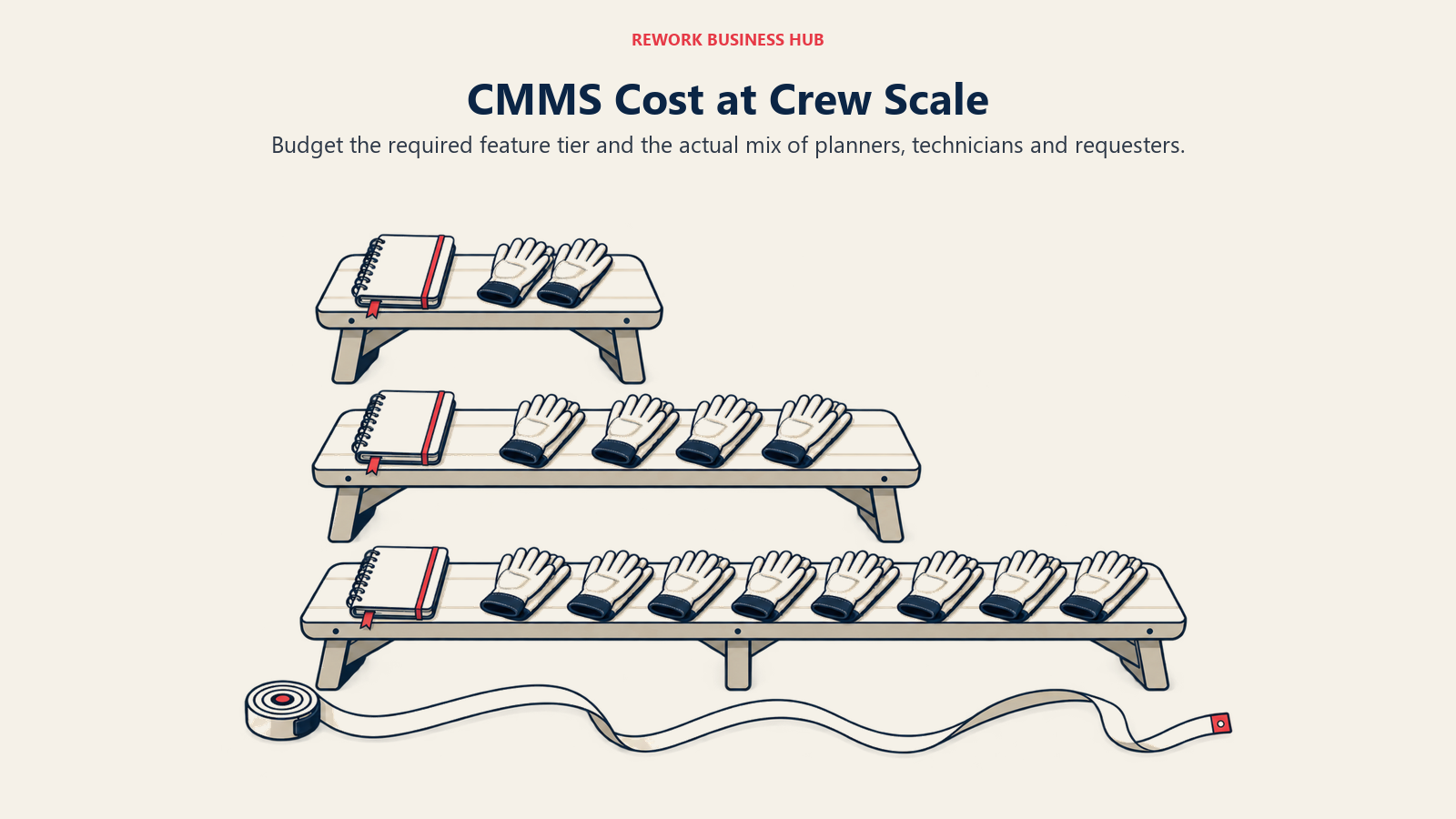
Here's the arithmetic nobody does before the demo. Every figure below is the vendor's own published per-user rate multiplied by the seat count, shown as a monthly total. Where a vendor doesn't state a billing term, the figure is the published rate and the term is unknown, which is exactly how it should be treated in a budget. Quote-only tools are marked quote-only rather than guessed at.
| Tool and tier | 10 users | 25 users | 50 users | Published rate used |
|---|---|---|---|---|
| Coast Starter (yearly) | $18/mo | $45/mo | $90/mo | $1.80 per user/month on the yearly plan |
| Coast Pro (yearly) | $36/mo | $90/mo | $180/mo | $3.60 per user/month on the yearly plan |
| MaintainX Essential (annual) | $200/mo | $500/mo | $1,000/mo | $20 per user/month billed annually |
| UpKeep Essential | $240/mo | $600/mo | $1,200/mo | $24 per user per month, billing term not stated |
| Limble Standard | $280/mo | $700/mo | $1,400/mo | $28 per user, per month, billing term not stated |
| MPulse MPACT Professional | $290/mo | $725/mo | $1,450/mo | $29 per user/month billed annually, 3-user minimum |
| Click Maint Professional (annual) | $350/mo | $875/mo | $1,750/mo | $35 per user per month billed annually |
| Click Maint Professional (monthly) | $420/mo | $1,050/mo | $2,100/mo | $42 per user per month billed monthly |
| Fiix Basic | $450/mo | $1,125/mo | $2,250/mo | $45 per user, per month |
| UpKeep Premium | $550/mo | $1,375/mo | $2,750/mo | $55 per user per month, billing term not stated |
| MaintainX Premium (annual) | $650/mo | $1,625/mo | $3,250/mo | $65 per user/month billed annually |
| Limble Premium+ | $690/mo | $1,725/mo | $3,450/mo | $69 per user, per month, billing term not stated |
| Fiix Professional | $750/mo | $1,875/mo | $3,750/mo | $75 per user, per month |
| MPulse Advanced (all full seats) | $790/mo | $1,975/mo | $3,950/mo | $79 per user/month billed annually |
At 50 seats the spread runs from $90 a month to $3,950 a month for a category everyone calls by the same three letters. That's $1,080 a year against $47,400 a year, and the gap is not 44x worth of maintenance capability. It's the difference between the light band and the top of the mid-market band, which is the whole reason to settle your band before you shortlist.
The split-licence models change the answer entirely. MPulse and MicroMain both charge less for technicians than for admins, and at a 50-person crew that stops being a detail and starts being the decision. Modelled below as a small planning core plus the rest of the crew on technician licences.
| Model | 10 users | 25 users | 50 users | How it's built |
|---|---|---|---|---|
| MPulse Advanced, split | $390/mo | $825/mo | $1,550/mo | 2 admins at $79 plus the rest at the $29 Technician License, billed annually |
| MPulse Advanced, all full seats | $790/mo | $1,975/mo | $3,950/mo | Everyone at $79 billed annually |
| MicroMain | $504 | $1,179 | $2,304 | 1 admin licence at $99 plus the rest at $45 per technician licence. MicroMain does not state whether these are monthly or annual figures |
Read the MPulse rows next to each other. At 50 people, using the technician licence instead of full seats takes $3,950 a month down to $1,550, a saving of $28,800 a year for the same platform. That is a bigger swing than choosing a different vendor, and it comes entirely from how you structure the licences at signing. Ask every vendor on your shortlist whether they have an equivalent, because several do and none of them lead with it.
The MicroMain row carries a caveat worth repeating: because the vendor doesn't publish a billing term, $2,304 at 50 people could be a monthly bill or an annual one. That's a 12x difference, so pin it down on the first call and don't let a third-party listicle decide it for you.
And then there's the quote-only half of the market, where no arithmetic is possible until someone picks up the phone.
| Tool | What you can budget from | What to ask on the first call |
|---|---|---|
| eMaint | Nothing published. Professional has a 3-user minimum, Enterprise 5, both prepaid annually | Which modules are in the base and which are a la carte |
| Maintenance Care Enterprise | Nothing published, but the tier is quoted with unlimited users | What the quote scales on, if not seats |
| Fracttal One | Nothing published, no tiers listed | The meter basis, since the page doesn't state one |
| Asset Essentials | Nothing published, demo-gated | Whether multi-site routing and capital planning are in the base |
| IBM Maximo | Maintenance Essentials "starting under US$ 40K per year", from 150 AppPoints | How many AppPoints your actual usage consumes, and what happens when you exceed the pool |
| Rework | Nothing published, quoted per organization rather than per seat | What the package covers beyond the asset register |
Whatever your shortlist, run the total cost properly before you sign rather than comparing sticker prices. Subscription is rarely the biggest line: implementation, data migration from whatever spreadsheet you're on now, and the hours spent building the PM program itself usually dwarf year-one licence spend. Our TCO modeling guide is a reasonable template for that, and vendor diligence checklist covers the questions worth asking before a contract rather than after.
Stage Fit Matrix
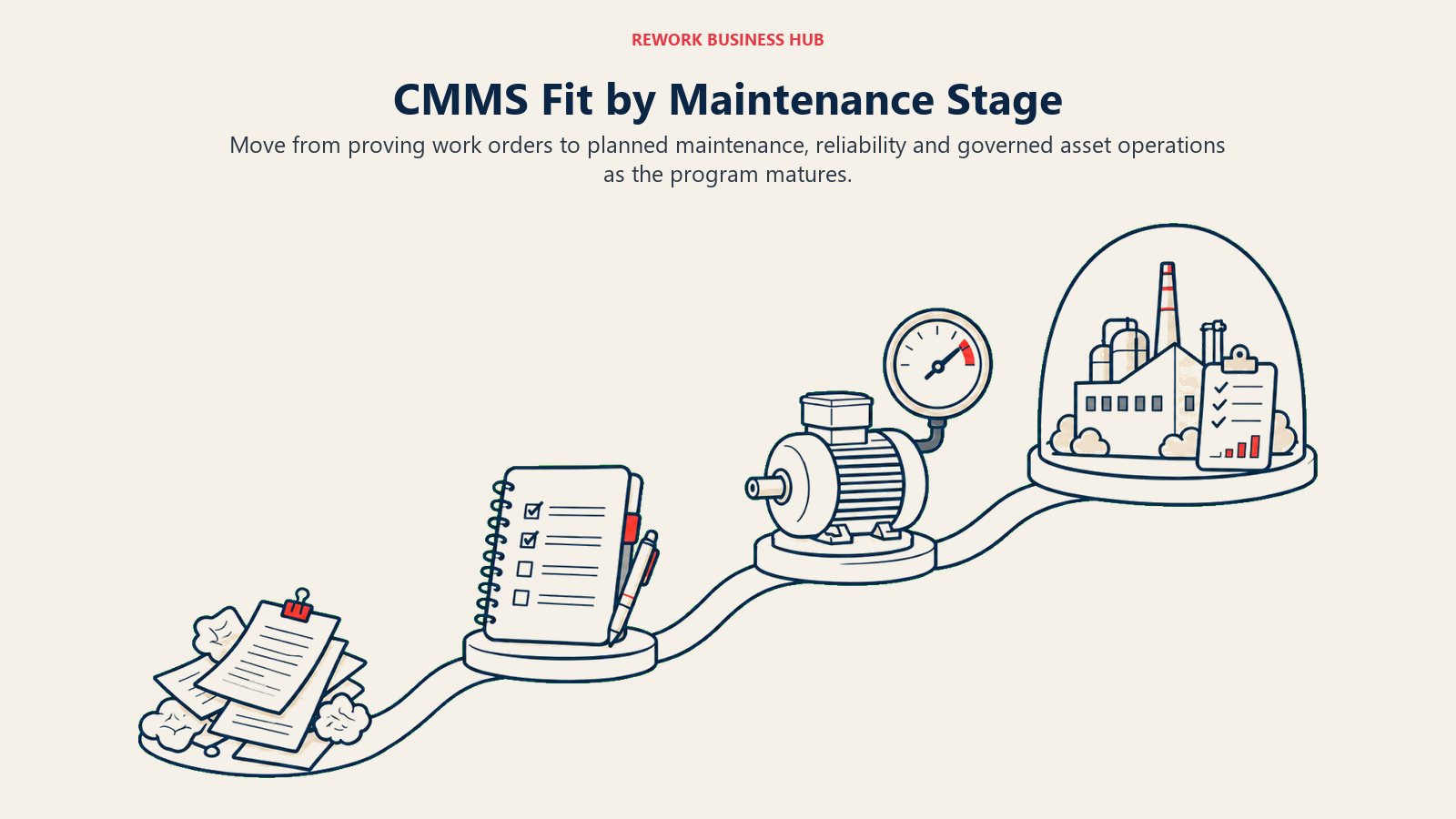
Maintenance programs mature in a fairly predictable order, and the tool that fits at one stage is usually the wrong one two stages later. Buy for where you'll be in 18 months, not for where you are today, but don't buy for where you'll be in five years either.
| Stage | What the operation looks like | Best fits | Why |
|---|---|---|---|
| Paper and group chat | No PM program yet, work arrives by phone call and gets written on a whiteboard | MaintainX Free, Fiix Free, Coast Free, Maintenance Care Free | Prove the workflow with real jobs before anyone signs anything |
| First PM program | A named person owns maintenance, a schedule exists, technicians close jobs in an app | MaintainX Essential, Coast Pro, UpKeep Essential, Click Maint | Calendar-based PM and mobile work orders without a five-figure commitment |
| Scaling the program | Multiple sites or lines, parts tied to jobs, cost per asset reported to finance | Limble Standard, Fiix Basic, MPulse, Click Maint, MicroMain | Real asset hierarchies, parts, inventory and cost reporting |
| Reliability-led | Meter and condition triggers, corrective actions, downtime analysis, planned maintenance percentage tracked | Limble Premium+, MaintainX Premium, Fiix Professional, Fracttal One, eMaint | PM fires off usage and condition data rather than the calendar |
| Regulated or public sector | Audits, validation, procurement, capital planning across a portfolio of buildings | eMaint, Asset Essentials, MicroMain | Audit trails, validation tooling and multi-site facilities depth |
| Asset-intensive enterprise | Reliability, inspection and safety governed together across a large asset base | IBM Maximo Application Suite | One governed suite instead of four systems and an integration budget |
Notice that the free-tier row and the reliability row have almost nothing in common, and that's the honest shape of this market. A tool that gets a crew off paper in a week is rarely the tool that tracks planned maintenance percentage against an 85% benchmark two years later. Plan for one migration, budget for it, and don't pretend it won't happen.
Sizing and Persona Fit
| Team size | Persona | Best fits | Realistic software budget |
|---|---|---|---|
| 1 to 10 | Facilities lead at a single site, no PM program yet | Coast, MaintainX Free or Essential, Maintenance Care Free | $0 to $250/mo |
| 1 to 10 | Maintenance supervisor at a small plant starting a PM program | Fiix Free, MaintainX Essential, UpKeep Essential | $0 to $250/mo |
| 10 to 50 | Maintenance manager running a real PM program on one or two sites | Limble Standard, Click Maint, MPulse, Fiix Basic | $300 to $1,900/mo |
| 10 to 50 | Facilities manager across a campus or property portfolio | MicroMain, Asset Essentials, Maintenance Care Enterprise | $500 to $2,500/mo, or quoted |
| 10 to 50 | Operations manager whose real problem is that assets, work and invoices live in different systems | Rework | Quoted per organization |
| 50 to 200 | Plant manager standardizing reliability across multiple lines | Limble Premium+, Fiix Professional, MaintainX Premium, eMaint | $3,000 to $15,000/mo depending on tier and headcount |
| 50 to 200 | Reliability engineer with condition monitoring already in place | Fracttal One, eMaint, Limble Premium+ | Quoted, or $3,450/mo and up at 50 seats |
| 200-plus | COO or asset director governing a large asset base | IBM Maximo Application Suite | Starting under US$ 40K per year, AppPoint-metered |
Two personas get mismatched more than any others.
The facilities manager keeps getting sold industrial CMMS software. Reliability analytics, meter-based triggers and vibration integration are impressive in a demo and irrelevant to a building where the maintenance job is HVAC filters, lighting, door hardware and a boiler inspection. MicroMain, Maintenance Care and Asset Essentials are built for that job. Limble Premium+ is not, and you'll pay for the difference.
The operations manager at a mid-size company often isn't shopping for a CMMS at all. If the actual complaint is "I can't tell you what we own, what it cost or who has it without opening three systems", that's a register-and-consolidation problem, and buying a CMMS to solve it means running a PM engine nobody opens. That's the case where Rework's argument applies, and where best asset management software is the more useful guide. If the job is dispatching technicians to customer sites rather than maintaining your own equipment, best field service management software is the right category entirely.
How to Choose: Decision Framework
Start with the maintenance job, test the workflow with technicians, then check features and the billing basis.
| If you need... | Pick... | Why |
|---|---|---|
| A free CMMS to pilot with real work orders, no sales call | MaintainX or Fiix | MaintainX caps procedure and repeating work orders at 2 each; Fiix caps active PMs at 25 but leaves work orders and assets unlimited |
| Technicians who've never used software to actually adopt it | MaintainX | Chat-style work orders and a free tier remove both the training and the procurement friction |
| Meter or condition-triggered PM instead of calendar reminders | Limble Premium+, Fiix Professional or Fracttal One | All three trigger maintenance off usage and condition data, not a date |
| The lowest possible per-user cost for a real work-order system | Coast | $1.80 to $3.60 per user per month on the yearly plan, an order of magnitude below the mid-market band |
| One price with nothing gated behind a higher tier | Click Maint | Single Professional plan at $35 annually or $42 monthly, full feature set |
| To avoid paying full seat price for a large execution crew | MPulse or MicroMain | MPulse's $29 Technician License and MicroMain's $45 technician licence both cut the crew's cost roughly in half |
| Validated, audit-ready maintenance for a regulated plant | eMaint | Compliance and validation tooling, backed by Fluke Reliability's condition-monitoring ecosystem |
| Facilities and space management alongside equipment maintenance | MicroMain or Asset Essentials | Both cover CAFM and facilities work rather than industrial reliability |
| A free tier for a very small site that still includes PM scheduling | Maintenance Care | Free forever at 2 users, 3 PM schedules and 5 assets, PM included |
| The asset register on the same platform as work, invoices and CRM | Rework | Consolidation rather than maintenance depth, quoted per organization |
| Reliability, inspection and safety governed together at enterprise scale | IBM Maximo Application Suite | One governed suite, AppPoint-metered, starting under US$ 40K a year |
| To pick between the two most-shortlisted CMMS platforms | Read UpKeep vs Limble | The head-to-head most buyers in this category actually run |
What to Do Next
Pick two tools from the same band and run them against real work for two weeks. Not a demo dataset: load your actual asset list, build three preventive maintenance schedules you genuinely run, and let your actual technicians close jobs on their own phones. Then watch which app they open on day four without being reminded, because that single observation predicts more about whether this purchase works than any feature matrix will.
While you're in there, price both finalists at the tier that contains your requirement rather than the entry tier, and ask each vendor two questions in writing: what is the billing term on the rate you quoted me, and do you have a technician or requester licence that costs less than a full seat. Those two answers move the five-year number more than the vendor choice does. Deloitte's research on predictive technologies for asset maintenance puts the prize at 10% to 20% higher equipment uptime and 5% to 10% lower maintenance costs, but only for a program that actually runs. Software is the accelerator, not the program.
And if your honest answer to "what's broken" is that nobody can tell you what you own, what it cost, or who's holding it, rather than that equipment keeps failing unexpectedly, then stop shopping for a CMMS. That's a register problem sitting on top of a consolidation problem, and it's worth settling before you commit to a multi-year contract for a maintenance engine you won't use.

Principal Product Marketing Strategist
On this page
- Key Facts
- Quick Comparison Table
- "CMMS" Covers Three Different Buys, and Picking the Wrong Band Is Expensive
- What Each Tool Meters On
- 1. MaintainX: The Real Free Tier, and the Fastest Crew Adoption
- 2. Limble CMMS: The Deepest Configurable CMMS in the Mid-Market
- 3. UpKeep: Mobile-First Work Orders, No Free Plan, PM Gated to Premium
- 4. Fiix: Unlimited Work Orders Free, Capped at 25 Active PMs
- 5. eMaint: Reliability-First CMMS for Regulated Manufacturing
- 6. Rework: The Asset Register on the Same Platform as the Work, the Invoice and the Customer
- 7. Coast: The Cheapest Published Per-User CMMS in the Category
- 8. Click Maint: One Plan, One Price, No Tier Maze
- 9. MPulse: Separate Technician Licences So the Crew Doesn't Cost Full Seat Price
- 10. Maintenance Care: A Free Forever Tier Built for Small Facilities and Senior Living
- 11. MicroMain: Admin-Plus-Technician Licensing for Facilities and CAFM
- 12. Fracttal One: Asset-Intensive and IoT-Leaning, Quote Only
- 13. Asset Essentials (Brightly, a Siemens Company): Public Sector, Education and Healthcare Facilities
- 14. IBM Maximo Application Suite: Enterprise EAM for Asset-Intensive Industries
- Free-Tier Reality Check
- What 10, 25 and 50 Technicians Actually Cost
- Stage Fit Matrix
- Sizing and Persona Fit
- How to Choose: Decision Framework
- What to Do Next