Best EZOfficeInventory Alternatives in 2026: 12 Asset Tracking Tools Compared
Turn this article into takeaways for your work.


Each assistant summarizes the article only for you and suggests best practices for your work.
The best EZOfficeInventory alternative depends on which ceiling you actually hit. Teams who outgrew the item-count meter tend to land on Snipe-IT or Asset Panda, teams whose real problem is preventive maintenance move to UpKeep, Limble, MaintainX or Fiix, and teams who want the asset register living on the same platform as the rest of operations look at Rework, at #6 here. This guide compares 12 alternatives on real feature depth and 2026 pricing.
EZOfficeInventory, now sold under the EZO brand alongside a separate EZO CMMS product and AssetSonar, is a genuinely well-built small-business asset register: custom fields, depreciation schedules, reservations, check-in and check-out, and unlimited users under fair use, all at a low entry price. Plenty of teams should stay on it, and we say exactly who below. The honest reason most buyers start shopping is the meter: EZO bills on the number of items in your register, and that number usually grows faster than your headcount. For the full category view before you narrow down to a single incumbent, see Best Asset Management Software in 2026.
Key Facts
- Unplanned equipment downtime costs Fortune Global 500 companies a combined $1.4 trillion a year, 11% of total revenue, up from 8% ($864 billion) in 2019 and 2020. (Siemens, The True Cost of Downtime 2024 report, via ReliaMag)
- 48% of organizations still track assets on spreadsheets, and 55% run multiple disconnected asset-tracking tools, the exact combination that creates visibility gaps and compliance risk. (Freshworks / Armis Security data, via Mapsted's asset tracking market analysis)
- Predictive maintenance programs increase equipment uptime by 10 to 20%, cut overall maintenance costs by 5 to 10%, and reduce maintenance planning time by 20 to 50%. (Deloitte Insights, Industry 4.0 and predictive technologies for asset maintenance)
- 71% of operations without asset tracking experience equipment theft every quarter, and they put 25% of their new equipment budget toward replacing what's stolen or lost. (Samsara, 2026 State of Connected Operations Asset Theft and Loss Report)
- The CMMS market alone is estimated at $2.4 billion in 2026, projected to reach $5.9 billion by 2036, a 9.3% CAGR driven largely by companies moving from reactive maintenance to governed, auditable workflows. (Future Market Insights, CMMS Market)
What EZOfficeInventory Gets Right, and Who Should Stay
EZOfficeInventory earns its reputation as one of the better small-business asset registers on the market. Essentials starts at $40 a month for up to 250 items, with unlimited users under EZO's fair usage policy, so a 15-person team and a 3-person team running the same 200-item register pay the same bill. Custom fields, depreciation schedules, reservations, and check-in and check-out all ship at the entry tier. Advanced ($55/month) and Premium ($65/month) add workflow and integration depth before Custom Enterprise pricing kicks in for larger deployments.
If your item count is stable, in the low hundreds, and your job is knowing who has what rather than scheduling technicians and predicting failures, EZOfficeInventory is a genuinely reasonable default. Small IT teams tracking laptops and monitors, facilities teams tracking furniture and equipment, and field teams tracking tools all fit comfortably inside what EZO already does well. This guide isn't here to talk that buyer out of staying. For the broader IT asset category, see Best IT Asset Management Software in 2026.
Why Buyers Leave: The Item-Count Meter
The honest reasons buyers start shopping are structural, not features EZO got wrong.
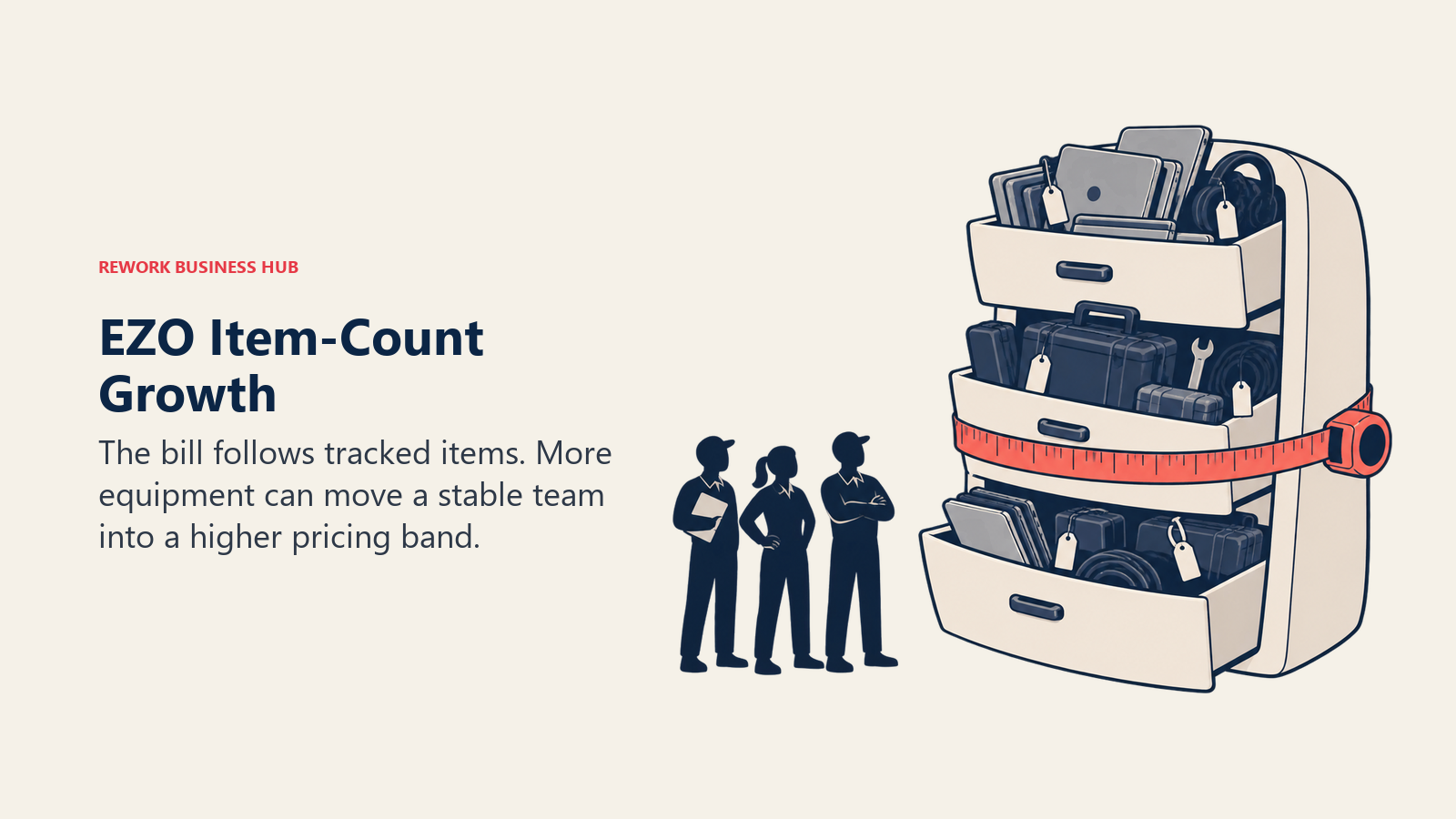
The meter is items, not seats, and items grow faster than headcount. EZO charges on the number of tracked items in your register, not per user, and that number climbs every time you buy a laptop, a tool, a vehicle or a piece of furniture, whether or not you hired anyone to manage it. A team that goes from 200 items to 500 moves out of the $40 Essentials band with nothing about the team itself having changed. That's a very different growth curve than a per-seat tool, where the bill only moves when you hire. Alternatives in this guide meter on entirely different things, nothing at all, admins, users, or items with a different band structure, and which meter you land on decides your bill in three years far more than today's sticker price does.
The price is set by your item count. EZO prices each plan from a calculator based on how many items you track, so get a quote at next year's projected item count, not today's, before you model the bill.
It's a register, not a CMMS. Reservations and light maintenance tracking exist inside EZOfficeInventory, but real preventive-maintenance depth, technician work orders, PM scheduling, and failure prediction, live in a separate product: EZO CMMS, priced and sold separately. Deloitte's research is the case for why that split matters: programs that actually schedule and track preventive work increase uptime by 10 to 20% and cut maintenance costs by 5 to 10%. A register that logs a reservation isn't running that program.
The brand itself has split. EZOfficeInventory, EZO CMMS and AssetSonar are three names under one company now, which makes it harder to know exactly what you're buying before you talk to sales.
Quick Comparison Table
| Tool | Best For | Starting Price | Key Strength | Key Limitation |
|---|---|---|---|---|
| Asset Panda | Configurable barcode/QR scanning across mixed asset types | No published price; "Get a Quote" (7-day free trial) | Deep configurability for field-heavy, mixed-asset fleets | No price published anywhere on the vendor's own page |
| Snipe-IT | IT teams comfortable self-hosting an open-source register | Free self-hosted, unlimited users and assets; Cloud Basic $39.99/mo or $399.99/yr | Genuinely free forever with no user or asset cap | Asset register only, not a CMMS or discovery scanner |
| UpKeep | Maintenance teams wanting a mobile-first CMMS | $24/user/mo (Essential; billing frequency not stated) | Purpose-built preventive maintenance and work order workflows | No free plan; parts and inventory costing sit on Premium |
| Limble | Maintenance teams wanting a fast-to-configure CMMS | $28/user/mo (Standard) | Reputation for quick setup on a full CMMS | No free plan; per-user pricing scales with headcount |
| Sortly | Visual, mobile-first item and equipment tracking | Free (100 items, 1 user); Advanced $24/mo promo, $49 regular | Fastest adoption curve for non-technical teams | Not a CMMS or order/work-order system |
| Rework | The asset register living beside CRM, invoicing and work | Quote on request | Consolidates the register with finance, work and people data | Not a CMMS, and not built for solo or single-user buyers |
| MaintainX | Frontline teams wanting a CMMS with a real free tier | Free (capped); Essential $20/user/mo billed annually | A genuinely usable free tier plus mobile-first execution | Free tier capped at 2 work orders, 2 active repeating orders |
| Reftab | IT and hardware asset tracking with unlimited users | Free (50 assets); Starter $31.25/mo billed annually | Unlimited users on every paid plan | Hardware plans cap at 250 assets before you must upgrade |
| AssetTiger | Budget-conscious teams wanting a cheap asset-count ladder | $20/mo up to 500 assets ($18/mo billed annually) | Very low price ladder with unlimited users on every paid plan | No ongoing free tier; the 250-asset offer is a 30-day trial |
| Cheqroom | Equipment booking and reservation-heavy teams (AV, film, labs) | $184/admin/mo (Core, billed annually) | Unlimited items and non-admin users on every tier | Meters on admins, which reads expensive until you check the basis |
| Fiix | Manufacturers wanting a CMMS backed by Rockwell Automation | Free (capped at 25 active PM schedules); Basic $45/user/mo | Real free tier with unlimited work orders and assets | Manufacturing routing depth requires a paid tier |
| Timly | Teams wanting unlimited users at a flat monthly fee | EUR 195/mo (Essential+) | Unlimited users on every tier, no per-seat math | Euro pricing only; no published asset cap to compare against |
What Each Tool Meters On
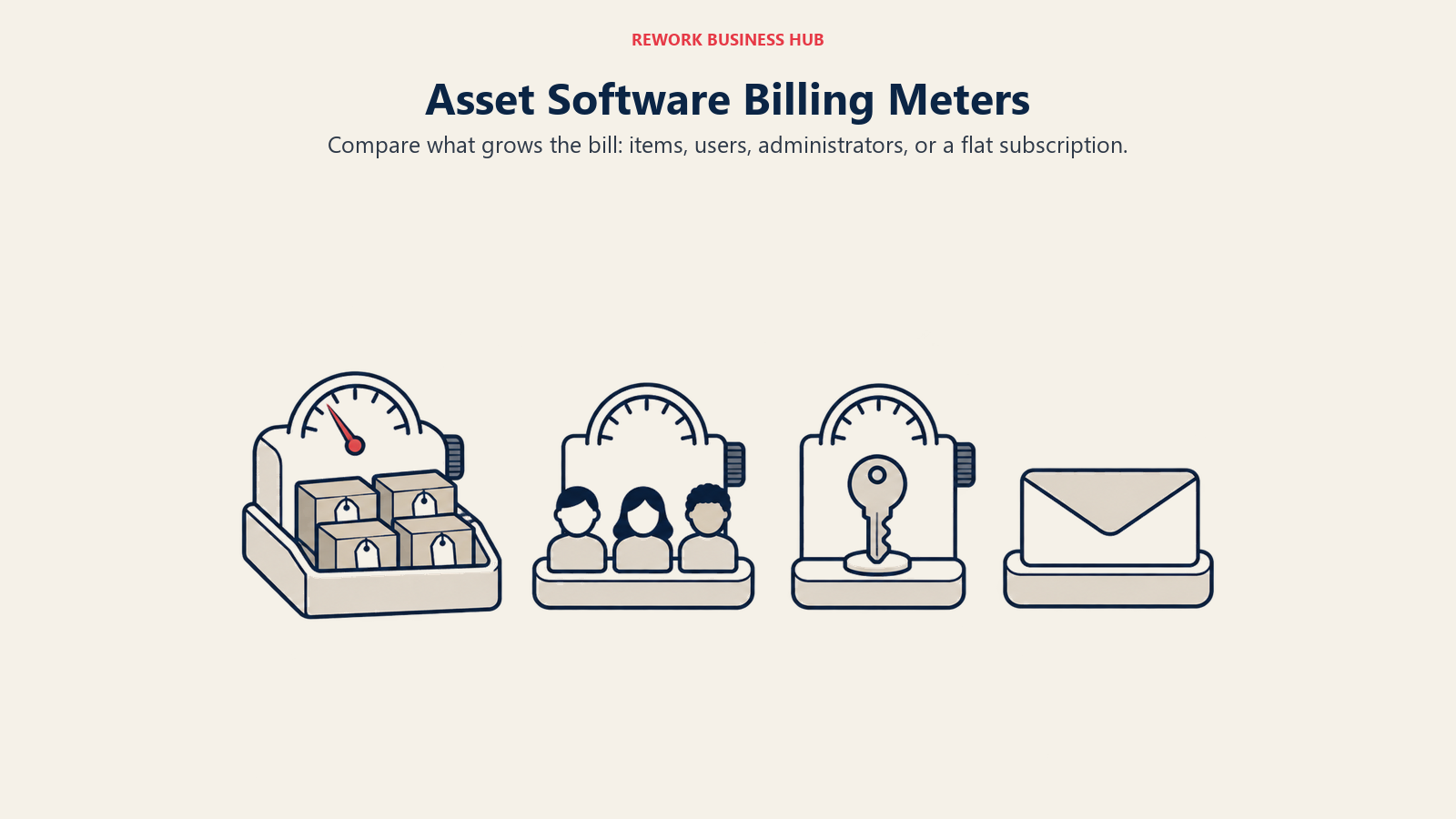
Price per month is the wrong question in this category. What the price is charged against is the right one, and it's the detail almost no comparison article checks.
| Tool | What It Meters On | Entry Price | What Happens When the Number Doubles |
|---|---|---|---|
| EZOfficeInventory (incumbent) | Tracked items | $40/mo, 250 items (Essentials) | You move up EZO's item-band tiers; unlimited users throughout |
| Asset Panda | Users | No published price; reportedly $10-75/user/mo | Bill roughly doubles alongside headcount, on a spread nobody can pin down |
| Snipe-IT | Nothing, on the self-hosted edition | $0 self-hosted; Cloud Basic $39.99/mo | Nothing changes; cloud tiers differ on API rate and support, not volume |
| UpKeep | Users | $24/user/mo (Essential) | Bill roughly doubles with headcount |
| Limble | Users | $28/user/mo (Standard) | Bill roughly doubles with headcount |
| Sortly | Items | $24/mo promo, $49 regular, 500 items (Advanced) | You jump tiers, 500 to 2,000 to 5,000 items |
| Rework | Quoted per organization | Quote on request | Priced per organization, not per unit tracked |
| MaintainX | Users | $20/mo billed annually (Essential) | Bill roughly doubles with headcount; the free tier stays capped regardless |
| Reftab | Assets, unlimited users included | $31.25/mo billed annually (Starter), 250-asset cap | You jump tiers; users stay free throughout |
| AssetTiger | Assets, unlimited users on paid plans | $20/mo to 500 assets, 30-day trial only before that | You jump tiers, $20 to $40 to $75 to $140 to $275; users stay free |
| Cheqroom | Admins, unlimited items and non-admin users | $184/admin/mo (Core), billed annually | Bill roughly doubles only if you add admins; item and user growth is free |
| Fiix | Users | $45/user/mo (Basic) | Bill roughly doubles with headcount; the free tier's 25-schedule cap stays fixed |
| Timly | Nothing; flat fee, unlimited users | EUR 195/mo (Essential+) | Nothing changes; same flat fee regardless of headcount |
Four tools here meter on nothing or on something other than items or users: Snipe-IT and Timly charge a flat rate regardless of headcount, Cheqroom charges by admin seat with items and regular users free, and Rework is quoted per organization. If your item count is the number climbing fastest, those four are where the ceiling stops mattering.
1. Asset Panda: Configurable Barcode and QR Tracking for Mixed Fleets
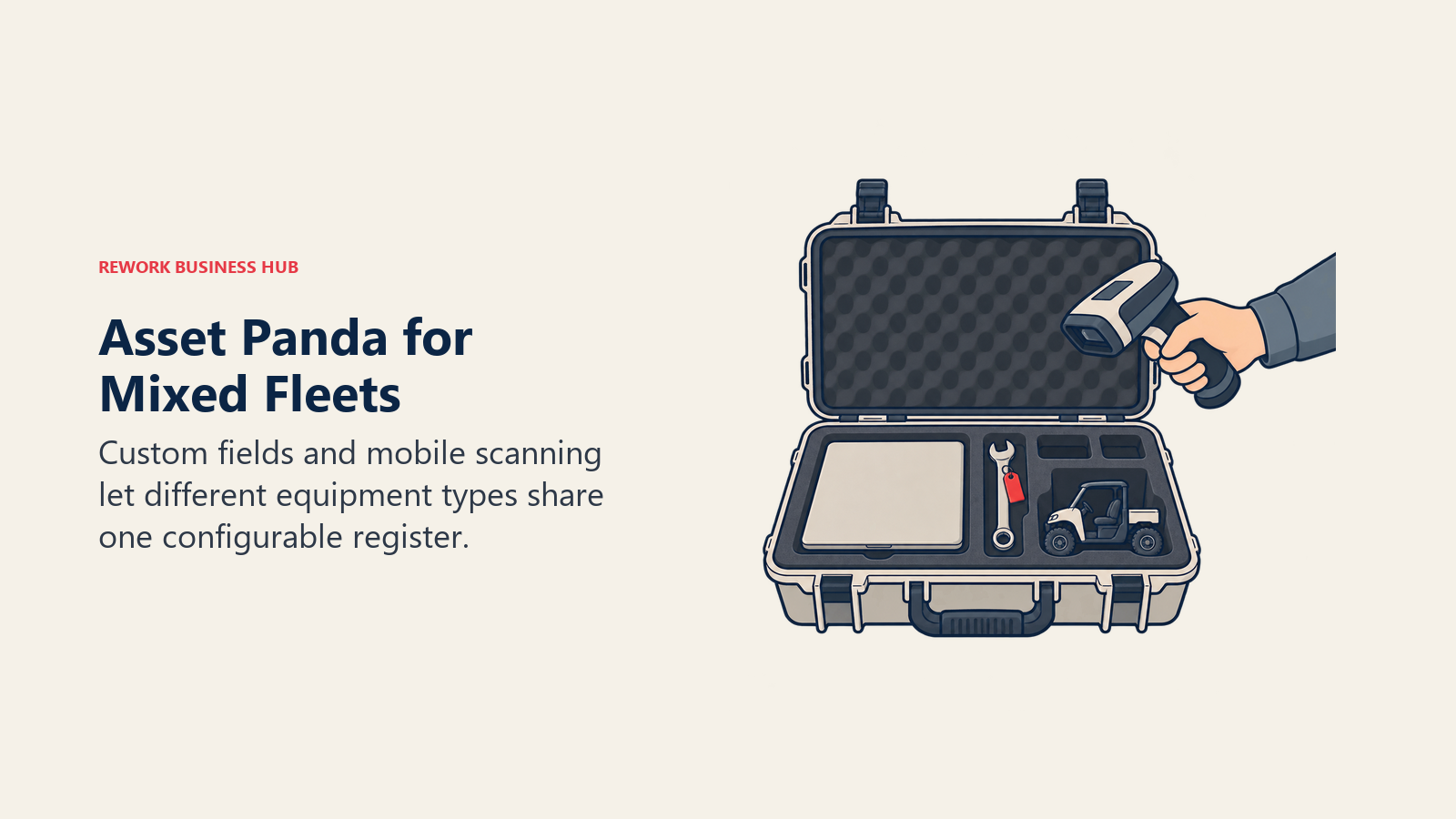
Asset Panda is the most configurable option on this list: custom fields, workflows and reporting are all editable without a developer, and the mobile app handles barcode and QR scanning across almost any asset type, from IT gear to vehicles to facilities equipment. Field-heavy teams managing a mixed fleet across multiple locations are the core fit.
Pricing is the catch, and it's a different kind of opacity than EZO's. Asset Panda's own pricing page carries no numbers at all, just a "Get a Quote" button and the promise of "a clear, custom quote based on exactly what you need," alongside a 7-day free trial. Quotes reportedly span roughly $10 to $75 per user per month, with a Starter tier at about $50 per user per month, 5-user minimum, billed annually.
The meter itself is the bigger contrast with EZO: Asset Panda prices by user, not by item, so your bill tracks headcount instead of register size. If Asset Panda is your shortlist leader, the direct comparison against EZO's approach is worth reading: Asset Panda vs EZOfficeInventory, and the fuller field is at Best Asset Panda Alternatives.
| What you get | What you don't |
|---|---|
| Deep configurability for custom fields and workflows | A published price anywhere on the vendor's site |
| Barcode and QR scanning across mixed asset types | Certainty on cost before a sales call |
| A 7-day free trial of the full product | A per-item meter; you're billed by user, not register size |
| A field-team-friendly mobile app | CMMS-depth maintenance workflows |
Pricing: No published price. The vendor page offers only a custom quote and a 7-day free trial. Reportedly $10-75/user/mo, with a Starter at about $50/user/mo, 5-user minimum, billed annually. Best for: Field-heavy teams with mixed asset types across multiple locations who want deep configurability and don't mind a sales conversation to get a price. Not ideal for: Anyone who wants to model cost before talking to sales. EZO at least publishes three tier prices; Asset Panda publishes none.
2. Snipe-IT: Free, Open Source, and Actually Unlimited
Snipe-IT is the starkest contrast to EZO's meter on this whole list, because self-hosted Snipe-IT doesn't meter anything. It's open source, and the vendor's own wording is blunt: "Snipe-IT Asset Management is and always will be free." Unlimited users, unlimited assets, 120 API calls a minute, and you host it yourself. IT teams already running a server or container platform get a full asset register, checkout and checkin, license tracking and depreciation reporting for the cost of hosting alone.
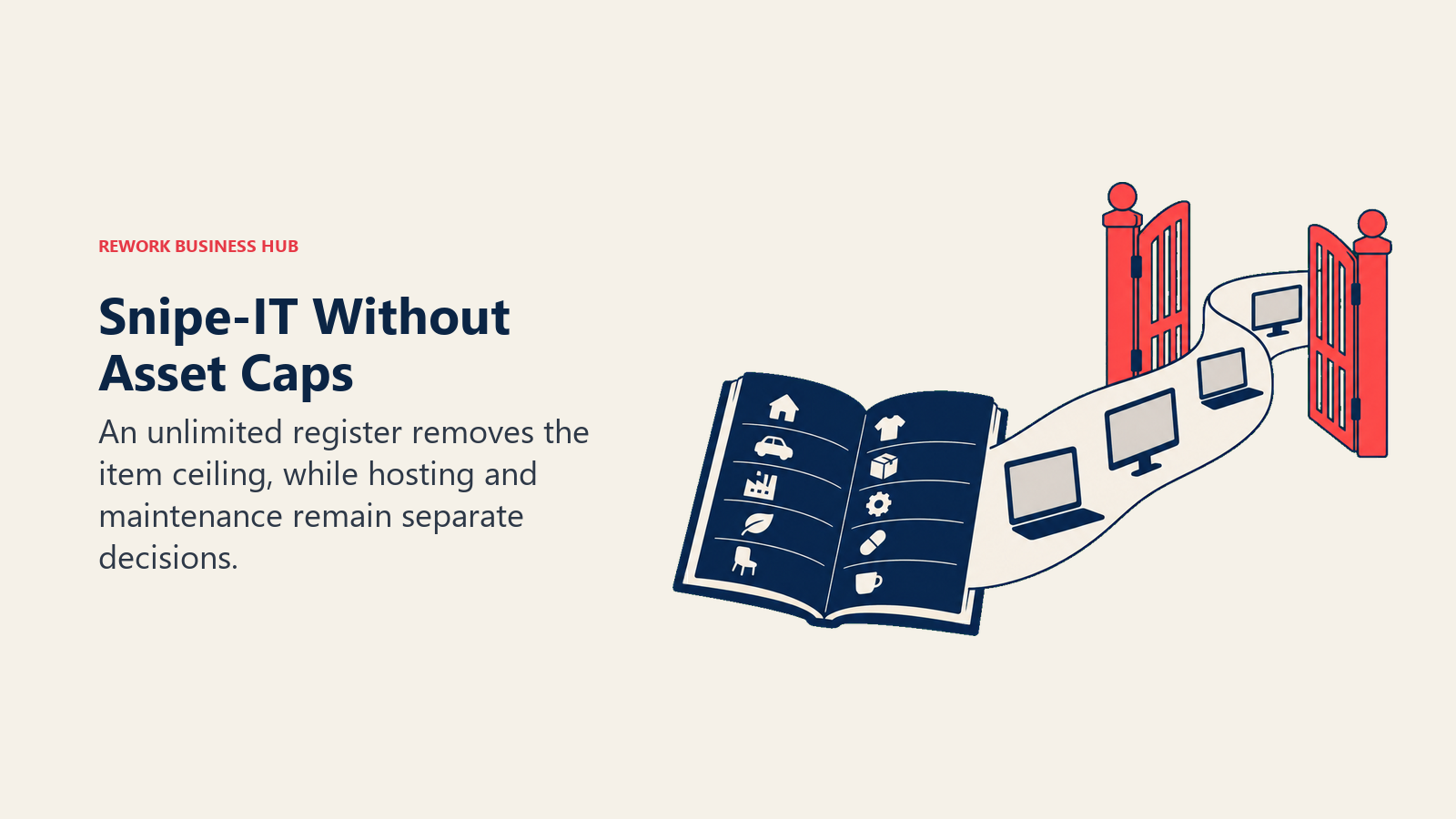
If self-hosting isn't your team's thing, cloud tiers start at Basic, $39.99/month or $399.99/year, and go up through Small Business ($99.99/mo or $999.99/yr) and Dedicated plans (up to $7,500/yr for Large). Here's the detail that trips people up: every cloud tier, including Basic, includes unlimited users AND unlimited assets. Tiers differ on support level, API rate limit, and hosting isolation, not on how much you're allowed to track, the opposite of EZO's whole ladder being built around an item cap.
The honest limitation is depth, not price. Snipe-IT tracks what you enter or import; it isn't a CMMS and it isn't a network discovery scanner. For IT-specific discovery on top of a register, see Best Lansweeper Alternatives, and if Snipe-IT is already your shortlist leader, see Best Snipe-IT Alternatives for the deeper field.
| What you get | What you don't |
|---|---|
| Genuinely free forever, self-hosted, no caps | Managed hosting on the free tier |
| Unlimited users and assets on every cloud tier too | A network discovery scanner |
| Full checkout/checkin, licensing, depreciation | Preventive maintenance or CMMS depth |
| A meter that literally doesn't exist | A mobile experience as polished as some newer entrants |
Pricing: Self-hosted, open source: free, unlimited users and assets. Cloud Basic $39.99/mo or $399.99/yr; Small Business $99.99/mo or $999.99/yr; Dedicated Small $249.99/mo or $2,499.99/yr; Dedicated Medium $5,000/yr; Dedicated Large $7,500/yr. Every tier includes unlimited users and assets. Best for: IT teams with hosting capability who want a full-featured register at zero licensing cost, or teams that want cloud hosting without a per-seat or per-item bill. Not ideal for: Teams needing built-in network discovery or deep preventive-maintenance workflows. It's a register, the same category gap as EZO, just free.
3. UpKeep: Mobile-First CMMS for Maintenance Teams
UpKeep answers the "EZO isn't a CMMS" complaint directly. It's built around maintenance, not asset registration: work orders, PM scheduling, a mobile app technicians actually use on the shop floor, and asset history tied to real maintenance events rather than a reservation log. Deloitte's research on predictive maintenance is the case for making that switch: uptime up 10 to 20%, maintenance costs down 5 to 10%.
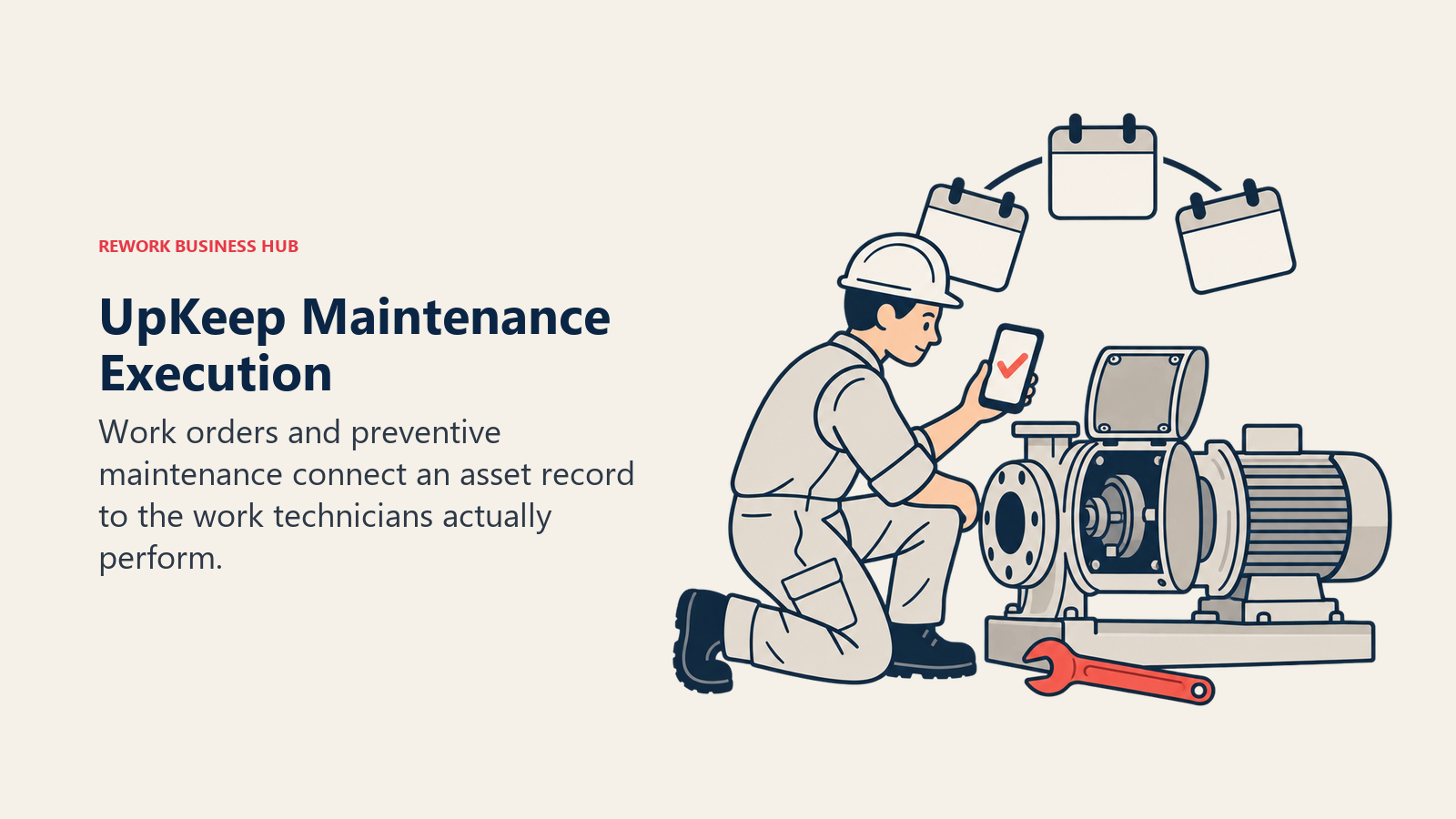
Get the pricing details right, because this category is full of stale claims about UpKeep. Essential is $24 per user per month, Premium is $55 per user per month, and Professional and Enterprise are quote-only. UpKeep's own page doesn't state whether those two published rates are billed monthly or annually, so don't assume either way. Parts and inventory costing, PM scheduling depth and custom checklists sit on Premium, not Essential; mobile offline mode and the external request portal sit on Professional.
Here's the trap worth stating plainly: UpKeep has no free plan. The page offers a no-credit-card trial and nothing more. Older listicles describe a $20/mo "UpKeep Lite" tier or a free tier; neither exists today. If UpKeep is already your shortlist leader, see Best UpKeep Alternatives for the deeper CMMS field.
| What you get | What you don't |
|---|---|
| A real CMMS: work orders, PM scheduling, mobile execution | A free plan of any kind |
| Asset history tied to actual maintenance events | Parts and inventory costing on the entry tier |
| A published per-user price for two tiers | A stated monthly-vs-annual billing basis |
| Mobile-first design technicians adopt quickly | Offline mode or the request portal below Professional |
Pricing: Essential $24/user/mo, Premium $55/user/mo (billing frequency not stated on the vendor page). Professional and Enterprise: quote only. Best for: Maintenance teams whose core job is scheduling and executing preventive work, not just tracking who has what. Not ideal for: Teams wanting a free tier to start, or wanting parts costing without paying for Premium.
4. Limble: Fast-to-Configure CMMS for Growing Maintenance Teams
Limble solves the same "EZO isn't a CMMS" problem as UpKeep, with a reputation for a shorter setup time: preventive maintenance scheduling, work order management, and asset hierarchies that maintenance teams report configuring in days rather than weeks. It's a genuine CMMS, not a register with maintenance tacked on, which matters when PM scheduling and technician work orders are your actual job, not a side task on top of tracking who has what.
Limble's main pricing page uses a "Calculate my price" tool, but the rates are published: Standard is $28 per user per month, Premium+ is $69 per user per month, and Enterprise is a custom quote.
The trap here is the same shape as UpKeep's: Limble has no free plan. Free trial only. Older listicles describe a free "Basic" tier that no longer exists; don't repeat it. One housekeeping note: the company now operates under limble.com, with limblecmms.com redirecting there, so "Limble" and "Limble CMMS" refer to the same product.
| What you get | What you don't |
|---|---|
| A reputation for fast setup among CMMS buyers | A free plan; trial only |
| Real PM scheduling and work order management | Rates on the main pricing page (hidden behind a calculator) |
| Vendor-published rates elsewhere on limble.com | An item-based meter; you pay per user, not per asset |
| Custom Enterprise pricing for larger fleets | A per-item alternative to per-seat billing |
Pricing: Standard $28/user/mo. Premium+ $69/user/mo. Enterprise: custom quote. Best for: Maintenance teams that want a full CMMS and a reputation for quick onboarding, and don't mind per-seat pricing. Not ideal for: Budget-first buyers hoping for a free tier, or anyone who wants an item-based meter instead of per-user billing.
5. Sortly: Visual, Mobile-First Tracking for Physical Stuff
Sortly solves a narrower problem than EZO, and for the right team that's exactly the point. It's photo-first and mobile-first: scan or photograph an item, drop it into a nested folder, add custom fields, get low-stock alerts. There's no depreciation schedule and no maintenance workflow. For tool cribs, AV equipment, lab consumables or a facilities parts room where non-technical staff need to self-serve, that simplicity is the value, not a gap.
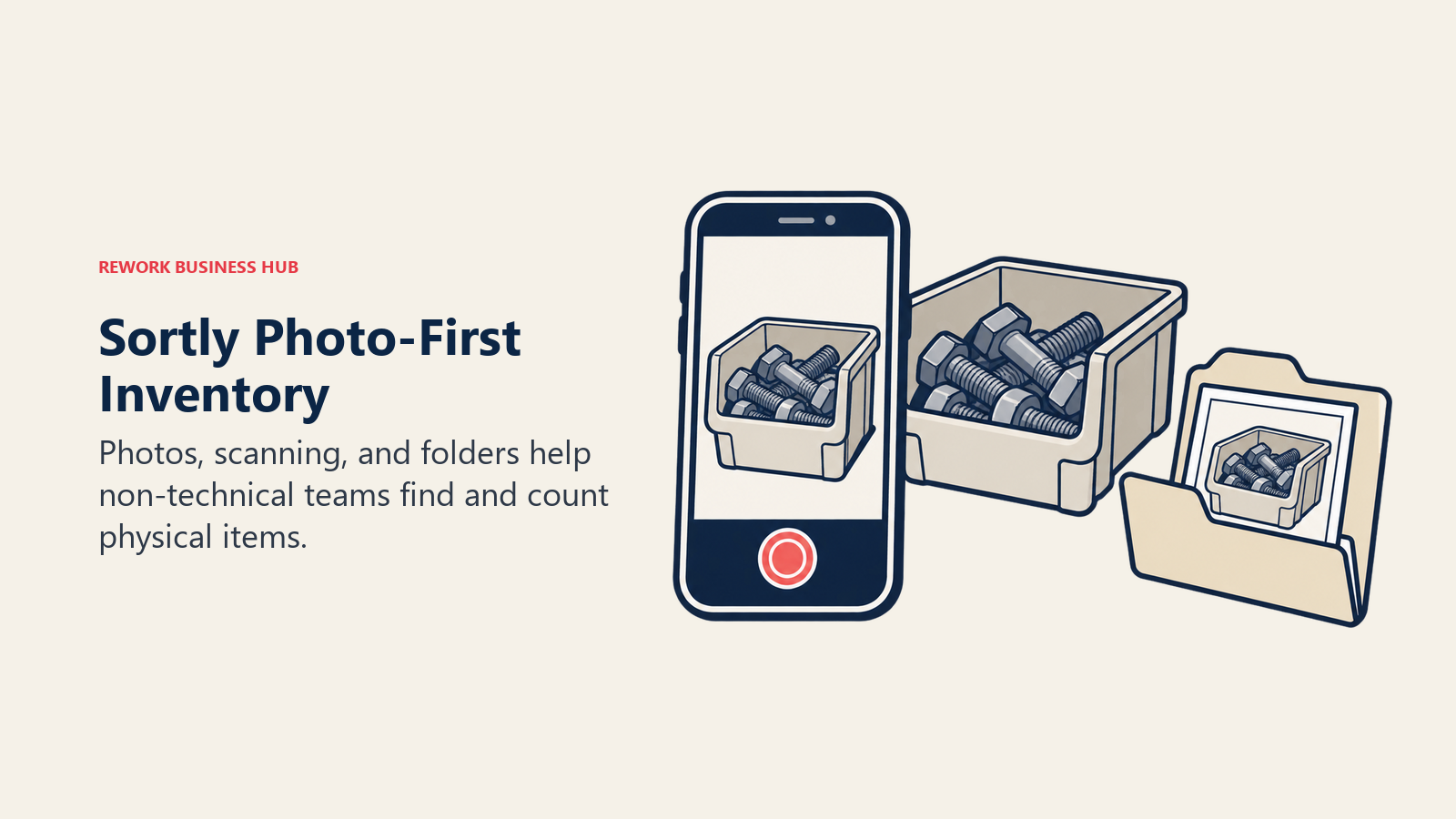
Sortly's pricing carries a first-year promotional discount worth stating both numbers for. Advanced is $24/month promo, $49/month regular (2 users, 500 items, 5 custom fields). Ultra is $74/month promo, $149/month regular (5 users, 2,000 items). Premium is $149/month promo, $299/month regular (8 users, 5,000 items). Enterprise is custom, from 10,000+ items and 12+ users. The 50% discount applies only to a new subscription's first year; a 20% discount applies to yearly plans after that. Free covers 1 user and 100 items.
The meter is items, similar in shape to EZO's, but the free tier and lower entry price make it the cheaper on-ramp for teams tracking physical equipment rather than IT assets specifically.
| What you get | What you don't |
|---|---|
| The fastest adoption curve for non-technical staff | Depreciation schedules or financial asset accounting |
| A real free plan at 100 items | A price that holds flat past year one |
| Photo-based records people actually keep updated | Reservation booking or maintenance workflows |
| Item-based tiers similar in shape to EZO's | Audit-trail depth built for finance teams |
Pricing: Free $0 (1 user, 100 items). Advanced $24/mo promo, $49/mo regular. Ultra $74/mo promo, $149/mo regular. Premium $149/mo promo, $299/mo regular. Enterprise custom. The 50% discount covers year one only, then 20% off yearly plans. Best for: Teams tracking physical equipment, tools, parts or supplies who want the simplest possible mobile experience. Not ideal for: Anyone leaving EZO for depreciation schedules, reservations or maintenance workflows. Sortly doesn't do any of the three.
6. Rework: The Asset Register on the Same Platform as Everything Else
Rework's argument in this category is consolidation, not depth. Its Assets module, classed under fixed asset management in Rework's product catalog, sits on the same platform as Inventory, Invoice, Incomes and Bankfeeds on the finance side, Task, Project, Workflow and BPM on the work side, Sales CRM and Lead, the People app (HRIS, timesheets, payroll, ATS), and a unified multi-channel inbox spanning WhatsApp, Messenger, Instagram DM, Zalo and web chat, with email in its own Mail app. For a team running EZOfficeInventory beside a separate CRM, project tool and HR system, the pitch is straightforward: the asset, the work done against it, the invoice, the vendor and the person holding it all live on one record instead of four tools joined by integrations that break quietly on a Friday.
Rework doesn't meter Assets on items the way EZO does. Assets is quoted per organization, while the rest of the platform is sold as engines with seats in blocks of 5, billed monthly or yearly. See rework.com/pricing.
Be direct about fit: Rework's Assets module is a fixed asset register, not a CMMS. Teams whose core job is preventive-maintenance scheduling, technician work orders and mobile maintenance execution should look at UpKeep, Limble, MaintainX, Fiix or eMaint instead. Teams that need barcode-and-QR field scanning at Asset Panda's depth, or agent-based IT discovery, should use the purpose-built tools in this list. Rework is also not built for solo or single-user buyers.
| What you get | What you don't |
|---|---|
| The asset register on the same platform as CRM, invoicing and work | A published per-item or per-user price |
| One record instead of four tools stitched by integrations | Preventive maintenance scheduling or technician work orders |
| People, finance and comms apps beside the asset register | A free or single-user tier |
| A per-organization quote instead of an item meter to watch | Barcode/QR field-scanning depth at Asset Panda's level |
Pricing: Quote on request. Rework Assets is quoted per organization; see rework.com/pricing. The rest of the platform is sold as engines with 5-seat blocks, billed monthly or yearly. Best for: Mid-size operators, roughly 10 to 200 people, who want the asset register living beside the CRM, invoicing and work-management data instead of in its own silo. Not ideal for: Teams whose core job is preventive maintenance (pick a CMMS instead), teams needing Asset Panda-depth field scanning, or solo and single-user buyers.
7. MaintainX: A CMMS With a Free Tier That's Actually Real
MaintainX is the CMMS on this list with a genuinely usable free tier, the natural first stop for a small maintenance team that doesn't want to commit budget before proving the workflow. Basic is free: 2 work orders with attached procedures, 2 active repeating work orders, and 1 month of Advanced Analytics access. That's real but tightly capped, so "MaintainX is free" is only true with those limits attached.
Once you outgrow Basic, Essential is $20 per user per month billed annually, or $25 billed monthly, and Premium is $65 billed annually or $75 monthly. Enterprise is custom. Requester accounts are free, so people who only submit work requests don't add to the bill.
Mobile-first work order execution, procedure-linked checklists and asset history tied to real maintenance events are the strength here, the same CMMS-depth argument as UpKeep and Limble, aimed at frontline technicians rather than office-based asset managers.
| What you get | What you don't |
|---|---|
| A free tier that's real, not a trial dressed up as free | Unlimited work orders on the free tier (capped at 2) |
| A stated monthly-vs-annual billing basis, unlike several peers | An item-based meter; billing is per user |
| Mobile-first execution built for frontline technicians | Deep asset financial tracking or depreciation schedules |
| A clear, published path from free to Essential to Premium | Enterprise pricing published anywhere |
Pricing: Basic free (2 work orders, 2 active repeating work orders, 1 month Advanced Analytics). Essential $20/user/mo billed annually or $25/mo billed monthly. Premium $65/user/mo billed annually or $75/mo billed monthly. Enterprise custom. Best for: Small maintenance teams that want to prove a CMMS workflow on a real free tier before committing budget. Not ideal for: Teams needing more than 2 active work orders without paying, or depreciation-level asset financial tracking.
8. Reftab: Unlimited Users on Every Hardware Plan
Reftab flips EZO's model in one specific way: users are unlimited on every paid plan, and the meter is assets instead. Free Forever covers 50 assets with unlimited accessories, licenses, locations, categories and custom fields, a genuinely useful starting point for a small IT team. Paid hardware plans start at a 250-asset cap, matching EZO's Essentials band almost exactly, and scale to 3,000-plus assets, with unlimited platform users included throughout.
Starter is $31.25/month billed annually, Pro is $62.50/month billed annually, and Business is $125/month billed annually (marked "Most Popular"). A Software Management add-on runs $0.75/month billed annually per tracked user, and Complete IT Management (hardware plus software) is $125.75/month billed annually. There's a 14-day free trial.
If your team is growing in headcount faster than in asset count, unlimited users is the detail that makes Reftab cheaper than EZO over time even at a similar entry price; if the reverse is true, the asset cap will bite at roughly the same point EZO's item cap would.
| What you get | What you don't |
|---|---|
| Unlimited users on every paid plan | Unlimited assets; you still pay by asset count |
| A genuinely free tier at 50 assets | A price under $31.25/mo once you outgrow free |
| Software license tracking as a distinct add-on | Preventive maintenance or CMMS-depth workflows |
| A 14-day free trial | A monthly billing option below Starter (annual only) |
Pricing: Free Forever (50 assets). Starter $31.25/mo billed annually. Pro $62.50/mo billed annually. Business $125/mo billed annually. Software Management add-on $0.75/mo per tracked user, billed annually. Complete IT Management $125.75/mo billed annually. Best for: IT and hardware-heavy teams whose headcount grows faster than their asset count, and who want unlimited users baked in. Not ideal for: Teams whose asset count is the fast-growing number. The cap still bites, just on a different axis than EZO's.
9. AssetTiger: The Cheapest Asset-Count Ladder in This List
AssetTiger is the budget answer, and it's transparent about why it's cheap: the company is run by MyAssetTag.com, which sells the physical asset tags, and the software is priced to move volume on tags rather than to be a standalone profit center. Tiers scale by asset count with unlimited users on every paid plan: $20/month up to 500 assets, $40/month up to 2,500, $75/month up to 10,000, $140/month up to 50,000, and $275/month up to 250,000. Billed annually those become $18, $37, $69, $128 and $252 a month, each quoted as a year with one month free.
One correction worth making loudly, because most roundups get it wrong: AssetTiger has no ongoing free tier. New accounts get a 30-day free trial capped at 250 assets and 2 users, and an account that hasn't upgraded at the end of it transitions to view-only, where existing data stays readable but nothing can be added, edited or deleted. Plan on $20 a month from month two.
The meter is assets, like EZO, but the price per band is a fraction of EZO's, and users are free throughout the paid ladder.
| What you get | What you don't |
|---|---|
| The cheapest asset-count ladder in this category | An ongoing free tier; the 250-asset offer is a 30-day trial |
| Unlimited users on every paid tier | More than 2 users during the trial |
| A fully published price ladder from 500 to 250,000 assets | Depreciation, maintenance, or reservation workflows |
| Pricing tied to a physical-tag business, which keeps it cheap | Editing rights after the trial without upgrading; the account goes view-only |
Pricing: 30-day free trial (250 assets, 2 users), then view-only unless you upgrade. $20/mo up to 500 assets, $40/mo up to 2,500, $75/mo up to 10,000, $140/mo up to 50,000, $275/mo up to 250,000, with one month free on annual billing. Unlimited users on every paid plan. Best for: Budget-conscious teams who want the cheapest per-asset ladder in this category and don't need maintenance depth. Not ideal for: Teams hoping to run on a free plan long term, since the trial ends after 30 days, or anyone who needs maintenance and reservation workflows.
10. Cheqroom: Built for Booking and Reservation-Heavy Equipment
Cheqroom answers a different question than EZO: not "what do we own," but "who has it booked right now, and when does it come back." It's built for equipment-booking-heavy operations, film and AV gear, university labs, production studios, where reservation conflicts and utilization tracking matter more than depreciation schedules.
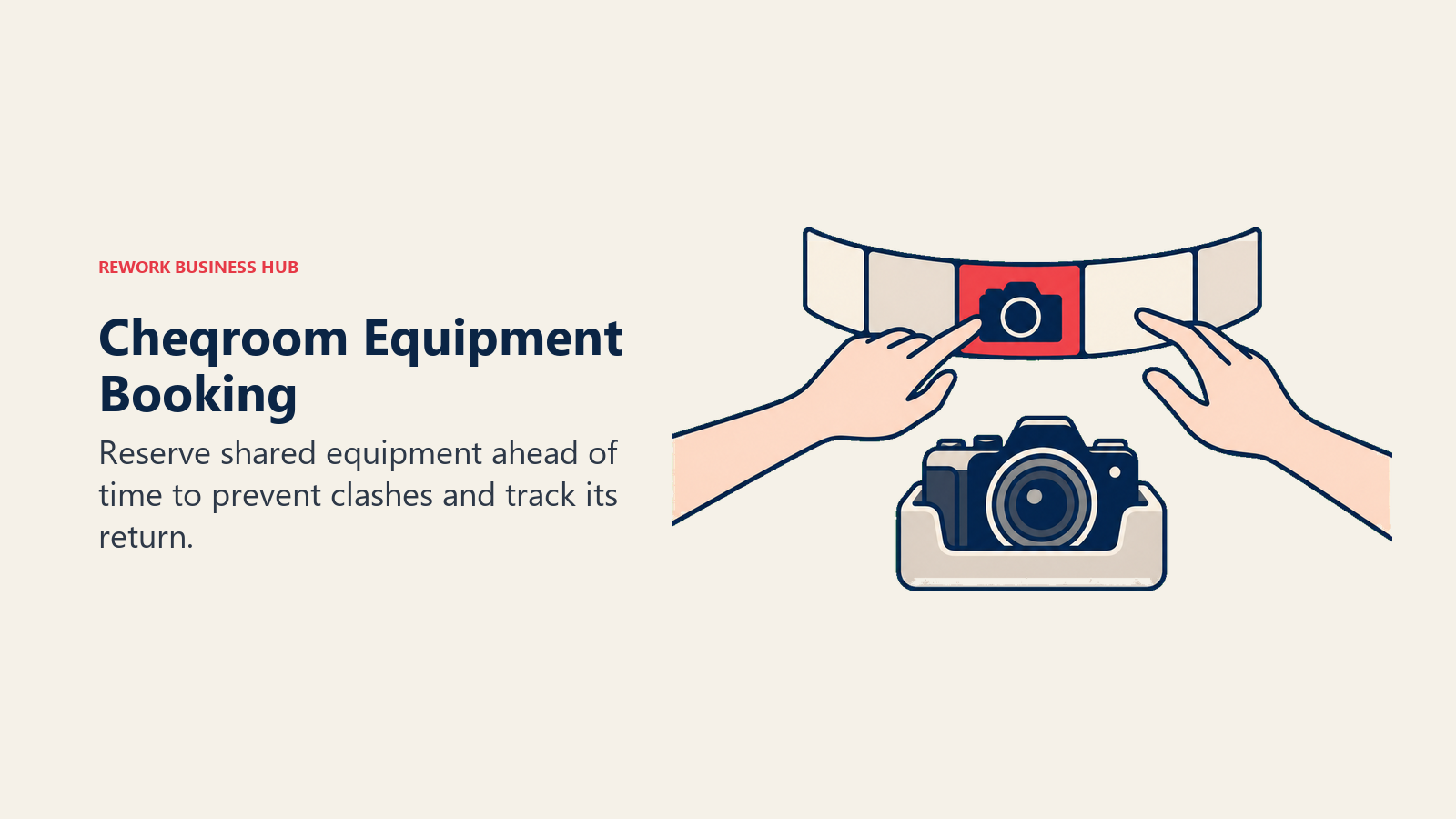
Get the pricing basis right, because getting it wrong makes Cheqroom look absurdly expensive or absurdly cheap. Core is $184 per admin per month, Business is $275 per admin per month, Enterprise is $367 per admin per month, all billed annually with minimum administrator counts, and E.L.A. is custom. Every plan includes unlimited items and unlimited non-admin users; a "user" is anyone who books, tracks or interacts with equipment, and they're free. Tiers differ on locations (1, up to 3, up to 10, unlimited) and workspaces, not on how much you can track or how many people can use it day to day.
That's a meter built almost opposite to EZO's: EZO caps items and includes users free, Cheqroom caps admins and includes items and users free.
| What you get | What you don't |
|---|---|
| Unlimited items and unlimited non-admin users on every tier | A cheap entry price if you need several admins |
| Purpose-built reservation and booking conflict handling | Depreciation schedules or financial asset tracking |
| A meter built around admins, not items or all users | Clarity unless you check the per-admin basis carefully |
| Location-based tier differentiation | A free plan of any kind |
Pricing: Core $184/admin/mo. Business $275/admin/mo. Enterprise $367/admin/mo. E.L.A. custom. All billed annually with minimum administrator counts. Unlimited items and non-admin users on every tier. Best for: Equipment-booking-heavy teams (AV, film, labs, production studios) where reservation conflicts and utilization matter more than depreciation. Not ideal for: Teams with many admins and a tight budget. The per-admin meter makes headcount in the admin role, not overall team size, the number to watch.
11. Fiix: Rockwell-Backed CMMS With a Real Free Tier
Fiix, now part of Rockwell Automation, is a CMMS built for manufacturers who need preventive maintenance depth without an enterprise EAM price tag. The free plan is real: $0, capped at 25 active preventive maintenance schedules, but with unlimited work orders, unlimited assets, unlimited service requests and mobile app access, no credit card required, closer in spirit to Snipe-IT's generosity than to UpKeep's or Limble's trial-only approach.
Paid tiers are Basic at $45 per user per month and Professional at $75 per user per month, with Enterprise on a custom quote. Add-ons are priced on request: a Lite operator-access license, and Fiix MAX, which requires a Professional or Enterprise base plan. Fiix is not discontinued, despite older listicles occasionally implying otherwise; Rockwell still sells and develops it.
The category-level case for a real CMMS over a register with maintenance bolted on ties back to total productive maintenance as a discipline: programs that schedule and track preventive work see real uptime and cost gains that a reservation log alone doesn't produce.
| What you get | What you don't |
|---|---|
| A free tier with unlimited work orders and assets | Unlimited PM schedules on the free tier (capped at 25) |
| Rockwell Automation backing and continued investment | A flat price; Basic and Professional are both per user |
| Real CMMS depth, not a register with maintenance added | Add-on pricing published for Lite or Fiix MAX |
| Mobile app access included from the free tier up | Manufacturing-specific routing without a paid tier |
Pricing: Free (25 active PM schedules, unlimited work orders/assets/service requests). Basic $45/user/mo. Professional $75/user/mo. Enterprise custom. Best for: Manufacturers who want real CMMS depth and a usable free tier to prove it out before paying. Not ideal for: Teams that need more than 25 active PM schedules without upgrading, or that want a flat rather than per-user price.
12. Timly: Flat, Unlimited-User Pricing for European Teams
Timly is the cleanest answer to "stop billing me per seat" on this entire list. Essential+ is EUR 195 a month, Professional is EUR 495 a month, and Enterprise is on request, with unlimited users on every tier and no published asset cap. Add a person to your team and the bill doesn't move at all, the direct opposite of UpKeep's, Limble's, Fiix's and MaintainX's per-user models, and a genuinely different answer than EZO's per-item meter too.
The tradeoff is currency and market fit: prices are published in euros, not dollars, and Timly is built with a European buyer in mind, QR/barcode/RFID tracking, maintenance and inspection scheduling, and compliance documentation suited to EU regulatory patterns. A US-based team can use it, but budget in euros and expect the workflow language to skew European.
If flat, headcount-proof pricing matters more than a specific asset cap you can point to, Timly is worth a serious look, especially for teams already operating across EU entities.
| What you get | What you don't |
|---|---|
| Unlimited users on every tier, flat monthly fee | Pricing in US dollars |
| No published asset cap to bump into | A free plan |
| Compliance and inspection features suited to EU rules | A large US-market user base to draw references from |
| A genuinely simple two-tier pricing structure | A per-item meter you can compare directly against EZO's |
Pricing: Essential+ EUR 195/mo. Professional EUR 495/mo. Enterprise on request. Unlimited users on all tiers, no stated asset cap. Best for: European or EU-operating teams who want flat, unlimited-user pricing and don't want to think about a per-seat or per-item meter again. Not ideal for: US-only teams wanting dollar-denominated pricing, or anyone who wants a specific published asset ceiling to plan around.
Stage Fit Matrix
| Stage | What's Usually True | Best Fits |
|---|---|---|
| Solo or 2-person shop, under 100 items | Testing the idea, minimal budget | Snipe-IT self-hosted, Sortly Free, Reftab Free Forever |
| 3-15 people, 100-500 items, stable register | First real asset program, no dedicated maintenance role | EZOfficeInventory (stay), AssetTiger, Sortly Advanced |
| 5-30 people, maintenance is the actual job | Preventive maintenance, technician work orders | MaintainX, Fiix, UpKeep, Limble |
| 10-50 people, mixed asset types across sites | Field-heavy, barcode/QR scanning at scale | Asset Panda, Reftab |
| 10-200 people, ops spread across separate tools | CRM, invoicing, work and assets all disconnected | Rework |
| Equipment-booking-heavy (AV, film, labs) | Reservation conflicts matter more than depreciation | Cheqroom |
| IT-heavy, headcount growing faster than asset count | Laptops, licenses, unlimited-user need | Reftab, Snipe-IT |
| EU-based or EU-operating teams | Want flat pricing and EU-fit compliance workflows | Timly |
Sizing and Persona Fit
| Persona | What They Usually Need | Best Fits |
|---|---|---|
| IT Manager | Laptop and hardware lifecycle, license tracking, unlimited seats | Snipe-IT, Reftab |
| Maintenance Manager | PM scheduling, work orders, technician mobile execution | UpKeep, Limble, MaintainX, Fiix |
| Operations Manager | Cross-department asset visibility beside other ops data | Rework, Asset Panda |
| Finance Manager | Depreciation schedules, audit-ready fixed asset records | EZOfficeInventory (stay), Reftab |
| Facilities Manager | Furniture, equipment, low-tech physical items | Sortly, AssetTiger |
| COO at a booking-heavy organization | Reservation conflicts, utilization reporting | Cheqroom |
| Budget-constrained small team | Lowest entry price, no committed spend to start | Snipe-IT, Fiix Free, MaintainX Free |
Migration: What Moves Out of EZOfficeInventory, and What Usually Doesn't
Moving off EZOfficeInventory is more mechanical than most CRM or ERP migrations, because the data model is simple: items, categories, locations, and a history of who had what.
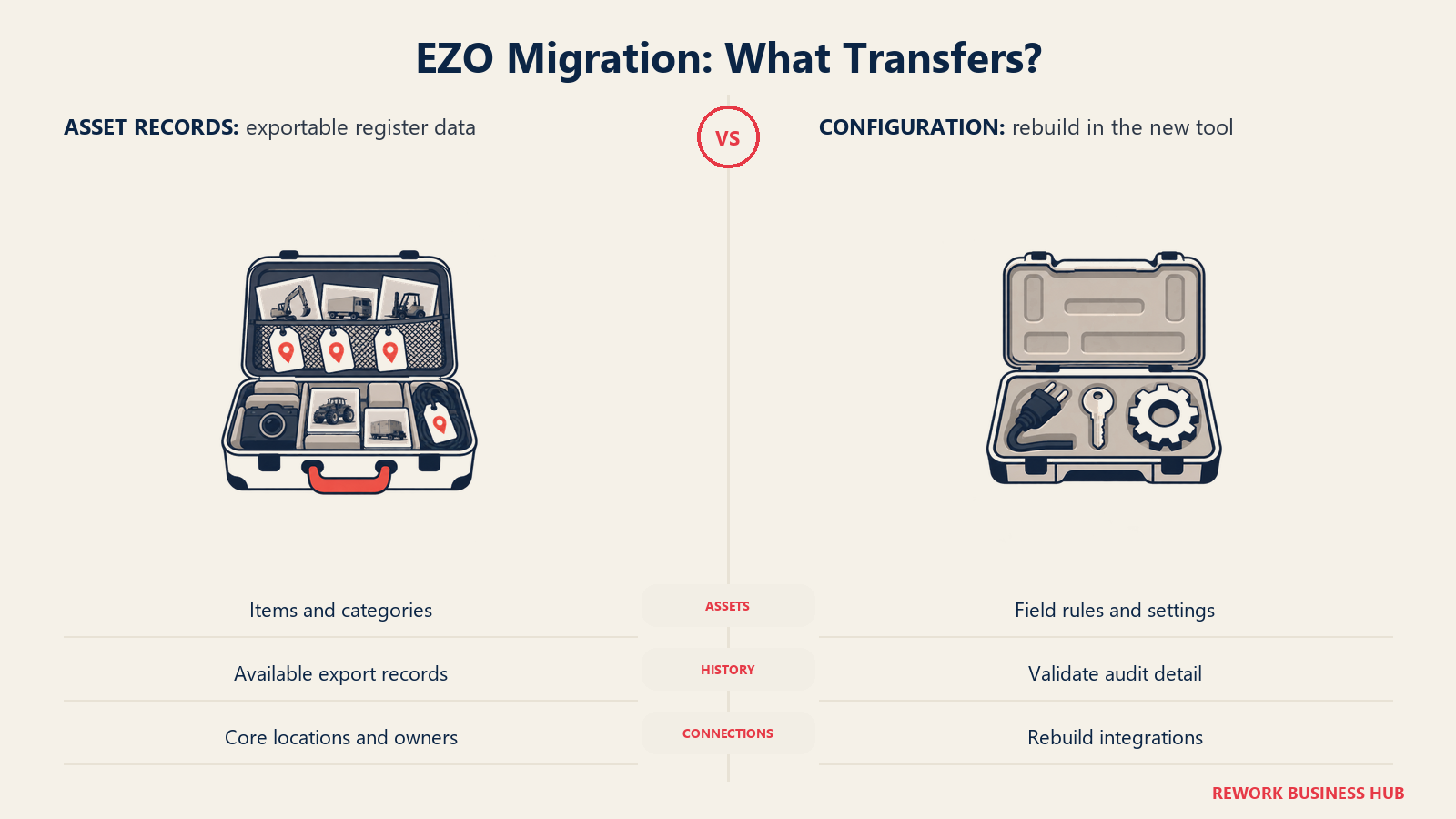
What usually moves cleanly: custom fields export as CSV columns and map onto most competitors' custom-field systems without much rework. Depreciation schedules (straight-line figures, purchase dates, current book value) export as numbers and re-import cleanly into any tool with a depreciation module, including Reftab and, for teams staying on a register model, most of the tools in this list. Attachments (receipts, manuals, photos) usually export as a file list with item IDs you can script a re-link against. Check-in and check-out history exports as a transaction log; most competitors can import it as historical records even if they can't replay it as live bookings.
What usually doesn't move, or needs manual rebuilding: custom workflow automations and approval rules are rarely portable between vendors; expect to rebuild these by hand in whatever tool you land on. Integration configurations (SSO, webhooks, any connected app) reset and need reconfiguring from scratch. Reservation calendars with active future bookings typically need to be re-created rather than imported, since booking systems structure availability differently under the hood. And if you're moving from a register to a real CMMS, preventive maintenance schedules don't map at all, since EZO doesn't really have them to export; you're building a PM program for the first time, not migrating one.
Budget the maintenance-schedule buildout as new work, not a data migration line item, and read TCO Modeling for SaaS before you commit to a number for the switch. It accounts for implementation and rebuild hours that a straight subscription-price comparison misses.
How to Choose: Decision Framework
| If Your Problem Is... | Pick |
|---|---|
| The item-count meter, and nothing else | Snipe-IT (self-hosted, free) or Reftab (unlimited users) |
| Preventive maintenance and technician work orders | UpKeep, Limble, MaintainX or Fiix |
| Wanting the register beside CRM, invoicing and work data | Rework |
| Highly configurable barcode/QR scanning across mixed assets | Asset Panda |
| A cheap, transparent asset-count ladder | AssetTiger |
| Reservation and booking conflicts for shared equipment | Cheqroom |
| Simple, photo-based tracking non-technical staff will actually use | Sortly |
| Flat pricing that doesn't move when you add people | Timly |
| Staying put, because your item count is stable and under a few hundred | EZOfficeInventory |
What to Do Next
Pull your current item count and your team's headcount, and plot how each has grown over the last year. That single comparison tells you which meter is actually working against you, item count on EZO, users on UpKeep or Limble, admins on Cheqroom, before you shortlist anything.
Then run two-week trials with your top two picks against your own register, not a demo dataset. Import your actual items, your real custom fields, and if maintenance is in scope, a real backlog of preventive maintenance work. That's where an item cap, a missing custom field, or a maintenance workflow that doesn't match how your technicians actually work will show up, and it costs two weeks to find instead of a year. If consolidating the asset register with your CRM, invoicing and work-management data matters more than register depth alone, put Rework on that shortlist too.

Principal Product Marketing Strategist
On this page
- Key Facts
- What EZOfficeInventory Gets Right, and Who Should Stay
- Why Buyers Leave: The Item-Count Meter
- Quick Comparison Table
- What Each Tool Meters On
- 1. Asset Panda: Configurable Barcode and QR Tracking for Mixed Fleets
- 2. Snipe-IT: Free, Open Source, and Actually Unlimited
- 3. UpKeep: Mobile-First CMMS for Maintenance Teams
- 4. Limble: Fast-to-Configure CMMS for Growing Maintenance Teams
- 5. Sortly: Visual, Mobile-First Tracking for Physical Stuff
- 6. Rework: The Asset Register on the Same Platform as Everything Else
- 7. MaintainX: A CMMS With a Free Tier That's Actually Real
- 8. Reftab: Unlimited Users on Every Hardware Plan
- 9. AssetTiger: The Cheapest Asset-Count Ladder in This List
- 10. Cheqroom: Built for Booking and Reservation-Heavy Equipment
- 11. Fiix: Rockwell-Backed CMMS With a Real Free Tier
- 12. Timly: Flat, Unlimited-User Pricing for European Teams
- Stage Fit Matrix
- Sizing and Persona Fit
- Migration: What Moves Out of EZOfficeInventory, and What Usually Doesn't
- How to Choose: Decision Framework
- What to Do Next