Asset Panda vs EZOfficeInventory in 2026: Which Asset Tracker Fits Your Team?
Turn this article into takeaways for your work.


Each assistant summarizes the article only for you and suggests best practices for your work.
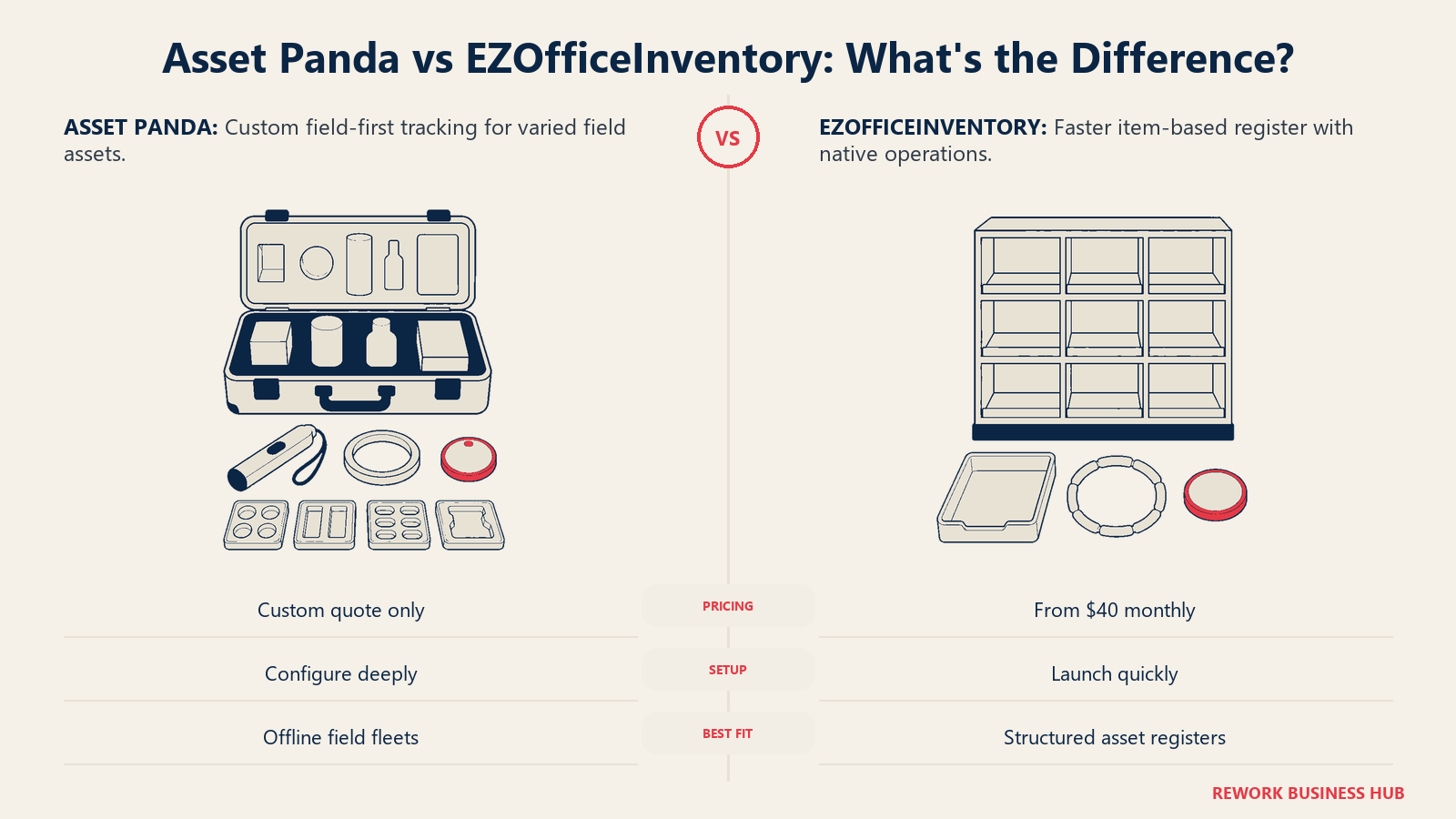
You've outgrown the spreadsheet. Your asset list runs a few thousand rows deep, several people edit it from different desks, and every quarter someone finds a laptop or a pallet jack that fell off the sheet months ago. You're not shopping for a full CMMS and you don't need an enterprise asset management suite with a six-figure implementation. You need a register that scans a barcode, tells you who has what and where, and doesn't quietly drift out of sync with reality. Asset Panda and EZOfficeInventory are the two names that keep surfacing on that exact shortlist, priced for a mid-size team, and neither requires an integrator to stand up.
But the two solve that problem from opposite directions, and the shortlist stage is where that difference should get decided, not six months into a contract you can't easily unwind. One of these vendors gives you a number before you've talked to anyone. The other gives you a phone number. One assumes you'll spend real time building fields and workflows around exactly what you track. The other hands you a working register on day one and asks you to fit inside it. This page settles both trade-offs with real figures, a modeled cost across three growth stages, and an honest answer about which one is wrong for your team.
TL;DR
| Asset Panda | EZOfficeInventory | |
|---|---|---|
| What it is | Highly configurable asset register built around custom fields, mobile barcode/QR scanning and workflows you assemble yourself | Asset and equipment tracking platform with a published item-based price ladder, purchase orders and maintenance built in |
| Pricing transparency | None. "Get a Quote" and a sales phone number, no published floor | Published ladder: Essentials $40/month (up to 250 items), Advanced $55/month, Premium $65/month, Enterprise custom |
| Billing basis | Not disclosed by the vendor | Meters on tracked items, unlimited users under a fair use policy |
| Free trial | 7 days, fully featured | Around 15 days per EZO's own sign-up page, no credit card required |
| Configurability | High. Build fields, forms and workflows around any asset type | Moderate. Works close to out of the box, less to configure before go-live |
| Depreciation methods | 5, per Asset Panda's own comparison content: straight-line, double-declining balance, sum-of-years-digits, units of production and MACRS | 2: straight-line and declining balance, configured at the group level |
| Best for | Field-heavy teams with mixed or unusual asset types who will invest setup time for a custom fit | Teams that want a working register fast and a number they can put in a budget request today |
| Worst for | A team that needs a defendable number before it can get purchase approval | A team whose core job is preventive maintenance scheduling rather than tracking |
The short version: EZOfficeInventory will tell you what your first year costs. Asset Panda will not tell you anything until you've had a call. That single gap decides more of this comparison than the feature grid does, and it's why the pricing section below gets more space than usual.
Key Facts
- Unplanned downtime costs Fortune Global 500 industrial companies close to $1.5 trillion a year, about 11% of their combined revenue, per Siemens' Senseye "True Cost of Downtime 2022" report. That's the stakes behind the maintenance side of this category, even for teams that only need a register today. Siemens/Senseye report (PDF)
- 45% of organizations paid more than $1 million in software and hardware audit costs over the past three years, and 23% paid more than $5 million, according to Flexera's 2025 State of ITAM Report. Poor asset records are the direct driver of that exposure. Flexera press release
- The global asset tracking software market is projected to grow from roughly $27.8 billion in 2026 to $51.6 billion by 2030, a 14.9% compound annual growth rate, as Grand View Research tracks more mid-size operators moving off spreadsheets and into dedicated platforms. Grand View Research
- Ghost assets, hardware still on the books that no longer physically exists, account for an estimated 12% to 25% of fixed assets at a typical organization, per OnPoint's analysis of the problem. That's the exact failure mode a barcode-based register is built to catch. OnPoint, "The Ghost Asset Crisis"
- In a Motive/Wakefield Research survey of 1,000 fleet and asset managers, 33% said manual tracking processes make it hard to track information accurately, and 28% specifically worried about the risk manual errors introduce. That's the spreadsheet pain both of these tools exist to solve. Motive
Who Each Tool Is Built For
| Asset Panda | EZOfficeInventory | |
|---|---|---|
| Target company size | Small to large, a wide band because every deal is negotiated individually | Small to mid-size, roughly 10 to 500 people |
| Team maturity | Ready to invest configuration time in exchange for a custom fit | Wants to be live in days, not weeks |
| Primary use case | Field equipment, tools, vehicles, IT hardware and facilities assets tracked with barcode, QR and GPS scanning | IT equipment, tools, furniture and facilities assets, with maintenance and purchase orders tracked alongside the register |
| Ideal buyer | An ops or facilities lead running distributed crews across sites or vehicles, who needs configurability more than a published rate card | An ops, IT or facilities manager who needs a working register fast and a number finance can actually approve |
Both tools serve the same industries: construction, field services, IT, healthcare facilities, education and manufacturing back offices. The split isn't industry, it's operating style. If your asset list is genuinely unusual (say, a mix of vehicles, uniforms, tools and IT gear that doesn't fit a standard schema), Asset Panda's field-builder approach earns its setup cost. If your list is a fairly normal register of equipment, furniture and hardware, EZOfficeInventory's opinionated defaults get you further, faster. Teams whose asset list is mostly laptops, monitors and software licenses should also weigh our best IT asset management software roundup, which covers tools built specifically for that narrower job.
Pricing: The Sharpest Difference Between These Two
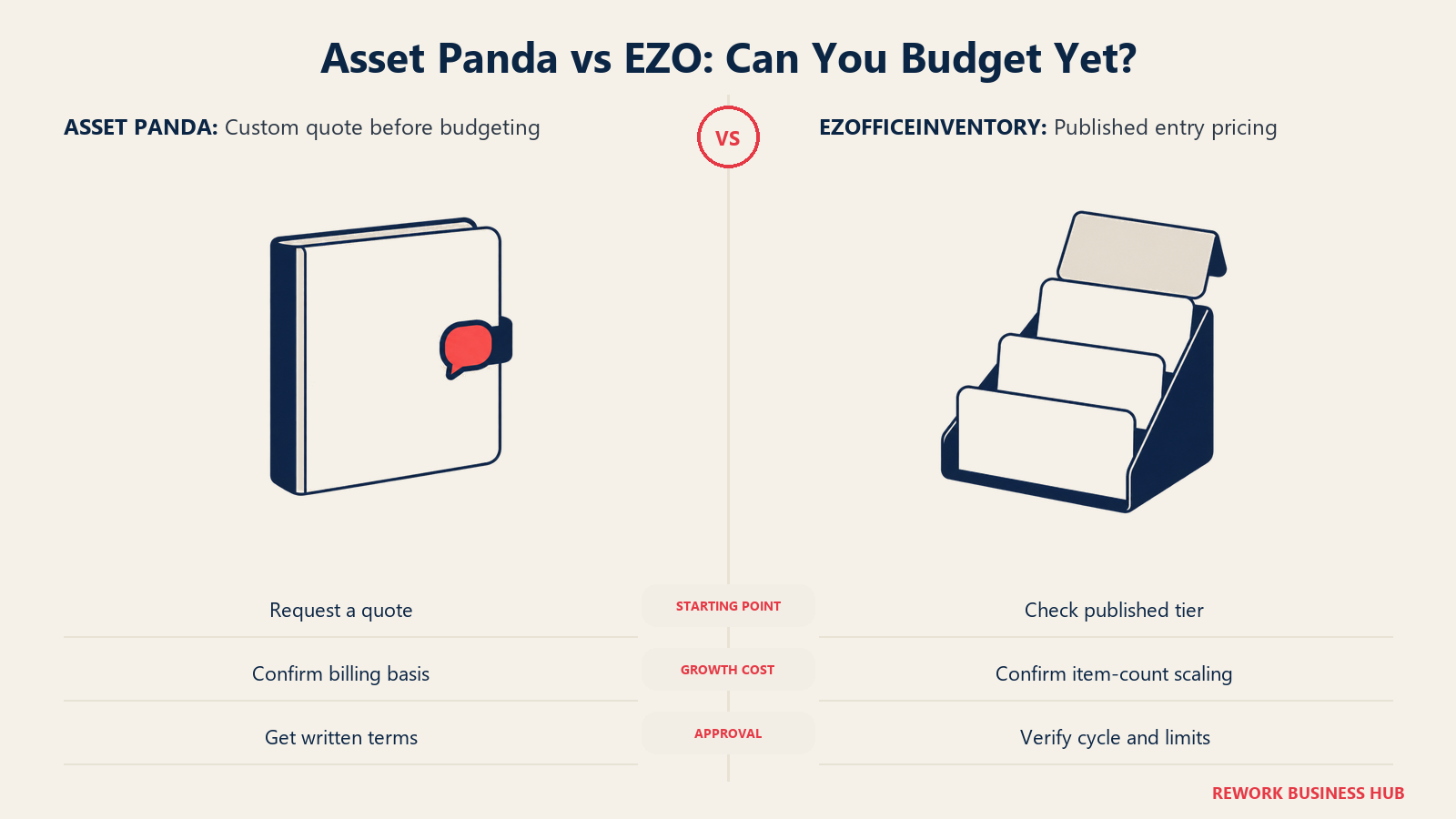
Every other section on this page is a real trade-off. This one isn't. EZOfficeInventory tells you a number. Asset Panda tells you to call.
What Each Vendor Actually Publishes
| Asset Panda | EZOfficeInventory | |
|---|---|---|
| Pricing page behavior | assetpanda.com/pricing shows "Get a Quote" and a sales phone number, nothing else | EZO publishes its figures on its own domain |
| Published floor price | None at all | Essentials $40/month |
| Billing cycle stated? | Not applicable, there's no price to attach a cycle to | No. The vendor page does not state whether $40/$55/$65 are billed monthly or annually |
| Quote process | "You'll receive a clear, custom quote based on exactly what you need" (vendor's own wording) | Self-serve signup for the published tiers, sales-assisted for Premium and Enterprise |
| Free trial | 7 days, fully featured account | Around 15 days per EZO's own sign-up page, no credit card required to start |
Third-party trackers describe Asset Panda tiers (Starter, Business, Enterprise) but the vendor's own pricing page carries none of those names or numbers. Currently it's a pure lead-gen page: fill out a form or call, and someone will price it for you. EZOfficeInventory is the opposite case: the $40/$55/$65 figures are published on a vendor-domain blog page, so the numbers are confirmed EZO publishes, not a rumor.
What Each Meters On
| Asset Panda | EZOfficeInventory | |
|---|---|---|
| Billed on | Not disclosed by the vendor | Tracked items in the register |
| Users | Not disclosed by the vendor. Third-party trackers describe per-user pricing (reported, see below) | Unlimited, subject to a fair use policy |
| What grows your bill | Unknown without a sales call | Adding items past your tier's entry band |
| Enterprise tier | Custom quote | Custom quote |
EZOfficeInventory's billing basis is item count, a variable you control and can forecast against your own growth plan. Asset Panda's billing basis isn't published anywhere the buyer can see before a call, seats, items, both, or something else. You cannot model what you cannot see, which is why the next table has more blank cells on one side than the other.
Modeled Cost at 250, 1,000 and 2,500 Items
Picture a team that starts with 250 tracked items today, grows to roughly 1,000 within a year, and reaches 2,500 by year three, a realistic path for a mid-size operator adding sites or fleet vehicles. Here's what each vendor's own published pricing tells you at each stage.
| Items tracked | EZOfficeInventory (vendor-published) | Asset Panda (vendor-published) |
|---|---|---|
| 250 items | Essentials $40/month, EZO's stated entry band. $480/year if that figure is billed 12 times (modeled; EZO does not state whether $40/month is a monthly or annual rate) | Not published. No price exists anywhere on the vendor's own site at any tier |
| 1,000 items | Not published. EZO's page states price rises above the 250-item band, it does not publish the schedule for how much | Not published |
| 2,500 items | Not published | Not published |
EZO gives you one real anchor: $40/month at the floor, and an honest admission that it doesn't publish what happens above 250 items. Asset Panda gives you nothing at any point on this table. If you want a number for a budget conversation this week, only one vendor can give you one without a call.
Because Asset Panda's own site is silent, here's what third-party pricing trackers report, clearly labeled as reported rather than confirmed:
| Approximate scale | Reported by Vendr (contract-value bands) | Reported by other trackers (per-user rate) |
|---|---|---|
| ~250 items, 5-10 users | $1,500 to $3,000/year typical list, per Vendr's negotiated-deal data (reported) | About $50/user/month, 5-user minimum, billed annually, roughly $3,000/year at the floor (reported) |
| ~1,000 items, 10-25 users | $5,000 to $15,000/year typical list (reported) | $600 to $900/user/year across the trackers surveyed, roughly $6,000 to $22,500/year at 10-25 users (reported) |
| ~2,500 items, 20-30 users | Likely the Enterprise band, $20,000 to $100,000+/year depending on scope (reported) | Not available at this scale from the trackers surveyed |
Even these numbers come from Vendr's aggregated deal data and independent pricing trackers, not from Asset Panda. Treat them as a planning range to sanity-check a quote against, not a quote itself. If your finance process needs a defendable figure before a demo gets scheduled, EZOfficeInventory clears that bar today and Asset Panda does not, at any item count.
Core Capability Comparison
| Capability | Asset Panda | EZOfficeInventory |
|---|---|---|
| Custom fields | Deep. Unlimited custom fields, forms and role-based views built around your categories | Yes, at the item and category level, less open-ended than Asset Panda's field builder |
| Barcode / QR scanning | Native, generate your own codes, scan offline from the mobile app | Native, plus RFID support for bulk scanning and large audits |
| Mobile app | iOS and Android, offline mode that syncs when you're back online | iOS and Android, with external RFID reader support on iOS |
| Check-in / check-out | Yes, with due-date notifications and full history per asset | Yes, with a self-service request portal and double-booking prevention |
| Reservations / bookings | Yes, calendar-based, covers equipment, tools and meeting rooms | Yes, with availability checking and support for multi-tier approval workflows |
| Depreciation | 5 methods (straight-line, double-declining balance, sum-of-years-digits, units of production, MACRS), per Asset Panda's own comparison content | 2 methods (straight-line, declining balance), calculated monthly at the group level |
| Maintenance workflows | Scheduled maintenance alerts, repair tickets and custom inspection checklists | Full preventive maintenance: work orders, service checklists, technician dispatch and repeating service cycles |
| Audits | Scan-based audits with customizable checklists | Scan-based audits with RFID-assisted bulk counts and a dedicated audit report by custodian |
| Purchase orders | Not a native module. Built through custom fields and workflows, or synced via a NetSuite integration | Native purchase order tracking tied to vendors and reorder points |
| Reporting | CSV, XLS and PDF exports with filtered list views. A competitor's comparison blog (EZO's own) describes this as list-based rather than dashboard-driven, a vendor claim worth verifying in your own trial rather than taking at face value | Customizable, real-time dashboards spanning assets, inventory, maintenance and depreciation, with scheduled report delivery |
| API | Documented, used to power integrations | Documented REST API, 60 requests per minute under fair use |
| Integrations | Primarily through Zapier (9,000+ connected apps) plus a direct NetSuite sync | Native integrations including Zapier, Google Workspace, Okta, Zendesk and Procore, plus the open API |
Read that table alongside the pricing section and a pattern repeats. Asset Panda leans on Zapier and custom configuration to reach capabilities EZOfficeInventory ships natively, purchase orders being the clearest example. That's not automatically a loss, Zapier's catalog is enormous, but a capability EZO gives you on day one is a build project on Asset Panda.
Mobile and Scanning: Where Asset Panda Pulls Ahead
This is the section where Asset Panda's pitch is strongest, and it's worth taking seriously rather than waving off.
| Asset Panda | EZOfficeInventory | |
|---|---|---|
| Offline mode | Yes, view and update assets with no signal, syncs automatically once reconnected | Not a stated feature |
| GPS capture | Yes, records GPS coordinates automatically when an asset is scanned | Not a stated feature |
| Barcode / QR generation | Generate your own codes directly in the app | Yes |
| RFID | Not a stated feature | Yes, external RFID reader support for bulk scanning, used for fast audits at scale |
| Kitting / bundles | Yes, bundle equipment for rapid multi-asset check-out or check-in | Not a stated headline feature |
| Signature capture | Yes, digital signatures for accountability on check-out | Not a stated headline feature |
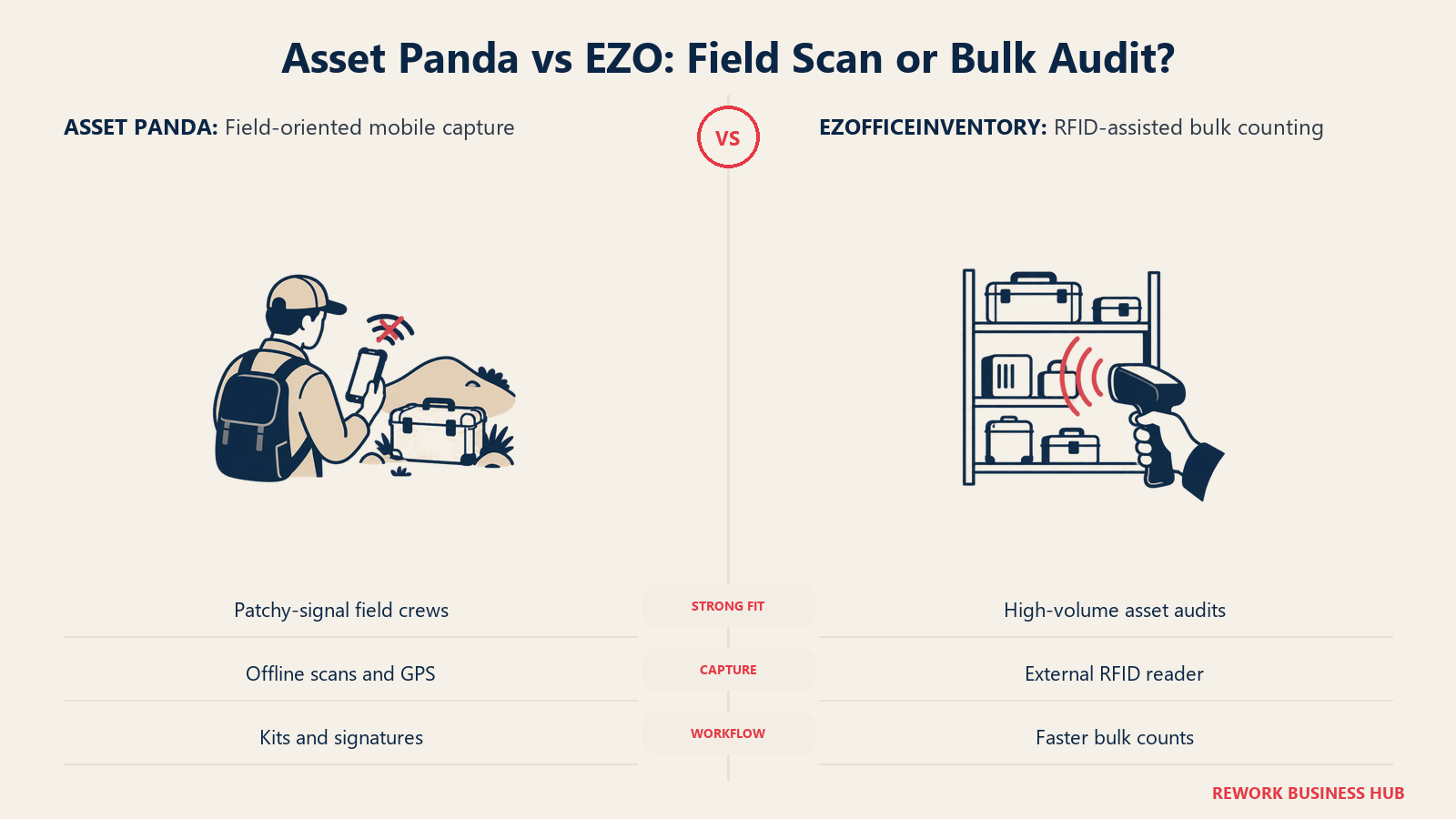
For a crew working a job site with patchy signal, that combination, offline mode plus GPS capture plus kitting plus signature capture, is a genuinely different experience than a register you only trust on wifi. EZOfficeInventory answers back with RFID, which matters more at volume: an external RFID reader clearing a warehouse audit in minutes beats scanning barcodes one at a time. Neither tool wins outright. Asset Panda wins rugged field use, EZO wins high-volume audit throughput.
Depreciation, Compliance and Finance Reporting: Where EZO Pulls Ahead
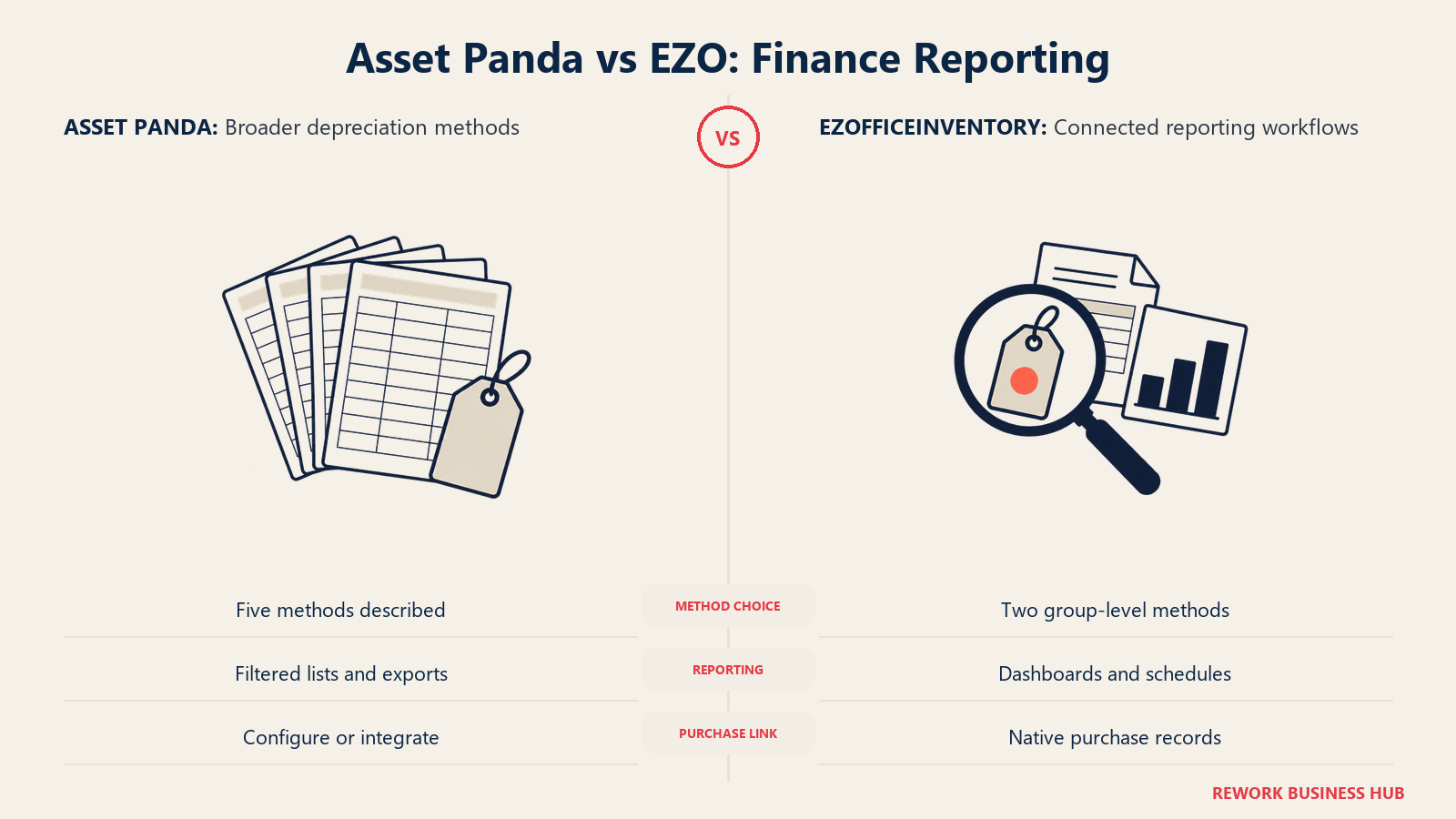
Asset Panda's method count looks like an easy win on paper, five ways to depreciate an asset against EZO's two. In practice, method count isn't what a finance team actually uses day to day.
| Asset Panda | EZOfficeInventory | |
|---|---|---|
| Depreciation methods | 5: straight-line, double-declining balance, sum-of-years-digits, units of production, MACRS | 2: straight-line and declining balance, configured at the group level, calculated monthly |
| Reporting depth | List-based reports, CSV/XLS/PDF exports with filters | Customizable dashboards across assets, inventory, maintenance and depreciation, with role-based access and scheduled delivery |
| Audit trail | Scan-based audits with custom checklists | Scan-based audits, RFID-assisted for bulk counts, plus a dedicated Asset Audits report organized by current custodian |
| Ties to purchase records | Configured manually, or via the NetSuite sync | Native, since purchase orders and the asset record live in the same system by default |
Ghost assets, the ones still depreciating on the books after they're gone, sit at an estimated 12% to 25% of fixed assets at a typical organization, per OnPoint's analysis cited above. Catching that requires an audit trail your controller can run reports against, not just a longer list of depreciation formulas. If your close process leans on dashboards a finance user can self-serve, EZO's reporting layer does more real work than Asset Panda's extra three methods. If your requirement is specifically MACRS for US tax reporting, that's the one case where Asset Panda's method list is the deciding factor.
Implementation and Time to Value
| Asset Panda | EZOfficeInventory | |
|---|---|---|
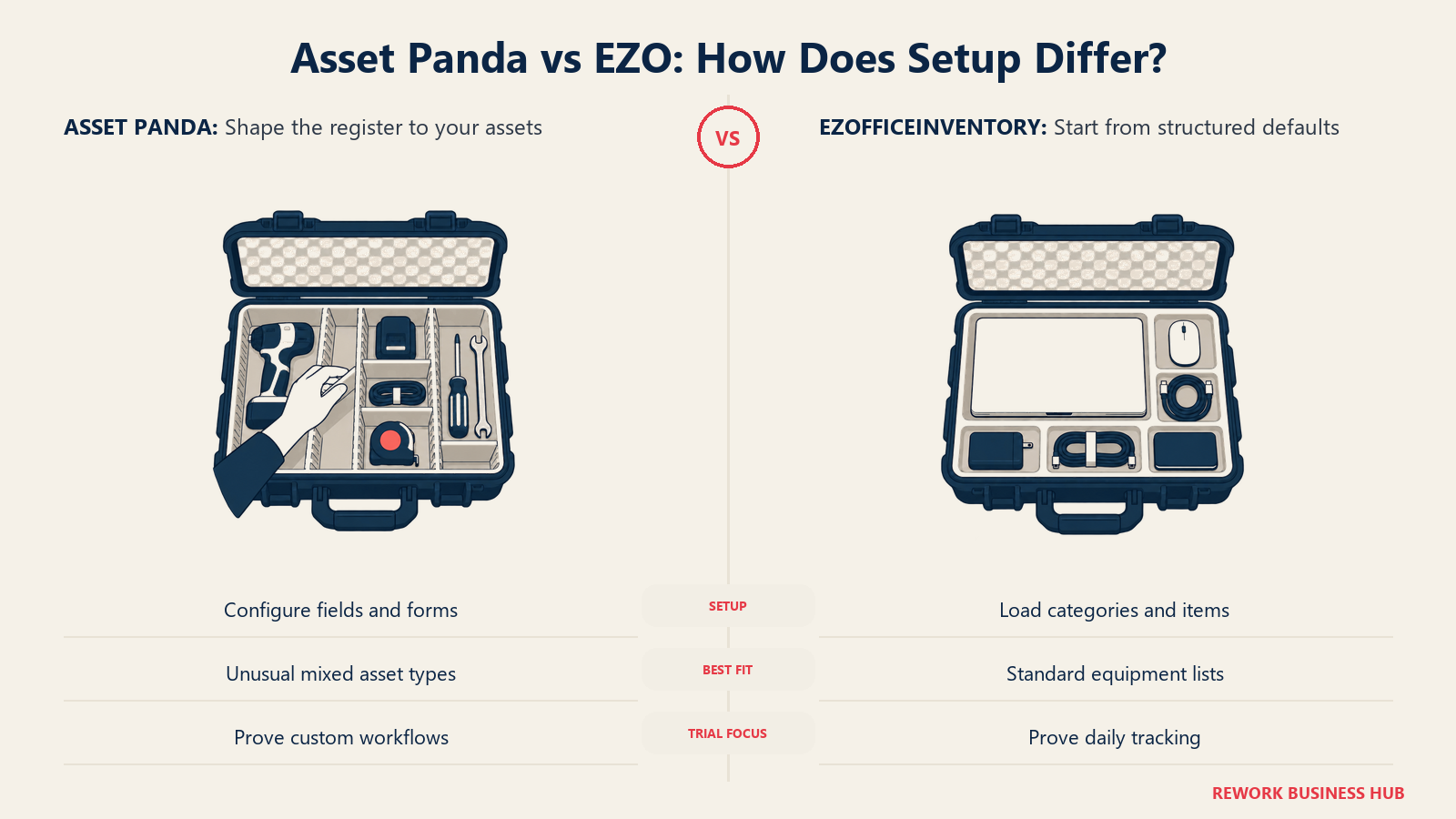
| Typical setup shape | Configuration-heavy. Build custom fields, forms and automations before the register actually matches how your team works | Lighter. Categories, items and purchase-order tracking are close to usable out of the box |
| Where the time goes | Designing fields, forms and workflows around your specific asset types | Mapping your item count into the 250-item entry band and setting up maintenance schedules |
| Trial usefulness for de-risking | 7 days is tight for a tool whose entire value proposition is configuration. Many teams won't finish building before the trial ends | Around 15 days gives more room to load real items, run a check-out cycle and test a maintenance schedule |
| Best fit for a fast go-live | No, budget real setup time before your team is productive | Yes |
Worth stating plainly: Asset Panda sells configurability as its main pitch, then gives you a week to prove it out. A tool that bends to any asset type needs more than seven days to get bent into shape, tested, and rolled out to a pilot team. If configurability is the reason you're considering Asset Panda, ask sales for a trial extension before you sign anything, because a rushed pilot will make the product look worse than it is.
Support, Onboarding and Trial
| Asset Panda | EZOfficeInventory | |
|---|---|---|
| Free trial length | 7 days, fully featured account | Around 15 days per EZO's own sign-up page, no credit card required |
| Onboarding | 24/7 support and implementation are named on some third-party pricing pages (reported), not detailed on Asset Panda's own pricing page | Not detailed on EZO's pricing page either. Ask for specifics before you sign |
| Review standing | Roughly 4.2 stars across 43 G2 reviews (approximate, current) | Roughly 4.3 stars across 33 G2 reviews (approximate, current) |
| Common praise | Configurability, mobile scanning depth, unlimited users at every negotiated tier | Working register out of the box, native purchase orders, maintenance scheduling depth |
| Common friction point | Quote-only pricing and a trial that feels short relative to the setup the product asks for | Marketing pricing page that doesn't render for many visitors, and no stated billing cycle |
Neither review base signals a support gap wide enough to decide a purchase on its own. The friction points are structural, not fixable with a better ticket: Asset Panda's pricing model requires a conversation by design, and EZO's marketing page has a rendering bug that undercuts the transparency its rate card is otherwise good at.
When Asset Panda Is the Right Call
- Your asset list genuinely doesn't fit a standard schema. Mixed tools, vehicles, uniforms, IT gear and facilities equipment tracked as one register, where custom fields matter more than a fast setup.
- Your crews work in the field with unreliable signal. Offline mode, GPS capture on scan, kitting for job-site bundles and signature capture at check-out are a meaningfully different fit for distributed field teams than a wifi-dependent register. Teams whose real bottleneck is dispatching and scheduling that field work, not just tracking the gear, should also look at our best field service management software roundup.
- You're comfortable negotiating a quote-only vendor and you have the internal bandwidth to configure fields, forms and workflows rather than accept defaults.
- You specifically need MACRS depreciation or another of Asset Panda's five methods for US tax reporting that EZO's two methods don't cover.
If none of that describes your team, and the deciding issue for you is the pricing opacity rather than any feature above, our best Asset Panda alternatives roundup covers the field, including several vendors that publish a real rate card.
When EZOfficeInventory Is the Right Call
- You need a number today, not after a sales call. A published $40/month entry price is something you can put in a budget request this week; Asset Panda cannot give you that at any tier.
- Purchase orders and maintenance scheduling need to live with the asset record, not be bolted on through a Zapier workflow or a separate integration.
- Your team wants to be productive fast. A working register close to out of the box, with a 15-day trial to test it properly, beats a longer configuration project for a team that doesn't have setup time to spend.
- You're running audits at real volume. RFID-assisted bulk scanning clears a warehouse count faster than one-at-a-time barcode scanning, Asset Panda's default method.
If none of that fits and what you actually need is deeper field configurability or offline-first mobile scanning, our best EZOfficeInventory alternatives roundup covers that end of the category.
A Third Option Worth Knowing About
Neither Asset Panda nor EZOfficeInventory is a CMMS, and if your real problem turns out to be preventive maintenance scheduling and technician work orders rather than a register, our best asset management software roundup covers the maintenance-leaning tools in this category, including our best UpKeep alternatives breakdown for teams whose core job is dispatching technicians. But if your real gap isn't tracking depth at all, that's a different problem than either of these solves.
Rework's Assets module keeps the register, the work that happens against an asset, the invoice, the vendor and the person holding it on one platform, alongside Inventory, Task, Project, Workflow and BPM on the operations side, a Sales CRM and Lead pipeline, the People app (HRIS, timesheets, payroll, ATS), and a unified inbox spanning WhatsApp, Messenger, Instagram DM, Zalo and web chat, with email in its own Mail app. The argument is consolidation, not depth, the same argument covered in our SaaS consolidation guide: one platform instead of four tools stitched together by integrations that break quietly on a Friday.
Not ideal for: Rework's Assets module is a fixed asset register, not a CMMS. If your core job is preventive-maintenance scheduling, technician work orders or mobile maintenance execution, look at a purpose-built maintenance platform instead. If your core job is barcode-and-QR field scanning at Asset Panda's depth, stick with the tool built for that. Rework isn't built for solo or single-user buyers either.
Price: Quote on request, per organization. See rework.com/pricing.
Decision Framework
| If you are... | Pick |
|---|---|
| A field-heavy team with mixed, nonstandard asset types that need real configuration | Asset Panda |
| A team that needs a defendable number before finance will approve the purchase | EZOfficeInventory |
| Running distributed crews who need offline scanning, GPS capture and kitting | Asset Panda |
| Tracking under 250 items and want a working register with maintenance and purchase orders included from day one | EZOfficeInventory |
| Needing MACRS or another of Asset Panda's five depreciation methods for US tax reporting | Asset Panda |
| Running audits at real volume, where RFID-assisted bulk scanning saves real hours | EZOfficeInventory |
| Your real problem is preventive maintenance scheduling, not tracking | Neither. See the CMMS-focused roundups linked above |
What Carries Over If You Switch
| What carries over | Asset Panda to EZOfficeInventory | EZOfficeInventory to Asset Panda |
|---|---|---|
| Core asset records (name, category, location, custodian) | Yes, via CSV export and import | Yes, via CSV export and import |
| Custom fields | Rebuild manually. EZO's field schema is narrower than Asset Panda's open field builder | Rebuild manually. Most EZO fields map across easily given Asset Panda's more flexible builder |
| Depreciation history | Recalculates under EZO's 2 methods. History built on sum-of-years-digits, units of production or MACRS doesn't map cleanly | Recalculates under Asset Panda's 5 methods. Straight-line and declining-balance history maps directly |
| Maintenance history and work orders | Partial. EZO's work order structure has no direct Asset Panda equivalent to import into | Partial. Export what you can as notes or attachments; Asset Panda has no native work order import |
| Purchase order history | Partial. PO-to-asset links generally need rebuilding | Partial, for the same reason |
| Physical barcodes and QR codes already on assets | Reusable if you preserve the same code values during import | Reusable if you preserve the same code values during import |
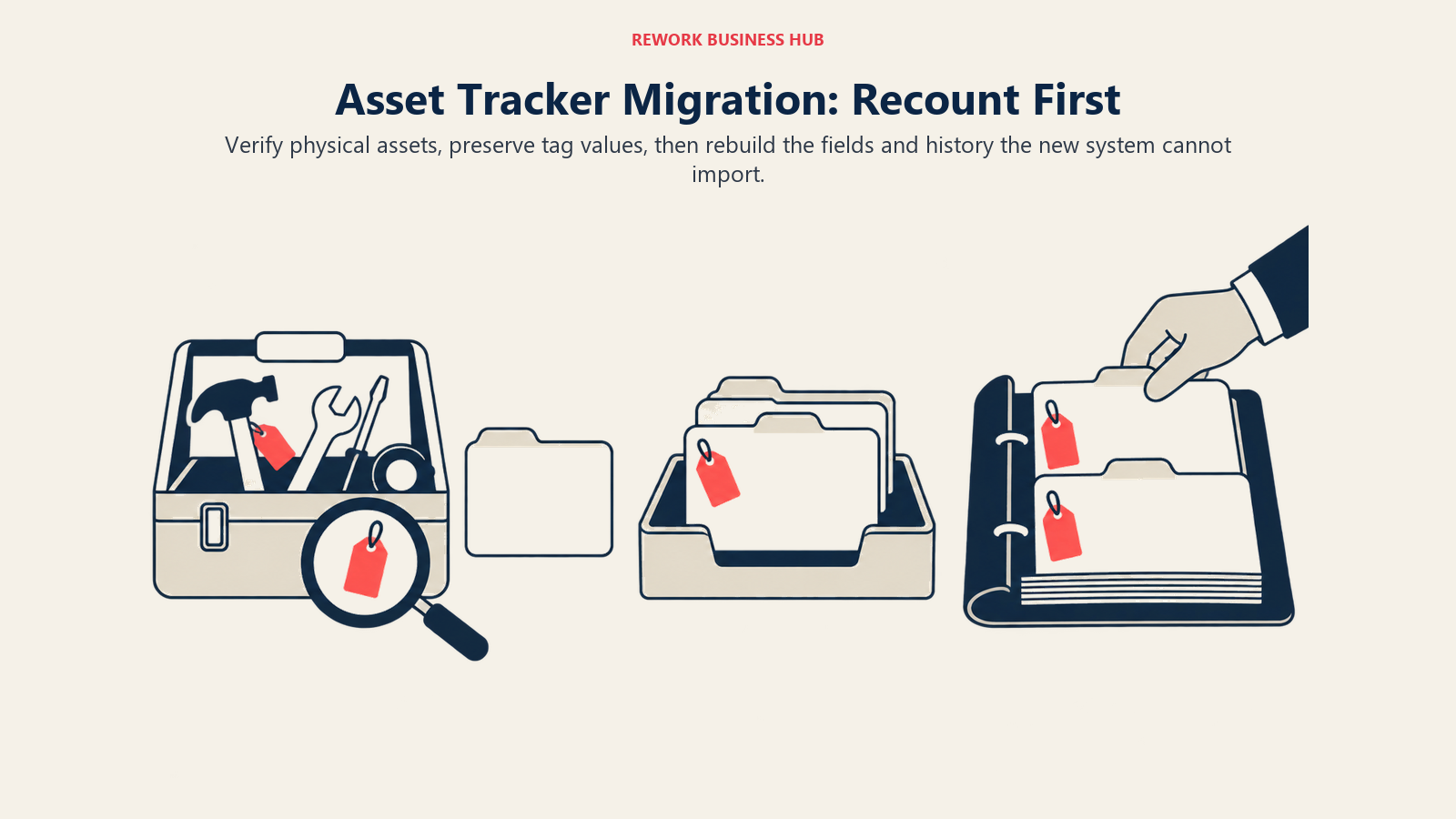
One practical note that applies either direction: do a physical recount before you migrate, not after. Importing stale counts into a new system just moves your ghost-asset problem into a cleaner-looking interface. Our TCO modeling guide is a reasonable template for pricing the migration itself, and our vendor diligence checklist covers the questions worth asking both sales teams first, including the billing-cycle and per-item-scaling gaps flagged above.
Frequently Asked Questions about Asset Panda vs EZOfficeInventory
Is Asset Panda cheaper than EZOfficeInventory?
There's no way to confirm that from either vendor's own pricing, because Asset Panda doesn't publish a price at all. EZOfficeInventory's Essentials tier starts at $40/month for up to 250 items. Third-party trackers report Asset Panda starting around $50 per user per month with a 5-user minimum, above EZO's entry price, but that figure is reported by outside trackers, not confirmed by Asset Panda.
How much does EZOfficeInventory really cost as you grow?
EZO publishes Essentials at $40/month, Advanced at $55/month and Premium at $65/month, each covering up to 250 tracked items. The vendor's own page states that price rises above 250 items but doesn't publish the schedule, so a team at 1,000 or 2,500 items needs a quote to know the real number. The published figures also don't state whether they're billed monthly or annually, so confirm that in writing before comparing them to any other vendor's annual price.
Why doesn't Asset Panda publish pricing?
Asset Panda's own pricing page states you'll "receive a clear, custom quote based on exactly what you need," with no floor price, tier names or numbers published anywhere on the site. Third-party pricing trackers report figures in the roughly $10 to $75 per user per month range depending on tier and deployment size, but none of those numbers come from Asset Panda directly.
How long is the free trial for each?
Asset Panda offers a 7-day free trial of a fully featured account. EZOfficeInventory's own sign-up page offers a free trial without a credit card, commonly cited at around 15 days. Given how much of Asset Panda's value depends on configuring fields and workflows, 7 days is a tight window to prove that out, and it's reasonable to ask sales for an extension before committing.
Which one has better depreciation tracking?
Asset Panda's own comparison content claims 5 depreciation methods (straight-line, double-declining balance, sum-of-years-digits, units of production and MACRS) against EZOfficeInventory's 2 (straight-line and declining balance). For most finance teams running a standard monthly close, EZO's dashboard-driven reporting matters more day to day than the extra methods. If you specifically need MACRS for US tax reporting, Asset Panda is the one that supports it.
Is either of these a CMMS?
Not really, though EZOfficeInventory ships more maintenance depth than Asset Panda does, including work orders, service checklists and technician dispatch. Neither is built maintenance-first the way dedicated CMMS platforms are. If preventive maintenance scheduling is your core requirement rather than asset tracking, look at purpose-built maintenance software instead.
Which is better for IT asset tracking specifically?
Both can do it, but they lean differently. Asset Panda's custom fields suit IT departments tracking a mix of hardware types with nonstandard attributes. EZOfficeInventory's native purchase order tracking and dashboard reporting suit IT teams that need the asset record, the vendor and the spend tied together without extra configuration.
What actually carries over if I switch between them?
Core asset records move cleanly through a CSV export and import either direction. Custom fields, depreciation history built on methods the other platform doesn't support, maintenance work orders and purchase order history all need partial rebuilding. Physical barcodes and QR codes already on your assets are reusable as long as you preserve the same code values during the import.
What to Do Next
- Get Asset Panda's actual quote in writing before you compare anything else. Every other step on this page depends on having a real number instead of a reported range.
- Confirm EZOfficeInventory's billing cycle and its price beyond 250 items. Ask directly whether $40/$55/$65 are billed monthly or annually, and what the per-item rate looks like at your projected item count.
- Run both trials against your actual asset list, not a demo dataset. Load 20 to 30 real items into each, including your least standard ones, and see which defaults survive contact with reality.
- Ask Asset Panda for a trial extension if you're serious about it. Seven days won't be enough to properly test a tool whose whole pitch is configuration; say so and ask for two weeks.
- Model three years, not one. EZO's published floor is knowable and grows with your item count on an unpublished schedule. Asset Panda publishes nothing at any stage. Decide which kind of uncertainty your finance team can live with, and our TCO modeling guide is a reasonable way to structure that comparison.

Principal Product Marketing Strategist
On this page
- TL;DR
- Key Facts
- Who Each Tool Is Built For
- Pricing: The Sharpest Difference Between These Two
- What Each Vendor Actually Publishes
- What Each Meters On
- Modeled Cost at 250, 1,000 and 2,500 Items
- Core Capability Comparison
- Mobile and Scanning: Where Asset Panda Pulls Ahead
- Depreciation, Compliance and Finance Reporting: Where EZO Pulls Ahead
- Implementation and Time to Value
- Support, Onboarding and Trial
- When Asset Panda Is the Right Call
- When EZOfficeInventory Is the Right Call
- A Third Option Worth Knowing About
- Decision Framework
- What Carries Over If You Switch
- What to Do Next