More in
Sales Tech News
AI Sales Teams Grow 2.6x Faster. Gartner Says Buyers Still Want a Rep
Jun 6, 2026
Aircall Bought Piper AI to Turn Every Sales Call Into Pipeline
Jun 6, 2026
Salesforce Just Handed Marketers AI Agents That Build Sales Pipeline
Jun 6, 2026
Revenue Intelligence Showed You the Risk. Revenue Execution Acts on It.
Jun 5, 2026
Meta Put an AI Agent in WhatsApp That Closes Sales for Any Business
Jun 4, 2026
VCs Poured Over $200M Into AI Sales Startups: The GTM Stack Signal
Jun 4, 2026
Are AI SDRs Worth It in 2026? The Data Says Build a Hybrid Team
Jun 3, 2026
GTM Engineering in 2026: The Sales Hire That Replaces Three Roles
Jun 3, 2026
ZoomInfo Feeds Verified Data to Your AI Sales Agents: The Single-Vendor Tradeoff
Jun 3, 2026
Salesforce Summer '26 Drops Multi-Agent Orchestration June 15. Here's the Sales Ops Audit Before Your Agents Start Handing Off
Jun 2, 2026
Drift Is Being Sunset: The 5-Step Migration Playbook for Sales Ops Teams
Turn this article into takeaways for your work.


Each assistant summarizes the article only for you and suggests best practices for your work.
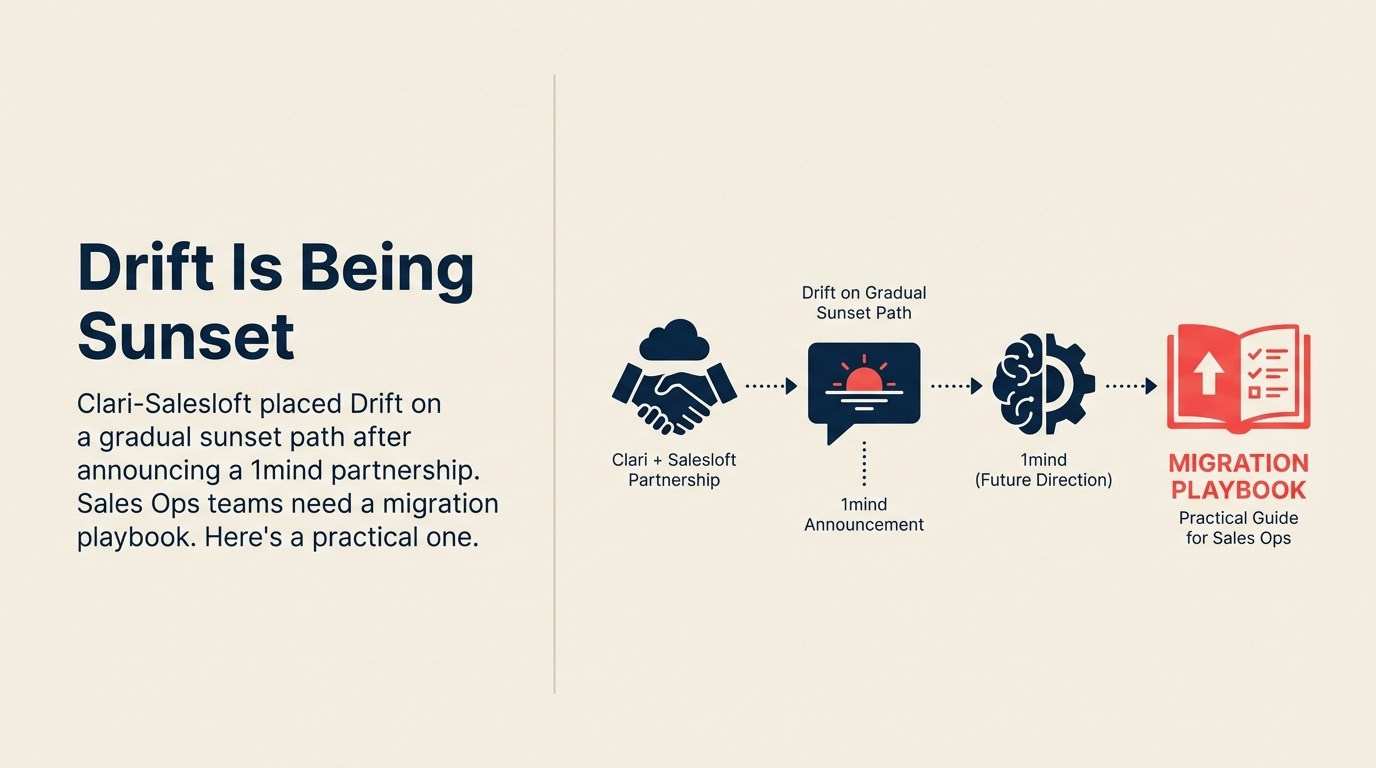
Drift is being sunset on a gradual path after Clari and Salesloft announced a 1mind partnership in March 2026, and Sales Ops teams with Drift in their inbound flows need a migration plan now. The five steps: audit every active workflow, map CRM dependencies, evaluate replacements against that audit, plan data export, then run a parallel period before cutover.
Post-merger product rationalizations move on their own schedule, not yours. When Clari+Salesloft announced a partnership with 1mind in March 2026 and signaled that Drift would be placed on a gradual sunset path, as covered by Demand Gen Report, the message was clear enough: the conversational marketing layer is being rebuilt from scratch. The 1mind integration is meant to replace Drift's function, but not its form.
For Sales Ops teams with Drift woven into their inbound lead flows, chatflows, account-based routing, or outbound sequences, this is the kind of announcement that deserves immediate attention. If you're also evaluating what the broader Clari+Salesloft platform means for your revenue stack, the CRO evaluation guide covers the platform-level decision. Not because the platform is going dark tomorrow, but because product sunset paths compress fast once they're official. The teams who start their audit now will have choices. The teams who wait will have timelines forced on them.
The Salesloft newsroom confirms the merger itself closed December 3, 2025, with the combined entity doubling R&D around a unified revenue platform. Drift was one of the products that came with the Clari package. The 1mind announcement makes clear that conversational AI on the new platform will look fundamentally different than what Drift users have built today.
Why You Should Start Before a Deadline Appears
The absence of a hard cutoff date is not a comfort. It's a trap. Gradual sunset announcements rarely come with a migration runway that matches the complexity of the workflows being retired. And the longer you stay on a platform that's no longer receiving investment, the more likely you are to experience feature degradation, integration instability, or support delays before the official end-of-life date arrives.
There's also a personnel dynamic worth acknowledging. The Sales Ops team that built your current Drift workflows may or may not still be on your team when a forced migration happens. Documenting those workflows now, while the original architects are available, is a risk management step as much as a technical one.
Here's a practical five-step playbook to start now.
The 5-Step Migration Playbook
Work through the five migration steps in order, from the workflow inventory to a tested cutover.
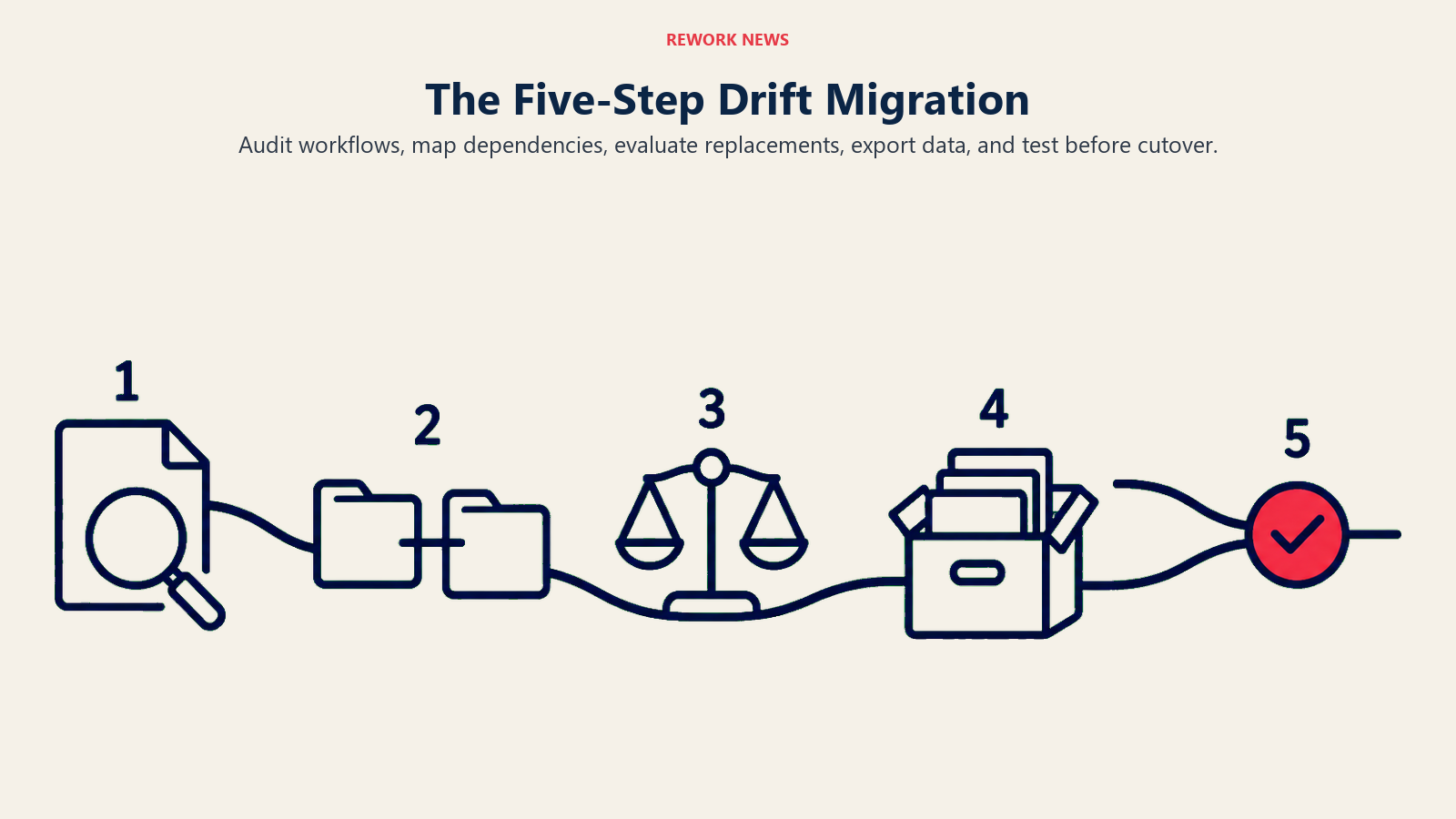
Step 1: Audit every active Drift workflow
Start with a complete inventory, not a memory-based estimate. Pull a list of every active chatflow, bot sequence, meeting booking flow, and routing rule currently running in Drift. Document what triggers each, what it routes to, and what happens downstream: CRM field updates, sequence enrollments, Slack notifications, handoffs to human reps.
Most teams have between 8 and 30 active workflows depending on the complexity of their inbound motion. The goal at this stage is not to evaluate what to keep. It's to see the full surface area before you make any decisions. You'll almost certainly find workflows that are still running but no longer actively maintained, and this audit is when you find them.
Step 2: Map dependencies to CRM and lead routing
Each Drift workflow that touches a CRM record is a dependency chain, not a standalone tool. For every workflow you inventoried in Step 1, document what it writes to (field names, record types, objects), what it reads from (segment criteria, enrichment data, account ownership rules), and what it triggers downstream (sequence enrollment, task creation, owner assignment). The field mapping guide for CRM data migrations is a practical reference for structuring this dependency map.
The goal is a dependency map, not just a tool list. When you switch from Drift to a replacement, any workflow that writes to your CRM is a potential data quality risk during the transition. Knowing exactly what fields Drift touches, and in what order, lets you design a migration that preserves data integrity rather than creating gaps.
Step 3: Evaluate replacement options with your actual workflows in hand
The 1mind integration is the Clari+Salesloft roadmap answer. But it's a new product with a different interaction model (AI digital teammates rather than buyer-initiated conversations), and its feature set at launch may not map cleanly to everything Drift does for your team today.
Before defaulting to 1mind, run at least a lightweight evaluation of two or three alternatives: Qualified (pipeline automation platform built on Salesforce), Intercom (if your use case is closer to support-adjacent conversations), or a simpler meeting scheduler plus chatflow replacement combination if your Drift usage is actually minimal under the hood.
The right evaluation criterion is feature coverage against your audit from Step 1, not vendor relationship continuity. The workflows you documented in Step 2 are your scorecard.
Step 4: Plan data export and backup
Whatever migration path you choose, get your Drift data out before it's off the platform. This includes conversation transcripts, routing history, chatflow performance data, and any enrichment fields that Drift has been writing to your CRM. Export formats and data retention policies should be clarified with your account team now, not at the end of the migration. The data cleaning and dedup guide covers how to handle records that have accumulated noise before they move to a new system.
Data backup is often the step that gets deprioritized because it doesn't feel urgent. Until it is. A conversation transcript that helps a sales rep pick up context on an active deal has no value once the platform is retired and exports are closed.
Step 5: Run a parallel period before cutover
Don't flip the switch. Pick your highest-traffic chatflow (likely your website homepage routing flow or your pricing page bot) and run the replacement tool in parallel for 60 to 90 days before deactivating Drift on that workflow. The shadow import testing approach applies the same parallel-running logic to data pipelines and is worth adapting for workflow cutover decisions. Track conversion rate, routing accuracy, and rep handoff quality across both tools simultaneously.
Parallel running is more operational work, but it gives you a live comparison rather than a before-and-after gap that's impossible to attribute. It also gives your reps time to adjust to how the new tool routes conversations before they're relying on it exclusively.
What the 1mind Integration Replaces (and What It Doesn't)
The 1mind partnership positions AI digital teammates as a new kind of pipeline origination layer: agents that handle first-touch conversations through to close, rather than rule-based chatbots that route to human reps. That's a genuinely different model than Drift.
Where 1mind likely covers Drift's use cases: top-of-funnel conversation initiation, inbound qualification, and meeting booking. These are the features that most Drift deployments are built around, and they're the ones most likely to have a direct 1mind equivalent.
Where the mapping gets uncertain: complex account-based routing logic, multi-step conversational sequences tied to CRM account ownership, and Drift's integrations with tools outside the Salesloft/Clari stack. If your Drift deployment does anything more sophisticated than standard inbound routing, assume the 1mind migration will require custom configuration work, not a lift-and-shift.
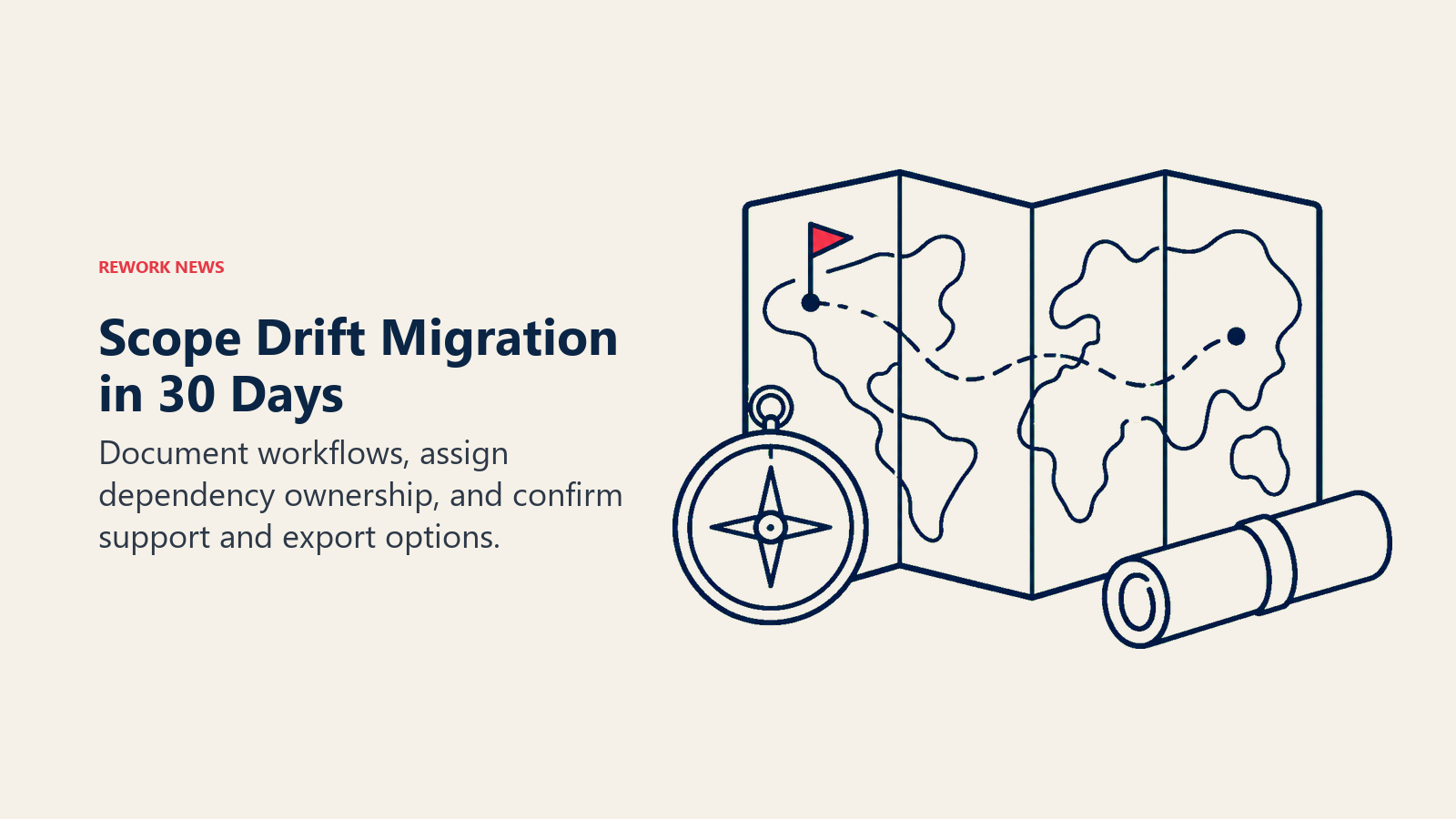
What to Complete in the Next 30 Days
The goal for the next 30 days isn't to finish the migration. It's to have a clear picture of what the migration actually requires. Rebuilding lead capture automation from scratch is the kind of work that surfaces hidden complexity. Start the scoping now rather than during a forced cutover.
- Complete the workflow audit (Step 1) and get it into a shared document your team can maintain
- Assign ownership of the dependency map (Step 2) to one person with CRM admin access
- Book a discovery call with your Clari+Salesloft account team to get written answers on the 1mind integration timeline and what features are available at launch
- Get clarity from the account team on data export options and the Drift support window
Thirty days from now, you should know exactly what you're migrating, what you're migrating to, and when the latest possible start date is. That's a position of control. Waiting for a forced migration date to appear is not.
Frequently Asked Questions
Is Drift being shut down?
Drift is on a gradual sunset path, not an immediate shutdown. After the Clari-Salesloft merger closed in December 2025 and the companies announced a 1mind partnership in March 2026, Drift was signaled for retirement as conversational AI gets rebuilt on the combined platform. There is no hard end-of-life date yet, which is exactly why Sales Ops teams should start auditing now rather than waiting for a forced timeline.
What is the 5-step Drift migration playbook?
The five steps are: audit every active Drift workflow (chatflows, bots, routing rules, meeting booking), map each workflow's dependencies to your CRM and lead routing, evaluate replacement options against that audit rather than defaulting to the vendor roadmap, plan a full data export and backup before access closes, and run the replacement tool in parallel for 60 to 90 days before deactivating Drift on each workflow.
What replaces Drift after the sunset?
The Clari-Salesloft roadmap answer is 1mind, which uses AI digital teammates rather than rule-based chatbots. That covers top-of-funnel conversation, inbound qualification, and meeting booking, but complex account-based routing and integrations outside the Salesloft-Clari stack may need custom work. Alternatives worth a lightweight evaluation include Qualified, Intercom, or a simpler scheduler plus chatflow combination if your Drift usage is minimal.
How long does a Drift migration take?
Plan for months, not days, if your deployment is more than basic inbound routing. Most teams run 8 to 30 active workflows, and the parallel-running period alone is 60 to 90 days per high-traffic flow. The realistic 30-day goal is scoping: complete the workflow audit, assign the dependency map, and get written answers from your account team on the 1mind timeline and data export options.
Learn More
- The Clari-Salesloft Platform Is Fully Live: CRO Evaluation Guide - Evaluating the combined platform as a replacement for your current revenue stack
- The B2B Chat Tool Market Is Consolidating: CMO Vendor Stability Guide - What CMOs need to know about the same Drift sunset from a marketing perspective
- Drift Is Being Phased Out: RevOps Migration Checklist - RevOps-level preparation for the conversational workflow migration
- Chat Funnel Setup Guide - Rebuilding chat-to-CRM workflows after migration
Source: Demand Gen Report - Clari-Salesloft 1mind Partnership | Salesloft Newsroom - Clari-Salesloft Merger
