More in
Sales Tech News
AI Sales Teams Grow 2.6x Faster. Gartner Says Buyers Still Want a Rep
Jun 6, 2026
Aircall Bought Piper AI to Turn Every Sales Call Into Pipeline
Jun 6, 2026
Salesforce Just Handed Marketers AI Agents That Build Sales Pipeline
Jun 6, 2026
Revenue Intelligence Showed You the Risk. Revenue Execution Acts on It.
Jun 5, 2026
Meta Put an AI Agent in WhatsApp That Closes Sales for Any Business
Jun 4, 2026
VCs Poured Over $200M Into AI Sales Startups: The GTM Stack Signal
Jun 4, 2026
Are AI SDRs Worth It in 2026? The Data Says Build a Hybrid Team
Jun 3, 2026
GTM Engineering in 2026: The Sales Hire That Replaces Three Roles
Jun 3, 2026
ZoomInfo Feeds Verified Data to Your AI Sales Agents: The Single-Vendor Tradeoff
Jun 3, 2026
Salesforce Summer '26 Drops Multi-Agent Orchestration June 15. Here's the Sales Ops Audit Before Your Agents Start Handing Off
Jun 2, 2026
Before You Turn on HubSpot's Breeze Agents: The Governance Questions You Should Answer First
Turn this article into takeaways for your work.


Each assistant summarizes the article only for you and suggests best practices for your work.
There's a useful way to read a product release: not just as a list of features, but as a statement about what the vendor assumes is a solved problem and what they assume isn't. HubSpot's March 2026 release contains a feature that, read this way, tells you something important about where AI CRM automation actually stands right now.
The feature is CRM Tool Approval Controls. According to HubSpot's official March update post, admins can now require review before an AI agent writes to a CRM record, or configure certain write operations to skip that review. The controls are scoped to agent workflows built on Breeze AI, HubSpot's agent platform that as of this release displays agent outputs directly inside CRM record cards and lets users select and run agents from a dropdown within the record view.
The assumption embedded in this feature: AI writing to production CRM data needs governance. Most RevOps teams haven't built that governance layer yet. The approval controls are HubSpot giving you a mechanism. Building the actual governance is still your job. If you're a CRO thinking about the change management side rather than the governance configuration, the CRO-focused piece on Breeze rollout strategy covers that angle.
What Breeze Agent CRM Cards Actually Do
To understand why governance matters, it helps to be clear on what the feature actually does. Breeze Agent CRM Cards place AI agent outputs directly inside CRM records. When an agent runs against a contact, deal, or company record, the most recent output loads automatically inside the record view. Users can select different agents from a dropdown and run them without leaving the CRM.
That's a meaningful shift in how AI outputs interact with CRM data. Previously, agent outputs typically lived in separate interfaces (dashboards, sidebars, or external apps) that required a rep to actively go find them. Now they're inline. Less friction, higher adoption likelihood. But it also means the CRM record is no longer just a repository of human-entered data. It's an active output surface for AI reasoning.
That distinction matters for RevOps. CRM records are the source of truth for pipeline reporting, forecasting, and commission calculation. Any process that writes to those records, human or AI, affects the integrity of every downstream output.
The Data Quality Problem Doesn't Disappear With AI
It's worth being direct about something that gets underplayed in AI feature announcements: AI agents don't fix bad CRM data. They operate against whatever data exists. If your contact enrichment is stale, your deal stage definitions are inconsistent across reps, or your activity logging is patchy, an AI agent running against those records will produce outputs that reflect that messiness. The lead data enrichment process is typically the first place that staleness shows up, and it's worth auditing before enabling any agent-write workflow.
The governance question isn't just "who reviews AI writes before they go to production." It's "is the data the agent is reading accurate enough to produce trustworthy outputs in the first place." Those are different problems, and the approval controls only address the second one if the first is already solved.
That's also why HubSpot's CRM data quality features, particularly the activity timeline improvements shipped in the same March release with clearer overdue task indicators and improved filtering, are worth treating as a prerequisite conversation before enabling agent-write workflows. Getting underlying records cleaner is what makes governance controls meaningful rather than cosmetic.
A Governance Framework Before You Enable Agent Writes
RevOps teams considering Breeze AI agents should run through a structured review before turning on any agent-write capability in production. Here's a practical starting framework:
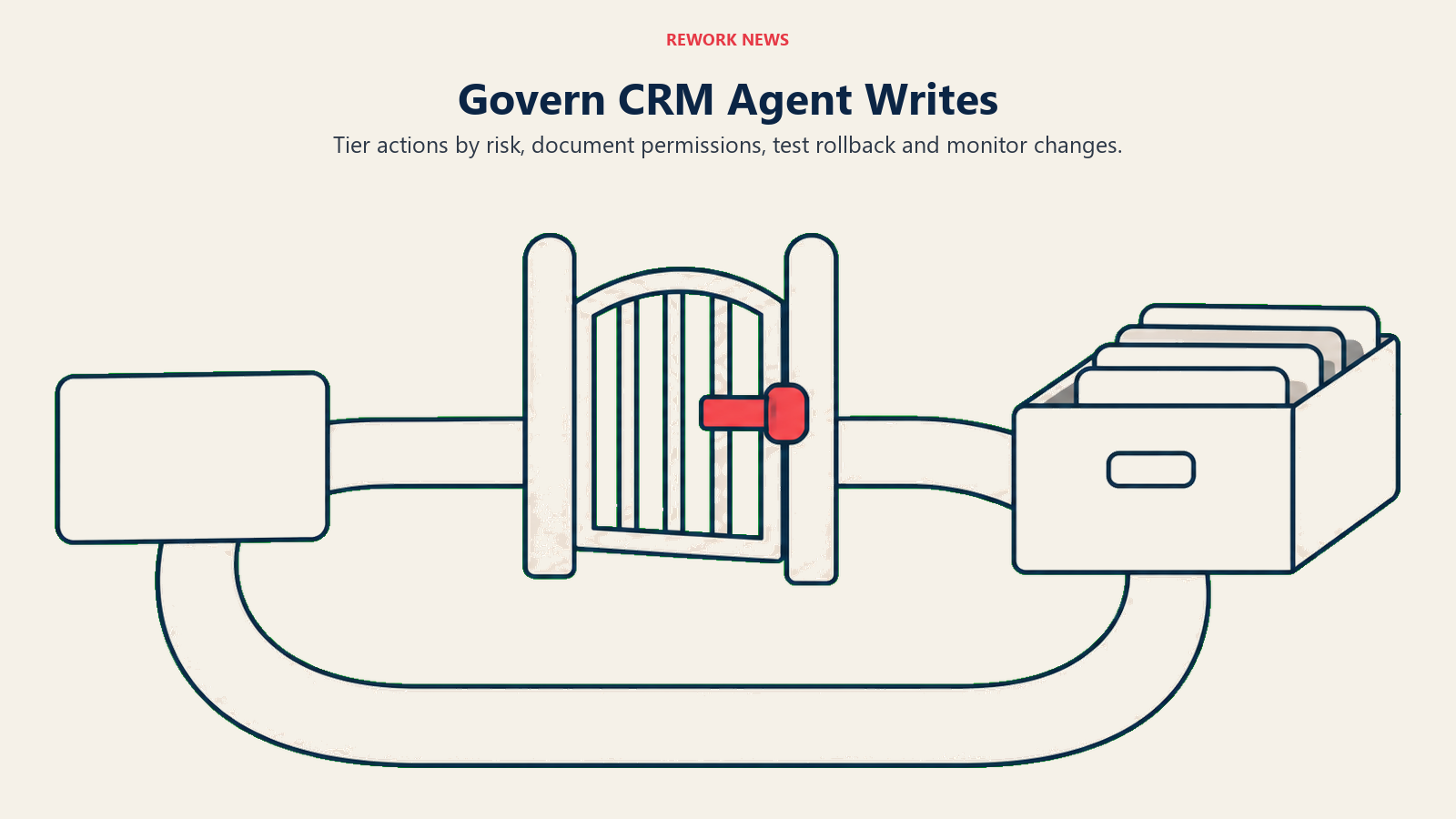
1. Define which agent actions require human review and which don't. Not all writes are equal. An agent updating a contact's job title from a fresh LinkedIn enrichment is a different risk than an agent writing a deal stage update or appending notes to an opportunity record. Map your agent use cases to a risk tier: low risk (can auto-write), medium risk (flag for rep review), high risk (require admin review). Don't make this decision globally. Make it per field type and per agent action.
2. Document approved agent use cases before enabling anything. Which agents are authorized to run against which record types? What fields are in scope? What conditions trigger an agent run? These should be written down before any agent has write access to production data. If you can't answer these questions in a document, you're not ready to enable the feature.
3. Establish rollback procedures. What happens when an agent writes something wrong? Can you revert a bulk field update from an agent run? Do you have audit logging enabled to trace what changed and when? HubSpot's approval controls can prevent bad writes, but they won't help you if you don't catch a bad write until a week later. Understand your rollback capability before you need it.
4. Set data quality benchmarks before enabling agents in a given workflow. Choose a set of fields the agent will write to. Audit their current accuracy and completeness across a sample of active records. If field accuracy is below 80% and the agent's outputs depend on those fields, enabling the agent is likely to amplify errors, not correct them.
5. Establish rep expectations around AI-assisted record updates. Reps need to know two things: that AI agents may be updating records, and what they're responsible for reviewing. If an agent writes an AI-generated activity note to a deal record, is the rep expected to review and confirm it? Or is the write final? Ambiguity here produces the worst outcome: reps who assume someone else is reviewing, and agents writing unchecked.
6. Build monitoring into your RevOps cadence. Add a monthly review of agent activity to your operational rhythm. How many agent writes happened? How many were reviewed and accepted versus flagged? Which agents are running most often against which record types? This data tells you whether your governance framework is working or whether it's governance on paper only. The same monitoring logic applies to lead status management, as both are about maintaining data integrity in a system that moves faster than any individual reviewer.
What the Broader March Release Means for RevOps
The CRM Tool Approval Controls are the most governance-relevant feature in the March release, but they're not the only change worth noting.
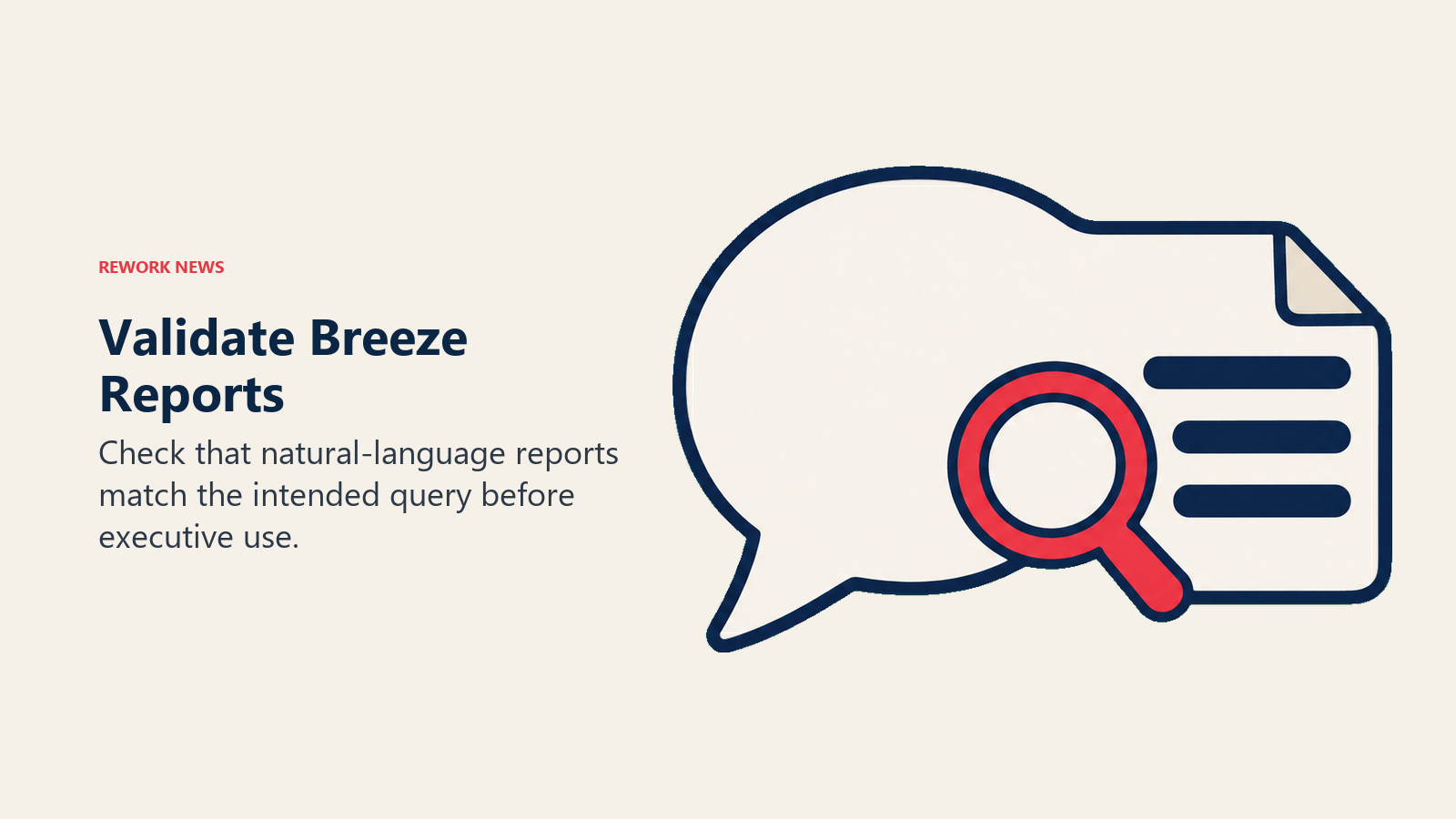
The Breeze Assistant for Reporting feature, which lets users build multi-object reports using plain-language descriptions, is a real win for RevOps teams that have historically depended on technical resources for complex reporting. Ask for "all open deals in stage 3 or later, grouped by rep, with close date and last activity date" and the report builds automatically. But report accuracy now partly depends on whether the natural language interpretation matches the logical query. Worth validating before those reports feed into executive reviews.
File support expansion for Breeze Assistant (DOCX, CSV, TXT, PPTX, XLSX, Markdown, RTF, JSON, and log files, per the HubSpot release notes) opens up analysis workflows that previously required exporting data out of HubSpot entirely. If your team has been pulling CRM data into Excel or Google Sheets to run analyses, that workflow may now be replaceable with native Breeze queries. The tradeoff is AI interpretation instead of explicit formulas, which has its own accuracy considerations.
None of the March changes involve pricing or licensing modifications. That changes the urgency math: these features are shipping into your existing environment, not behind a new paywall. The governance work is the blocker, not the budget. Teams evaluating whether to stay on HubSpot or move to an alternative can use the CRM comparison guides to benchmark the platform against other options before committing to deeper AI configuration work.
What to Do This Week
If your organization is actively deploying Breeze AI agents, or planning to in the near term, this week's work is about building the foundation before enabling anything in production:
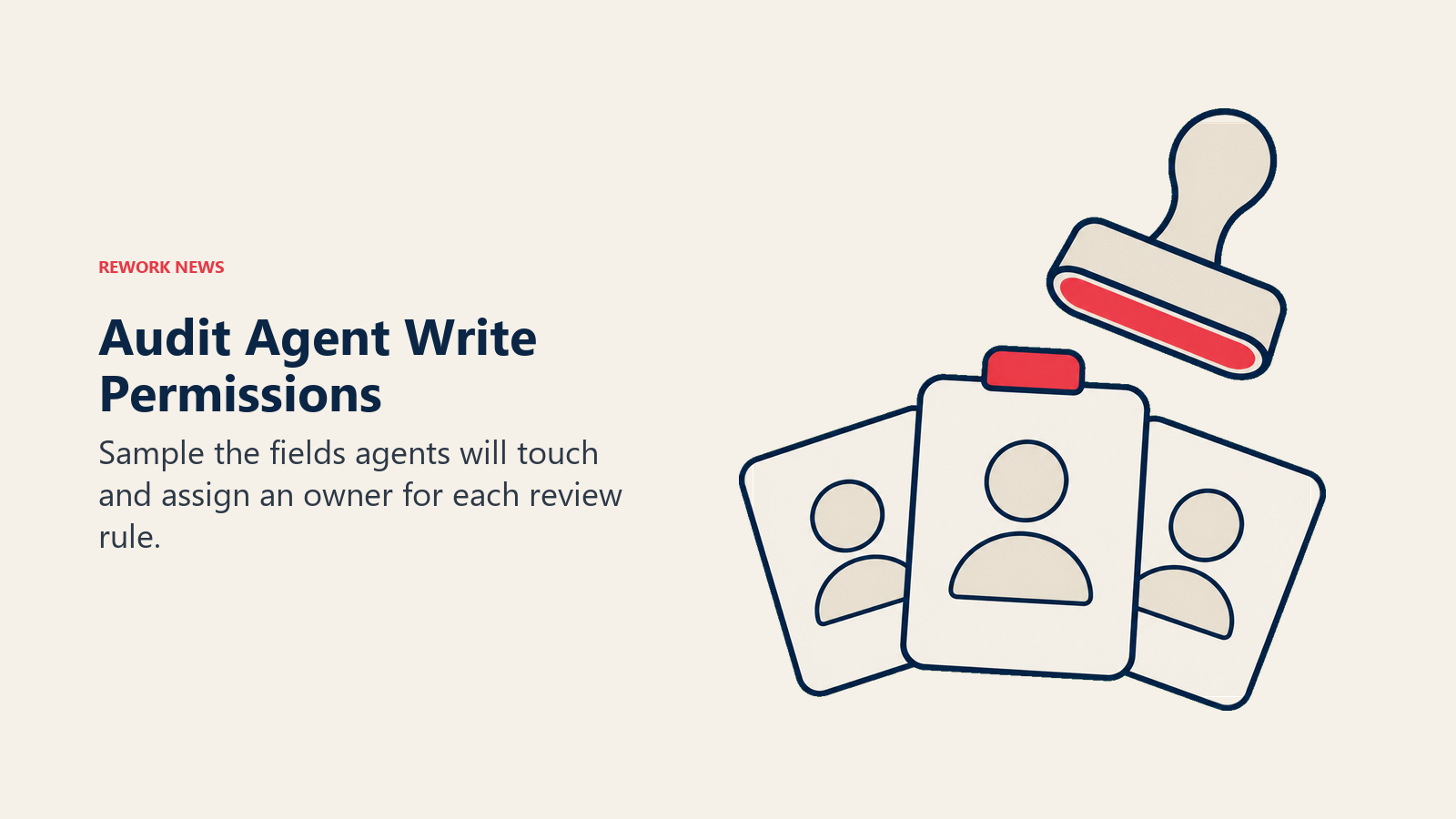
Audit which CRM fields your intended agents will write to. For each field: who currently owns data quality? What's the current accuracy rate in active records? Is there a defined human process for updating that field today?
Map your current agent use cases to the risk tiers. Which planned agent actions are low risk, medium risk, or high risk? That map should exist before any approval control configuration decisions are made.
Talk to your HubSpot admin about current CRM Tool Approval Controls configuration. Are they turned on? Do the current settings match your organization's risk tolerance? In many cases, approval controls were set during initial feature setup and haven't been revisited as agent use cases expanded.
Pull a data quality sample on the fields agents will touch. Even a manual spot check of 50-100 records on the fields most central to your agent workflows will tell you whether you have a data quality prerequisite to address before enabling writes.
Draft a one-page agent governance policy. It doesn't need to be elaborate: which agents are approved to run, against which record types, with which write permissions, and under what review conditions. Having this written down is the difference between a governance framework and a governance intention.
Learn More
- HubSpot's AI Is Now in the Meeting Room: The CRO's change management framework for the Breeze rollout
- AI Agents Governance Checklist for RevOps: The 5-point governance framework that applies to all CRM-connected AI agents
- AI Governance Policy for Departments: Building the one-page agent governance policy that protects your CRM data
- CRM Data Model Design: Structuring your CRM before AI agents start writing to it at scale
Source: HubSpot Community, The March 2026 Industry Edit: Essential HubSpot Updates
