More in
Productivity Tech News
Half of U.S. Workers Now Use AI on the Job: The Operating Model COOs Need for the Post-Pilot Era
Apr 17, 2026
Notion Now Searches Your Salesforce Data: What Cross-Tool AI Means for How Operations Teams Work
Mar 20, 2026
You Can Now Give Notion a 20-Minute Task and Walk Away: What That Means for How You Lead
Mar 17, 2026 · Currently reading
Notion Custom Agents Are Free Until May 3: How COOs Should Run a 3-Week Evaluation
Mar 13, 2026
Atlassian Cut 900 R&D Roles: What Operations Leaders Need to Assess Before Renewal
Mar 10, 2026
You Can Now Hire AI Agents for Your Monday.com Workspace: What That Means for How COOs Evaluate Work Management Platforms
Feb 6, 2026
ClickUp Wants to Replace Your PM Tool, Your Slack, and Your Zoom: Is the Everything App Bet Worth It?
Jan 30, 2026
Monday.com Lost 19% in One Day Over AI Agents: What That Signals About SaaS Pricing and Your Next Renewal
Jan 29, 2026
Monday.com vs. Asana in 2026: The AI Architecture Decision That Should Drive Your Platform Choice
Jan 16, 2026
AI Meeting Context vs. Your Notion Workspace: Do Teams Actually Need Both in 2026?
Jan 13, 2026
You Can Now Give Notion a 20-Minute Task and Walk Away: What That Means for How You Lead
Turn this article into takeaways for your work.


Each assistant summarizes the article only for you and suggests best practices for your work.
If you've been using Notion AI as a writing assistant (something that helps you clean up a doc, generate a first draft, or summarize a meeting), you're working with a significantly different tool than what Notion shipped in early 2026.
Notion's AI Agent, detailed in Notion's release notes from January 2026, can now perform autonomous work for up to 20 minutes across hundreds of pages. You assign a goal, the agent works through it independently, and you return to a completed output. No "accept this sentence, reject that one." No hovering over a generation. You describe what you need, hand it off, and come back.
That's a different mental model for how you use the tool, and it has real implications for how team leads think about delegation, what kinds of tasks are worth handing off, and what oversight looks like when some of your "junior analyst" work is being done by software.
What 20 Minutes of Autonomous Work Actually Looks Like
The 20-minute threshold isn't arbitrary. It covers the research-and-synthesis tasks that are high in frequency but low in creative distinctiveness: work that matters and takes time, but doesn't require the specific judgment of a senior person.
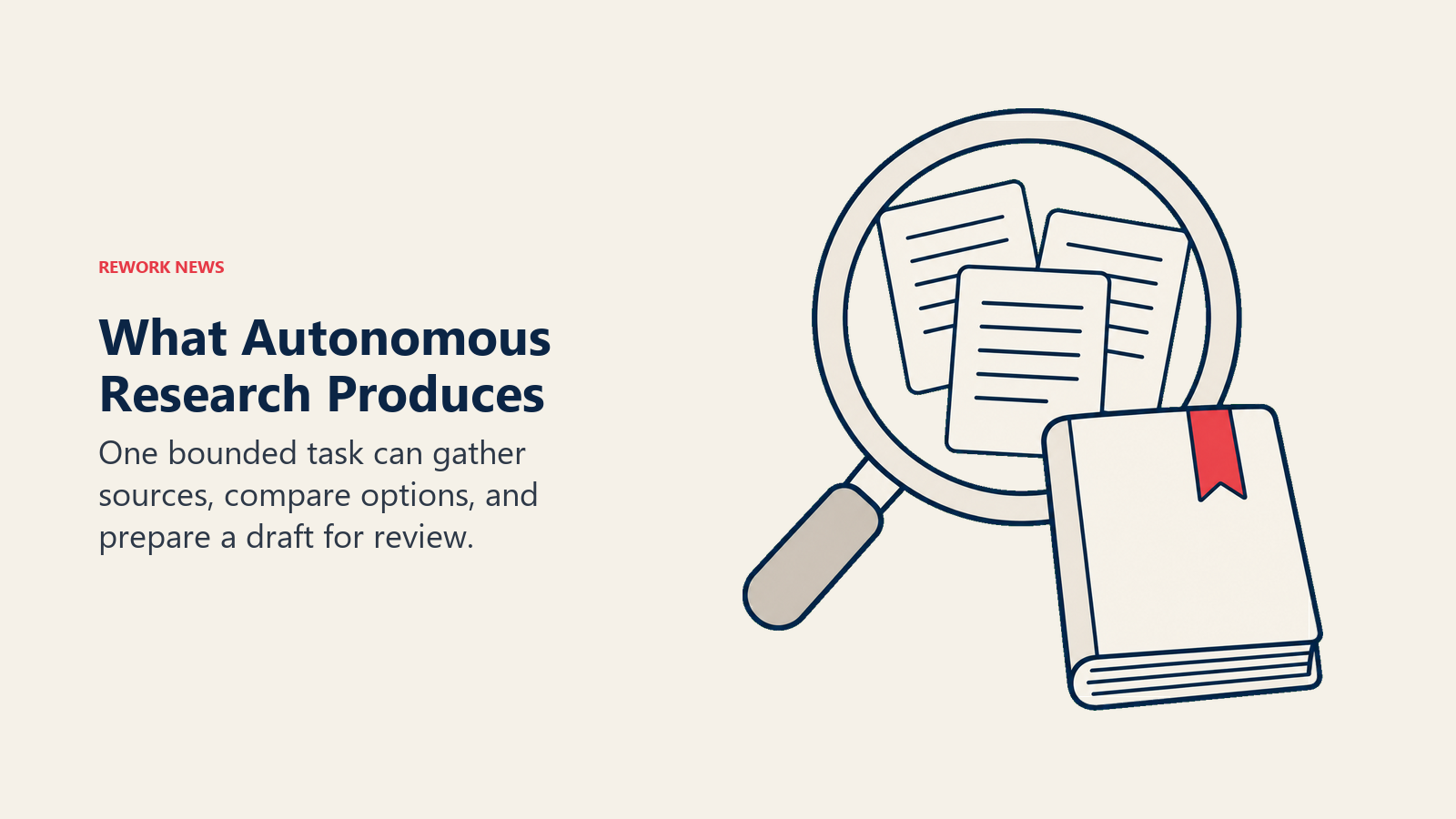
According to Notion's agent documentation covered by thecrunch.io, practical examples include researching the top five competitors across existing Notion pages and web sources, building a comparison table in a Notion database, and drafting a strategy document based on the research, all as a single chained task. The agent moves through those steps without needing a prompt at each stage.
Other use cases that fit the same profile: preparing a briefing document before a client meeting, pulling together context from across multiple project pages into a summary, drafting a weekly status update based on task completion data, or creating an onboarding document from scattered reference pages.
These aren't trivial tasks. They're the kind of thing a capable junior team member handles, but they take time, often interrupted, often context-switched time, and they need to be done accurately, not just adequately. The pattern is close to what AI meeting notes and summary tools have been automating for a couple of years, except the agent scope here extends well beyond a single meeting.
The Salesforce Integration: A Concrete Use Case
One of the more useful aspects of Notion's recent updates is the Salesforce integration, which landed in February 2026. Notion AI can now search Salesforce data, including accounts, leads, opportunities, and contacts, alongside workspace content in a single query.
For team leads who manage client-facing work, this changes a specific workflow: preparing for a client call or review. Previously, you'd open Notion for project context, flip to Salesforce for deal history and account status, take notes in one system, update the other. Now, you can instruct Notion AI to pull both sources together and draft a pre-meeting brief in one step.
The integration requires Notion Business or Enterprise and proper Salesforce connector permissions. If your workspace is on a lower tier, this feature isn't currently accessible. But if you're on the right plan, it's worth testing against a real client prep workflow rather than treating it as a future thing to revisit.
A Delegation Framework for Team Leads
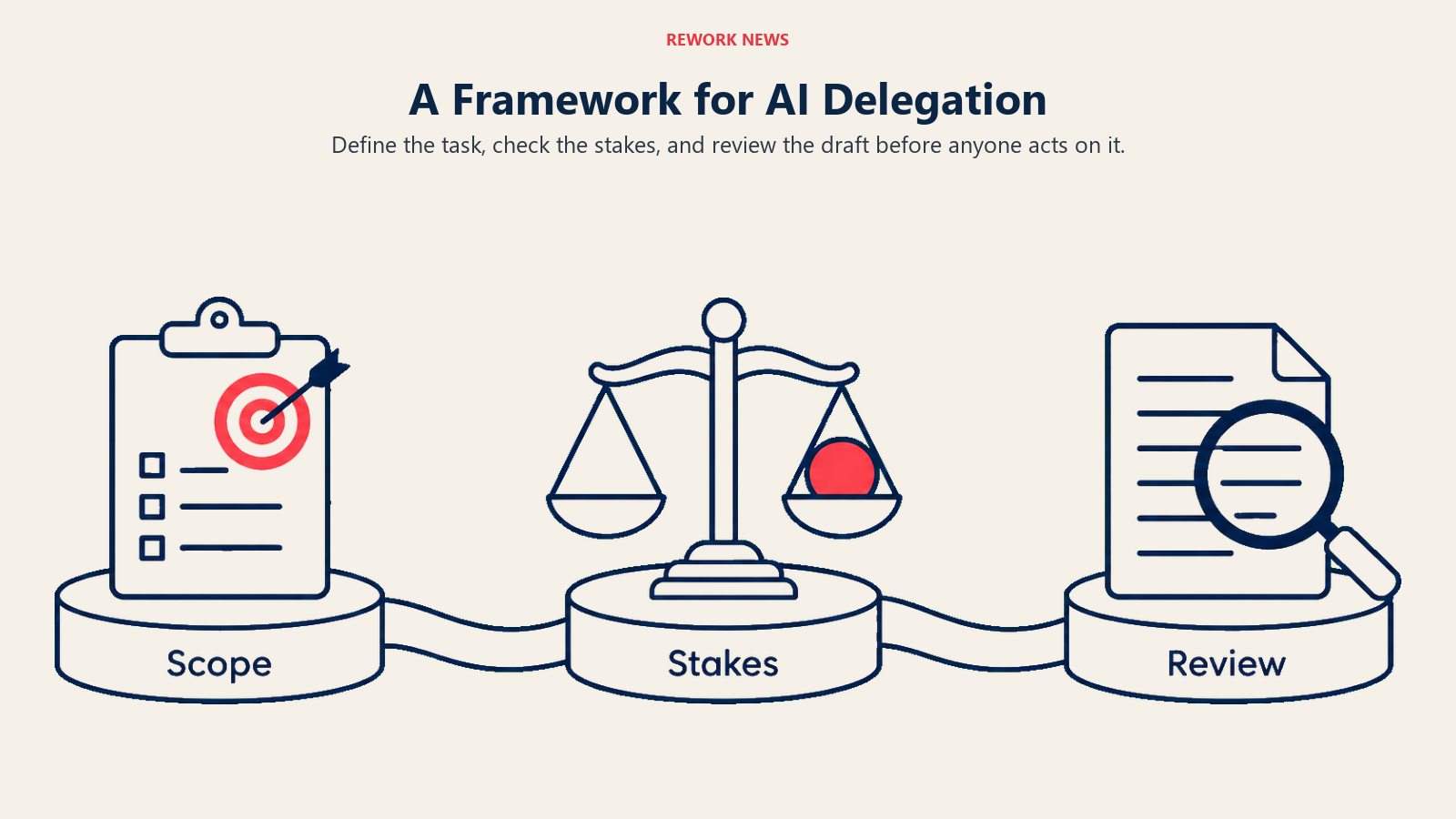
The useful question isn't "what can AI do." It's "what should I hand to AI vs. what needs a person." Here's a framework for thinking about that:
Safe to delegate to Notion AI Agent:
- Research and compilation tasks where the inputs are largely internal (your Notion workspace, your Salesforce data) and the output is a first draft for human review
- Comparative analysis across a defined scope (five competitors, three product options, last quarter's projects)
- Meeting preparation documents that draw on existing context
- First-draft status updates, retrospectives, or summary documents
- Any task where the acceptance criteria is clear enough that you'd know immediately if the output was wrong
Needs human judgment:
- Decisions with real-world consequences if the AI gets context wrong (pricing decisions, external commitments, personnel matters)
- Content going directly to customers, executives, or partners without an intermediate human review step
- Analysis that requires understanding of unstated context: organizational politics, relationship history, nuance that isn't written down
- Anything requiring proprietary or sensitive data that hasn't been confirmed as permissible to use with AI tools
- Creative work where your team's voice or perspective is the actual value being delivered
The line between these two categories moves as you learn what Notion AI Agent gets right consistently vs. where it produces outputs that need significant rework. Treat the first month as calibration. You're learning the tool's reliability profile, not just its capability.
Managing Oversight Without Creating New Overhead
The obvious risk with autonomous AI work is that it creates a new category of management responsibility: reviewing what the AI produced. If every AI-generated output requires 15 minutes of careful review before it's usable, you haven't freed up time. You've traded one kind of work for another. This is exactly the adoption gap that holds teams back when building an AI-first culture: the capability arrives before the review habits that make it safe to trust.
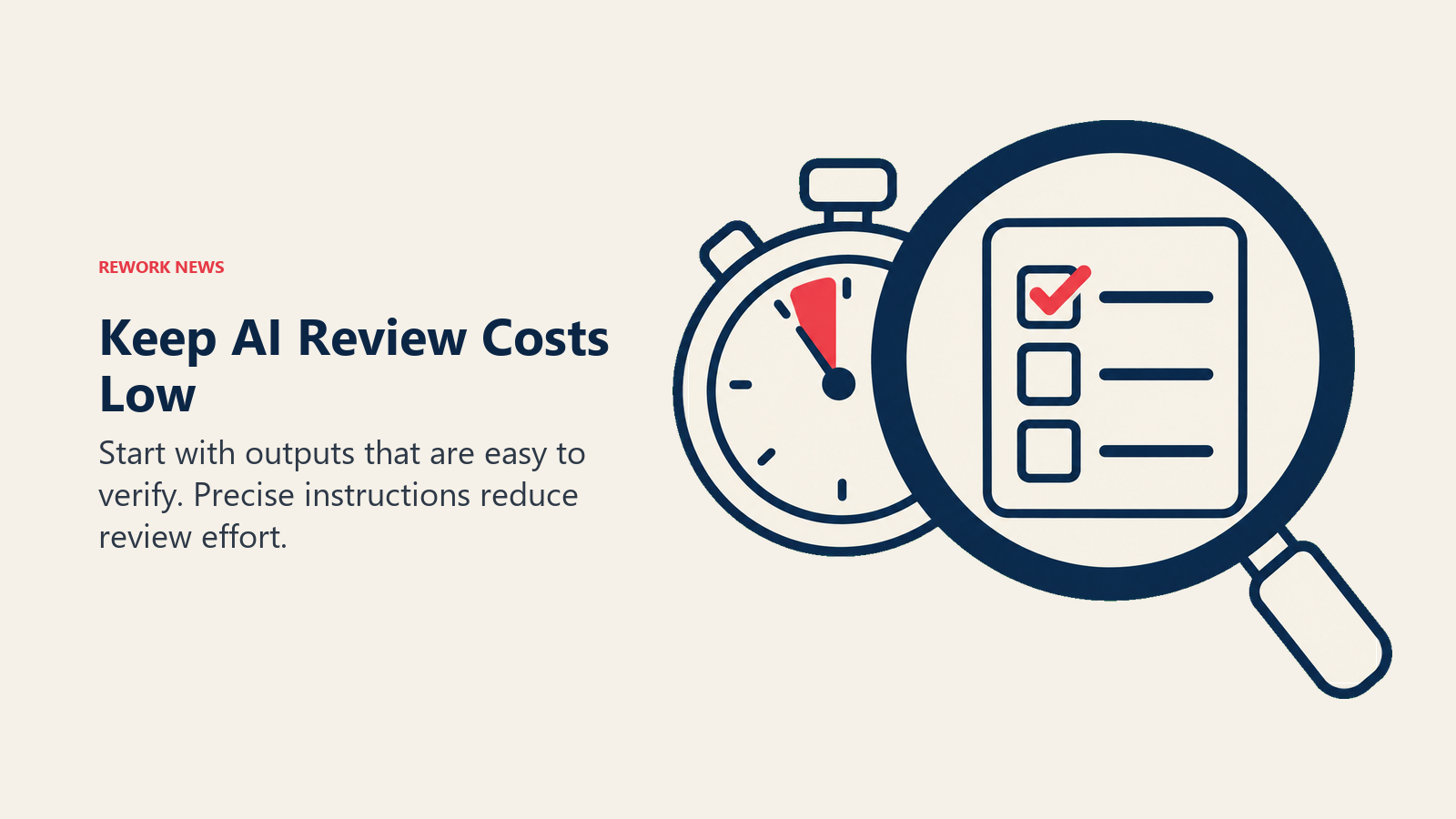
The way to avoid this is to start with tasks where the review cost is low and the verification is fast. A competitor research summary is easier to sanity-check than a strategy document that might be acted on. An onboarding doc draft is safer to review than a client-facing analysis. Start where the output is most legible and the stakes of an error are lowest. Build your confidence in the tool's reliability on those tasks before delegating higher-stakes work.
It also helps to be specific in your prompts. Vague instructions produce vague outputs that take longer to review. "Research our top five competitors using our competitor page in Notion and write a two-paragraph summary of each with a table comparing pricing models" produces a more reviewable output than "do some competitive research."
You're not just learning to use a tool. You're developing a delegation habit. The same discipline that makes you effective at delegating to humans applies to AI delegation.
What This Doesn't Change
Notion AI Agent is a knowledge work tool. It works on documents, research, comparisons, drafts, and summaries. It doesn't manage relationships, make judgment calls under ambiguity, or do work that requires presence in a room (or on a call).
The team leads who get the most from this capability will be the ones who are clear-eyed about that scope. They'll delegate the research synthesis while keeping the strategic interpretation. They'll use AI to prepare the brief while owning the meeting. They'll treat AI output as a strong first draft while maintaining the editing judgment that makes the final version right. For the COO-level view of what the same Notion update means for cross-tool operations decisions, see what Notion's Salesforce integration means for how operations teams work.
That's not a limitation of Notion AI Agent specifically. It's the right mental model for AI in knowledge work at this stage of the technology. The 20-minute autonomous task is genuinely useful, and it's most useful when the human using it understands what comes after the 20 minutes.
What to Do This Week
Pick one recurring task your team does manually that fits the research-and-synthesis pattern: a weekly status summary, a pre-meeting client brief, a competitive comparison, a documentation update. Run it as a Notion AI Agent test.
Give the agent a specific, well-scoped prompt. Set a timer for when you expect to review the output. After the test, ask yourself three questions: Is the output accurate enough to use as a starting point? Did reviewing it take less time than producing it manually would have? If you ran this task through AI every time, what would your team do with the recovered hours?
The answers will tell you more about whether this capability fits your workflow than any product comparison will.
Learn More
- Notion Custom Agents Are Free Until May 3: COO Evaluation Guide: Running a structured evaluation of Notion agents before the free trial expires
- AI Meeting Context vs. Your Notion Workspace: Whether teams actually need both meeting intelligence and a knowledge base tool
- 90-Day AI Fluency Plan: Building the team habits that let AI agents actually deliver time savings
- Measuring AI Adoption ROI: The three questions to answer before you scale Notion agents across the team
