More in
Productivity Tech News
Half of U.S. Workers Now Use AI on the Job: The Operating Model COOs Need for the Post-Pilot Era
Apr 17, 2026
Notion Now Searches Your Salesforce Data: What Cross-Tool AI Means for How Operations Teams Work
Mar 20, 2026
You Can Now Give Notion a 20-Minute Task and Walk Away: What That Means for How You Lead
Mar 17, 2026
Notion Custom Agents Are Free Until May 3: How COOs Should Run a 3-Week Evaluation
Mar 13, 2026 · Currently reading
Atlassian Cut 900 R&D Roles: What Operations Leaders Need to Assess Before Renewal
Mar 10, 2026
You Can Now Hire AI Agents for Your Monday.com Workspace: What That Means for How COOs Evaluate Work Management Platforms
Feb 6, 2026
ClickUp Wants to Replace Your PM Tool, Your Slack, and Your Zoom: Is the Everything App Bet Worth It?
Jan 30, 2026
Monday.com Lost 19% in One Day Over AI Agents: What That Signals About SaaS Pricing and Your Next Renewal
Jan 29, 2026
Monday.com vs. Asana in 2026: The AI Architecture Decision That Should Drive Your Platform Choice
Jan 16, 2026
AI Meeting Context vs. Your Notion Workspace: Do Teams Actually Need Both in 2026?
Jan 13, 2026
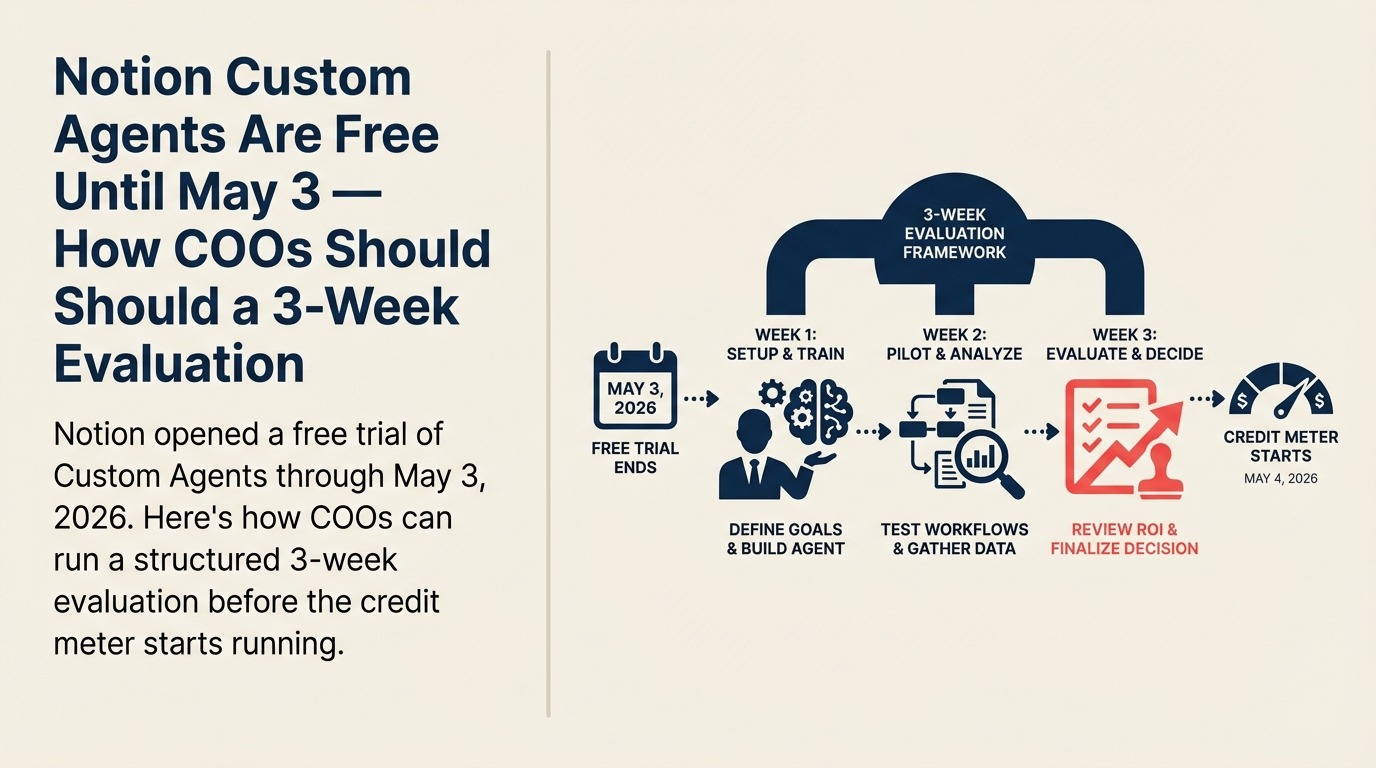
Notion Custom Agents Are Free Until May 3: How COOs Should Run a 3-Week Evaluation
Turn this article into takeaways for your work.


Each assistant summarizes the article only for you and suggests best practices for your work.
Notion's Custom Agents are free to use until May 3, 2026, and a COO should treat that window as a controlled productivity test, not an open exploration. Pick two recurring workflows, run agents in parallel with the manual process for two weeks, then measure time saved, output quality, and projected credit burn before deciding whether to pay.
Most enterprise software trials don't come with a hard deadline. You get a 14-day window that sales extends on request, and the evaluation drags on while everyone waits for a budget conversation to mature.
Notion's Custom Agents trial is different. It ends on May 3, 2026, and when it does, usage switches to a credit-based pricing model. That creates an unusual situation: you have a specific, finite window to run a real evaluation at zero cost, before you have to decide whether to pay.
For COOs, that window is worth using deliberately. Here's how to structure the three weeks you have left.
What Notion Custom Agents Actually Do
Notion announced Custom Agents in its version 3.3 release on February 24, 2026. According to the official Notion blog, these are fully autonomous agents. Not copilots or suggestion engines. AI systems that run 24/7 on a schedule or trigger, without manual prompting after the initial setup.
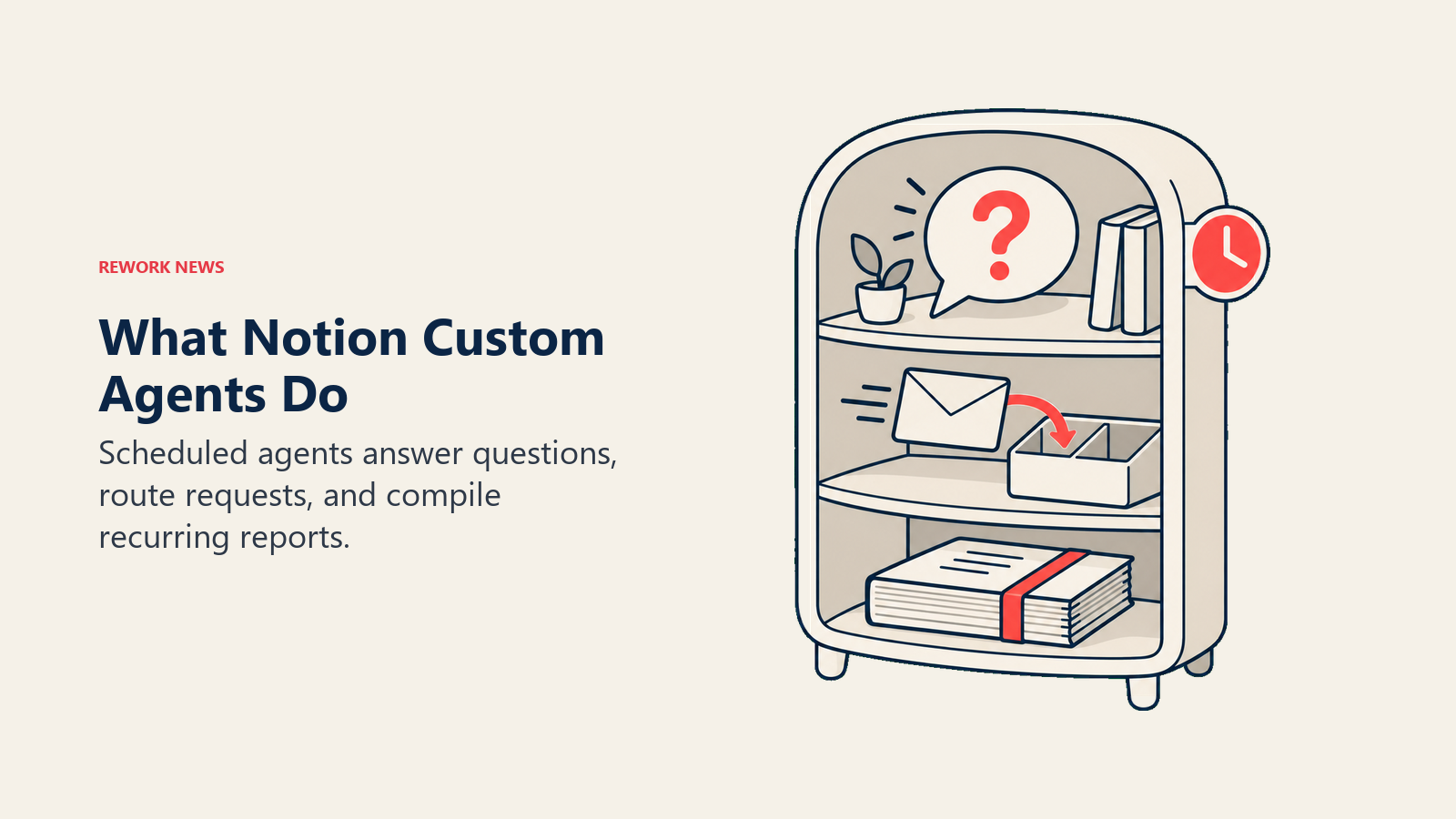
The core use cases break into three categories:
Q&A agents sit on top of your connected knowledge sources (Notion workspaces, Slack, Mail, Calendar, and MCP-connected tools like Linear, Figma, and HubSpot) and answer recurring questions autonomously. The intended result: your team stops asking the same 15 questions to three different people and instead routes them through an agent that already knows the answer.
Task routing agents capture incoming requests, create tasks in your system, enrich them with relevant context, and route them to the right team members. If you've ever watched a project management workflow break down because someone didn't know which Notion database to use, or which slack channel to post in, or which person owns a category of request. That's the agent type designed for that problem.
Status reporting agents compile regular updates automatically by pulling from connected tools and synthesizing context into recurring reports: daily standups, weekly recaps, monthly OKR summaries. The agent runs on a schedule and delivers a report rather than waiting for a human to pull it together.
What Happens After May 3
Starting May 4, Custom Agents consume Notion Credits, an add-on for Business and Enterprise plans. Seat pricing doesn't change, and other AI features remain included in existing plans. The credit model means you pay only for agent activity, with admin controls over how many credits are purchased.
Notion is positioning this as a volume-based add-on, not a per-agent subscription. That's a reasonable model for evaluating total cost, but it means the cost of a bad agent configuration (one that runs too frequently or on low-value tasks) will show up in your credit burn before you catch it in your metrics. That's part of what the trial period is for.
The 3-Week Evaluation Framework
The goal of this evaluation isn't to "see what agents can do." It's to answer a specific operational question: do Notion Custom Agents save enough time and reduce enough coordination overhead to justify the credit cost in your specific environment?
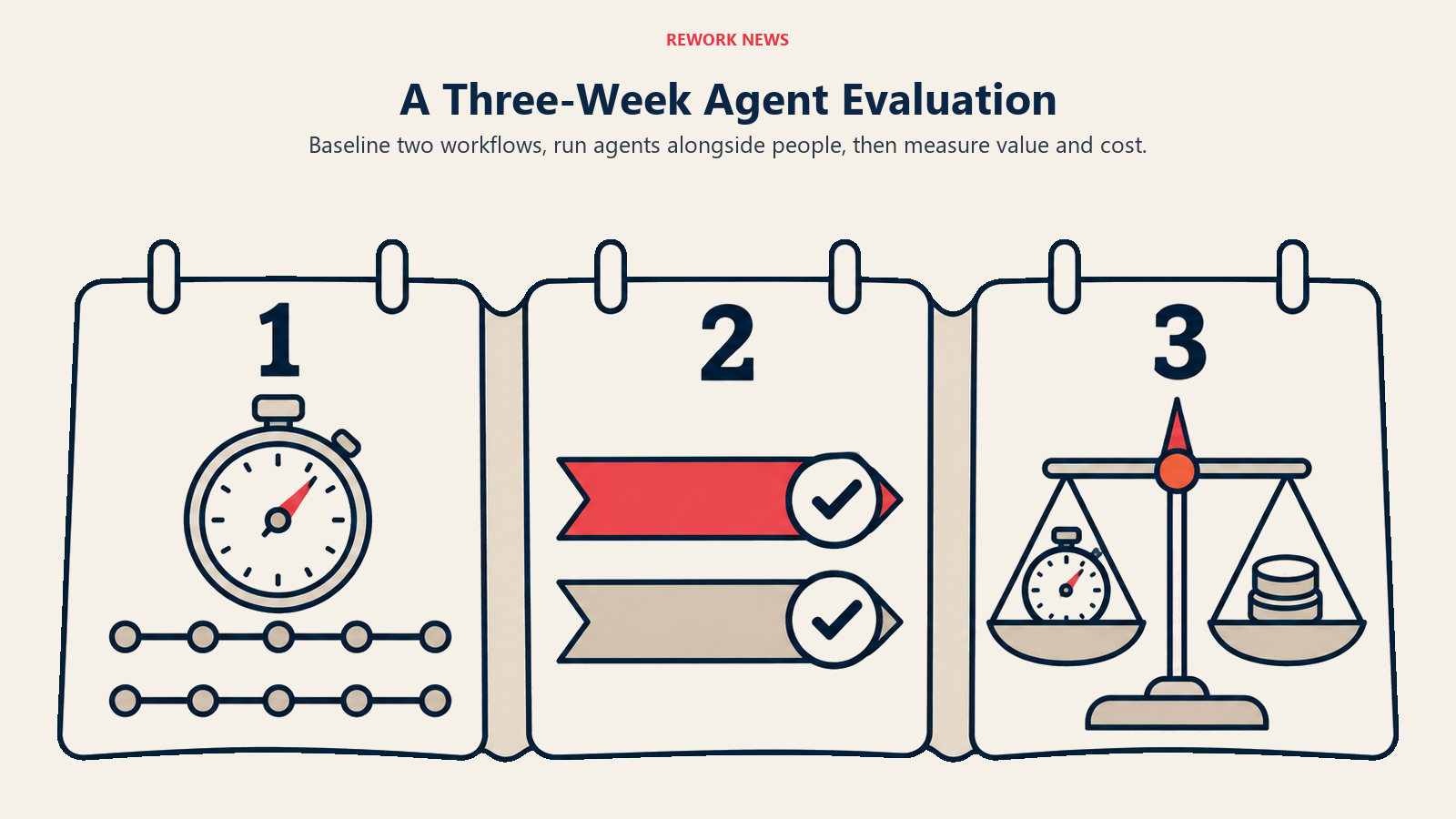
That requires a structured test, not an open exploration.
Week 1: Set a baseline and pick two workflows.
Don't try to evaluate everything. Pick two workflows, one from each of the following categories:
A knowledge Q&A workflow: something your ops team answers repeatedly because the answer lives in Notion or Slack. Choose one where you can count the number of questions per week (check Slack channel history, or ask the person who fields them most often).
A routing or status workflow: something that requires a human to gather information, format it, and send it somewhere on a schedule. A weekly ops update, a new request intake process, or a recurring project status pull.
For each workflow, document: who currently handles it, how long it takes per occurrence, how often it occurs per week, and what "good" looks like as an output. That's your baseline.
Week 2: Build the agents and run them in parallel.
Use the trial period to build both agents. Notion's setup is genuinely no-code: you describe what you want in plain language and the AI builds the agent configuration. Adjust triggers, data sources, and output format until it looks right, then let it run.
But don't turn off the manual process yet. Run both in parallel for the full week. This is the week where you'll find the gaps: agent outputs that are 80% right but missing the judgment call a human would make, or trigger conditions that fire too broadly. Log every exception.
Week 3: Measure what actually changed.
At the end of week two, you have two weeks of agent output and two weeks of manual baseline to compare. The measurement framework should cover three things:
- Time saved: actual hours reduced per week across the two workflows. Be honest: include the time spent managing exceptions the agent created.
- Output quality: compare agent-generated outputs against manually produced ones. For Q&A agents, did the answers require correction? For routing agents, did tasks end up in the right place? For status reports, did the report require editing before it went out?
- Credit burn rate: check the Notion usage dashboard to understand how many credits the agents consumed over two weeks. Project that to a monthly cost, then compare it to the cost of the manual time it replaced.
What to Avoid During the Evaluation
A few failure modes are common in agent trials:
Don't start with your most complex workflow. Custom Agents work best on high-volume, structured recurring processes. If you pick a workflow that requires nuanced judgment (like a change management decision tree or a multi-stakeholder escalation process), you'll spend the evaluation debugging edge cases instead of measuring value.
Don't count "feels faster" as a metric. Perceived productivity gains are real, but they don't survive budget conversations. You need a number: hours saved per week, errors reduced per month, or tasks routed correctly without human intervention. If you can't measure it, it's not a metric.
Don't evaluate it in isolation from your other work management tools. The relevant question isn't just "does Notion's agent do this well?" It's "does Notion's agent do this better than a Monday.com automation, an Asana rule, or a Slack workflow?" Some of those answers will surprise you.
What to Do This Week (The Kick-Off Checklist)
Time is short. The trial window has been open since February, and with May 3 as the hard stop, you have three weeks of useful evaluation time remaining, but only if you start now.
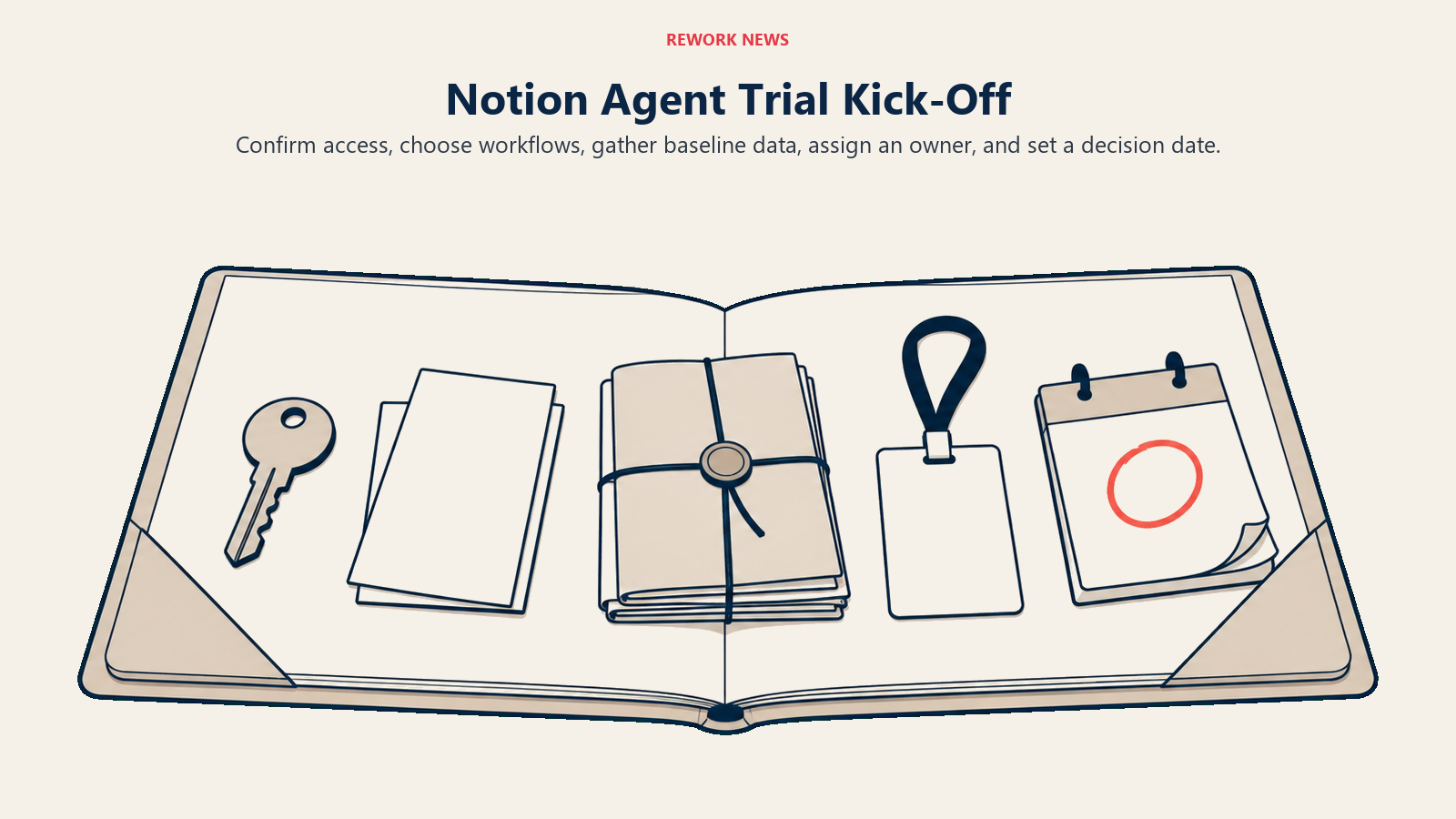
This week:
- Confirm your organization is on a Business or Enterprise Notion plan (required for Custom Agents access)
- Identify your two evaluation workflows (Q&A and routing/status) using the criteria above
- Pull two weeks of historical data on each workflow to establish a baseline before agents change the behavior
- Assign one person as the evaluation lead who will log agent outputs and exceptions daily during week two
- Set a decision date: May 2, one day before the trial ends, where your evaluation lead presents findings and the team decides whether to purchase credits, expand, or stop
The coordination overhead that kills operational velocity rarely lives in a single system. But it often lives in the gap between systems: the handoff between Notion and Slack, the recurring meeting that exists because status data isn't automatic. Notion's agents are specifically designed to close those gaps. Whether they close them well enough in your environment is the only question worth testing right now.
Frequently Asked Questions
When does the Notion Custom Agents free trial end? The free trial runs through May 3, 2026. Starting May 4, Custom Agents consume Notion Credits, an add-on for Business and Enterprise plans. Seat pricing does not change, and other AI features stay included in existing plans.
What can Notion Custom Agents do? They run three autonomous workflow types: Q&A agents that answer recurring questions from connected sources, task routing agents that capture and route incoming requests with context, and status reporting agents that compile standups, recaps, and OKR summaries on a schedule.
How should a COO evaluate Notion Custom Agents before paying? Run a structured three-week test. Week one, set a baseline and pick two workflows. Week two, build the agents and run them in parallel with the manual process. Week three, measure time saved, output quality, and credit burn, then decide whether the credit cost is justified.
How much will Notion Custom Agents cost after the trial? Cost is volume-based through Notion Credits rather than a per-agent subscription. You pay for agent activity, with admin controls over how many credits you buy, so a poorly scoped agent that runs too often shows up as credit burn before it shows up in your metrics.
Learn More
- You Can Now Give Notion a 20-Minute Task and Walk Away: What autonomous Notion agents mean for day-to-day delegation at the team level
- Notion Now Searches Your Salesforce Data: The cross-tool AI integration that expands what agents can access during the trial
- AI Powered Workflows for Operations: Designing the workflows that make a 3-week agent trial produce useful signal
- Measuring AI Adoption ROI: Setting up measurement before the trial ends so you have data to decide with
Custom Agents were announced in Notion's official blog post and the February 24, 2026 release notes. Pricing details available at Notion's help center.
