More in
Productivity Tech News
Half of U.S. Workers Now Use AI on the Job: The Operating Model COOs Need for the Post-Pilot Era
Apr 17, 2026
Notion Now Searches Your Salesforce Data: What Cross-Tool AI Means for How Operations Teams Work
Mar 20, 2026
You Can Now Give Notion a 20-Minute Task and Walk Away: What That Means for How You Lead
Mar 17, 2026
Notion Custom Agents Are Free Until May 3: How COOs Should Run a 3-Week Evaluation
Mar 13, 2026
Atlassian Cut 900 R&D Roles: What Operations Leaders Need to Assess Before Renewal
Mar 10, 2026
You Can Now Hire AI Agents for Your Monday.com Workspace: What That Means for How COOs Evaluate Work Management Platforms
Feb 6, 2026
ClickUp Wants to Replace Your PM Tool, Your Slack, and Your Zoom: Is the Everything App Bet Worth It?
Jan 30, 2026 · Currently reading
Monday.com Lost 19% in One Day Over AI Agents: What That Signals About SaaS Pricing and Your Next Renewal
Jan 29, 2026
Monday.com vs. Asana in 2026: The AI Architecture Decision That Should Drive Your Platform Choice
Jan 16, 2026
AI Meeting Context vs. Your Notion Workspace: Do Teams Actually Need Both in 2026?
Jan 13, 2026
ClickUp Wants to Replace Your PM Tool, Your Slack, and Your Zoom: Is the Everything App Bet Worth It?
Turn this article into takeaways for your work.


Each assistant summarizes the article only for you and suggests best practices for your work.
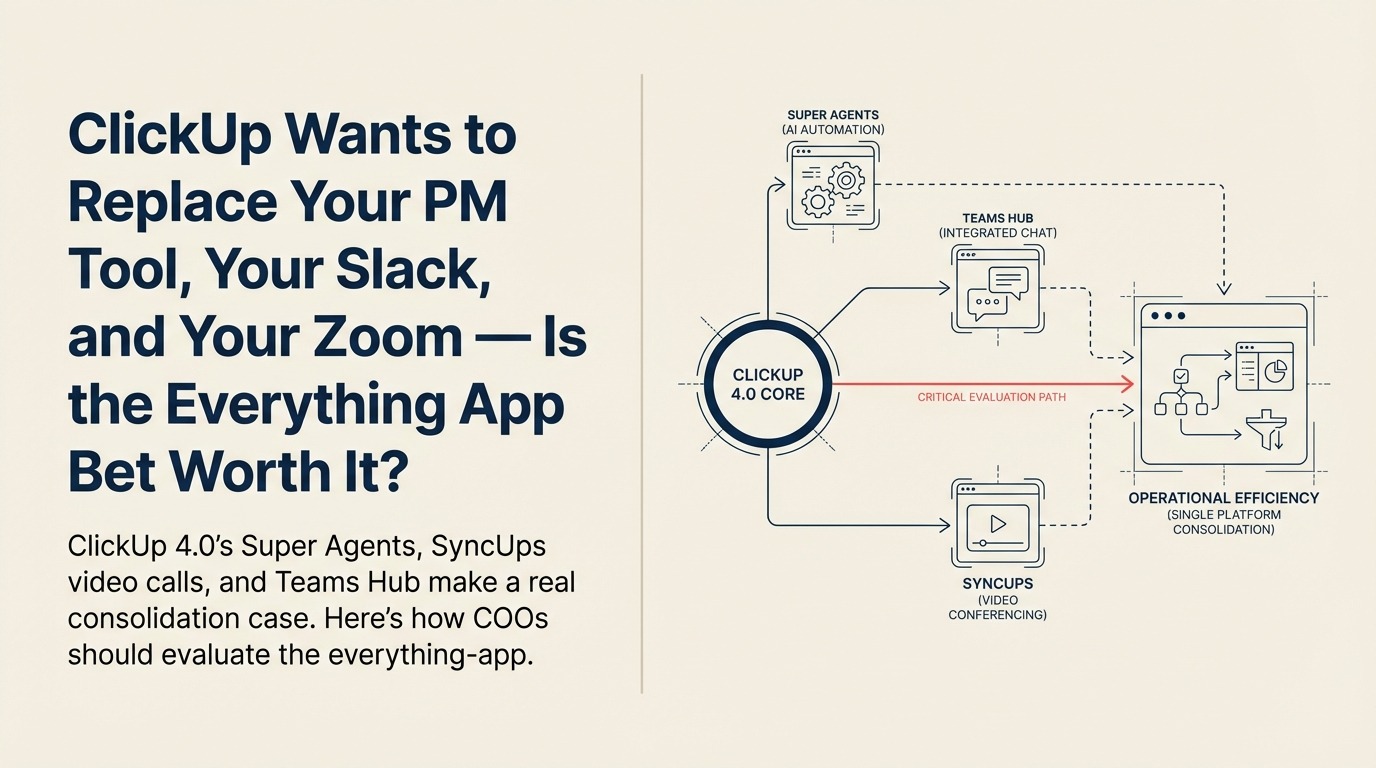
The "everything app" pitch has been around long enough that most operations leaders have learned to be skeptical of it. Add a feature, call it a platform, watch adoption stall because the added features don't match the depth of the dedicated tools they're replacing. But ClickUp's recent product moves are specific enough to take seriously, and specific enough that the consolidation case deserves an honest evaluation (the same discipline you'd apply to any tool selection decision) rather than a reflexive no.
According to ClickUp's release notes tracked by Releasebot, ClickUp 4.0 launched in December 2025 as the platform's most significant redesign. Then in Q1 2026 came a second wave: Super Agents, SyncUps video calls, and expanded automation logic. Together, these updates push ClickUp into direct competition not just with Asana and Monday.com, but with Zoom for team calls and, to a lesser extent, Slack for real-time communication.
For COOs managing five-figure annual contracts across a project management tool, a video platform, and a chat layer, the consolidation math is interesting. The question is whether the math holds up when you look closer.
What ClickUp Actually Launched
The 4.0 redesign brought structural changes: rebuilt navigation, a new Teams Hub giving managers a single view into team capacity and workload, and performance improvements that independent reviews like Morgen's noted as meaningful, roughly 40% faster load times for large workspaces. These aren't feature additions. They're infrastructure improvements that change the day-to-day feel of the tool for teams with large project histories.
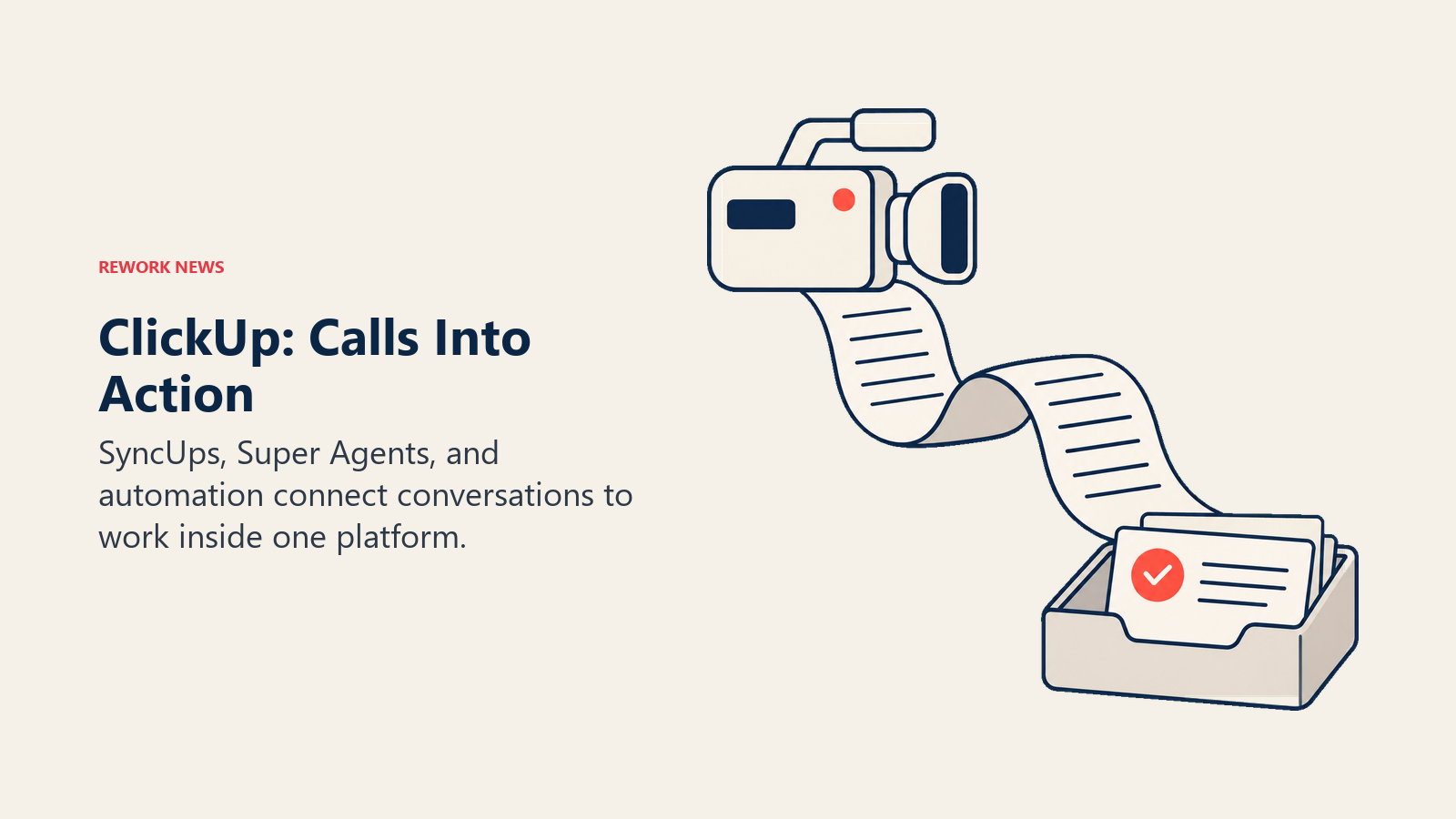
The Q1 2026 additions are where the platform-play becomes visible:
Super Agents are ClickUp's AI teammates, described as understanding workflow context, using available tools, and handling multi-step tasks without manual handoffs. Users assign a workflow goal and the agent works through it. The practical use case is automating operational sequences that previously required someone to monitor and move tasks along: approvals, escalation routing, status updates across linked tasks. It's a different model than most AI workflow automation tools on the market, which typically automate one step at a time rather than owning an entire sequence.
SyncUps adds built-in video and audio calls with screen sharing, automatic transcription, and AI-generated summaries of meetings. The design intent is clear: keep the post-meeting action items inside ClickUp rather than exporting them from Zoom into a project view. For teams that spend significant time translating meeting outcomes into task updates, that's a real friction point addressed.
Conditional automation logic lets automation rules include if/then branching, which means complex operational workflows, not just linear task chains, can be automated without custom code. Combined with AI Notetaker extended to ad hoc calls and the ability to convert comments into subtasks automatically, the automation layer is meaningfully more sophisticated than it was 12 months ago.
All AI features are available on the Unlimited plan and above.
The Honest Evaluation of SyncUps
The video call capability is where COOs should apply the most scrutiny before making any decisions based on it. ClickUp SyncUps exists and works, but "works" isn't the same as "replaces Zoom."
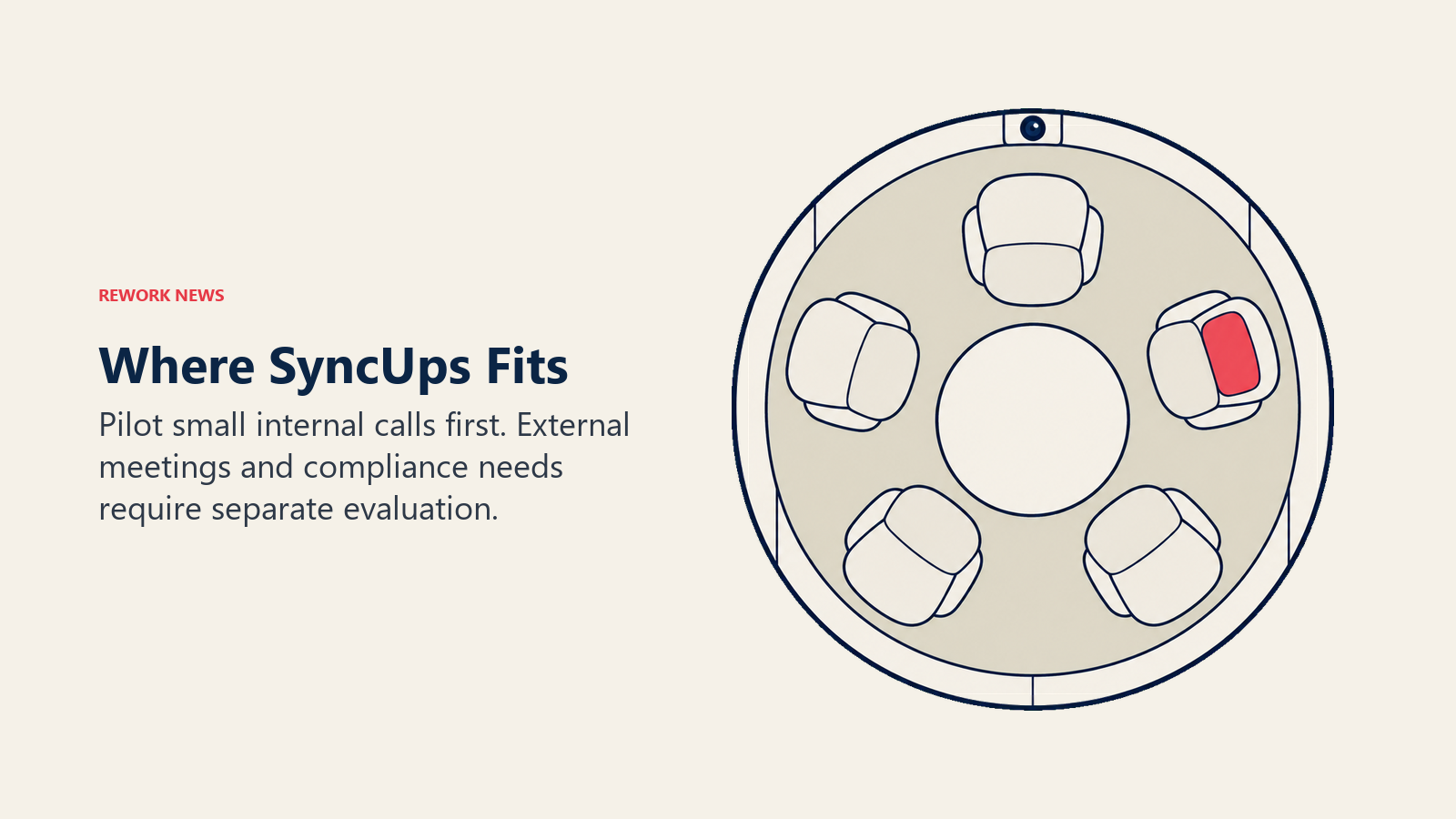
Zoom has spent years optimizing for connection quality, enterprise security controls, large-meeting reliability, and integration depth with calendar and scheduling systems. SyncUps is designed for a specific use case: internal, smaller-team calls within ClickUp workflows where the transcript and task creation matter more than production-quality video.
That's a real use case. Many teams run Zoom calls for things that don't require enterprise-grade video infrastructure: quick syncs, async catch-ups, internal reviews. If that describes a significant chunk of your team's Zoom usage, SyncUps is worth piloting. If your Zoom usage runs large all-hands, external customer calls, or anything with compliance recording requirements, SyncUps isn't a Zoom replacement for that workload.
The consolidation case is strongest when you scope it correctly. SyncUps can plausibly replace Zoom for internal-only, small-group calls. It's not a full Zoom replacement for organizations with external-facing or compliance-heavy video needs. For context on how the broader productivity platform market is moving on AI, the Monday.com vs. Asana AI architecture comparison illustrates a similar consolidation vs. specialization tension.
The Teams Hub: The Less-Discussed Feature Worth Your Attention
The attention in ClickUp's launch coverage went to Super Agents and SyncUps, but for COOs focused on operational capacity, the Teams Hub may be the most practically useful addition. It gives managers a real-time view into team workload and capacity: who is over-allocated, who has bandwidth, and where projects are creating bottlenecks before they become missed deadlines.
Many organizations currently manage this through a combination of project status reports, 1:1 conversations, and retrospective post-mortems. A live capacity view changes that to proactive intervention. If you have managers who currently discover team overload too late, that feature alone justifies evaluating 4.0 more seriously.
A Consolidation Evaluation Framework for COOs
Before making any decisions about collapsing your stack around ClickUp, work through these questions:
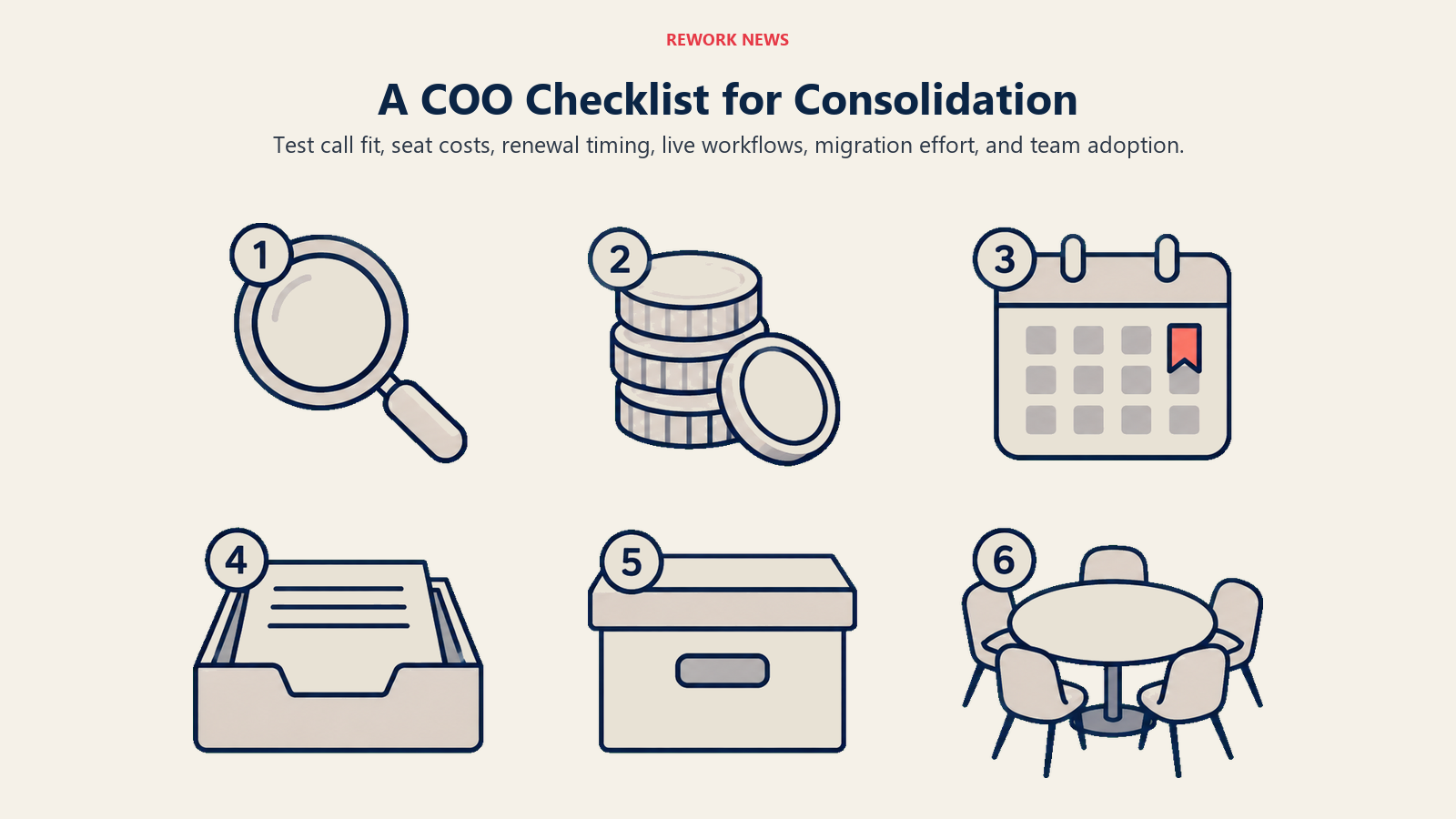
1. What percentage of your team's Zoom calls are internal-only with five or fewer participants? That's the realistic SyncUps target. Pull your Zoom usage data. If it's 30%, consolidation saves something. If it's 10%, the savings don't justify the migration conversation.
2. Which ClickUp AI features require Unlimited plan, and what's the seat delta between your current plan and that tier? Super Agents and AI automation are on Unlimited and above. The per-seat cost increase multiplied by your team size may or may not beat the cost of the tools you'd retire.
3. What's your current Zoom contract term and auto-renewal date? Don't pilot SyncUps two weeks before your Zoom auto-renewal fires. Map your consolidation evaluation to your contract timeline so you have an actual decision point with leverage.
4. Have your heaviest ClickUp users tested Super Agents on real workflows, not demo scenarios? Marketing demos of AI agents are optimized to look impressive. Give your ops team two weeks with Super Agents on the actual workflows they run every day. The honest feedback will tell you more than a vendor briefing.
5. What's your data migration complexity if ClickUp 4.0 works and you want to retire a parallel tool? Project history, recurring automation rules, and integration configurations are the migration cost. Get a realistic estimate before you're emotionally committed to consolidation.
6. Are your team's tool preferences aligned enough to tolerate a consolidation? Some teams have strong tool preferences that aren't irrational. If your engineering team loves Jira and your product team loves ClickUp, consolidation creates more friction than it removes. Measure preference signals before assuming adoption will follow the decision.
What the Everything-App Bet Is Actually Asking
ClickUp is betting that operations teams will trade some feature depth in any individual category for the reduction in context-switching and integration overhead that comes from fewer tools. That trade-off is real. The question is how much depth you're actually trading. Teams making a similar bet on AI tool stack optimization typically find the answer varies more by team size and workflow type than by any universal rule.
For teams where the primary friction is coordination overhead, task updates scattered across three tools, meeting notes never making it into project plans, managers doing manual capacity math in spreadsheets, ClickUp's consolidated model addresses the actual pain. For teams where the primary friction is capability gaps in a specific function, adding more features to the project management layer doesn't fix it.
The honest version of this evaluation ends in different places for different operations teams. That's not a knock on ClickUp. It's the nature of the everything-app model, which is always a better fit for some customers than others.
What to Do This Week
Survey your operations team on one question: which of your Zoom calls in a typical week are internal-only, with the same people you see in ClickUp every day? Those are the SyncUps candidates. If the answer is "almost all of them," schedule a 30-day SyncUps pilot before your next Zoom renewal review. If the answer is "only a few," file the ClickUp 4.0 update as interesting, revisit at your next full stack review, and focus this month elsewhere.
The consolidation case for ClickUp is more credible than it was a year ago. That doesn't mean it's the right decision for your stack. But it's worth finding out whether it is before you auto-renew your current tools without checking.
Learn More
- Monday.com vs. Asana in 2026: The AI Architecture Decision: The AI credit model difference that matters more than feature comparisons
- You Can Now Hire AI Agents for Your Monday.com Workspace: How the Monday.com AI agent approach compares to ClickUp's Super Agents architecture
- AI Powered Workflows for Operations: Building AI workflows that don't depend on a single platform vendor
- Coordination Cost in Operations: The real operational problem consolidation should solve, not the tool count
