Penjejakan Pantas vs Pemampatan Jadual: Perbandingan Lengkap
Turn this article into takeaways for your work.


Each assistant summarizes the article only for you and suggests best practices for your work.
Apabila sebuah projek ketinggalan, kebanyakan pengurus berhadapan dengan dua pilihan yang sama: jalankan tugas secara selari atau tambah lebih banyak sumber untuk mengatasi masalah. Kedua-dua langkah ini mempunyai nama formal dalam pengurusan projek: penjejakan pantas dan pemampatan jadual. Memahami perbezaan antara penjejakan pantas vs pemampatan jadual adalah salah satu kemahiran paling praktikal yang boleh dikuasai oleh seorang pengurus projek, kerana memilih yang salah boleh mengubah kelewatan kecil menjadi kitaran kerja semula yang mahal.
Panduan ini menghuraikan kedua-dua teknik, membandingkannya secara langsung, dan memberikan anda rangka kerja praktikal untuk memutuskan yang mana untuk digunakan.
Apakah Penjejakan Pantas dan Pemampatan Jadual?
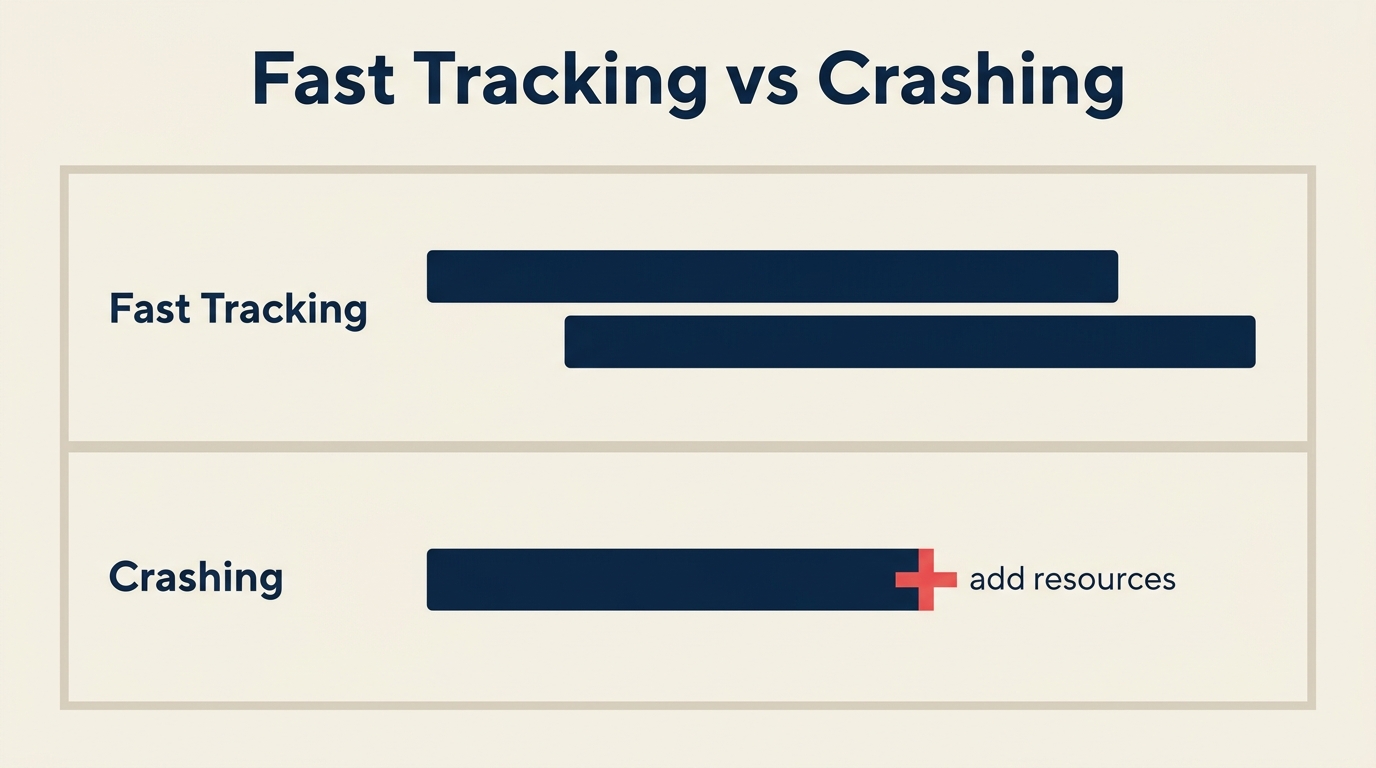
Penjejakan pantas adalah teknik pemampatan jadual di mana aktiviti yang pada asalnya dirancang untuk berlaku secara berurutan sebaliknya dilakukan secara selari atau dengan garis masa yang bertindih. Tiada belanjawan tambahan diperuntukkan. Sebaliknya, anda menerima lebih banyak beban penyelarasan dan peluang lebih tinggi untuk kerja semula jika tugas yang lebih awal berubah selepas tugas yang kemudian sudah bermula.
Pemampatan jadual adalah teknik pemampatan jadual di mana anda menambah sumber kepada tugas-tugas laluan kritikal untuk memendekkan tempoh mereka. Ini melibatkan kos. Anda mungkin mendatangkan kontraktor tambahan, meluluskan lebih masa, menyewa peralatan tambahan, atau membeli perkhidmatan yang lebih pantas. Jadual memendek, tetapi belanjawan meningkat.
Kedua-dua teknik ini menyasarkan laluan kritikal secara khusus. Menggunakan mana-mana satu pada tugas yang mempunyai Float (Slack) tidak akan memendekkan tarikh akhir projek. Anda perlu menyasarkan tugas yang, jika ditangguhkan, akan menangguhkan keseluruhan projek.
Fakta Penting
- Menurut laporan PMI's Pulse of the Profession, 47% projek gagal memenuhi matlamat jadual asal mereka, menjadikan pemampatan jadual satu realiti yang berulang dan bukannya kes tepi.
- Penyelidikan dari Project Management Institute menunjukkan bahawa projek yang mengenal pasti laluan kritikal mereka sebelum menggunakan pemampatan mempunyai kadar kejayaan yang lebih tinggi berbanding mereka yang menggunakan sumber secara meluas.
- Panduan PMBOK PMI mengenal pasti penjejakan pantas dan pemampatan jadual sebagai dua teknik pemampatan jadual utama yang tersedia apabila tarikh siap awal projek diperlukan atau kelewatan perlu dipulihkan.
Penjejakan Pantas vs Pemampatan Jadual: Perbandingan Sebelah Menyebelah
| Dimensi | Penjejakan Pantas | Pemampatan Jadual |
|---|---|---|
| Apa yang dilakukannya | Bertindih tugas berurutan; menjalankannya secara selari | Menambah sumber kepada tugas laluan kritikal untuk memendekkan tempoh |
| Kesan pada kos | Minimum hingga tiada | Meningkatkan kos (lebih masa, kakitangan tambahan, peralatan) |
| Kesan pada risiko | Lebih tinggi: kerja semula jika tugas huluan berubah memberi kesan pada kerja hiliran | Risiko kerja semula lebih rendah; risiko belanjawan lebih tinggi dan hasil yang semakin berkurangan |
| Terbaik apabila | Tugas mempunyai kebergantungan separa; kos kerja semula boleh ditoleransi; belanjawan tetap | Jadual mesti dipendekkan sejumlah tertentu; belanjawan ada ruang; risiko kerja semula tidak boleh diterima |
| Kelemahan | Boleh mewujudkan gelung kerja semula; meningkatkan beban penyelarasan pasukan; memampatkan Float dan Slack | Kos meningkat dengan cepat; setiap sumber tambahan menghasilkan masa yang lebih sedikit; mungkin tidak boleh dimampatkan di bawah had keras |
| Contoh tipikal | Memulakan ujian integrasi sebelum semua pengekodan selesai | Mengambil dua pembangun tambahan untuk Sprint pengekodan akhir |
Bila Menggunakan Setiap Teknik
Gunakan penjejakan pantas apabila:
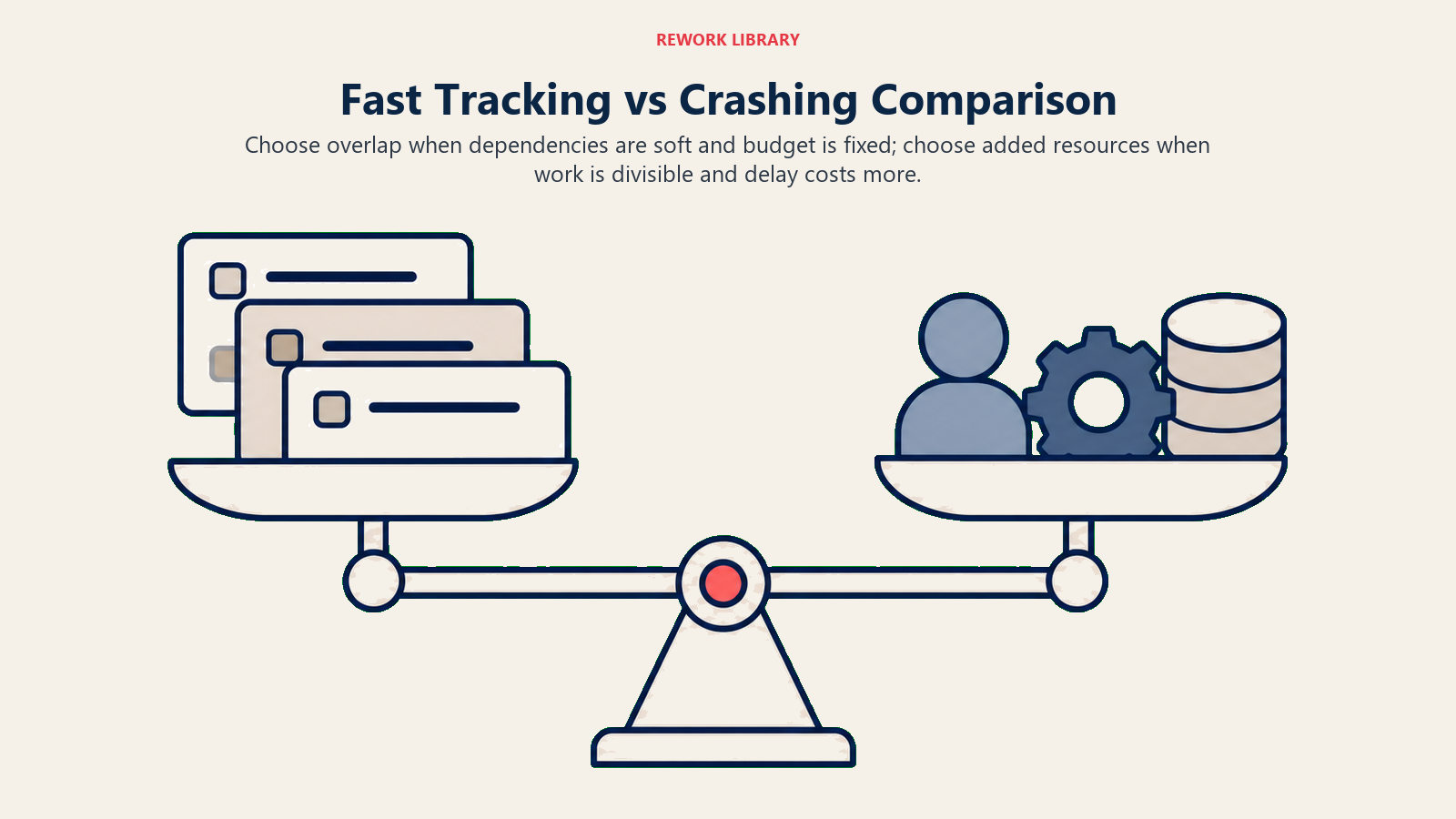
- Belanjawan ketat dan menambah sumber bukan pilihan.
- Dua tugas berurutan berkongsi hanya kebergantungan yang tidak tegar. Contohnya, menulis bahagian laporan semasa bahagian sebelumnya dalam semakan akhir, bukan masih dalam penggubalan.
- Kos kerja semula rendah. Jika tugas huluan berubah dan tugas hiliran memerlukan penyesuaian kecil, masa yang dijimatkan masih wajar pertindihan itu.
- Pasukan mempunyai komunikasi yang kukuh dan boleh menyelaraskan serah hak secara masa nyata.
Gunakan pemampatan jadual apabila:
- Projek mempunyai tarikh akhir kontrak atau kawal selia yang keras dan jurang tidak boleh ditutup dengan penjadwalan semula sahaja.
- Rizab belanjawan wujud khusus untuk pemulihan jadual.
- Tugas dalam laluan kritikal tidak boleh dipecah atau ditindihkan dengan selamat. Pembuatan perkakasan, semakan kawal selia, dan ujian beban selalunya termasuk dalam kategori ini.
- Anda sudah kehabisan pilihan penjejakan pantas.
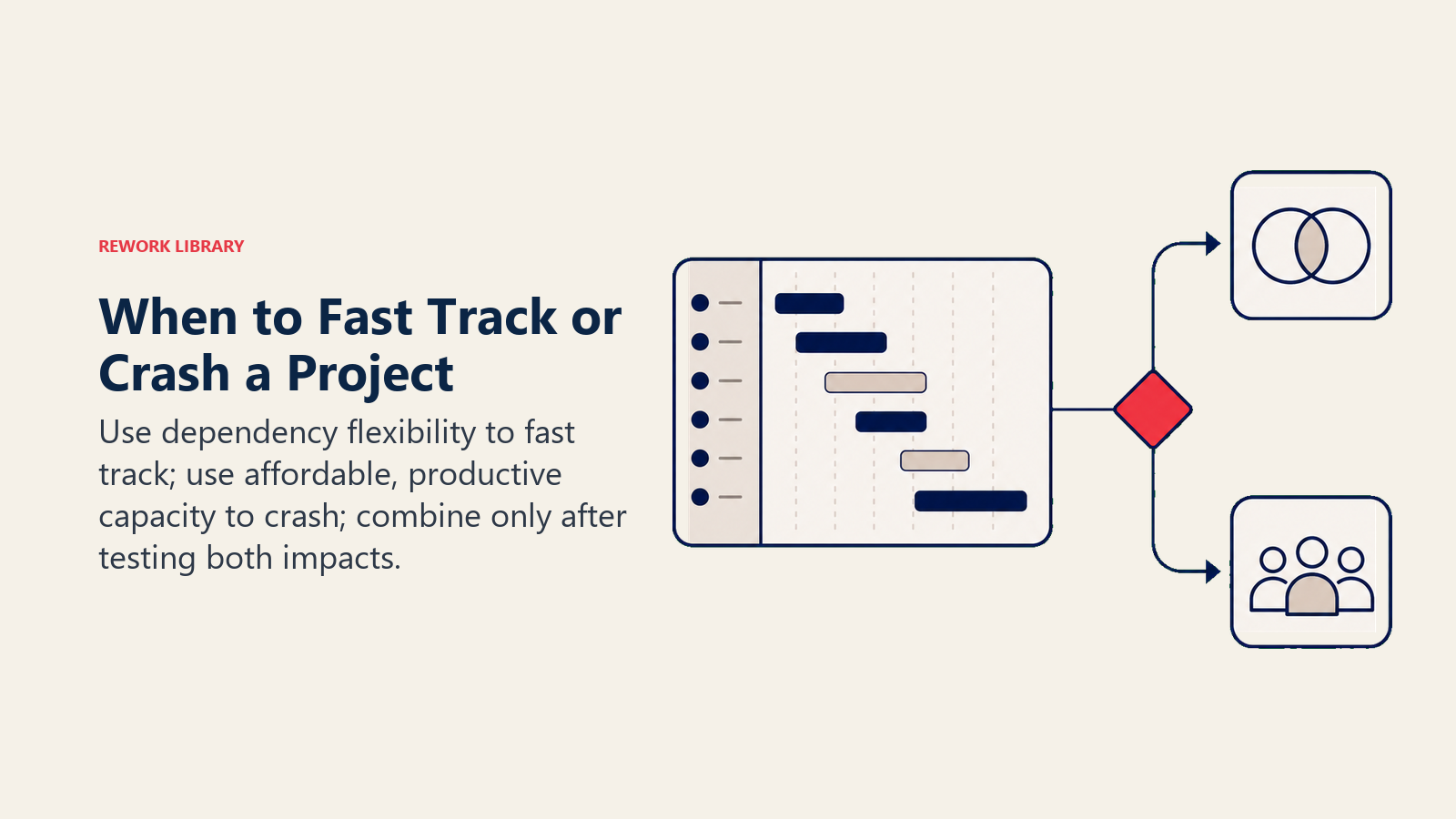
Satu peraturan praktikal: cuba penjejakan pantas dahulu kerana ia lebih murah. Jika pemampatan yang dicapai tidak mencukupi, tambahkan pemampatan jadual pada tugas-tugas kritikal yang menunjukkan nisbah masa-kos terbaik.
Kesilapan Lazim
Menggunakan pemampatan di luar laluan kritikal. Mempercepatkan tugas dengan lima hari Float dan Slack tidak memberi apa-apa kesan pada tarikh akhir. Sebelum menyentuh apa-apa, kenal pasti laluan kritikal menggunakan rajah rangkaian anda.
Memampatkan jadual melepasi titik hasil yang semakin berkurangan. Menambah orang ketiga kepada tugas dua orang tidak memendekkan tempoh sebanyak sepertiga. Beban komunikasi meningkat, dan pada satu ketika sumber tambahan tidak memberi manfaat. Sentiasa kira cerun kos pemampatan: berapakah kos sebenar setiap hari yang dijimatkan?
Penjejakan pantas tugas dengan kebergantungan keras. Sesetengah tugas benar-benar tidak boleh dimulakan sehingga tugas pendahulunya selesai 100%. Menuang papak konkrit tidak boleh dimulakan semasa asasnya masih digali. Memaksa keselarian pada kebergantungan keras tidak memampatkan jadual; ia mewujudkan kecacatan.
Melupakan sekatan tiga. Pemampatan jadual sentiasa menukar satu sekatan dengan yang lain. Penjejakan pantas menukar masa dengan risiko. Pemampatan jadual menukar masa dengan kos. Tiada satu pun langkah ini percuma.
Tidak menetapkan semula garis dasar. Sebaik sahaja anda menggunakan pemampatan, jadual asal bukan lagi rancangan tersebut. Kemas kini carta Gantt, sampaikan laluan kritikal baharu kepada pasukan, dan kemas kini garis dasar kos jika pemampatan jadual mengubah belanjawan.
Cara Memampatkan Jadual
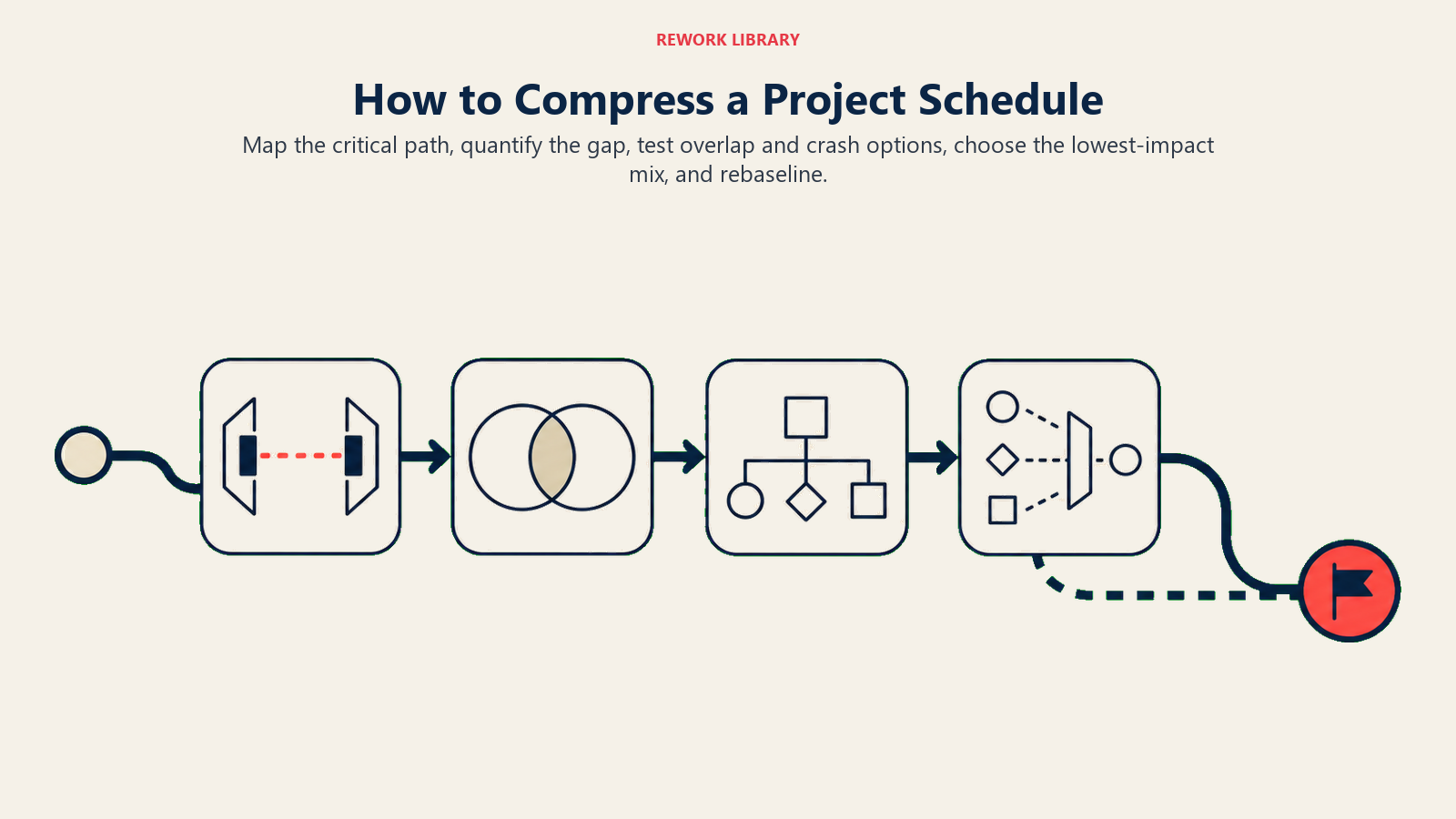
Langkah 1: Petakan Laluan Kritikal
Gunakan rajah rangkaian untuk mencari setiap urutan tugas dengan sifar Float dari mula hingga akhir. Hanya tugas dalam rantai ini adalah calon untuk pemampatan.
Langkah 2: Nilaikan Pilihan Penjejakan Pantas
Semak semula setiap pasangan tugas laluan kritikal. Tanya: adakah tugas kedua benar-benar memerlukan tugas pertama selesai 100% sebelum bermula? Jika tidak, anggarkan berapa banyak pertindihan yang boleh dilakukan dan berapa banyak risiko kerja semula yang akan diperkenalkan. Senaraikan pertindihan calon dan masa yang akan dijimatkan oleh setiap satunya.
Langkah 3: Nilaikan Pilihan Pemampatan Jadual
Untuk setiap tugas laluan kritikal yang tidak boleh dilakukan penjejakan pantas, kira cerun kos pemampatan:
Cerun kos pemampatan = (Kos pemampatan - Kos biasa) / (Tempoh biasa - Tempoh pemampatan)
Ini memberitahu anda kos per hari yang dijimatkan. Susun tugas dari cerun kos pemampatan terendah hingga tertinggi dan mampatkan yang paling murah dahulu.
Langkah 4: Gunakan Campuran Terbaik
Gabungkan penjejakan pantas (di mana risiko kerja semula boleh diterima) dan pemampatan jadual (di mana ia tidak boleh) untuk menutup jurang jadual pada kos jumlah terendah. Semak anggaran kos projek untuk ruang kepala belanjawan anda sebelum membuat komitmen.
Langkah 5: Tetap Semula Garis Dasar dan Pantau
Kemas kini jadual, tetapkan semula laluan kritikal, dan kira semula garis dasar pengurusan nilai perolehan (EVM). Jejaki jam kerja semula jika anda menggunakan penjejakan pantas, dan pantau prestasi kos jika anda menggunakan pemampatan jadual.
Contoh Penjejakan Pantas vs Pemampatan Jadual
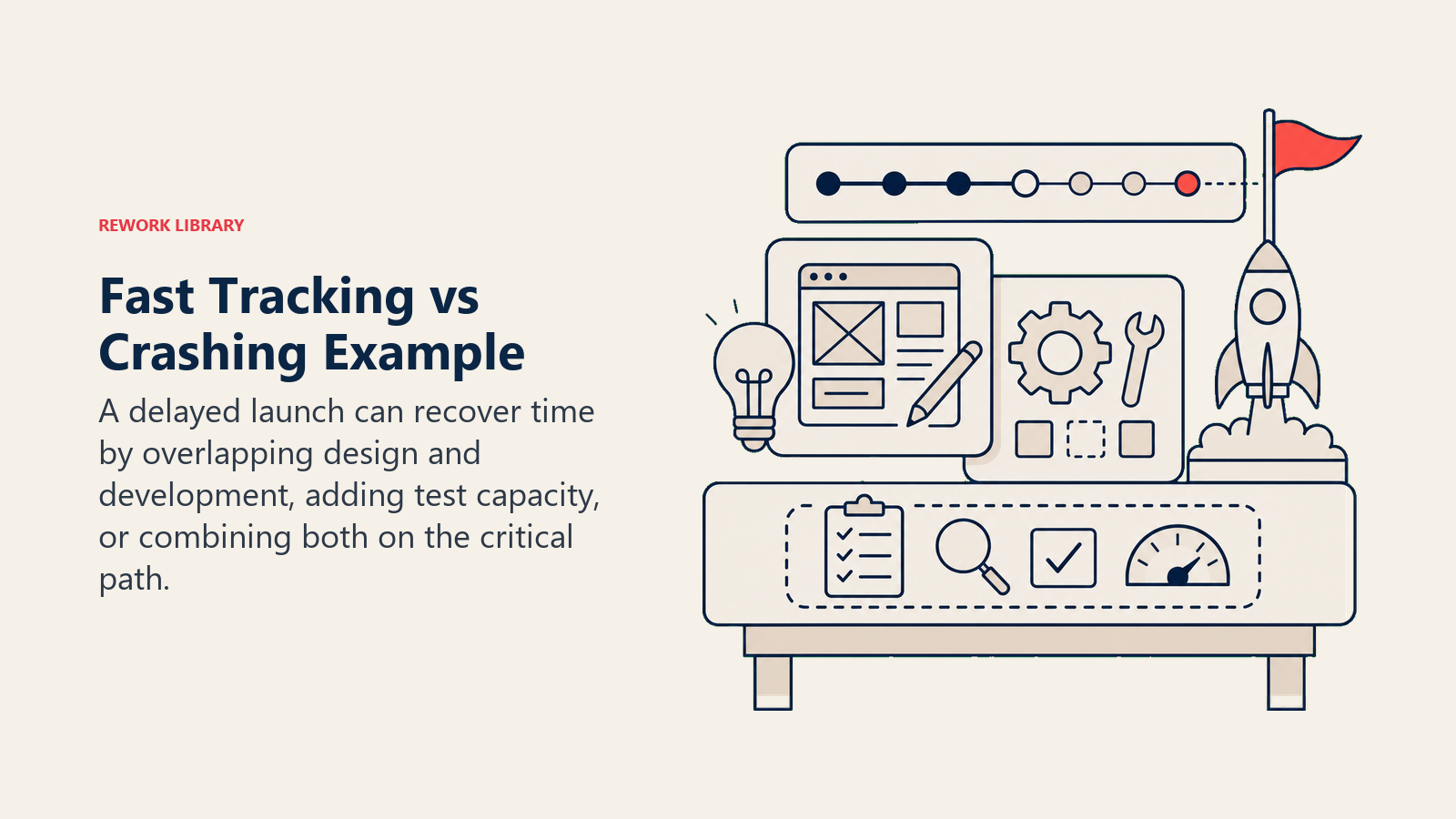
Bayangkan pelancaran produk perisian dijadualkan selama 20 minggu. Pada minggu ke-8, audit mendedahkan projek tertinggal 3 minggu pada tugas-tugas laluan kritikal.
| Tugas | Tempoh Dirancang | Pilihan | Masa Dijimatkan | Kos Ditambah |
|---|---|---|---|---|
| Reka bentuk UI + pembangunan bahagian belakang (berurutan) | 6 minggu | Penjejakan pantas: bertindih 2 minggu | 2 minggu | Minimum (Daily Stand-up tambahan) |
| Pengujian QA akhir | 4 minggu | Pemampatan jadual: bawa 2 penguji kontrak | 1 minggu | $8,000 |
| Persediaan penggunaan | 2 minggu | Pemampatan jadual: peringkat sokongan premium vendor | 0.5 minggu | $3,000 |
| Jumlah | 3.5 minggu dipulihkan | $11,000 |
Pasukan memulihkan 3.5 minggu berbanding jurang 3 minggu. Pertindihan UI memperkenalkan beberapa risiko kerja semula pada integrasi bahagian belakang, tetapi pasukan menerimanya kerana ketua pembangunan boleh menyemak titik integrasi setiap hari. Pemampatan jadual pada QA dan penggunaan dibayar daripada dana rizab projek.
Sebelum membuat keputusan ini, gunakan anggaran tiga titik untuk menguji tekanan tempoh yang dimampatkan berbanding senario optimistik dan pesimistik.
Amalan Terbaik
Dokumentasikan logik keputusan anda. Jika penaja bertanya mengapa belanjawan meningkat, anda memerlukan rekod yang jelas menunjukkan: jurang tersebut, pilihan yang dinilai, cerun kos yang dikira, dan laluan yang dipilih. Penjelasan "kami memerlukan lebih banyak sumber" yang samar-samar merosakkan kepercayaan.
Tetapkan peraturan serah hak penjejakan pantas yang jelas. Jika anda menindih Tugas A dan Tugas B, tentukan keadaan tepat di mana Tugas B boleh bermula. "Tugas A 70% selesai dan spesifikasi antara muka dibekukan" adalah pencetus yang jelas. "Apabila A kelihatan hampir siap" tidak jelas.
Jejak kerja semula secara berasingan. Penjejakan pantas menyembunyikan kerja semula dalam usaha tugas biasa melainkan anda menyebutnya secara khusus. Merekod jam kerja semula membolehkan anda menilai sama ada pemampatan sebenarnya menjimatkan masa selepas mengambil kira kerja semula.
Sampaikan pemampatan kepada pihak berkepentingan. Ahli pasukan yang bekerja pada tugas yang bertindih perlu mengetahui risiko yang mereka tanggung. Penaja perlu tahu jika belanjawan meningkat. Diam mewujudkan kejutan.
Pertimbangkan kos manusiawi. Pemampatan jadual dengan lebih masa berfungsi untuk satu Sprint. Ia tidak berfungsi selama empat bulan berturut-turut. Keletihan akan memperlahankan projek lebih banyak daripada kelewatan asal.
Soalan Lazim
Apakah perbezaan utama antara penjejakan pantas dan pemampatan jadual?
Penjejakan pantas memampatkan jadual dengan menindih tugas yang dirancang secara berurutan, menambah risiko kerja semula tetapi sedikit kos. Pemampatan jadual memampatkan jadual dengan menambah sumber kepada tugas laluan kritikal, yang memendekkan tempoh tetapi meningkatkan belanjawan. Kedua-duanya menyasarkan laluan kritikal sahaja.
Teknik mana yang lebih murah: penjejakan pantas atau pemampatan jadual?
Penjejakan pantas umumnya lebih murah kerana ia tidak menambah sumber. Tetapi jika pertindihan menyebabkan kerja semula yang ketara, kos tersembunyi boleh melebihi apa yang pemampatan jadual akan kos. Pilihan yang betul bergantung pada tugas-tugas tertentu, jenis kebergantungan mereka, dan seberapa banyak kemungkinan kerja semula.
Bolehkah anda menggunakan kedua-dua penjejakan pantas dan pemampatan jadual dalam projek yang sama?
Ya. Kebanyakan pengurus projek menggabungkan keduanya. Lakukan penjejakan pantas pada tugas di mana pertindihan selamat, mampatkan jadual pada tugas di mana ia tidak selamat. Pendekatan hibrid ini menutup jurang jadual yang lebih besar pada kos yang lebih rendah daripada pemampatan jadual sahaja.
Adakah penjejakan pantas meningkatkan risiko projek?
Ya. Menjalankan tugas secara selari bermakna tugas kemudian mungkin perlu disemak semula jika tugas awal berubah. Risiko ini boleh diuruskan apabila pasukan berkomunikasi dengan baik dan kebergantungan adalah tidak tegar dan bukannya keras.
Apa yang berlaku jika pemampatan jadual tidak memulihkan masa yang cukup?
Anda mungkin telah mencapai had pemampatan: titik di mana menambah lebih banyak sumber tidak lagi memendekkan tempoh. Pada ketika itu, pengurangan skop (menghapuskan penghantaran) atau lanjutan tarikh akhir yang dirundingkan adalah pilihan yang tinggal.
Apabila tarikh akhir tetap dan jadual tergelincir, penjejakan pantas dan pemampatan jadual memberikan anda cara berstruktur untuk bertindak balas. Petakan laluan kritikal dahulu, hargakan kedua-dua pilihan, dan gabungkannya di mana ia masuk akal. Pasukan yang memulihkan masa yang hilang tanpa meniup belanjawan biasanya adalah mereka yang memperlakukan keputusan ini sebagai masalah kejuruteraan, bukan tindak balas panik.
Bacaan Berkaitan

On this page
- Apakah Penjejakan Pantas dan Pemampatan Jadual?
- Penjejakan Pantas vs Pemampatan Jadual: Perbandingan Sebelah Menyebelah
- Bila Menggunakan Setiap Teknik
- Kesilapan Lazim
- Cara Memampatkan Jadual
- Langkah 1: Petakan Laluan Kritikal
- Langkah 2: Nilaikan Pilihan Penjejakan Pantas
- Langkah 3: Nilaikan Pilihan Pemampatan Jadual
- Langkah 4: Gunakan Campuran Terbaik
- Langkah 5: Tetap Semula Garis Dasar dan Pantau
- Contoh Penjejakan Pantas vs Pemampatan Jadual
- Amalan Terbaik
- Bacaan Berkaitan