Backlog Refinement: cómo depurar su Product Backlog
Turn this article into takeaways for your work.


Each assistant summarizes the article only for you and suggests best practices for your work.
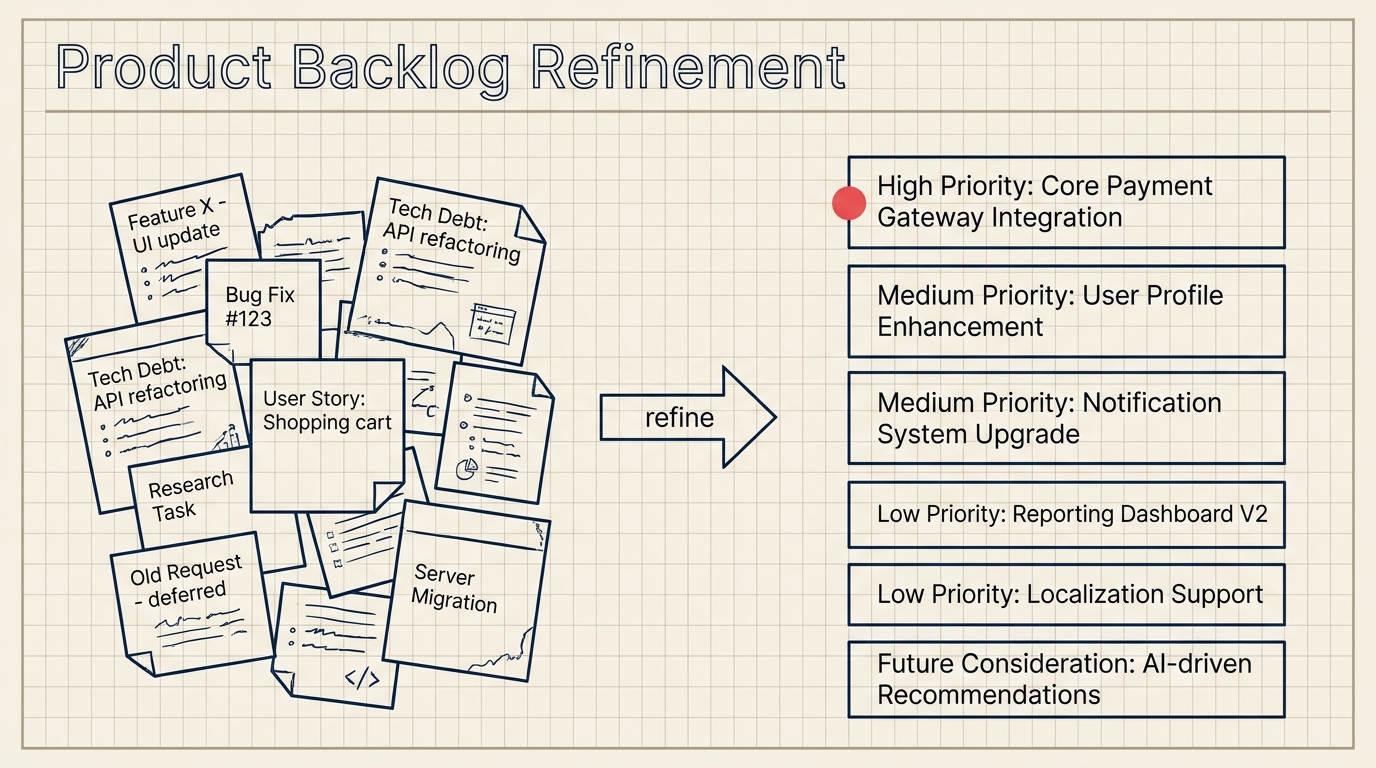
El backlog refinement (antes llamado "backlog grooming") es la práctica recurrente que evita que su product backlog se convierta en un cementerio de trabajo vago, desactualizado y sin estimar. Bien ejecutado, significa que su equipo llega a cada reunión de sprint planning ya sabiendo qué significan los elementos más prioritarios, cuán grandes son y por qué importan.
¿Qué es el backlog refinement?
El backlog refinement es el proceso continuo de revisar, clarificar, estimar y reordenar los elementos del product backlog para que estén listos para los sprints próximos. El objetivo es garantizar que el Backlog se mantenga actualizado, priorizado y bien comprendido por todos los que trabajarán en él.
Datos clave: backlog refinement
- Los equipos que realizan sesiones regulares de backlog refinement reportan entre un 20 y un 30% menos de solicitudes de aclaración durante la sprint planning, según el State of Scrum Report de la Scrum Alliance (2023).
- La Guía de Scrum recomienda dedicar no más del 10% de la capacidad del Sprint del equipo de desarrollo al backlog refinement (Scrum.org, 2020).
- En una encuesta de 2022 de Digital.ai, el 68% de los equipos Agile indicó que los elementos del Backlog mal estimados o poco definidos estaban entre las tres principales causas de fracaso del sprint.
El refinement no es una ceremonia formal de Scrum según la Guía de Scrum: se presenta como una actividad continua. Pero la mayoría de los equipos de alto rendimiento lo tratan como una reunión recurrente, porque la disciplina de realizarlo de forma deliberada y con un calendario es lo que realmente lo hace funcionar.
Quién asiste y con qué frecuencia
Los asistentes principales son el product owner y el equipo de desarrollo. El product owner aporta contexto de negocio, prioridades y nuevos requisitos. Los desarrolladores aportan perspectiva técnica: son quienes detectarán que una funcionalidad "simple" en realidad toca tres servicios, o que dos historias son la misma cosa formulada de manera diferente.
Las partes interesadas, diseñadores UX y expertos en la materia pueden participar cuando elementos específicos lo justifiquen, pero mantener el grupo principal reducido mantiene la sesión enfocada.
Cadencia: la mayoría de los equipos celebra una sesión de refinement por Sprint, generalmente a mitad del Sprint, de modo que los elementos más prioritarios del siguiente Sprint estén listos antes de que llegue la sprint planning. Un Sprint de dos semanas suele admitir una sesión de refinement de 60 a 90 minutos. Algunos equipos prefieren dos sesiones más cortas de 45 minutos distribuidas a lo largo del Sprint; depende de la rotación del Backlog y del tamaño del equipo.
La directriz del 10% de capacidad de la Guía de Scrum es un techo útil. Para un Sprint de dos semanas con un equipo de cinco personas, eso equivale a aproximadamente cuatro horas-persona en total, lo que se traduce en una sesión de 45 a 60 minutos.
Qué sucede durante el backlog refinement
Las sesiones de refinement cubren cinco actividades principales:
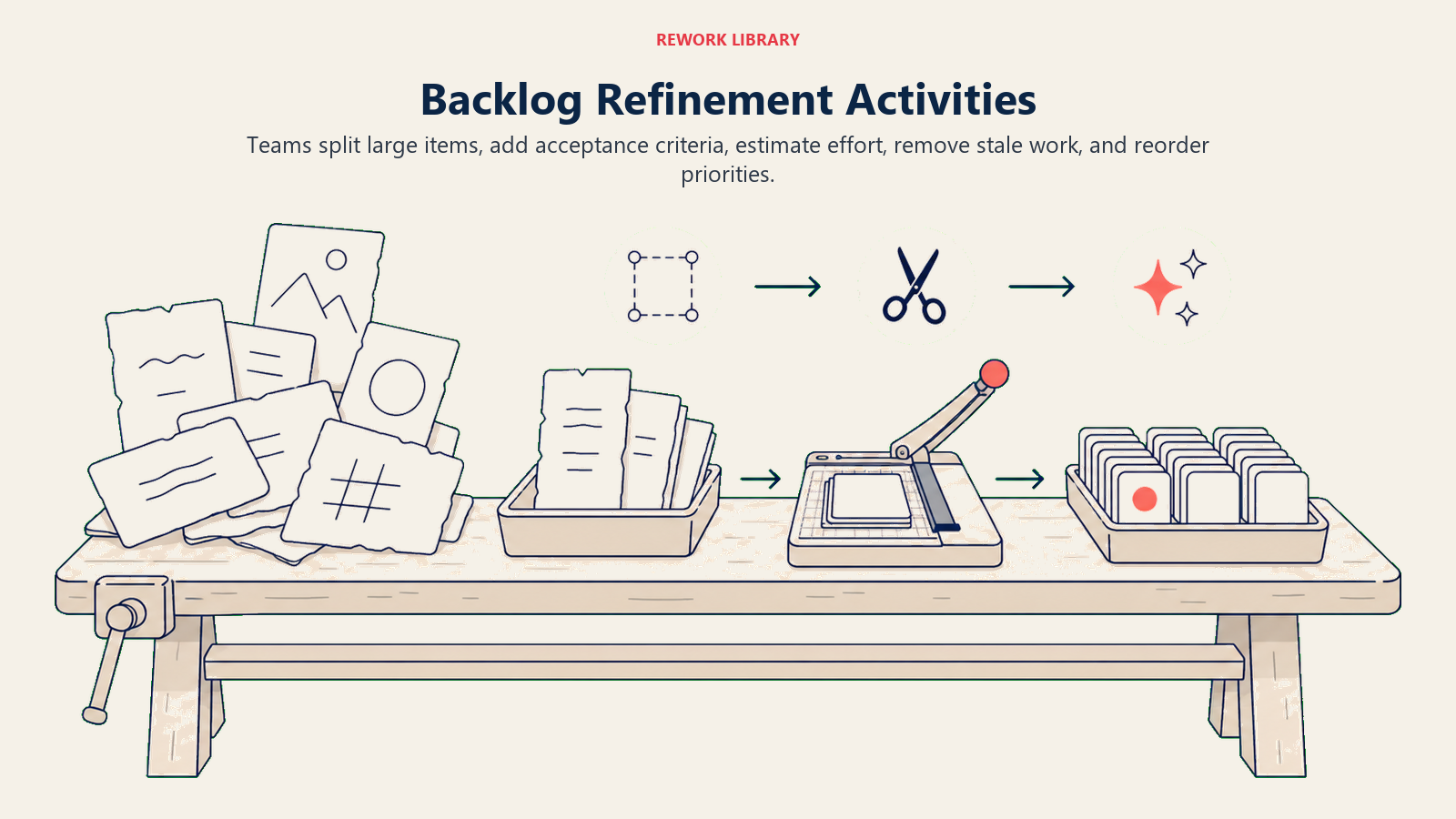
Desglossamiento de elementos grandes. Las épicas y las historias de usuario de gran tamaño se descomponen en piezas más pequeñas, del tamaño de un Sprint. Una historia que requeriría tres semanas para construirse debe convertirse en tres o cuatro historias independientes que puedan completarse dentro de un Sprint.
Incorporación de criterios de aceptación y detalle. Los elementos vagos como "mejorar el flujo de pago" se transforman en requisitos específicos y verificables. ¿Qué significa "mejorado"? ¿Tiempo de carga más rápido? ¿Menos pasos? ¿Para qué dispositivo? El equipo acuerda los criterios antes de comprometerse.
Estimación del esfuerzo. Los elementos se dimensionan usando Story Points u otra unidad de estimación. Muchos equipos usan Planning Poker para llegar a estimaciones consensuadas sin sesgo de anclaje. La estimación es más valiosa para los elementos de los dos o tres sprints siguientes; los que están más adelante cambiarán demasiado como para que valga la pena estimarlos con precisión.
Reordenación de elementos. Las prioridades cambian. Una funcionalidad que estaba en el número 15 la semana pasada puede saltar al número 3 tras una llamada con un cliente. El product owner ajusta el orden según el valor, el riesgo, las dependencias y el feedback.
Eliminación de elementos obsoletos. Los elementos que ya no tienen sentido porque el mercado cambió, la funcionalidad se publicó de otra forma, o lleva seis meses sin tocarse, se eliminan o archivan. Un Backlog sobrecargado es un problema de confianza: si el equipo ve cientos de elementos y sabe que la mayoría nunca se construirá, deja de tomar la lista en serio.
Backlog Refinement vs Sprint Planning
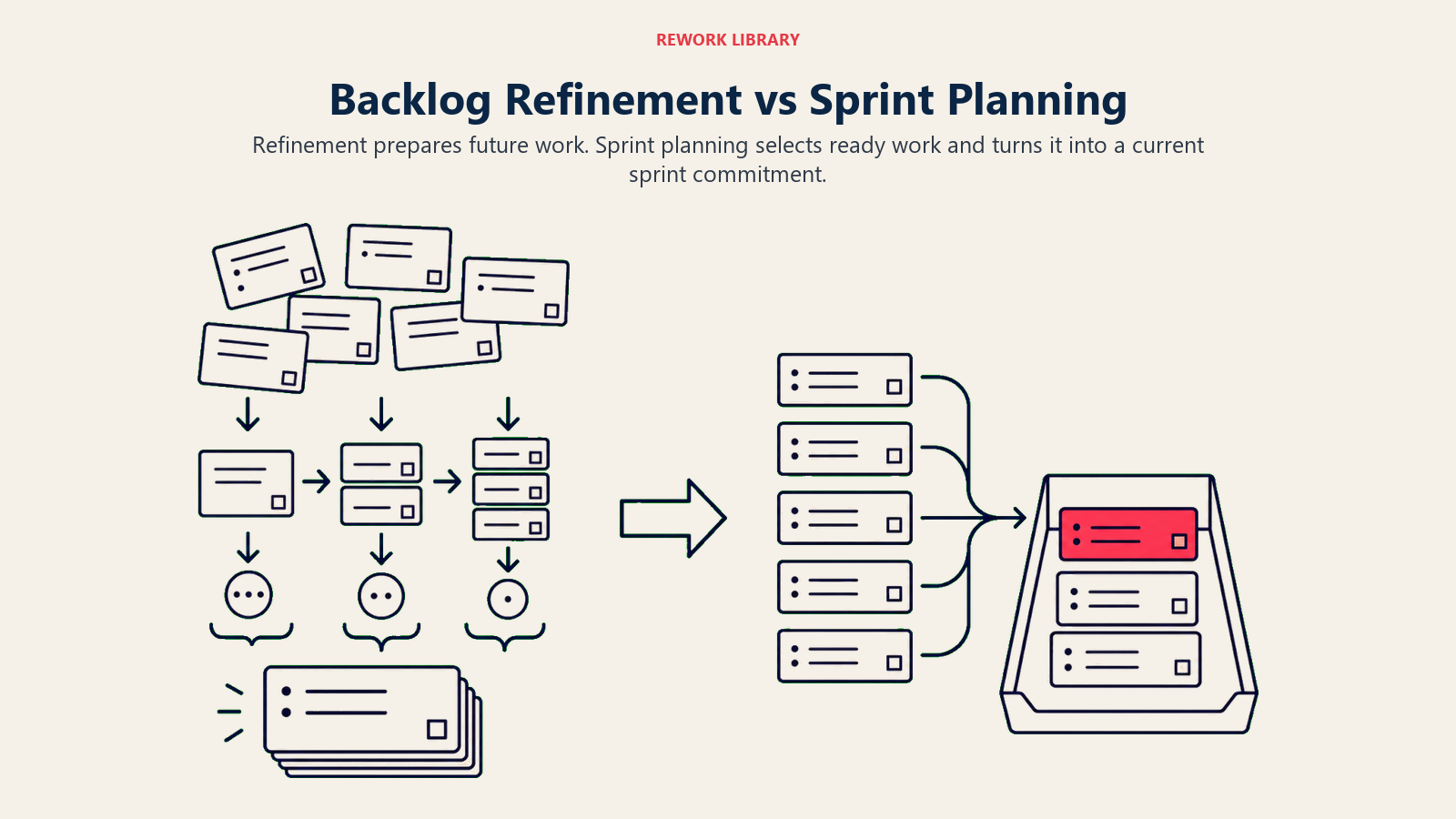
Estas dos ceremonias se confunden frecuentemente porque ambas implican el Backlog. Pero tienen propósitos distintos y ocurren en momentos diferentes.
| Dimensión | Backlog refinement | Sprint planning |
|---|---|---|
| Propósito | Preparar y clarificar los próximos elementos del Backlog | Comprometerse con lo que el equipo construirá en este Sprint |
| Momento | A mitad del Sprint (continuo) | Inicio de cada Sprint |
| Resultado principal | Historias listas, estimadas y priorizadas | Sprint goal y sprint backlog |
| Quién lo lidera | El product owner facilita, el equipo participa | El Scrum master facilita, todo el equipo se compromete |
| Horizonte temporal | 2 a 3 sprints por adelantado | Solo el Sprint actual |
| Estimación | Sí, actividad principal de estimación | Solo ajustes menores de dimensionamiento |
Piense en el refinement como la preparación y en la sprint planning como el compromiso. Omitir el refinement convierte la sprint planning en una sesión de investigación, que es lenta e incómoda para todos.
Beneficios del refinement regular
Sprint planning más ágil. Cuando los elementos ya están estimados y claramente definidos, la sprint planning toma de 30 a 60 minutos en lugar de medio día. El equipo no se encuentra con historias por primera vez.
Mejores estimaciones. La calidad de las estimaciones mejora cuando los equipos discuten los elementos antes de que la presión del Sprint entre en juego. Hay margen para hacer preguntas, cuestionar el alcance y recalibrar.
Menos interrupciones en el Sprint. Los requisitos vagos generan solicitudes de aclaración a mitad del Sprint. Las historias pre-refinadas con criterios de aceptación y casos extremos reducen las conversaciones de "¿qué significa esto exactamente?" que interrumpen el flujo.
Comprensión compartida del producto. Los desarrolladores que participan en el refinement construyen un modelo mental más claro del roadmap del producto. Esto los hace mejores para detectar dependencias técnicas, plantear riesgos de forma anticipada y sugerir enfoques más simples antes de que comience el trabajo.
Higiene más saludable del Backlog. La depuración regular mantiene el Backlog manejable. Un equipo que revisa el Backlog en cada Sprint lo podará de forma natural, lo que facilita la priorización y hace la planificación más creíble.
Definition of Ready (DoR)
La Definition of Ready es una lista de verificación compartida que un elemento del Backlog debe superar antes de que el equipo lo considere elegible para entrar a un Sprint. Es el equivalente del Backlog a la Definition of Done: ambas crean estándares compartidos, solo que en extremos diferentes del ciclo de trabajo.
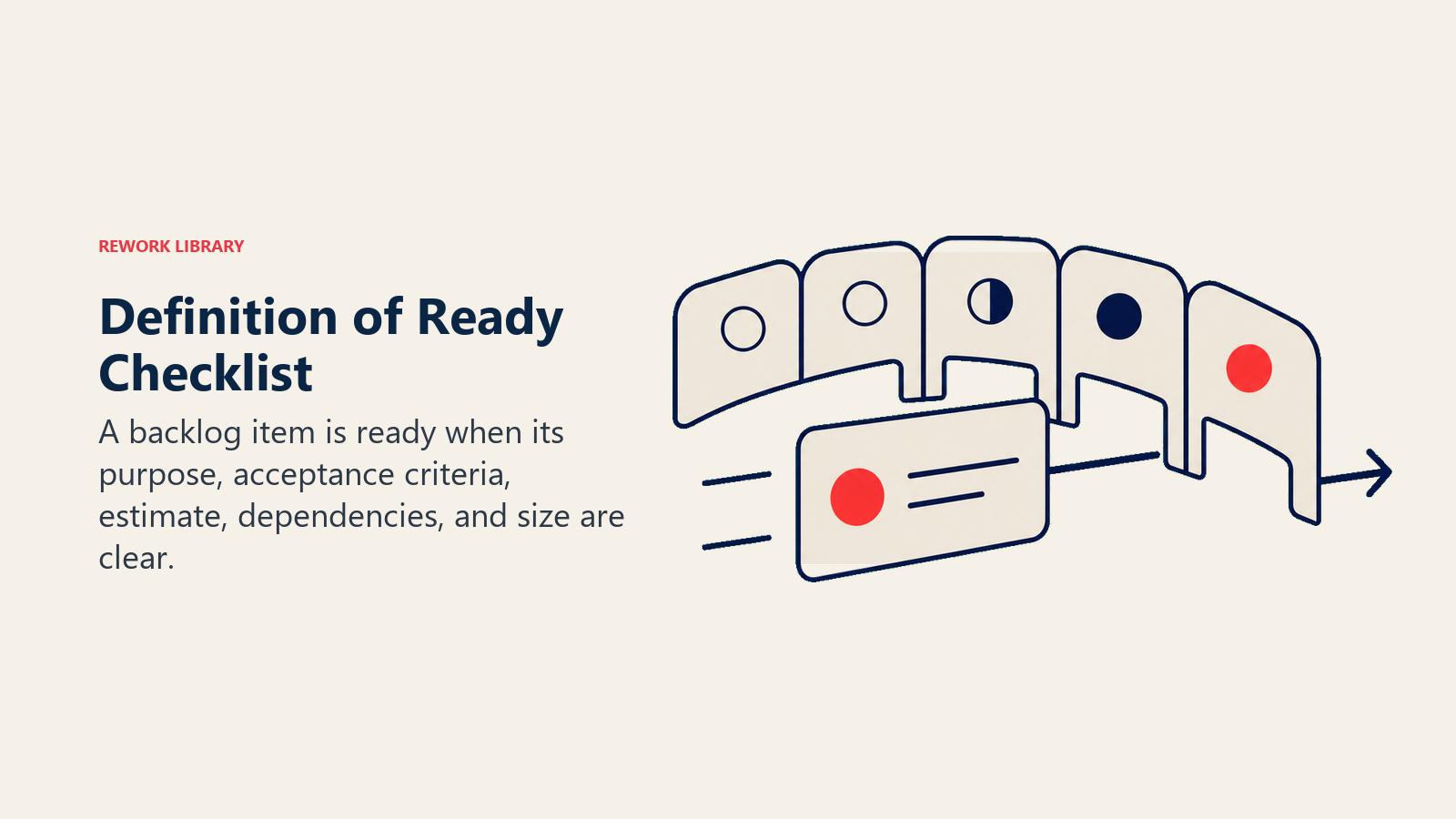
Una Definition of Ready típica incluye:
- Título y descripción claros: la historia explica qué debe construirse y para quién.
- Criterios de aceptación: el equipo sabe cómo es "listo" para este elemento.
- Tamaño estimado: el elemento ha sido dimensionado con Story Points o equivalente.
- Dependencias identificadas: cualquier bloqueador, dependencia externa o elemento predecesor está documentado.
- Cabe en un Sprint: el elemento es lo suficientemente pequeño para completarse dentro de un Sprint. Si no lo es, debe dividirse.
- Artefactos de diseño o UX adjuntos (si aplica): los mockups, especificaciones o contratos de API relevantes están vinculados.
La DoR no es una puerta burocrática: es un acuerdo compartido que protege al equipo de llevar trabajo vago a un Sprint y descubrir a mitad de semana que nadie sabe qué significa. Si un elemento no cumple la DoR durante el refinement, el product owner lo lleva de vuelta para completarlo antes de la próxima sesión.
Cómo llevar a cabo una sesión de backlog refinement
Paso 1: Prepare el Backlog antes de la reunión
El product owner revisa los 20 a 30 elementos más prioritarios antes de que comience la sesión. Agrega el contexto faltante, señala los elementos listos para estimar y trae cualquier nuevo elemento que se haya agregado desde la última sesión. Llegar al refinement sin preparación es desperdiciar el tiempo de todos.
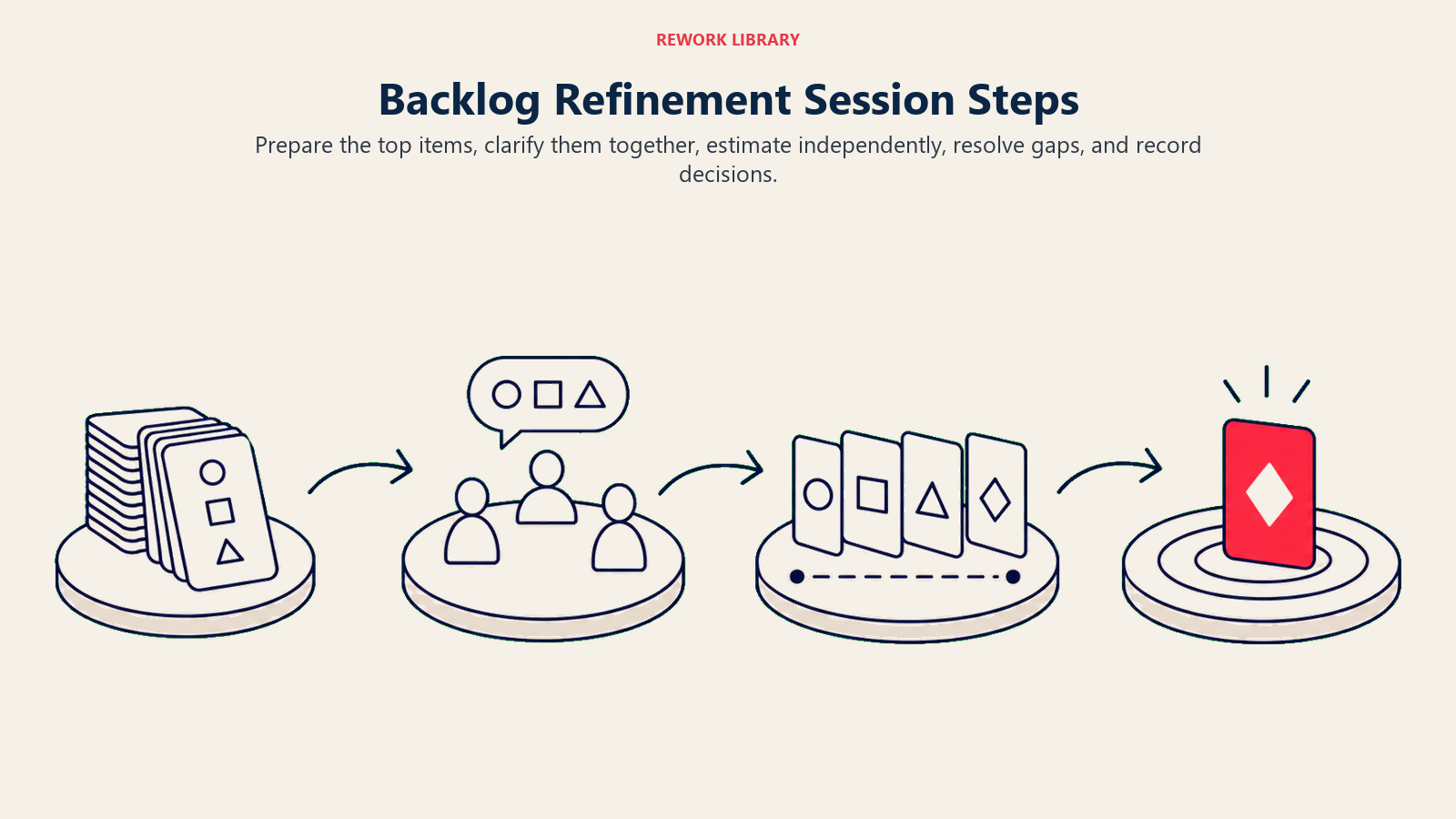
Paso 2: Recorra los elementos de mayor prioridad
Comience desde la parte superior del Backlog y avance hacia abajo. Para cada elemento, el product owner explica el contexto y el objetivo. Mantenga las explicaciones concisas: el refinement no es una demostración ni una revisión de diseño, es una verificación de claridad.
Paso 3: Clarifique y agregue criterios de aceptación
El equipo hace preguntas. ¿Cuáles son los casos extremos? ¿Qué ocurre si el usuario hace X? ¿Hay restricciones de dispositivo o navegador? El product owner o un experto en la materia responde. Los criterios de aceptación acordados se agregan a la historia antes de continuar.
Paso 4: Estime usando Story Points
Una vez que la historia está clara, el equipo estima. Use Planning Poker u otra técnica de consenso para evitar el sesgo de anclaje. Si las estimaciones divergen significativamente, la persona con la estimación más alta y la más baja explican su razonamiento: esto revela complejidad oculta o supuestos desalineados.
Los elementos demasiado grandes para estimar se marcan para dividirse y regresan al paso 2 como historias más pequeñas.
Paso 5: Confirme la preparación y reordene
Tras la discusión y la estimación, confirme si el elemento cumple su Definition of Ready. Si lo hace, es elegible para un Sprint próximo. Si no, anote qué falta y asigne la responsabilidad del punto pendiente. Finalmente, confirme el orden de prioridad de los elementos más prioritarios antes de cerrar la sesión.
Una pequeña retro al final, del tipo "¿qué hizo que esta sesión de refinement fuera efectiva o inefectiva?", acumula calidad con el tiempo.
Errores comunes
Tratar el refinement como una sprint planning. Algunos equipos intentan comprometerse con elementos del Sprint durante el refinement. Esto confunde dos decisiones diferentes: qué está listo para trabajarse, y a qué nos comprometemos en este Sprint. Manténgalas separadas.
Refinar con demasiada anticipación. Dedicar tiempo significativo a estimar y detallar elementos que están a 10 o más sprints de distancia suele ser un esfuerzo desperdiciado. Los requisitos cambian. Enfóquese en los próximos 2 a 3 sprints con detalle; mantenga los elementos más lejanos como ideas generales o épicas.
Omitirlo cuando el Backlog se siente "bien." El Backlog nunca se siente bien de verdad hasta que de repente se convierte en una crisis durante la sprint planning. El refinement es una disciplina que previene la crisis, no una reacción a ella.
Solo el product owner asiste. Cuando los desarrolladores no participan en el refinement, las estimaciones se hacen más tarde bajo presión de tiempo, se pasa por alto la complejidad técnica, y las historias llegan a la sprint planning con supuestos incorporados que el equipo nunca aceptó. Todos los involucrados deben estar presentes.
Dejar que la sesión se extienda. Una vez que el refinement supera los 90 minutos, la atención decae notablemente. Si está agotando el tiempo y aún hay elementos sin refinar, es mejor programar una sesión de seguimiento que continuar con una sala cansada. Las sesiones más cortas y frecuentes suelen funcionar mejor que una maratón mensual larga.
No depurar nunca los elementos antiguos. Los elementos del Backlog que han estado en la posición 40 a 150 durante más de tres meses deben cuestionarse. Si el equipo no puede articular por qué un elemento sigue siendo relevante, archívelo. Siempre puede restaurarlo.
El backlog refinement es una de esas prácticas que es fácil de omitir cuando el equipo está ocupado, y sin embargo es precisamente cuando el equipo está ocupado que omitirlo causa más daño. Un Backlog bien depurado es lo que separa a los equipos que corren sus sprints con confianza de los que constantemente apagan incendios de confusión de alcance. Construya el hábito temprano, proteja el tiempo, y los efectos compuestos aparecerán rápidamente en la calidad de su sprint planning.
Lecturas relacionadas
- Product Backlog: estructura, propiedad y técnicas de priorización
- Sprint Planning: cómo convertir un Backlog refinado en un compromiso de Sprint
- Historias de usuario: cómo escribir historias lo suficientemente claras para refinar
- Story Points: comprensión de las unidades de estimación de esfuerzo
- Planning Poker: técnica de estimación por consenso para sesiones de refinement
- Definition of Done: la contraparte de finalización de la Definition of Ready
- Daily Standup: mantener la ejecución del Sprint alineada después del refinement

On this page
- ¿Qué es el backlog refinement?
- Quién asiste y con qué frecuencia
- Qué sucede durante el backlog refinement
- Backlog Refinement vs Sprint Planning
- Beneficios del refinement regular
- Definition of Ready (DoR)
- Cómo llevar a cabo una sesión de backlog refinement
- Paso 1: Prepare el Backlog antes de la reunión
- Paso 2: Recorra los elementos de mayor prioridad
- Paso 3: Clarifique y agregue criterios de aceptación
- Paso 4: Estime usando Story Points
- Paso 5: Confirme la preparación y reordene
- Errores comunes
- Lecturas relacionadas