Best When I Work Alternatives in 2026: 15 Tools Now That the Free Plan Is Gone
Turn this article into takeaways for your work.


Each assistant summarizes the article only for you and suggests best practices for your work.
For years, "When I Work" was the answer to "what's a free scheduling app for my hourly team." The free plan covered up to 75 employees, enough for most restaurants, retail stores, and small clinics to run a whole schedule without paying a cent. That plan is gone. When I Work now sells three paid tiers, Essentials at $2.50 per user per month, Pro at $5, and Premium at $8, with only a 14-day free trial (no credit card required) standing in for what used to be permanent free access. (When I Work)
If you're shopping for a When I Work alternative today, the free plan disappearing is probably why. This guide covers 15 tools organized around the real reasons people leave: a few still have a genuine free tier; some bundle time tracking and payroll so hours flow straight into a pay run; some go deep on one vertical, restaurants, healthcare, or field crews; and a few fit companies that have simply outgrown a small-business scheduling app.
Key Facts
- Replacing an employee costs 50% to 200% of their annual salary, depending on role and seniority, per SHRM. (SHRM)
- The restaurant and food-service sector's quit rate averaged 4.3% year to date, peaking at 5.5% in June 2025, per BLS JOLTS data tracked by the National Restaurant Association. (National Restaurant Association)
- Two-thirds of hourly retail and food-service workers get less than two weeks' notice of their schedule, and 75% want a more stable one, per Harvard's Shift Project, based on 30,000 workers at 120 major firms. (The Shift Project, Harvard Kennedy School)
- The global workforce management software market was valued at roughly $8.85 billion in 2024, projected to reach nearly $19.9 billion by 2032, an 11.74% CAGR. (Verified Market Research)
Why Teams Are Leaving When I Work
Four reasons keep showing up when hourly-team operators shop for a When I Work alternative.
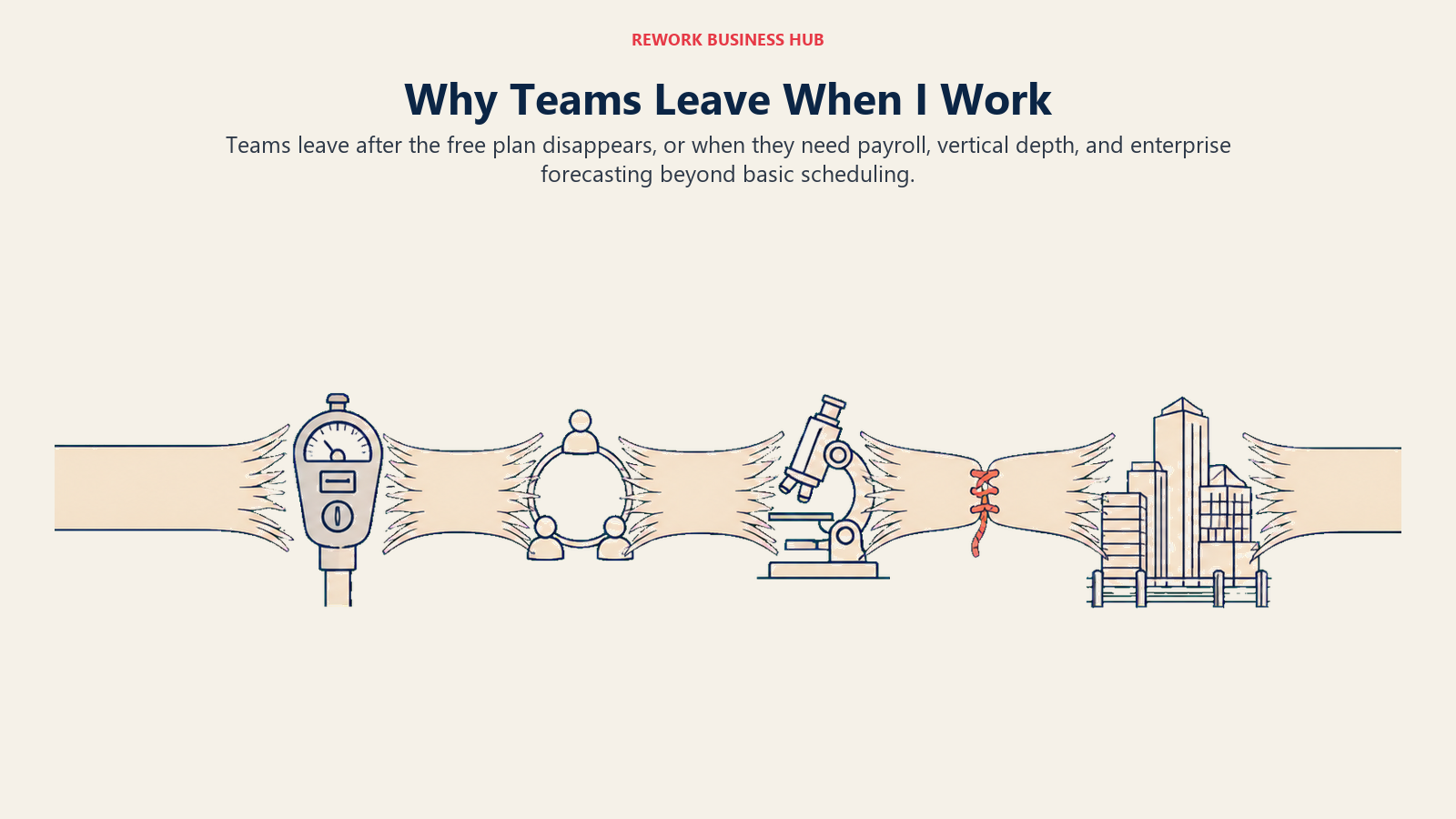
The free plan is gone. When I Work's free tier covered up to 75 employees for years, long enough that many restaurant groups, retail chains, and clinics built their whole workflow around it. That plan is retired; the only no-cost option now is a 14-day trial. A team that budgeted $0 for scheduling suddenly pays from employee one, at $2.50 to $8 per user per month depending on tier. (When I Work) If a real free plan is the requirement, the honest picks in 2026 are Sling (30 users), Connecteam (10 users, all hubs), Jibble (unlimited, attendance only), and 7shifts (a free Comp plan for restaurants).
They want time tracking and payroll on one record. When I Work centers on scheduling and shift communication. Turning clocked hours into a payroll run without a manual export usually means Homebase, Deputy, Connecteam, or QuickBooks Time, all of which tie attendance directly to a pay run.
They need depth in one vertical. A restaurant group, a hospital running 24/7 coverage, or a deskless field crew tends to outgrow a generic scheduling app faster than an office team does. That pushes operators toward 7shifts (restaurants), Humanity Schedule (TCP) or Shiftboard (healthcare and always-on coverage), or Connecteam and Workyard (field crews).
They outgrow the category entirely. Once headcount and compliance complexity cross a few hundred employees across multiple sites or countries, teams move to platforms like UKG Pro Workforce Management or Quinyx, which add labor forecasting and compliance controls a small-business tool doesn't attempt. (See Best Employee Scheduling Software in 2026 for the full category if you're comparing broadly.)
What Free Actually Gets You in 2026
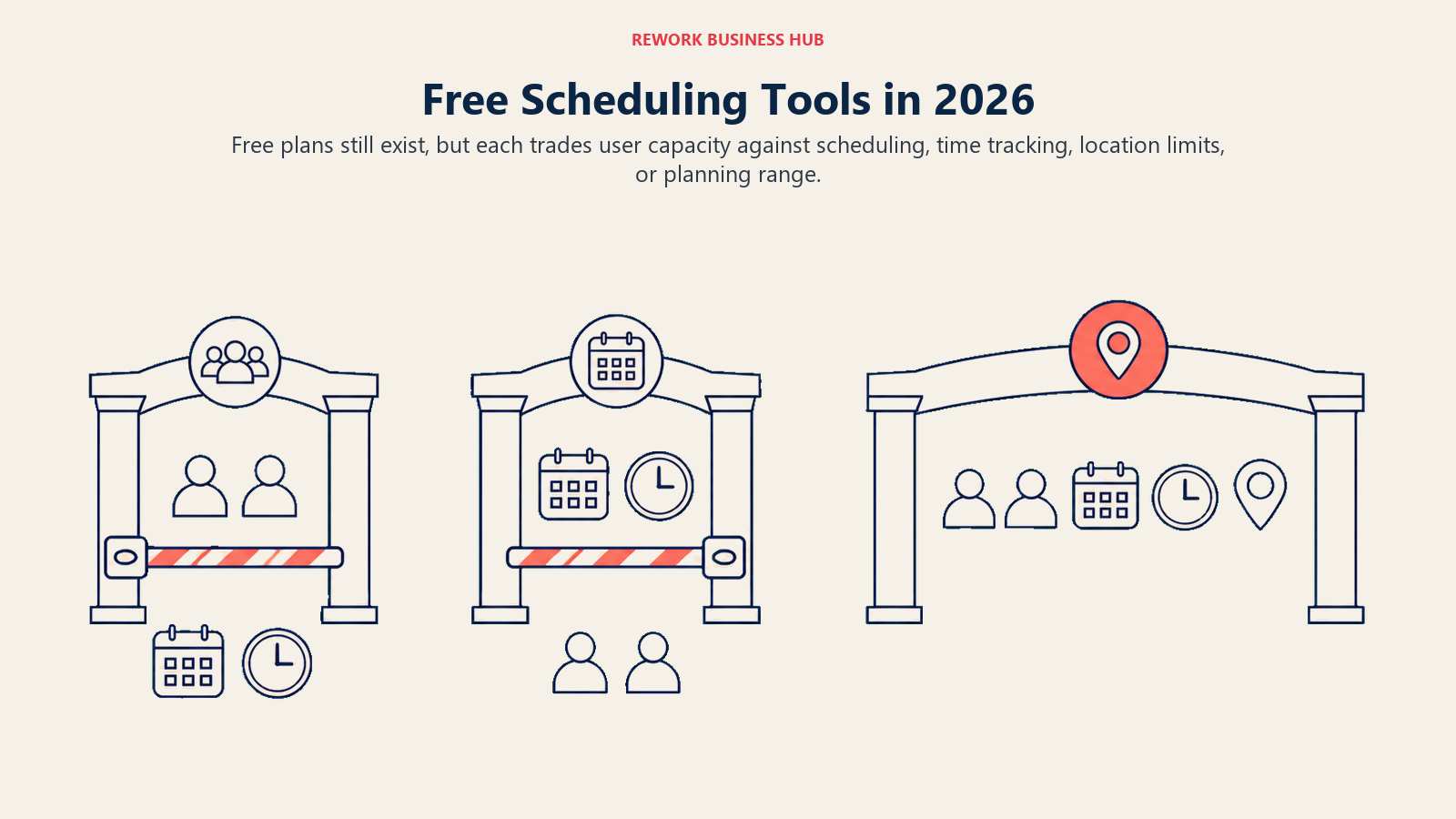
"Free scheduling app" is still a real category. It just doesn't mean what it meant when When I Work owned the search term. Here's what's actually free today, and what each free tier leaves out.
| Tool | Free tier cap | What's included free | What's NOT included free |
|---|---|---|---|
| Sling | Up to 30 users | Scheduling, time-off requests, shift swaps, team messaging | Time tracking and attendance (a paid add-on) |
| Connecteam | Up to 10 users, all hubs | Full Operations, Communications, and HR & Skills hubs | Scaling past 10 users requires Basic at $35/month |
| 7shifts | Unlimited (Comp plan), restaurant-specific | Basic scheduling, time clocking, team comms, availability and time off | Advanced scheduling and integrations sit in paid tiers from $39.99/location/month |
| Jibble | Unlimited users | Mobile, web, and kiosk clock-in/out, basic timesheets, Slack/Teams/QuickBooks integrations | Scheduling itself; Jibble is attendance-only, not a shift planner |
| Homebase | 1 location, up to 10 employees | Basic scheduling, basic time tracking, POS integration | More than 10 employees or a second location needs Essentials at $30/month |
| ZoomShift | Up to 20 active team members, 1 location | Basic scheduling, team communication, shift confirmation, reminders, scheduling up to 2 weeks ahead | A time clock or timesheets (Starter tier and up); scheduling past a 2-week window |
| When I Work | None | A 14-day trial, no credit card required | Everything, permanently, after day 14 |
Worth saying plainly: nothing here matches the 75 employees When I Work's free plan used to cover. Sling's 30 users is the largest free tier that still includes scheduling; Jibble has no user cap at all, but it's attendance only. ZoomShift is the closest match in shape, free scheduling at one location, but it caps planning at two weeks out and skips the time clock entirely. Neither fully replaces what's gone; pick the trade that costs you the least.
Quick Comparison Table
| Tool | Best For | Starting Price | Key Strength | Key Limitation |
|---|---|---|---|---|
| Sling | Free scheduling up to 30 users | Free (30 users); Premium $2.00/mo monthly, $1.70 annual | Real free tier, generous user cap | No time tracking on the free plan |
| Deputy | 1:1 When I Work replacement | Lite $5/user/mo (no free plan) | Scheduling plus HR and Payroll add-ons | $30/mo invoice minimum; no free tier |
| Homebase | Scheduling plus payroll, small multi-location | Free (10 employees, 1 location); Essentials $30/mo | Payroll built in, well-known brand | Free tier capped at 10, not unlimited |
| Connecteam | Deskless and field teams, mobile-first | Free (10 users, all hubs); Basic $35/mo (first 30 users) | Scheduling, HR, comms, time clock together | Priced per hub; multi-hub cost adds up |
| 7shifts | Restaurants specifically | Free (Comp plan); paid from $39.99/location/mo | Built for restaurant labor cost, tip pooling | Vertical-specific; no fit outside food service |
| QuickBooks Time | Payroll-tied attendance | Premium $10/mo base + $8/user/mo | Native QuickBooks Payroll sync | Needs QuickBooks Payroll to get full value |
| Jibble | Free unlimited attendance tracking | Free forever, unlimited users | No user cap, genuinely free | Attendance only, no shift scheduling |
| ZoomShift | Budget-friendly simple scheduling | Free (20 active team members, 1 location); Starter $2.50/user/mo monthly, $2 annual | Low cost, easy setup | No time clock free; scheduling capped at 2 weeks |
| Planday | International and hospitality shift teams | Starter $2.99/user/mo (min. 5 users); Plus $4.49/user/mo plus a $15/mo fee (min. 10 users) | Strong payroll integrations, EU/UK depth | Pricing renders by region; Pro tier is quote-only |
| Buddy Punch | GPS-verified time clock plus scheduling | $19/mo base + $4.99/user (annual), $5.99/user (monthly) | GPS tracking, payroll add-on available | $19 base fee raises cost at small headcounts |
| Workyard | Construction and field crew labor cost tracking | From $6/user/mo billed annually (entry point only) | GPS time tracking tied to specific jobs | Only the entry price is published |
| Humanity Schedule (TCP) | Healthcare and 24/7 coverage scheduling | Essentials $2.75/employee/mo annual (up to 250 employees) | Deep shift-swap rules for continuous coverage | Annual billing only; Essentials capped at 250 |
| Shiftboard | Enterprise multi-site scheduling | Quote-based, not published | Built for complex, multi-site labor rules | No free tier, no pricing, implementation fees |
| Quinyx | AI-driven retail and QSR at scale | Quote-based, not published | Demand-based forecasting and auto-scheduling | Enterprise-oriented; overkill for one location |
| UKG Pro Workforce Management | Large, multi-site enterprise workforce | Quote-based; reported ~$26 to $41 PEPM (reported) |
Deep compliance, forecasting, HR-suite integration | Enterprise pricing, not built for small teams |
Stage Fit Matrix
| Team stage | What matters most | Strongest fits |
|---|---|---|
| Under 10 employees, 1 location | Staying free as long as possible | Connecteam free tier, Homebase free tier, Jibble |
| 10-30 employees | A real free tier without a hard wall | Sling free tier, ZoomShift Essentials |
| 30-100, mixed hourly and salaried | Scheduling plus payroll on the same record | Homebase, Deputy, QuickBooks Time |
| 100-300, one vertical dominant | Vertical-specific depth (restaurant, healthcare, field) | 7shifts, Humanity Schedule (TCP), Connecteam, Workyard |
| 300-plus, multi-site or multi-country | Compliance, forecasting, workforce scale | Shiftboard, Quinyx, UKG Pro Workforce Management |
Sizing and Persona Table
| Persona | Primary need | Best pick |
|---|---|---|
| Small restaurant or cafe owner | Free-to-cheap scheduling built for food service | 7shifts or Sling |
| Retail store manager, under 30 staff | A real free plan with shift swaps | Sling |
| Field or construction lead wanting HR and comms too | Mobile-first scheduling, GPS, time clock in one app | Connecteam |
| Field crew tracking per-job labor cost specifically | GPS time tracking tied to specific jobs | Workyard |
| Multi-location small business owner | Scheduling and payroll without three logins | Homebase or Deputy |
| Franchise operator scaling locations | Per-hub or per-location pricing that scales predictably | Connecteam or 7shifts |
| Hospital or clinic scheduling manager | 24/7 coverage, shift-swap rules, credential tracking | Humanity Schedule (TCP) |
| Finance lead running hourly wages | Attendance tied directly to a payroll run | QuickBooks Time |
| HR or workforce planning director at scale | Demand forecasting, compliance, multi-site rules | Quinyx or UKG Pro Workforce Management |
One honest pattern across this list: pricing gets less transparent the further up the ladder you go. The small-business end (Sling, ZoomShift, When I Work, Deputy, Homebase, Connecteam) publishes real numbers you can compare without a sales call. The enterprise end (Shiftboard, Quinyx, UKG Pro Workforce Management) publishes essentially nothing beyond "contact sales" and a note that implementation fees apply. A reader who lost a free plan is shopping a ladder that gets harder to price-check at every rung.
1. Sling: The Real Free Plan, Up to 30 Users
Sling is the honest answer to "I want what When I Work's free plan used to cover." Free users get scheduling, shift swaps, time-off requests, and team messaging, no card, no trial clock running out. The catch: the free tier stops at scheduling. Time tracking and attendance live in the paid Premium and Business tiers.
| What you get | What you don't |
|---|---|
| A real free plan, not a trial, up to 30 users | Time tracking on the free tier |
| Shift swaps, time-off requests, and messaging included free | Payroll processing built in |
| Low-cost paid tiers if you outgrow free | Deep vertical features (restaurant, healthcare-specific tools) |
| A 15-day trial on paid tiers to test attendance features | HR functionality beyond scheduling |
Pricing: Free for up to 30 users (scheduling, time-off, swaps, messaging, no time tracking). Premium $2.00/user/mo monthly, $1.70 annual. Business $4.00 monthly, $3.40 annual. 15-day free trial on paid plans. (Sling) Best for: Teams under 30 people who want what When I Work's free plan used to offer, minus time tracking. Not ideal for: Teams that need attendance and payroll in the same free tier, or ones already past 30 users.
2. Deputy: The Closest Head-to-Head Replacement
Deputy is the most direct 1:1 swap for When I Work: scheduling, shift swaps, timesheets, and a native time clock, plus optional Payroll, HR, Messaging, and Analytics add-ons When I Work doesn't offer. Neither has a free plan, so the comparison comes down to feature depth. For a full side-by-side, see Deputy vs When I Work.
| What you get | What you don't |
|---|---|
| Scheduling, timesheets, and a native time clock together | A free plan (neither Deputy nor When I Work has one) |
| Optional Payroll, HR, Messaging, and Analytics add-ons | A flat per-user rate with no monthly minimum |
| Auto-scheduling based on demand and availability | The lowest entry price on this list |
| Strong shift-swap and compliance rule engine | Bundled payroll at the base tier (it's an add-on) |
Pricing: Lite $5/user/mo, Core $6.50/user/mo, Pro $9/user/mo (USD, excl. tax), with a $30 minimum monthly spend per invoice. Add-ons: Payroll (via Paycor) $8/user/mo + $49/mo base, HR $2/user/mo, Messaging+ $1.95/user/mo, Analytics+ $1.50/user/mo. Enterprise and the Flexible Weekly Plan are custom-quoted. (Deputy) Best for: Teams that want the closest like-for-like replacement, with the option to add payroll and HR modules as they grow. See Best Deputy Alternatives if Deputy itself turns out not to fit. Not ideal for: Teams under the $30/month invoice minimum, or ones that specifically need a free tier.
3. Homebase: Scheduling and Payroll for Small Multi-Location Teams
Homebase pairs scheduling with a payroll add-on and POS integrations, aimed at small businesses running one to a few locations. Its reputation is "free for unlimited employees," which was true once and isn't now: the free Basic plan caps at one location and 10 employees.
| What you get | What you don't |
|---|---|
| Payroll add-on tied directly to tracked hours | An unlimited-employee free tier (it's capped at 10) |
| POS integrations on the free plan | Multi-location support on Basic (paid tiers required) |
| A well-known brand with broad small-business adoption | The lowest per-location price on this list |
| Team messaging and hiring tools on paid tiers | Deep enterprise compliance features |
Pricing: Free Basic: 1 location, up to 10 employees (basic scheduling, basic time tracking, POS integration). Essentials $30/location/mo monthly, $24 annual. Plus $70 monthly, $56 annual. All-in-One $120 monthly, $96 annual, unlimited employees per location on paid tiers. Payroll add-on: $39/month + $6 per employee paid. (Homebase) Best for: Single-location or small multi-location businesses wanting scheduling and payroll from the same vendor. See Best Homebase Alternatives if 10 free employees isn't enough runway. Not ideal for: Teams past 10 employees expecting to stay on the free plan, since that cap is firm.
4. Connecteam: Mobile-First, Built for Deskless Teams
Connecteam targets the workforce a desk-based scheduling tool wasn't built for: retail, hospitality, construction, and field crews needing scheduling, a time clock, task checklists, and light HR in one mobile app. Its free Small Business plan covers up to 10 users across every hub, Operations, Communications, HR & Skills, not just one feature.
| What you get | What you don't |
|---|---|
| Scheduling, time clock, and HR in one mobile app | A single flat per-user price (it's priced per hub) |
| A free plan across all hubs, not just one feature | Toggl Track-style simplicity for desk-based teams |
| GPS and geofenced clock-in for field crews | One flat price once you need multiple hubs |
| Task checklists and internal communication tools | Deep client invoicing or project profitability views |
Pricing: Small Business free for life, up to 10 users, across all hubs. Paid tiers price per hub (Operations, Communications, HR & Skills): Basic $35/mo monthly or $29 annual, first 30 users, then $1.00 per extra user monthly or $0.80 annual. Advanced $59 monthly, $49 annual (+$3.00 monthly, $2.50 annual per extra). Expert $119 monthly, $99 annual (+$5.00 monthly, $4.20 annual per extra). Enterprise custom. (Connecteam) Best for: Retail, field service, hospitality, or construction teams with hourly, deskless employees needing scheduling and clock-in together. See Best Connecteam Alternatives if per-hub pricing doesn't fit your budget shape. Field crews specifically may also want Best Field Service Management Software. Not ideal for: Teams needing only one hub, since per-hub pricing rewards using the whole platform.
5. 7shifts: Built Specifically for Restaurants
7shifts doesn't try to be a general scheduling tool. Labor cost against sales, tip pooling, predictive-scheduling compliance, and restaurant POS integrations are the whole point, purpose-built depth a generic tool needs workarounds for, and a poor fit for any business outside food service.
| What you get | What you don't |
|---|---|
| A free Comp plan built for real restaurant use | Depth outside the restaurant vertical |
| Labor cost vs. sales tracking and tip pooling | Confirmed per-tier pricing beyond the entry point |
| Restaurant POS integrations | A flat per-user rate (it's priced per location) |
| Compliance tools for predictive-scheduling laws | Broad HR or payroll functionality outside restaurants |
Pricing: Free Comp plan (basic scheduling, time clocking, team communication, availability and time off). Paid plans start at $39.99 per location per month; confirm tier figures above the entry point directly with 7shifts. Payroll add-on $39.99/location/mo + $6 per employee paid. (7shifts) Best for: Restaurants and food-service operators wanting scheduling built around labor cost, not a generic app adapted for the job. Not ideal for: Any business outside restaurants and food service, where the vertical-specific features add no value.
6. QuickBooks Time: Attendance Tied Directly to Payroll
QuickBooks Time (formerly TSheets) solves what a scheduling app alone doesn't: turning clocked hours directly into a payroll run. Hourly employees clock in and out, GPS-tag their location, and hours flow into QuickBooks Payroll with no manual re-entry. See Best Payroll Software if payroll itself is still open.
| What you get | What you don't |
|---|---|
| Direct sync into QuickBooks Payroll | Deep shift-scheduling features like auto-scheduling |
| GPS clock-in/out for mobile and field crews | A free plan |
| Overtime and break-compliance alerts | Standalone value outside the QuickBooks ecosystem |
| Scheduling tied to actual clocked time | The lowest price on this list |
Pricing: Premium $10/mo base + $8/user/mo. Elite $20/mo base + $10/user/mo. List prices; Intuit runs frequent promotional discounts, so confirm the current rate before buying. (QuickBooks) Best for: Companies already on QuickBooks Payroll needing clock-in/out tied directly to wage calculation. Related: Best Time Tracking Software. Not ideal for: Teams not using QuickBooks for payroll, or ones prioritizing scheduling depth over attendance sync.
7. Jibble: Free Forever, Unlimited Users, Attendance Only
Jibble is the one tool here with no user cap on its free plan. Unlimited users clock in and out from mobile, web, or a shared kiosk, with basic timesheets and Slack, Teams, and QuickBooks integrations included free. The tradeoff: Jibble answers "did this person show up," not "what's their schedule."
| What you get | What you don't |
|---|---|
| A genuinely free plan with no user cap | Shift scheduling or shift-swap functionality |
| Clock-in/out from mobile, web, or kiosk | Published pricing for paid tiers |
| Facial recognition and GPS options on paid tiers | Payroll processing built in |
| Slack, Teams, and QuickBooks integrations included free | A rota or scheduling calendar view |
Pricing: Free forever, unlimited users, covering mobile/web/kiosk clock-in, basic timesheets, and Slack/Teams/QuickBooks integrations. Paid Premium and Ultimate tiers add facial recognition, GPS geofencing, and deeper reporting, but the figures aren't published. (Jibble) Best for: Organizations needing free, reliable clock-in/out attendance at any headcount. Not ideal for: Teams needing an actual shift schedule, since Jibble tracks attendance, not shifts.
8. ZoomShift: Budget-Friendly, Simple Scheduling
ZoomShift keeps the feature set close to what When I Work's old free plan covered: schedules, shift confirmation, reminders, and team communication, at a lower price once you do pay. Free Essentials covers up to 20 active team members at one location, but caps scheduling at two weeks out and skips the time clock.
| What you get | What you don't |
|---|---|
| A free tier for small single-location teams | Time tracking or a built-in time clock on Essentials |
| Low-cost paid tiers (Starter and Premium) | Scheduling more than 2 weeks ahead on the free plan |
| Simple setup with minimal admin overhead | Deep reporting or a large integration marketplace |
| A 14-day free trial, no card required | The polish of larger, better-funded competitors |
Pricing: Essentials free for up to 20 active team members at 1 location (basic scheduling, team communication, reminders, shift confirmation, scheduling up to 2 weeks ahead; no time clock or timesheets). Starter $2.50/user/mo monthly, $2/user/mo annual. Premium $5/user/mo monthly, $4/user/mo annual. Enterprise is custom-priced. (ZoomShift) Best for: Small, single-location teams wanting a low-cost, no-frills scheduling tool close to what When I Work used to offer for free. Not ideal for: Multi-location businesses, teams needing a time clock, or anyone scheduling more than two weeks out on a free budget.
9. Planday: Shift Scheduling With International and Hospitality Depth
Planday leans toward hospitality, retail, and healthcare shift work with strong European and UK roots, integrating with payroll providers across multiple countries. Unlike most tools here, its pricing page publishes no figures at all, just three tier names and a 5-user minimum on the entry tier.
| What you get | What you don't |
|---|---|
| Payroll integrations across multiple countries | Any published pricing figure, on any tier |
| Shift scheduling built for hospitality and retail | A free plan |
| A 30-day free trial, no credit card required | Transparent pricing without contacting sales |
| Leave and absence management on the Plus tier | Auto-scheduling below the custom-quoted Pro tier |
Pricing: Planday publishes per-user prices on its own pricing page, but the page renders by region, which is why an earlier check that came back with no figures was a rendering artifact rather than a missing price. US list: Starter $2.99 per user a month with a 5-user minimum; Plus $4.49 per user a month plus a $15.00 monthly subscription fee with a 10-user minimum; Pro is custom-quoted. A 30-day free trial is available on the self-serve tiers, no credit card required. Ask for a quote in your own currency rather than assuming the US figures apply. (Planday) Best for: Hospitality, retail, or healthcare businesses in the UK or Europe wanting payroll integrations across countries. Not ideal for: Buyers who want to compare a real number before talking to sales.
10. Buddy Punch: GPS-Verified Time Clock Plus Scheduling
Buddy Punch centers on a time clock with real-time GPS tracking, layering scheduling and a payroll add-on on top. Every plan carries a flat $19/month base fee in addition to the per-user rate, and that base fee matters more than it looks: at 8 users, Starter billed annually runs $19 plus $39.92, or $58.92 a month, more than When I Work's Essentials tier at the same headcount, and far more than Sling's $0.
| What you get | What you don't |
|---|---|
| Real-time GPS tracking on the time clock | A free plan (14-day trial only) |
| Scheduling and payroll add-ons available | A per-user rate free of a base fee |
| Facial recognition and webcam photo punches | The lowest total cost at small headcounts, once fees are included |
| Overtime and PTO tracking built in | Deep restaurant or healthcare-specific features |
Pricing: Every plan carries a $19/month base fee on top of the per-user rate. Starter $4.99/user/month billed annually, $5.99/user/month billed monthly. Pro $6.99/user/month annual, $7.99/user/month monthly. Advanced (Enterprise) $12.99/user/month annual, $13.99/user/month monthly. Payroll add-on: $8/user/month plus a $49/month base on Starter, or $6/user/month plus a $39/month base on Pro. 14-day free trial. (Buddy Punch Help Center) Best for: Teams wanting GPS-verified punches and photo-based clock-ins, where proof of location matters as much as the hours logged. Not ideal for: Very small teams sensitive to cost, since the $19 base fee makes Buddy Punch pricier than its per-user rate suggests until headcount climbs.
11. Workyard: GPS Time Tracking and Labor Cost for Construction Crews
Workyard narrows a problem Connecteam covers more broadly: GPS time tracking and scheduling built around construction, home services, and field crews moving between job sites. Time entries and mileage tie to a specific job, so per-project labor cost is visible without a separate spreadsheet.
| What you get | What you don't |
|---|---|
| GPS time tracking tied to specific jobs, not just clock-in/out | A free plan (14-day trial only) |
| Mileage tracking for crews driving between job sites | Published pricing beyond the entry-level tier |
| Labor cost reporting broken down by project | Restaurant, healthcare, or retail-specific features |
| Scheduling built around job sites and crews | The lowest entry price on this list |
Pricing: Plans start at $6/user/month billed annually; monthly billing is also available at an unpublished rate. Tiers are Starter, Pro, Autopilot, and Enterprise (custom); only the entry point is public. 14-day free trial. (Workyard) Best for: Construction, home services, and field crews needing per-job labor cost tracking alongside scheduling, a narrower alternative to Connecteam without HR or comms hubs. Not ideal for: Restaurants, retail, or office-based teams, since the feature set centers on field and job-site work.
12. Humanity Schedule (TCP): Scheduling for Healthcare and 24/7 Coverage
Humanity, now sold as Humanity Schedule under TCP Software, is built for organizations that never fully close: hospitals, senior care, and manufacturing plants running continuous shifts. Shift-swap rules, credential tracking, and compliance controls go deeper here than in a small-business tool, and unlike most enterprise-leaning rivals, TCP actually publishes entry pricing.
| What you get | What you don't |
|---|---|
| Shift-swap and coverage rules built for 24/7 operations | A monthly billing option (annual only at published rates) |
| Published entry pricing, unlike most enterprise-leaning rivals | A free plan |
| Credential and certification tracking for regulated staff | Essentials pricing past 250 employees (Professional required) |
| Compliance controls suited to healthcare and manufacturing | The setup speed of a small-business scheduling app |
Pricing: Essentials $2.75/employee/mo, billed annually, up to 250 employees. Professional from $3.75/employee/mo billed annually (volume discounts may apply). Enterprise custom-quoted. Monthly billing isn't published. (TCP Software) Best for: Healthcare systems, senior care facilities, and manufacturing operations needing continuous, compliant shift coverage. See Best HR Software. Not ideal for: Teams wanting month-to-month billing, or organizations past 250 employees still hoping for Essentials pricing.
13. UKG Shiftboard: Enterprise Scheduling for Complex, Multi-Site Operations
Shiftboard (marketed as ScheduleFlex) targets organizations scheduling across many sites with complex labor rules: multiple employee profile types, union contracts, and location-specific compliance. It's the heaviest tool on this list, built for complexity, not fast self-serve setup. Note the ownership change: UKG acquired Shiftboard in a deal completed on 30 May 2025, and it now sells as UKG Shiftboard inside the UKG Pro Workforce Management suite rather than as a standalone product.
| What you get | What you don't |
|---|---|
| Multi-site scheduling with complex labor-rule support | Published pricing on any tier |
| Support for multiple employee profile types | A free plan or self-serve signup |
| Built for union and compliance-heavy environments | Fast onboarding without implementation |
| Enterprise-grade reliability at scale | A budget-friendly entry point |
Pricing: No public figures at any tier. The current plans page is a contact form, and the older page that named a single-site and a multi-site tier with unquantified minimum subscription and implementation fees no longer resolves. Pricing requires a direct quote, now through UKG. (UKG Shiftboard) Best for: Large, multi-site organizations with complex labor rules a small-business tool can't model. Not ideal for: Small or mid-size teams wanting fast, self-serve setup and transparent pricing.
14. Quinyx: AI-Driven Forecasting for Retail and QSR at Scale
Quinyx pitches demand-based, AI-assisted scheduling for large retail and quick-service restaurant chains: forecasting footfall or sales volume and auto-generating schedules to match, a different job than the manual scheduling most tools here do well. It's European-rooted, used by large multi-country retail and QSR brands, and sells entirely through custom quotes.
| What you get | What you don't |
|---|---|
| AI-driven demand forecasting and auto-scheduling | Published pricing or self-serve signup |
| Built for large, multi-country retail and QSR chains | A fit for a single location or small team |
| "Success Plans" support built into the sales process | Transparent pricing without a sales conversation |
| Deep labor-demand analytics | Fast time-to-value for a small operation |
Pricing: Quinyx does not publish pricing tiers. Its pricing page states the company takes a customized approach based on business needs, directing prospects to contact sales for a quote. (Quinyx) Best for: Large, multi-location retail or QSR chains wanting demand-based forecasting layered on scheduling. Not ideal for: Single-location businesses or small teams, where the forecasting engine outweighs what's needed.
15. UKG Pro Workforce Management: Enterprise Workforce Management at Scale
UKG Pro Workforce Management sits well past where a When I Work alternative search usually starts, built for large enterprises (roughly 1,000 to 50,000-plus employees) needing deep compliance, labor forecasting, and integration with a broader HR suite. It's included for teams that have genuinely outgrown small-business tools, not as a like-for-like swap.
| What you get | What you don't |
|---|---|
| Enterprise-grade compliance and labor forecasting | A published tier structure or self-serve price |
| Integration with the broader UKG HR and payroll suite | A quick, low-cost path to get started |
| Support for large, multi-site, multi-country operations | Relevance for a small or mid-size team |
| Deep analytics on labor cost and scheduling efficiency | Transparent pricing without a sales quote |
Pricing: UKG does not publish pricing; every quote is custom, with no public tier structure and modules selected through sales. Third-party procurement analyses report roughly $26 to $41 per employee per month (reported), plus module and implementation costs, not confirmed by UKG. (Outsail)
Best for: Large enterprises that have outgrown small-business tools and need workforce management integrated with a full HR suite.
Not ideal for: Small or mid-size teams, or anyone wanting fast self-serve setup, this is a multi-month sales process, not a signup form.
How to Choose: Decision Framework
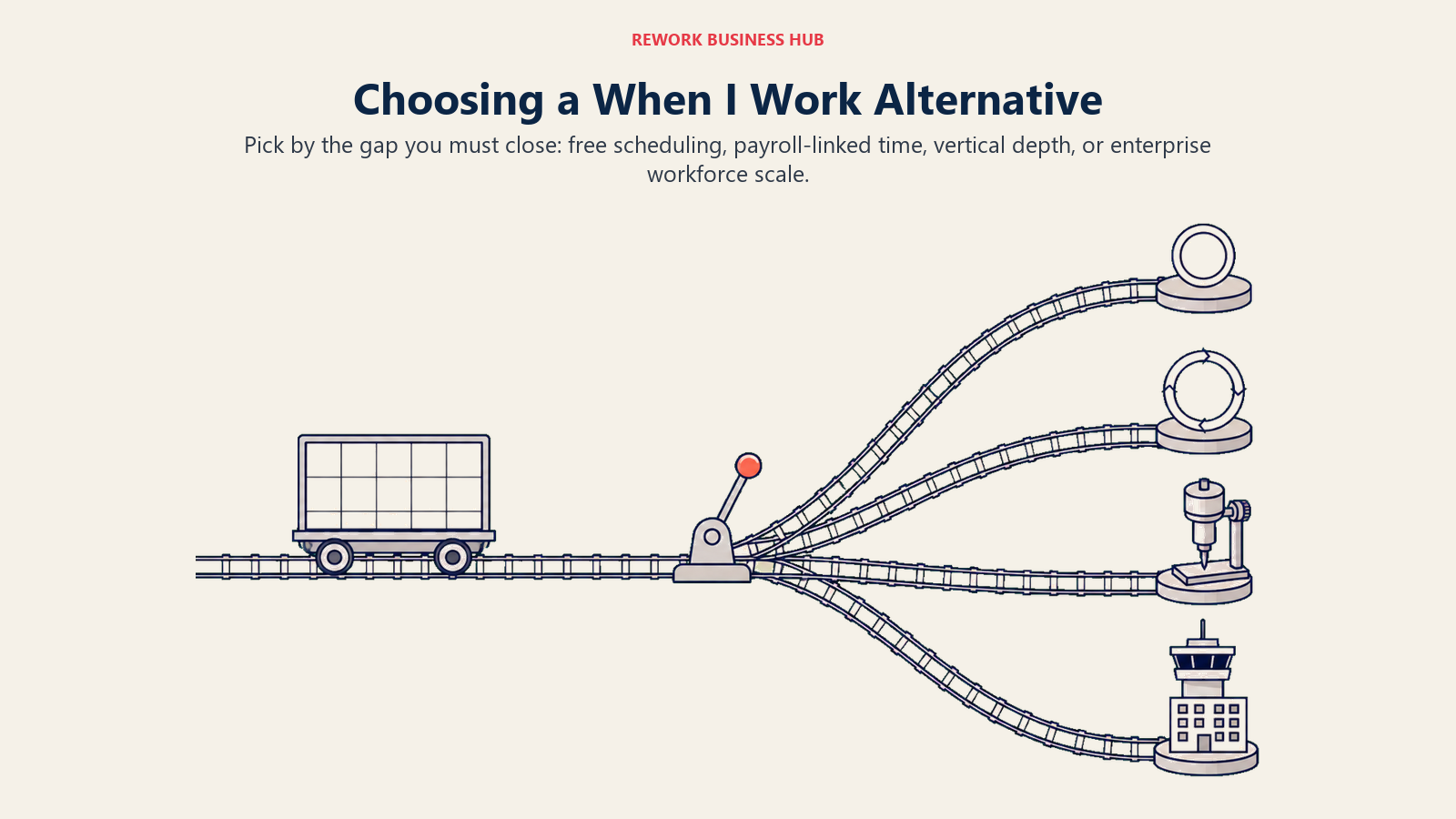
Choose by the operating gap When I Work leaves open: free scheduling, payroll-linked time, vertical depth, or enterprise scale.
| If your team needs... | Best pick |
|---|---|
| A genuinely free plan for up to 30 users | Sling |
| The closest direct swap for When I Work's feature set | Deputy |
| Scheduling and payroll from one small-business vendor | Homebase |
| Mobile-first scheduling for deskless or field crews | Connecteam |
| Scheduling built specifically for a restaurant | 7shifts |
| Clocked hours tied directly to a payroll run | QuickBooks Time |
| Free, unlimited attendance tracking with no scheduling | Jibble |
| The lowest-cost simple scheduling tool | ZoomShift |
| Payroll integrations across multiple countries | Planday |
| GPS-verified time clock punches | Buddy Punch |
| GPS time tracking and labor cost tied to specific jobs | Workyard |
| Deep coverage rules for healthcare or 24/7 operations | Humanity Schedule (TCP) |
| Complex, multi-site scheduling with union rules | Shiftboard |
| AI-driven demand forecasting at retail or QSR scale | Quinyx |
| Enterprise workforce management tied to a full HR suite | UKG Pro Workforce Management |
What to Do Next
Match your actual reason for leaving, losing the free plan, wanting payroll on the same record, needing vertical depth, or outgrowing the category, to the framework above, then run your top two picks against a real two-week scheduling cycle, not a sandbox demo. If a genuinely free plan is the requirement, start with Sling or Connecteam depending on whether time tracking matters. If you're replacing When I Work feature-for-feature, start with Deputy vs When I Work, or see Best Employee Scheduling Software in 2026 for the full category.

Principal Product Marketing Strategist
On this page
- Key Facts
- Why Teams Are Leaving When I Work
- What Free Actually Gets You in 2026
- Quick Comparison Table
- Stage Fit Matrix
- Sizing and Persona Table
- 1. Sling: The Real Free Plan, Up to 30 Users
- 2. Deputy: The Closest Head-to-Head Replacement
- 3. Homebase: Scheduling and Payroll for Small Multi-Location Teams
- 4. Connecteam: Mobile-First, Built for Deskless Teams
- 5. 7shifts: Built Specifically for Restaurants
- 6. QuickBooks Time: Attendance Tied Directly to Payroll
- 7. Jibble: Free Forever, Unlimited Users, Attendance Only
- 8. ZoomShift: Budget-Friendly, Simple Scheduling
- 9. Planday: Shift Scheduling With International and Hospitality Depth
- 10. Buddy Punch: GPS-Verified Time Clock Plus Scheduling
- 11. Workyard: GPS Time Tracking and Labor Cost for Construction Crews
- 12. Humanity Schedule (TCP): Scheduling for Healthcare and 24/7 Coverage
- 13. UKG Shiftboard: Enterprise Scheduling for Complex, Multi-Site Operations
- 14. Quinyx: AI-Driven Forecasting for Retail and QSR at Scale
- 15. UKG Pro Workforce Management: Enterprise Workforce Management at Scale
- How to Choose: Decision Framework
- What to Do Next