Best Payroll Software for Small Business in 2026: 14 Platforms Ranked by Fit
Turn this article into takeaways for your work.


Each assistant summarizes the article only for you and suggests best practices for your work.
The best payroll software for a small business is not the one with the longest feature list. It is the one that matches how you pay people today: a 5-person team running its first payroll needs a completely different tool than a 40-person company that just outgrew a spreadsheet, a founder who wants benefits and compliance risk handled for them, or a company paying contractors in three countries. Gusto and OnPay win for a first payroll. QuickBooks Payroll and ADP RUN win once you need more structure and you're already living in an accounting or payroll ecosystem. Rippling, Paycor, Paylocity, and Paycom win when you want payroll bundled with a real HRIS. Justworks and TriNet win when the actual problem is benefits access and compliance liability, not software. Deel wins the moment you have a single employee or contractor outside the US.
This guide ranks 14 real platforms by the buying situation they solve, not by a generic feature grid, so you can shortlist two and get to a trial instead of demoing all 14.
Key Facts
Key Facts: Payroll Compliance and Cost
- The IRS Failure to Deposit penalty starts at 2% for a deposit 1 to 5 days late and climbs to 15% once you've received a formal notice and still haven't paid (IRS).
- 73% of organizations outsource at least one payroll activity rather than running it fully in-house (Deloitte Global Payroll Benchmarking Survey).
- Small business owners spend nearly 5 hours (4 hours 52 minutes) per pay period calculating, filing, and paying payroll taxes by hand, per a QuickBooks-commissioned Kelton Global survey (Small Business Trends).
- 77% of US workers say they'd face financial difficulty if their paycheck were delayed by a week, which is why payroll runs get zero tolerance for downtime or errors (PayrollOrg, 2024 Getting Paid In America survey).
- Only 60% of employees say they're "very certain" their paycheck deductions and net pay are accurate, the rest carry some doubt every payday (PayrollOrg, Getting Paid In America survey).
Quick Comparison Table
| Tool | Best For | Starting Price | Key Strength | Key Limitation |
|---|---|---|---|---|
| Gusto | First payroll for a small US team | $49/mo + $6/employee/mo (Simple) | Best payroll UX for non-experts, transparent pricing | US-only, thin HR beyond payroll |
| OnPay | Honest, all-in flat pricing for tiny teams and accountants | $49/mo + $6/person/mo, everything included | One plan, no upsells, no implementation fee | Lighter analytics and reporting |
| Patriot Software | Budget DIY payroll for the smallest teams | $17/mo + $4/employee/mo (Basic) | Cheapest full payroll on this list | You handle more of the process yourself on Basic |
| Square Payroll | Hourly/retail teams already on Square POS | $35/mo + $6/person paid | Tight POS + timecard integration, contractor-only tier | Weak fit if you don't already run Square |
| QuickBooks Payroll | Teams already living in QuickBooks Online | $50/mo + $6.50/employee/mo (Core) | Payroll and books in one login | Full pricing requires checking your own QBO plan tier |
| ADP RUN | 5-49 employee teams that want the ADP compliance brand | Quote-only; ~$79/mo + $4/employee/mo (reported) | Decades of tax-filing accuracy, ZipRecruiter bundled | No published pricing; upsell-heavy sales process |
| Paychex Flex | Teams that want a dedicated phone rep, not a ticket queue | Quote-only; ~$39/mo + $5/employee/mo (reported) | Strong phone support, broad SMB coverage | Hidden fees are a common complaint |
| Rippling | Payroll bundled with HR, IT, and finance | ~$8/employee/mo core platform + modules (reported) | Deepest single-system breadth | Pricing is opaque; easy to overbuy modules |
| Paycor | Shift-based, compliance-heavy mid-market (healthcare, manufacturing) | Quote-only; ~$19-27/employee/mo mid-market (reported) | Strong scheduling and workforce analytics | No public pricing since 2025 |
| Paylocity | Mid-market wanting payroll plus real engagement tools | Quote-only; ~$22-33/employee/mo (reported) | Social-style engagement features built in | Overkill and pricey under 50 employees |
| Paycom | One database for payroll and HR, employee-driven pay | Quote-only; ~$25-35/employee/mo full suite (reported) | Beti lets employees verify their own paycheck pre-run | No public pricing; implementation fees add up |
| Justworks | Founders who want benefits access and compliance risk handled | $79/employee/mo (PEO Basic) | Large-group benefit rates for a small team | Co-employment model complicates an exit |
| TriNet | PEO for regulated or high-risk industries | Quote-only; ~$80-150/employee/mo (reported) | Industry-specific compliance guidance | Expensive, hard to unwind once integrated |
| Deel | Contractors or employees outside the US | $49/contractor/mo; EOR from $599/employee/mo | Fastest compliant path to hiring in 100+ countries | Not built to be your US domestic payroll system of record |
Which Payroll Buyer Are You? (Start Here)
Most payroll shopping goes wrong the same way CRM shopping does: someone compares feature lists before naming the actual situation they're in. Payroll splits into five recognizable buying situations, and almost every reader of this guide fits one of them.
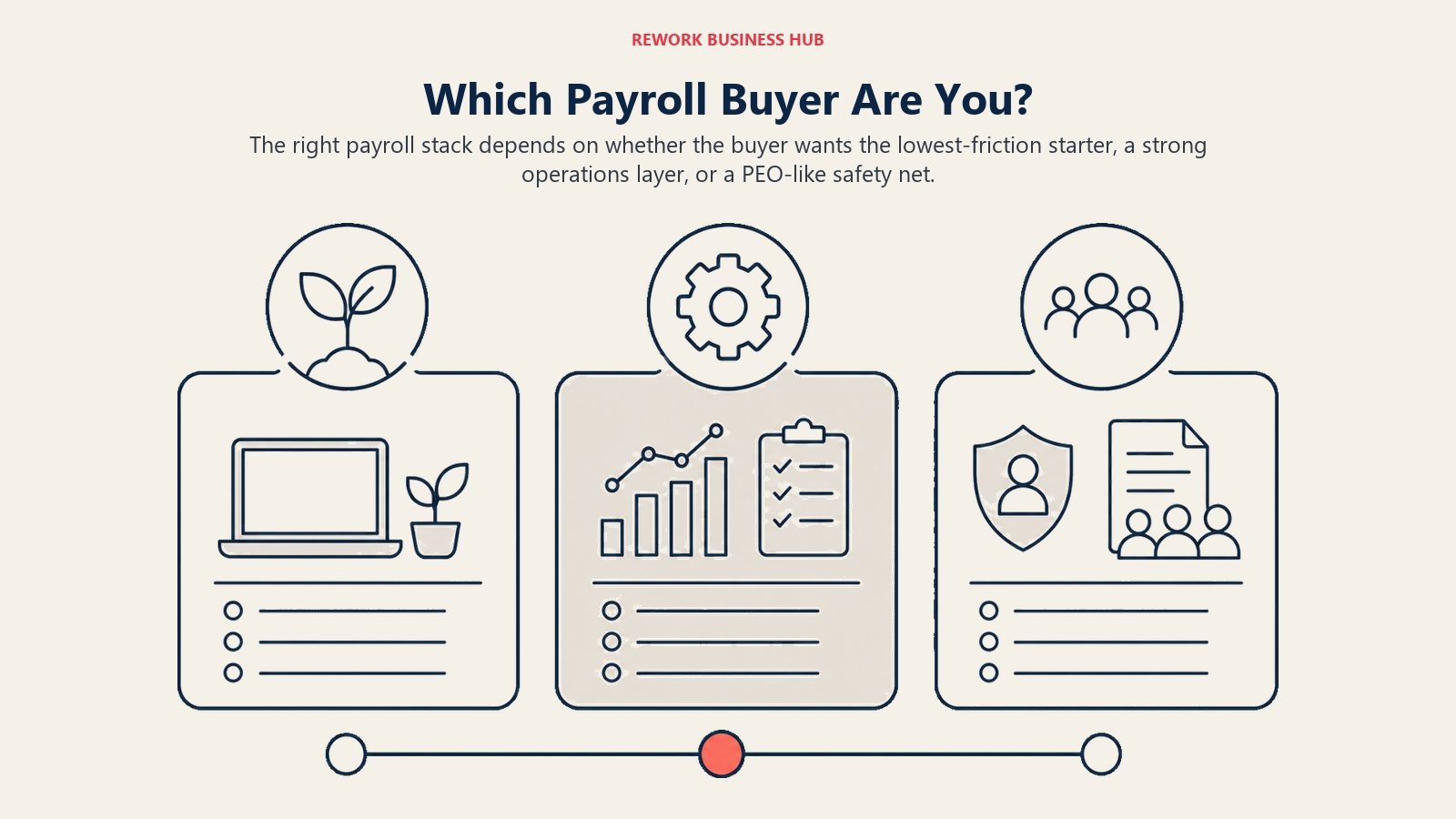
1. "This is our first payroll, ever." You're 1 to 10 people, you've been paying people through a bank transfer and a spreadsheet, and you need something that files taxes correctly without a finance background. This is Gusto, OnPay, Patriot Software, or Square Payroll territory. Pick based on how much hand-holding you want: Gusto has the most polished onboarding, OnPay is the flattest single price, Patriot is the cheapest if you're willing to do a bit more yourself, and Square is the obvious pick if you already run a Square register.
2. "We outgrew the spreadsheet, and payroll now touches 20 to 50 people." The pain here isn't tax filing anymore, it's multi-state complexity, PTO accrual, and a finance lead who wants real reporting. QuickBooks Payroll fits if your books already live in QuickBooks Online. ADP RUN and Paychex Flex fit if you want a household name and phone support backing you up, with the tradeoff of a sales call instead of a self-serve price.
3. "We want payroll and HR to be the same system, not two logins." Once you're hiring regularly and managing performance reviews, PTO policy, and org charts alongside pay, a bundled HRIS beats stitching payroll to a separate HR tool. Rippling goes furthest by also folding in IT provisioning. Paycor, Paylocity, and Paycom are the mid-market HCM suites built for this exact combination, each with a different specialty: Paycor for shift-based compliance, Paylocity for engagement, Paycom for a single employee-verified pay run.
4. "I don't want to run payroll and benefits myself, I want someone else to own the liability." This is a PEO buyer, not a software buyer. Justworks and TriNet become your co-employer, which is how a 15-person startup gets access to the same health insurance rates a 500-person company negotiates, plus workers' comp and compliance handled for you. The tradeoff is per-employee cost that doesn't shrink much as you grow, and a harder exit than swapping software.
5. "I have contractors or employees outside the US." None of the above tools solve this well. Deel exists specifically for compliant cross-border payments, whether that's a handful of contractors or full Employer of Record coverage where you have no legal entity. Pair it with a domestic tool from situation 1 to 3 for your home-country team; Deel is not trying to be your only payroll system.
Read the guide to choosing payroll software if you want the fuller version of this framework, including the questions to ask before you sit through a single demo.
Stage Fit Matrix
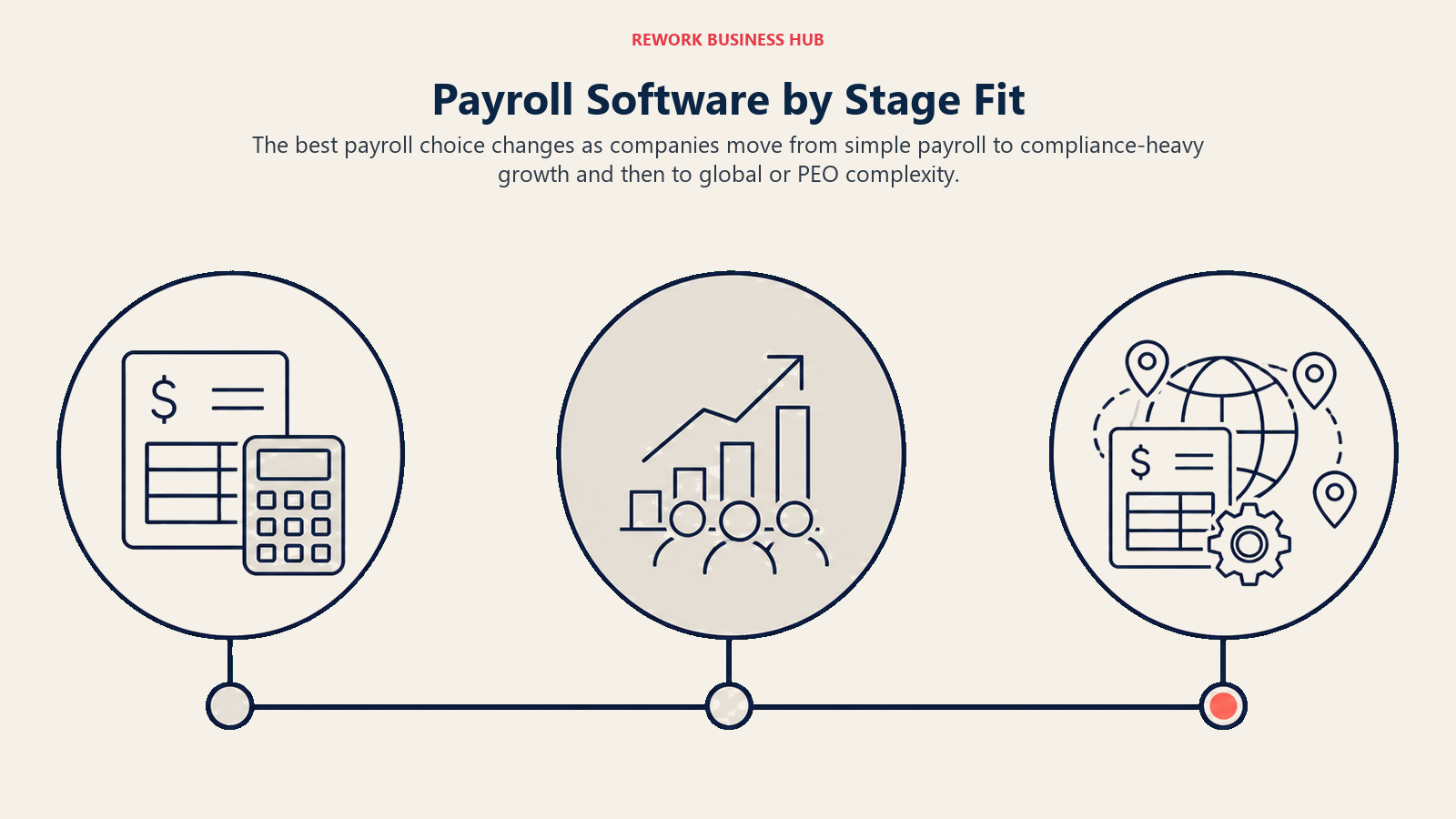
Stage fit is the fastest way to sort payroll software, because the right stack changes as the company gets more complex.
| Tool | Startup (1-10) | Growth (10-50) | Mid-Market (50-200) | Enterprise (200+) |
|---|---|---|---|---|
| Gusto | Strong fit | Strong fit | Possible | - |
| OnPay | Strong fit | Strong fit | Possible | - |
| Patriot Software | Strong fit | Possible | - | - |
| Square Payroll | Strong fit | Strong fit | Possible | - |
| QuickBooks Payroll | Strong fit | Strong fit | Possible | - |
| ADP RUN | Possible | Strong fit | Possible | - |
| Paychex Flex | Possible | Strong fit | Strong fit | Possible |
| Rippling | Possible | Strong fit | Strong fit | Possible |
| Paycor | - | Possible | Strong fit | Possible |
| Paylocity | - | Possible | Strong fit | Strong fit |
| Paycom | - | Possible | Strong fit | Strong fit |
| Justworks | Strong fit | Strong fit | Possible | - |
| TriNet | Possible | Strong fit | Strong fit | Possible |
| Deel | Strong fit (if global) | Strong fit (if global) | Strong fit | Strong fit |
Sizing and Persona Table
| Tool | Ideal Team Size | Primary Buyer |
|---|---|---|
| Gusto | 1-100 employees | Founder, office manager, bookkeeper |
| OnPay | 1-100 employees | Business owner, accountant |
| Patriot Software | 1-50 employees | Founder, bookkeeper |
| Square Payroll | 1-50 employees, hourly/retail | Owner-operator, restaurant/retail manager |
| QuickBooks Payroll | 1-50 employees | Bookkeeper, office manager |
| ADP RUN | 5-49 employees | Office manager, HR generalist, CFO |
| Paychex Flex | 5-300 employees | HR manager, small business owner |
| Rippling | 25-2,000 employees | Head of People, IT director |
| Paycor | 50-2,000 employees | HR director, payroll manager |
| Paylocity | 100-500 employees | Head of People, CHRO |
| Paycom | 50-5,000 employees | HR director, VP People |
| Justworks | 5-100 employees | Founder, operations lead |
| TriNet | 10-200 employees, regulated industries | HR director, general counsel |
| Deel | 5-1,000+ employees, distributed | Head of People, COO, legal |
1. Gusto: Best First Payroll for a Small US Team
Gusto's whole product bet is that running payroll shouldn't require a finance background. Every plan includes unlimited payroll runs and full-service federal, state, and local tax filing, and the setup wizard walks a first-time buyer through the parts (EIN, state tax accounts, bank verification) that trip most people up.
For a founder or office manager doing payroll solo for the first time, that matters more than any comparison chart. Gusto handles new-hire reporting automatically, offers health insurance brokerage in most states, and its self-service employee portal cuts down the "when do I get paid" questions that otherwise land in your inbox.
| What you get | What you don't |
|---|---|
| Transparent, published pricing you can check before a call | US-only, no international payroll |
| Unlimited payroll runs, no off-cycle fees | HR functionality beyond payroll stays basic |
| Automatic tax filing at federal, state, and local level | Not built for companies much past 100 employees |
| Genuinely easy self-serve setup | Advanced reporting is limited on the entry tier |
Pricing: Simple $49/mo + $6/employee/mo. Plus $80/mo + $12/employee/mo. Premium $180/mo + $22/employee/mo, billed monthly (reported: gusto.com blocks automated verification, and the Simple base rose from $40/mo in a March 2026 increase).
Best for: US-only teams of 1 to 100 running payroll without a dedicated payroll hire. See best Gusto alternatives if you're already on Gusto and outgrowing it.
2. OnPay: The Honest Flat-Price Payroll
OnPay's pitch is the opposite of most of this list: one plan, one price, everything included. No modular add-ons, no "contact sales" tier gate, no surprise upsell mid-implementation. Unlimited payroll runs, full-service tax filing, W-2s and 1099s, and HR document management all come standard.
That transparency is exactly why accountants who run payroll for several small clients gravitate toward OnPay. There's nothing to negotiate and nothing hidden in a PDF quote. The tradeoff is that OnPay doesn't try to compete with Gusto's polish or Rippling's breadth, it does one job cleanly.
| What you get | What you don't |
|---|---|
| Single published price, nothing gated behind a sales call | Reporting and analytics are lighter than bigger platforms |
| No implementation fee | No dedicated account manager tier |
| Unlimited pay runs, all filings and year-end forms included | US-only |
| Handles multi-state payroll and 1099 contractors | Less brand recognition than Gusto or ADP |
Pricing: $49/month base plus $6 per person per month. Unlimited pay runs, all federal, state, and local filings, W-2s and 1099s included, no implementation fee, per OnPay's own pricing page.
Best for: Small businesses and accountants managing payroll for multiple small clients who want one flat, honest number. See best OnPay alternatives if the flat plan is missing something you need.
3. Patriot Software: Cheapest Full Payroll for the Smallest Teams
Patriot Software exists for the buyer who finds even Gusto or OnPay a bit more than they want to pay at 3 to 10 employees. Basic Payroll covers pay runs and direct deposit but leaves tax filing to you (Patriot generates the forms, you file them); Full Service Payroll adds automatic federal, state, and local tax filing on top.
That two-tier split is the honest tradeoff: Basic is genuinely the cheapest full payroll run on this list, but it assumes you or your bookkeeper are comfortable filing tax forms yourselves. Full Service closes that gap for a few dollars more per employee.
| What you get | What you don't |
|---|---|
| Lowest base price of any tool on this list | Basic tier still requires you to file taxes yourself |
| Full Service tier adds automatic tax filing | Thinner HR feature set than Gusto or OnPay |
| Free payroll setup and direct deposit | Smaller support team than the bigger brands |
| Simple, published pricing | Less name recognition with accountants and banks |
Pricing: Basic Payroll $17/month + $4/employee. Full Service Payroll $37/month + $5/employee. These are Patriot's regular prices; Patriot is currently running a promotional 50% off for the first six months ($8.50 + $2 and $18.50 + $2.50), per Patriot Software's own pricing page.
Best for: Bootstrapped businesses of 1 to 10 people that want the lowest possible payroll bill and don't mind more manual filing on the entry tier.
4. Square Payroll: Best for Hourly and Retail Teams Already on Square
Square Payroll's advantage is narrow but real: if your business already runs Square for point of sale, timecards, and scheduling, payroll pulls hours directly from the same system instead of a manual import. For restaurants, salons, and retail shops running hourly staff, that integration removes a whole category of data-entry error.
Square also offers something almost nobody else on this list does at this price: a contractor-only plan with zero base fee, which makes it genuinely useful for a business that's mostly 1099 workers and doesn't want to pay for a full employee plan it isn't using.
| What you get | What you don't |
|---|---|
| Native integration with Square POS and timecards | Weak fit if you don't already use Square |
| Contractor-only plan with no monthly base fee | Fewer HR features than dedicated HRIS platforms |
| Simple, published pricing | Less depth for salaried, office-based teams |
| Automatic tax filing included | Multi-state support is more basic than Gusto |
Pricing: $35/month base plus $6 per person paid. Contractor-only plan is $6 per person paid per month with no base fee, per Square's own pricing page.
Best for: Hourly, shift-based retail or hospitality businesses already using Square for point of sale.
5. QuickBooks Payroll: Best When Payroll and Books Live in One Login
QuickBooks Payroll's whole argument is convenience: if your bookkeeping already runs through QuickBooks Online, payroll that posts directly to the same ledger removes the reconciliation step most small businesses do by hand every month. Core, Premium, and Elite tiers scale from basic tax filing up to same-day direct deposit and HR support.
The honest catch is that QuickBooks changed its payroll pricing mid-2026, and third-party buyer guides currently disagree on the exact numbers by several dollars per tier, a sign the published price may still be settling. Confirm the live number on your own QuickBooks Online account before you budget against it.
| What you get | What you don't |
|---|---|
| Payroll posts straight into your existing QuickBooks books | Pricing has shifted recently; verify the live number |
| Same-day direct deposit on higher tiers | Best value only if you're already a QuickBooks Online user |
| Tax penalty protection included on Elite | Support quality varies by tier |
| Familiar interface if you already use QuickBooks | Less full-featured HR than a dedicated HRIS |
Pricing: Core $50/month + $6.50/employee/month. Premium $88/month + $10/employee/month. Elite $134/month + $12/employee/month, per QuickBooks Payroll's own pricing page under Intuit's mid-2025 rate update. Intuit's page refuses some automated requests, so confirm the current rate at checkout.
Best for: Small businesses of 1 to 50 employees that already run their books in QuickBooks Online and want payroll in the same login.
6. ADP RUN: The Brand-Name Upgrade Once You Outgrow a Spreadsheet
ADP has been running payroll longer than most competitors on this list have existed, and RUN is its product built specifically for 1 to 49 employee companies rather than the enterprise-scale Workforce Now suite. Essential, Enhanced, Complete, and HR Pro packages layer on ZipRecruiter, state unemployment insurance handling, garnishment payments, and HR support as you move up tiers.
That brand depth is genuinely the point for a 40-person company that just outgrew a spreadsheet and wants a name their bank, accountant, and auditors already recognize. The friction is that ADP does not publish pricing anywhere on its own packages page, every tier says "Get pricing," and reviewers consistently flag that the sales process surfaces add-on fees that weren't obvious upfront.
| What you get | What you don't |
|---|---|
| Decades of payroll tax-filing accuracy | No published pricing on any tier |
| ZipRecruiter and HR support bundled at higher tiers | Sales process is known for surfacing add-on fees |
| Strong compliance tooling as you add states | UI lags behind newer entrants |
| Easy upgrade path to Workforce Now at real scale | Contract terms can be harder to compare than a self-serve competitor |
Pricing: Quote-only; none of ADP's four RUN packages show a price without a sales call. Third-party 2026 buyer guides, including Tech.co and ITQlick, report Essential starting around $79/month plus $4/employee/month, though ADP has not confirmed this figure (reported).
Best for: 5 to 49 employee companies that want ADP's compliance brand and are willing to negotiate a quote. See best ADP alternatives if the opaque pricing is a dealbreaker.
7. Paychex Flex: Best for Dedicated Phone Support
Paychex is the name most companies compare against ADP, and its Flex platform leans on a dedicated-rep support model instead of a ticket queue, which some HR admins genuinely prefer when payroll goes wrong on a Friday afternoon. Flex covers payroll, benefits, HR, and time tracking, with strong 401(k) and workers' comp administration baked in.
Paychex doesn't publish pricing on its site either; the compare-plans page routes every tier to a quote request. Third-party pricing guides consistently report the same entry-level figure across multiple independent sources, which is the best signal available without a vendor-confirmed number.
| What you get | What you don't |
|---|---|
| Dedicated account rep rather than a support queue | No published pricing on Paychex's own site |
| Strong 401(k) and workers' comp administration | Hidden fees are a common complaint in reviews |
| Solid multi-state payroll compliance | UI feels dated next to newer competitors |
| Broad SMB coverage, including non-desk industries | Long-term contract terms on some plans |
Pricing: Quote-only. Third-party 2026 buyer guides, including Tech.co's Paychex pricing guide, consistently report Flex Essentials starting around $39/month plus $5/employee/month (reported); Paychex has not published this figure directly.
Best for: Small businesses that want a proven, phone-supported payroll provider and are comfortable with a sales call to get a number. See best Paychex alternatives if the hidden fees are a dealbreaker, or Gusto vs Paychex for these two head to head.
8. Rippling: Payroll Bundled with HR, IT, and Finance
Rippling's bet is that payroll shouldn't be a standalone system, it should be one output of a single employee record that also drives IT provisioning, benefits, and spend management. Onboard someone in Rippling and it can run payroll, enroll benefits, and configure their laptop from the same hire event.
For a company whose HR and IT pain are tangled together, that's a genuine differentiator over a payroll-only tool. The tradeoff is pricing transparency: Rippling doesn't publish a full module price list, and the sales process is known for bundling more modules than a smaller team actually needs.
| What you get | What you don't |
|---|---|
| Payroll, HR, IT, and finance on one employee record | Pricing isn't published; requires a sales call |
| Strong automation across onboarding and offboarding | Easy to overbuy modules during the sales process |
| Global payroll and EOR options available | Steeper learning curve than a payroll-only tool |
| Scales from startup to 2,000+ employees | Full value depends on adopting multiple modules |
Pricing: Rippling does not publish a full price list. Existing buyer reports put the core platform around $8 per employee per month, with payroll and other modules priced separately; most companies land at $20 to $35 per employee per month once payroll and HR are both active (reported). Confirm current numbers with a Rippling sales call.
Best for: Companies of 25 to 2,000 employees that want payroll unified with IT and HR instead of three separate logins. See best Rippling alternatives if the module sprawl feels like more than you need.
9. Paycor: Compliance Depth for Shift-Based Mid-Market
Paycor is built around regulated, labor-intensive industries: healthcare, manufacturing, and hospitality, where scheduling, overtime rules, and compliance exposure are the daily reality, not an edge case. Payroll, time tracking, and analytics are built around shift-based workforces rather than a generic salaried office.
Paycor pulled its public pricing page in 2025, so every evaluation now starts with a sales call. Third-party benchmarks consistently put small-business plans around $99 to $299 per month plus $6 to $16 per employee, with mid-market all-in rates of $19 to $27 per employee per month once modules are added.
| What you get | What you don't |
|---|---|
| Strong compliance tooling for regulated, shift-based industries | No public pricing as of 2025 |
| Solid workforce management and scheduling | Interface feels dated next to newer HCM entrants |
| Analytics depth above most competitors at this tier | Implementation fees can run into the thousands |
| Good fit for hourly-heavy, multi-location workforces | Less differentiated for a standard office-based team |
Pricing: Quote-only. Third-party 2026 buyer guides, including PeopleManagingPeople's Paycor pricing guide, report small-business plans around $99-299/month plus $6-16/employee/month, and mid-market all-in rates of $19-27/employee/month (reported).
Best for: 50 to 2,000 employee companies in healthcare, manufacturing, or hospitality that need payroll and compliance tooling built for shift work.
10. Paylocity: Payroll Plus Real Engagement Tools
Paylocity targets the HR leader who believes payroll accuracy and employee experience matter equally. Alongside standard payroll and benefits, it includes a social-style community feed, peer recognition, and pulse surveys, features most payroll-first vendors treat as a third-party integration rather than something built in.
That's a real differentiator once a company hits roughly 100 employees and starts formalizing culture and engagement programs alongside compliance. Paylocity doesn't publish pricing, and it's genuinely not worth evaluating below about 50 employees, where the engagement layer goes underused.
| What you get | What you don't |
|---|---|
| Genuine engagement features (recognition, surveys, community feed) | No published pricing |
| Strong payroll and benefits administration | Overkill and pricey under 50 employees |
| Modern UX for both admins and employees | Reporting has a real learning curve |
| Learning management built in | Implementation can take several weeks |
Pricing: Quote-only. Existing buyer reports put Paylocity around $22-33 per employee per month depending on modules selected, with the full HCM suite typically running $26-33 PEPM (reported).
Best for: 100 to 500 employee companies that want payroll paired with a real culture and engagement program. See best Paylocity alternatives for other engagement-forward HCM options.
11. Paycom: One Database, Employee-Verified Payroll
Paycom's core differentiator is Beti, its feature that has employees review and confirm their own paycheck before payroll runs rather than after, catching errors before money moves instead of after a correction. Everything, payroll, time, talent, and learning, lives in a single database rather than integrated modules.
That single-database architecture is a real advantage for HR teams tired of reconciling data between separate payroll and HR systems. Paycom doesn't publish pricing, and implementation fees, commonly 15-30% of first-year software cost, are worth budgeting for upfront rather than discovering at signature.
| What you get | What you don't |
|---|---|
| Single database for payroll, time, talent, and learning | No public price list |
| Beti lets employees self-verify pay before it runs | Implementation fees typically add 15-30% of year-one cost |
| Strong self-service reduces HR ticket volume | Full-suite pricing scales up quickly with headcount |
| Reliable multi-state compliance | Some buyers report an aggressive sales process |
Pricing: Quote-only. Third-party 2026 pricing guides, including Outsail's Paycom breakdown, report payroll-plus-core-HR around $16-22 PEPM and full-suite deployments (time, talent, learning, Beti) around $25-35 PEPM, dropping toward the low end of that range at 1,500+ employees (reported).
Best for: 50 to 5,000 employee companies that want one system of record for payroll and HR and value employees catching their own pay errors before a run. See best Paycom alternatives for a closer look at this category.
12. Justworks: PEO for Founders Who Want Benefits and Liability Handled
Justworks is a Professional Employer Organization: it becomes the co-employer of your workforce for tax and benefits purposes, which gives a small company access to the same large-group health insurance rates and workers' comp coverage that much bigger employers negotiate on their own.
For a founder who doesn't want to become a payroll and compliance expert, that's the entire pitch. Payroll, compliance alerts, and HR consulting come bundled into published per-employee pricing, which is unusually transparent for a PEO.
| What you get | What you don't |
|---|---|
| Published, transparent per-employee pricing | Cost per employee doesn't shrink much at scale |
| Access to large-group health insurance rates | Co-employment model complicates switching later |
| Compliance support and workers' comp bundled in | Less flexible than a standalone HRIS |
| 24/7 support, no long-term contract | Benefits premiums are additional, not included in the fee |
Pricing: Justworks does not publish current pricing on its own site as directly verifiable. Independent 2026 buyer guides disagree on the exact figures: PEO Basic is reported at $59 to $79/employee/month and PEO Plus at $109 to $124/employee/month, with a payroll-only plan around $50/month base plus $8/employee/month (reported). Confirm current pricing directly with Justworks before budgeting.
Best for: Startups and small businesses of 5 to 100 employees that want benefits access and compliance risk handled without building an internal HR function.
13. TriNet: PEO for Regulated and High-Risk Industries
TriNet is a PEO like Justworks, but it targets a different buyer: companies in healthcare, legal, staffing, and financial services, where regulatory complexity and risk are higher than a generalist PEO is built to handle. Each client gets a dedicated HR service team and industry-specific compliance guidance.
TriNet's own pricing page confirms it does not publish standard list pricing; every quote runs through a three-step estimate process that factors in headcount, geography, and industry risk profile.
| What you get | What you don't |
|---|---|
| Industry-specific PEO and compliance support | No published pricing anywhere |
| Dedicated HR advisor assigned to your account | Can be expensive for a small team |
| Strong benefits options, including industry-specific plans | Difficult to exit once fully integrated |
| Good multi-state compliance handling | Support quality varies by region |
Pricing: No published pricing; TriNet's own pricing page routes every prospect to a personalized quote. Independent 2026 estimates, including SelectHub's TriNet review, put the PEO administrative fee around $80-150 per employee per month before benefits premiums and employer taxes (reported).
Best for: Healthcare, legal, staffing, or financial services companies of 10 to 200 employees that need industry-specific compliance support built into payroll and HR. See best TriNet alternatives if the quote comes back higher than you expected.
14. Deel: For Contractors and Employees Outside the US
Deel exists to solve one thing the other 13 tools on this list handle poorly or not at all: paying people compliantly in countries where you have no legal entity. Through its Employer of Record network, Deel becomes the legal employer of your staff abroad, handling local payroll, tax withholding, and termination compliance on your behalf.
For a company hiring its first contractor or employee outside the US, Deel has become close to the default choice, covering 100+ countries with a platform experience that's genuinely faster than working with local law firms directly. It is not trying to replace your domestic payroll tool, so most companies pair it with one of the first 13 platforms for their home-country team.
| What you get | What you don't |
|---|---|
| Compliant EOR coverage in 100+ countries | Not a replacement for US domestic payroll software |
| Contractor management and compliance built in | EOR pricing is steep at low headcount per country |
| US PEO option if you want benefits handled domestically too | Employer taxes and statutory costs sit on top of the platform fee |
| Fast time-to-hire versus setting up local entities | Best paired with, not substituted for, a domestic payroll tool |
Pricing: Contractor management $49/contractor/month. US PEO $125/employee/month. EOR from $599/employee/month. Contractor of Record $325/contractor/month. All figures per Deel's own pricing page.
Best for: Companies with any number of contractors or employees outside the US, paired with a domestic payroll tool for the rest of the team. See best Deel alternatives and best Remote.com alternatives for other EOR and global payroll options, and the guide to choosing global payroll software before signing a multi-year EOR contract.
True Cost Example: Payroll for 25 Employees
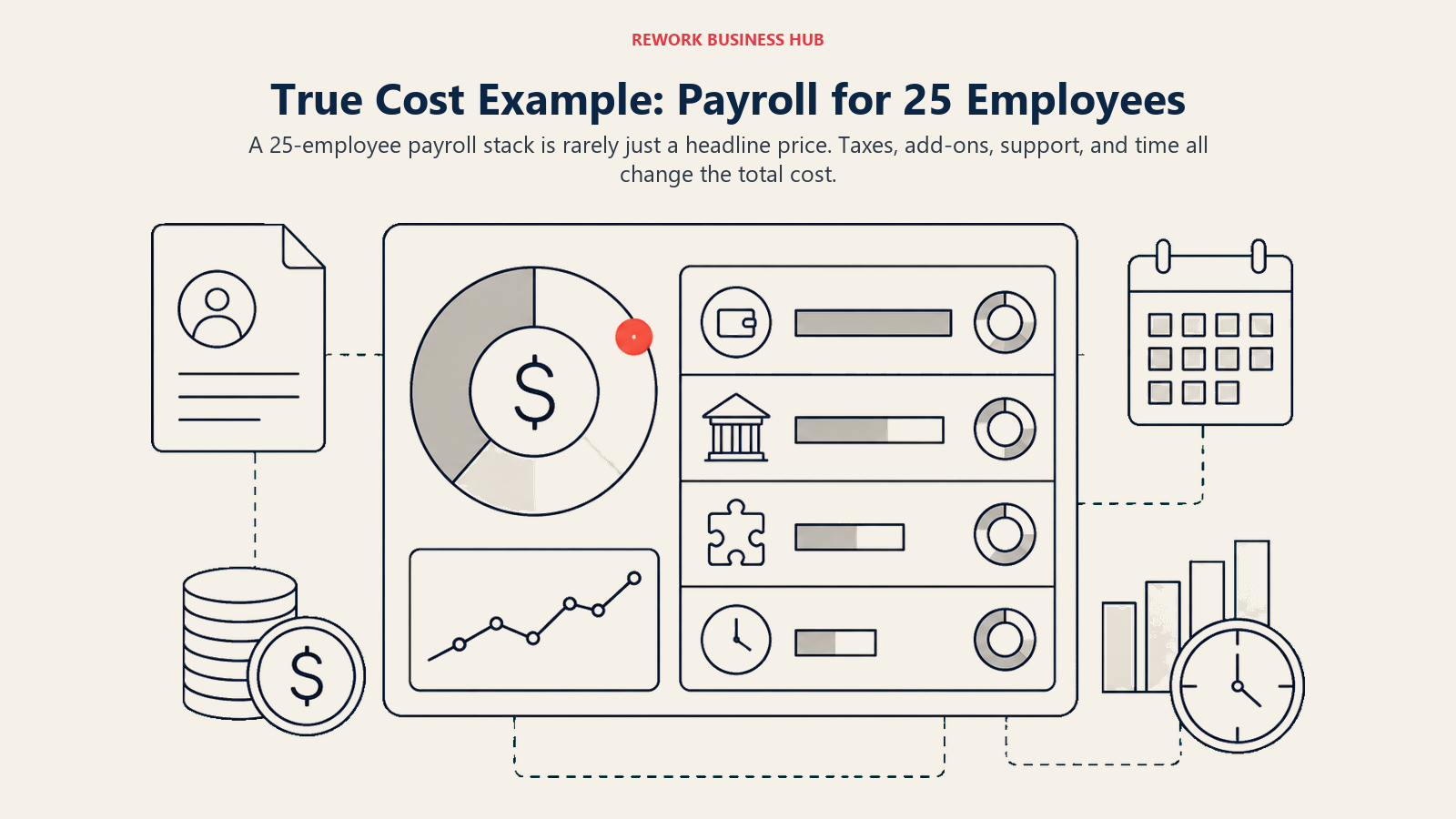
Numbers below assume a US-only team of 25 employees, paid biweekly, with no international hires, no PEO benefits election, and standard modules only. Figures marked (reported) are third-party estimates because the vendor doesn't publish pricing; treat them as a planning range, not a quote.
| Tool | Monthly Estimate | Annual Estimate | Notes |
|---|---|---|---|
| Gusto (Simple) | $49 + (25 x $6) = $199 | ~$2,388 | Reported; gusto.com blocks automated checks |
| OnPay | $49 + (25 x $6) = $199 | ~$2,388 | Vendor-published |
| Patriot Software (Full Service) | $37 + (25 x $5) = $162 | ~$1,944 | Vendor-published; regular price |
| Square Payroll | $35 + (25 x $6) = $185 | ~$2,220 | Vendor-published |
| QuickBooks Payroll (Core) | $50 + (25 x $6.50) = $212.50 | ~$2,550 | Vendor-published |
| ADP RUN (Essential, reported) | ~$79 + (25 x $4) = ~$179 | ~$2,148 | Reported; ADP requires a quote |
| Paychex Flex (Essentials, reported) | ~$39 + (25 x $5) = ~$164 | ~$1,968 | Reported; Paychex requires a quote |
| Justworks (PEO Basic) | 25 x $79 = $1,975 | $23,700 | PEO platform fee only, before benefits premiums |
| Rippling (core + payroll, reported) | 25 x ~$28 (mid-range) = ~$700 | ~$8,400 | Reported; wide range depending on modules |
The gap between a self-serve payroll tool and a PEO is the story this table tells. At 25 employees, a straight payroll platform runs somewhere between $2,000 and $2,500 a year in software fees. A PEO like Justworks runs somewhere around $18,000 to $24,000 a year in platform fees alone, before a dollar of health insurance premium, because you're buying benefits access and compliance liability transfer, not just software. Neither is "wrong," they're solving different problems, which is exactly why buying situation 4 in the framework above matters more than a straight price comparison.
Payroll Buying Mistakes to Avoid
| Mistake | What It Looks Like | What to Do Instead |
|---|---|---|
| Confusing payroll software with a PEO | Expecting Gusto or QuickBooks Payroll to also solve benefits access and workers' comp | Evaluate Justworks or TriNet specifically if benefits and liability transfer are the real goal |
| Confusing payroll software with an EOR | Trying to pay someone abroad through a US-only payroll tool | Use an EOR like Deel for any country where you have no legal entity |
| Budgeting only the advertised per-employee fee | Forgetting the base platform fee, which can be a third of the total bill at small headcounts | Always calculate base fee plus (headcount x per-employee rate), not just the per-employee number |
| Trusting a third-party price as vendor-confirmed | Quoting a "reported" range as if the vendor published it | Treat every (reported) figure as a planning estimate and confirm with the vendor before budgeting |
| Ignoring the promo period | Budgeting a promotional rate as your steady-state cost | Ask what the price reverts to after the discount period ends, not just the headline rate |
| Picking based on brand recognition alone | Choosing ADP or Paychex because the name is familiar, without comparing the actual quote | Get quotes from at least two providers before assuming a household name is the cheaper option |
| Ignoring multi-state complexity until it's a problem | Discovering a new state's tax registration requirement after you've already hired there | Confirm state-by-state coverage before you hire your first out-of-state employee |
| Re-platforming payroll too often | Switching providers every year chasing a slightly better rate | Pick a platform with 2-3 years of headcount growth room so switching costs don't repeat annually |
Decision Framework
| If you need... | Pick... | Why |
|---|---|---|
| The easiest first payroll for a small US team | Gusto | Best onboarding for non-experts, transparent pricing |
| The flattest, most honest pricing with nothing hidden | OnPay | One plan, one price, no upsell calls |
| The cheapest full payroll for under 10 people | Patriot Software | Lowest base price on this list |
| Payroll tied to a Square POS and timecards | Square Payroll | Native integration, contractor-only tier available |
| Payroll in the same login as your books | QuickBooks Payroll | Posts directly into QuickBooks Online |
| A recognizable compliance brand for 5-49 employees | ADP RUN | Decades of tax-filing accuracy |
| A dedicated phone rep instead of a ticket queue | Paychex Flex | Account-rep support model |
| Payroll unified with HR, IT, and finance | Rippling | Deepest single-system breadth |
| Compliance depth for shift-based, regulated industries | Paycor | Strong scheduling and workforce analytics |
| Payroll plus real engagement and culture tools | Paylocity | Social-style engagement features built in |
| One database and employee-verified pay runs | Paycom | Beti catches errors before the run, not after |
| Benefits access and compliance liability handled for you | Justworks | Large-group benefit rates via co-employment |
| PEO support in a regulated or high-risk industry | TriNet | Industry-specific compliance guidance |
| To pay contractors or employees outside the US | Deel | Compliant EOR coverage in 100+ countries |
For the broader HRIS layer this payroll decision usually sits inside, the best HR software guide and the guide to choosing HR software for small business cover the adjacent decision of whether you need a full HRIS around your payroll choice, not just payroll on its own.
Frequently Asked Questions about Payroll Software for Small Business
What is the best payroll software for a small business in 2026?
There's no single best answer for every business. Gusto and OnPay fit a first payroll for a small US team, QuickBooks Payroll fits teams already living in QuickBooks Online, ADP RUN and Paychex Flex fit companies that outgrew a spreadsheet and want a recognizable brand, Justworks and TriNet fit founders who want benefits and compliance liability handled through a PEO, and Deel fits any company with contractors or employees outside the US.
How much does payroll software cost for a small business?
Entry-level payroll platforms typically run $35-50 per month in base fees plus $4-6 per employee per month, which puts a 10-person team around $700-1,200 a year in software costs alone. PEOs like Justworks are reported at $59-124 per employee per month as a platform fee, before benefits premiums, which is a fundamentally different cost structure because you're also buying benefits access and liability transfer.
What's the difference between payroll software and a PEO?
Payroll software (Gusto, OnPay, QuickBooks Payroll) runs pay and tax filings for employees who remain solely your legal employees. A PEO (Justworks, TriNet) is a co-employment arrangement where the PEO becomes a joint employer, which is how a small company gets access to large-group insurance rates and shared compliance liability that it couldn't negotiate alone.
What's the difference between payroll software and an Employer of Record (EOR)?
Payroll software runs payments for employees your company can already legally employ in a given location. An EOR, like Deel, becomes the legal employer on your behalf in a country where you have no entity, which is what makes it possible to hire someone in a country you have no legal presence in.
Do I need a full HRIS, or is standalone payroll software enough?
If your only pain point is running pay and filing taxes correctly, standalone payroll (Gusto, OnPay, Patriot) is enough. Once you're managing performance reviews, PTO policy, and org structure alongside pay, a bundled HRIS like Rippling, Paycor, Paylocity, or Paycom usually beats stitching payroll to a separate HR tool.
Why do so many payroll vendors not publish pricing?
ADP, Paychex, Paycor, Paylocity, Paycom, and TriNet all price per organization based on headcount, state footprint, and selected modules, so a single published number wouldn't reflect what most buyers actually pay. Treat any third-party number for these vendors as a reported estimate, and get an actual quote before budgeting.
How much does an IRS payroll tax penalty actually cost?
The IRS Failure to Deposit penalty starts at 2% of the unpaid deposit for 1-5 days late, rises to 5% for 6-15 days late, and hits 10% past 15 days, climbing to 15% once you've received a formal notice and still haven't paid. Running payroll through a platform that files taxes automatically is the most common way small businesses avoid this entirely.
Is a PEO cheaper than standalone payroll software?
Not on the platform fee alone, a PEO's per-employee cost is typically 5-10x a standalone payroll tool's per-employee cost. A PEO becomes cost-competitive once you factor in what a small company would otherwise pay to negotiate group health insurance and workers' comp on its own, which is usually a fair comparison only once you're offering real benefits.
What to Do Next
Name your buying situation before you book a single demo. If it's situation 1 or 2 from the framework above, run a real payroll cycle, one pay run, one new hire, one termination, in both Gusto and OnPay (or QuickBooks Payroll if you're already there) before deciding. If it's situation 3 or 4, get an actual quote from two providers, not one, since ADP, Paychex, Paycor, Paylocity, Paycom, Justworks, and TriNet all price per organization and a single quote tells you nothing about whether you got a fair number. If it's situation 5, start with Deel and figure out your domestic tool separately rather than trying to make one platform do both jobs.
The platform that wins is the one your bookkeeper or HR admin runs correctly every single pay cycle without a support ticket, not the one with the most modules on the sales deck.

Principal Product Marketing Strategist
On this page
- Key Facts
- Quick Comparison Table
- Which Payroll Buyer Are You? (Start Here)
- Stage Fit Matrix
- Sizing and Persona Table
- 1. Gusto: Best First Payroll for a Small US Team
- 2. OnPay: The Honest Flat-Price Payroll
- 3. Patriot Software: Cheapest Full Payroll for the Smallest Teams
- 4. Square Payroll: Best for Hourly and Retail Teams Already on Square
- 5. QuickBooks Payroll: Best When Payroll and Books Live in One Login
- 6. ADP RUN: The Brand-Name Upgrade Once You Outgrow a Spreadsheet
- 7. Paychex Flex: Best for Dedicated Phone Support
- 8. Rippling: Payroll Bundled with HR, IT, and Finance
- 9. Paycor: Compliance Depth for Shift-Based Mid-Market
- 10. Paylocity: Payroll Plus Real Engagement Tools
- 11. Paycom: One Database, Employee-Verified Payroll
- 12. Justworks: PEO for Founders Who Want Benefits and Liability Handled
- 13. TriNet: PEO for Regulated and High-Risk Industries
- 14. Deel: For Contractors and Employees Outside the US
- True Cost Example: Payroll for 25 Employees
- Payroll Buying Mistakes to Avoid
- Decision Framework
- What to Do Next