Best DocuWare Alternatives in 2026: 13 Document Management Platforms Worth Switching To
Turn this article into takeaways for your work.


Each assistant summarizes the article only for you and suggests best practices for your work.
The best DocuWare alternative depends on what's actually pushing you off it: teams that want a self-service, metadata-driven data model without a named-user license for every casual approver tend to land on M-Files or Laserfiche, teams already standardized on Microsoft 365 default to SharePoint, and teams that want documents sitting on the same record as the deal, project, or employee they belong to, instead of a separate archive synced through an integration, are the ones who end up looking at Rework. This guide covers 13 platforms, evaluated on published pricing (or the honest lack of it), deployment flexibility, capture and workflow depth, and how much setup a team can realistically do without a systems integrator on retainer.
DocuWare earns its reputation honestly, and it's worth saying plainly before the complaints: strong invoice-processing and AP automation, mature capture with intelligent indexing and OCR, both cloud and on-premises deployment, deep ERP integrations including SAP, and a long track record with regulated mid-market manufacturers and distributors, especially in Europe. Teams still leave for five practical reasons: DocuWare quotes every deal individually, so there's no public price list to check before a sales call; implementation runs through a partner network more often than not, which adds a services line item on top of the license; pricing scales by named user, workflow user, and storage band separately, so a quote can grow in ways that are hard to predict from outside; the admin experience shows its age in places next to newer, browser-native tools; and the Workflow Designer, while capable, rewards a trained specialist who configures conditions and routing rules more than it rewards a business admin who wants to build a simple approval chain in an afternoon.
Key Facts
- Processing a single invoice manually costs organizations an average of $10.18, more than four times the $2.36 that best-in-class accounts payable teams pay, per Ardent Partners' State of ePayables 2024 report. (Transformance)
- 52% of organizations still manage their documents primarily through network file-shares rather than a dedicated platform, and 29% have no information governance policy at all, per AIIM's State of Information Management benchmark report. (AIIM)
- Compliance and risk jumped back to the top driver of information-management investment for 59% of large organizations in AIIM's latest benchmark, up from 38% the year before. (AIIM)
- The SEC fined 12 investment advisers and broker-dealers a combined $63.1 million in January 2025 alone for failing to preserve required electronic business records. (Newsfilecorp, reporting the SEC settlement)
- The content services and document management software market is projected to keep growing at a double-digit CAGR through the early 2030s as organizations replace file-share sprawl with governed platforms. (Straits Research)
Quick Comparison Table
| Tool | Best For | Starting Price | Key Strength | Key Limitation |
|---|---|---|---|---|
| M-Files | Metadata-driven DM without folder hierarchies | €65/seat/mo billed annually (Essentials) | No-folder, metadata-first architecture | Enterprise tier is quote-only |
| Laserfiche | Government, education, and regulated records management | $73/user/mo (Professional, annual, 5-user minimum) | Deep records compliance (FERPA, HIPAA, CJIS) | Business starts at 25 users, Business+ at 500 |
| SharePoint (Microsoft 365) | Teams already standardized on Microsoft 365 | From $7.00/user/mo billed annually (Business Basic) | 1 TB pooled org storage plus 10 GB per license, deep Teams integration | Standalone SharePoint retired in 2026; folder model shows its age for records governance |
| Box | Content-heavy teams wanting a broad API and app ecosystem | From $5/user/mo annual (Business Starter, 100GB); $15/user/mo for Business (unlimited) | Unlimited storage from the Business tier up | Workflow and records depth trail dedicated ECM tools |
| Egnyte | Hybrid cloud plus on-premises file governance | $22/user/mo billed annually (Business) | One governance policy across cloud and on-prem content | Base storage (100GB) is thin before add-ons |
| Rework | Documents on the same record as the CRM, project, or employee | Quote on request (rework.com/pricing) | Document ops unified with CRM, projects, and People | Not a specialist for high-volume regulated capture |
| Hyland (OnBase / Alfresco) | Large regulated enterprises (healthcare, financial services) | Quote-only (reported $100K-$500K+/yr for large deployments) | Deep vertical-specific ECM configurability | Cost and implementation scale for enterprise, not SMB |
| OpenText Content Cloud | Global enterprises with complex, multi-system content needs | Quote-only (reported $150K-$600K+ first-year, mid-size enterprise) | Broadest enterprise content and governance suite | Heaviest, most complex, and costliest platform on this list |
| Revver | Published per-user pricing with AI auto-filing included | $25/user/mo (Basic, published, volume discounts to $4) | Unlimited storage and AI Smart Suite on every tier | Fewer enterprise workflow and compliance modules than Hyland or OpenText |
| Dropbox Business | Teams wanting simple file sync with a light DM layer | $15/user/mo (Standard, starts at 3TB team storage) | Familiar interface, fast user adoption | Not built for records retention or compliance workflows |
| Google Workspace (Google Drive) | Teams already on Gmail and Docs wanting shared drives | $7/user/mo (Business Starter); $3.50 intro on the first 20 seats for 12 months | Real-time collaboration, pooled per-user storage | Weak native records retention and compliance controls |
| Zoho WorkDrive | Budget-conscious SMBs wanting managed team file storage | $2.50/user/mo billed annually (Starter, 3-user minimum) | Lowest published entry price on this list | Thin on capture, workflow, and compliance depth |
| FileHold | Small teams wanting a simple, affordable repository | Custom quote (reported $10-15/user/mo, 5-user minimum) | No per-document fees; cloud or on-premises | No published pricing; dated interface |
1. M-Files: Metadata-Driven, No Folders to Maintain
M-Files organizes content by what a document is, not where someone filed it: metadata drives search, permissions, and workflow instead of a folder tree that only makes sense to whoever built it. That's the opposite bet from DocuWare's cabinet-and-drawer metaphor, and it's why M-Files has held a Leader spot in Gartner's Magic Quadrant for Content Services Platforms for years running. Its AI layer, M-Files Aino, adds everyday drafting and search assistance on top of the metadata model. See DocuWare vs M-Files for a direct head-to-head, or Best M-Files Alternatives if M-Files itself turns out not to fit.
| What you get | What you don't |
|---|---|
| Metadata-first architecture, no folder maintenance | A published Enterprise-tier price |
| M-Files Aino AI assistance on every plan | DocuWare's invoice-capture depth out of the box |
| Strong Gartner Magic Quadrant track record | The lightest onboarding on this list |
| Consistent view of a document across repositories | A free or self-serve entry tier |
Pricing: Essentials from €65/seat/month billed annually (roughly $70 USD); Enterprise is quote-only. Best for: Teams that want a self-configured, metadata-driven data model instead of DocuWare's folder-and-cabinet structure. Not ideal for: Teams wanting DocuWare's purpose-built invoice capture and AP workflow without add-on configuration.
2. Laserfiche: Records Compliance for Government, Education, and Healthcare
Laserfiche has spent decades building specifically for records-heavy public and quasi-public organizations: government agencies, school districts, and hospitals that need documented compliance with FERPA, HIPAA, CJIS, and similar frameworks, not just fast search. Gartner named Laserfiche a Leader in its Magic Quadrant for Document Management, and the company reports over 9,000 organizations and 6 million users worldwide. That records-governance depth is the clearest differentiator from DocuWare, which leans harder toward AP and general business capture.
| What you get | What you don't |
|---|---|
| Deep records retention and compliance tooling (FERPA, HIPAA, CJIS) | A published price for Cloud Starter or self-hosted Laserfiche 12 |
| Strong public-sector and education track record | Implementation and professional services inside the sticker price |
| Recognized Gartner Magic Quadrant Leader | DocuWare's invoice-processing specialization |
| Both cloud and self-hosted (Laserfiche 12) options | A budget entry point for a small team |
Pricing: Published. Professional $73/user/month billed annually (5-user minimum), Business $93/user/month billed annually (25-user minimum), Business+ $42/user/month billed annually (500-user minimum). Cloud Starter and self-hosted Laserfiche 12 are quoted separately, and professional services are excluded. (Laserfiche) Best for: Government, education, and healthcare organizations where documented records compliance is the primary requirement. See Laserfiche vs DocuWare for the direct head-to-head, or Best Laserfiche Alternatives if Laserfiche is the one you are already leaving. Not ideal for: Small teams, since the cheapest published tier still starts at 5 seats, or teams wanting DocuWare-level AP automation.
3. SharePoint (Microsoft 365): Already Inside the Suite Most Teams Use
SharePoint's pitch has always been that document management shouldn't be a separate purchase if a team is already paying for Microsoft 365: libraries, versioning, and permissions sit right next to Teams, Outlook, and OneDrive. As of 2026, Microsoft has retired the standalone SharePoint Online Plan 1 and Plan 2 SKUs, folding SharePoint into the Microsoft 365 Business and Enterprise bundles rather than selling it alone. Paired with Power Automate for workflow, it covers a lot of the ground DocuWare covers, without adding a separate document-management vendor relationship.
| What you get | What you don't |
|---|---|
| 1 TB of storage per user, bundled into Microsoft 365 | A standalone SharePoint-only purchase (retired 2026) |
| Deep Teams, Outlook, and Office integration | Purpose-built AP/invoice capture and OCR |
| Familiar interface for any Microsoft 365 shop | Records governance as deep as Laserfiche or Hyland |
| Power Automate available for workflow | Workflow depth without buying Power Automate separately |
Pricing: From $7.00/user/month billed annually (Microsoft 365 Business Basic, up to 300 users; SharePoint storage is a 1 TB org pool plus 10 GB per license, with 1 TB of OneDrive per user); higher Business and Enterprise tiers add more storage and Copilot features. Best for: Microsoft 365 shops wanting document storage and light workflow inside tools employees already open every day. See Best SharePoint Alternatives and Best Power Automate Alternatives if the fit turns out to be partial. Not ideal for: Teams needing dedicated capture, OCR, and invoice-processing workflows without bolting on separate Microsoft tools.
4. Box: Content Cloud With the Broadest App Ecosystem
Box built its reputation on being the content layer other apps plug into: a deep API, native integrations across Microsoft 365, Google Workspace, Salesforce, and hundreds of other tools, plus enterprise-grade security and governance controls (Box Shield, Box Governance) layered on top of simple file storage. For a team that wants one content repository behind many different front-end apps rather than a single all-in-one platform, that flexibility is the draw.
| What you get | What you don't |
|---|---|
| Unlimited storage from the Business tier up | DocuWare-level native capture and OCR |
| Deep API and third-party app ecosystem | Purpose-built AP/invoice workflow |
| Enterprise security and governance add-ons | The lowest cost per user on this list |
| Works as the content layer behind other apps | Records-specific compliance tooling of Laserfiche |
Pricing: Business from $5/user/month (3-user minimum, unlimited storage); Business Plus runs roughly $25/user/month billed annually (reported); higher Enterprise tiers are quote-only. Best for: Teams wanting a flexible content repository that plugs into many other apps rather than a closed, all-in-one platform. See Best Box Alternatives for the reverse comparison. Not ideal for: Teams wanting invoice capture and workflow built in rather than assembled from Box plus other tools.
5. Egnyte: One Governance Policy Across Cloud and On-Premises
Egnyte's differentiator is treating cloud and on-premises file storage as one governed system instead of two: a single content-security and compliance policy applies whether a file sits in Egnyte's cloud or on a local server, which suits life-sciences, construction, and financial-services teams that can't fully leave on-prem storage behind yet. That hybrid model is a genuinely different answer to the same problem DocuWare's on-premises option solves.
| What you get | What you don't |
|---|---|
| One governance policy across cloud and local storage | DocuWare's invoice-capture and AP depth |
| AI-assisted content classification on every plan | A large base storage allowance (100GB on Business) |
| Strong fit for life sciences, construction, financial services | The lowest cost per user on this list |
| Multi-year discounts available | A free or trial-only entry tier |
Pricing: Business $22/user/month billed annually (100GB); Enterprise Lite $39/user/month (150GB); Elite $48/user/month (150GB, most popular); Ultimate is quote-only. Best for: Regulated, hybrid-storage teams wanting one compliance policy across cloud and on-premises content. Not ideal for: Teams whose content is already fully cloud-native and don't need on-prem parity.
6. Rework (E-Office): Documents on the Same Record as the Work
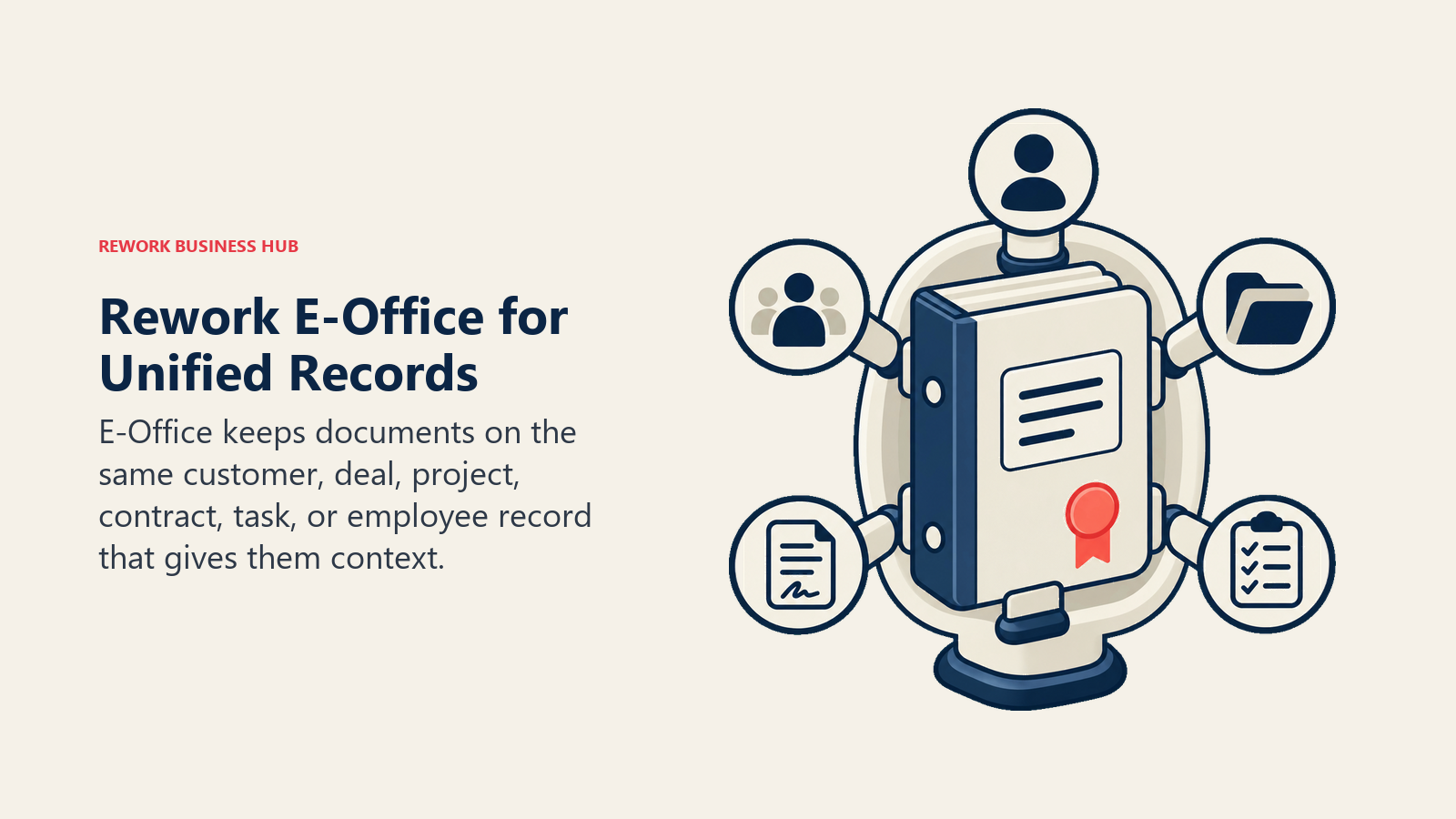
Rework's E-Office module puts document and records operations on the same platform as the CRM, projects, contracts, tasks, and the People app, so a document sits on the same record as the customer, deal, or process it belongs to instead of a separate archive synced through an integration. The pitch isn't DocuWare's depth in capture or invoice automation; it's that a signed contract, an onboarding file, or a vendor record shouldn't need a second login and a second sync job to stay attached to the work it documents. That consolidation also touches contract management and everyday process documentation, which is where the unified-record argument earns its keep.
| What you get | What you don't |
|---|---|
| Documents on the same record as CRM, projects, and People | Clause-level AI redlining or invoice-grade OCR depth |
| One platform across Sales Ops, Lead Ops, Work Ops, and People | A dedicated legal-ops or AP-automation console |
| No separate integration syncing documents to the record | DocuWare/Hyland-grade regulated records-capture volume |
| Packaged annual pricing, not per-envelope or per-clause fees | A free or solo tier |
Pricing: Rework does not publish a price for the E-Office module. Rework sells packaged plans, not per-user document licenses, and E-Office is quoted per organization. See rework.com/pricing for the published product lines, or ask the team for a quote. Best for: Mid-size teams (roughly 20-200 people) wanting documents, records, and the CRM or project record they belong to in one platform instead of a separate DMS. Not ideal for: Specialist ECM needs like high-volume regulated records capture, heavy AP/invoice capture at DocuWare's scale, solo buyers, or teams needing an iManage/NetDocuments-class legal DMS or a dedicated on-prem archive.
7. Hyland (OnBase / Alfresco): Deep Vertical ECM for Large Enterprises
Hyland's OnBase and Alfresco lines target the largest, most regulated enterprises, healthcare systems, financial-services firms, and government agencies running content-heavy processes across many departments. The depth is real: configurable workflows tuned to specific verticals, and enough flexibility to model unusual regulatory processes that off-the-shelf tools don't anticipate. That depth is also why implementation and cost scale well past what a mid-market team needs.
| What you get | What you don't |
|---|---|
| Deep, vertical-tuned ECM configurability | Published, transparent pricing |
| Strong healthcare and financial-services track record | A budget-friendly entry point |
| Both perpetual and subscription licensing options | Fast, self-serve onboarding |
| Proven at large, complex enterprise scale | Simplicity for a small or mid-size team |
Pricing: Quote-only. Third-party estimates report subscription pricing around $50 to $100 per user per month, or $20,000 to $40,000 for a 10-seat perpetual license, before implementation (reported). Best for: Large, regulated enterprises with dedicated IT and records staff running content-heavy processes across many departments. Not ideal for: Mid-market teams without the budget or headcount to run an enterprise ECM implementation.
8. OpenText Content Cloud: The Broadest Enterprise Content Suite
OpenText Content Cloud is the deepest, broadest platform on this list: content management, information governance, capture, and archiving spanning the acquired Documentum and OpenText ECM lineages, built for global enterprises running many content systems that need to be unified under one governance layer. That breadth comes at real implementation cost and complexity, more than most mid-market buyers need or can absorb.
| What you get | What you don't |
|---|---|
| Broadest enterprise content and governance suite | Published, self-serve pricing |
| Deep information-governance and archiving depth | An implementation a small IT team can run alone |
| Proven at global, multi-system enterprise scale | A fast time-to-value for a mid-size team |
| Tiered modules to match complex requirements | A budget entry point |
Pricing: Quote-only. Total first-year cost commonly runs $150,000 to $600,000-plus for a mid-size enterprise deployment, and can exceed $1 million annually for large, complex rollouts (reported). Best for: Global enterprises consolidating multiple legacy content systems under one governance platform. Not ideal for: Any team without a multi-month implementation budget and dedicated IT ownership.
9. Revver: Transparent Per-User Pricing With AI Auto-Filing
Revver, formerly eFileCabinet, rebranded in 2023 around a simple pitch: publish real per-user prices and put AI to work on the tedious part of document management. Its Smart Classification and Smart Extract features automatically file incoming documents and pull key data out of them, and every published tier includes unlimited storage rather than metering it as an upsell.
| What you get | What you don't |
|---|---|
| Published, self-serve per-user pricing | DocuWare-level AP/invoice-specific automation |
| Unlimited storage and AI auto-filing on every tier | Deep enterprise workflow or compliance modules |
| Volume discounts as license count grows | The vertical depth of Hyland or Laserfiche |
| Guest-user access included, not billed separately | A free tier |
Pricing: Basic $25/user/month (published, discounted to as low as $4/user at volume); Essentials $67/user/month (discounted to $39/user at volume); Full $87/user/month. Best for: SMBs wanting transparent pricing and AI-assisted filing without a custom quote process. Not ideal for: Teams needing DocuWare's AP-automation depth or Hyland/OpenText-level enterprise workflow.
10. Dropbox Business: Simple File Sync With a Light DM Layer
Dropbox Business is, at its core, file sync and sharing with document-management features layered on top, not a ground-up DMS. Its strength is exactly that simplicity: employees already know how to use it, so adoption is close to zero-friction compared to a purpose-built records platform. Note that Dropbox's own pricing page does not advertise unlimited storage on any current plan; Advanced starts at 15 TB for the team and scales from there rather than being marketed as limitless.
| What you get | What you don't |
|---|---|
| Familiar interface, near-zero training required | Records retention or compliance workflow tooling |
| Fast team adoption and file sharing | DocuWare's capture, OCR, or AP automation |
| Solid third-party app integrations | A records-management data model |
| Storage that scales with the team | Unlimited storage marketed on any current plan |
Pricing: Standard $15/user/month (1-person minimum, storage starts at 3 TB for the team); Advanced $24/user/month (3-person minimum, storage starts at 15 TB for the team). Best for: Teams whose "document management" problem is really file sync and sharing, not records governance. See Best Dropbox Alternatives for the broader category. Not ideal for: Any team needing retention schedules, audit trails, or regulated-records compliance.
11. Google Workspace (Google Drive): Real-Time Collaboration, Light Governance
For teams already living in Gmail and Docs, Google Drive's shared drives extend that same real-time, multi-editor collaboration model to file storage: comments, version history, and simultaneous editing without exporting anything. What it doesn't have is the retention, records-classification, and audit-trail depth that a compliance-driven document management buyer is usually looking for when evaluating DocuWare in the first place.
| What you get | What you don't |
|---|---|
| Real-time, multi-editor collaboration on files | Records retention or classification tooling |
| Pooled per-user storage shared across the org | DocuWare-level capture, OCR, or AP workflow |
| Deep Gmail, Docs, and Meet integration | A dedicated records-compliance data model |
| Simple, familiar interface for any team | Enterprise-grade information governance out of the box |
Pricing: Starter $7.00/user/month billed monthly, or $3.50/user/month for the first 12 months billed annually (30GB pooled storage, up to 300 users); Standard $14.00/user/month (2TB pooled); Plus $22.00/user/month (5TB pooled); Enterprise is quote-only. Best for: Teams already standardized on Gmail and Docs wanting shared drives, not a compliance-grade DMS. See Best Google Workspace Alternatives for the wider category. Not ideal for: Regulated teams needing retention schedules, legal holds, or records-classification workflows.
12. Zoho WorkDrive: The Budget Entry Point
Zoho WorkDrive is the cheapest published tier on this list by a wide margin, positioned for budget-conscious SMBs that want managed team file storage without an enterprise DMS price tag. It covers shared team folders, version history, and basic admin controls, without the capture, workflow, or compliance depth that DocuWare or Laserfiche bring to a records-heavy process.
| What you get | What you don't |
|---|---|
| The lowest published entry price on this list | Capture, OCR, or invoice-processing automation |
| Simple team folder structure and version history | Records-compliance tooling (retention, legal holds) |
| Storage that scales with team size | Enterprise workflow depth |
| Fits budget-constrained SMB teams | A free tier for team (non-solo) use |
Pricing: Starter $2.50/user/month billed annually (1TB team storage for 3-10 users, 3-user minimum); Team $4.50/user/month (3TB team storage); Business $9.00/user/month (5TB team storage). Best for: Budget-constrained SMBs wanting basic managed file storage, not a compliance-grade document platform. Not ideal for: Any team whose primary need is capture, workflow automation, or records compliance.
13. FileHold: A Simple, Affordable Repository
FileHold has stayed narrowly focused for two decades: a straightforward document repository with version control, approvals, and records retention, sold on a registered-user-plus-concurrent-session licensing model rather than a strict per-seat count, available as cloud or on-premises. It's a smaller, simpler answer to the same on-prem-or-cloud question DocuWare answers at a bigger scale.
| What you get | What you don't |
|---|---|
| No per-document fees; pay for user licenses only | Published, self-serve pricing |
| Cloud or on-premises deployment | DocuWare-level capture and OCR automation |
| Straightforward records-retention and approval workflows | A modern, refreshed admin interface |
| Scales down to a genuinely small team | AP/invoice-processing depth |
Pricing: Quote-only. Third-party trackers report roughly $10 to $15 per user per month with a 5-user minimum (reported). Best for: Small teams wanting a simple, affordable repository with basic retention and approval workflows. Not ideal for: Teams needing DocuWare's capture depth or AP automation, or wanting a published price before talking to sales.
Why Teams Leave DocuWare
DocuWare's strengths are worth restating before the complaints, because they're real. Its capture engine handles intelligent indexing and OCR well enough that the vendor advertises cutting manual data entry by up to 80% on invoice-heavy workflows, and every DocuWare Cloud plan ships the full feature set standard: Intelligent Indexing, Workflow Manager, and Forms, with no separate module fees for the core platform. (DocuWare) It still offers genuine on-premises deployment alongside cloud, which matters to buyers who can't or won't put certain records offsite, though DocuWare itself reports that more than 80% of new customers chose Cloud in 2023, meaning on-prem is a shrinking but still-supported path, not a legacy footnote. DocuWare has been owned by Ricoh since 2019 but continues to operate and market as an independent brand with its own product roadmap and partner network, now serving more than 20,000 customers across 100-plus countries through an 800-plus-partner channel.
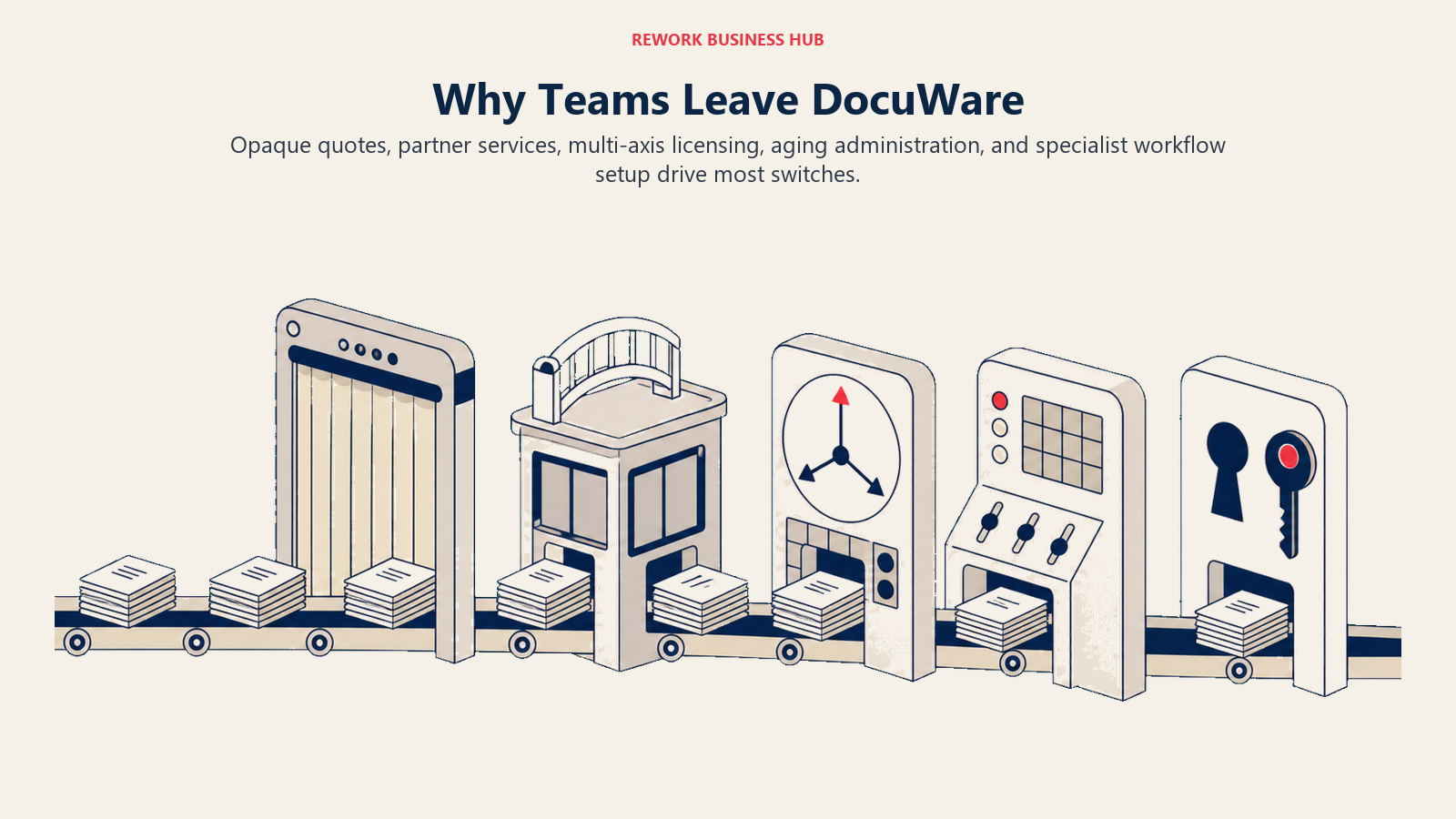
The five reasons teams leave anyway:
No public price list. DocuWare's cloud pricing is a named-user subscription that scales across full Named Client licenses, discounted Workflow User licenses, and separately purchased storage, all quoted per deal rather than published as a flat rate. DocuWare's own UK pricing FAQ describes a range of roughly £10 to £60 per user per month depending on the mix, which gives a sense of the spread but not a number you can budget against before a sales call. (DocuWare)
Partner-led implementation adds a services line item. Much of DocuWare's go-to-market runs through its reseller and integrator network rather than direct self-service signup, which is common for capture-heavy ECM but means setup, configuration, and training are frequently billed separately from the license, on top of whatever the subscription costs.
Licensing scales in three directions at once. Named users, workflow-limited users, and storage bands are priced and purchased independently, so a quote that looked reasonable at signup can grow in ways that are hard to predict as headcount, document volume, or storage needs shift.
The admin experience shows its age in places. Next to browser-native tools built in the last few years, parts of DocuWare's configuration and administration screens read as dated, a common complaint against most capture-first ECM platforms built on an older architecture.
The Workflow Designer rewards a specialist. It's genuinely capable, conditional routing, multi-step approvals, CRM/ERP fanout, but getting there takes someone who understands DocuWare's workflow logic specifically. A business admin who wants to stand up a two-step approval chain without help from IT or a partner will find tools like workflow automation platforms or SOP-driven process tools faster to configure solo.
How to Choose: Decision Framework
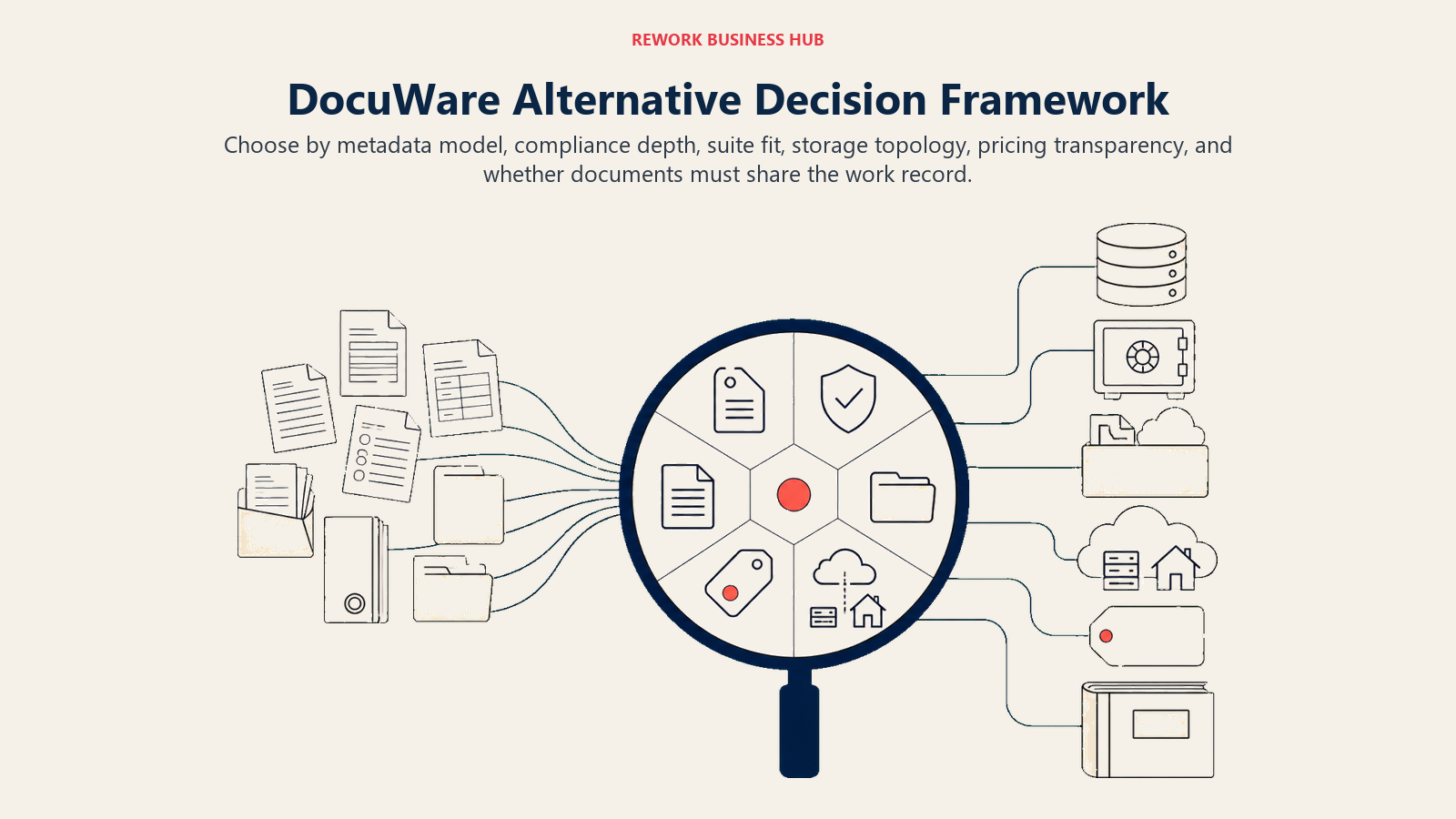
Choose by the document problem you need to solve first, then pressure-test the shortlist with real files.
| If your team needs... | Best pick |
|---|---|
| A metadata-driven data model without folder maintenance | M-Files |
| Government, education, or healthcare records compliance (FERPA, HIPAA, CJIS) | Laserfiche |
| Document storage bundled into a Microsoft 365 subscription you already pay for | SharePoint |
| A flexible content layer that plugs into many other apps | Box |
| One governance policy across cloud and on-premises storage | Egnyte |
| Documents on the same record as the CRM pipeline, project, or employee, not a separate archive | Rework |
| Deep vertical-tuned ECM for a large, regulated enterprise | Hyland (OnBase / Alfresco) |
| The broadest enterprise content suite for a global, multi-system rollout | OpenText Content Cloud |
| Transparent per-user pricing with AI auto-filing included | Revver |
| Simple file sync and sharing, not records governance | Dropbox Business |
| Real-time collaboration on files inside Gmail and Docs | Google Workspace |
| The lowest-cost managed file storage for a budget-constrained SMB | Zoho WorkDrive |
| A small, affordable repository with basic retention workflows | FileHold |
Whichever pick survives this table, pressure-test it against a real batch of your own documents (a mix of contracts, invoices, and everyday files), not a vendor's sandbox demo, before signing an annual contract.
What to Do Next
Match your compliance requirements and team size to the framework above, then load a real batch of your own documents, a mix of contracts, invoices, and everyday files, into your top two picks instead of trusting a canned demo. If cost transparency and a lighter admin experience are why you're leaving DocuWare, and you also want documents living on the same record as the deal or project they belong to, start with Rework's E-Office module and compare it against a published-pricing option like Revver. For the full category view beyond DocuWare specifically, see Best Document Management Software in 2026.

Principal Product Marketing Strategist
On this page
- Key Facts
- Quick Comparison Table
- 1. M-Files: Metadata-Driven, No Folders to Maintain
- 2. Laserfiche: Records Compliance for Government, Education, and Healthcare
- 3. SharePoint (Microsoft 365): Already Inside the Suite Most Teams Use
- 4. Box: Content Cloud With the Broadest App Ecosystem
- 5. Egnyte: One Governance Policy Across Cloud and On-Premises
- 6. Rework (E-Office): Documents on the Same Record as the Work
- 7. Hyland (OnBase / Alfresco): Deep Vertical ECM for Large Enterprises
- 8. OpenText Content Cloud: The Broadest Enterprise Content Suite
- 9. Revver: Transparent Per-User Pricing With AI Auto-Filing
- 10. Dropbox Business: Simple File Sync With a Light DM Layer
- 11. Google Workspace (Google Drive): Real-Time Collaboration, Light Governance
- 12. Zoho WorkDrive: The Budget Entry Point
- 13. FileHold: A Simple, Affordable Repository
- Why Teams Leave DocuWare
- How to Choose: Decision Framework
- What to Do Next