DocuWare vs M-Files: Which Document Management Platform Fits Your Team Better in 2026?
Turn this article into takeaways for your work.


Each assistant summarizes the article only for you and suggests best practices for your work.
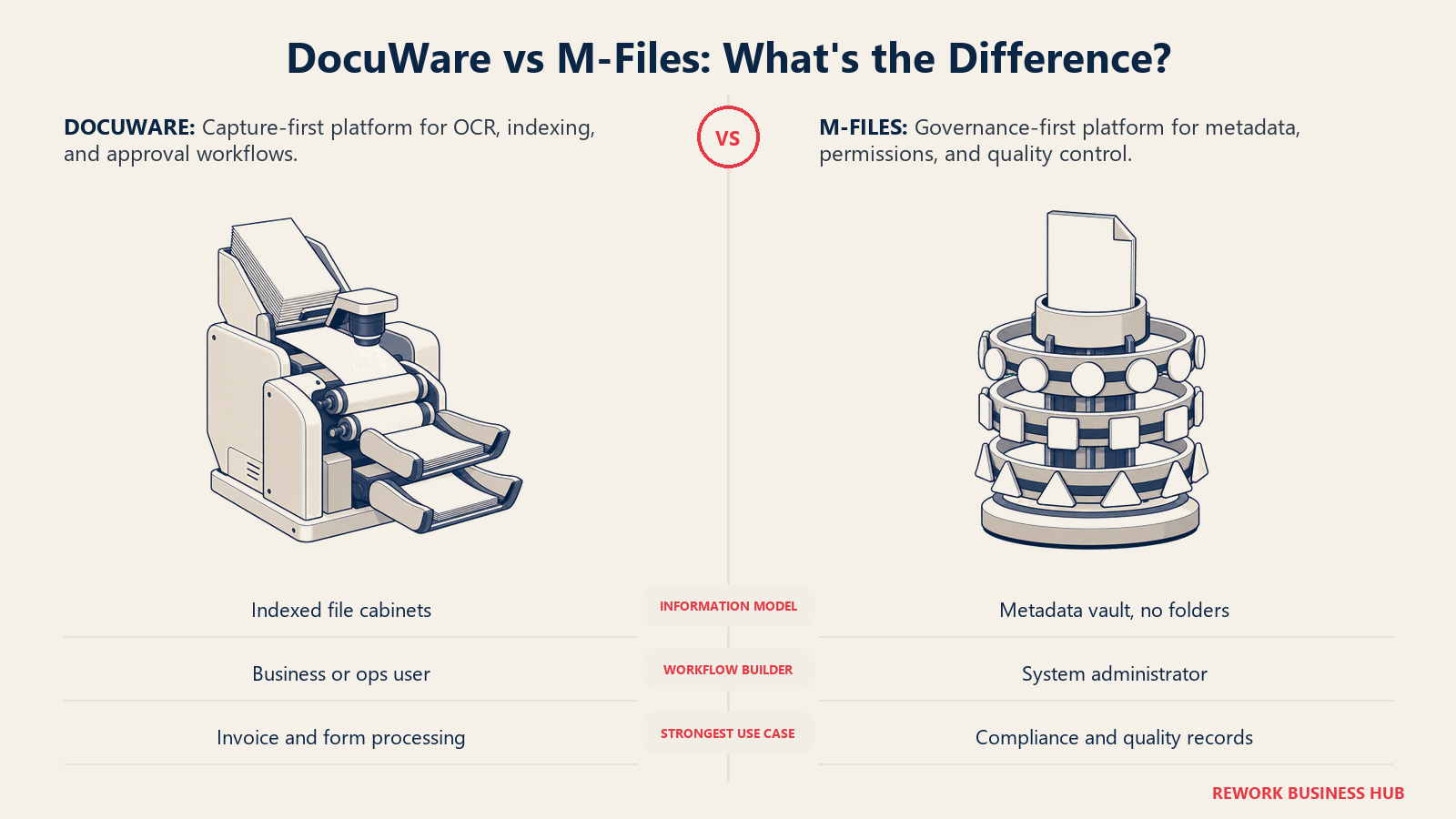
These two platforms solve the document problem from opposite ends. DocuWare starts where the paper or the PDF enters the building: scan it, OCR it, index it, and route it through a workflow, with its deepest reported strength in accounts payable and invoice processing. It stores documents in what it calls file cabinets, organized by index fields, a smart digital filing system. M-Files starts from the opposite direction. Its pitch, unchanged for more than a decade and still the headline on m-files.com today, is "what it is, not where it is": no folders, no file cabinets, a metadata vault where a document's type, project, client, status, and who can see it determine how it's found and governed, not which drawer it was filed in.
If you're an IT director, records manager, compliance officer, or ops lead comparing these two for 2026, the decision usually comes down to which end of the problem is costing your team money: capture volume and processing speed, or metadata consistency and audit-ready governance. Here's the honest breakdown, with real licensing structure where neither vendor publishes a full price list, and a plain (reported) label wherever a number comes from a third party rather than the vendor.
TL;DR
| DocuWare | M-Files | |
|---|---|---|
| What it actually is | Capture-and-process-first, built around scanning, OCR, and workflow | Metadata-and-governance-first, built on "what it is, not where it is" |
| Core organizing concept | File cabinets, document trays, index fields | A metadata vault; no folders, no cabinets |
| Strongest at | Intelligent Document Processing, invoice/AP automation, e-forms | Metadata-driven permissions, compliance, quality management (ISO 9001, ISO 13485, 21 CFR Part 11) |
| AI | IDP with GenAI, zero-shot extraction | Aino, plus Aino agents for classification and extraction (Enterprise) |
| Microsoft 365 fit | Native Teams app and Outlook add-ins, included with every Cloud license | Native Teams tab, SharePoint metadata layer, deepest Copilot tie-in on Cloud |
| Deployment | Cloud, on-premises, and hybrid all still sold | Cloud (plus dedicated Premium Cloud), self-hosted, and hybrid all still sold |
| Pricing | Quote-only; named-user licensing, sliding per-user scale plus workflow licenses | Essentials published at €65/month per seat; Enterprise is quote-only |
| Best for | High-volume capture and AP processing | Inconsistent metadata, permissions, and compliance across departments |
Who Each Platform Is Actually Built For
DocuWare and M-Files both sell into companies with real document volume, but the trigger that starts the buying process differs.
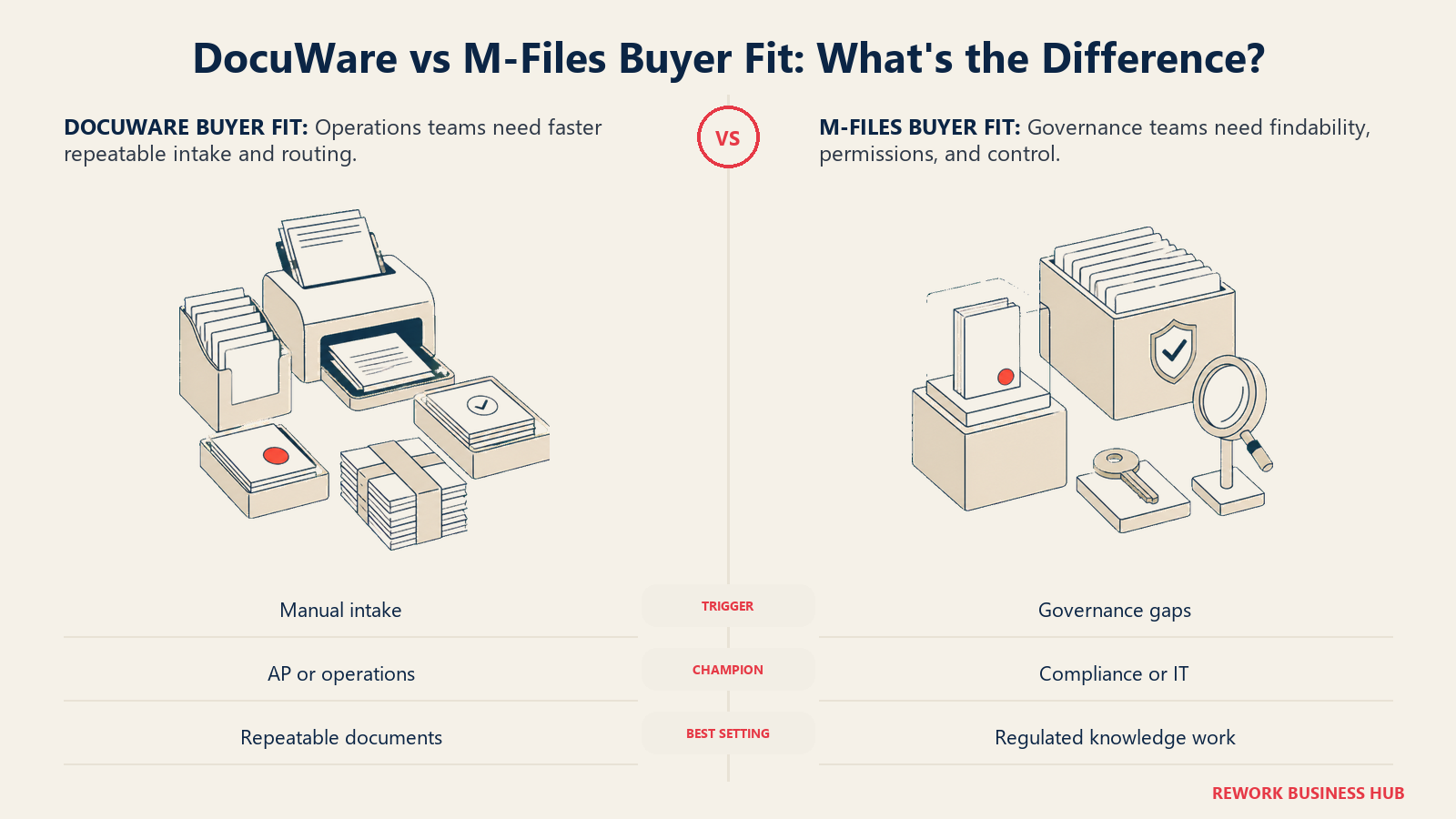
DocuWare's natural buyer is an operations, finance, or AP lead drowning in paper or PDF intake: invoices, purchase orders, HR onboarding packets. The pain is "we spend too many hours keying data by hand," and the fix is capture plus a workflow routing the result to the right approver.
M-Files' natural buyer is a records manager, compliance officer, or IT director who has watched a shared drive or SharePoint site turn into a folder-naming disaster, where nobody can find the current version of a policy, and permissions have drifted out of sync with who should see what. The fix is a metadata model that defines what a document is once and lets structure, search, and access follow automatically.
| DocuWare | M-Files | |
|---|---|---|
| Natural buying trigger | Manual data entry and paper intake eating staff hours, especially in AP | Documents are hard to find, permissions inconsistent, or an audit exposed governance gaps |
| Team maturity assumed | Wants a fast, structured way to capture and route documents | Willing to invest in defining metadata, document types, and workflows up front |
| Primary champion | Operations manager, finance/AP lead, or office manager | Records manager, compliance officer, quality manager, or IT director |
| Where it shows up most | Accounts payable, HR files, contracts intake, purchasing | Quality management, legal, life sciences, engineering, professional services |
| Reported industry strength | AP automation, invoice-heavy back-office functions | Life sciences, manufacturing, financial services, engineering |
Neither direction is wrong. It's the difference between a platform built to move documents fast, and one built to keep every document classified, permissioned, and retained correctly.
Key Facts
- Employees spend an average of 1.8 hours a day, roughly 20 percent of the workweek, searching for and gathering information rather than doing the work itself, according to McKinsey's research on the social economy.
- The average manually processed invoice costs $9.40, versus $2.78 for best-in-class AP teams, according to Ardent Partners' 2025 Accounts Payable Metrics That Matter report, per WEX's summary of the findings.
- 78 percent of enterprises now report being operational with AI in intelligent document processing, while 61 percent of business processes still involve paper somewhere in the chain, according to AIIM's Market Momentum Index: IDP Survey 2025.
- The global document management system market is valued at $9.74 billion in 2026 and is projected to reach $29.78 billion by 2034, a 15 percent CAGR, according to Fortune Business Insights.
- A Forrester Total Economic Impact study commissioned by M-Files (May 2026) found a composite customer realized a 301 percent ROI over three years, with 75 percent greater AI-powered workflow efficiency and 70 percent faster document filing, per M-Files' own summary of the study.
The Underlying Information Model: Folders and File Cabinets vs the Metadata Vault
This is the single biggest structural difference between the two platforms, and it shapes everything downstream.
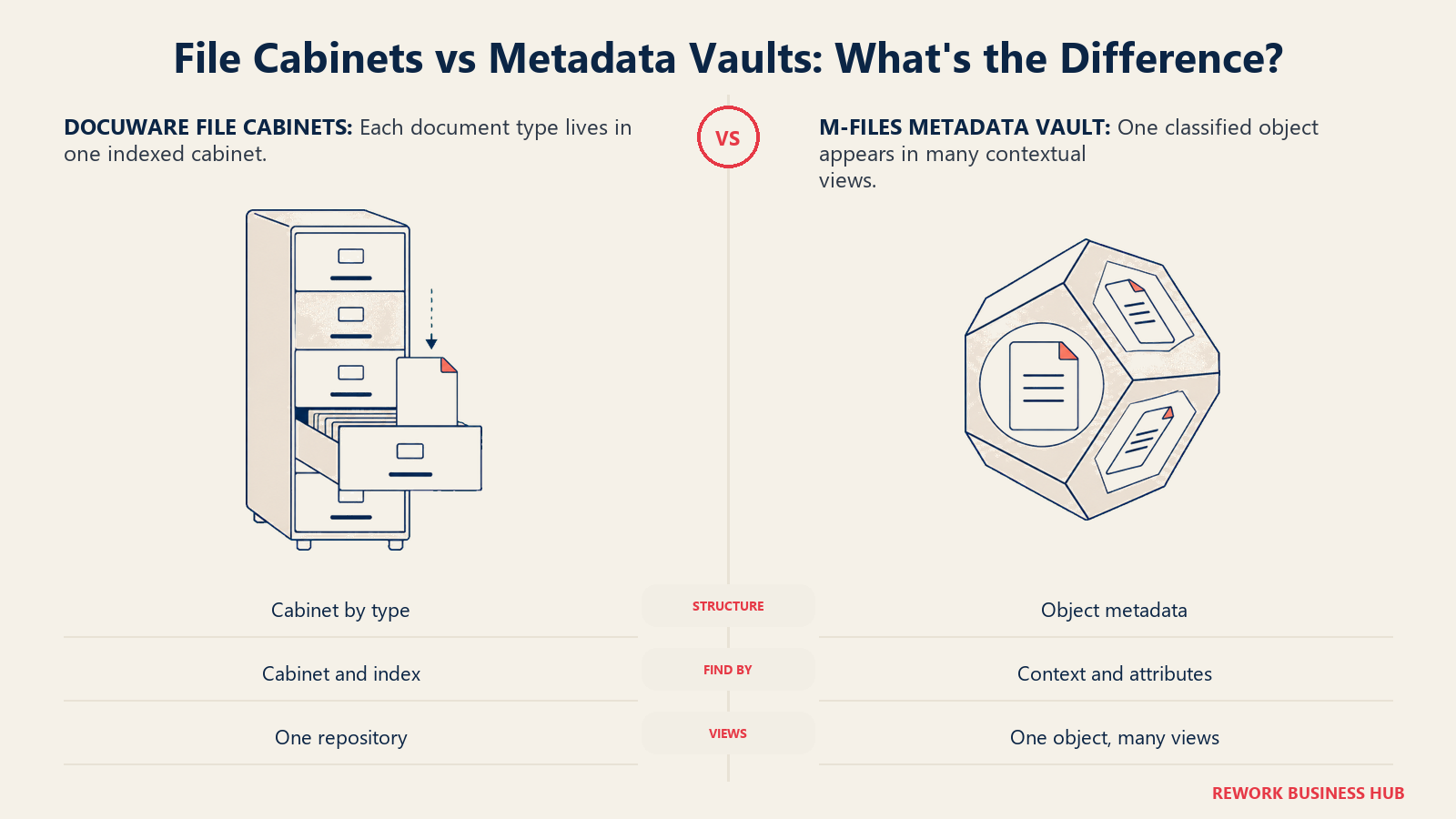
DocuWare's core metaphor mirrors the physical office it replaced. Documents pass through a document tray, the digital version of an inbox, get indexed with metadata, and are stored in a file cabinet, DocuWare's term for a defined repository with its own index fields, per DocuWare's own vocabulary guide. Index fields drive search and routing, so it's not a flat folder tree, but the structure is organized around named cabinets per document type (invoices, HR files, contracts). It's metadata-assisted filing, not a metadata-only model.
M-Files rejects the cabinet-and-folder concept outright. Its premise, unchanged on m-files.com for years, is that a document should be found by what it is, not where it's stored, per M-Files' own product description. There's no folder tree to browse; every object, a document, contract, or customer record, carries metadata describing its type, project, status, and related objects, and that metadata determines how it's found, who can see it, and which workflow applies. M-Files calls this "context-first document management," where the same object surfaces from a customer view, a project view, or a compliance view without ever being duplicated, per M-Files' Microsoft 365 page.
| DocuWare | M-Files | |
|---|---|---|
| Core structure | File cabinets with defined index fields, by document type | No folders or cabinets; a metadata vault, found by attributes |
| Where a document "lives" | In a specific cabinet, indexed by its fields | Wherever it's referenced; the same object surfaces in multiple views |
| Setup mental model | Design a cabinet per document type, define index fields | Define object types and metadata once, across the architecture |
| Best fit for | Clear intake channels (invoices, HR files, contracts) | Documents findable from several angles: customer, project, status |
| Learning curve | Familiar, close to a digital filing cabinet | A mental shift away from folder habits, though search ends up faster |
Capture, OCR, and Invoice Processing Depth
This is where DocuWare's positioning is most deliberate, and the AP-focused strength is real, not just marketing language.
DocuWare's Intelligent Document Processing module uses GenAI extraction the company calls "zero-shot," pulling structured data from a document type it hasn't specifically trained on; DocuWare's own marketing claims this cuts manual data entry by up to 80 percent, per DocuWare's product page. Intelligent Indexing, the more established engine underneath it, learns from prior indexing behavior to auto-populate fields. DocuWare also ships dedicated e-invoicing automation, and every Cloud plan includes the full capture set rather than gating it behind a higher tier, per DocuWare's own FAQ.
M-Files' capture depth runs through its AI layer rather than a standalone scanning module. Aino agents, an Enterprise-tier feature, handle metadata extraction and classification as documents enter the system, per M-Files' editions page. That's real, but it's framed as classification into the existing metadata model, not a purpose-built OCR-and-forms engine like DocuWare's IDP. M-Files doesn't market a dedicated invoice-processing line; its capture strength is correctly tagging whatever comes in, not specializing in one high-volume document type.
| Capability | DocuWare | M-Files |
|---|---|---|
| OCR and data extraction | Intelligent Document Processing, GenAI zero-shot extraction | Aino agents (Enterprise), extraction and classification |
| Dedicated invoice/AP automation | Yes, a named e-invoicing solution | Not a dedicated product line |
| Learns from prior indexing behavior | Yes, Intelligent Indexing | Indirectly, via Aino's contextual suggestions |
| Included at entry tier | Yes, full set on every Cloud plan | No; Aino agents are Enterprise-only |
| Best fit | High-volume, repeatable document types | Mixed types needing consistent classification |
Workflow Design: Who Can Actually Build One
Both platforms automate a document's path from arrival to approval, but the skill level required differs in a way worth naming plainly.
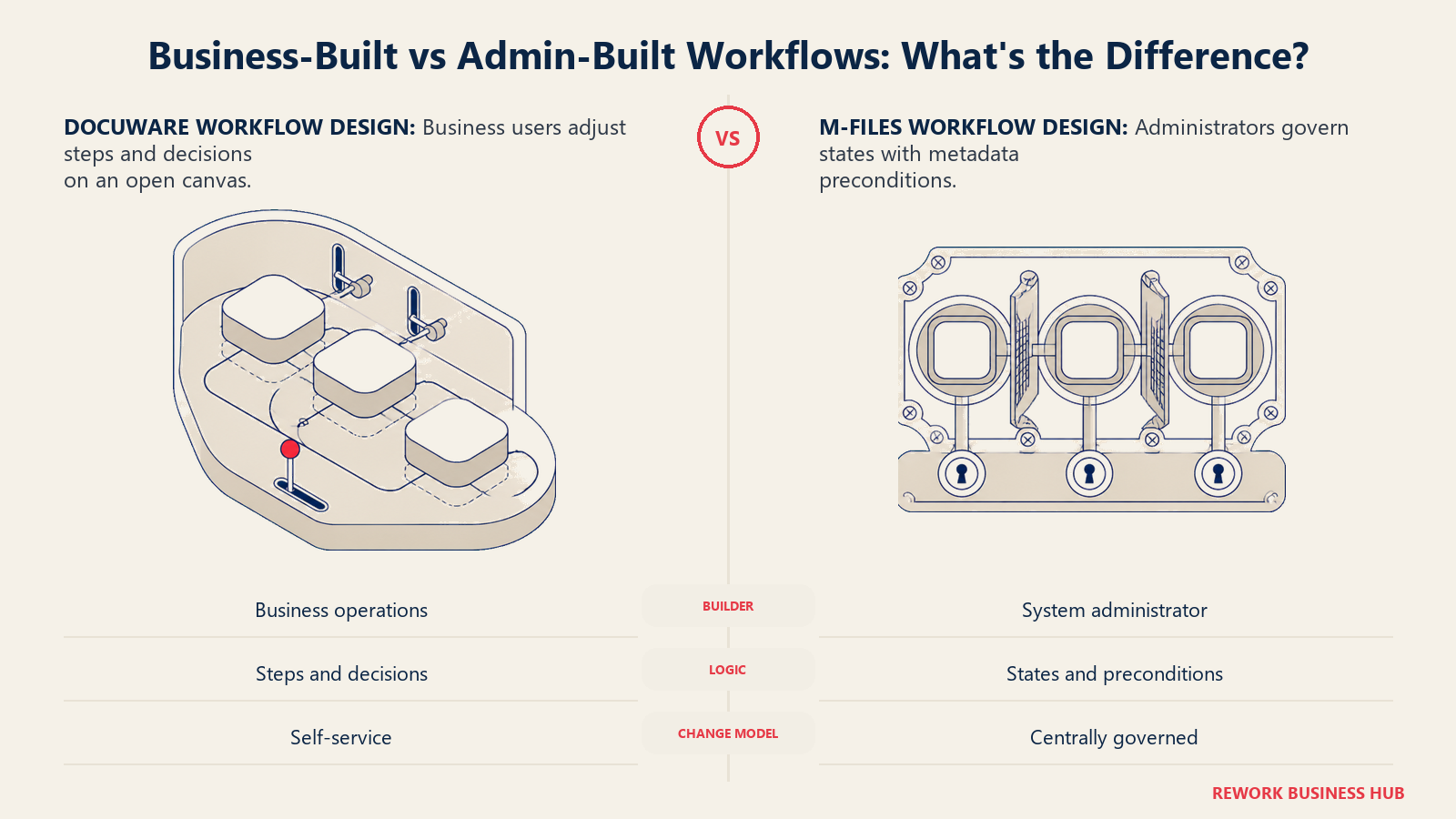
DocuWare's Workflow Manager uses a drag-and-drop canvas the company markets explicitly as requiring "no programming," where a business user maps process steps and connects them with decision points and rules, per DocuWare's own product page. The newer web-based Workflow Designer, live on Cloud with an on-premises release following, adds auto-save, undo/redo, and the ability to assign decision-makers directly inside a task. It's built so an ops or AP lead, not IT, adjusts routing without filing a ticket.
M-Files' workflows are built around states, transitions, and metadata-driven preconditions, and its own documentation is direct about who configures them: in M-Files Admin, by system administrators, per M-Files' user guide. Transitions can trigger automatically from object metadata, require specific property values before a document advances, and assign transition rights dynamically through pseudo-users tied to metadata rather than a named person. That's powerful for governance, a document literally can't leave draft status until required fields are filled in, but it's admin-and-specialist configuration, not a business user dragging boxes on a canvas.
| DocuWare | M-Files | |
|---|---|---|
| Who typically builds workflows | Business/ops user, drag-and-drop, no code | System administrator, via M-Files Admin |
| Underlying model | Sequential steps with rules and decision points | States and transitions, gated by metadata preconditions |
| Enforce data completeness before progressing | Through workflow business rules | Natively, via state-transition preconditions |
| Dynamic rights assignment | Role- and task-based | Pseudo-users assigned dynamically from metadata |
| Best fit | Ops staff self-serving on process changes | IT/compliance owning process logic centrally |
Microsoft 365 and Teams Integration
Both platforms take Microsoft 365 seriously, but M-Files leans into it structurally, since a metadata layer only earns its keep where people actually work.
DocuWare ships a Teams app included with every Cloud license: documents shared in a Teams channel get stored centrally in DocuWare, and DocuWare Workflows can be viewed and completed directly inside Teams, per DocuWare's support portal. Outlook integration comes via two add-ins, a desktop MAPI-based one and a newer web-based one that also works on Mac and in browsers, with DocuWare actively expanding the newer add-in's on-premises availability, per DocuWare's product news.
M-Files goes further: it runs natively inside Teams, SharePoint, Outlook, and Word, Excel, and PowerPoint, no third-party connector required, and positions itself as a governance layer above SharePoint and OneDrive rather than replacing them, per M-Files' Microsoft 365 page. That page is candid about migration: a team can keep existing SharePoint locations and layer M-Files metadata on top at its own pace instead of a disruptive cutover. The deepest tie-in is Copilot: Aino structures metadata so Copilot returns more accurate results, but native Copilot integration is exclusive to M-Files Cloud, not self-hosted, per M-Files' Copilot page.
| DocuWare | M-Files | |
|---|---|---|
| Teams app | Native, included with every Cloud license | Native tab, across all deployments |
| Outlook | Two add-ins: desktop and newer web-based | Native, no connector required |
| SharePoint relationship | Not a core integration point | A metadata/governance layer above SharePoint and OneDrive |
| Word, Excel, PowerPoint co-authoring | Not a named strength | Native support |
| Microsoft 365 Copilot | Not a named integration | Deep via Aino, exclusive to M-Files Cloud |
| Migration path from existing M365 storage | N/A, separate repository | Layer metadata onto existing SharePoint gradually |
Compliance, Retention, and Audit Depth
Both platforms handle compliance basics well. Where they diverge is depth in regulated, quality-driven industries.
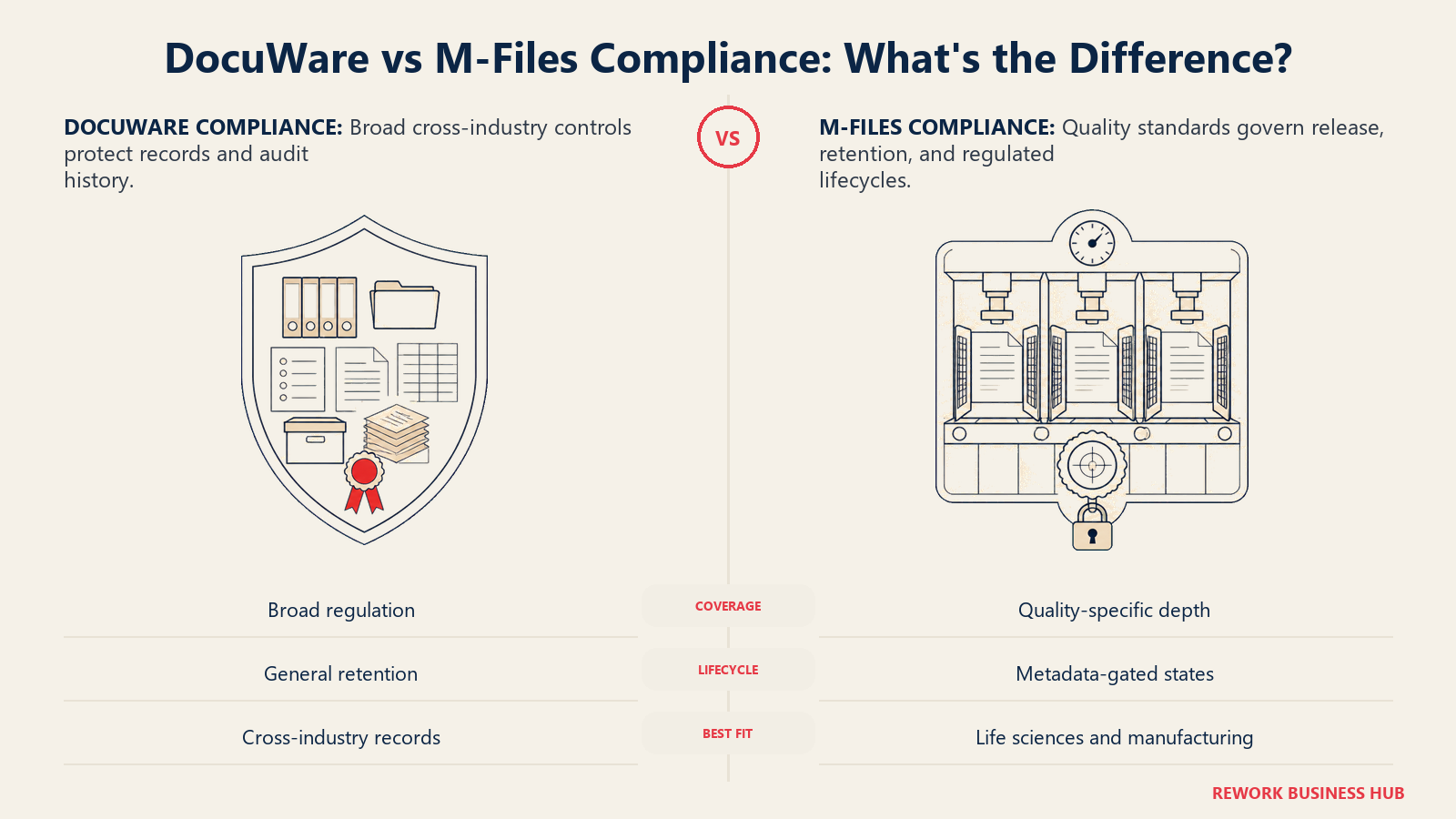
DocuWare supports HIPAA, SOX, GDPR, and NIST-aligned controls out of the box, with automatic audit trails logging every upload, version change, approval, annotation, and routing decision in real time, per DocuWare's own compliance page and audit trail explainer. Retention rules can be automated, and Cloud documents are stored with AES-256 encryption, mirrored across data centers in a customer's chosen region. That's solid, general-purpose security and retention aimed at broad regulatory coverage.
M-Files goes noticeably deeper into quality-management-specific compliance, matching its governance-first positioning. The company reports alignment for ISO 9001:2015, ISO 13485, 21 CFR Part 11, 21 CFR Part 820, EudraLex GMP Annex 11, SOX-404, HIPAA, and GDPR, and is itself certified to ISO 9001:2015 for how it develops and delivers its software, per an industry summary and M-Files' Compliance Center. M-Files QMS targets aviation, automotive, pharmaceutical, healthcare, and food manufacturing, where a document can't release until its metadata proves it met required sign-off states, and the SimplerQMS add-on extends that into life-sciences frameworks like GxP, EU MDR, and IVDR.
| DocuWare | M-Files | |
|---|---|---|
| General regulatory coverage | HIPAA, SOX, GDPR, NIST-aligned | SOX-404, HIPAA, GDPR |
| Quality management standards | Not a named specialty | ISO 9001:2015, ISO 13485 |
| Life sciences / medical device depth | Not a named specialty | 21 CFR Part 11, Part 820, EudraLex GMP Annex 11; extendable via SimplerQMS (GxP, EU MDR, IVDR) |
| Audit trail | Automatic, logs every document interaction | Extended log, extra events, compliance exports (Enterprise) |
| Automated retention policies | Yes | Yes, tied to metadata-driven lifecycle states |
| Vendor's own quality certification | Not published | ISO 9001:2015 certified for its own software delivery |
Deployment Options and Data Residency
Neither company has walked away from on-premises, worth confirming directly since it's a common assumption to get wrong as vendors push cloud-first.
DocuWare sells Cloud, on-premises, and hybrid deployments side by side, per DocuWare's own product overview. Cloud customers choose a data center region, EU or US, with documents triply mirrored across data centers in that region plus a backup at a second location, per DocuWare's compliance materials. On-premises remains real and current, not a legacy holdover being sunset, and DocuWare keeps investing in on-premises feature parity.
M-Files also still sells self-hosted and hybrid alongside cloud, per M-Files' own pricing page. Its cloud tier includes an option DocuWare doesn't mirror: Premium Cloud, a dedicated single-tenant deployment on Microsoft Azure for teams that want cloud convenience without shared infrastructure. Data residency is handled as a configurable option rather than a fixed regional choice, and M-Files' hybrid story is explicitly gradual: keep documents where they are and layer metadata on top, rather than a full cutover before any value shows up.
| DocuWare | M-Files | |
|---|---|---|
| Cloud | Yes, DocuWare Cloud | Yes, standard multi-tenant cloud |
| Dedicated single-tenant cloud option | Not a named offering | Yes, Premium Cloud on dedicated Azure |
| On-premises / self-hosted | Yes, still actively sold and developed | Yes, still actively sold |
| Hybrid | Yes, cloud and on-premises together | Yes, plus a gradual metadata-layering migration path |
| Data residency | Choice of EU or US data center region | Configurable, add-on on some plans |
| Encryption | AES-256, mirrored across data centers in-region | Not separately published; part of Enterprise's advanced security |
Implementation Time, Partner Involvement, and Admin Burden
Neither platform is a one-afternoon setup once real workflows and metadata structures get involved, though DocuWare's preconfigured use cases move noticeably faster than a from-scratch M-Files rollout.
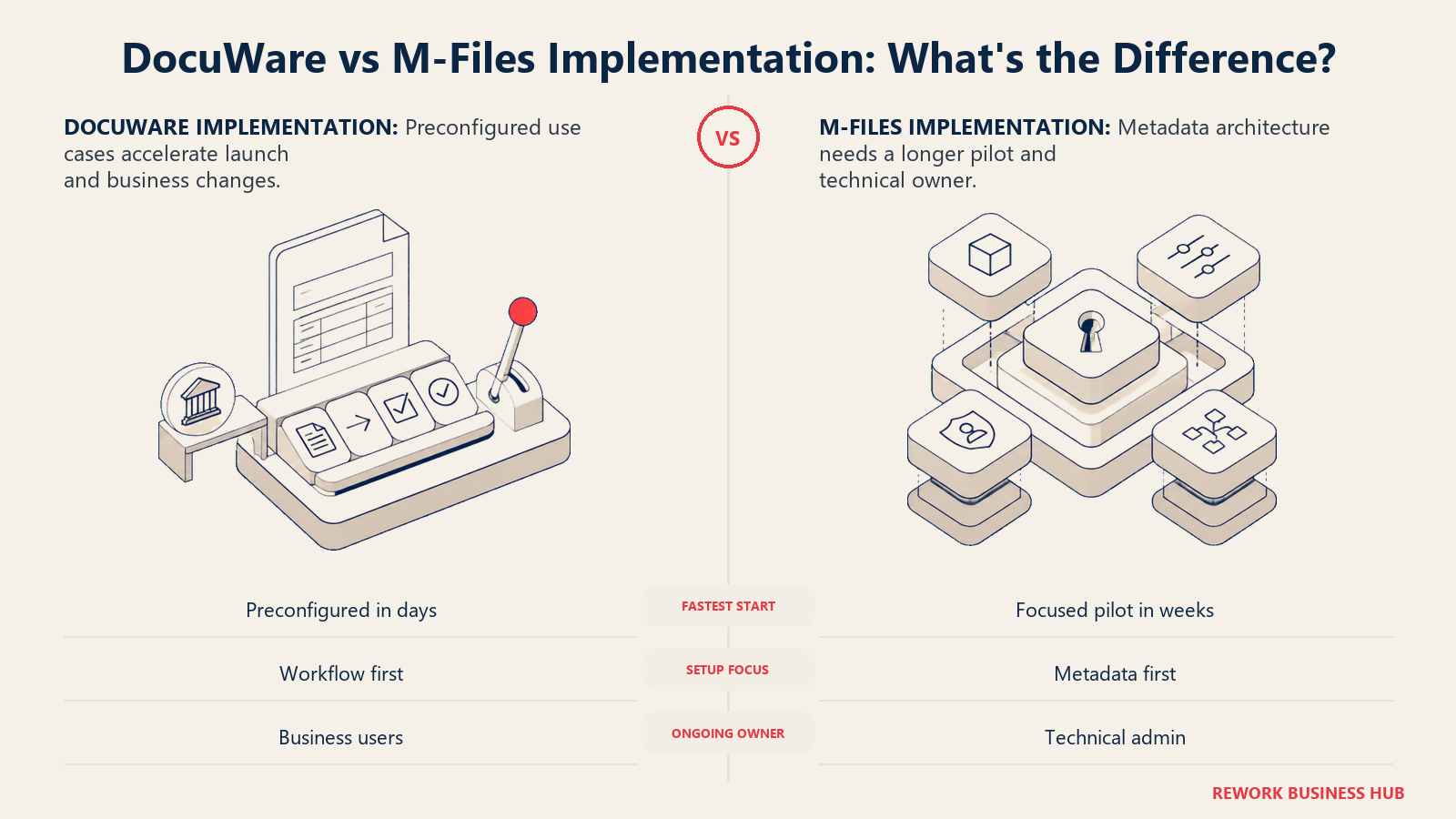
DocuWare offers preconfigured solutions, invoice processing in particular, the company says can deploy in three days or less including user training for a straightforward case, per DocuWare's own FAQ. Reported timelines run longer for broader rollouts: a Brother International case study cites an average of eight weeks per country organization across Europe, and G2's aggregated reviewer data puts average implementation at roughly three months (reported). DocuWare works through authorized partners and resellers for most deployments.
M-Files implementations reportedly run from several weeks for a standard deployment to several months for heavy customization, with M-Files itself targeting a four-week pilot for a focused use case (reported, from partner guidance rather than a fixed SLA). M-Files leans more heavily on its partner network: 300-plus value-added resellers and systems integrators handle local implementation, regulatory customization, and change management, particularly in healthcare, financial services, and life sciences, per M-Files' own partner page. Because workflow and metadata configuration both live in M-Files Admin, ongoing administration after go-live tends to need a dedicated, semi-technical admin.
| DocuWare | M-Files | |
|---|---|---|
| Fastest reported deployment | 3 days or less for preconfigured invoice processing (vendor-stated) | 4-week pilot target for a focused use case (reported) |
| Typical mid-size rollout | Roughly 8 weeks per site (reported, case study) | Several weeks to a few months (reported) |
| Average implementation time (aggregated reviewer data) | Roughly 3 months (reported, G2) | Not separately published in aggregate |
| Delivery model | Authorized partners and resellers | 300-plus partners and systems integrators |
| Ongoing admin burden | Business users can adjust workflows post-launch | Typically requires M-Files Admin access, a technical role |
AI Features and Current Naming
Both companies have shipped named AI layers rather than a generic "AI-powered" bullet, and getting the current names right matters since both have iterated on branding.
DocuWare's AI lives inside Intelligent Document Processing (IDP), combining GenAI extraction the company calls zero-shot, able to pull fields from a document layout it hasn't specifically trained on, with the longer-standing Intelligent Indexing engine that learns from historical patterns, per DocuWare's own site. It's bundled into the core platform, included on every Cloud plan rather than sold as a separate AI tier.
M-Files' AI layer is called Aino, its intelligence fabric that structures and enriches metadata so search, classification, and tools like Microsoft 365 Copilot work from cleaner data, per M-Files' Copilot page. Aino is included on both plans, but depth differs: Essentials gets "everyday assistance in context" with capped usage, while Enterprise adds Aino agents, purpose-built automations for metadata extraction and classification, plus higher capacity, per M-Files' editions page. Separately, M-Files also owns Ment, a no-code document-generation tool for legal teams acquired from Contract Mill in 2023, related but distinct from Aino.
| DocuWare | M-Files | |
|---|---|---|
| Current AI name | Intelligent Document Processing (IDP), zero-shot GenAI extraction | Aino |
| Included or add-on | Included, all Cloud plans | Included on both plans, different capacity levels |
| Entry-tier capability | Full IDP feature set | "Everyday assistance in context," capped usage |
| Higher-tier capability | Same engine, no separate AI tier | Aino agents: automated classification and extraction (Enterprise only) |
| Related but distinct product | Not applicable | M-Files Ment, no-code document generation (legal-focused) |
Pricing and the True Cost of Ownership
Expect neither vendor to hand you a full price list. What both publish, in different amounts, is the licensing structure underneath the number, and that's worth understanding even when the dollar figure isn't there.
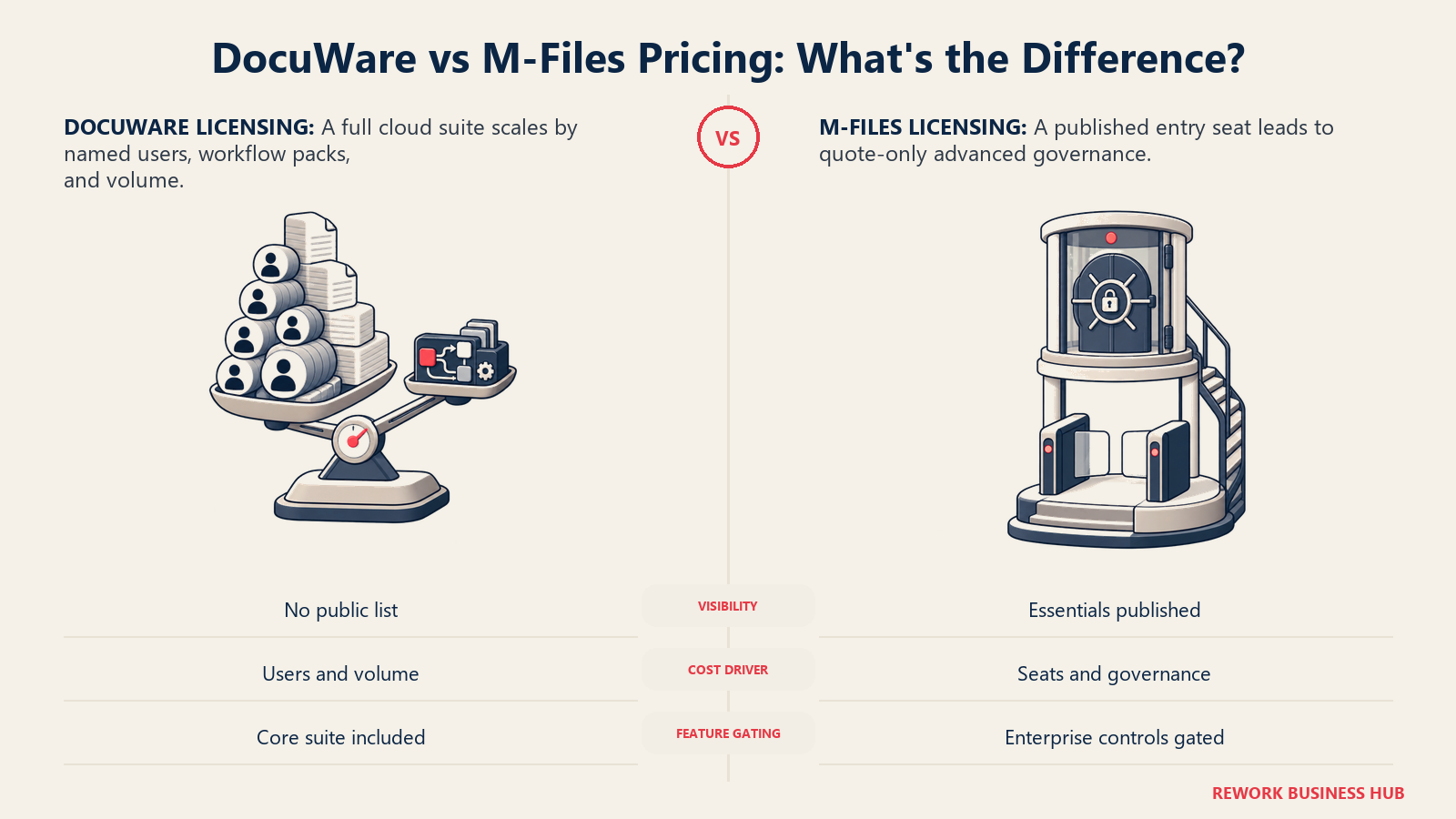
DocuWare's main pricing page redirects to a general product page with no dollar figures published anywhere on it. The clearest vendor-published detail comes from a regional DocuWare FAQ page: licensing built on Named Client Licenses priced on a sliding per-user scale (more users lowers the rate) plus separate Workflow User Licenses sold in packs of five, and it states plainly that "every DocuWare Cloud plan provides the complete feature set, including Intelligent Indexing, Workflow Manager, Forms and more," so capability isn't gated behind a higher tier, per DocuWare's own FAQ. Storage and user counts are "flexibly extended at any time" rather than locked to a fixed plan. Widely cited third-party reseller pages describe four named cloud tiers, Cloud 4, Cloud 15, Cloud 40, and Cloud 100, by named-user count and storage, but this naming couldn't be independently confirmed on a current DocuWare-owned page, so treat it as (reported).
M-Files publishes real numbers for its entry tier: Essentials is listed at €65 per seat per month, typically billed annually, per M-Files' pricing page and editions page. Enterprise has no published price; the company says it reflects "scale, governance requirements, automation needs, and AI usage" and requires a sales conversation. Underneath both tiers, M-Files' own End User License Agreement defines three license categories still in use today: Named User Licenses (a specific person), Concurrent User Licenses (a shared pool for a maximum number of simultaneous users), and Read-only Named User Licenses (view and search only, lower-cost), per the M-Files EULA. Subscription and legacy perpetual-style on-premises licensing both exist depending on contract vintage; new on-premises customers are moving toward automated, subscription-based license delivery by end of 2026.
| DocuWare | M-Files | |
|---|---|---|
| Published price list | None on the main pricing page | Yes, Essentials published; Enterprise is quote-only |
| Entry-tier price | Not published (reported per-user ranges vary by region/reseller) | €65/month per seat (Essentials, vendor-published) |
| Top-tier price | Not published, quote-only | Not published, quote-only (Enterprise) |
| License model | Named Client Licenses (sliding scale) plus Workflow User Licenses (packs of 5) | Named, Concurrent, and Read-only user license categories |
| Billing | Subscription, typically annual | Typically annual; legacy on-premises may differ |
| Feature gating by tier | No, full feature set on every Cloud plan | Yes, Aino agents, advanced security, extended audit log are Enterprise-only |
| Reported named tier structure | Cloud 4/15/40/100, by named-user count and storage (reported) |
Essentials and Enterprise (both vendor-confirmed) |
The pattern that matters more than any single figure: DocuWare's cost swings mainly with document volume and named-user count, since the feature set doesn't change by tier, while M-Files' cost swings with governance depth, since the real jump from Essentials to Enterprise is Aino agents, advanced security, and audit export, not raw capacity. Get both vendors to quote against your actual user count and document volume, not a generic seat estimate, and confirm in writing what's included at the tier you're quoted.
When DocuWare Is the Right Call
- High-volume, repeatable document intake (invoices, POs, HR files) is the daily pain, and AP or back-office processing time is the metric you're trying to move
- You want a business user, not IT, building and adjusting workflow routing on a drag-and-drop canvas without a ticket
- You'd rather every plan ship the full feature set than negotiate which module is included at which tier
- You need on-premises or hybrid with active, ongoing feature investment, not a cloud-only roadmap
When M-Files Is the Right Call
- Your real problem is findability and governance: documents scattered across drives and SharePoint with inconsistent permissions and no single source of truth for "what's current"
- You operate in a regulated or quality-driven industry where ISO 9001, ISO 13485, or 21 CFR Part 11 depth genuinely matters
- You want metadata-driven permissions and workflow gating that IT or compliance enforces centrally, not logic business users adjust on their own
- You're already invested in Microsoft 365 and want a governance layer above SharePoint and OneDrive, no rip-and-replace
If Neither Fits: Documents Living on the Same Record as the Customer and the Deal
Worth naming honestly: DocuWare and M-Files are both built for teams whose document volume, capture complexity, or governance requirements deserve a dedicated platform. If capture volume is genuinely high, or formal records retention and quality-management compliance is the whole job, neither is a category to replace with a bundled feature elsewhere.
But if the real frustration is smaller than that, official documents and records sitting apart from the CRM record, the deal, or the project they actually belong to, that's a different shape of problem. Rework's E-Office module keeps official documents and records on the same platform as the CRM, projects, contracts, tasks, and the People app, so a document sits on the same record as the customer, deal, or process it belongs to, instead of living in a separate system you cross-reference by hand. It is not a substitute for either platform here if capture volume, formal records retention, or regulated quality management is the whole job, and that specialization isn't something to give up for a bundled feature. But if documents are one part of a broader operations record you'd rather keep unified, it's worth a look. Rework's E-Office module is not publicly priced; pricing is quoted per organization, see rework.com/pricing for current details.
Decision Framework
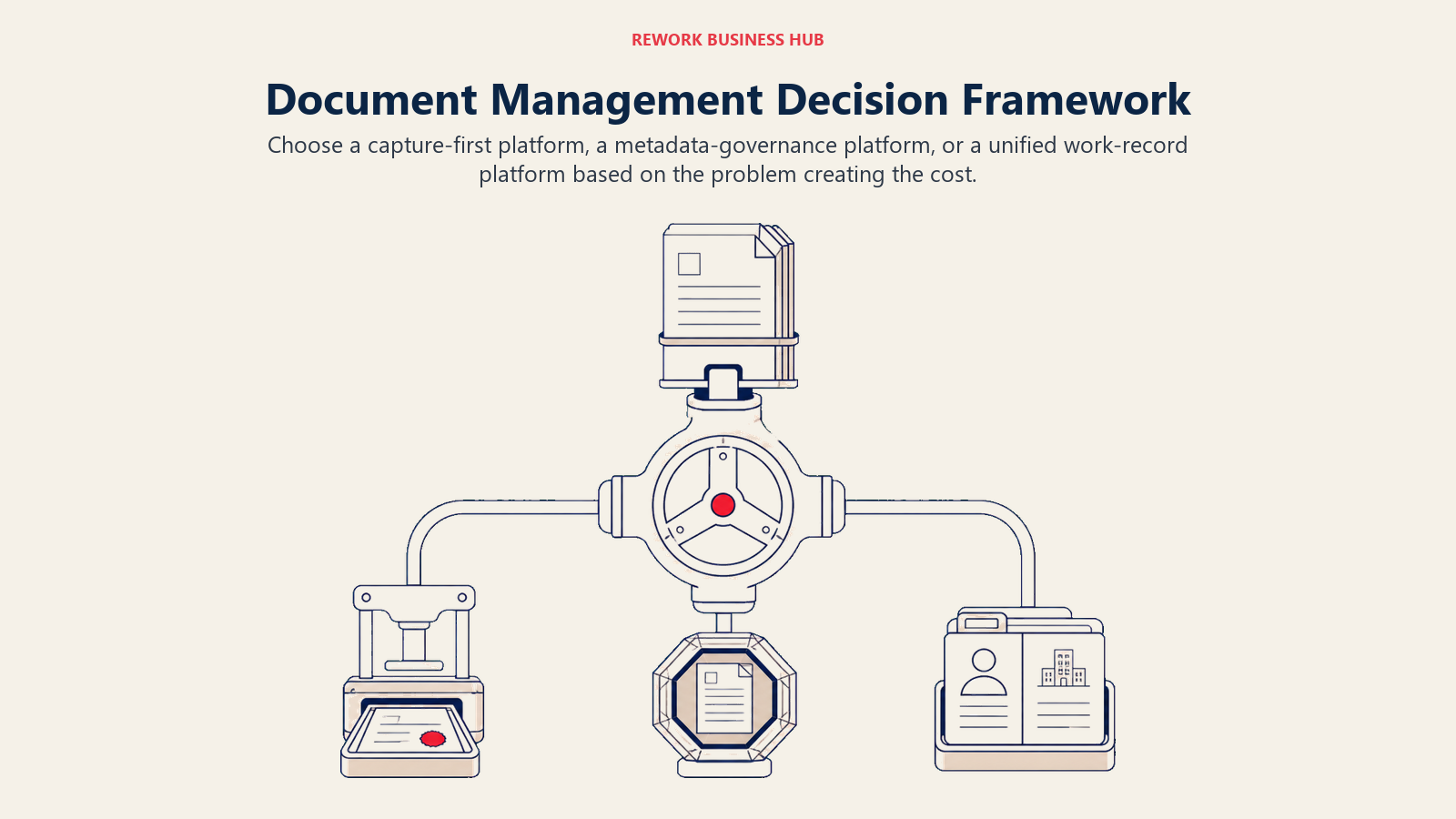
Start with the operating problem your team must solve, then choose the platform whose native model fits it.
| If you are... | Pick |
|---|---|
| Drowning in manual invoice or form data entry and want fast AP automation | DocuWare |
| Fighting inconsistent metadata, permissions, or findability across departments | M-Files |
| Operating in a regulated, quality-management-heavy industry (life sciences, manufacturing, aviation) | M-Files |
| Running high document volume through a repeatable, business-user-buildable workflow | DocuWare |
| Needing on-premises with active feature investment alongside cloud | DocuWare |
| Already deep in Microsoft 365 and wanting a metadata layer over SharePoint rather than a rip-and-replace | M-Files |
| Looking for documents to live on the same record as the customer and the deal, not a standalone DMS | Rework (see rework.com/pricing) |
| Comparing more of the category before narrowing down | See our full document management software roundup |
The verdict: if the pain is capture volume and getting documents routed and approved fast, especially in AP, DocuWare's capture-first design and included-everywhere feature set is the more direct fix. If the pain is that nobody can find the right version of anything and permissions have drifted out of control, M-Files' metadata-first model and quality-management depth solve a problem DocuWare isn't built to solve at all. These are genuinely different first problems, not two flavors of the same thing.
What to Do Next
- Name your actual pain before you name a vendor. "We key in too much data by hand" is DocuWare-shaped. "Nobody can find the current version, and permissions are a mess" is M-Files-shaped.
- Ask DocuWare for a quote against your real named-user count and document volume, and confirm in writing that IDP, Workflow Manager, and Forms are included at the plan you're quoted, not add-ons. If records retention is the real driver, Laserfiche vs DocuWare compares DocuWare against the records-first option.
- Ask M-Files for an Essentials-vs-Enterprise breakdown against your compliance needs. If ISO 13485, 21 CFR Part 11, or Aino agents matter, confirm which tier includes them before comparing quotes.
- Run a real pilot with your messiest document type, not a vendor's clean demo data, whether that's real invoices or a real quality-management document set.
- If you're not sure a dedicated DMS is the right category yet, see our best document management software roundup, or the two shortlists: best DocuWare alternatives and best M-Files alternatives.
Frequently Asked Questions about DocuWare vs M-Files
Is DocuWare or M-Files cheaper?
Neither publishes a full price list. M-Files is more transparent at entry level, with Essentials published at €65 per seat per month; Enterprise is quote-only. DocuWare publishes no dollar figures on its main pricing page and quotes on named-user count and document volume, though a regional DocuWare FAQ page describes a sliding per-user rate for Named Client Licenses. Get both vendors to quote your real user count and volume before comparing headline numbers.
Is M-Files still folder-based, or fully metadata-driven?
M-Files' core model remains "what it is, not where it is": no folders or file cabinets, documents found and governed by metadata rather than storage location. Its Microsoft 365 integration also supports a gradual path, keeping documents in existing SharePoint locations while layering metadata on top, instead of a disruptive migration.
Which platform is better for regulated or quality-management-heavy industries?
M-Files has deeper, more specific coverage: ISO 9001:2015, ISO 13485, 21 CFR Part 11, 21 CFR Part 820, and EudraLex GMP Annex 11, and it's itself ISO 9001:2015 certified for how it builds its software. DocuWare supports broad general compliance (HIPAA, SOX, GDPR, NIST-aligned) but doesn't market the same quality-management-specific depth.
Is DocuWare owned by another company, and does it still sell on-premises?
Yes to both. Ricoh acquired DocuWare in 2019, and it continues to operate as a standalone subsidiary with its existing leadership and partner network. DocuWare still sells Cloud, on-premises, and hybrid side by side, and keeps investing in on-premises feature parity.
What is M-Files Aino, and is it included in the price?
Aino is M-Files' AI layer, used for contextual assistance, metadata enrichment, and, on Enterprise, automated document classification through Aino agents. It's included on both plans, but Essentials gets capped usage and everyday-assistance features, while Aino agents and higher capacity are Enterprise-only.
Related Resources:
- Best Document Management Software in 2026
- Best DocuWare Alternatives in 2026
- Best M-Files Alternatives in 2026
- Best SharePoint Alternatives in 2026
- Best Box Alternatives in 2026
- Best Contract Management Software in 2026
- Best E-Signature Software in 2026
- Best Workflow Automation Software in 2026
- What Is Process Documentation?
- ISO 9001: A Practical Guide

Principal Product Marketing Strategist
On this page
- TL;DR
- Who Each Platform Is Actually Built For
- Key Facts
- The Underlying Information Model: Folders and File Cabinets vs the Metadata Vault
- Capture, OCR, and Invoice Processing Depth
- Workflow Design: Who Can Actually Build One
- Microsoft 365 and Teams Integration
- Compliance, Retention, and Audit Depth
- Deployment Options and Data Residency
- Implementation Time, Partner Involvement, and Admin Burden
- AI Features and Current Naming
- Pricing and the True Cost of Ownership
- When DocuWare Is the Right Call
- When M-Files Is the Right Call
- If Neither Fits: Documents Living on the Same Record as the Customer and the Deal
- Decision Framework
- What to Do Next