Canva vs ChatGPT for Content Creation: What a Solo Creator or Small Team Actually Needs in 2026
Turn this article into takeaways for your work.


Each assistant summarizes the article only for you and suggests best practices for your work.
Canva and ChatGPT show up together in nearly every roundup we write for bloggers, coaches, and solo content creators, and that's not a coincidence. This is Canva vs ChatGPT for producing content as a small team or a team of one: the two subscriptions a one-person content operation is most likely already paying for, and the two a growing team asks about first when someone suggests trimming a line item.
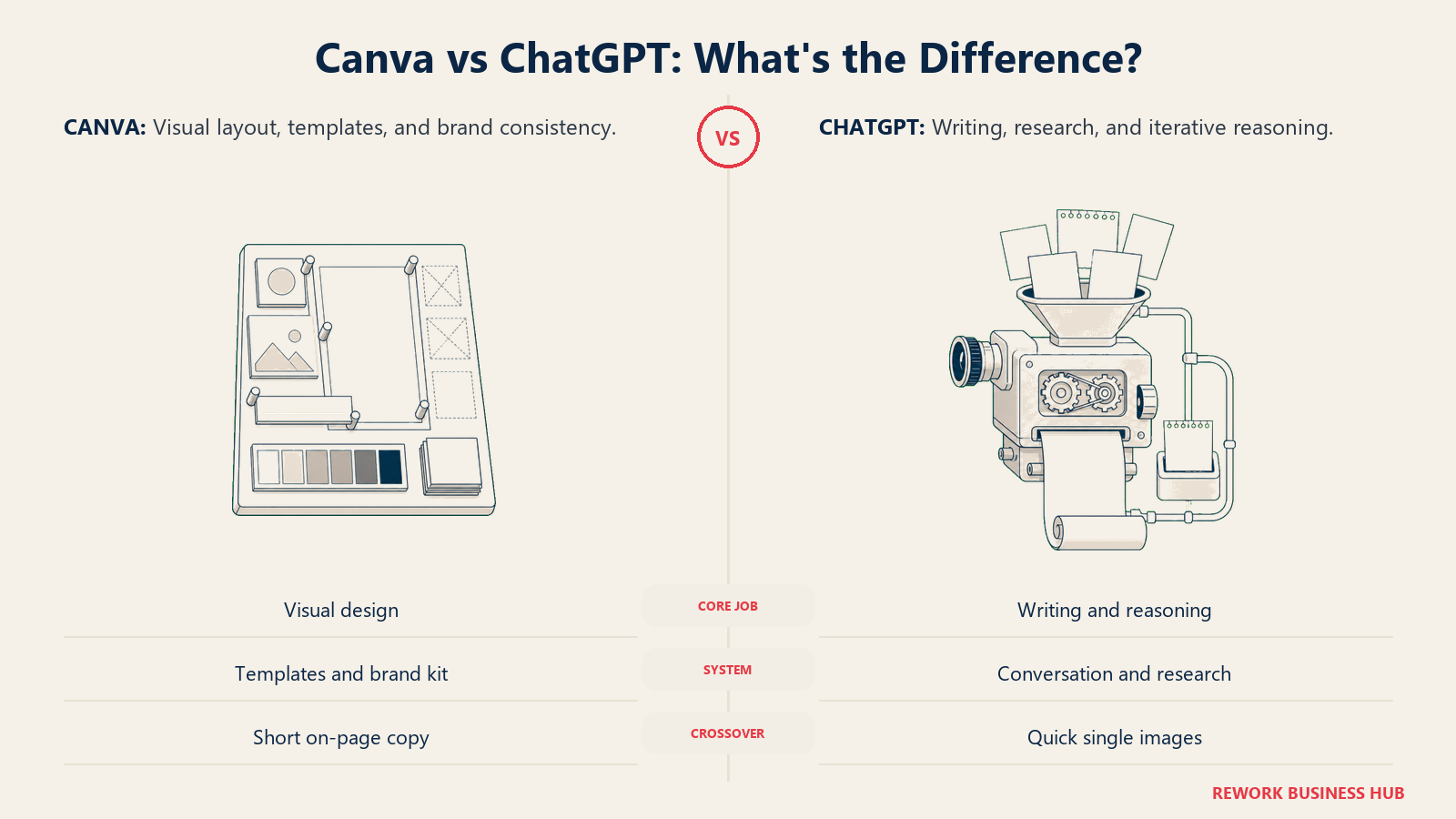
They aren't really rivals, though. Canva is a layout and design tool that grew AI features. ChatGPT is a writing and reasoning tool that grew image generation. Asking which one is "better" is the wrong question, because they were built to solve different halves of the same job: Canva gets your words onto a page, slide, or social graphic that looks like a professional made it. ChatGPT gets the words themselves written in the first place. The question worth answering is which half is actually slowing you down, and whether either tool has grown far enough into the other's territory that you can honestly drop a subscription.
TL;DR
| Canva | ChatGPT | |
|---|---|---|
| Built for | Visual layout and design: social graphics, presentations, brand kits, video | Writing and reasoning: drafts, outlines, research, editing, chat-based image generation |
| Core AI toolkit | Magic Studio (Magic Write, Magic Design, Magic Media, Magic Switch) | GPT-5.6, plus a built-in image generator (GPT Image) |
| Where it crosses into the other's job | Magic Write drafts on-brand captions, headlines, and short copy | Built-in image generation makes a quick graphic without leaving the chat |
| Where that crossover is weaker | Struggles with long-form drafts, research, and multi-step editing | Can't match brand kits, templates, or multi-element layout |
| Free plan | Yes, generous, no card required | Yes, unlimited basic chat, limited image generation |
| Entry paid price, solo | Pro, $18/month or $180/year billed annually | Plus, $20/month, no annual option |
| Team plan, per seat | Business, $25/month or $250/year billed annually | Business, $25/month or $20/month billed annually, 2-seat minimum |
| Best for | Anyone whose bottleneck is making things look finished | Anyone whose bottleneck is getting the first draft written |
What Each Tool Is Actually Built For
Canva started as a template-first design tool for people who aren't designers, and that DNA still shapes everything it ships. Magic Studio is Canva's umbrella term for its AI features: Magic Design builds a full layout from a prompt or an uploaded photo, Magic Media generates images and short video clips, Magic Write drafts on-brand copy inside whatever you're building, and Magic Switch reformats one design into a dozen platform sizes automatically. Canva has grown past 265 million monthly active users and 31 million paying subscribers, per Demand Sage's Canva statistics, and most of that growth came from people who needed a finished graphic fast, not a blank canvas and a color wheel.
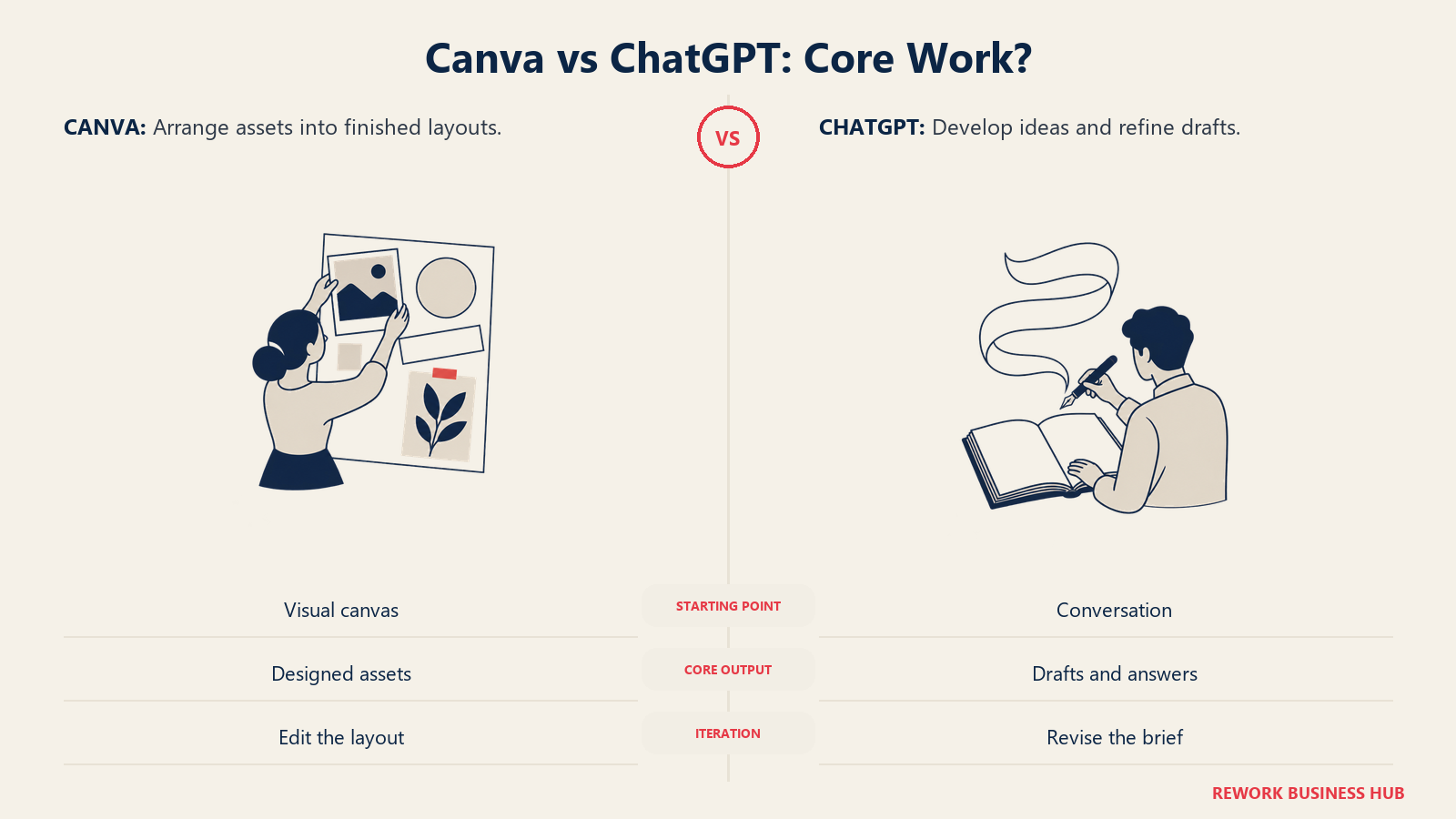
ChatGPT started from the opposite direction: a conversational model built to write, reason, and answer, with everything else added around that core. GPT-5.6 handles drafting, editing, research, and multi-turn conversation, and OpenAI has layered image generation, Projects, and custom instructions on top of that writing engine rather than the other way around. If your work is fundamentally about getting words right (a blog post, a pitch, a coaching program outline, a script), ChatGPT starts closer to the finish line than Canva ever will. ChatGPT's writing strength shows up differently again once the comparison is a workspace assistant instead of a design tool: ChatGPT vs Notion AI covers that angle for teams whose actual bottleneck is internal knowledge, not visual output.
| Capability | Canva | ChatGPT |
|---|---|---|
| Multi-element layout (text, logo, photo, on one page) | Excellent | Not built for this |
| Brand kit consistency (fonts, colors, logo, every time) | Excellent | None |
| Long-form draft writing (blog posts, scripts, proposals) | Weak, credit-limited | Excellent |
| Research and fact-gathering before writing | None | Good, especially with browsing and Deep Research |
| Platform-sized social templates | Excellent | None |
| Quick single image generation | Good (Magic Media) | Good (GPT Image, bundled into Plus) |
| Video clips and simple editing | Yes (Magic Media video) | No |
| Presentation decks | Yes, native | No native deck builder |
| Holding a consistent voice across dozens of pieces | Limited (Magic Write) | Strong, with custom instructions and memory |
Decision by Business Goal
| Your goal | Best fit | Why |
|---|---|---|
| Stop staring at a blank page on a blog post or newsletter | ChatGPT | Drafting, outlining, and rewriting is its core job |
| Make every social post look like it came from the same brand | Canva | Brand Kit locks fonts, colors, and logo across every template |
| Turn one long article into a week of social captions and graphics | Canva | Magic Switch and Magic Write repurpose one piece into many formats |
| Get a researched, sourced answer before you write about a topic | ChatGPT | Web-grounded chat and Deep Research beat a design tool's text box |
| Build a lead magnet, pitch deck, or coaching workbook | Canva | Native templates for decks, documents, and printables |
| Draft a client email or proposal fast | ChatGPT | Long-form reasoning and tone control beat a caption generator |
| Get one quick graphic without opening a second tool | Either | Magic Media or ChatGPT's built-in image generation both cover a single, low-stakes image |
| Keep one AI subscription instead of two | Depends, see the honest cost math below | Neither substitute fully replaces the specialist |
Team and Role Fit
The right pick usually comes down to what actually eats your week, not your job title. That's true whether you're producing everything yourself or splitting the work across a few people.
| Who you are | What you're weighing | Lean toward |
|---|---|---|
| Solo blogger or newsletter writer | Time spent writing vs. time spent making the post look finished | ChatGPT first, Canva for the thumbnail |
| Coach or consultant running your own practice | Session notes and proposals vs. workbooks, slides, and social presence | Both, but ChatGPT is usually the bigger daily lift |
| Freelance video or social creator | Scripting and captions vs. thumbnails, covers, and templated graphics | Canva first, ChatGPT for scripts and captions |
| Small content team, 2 to 5 people | One writer-designer hybrid vs. a real split between writing and design | Split subscriptions by role instead of a full license each for everyone |
| Small agency, 10 to 25 people | Per-seat cost at real headcount vs. contractor day rates | Business tier on both, priced out below |
If most of your output is written first and visual second, our best AI tools for content creators roundup covers the wider production stack beyond just these two.
Canva's AI Writing Features: How Far Do They Actually Go?
Magic Write lives directly inside the Canva editor and Canva Docs, so you type a prompt (or highlight existing text and ask for a rewrite) and get copy back without ever leaving your design. It's genuinely good at the job it's built for: a headline, a caption, a short product description, a paragraph of body copy that needs to match the tone of the page it's sitting on. Because it's working inside the same file as your layout, there's zero copy-paste friction between "the words" and "the design."
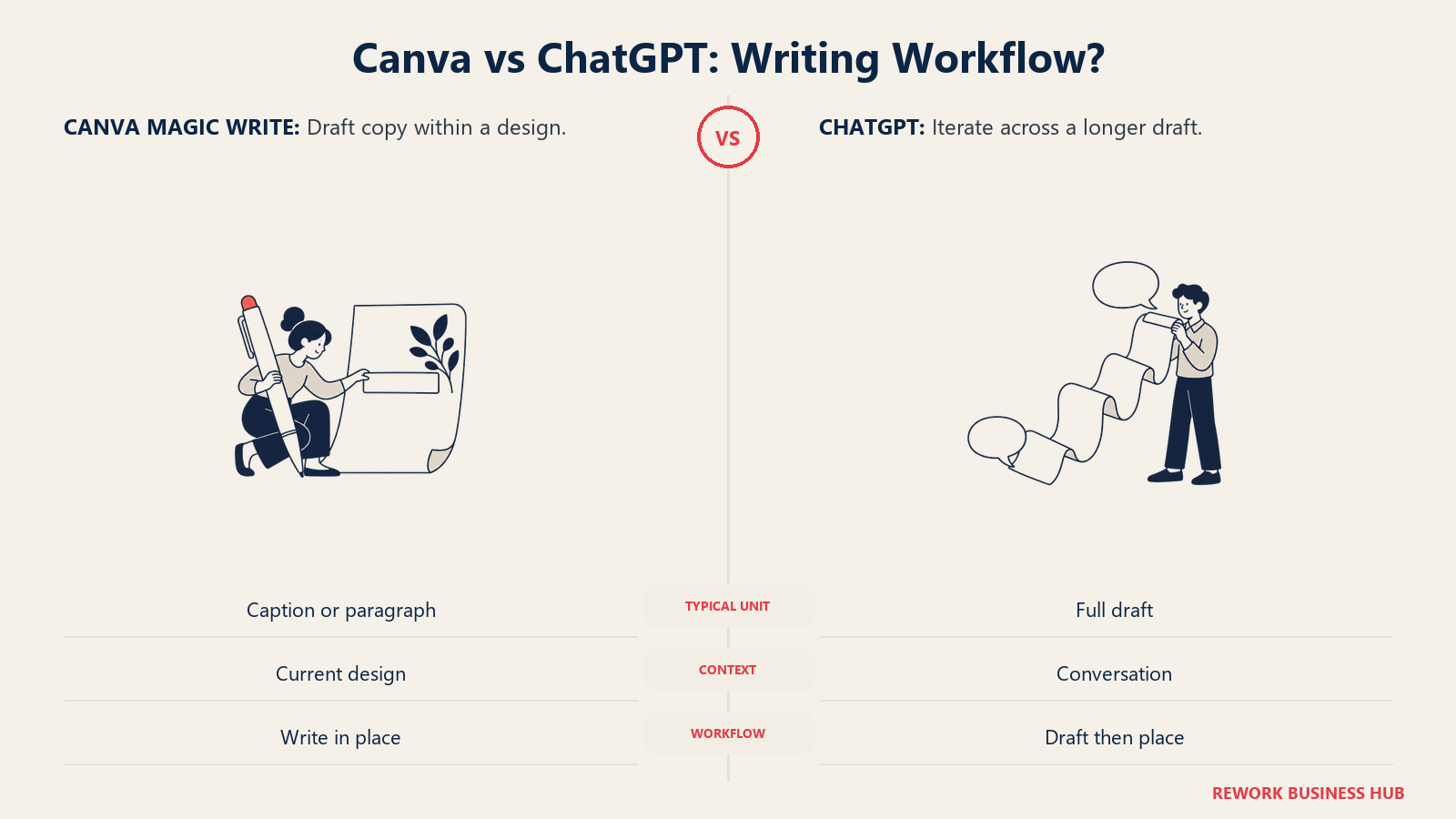
Where it falls short is anything past a single page. Magic Write doesn't hold a real multi-turn conversation the way a chat interface does, so iterating on a full draft ("make this punchier, now cut it in half, now add a call to action") is clunky compared to a back-and-forth chat thread. It has no research capability of its own: no browsing, no fact-checking, no pulling in a stat you didn't already know. And it draws from the same monthly AI credit pool as every other Magic Studio tool, including Magic Media's image and video generation, so a team that leans hard on AI images can burn through its writing allowance before the month is out. If your team needs AI writing that goes deeper than on-page copy, our best AI writing tools guide and Jasper vs Copy.ai vs Writer comparison cover tools built specifically for that job. And if ChatGPT is already doing that deeper writing but brand consistency across several writers is starting to slip, Jasper vs ChatGPT covers the narrower question of when a governed layer on top of ChatGPT actually earns its price.
| Writing task | Canva Magic Write | ChatGPT |
|---|---|---|
| Social captions and headlines | Good, and it stays inside your design | Good, but you copy it into Canva afterward |
| Full blog post draft, 800 to 2,000 words | Weak, not built for sustained long-form | Strong, this is its core job |
| Multi-turn editing ("make this punchier, now shorter") | Limited, no real conversation memory | Strong, this is what chat is for |
| Research before writing | None | Good, especially with browsing and Deep Research |
| Matching a locked brand voice across dozens of pieces | Fair, works off the doc you're already in | Strong, with custom instructions and memory |
| Competes with image generation for the same credits | Yes, shares the Magic Studio pool | No, Plus has no shared credit system for text |
ChatGPT's Image Generation: How Far Does It Actually Go?
DALL-E 3 was retired from OpenAI's API in 2026, and ChatGPT's built-in image generator now runs on the GPT Image model family instead, even though most people still call it "DALL-E" out of habit. Plus bundles a real, day-to-day usable allotment of image generations, so if you're mid-conversation with ChatGPT and need a supporting image (a hero graphic for the post you just drafted, a quick visual to test an idea), there's no tool-switching cost and no extra charge. That convenience is the entire value proposition.
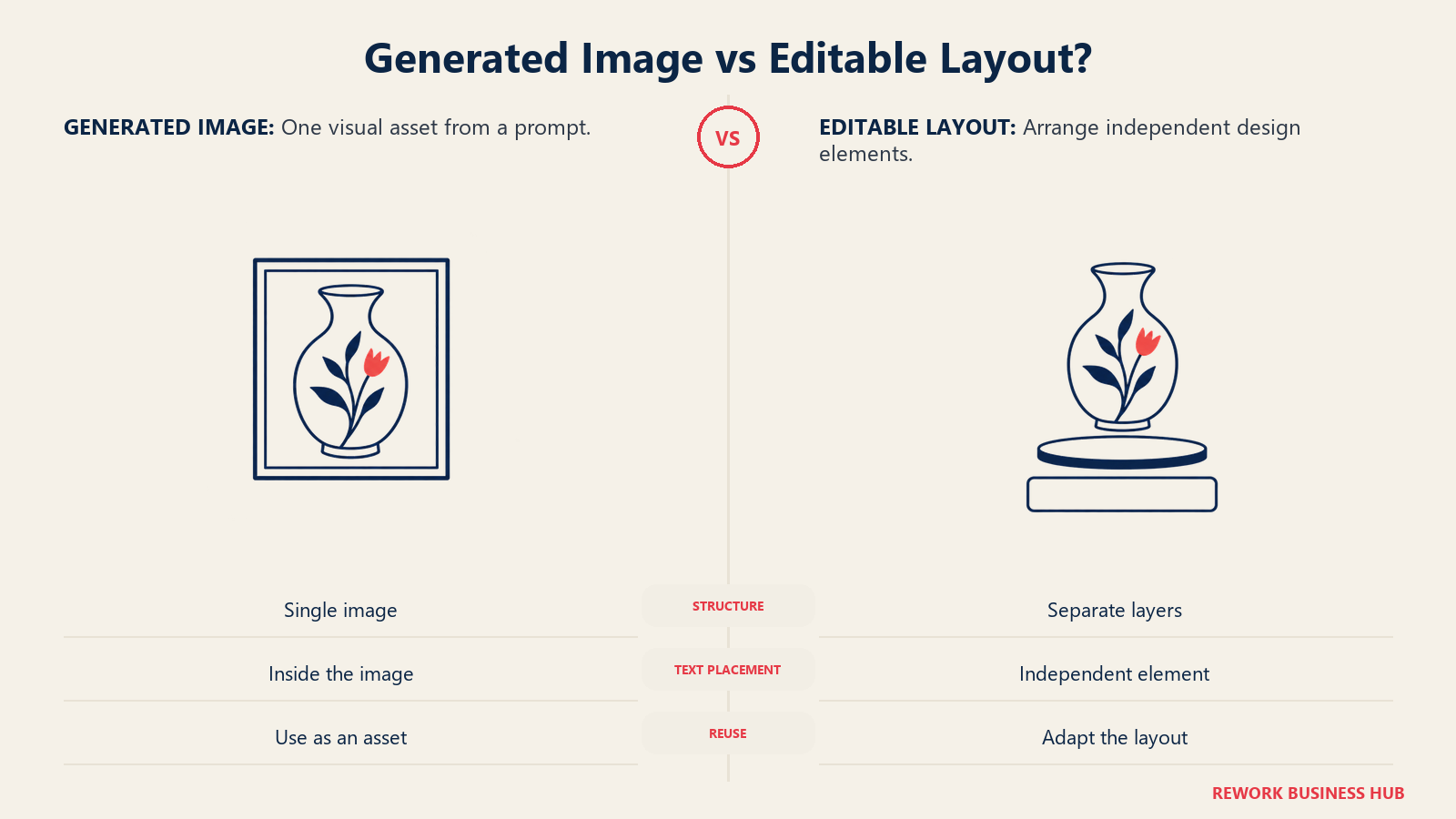
What it can't do is Canva's actual job. GPT Image generates a single flat image from a text prompt. It doesn't understand brand kits, doesn't have platform-sized templates for Instagram, LinkedIn, or YouTube thumbnails, and can't lay out text, a logo, and a photo together the way a design tool does. Ask it to "make the headline bigger" on an image it just generated and it typically regenerates the whole image from scratch rather than editing one layer, since it's a generator, not an editor. For anything that needs to look consistently on-brand across dozens of assets, that gap matters. Our best AI image generators guide covers what changed since DALL-E 3's retirement in more depth, and best AI graphic design tools covers the tools built for actual layout work, Canva included.
| Design task | ChatGPT (GPT Image, built in) | Canva |
|---|---|---|
| One quick image without switching tools | Good, already bundled into Plus | Requires opening Canva separately |
| Multi-element layout (text, logo, photo together) | Not built for this | Its core job |
| Brand kit consistency (same fonts and colors every time) | None | Strong, Brand Kit |
| Platform-sized templates (post, thumbnail, slide) | None, freeform image only | Strong, sized templates for every format |
| Editing one element without regenerating everything | Weak, typically regenerates the whole image | Strong, drag and edit any layer |
| Video clips and multi-page decks | No | Yes, Magic Media video and native presentations |
Pricing at Real Team Sizes
Canva prices per person with no separate business-plan minimum published (you move from Pro to Business the moment a second person needs their own login). ChatGPT prices per seat too, but its team plan (Business, renamed from Team) has a hard 2-seat minimum, so a true solo buyer is on Plus, not Business.
| Plan | Canva | ChatGPT |
|---|---|---|
| Free | $0, one person | $0, one person |
| Solo paid | Pro, $18/month, or $180/year billed annually ($15/month equivalent, about 16% off) | Plus, $20/month, billed monthly only, no annual discount offered |
| Team paid, per seat | Business, $25/month, or $250/year billed annually ($20.83/month equivalent) | Business, $25/month billed monthly, or $20/month billed annually ($240/year), 2-seat minimum |
| Top tier | Enterprise, custom quote | Enterprise, custom quote (reported around $45 to $75 per seat per month by industry pricing trackers, unpublished by OpenAI) |
One detail worth budgeting around: Canva gives a solo Pro subscriber an annual discount, ChatGPT does not. If you're paying for Plus alone, $240 a year is the floor no matter how you pay for it.
| Seats | Canva (cheapest billing) | ChatGPT (cheapest billing) |
|---|---|---|
| 1 | Pro, $180/year | Plus, $240/year (no annual discount exists at this tier) |
| 5 | Business, $1,250/year ($250 x 5 seats) | Business, $1,200/year ($240 x 5 seats, annual billing) |
| 25 | Business, $6,250/year ($250 x 25 seats) | Business, $6,000/year ($240 x 25 seats, annual billing) |
Notice how close those two columns land at every seat count. This isn't a comparison where scale flips the winner. Canva and ChatGPT's Business tiers are priced within a few dollars of each other per seat per year, so past 5 seats, the decision comes down to which tool your team is actually short on, not which one is cheaper.
The Honest Verdict: What It Costs to Run Both
Magic Write and GPT Image are convenience features layered onto tools that were built for something else. Neither is a real substitute for the specialist. Most working bloggers, coaches, and small content teams end up paying for both Canva and ChatGPT because the two jobs (writing and layout) don't collapse into one tool cleanly, no matter how much AI either vendor adds.
| Seats | Canva only | ChatGPT only | Running both |
|---|---|---|---|
| 1 | $180/year | $240/year | $420/year, about $35/month |
| 5 | $1,250/year | $1,200/year | $2,450/year |
| 25 | $6,250/year | $6,000/year | $12,250/year |
At the solo level, $35 a month for both is less than a single freelance invoice for either a writer or a designer, which is the real comparison point for most one-person operations. Skipping one tool entirely makes sense in narrower cases: a coach who only ever needs plain-text deliverables (proposals, session notes, email) can reasonably skip Canva and lean on ChatGPT's built-in image generation for the rare graphic. A visual-first creator working from a script someone else wrote can skip ChatGPT and use Magic Write for the light on-page copy Canva already needs. For most creators producing both written and visual content on a regular publishing schedule, though, the honest answer is to budget for both from the start rather than discover the gap mid-project.
Implementation and Change Management
| Factor | Canva | ChatGPT |
|---|---|---|
| Time to first usable output | Minutes: pick a template, drop in your brand colors | Minutes: describe what you need in plain language |
| Learning curve | Low for templates, a bit more to set up Brand Kit properly | Low for basic chat, more to get consistent output via custom instructions |
| Bringing on a second person | Fast, a shared Brand Kit keeps their output consistent with yours right away | Slower, depends on how well you've documented your voice and process |
| What runs out first on the free tier | AI credits, before storage does | Message and image-generation limits, not storage |
Risk and Governance
Even a team of one carries some real risk here, mostly around content ownership, client confidentiality, and what happens if you stop paying.
| Risk | Canva | ChatGPT |
|---|---|---|
| Who owns what you make | You, under Canva's content license on paid plans | You, under OpenAI's usage terms |
| Commercial use on the free tier | Generally allowed, though some templates and stock assets carry their own restrictions, check the license before reselling | Generally allowed for output you generate |
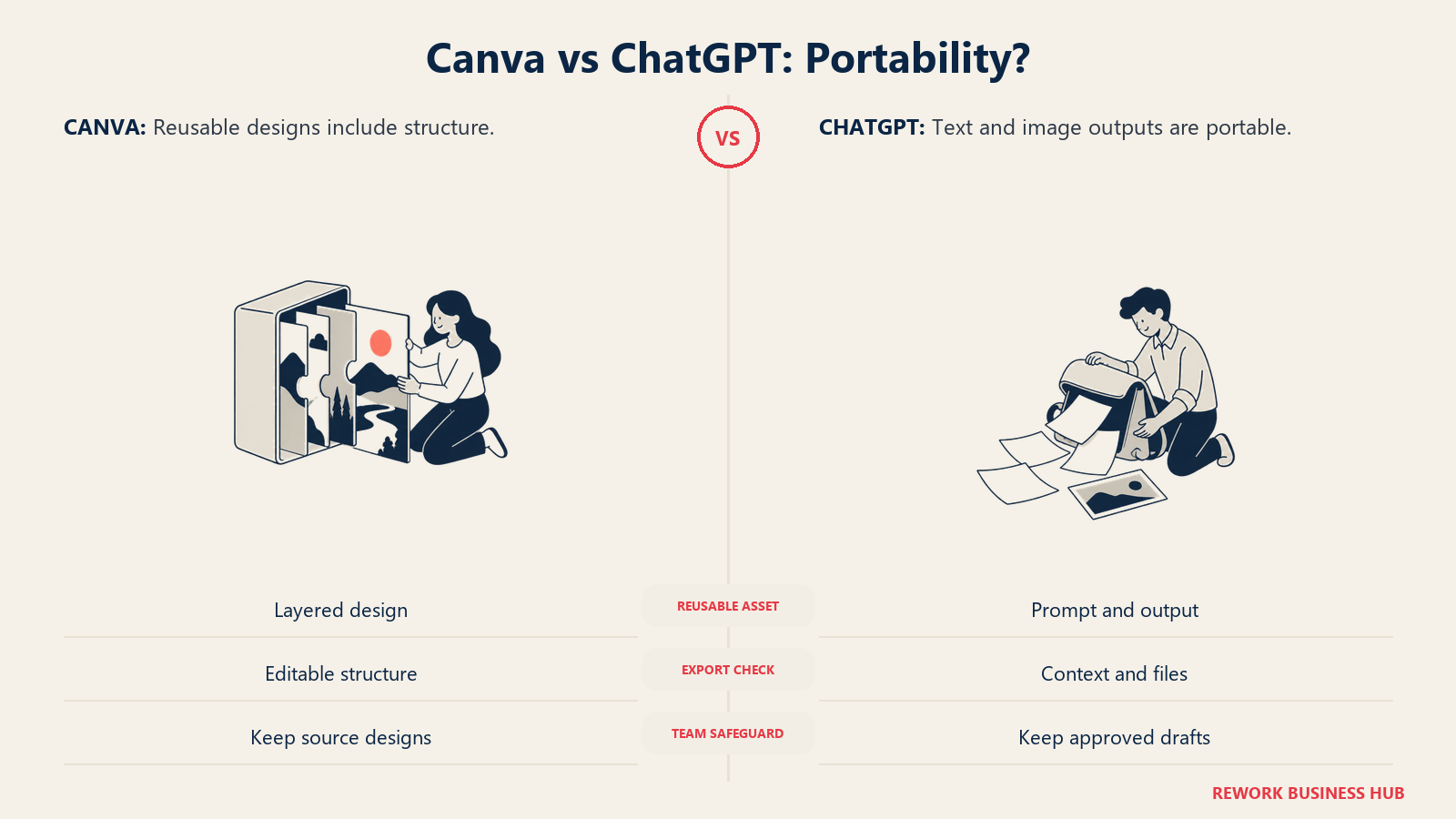
| Vendor lock-in for your work | Higher, brand kits and multi-layer designs are harder to move to another tool | Lower, text is portable to any document and images are just image files |
| What you lose if you stop paying | Access to Pro-only templates and elements already used in past designs | You drop to Free's message and image limits |
| Training on your data | Review Canva's current data-use terms before uploading proprietary brand assets, policy varies by plan | Off by default on Enterprise; Business, Go, and Plus need the opt-out switched on in settings |
| Client or coaching-session confidentiality | Not built for storing sensitive client notes | Same caution applies, don't paste confidential client details into either tool without checking that plan's data-use terms |
When Canva Is the Right Call
- Your bottleneck is visual output: social posts, thumbnails, decks, or printables that need to look consistently on-brand without hiring a designer.
- You're repurposing one piece of writing into a week of platform-sized graphics and captions, which is exactly what Magic Switch is built for.
- You need a coaching workbook, pitch deck, or lead magnet that looks finished on the first draft, not just readable text in a document.
- A small team needs everyone's output to share the same fonts, colors, and logo automatically, without a design review step.
- If Canva's own ceiling, not ChatGPT's, is the problem (deeper vector work, more advanced brand asset management), our best Canva alternatives roundup covers where teams go next.
When ChatGPT Is the Right Call
- Your bottleneck is the words: blog posts, newsletters, proposals, scripts, or client emails that need real drafting and editing, not a caption.
- You need to research a topic (with sources) before you write about it with any confidence.
- You're iterating on a piece across multiple rounds and want a real conversation thread, not a one-shot text box.
- A quick, occasional image is genuinely all you need, and paying for a second subscription for rare use isn't worth it yet.
- You're evaluating the wider AI writing landscape, not just Canva, in which case best AI writing tools covers tools built specifically for that job at more depth than either product here.
Decision Framework
| If you are... | Pick |
|---|---|
| A blogger or newsletter writer whose drafts take longer than your graphics | ChatGPT first |
| A visual creator (reels, carousels, thumbnails) who writes short captions, not long posts | Canva first |
| A coach or consultant producing workbooks, decks, and session notes | Both, budget for both from day one |
| Running a 2 to 5 person content team split by role | Buy the tool that matches each person's actual job, not one full license each of everything |
| Scaling past 10 to 25 seats and comparing real budgets | Business tier on both lands within a few dollars of each other per seat, so let capability decide, not price |
| Trying to run on one subscription only | Possible in narrow cases, but expect real gaps, see the crossover sections above before you commit |
What to Do Next
- Audit your last 10 pieces of content. Track roughly how much time went into writing versus making it look finished. That split tells you your real bottleneck faster than any feature table.
- Try the free tier of whichever tool you don't already use. Canva Free and ChatGPT Free are both genuinely usable for a week-long test, not just a locked demo.
- If you're a team, price Business at your actual headcount using the seat table above rather than the homepage sticker price, since the real decision usually comes down to capability once you're past 5 seats.
- Set a three-month price check. Canva has raised Pro's price more than once over the past year or so, and ChatGPT cut Business pricing in April 2026, so whatever you lock in today is worth re-checking against the current vendor pricing pages before you renew.
- If your workflow leans heavily social, our best AI tools for social media roundup and best AI tools for freelancers guide both cover how Canva and ChatGPT fit into a wider stack beyond just these two tools.
Frequently Asked Questions about Canva vs ChatGPT
Can Canva replace ChatGPT for writing blog posts?
Not well for full-length posts. Magic Write is built for on-brand captions, headlines, and short copy inside a design, not sustained long-form writing with research and multi-step editing. Past a few hundred words, most creators draft in ChatGPT and paste the finished copy into Canva.
Can ChatGPT replace Canva for social graphics?
For a single, quick image, yes. Its built-in image generator (GPT Image, what most people still call DALL-E out of habit) is bundled into Plus at no extra charge. It can't do brand kits, platform-sized templates, or multi-element layout, which is Canva's actual job.
Is Canva Pro or ChatGPT Plus better value for a solo creator?
They solve different problems, so "better value" depends on your bottleneck. Canva Pro is $18/month or $180/year billed annually. ChatGPT Plus is $20/month with no annual discount option. If you can only afford one right now, pick based on which task actually slows down your publishing schedule, not the sticker price.
How much does it cost to run both tools for a small team?
At 5 seats on the Business tier of each, billed annually, that's roughly $2,450 a year combined ($1,250 for Canva Business, $1,200 for ChatGPT Business). At 25 seats, combined cost runs about $12,250 a year.
Does Canva's Magic Write use the same AI credits as its image generation?
Yes. Magic Write draws from the same monthly AI credit pool as Magic Media (Canva's image and video generator) and every other Magic Studio tool, so a team generating a lot of images can run short on writing credits before the month is up.
What happened to DALL-E in ChatGPT?
DALL-E 3 was retired from OpenAI's API in 2026. ChatGPT's built-in image generator now runs on the GPT Image model family, though most people still call it "DALL-E" out of habit.

Senior Customer Retention Strategist
On this page
- TL;DR
- What Each Tool Is Actually Built For
- Decision by Business Goal
- Team and Role Fit
- Canva's AI Writing Features: How Far Do They Actually Go?
- ChatGPT's Image Generation: How Far Does It Actually Go?
- Pricing at Real Team Sizes
- The Honest Verdict: What It Costs to Run Both
- Implementation and Change Management
- Risk and Governance
- When Canva Is the Right Call
- When ChatGPT Is the Right Call
- Decision Framework
- What to Do Next