Best AI Graphic Design Tools in 2026: 13 Tools Ranked by Use Case
Turn this article into takeaways for your work.


Each assistant summarizes the article only for you and suggests best practices for your work.
The best AI graphic design tool in 2026 depends on what you're actually making. Canva Magic Studio wins for teams that need one tool to cover social posts, decks, and brand assets. Adobe Firefly wins when the output has to be commercially safe and slot into an existing Photoshop or Illustrator workflow. Figma AI wins for product teams generating UI assets and design system components. Recraft is the only major tool that hands you a real editable vector file instead of a flat PNG. This guide ranks 13 tools by the job you're hiring them for, not by a single "best overall" score, because that score changes depending on whether you're building a brand kit, a marketing graphic, or an app mockup.
Every tool below was evaluated on output quality, commercial licensing clarity, AI credit systems, and pricing transparency, not marketing claims. If you're shopping for design tools as part of a broader AI stack, our best AI tools in 2026 roundup covers the other categories worth stacking alongside this one.
Updated July 2026: What Changed
AI credit systems replaced flat "unlimited" tiers across most of this category in the last year. Figma folded AI credits into every seat type rather than selling Figma AI as a separate add-on. Adobe restructured Firefly into Standard, Pro, and Premium tiers built entirely around premium generative credits, with unlimited standard generations included on every paid plan. Kittl and Uizard both moved to token- and generation-based metering instead of flat monthly caps. And Microsoft folded the standalone $20/month Copilot Pro into Microsoft 365 Premium, changing how Microsoft Designer users get extra AI credits going forward.
Key Facts
- 91% of designers now use AI in their design work at least weekly, up from 54% a year earlier, and 75% use it daily, per the AI in Design Report 2026.
- The average designer now uses 7 AI design tools regularly, more than double the 3 tools reported in 2025, per the same report.
- The global graphic design software market is valued at roughly $10.1 billion in 2026 and is projected to grow at a 9.1% CAGR toward $19.6 billion by 2033, per Research and Markets.
- Canva has grown past 265 million monthly active users, with more than 31 million paying subscribers, and is used by roughly 95% of Fortune 500 companies, per Demand Sage's Canva statistics.
- The global AI image generator market underlying tools like Recraft and Ideogram is valued at $484.29 million in 2026 and projected to reach $1.75 billion by 2034, a 17.4% CAGR, per Fortune Business Insights.
Quick Comparison Table
| Tool | Best For | Starting Price | Key Strength | Key Limitation |
|---|---|---|---|---|
| Canva Magic Studio | All-around design for teams of any size | Free; Pro $15/mo | One tool for every design format, huge template library | AI credit pool is shared across every Magic feature |
| Adobe Firefly | Commercially safe generation inside Creative Cloud | Free; Standard $9.99/mo | Trained on licensed content; deep Photoshop/Illustrator ties | Premium credits (video, translation) drain fast |
| Figma AI | Product teams generating UI and design system assets | Free (500 credits/mo); Professional $16/seat/mo | AI built into the same file your team already designs in | Not built for marketing graphics or print |
| Recraft | Teams that need true vector (SVG) brand assets | Free (50 credits/day); Basic $10/mo | Only major AI tool producing production-ready SVG | SVG export locked to the Pro tier ($48/mo) |
| Ideogram | Designs where the text inside the image has to be right | Free (10 credits/wk); Basic $7/mo | Best-in-class text rendering of any image model | No brand kit, templates, or layout tools |
| Kittl | Apparel, print-on-demand, and poster design | Free (limited tokens); Pro ~$10-15/mo | AI-native vector workflow built for merch and print | Free tier has no commercial license |
| Designs.ai | Teams wanting logo, video, voice, and design in one suite | $39-$188/mo | Broadest bundled AI content suite on this list | Expensive if you only need graphics |
| Playground | Fast iteration on AI-generated visual concepts | Free; Pro $12-15/mo | Generous free tier, strong model selection | Weaker layout and brand-kit tools than Canva |
| Uizard | Turning a text prompt into an app or website mockup | Free (3 generations/mo); Pro $12/mo | Fastest path from idea to clickable UI mockup | Not a general graphic design tool |
| Microsoft Designer | Free, everyday design inside the Microsoft ecosystem | Free (~15 AI credits/mo) | Zero cost to start; DALL-E-powered generation | Thin feature set next to Canva or Adobe Express |
| Piktochart | Infographics, reports, and data-driven visuals | Free (60 AI credits); Pro $10/mo | Purpose-built for turning data into visuals | Weak for general marketing or social graphics |
| Visme | Presentations, infographics, and brand-consistent decks | Free (10 AI credits/mo); Starter $12.25/mo | Strong brand kit and analytics on data-viz content | Full AI access requires the Pro tier |
| Khroma | Generating and saving AI-trained color palettes | Free, no paid tier | Genuinely free, learns your color taste over time | Does zero layout or asset generation, colors only |
1. Canva Magic Studio: Best All-Around AI Design Tool
Canva's bet is that most people don't want a dozen specialized design tools, they want one tool that covers social posts, presentations, brand assets, and print, all sharing the same fonts and colors. Magic Studio is Canva's umbrella for its AI features: Magic Design generates full layouts from a prompt or an uploaded photo, Magic Media generates images and video clips, Magic Write drafts on-brand copy, and Magic Switch reformats one design into a dozen sizes automatically.
For a marketing team or small business that needs to move fast across many formats, this breadth is the actual value, not any single AI feature in isolation. The tradeoff shows up at scale: every Magic feature draws from the same monthly AI credit pool, so a team generating a lot of Magic Media video clips can burn through credits before they've touched Magic Design at all. If your team has already outgrown Canva's depth in any one format, our best Canva alternatives roundup covers tools that go deeper on a single use case.
| What you get | What you don't |
|---|---|
| One tool for social, print, presentations, and video | Shared AI credit pool across every Magic feature |
| Massive template and stock asset library | Less sophisticated single-purpose AI than Recraft or Ideogram |
| Real-time team collaboration and Brand Kit | Business tier pricing climbs fast per seat |
| Free tier is genuinely usable to start | Advanced Magic features are Pro-gated |
Pricing: Free; Canva Pro $15/mo (~$120/yr annual); Canva Business $20/seat/mo (billed annually)
Best for: Marketing teams, founders, and small businesses that need one design tool covering every format, not just graphics
2. Adobe Firefly: Best for Commercially Safe Generation Inside Creative Cloud
Adobe's pitch with Firefly is specific: it's a generative model trained on Adobe Stock, licensed content, and public domain images, which means output is commercially safe to use without the copyright uncertainty that follows AI models trained on scraped web data. For legal and brand teams at larger companies, that provenance is the entire reason to pick Firefly over a cheaper alternative.
Firefly is also the generative engine underneath Adobe Express, Photoshop's Generative Fill, and Illustrator's Generative Recolor, so teams already inside Creative Cloud get AI generation without leaving their existing tools. The pricing model splits standard and premium generations: every paid plan includes unlimited standard image generation, but premium features (video generation, translation, certain partner models) draw down a monthly credit pool that can run out well before the month does on heavy-use teams.
| What you get | What you don't |
|---|---|
| Trained on licensed content, safest option for enterprise legal | Premium credits (video, translation) drain fast on heavy use |
| Deep integration with Photoshop, Illustrator, and Express | Less stylistically striking output than Midjourney or Recraft |
| Unlimited standard generations on every paid plan | Enterprise/Premium tier ($199.99/mo) is a steep jump from Pro |
| Often bundled into existing Creative Cloud subscriptions | Free tier's generation cap is easy to exhaust quickly |
Best for: Teams already inside Adobe Creative Cloud, and any organization where commercially safe training data is a hard requirement
3. Figma AI: Best for Product Teams Generating UI and Design System Assets
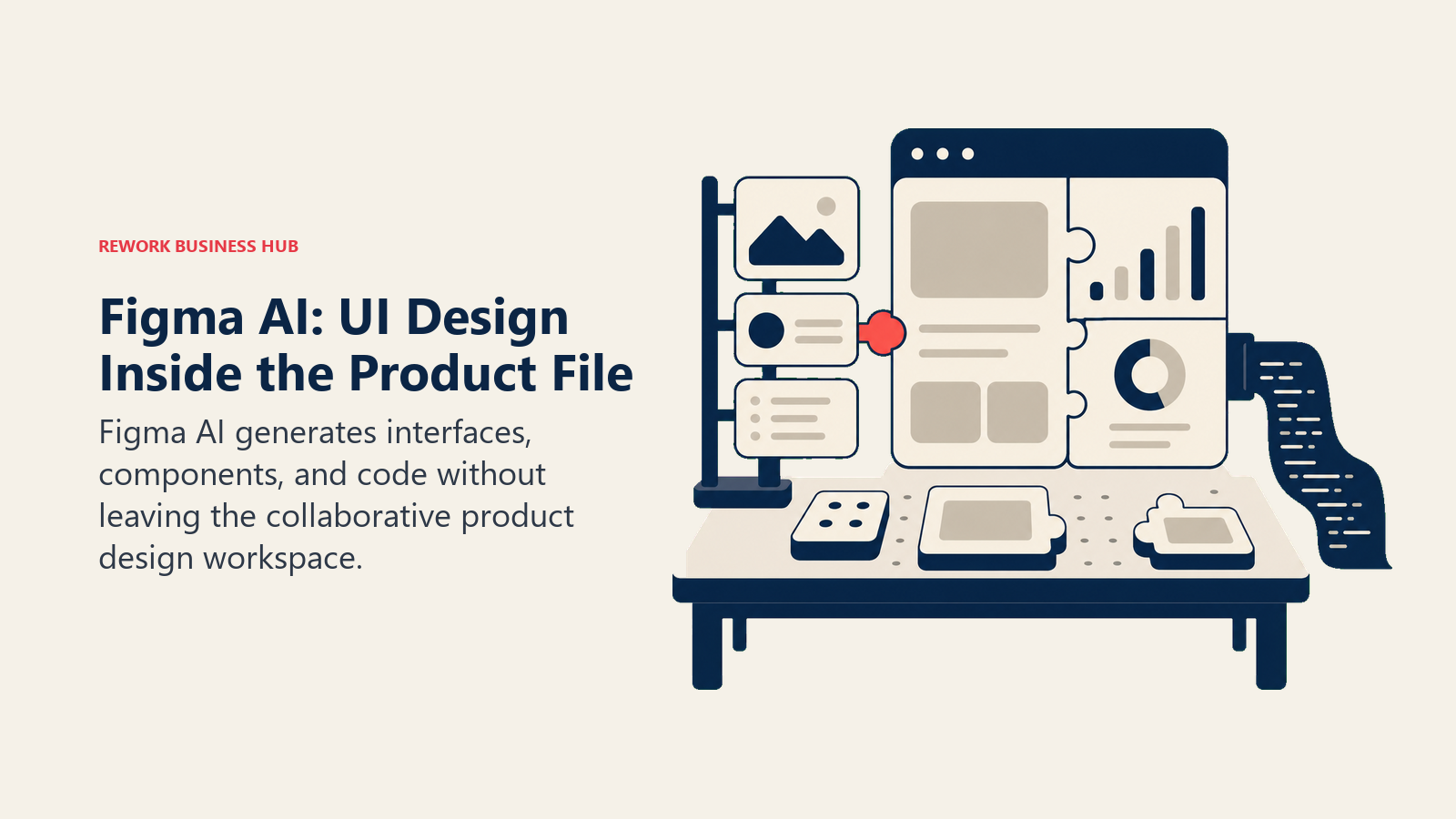
Figma's AI features live inside the same file format your product and design team already use for interface work, which is the whole point. First Draft generates a starting UI layout from a prompt, Figma Make turns a design into working code, and AI-assisted rename, resize, and content tools handle the repetitive parts of building out a design system. This isn't a marketing-graphics tool, it's built for teams generating components, icons, and UI assets at scale.
The pricing model is credit-based across every tier, including the free Starter plan, which is unusual in this category. Full seats on paid plans get a meaningfully larger monthly credit pool than Collab or Dev seats, so a team's real AI capacity depends heavily on how many Full seats it buys, not just which plan tier. For teams evaluating Figma against other collaborative design tools, our best Figma alternatives guide covers where it does and doesn't fit.
| What you get | What you don't |
|---|---|
| AI generation built into your existing product design file | Not built for marketing graphics, print, or social content |
| Credit-based access on every tier, including free | Collab and Dev seats get a much smaller AI credit pool |
| Figma Make turns designs into working front-end code | Enterprise pricing ($90/seat/mo) is steep for design-only teams |
| Deep version history and design system tooling | Steeper learning curve than Canva for non-designers |
Best for: Product and UI design teams that need AI generation inside the same file where they build components and design systems
4. Recraft: Best for True Vector (SVG) Brand Assets
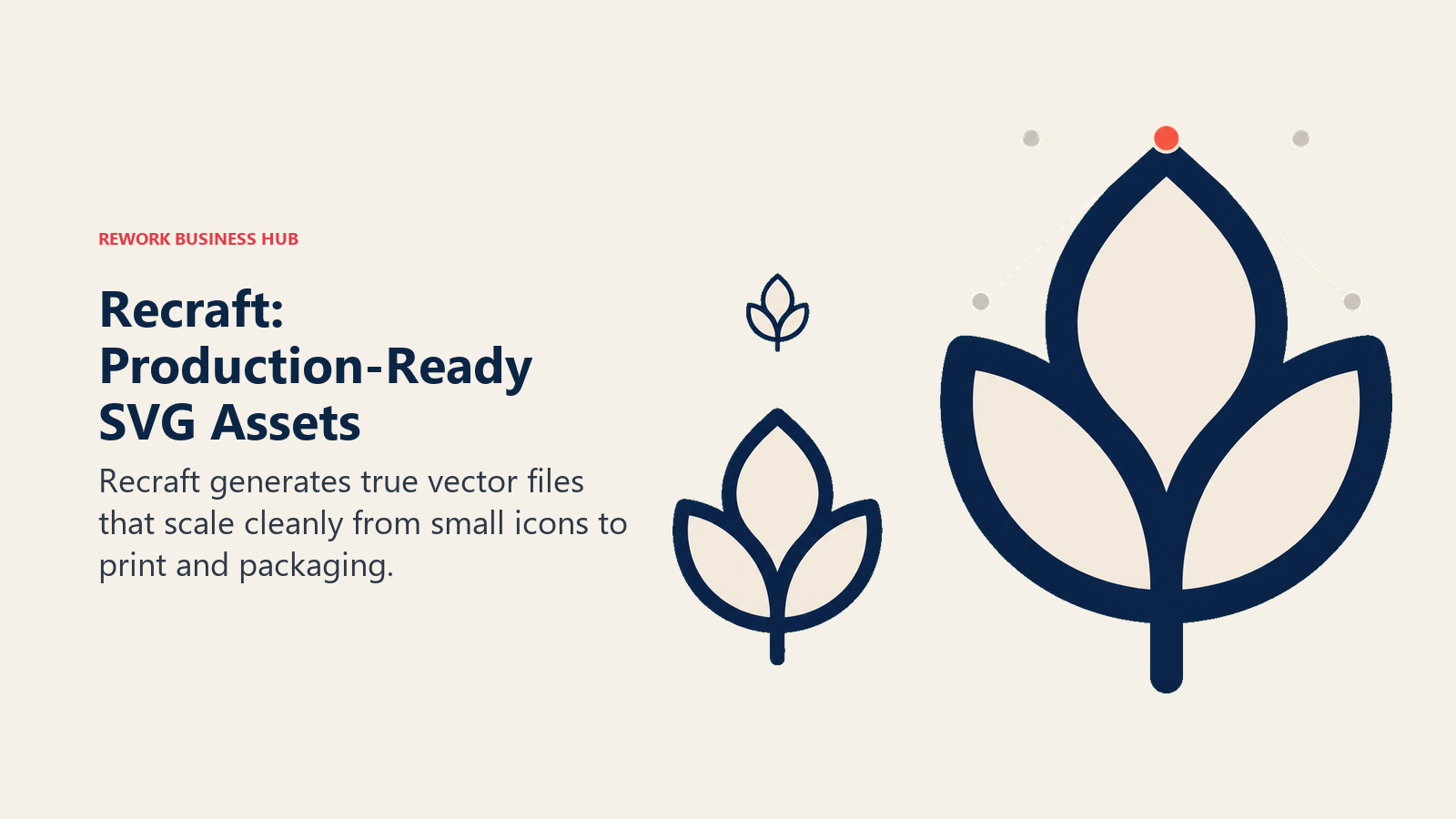
Recraft solves a specific, real gap: nearly every AI image model, including Midjourney and Ideogram, outputs a raster PNG or JPG that has to be manually traced into a usable vector file before a printer, sign shop, or packaging vendor will accept it. Recraft is the only major AI platform generating production-ready SVG files directly, which matters the moment a design needs to scale to a billboard or shrink to a favicon without quality loss.
The dividing line in Recraft's pricing is exactly that SVG export, it's locked to the Pro plan and above. The Free plan (50 credits/day) is a capable raster generator but not vector-capable, and free-tier images stay public and Recraft-owned. Paid plans grant full commercial ownership and private generation. Teams that need a full editing workflow after export, not just the raw SVG, should also look at our best AI image generators in 2026 roundup for the wider category Recraft belongs to.
| What you get | What you don't |
|---|---|
| Only major AI tool producing true SVG vector output | SVG export requires the Pro plan ($48/mo) or Team |
| Full commercial ownership and privacy on paid plans | Free-plan images are public and Recraft-owned |
| Deep credit allotments even at entry tiers | Steeper learning curve than Canva or Adobe Express |
| Team plans from $18-22/mo (annual) for collaborative use | Not a guided brand-kit builder, more of a raw image tool |
Best for: Brand and design teams that need real vector files for print, packaging, or merchandise, not just a web-ready PNG
5. Ideogram: Best for Getting Text Inside an Image Right
Most AI image models mangle lettering, logos with wordmarks come out with garbled or nonsensical text, and headlines baked into a generated graphic often need a full manual redo. Ideogram is the model designers reach for specifically because it renders legible, accurate text inside a generated image better than any general-purpose competitor, which makes it the default choice any time the design concept depends on typography rather than just an icon or scene.
The free tier gives 10 credits a week with public-by-default images, fine for testing but not for client work. Paid tiers unlock private generation, batch generation on the Pro tier, and priority processing. Because Ideogram isn't a dedicated design tool, there's no brand kit, layout system, or template library, you're exporting raw images and finishing the composition somewhere else.
| What you get | What you don't |
|---|---|
| Best-in-class text rendering inside AI-generated images | No brand kit, templates, or layout tools |
| Private generation on Plus tier and above | Free tier images are public by default |
| Team plans with per-user priority credits | Requires finishing composition in a separate tool |
| Strong for wordmark-heavy or typography-led concepts | Not built for buyers who want a guided design wizard |
Pricing: Free (10 credits/wk); Basic from $7/mo; Plus $15-20/mo; Pro $42-60/mo; Team $20/user/mo
Best for: Designers and brand teams building typography-driven graphics, wordmarks, or headline-heavy visuals
6. Kittl: Best for Apparel, Print-on-Demand, and Poster Design
Kittl positions itself as an AI-first design platform built specifically around merchandise and print output: apparel mockups, poster layouts, sticker sheets, and packaging design, with an AI generation engine tuned for the vector-friendly, high-contrast styles that print-on-demand sellers actually need. Where Canva treats print as one of many formats, Kittl is built around it from the ground up.
The free tier is genuinely limited: a small one-time allotment of AI tokens, exports capped at low resolution, and no commercial license, so it works for testing an idea but not for shipping a product listing. The Pro tier is where most working sellers land, since it unlocks a real commercial license alongside a recurring monthly token allotment for ongoing generation.
| What you get | What you don't |
|---|---|
| AI generation tuned for print-on-demand and apparel styles | Free tier has no commercial license, personal use only |
| Vector-friendly output built for merch and packaging | Business/team pricing requires contacting sales |
| Tiered AI token system scales with generation volume | Narrower general-purpose design use than Canva |
| Commercial licensing unlocked from the Pro tier up | Smaller stock and template library than Canva or Visme |
Best for: Print-on-demand sellers, apparel brands, and independent creators shipping merchandise and poster designs
7. Designs.ai: Best Bundled AI Design Suite Beyond Just Graphics
Designs.ai treats the graphic design maker as one module inside a much broader AI content suite that also covers logo generation, video creation, voiceover, and mockups. For a team that needs more than static graphics (say, a startup also producing product video ads and voiceover for onboarding content), the bundled pricing can work out cheaper than paying for three or four separate specialized AI tools.
If graphics are genuinely all you need, though, Designs.ai is one of the more expensive options on this list. The Plus tier starts at $39/mo, which is roughly 2.5x Canva Pro's price for a narrower design feature set once you strip out the video and voice tools. The 7-day free trial is the right way to evaluate whether the wider suite justifies the cost before committing. Marketing teams weighing the broader AI stack, not just graphics, can cross-check it against our best AI tools for digital marketing list.
| What you get | What you don't |
|---|---|
| Graphics, logo, video, and voice tools in one subscription | Expensive if graphics are genuinely all you need |
| One vendor instead of stitching together three or four tools | Entry price ($39/mo) is high relative to design-only tools |
| 7-day free trial to test the full suite | Design-specific depth is thinner than Canva or Kittl |
| Useful for teams producing ongoing multi-format content | Refunds are only guaranteed within the trial window |
Pricing: Plus $39/mo; Pro $79/mo; Enterprise $188/mo (7-day free trial)
Best for: Teams that need an ongoing AI content suite (graphics, video, voice, logo) bundled under one subscription
8. Playground: Best for Fast Iteration on AI-Generated Visual Concepts
Playground's design canvas is built around rapid iteration: generate a batch of image variations, edit specific regions with AI in-painting, upscale, remove backgrounds, and drop the result straight into a layout, all inside one workspace. It sits between a pure image generator like Ideogram and a full design suite like Canva, with a generous free tier that makes it an easy first stop for teams still exploring visual direction.
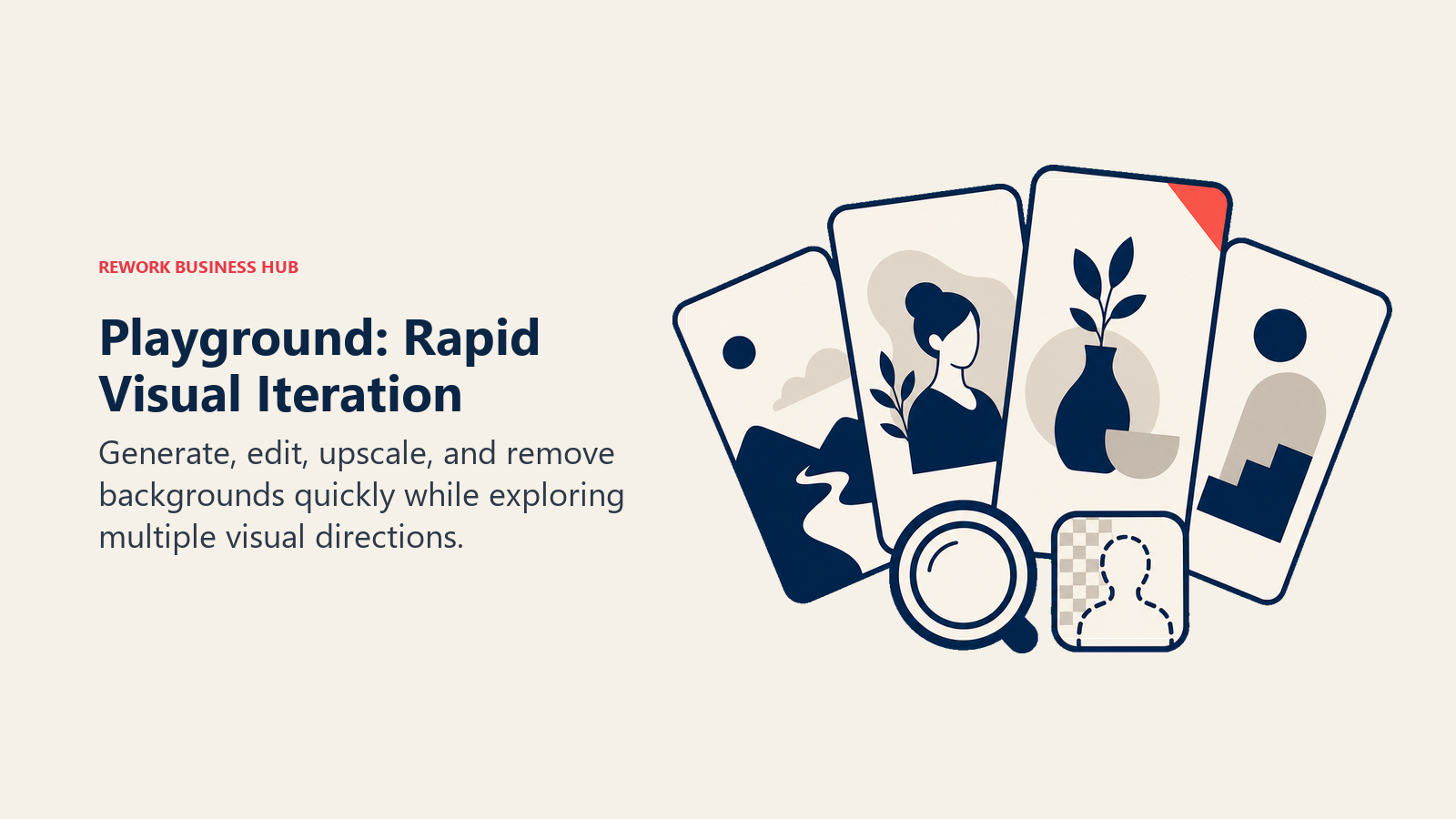
The free tier's 10 generations per rolling 3-hour window is enough for genuine exploration without paying anything, which is more generous than most competitors' free tiers. Pro unlocks a much larger generation allowance plus a worldwide commercial license, and Pro Plus removes the generation cap entirely for teams generating high volumes of concept art or ad variants.
| What you get | What you don't |
|---|---|
| Generous free tier for real visual exploration | Weaker layout, template, and brand-kit tools than Canva |
| Fast in-painting, upscaling, and background removal | Advanced model edits stay capped even on the top tier |
| Worldwide commercial license from the Pro tier up | Less refined for finished, publish-ready compositions |
| $8 day-pass option for occasional Pro access | Not built for teams needing brand consistency across assets |
Best for: Designers and marketers iterating fast on visual concepts before finalizing a direction in another tool
9. Uizard: Best for Turning a Prompt Into a Clickable App or Website Mockup
Uizard's Autodesigner takes a text prompt, or even a hand-drawn sketch, and generates a working UI mockup, complete with screens, components, and basic interactivity, in minutes rather than the hours a traditional wireframing process takes. For founders and product managers who need to pitch an app concept without hiring a designer for the first draft, this is the fastest path from idea to something a stakeholder can actually click through.
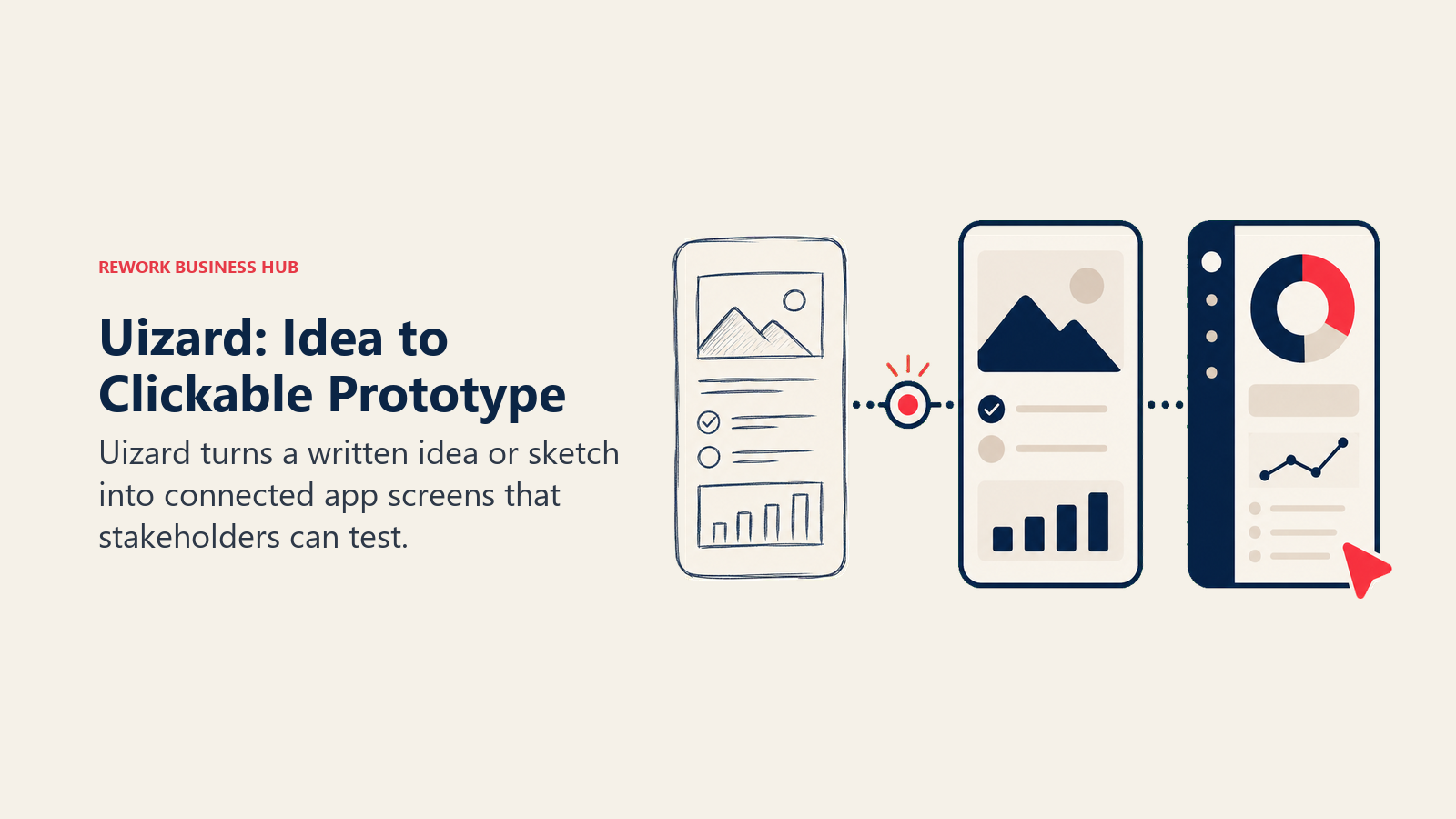
Everything is metered by AI generations rather than a flat monthly cap: 3 free generations a month, 500 on Pro, 5,000 on Business. Hand-editing after generation doesn't consume credits, only the AI creation and transformation steps do, which means a team doing heavy manual refinement after an initial AI draft gets more mileage out of a lower tier than the raw generation count suggests.
| What you get | What you don't |
|---|---|
| Fastest path from a text prompt to a clickable mockup | Not a general graphic design tool, UI/UX only |
| Hand-editing after generation doesn't consume credits | Business tier ($39/mo) is annual-only |
| React/CSS handoff for engineering teams on Pro and up | Free tier's 3 generations/month is very limited |
| Custom brand kit support on the Business tier | Enterprise tier requires 15+ users to qualify |
Best for: Founders, PMs, and product teams that need a fast, AI-generated first draft of an app or website UI
10. Microsoft Designer: Best Free Option Inside the Microsoft Ecosystem
Microsoft Designer is a free AI design app built into the Microsoft 365 ecosystem, generating social posts, invitations, and quick graphic edits from a text prompt using OpenAI's image models under the hood. For anyone who already lives inside Outlook, Word, and Teams, having a genuinely free design tool one click away, with no separate account or subscription required to start, removes real friction for occasional design needs.
The free tier's roughly 15 AI credits a month is enough for light, occasional use but will run out fast for anyone generating multiple concepts per project. Microsoft retired the standalone $20/month Copilot Pro subscription in late 2025, folding its extra-credit benefit into Microsoft 365 Premium (about $19.99/mo), which is now the path to meaningfully more Designer credits alongside Copilot access across the rest of Office.
| What you get | What you don't |
|---|---|
| Genuinely free to start, no separate subscription required | Roughly 15 AI credits/month runs out fast with real use |
| Built into the Microsoft 365 apps most office workers already use | Thinner feature set than Canva or Adobe Express |
| DALL-E-powered image generation from a simple text prompt | Extra credits now require a Microsoft 365 Premium subscription |
| Fast for social posts, invitations, and quick edits | Not built for brand kits or multi-format campaigns |
Best for: Office workers and small teams who want a free, no-setup design tool for occasional social and invitation graphics
11. Piktochart: Best for Infographics and Data-Driven Visuals
Piktochart's whole design philosophy is turning data into a visual, not just making a pretty graphic. Pikto AI Studio's six AI tools generate infographics, charts, and reports directly from a prompt or an uploaded Google Sheet, which makes it the strongest option on this list for anyone whose actual job is communicating numbers, not building brand campaigns.
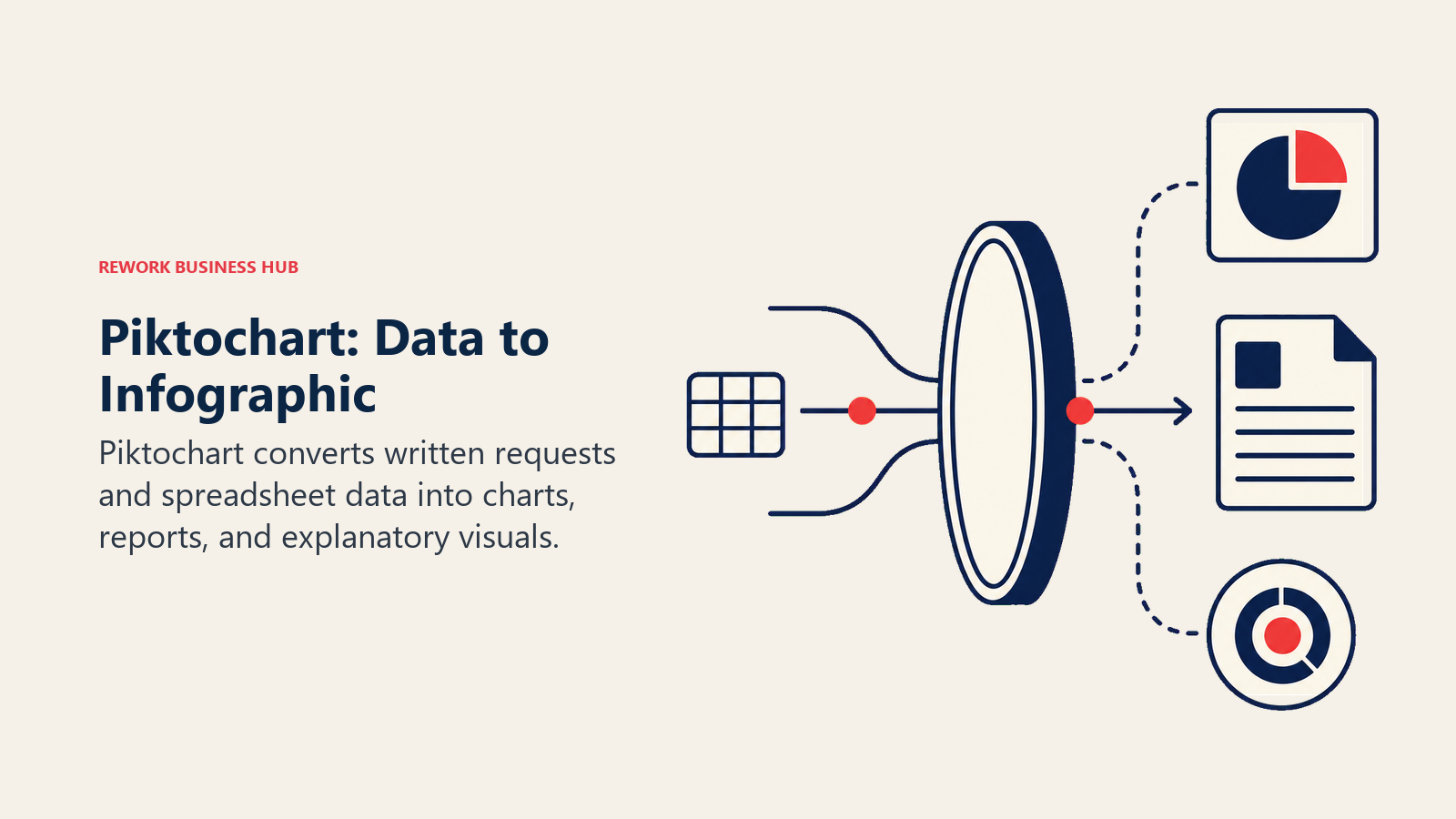
The free tier's 60 AI credits and 2 PNG downloads work for testing the workflow, but real use requires the Pro tier's 500 credits and unlimited downloads. Team workspaces on the free plan cap out at 4 members before you're prompted to upgrade, and the Business tier's unlimited color schemes, custom fonts, and logo management make it the right call for any team standardizing report design across departments.
| What you get | What you don't |
|---|---|
| Purpose-built for turning data into infographics and reports | Weaker for general marketing or social media graphics |
| Direct Google Sheets integration for data-driven visuals | Free tier caps team workspaces at 4 members |
| Pikto AI Studio's 6 AI tools generate charts and layouts fast | Smaller general template library than Canva or Visme |
| Brand Kit and unlimited downloads from the Business tier | Business tier pricing (from $17/mo) undercuts feature depth of Visme Pro |
Best for: Ops, research, and reporting teams that need to turn data into infographics, not just design social graphics
12. Visme: Best for Brand-Consistent Presentations and Data Visualization
Visme sits at the intersection of Piktochart's data-visualization focus and Canva's broader design breadth, covering presentations, infographics, documents, and video inside one editor, with a real analytics layer that tracks how viewers engage with a published design. For teams producing a steady stream of decks and reports that all need to look like they came from the same brand, that combination is the actual selling point.
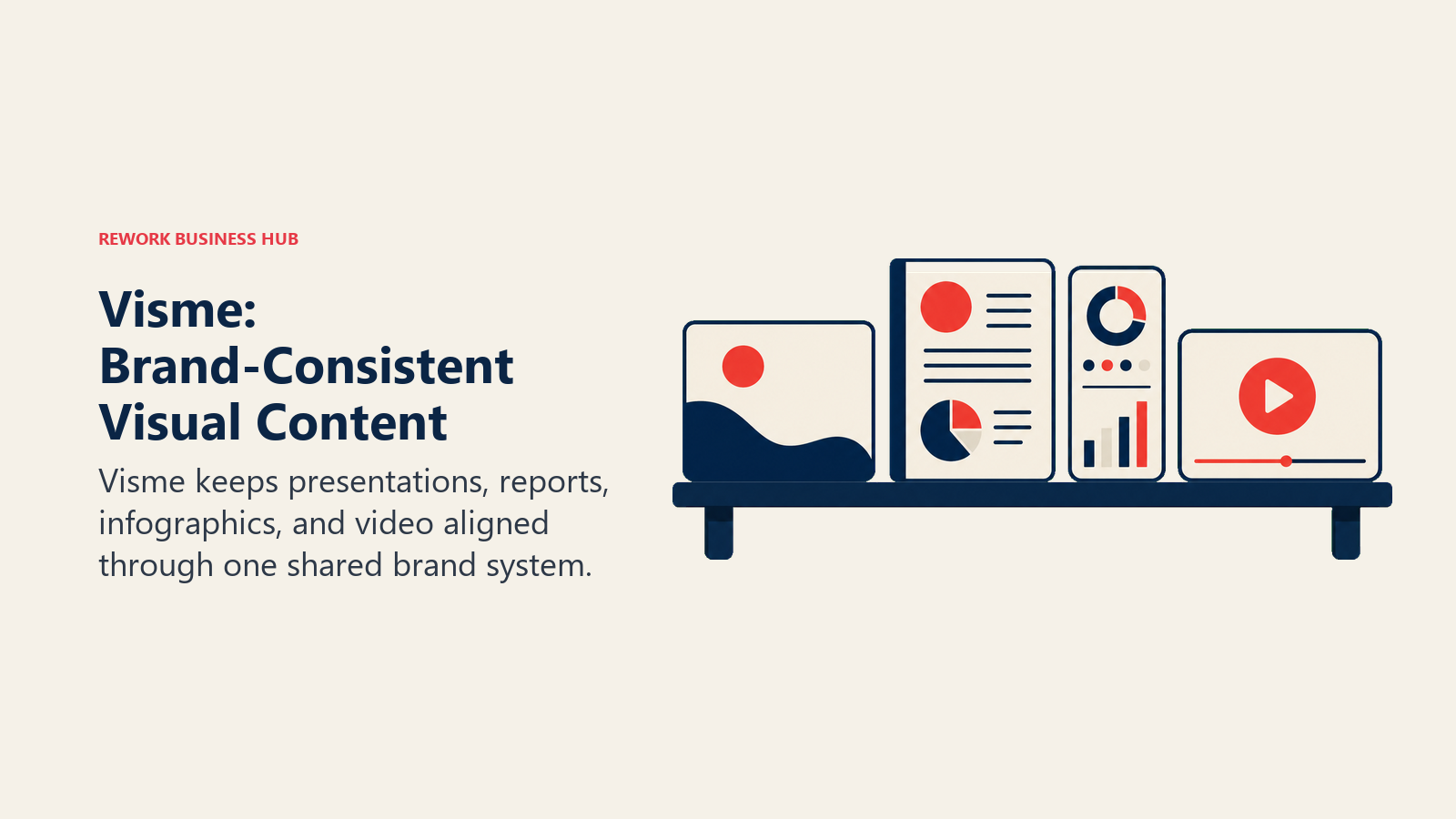
The free Basic plan is watermarked and capped at 500MB of storage, useful for testing but not for anything client-facing. The jump to Starter removes the watermark and adds premium templates, but full AI access, HTML5 exports, video, and the complete Brand Kit are gated behind the Pro tier, which is where most working marketing teams actually land.
| What you get | What you don't |
|---|---|
| Presentations, infographics, documents, and video in one tool | Full AI access requires the Pro tier ($24.75/mo annual) |
| Analytics on how viewers engage with published designs | Free tier exports carry a Visme watermark |
| Strong Brand Kit for team-wide visual consistency | Monthly billing roughly doubles the listed annual price |
| Team collaboration and Dynamic Fields on Pro for Teams | Steeper learning curve than Canva for first-time users |
Best for: Marketing and ops teams producing brand-consistent presentations, infographics, and reports at volume
13. Khroma: Best Free Tool for AI-Generated Color Palettes
Khroma does exactly one thing: it trains a small neural network on 50 colors you pick, learns the hue, saturation, and lightness patterns you actually like, then generates an endless stream of two- and four-color palettes tailored to your taste, with instant hex, RGB, and contrast-ratio values for each. It's not a design tool in the sense of building layouts or exporting graphics, it's a focused utility for the one step (picking colors) that stalls a lot of design work before it starts.
Built by a small team out of Brown University, Khroma has no paid tier, no account requirement, and no hidden costs, which is unusual for anything in this category in 2026. It won't replace Canva or Figma for building anything, but as a fast, genuinely free input into whatever tool you do use, it earns a spot on this list.
| What you get | What you don't |
|---|---|
| Completely free, no account or payment required | Generates colors only, no layouts or exports |
| Neural network learns your actual color preferences | No brand-kit storage or team sharing built in |
| Instant hex, RGB, and contrast-ratio values | No mobile app, browser-only workflow |
| Unlimited palette generation, searching, and saving | Not affiliated with or integrated into any design suite |
Pricing: Free, no paid tier
Best for: Designers and founders who want a fast, AI-trained starting point for a color palette before building anything else
How to Choose: Decision Framework
Use the table below to match the output you need with the design workflow, licensing model, and level of brand control that fits.
| If you need... | Pick... | Why |
|---|---|---|
| One tool covering every design format for a growing team | Canva Magic Studio | Broadest feature set; shared Brand Kit across every format |
| Commercially safe generation inside an existing Adobe workflow | Adobe Firefly | Trained on licensed content; deep Photoshop/Illustrator ties |
| AI generation inside the same file your product team designs in | Figma AI | Built into Figma's existing UI/UX and design system workflow |
| Real vector (SVG) files for print, packaging, or merchandise | Recraft | Only major AI tool producing production-ready vector output |
| Accurate lettering or a typography-driven visual | Ideogram | Best text rendering of any AI image model tested here |
| Apparel, print-on-demand, or poster design | Kittl | AI generation tuned specifically for print and merch output |
| Graphics bundled with logo, video, and voice tools | Designs.ai | Broadest bundled AI content suite on this list |
| Fast iteration across many visual concepts before finalizing | Playground | Generous free tier; fast in-painting and upscaling |
| A clickable app or website mockup from a text prompt | Uizard | Fastest path from idea to a working UI draft |
| A free design tool with zero setup for occasional use | Microsoft Designer | Genuinely free; already inside Microsoft 365 |
| Turning data into infographics and reports | Piktochart | Purpose-built for data visualization, not general graphics |
| Brand-consistent decks, infographics, and documents at volume | Visme | Strong Brand Kit plus analytics on published designs |
| A fast, free starting point for a color palette | Khroma | Genuinely free; learns your taste, nothing else to it |
Frequently Asked Questions about AI Graphic Design Tools
What is the best free AI graphic design tool in 2026?
Canva and Microsoft Designer both let you start designing for free with no payment required. Canva's free tier is more full-featured for general design work, while Microsoft Designer is the better pick if you're already inside the Microsoft 365 ecosystem and want zero setup.
Which AI design tool gives you real vector (SVG) files?
Recraft is the only major AI image model on this list producing true, production-ready SVG output directly, though SVG export requires its Pro plan. Kittl also produces vector-friendly output tuned for print and merchandise once you're on a paid tier.
Do I own the commercial rights to graphics made with AI design tools?
It depends on the plan, not just the tool. Most paid tiers across Canva, Adobe Firefly, Recraft, and Kittl grant full commercial ownership, but free-tier outputs are frequently limited to personal use or stay public and platform-owned. Always check the specific plan's licensing terms before using a design commercially.
What's the difference between Canva and Adobe Firefly?
Canva is a full design suite built around templates, brand kits, and every content format a marketing team needs, with AI generation as one feature among many. Adobe Firefly is a generative model trained specifically on licensed content, built for commercially safe output that plugs directly into Photoshop, Illustrator, and Adobe Express.
Is Figma AI a graphic design tool or a UI design tool?
Figma AI is built for product and UI design work, generating interface layouts, components, and design system assets inside the same file your engineering team pulls specs from. It isn't built for marketing graphics, social posts, or print design the way Canva or Kittl are.
How much does an AI graphic design tool cost in 2026?
Entry pricing ranges from genuinely free (Khroma, Microsoft Designer, Canva, Figma Starter) to roughly $7-15/month for most individual paid tiers. Full-suite tools like Designs.ai run $39-188/month, and enterprise tiers on Figma or Adobe scale into the hundreds per month depending on seat count and credit volume.
Which AI design tool is best for a non-designer?
Canva remains the easiest entry point for someone without design training, thanks to its guided templates and Magic Design layouts. Microsoft Designer is a close second for very simple, occasional graphics, and Uizard is the equivalent pick specifically for non-designers who need an app or website mockup rather than a static graphic.
What changed in AI graphic design tools in 2026?
Flat "unlimited" AI tiers mostly disappeared in favor of credit- or token-based metering, even on tools that used to advertise unlimited generation. Figma folded AI credits into every seat type instead of selling it separately, Adobe restructured Firefly around premium generative credits, and Microsoft retired its standalone Copilot Pro subscription in favor of Microsoft 365 Premium.
What to Do Next
Match the tool to the actual job before you compare feature lists. If you need one tool for every design format your team touches, start with Canva's free tier and upgrade once you hit a real limit. If the output has to be commercially bulletproof or plug into an existing Adobe workflow, Firefly is the safer default. And if you're not sure yet, run two tools side by side on the same real project for a week, the tool your team actually keeps opening is the right answer, not the one with the longest feature list. If you're building out the rest of your design function, the graphic designer job description template is a useful next stop for hiring, and the brand strategy guide for CEOs is worth reading before you lock in a visual direction across any of these tools.

Principal Product Marketing Strategist
On this page
- Updated July 2026: What Changed
- Key Facts
- Quick Comparison Table
- 1. Canva Magic Studio: Best All-Around AI Design Tool
- 2. Adobe Firefly: Best for Commercially Safe Generation Inside Creative Cloud
- 3. Figma AI: Best for Product Teams Generating UI and Design System Assets
- 4. Recraft: Best for True Vector (SVG) Brand Assets
- 5. Ideogram: Best for Getting Text Inside an Image Right
- 6. Kittl: Best for Apparel, Print-on-Demand, and Poster Design
- 7. Designs.ai: Best Bundled AI Design Suite Beyond Just Graphics
- 8. Playground: Best for Fast Iteration on AI-Generated Visual Concepts
- 9. Uizard: Best for Turning a Prompt Into a Clickable App or Website Mockup
- 10. Microsoft Designer: Best Free Option Inside the Microsoft Ecosystem
- 11. Piktochart: Best for Infographics and Data-Driven Visuals
- 12. Visme: Best for Brand-Consistent Presentations and Data Visualization
- 13. Khroma: Best Free Tool for AI-Generated Color Palettes
- How to Choose: Decision Framework
- What to Do Next