Best Canva Alternatives in 2026: 11 Design Tools for Marketing and Operations Teams
Turn this article into takeaways for your work.


Each assistant summarizes the article only for you and suggests best practices for your work.
The best alternatives to Canva in 2026 are Figma for design-system control, Adobe Express for Creative Cloud teams, VistaCreate for an affordable Canva-style substitute, Pixlr for AI photo editing, and Piktochart for data-heavy reports. The right pick depends on whether you need vector precision, lower per-seat pricing, or deeper brand controls.
Canva is genuinely good at what it does. It took a skill that once required years of Adobe training and made it accessible to anyone with a browser. For a solo marketer producing social posts or a small team cranking out presentation decks, that democratization is real and valuable.
But it has a ceiling, and teams hit it faster than Canva's pricing suggests they should. The free plan locks your brand kit to one color palette and one font set. That's fine for a side project, not fine for a company with established brand standards. Pro is $15 per user per month, and Teams jumps to $10 per user per month billed annually with a three-seat minimum, but the per-seat cost climbs quickly as your marketing team grows. AI-powered features like Magic Studio and background removal are paywalled behind Pro. Export quality has known quirks with certain PDF types and vector formats. And if your designer needs to do anything beyond layout (real vector editing, mask manipulation, complex path work), Canva's tools simply aren't built for it.
This article is for marketing directors, brand managers, content leads, and ops teams at companies between 15 and 500 people who've outgrown Canva's brand controls, pricing model, or creative capabilities. We've reviewed 11 alternatives across distinct categories: professional creative suites, template-first tools, infographic specialists, presentation platforms, and photo-editing workhorses.
Design tools rarely live in isolation. If your team also needs collaborative whiteboards for brainstorming campaigns, see the best Miro alternatives for visual collaboration options. And if you're also reconsidering your website or Figma stack alongside Canva, see the best Figma alternatives for design tools that go deeper than template-first platforms. For async video alongside graphics, the best Loom alternatives covers tools that pair well with design workflows.
Quick Comparison Table
| Tool | Best For | Starting Price | Key Strength | Key Limitation |
|---|---|---|---|---|
| Adobe Express | Teams already on Creative Cloud | Free; $9.99/mo (Premium) | Deep Adobe ecosystem integration, high-quality assets | Less intuitive than Canva for non-designers |
| Figma | Product and brand teams needing real vector control | Free (Starter); $15/user/mo (Professional) | Best-in-class vector editing, real-time collaboration | Overkill for simple social posts; design knowledge needed |
| Piktochart | Data-heavy infographics and reports | Free; $14/mo (Pro) | Strongest infographic templates in the market | Limited for general design outside charts/reports |
| Visme | Presentations, infographics, and data viz | Free; $12.25/mo (Starter) | All-in-one: decks, infographics, documents, video | Free plan is very restricted; can feel complex |
| Snappa | Small marketing teams needing fast social graphics | Free; $10/mo (Pro) | Dead-simple UI, social media size presets, stock photos | Limited customization depth vs. Canva |
| Crello / VistaCreate | Budget-conscious teams wanting Canva-style output | Free; $10/mo (Pro) | Large animated template library, very affordable | Smaller asset library than Canva; brand kit on Pro only |
| Stencil | Social media managers posting at high volume | Free (10/mo); $15/mo (Pro) | Browser extension, direct social scheduling, fast output | No animation; limited template variety |
| Venngage | Business reports, HR communications, internal docs | Free; $19/mo (Premium) | Best business-specific templates (org charts, reports) | Narrow use case; weak for general marketing graphics |
| Pixlr | Photo editing with a design layer | Free; $7.99/mo (Plus) | Powerful AI photo tools, familiar Photoshop-style UI | Not template-driven; steeper curve for non-designers |
| Photopea | Designers who need PSD editing for free | Free (ad-supported) | Opens PSD, XCF, Sketch files; full layer control | Browser-only; ads on free tier; no team features |
| Kittl | Print-on-demand and brand identity work | Free; $10/mo (Pro) | Typography tools and vintage/retro design quality | Smaller community than Canva; newer product |
Stage Fit Matrix
| Tool | Startup (1-20) | Growth (20-100) | Mid-Market (100-500) | Enterprise (500+) |
|---|---|---|---|---|
| Adobe Express | Good fit | Strong fit | Strong fit | Good fit |
| Figma | Good fit | Strong fit | Strong fit | Strong fit |
| Piktochart | Good fit | Good fit | Partial fit | Weak fit |
| Visme | Good fit | Strong fit | Good fit | Partial fit |
| Snappa | Strong fit | Good fit | Partial fit | Weak fit |
| Crello / VistaCreate | Strong fit | Good fit | Partial fit | Weak fit |
| Stencil | Good fit | Good fit | Partial fit | Weak fit |
| Venngage | Partial fit | Good fit | Strong fit | Good fit |
| Pixlr | Good fit | Good fit | Partial fit | Weak fit |
| Photopea | Strong fit | Good fit | Partial fit | Weak fit |
| Kittl | Strong fit | Good fit | Partial fit | Weak fit |
Sizing and Persona Table
| Tool | Team Size Sweet Spot | Who Typically Buys It |
|---|---|---|
| Adobe Express | 5-500 | Marketing managers, brand teams, Creative Cloud users |
| Figma | 5-1,000+ | Designers, product teams, brand leads, design systems owners |
| Piktochart | 5-100 | Content marketers, HR comms, report-heavy teams |
| Visme | 10-300 | Marketing directors, sales teams, comms leads |
| Snappa | 1-50 | Social media managers, solo marketers, small agencies |
| Crello / VistaCreate | 1-100 | Small marketing teams, freelancers, budget-focused brands |
| Stencil | 1-50 | Social media managers, content schedulers |
| Venngage | 20-500 | HR teams, ops communicators, business analysts |
| Pixlr | 1-200 | Photo-first marketers, content editors, small agencies |
| Photopea | 1-100 | Designers, freelancers, anyone editing layered files |
| Kittl | 1-100 | Brand designers, merch teams, POD creators |
1. Adobe Express: The Creative Cloud-connected design layer
Adobe Express isn't Canva with an Adobe logo. It's built on top of the same asset infrastructure powering Photoshop and Illustrator, which means the stock photo library, fonts, and integration depth are categorically different from what template-first tools offer.
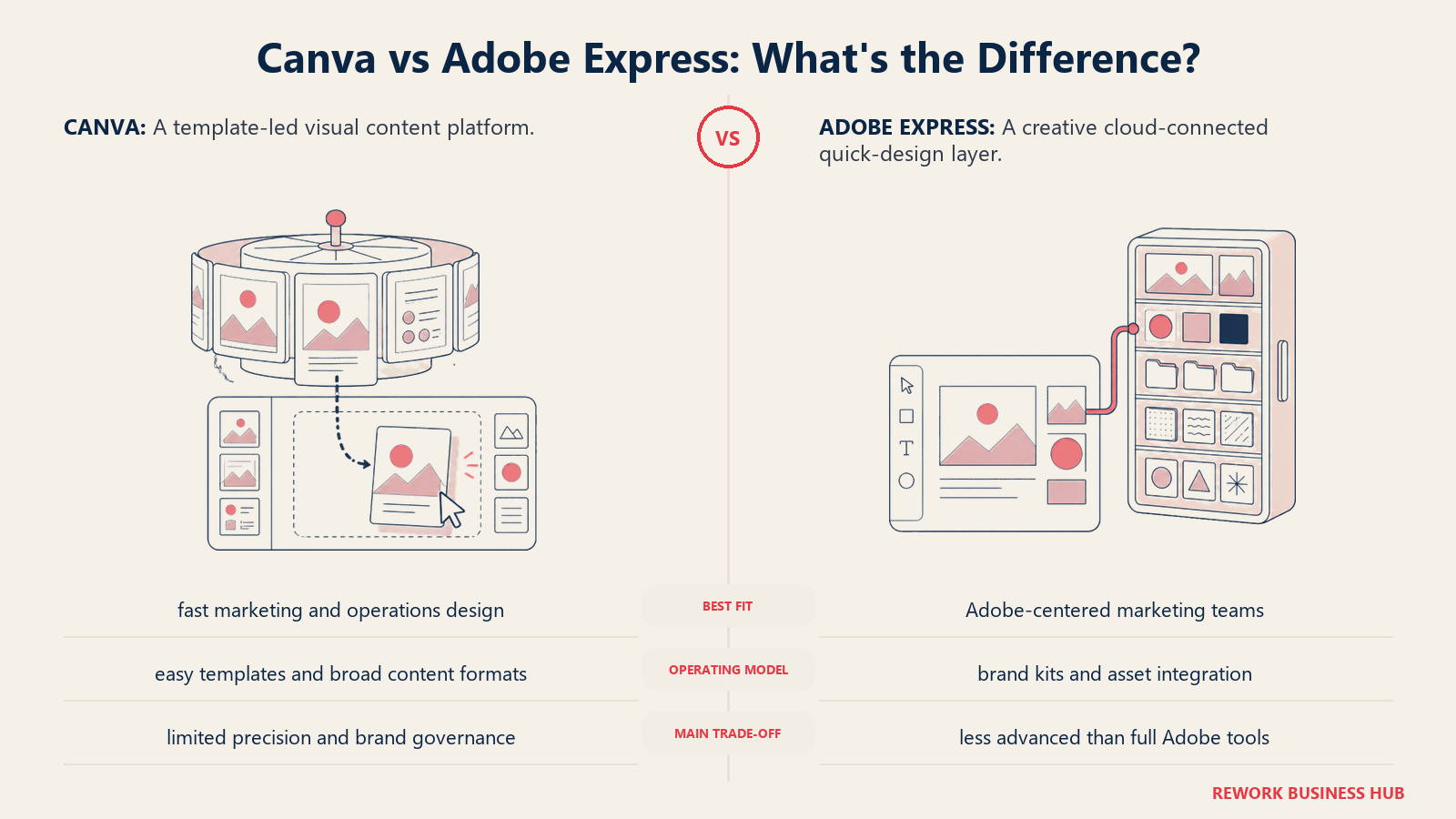
The core product philosophy is: give non-designers access to Adobe-quality assets without requiring them to learn the full Creative Cloud stack. Express sits between Canva (fully guided) and Illustrator (fully professional), and it does that positioning reasonably well. You get drag-and-drop templates alongside Adobe Firefly AI generation, proper brand kit controls on Premium, and one-click remove-background that works better than most competitors.
Where Express earns its spot for marketing teams is the Creative Cloud connector. If your designers live in Illustrator and Photoshop, and your marketing coordinators need to resize and adapt those assets for social, Express closes that gap without requiring everyone to learn the main CC apps.
The learning curve is slightly steeper than Canva, and the template library (while high quality) is smaller in volume. It's not the right tool for a team that needs thousands of templated social posts fast. But for teams already paying for Creative Cloud at the company level, Express is often included, which changes the pricing calculus entirely.
| Strengths | Limitations |
|---|---|
| Adobe Firefly AI image generation built in | Fewer templates than Canva |
| Seamless asset sharing with Photoshop and Illustrator | Premium brand kit requires paid plan |
| High-quality fonts and stock via Adobe libraries | Interface less intuitive for total beginners |
| PDF, video, and web export quality is excellent | Collaboration features lag behind Figma |
Pricing: Free (limited); Premium at $9.99/mo; included in Creative Cloud All Apps at $54.99/mo
Best for: Marketing teams already on Creative Cloud who need a non-designer-friendly layer on top of professional assets
2. Figma: Real vector control for brand and product teams
Figma's product philosophy is fundamentally different from Canva's. Where Canva optimizes for speed and approachability, Figma optimizes for precision and collaboration between designers. It's built on a proper vector engine, not a template-first content creation layer.
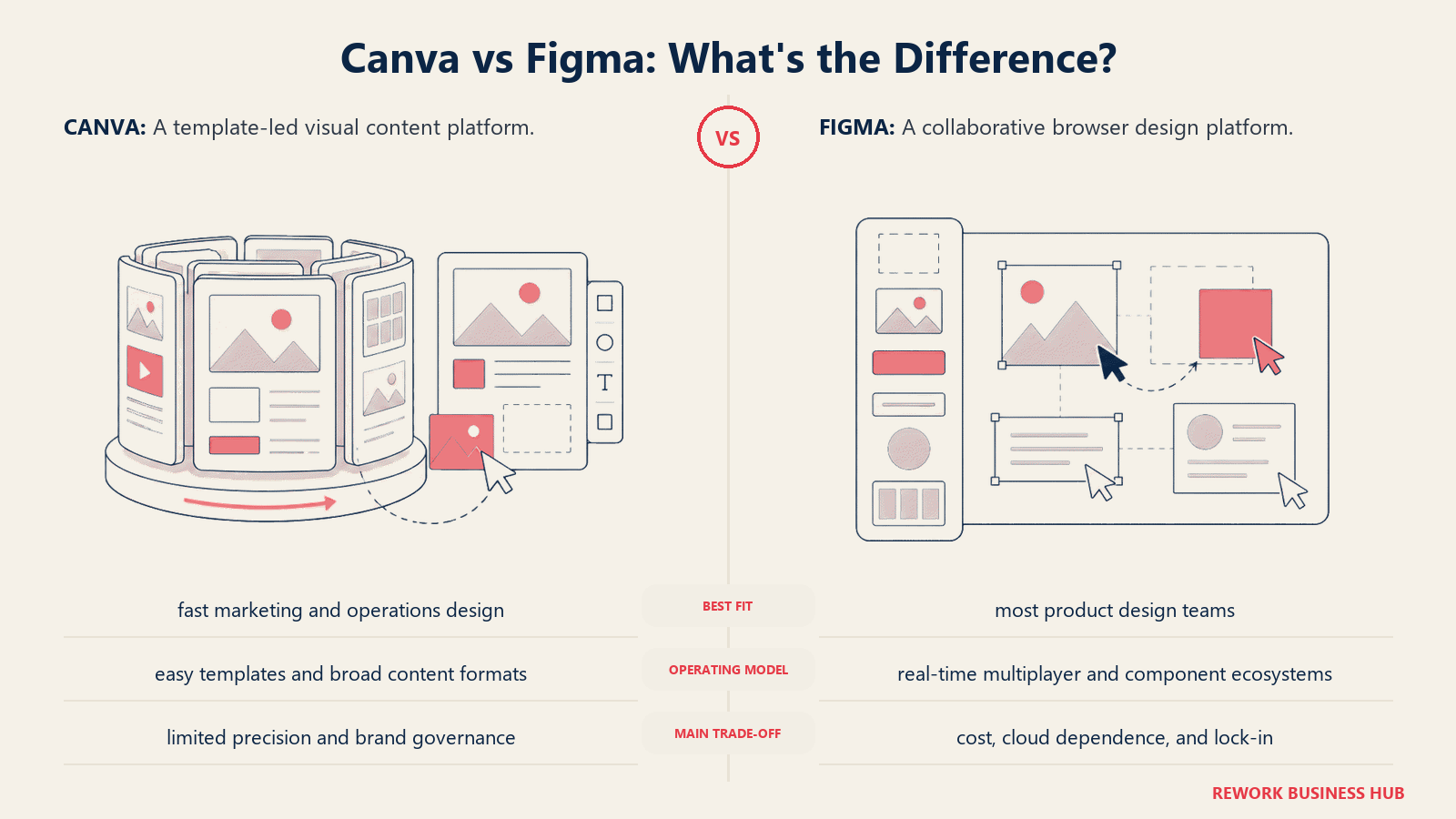
What that means practically: you can build a full brand identity system in Figma, enforce it via shared libraries and components, and have non-designers pull approved assets into approved templates without breaking anything. This is the use case where Figma wins decisively. Marketing teams at growth-stage companies that want brand consistency at scale, without routing every asset request through a designer, find Figma's component system genuinely solves the problem.
The ICP is specific: teams that have at least one designer who can set up the system, and non-designers who need to execute within it. Solo marketers without any design background will find Figma's learning curve real. But if that designer exists, Figma's collaborative power and export quality exceed anything in Canva's feature set.
The free Starter plan is genuinely functional for small teams. Professional at $15/user/month unlocks unlimited projects, version history, and sharing controls. Organization tier at $45/user/month adds SSO, centralized libraries, and audit logs for enterprise brand governance.
| Strengths | Limitations |
|---|---|
| Best vector editing outside of Illustrator | Meaningful learning curve for non-designers |
| Real-time collaboration with zero lag | Overkill for simple social post creation |
| Component libraries enforce brand consistency at scale | Professional features require paid plan |
| Dev handoff and prototyping built in | Less intuitive template browsing than Canva |
Pricing: Free (Starter, 3 projects); Professional at $15/user/mo; Organization at $45/user/mo
Best for: Brand teams and product teams that need precise vector control, component-based design systems, and designer-to-marketer collaboration
3. Piktochart: The infographic and report specialist
Piktochart was built for one job: turning data and information into visual content that communicates clearly. Its template library skews heavily toward infographics, reports, presentations, and charts rather than social media graphics or brand marketing assets.
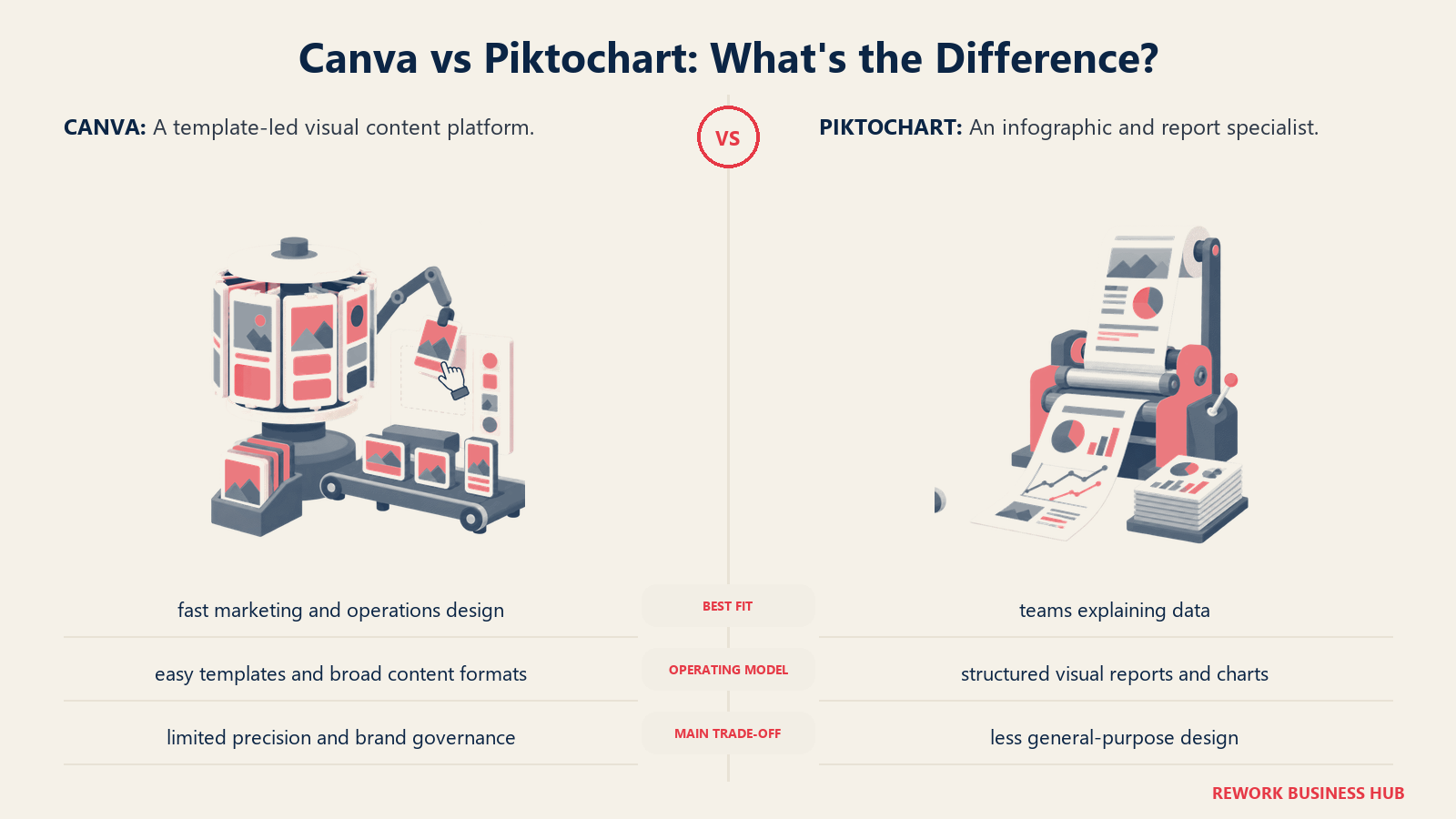
That narrow focus is both the product's strength and its limitation. If your team regularly produces data-heavy content (annual reports, HR communications, market research summaries, business case documents, training materials), Piktochart's templates are better suited to that work than anything Canva offers in the same category. The chart builder is drag-and-drop and connects to spreadsheet data. The report templates handle multi-page layouts well.
The ICP is content marketers, HR communications teams, and analysts who need to produce professional-looking documents and infographics regularly without a designer. Company size tends to run small to mid: 10 to 200 people. A freelancer producing client reports or an HR manager creating an onboarding guide will get more value from Piktochart than from Canva's sprawling template library where finding the right template requires real browsing effort.
The free plan is functional for basic use. Pro at $14/month adds brand kits, unlimited exports, and AI image generation. Team plans start at $24/month for five users.
| Strengths | Limitations |
|---|---|
| Best infographic and report templates on the market | Weak for general marketing design (social, ads) |
| Clean data visualization builder | Limited animation and video capabilities |
| Multi-page report layouts work well | Smaller asset and icon library than Canva |
| Affordable entry price for solo users | Brand kit requires paid plan |
Pricing: Free (limited exports); Pro at $14/mo; Team at $24/mo (5 users)
Best for: Content marketers, HR teams, and analysts who regularly produce infographics, reports, and data-heavy visual documents
4. Visme: The all-in-one visual communications platform
Visme's ambition is broader than most tools in this category. It covers presentations, infographics, social graphics, data visualizations, documents, video, and interactive content from a single platform. The pitch to marketing directors is that you replace three or four specialized tools with one.
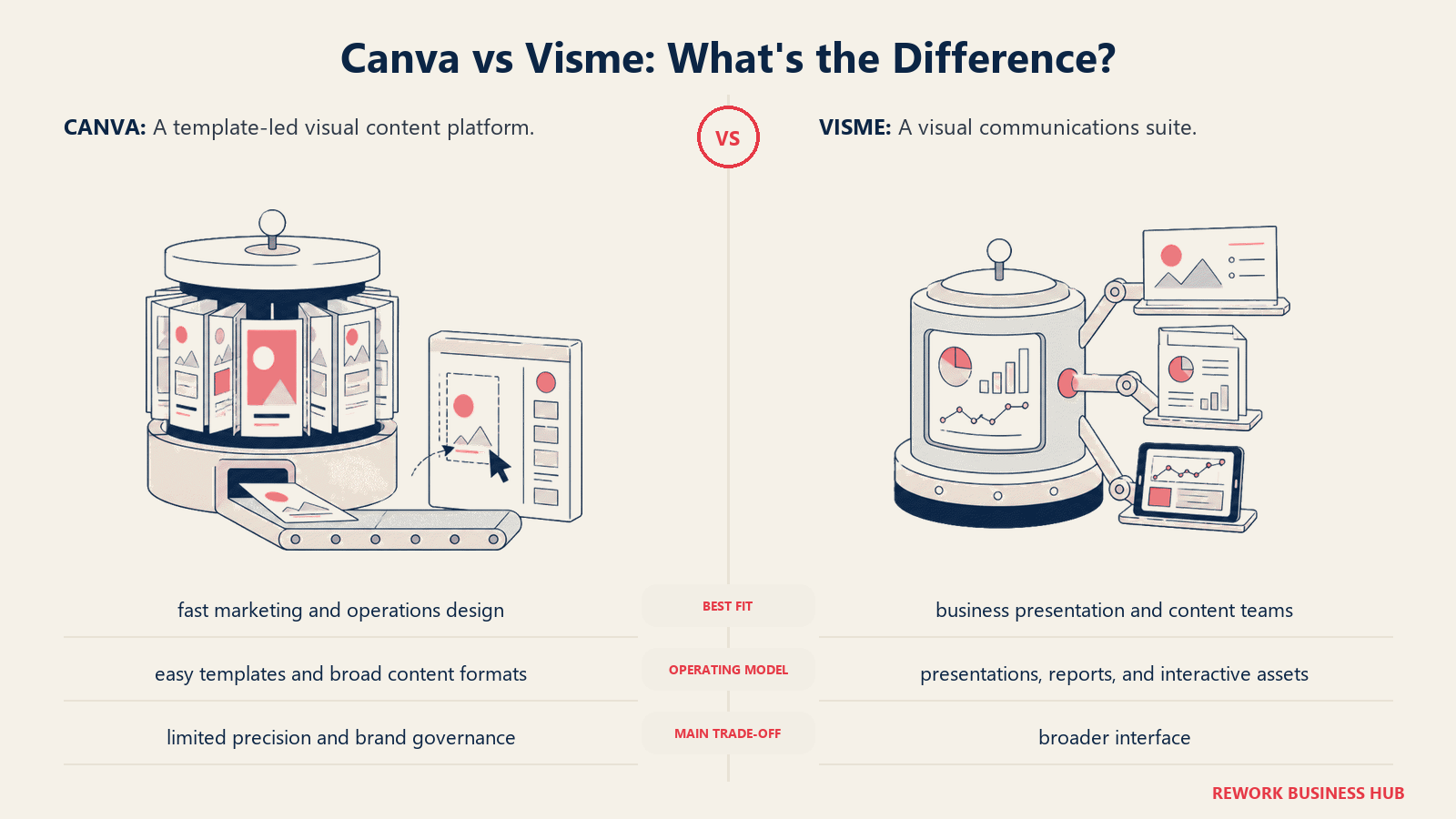
Whether that pitch holds depends on your team's output mix. If you produce a high volume of varied content types (a deck for a sales call, an infographic for a blog post, a social graphic for LinkedIn, a report for the board), Visme's unified library and brand kit do reduce switching costs. The data visualization features are particularly strong: you can connect live data to charts, making reports that update automatically.
The target audience sits squarely in the mid-market: companies with 20 to 300 employees, a marketing team of two to ten people, and a need to produce professional-looking output across multiple formats without a dedicated designer for each. Visme doesn't position as a designer tool. It positions as a business communications tool, which shapes everything from template design to UX choices.
The free plan is quite restricted: it's more of an extended trial than a functional free tier. Starter at $12.25/month per user is the practical entry point, and Team plans add collaboration and brand management.
| Strengths | Limitations |
|---|---|
| Covers presentations, infographics, docs, and social in one tool | Free plan is too restricted for real evaluation |
| Live data connections for auto-updating charts | Can feel complex; feature density slows simple tasks |
| Strong presentation templates with animation | Not a replacement for Canva if you're social-graphic heavy |
| AI design assistant on paid plans | Per-user pricing adds up for larger teams |
Pricing: Free (5 projects); Starter at $12.25/user/mo; Teams pricing varies
Best for: Marketing directors at 20-300 person companies who need to produce presentations, reports, and social content without multiple specialized tools
5. Snappa: Fast, focused social graphic creation
Snappa is Canva stripped down to its most useful core for social media managers. The product philosophy is deliberate minimalism: pick your social platform, get the right canvas size, access stock photos and icons, produce a clean graphic, schedule or export. That's the whole loop, and it's intentionally short.
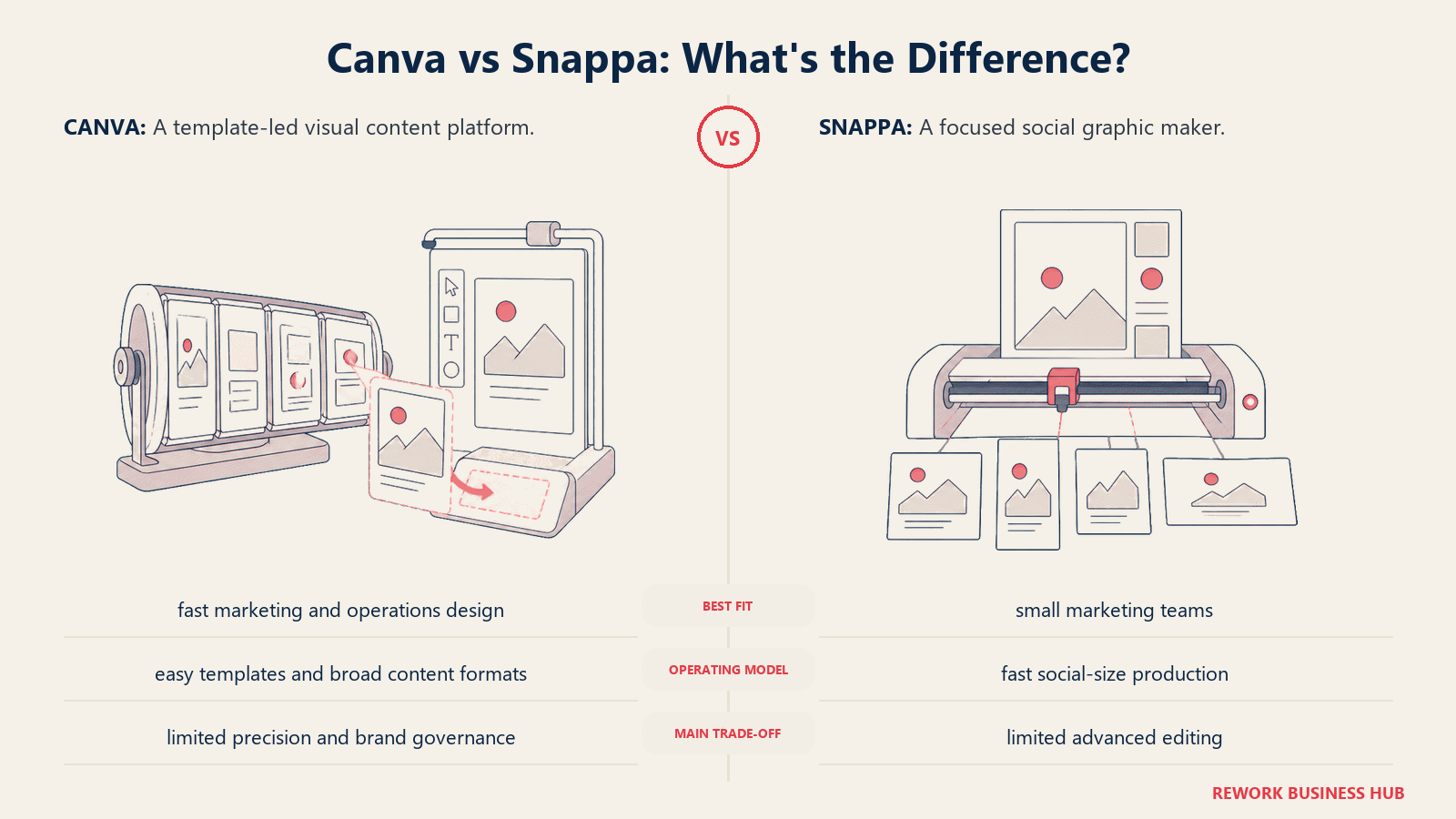
The UX is the fastest in this category for the specific task of producing social media graphics at volume. There's no feature creep, no overwhelming template library requiring thirty minutes of browsing. Snappa's stock photo integration covers Getty and Unsplash-quality images. The template quality is good, not exceptional. The export is fast and reliable.
This is a solo-marketer or small-team tool. The sweet spot is a company with a one to five person marketing function where the social media manager needs to produce graphics daily without design training and without Canva's pricing. Pro at $10/month per user is competitive, and it unlocks unlimited graphics downloads, team sharing, and scheduled posting via Buffer and Hootsuite integrations.
What Snappa doesn't do: animation, video, complex multi-element layouts, presentations, or anything that requires real design depth. It's not trying to. If your creative needs extend beyond social graphics and basic web assets, you'll hit Snappa's ceiling quickly.
| Strengths | Limitations |
|---|---|
| Fastest UI for social-format graphic creation | No animation or video features |
| Correct social media size presets built in | Smaller template library than Canva |
| Clean stock photo integration | Limited customization for complex layouts |
| Direct Buffer and Hootsuite scheduling integration | Not suited for presentations, reports, or infographics |
Pricing: Free (10 downloads/mo); Pro at $10/user/mo; Team at $20/mo (5 users)
Best for: Solo social media managers and small marketing teams producing high-volume social graphics without design training
6. Crello / VistaCreate: Animated templates on a budget
VistaCreate, formerly Crello, is the closest direct substitute to Canva in this list in terms of use case overlap. The product covers social media graphics, presentations, print materials, and marketing assets from a template-first interface. The feature set and UX are broadly similar to Canva. The pricing is more competitive.
The animated template library is VistaCreate's differentiator. It has one of the largest collections of animated graphic templates in the market, which matters if your brand's social presence leans into motion graphics and you don't want to produce video. The Pro plan at $10/month adds brand kits, background removal, and expanded storage.
The ICP is small businesses, freelancers, and early-stage marketing teams who want Canva-style output without Canva's pricing. Teams over 100 people will find the collaboration features underpowered compared to Canva's Teams plan or Figma. The asset library is smaller than Canva's. But for a five-person team producing Instagram content, LinkedIn cards, and basic print collateral, VistaCreate does the job at a lower cost.
Where it lags: the brand management features on the free plan are nearly non-existent, and the template design quality has a wider variance than Canva: some templates are excellent, others feel dated. Curating a consistent brand look requires more effort.
| Strengths | Limitations |
|---|---|
| One of the largest animated template libraries available | Smaller overall asset library than Canva |
| Competitive pricing vs. Canva | Brand kit locked behind Pro |
| Full range of social, print, and presentation formats | Template quality is inconsistent |
| Background removal and resize on Pro | Collaboration features underpowered for larger teams |
Pricing: Free (with watermark limitations); Pro at $10/mo
Best for: Budget-conscious small teams and freelancers who want broad format coverage and animated templates at a lower price than Canva Pro
7. Stencil: High-volume social posting with a browser extension
Stencil's product vision is narrower than almost everything else in this list, and that's the point. It's built specifically for social media managers who post at high volume and want the graphic creation step to happen as fast as possible, directly in the browser.
The browser extension is the defining feature: you can highlight a quote or headline on any webpage, click the Stencil extension, and have a formatted social graphic ready in under thirty seconds. For content marketers who turn blog posts into Twitter/X threads, LinkedIn carousels, or Instagram quote cards, this workflow is genuinely faster than any canvas-based tool.
The template library is smaller than Canva's but well-maintained and covers the major social formats. Stencil integrates with Buffer and Hootsuite for direct scheduling, which keeps the production-to-publishing loop tight. There's no animation, no video, no multi-page documents. This is a single-format tool: social graphics, fast.
The Pro plan at $15/month unlocks 4,000 images per month, unlimited template saving, and team accounts. For a solo social media manager posting daily, that's sufficient. For a team with multiple contributors, the account sharing features are basic compared to Canva Teams or Figma.
| Strengths | Limitations |
|---|---|
| Browser extension for instant graphic creation from any webpage | No animation or video capabilities |
| Direct social scheduling via Buffer and Hootsuite | Limited template variety |
| Fastest possible social graphic workflow | No presentation or document formats |
| Simple, non-overwhelming UI | Team collaboration features are basic |
Pricing: Free (10 images/mo); Pro at $15/mo; Team at $20/mo (3 users)
Best for: Social media managers who post at high volume and want to cut the time between "seeing content worth sharing" and "publishing a polished graphic"
8. Venngage: Business communications and internal docs
Venngage has a specific positioning that most Canva comparisons miss: it's not primarily a marketing graphics tool. It's a business communication tool. The template library reflects this: org charts, employee handbooks, annual reports, project timelines, SWOT analysis diagrams, training materials, and policy documents.
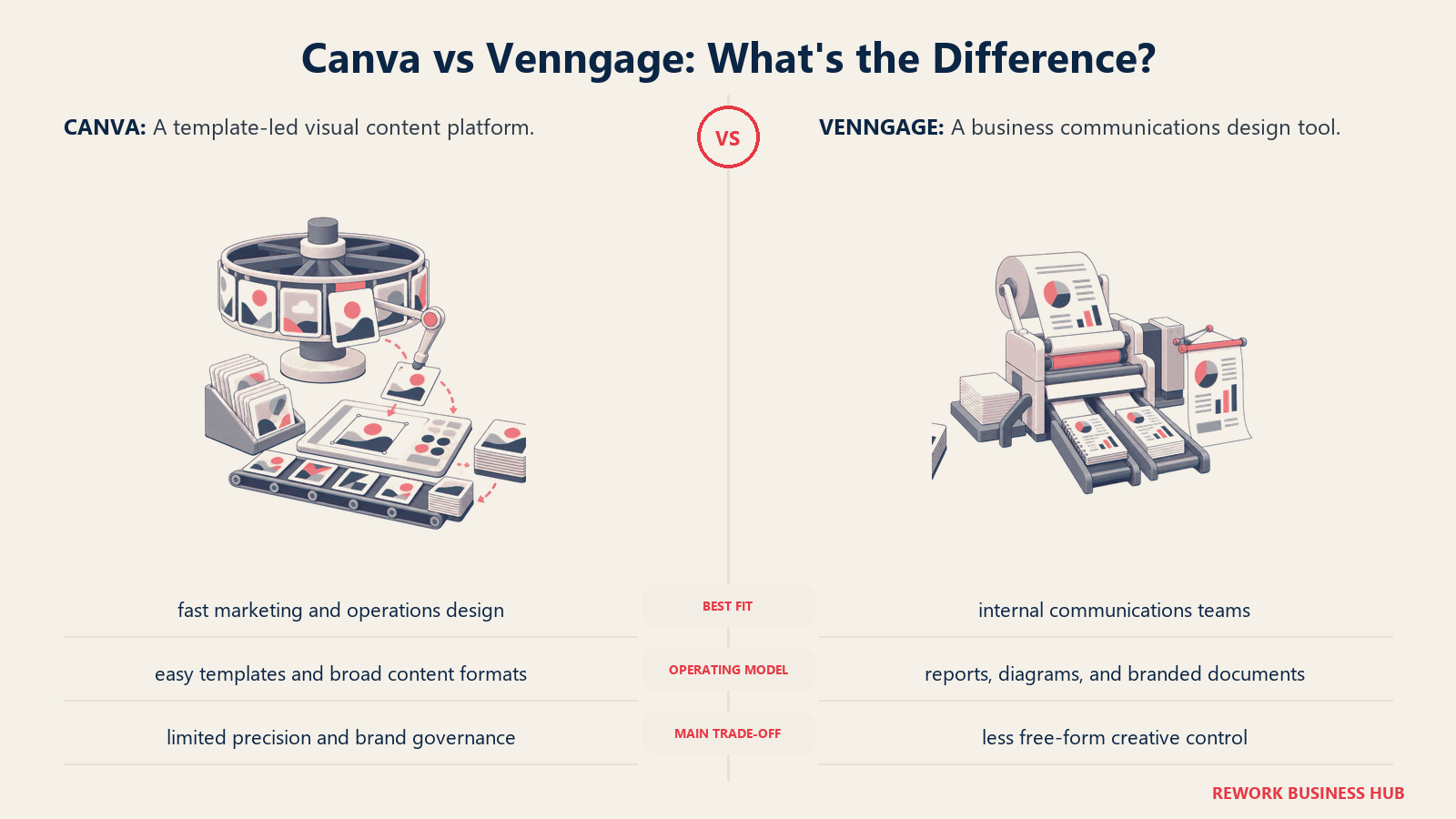
The product serves the intersection of operations, HR, and internal communications teams who need to produce professional-looking documents regularly but don't have design resources. A COO building a strategy deck for the board. An HR director producing an onboarding guide. A business analyst creating a market map for a sales deck. These are Venngage's actual users, and the templates show it.
The methodology is information design first: how do you communicate a complex idea visually to a business audience? The chart and diagram library is strong. The infographic templates cover business use cases that Canva's template library treats as secondary. The icon library is business-focused.
Premium at $19/month is more expensive than Canva Pro for a solo user, but it's competitive for teams producing high volumes of business documents. The Business plan at $49/month adds priority support, premium templates, and enterprise asset controls. Teams over 50 people with regular internal comms needs will find the ROI clear.
| Strengths | Limitations |
|---|---|
| Best business-document and HR template library | Narrow use case; weak for social or marketing graphics |
| Strong org chart, report, and diagram tools | More expensive than Canva for comparable plans |
| Good data visualization with chart types | Video and animation not supported |
| Team brand kit controls on Business plan | Free plan limited to 5 designs with watermarks |
Pricing: Free (5 designs, watermarks); Premium at $19/mo; Business at $49/mo
Best for: HR teams, operations leaders, and business analysts who regularly produce reports, org charts, and internal communications documents
9. Pixlr: AI-powered photo editing with a design surface
Pixlr's positioning has evolved significantly. It started as a browser-based Photoshop alternative and now layers AI-powered editing tools on top of a design canvas. The result is a tool that sits between Canva (template-first) and Photoshop (technique-first) in a way that's genuinely useful for photo-heavy marketing teams.
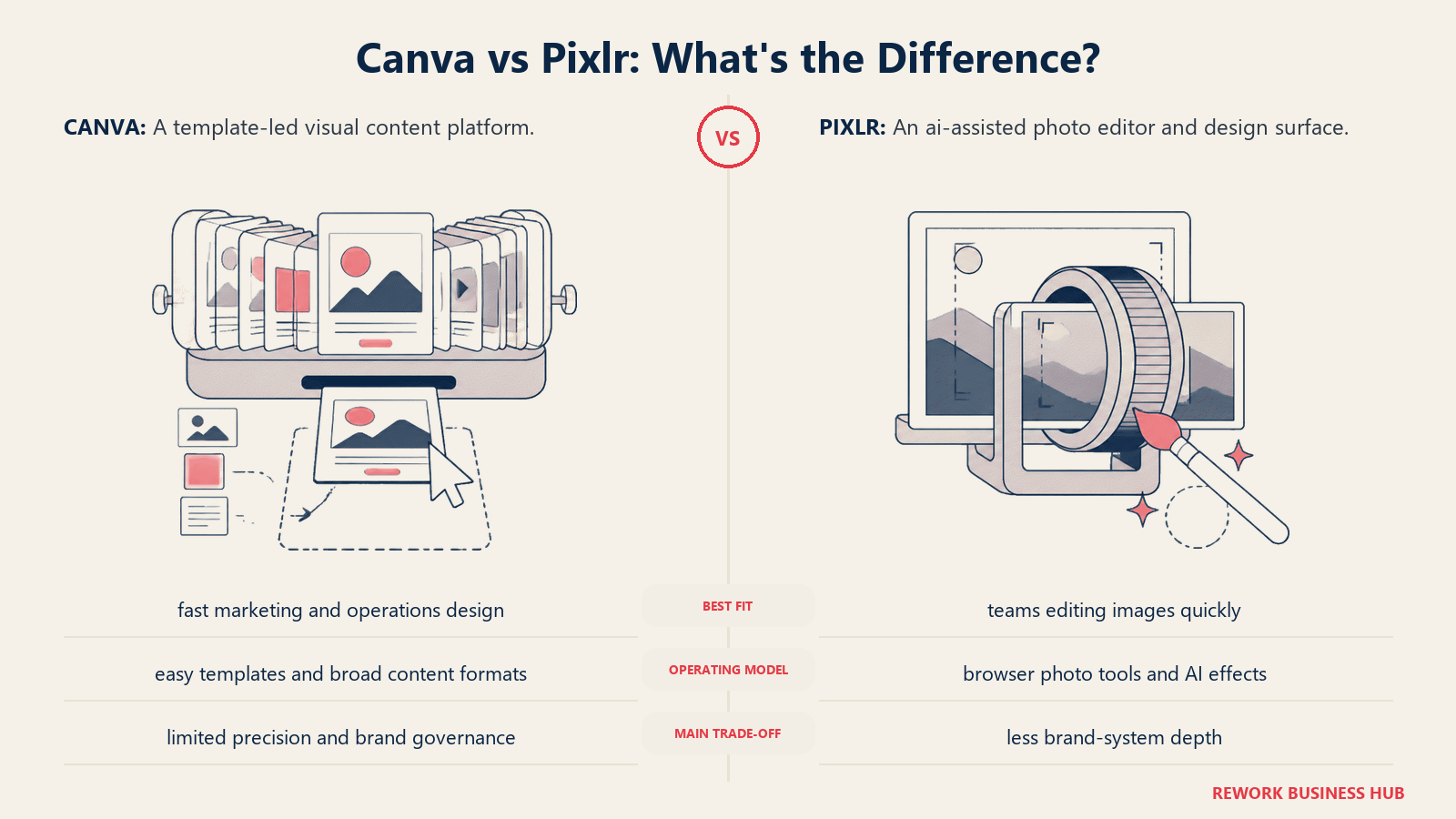
The AI tools are the headline in 2026: background removal, object eraser, AI image generation, generative fill, and one-tap photo enhancement. These are Photoshop-quality operations at a fraction of the cost. If your marketing team produces a lot of product photography, lifestyle imagery, or photo-driven social content, Pixlr's editing depth exceeds what Canva or most template-first tools offer.
The ICP is photo-first marketing teams, small agencies, and content editors who do real image editing alongside basic graphic design. They're not designers who need vector precision, but they're not Canva users who just want to swap template text either. They sit in a middle space that Pixlr occupies well.
The free tier is functional but ad-supported and export-limited. Plus at $7.99/month is competitive, especially for solo users. Premium at $14.99/month adds AI credit volume, offline use, and priority processing. The lack of team collaboration features is the ceiling for larger marketing teams.
| Strengths | Limitations |
|---|---|
| Strong AI photo editing tools (remove, generate, enhance) | No template-first workflow; steeper curve for non-designers |
| Affordable vs. Adobe Photoshop | Limited collaboration and brand kit features |
| Handles both photo editing and graphic design tasks | Free tier is ad-heavy |
| Familiar layer-based UI for anyone with Photoshop experience | Not ideal for volume social graphic production |
Pricing: Free (ad-supported, limited exports); Plus at $7.99/mo; Premium at $14.99/mo
Best for: Photo-focused marketing teams and content editors who need real image editing capabilities alongside basic graphic design, without paying for a full Adobe subscription
10. Photopea: Professional-grade free editing for layered files
Photopea is the tool on this list that defies the pricing model entirely. It's a browser-based image editor that opens and saves PSD, XCF, Sketch, and AI files with full layer support, at zero cost. The revenue model is display ads on the free tier; a $9/month ad-free plan exists but isn't required.
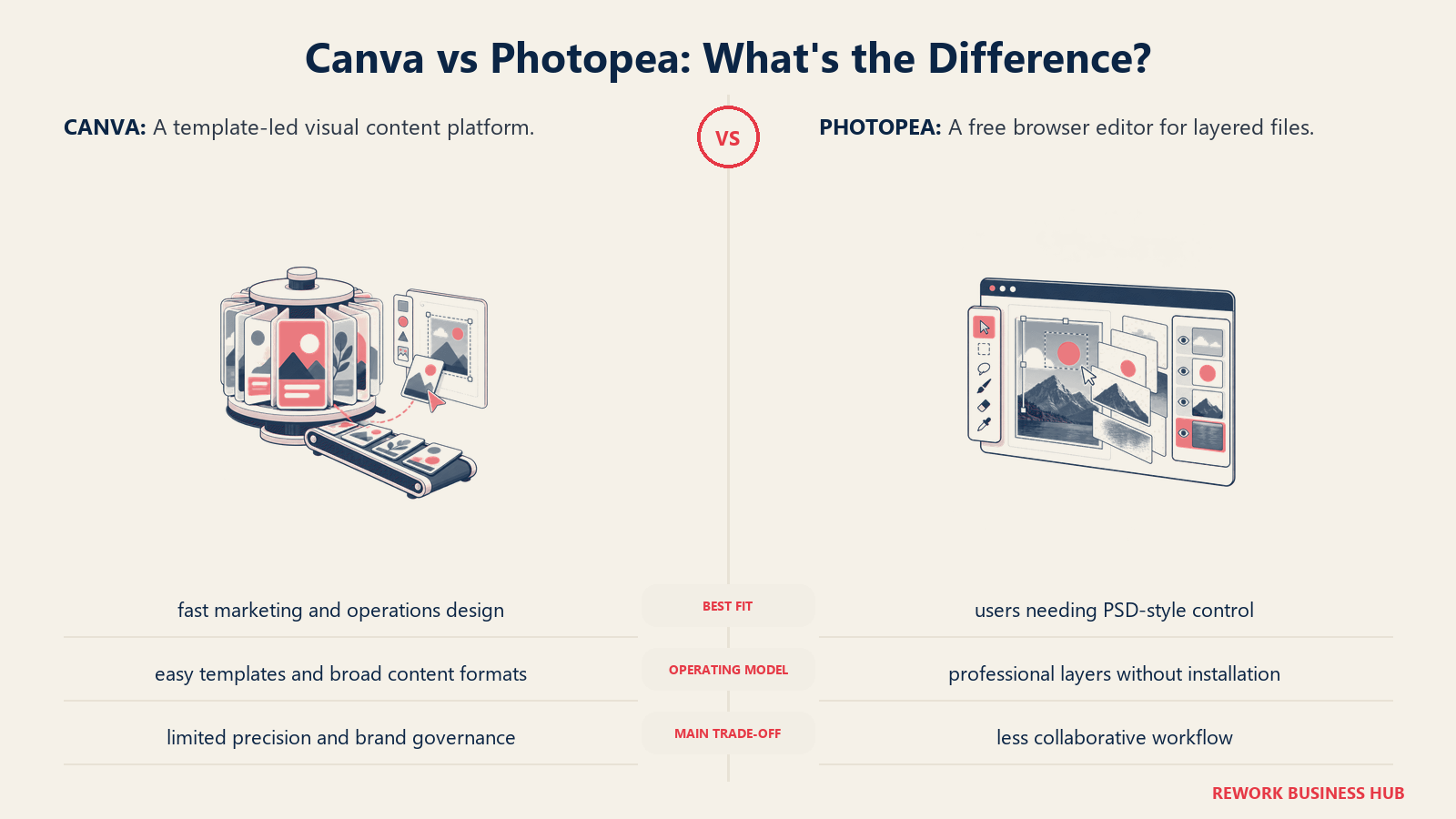
The product philosophy is maximum compatibility and depth at minimum cost. If you've inherited a PSD from a design agency and need to edit it, Photopea is the fastest route that doesn't require an Adobe subscription. If a freelancer sends you a Sketch file and you don't have Sketch, Photopea opens it. If you need to do non-destructive editing with adjustment layers, masks, and blend modes, Photopea supports all of it.
The ICP is designers, freelancers, and agencies operating on tight budgets who do real design work with real file formats. It's also the right tool for marketing teams at small companies that receive PSD files from external agencies and need to make small edits in-house without a full Adobe license.
What Photopea doesn't offer: templates, brand kits, stock photos, team collaboration, cloud storage, or any of the content-creation scaffolding that Canva provides. It's a tool, not a platform. For the right user (the one who knows what a layer mask is and needs to edit a complex layered file), it's better than paying $600/year for Photoshop.
| Strengths | Limitations |
|---|---|
| Opens PSD, XCF, Sketch, AI files (full layer control) | No templates, brand kits, or stock assets |
| Free with full professional-grade editing capability | Browser-only; no desktop app |
| Non-destructive editing with adjustment layers and masks | Ads on free tier |
| Familiar Photoshop-adjacent interface | No team collaboration or cloud storage |
Pricing: Free (ad-supported); Ad-free at $9/mo
Best for: Designers and freelancers who need to edit complex layered files in PSD or Sketch format without paying for an Adobe or Sketch subscription
11. Kittl: Typography-forward design for brand identity and print
Kittl is a newer entrant that carved out a specific niche: typography-driven design for brand identity, merchandise, and print-on-demand work. The product vision is that most design tools treat typography as a layout element, but Kittl treats it as the primary creative tool.
The result is a template library and toolset that's noticeably different from Canva's. Kittl's templates skew toward vintage, retro, handcrafted, and typographic styles. The text effects (curved text, shadow systems, distressed textures, inline ornaments) are deeper than what any other tool in this category offers. If your brand has a craft, artisan, or heritage aesthetic, Kittl's native design language matches it without requiring you to build effects from scratch.
The ICP is brand designers, merchandise teams, and print-on-demand creators who need design output that looks intentionally crafted rather than template-stamped. Company stage tends to be early: solo creators, small agencies, and brand teams at companies under 100 people. Kittl is not the right tool for a growth-stage marketing team pumping out fifty social graphics per week, since the template library doesn't support that workflow.
Pro at $10/month is competitive and unlocks unlimited projects, export to SVG and PDF, and premium templates. Expert at $24/month adds commercial licensing clarity, which matters for print and merchandise work.
| Strengths | Limitations |
|---|---|
| Best typography and text effect tools in this category | Smaller community and template library than Canva |
| Strong vintage, retro, and artisan design aesthetic | Less suited for high-volume social graphic production |
| SVG and PDF export on Pro plan | Newer product; fewer integrations |
| Print-on-demand and merchandise workflows built in | Not designed for presentations or data visualizations |
Pricing: Free (limited exports); Pro at $10/mo; Expert at $24/mo
Best for: Brand designers, merchandise creators, and print-on-demand teams who need typography-first design tools with a craft or heritage aesthetic
Feature Depth Comparison
| Feature | Adobe Express | Figma | Piktochart | Visme | Snappa | VistaCreate | Stencil | Venngage | Pixlr | Photopea | Kittl |
|---|---|---|---|---|---|---|---|---|---|---|---|
| Brand kit | Paid | Paid | Paid | Paid | Paid | Paid | Paid | Paid | No | No | Paid |
| Animation / video | Yes | Limited | No | Yes | No | Yes | No | No | No | No | Limited |
| AI tools | Yes | Limited | No | Yes | No | No | No | No | Yes | No | No |
| Vector editing | Limited | Yes | No | No | No | No | No | No | No | Yes | Limited |
| Data viz / charts | No | No | Yes | Yes | No | No | No | Yes | No | No | No |
| Team collaboration | Paid | Paid | Paid | Paid | Paid | No | No | Paid | No | No | No |
| Stock photos | Yes | Limited | Yes | Yes | Yes | Yes | Yes | Yes | Yes | No | Yes |
| Social scheduling | No | No | No | No | Yes | No | Yes | No | No | No | No |
| SVG export | Yes | Yes | No | Paid | No | No | No | No | No | Yes | Paid |
| PSD file support | No | No | No | No | No | No | No | No | No | Yes | No |
Pricing Comparison at Scale
| Tool | Solo/Free | Per User (paid) | 10-person team (est.) | Notes |
|---|---|---|---|---|
| Adobe Express | Free | $9.99/mo | ~$99.90/mo | Included in CC All Apps ($54.99/mo) |
| Figma | Free (3 projects) | $15/mo | ~$150/mo | Organization at $45/user/mo for SSO |
| Piktochart | Free | $14/mo | ~$48/mo (Team plan) | Team plan covers up to 5 seats |
| Visme | Free (5 projects) | $12.25/mo | Contact sales | Team plans quoted separately |
| Snappa | Free (10/mo) | $10/mo | ~$20/mo (Team 5 seats) | Team plan is flat $20/mo for 5 users |
| VistaCreate | Free | $10/mo | ~$100/mo | Per-user billing |
| Stencil | Free (10/mo) | $15/mo | ~$20/mo (Team plan) | Team plan is $20/mo for 3 users |
| Venngage | Free (5 designs) | $19/mo | ~$190/mo | Business at $49/mo for full features |
| Pixlr | Free (ads) | $7.99/mo | ~$79.90/mo | Per-user billing |
| Photopea | Free (ads) | $9/mo | ~$90/mo | Ad-free only; no team plan |
| Kittl | Free | $10/mo | ~$100/mo | Per-user billing |
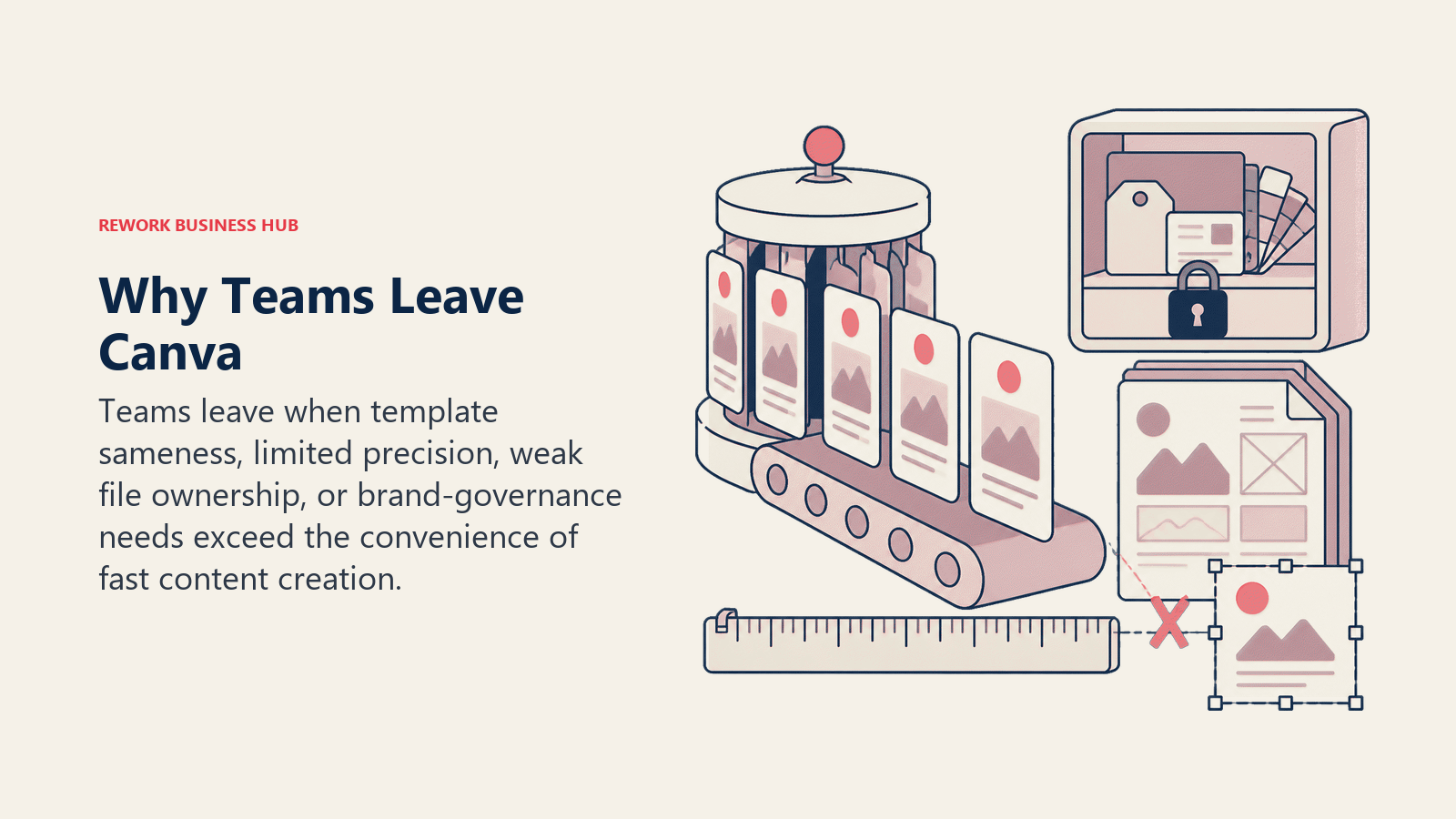
Why Teams Leave Canva: The Real Reasons
This is worth naming explicitly because it shapes which alternative is right for you.
| Pain Point | Who Hits It | Better Alternative |
|---|---|---|
| Teams plan pricing adds up fast | Marketing teams of 5+ | VistaCreate, Snappa, Visme |
| Brand kit locked on free / limited on Pro | Growing brands with strict standards | Figma, Adobe Express |
| AI features (Magic Studio) require Pro | Teams using AI-assisted design | Adobe Express (Firefly), Pixlr |
| Export quality issues with PDFs and vectors | Teams producing print or high-res digital | Adobe Express, Figma, Photopea |
| Limited vector editing for complex graphics | Designers needing precision | Figma, Photopea |
| Overwhelming template library slows workflow | High-volume, narrow-use social teams | Snappa, Stencil |
| No data visualization or chart templates | Report-heavy teams | Piktochart, Venngage, Visme |
| Can't open or edit PSD files | Teams receiving agency files | Photopea, Pixlr |
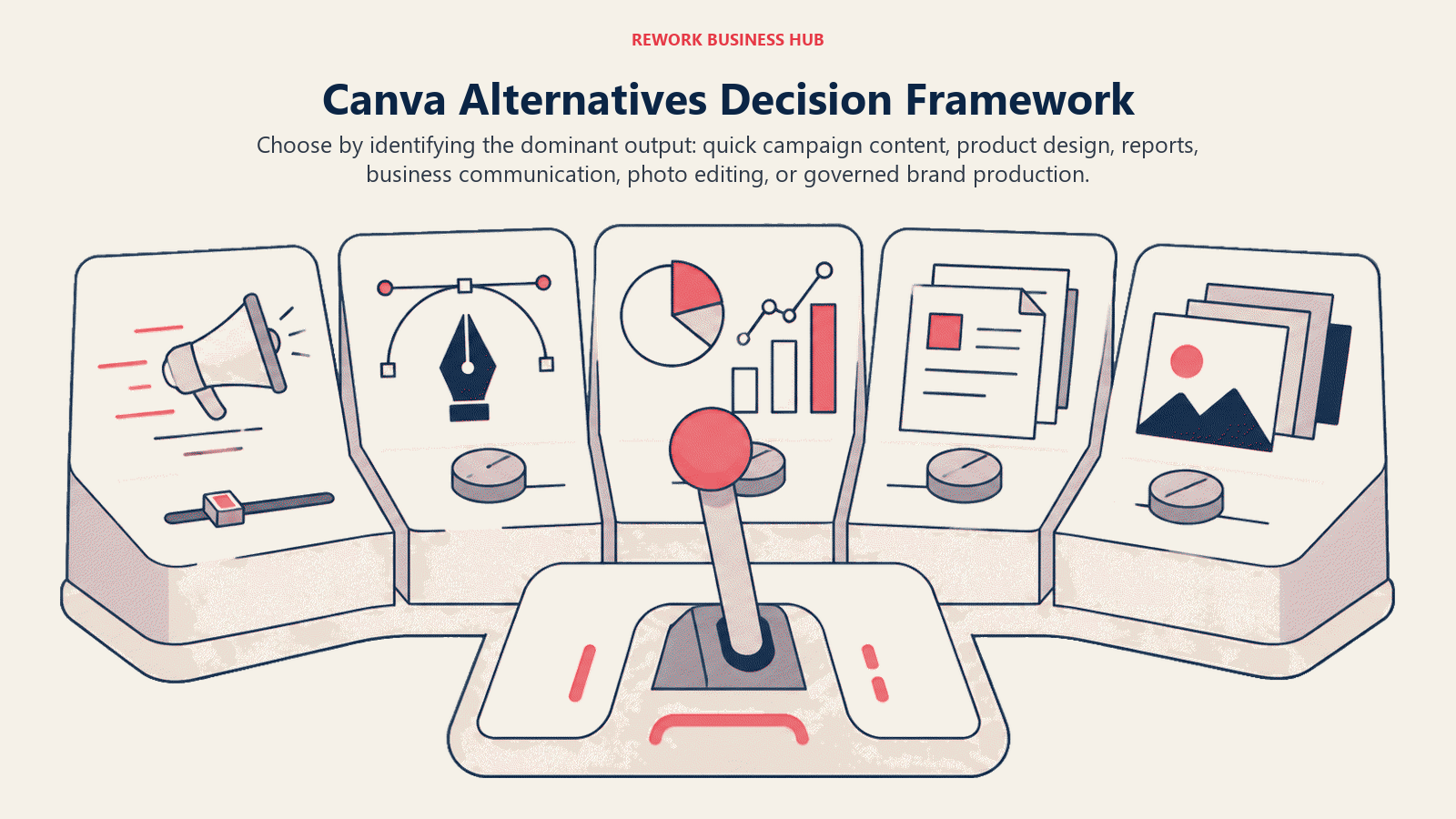
How to Choose: Decision Framework
| If you need... | Choose |
|---|---|
| Design-system control and brand consistency at scale | Figma |
| An affordable Canva substitute with animated templates | VistaCreate |
| Professional AI photo editing on a budget | Pixlr |
| Deep infographic and report templates | Piktochart |
| The fastest social graphic workflow possible | Snappa or Stencil |
| Business documents, org charts, and HR comms | Venngage |
| Creative Cloud integration without learning Illustrator | Adobe Express |
| Typography-first brand identity or print work | Kittl |
| PSD/Sketch file editing for free | Photopea |
| Presentations, infographics, and social in one tool | Visme |
For teams watching budget, three of these tools are genuinely free for real work. Photopea handles layered PSD and Sketch files at zero cost, Pixlr and Adobe Express both run capable free tiers, and VistaCreate undercuts Canva Pro on paid pricing. Here is the quick free-versus-paid read for the most common Canva replacements:
| Alternative | Free tier usable? | Cheapest paid | Closest Canva match |
|---|---|---|---|
| VistaCreate | Yes (watermarked) | $10/mo | Nearly 1:1 use-case overlap |
| Adobe Express | Yes | $9.99/mo | Template design + AI assets |
| Pixlr | Yes (ads) | $7.99/mo | Photo-led graphics |
| Photopea | Yes (ads) | $9/mo | Layered file editing |
| Figma | Yes (3 projects) | $15/user/mo | Brand-system control |
What to Do Next
Pick your top two based on the decision framework above, and run a two-week pilot with your actual content backlog. If you're building out a broader marketing stack, you might also want to look at website builders alongside your design tool. The best Webflow alternatives covers options that handle both site design and content publishing for marketing teams. Don't test with hypothetical work. Take the five real graphics or documents you'd produce next week and build them in each tool. By day three you'll know which one fits your team's muscle memory and which one you're fighting.
Most of these tools offer free plans that are functional enough for evaluation. The paid features matter for brand kits and export quality, but you don't need them to test the core workflow. Get your top two set up by end of day today, assign the same production task to both, and compare the output and the time it took.
If collaboration is a priority alongside the design tool, Figma's pricing is worth reviewing. It's often the next step up from Canva for teams that need component-based brand governance. Adobe Express is also worth checking if your team is already paying for Creative Cloud, since it's often bundled. According to the Content Marketing Institute's 2025 report, teams that standardize on a single design tool see 30% faster content production cycles, which makes the switching cost worth calculating carefully before committing.
Frequently Asked Questions
What is the best free alternative to Canva? For layered file editing, Photopea is the strongest free option: it opens PSD, Sketch, and AI files with full layer control at no cost. For template-style design, Adobe Express and VistaCreate both run capable free tiers, and Pixlr's free plan covers photo-led graphics. None require a credit card to evaluate the core workflow.
Why do marketing teams switch away from Canva? The common triggers are Teams-plan pricing that climbs fast as seats grow, brand kits locked or limited on lower tiers, AI features paywalled behind Pro, and export quirks with certain PDF and vector formats. Each pain point points to a different replacement, which is why there is no single best alternative for every team.
Which Canva alternative is best for brand consistency at scale? Figma. Its component libraries let one designer build an approved system that non-designers execute against without breaking brand standards. Adobe Express is the next-best option for teams already inside Creative Cloud who want governed assets without learning Illustrator.
Is there a cheaper tool that works almost exactly like Canva? VistaCreate (formerly Crello) is the closest direct substitute. It covers social graphics, presentations, and print from a template-first interface, carries one of the largest animated template libraries, and prices Pro at $10/month, below Canva Pro.
How should I choose between these Canva alternatives? Start from your specific frustration with Canva, not a feature list. Identify whether your blocker is pricing, brand control, vector depth, or data visualization, then run a two-week pilot of your top two picks using five real graphics you would produce next week. The tool your team reaches for without prompting is the one worth paying for.

Principal Product Marketing Strategist
On this page
- Quick Comparison Table
- Stage Fit Matrix
- Sizing and Persona Table
- 1. Adobe Express: The Creative Cloud-connected design layer
- 2. Figma: Real vector control for brand and product teams
- 3. Piktochart: The infographic and report specialist
- 4. Visme: The all-in-one visual communications platform
- 5. Snappa: Fast, focused social graphic creation
- 6. Crello / VistaCreate: Animated templates on a budget
- 7. Stencil: High-volume social posting with a browser extension
- 8. Venngage: Business communications and internal docs
- 9. Pixlr: AI-powered photo editing with a design surface
- 10. Photopea: Professional-grade free editing for layered files
- 11. Kittl: Typography-forward design for brand identity and print
- Feature Depth Comparison
- Pricing Comparison at Scale
- Why Teams Leave Canva: The Real Reasons
- How to Choose: Decision Framework
- What to Do Next
- Frequently Asked Questions