ChatGPT vs Notion AI: Bring Your Own Context or Work Where It Already Lives?
Turn this article into takeaways for your work.


Each assistant summarizes the article only for you and suggests best practices for your work.
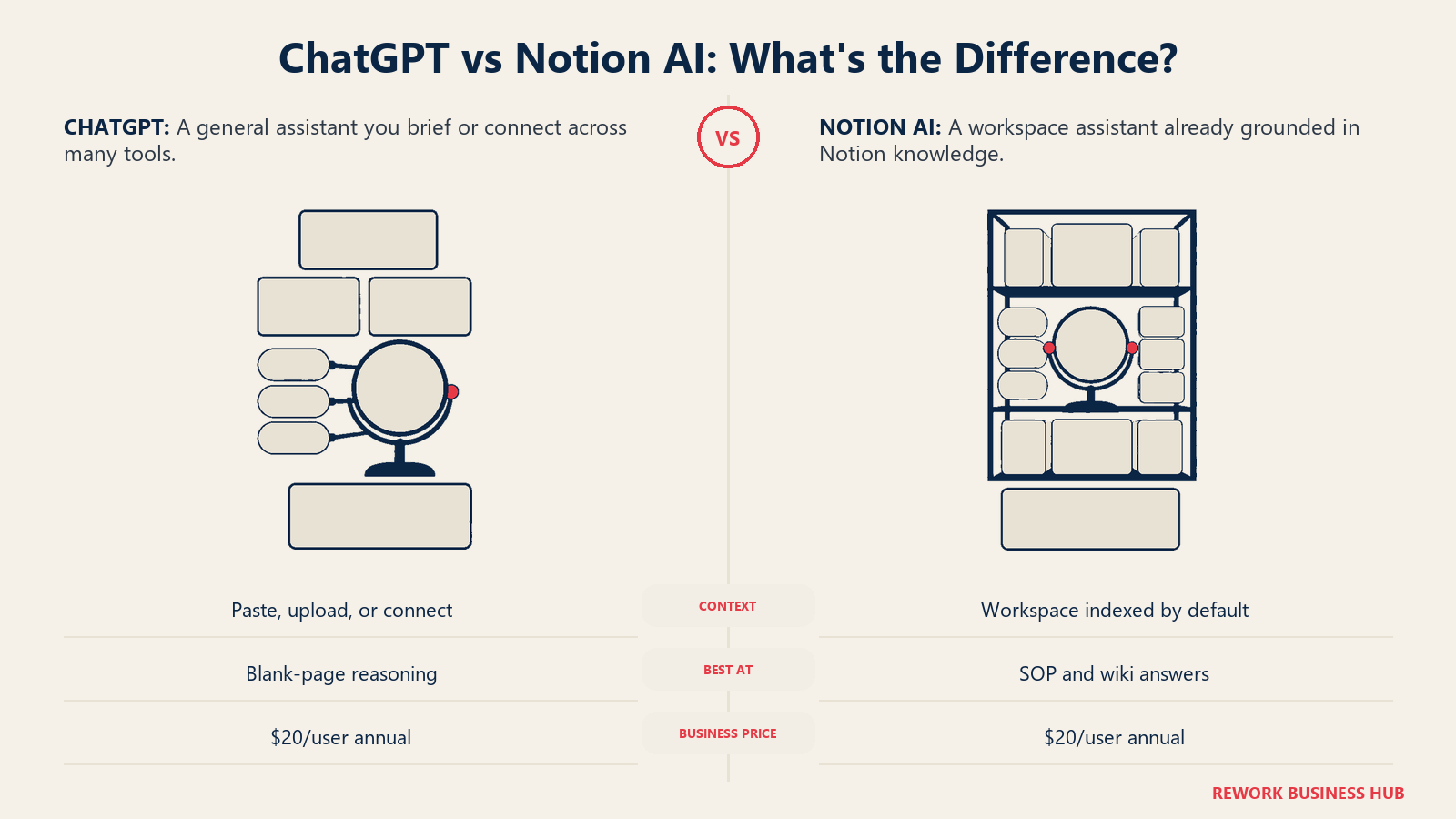
You're evaluating AI for how your team actually handles its own knowledge: drafting documents, catching up on a meeting you missed, and answering the question "didn't we already write this down somewhere?" Two names keep coming up, ChatGPT and Notion AI, and they solve that problem from opposite directions.
ChatGPT is the assistant you bring context to. It knows a huge amount in general and almost nothing about your company until you tell it, paste it in, or connect it. Notion AI is the assistant that already sits inside your team's docs, wikis, and meeting notes, because that's the product it was built into. Neither framing is a compliment or a knock. It's a real tradeoff, and which one wins depends on whether your team's documented knowledge is actually worth being grounded in.
This comparison stays inside that lane: drafting inside your team's documents, summarizing meetings and notes, and answering questions about material your team has already written. If you're evaluating raw model reasoning across a much wider range of tasks, Claude vs ChatGPT vs Gemini covers that decision instead. Both tools also show up together in our best AI productivity tools roundup, if you're still deciding whether either belongs on your shortlist at all.
TL;DR
| Dimension | ChatGPT | Notion AI |
|---|---|---|
| Best for | General-purpose drafting, reasoning, and reach across many connected apps | Q&A and drafting grounded in docs, wikis, and meeting notes that already live in Notion |
| Where "team knowledge" comes from | Whatever you paste, upload, or connect for that session | Notion Agent and AI search index your workspace automatically |
| Real AI requires | Business plan, $20/user/month billed annually, 2-seat minimum | Business plan, $20/user/month billed annually |
| Setup effort | An admin enables and scopes connectors app by app | None beyond being on Notion Business; access follows your existing page permissions |
| Weak spot | Doesn't know your team's specifics unless someone tells it | Only as reliable as the pages it's reading from |
| Strong spot | Reasoning and draft quality on a blank page with no source material | Zero-setup answers sourced from what your team already wrote |
| Cost at 10 / 25 / 100 seats, annual | $2,400 / $6,000 / $24,000 | $2,400 / $6,000 / $24,000 |
| Ideal buyer | Teams whose documented knowledge is thin, scattered, or not yet worth grounding on | Teams whose wiki, SOPs, and notes already live in Notion and are reasonably current |
What Each Tool Is Actually Built For
ChatGPT: a general assistant that reaches into your tools when you let it
OpenAI's ChatGPT is a general-purpose reasoning and writing model first. On the Business plan, the relevant tier for a team doing real work, it adds over 60 connectors to apps including Google Drive, SharePoint, Dropbox, Box, Outlook, Teams, Gmail, Slack, GitHub, and Linear, plus an admin console, SSO, central billing, and a guarantee that OpenAI doesn't train on your business data by default. None of that is switched on by default for an individual chat, though. An admin has to enable each connector, and most teams still end up pasting or uploading the actual document into the conversation rather than relying on a connector for every question.
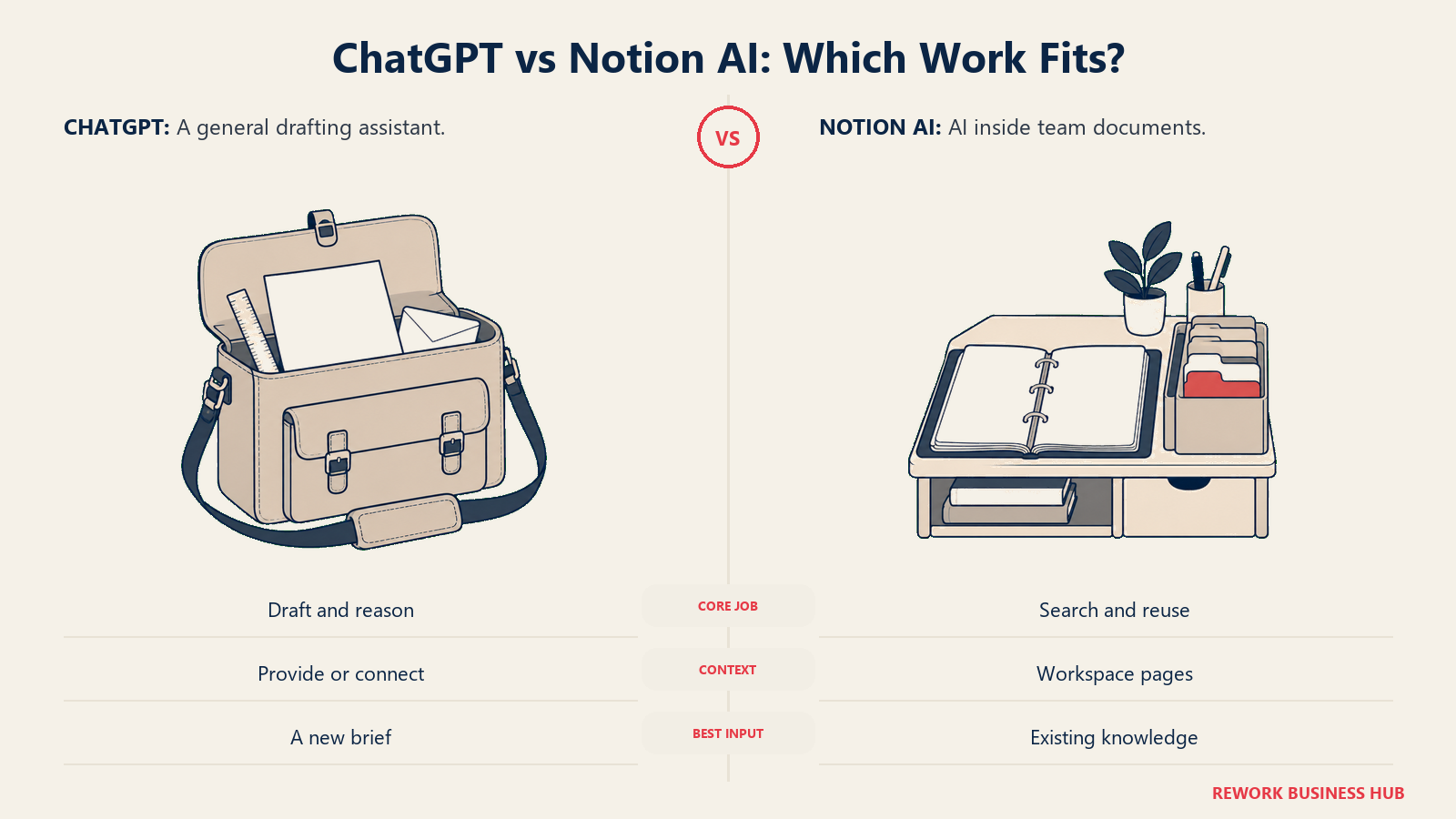
Seats on Business come in two types you can mix within one workspace: Standard, and Premium for heavier users who want five times the usage and no rolling rate limit. There's a 2-seat minimum to open a Business workspace, and OpenAI raised the ceiling to 200 combined seats per workspace as of August 24, 2026, past which you move to Enterprise. For drafting specifically, our best AI writing tools roundup goes deeper on how ChatGPT stacks up against tools built solely for writing. If that drafting is specifically marketing copy produced by a team large enough that brand-voice drift is a real cost, Jasper vs ChatGPT is the more specific matchup than a general writing roundup.
Notion AI: an assistant that's already inside your documents
Notion's bet is that your team's notes, wikis, project databases, and meeting records should live in one connected workspace, and that AI should work directly on top of that, not next to it. The Notion Agent can chat, generate content, autofill databases, and translate text using context pulled from across the pages you have access to. AI Meeting Notes transcribes and summarizes calls into the same workspace as everything else. Enterprise Search, included on Business, extends that reach into a handful of connected apps like Slack and GitHub, so a question doesn't have to stay inside Notion's own pages to get answered.
The packaging changed in a way worth knowing before you budget. Notion used to sell AI as a flat $10-per-member add-on on top of any plan. That's gone., the full AI suite, Notion Agent, AI search, and AI Meeting Notes, is exclusive to the $20-per-user-per-month Business plan. Free and Plus workspaces still get a limited AI trial, not the real feature set. If your team's docs already live in Notion, our best AI note-taking apps roundup ranks Notion AI against the other tools in that category, including the ones that keep AI and notes fully separate.
The plan ladder, side by side
| Tier | ChatGPT | Notion AI |
|---|---|---|
| Free | Limited access, no admin controls, no connectors | Free workspace; AI is a limited trial only |
| Individual paid | Go at $8/month; Plus at $20/month for expanded memory and Projects | Plus at $10/user/month annual; AI is still just a trial, not the full suite |
| Team tier with real AI and admin controls | Business, Standard seat $20/user/month annual, 2-seat minimum | Business, $20/user/month annual, full Notion Agent, AI search, AI Meeting Notes |
| Enterprise | Custom, contact sales | Custom, contact sales |
Where each one actually wins on the tasks you care about
| Capability | ChatGPT | Notion AI |
|---|---|---|
| Drafting from a blank page, no source material | Strong: broad training produces a solid first draft with fewer editing passes | Weaker starting point; improves once there's a related page to build from |
| Summarizing a specific meeting | Works well if you paste or upload the transcript | AI Meeting Notes captures and summarizes automatically, filed alongside your other docs |
| Answering "what does our documentation say about X" | Only if you supply the documentation in that chat, or a connector reaches it | Notion Agent and AI search already have access; no per-question setup |
| General business reasoning unrelated to any one document | Strong and unconstrained by any single company's material | Narrower by design; it's built to work with your workspace, not replace general reasoning |
| Reaching outside one workspace, into Slack, Drive, GitHub, SharePoint | Yes, through 60-plus Business connectors | Limited; Enterprise Search reaches a handful of connected apps on Business |
How "Grounded in Your Workspace" Actually Works
Knowledge workers reportedly lose close to a fifth of the workweek just searching for information that already exists somewhere, according to McKinsey's "The social economy" research on enterprise collaboration. That's the exact problem grounded AI claims to fix: stop searching, just ask. But "grounded" means something different for each of these tools, and the mechanics matter more than the marketing.
| ChatGPT | Notion AI | |
|---|---|---|
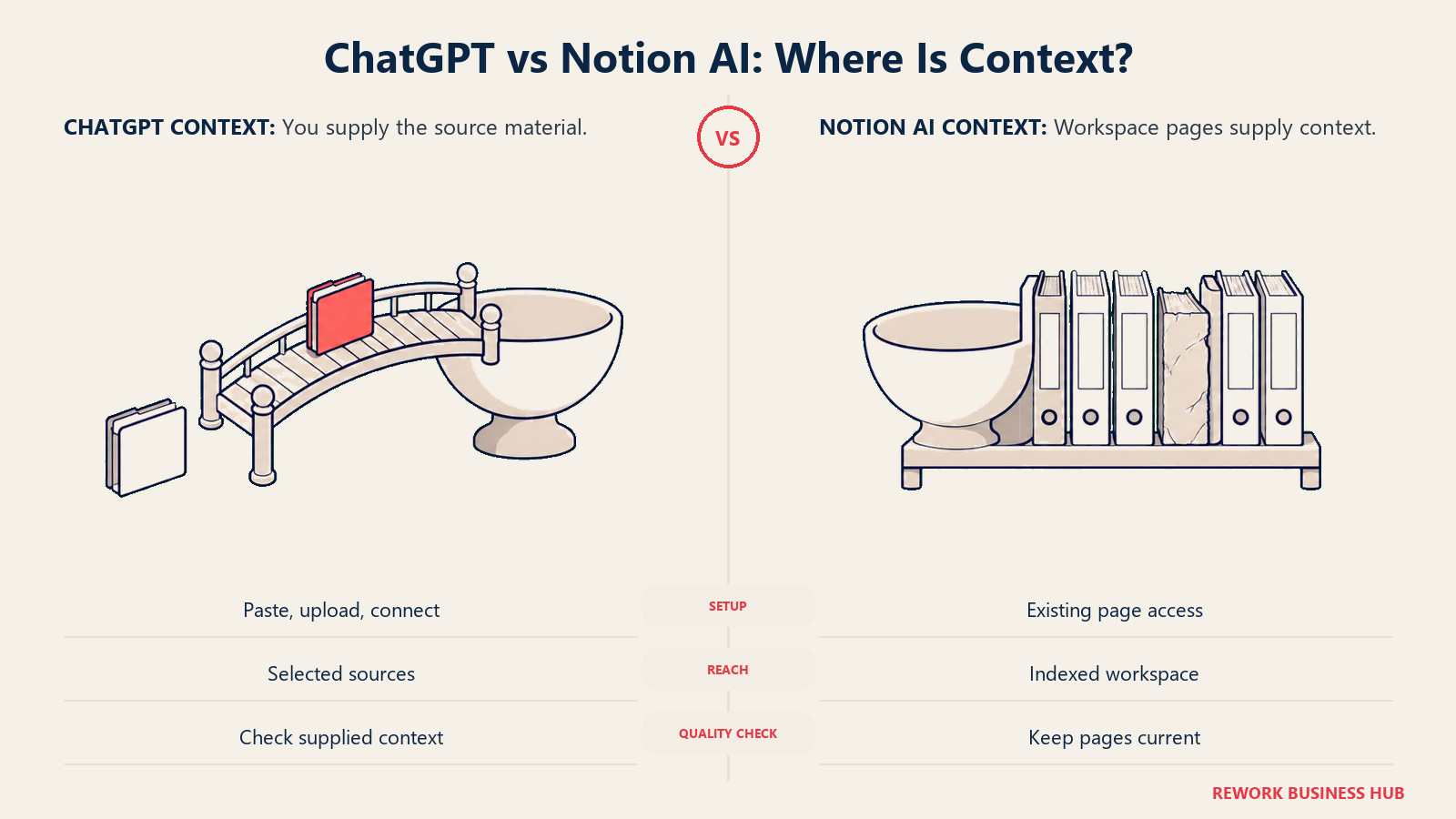
| Default behavior | Answers from general training unless you paste text, upload a file, or an admin turns on a connector | Notion Agent and AI search already index every page and database you have access to |
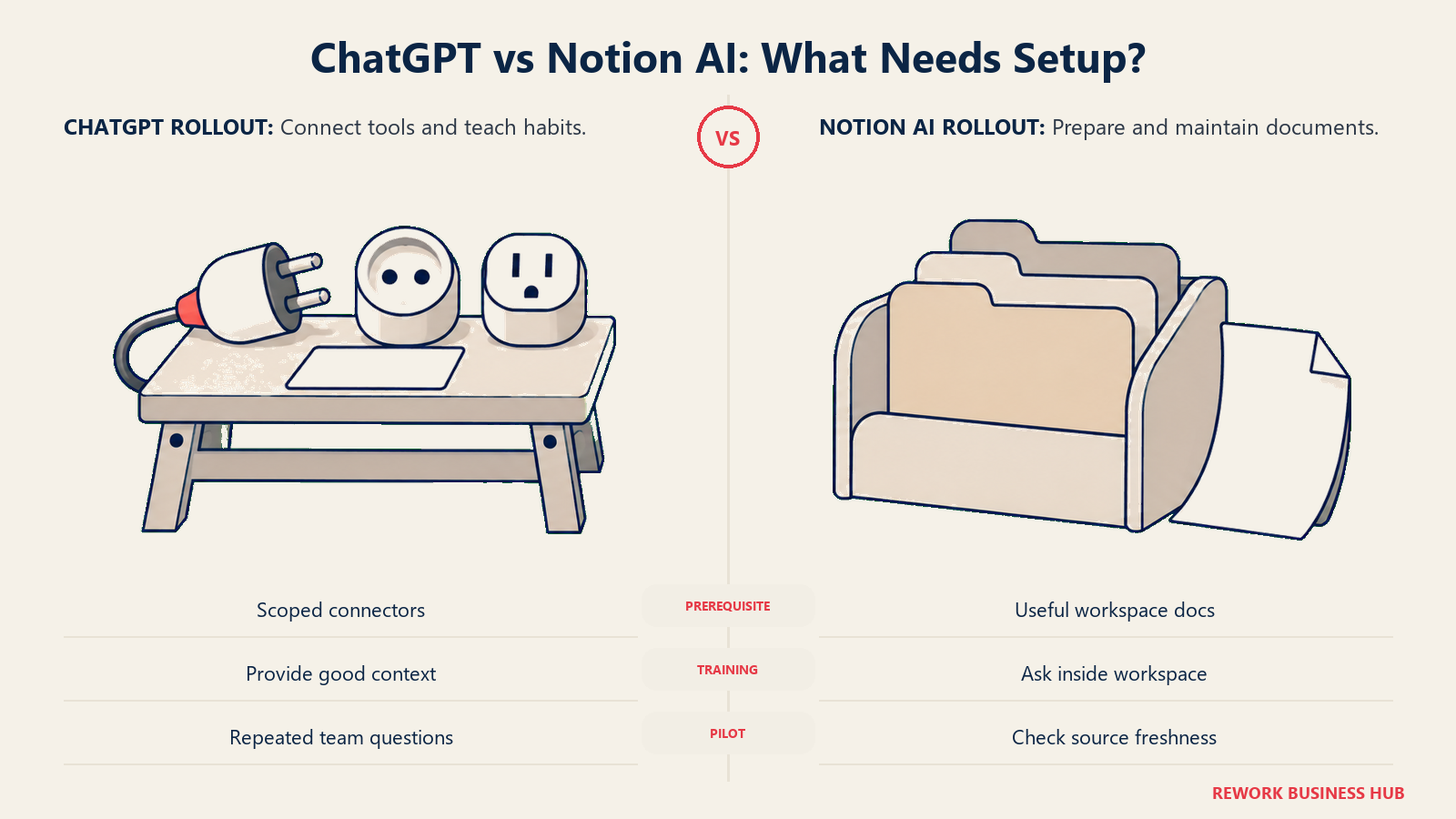
| Setup required | An admin enables and scopes connectors (Drive, SharePoint, Slack, GitHub, and so on); many users still paste context per chat anyway | None beyond being on Notion Business; access follows Notion's existing permission model |
| Where the source material can live | Any connected app, plus anything pasted or uploaded in the moment | Primarily inside Notion itself; Enterprise Search on Business extends to a few connected apps |
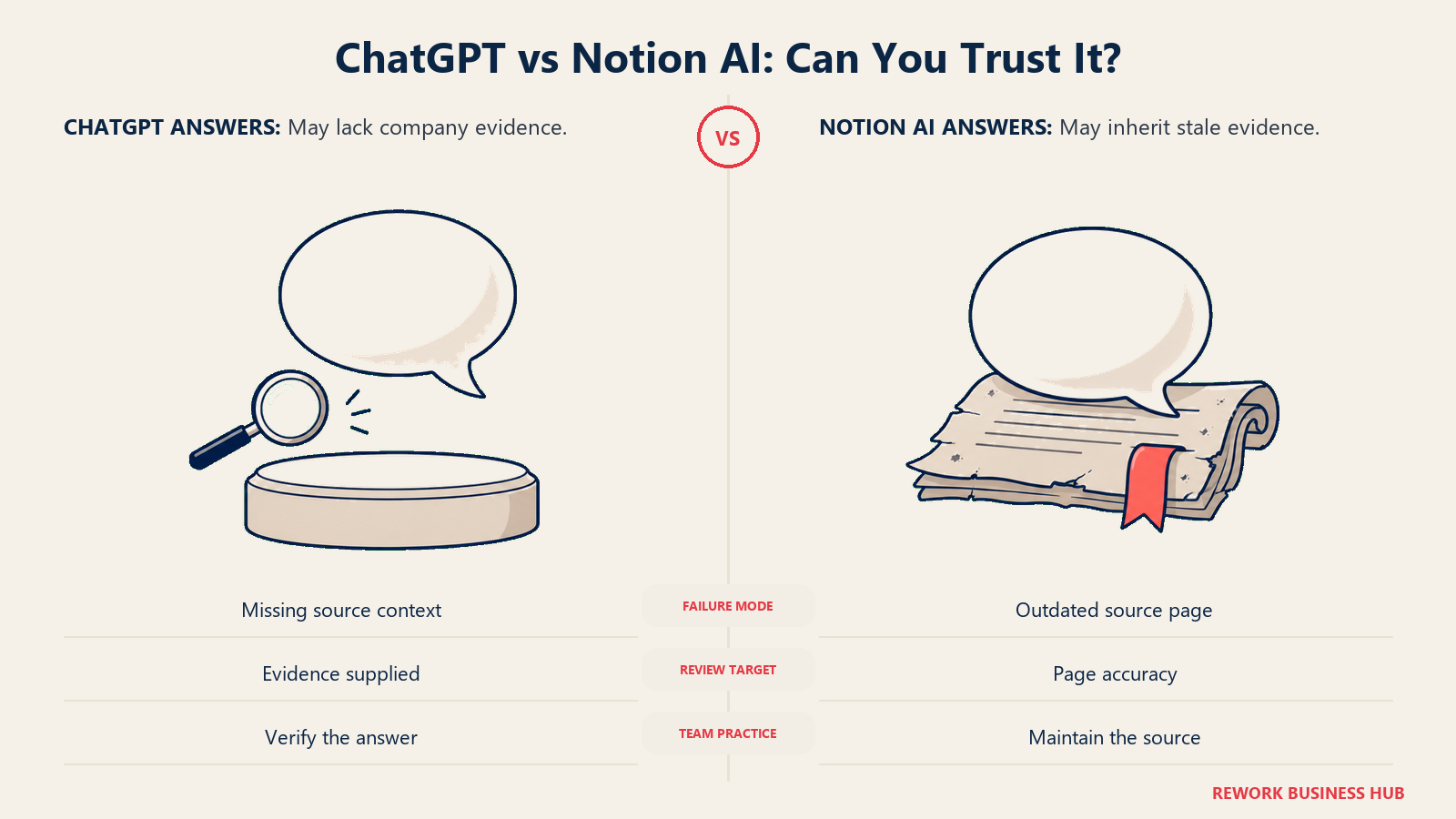
| What happens if the source material is wrong or stale | Less affected; an ungrounded answer draws on general training, not your specific error | The answer inherits your document's mistakes and staleness, delivered with the same confident tone as a correct one |
| Portability if you switch tools later | Works the same regardless of where your team's knowledge lives | Only as good as what's actually inside Notion; the value is tied to staying on the platform |
This is the honest counter-case to grounding: a general model has no idea whether your notes are any good, so it can't be dragged down by them. It reasons from broad training and whatever you hand it in that moment. A grounded assistant like Notion AI is only as strong as the workspace underneath it. If your wiki is thin, duplicated, or two reorganizations out of date, grounding doesn't fix that. It just makes a wrong answer faster and more confident-sounding than searching would have been.
Decision by Business Goal
| Business goal | Best fit | Why |
|---|---|---|
| Get a consistent answer to "what does our policy say about X" without re-explaining context every time | Notion AI | Notion Agent and AI search already index every page your team has access to |
| Produce the strongest possible first draft of a proposal, report, or hard email | ChatGPT | Broader training and reasoning depth help most when the source material is thin or doesn't exist yet |
| Turn a messy, half-organized wiki into something the team can actually query | Neither, yet | Grounding only pays off once the underlying docs are worth grounding on; a cleanup pass comes first |
| Reach into Slack, Drive, SharePoint, and GitHub from a single assistant, not just one workspace | ChatGPT Business | Its 60-plus connectors span tools well beyond a single company wiki |
| Get a new hire comfortable with "how we do things here" inside their first week | Notion AI | If onboarding docs and SOPs already live in Notion, the agent already knows them on day one |
| Stop people from re-asking questions that are already answered somewhere | Notion AI | Grounding removes the "paste in the context" step by default |
| Keep the option to swap AI tools later without re-platforming your knowledge base | ChatGPT | It doesn't require your docs to live inside it, so the underlying workspace stays portable |
Team and Role Fit
| Role | Better fit | Primary use case |
|---|---|---|
| COO / Head of Operations | Notion AI | SOP answers, process documentation, and cross-team wiki search |
| Chief of Staff / Executive Assistant | Notion AI | Meeting recaps, decision logs, and briefing prep pulled from existing pages |
| Head of Knowledge Management | Notion AI, if Notion is the system of record | Search quality tracks directly with how well the underlying workspace is maintained |
| VP Marketing / Content Lead | ChatGPT | First-draft copy and campaign briefs that don't depend on one specific internal doc |
| Customer Support Lead | Depends on where the docs live | Notion AI if help content is written in Notion; ChatGPT with connectors if it's spread across a help desk and a wiki |
| IT / Systems Admin | ChatGPT Business | Broader connector reach and one admin console covering more source systems at once |
| New employees | Notion AI | Onboarding is mostly a "read what already exists" problem, which is exactly what grounding solves |
| Sales / Deal Desk | ChatGPT | Drafting proposals and objection responses is closer to general writing than to document lookup |
Pricing at Real Team Sizes
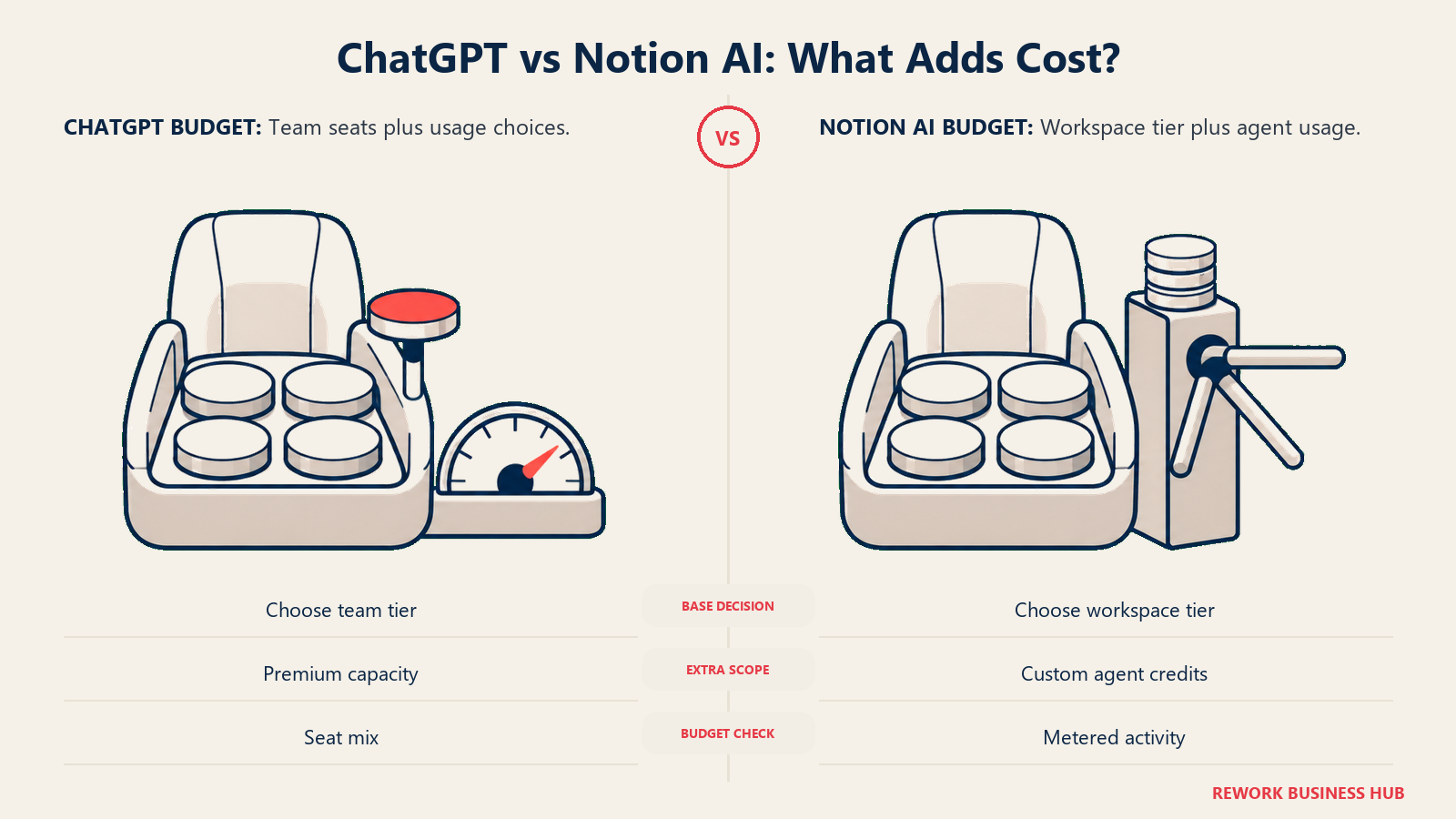
Both tools price their real, admin-controlled AI tier at the same headline number: $20 per seat per month, billed annually. That parity holds all the way up the seat count, which is the single most useful thing this section can tell a CFO.
| ChatGPT Business (Standard seat) | Notion Business | |
|---|---|---|
| Price per seat, billed annually | $20/user/month | $20/user/month |
| Price per seat, billed monthly | $25/user/month | $24/user/month |
| Minimum seats | 2 | None published |
| What real AI requires | Business tier or higher (Free, Plus, and Go don't include admin connectors) | Business tier or higher (Free and Plus get a limited AI trial only) |
| 10 seats, annual | $2,400/year | $2,400/year |
| 25 seats, annual | $6,000/year | $6,000/year |
| 100 seats, annual | $24,000/year | $24,000/year |
| Extra metered cost to watch | Premium seats at $100/user/month annual for 5x usage; separate token-based API cost if you build custom tools on top of GPT models | Custom Agents, billed at $10 per 1,000 monthly Notion credits, on top of the seat price |
| Enterprise tier | Custom, contact sales | Custom, contact sales |
A few things worth flagging before you budget:
- Notion's packaging changed recently. The old $10-per-member flat AI add-on is gone. Full Notion AI now requires moving the whole workspace to Business, not just adding AI to whatever plan you're already on. A team currently on Notion Plus needs to price the jump to Business, not a smaller add-on fee.
- ChatGPT's connectors and admin console are also gated to Business and up. Plus at $20/month is an individual plan without team connectors or SSO, so it isn't a substitute for Business pricing even though the number looks similar.
- Both vendors change pricing without much notice. ChatGPT's standard seat price dropped from $25 to $20 (annual) in April 2026. Verify current figures on OpenAI's own pricing page and Notion's own pricing page before you commit to a budget line, since a review this specific goes stale fast.
Implementation and Change Management
| Factor | ChatGPT Business | Notion AI (Business) |
|---|---|---|
| Time to a useful first answer | Minutes; most teams already have a chat-interface mental model | Minutes if the workspace is already populated; longer if it isn't |
| Real setup cost | An admin turns on and scopes connectors per app | Not technical, but a genuine content cost: someone has to have already written the docs |
| Who needs training | Everyone, focused on prompt quality and knowing which connector to invoke for which question | Lighter load: the entry point is "ask a question" inside the same interface people already use to read pages |
| Biggest adoption risk | The team keeps using it like a blank search box and never enables the connector that would have actually helped | The team assumes an answer is authoritative because it's grounded, without checking whether the source page is current |
| Fit with an existing stack | Sits alongside whatever tools you already use | Only pays off if Notion is already, or is about to become, the system of record for your team's documents |
The fastest way to know which adoption risk you're actually signing up for: pull ten questions your team asks repeatedly and try both tools on the same ten. The answers will tell you more than any feature table.
Risk and Governance
| Risk dimension | ChatGPT Business | Notion AI (Business) |
|---|---|---|
| Training on your data | No, by default, under OpenAI's no-training guarantee on Business | Standard 30-day retention with Notion's LLM providers on Business; zero retention available on Enterprise |
| SSO | Included (SAML) | Included (SAML) |
| Audit log | Not part of the core Business admin console; confirm current scope with your rep at your seat count | Enterprise only |
| Data reach | Can pull from many connected apps at once, each scoped separately by an admin | Follows Notion's existing page and database permissions; Enterprise Search extends to a few connected apps |
| Confidence risk | Will still answer from general training with no real source, and won't always flag that clearly | Delivers a workspace-sourced answer in the same confident tone whether the source page was updated last week or three years ago |
Trust in AI output is a live problem even outside this specific comparison. Only 51% of organizations say they trust AI-generated insights, and the top reason cited was that the AI couldn't check its answer against real, current source data, according to insightsoftware's 2026 data and AI survey. That's the strongest argument for grounding an assistant in real documents in the first place. It's also the strongest argument for keeping those documents current: grounding removes the "no source data" failure mode, but it does nothing about the "the source data is wrong" failure mode. A stale SOP answered confidently is still a stale SOP.
When ChatGPT Is the Right Call
- Your team's documented knowledge is thin, scattered across five tools, or not mature enough yet to be worth grounding on
- You need the strongest possible draft on a genuinely blank-page task, like a hard email or a first pass at a report with no existing template
- Your knowledge already lives across Drive, SharePoint, Slack, and GitHub rather than one workspace, and standing up connectors beats migrating everything into a new tool
- You want one AI subscription that covers a much wider range of work than team documents, including code, images (Canva vs ChatGPT covers how far that built-in image generation actually goes if visual content is a regular part of the job), and unrelated brainstorming
- Part of your team already has muscle memory here from individual use, and retraining habits has a real cost you'd rather avoid
When Notion AI Is the Right Call
- Your team's wiki, SOPs, and meeting notes already live in Notion and are reasonably maintained
- You want any team member to ask a question and get an answer sourced from what the team already wrote, with no setup required per chat
- Onboarding and "where is this documented" are your actual daily pain points, not raw drafting power
- You'd rather have one workspace do double duty on docs and AI than run a second AI subscription on top of your existing tools
- You already trust Notion's permission model and would rather not have an assistant reaching further than that by default
Decision Framework
| Pick this | If this describes your situation |
|---|---|
| ChatGPT | Your internal docs aren't the bottleneck; draft quality and reach across many outside tools matter more |
| Notion AI | Your team's knowledge already lives in Notion, and the real cost is people re-asking questions that are already answered somewhere |
| ChatGPT | Your source material is thin, stale, or scattered, so grounding wouldn't return much value yet |
| Notion AI | Onboarding, SOP lookup, and "who has the current version" are your actual recurring headaches |
| Both, deliberately | Drafting and open-ended brainstorming go to ChatGPT; anything that starts with "what does our documentation say" goes to Notion AI |
| Neither yet | Your knowledge base itself needs a real cleanup pass before any AI layer on top of it is worth paying for |
What to Do Next
- Pull ten real, recurring questions your team asks. A policy question, a "where's the file for X," a meeting recap request. Run all ten through both tools and compare the answers directly, not the feature lists.
- If Notion AI answers confidently but wrong on any of them, treat that as a documentation problem, not a tool problem. Fix the source page before blaming the assistant.
- Pilot ChatGPT Business connectors on the two or three apps your team relies on most, not all of them at once. Scope creep in connector setup is where most of the admin overhead actually lives.
- Price both at your real seat count before deciding. Since the Business-tier pricing lands at the same $20 per seat for both, the decision should come down to fit, not cost.
- Revisit after two weeks of real usage, not day-one impressions. Grounded answers and general drafts fail in different, less obvious ways once people are relying on them daily instead of testing them.
If your team's real gap is the underlying documentation system rather than which AI sits on top of it, how to choose knowledge base software and how to choose note-taking software for teams are worth reading before you commit to either AI layer. And if Notion itself, not just Notion AI, is still an open question against a tool like Confluence, Confluence vs Notion and the broader best knowledge management software roundup cover that decision directly. For the meeting-notes half of this problem specifically, best AI meeting assistants and notetakers and Granola vs Otter.ai compare tools built only for that job. And if Claude, not ChatGPT, is the other name on your shortlist against Notion AI, Claude vs Notion AI runs the identical grounded-versus-general argument from that side.
Frequently Asked Questions about ChatGPT vs Notion AI
Does ChatGPT know what's in our Notion workspace?
Not by default, but it can. On Business and Enterprise plans, an admin can enable a Notion connector so ChatGPT can search your workspace as a source alongside apps like Drive and SharePoint. The real gap isn't capability, it's default behavior: Notion AI already has that access built in with nothing to turn on, while ChatGPT's Notion connector has to be deliberately enabled, scoped, and remembered by whoever's asking the question.
Is Notion AI as good as ChatGPT for drafting a document from scratch?
For a genuinely blank page with no source material, most teams find ChatGPT's drafts need fewer editing passes. Notion AI's strength shows up once there's existing context in the workspace to draft from, not on a cold start with nothing to reference.
Do we have to move our entire team to Notion's Business plan to get real AI?
Yes. As of August 2026, Notion's full AI suite (Notion Agent, AI search, AI Meeting Notes) ships only on the Business plan. Free and Plus include a limited AI trial, not the real feature set, so a team currently on Plus for the workspace itself needs a plan-wide upgrade, not a smaller per-user AI add-on.
What happens if our Notion pages are outdated?
Notion AI will still answer confidently, sourced from whatever page it finds, even if that page hasn't been touched in two years. Grounding solves "the AI made something up." It doesn't solve "the document it found is wrong." Keeping source pages current matters more once an AI layer is reading them on behalf of the whole team.
Which one is cheaper at scale?
They're effectively the same. Both ChatGPT Business and Notion Business price their real-AI tier at $20 per seat per month billed annually, so at 10, 25, or 100 seats the annual cost comes out identical. The decision should come down to fit, not price.
Can we just use both?
Plenty of teams do: ChatGPT for drafting and open-ended reasoning, Notion AI for anything that starts with "what does our documentation already say." The real cost is a second subscription and a second habit to build, so it's worth confirming each tool earns its seat before running them in parallel long-term.
Does ChatGPT ever get real access to a company's internal documents?
Yes, through Business or Enterprise connectors to apps like Google Drive, SharePoint, Slack, GitHub, and others, which an admin has to enable and scope. That reach is broader than Notion's, which mostly stays inside its own workspace plus a small set of connected apps on Business. The tradeoff is setup effort: someone has to turn the connectors on and keep them scoped correctly as your tool stack changes.

Senior Customer Retention Strategist
On this page
- TL;DR
- What Each Tool Is Actually Built For
- ChatGPT: a general assistant that reaches into your tools when you let it
- Notion AI: an assistant that's already inside your documents
- The plan ladder, side by side
- Where each one actually wins on the tasks you care about
- How "Grounded in Your Workspace" Actually Works
- Decision by Business Goal
- Team and Role Fit
- Pricing at Real Team Sizes
- Implementation and Change Management
- Risk and Governance
- When ChatGPT Is the Right Call
- When Notion AI Is the Right Call
- Decision Framework
- What to Do Next