Best AI Writing Tools in 2026: 13 Tools for Every Kind of Writing

Turn this article into takeaways for your work.


Each assistant summarizes the article only for you and suggests best practices for your work.
Most people searching "AI writing tools" aren't professional content writers. They're a sales manager drafting a proposal, an HR lead writing a policy memo, a founder polishing a pitch deck, or a marketer testing ad headlines. ChatGPT and Claude cover general drafting for almost anyone. Grammarly and QuillBot fix what you already wrote. Anyword and Jasper are built for copy that has to convert. And Notion AI writes right inside the docs your team already lives in. This guide ranks 13 AI writing tools by the job you're actually trying to do, not by content-marketing use cases alone.
Every tool here was evaluated on drafting quality, editing accuracy, pricing, and how it fits into everyday business writing, not a single narrow workflow.
What Changed in 2026
- Notion retired its standalone AI add-on. Full AI access, including AI Agents and Ask Notion, now requires the $20/user/month Business plan instead of a separate add-on fee.
- Grammarly folded its old separate Business plan into quote-based Enterprise pricing, while Pro now scales up to 149 seats on one plan.
- Jasper's pricing page now leads with the $69/month Pro tier. The older $39 Creator plan is no longer the default entry point for new signups.
- A large-scale Semrush ranking study found purely AI-generated pages reached Google's #1 spot just 9% of the time, versus 80% for human-written pages, a strong argument for keeping a human editor in the loop for any kind of writing, not just published articles.
Key Facts
- Generative AI is now used in at least one business function at 70% of organizations, according to Stanford's 2026 AI Index Report.
- AI assistance is tied to roughly 50% productivity gains in marketing-output tasks, one of the largest gains of any work category studied, per the same Stanford report.
- AI "power users," just 13% of the workforce, save over 80% more time than colleagues who haven't fully adopted the tools, according to Grammarly's 2026 Productivity Shift report.
- 86.4% of marketing teams now use AI in at least a few areas of their workflow, and content creation is their single most extensively used AI application at 42.5%, per HubSpot's 2026 State of Marketing Report.
- Purely AI-generated pages reached Google's #1 ranking spot just 9% of the time versus 80% for human-written pages, per Semrush's ranking study, which is a caution worth carrying into any AI-assisted writing, not just SEO content.
Quick Comparison Table
| Tool | Best For | Standout Capability | Starting Price | Free Tier? |
|---|---|---|---|---|
| ChatGPT | General drafting for any role | GPT-5.6, Canvas, Deep Research | Free; Plus $20/mo | Yes |
| Claude | Long documents, detailed instructions | Long context, strong instruction-following | Free; Pro $20/mo ($17/mo annual) | Yes |
| Grammarly | Editing and tone on top of any draft | Full-sentence rewrites, tone detection | Free; Pro $12/mo (annual) | Yes |
| Notion AI | Writing inside your team's docs and wiki | AI Agents that search your workspace | Free (basic AI); Business $20/user/mo (annual) | Basic AI on Free/Plus |
| Jasper | Brand-voice marketing campaigns at scale | 50+ templates, brand voice controls | Pro $69/mo ($59/mo annual) | No (free trial only) |
| Copy.ai | Copy that plugs into CRM and sales workflows | Workflow automation to CRM records | Free (2,000 words/mo); Chat $29/mo | Yes |
| Writer | Regulated or compliance-heavy content | Style guide and terminology enforcement | Team $18/seat/mo | No (demo only) |
| Anyword | Ad and marketing copy with predicted performance | Performance prediction scores before you publish | Starter $49/mo ($39/mo annual) | No (7-day trial) |
| HyperWrite | Everyday writing across the whole browser | Personas plus TypeAhead autocomplete anywhere | Free (limited); Premium $19.99/mo ($16/mo annual) | Yes |
| Rytr | Budget short-form copy at high volume | Unlimited generation in one language for $9/mo | Free (10k characters/mo); Unlimited $9/mo | Yes |
| QuillBot | Fast paraphrasing of existing text | Multiple rewrite modes with different tones | Free; Premium $8.33/mo (annual) | Yes |
| Wordtune | Sentence-level tone adjustments | Formal/casual and shorter/longer sliders | Free; Advanced $4.89/mo (annual) | Yes |
| Sudowrite | Fiction and long-form creative writing | Story Bible tracks characters and plot | Hobby $10/mo (annual) | No (limited trial) |
How to Choose: By Writing Job
Most people don't need "an AI writing tool." They need the right tool for the specific writing task in front of them.
| Writing Job | What Matters Most | Best Fits |
|---|---|---|
| Business emails and everyday correspondence | Fast, natural tone, works without a steep learning curve | ChatGPT, Claude, HyperWrite, Grammarly |
| Marketing and ad copy that needs to convert | Performance prediction, brand voice, A/B variants | Anyword, Jasper, Copy.ai |
| Long-form reports, proposals, and internal docs | Following detailed instructions, holding context over pages | Claude, ChatGPT, Notion AI |
| Editing and polishing a draft you already wrote | Grammar, clarity, and tone, not new generation | Grammarly, QuillBot, Wordtune |
| High-volume short-form copy on a tight budget | Cost per piece and speed over depth | Rytr, Copy.ai |
| Brand-governed or regulated content | Style guide enforcement, compliance review | Writer, Jasper |
| Creative and fiction writing | Character and plot consistency across chapters | Sudowrite, Claude |
| Drafting inside your team's existing docs | No context switching between tools | Notion AI |
| Published articles, blog posts, and SEO content | SEO research, briefs, and drafting in one workflow | See our AI tools for content writers guide |
How to Choose: By Who's Writing
This is the split that matters most if you're not a professional writer by title.
| Who You Are | What You Need | Best Fits |
|---|---|---|
| Solo professional writing emails, memos, and reports | Fast, free-tier-friendly drafting | ChatGPT, Claude, HyperWrite |
| Marketer or growth team writing ad and landing copy | Performance data behind every headline | Anyword, Jasper |
| Sales or GTM team writing outreach and proposals | Copy that connects to CRM and sales tools | Copy.ai |
| Content marketer or SEO specialist producing articles | Research, briefs, and drafting for published content | Best AI Tools for Content Writers |
| Ops or knowledge team documenting internal processes | Writing where your docs already live | Notion AI |
| Finance, healthcare, or legal team | Enforced terminology and style rules | Writer |
| Novelist or creative writer | Long-form narrative consistency | Sudowrite |
| Student or non-native English writer | Affordable, sentence-level help | Wordtune, QuillBot, Rytr |
How to Choose: By Budget
| Monthly Budget | What You Can Realistically Cover | Best Fits |
|---|---|---|
| $0 (free tier only) | Light drafting and basic grammar checks | ChatGPT Free, Claude Free, Grammarly Free, HyperWrite Free, QuillBot Free |
| Under $15/mo | One core drafting tool or one editing tool | ChatGPT Plus, Claude Pro, Grammarly Pro, Rytr Unlimited, Wordtune Unlimited |
| $15-$50/mo | A drafting tool plus a dedicated editing or copy layer | Claude Pro plus Grammarly Pro, HyperWrite Premium |
| $50-$150/mo | Marketing-grade copy tools with performance data | Anyword Starter, Jasper Pro, Anyword Data-Driven |
| $150+/mo (team) | Multi-seat governance, brand voice, and workflow tooling | Writer Team/Enterprise, Copy.ai Growth, Notion AI Business |
According to HubSpot's 2026 State of Marketing data, 83.5% of marketers say AI now means they're expected to produce more content, with 35.7% saying "much more." That expectation is exactly why budget-tier tools like Rytr and Wordtune have grown fast: teams are stacking a cheap volume tool alongside one core drafting subscription rather than paying for one expensive all-in-one platform.
1. ChatGPT: The Default Drafting Engine for Any Role
ChatGPT is the widest-reaching AI writing tool because it isn't built for one job. Ask it to draft a client email, summarize a 40-page report, write a performance review, or outline a proposal, and it handles all of them without switching tools. The Plus tier runs GPT-5.6, and Canvas gives you a side-by-side editing surface instead of a plain chat window.

Best for: Anyone who needs one flexible tool for drafting, editing, and research across formats, regardless of job title.
Key strengths:
- Canvas for in-line editing and version comparisons
- Deep Research for pulling multiple sources into a brief before you write
- Custom GPTs for repeatable writing workflows (weekly reports, meeting recaps)
- The broadest plugin and integration ecosystem of any tool on this list
Limitations:
- Default output leans generic without a detailed prompt or saved custom instructions
- No built-in SEO or SERP data for published-content workflows
- Usage limits on Plus can bite during heavy research sessions
Pricing: Free tier available; Plus $20/mo; Pro $200/mo; Business and Enterprise tiers with custom pricing, per ChatGPT's pricing page.
Standout use case: Turning a rough bullet-point brief into a structured first draft in minutes, whether that's a board update or a blog post.
2. Claude: Best for Long Documents and Detailed Instructions
Claude's edge is instruction-following on long, detailed prompts. Feed it a full style guide, a set of tone examples, and a 3,000-word source document, and it holds onto all of it more reliably than most competitors across a long drafting session.
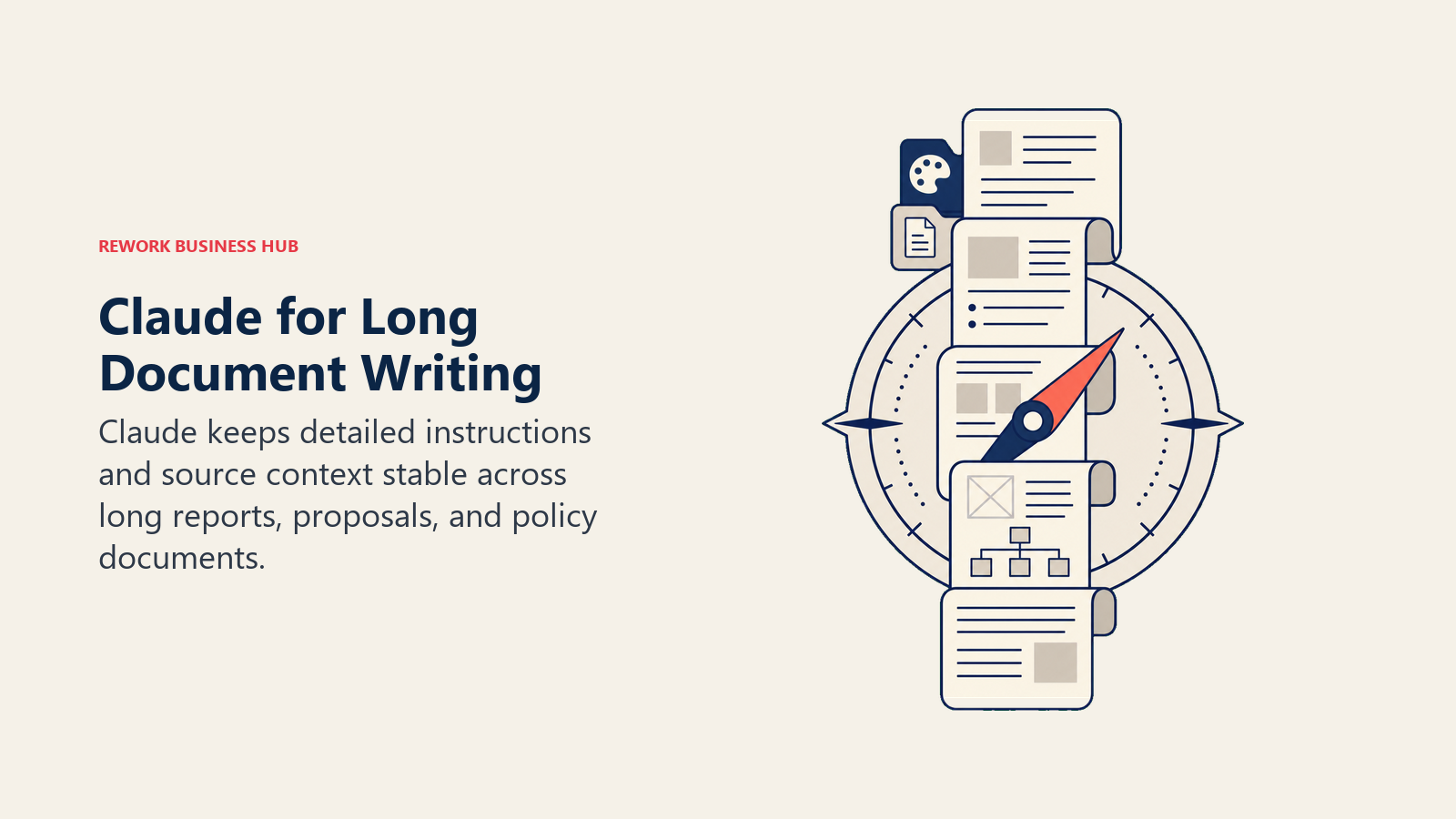
Best for: Anyone producing long documents (reports, proposals, whitepapers, policy docs) that need to follow a detailed brief without drifting.
Key strengths:
- Strong adherence to detailed, multi-part instructions
- Large context window for working with long source material
- Noticeably less generic "AI voice" in default output
- Projects keep brand voice and reference material persistent across sessions
Limitations:
- No native SEO research or SERP data
- Image generation lags behind ChatGPT
- Free tier limits fill up quickly during heavy drafting sessions
Pricing: Free tier; Pro $20/mo ($17/mo billed annually); Max plans at $100/mo and $200/mo; Team from $25/seat; Enterprise custom, per Claude's pricing page. For a full head-to-head, see Claude vs ChatGPT vs Gemini.
Standout use case: Drafting a long internal report or proposal against a detailed brief without the model drifting off-topic halfway through.
3. Grammarly: The Editing Layer Everyone Still Needs
Grammarly isn't a drafting tool, it's what catches what your drafting tool misses. Full-sentence rewrites, tone detection, and clarity suggestions sit on top of whatever you write, whether that's a ChatGPT draft, a client email, or something typed from scratch.
Best for: Every writer, regardless of role or which drafting tool they use, as a final editing pass.
Key strengths:
- Works everywhere you write: browser, docs, email, Slack
- Tone detection flags when a draft reads too casual, too stiff, or off-brand
- Pro tier now supports up to 149 seats on one plan
Limitations:
- Not a drafting tool; it improves existing text rather than generating new ideas
- Enterprise pricing is now quote-based since the separate Business plan was retired
- Some tone suggestions still need a human judgment call
Pricing: Free tier; Pro $12/mo billed annually ($30/mo monthly); Enterprise custom, per Grammarly's pricing page. If you want alternatives first, see best Grammarly alternatives.
Standout use case: Running a final tone and clarity pass on an AI-drafted email before it goes out under your name.
4. Notion AI: Writing Where Your Team Already Works
Notion AI's advantage isn't raw drafting quality, it's proximity. If your team already plans, briefs, and stores docs in Notion, having AI drafting and AI Agents built into the same workspace removes a context switch that costs real time across a busy week.
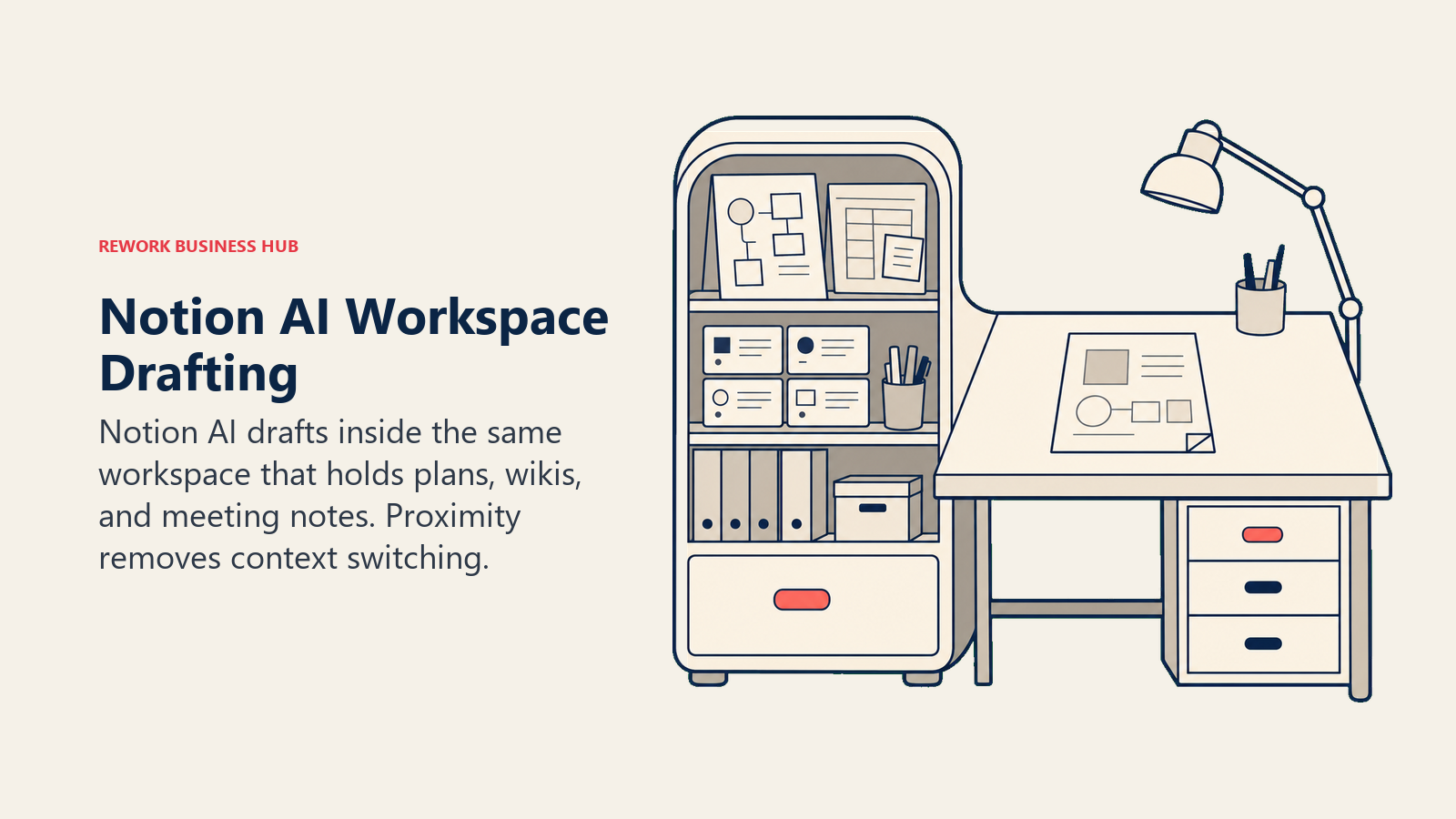
Best for: Teams that already run their planning docs, wikis, or meeting notes in Notion and want AI in the same place.
Key strengths:
- AI Agents can search and pull context from across your entire workspace
- No separate tool or tab needed for teams already living in Notion docs
- Business tier bundles project docs and AI into one seat cost
Limitations:
- The 2026 restructure moved full AI access behind the $20/user/mo Business plan; Free and Plus users get only basic AI writing
- Drafting quality is solid but not best-in-class compared to Claude or ChatGPT
- Custom Agents now bill separately at $10 per 1,000 credits
Pricing: Free $0 (basic AI only); Plus $10/user/mo (annual); Business $20/user/mo (annual, full AI access); Enterprise custom, per Notion's pricing page.
Standout use case: Drafting a project update or internal memo directly inside the same doc where your team's planning already lives.
5. Jasper: Brand-Voice Marketing Campaigns at Scale
Jasper is built around a campaign workspace: upload your brand voice and product positioning once, and every generated piece stays on those rails. Its template library covers more than 50 marketing content types, from ad copy to email sequences.
Best for: Marketing teams producing high volumes of multi-channel content that all needs to sound like the same brand.
Key strengths:
- 50+ purpose-built marketing templates
- Brand voice and knowledge base controls that persist across every generation
- Strong for teams producing content across many channels at once
Limitations:
- Pricing jumped meaningfully in 2026; Pro now starts at $69/mo instead of the older $39 Creator tier
- Less flexible than ChatGPT or Claude for open-ended, non-template writing
- Workflow automation is thinner than Copy.ai's
Pricing: Pro $69/mo ($59/mo billed annually); Business custom-quoted, per Jasper's pricing page. See the full breakdown in Jasper vs Copy.ai vs Writer.
Standout use case: Producing a week's worth of on-brand social captions, ad variants, and email copy from one set of brand guidelines.
6. Copy.ai: Copy That Connects to Your CRM and Sales Workflows
Copy.ai has moved away from being a simple short-form generator and repositioned around "GTM workflows," automations that move content through CRM and sales tooling without manual handoffs. For sales, marketing, and RevOps teams whose writing needs to reach a system of record, that connective layer is the differentiator.
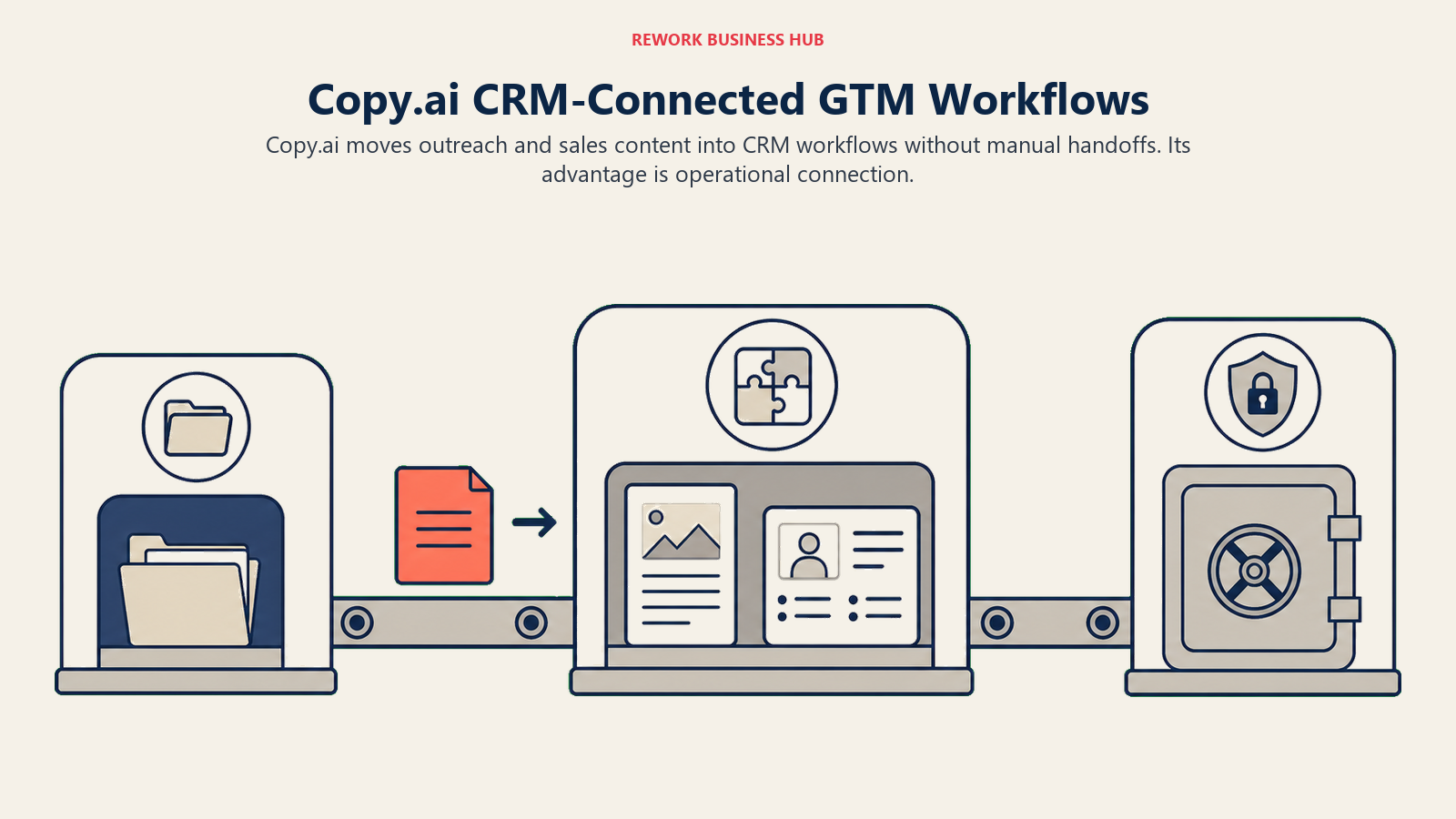
Best for: Sales, marketing, and ops teams that need copy to flow directly into CRM records, not just a document.
Key strengths:
- Workflow automation linking content output to CRM records
- Free plan is genuinely usable for light short-form work
- Strong for outreach templates, battlecards, and sales-adjacent copy
Limitations:
- Large pricing gap: after the $29/mo Chat plan, the next tier jumps to $1,000/mo
- Long-form content quality trails Jasper or Claude
- The Growth tier is built for revenue teams, not solo writers
Pricing: Free (2,000 words/mo); Chat $29/mo (unlimited chat, up to 5 people); Growth $1,000/mo (workflow automation, CRM integrations, 75 seats); Enterprise custom, per Copy.ai's pricing page.
Standout use case: A GTM team writing outreach sequences and sales one-pagers that need to sync straight into the CRM.
7. Writer: Governance and Compliance for Regulated Content
Writer's differentiator isn't creative output, it's governance. You configure it with your company's style guide, approved terminology, banned phrases, and legal review rules, and it acts as a gate: content that violates the rules gets flagged before it ships, whether AI-drafted or human-written.
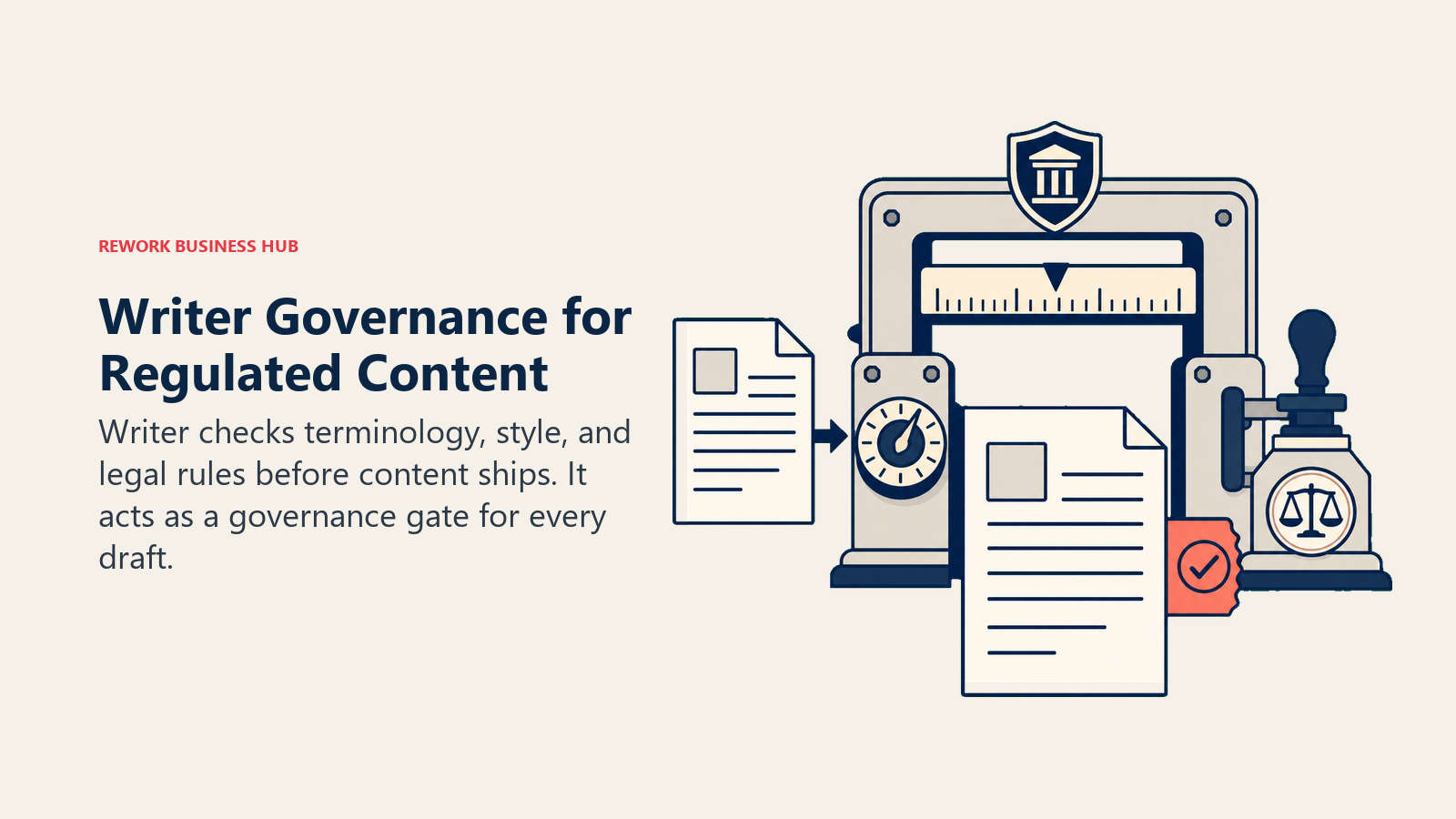
Best for: Any team in a regulated industry (fintech, healthcare, legal) or a brand with strict, non-negotiable voice standards.
Key strengths:
- Actively flags off-brand or non-compliant content, including human-written drafts
- Enterprise SSO and security controls built for regulated environments
- Terminology and style guide enforcement is the most rigorous of any tool here
Limitations:
- Least creative and flexible of the marketing-focused tools
- Enterprise pricing isn't published and can run into six figures annually for larger deployments
- Overkill for teams without formal compliance requirements
Pricing: Team $18/seat/mo; Starter $29/seat/mo billed annually ($39 monthly); Enterprise custom, typically $50,000 to $500,000 per year depending on seats and API usage, per Writer's pricing page.
Standout use case: A healthcare or fintech team that needs every published piece, human or AI-drafted, to pass a compliance and terminology check automatically.
8. Anyword: Marketing Copy With a Predicted Performance Score
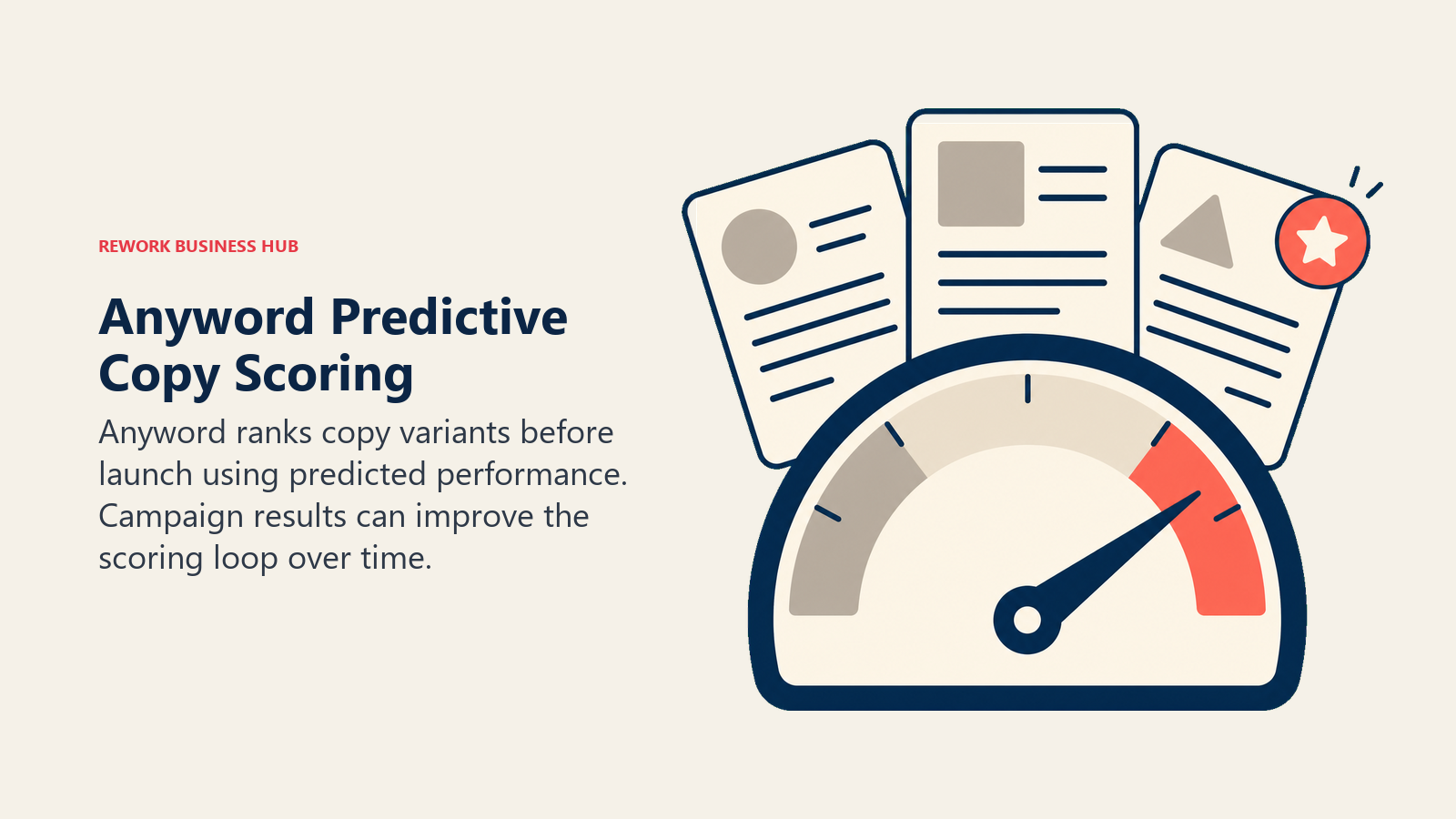
Anyword's whole pitch is that copy shouldn't ship on a hunch. Every headline, ad variant, or landing page line gets a predicted performance score before you publish, trained on your own campaign data as you feed it results. That data loop is what separates it from a general chatbot for anyone writing copy that gets tested and measured.
Best for: Marketers and growth teams writing ad copy, landing pages, and email subject lines that need to be ranked before they go live, not just generated.
Key strengths:
- Performance prediction scores rank copy variants before you spend a dollar testing them
- Blog Wizard adds a plagiarism checker for longer-form marketing content
- Real-time content intelligence on higher tiers ties predictions to your actual campaign results
Limitations:
- No free tier, only a 7-day trial
- Narrower use case than ChatGPT or Claude; not built for internal docs or long reports
- Additional seats are capped at 10 total per account and cost extra
Pricing: Starter $49/mo ($39/mo annual, 1 seat); Data-Driven $99/mo ($79/mo annual, 3 seats); Business and Enterprise custom-quoted, per Anyword's pricing page.
Standout use case: Testing five headline variants for a paid ad campaign and knowing which one is predicted to convert before you spend the budget.
9. HyperWrite: A Personal Writing Assistant That Follows You Around the Browser
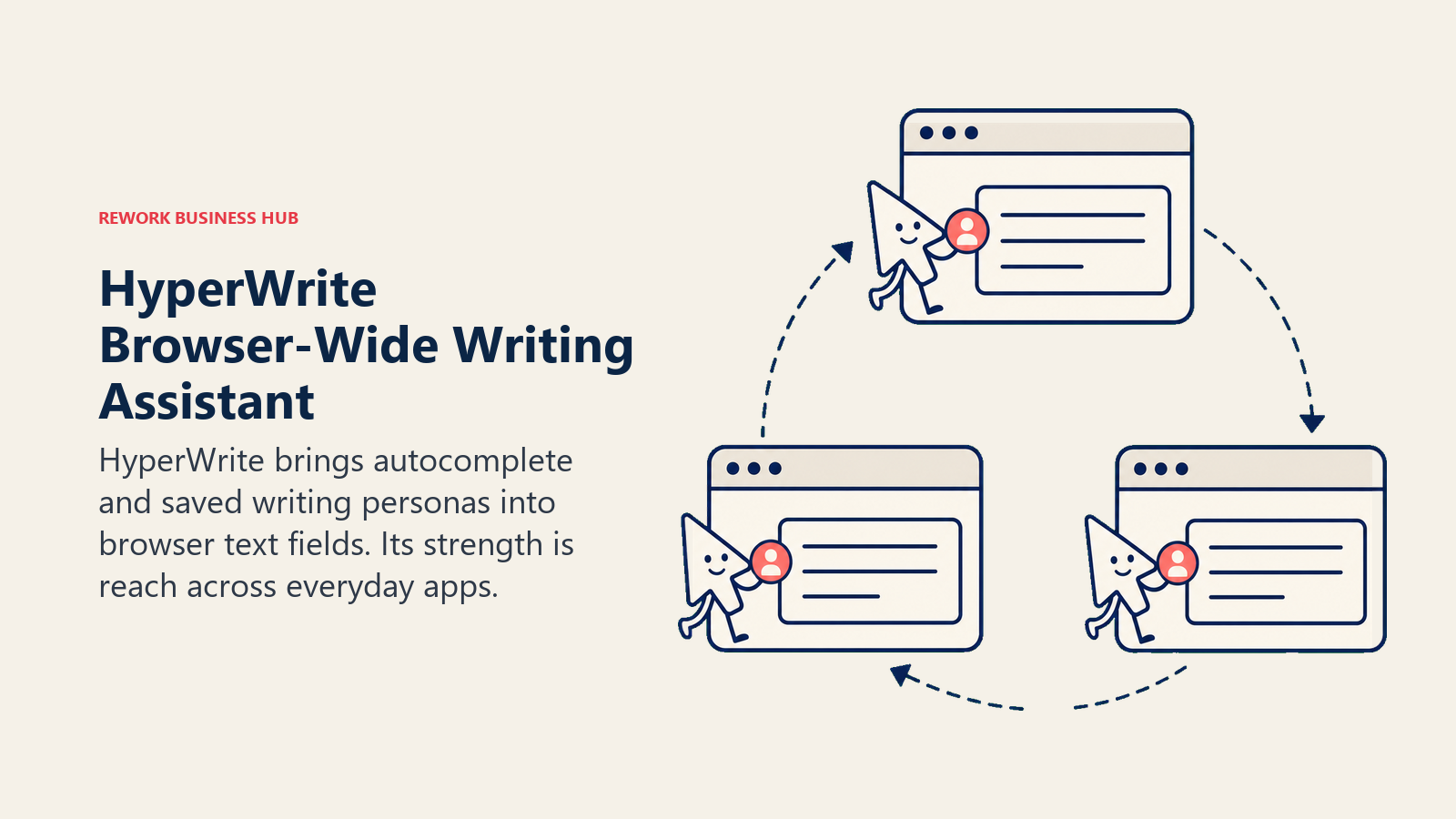
HyperWrite's differentiator is reach, not depth. Its TypeAhead feature autocompletes what you're writing inside any browser text box, from a LinkedIn message to a support ticket reply, and its custom Personas let you save a specific tone (formal, casual, a past manager's writing style) and apply it anywhere.
Best for: Individuals who want one lightweight AI assistant across every app they write in, not a dedicated platform for one task.
Key strengths:
- TypeAhead autocomplete works inside virtually any browser text field, not just a dedicated app
- Custom Personas save specific tones and writing styles for reuse
- Citations and real-time info on the Premium tier for fact-grounded drafts
Limitations:
- Free plan is limited to a small number of monthly credits
- Less capable than ChatGPT or Claude for long, complex documents
- Smaller ecosystem and fewer integrations than the business-focused tools on this list
Pricing: Free (limited monthly credits); Premium $19.99/mo ($16/mo annual, 250 AI messages/mo); Ultra $44.99/mo ($29/mo annual, unlimited messages), per HyperWrite's pricing page.
Standout use case: Drafting a quick, well-toned reply to a LinkedIn message or support ticket without opening a separate AI chat tab.
10. Rytr: The Budget Option for High-Volume Short-Form Copy
Rytr trades depth for price. At $9/mo for unlimited generation in one language, it's the cheapest genuinely usable AI writing subscription on this list, aimed at high-volume short-form work: product descriptions, social captions, ad variants.
Best for: Freelancers and small businesses producing high volumes of short-form copy on a tight budget.
Key strengths:
- Unlimited generation for $9/mo, the lowest price point on this list for unlimited use
- 20+ pre-set tones of voice for quick variety
- Chrome extension for writing directly inside other apps
Limitations:
- Output quality and nuance trail every other tool on this list for long-form work
- Unlimited tier is capped to one language; Premium ($29/mo) is needed for 35+ languages
- Not built for SEO research, brand governance, or long-form drafting
Pricing: Free (10,000 characters/mo); Unlimited $9/mo; Premium $29/mo, per Rytr's pricing page.
Standout use case: A freelancer churning out dozens of short product descriptions or ad variants a week on a minimal budget.
11. QuillBot: Fast, Natural Paraphrasing for Existing Drafts
QuillBot's paraphraser is its core product, and it's still one of the fastest, most natural-sounding rewrite tools on the market. Feed it a clunky sentence or paragraph and it returns several rewrite options in different tones almost instantly.
Best for: Anyone who needs to quickly rework existing sentences rather than generate new content from scratch.
Key strengths:
- Multiple paraphrase modes (Standard, Fluency, Formal, Creative) that genuinely read differently
- Built-in grammar checker and plagiarism checker on paid tiers
- Fast enough to use mid-draft, not just as a final pass
Limitations:
- Not a drafting tool; it rewrites what you already have rather than generating from a brief
- Free tier is limited to short passages
- Regional pricing means the exact monthly cost can vary by location
Pricing: Free tier; Premium $19.95/mo (monthly), $13.31/mo (quarterly), $8.33/mo (billed annually at $99.95/yr), per QuillBot's pricing page.
Standout use case: Reworking an awkward paragraph in a client email into three tonal variants in seconds before hitting send.
12. Wordtune: Sentence-Level Rewrites for Fast Editors
Wordtune occupies similar territory to QuillBot but leans more toward tone control: sliders for formal versus casual, and shorter versus longer, make it useful for anyone who needs to quickly match a specific voice rather than just fix grammar.
Best for: Non-native English writers or fast-moving professionals who need sentence-level tone adjustments without a full rewrite tool.
Key strengths:
- Tone sliders for formal/casual and shorter/longer rewrites
- Cheapest entry-level paid tier of any tool on this list at $4.89/mo annual
- Teams plan adds centralized billing for small groups
Limitations:
- Daily rewrite caps on Free and Advanced tiers can interrupt a long editing session
- Not built for first-draft generation, only sentence-level editing
- Less capable than Grammarly for structural or full-document feedback
Pricing: Free tier; Advanced $6.99/mo monthly ($4.89/mo annual); Unlimited $9.99/mo monthly ($6.99/mo annual); Teams $15.99/seat/mo monthly ($7.99/seat/mo annual), per Wordtune's pricing page.
Standout use case: A non-native English speaker fine-tuning sentence-level tone on an important email without needing a full AI drafting tool.
13. Sudowrite: Purpose-Built for Fiction and Long-Form Creative Work
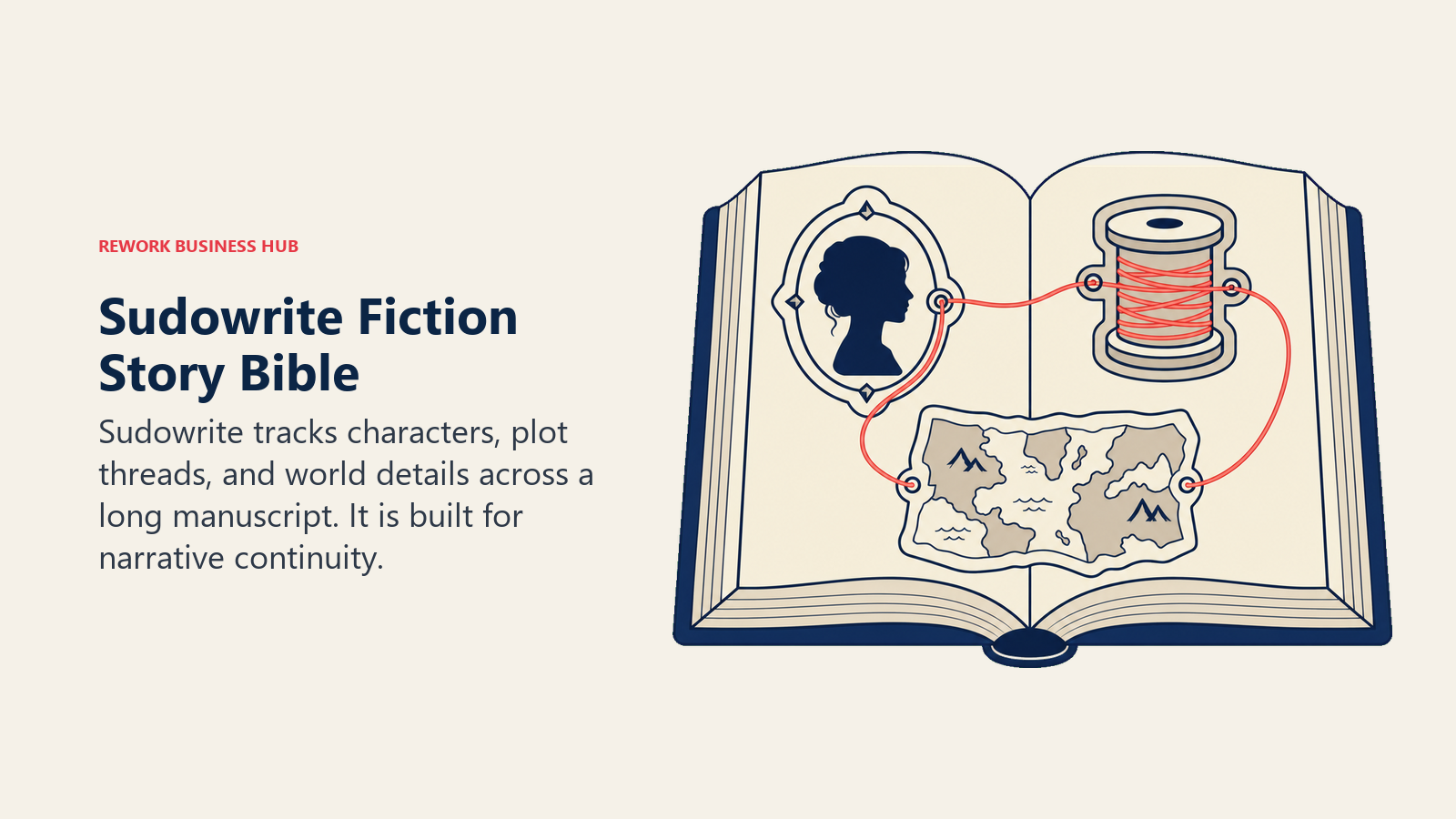
Sudowrite is the one tool on this list not built for business or marketing writing at all. It's designed specifically for novelists and long-form fiction writers, with a "Story Bible" feature that tracks characters, plot threads, and world details across an entire manuscript so the AI doesn't contradict itself 40 chapters in.
Best for: Fiction writers, novelists, and anyone drafting long-form narrative content that generic chatbots handle inconsistently.
Key strengths:
- Story Bible keeps character and plot details consistent across a full manuscript
- Muse, its custom creative model, is noticeably better at prose style than general chatbots
- Brainstorm and "describe" tools built specifically for fiction craft
Limitations:
- Not useful for business writing, marketing copy, or internal documentation
- Credit-based pricing means heavy users can burn through a plan faster than expected
- Smaller ecosystem and fewer integrations than the business-focused tools
Pricing: Hobby & Student $10/mo (annual, 225,000 credits); Professional $22/mo (annual, 1,000,000 credits); Max $44/mo (annual, 2,000,000 rollover credits), per Sudowrite's pricing page.
Standout use case: Keeping a novel's cast of characters and plot threads consistent while drafting across dozens of chapters.
Pricing at a Glance
| Tool | Free Tier | Entry Paid Tier | Top Individual/Team Tier |
|---|---|---|---|
| ChatGPT | Yes | Plus $20/mo | Business (custom) |
| Claude | Yes | Pro $20/mo ($17 annual) | Max 20x $200/mo |
| Grammarly | Yes | Pro $12/mo (annual) | Enterprise (custom) |
| Notion AI | Basic only | Plus $10/user/mo (annual) | Enterprise (custom) |
| Jasper | No | Pro $69/mo ($59 annual) | Business (custom) |
| Copy.ai | Yes | Chat $29/mo | Growth $1,000/mo |
| Writer | No | Team $18/seat/mo | Enterprise (custom) |
| Anyword | No | Starter $49/mo ($39 annual) | Enterprise (custom) |
| HyperWrite | Yes | Premium $19.99/mo ($16 annual) | Ultra $44.99/mo ($29 annual) |
| Rytr | Yes | Unlimited $9/mo | Premium $29/mo |
| QuillBot | Yes | Premium $8.33/mo (annual) | Premium $19.95/mo (monthly) |
| Wordtune | Yes | Advanced $4.89/mo (annual) | Teams $7.99/seat/mo (annual) |
| Sudowrite | No | Hobby $10/mo (annual) | Max $44/mo (annual) |
Decision Framework
| If you need... | Pick... | Why |
|---|---|---|
| One flexible tool for any writing task | ChatGPT or Claude | Broadest range, works for emails, reports, and drafts alike |
| Long documents that follow a detailed brief | Claude | Best instruction-following over long, detailed prompts |
| A final editing pass on any draft | Grammarly | Works everywhere you write, catches what drafting tools miss |
| Writing inside your team's existing docs | Notion AI | No context switching for teams already living in Notion |
| Brand-consistent marketing content at volume | Jasper | 50+ templates, persistent brand voice controls |
| Copy that needs to plug into your CRM | Copy.ai | Workflow automation connects content to sales records |
| Regulated or compliance-heavy content | Writer | Enforced terminology and style rules on every piece |
| Ad and landing copy ranked by predicted performance | Anyword | Scores variants before you spend a testing budget |
| A lightweight assistant across your whole browser | HyperWrite | TypeAhead works inside almost any text field |
| High-volume short-form copy on a tight budget | Rytr | Unlimited generation for $9/mo |
| Quick paraphrasing of a rough sentence | QuillBot | Fastest, most natural rewrite modes tested |
| Sentence-level tone fixes as a non-native writer | Wordtune | Formal/casual and shorter/longer sliders |
| Long-form fiction and creative writing | Sudowrite | Story Bible keeps a manuscript consistent |
| Published articles, blog posts, and SEO content | See our content writer guide | Best AI Tools for Content Writers covers SEO-specific tools like Surfer and Frase |
Related Reading
- Best AI Tools for Content Writers in 2026
- Best AI Tools in 2026: The Top 25 Across Every Category
- Claude vs ChatGPT vs Gemini: Which LLM Fits Your Business in 2026
- Jasper vs Copy.ai vs Writer: AI Writing Tools for Marketing Teams
- Best AI Tools for Digital Marketing in 2026
- Best AI Tools for Business Development in 2026
- Best Email Marketing Software in 2026
- Best Grammarly Alternatives
- AI Content Drafting Agent
- AI for Business: What It Actually Means
Methodology
Every tool on this list was evaluated on real writing jobs (business correspondence, marketing copy, long documents, editing, and creative work), not feature-sheet comparisons alone. Statistics cited above are pulled from Stanford's AI Index, Grammarly's Productivity Shift report, HubSpot's State of Marketing report, and a Semrush ranking study, each linked at first mention.
What to Do Next
Match the tool to the job, not the other way around. If you write emails and reports as part of a broader role, start with ChatGPT or Claude for drafting and Grammarly for the edit pass, that combination covers most business writing on its own. If your writing is marketing copy that needs to perform, add Anyword or Jasper. If you're a full-time content writer or SEO specialist, skip ahead to our content writer guide for tools built specifically for that workflow. Run whatever stack you land on for a month before adding anything else.

Principal Product Marketing Strategist
On this page
- What Changed in 2026
- Key Facts
- Quick Comparison Table
- How to Choose: By Writing Job
- How to Choose: By Who's Writing
- How to Choose: By Budget
- 1. ChatGPT: The Default Drafting Engine for Any Role
- 2. Claude: Best for Long Documents and Detailed Instructions
- 3. Grammarly: The Editing Layer Everyone Still Needs
- 4. Notion AI: Writing Where Your Team Already Works
- 5. Jasper: Brand-Voice Marketing Campaigns at Scale
- 6. Copy.ai: Copy That Connects to Your CRM and Sales Workflows
- 7. Writer: Governance and Compliance for Regulated Content
- 8. Anyword: Marketing Copy With a Predicted Performance Score
- 9. HyperWrite: A Personal Writing Assistant That Follows You Around the Browser
- 10. Rytr: The Budget Option for High-Volume Short-Form Copy
- 11. QuillBot: Fast, Natural Paraphrasing for Existing Drafts
- 12. Wordtune: Sentence-Level Rewrites for Fast Editors
- 13. Sudowrite: Purpose-Built for Fiction and Long-Form Creative Work
- Pricing at a Glance
- Decision Framework
- Related Reading
- Methodology
- What to Do Next