Best AI Image Generators in 2026: 13 Tools Ranked by Use Case
Turn this article into takeaways for your work.


Each assistant summarizes the article only for you and suggests best practices for your work.
The best AI image generator in 2026 depends entirely on the job: Midjourney still has the highest aesthetic ceiling for stylized visuals, Adobe Firefly is the safest choice for commercial work inside an existing Creative Cloud workflow, Ideogram is the only tool that reliably gets text and typography right, and Recraft is the one that hands you an editable vector file instead of a flat PNG. This guide ranks 13 tools by the job you're hiring them for, not by a single "best overall" score, because that score changes depending on whether you need a hero image, a logo, or a product mockup.
Every tool below was evaluated on output quality, commercial licensing clarity, and pricing transparency, not marketing claims. Where a tool changed meaningfully in the last few months (OpenAI retiring DALL-E 3 from its API, Freepik's rebrand to Magnific, Google's Gemini pricing restructure), that shift is called out below so you don't plan around a tier or product name that no longer exists.
Updated July 2026: What Changed
- DALL-E 3 was retired from OpenAI's API on May 12, 2026. It's been replaced by the GPT Image family (GPT Image 1.5, GPT Image 2). ChatGPT's built-in image generator, which most people still call "DALL-E," now runs on GPT Image under the hood, not the original DALL-E 3 model.
- Freepik rebranded its entire platform to Magnific in April 2026, folding its stock-asset library into the AI generation and upscaling suite it acquired in 2024.
- Adobe ran a limited "unlimited generations" promotion on Firefly Pro and Premium plans from February through mid-March 2026, a preview of where subscription pricing in this category may be heading as compute costs fall.
- Google restructured its AI subscription tiers, cutting the AI Ultra entry price from $249.99 to $99.99/month while keeping AI Pro at $19.99/month, both of which now bundle Imagen access.
Key Facts
- The global AI image generator market is valued at $484.29 million in 2026 and is projected to reach $1.75 billion by 2034, a compound annual growth rate of 17.4%, per Fortune Business Insights.
- 97% of marketing leaders now use AI in their daily creative work, and 49% specifically use AI every day for image and video generation, per Canva's State of Marketing and AI Report 2026, based on a global survey of 1,415 marketing leaders.
- 88% of organizations now use AI in at least one business function, up from 72% in 2024, and 79% use generative AI specifically, according to McKinsey's Global AI Survey.
Quick Comparison Table
Use this table to narrow the field before comparing individual tools in detail.
| Tool | Best For | Starting Price | Key Strength | Key Limitation |
|---|---|---|---|---|
| Midjourney | Highest-ceiling stylized and artistic visuals | $10/mo (Basic) | Best-in-class artistic quality and style control | No free trial; weaker native text rendering |
| Adobe Firefly | Commercially safe images inside Adobe workflows | $9.99/mo (Standard) | Trained on licensed content; deep Photoshop/Illustrator integration | Less stylistically striking than Midjourney |
| DALL-E 3 / GPT Image (ChatGPT) | Quick images inside an existing ChatGPT session | Bundled in ChatGPT Plus $20/mo | Zero tool-switching cost for ChatGPT users | A bundled feature, not a dedicated creative tool |
| Google Imagen | Google Workspace and Vertex AI-native teams | $19.99/mo (Google AI Pro, bundled) | Deep Gemini and Google Cloud integration | Full control needs Vertex AI / API setup |
| Ideogram | Accurate text and typography inside images | Weekly free credits; Plus $15/mo annual or $20 monthly | Best native text rendering in the category | Weaker for photorealistic people and products |
| Recraft | Editable vector (SVG) brand assets and icons | Free; Basic $10/mo | Only major tool exporting production-ready SVG | Vector export locked to the $48/mo Pro tier |
| Leonardo AI | Game assets, characters, fine-tuned custom models | Free; Apprentice $12/mo | Deep control tools and custom model training | Steeper learning curve than a plain prompt box |
| Flux (Black Forest Labs) | Developers embedding generation into their own product | Pay-per-megapixel from about $0.01/MP | Open-weight models; powers several other tools here | No polished consumer app; API/developer-first |
| Stable Diffusion (Stability AI) | Self-hosting for cost control and data privacy | Free (self-hosted); DreamStudio $10/mo | Open license; runs entirely on your own infrastructure | Hosted UI trails Midjourney and Firefly on polish |
| Freepik AI (Magnific) | Stock assets plus multiple AI models in one subscription | Free; Premium $20/mo | Bundles top third-party models with a stock library | Not one opinionated best-in-class model |
| Canva (Magic Media) | Dropping an AI image into a design, deck, or post | Free; Pro ~$15/mo | Zero context-switching for existing Canva users | Shared AI credit pool burns fast across features |
| Krea AI | Real-time generation and rapid visual ideation | Free; Basic $9/mo | See the image change live as you type or draw | Better for exploration than one-shot final assets |
| Reve | Prompt-following and layout accuracy at a lower price | Free; Lite $7.99/mo | Strong text placement and multi-object composition | Newest entrant; smaller integration ecosystem |
Which Job Are You Hiring an Image Generator For?
Most teams pick an image generator the way they pick a chatbot: they grab whichever one is trending and hope it fits. That's backward. Start with the actual job.
| If your job is... | Start with | Why |
|---|---|---|
| Concept art or a stylized marketing hero image | Midjourney | Highest aesthetic ceiling; strongest style control |
| Commercially safe stock-style imagery inside Adobe apps | Adobe Firefly | Trained on licensed and public-domain content |
| A quick image without leaving ChatGPT | DALL-E 3 / GPT Image | Already bundled into ChatGPT Plus |
| Generation tied to Google Workspace or Vertex AI | Google Imagen | Native Gemini and Google Cloud integration |
| A poster, logo, or graphic with legible text | Ideogram | Best native text rendering in the category |
| An editable vector logo or icon set | Recraft | Only major tool with true SVG export |
| Game assets or a consistent character across scenes | Leonardo AI | Fine-tuned custom models, character reference tools |
| Embedding generation into your own product | Flux (Black Forest Labs) | Open-weight API built for developers |
| Self-hosted generation for privacy or fine-tuning | Stable Diffusion | Open license; runs on your own GPUs |
| Stock photos and AI generation in one place | Freepik AI (Magnific) | Bundles a stock library with several AI models |
| A social post or deck image without switching tools | Canva (Magic Media) | Built into the design editor you already use |
| Fast visual exploration before you commit to a direction | Krea AI | Real-time generation as you type or sketch |
| Precise text placement and multi-object layouts | Reve | Layout-first model with strong prompt-following |
Commercial Use and Copyright Safety
This is the table most buying guides skip, and it's the one that matters most once an image leaves a Slack channel and ends up in a paid ad or a client deck. Every generator's training data and licensing terms differ, and the gap between "safe to publish" and "legal exposure" is wider than most teams assume.
| Tool | Training Data Stance | Commercial License | Watch-Out |
|---|---|---|---|
| Midjourney | Broad web-scraped training (undisclosed dataset) | Included on all paid plans | Companies over $1M annual revenue must use the Pro or Mega tier |
| Adobe Firefly | Trained on Adobe Stock, licensed, and public-domain content | Included; Adobe offers IP claims coverage on Firefly-model output for eligible customers | Coverage applies to Firefly's own models, not every partner model available in the app |
| DALL-E 3 / GPT Image | OpenAI-trained (dataset not fully disclosed) | Included in usage terms | Stronger enterprise indemnification typically requires an OpenAI Business or Enterprise agreement, not ChatGPT Plus |
| Google Imagen | Google-trained (dataset not fully disclosed) | Included via Google Cloud terms | Consumer Gemini app terms differ from Vertex AI enterprise terms |
| Ideogram | Web-scraped training (undisclosed dataset) | Requires a paid plan | Free-tier generations are public, not licensed for commercial use |
| Recraft | Mixed licensed and web-scraped training | Full commercial and vector rights unlock on the Pro tier | Free and Basic tiers restrict full commercial rights |
| Leonardo AI | Web-scraped plus community fine-tuned models | Private generations only on paid plans | Community-shared fine-tuned models can carry unclear rights of their own |
| Flux (Black Forest Labs) | Open-weight, mixed training sources | Depends on license tier (open vs. commercial API) | Self-hosting an open-weight checkpoint shifts legal review onto your team |
| Stable Diffusion | Open-weight, web-scraped lineage | Depends on the specific model version's license | Self-hosted use means you own the compliance review, not Stability AI |
| Freepik AI (Magnific) | Mix of licensed stock and third-party models | Commercial license included on paid plans | Licensing terms shift depending on which underlying model generated the image |
| Canva (Magic Media) | Canva-trained plus partner models | Included in Canva's content license terms | Same underlying-model caveat as Freepik applies |
| Krea AI | Mixed third-party model access | Commercial use included on paid plans | Same underlying-model caveat applies |
| Reve | Reve-trained (dataset not fully disclosed) | Included in paid plans | Newest model on this list; less legal precedent than incumbents |
If your team publishes AI-generated images in paid advertising or client-facing work, read the vendor's indemnification terms before you standardize on a tool, not after legal asks about it.
Sizing and Persona Table
| Tool | Ideal Team Size | Primary Buyer / User |
|---|---|---|
| Midjourney | 1-50, creative and marketing teams | Creative Director, Brand Designer, Marketer |
| Adobe Firefly | 5-500+, any team already on Creative Cloud | Brand Designer, Marketing Ops, Enterprise Legal/Brand |
| DALL-E 3 / GPT Image | 1-200, any existing ChatGPT user | Content Marketer, Founder, Generalist |
| Google Imagen | 10-500+, Google Workspace shops | Developer, Marketing Ops, IT |
| Ideogram | 1-50 | Graphic Designer, Social Media Manager |
| Recraft | 1-100 | Brand Designer, In-house design team |
| Leonardo AI | 1-50 | Game Developer, Concept Artist, Creative Technologist |
| Flux (Black Forest Labs) | Developer teams of any size | Engineering, AI/ML Product Team |
| Stable Diffusion | 5-500+, technical teams | ML Engineer, IT/Data Privacy Lead |
| Freepik AI (Magnific) | 1-100 | Content Marketer, Social Media Manager, Agency |
| Canva (Magic Media) | 1-200 | Marketing Generalist, Small Business Owner |
| Krea AI | 1-50 | Designer, Creative Technologist |
| Reve | 1-50 | Content Marketer, Designer |
1. Midjourney: Highest-Ceiling Stylized and Artistic Output
Midjourney's product philosophy hasn't changed since it left beta: chase the highest possible aesthetic quality, even at the cost of a clunky Discord-first workflow. That bet still pays off. For concept art, marketing key visuals, and anything where a striking, stylized look matters more than pixel-perfect editability, Midjourney remains the tool other generators get compared against.
All paid tiers now include unlimited Relax Mode generation above the Basic plan, and Stealth Mode (private generations, useful for unreleased campaigns or product work) unlocks at the $60/month Pro tier. The web app has closed most of the usability gap with Discord, so new users no longer need to learn slash commands to get started.
The limitation is equally consistent: there's no free trial to test fit before paying, and the tool still trails Ideogram and Recraft on rendering legible text inside an image, so posters, packaging mockups, and anything with a headline baked into the visual usually need a different tool.
| What you get | What you don't |
|---|---|
| Highest aesthetic ceiling of any mainstream generator | No free trial since 2023 |
| Unlimited Relax Mode on Standard, Pro, and Mega plans | Weak native text rendering inside images |
| Stealth Mode for private generations (Pro and Mega) | Discord-native roots still show in some workflows |
| Strong style consistency across a generation series | Companies earning $1M+/year must use Pro or Mega |
Pricing: Basic $10/mo, Standard $30/mo, Pro $60/mo, Mega $120/mo (roughly 20% cheaper billed annually). Additional Fast GPU hours cost $4 each.
Best for: Creative and marketing teams producing stylized hero images, concept art, and campaign visuals where aesthetic quality outweighs editability.
2. Adobe Firefly: Commercially Safe Images Inside Adobe Workflows
Adobe built Firefly around a single differentiator: train it only on licensed Adobe Stock content and public-domain material, so enterprise customers can use the output without the copyright exposure that comes with a web-scraped dataset. That bet is why Firefly is the default answer whenever a legal or brand team asks "is this safe to publish."
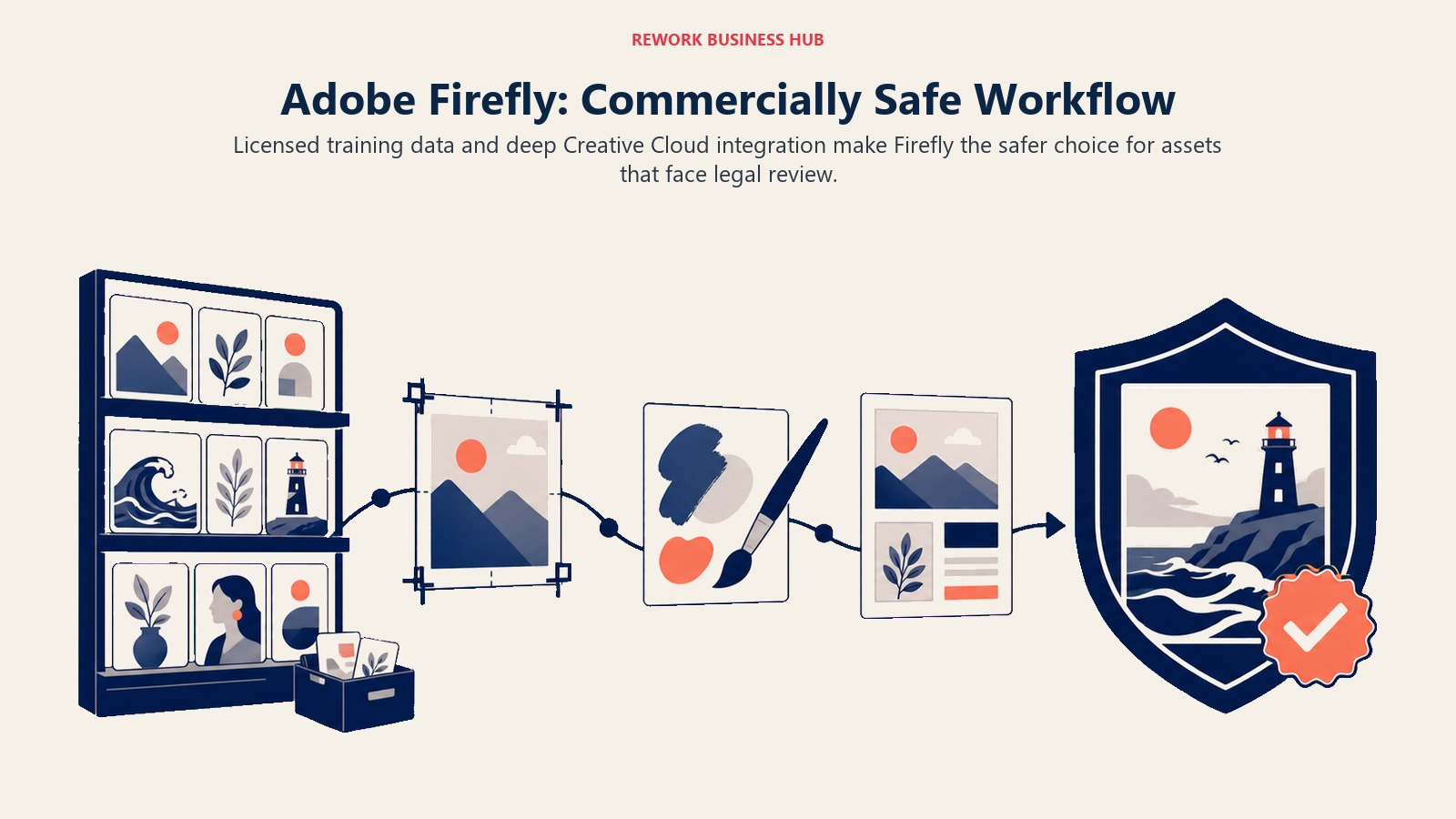
The 2026 update folded several third-party models (Google's Nano Banana Pro, OpenAI's GPT Image, Runway's Gen-4 Image) directly into the Firefly app alongside Adobe's own models, so users get model choice without leaving the commercially-safe wrapper Adobe provides for its own generations. Deep integration into Photoshop, Illustrator, and Express means most Creative Cloud subscribers already have Firefly credits (500-1,000/month) bundled into a plan they're paying for anyway.
The honest tradeoff: Firefly's own model is more conservative and less painterly than Midjourney's, which is by design, not a bug. Teams chasing maximum stylistic range still reach for Midjourney or Leonardo AI first and use Firefly for the assets that need to survive legal review.
| What you get | What you don't |
|---|---|
| Trained on licensed and public-domain content only | Firefly's own model is less stylistically striking than Midjourney |
| Deep Photoshop, Illustrator, and Express integration | IP coverage applies to Firefly models, not every partner model in the app |
| Third-party models (Nano Banana Pro, GPT Image) built in | Standalone plans mostly worth it only outside Creative Cloud |
| Unlimited standard generations on paid tiers | Premium features (video, translation) still draw from a credit pool |
Pricing: Free (25 credits/mo); Standard $9.99/mo (2,000 credits); Pro $19.99/mo (4,000 credits); Premium $199.99/mo (50,000 credits).
Best for: Enterprise marketing and brand teams that need commercially safe imagery and already run on Adobe Creative Cloud.
3. DALL-E 3 / GPT Image: Convenience Inside an Existing ChatGPT Session
DALL-E 3's story in 2026 is really a story about its replacement. OpenAI pulled DALL-E 3 from its API on May 12, 2026, in favor of the GPT Image family, and ChatGPT's built-in generator, still called "DALL-E" by most users out of habit, now runs on GPT Image 1.5 (and increasingly GPT Image 2) under the hood.
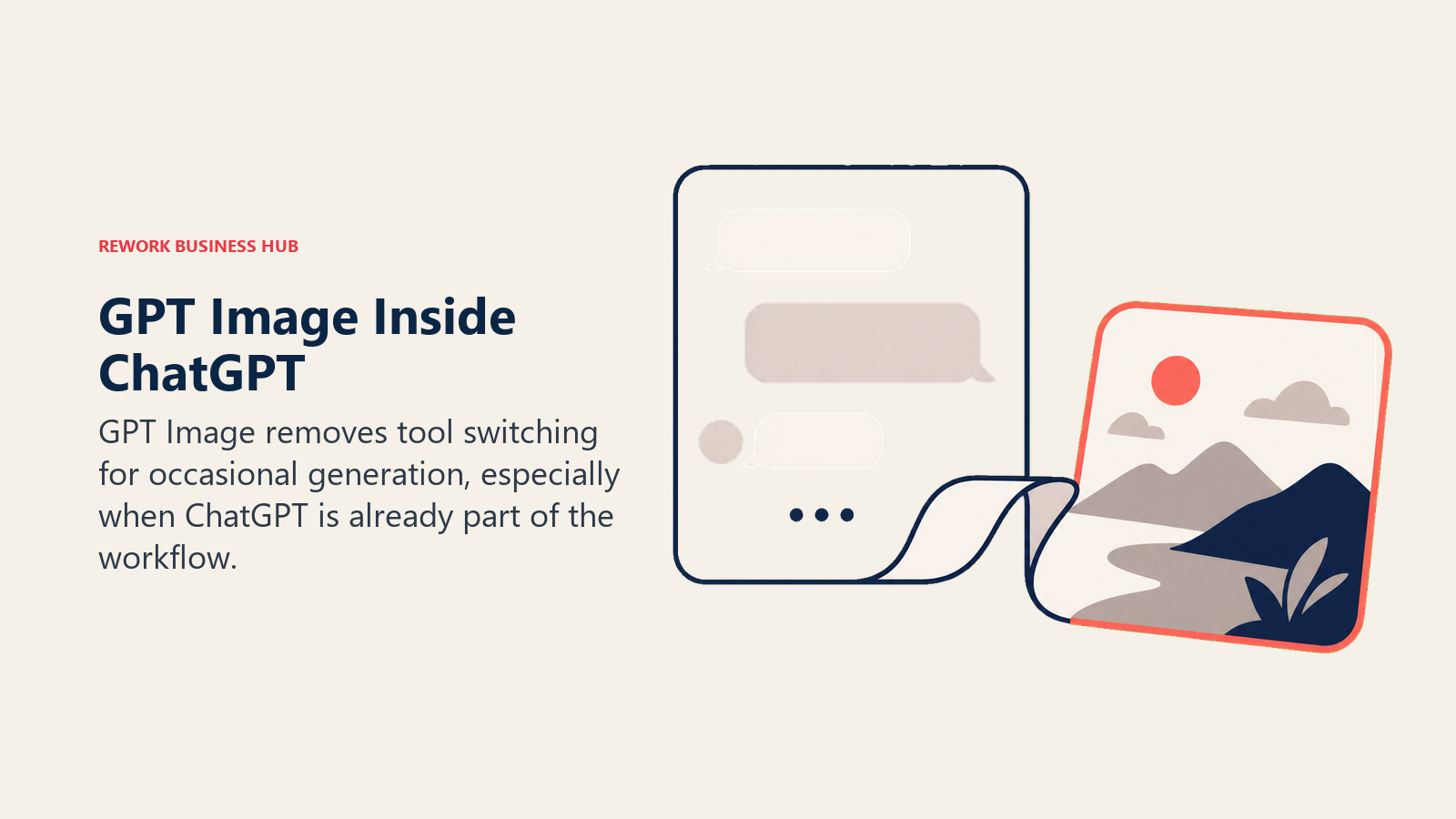
The value proposition hasn't changed even though the model has: if you're already mid-conversation in ChatGPT and need a supporting image, there's no tool-switching cost. ChatGPT Plus bundles roughly 50 image generations per 3-hour window through GPT Image 1.5, which covers casual and occasional use without a separate subscription.
It's not the strongest generator on pure image quality against Midjourney, Firefly, or Ideogram, and API pricing for the GPT Image family (roughly $0.005 to $0.25 per image depending on model tier and resolution) is more complex than a flat per-image rate. For teams that generate images occasionally rather than as a core workflow, bundling it into a ChatGPT subscription they already pay for makes it close to free.
| What you get | What you don't |
|---|---|
| Zero tool-switching cost inside an existing ChatGPT session | Not the strongest generator on pure image quality |
| Bundled into ChatGPT Plus at no extra charge | DALL-E 3 itself is retired; branding lags the underlying model |
| GPT Image API available for developers who need more control | API pricing varies by quality tier, harder to budget than a flat rate |
| Fast, no separate account needed | Weaker style consistency across a series than Midjourney |
Pricing: Bundled in ChatGPT Plus ($20/mo); GPT Image API from roughly $0.005 to $0.25 per image depending on model and quality tier.
Best for: Teams already paying for ChatGPT who need occasional supporting images without adding another subscription.
4. Google Imagen: Google Workspace and Vertex AI-Native Teams
Google's image generation strategy runs through two tracks: Imagen 4 as a developer-facing model on Vertex AI and the Gemini API, and Nano Banana Pro as the consumer-facing generator bundled into the Gemini app. For teams already standardized on Google Workspace or building on Google Cloud, that dual approach removes a vendor from the stack rather than adding one.
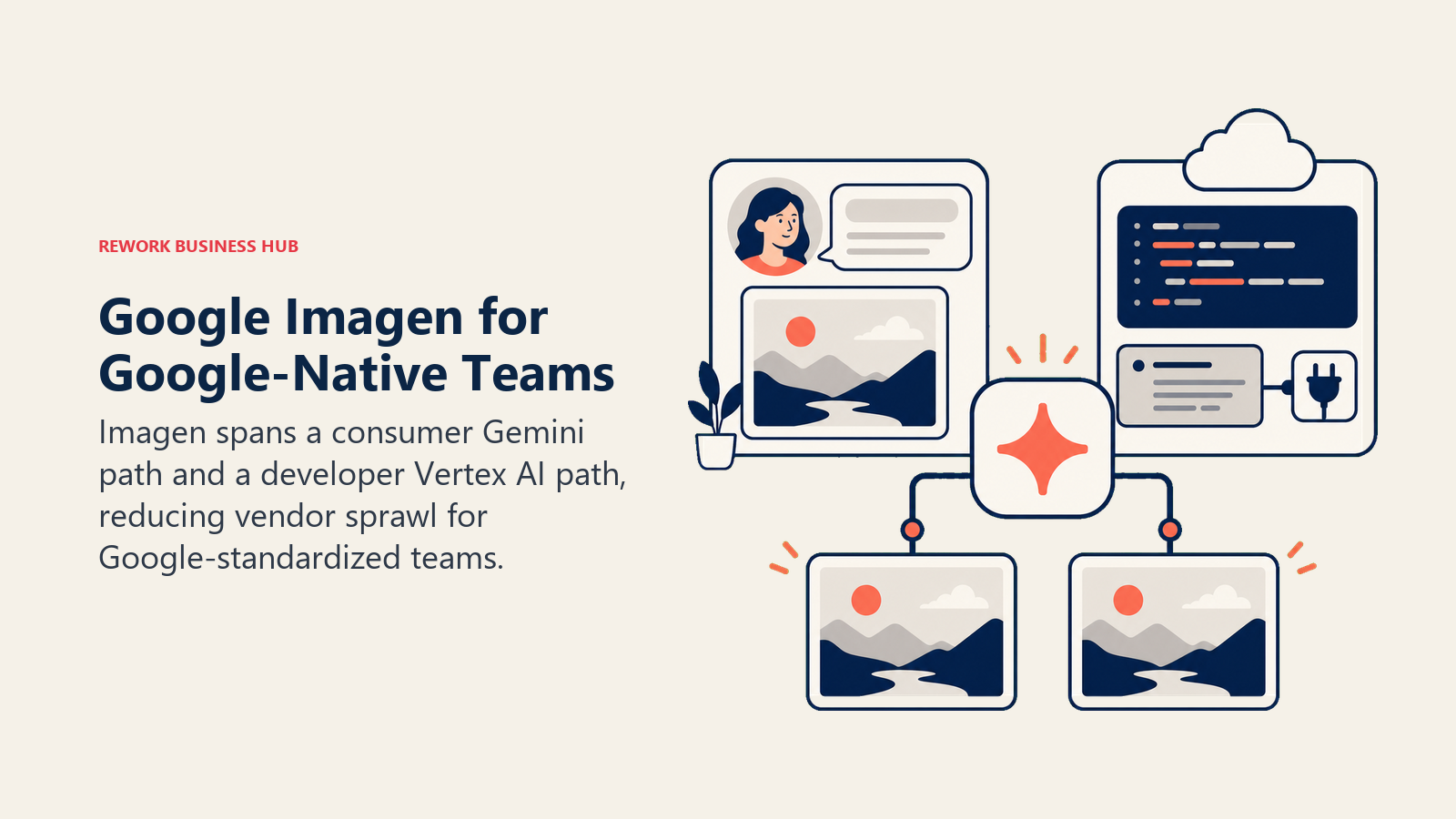
Google restructured its consumer AI pricing in 2026, cutting the AI Ultra entry price from $249.99 to $99.99/month while holding AI Pro at $19.99/month. AI Pro subscribers get roughly 100 Nano Banana Pro images per day (about 3,000/month), while AI Ultra raises that to 1,000/day, both of which are generous compared to a dedicated image-generator subscription at a similar price.
The limitation shows up for teams outside the Google ecosystem: getting fine-grained control over Imagen means working through Vertex AI or the Gemini API directly, which is a developer workflow, not a consumer app. Teams that just want a polished standalone generator will find Midjourney or Adobe Firefly friendlier to start with.
| What you get | What you don't |
|---|---|
| Native Gemini and Google Cloud / Vertex AI integration | Full control requires API or Vertex AI, not a simple consumer app |
| Generous daily image allowance bundled into Google AI Pro | Less differentiated stylistically outside Google's ecosystem |
| Imagen 4 Fast, Standard, and Ultra tiers for cost control on the API | Consumer and enterprise (Vertex) terms and pricing differ |
| Tightly priced entry tier ($19.99/mo) relative to bundled volume | Not built as a standalone creative app |
Pricing: Imagen 4 API from $0.02/image (Fast) to $0.06/image (Ultra); consumer access bundled in Google AI Pro ($19.99/mo) or AI Ultra ($99.99/mo).
Best for: Google Workspace-native teams and developers building generation directly into products on Google Cloud.
5. Ideogram: Best-in-Class Text and Typography Inside Images
Ideogram was built to fix the one thing every other generator on this list still struggles with: rendering legible, accurate text inside a generated image. Posters, packaging mockups, social graphics with a headline, and logo concepts all need text that doesn't come out as garbled pseudo-lettering, and Ideogram is consistently the most reliable option for that specific job.
The free tier is genuinely usable for testing fit: 10 prompts a day translates to roughly 40 images given the default 4-variation output. Moving to a paid plan unlocks private generations (free-tier output is public by default), upscaling, API access, and the full style library.
The honest limitation is scope: Ideogram is a graphic-design and typography specialist, not a photorealism generalist. For product photography or lifelike portraits, Midjourney, Adobe Firefly, or Google Imagen produce more convincing results.
| What you get | What you don't |
|---|---|
| Best native text rendering of any mainstream generator | Weaker for photorealistic people and product shots |
| Weekly free credits for eligible accounts | Free-tier generations are public, not commercially licensed |
| API access and full style library on paid plans | Commercial licensing requires a paid subscription |
| Fast generation speed relative to competitors | Narrower use case than a general-purpose generator |
Pricing: Weekly free credits for eligible accounts; Plus $20/mo monthly or $15/mo billed annually (2,400 priority credits); Pro $60/mo monthly or $42/mo billed annually (7,500 priority credits); Team $30/user monthly or $20/user annually. Source: ideogram.ai/pricing.
Best for: Designers and marketers producing posters, packaging, social graphics, or any asset where the text inside the image has to be correct.
6. Recraft: Editable Vector Brand Assets, Not Just Flat Images
Recraft solves a problem most image generators ignore entirely: everything else on this list outputs a flat raster file, but a logo, icon set, or brand mark usually needs to be an editable vector. Recraft generates true SVG output that opens cleanly in Illustrator or Figma, which makes it the only tool here that produces genuinely production-ready brand assets instead of a PNG someone still has to trace by hand.
The free tier (50 credits/day) is enough to test the vector workflow before committing. Moving up the tiers increases the credit pool substantially: Basic ($10/mo, 1,000 credits), Advanced ($27/mo, 4,000 credits), and Pro ($48/mo, 8,400 credits), with the Pro tier specifically required to unlock SVG export and full commercial rights.
The tradeoff is stylistic range. Recraft leans hard into graphic design, icons, and vector illustration; it's not the tool to reach for when the job calls for painterly or photorealistic output, where Midjourney and Adobe Firefly still lead.
| What you get | What you don't |
|---|---|
| True SVG vector export, not just raster PNGs | Full commercial and vector rights locked to the $48/mo Pro tier |
| Strong icon, logo, and graphic-design output | Weaker for photorealistic or painterly styles |
| Generous free tier for testing (50 credits/day) | Team pricing not publicly disclosed; requires contacting sales |
| Credit pool scales cleanly across four individual tiers | Less brand recognition than Midjourney or Adobe among non-designers |
Pricing: Free (50 credits/day); Basic $10/mo (1,000 credits); Advanced $27/mo (4,000 credits); Pro $48/mo (8,400 credits, unlocks SVG export).
Best for: In-house design teams and brand designers who need editable vector logos, icons, and graphic assets, not just flat images.
7. Leonardo AI: Game Assets, Characters, and Fine-Tuned Custom Models
Leonardo AI grew out of the game-development community, and that lineage still shows in what it does best: consistent character generation across scenes, fine-tuned custom models trained on a specific art style, and control tools (reference images, style transfer) that go deeper than a plain text prompt. For studios and creative teams that need the same character or brand mascot to look right across dozens of generations, Leonardo's toolset is built for exactly that.
The free tier is one of the most generous in the category: 150 tokens per day, enough for roughly 30-50 standard images depending on settings, and free-tier users don't lose access when the daily pool runs out, they drop into a slower Relaxed Generation mode instead of hitting a hard wall.
The tradeoff is complexity. Leonardo's depth of controls (ControlNet-style guidance, motion tools, custom model training) has a real learning curve compared to a single prompt box, which makes it a better fit for teams with a dedicated creative technologist than for occasional users.
| What you get | What you don't |
|---|---|
| Consistent character generation across multiple scenes | Steeper learning curve than a simple prompt-only tool |
| Fine-tuned custom model training | Free-tier generations are public |
| Generous free tier (150 tokens/day) with graceful fallback | Community fine-tuned models can carry unclear licensing |
| Strong fit for game and concept art pipelines | Less mainstream brand recognition outside game/creative circles |
Pricing: Free (150 tokens/day); Apprentice $12/mo ($10/mo annual); Artisan $30/mo ($24/mo annual); Maestro $60/mo ($48/mo annual).
Best for: Game studios, concept artists, and creative teams that need consistent characters and fine-tuned custom models, not just one-off images.
8. Flux (Black Forest Labs): Open-Weight Models for Developers
Flux isn't a consumer app; it's the open-weight model family that several other tools on this list (Freepik, Krea, and others) license and wrap in their own interfaces. Black Forest Labs, founded by former Stability AI researchers, sells API access and open model weights directly to developers who want to embed generation into their own product rather than send users to a third-party site.
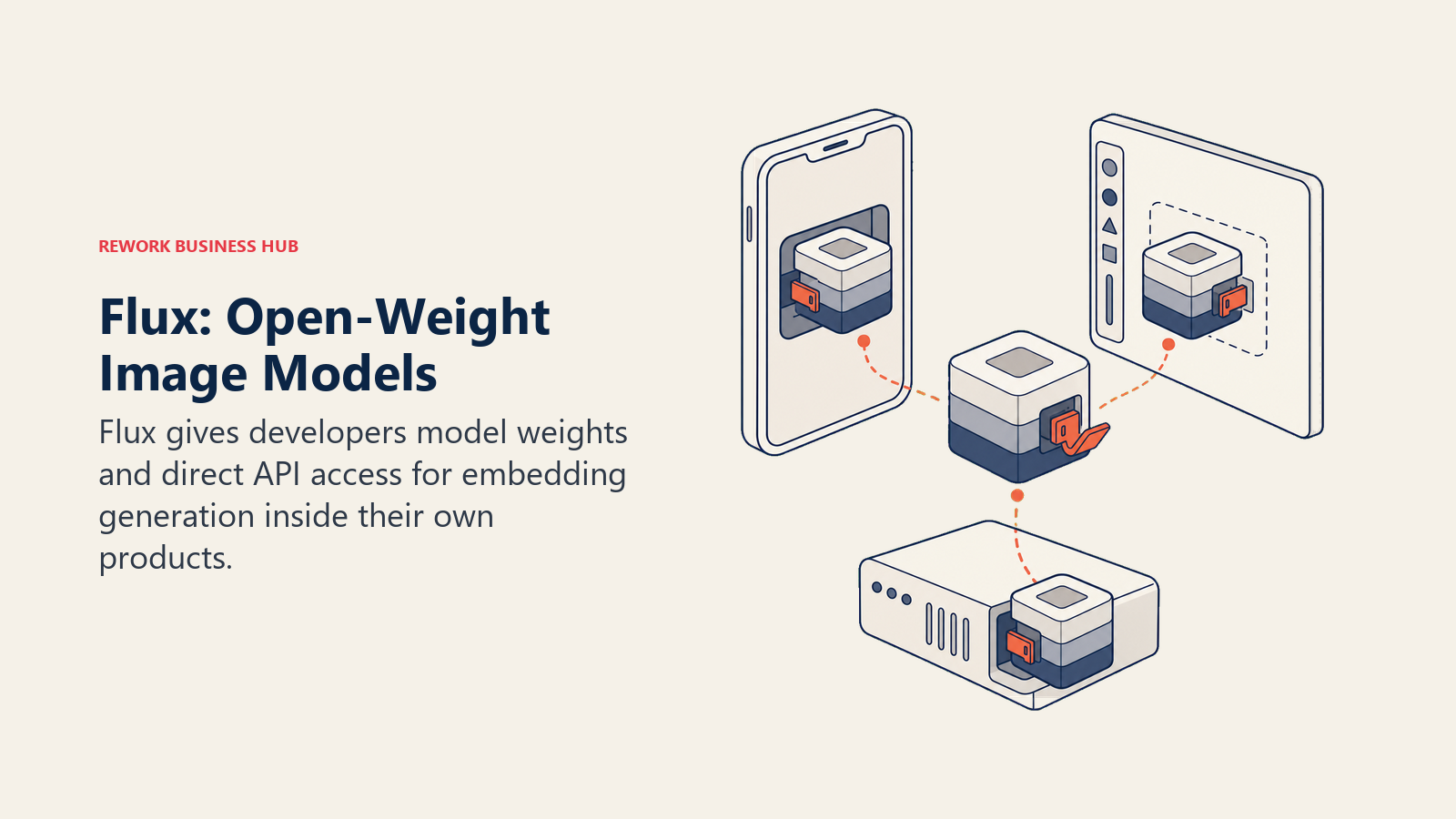
Pricing is pay-per-megapixel and scales with both model tier and output resolution: FLUX.2 [klein] (the fastest, cheapest tier) starts at $0.014 for the first megapixel, FLUX.2 Pro runs $0.03 for the first megapixel, and FLUX.2 [max] (the top tier) starts at $0.07 per megapixel. A standard 1,024x1,024 image costs roughly $0.03 across most tiers; a production run of 1,000 standard images costs about $30 at direct API rates.
The obvious tradeoff: there's no polished, ready-to-use consumer app here. Non-technical buyers who just want to type a prompt and get an image should use one of the tools that already wraps Flux (or another model) in a finished interface, like Freepik or Krea, rather than going to Black Forest Labs directly.
| What you get | What you don't |
|---|---|
| Open-weight models, some available for self-hosting | No consumer-facing app; API and developer tools only |
| Powers the generation layer inside several other tools here | Requires engineering resources to integrate |
| Transparent, predictable per-megapixel pricing | No bundled subscription tier for casual use |
| Multiple model tiers to balance cost against quality | Not a fit for non-technical marketing or design teams |
Pricing: Pay-per-megapixel, from about $0.014/MP (FLUX.2 klein) to $0.07/MP (FLUX.2 max); a standard image costs roughly $0.03.
Best for: Engineering and product teams building AI image generation directly into their own application rather than buying a finished tool.
9. Stable Diffusion (Stability AI): Self-Hosted Generation for Cost and Privacy Control
Stable Diffusion's differentiator hasn't changed since it first launched: the model weights are open, which means a technical team can run generation entirely on its own infrastructure instead of sending every prompt to a third-party server. For teams with data privacy requirements, a need to fine-tune on proprietary product imagery, or simply enough generation volume that self-hosting is cheaper than a subscription, that option doesn't exist with Midjourney, Firefly, or most of the tools on this list.
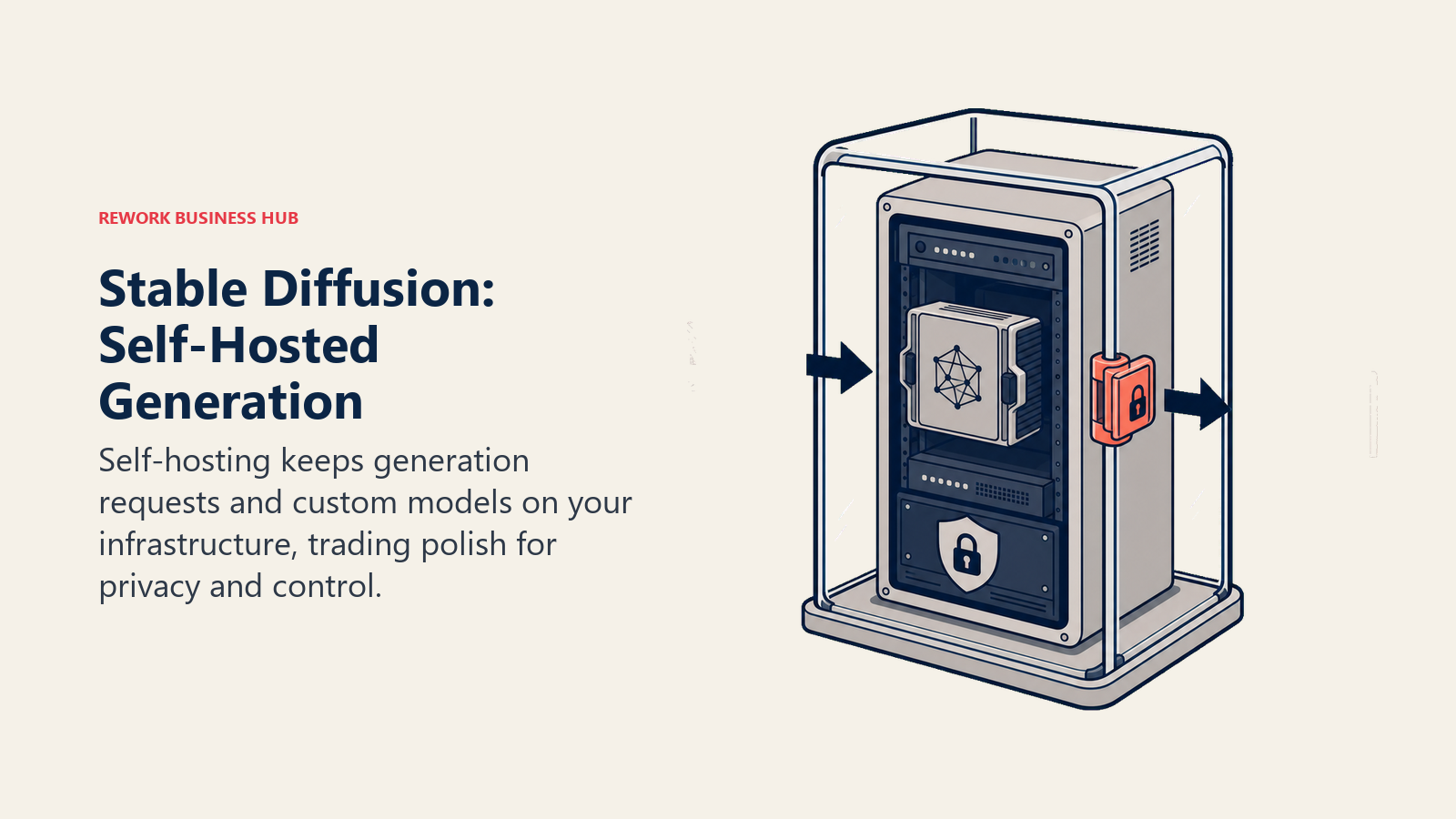
Stability AI's hosted product, DreamStudio, offers a managed alternative for teams that don't want to run their own GPUs: a $10/month subscription or pay-as-you-go credits ($10 buys 1,000 credits, roughly $0.01 each). Generation costs vary by model, from $0.03 per image on the cheapest Stable Image Core tier up to $0.08 on Stable Image Ultra.
The honest tradeoff is polish. DreamStudio's hosted interface trails Midjourney and Adobe Firefly on ease of use, and getting real value from Stable Diffusion, fine-tuning, custom checkpoints, self-hosted deployment, requires ML engineering resources most marketing teams don't have in-house.
| What you get | What you don't |
|---|---|
| Open-weight models, free to self-host on your own GPUs | Hosted UI (DreamStudio) trails Midjourney and Firefly on polish |
| Full control over fine-tuning and custom checkpoints | Self-hosting requires real ML engineering resources |
| No per-image cost once running on your own infrastructure | Licensing terms vary by specific model version |
| Pay-as-you-go hosted option for teams that don't want to self-host | Compliance and legal review falls on your team, not Stability |
Pricing: Free to self-host; DreamStudio $10/mo subscription, or pay-as-you-go from $0.03/image (Core) to $0.08/image (Ultra).
Best for: Technical teams that want to self-host generation for cost control, data privacy, or fine-tuning on proprietary imagery.
10. Freepik AI (Magnific): Stock Assets Plus Multiple AI Models in One Subscription
Freepik rebranded to Magnific in April 2026, merging its long-running stock-photo and vector library with the Magnific AI upscaler it acquired in 2024 and a full generation suite. The resulting product philosophy is aggregation: instead of betting on one proprietary model, Magnific gives subscribers access to roughly ten different image models, including Nano Banana 2, Flux.2 Pro, Seedream 5.0 Lite, and Kling, alongside millions of licensed stock assets, in a single subscription.
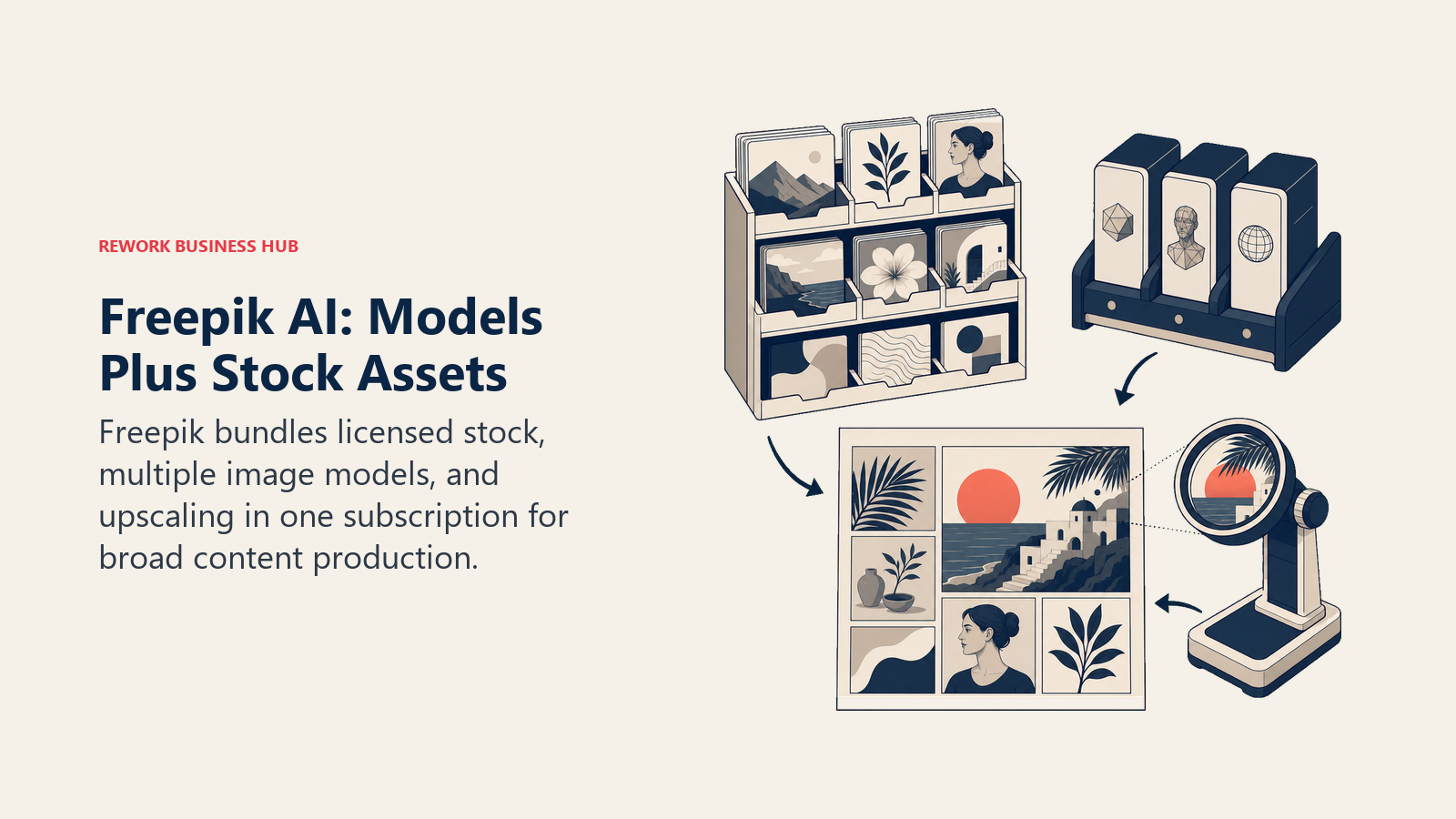
For content and social teams that don't want to manage separate accounts for a stock library and an AI generator, that bundling is the appeal. On the Premium+ and Pro tiers, a set of top-tier models generate without consuming credits at all, which changes the math significantly for high-volume users compared to a pure per-credit pricing model.
The tradeoff is focus. Magnific isn't optimizing one model to be the best at anything specific; it's optimizing access and breadth. Teams that want one opinionated, best-in-class generator are better served going directly to Midjourney, Ideogram, or Recraft for their specific strength.
| What you get | What you don't |
|---|---|
| Stock photo and vector library bundled with AI generation | Not one opinionated best-in-class model |
| Access to roughly 10 third-party models in one subscription | Premium pricing tiers ($280/mo for Pro) get expensive fast |
| Several top-tier models generate without consuming credits | Licensing terms vary by which underlying model you use |
| Business tier adds team pooling and basic legal indemnification | Business tier requires a 2-seat minimum |
Pricing: Free (20 generations/day); Premium $20/mo ($14.50/mo annual); Premium+ $45/mo ($33.75/mo annual); Pro $280/mo ($210/mo annual); Business $55/seat/mo (annual, 2-seat minimum).
Best for: Content marketers and agencies that want stock assets and access to multiple leading AI models in one subscription instead of several.
11. Canva (Magic Media): AI Images Without Leaving Your Design Editor
Canva's Magic Media isn't trying to be the best standalone image generator; it's trying to remove the need for one. For a marketer already building a social post, deck, or one-pager in Canva, generating an image without switching tools, accounts, or file formats saves real time, even if the underlying model isn't as capable as a dedicated generator.
The free plan includes 50 generations a month, enough for light, occasional use. Canva Pro (roughly $15/month, up from $12.99 in a 2025 price increase) includes 500 AI credits a month shared across all of Magic Studio, which spans the core editor, Sheets, Code, Video 2.0, and Affinity, not just image generation specifically.
That shared-credit design is also the biggest limitation. Teams generating images, writing AI copy, and removing backgrounds in the same project burn through the monthly allowance faster than the headline number suggests, and Magic Media itself isn't built for the level of style control power users get from Midjourney or Leonardo AI.
| What you get | What you don't |
|---|---|
| Zero context-switching for teams already using Canva | Shared AI credit pool burns fast across all Magic Studio tools |
| Simple, non-technical interface for occasional users | Not built for deep style control or fine-tuning |
| Bundled into a Canva Pro subscription many teams already pay for | Less capable output than a dedicated image generator |
| Usable free tier (50 generations/month) | Credit limits hit quickly for regular AI users |
Pricing: Free (50 generations/mo); Canva Pro ~$15/mo (500 AI credits/mo, shared across all Magic Studio features).
Best for: Marketing generalists and small teams already using Canva who need an occasional AI image without adding another tool.
12. Krea AI: Real-Time Generation for Fast Visual Ideation
Krea's differentiator is speed of iteration, not final polish. The interface generates in real time as you type a prompt or sketch a rough shape, so you see the image evolve live instead of waiting on a static render and adjusting the prompt blind. For designers doing rapid concept exploration before committing to a direction, that feedback loop changes how the tool gets used day to day.
The free tier (100 compute units a day) is enough to explore the real-time workflow before paying. Paid tiers scale from Basic ($9/mo) through Pro ($35/mo) to Max ($70/mo), with a Business tier ($200/mo) for creative teams and agencies that need centralized billing and collaboration.
The tradeoff is that real-time generation optimizes for exploration, not a single finished asset. Teams that already know exactly what they want tend to get to a final image faster in Midjourney or Adobe Firefly; Krea earns its keep in the earlier, messier part of the creative process.
| What you get | What you don't |
|---|---|
| Real-time generation as you type or sketch | Better for exploration than a one-shot final asset |
| Usable free tier (100 compute units/day) | Compute-unit system takes some time to learn |
| Video-adjacent tools alongside image generation | Less brand recognition than Midjourney or Adobe |
| Annual billing saves up to 40% across paid plans | Business tier ($200/mo) is a jump from the Pro tier |
Pricing: Free (100 compute units/day); Basic $9/mo; Pro $35/mo; Max $70/mo; Business $200/mo.
Best for: Designers and creative technologists doing fast visual exploration and ideation before committing to a final direction.
13. Reve: Prompt-Following and Layout Accuracy at a Lower Price
Reve is the newest entrant on this list, and its pitch is precision: strong prompt-following and accurate multi-object layout, meaning it's more likely to correctly place a specific number of objects, the right text in the right spot, and a coherent scene composition than several more established competitors, at a price well below Midjourney or Ideogram's Pro tier.
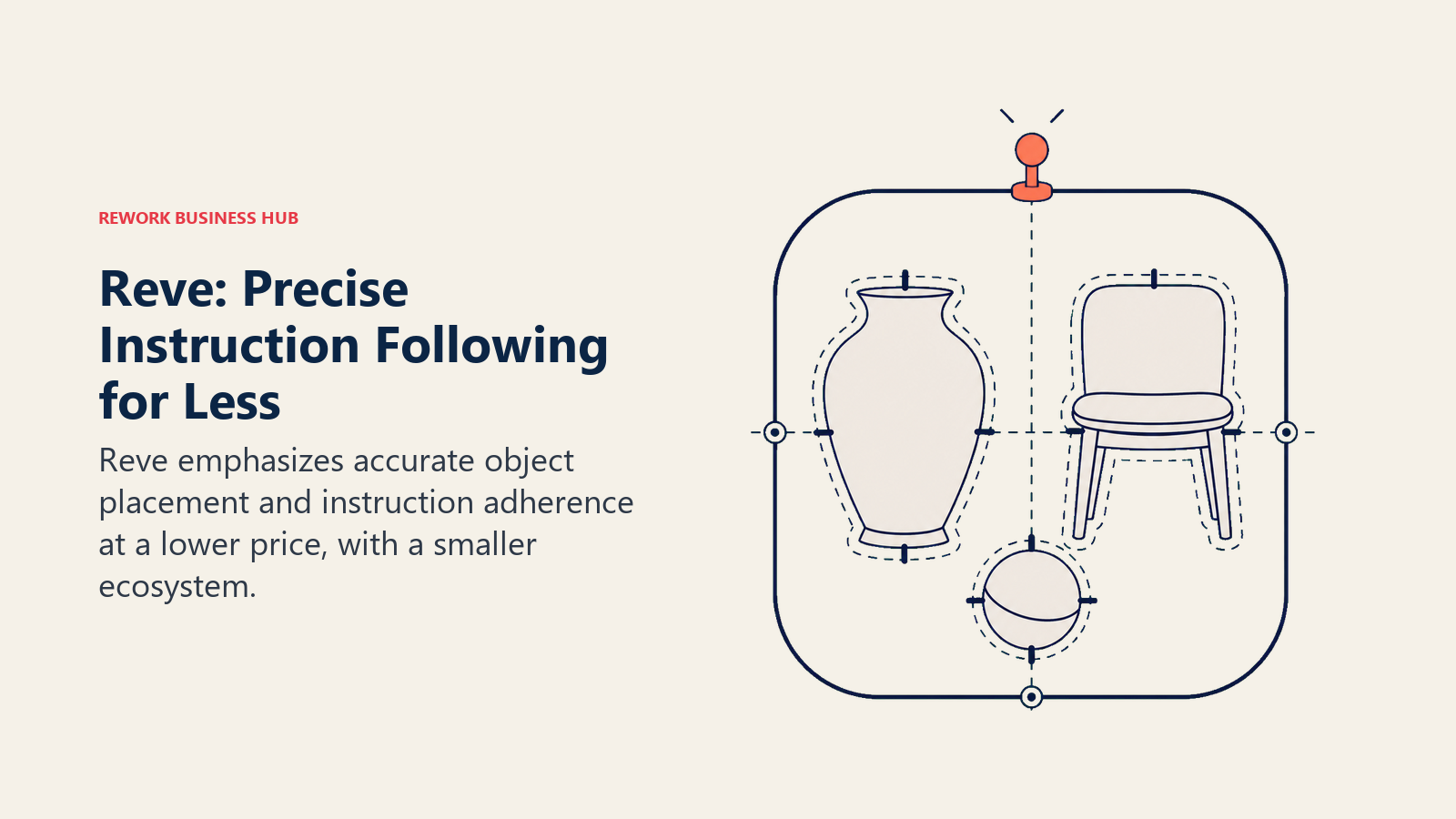
The free plan runs on a daily energy refresh, giving light users a real way to test output quality before paying. The Lite plan ($7.99/month) offers roughly five times the generation and storage capacity of free, while Pro ($19.99/month) targets heavier, more frequent creative work. Developers can access the model directly through an API priced per operation: about $0.024 for a standard generation and $0.04 for an edit or remix.
The honest limitation is maturity. Reve doesn't yet have the plugin ecosystem, community model-sharing, or third-party integrations that Midjourney, Leonardo, or Stable Diffusion have built up over several years, so teams that lean on integrations may find it thinner than the incumbents.
| What you get | What you don't |
|---|---|
| Strong prompt-following and layout accuracy | Smaller integration and plugin ecosystem than incumbents |
| Lower price than Midjourney or Ideogram Pro | Less brand recognition and community support |
| Usable free tier with a daily energy refresh | Newer model with less real-world legal precedent |
| Simple per-operation API pricing for developers | Fewer fine-tuning and custom-model options than Leonardo |
Pricing: Free (daily energy refresh); Lite $7.99/mo; Pro $19.99/mo; API from $0.024/image (Create) or $0.04/image (Edit/Remix).
Best for: Content teams and designers who want accurate layouts and text placement without paying Midjourney or Ideogram Pro pricing.
Pricing at a Glance
| Tool | Entry Paid (Monthly) | Entry Paid (Annual, if cheaper) | Top Individual/Team Tier |
|---|---|---|---|
| Midjourney | $10 (Basic) | $8/mo (annual) | $120/mo (Mega) |
| Adobe Firefly | $9.99 (Standard) | - | $199.99/mo (Premium) |
| DALL-E 3 / GPT Image | Bundled in ChatGPT Plus $20/mo | - | API, usage-based ($0.005-$0.25/image) |
| Google Imagen | $19.99 (Google AI Pro, bundled) | - | $99.99/mo (AI Ultra) |
| Ideogram | $20 (Plus, monthly) | - | $60/mo (Pro, monthly) |
| Recraft | $10 (Basic) | - | $48/mo (Pro) |
| Leonardo AI | $12 (Apprentice) | $10/mo (annual) | $60/mo (Maestro, $48 annual) |
| Flux (Black Forest Labs) | Pay-per-megapixel, no subscription | - | Custom volume pricing |
| Stable Diffusion | $10 (DreamStudio) | - | Pay-as-you-go, no fixed ceiling |
| Freepik AI (Magnific) | $20 (Premium) | $14.50/mo (annual) | $280/mo (Pro, $210 annual) |
| Canva (Magic Media) | ~$15 (Pro) | - | Enterprise, custom |
| Krea AI | $9 (Basic) | - | $200/mo (Business) |
| Reve | $7.99 (Lite) | - | $19.99/mo (Pro) |
Free vs Paid: Where the Free Tiers Actually Work
| Tool | Free Tier Is Usable For | Free Tier Breaks Down When |
|---|---|---|
| Midjourney | Not applicable; no free trial since 2023 | Any use case; a paid plan is required from day one |
| Adobe Firefly | Occasional image generation (25 credits/mo) | You need video, translation, or partner-model access |
| DALL-E 3 / GPT Image | Testing quality inside a free ChatGPT account | Regular use; ChatGPT Plus is needed for meaningful volume |
| Google Imagen | Testing before a Workspace-wide rollout | You need daily volume beyond the free Gemini app allowance |
| Ideogram | Testing text-rendering quality (weekly free credits) | You need private generations or commercial licensing |
| Recraft | Light icon and graphic testing (50 credits/day) | You need SVG export or full commercial rights |
| Leonardo AI | Regular light use (150 tokens/day, generous) | You need private generations or custom model training |
| Stable Diffusion | Testing DreamStudio's hosted UI | Any real production volume; costs add up per image |
| Freepik AI (Magnific) | Light testing (20 generations/day) | You need the bundled premium third-party models |
| Canva (Magic Media) | Occasional use for existing Canva users (50/mo) | You're also using AI in other Magic Studio tools |
| Krea AI | Exploring the real-time workflow (100 units/day) | Daily professional use across multiple projects |
| Reve | Light testing via the daily energy refresh | Regular content production; Lite or Pro becomes necessary |
How to Choose: Decision Framework
| If you need... | Pick... | Why |
|---|---|---|
| The highest aesthetic quality for stylized visuals | Midjourney | Unmatched style control; the category benchmark |
| Commercially safe imagery inside an Adobe workflow | Adobe Firefly | Trained on licensed content; IP coverage on eligible plans |
| A quick image without adding a new subscription | DALL-E 3 / GPT Image | Already bundled into ChatGPT Plus |
| Generation tied to Google Cloud or Workspace | Google Imagen | Native Gemini and Vertex AI integration |
| Legible, accurate text inside a generated image | Ideogram | Best native text rendering available |
| An editable vector logo or icon, not a flat PNG | Recraft | Only major tool with true SVG export |
| Consistent characters or fine-tuned custom models | Leonardo AI | Purpose-built for game and character pipelines |
| To embed generation directly into your own product | Flux (Black Forest Labs) | Open-weight, developer-first API |
| Full control via self-hosting for privacy or cost | Stable Diffusion | Open license; runs on your own infrastructure |
| Stock assets and multiple AI models in one place | Freepik AI (Magnific) | Bundles a stock library with roughly 10 models |
| AI images without leaving your design tool | Canva (Magic Media) | Built into an editor most marketing teams already use |
| Fast visual exploration before committing to a direction | Krea AI | Real-time generation as you type or sketch |
| Accurate layouts and text placement at a lower price | Reve | Layout-first model, strong prompt-following |
Where AI Image Generation Is Headed in 2026
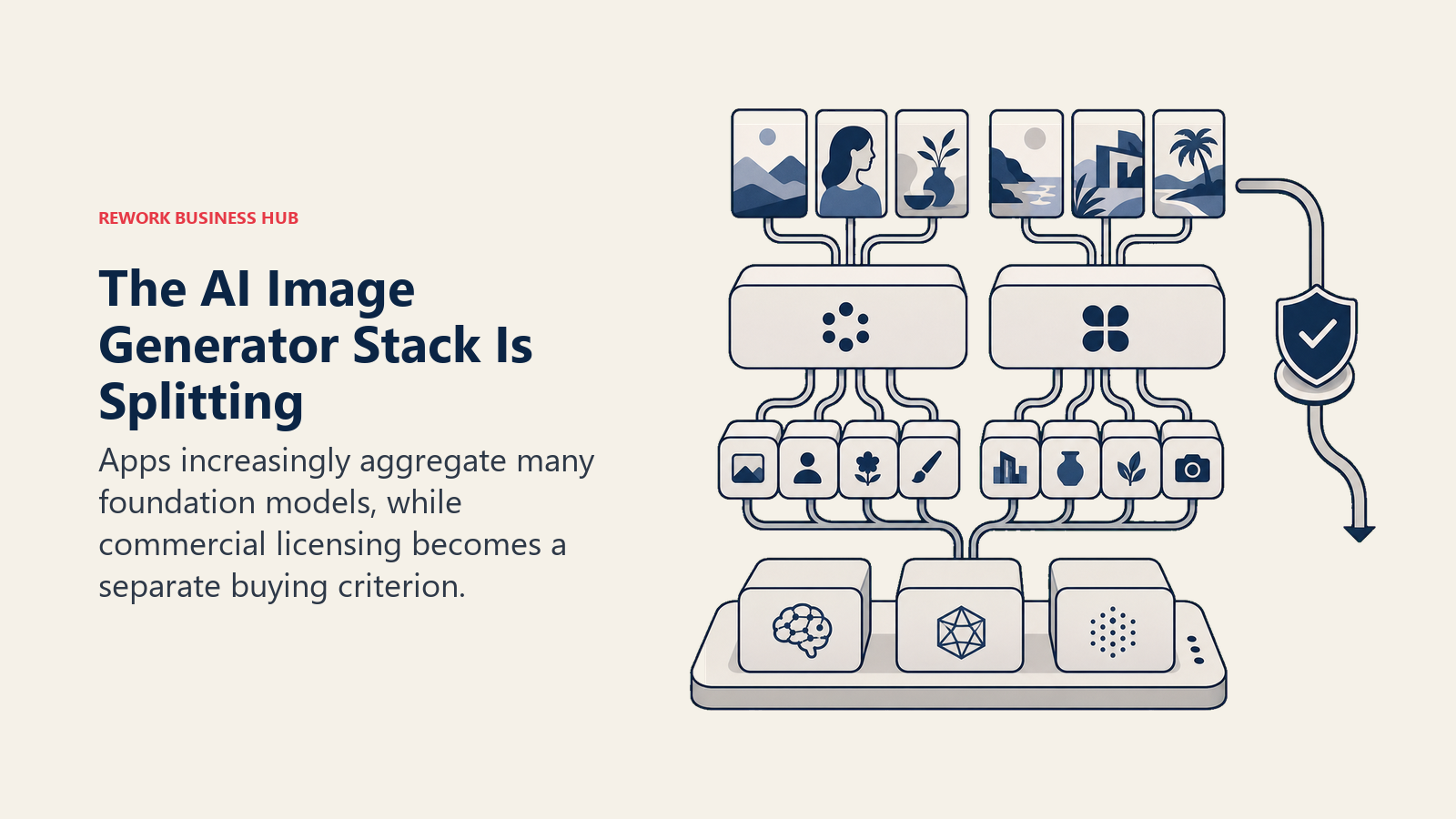
Two shifts define the category this year. First, the model layer is fragmenting from the app layer: tools like Freepik, Krea, and Canva increasingly compete on how many best-in-class models (Flux, Nano Banana, Seedream) they give you access to in one interface, rather than training one proprietary model and hoping it wins on quality alone. Second, commercial licensing has become a real buying criterion, not an afterthought. As more AI-generated images move from internal decks into paid advertising and client-facing work, the gap between Adobe Firefly's licensed-training approach and the broader web-scraped-training norm across most of the category is becoming a genuine differentiator, not a footnote.
The pace of change underneath both trends is fast: generative AI overall reached roughly 53% population adoption within about three years, a faster climb than the personal computer or the early internet, according to Stanford's 2026 AI Index Report. Expect the tools on this list to keep changing brand names, pricing models, and underlying architectures faster than almost any other software category, which is exactly why the "Updated July 2026" note at the top of this guide matters more here than it does for most buying guides.
If your team is producing enough visual content that image generation touches your broader content or marketing operation, it's worth reading how it fits alongside your other AI tools: see best AI tools for digital marketing and best AI tools for content writers for the adjacent categories most teams end up stacking together.
Frequently Asked Questions about the Best AI Image Generators in 2026
What is the best AI image generator in 2026?
There isn't one single best tool. Midjourney leads on stylized aesthetic quality, Adobe Firefly leads on commercial safety for enterprise use, Ideogram leads on rendering accurate text, and Recraft is the only major tool producing editable vector output. Pick based on the job, not the headline.
What is the best free AI image generator?
Leonardo AI's free tier (150 tokens/day) is one of the most generous for regular light use. Ideogram's weekly free credits are useful for testing text rendering, and Krea AI's free tier (100 compute units/day) is a good option for real-time exploration. Midjourney has had no free tier since 2023.
Which AI image generator is safest for commercial use?
Adobe Firefly, because it trains only on licensed Adobe Stock and public-domain content and offers IP claims coverage on Firefly-model output for eligible customers. Most other generators on this list train on broader, undisclosed web data, which carries more legal ambiguity depending on jurisdiction and use case.
Is Midjourney or Adobe Firefly better for business use?
It depends on the job. Midjourney wins on pure visual quality and style range for marketing hero images and concept art. Adobe Firefly wins on legal safety and Creative Cloud integration for teams that need imagery to clear brand and legal review without extra diligence.
What happened to DALL-E 3?
OpenAI retired DALL-E 3 from its API on May 12, 2026, replacing it with the GPT Image family (GPT Image 1.5, GPT Image 2). ChatGPT's built-in generator now runs on GPT Image, though many users still refer to it by the older DALL-E name.
Which AI image generator handles text and typography best?
Ideogram, by a clear margin. It's purpose-built to render legible, accurate text inside a generated image, which makes it the go-to for posters, packaging mockups, and social graphics with a headline baked into the visual.
Can I self-host an AI image generator instead of paying monthly?
Yes. Stable Diffusion's model weights are open, so a technical team can run generation entirely on its own GPU infrastructure with no per-image subscription cost. Black Forest Labs' Flux models also offer open-weight options for teams with the engineering resources to self-host.
How much does an AI image generator cost for a small marketing team?
Entry-level paid plans across this list run from about $8 to $20 per month for an individual, and most tools include a usable free tier for testing fit first. A small team standardizing on one tool should budget roughly $10-30/month per active user for a mid-tier plan.
Related Reading
This roundup is part of Rework's broader AI tools coverage. For the full category landscape across 10 AI tool types, see best AI tools in 2026. For adjacent AI categories your content team is likely also evaluating, see best AI tools for content writers, best AI tools for digital marketing, and Jasper vs Copy.ai vs Writer for the writing side of the same content pipeline. If you're also evaluating a general-purpose AI assistant, Claude vs ChatGPT vs Gemini covers that decision. For design tools beyond pure image generation, see best Canva alternatives and best Figma alternatives. And if you're hiring for a role that will own this tool stack, Rework's job description library has templates for an AI Creative Specialist, a Brand Designer, and a Content Marketing Manager.
What to Do Next
Don't subscribe to three of these at once. Pick the single job costing your team the most time this month, most often a marketing hero image, a brand asset that needs to stay editable, or a poster that needs legible text, and test the free tier of the tool built for that specific job before you pay for anything. Once you know which job recurs weekly, standardize the team on one paid tool for that job and keep the rest as free-tier backups for edge cases.

Principal Product Marketing Strategist
On this page
- Updated July 2026: What Changed
- Key Facts
- Quick Comparison Table
- Which Job Are You Hiring an Image Generator For?
- Commercial Use and Copyright Safety
- Sizing and Persona Table
- 1. Midjourney: Highest-Ceiling Stylized and Artistic Output
- 2. Adobe Firefly: Commercially Safe Images Inside Adobe Workflows
- 3. DALL-E 3 / GPT Image: Convenience Inside an Existing ChatGPT Session
- 4. Google Imagen: Google Workspace and Vertex AI-Native Teams
- 5. Ideogram: Best-in-Class Text and Typography Inside Images
- 6. Recraft: Editable Vector Brand Assets, Not Just Flat Images
- 7. Leonardo AI: Game Assets, Characters, and Fine-Tuned Custom Models
- 8. Flux (Black Forest Labs): Open-Weight Models for Developers
- 9. Stable Diffusion (Stability AI): Self-Hosted Generation for Cost and Privacy Control
- 10. Freepik AI (Magnific): Stock Assets Plus Multiple AI Models in One Subscription
- 11. Canva (Magic Media): AI Images Without Leaving Your Design Editor
- 12. Krea AI: Real-Time Generation for Fast Visual Ideation
- 13. Reve: Prompt-Following and Layout Accuracy at a Lower Price
- Pricing at a Glance
- Free vs Paid: Where the Free Tiers Actually Work
- How to Choose: Decision Framework
- Where AI Image Generation Is Headed in 2026
- Related Reading
- What to Do Next