Best AI Tools for Social Media in 2026: 13 Tools Ranked by Job
Turn this article into takeaways for your work.


Each assistant summarizes the article only for you and suggests best practices for your work.
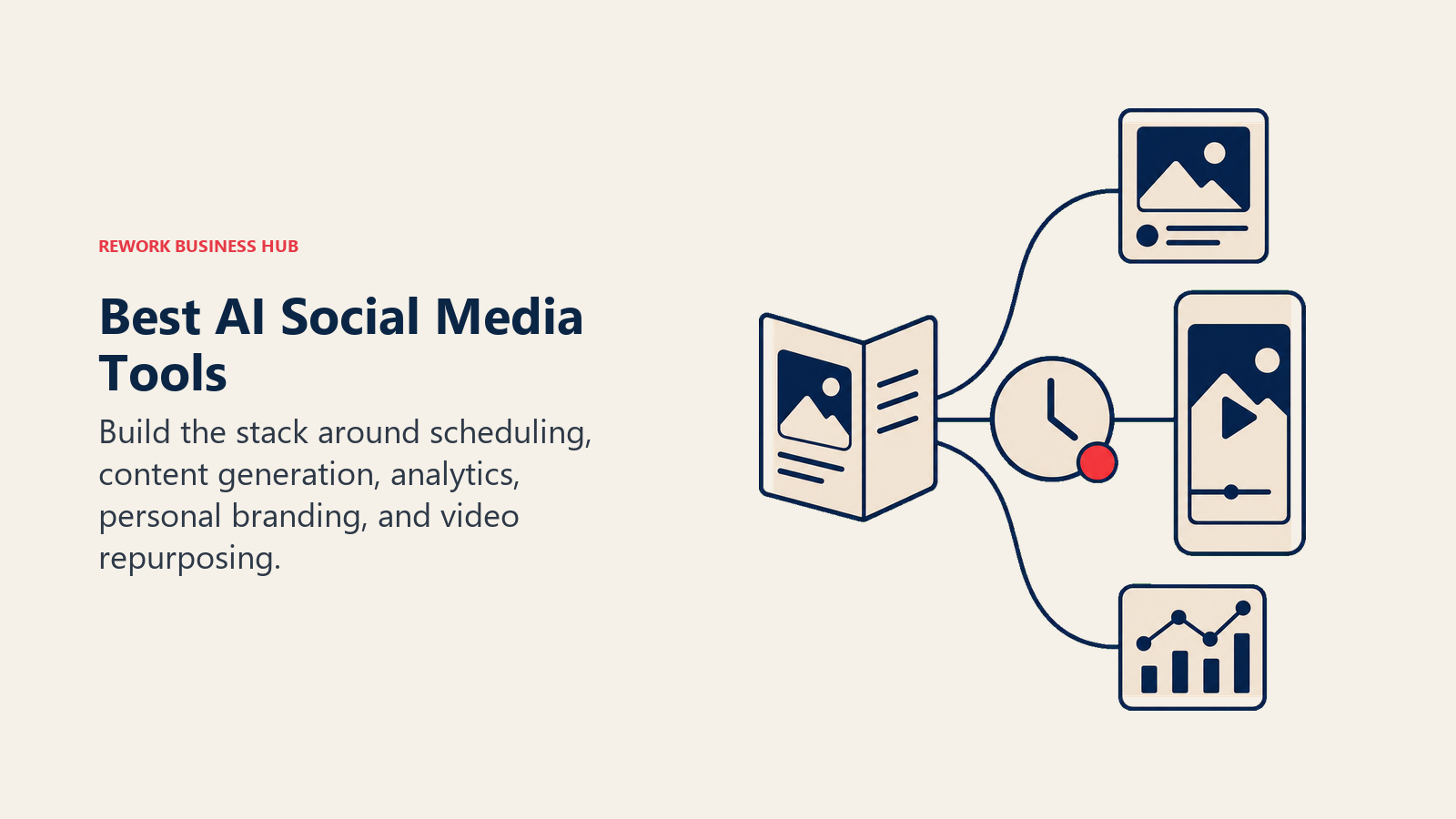
Hootsuite and Sprout Social lead for enterprise-scale scheduling and analytics, Buffer and Vista Social lead for lean teams that want AI baked into an affordable scheduler, Predis.ai, Ocoya, and FeedHive lead for turning a URL or a product feed into ready-to-post content, Taplio owns LinkedIn personal branding, and Canva, ChatGPT, and Opus Clip round out the stack for design, drafting, and video repurposing. No single tool does all of this well, so this guide is organized by job instead of one ranked list.
Every tool below was evaluated on real capability and pricing. Social media AI tools change pricing and credit models often (three of the tools on this list restructured tiers in the past year alone), so treat anything without a public price as a moving target and re-check before you budget.
Key Facts
- 79% of social media managers now use AI daily in their workflow, per Hootsuite's 2026 Social Trends report.
- 91% of marketers say human involvement is very important or critical when evaluating or generating AI content, even as AI adoption climbs, per the same Hootsuite report.
- More than 30% of consumers say they're less likely to choose a brand once they know its ads are AI-generated, per Hootsuite's 2026 Social Trends report.
- 84% of consumers say response speed affects how they perceive a brand, and 73% expect a reply on social within 24 hours, per Sprout Social's Q2 2026 Pulse Survey.
- Marketers' top AI use case on social is copy creation, followed by image creation and content editing, but only 40% use AI for performance reporting and analysis, per Sprout Social's 2026 Content Strategy Report.
- CMOs now allocate 15.3% of marketing budgets to AI, but only 30% say their teams are ready to scale it, per Gartner's 2026 CMO Spend Survey.
What Changed in 2026
- Hootsuite folded its standalone OwlyWriter AI tool into Wisdom, a broader AI teammate that now runs across every pricing tier, and restructured its plans to Standard ($99/user/mo), Professional ($199/user/mo), and Advanced ($399/user/mo).
- Sprout Social split its AI features by tier instead of bundling them: Standard gets AI-generated alt text, Professional adds AI Assist for post drafting, and Advanced adds AI Assist for reply drafting and sentiment analysis.
- Vista Social moved to an AI-credit model across all plans (1,000 to 3,500 credits/month depending on tier) instead of unlimited AI access on every plan.
- Taplio's AI credits are now tier-gated: the $39/mo Starter plan includes no AI credits at all, pushing most buyers to the $65/mo Standard tier for LinkedIn post generation.
Quick Comparison Table
| Tool | Best For | Standout Capability | Starting Price | Free Tier? |
|---|---|---|---|---|
| Hootsuite | Enterprise-scale scheduling and governance | Wisdom AI teammate across every plan | $99/user/mo (Standard, annual) | 14-day trial, no free tier |
| Sprout Social | Enterprise analytics and unified inbox | AI Assist for posts and replies, sentiment analysis | $79/seat/mo (Essentials, annual) | 30-day trial, no free tier |
| Buffer | Lean teams wanting simple AI-assisted scheduling | AI Assistant with unlimited rewrite credits | Free; $5/channel/mo (Essentials, annual) | Yes |
| Later | Visual-first scheduling with AI captions | Caption Writer and Ideas tools, credit-based | $18.75/mo (Starter, annual) | 14-day trial, no free tier |
| Vista Social | Best AI-credit value per dollar | Ask Vista AI command center for scheduling and replies | $79/mo (Professional, annual) | 14-day trial, no free tier |
| Publer | Budget scheduling with AI Assist as an upsell | Genie AI Assist, unlimited on Business tier | Free; $5/account/mo (Professional) | Yes |
| Predis.ai | Turning a URL or brand kit into ready posts and video | Competitor-analysis-driven content generation | $19/mo (Core, promotional) | 14-day trial |
| Ocoya | AI content generation bundled with scheduling | Multilingual AI copywriting, e-commerce integrations | $15/mo (Bronze) | 7-day trial |
| FeedHive | AI content recycling and automation rules | Best-time AI predictions, evergreen content recycling | ~$16/mo (Creator, ~15 euro) | 7-day trial |
| Taplio | LinkedIn personal branding and ghostwriting | LinkedIn-specific AI post and comment generation | $39/mo (Starter, no AI credits) | 7-day trial |
| Canva Magic Studio | Fast, on-brand social creative | Conversational design (Canva AI 2.0) | Free; $15/mo (Pro) | Yes |
| ChatGPT | General-purpose caption drafting and brainstorming | Fastest, most flexible chat interface | Free; $20/mo (Plus) | Yes |
| Opus Clip | Repurposing long video into short social clips | AI virality scoring per clip | Free (watermarked); $15/mo (Starter) | Yes |
How to Choose: Decision Framework
Start from the bottleneck, not the tool. Most social teams end up running two or three of these together, not one.
By Job
| If you need... | Pick... | Why |
|---|---|---|
| Scheduling and reporting across a large team with governance needs | Hootsuite or Sprout Social | Both handle approval workflows, unified inboxes, and cross-platform reporting at scale |
| An affordable AI-assisted scheduler for a small team | Buffer or Vista Social | Simple pricing, AI Assistant included without a steep learning curve |
| Turning a blog post or product URL into ready social posts | Predis.ai or Ocoya | Both generate captions, images, and video directly from a link or brand kit |
| Recycling evergreen content and automating posting rules | FeedHive | Purpose-built recycling engine with best-time AI predictions |
| Building a personal brand on LinkedIn | Taplio | Only tool on this list built specifically for LinkedIn post and comment generation |
| Fast, on-brand graphics without a designer | Canva Magic Studio | Conversational design turns a prompt into an editable asset, not a flat image |
| Drafting captions, hooks, and brainstorming angles | ChatGPT | Cheapest, fastest general-purpose option, though it doesn't schedule or score content |
| Repurposing webinars or podcasts into short-form video | Opus Clip | AI virality scoring flags which clips are worth posting first |
| The lowest-cost entry point for a solo creator | Publer or Buffer's free tier | Both offer a genuinely usable free plan before you pay for AI credits |
By Team Size and Budget
| Team Size | What to Prioritize | Realistic Monthly AI Tool Budget |
|---|---|---|
| Solo creator or 1-2 person team | Buffer free tier, Publer Professional, or Later Starter | $0-40/month |
| 3-10 person marketing team | Vista Social or Buffer Essentials, plus Canva Pro | $150-400/month |
| 10-30 person team with a dedicated social function | Sprout Social Standard or Hootsuite Standard, plus Predis.ai or Ocoya for content velocity | $800-2,500/month |
| 30+ person team or agency managing multiple client accounts | Sprout Social Advanced or Hootsuite Professional/Advanced, white-label add-ons on Vista Social or Publer for clients | $2,500-6,000+/month |
1. Hootsuite: Enterprise Scheduling With an AI Teammate Across Every Tier
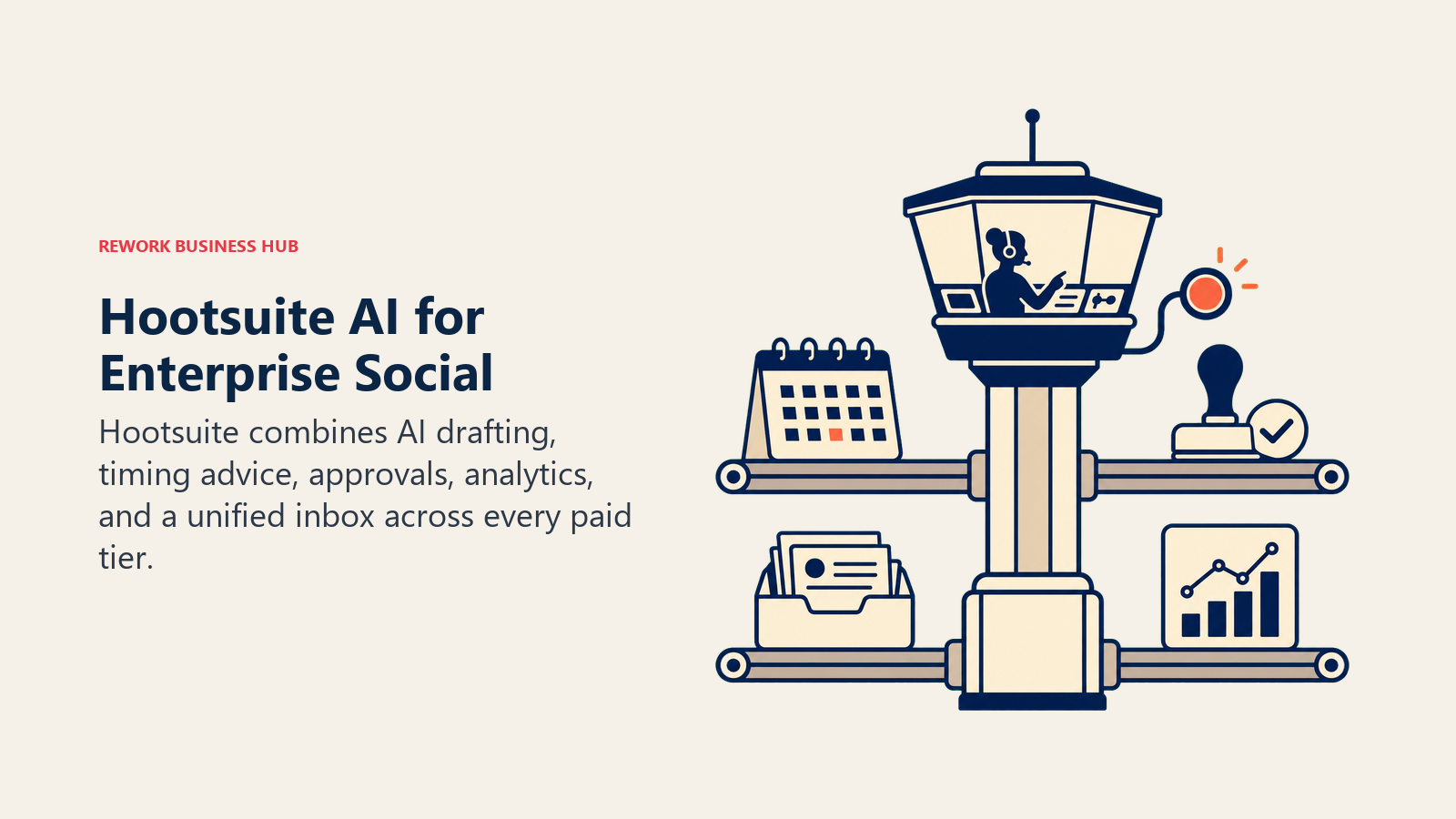
Hootsuite is the incumbent enterprise social media platform, and its 2026 bet is Wisdom, an AI teammate now built into every pricing tier instead of gated behind add-ons. Wisdom drafts captions, recommends post timing, and surfaces performance insights inside the same dashboard used for scheduling, approvals, and the unified social inbox. The tool previously known as OwlyWriter AI has been folded into this broader Wisdom layer.
| Strengths | Limitations |
|---|---|
| Wisdom AI is included on every plan, not an upsell | Per-user pricing gets expensive fast for larger teams |
| Deep approval workflows and governance for large orgs | Standard tier caps at 10 social accounts |
| Strong analytics and competitor benchmarking on Advanced | Content generation is decent, not best-in-class next to specialized AI tools |
Pricing: Standard $99/user/mo; Professional $199/user/mo; Advanced $399/user/mo; Enterprise custom (all annual billing). Source: hootsuite.com/plans.
Best for: Large marketing teams and agencies that need governance, approvals, and reporting at scale, and want AI drafting included rather than purchased separately.
2. Sprout Social: Best Analytics and Unified Inbox With Tiered AI Assist
Sprout Social's product philosophy is that social media should feed the same intelligence layer as customer care and analytics, not sit in a silo. Its AI Assist features are deliberately tiered: Standard adds AI-generated alt text, Professional adds AI Assist for drafting posts, and Advanced adds AI Assist for replies plus sentiment analysis inside the Smart Inbox.
| Strengths | Limitations |
|---|---|
| Sentiment analysis and reply-drafting AI on Advanced tier | Entry Essentials tier ($79/seat/mo) has no AI features at all |
| Best-in-class social listening and competitive reporting | Requires annual prepayment; no month-to-month option |
| Unified inbox spans reviews, DMs, and comments in one view | Professional tier ($299/seat/mo) is where most AI value starts, a real cost jump |
Pricing: Essentials $79/seat/mo; Standard $199/seat/mo; Professional $299/seat/mo; Advanced $399/seat/mo; Enterprise custom (annual billing). Source: sproutsocial.com/pricing.
Best for: Mid-market to enterprise teams that treat social as a customer intelligence channel, not just a publishing queue, and can absorb per-seat annual pricing.
3. Buffer: The Simplest AI Assistant, Included on Every Plan
Buffer's bet is that AI assistance shouldn't be a premium upsell. Its AI Assistant, which handles rewrites, tone shifts, and brainstorming, ships on the free plan with limited reply suggestions and on paid plans with unlimited credits. It's a text-only assistant: it won't generate images, video, or carousels, which keeps Buffer's scope narrow but predictable.
| Strengths | Limitations |
|---|---|
| Genuinely usable free tier (3 channels, AI Assistant included) | AI Assistant is text-only, no image or video generation |
| Simple per-channel pricing, easy to forecast at scale | Volume discounts only kick in past 10 channels |
| Unlimited AI rewrite credits on paid plans | Fewer advanced analytics and listening features than Sprout or Hootsuite |
Pricing: Free (3 channels, 10 posts/channel); Essentials $5/channel/mo (annual); Team $10/channel/mo (annual). Source: buffer.com/pricing.
Best for: Small teams and solo marketers who want AI-assisted scheduling without enterprise complexity or per-seat pricing.
4. Later: Visual-First Scheduling With Credit-Based AI Captions
Later built its reputation on Instagram-first visual planning, and its AI layer (Caption Writer and Ideas) follows the same visual-first logic: generate captions and content ideas tied to the grid you're already building. Later prices around "Social Sets," bundles of one profile per platform, rather than a flat channel count, and gates AI output behind a monthly credit allowance instead of unlimited use.
| Strengths | Limitations |
|---|---|
| Strong visual content calendar and Instagram grid preview | AI credits are capped even on the top Scale tier (100/month) |
| Supports 8 networks including TikTok, Threads, and Pinterest | No permanent free plan, only a 14-day trial |
| Growth tier's feature-to-price ratio is competitive | Social Sets model means real cost depends on how many networks you run |
Pricing: Starter $18.75/mo (5 AI credits); Growth $37.50/mo (50 AI credits); Scale $82.50/mo (100 AI credits), all annual billing; monthly billing runs $25/$50/$110. Source: later.com/pricing.
Best for: Visual-first brands, especially Instagram and TikTok-heavy teams, that want AI captioning layered onto a strong content calendar.
5. Vista Social: Most AI Credits Per Dollar, Strong Value at Every Tier
Vista Social markets itself as the value alternative to Hootsuite and Sprout Social, and the AI-credit math backs that up: even its entry Professional tier includes 1,000 monthly AI credits for its "Ask Vista" command center, which handles scheduling suggestions, reporting, and reply generation. Higher tiers add Zapier and Make integrations, white-labeling, and DM automation at scale.
| Strengths | Limitations |
|---|---|
| Generous AI credit allowances even on the entry tier | Newer brand with less third-party review volume than Hootsuite or Sprout |
| White-label and client-connect features built for agencies (Scale tier) | Listening tools are limited to owned profiles below the top tier |
| Bulk scheduling and review management included from Professional up | Ask Vista AI quality varies by use case; still maturing versus incumbents |
Pricing: Professional $79/mo (15 profiles, 1,000 AI credits); Advanced $149/mo (30 profiles, 2,000 AI credits); Scale $349/mo (70 profiles, 3,500 AI credits, unlimited on this tier); Enterprise custom (annual billing saves 20%). Source: vistasocial.com/pricing.
Best for: Growth-stage teams and agencies that want Hootsuite-level features at a fraction of the per-seat cost.
6. Publer: Budget Scheduling With AI Assist as a Business-Tier Upgrade
Publer keeps its free tier genuinely usable (3 accounts, though X/Twitter requires a paid plan due to API costs) and prices AI deliberately as a reason to upgrade. On the Professional tier, AI Assist only works if you bring your own OpenAI API key. On the Business tier, Publer covers the cost of unlimited AI Assist (its Genie AI feature) alongside full analytics and post recycling.

| Strengths | Limitations |
|---|---|
| Cheapest real entry point on this list at $5/account/mo | Professional tier has zero built-in analytics or native AI |
| Business tier bundles unlimited AI, analytics, and recycling together | X/Twitter access requires a paid plan due to platform API costs |
| Per-account pricing scales predictably for small teams | Less mature enterprise governance than Hootsuite or Sprout Social |
Pricing: Free (3 accounts); Professional $5/account/mo ($4/mo annual); Business $10/account/mo ($8/mo annual); Enterprise custom. Source: publer.com; verify current tier pricing directly with Publer.
Best for: Budget-conscious solo creators and small agencies that want to unlock real AI value at a predictable per-account price once they hit the Business tier.
7. Predis.ai: Turning a URL or Brand Kit Into Ready-to-Post Content
Predis.ai's core pitch is speed from zero: point it at a website URL, product link, or brand kit, and it generates captions, static designs, and short video, complete with competitor-analysis runs that benchmark your output against rivals in the same category. It's built for teams that need content velocity more than deep scheduling sophistication.
| Strengths | Limitations |
|---|---|
| Generates video and static creative, not just text, from a single input | Credit-based pricing (images and videos consume different credit amounts) takes time to learn |
| Competitor analysis runs are a genuinely distinct feature | Current promotional pricing (50% off) may not reflect list price long-term |
| Unlimited team members even on the Core plan | Fewer native analytics and inbox features than dedicated schedulers |
Pricing: Core $19/mo (promotional; list $32/mo), 1,300 credits; Rise $40/mo (promotional; list $79/mo), 3,200 credits, up to 4 brands; Enterprise+ $212/mo (promotional; list $249/mo), 10,000 credits. Source: predis.ai/pricing.
Best for: Small marketing teams and agencies that need to generate a high volume of on-brand posts and short video fast, without a design or video team.
8. Ocoya: AI Copywriting and Scheduling in One Affordable Bundle
Ocoya bundles multilingual AI copywriting, image generation, and scheduling at a lower entry price than most competitors on this list, with e-commerce integrations (Shopify, WooCommerce) that let product data flow directly into generated posts. It's a reasonable middle ground between a pure content-generation tool like Predis.ai and a pure scheduler like Buffer.
| Strengths | Limitations |
|---|---|
| Multilingual AI copywriting is a genuine differentiator for global brands | UI and template library are less polished than Canva or Later |
| E-commerce integrations turn product catalogs into post ideas | Higher tiers (Gold, Diamond) are a steep jump from entry pricing |
| Team collaboration available starting at the Silver tier | Smaller integration ecosystem than Hootsuite or Sprout Social |
Pricing: Bronze $15/mo (5 profiles, 100 credits); Silver $39/mo (20 profiles, 500 credits); Gold $79/mo (50 profiles, 1,500 credits); Diamond $159/mo (150 profiles, unlimited workspaces). Source: ocoya.com/pricing.
Best for: E-commerce and DTC brands that want AI copywriting tied to product data, plus multilingual support for global audiences.
9. FeedHive: AI Content Recycling and Automation Rules
FeedHive's differentiator is what happens after a post goes live: its recycling engine automatically resurfaces evergreen content on a schedule, while AI predicts the best posting time per platform and audience. The AI Writing Assistant, image generation, and hashtag generation are included at every tier, with credit allowances scaling by plan.
| Strengths | Limitations |
|---|---|
| Content recycling engine is genuinely useful for evergreen posts | Entry Creator tier caps at 30 scheduled posts, thin for active teams |
| AI credits scale generously at higher tiers (up to 100,000/month) | Pricing is listed in euros, which adds currency friction for USD budgets |
| Automation rules extend beyond simple scheduling | Smaller user base means fewer third-party integrations than Buffer or Hootsuite |
Pricing: Creator ~15 euro/mo (4 accounts, 2,500 AI credits); Brand ~22 euro/mo (10 accounts, 10,000 credits); Business ~69 euro/mo (100 accounts, 50,000 credits); Agency ~239 euro/mo (500 accounts, 100,000 credits). Source: feedhive.com/pricing.
Best for: Content-heavy teams that want automated recycling and best-time AI predictions layered onto standard scheduling.
10. Taplio: The AI Tool Built Specifically for LinkedIn Personal Branding
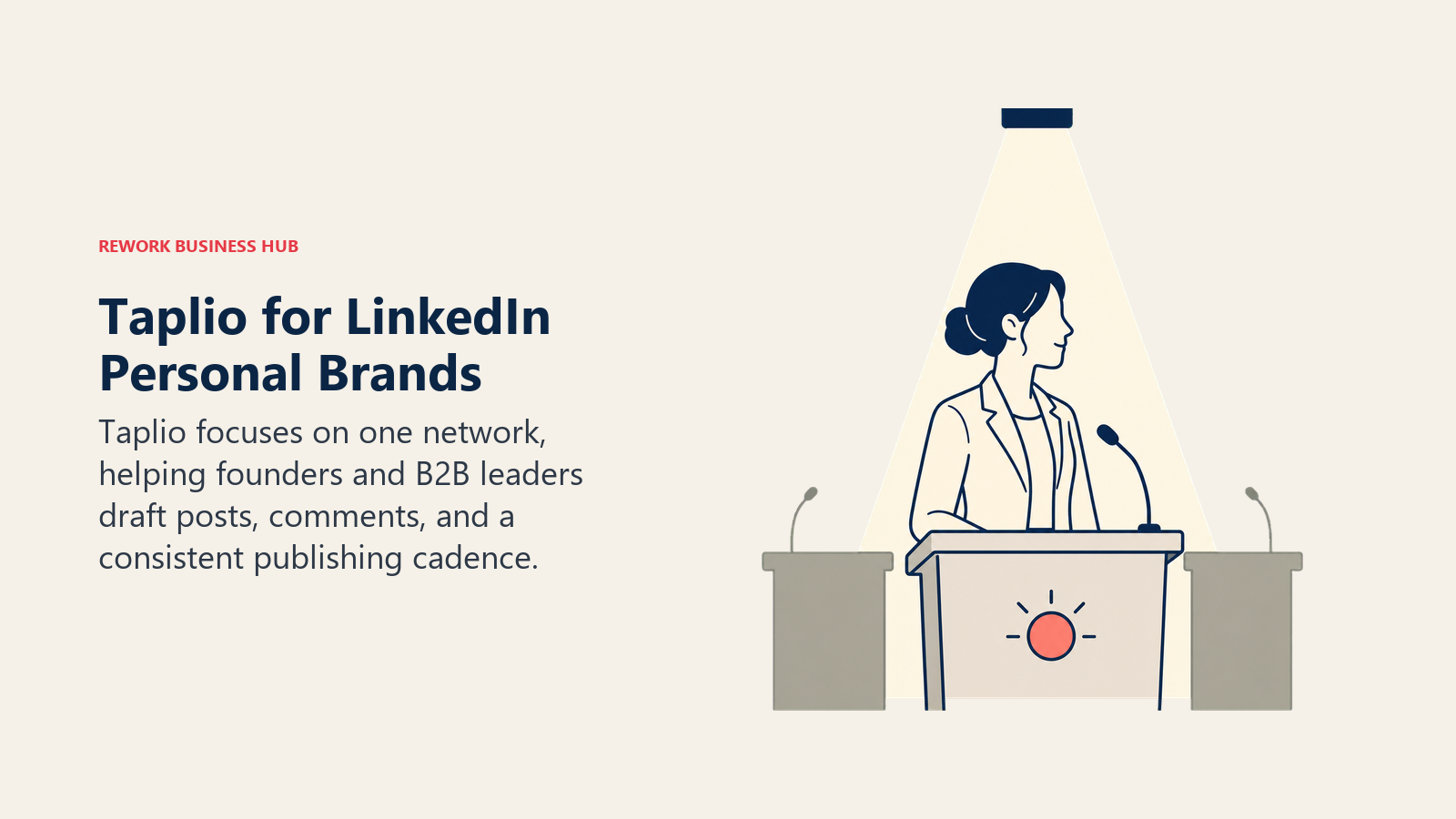
Taplio is the outlier on this list: it doesn't touch Instagram, TikTok, or Facebook at all. It's built exclusively for LinkedIn, generating post drafts, comment suggestions, and engagement recommendations tuned to what performs on that one platform. Founders, consultants, and B2B sales leaders use it to build a personal posting cadence without hiring a ghostwriter.
| Strengths | Limitations |
|---|---|
| Deep LinkedIn-specific AI, tuned to that platform's format and algorithm | Single-platform tool; you'll still need a separate scheduler for other networks |
| Commenting credits help with engagement, not just posting | Starter tier ($39/mo) includes zero AI credits, a common upgrade trap |
| 7-day trial gives full Pro access to test AI quality before paying | Pro tier ($199/mo) is expensive relative to general-purpose schedulers |
Pricing: Starter $39/mo (scheduling and analytics only, no AI credits); Standard $65/mo (250 AI credits, 100 commenting credits); Pro $199/mo (5,000 AI credits, 1,500 commenting credits); annual billing saves roughly 25%. Source: taplio.com/pricing; verify current tier pricing directly with Taplio.
Best for: Founders, consultants, and B2B sales leaders building a personal LinkedIn presence who don't need a multi-platform scheduler.
11. Canva Magic Studio: Fast, On-Brand Creative for Every Post
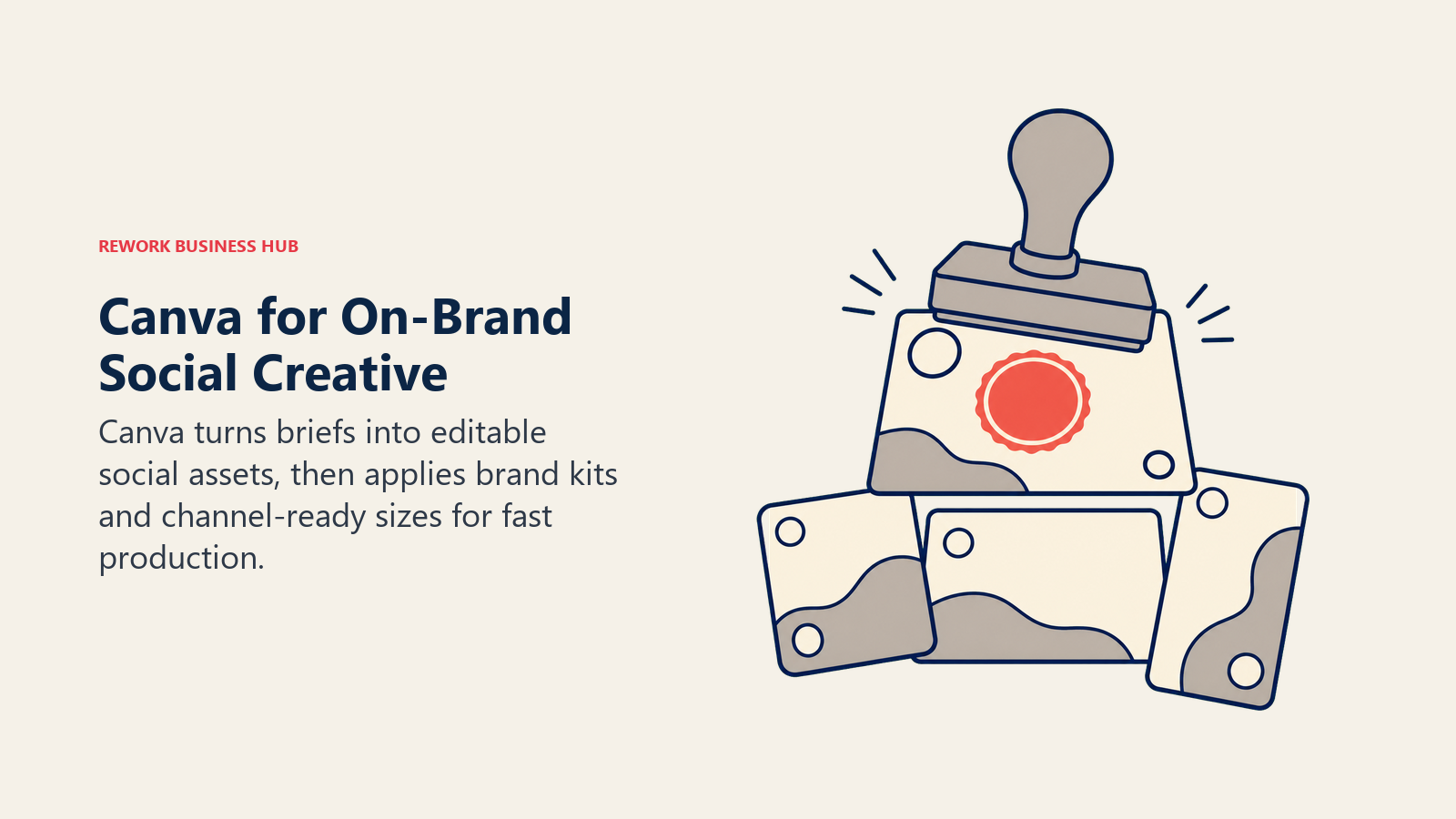
Canva's Magic Studio bundles the AI features social teams actually use for creative production: Dream Lab for image generation, Magic Write for copy, Magic Eraser and Magic Expand for editing, and Canva AI 2.0, a conversational interface that builds a fully editable design object from a prompt instead of a flat image. For social teams without a dedicated designer, it's the fastest path from idea to publishable asset.
| Strengths | Limitations |
|---|---|
| Conversational design (Canva AI 2.0) builds editable objects, not flat images | AI credits are shared and can run out mid-month on Pro |
| Massive template library tuned to every platform's post dimensions | No native scheduling or publishing, purely a creative tool |
| Teams plan adds shared Brand Kits and approval workflows | Design depth still trails dedicated tools like Figma for complex work |
Pricing: Free tier; Pro $15/mo (500 AI credits/month); Teams $10/user/mo on annual billing (3-seat minimum); Enterprise custom. Source: Canva's published pricing, summarized via eesel AI's Canva pricing guide.
Best for: Lean social teams that need consistent, on-brand creative without waiting on a design queue, paired with a separate scheduler.
12. ChatGPT: The Fastest General-Purpose Drafting Tool
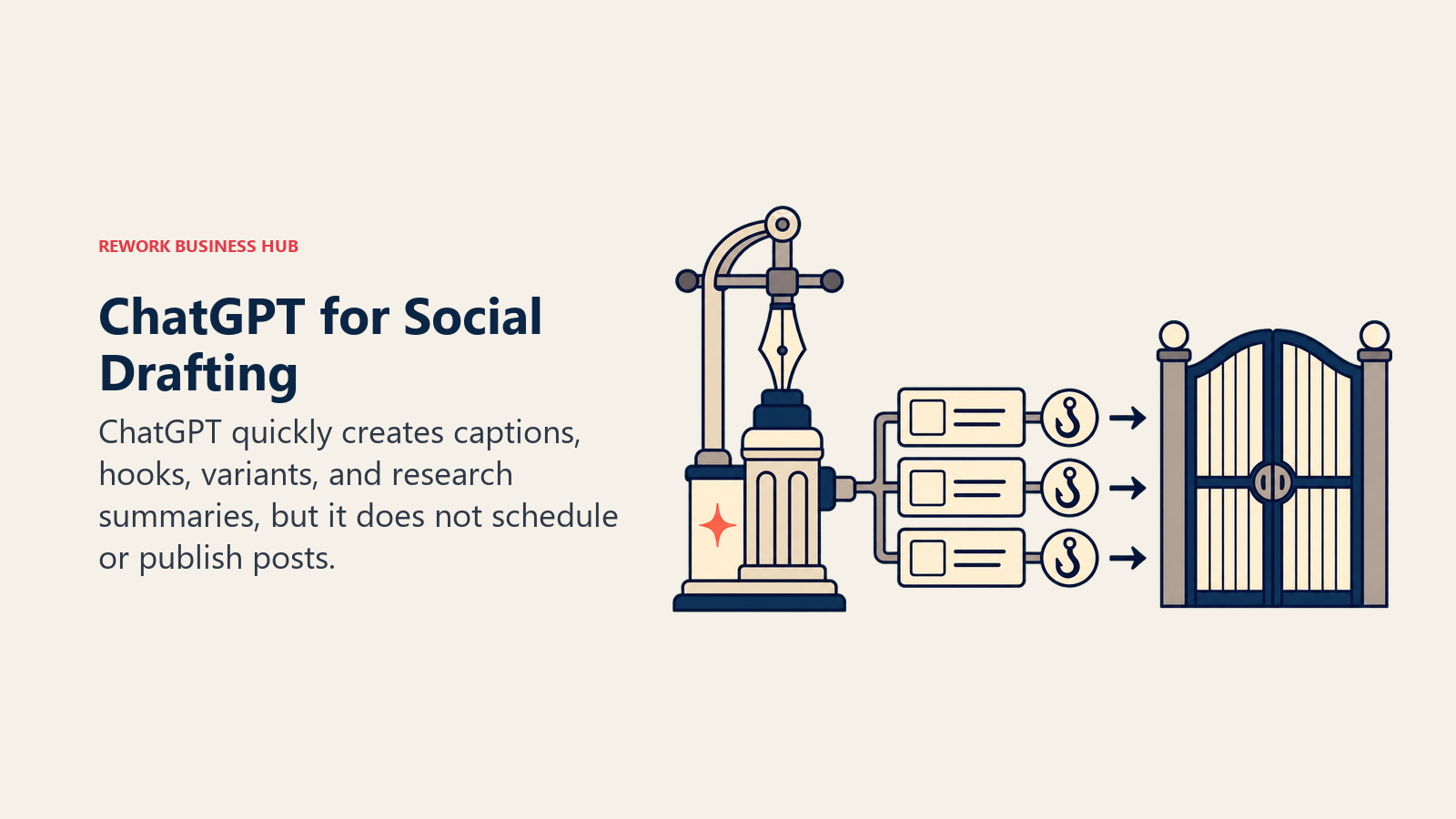
ChatGPT isn't a social-media-specific tool, and that's exactly why it belongs on this list. Most social managers use it as the default first stop for drafting captions, brainstorming hooks, adapting one post into five platform-specific versions, and summarizing trend research before a task graduates to a specialized tool. See our Claude vs ChatGPT vs Gemini comparison if you're weighing the leading general models against each other.
| Strengths | Limitations |
|---|---|
| Cheapest, fastest way to get AI drafting into a workflow | No native scheduling, publishing, or performance data |
| Custom GPTs can be built for repeatable caption or brand-voice tasks | Doesn't remember brand voice across separate chats without setup |
| Broad capability spans writing, research, and light data analysis | Business and Enterprise pricing scales fast per seat |
Pricing: Free; Go $8/mo; Plus $20/mo; Pro $100-200/mo depending on usage tier; Business $25/seat/mo monthly or $20/seat/mo annual (2-seat minimum); Enterprise custom, commonly reported in the $45-75/seat/mo range on annual contracts. Source: chatgpt.com/pricing.
Best for: Every social team, as a baseline drafting tool, but rarely the only AI tool in the stack.
13. Opus Clip: Turning Long Video Into Short-Form Social Clips
Opus Clip ingests long-form video (webinars, podcasts, YouTube uploads) and automatically cuts it into short, captioned clips optimized for TikTok, Instagram Reels, and YouTube Shorts, scoring each clip's likely virality before you post. For social teams sitting on hours of unused long-form video, it's a fast way to feed short-form channels without a dedicated video editor.
| Strengths | Limitations |
|---|---|
| AI virality scoring helps prioritize which clips to post first | Pricing is metered by source-video minutes, not clips produced |
| Multi-platform auto-posting on the Pro tier | Cancel and your projects disappear within 3 days, even with unused credits |
| Speaker detection works well for podcast and interview content | Free tier output is watermarked and time-limited |
Pricing: Free (60 processing minutes/month, watermarked); Starter $15/mo (150 minutes, no watermark, 720p); Pro $29/mo (300 minutes, 1080p, multi-platform auto-posting); Business custom. Source: opus.pro/pricing.
Best for: Social and content teams that already produce long-form video or podcasts and want a repeatable short-form repurposing pipeline.
Category Breakdown
| Category | Tools | Who Needs This |
|---|---|---|
| Enterprise scheduling and governance | Hootsuite, Sprout Social | Large teams needing approvals, unified inboxes, and deep reporting |
| Affordable AI-assisted scheduling | Buffer, Vista Social, Publer, Later | Small to mid-size teams that want AI without enterprise pricing |
| AI content generation from a URL or brand kit | Predis.ai, Ocoya, FeedHive | Teams that need content velocity, not just a publishing calendar |
| LinkedIn-specific personal branding | Taplio | Founders, consultants, and B2B leaders posting as individuals |
| Creative production | Canva Magic Studio | Teams producing design assets in-house without a designer |
| General-purpose drafting | ChatGPT | Any team, as a baseline tool alongside a specialized platform |
| Video and audio repurposing | Opus Clip | Teams turning long-form video into short-form social assets |
Pricing at a Glance
| Tool | Entry Price | Mid-Tier | Free Tier |
|---|---|---|---|
| Hootsuite | $99/user/mo | $199/user/mo (Professional) | No |
| Sprout Social | $79/seat/mo | $299/seat/mo (Professional) | No |
| Buffer | Free | $5/channel/mo (Essentials) | Yes |
| Later | $18.75/mo | $37.50/mo (Growth) | No |
| Vista Social | $79/mo | $149/mo (Advanced) | No |
| Publer | Free | $10/account/mo (Business) | Yes |
| Predis.ai | $19/mo (promo) | $40/mo (Rise, promo) | No |
| Ocoya | $15/mo | $39/mo (Silver) | No |
| FeedHive | ~$16/mo | ~$24/mo (Brand) | No |
| Taplio | $39/mo | $65/mo (Standard) | No |
| Canva Magic Studio | Free | $15/mo (Pro) | Yes |
| ChatGPT | Free | $20/mo (Plus) | Yes |
| Opus Clip | Free (watermarked) | $15/mo (Starter) | Yes |
Where This Category Is Heading
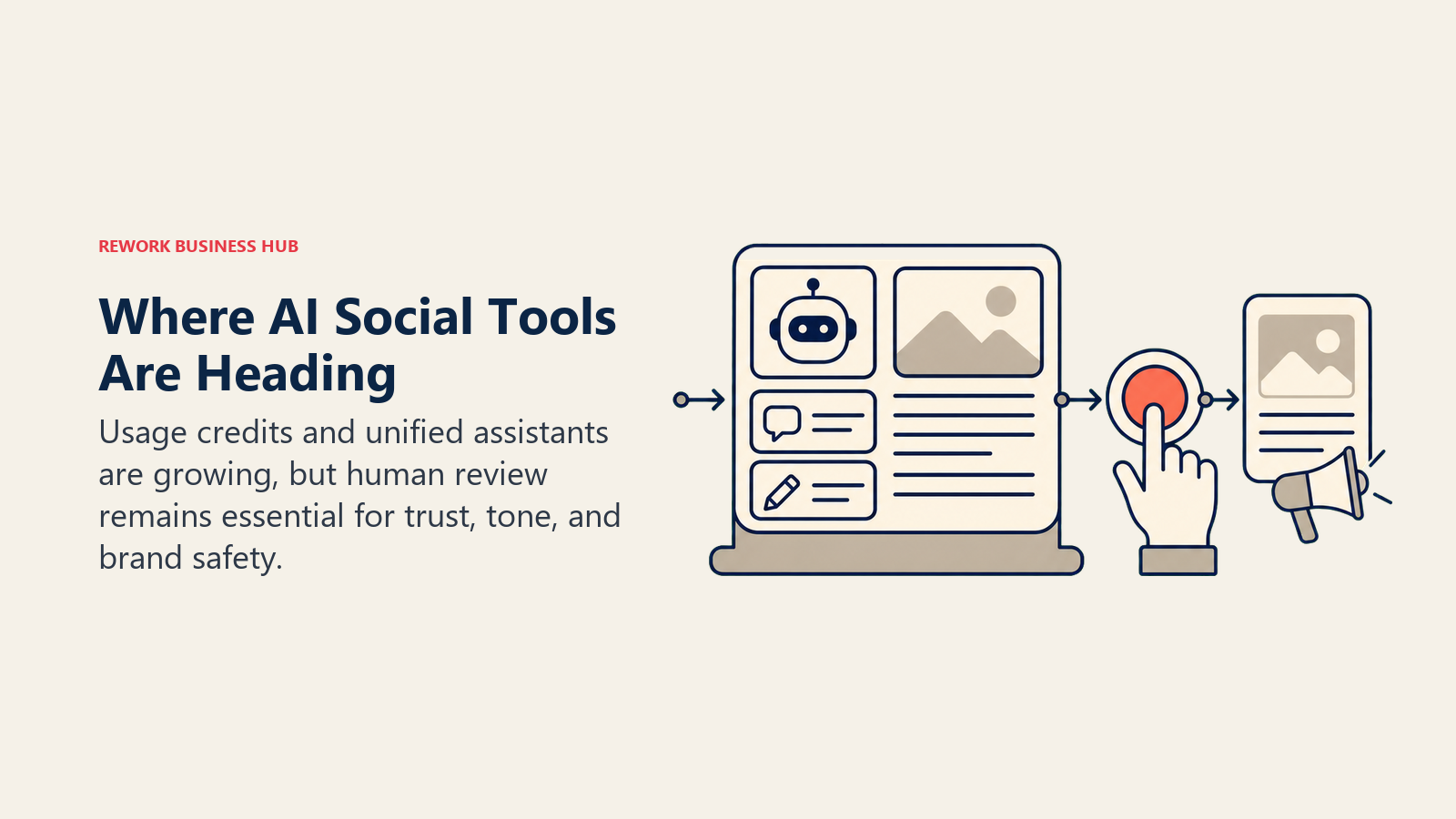
Two things are converging fast in 2026: AI credits are replacing flat, unlimited AI access as the pricing model (Vista Social, Taplio, Predis.ai, Ocoya, and FeedHive all meter AI usage now, where a year ago several offered it unlimited), and platforms are consolidating standalone AI features into a single assistant layer, the way Hootsuite folded OwlyWriter AI into Wisdom. That makes AI social tool cost harder to predict from the sticker price alone. It also runs against consumer sentiment: per Hootsuite's own 2026 research, 91% of marketers say human involvement still matters for evaluating AI content, and over 30% of consumers say they trust a brand less once they know its ads are AI-generated. The teams getting real value aren't posting the most AI-generated content, they're using AI to clear the blank-page and scheduling bottleneck while keeping a human editing pass before anything ships.
Frequently Asked Questions about AI Tools for Social Media
What is the best AI tool for social media overall?
There's no single best tool because social media spans too many distinct jobs. Hootsuite or Sprout Social cover enterprise scheduling and governance, Buffer or Vista Social cover affordable AI-assisted scheduling, Predis.ai or Ocoya cover AI content generation from a URL, and Taplio covers LinkedIn specifically. Most teams end up running two or three of these together.
Are there good free AI tools for social media?
Yes. Buffer, Publer, Canva, ChatGPT, and Opus Clip all offer usable free tiers. Free tiers work for a solo creator or very small team, but most hit real limits (channel caps, watermarks, credit limits) once posting volume grows.
Is ChatGPT enough for social media, or do I need a specialized tool?
ChatGPT is a strong starting point for drafting captions and brainstorming hooks, but it doesn't schedule posts, generate branded video, or score content for virality. Once posting becomes a daily, multi-platform job, a specialized scheduler with built-in AI usually saves more time than a general chatbot alone.
Which AI tool is best for generating video content for social media?
Opus Clip is built specifically for turning long-form video into short, captioned social clips with AI virality scoring. Predis.ai also generates short video from a URL or brand kit if you're starting from text or product data instead of existing footage.
What's the best AI tool for LinkedIn specifically?
Taplio is the only tool on this list built exclusively for LinkedIn, generating post drafts and comment suggestions tuned to that platform. General schedulers like Hootsuite and Buffer also support LinkedIn, but without Taplio's platform-specific AI tuning.
How much should a small team budget for AI social media tools in 2026?
A solo creator or 1-2 person team can run a usable stack (a free-tier scheduler plus Canva Pro) for $0-40 a month. A 3-10 person team layering in an AI content generator typically lands between $150 and $400 a month. Per Gartner's 2026 CMO Spend Survey, CMOs overall allocate about 15.3% of their marketing budget to AI, a useful ceiling to check your own spend against.
Do AI social media tools replace a social media manager?
No. Every tool in this guide still needs a human reviewing tone, accuracy, and brand fit before anything posts. Sprout Social's 2026 research found consumers rank human-generated content as their top priority from brands, and Hootsuite found 91% of marketers still see human involvement as critical to AI content quality. What these tools replace is the blank-page problem and manual scheduling, not editorial judgment.
Is AI-generated social content safe from a brand risk standpoint?
Handle it the same way you'd handle any published content: review before posting, and disclose AI use where your platform or industry requires it. Per Hootsuite's 2026 research, over 30% of consumers say they trust a brand less once they know its content is AI-generated without disclosure, so unreviewed, unlabeled AI output carries real brand risk.
Related Reading
- Best AI Tools for Digital Marketing in 2026
- Best AI Tools in 2026: The Top 25 Across Every Category
- Best AI Tools for Content Writers in 2026
- Claude vs ChatGPT vs Gemini: Which LLM Fits Your Business
- Jasper vs Copy.ai vs Writer: AI Writing Tools for Marketing Teams
- Best Email Marketing Software in 2026
- Best Klaviyo Alternatives
- Best CRM Software in 2026
What to Do Next
Pick the one bottleneck costing your team the most hours right now, whether that's scheduling across platforms, generating enough content volume, or repurposing existing video, and pilot a single tool against it for two weeks with real posts. Measure the time saved and keep a human editing pass on everything that ships before adding a second AI tool to the stack.

Principal Product Marketing Strategist
On this page
- Key Facts
- What Changed in 2026
- Quick Comparison Table
- How to Choose: Decision Framework
- By Job
- By Team Size and Budget
- 1. Hootsuite: Enterprise Scheduling With an AI Teammate Across Every Tier
- 2. Sprout Social: Best Analytics and Unified Inbox With Tiered AI Assist
- 3. Buffer: The Simplest AI Assistant, Included on Every Plan
- 4. Later: Visual-First Scheduling With Credit-Based AI Captions
- 5. Vista Social: Most AI Credits Per Dollar, Strong Value at Every Tier
- 6. Publer: Budget Scheduling With AI Assist as a Business-Tier Upgrade
- 7. Predis.ai: Turning a URL or Brand Kit Into Ready-to-Post Content
- 8. Ocoya: AI Copywriting and Scheduling in One Affordable Bundle
- 9. FeedHive: AI Content Recycling and Automation Rules
- 10. Taplio: The AI Tool Built Specifically for LinkedIn Personal Branding
- 11. Canva Magic Studio: Fast, On-Brand Creative for Every Post
- 12. ChatGPT: The Fastest General-Purpose Drafting Tool
- 13. Opus Clip: Turning Long Video Into Short-Form Social Clips
- Category Breakdown
- Pricing at a Glance
- Where This Category Is Heading
- Related Reading
- What to Do Next