Best AI Tools for Content Creators in 2026: 14 Tools for the Full Production Workflow

Turn this article into takeaways for your work.


Each assistant summarizes the article only for you and suggests best practices for your work.
The best AI tools for content creators in 2026 cover a full production pipeline, not one app that does everything. ChatGPT drafts scripts and hooks, Riverside records studio-quality video and audio remotely, CapCut and Descript handle the actual edit, Opus Clip turns one long recording into a week of short clips, Submagic and Veed polish captions and pacing, Captions and HeyGen generate talking-head video without a camera, ElevenLabs handles voice, Canva covers thumbnails and graphics, and Runway and Repurpose.io fill in AI b-roll generation and cross-platform distribution.
This guide is organized around that pipeline, idea to finished, published content, rather than one platform or one job. If you're building a video-first creator business, pair this with our best AI tools for influencers guide for the audience-growth and monetization layer (scheduling, link-in-bio, courses) this piece doesn't cover. If you're optimizing for one platform specifically, see best AI tools for TikTok or best AI tools for YouTube. If your content is mostly written rather than filmed, best AI tools for content writers is the better starting point.
Each pick below earns its place by what it does in a real production workflow. AI creator tools change pricing and credit models often, so check the vendor's plan page before you commit to an annual term.
Key Facts
- The creator economy's total addressable market could roughly double to $480 billion by 2027, up from $250 billion in 2023, per Goldman Sachs Research.
- 87% of creators who use creative AI say it has accelerated the growth of their business or audience, per Adobe's 2026 Creators' Toolkit Report.
- 75% of creators describe creative AI as integrated or essential to how they work, but 57% say its output typically needs moderate or extensive editing before it's ready to share, per the same Adobe report.
- 91% of businesses now use video as a marketing tool, an all-time high, and 63% of video marketers say they've used AI tools to help create or edit that video, per Wyzowl's State of Video Marketing 2026.
- Over half of companies now repurpose long-form video into short social clips, and 67% of teams that do post those clips to LinkedIn first, ahead of Instagram and YouTube, per Wistia/HubSpot's State of Video 2026.
- Short-form video ranks highest of any ad format for recall and effectiveness per dollar spent, per Hootsuite's Social Trends 2026 report.
Quick Comparison Table
| Tool | Best For | Starting Price | Key Strength | Key Limitation |
|---|---|---|---|---|
| ChatGPT | Scripting, hooks, and brainstorming | Free; Plus $20/mo | Fastest general-purpose drafting tool available | No native recording, editing, or publishing |
| Riverside | Remote studio-quality recording | Free (2 hrs, one-time); Pro $24/mo (annual) | Local recording per guest avoids call-quality drops | Higher tiers needed for longer sessions and full AI transcription |
| CapCut | Mobile-first, all-in-one editing | Free; Standard $9.99/mo, Pro $19.99/mo | Fastest path from phone footage to a finished post | Full AI toolkit and 4K gated behind Pro |
| Descript | Text-based long-form editing | Free; Creator $24/mo (annual) | Edit video like a text document, Overdub voice cloning | Not built for frame-by-frame color or VFX work |
| Opus Clip | Long-to-short repurposing | Free; Starter $15/mo | AI virality scoring flags which clips to post first | Credits consumed by source minutes, not clips made |
| Submagic | Auto-captions and viral edit polish | Free (3 videos/mo); Starter $19/mo | One-click viral captions and auto b-roll | Video caps per tier; Magic Clips is a paid add-on |
| Veed | Browser-based multi-platform editing | Free; Creator from $10/mo (annual) | Auto subtitles, brand kit, AI avatars in one editor | Per-seat pricing on team tiers adds up |
| Captions | AI-generated talking-head video | Free; Pro $9.99/mo, Max $24.99/mo | Custom AI actors (digital twins) for hands-free video | Generative features gated behind Max and Scale tiers |
| ElevenLabs | AI voice cloning and dubbing | Free; Creator $22/mo | Professional Voice Cloning at a creator-friendly price | Credits burn fast on longer scripts |
| HeyGen | AI avatar spokesperson video | Free (3 videos/mo); Creator $29/mo ($24/mo annual) | Realistic AI avatars for faceless or scaled video | Premium avatar minutes consume credits fast |
| Canva | Thumbnails, covers, and brand kits | Free; Pro $15/mo ($10/mo annual) | Conversational AI design plus a massive template library | Business tier needed for real brand-kit governance |
| Repurpose.io | Automated cross-platform distribution | 10 free videos (trial); Content Marketer $35/mo | Auto-publishes one video to every platform without manual re-uploads | No permanent free plan; jumps to $149/mo for agency scale |
| Runway | AI-generated b-roll and video clips | Free (125 credits, one-time); Standard $12/mo (annual) | Gen-4.5 video generation fills gaps footage can't cover | Credit system charges per second of generated video |
| Adobe Premiere Pro | Professional-grade editing | Free 7-day trial; from $22.99/mo (annual) | Industry-standard timeline plus built-in Generative Extend | Steep learning curve versus mobile-first editors |
AI Tools for Content Creators by Production Stage
Most creators don't need one platform, they need the right tool for the stage of production they're in.
| Production Stage | What It Solves | Best Fits |
|---|---|---|
| Ideation and scripting | Hooks, outlines, and caption variations before you film | ChatGPT |
| Recording | Studio-quality video and audio, remote or solo | Riverside |
| Long-form editing | Cutting a full episode, podcast, or tutorial | Descript, Adobe Premiere Pro |
| Long-to-short repurposing | Turning one recording into a week of clips | Opus Clip, CapCut |
| Captions and polish | Auto-captions, pacing, and b-roll on short-form cuts | Submagic, Veed |
| Faceless or hands-free video | Video without filming yourself on camera | Captions, HeyGen |
| Voice | Cloning, dubbing, and multilingual voiceover | ElevenLabs |
| AI b-roll and generated clips | Filling gaps that source footage doesn't cover | Runway |
| Thumbnails and design | Covers, thumbnails, and channel art | Canva |
| Distribution | Getting one finished video onto every platform | Repurpose.io |
How to Choose: By Budget
| Monthly Budget | What You Can Realistically Cover | Best Fits |
|---|---|---|
| $0 (free tier only) | Light scripting, one short recording, basic captions | ChatGPT Free, Riverside Free, CapCut Free, Opus Clip Free |
| Under $30/mo | One recording tool plus one editing tool | Riverside Pro, CapCut Standard, ElevenLabs Creator |
| $30-$75/mo | A full solo production stack: record, edit, repurpose, caption | CapCut Pro + Opus Clip Starter + Submagic Starter |
| $75-$150/mo | Adding faceless/avatar video or automated distribution | HeyGen Creator, Repurpose.io Content Marketer |
| $150+/mo (team) | Multi-editor, agency-scale repurposing and distribution | Descript Business, Repurpose.io Agency, Runway Pro |
1. ChatGPT: Scripting, Hooks, and Brainstorming
Every piece of content starts with an idea, and ChatGPT is still the fastest way to go from a blank page to a working script, a set of hook variations, or ten caption options for a single post. It doesn't touch a camera, doesn't edit a frame, and doesn't know your platform analytics, but as a raw drafting engine before you ever hit record, it's hard to beat on speed.
Best for: Creators who need fast scripts, hooks, and caption drafts before they film, across any platform or format.
| Strengths | Limitations |
|---|---|
| Turns a rough topic into a structured script or hook list in minutes; Canvas gives a real editing surface for iterating on a script; custom GPTs can hold a repeatable voice or format | No native recording, editing, or publishing; default output leans generic without a detailed prompt; Plus usage limits can be restrictive during heavy research sessions |
Pricing: Free tier available; Plus $20/mo; Pro $200/mo; Business and Enterprise custom, per ChatGPT's pricing page. For a full head-to-head against other assistants, see Claude vs ChatGPT vs Gemini.
2. Riverside: Studio-Quality Remote Recording
Riverside records each participant's audio and video locally on their own device, then uploads it afterward, so a bad internet connection during the call doesn't compress or drop the final file the way a live video call does. That's the difference between a podcast that sounds like a Zoom call and one that sounds like it was recorded in a studio, without renting one.
Best for: Creators recording interviews, podcasts, or multi-guest video who need broadcast-quality audio and video without a physical studio.
| Strengths | Limitations |
|---|---|
| Local recording per participant avoids the quality drop of a live call; separate audio and video tracks give real editing flexibility; built-in AI transcription speeds up the edit | Free tier is a one-time 2 hours of multi-track recording at 720p; longer sessions and 4K need Pro or Grow; solo, no-guest recording is overkill for the feature set |
Pricing: Free (2 hrs one-time, 720p); Pro $24/mo billed annually ($29/mo billed monthly); Grow $34/mo billed annually ($39/mo billed monthly); Business custom, per Riverside's pricing page.
3. CapCut: Mobile-First, All-in-One Editing
CapCut remains the fastest path from raw phone footage to a finished, platform-ready post. Its template library, auto-captions, and effects are built around short-form vertical video specifically, not adapted from a desktop editor, which is why it's still the default editing app for creators who shoot and post from their phone.
Best for: Creators editing directly on their phone who need speed over a professional timeline.
| Strengths | Limitations |
|---|---|
| Deepest short-form template and effects library of any mobile editor; auto-captions and auto-reframe built in; edits export straight to the platform you're posting to | Full AI toolkit, 4K export, and 1TB cloud storage gated behind the $19.99/mo Pro tier; pricing and features vary by platform and region |
Pricing: Free; Standard $9.99/mo; Pro $19.99/mo, per CapCut's pricing pages. Early 2026 renamed the old Pro tier to Standard and introduced a pricier Pro tier with the full AI toolkit.
4. Descript: Text-Based Editing for Long-Form Content
Descript's core idea is simple and still unmatched: it transcribes your video, and you edit the video by editing the transcript. Delete a sentence in the text, and the matching clip disappears from the timeline. For long-form content, podcasts, tutorials, talking-head videos, that's dramatically faster than scrubbing a traditional timeline.
Best for: Creators editing long-form video or podcasts who want to cut by editing text instead of scrubbing a timeline.
| Strengths | Limitations |
|---|---|
| Edit video like a document; filler-word and silence removal in one click; Overdub lets you fix a flubbed line with your own cloned voice instead of a reshoot | Not built for frame-by-frame color grading or VFX; per-seat pricing with no team volume discount on lower tiers |
Pricing: Free tier; Creator $24/mo (annual); higher team tiers available, per Descript's pricing page.
5. Opus Clip: Long-to-Short Repurposing
Opus Clip takes one long recording, a podcast, a livestream, a webinar, and finds the clips inside it most likely to perform as standalone short-form posts. Its virality score ranks the output so you're not guessing which ten minutes of a sixty-minute video are worth cutting into a Reel or Short.
Best for: Creators sitting on long-form footage who need it turned into a week of short-form posts without re-watching the whole recording themselves.
| Strengths | Limitations |
|---|---|
| AI virality scoring flags the clips worth publishing first; multi-platform auto-posting saves a manual export-and-upload step; auto-captions and reframing built into the output | Credits are consumed by source video minutes, not by clips produced, so a long source file burns through a plan fast |
Pricing: Free tier; Starter $15/mo; Pro $29/mo; higher tiers for more monthly minutes, per Opus Clip's pricing page.
6. Submagic: Auto-Captions and Viral Edit Polish
Submagic's whole job is the last 20% of a short-form edit: animated captions styled like what's actually trending, automatic b-roll insertion, and eye-contact correction. Creators typically run it after Opus Clip or CapCut has already cut the raw clip, as a polish pass rather than a primary editor.
Best for: Creators who already have a rough cut and need fast, trend-accurate caption styling and polish before posting.
| Strengths | Limitations |
|---|---|
| One-click viral caption templates that track current short-form trends; automatic b-roll insertion; eye-contact correction for talking-head clips | Video-length caps scale tightly with price; Magic Clips (its own repurposing feature) is a paid add-on, not bundled into the base tier |
Pricing: Free (3 videos/mo); Starter $19/mo; higher Pro and Scale tiers available, per Submagic's pricing page.
7. Veed: Browser-Based Multi-Platform Editing
Veed runs entirely in the browser, no install, and covers auto-subtitles, brand kits, and AI avatars in one editor. For teams collaborating on edits from different machines, or creators who don't want a desktop app taking up space, that browser-first approach is the main appeal over CapCut or Premiere.
Best for: Creators or small teams who want auto-subtitles, brand kits, and light AI avatar work without installing an editing app.
| Strengths | Limitations |
|---|---|
| Strong auto-subtitling with 50+ language translation; brand kit keeps fonts and colors consistent across every export; works entirely in-browser, no install | 2026 restructure moved the entire lineup to per-editor seat pricing, so a small team pays a multiple of the advertised single-seat price |
Pricing: Free; Creator from $10/mo (annual, per seat); Pro, Studio, and Enterprise tiers scale up from there, per Veed's pricing page.
8. Captions: AI-Generated Talking-Head Video
Captions started as an auto-captioning app and expanded into AI-generated video, including custom "digital twins," AI actors trained on your own face and voice that can deliver a script without you filming anything. For creators who want to publish daily but can't be on camera every day, that's the differentiator.
Best for: Creators who need frequent talking-head video without filming every take themselves.
| Strengths | Limitations |
|---|---|
| Custom AI digital twins for hands-free talking-head video; AI Edit chat-based editor speeds up caption and cut decisions; eye-contact correction on real footage too | Generative features (digital twins, AI Edit) are gated behind the Max and Scale tiers, not included on Pro |
Pricing: Free; Pro $9.99/mo; Max $24.99/mo; Scale from $69.99/mo, per Captions' pricing page.
9. ElevenLabs: AI Voice Cloning and Dubbing
ElevenLabs remains the highest-quality AI voice tool creators actually use in production, not just demo. Clone your own voice once, then generate narration, dub a video into another language, or fix a line without a reshoot, all from a text script.
Best for: Creators who need professional-sounding voiceover, dubbing, or a cloned version of their own voice for scaled content production.
| Strengths | Limitations |
|---|---|
| Professional Voice Cloning at a creator-friendly price point; multilingual dubbing that preserves tone and pacing; widely integrated into editing tools like Descript | Credits burn fast on longer scripts, especially at higher-quality voice models |
Pricing: Free; Creator $22/mo; Pro, Scale, and Business tiers scale up from there, per ElevenLabs' pricing page.
10. HeyGen: AI Avatar Spokesperson Video
HeyGen generates full spokesperson-style video from a script and an AI avatar, either a stock avatar or a custom one trained on your own likeness. It's the tool creators reach for when the goal is faceless or scaled video output (product explainers, course lessons, multilingual versions of the same script) rather than a personality-driven vlog.
Best for: Creators producing faceless or scaled spokesperson video, including multilingual versions of the same script, without filming each one.
| Strengths | Limitations |
|---|---|
| Realistic AI avatars, including custom-trained versions of your own face; fast turnaround from script to finished video; built-in lip-sync translation for multilingual output | Premium avatar minutes consume credits quickly; Creator's monthly allotment covers roughly 10 minutes of premium avatar video |
Pricing: Free (3 videos/mo); Creator $29/mo ($24/mo annual); Pro $49/mo; Business $149/mo plus $20/seat/mo, per HeyGen's pricing page.
11. Canva: Thumbnails, Covers, and Brand Kits
Thumbnails and covers are often the single highest-leverage image a creator makes, they decide whether someone clicks. Canva's Magic Studio AI tools generate and resize thumbnail concepts fast, and its brand kit keeps fonts, colors, and logo placement consistent across every channel without redoing the work each time.
Best for: Creators who need fast, on-brand thumbnails, covers, and channel graphics without a design background.
| Strengths | Limitations |
|---|---|
| Conversational Magic Studio AI design tools plus a massive template library; brand kit keeps every thumbnail and cover visually consistent; one-click resizing across platform dimensions | Business tier needed for real brand-kit governance across a team; Magic Studio AI credits can run out mid-month on heavy tiers |
Pricing: Free; Pro $15/mo ($10/mo annual); Teams and Business tiers scale up from there, per Canva's pricing page.
12. Repurpose.io: Automated Cross-Platform Distribution
Repurpose.io solves the part of the workflow that has nothing to do with editing: getting a finished video onto every platform without manually re-uploading it five times. Set up an automation once, and a new video posted to one platform auto-publishes to the rest on a schedule.
Best for: Creators or small teams who publish to multiple platforms and want distribution automated rather than manually re-uploaded each time.
| Strengths | Limitations |
|---|---|
| Auto-publishes across Facebook, Instagram, YouTube, LinkedIn, TikTok, and Pinterest from one upload; automation runs on a schedule without manual intervention | No permanent free plan, only a trial covering 10 videos; jumps from $35/mo to $149/mo between the solo and agency tiers |
Pricing: 10 free videos (14-day trial); Content Marketer $35/mo (up to 5 accounts per channel); Agency $149/mo (up to 20 accounts per channel), per Repurpose.io's pricing page.
13. Runway: AI-Generated B-Roll and Video Clips
Runway generates video from a text prompt or an existing image, useful for the gaps real footage can't fill: an establishing shot you didn't get, a transition, a concept too expensive or impossible to film. Its Gen-4.5 model and Aleph editing tools have made it the most capable generative video option creators use alongside, not instead of, real footage.
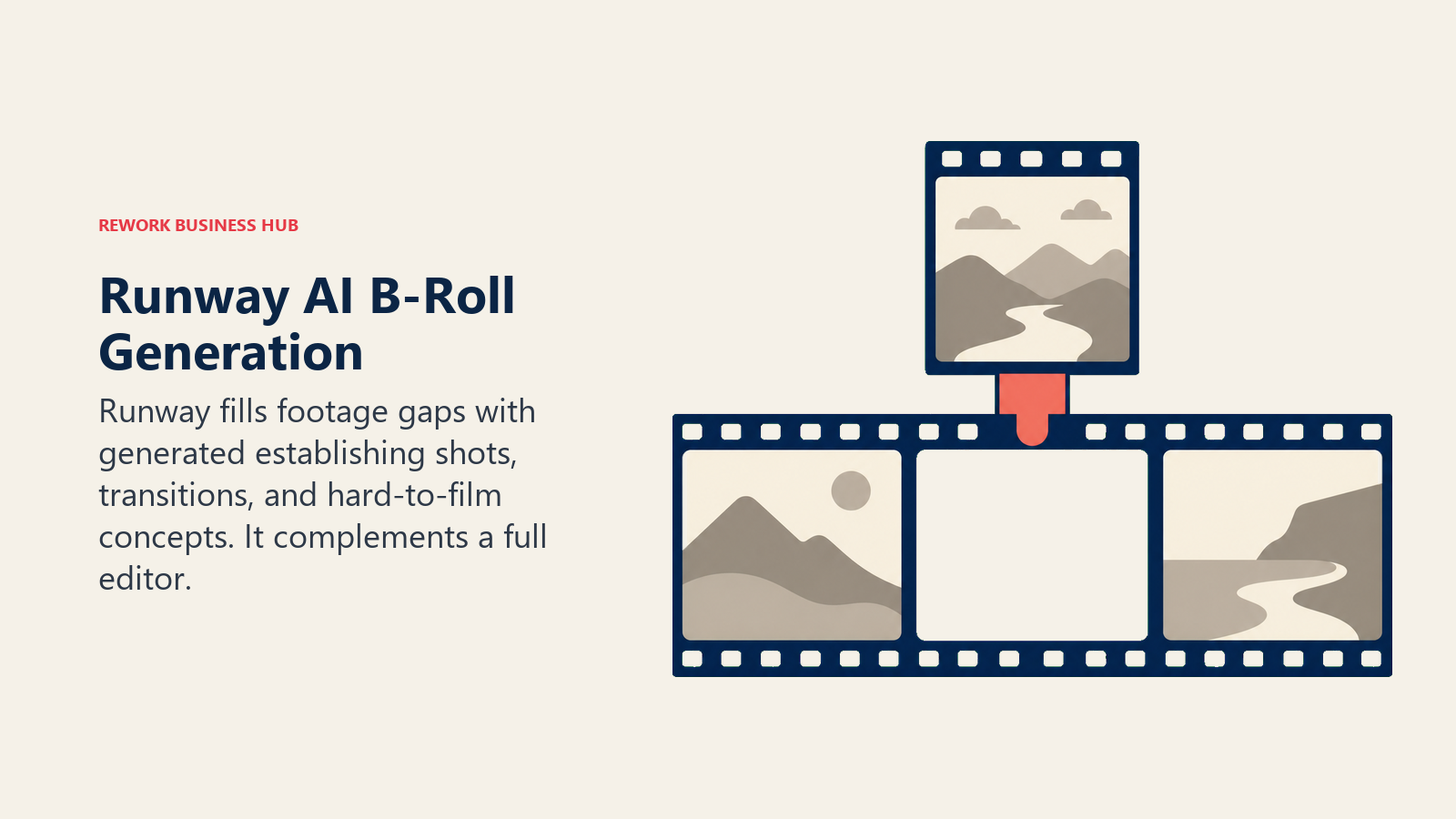
Best for: Creators who need AI-generated b-roll, transitions, or concept shots to fill gaps that real footage doesn't cover.
Key strengths:
- Gen-4.5 and Aleph give creators generative b-roll and AI-assisted editing in one platform
- Every paid plan includes access to third-party models (Seedance, Kling) alongside Runway's own
- Watermark removal and unlimited video editor projects on every paid tier
Limitations:
- Credit system charges per second of generated video, which adds up fast at higher resolutions
- A generative tool, not a full editor, works best paired with Descript or Premiere Pro for the final cut
Pricing: Free (125 credits, one-time); Standard $12/mo (annual, $15/mo monthly); Pro $28/mo (annual, $35/mo monthly); Max/Unlimited $76/mo (annual); Enterprise custom, per Runway's pricing page.
14. Adobe Premiere Pro: Professional-Grade Editing
Premiere Pro is the tool creators graduate to once a project needs color grading, multi-camera sync, or VFX work that mobile-first editors weren't built for. Adobe folded its generative AI features, Generative Extend, AI Object Mask, and Media Intelligence search, directly into the standard subscription in 2026, so anyone already paying for Premiere Pro gets the AI toolkit at no extra cost.
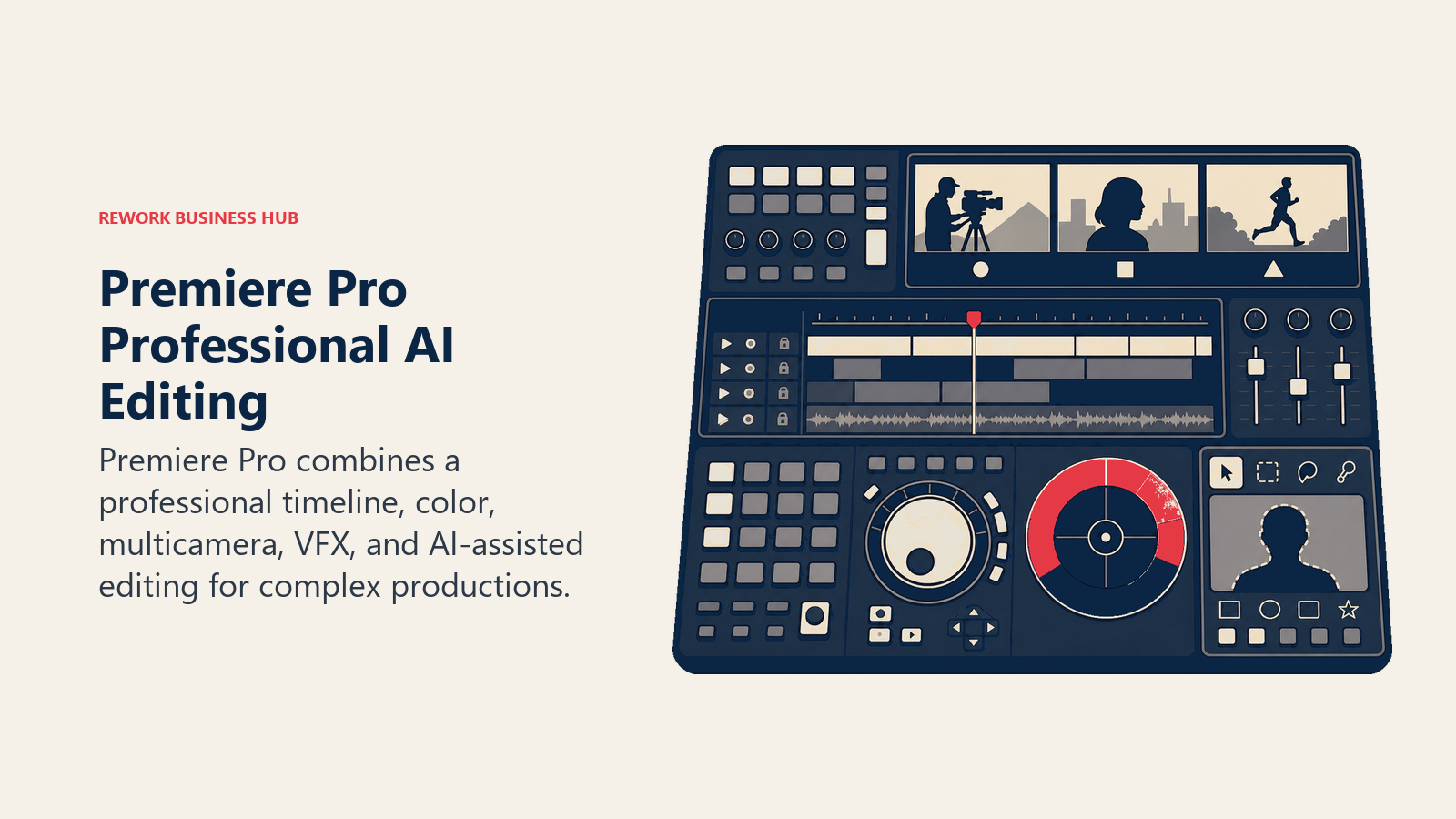
Best for: Creators or small production teams who've outgrown mobile-first editors and need a professional timeline, color tools, and VFX in one app.
Key strengths:
- Industry-standard timeline used across professional video production
- Generative Extend, AI Object Mask, and Media Intelligence search now bundled in at no extra cost
- Deepest ecosystem integration with other Adobe Creative Cloud tools
Limitations:
- Steep learning curve compared to mobile-first or browser-based editors
- Full Creative Cloud toolset requires the Pro bundle, not just the single Premiere Pro app
Pricing: Free 7-day trial; single app from $22.99/mo (annual, paid monthly); Creative Cloud Pro bundle priced separately, per Adobe's Premiere Pro plans page. For a deeper comparison of editing-focused tools, see best AI video editing tools.
How to Choose: Decision Framework
| If You Need... | Pick... |
|---|---|
| A script or hook before you film anything | ChatGPT |
| Remote, studio-quality recording with guests | Riverside |
| The fastest phone-to-post editing workflow | CapCut |
| To cut a long-form episode by editing a transcript | Descript |
| One long recording turned into a week of short clips | Opus Clip |
| Trend-accurate captions and polish on a rough cut | Submagic |
| Video without filming yourself on camera | Captions or HeyGen |
| A cloned or multilingual voiceover | ElevenLabs |
| AI-generated b-roll to fill a gap in real footage | Runway |
| A finished video published everywhere automatically | Repurpose.io |
Related Reading
- Best AI Tools for Content Creators and Influencers in 2026
- Best AI Tools for TikTok in 2026
- Best AI Tools for YouTube in 2026
- Best AI Tools for Instagram in 2026
- Best AI Tools for Content Writers in 2026
- Best AI Video Editing Tools in 2026
- Best AI Video Generators in 2026
- Best AI Image Generators in 2026
- Best AI Voice Generators in 2026
- Best AI Tools for Social Media in 2026
- Best AI Tools for Bloggers in 2026
- Claude vs ChatGPT vs Gemini: Which LLM Fits Your Business in 2026
What to Do Next
Don't subscribe to ten tools at once. Start with one drafting tool (ChatGPT), one recording or editing tool that matches your format (Riverside for interviews, CapCut for mobile-first, Descript for long-form), and one repurposing tool (Opus Clip) if you're sitting on long-form footage you're not reusing. Run that three-tool stack for a month, see what you actually reach for daily, then add captions, voice, or avatar tools only where a real gap shows up in your workflow.

Principal Product Marketing Strategist
On this page
- Key Facts
- Quick Comparison Table
- AI Tools for Content Creators by Production Stage
- How to Choose: By Budget
- 1. ChatGPT: Scripting, Hooks, and Brainstorming
- 2. Riverside: Studio-Quality Remote Recording
- 3. CapCut: Mobile-First, All-in-One Editing
- 4. Descript: Text-Based Editing for Long-Form Content
- 5. Opus Clip: Long-to-Short Repurposing
- 6. Submagic: Auto-Captions and Viral Edit Polish
- 7. Veed: Browser-Based Multi-Platform Editing
- 8. Captions: AI-Generated Talking-Head Video
- 9. ElevenLabs: AI Voice Cloning and Dubbing
- 10. HeyGen: AI Avatar Spokesperson Video
- 11. Canva: Thumbnails, Covers, and Brand Kits
- 12. Repurpose.io: Automated Cross-Platform Distribution
- 13. Runway: AI-Generated B-Roll and Video Clips
- 14. Adobe Premiere Pro: Professional-Grade Editing
- How to Choose: Decision Framework
- Related Reading
- What to Do Next