Best AI Tools for Coaches in 2026: 13 Tools for Session Prep, Client Work, and Running Your Practice
Turn this article into takeaways for your work.


Each assistant summarizes the article only for you and suggests best practices for your work.
Most coaches don't need one AI tool, they need three: something to prep for and follow up on sessions, something to run the business side (bookings, contracts, payments, client portals), and something to turn a single conversation into workbooks, social content, and program materials. ChatGPT and Claude cover the first job, drafting session notes, program frameworks, and client emails in minutes instead of an hour. Kajabi and Delenta cover the second, replacing a stack of scheduling links, PDF contracts, and a spreadsheet with one coaching-built platform. Canva and Descript cover the third, turning a recorded call into materials clients actually use. This guide ranks 13 tools coaches use in 2026, evaluated on what each one is genuinely good at, not on marketing copy.
The coaching profession is growing fast and it's real money: a record 122,974 coach practitioners now work worldwide, and the industry generates $5.34 billion a year, according to the 2025 ICF Global Coaching Study. But most of that growth is still solo practitioners stitching together a call tool, a scheduling link, and a spreadsheet. This guide is for the coach who wants a tighter stack, not a bigger one.
Coaching software changes fast, one platform on this list shut down entirely in the past year, so treat anything you read elsewhere as a starting point, not a final number.
Updated July 2026: What Changed
- Practice.do shut down in October 2025. The all-in-one coaching platform, previously priced around $50-75/month, closed after its CEO announced the wind-down. Coaches who were on it have mostly moved to Paperbell, CoachVantage, or Simply.Coach.
- Kajabi raised its Growth plan price in January 2026, from $159/month to $199/month (billed annually), a 25% jump, in its first major pricing restructure in nearly a decade.
- Kajabi shipped five new AI products free on every plan between May 19 and June 1, 2026: Cofounder (a context-aware business assistant), Creator.io (an AI chatbot trained on your own courses and content), Backstage, Amplify, and Expert Agents (24/7 AI sales and teaching assistants trained on your voice).
- Kajabi also launched an MCP integration, letting you manage your Kajabi business account through Claude or ChatGPT using natural language, instead of logging into the dashboard.
- AI by Zapier moved to model-tier task pricing on June 15, 2026. An AI step now consumes 1x, 3x, or 5x your monthly task allocation depending on the model tier, which matters if you're using Zapier to automate client intake.
Key Facts
- A record 122,974 coach practitioners now work worldwide, up 15% since 2023, per the 2025 ICF Global Coaching Study.
- The global coaching industry now generates $5.34 billion a year, nearly double its 2023 total, according to the same ICF study.
- 59% of coaches expect their revenue to grow next year, and they expect that growth to come from more clients and sessions, not higher fees, per ICF.
- Companies that invest in coaching see an average ROI of 7 times the cost, per a global survey by PwC and the Association Resource Centre, cited in ICF's coaching ROI research.
- 87% of survey respondents say executive coaching delivers a high return on investment, per an FMI report cited in that same ICF research.
- 78% of organizations now use generative AI in at least one business function, up from 72% in early 2024, according to McKinsey's State of AI 2025 report, the broader adoption curve coaching businesses are riding too.
Quick Comparison Table
| Tool | Best For | Standout Capability | Starting Price | Free Tier? |
|---|---|---|---|---|
| ChatGPT | General drafting, session prep, client emails | Canvas, Deep Research, Custom GPTs | Free; Plus $20/mo | Yes |
| Claude | Long program design, detailed client briefs | Long context, Projects for persistent client history | Free; Pro $20/mo ($17/mo annual) | Yes |
| Fireflies | Transcribing coaching calls at real volume | AskFred, CRM sync, automatic action items | Free; Pro $10/seat/mo (annual) | Yes |
| Otter | Budget-friendly transcription, lighter call volume | Live transcription, searchable meeting history | Free (300 min/mo); Pro $16.99/mo | Yes |
| Notion AI | Running the whole practice from one workspace | AI Agents that search your own notes and docs | Free/Plus $10/mo (basic AI); Business $20/user/mo | Basic AI on free |
| Canva | Workbooks, session slides, marketing content | Magic Design, brand kit templates | Free; Pro $15/mo (~$12/mo annual) | Yes |
| Kajabi | Courses, programs, and 1:1 coaching in one platform | Cofounder AI, Creator.io, Expert Agents, MCP | $179/mo ($143/mo annual) | No (14-day trial) |
| Delenta | All-in-one coaching business platform | Client portal, booking, automated ICF CCE logging | $29/mo | No (14-day trial) |
| CoachAccountable | Accountability tracking, session and action-plan workflow | Deep metrics hub, deliberately minimal AI | $20/mo (up to 2 clients) | No (30-day trial) |
| Paperbell | Lightest setup for a coach with their first paying clients | Zero platform transaction fees | Free (1 client); $57/mo | Yes (1 client) |
| AI by Zapier | Automating intake forms, welcome emails, booking | Model-tier AI steps inside no-code workflows | Free (100 tasks/mo); Pro $19.99/mo | Yes |
| Descript | Editing recorded sessions, podcasts, and video content | Text-based editing, Overdub, Studio Sound | Free; Hobbyist $16/mo (annual) | Yes |
| Rework | CRM and pipeline for multi-coach practices, not solo coaches | Unified pipeline plus multi-channel inbox | From $69/mo billed yearly (Sales Engine, 5 seats) | No |
How to Choose: By Coaching Task
Most coaches don't need every tool on this list at once, they need the right one for whatever's currently eating their time.
| Task | What Matters Most | Best Fits |
|---|---|---|
| Session prep and drafting materials | Fast, flexible output that follows a brief | ChatGPT, Claude |
| Transcribing and summarizing calls | Accurate transcription, searchable history | Fireflies, Otter |
| Program design and long documents | Holding a detailed methodology without drifting | Claude |
| Running courses, programs, or a membership | Content hosting plus marketing automation | Kajabi |
| All-in-one client management | Booking, portal, payments, and compliance logging in one place | Delenta, CoachAccountable |
| Just starting to take paying clients | Low cost, minimal setup | Paperbell |
| Workbooks, slides, and marketing visuals | Fast templates without a design background | Canva |
| Automating intake and admin | Connecting your tools without custom code | AI by Zapier |
| Repurposing recorded sessions or a podcast | Editing by editing the transcript | Descript |
| Managing a shared pipeline across multiple coaches | A real CRM, not a coaching delivery tool | Rework |
How to Choose: By Monthly Budget
| Monthly Budget | What You Can Realistically Cover | Best Fits |
|---|---|---|
| $0 (free tiers only) | Light drafting, transcription, and design | ChatGPT Free, Claude Free, Otter Free, Canva Free, Paperbell (1 client) |
| Under $30/mo | One drafting tool plus one practice-management tool | ChatGPT Plus or Claude Pro, plus Delenta Starter or CoachAccountable |
| $30-$80/mo | A full call-notes and client-management stack | Fireflies Pro, Paperbell All-Inclusive, Descript Hobbyist |
| $80-$200/mo | Course hosting or a membership added to the stack | Kajabi Basic, Delenta Premium, Notion Business |
| $200+/mo | A growing multi-coach practice with pipeline needs | Kajabi Growth/Pro, plus Rework for a small coaching team |
1. ChatGPT: The Default Drafting and Session-Prep Tool
ChatGPT is where most coaches start because it's genuinely useful across the daily writing load: pre-session prep questions, client follow-up emails, program outlines, and first drafts of a workbook exercise. Canvas gives you a side-by-side editing surface that behaves more like a real document than a chat window, which matters when you're revising a client-facing worksheet line by line.

Best for: Coaches who want one flexible tool for session prep, brainstorming exercises, and quick client communication.
| What you get | What you don't |
|---|---|
| Canvas for drafting and revising client materials in place | Default output leans generic without a detailed prompt |
| Deep Research for pulling context on a client's industry before a session | No built-in source citations the way Perplexity provides |
| Custom GPTs for repeatable workflows, like a standing intake-questionnaire generator | Not built for scheduling, payments, or client portals |
Pricing: Free tier; Plus $20/mo; Pro $200/mo (highest limits and best models), per ChatGPT's pricing page. For a head-to-head against the other big models, see Claude vs ChatGPT vs Gemini.
Standout use case: Turning a rough coaching topic into a structured set of pre-session questions in minutes, then refining tone in Canvas before sending it to the client.
2. Claude: Best for Long Program Design and Detailed Client Briefs
Claude's strength for coaches is holding onto a long, detailed brief without losing the thread. Paste in a client's full intake history, three past session summaries, and a 20-page program framework, and it stays consistent with all of it across a long drafting session, which matters when you're designing a 12-week program, not a single email.
Best for: Coaches designing multi-session programs, writing detailed proposals, or working from a specific coaching methodology (GROW, ICF core competencies, a certification body's framework).
| What you get | What you don't |
|---|---|
| Strong adherence to detailed, multi-part instructions | No built-in web research the way Perplexity provides |
| Large context window for working with long client histories at once | Image generation lags behind ChatGPT |
| Projects keeps a client's history and program framework persistent across sessions | Free tier usage limits fill up fast during a heavy drafting week |
Pricing: Free tier; Pro $20/mo ($17/mo billed annually); Max plans at $100/mo and $200/mo; Team from $25/seat, per Claude's pricing page. If you also do consulting-style engagements alongside coaching, see best AI tools for consultants for a deeper comparison of drafting tools.
Standout use case: Drafting a full 12-week coaching program outline against a client's stated goals without the model losing track of session 3 by the time it reaches session 9.
3. Fireflies: Transcribing Coaching Calls at Real Volume
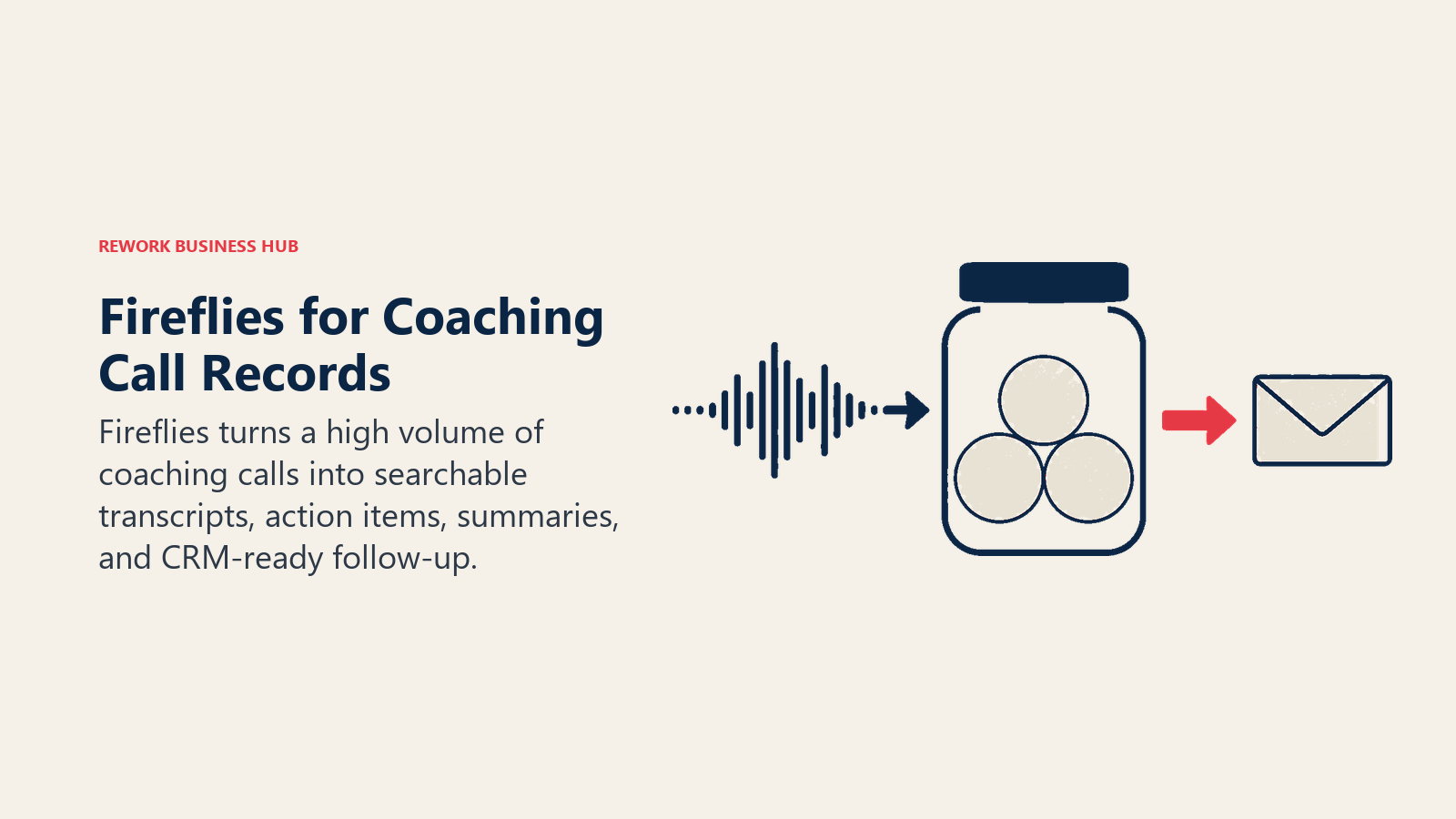
Fireflies transcribes and summarizes coaching calls in real time and pulls out action items automatically, which matters when you're running 15-20 client sessions a week and can't rely on memory for what each client committed to. AskFred lets you ask questions across your entire call history ("what did this client say about their biggest blocker three sessions ago") instead of scrolling transcripts.
Best for: Coaches running a higher call volume who want searchable history and automatic follow-up drafts, not just a transcript.
| What you get | What you don't |
|---|---|
| Unlimited transcription and AI summaries on every paid plan | Storage caps on lower tiers (Free: 800 minutes total) |
| AskFred for querying your full call history in natural language | AI credits (summaries, action items, highlights) draw from a shared monthly pool |
| CRM sync pushes call summaries into Salesforce or HubSpot, useful once you're tracking a client pipeline | Business tier pricing is built for sales teams, more than most solo coaches need |
Pricing: Free ($0, 800 min storage); Pro $10/seat/mo billed annually ($18/mo monthly); Business $19/seat/mo annual ($29/mo monthly); Enterprise $39/seat/mo annual, per Fireflies' pricing page. See Otter vs Fireflies vs Fathom for a direct comparison of the leading meeting-AI tools.
Standout use case: Pulling up a searchable summary from six weeks ago when a client asks "didn't we already talk about this?" and you need the receipts.
4. Otter: Budget-Friendly Transcription for Lighter Call Volume
Otter covers the same core job as Fireflies (live transcription, automatic summaries, searchable history) at a lower entry price, which makes it the better fit for coaches running fewer sessions a week or just testing whether call transcription is worth paying for at all.
Best for: Coaches with a lighter session load who want reliable transcription without committing to a per-seat business tool.
| What you get | What you don't |
|---|---|
| Free tier covers 300 minutes a month, enough for a light client-call schedule | Per-conversation minute caps on lower tiers can cut off a long session |
| Searchable meeting history, useful if a client disputes what was agreed | Less built for CRM-style pipeline tracking than Fireflies |
| Live transcription with automatic summaries and action items | Business tier pricing only makes sense once you're running calls daily |
Pricing: Free (300 min/mo); Pro $16.99/mo ($8.33/mo billed annually); Business $30/user/mo ($19.99/mo annual), per Otter's pricing page. See best AI meeting assistants for the full category comparison.
Standout use case: A new coach testing whether AI transcription is worth paying for, using the free 300 minutes before committing to a paid tier.
5. Notion AI: Running the Whole Coaching Practice From One Workspace
Notion's pitch for coaches isn't the AI on its own, it's that your client notes, program curriculum, resource library, and content calendar already live in Notion, so Ask Notion can search across all of it instead of you digging through folders before a session.
Best for: Coaches who already run their practice (notes, program docs, light client tracking) inside Notion and want AI that searches across that workspace.
| What you get | What you don't |
|---|---|
| AI Agents search across your own notes, docs, and connected apps | Full AI access requires the $20/user/mo Business plan |
| One workspace for client notes, program curriculum, and content, reducing tool sprawl | Not built for scheduling, payments, or e-signatures |
| Templates for coach-specific setups (client tracker, program curriculum, content calendar) | Steeper learning curve than a purpose-built coaching platform |
Pricing: Free and Plus $10/mo (basic AI writing only); Business $20/user/mo billed annually ($24/mo monthly) for full AI Agents and Ask Notion, per Notion's pricing page. See best AI note-taking apps if session notes are your main use case.
Standout use case: Asking Notion AI to pull together every note tied to a specific client before a renewal or program-completion conversation.
6. Canva: Workbooks, Session Slides, and Marketing Without a Designer
Canva is how coaches without a design background produce workbooks, session slide decks, and social content that look designed. Magic Design turns a rough idea into layout options in seconds, and a saved brand kit keeps every worksheet and social post visually consistent, which matters when a prospective client is comparing your program materials to a competitor's.
Best for: Coaches who need workbooks, program materials, or social content to look professional without hiring a designer.
| What you get | What you don't |
|---|---|
| Magic Design and AI image tools turn a prompt into usable layouts fast | Not built for long-form writing or client research |
| Brand kit keeps colors, fonts, and logos consistent across every worksheet | Advanced brand controls sit behind the pricier tiers |
| Massive template library covers workbooks, social posts, and slide decks | Pro tier price has climbed; check current pricing before you budget |
Pricing: Free tier; Pro $15/mo (roughly $12/mo billed annually), per Canva's pricing page. If you also run a content calendar for your practice, see best AI tools for social media.
Standout use case: Building a branded coaching workbook or a program one-pager that looks like it came from a design studio, in under an hour.
7. Kajabi: Courses, Programs, and 1:1 Coaching in One Business Platform
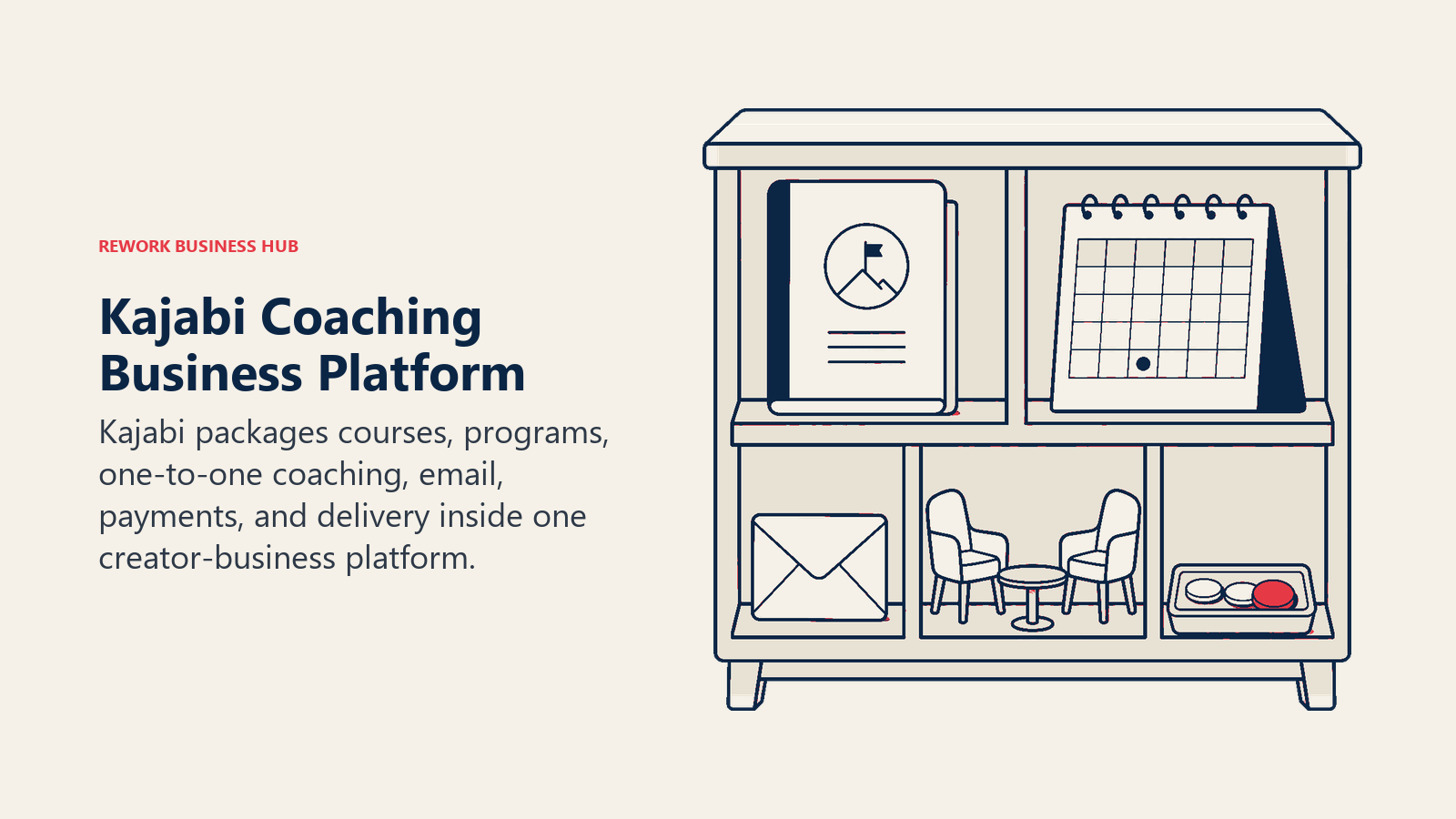
Kajabi is built for coaches whose business is bigger than 1:1 calls: group programs, self-paced courses, memberships, and email marketing, all under one roof. Between May and June 2026, Kajabi shipped five AI products free on every plan: Cofounder (a context-aware business assistant), Creator.io (an AI chatbot trained on your own course content that answers client questions), Backstage, Amplify, and Expert Agents (24/7 AI sales and teaching assistants trained on your voice and material).
Best for: Coaches running group programs, courses, or a membership alongside 1:1 coaching, who want AI woven through the whole business rather than bolted onto one feature.
| What you get | What you don't |
|---|---|
| Cofounder, Creator.io, and Expert Agents ship free on every plan | Entry price is meaningfully higher than a single-purpose coaching tool |
| MCP integration lets you manage your Kajabi business through Claude or ChatGPT | No free tier, only a 14-day trial |
| Unlimited marketing emails, landing pages, and funnels on every plan | Growth plan jumped 25% in January 2026's pricing restructure |
Pricing: Basic $179/mo ($143/mo billed annually), 5 products and 2,500 contacts; Growth $249/mo ($199/mo annual), 50 products and 25,000 contacts; Pro $499/mo ($399/mo annual), per Kajabi's pricing page.
Standout use case: Letting Creator.io answer a course member's question about program content at 11pm, instead of that message sitting until your next office hours.
8. Delenta: All-in-One Coaching Business Platform With Automated ICF Logging
Delenta bundles the coaching business essentials, client portal, booking calendar, payments, and lead management, into one product, and it automatically tracks ICF CCE-eligible hours as you deliver sessions, which saves the manual logging most coaches do by hand for recertification.
Best for: Coaches who want one platform for client portals, booking, and payments without Kajabi's course-platform price tag, and who value automated ICF credential tracking.
| What you get | What you don't |
|---|---|
| Client portal, booking calendar, and CRM on the entry $29/mo Starter tier | Course creation is locked to the $79/mo Premium tier |
| Automated ICF CCE logging on every paid tier | No free plan, only a 14-day trial |
| Group coaching management and a branded landing page on the Pro tier | Multi-coach team pricing is custom-quoted, not published |
Pricing: Starter $29/mo, 1 seat and 10 client portals; Pro $49/mo, 40 portals plus group coaching; Premium $79/mo, unlimited portals plus the course creator; Teams and Enterprise custom-quoted, per Delenta's pricing page.
Standout use case: A coach pursuing ICF renewal who wants their coaching hours logged automatically instead of reconstructing a spreadsheet from memory at renewal time.
9. CoachAccountable: Accountability Tracking Without the AI Layer
CoachAccountable is the honest outlier on this list: it's built around action plans, metrics, worksheets, and client accountability, and its team has been openly skeptical about AI-generated coaching content, choosing not to bolt AI features onto the product just because competitors have. For coaches who want proven session and accountability tooling, and who plan to run their own AI drafting separately in ChatGPT or Claude, that's a feature, not a gap.
Best for: Coaches who want deep accountability tracking (action items, metrics, automated client nudges) and are comfortable pairing it with a separate AI tool for drafting.
| What you get | What you don't |
|---|---|
| Deep metrics hub with at-a-glance client progress visualizations | No AI features anywhere in the product, by design |
| Pricing scales with your actual active client count, not a flat seat fee | Costs climb quickly as your active client count crosses each tier boundary |
| Unlimited coach and admin seats at no extra charge | Interface is functional rather than polished compared to newer platforms |
Pricing: $20/mo for up to 2 active clients, $40/mo for up to 5, $70/mo for up to 10, $120/mo for up to 20, $250/mo for up to 50, $400/mo for up to 100, scaling to $4,000/mo at 1,000 clients, per CoachAccountable's pricing page.
Standout use case: Automated, personal-feeling nudges when a client falls behind on a committed action item, without you having to chase them manually.
10. Paperbell: The Lightest Setup for a Coach's First Paying Clients
Paperbell strips coaching business software down to one plan: scheduling, contracts, payments, and a client portal, with zero platform transaction fees on top of standard Stripe or PayPal processing. It's also the platform most former Practice.do users have migrated to since that platform shut down in October 2025.
Best for: A coach signing their first few paying clients who wants the business basics handled without a course platform's price tag or complexity.
| What you get | What you don't |
|---|---|
| Free plan runs the full feature set indefinitely with one client | Second client requires upgrading to the paid plan |
| Zero platform transaction fees, only standard Stripe/PayPal processing | No AI drafting or content-generation features |
| One simple plan, no tier-shopping | No course hosting or membership features like Kajabi |
Pricing: Free (1 client, full features); All-Inclusive $57/mo ($47.50/mo billed annually), per Paperbell's pricing page.
Standout use case: A coach moving off "invoice by hand and a Calendly link" the moment they sign their second real client.
11. AI by Zapier: Automating Intake, Welcome Emails, and Booking
Most coaches end up with a stack of separate tools, an intake form, a booking calendar, an invoicing app, and none of them talk to each other without manual copy-paste. AI by Zapier steps add a reasoning step inside a no-code automation: summarize a new inquiry, draft a first-pass reply, then route qualified leads to your calendar link, without writing any code.
Best for: Coaches who want to stop manually copying information between their intake form, calendar, and inbox.
| What you get | What you don't |
|---|---|
| Connects thousands of apps without custom code | AI steps consume tasks at a model-tier rate (1x-5x) since the June 2026 change |
| AI steps can summarize, draft, or classify an incoming inquiry mid-workflow | Requires setup time to map out a workflow correctly |
| Free tier (100 tasks/mo) is enough to automate one or two real workflows | Professional plan required before AI steps are available at all |
Pricing: Free (100 tasks/mo); Professional from $19.99/mo; Team from $69/mo; Enterprise custom, per Zapier's pricing page.
Standout use case: Automatically qualifying a new discovery-call request and only routing it to your calendar once it meets your intake criteria.
12. Descript: Editing Recorded Sessions, Podcasts, and Video Content
Descript is built for coaches who record sessions for replay, run a podcast, or repurpose group coaching calls into short clips for marketing. Its core trick is editing media by editing the text transcript, cut a sentence from the document and the corresponding audio or video clip cuts too, which is dramatically faster than a traditional timeline editor for spoken-word content.
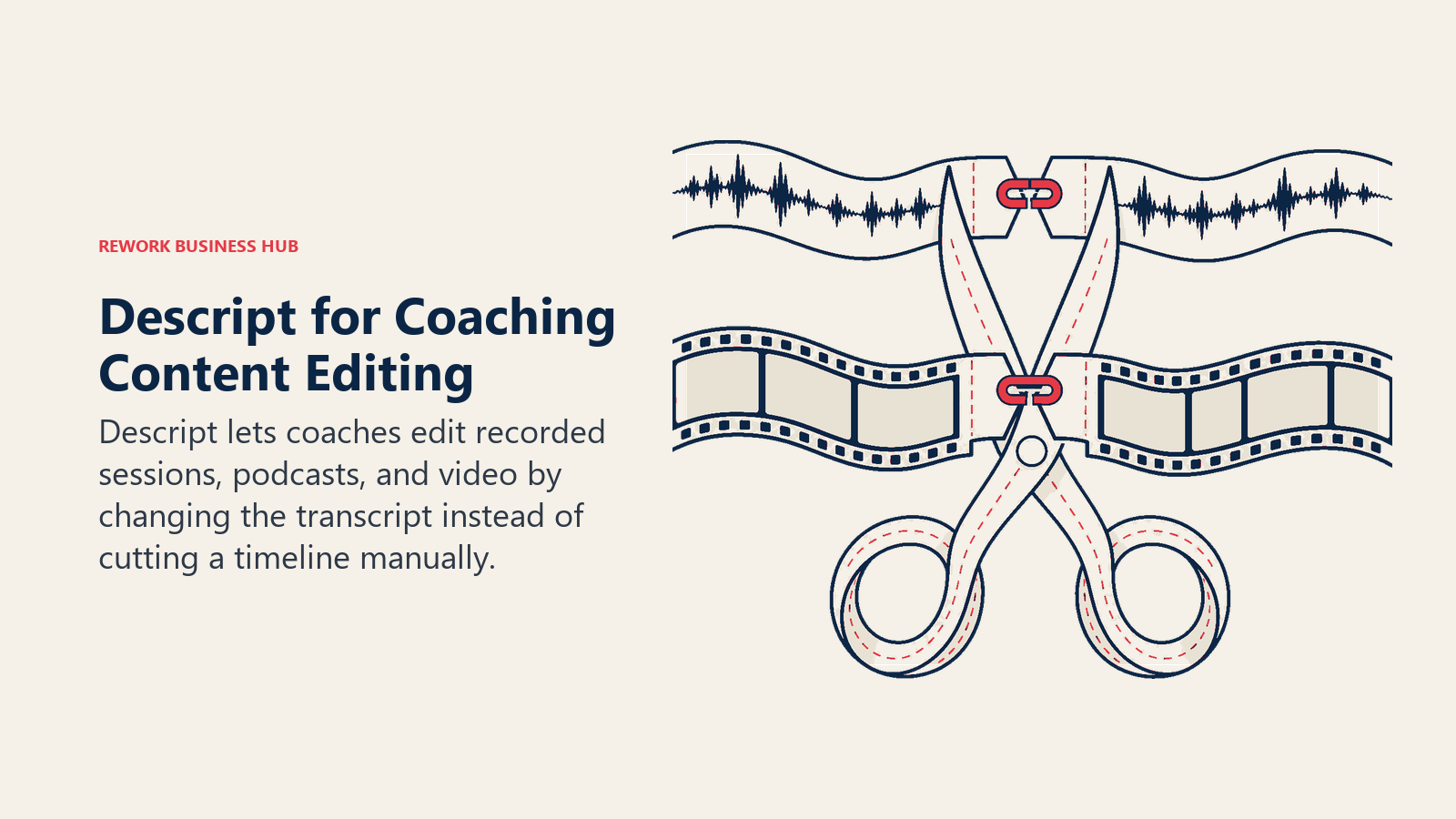
Best for: Coaches producing podcast episodes, YouTube content, or edited replays of group coaching sessions.
| What you get | What you don't |
|---|---|
| Text-based editing is far faster than timeline scrubbing for spoken content | Not relevant if your coaching work is entirely live, unrecorded 1:1 |
| Overdub and Studio Sound clean up rough session-recorded audio | AI credits are consumed by advanced features and can run out mid-project |
| Free tier is enough to test the workflow before committing | Learning curve if you're used to a traditional video timeline |
Pricing: Free tier; Hobbyist $16/mo billed annually ($24/mo monthly); Creator $24/mo annual ($35/mo monthly); Business $50/mo annual ($65/mo monthly), per Descript's pricing page. See best AI video editing tools for the wider category.
Standout use case: Cutting a 90-minute group coaching call down to a five-minute highlight clip by editing a document, not a timeline.
13. Rework: CRM and Pipeline for Multi-Coach Practices, Not Solo Coaches
Rework doesn't compete with Kajabi, Delenta, or CoachAccountable, it isn't a coaching delivery platform, and it has no session scheduling, client portal, or course hosting. Where Rework fits is narrower and specific: coaching practices, franchises, or agencies that have grown past one practitioner and now have a small team (5 or more people) fielding inquiries, qualifying prospects, and handing leads between coaches. At that point, a coaching platform's basic lead list stops being enough, and you need an actual CRM: structured pipelines, lead distribution across coaches, and a unified inbox for WhatsApp, email, and web chat inquiries in one place.

Not ideal for: Solo coaches or teams under 5 people, whose pipeline needs are covered fine by Delenta or CoachAccountable's built-in lead tracking. Rework's smallest package assumes a 5-user team.
Pricing: the Sales Engine starts at $69/month billed yearly ($80 month to month), with 5 sales seats included. See rework.com/pricing for current details. If you're evaluating a full CRM rather than a coaching-specific tool, best CRM software in 2026 covers the wider field.
Standout use case: A coaching franchise with several coaches sharing an intake pipeline, where a new inquiry needs to be scored, routed to the right coach by specialty or territory, and followed up on an SLA, not just added to a spreadsheet.
Coach AI Tool Mistakes to Avoid
Most coaches don't fail at picking a bad tool, they fail at stacking too many overlapping ones or skipping the ethics guidance their own certifying body already published.
| Mistake | What It Looks Like | What to Do Instead |
|---|---|---|
| Letting AI draft the actual coaching guidance | Copy-pasting an AI-generated "action plan" straight into a client deliverable | Use AI to organize and summarize what was said in session, not to invent guidance the client didn't arrive at themselves |
| Skipping AI disclosure with clients | Using an AI notetaker or AI-drafted follow-up without telling the client it was involved | Disclose when and how AI touches client-facing material, in line with ICF's AI Coaching Framework and Standards |
| Paying for two overlapping business platforms | Running Kajabi and Delenta at the same time "just in case" | Pick one platform for course and program hosting and one for call transcription and notes, don't stack every category |
| Committing to an all-in-one platform too early | A brand-new coach signing up for Kajabi's $199+/mo Growth tier before they have a program to sell | Start with a free or entry tier (Paperbell free, Delenta Starter) and upgrade once client volume justifies it |
| Treating a CRM as a coaching delivery platform | Trying to run session scheduling and a client portal inside Rework or a generic CRM | Use a coaching-built platform for delivery, and add a CRM only once you're managing a shared pipeline across multiple coaches |
| Ignoring per-client pricing creep | Not noticing CoachAccountable's tier jumps as your active client count crosses 10, 20, or 50 | Check your active-client count against the next tier boundary before it quietly raises your bill |
Decision Framework
The right coaching tool depends on the job consuming the most time, whether that is content, session delivery, client management, or business operations.
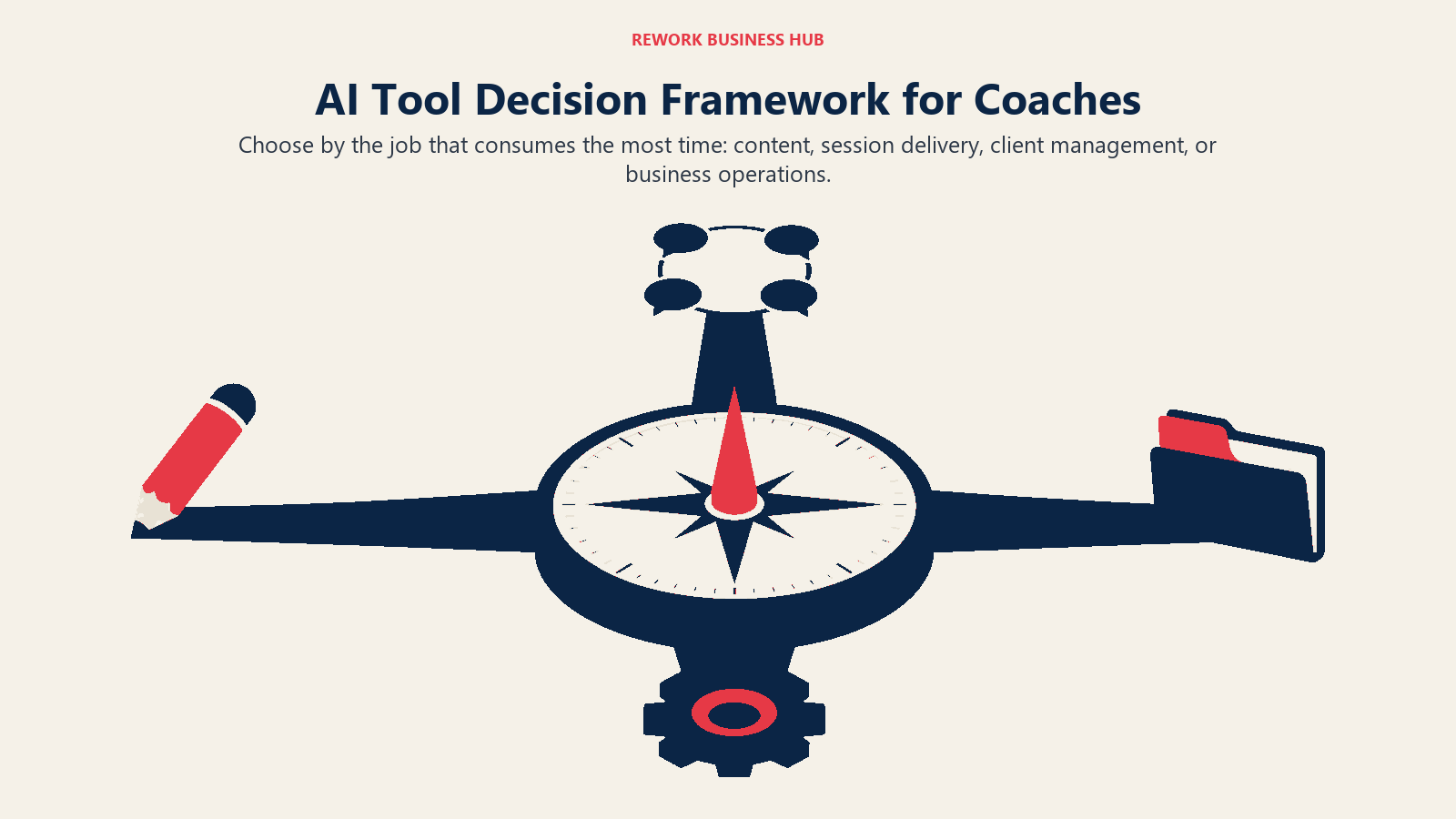
| If you need... | Pick... | Why |
|---|---|---|
| One flexible tool for session prep and client emails | ChatGPT | Broadest use case; Canvas for editing; strong free tier |
| Long program design that follows a detailed methodology | Claude | Best instruction-following on long, detailed client briefs |
| Transcribing coaching calls at real volume | Fireflies | AskFred search plus CRM sync for a growing practice |
| Budget-friendly transcription for a lighter schedule | Otter | Lower entry price; solid free tier at 300 minutes |
| One workspace for your whole coaching practice | Notion AI | AI Agents search across your own notes and docs |
| Workbooks and marketing without a designer | Canva | Magic Design plus a consistent brand kit |
| Courses, programs, and 1:1 coaching in one platform | Kajabi | AI woven through the whole business, not one feature |
| An all-in-one platform with automated ICF logging | Delenta | Client portal, booking, and CCE tracking from the entry tier |
| Deep accountability tracking, AI or no AI | CoachAccountable | Metrics-first, pairs cleanly with a separate AI drafting tool |
| The simplest setup for your first paying clients | Paperbell | Free for one client, zero platform transaction fees |
| Automating intake and admin between tools | AI by Zapier | No-code automation with an AI reasoning step built in |
| Editing recorded sessions or a coaching podcast | Descript | Edit media by editing the transcript |
| A shared pipeline across multiple coaches | Rework | Real CRM for a coaching team, not a solo lead list |
Frequently Asked Questions about AI Tools for Coaches
What is the best AI tool for coaches overall?
There's no single best tool because coaching software splits into three jobs. ChatGPT or Claude cover session prep and drafting, Fireflies or Otter cover call transcription, and Kajabi, Delenta, CoachAccountable, or Paperbell cover the business side (booking, payments, client portals). Most coaches end up running one tool from each category rather than a single all-in-one platform.
Can AI replace a human coach?
The data doesn't support that. The coaching industry generated $5.34 billion last year and grew its practitioner base 15% since 2023, per the 2025 ICF Global Coaching Study, and 59% of coaches expect more revenue next year from more clients and sessions, not automation replacing them. AI is replacing specific tasks (transcription, first-draft materials, admin) inside a coaching practice, not the judgment and relationship clients are paying for.
Is it ethical to use AI in client-facing coaching work?
The International Coaching Federation published an AI Coaching Framework and Standards covering foundational ethics, transparency, and disclosure. The general guidance is to use AI to support your work (notes, summaries, first drafts) rather than to generate the coaching guidance itself, and to tell clients when AI is involved in something they'll see or hear.
Kajabi or Delenta, which is better for a coaching business?
Kajabi is built for coaches selling courses, programs, or a membership alongside 1:1 work, with AI features (Cofounder, Creator.io, Expert Agents) woven through the whole platform, starting at $179/mo. Delenta is lighter and cheaper at $29/mo, better suited to a coach who mainly needs a client portal, booking, and automated ICF logging without a full course-building suite.
Fireflies or Otter for recording coaching calls?
Both transcribe and summarize calls well. Otter's free tier (300 minutes/month) is the better starting point for a lighter session load. Fireflies' AskFred feature and CRM sync make more sense once you're running a higher volume of calls and want to search across months of client history in natural language.
How much should a solo coach budget for AI and coaching tools per month?
Most solo coaches land somewhere between $0 and $60 a month starting out, covering a free or low-cost drafting tool plus Paperbell's free plan or Delenta's $29 Starter tier. As a practice grows past 10-20 active clients, or adds course content, that budget commonly moves into the $80-250 range once Kajabi or a higher CoachAccountable tier enters the mix.
Does a coaching practice ever need a real CRM like Rework instead of a coaching platform's built-in lead list?
Only once the practice has grown past one practitioner. A coaching platform's basic lead tracking is fine for a solo coach. Once a practice has a small team (5 or more people) fielding inquiries and handing leads between coaches, a dedicated CRM with lead distribution and a unified inbox starts to earn its keep. Rework isn't built for solo coaches and its smallest package assumes a 5-user team.
What changed in coaching software in 2026?
Practice.do shut down in October 2025, sending its user base mostly to Paperbell. Kajabi raised its Growth plan price 25% in January 2026, then shipped five AI products (Cofounder, Creator.io, Expert Agents, Backstage, Amplify) free on every plan between May and June 2026. Zapier also moved AI automation steps to model-tier pricing in June 2026.
What to Do Next
Don't adopt all 13 tools at once. Pick the single biggest bottleneck in your practice right now, usually either "I spend too long on session prep and follow-up" or "my booking, contracts, and payments are scattered across three tools", and add one tool that solves that specific problem. Run it for a full month of client work before adding a second. If you're weighing a broader AI stack beyond coaching-specific tools, Best AI Tools in 2026 covers the wider category, and if your coaching practice is starting to look more like a small business with a team, best AI tools for small business covers what changes once you're not the only person doing the work.

Principal Product Marketing Strategist
On this page
- Updated July 2026: What Changed
- Key Facts
- Quick Comparison Table
- How to Choose: By Coaching Task
- How to Choose: By Monthly Budget
- 1. ChatGPT: The Default Drafting and Session-Prep Tool
- 2. Claude: Best for Long Program Design and Detailed Client Briefs
- 3. Fireflies: Transcribing Coaching Calls at Real Volume
- 4. Otter: Budget-Friendly Transcription for Lighter Call Volume
- 5. Notion AI: Running the Whole Coaching Practice From One Workspace
- 6. Canva: Workbooks, Session Slides, and Marketing Without a Designer
- 7. Kajabi: Courses, Programs, and 1:1 Coaching in One Business Platform
- 8. Delenta: All-in-One Coaching Business Platform With Automated ICF Logging
- 9. CoachAccountable: Accountability Tracking Without the AI Layer
- 10. Paperbell: The Lightest Setup for a Coach's First Paying Clients
- 11. AI by Zapier: Automating Intake, Welcome Emails, and Booking
- 12. Descript: Editing Recorded Sessions, Podcasts, and Video Content
- 13. Rework: CRM and Pipeline for Multi-Coach Practices, Not Solo Coaches
- Coach AI Tool Mistakes to Avoid
- Decision Framework
- What to Do Next