Best AI Tools for Bloggers in 2026: 13 Tools Ranked by Job
Turn this article into takeaways for your work.


Each assistant summarizes the article only for you and suggests best practices for your work.
ChatGPT and Claude are the fastest general-purpose drafting and research tools for any blogger. Koala AI, Byword, SEOwriting.ai, and RightBlogger are built specifically to turn a keyword into a publish-ready SEO post, some with one-click WordPress publishing. Surfer SEO, Frase, and NeuronWriter score a draft against what's actually ranking before you hit publish. Grammarly catches what a spellchecker misses, and Canva handles the header image and Pinterest graphic without a designer. No single tool on this list does every job a blogger needs, so this guide is organized by the job, not a single ranked list.
Every tool below was evaluated on what it actually does for someone writing and publishing a blog, not its enterprise feature set. AI tool pricing in this category changes often, so confirm current pricing with the vendor before you buy.
Updated July 2026: What Changed
- Auto-publish to WordPress became table stakes, not a premium add-on. Koala AI, Byword, SEOwriting.ai, and RightBlogger all ship direct WordPress publishing standard in 2026, where a year ago it sat behind a higher tier on most of these tools.
- Writesonic rebranded from a pure writing tool into an "AI Search Visibility Platform." It still drafts content, but the pricing and feature set now center on tracking whether your posts get cited in ChatGPT, Gemini, and Google AI Overviews, not on long-form drafting alone.
- Grammarly folded its old separate Business plan into one Pro tier that scales to 149 seats, and Free users now get a capped 100 AI prompts a month instead of unlimited basic grammar checks.
- Canva raised Pro from $12.99 to $15 a month. Magic Studio's 500 AI credits a month on Pro run out fast if you lean on image generation for every post's header art.
- Surfer replaced its old Essential and Scale plans with Discovery, Standard, Pro, and Peace of Mind, and added a $95/month AI Tracker add-on for brand visibility in AI search on top of the core content-scoring product.
- Jasper's pricing page now leads with the $69/month Pro tier, not the older $39 Creator plan that used to be the default entry point.
Key Facts
- 80% of bloggers used AI somewhere in their workflow in the most recent survey year, up from 65% the year before, though only 10% use it to write a complete article outright, per Orbit Media's annual blogger survey.
- Generating ideas is the single most common use of AI among bloggers, cited by 54% of respondents, ahead of editing, outlining, and headline writing, per Orbit Media.
- The average blog post took 3 hours 25 minutes to write in the most recent survey, down from over 4 hours in 2022, a drop researchers tie partly to AI-assisted drafting and editing, per Orbit Media.
- Human-written pages hold Google's #1 spot 80% of the time versus just 9% for purely AI-generated pages, based on an analysis of 20,000 keywords and their top 10 results, per Semrush's AI content ranking study.
- 96.55% of the roughly 14 billion pages Ahrefs studied get zero organic traffic from Google, which is a big part of why scoring and structuring a post before publishing matters more than output volume alone, per Ahrefs's search traffic study.
Quick Comparison Table
| Tool | Best For | Starting Price | Key Strength | Key Limitation |
|---|---|---|---|---|
| ChatGPT | General drafting, research, and outlining | Free; Plus $20/mo | Fastest, most flexible assistant for any writing task | No built-in SERP data or content scoring |
| Claude | Long-form drafting and editing large drafts | Free; Pro $20/mo | Large context window, natural-sounding prose | No SEO or keyword tooling built in |
| Koala AI | Turning a keyword into a full SEO post fast | $9/mo (Essentials) | Auto internal linking, real-time facts, WordPress push | Word counts shrink fast on premium models |
| Byword | Batch-generating long-form articles from keyword lists | $99/mo (Starter, 25 articles) | CMS publishing, internal links, auto-indexing built in | Pricey for a single blogger publishing occasionally |
| SEOwriting.ai | Budget one-click SEO articles with auto-publish | From ~$14/mo (entry tier) | Cheapest real auto-publish option in the category | Lower tiers cap articles and generations tightly |
| RightBlogger | One dashboard instead of five point tools | Free; $59/mo (Solo), $49/mo annual | 50+ bundled tools: keywords, drafts, images, SEO reports | Unlimited words claim still gated by site/seat limits |
| Surfer SEO | Scoring a draft against real top-ranking pages | $49/mo (Discovery, annual) | Content Editor scoring is the category benchmark | Not a keyword-research or backlink tool on its own |
| Frase | Briefs, drafts, and scoring in one flow | $49/mo (Starter, 10 articles) | Removes the copy-paste hand-off between brief and draft | Article and seat caps push you to Professional fast |
| NeuronWriter | Cheapest real SERP-based content scoring | $23/mo (Bronze) or free tier | Real SERP data at the lowest price in the category | Analysis credits are tight on entry tiers |
| Writesonic | AI content tied to AI-search visibility tracking | Free; ~$79/mo (annual) | Tracks ChatGPT, Gemini, and AI Overviews together | Pure long-form drafting is now a secondary use case |
| Jasper | Brand-consistent content across multiple writers | $49/mo (Creator, monthly) | Brand Voice keeps tone consistent across contributors | Not a dedicated SEO or scoring tool |
| Grammarly | Catching grammar, tone, and clarity issues | Free; Pro $30/mo (monthly) | Runs everywhere you write, not just in one editor | AI drafting features are secondary to editing |
| Canva | Header images, social graphics, and Pinterest pins | Free; Pro $15/mo | Magic Studio bundles text-to-image, resize, and eraser | AI credits (500/mo on Pro) run out fast with heavy use |
How to Choose an AI Tool for Blogging in 2026
Most bloggers don't need all 13 of these. The category has split into distinct jobs, and paying for a tool built for a job you don't have wastes budget you could put toward hosting, promotion, or a better editing pass.
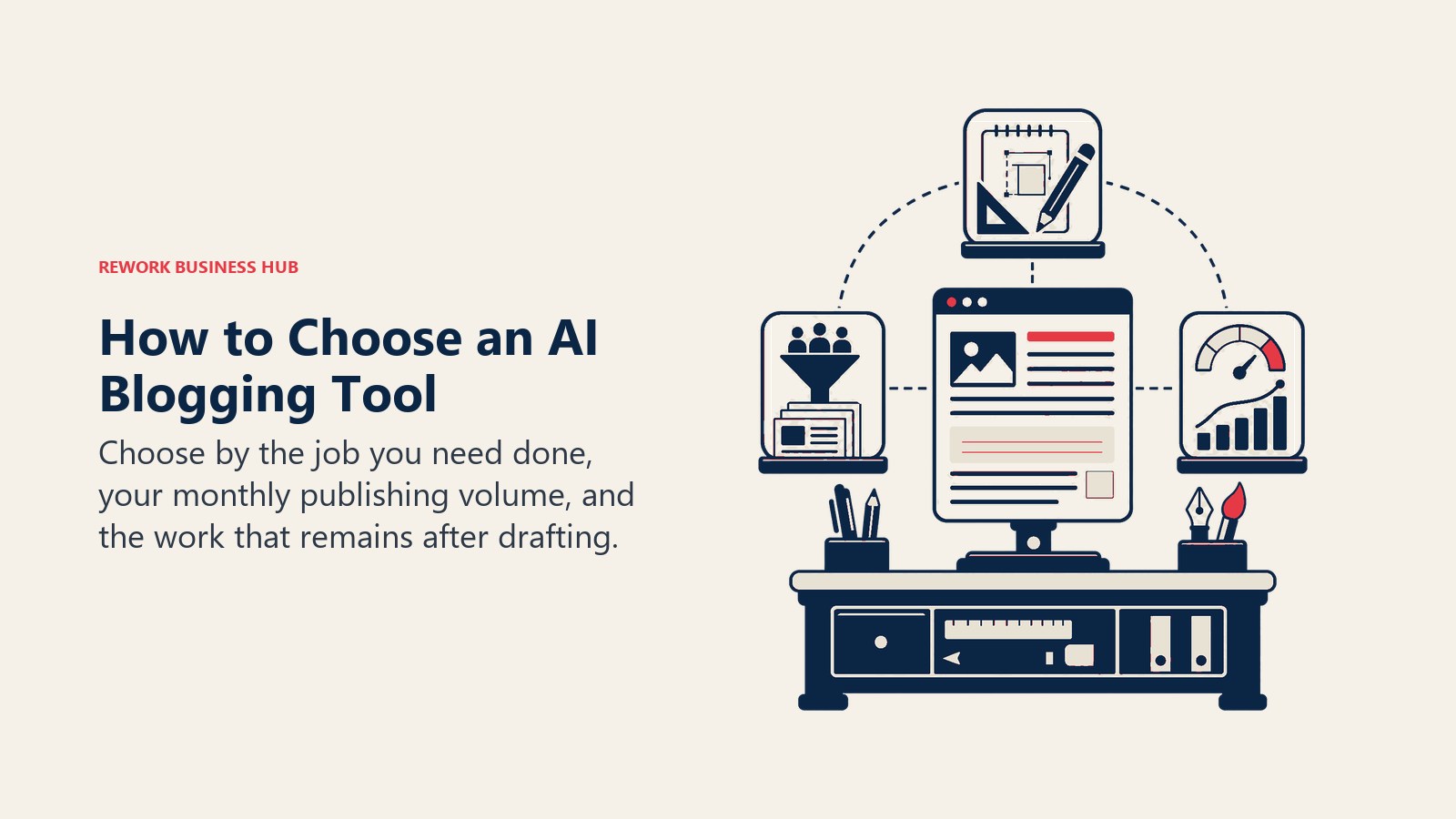
- Are you writing the post yourself, or having AI draft it? If you write your own posts, you want a scoring or brief tool (Surfer, Frase, NeuronWriter) plus a general assistant (ChatGPT, Claude) for research. If you're publishing at volume, especially on an affiliate or niche site, you want a dedicated blog-writer tool (Koala AI, Byword, SEOwriting.ai) that can push straight to WordPress.
- How many posts a month are you actually publishing? A hobby blog publishing twice a month doesn't need Byword's $99/month, 25-article tier. A niche site publishing 50+ posts a month can't run that volume through ChatGPT and a copy-paste workflow without burning hours you don't have.
- What happens after the words are written? A post still needs a grammar pass (Grammarly), a header image (Canva or a bundled tool like RightBlogger's), and ideally a check against what's already ranking (Surfer, Frase, NeuronWriter) before it goes live.
If your blog is one piece of a bigger content operation with several writers, the full best AI writing tools in 2026 roundup covers business-writing tools beyond the blogging-specific ones here. And if AI-search visibility matters more to your traffic than classic Google rankings right now, Perplexity vs ChatGPT Search vs Gemini is worth a read before you commit to a visibility-tracking add-on.
Framework: By Job to Be Done
| Job | What You Need | Best Fits |
|---|---|---|
| General research, outlining, and drafting | Fast, flexible AI conversation and writing | ChatGPT, Claude |
| Turning a keyword into a publish-ready post | Auto-drafting, internal linking, WordPress push | Koala AI, Byword, SEOwriting.ai |
| One dashboard covering the whole blogging workflow | Keyword tools, drafting, images, and SEO reports bundled | RightBlogger |
| Scoring a draft against what's already ranking | Real-time content scoring against SERPs | Surfer SEO, Frase, NeuronWriter |
| Tracking AI-search citations, not just Google rank | AI Overview, ChatGPT, and Gemini visibility tracking | Writesonic |
| Consistent tone across multiple contributors | Brand voice controls, multi-writer collaboration | Jasper |
| Catching typos, tone, and clarity issues | Grammar and style checking everywhere you write | Grammarly |
| Header images and social graphics | Text-to-image, background removal, auto-resize | Canva |
Sizing and Persona Table
| Tool | Ideal For | Primary Buyer Persona |
|---|---|---|
| ChatGPT | Any blogger, any volume | Solo blogger, content marketer, freelancer |
| Claude | Bloggers writing long-form or technical posts | Solo blogger, technical writer |
| Koala AI | Niche and affiliate site owners publishing weekly | Affiliate marketer, niche site builder |
| Byword | Publishers running 25-300+ articles a month | Programmatic SEO operator, agency |
| SEOwriting.ai | Budget-conscious solo bloggers | Solo blogger, affiliate marketer |
| RightBlogger | Bloggers who want one tool instead of five | Solo blogger, small content team |
| Surfer SEO | Bloggers who write their own posts, want them to rank | SEO-focused blogger, content marketer |
| Frase | Solo SEOs and small content teams | Solo blogger, small agency |
| NeuronWriter | Freelancers and budget-conscious bloggers | Freelance blogger, solo SEO |
| Writesonic | Bloggers tracking AI-search citations | Growth-focused blogger, small marketing team |
| Jasper | Blogs with multiple freelance or staff writers | Content manager, small editorial team |
| Grammarly | Every blogger, regardless of tool stack | Any blogger or content creator |
| Canva | Bloggers designing their own graphics | Solo blogger, small business owner |
1. ChatGPT: The Default Starting Point for Any Blogger
ChatGPT is where most bloggers start, and for good reason: it's the fastest, most flexible tool for research, outlining, headline testing, and first-draft generation, and the free tier and $20/month Plus plan cover the vast majority of what a solo blogger actually needs day to day.
The gap is structural, not a matter of prompting skill. ChatGPT has no built-in SERP data, no keyword volume, and no way to score a draft against pages that are actually ranking for your target term, which is exactly what Surfer, Frase, and NeuronWriter are built to do. Most bloggers who rely on ChatGPT for drafting still run the finished post through a separate scoring tool before publishing.
| What you get | What you don't |
|---|---|
| Fastest, most flexible tool for research and drafting | No built-in SERP data, keyword volume, or rank tracking |
| Free tier plus $20/mo Plus cover most individual use | No way to score a draft against real competing pages |
| Works alongside any dedicated SEO or blogging tool | Pro plan at $200/mo is overkill for a personal blog |
Pricing: Free; Plus $20/mo; Pro $200/mo; Business and Enterprise custom.
Best for: Any blogger who wants a fast, flexible assistant for research, outlining, and first drafts, paired with a dedicated scoring tool for the rest.
2. Claude: Long-Form Drafting That Reads Less Like AI
Claude's large context window and its ability to hold an entire draft, plus your notes and source material, in one conversation makes it a strong pick for bloggers writing longer, research-heavy posts: think guides, roundups, or anything pulling from multiple sources at once. Many bloggers who tried both report Claude's default prose needs less editing to sound human than ChatGPT's, though that's a matter of taste, not a guaranteed outcome.
Like ChatGPT, Claude has no SEO layer of its own. It won't tell you what's ranking for your target keyword or score your draft against the SERP, so it works best as the drafting and editing half of a two-tool workflow, not the whole thing.
| What you get | What you don't |
|---|---|
| Large context window for long, research-heavy drafts | No SEO, keyword, or rank-tracking tools built in |
| Free tier plus $20/mo Pro cover most solo blogger use | No image generation or design tools |
| Strong at editing and tightening an existing draft | Max tier ($100/mo+) is built for much heavier usage |
Pricing: Free; Pro $20/mo ($17/mo annual); Max from $100/mo.
Best for: Bloggers writing longer, research-heavy posts who want a drafting and editing partner, paired with a separate scoring tool.
3. Koala AI: Fast, Cheap SEO Blog Posts With Auto Internal Linking
Koala AI (koala.sh) is built around one job: take a keyword, pull real-time facts, and produce a structured, SEO-formatted blog post, then automatically add internal links and push it straight to WordPress. For a niche or affiliate site publishing weekly, that removes several manual steps other tools still leave to you.
The catch is in the fine print on word counts: Koala's quoted word limits are based on its cheaper default model, and using GPT-5.2 or Claude 4.5 Sonnet for higher-quality output counts against your quota at roughly double the rate. Budget accordingly if you plan to use the better models for every post.
| What you get | What you don't |
|---|---|
| Auto internal linking and real-time factual data built in | Quoted word limits shrink fast on premium models |
| WordPress and Google Sheets integration out of the box | Chat and image tools are bundled add-ons, not the focus |
| Entry tier at $9/mo is genuinely cheap for a solo blogger | 15,000 words/mo on Essentials is roughly 5-8 posts |
Pricing: Essentials $9/mo, Professional $49/mo, Boost $99/mo, Growth $179/mo, with higher agency tiers above that (annual billing saves 20%).
Best for: Niche and affiliate site owners who want a keyword-to-published-post pipeline without hand-holding.
4. Byword: Batch SEO Content for Publishers Running at Volume
Byword's whole design center is producing long-form, 1,500-2,500-word SEO articles from a keyword list in batches, not one post at a time. Keyword targeting, CMS publishing, internal-link automation, and auto-indexing all ship as part of the core product, which is why programmatic SEO operators and agencies managing multiple sites lean on it.
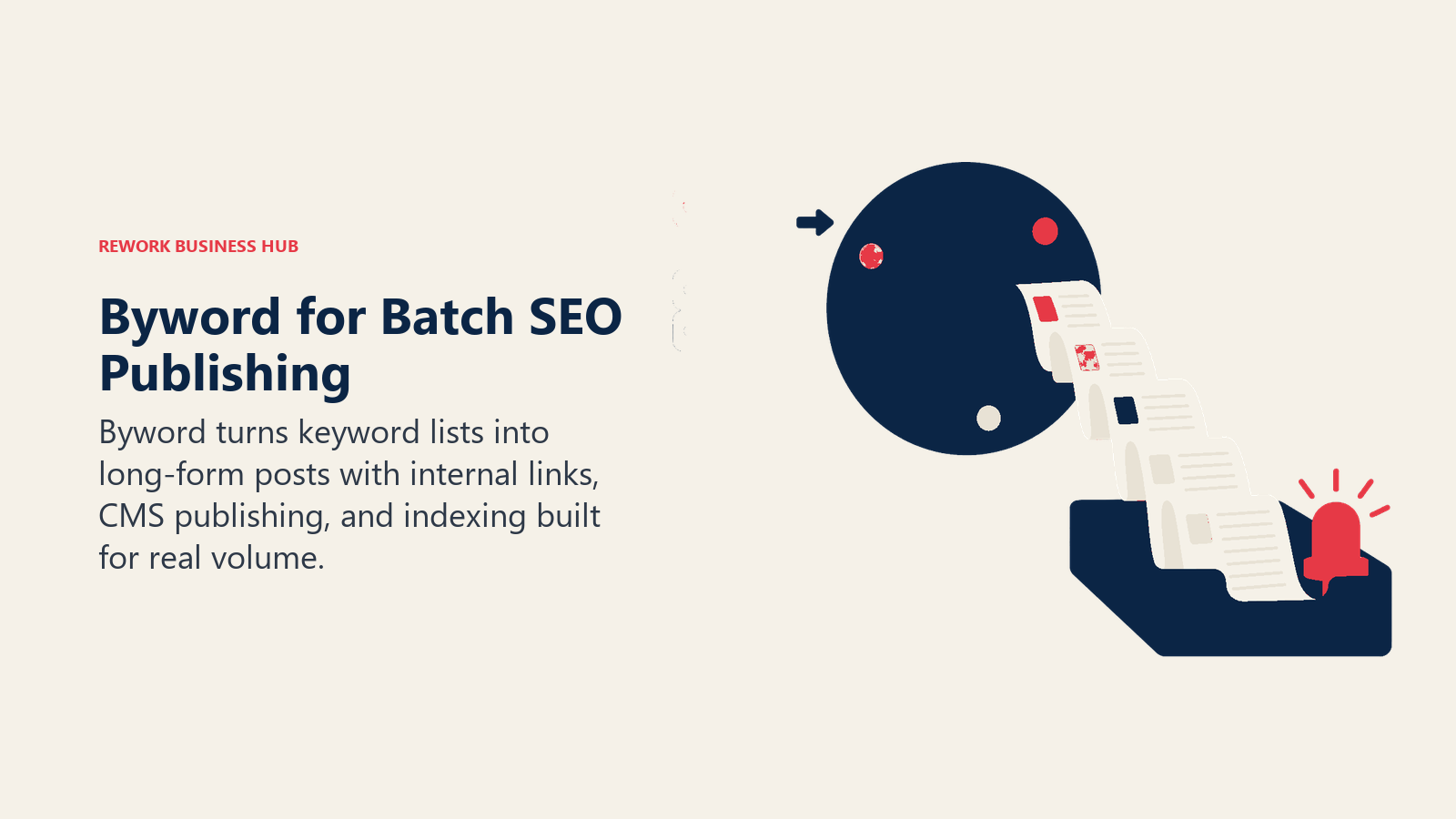
That's also exactly why it's overkill for a single blogger publishing a handful of posts a month. The entry tier starts at $99/month for 25 articles, with Standard at $299/month for 80 and Scale at $999/month for 300; there's a $5-per-article pay-as-you-go option and a 5-article free trial if you want to test the output quality before committing.
| What you get | What you don't |
|---|---|
| Batch generation of long-form articles from keyword lists | Entry pricing ($99/mo) is steep for a casual blogger |
| CMS publishing, internal linking, and auto-indexing built in | Best value only shows up at real publishing volume |
| Pay-as-you-go option ($5/article) for occasional use | Less brand-voice control than a tool like Jasper |
Pricing: Starter $99/mo (25 articles), Standard $299/mo (80 articles), Scale $999/mo (300 articles); pay-as-you-go from $5/article.
Best for: Publishers and agencies running programmatic SEO across one or more sites at real publishing volume.
5. SEOwriting.ai: The Budget Auto-Publish Option
SEOwriting.ai occupies the low end of the auto-publish category: one-click SEO article generation, SERP analysis, built-in AI image generation, multi-language support, and direct WordPress auto-publishing, all at a lower entry price than Koala or Byword. For a solo blogger or affiliate marketer watching every dollar, it's the most accessible tool on this list that still auto-publishes.
The tradeoff shows up in article and generation caps on the entry tiers, which fill up fast if you're publishing more than a few posts a week. Treat the lower advertised price as a starting point and check the current tier breakdown before committing, since plan structures in this category shift often.
| What you get | What you don't |
|---|---|
| Cheapest real auto-publish option in this category | Entry-tier article and generation caps are tight |
| Built-in AI images and multi-language support | Less polished output control than Koala or Byword |
| Free plan available to test the workflow first | Plan tiers and limits change frequently; re-verify before buying |
Pricing: Plans starting around $14/mo, scaling with article and generation volume; free plan available.
Best for: Solo bloggers and affiliate marketers who want auto-publishing without Koala or Byword's price tag.
6. RightBlogger: 50+ Blogging Tools in One Dashboard
RightBlogger's pitch is consolidation for the blogger who's tired of juggling five different logins: keyword research, title and outline generators, full-draft writing, AI images, SEO site reports, and a weekly Site Agent audit all live in one interface, built specifically around the blogging workflow rather than general content marketing.

For a solo blogger, that bundling genuinely replaces a stack of point tools. The honest limit is in what "unlimited words" actually means in practice: you're still capped by connected sites (1 on Solo, 3 on Pro) and team seats, so the unlimited claim applies to word count, not to how many properties you can run.
| What you get | What you don't |
|---|---|
| 50+ tools built specifically for blogging in one dashboard | Site and seat limits still cap real usage per tier |
| Weekly Site Agent audits and SEO reports included | Newer, smaller ecosystem than Surfer or Semrush |
| Free plan (2,000 words/mo) to try before paying | Multi-site publishers need Pro or Agency to scale |
Best for: Solo bloggers and small content teams who want one tool covering keywords, drafting, images, and SEO reporting.
7. Surfer SEO: The Content-Scoring Benchmark
Surfer built its reputation on one feature every other scoring tool in this category still gets compared against: the Content Editor, a real-time score that checks your draft against the top-ranking pages for a keyword as you type, covering word count, keyword density, headers, and related terms. It's the tool a lot of SEO-focused bloggers open right after finishing a first draft.
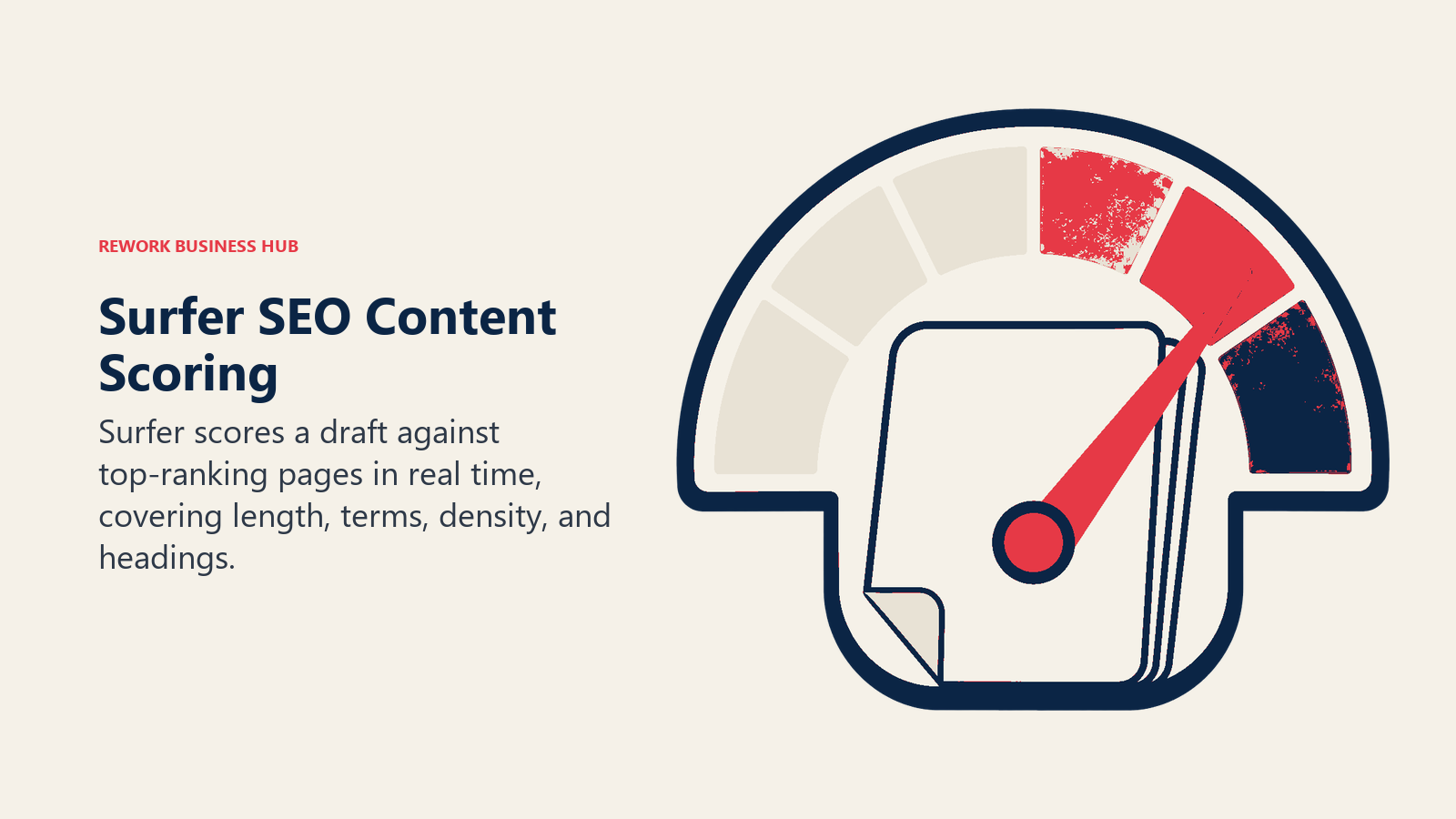
Surfer isn't a drafting tool on its own, and it isn't a full keyword-research or backlink platform either, so most bloggers pair it with ChatGPT or Claude for the writing and a separate tool for backlink data. The 2026 lineup replaced the old Essential and Scale plans with Discovery, Standard, Pro, and Peace of Mind.
| What you get | What you don't |
|---|---|
| Real-time content scoring against real SERPs | Not a keyword-research or backlink platform on its own |
| Surfer AI for full-article generation at $29/article beyond plan limits | Full feature set needs Pro or above |
| Chrome extension and Google Docs add-on for in-flow editing | AI Tracker for AI-search visibility is a separate $95/mo add-on |
Pricing: Discovery $49/mo, Standard $99/mo, Pro $182/mo (annual), Peace of Mind $299/mo.
Best for: Bloggers who write their own posts and want a SERP-backed score before hitting publish.
8. Frase: Briefs, Drafts, and Scoring Without Switching Tabs
Frase collapses three separate steps into one workflow: pull competitor content for a keyword, auto-generate a structured brief, write or AI-draft the piece, then score it against the same SERP data used to build the brief. For a solo blogger, that removes the copy-paste hand-off between a brief document and a separate writing tool.
Pricing restructured in 2025-2026 to the current Starter ($49/month, 10 articles, 1 seat), Professional ($129/month, 40 articles, 3 seats), and Scale ($299/month, 100 articles, 5 seats) tiers, with a 7-day free trial and no credit card required to start.
| What you get | What you don't |
|---|---|
| Briefs, drafts, and scoring in a single connected workflow | Article and seat caps push you to Professional fast |
| 7-day free trial, no credit card required | Fewer enterprise governance features than Clearscope |
| Answer-engine optimization features for AI-search prompts | Audit pages and extra AI prompts are pay-as-you-go add-ons |
Pricing: Starter $49/mo, Professional $129/mo, Scale $299/mo (20% off annual billing).
Best for: Solo bloggers who want briefs, drafts, and scoring without stitching together three separate tools.
9. NeuronWriter: The Cheapest Real SERP-Based Scoring
NeuronWriter's whole value case is delivering SERP-based content scoring, competitor analysis, and semantic keyword suggestions at a price that undercuts Surfer and Clearscope by a wide margin, while still tying its recommendations to actual ranking pages instead of a generic keyword list. For a freelance blogger watching every dollar, it's the most credible budget option on this list.
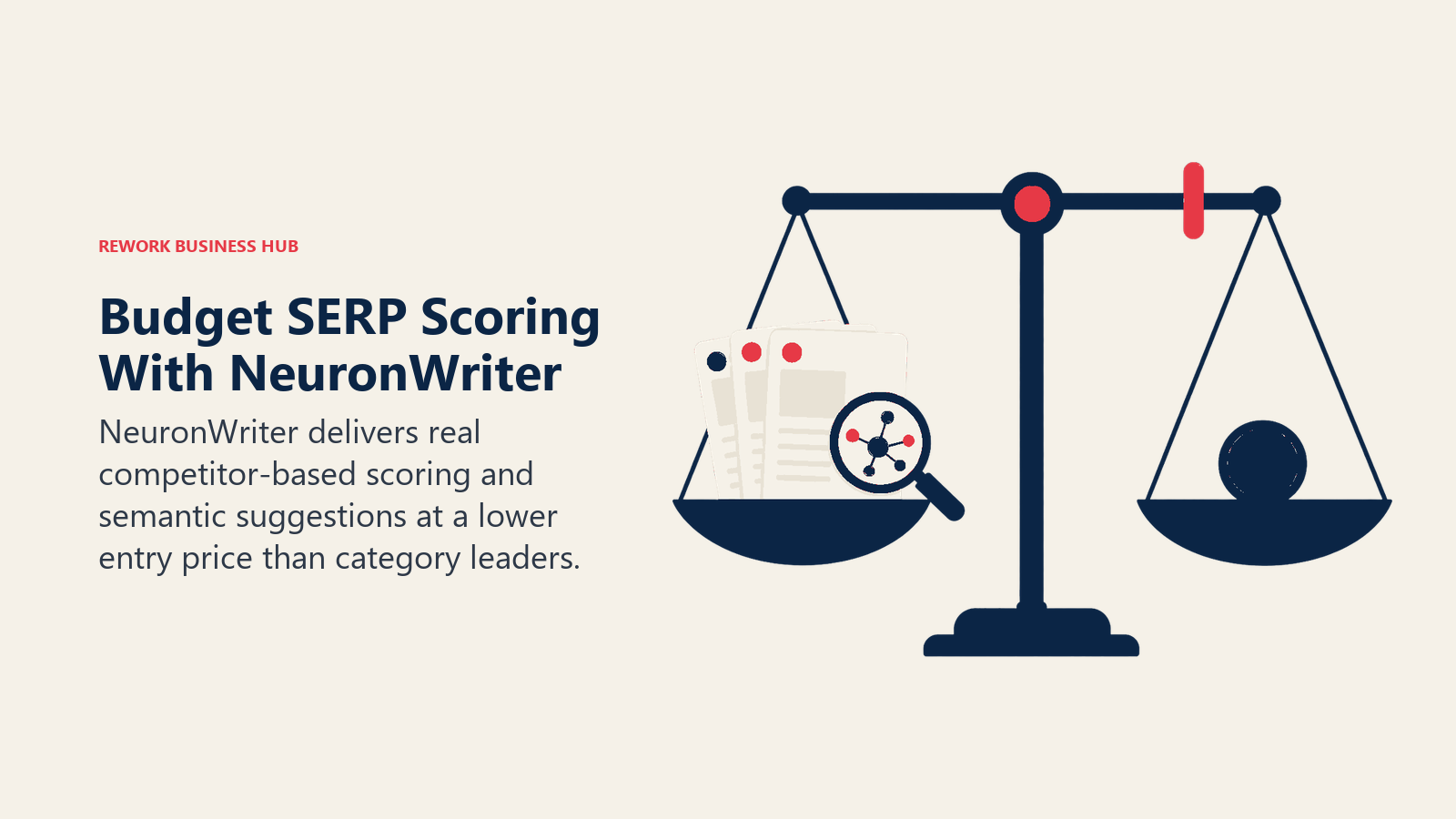
The Bronze plan starts at $23/month (or $19/month annual) with 2 projects and 25 content-writer analyses, scaling up through Silver, Gold, Platinum, and Diamond for larger portfolios. A free tier with 3 analyses a month exists to test the core scoring engine before you pay.
| What you get | What you don't |
|---|---|
| Real SERP-based content scoring at the lowest real price | Analysis and credit caps are tight on Bronze and Silver |
| Free tier to test the scoring engine before paying | Smaller brand and community than Surfer or Clearscope |
| Scales up to a 50-project Diamond plan if you grow | Interface is less polished than higher-priced competitors |
Pricing: Bronze $23/mo, Silver $45/mo, Gold $69/mo, Platinum $93/mo, Diamond $117/mo (17% off annual); free tier available.
Best for: Freelance and solo bloggers who want real SERP-based scoring without paying Surfer or Clearscope prices.
10. Writesonic: AI Content Tied to AI-Search Visibility
Writesonic made the most visible pivot in this category for 2026, rebranding from a general AI writing tool into what it now calls an AI Search Visibility Platform: it still drafts content, but the product now centers on tracking whether your blog gets cited in ChatGPT, Gemini, and Google AI Overviews, and turning visibility gaps into content assignments.
For a blogger whose traffic increasingly comes from being cited in an AI answer rather than clicked from a traditional blue link, that framing matters. Bloggers who just want a pure long-form drafting tool may find the AI-search layer adds complexity they don't need yet.
| What you get | What you don't |
|---|---|
| AI-search tracking and content generation in one product | Pure long-form drafting is now a secondary use case |
| Free tier with no credit card required | Full multi-platform coverage requires higher tiers |
| Tracks prompts across ChatGPT, Gemini, and more | Newer positioning means less writing-tool maturity than Jasper |
Pricing: Free; Starter/Basic from ~$79/mo (annual); Growth up to $399/mo.
Best for: Bloggers who want to know whether AI engines are citing their posts, not just where they rank in Google.
11. Jasper: Brand Consistency Across Multiple Writers
Jasper's differentiator is Brand Voice: a set of controls that keep tone, terminology, and style consistent across several writers, which matters once a blog has more than one contributor. For a blog run by a small team of freelance writers, that consistency is the real value, not raw drafting speed.
Jasper isn't a dedicated SEO scoring tool, so most bloggers pair it with Surfer, Frase, or NeuronWriter for the optimization layer. The pricing page now leads with the $69/month Pro tier for team collaboration, with a Creator tier still available for solo use.
| What you get | What you don't |
|---|---|
| Brand Voice keeps output consistent across writers | Not a dedicated SEO scoring or keyword-research tool |
| Multi-channel templates beyond just blog posts | Business tier pricing starts high for a small blog |
| 7-day free trial on the Pro plan | Needs pairing with a scoring tool for real SEO optimization |
Pricing: Creator $49/mo, Pro $69/mo (monthly; $39/$59 annual); Business custom from ~$900/mo.
Best for: Blogs run by a small team of freelance or staff writers who need consistent tone across contributors.
12. Grammarly: The Non-Negotiable Final Pass
Grammarly isn't a blog-writing tool, and it doesn't need to be, since it's realistically part of every blogger's workflow: catching typos, awkward phrasing, tone mismatches, and readability issues before a post goes live, running inside your browser, your CMS editor, and Google Docs alike.
The free tier now includes 100 AI prompts a month, a real upgrade from the old free plan, while Pro adds full-sentence rewrites and tone suggestions for $30/month (or $12/month billed annually). Grammarly folded its old separate Business plan into a single Pro tier that scales to 149 seats for 2026.
| What you get | What you don't |
|---|---|
| Runs everywhere you write, not locked to one editor | AI drafting features are secondary to the editing focus |
| Free tier now includes 100 AI prompts a month | Full-sentence rewrites and tone suggestions need Pro |
| Annual Pro pricing ($12/mo) is a real discount over monthly | Enterprise security features require a custom quote |
Pricing: Free; Pro $30/mo monthly ($12/mo billed annually); Business/Enterprise custom.
Best for: Every blogger, as the final editing pass regardless of which drafting tool you use.
13. Canva: Header Images and Social Graphics Without a Designer
Canva's Magic Studio bundles the AI features a blogger actually needs for visual content: Magic Write for quick copy, Dream Lab for text-to-image header art, Background Remover, Magic Expand, and Magic Resize for turning one graphic into a header image, a Pinterest pin, and a social square in a few clicks each.
Pro costs $15/month (up from $12.99) and includes 500 AI credits a month, which sounds generous until you're generating multiple image variants per post. Bloggers who lean heavily on Dream Lab for every header image often burn through that allocation in the first one to two weeks, and Canva doesn't sell credit top-ups, so you wait for the next reset.
| What you get | What you don't |
|---|---|
| Magic Studio bundles text-to-image, resize, and eraser tools | 500 AI credits/mo run out fast with heavy image generation |
| Free tier covers basic design needs without AI features | No credit top-ups; you wait for the monthly reset |
| Templates built for blog headers, Pinterest, and social | Not a writing or SEO tool; purely visual |
Pricing: Free; Pro $15/mo (or $119.99/yr, about $10/mo annualized).
Best for: Bloggers designing their own header images and social graphics without hiring a designer.
Where Google Stands on AI-Written Blog Posts in 2026
Google's official guidance hasn't changed the core principle in years: it evaluates content on quality, not on how it was produced. Google's own documentation on generative AI content states plainly that "using generative AI tools or other similar tools to generate many pages without adding value for users may violate Google's spam policy on scaled content abuse." The line isn't "did you use AI," it's whether the result adds value a reader couldn't get elsewhere.
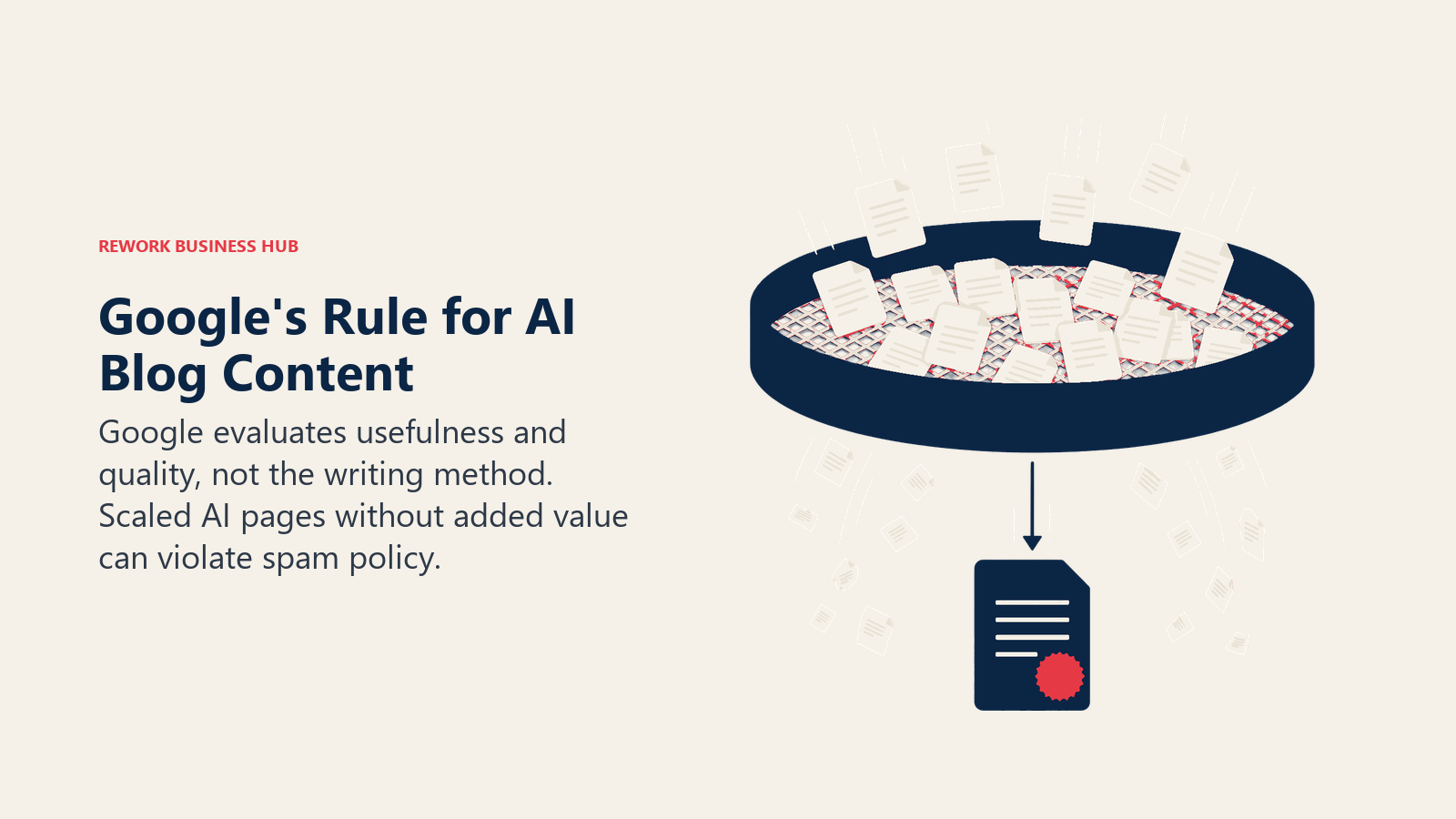
In practice, that distinction shows up in the rankings. Semrush's 2026 study of 20,000 keywords found human-written content holds the #1 spot 80% of the time versus 9% for purely AI-generated pages, and the gap is widest at position 1. And 94% of marketers say they plan to use AI somewhere in their content process in 2026, per HubSpot's State of Marketing report, which means the bloggers who treat AI as a drafting assistant with a human editing pass, rather than a publish-button, are the ones still separating themselves from the flood of low-effort AI content Google is actively trying to filter out.
AI Blogging Tool Buying Mistakes to Avoid
| Mistake | What It Looks Like | What to Do Instead |
|---|---|---|
| Publishing AI drafts with no human edit | Copy-pasting a ChatGPT or Koala output straight to WordPress | Always run a human pass for accuracy, voice, and added value |
| Buying a batch tool for occasional posting | Paying Byword's $99/mo, 25-article tier to publish twice a month | Match the tool's volume tier to your real publishing cadence |
| Expecting a writer tool to also do SEO scoring | Assuming Koala or SEOwriting.ai output will rank without checking | Pair a drafting tool with a scoring tool like Surfer or Frase |
| Ignoring image credit limits | Generating five header-image variants per post on Canva Pro | Budget AI credits per post, or generate in batches monthly |
| Treating AI content as risk-free for Google | Publishing high volume with no added value or fact-checking | Read Google's gen-AI content guidance before scaling output |
| Not re-verifying pricing before renewal | Budgeting off a review site's numbers from months ago | Check the vendor's own pricing page; this category moves fast |
| Skipping the grammar and tone pass | Assuming the drafting tool's output is publish-ready as-is | Run every post through Grammarly or an equivalent before publishing |
| Chasing every AI-search visibility add-on | Paying for AI Overview and ChatGPT tracking before you have traffic to protect | Add visibility tracking once you have a baseline worth monitoring |
Decision Framework
Start by naming the work you need the tool to do, then match that job to the right product category.
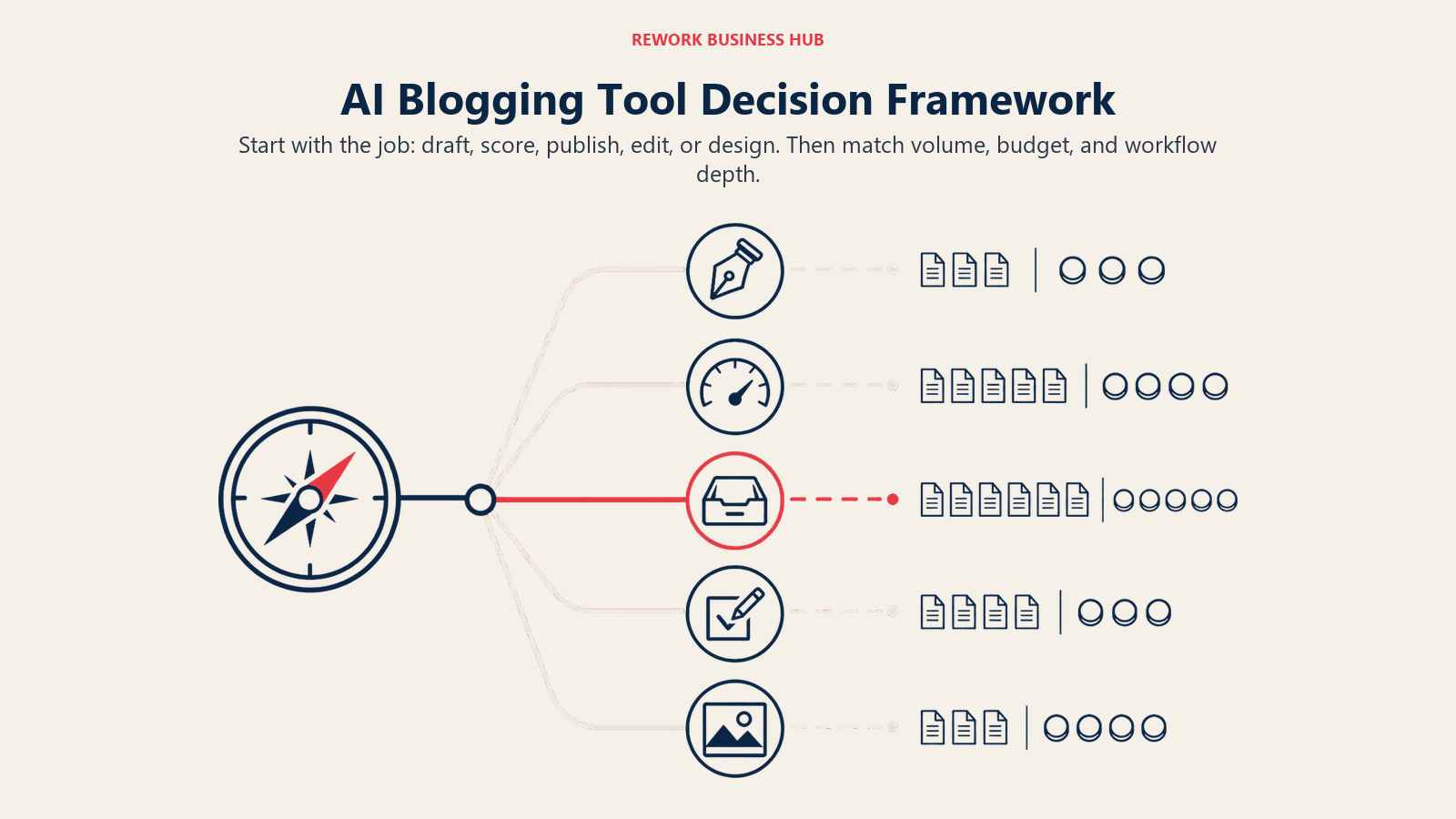
| If you need... | Pick... | Why |
|---|---|---|
| A fast general assistant for research and drafting | ChatGPT | Fastest, most flexible tool for any writing task |
| Long-form drafting that needs less editing to sound human | Claude | Large context window, natural-sounding prose |
| A keyword-to-published-post pipeline for a niche site | Koala AI | Auto internal linking, real-time facts, WordPress push |
| Batch SEO content at real publishing volume | Byword | CMS publishing, internal links, and indexing built in |
| The cheapest real auto-publish option | SEOwriting.ai | Lowest entry price for one-click SEO articles |
| One dashboard instead of five separate tools | RightBlogger | 50+ tools built specifically for blogging |
| The category-benchmark content score | Surfer SEO | Real-time scoring against real top-ranking pages |
| Briefs, drafts, and scoring in one flow | Frase | Removes the brief-to-draft copy-paste hand-off |
| SERP-based scoring on the tightest budget | NeuronWriter | Real SERP data at the lowest price in the category |
| Tracking AI-search citations, not just Google rank | Writesonic | Tracks ChatGPT, Gemini, and AI Overviews together |
| Consistent tone across multiple contributors | Jasper | Brand Voice controls keep output consistent |
| A final editing pass before anything publishes | Grammarly | Runs everywhere you write, catches what tools miss |
| Header images and social graphics without a designer | Canva | Magic Studio bundles image generation, resize, and eraser |
Frequently Asked Questions about AI Tools for Bloggers
What are the best AI tools for bloggers in 2026?
It depends on the job. ChatGPT and Claude are the best general-purpose research and drafting tools, Koala AI and Byword lead for turning a keyword into a full SEO post automatically, Surfer SEO and Frase lead for scoring a draft you wrote yourself, and Grammarly and Canva round out the editing and design side that every blogger needs regardless of which drafting tool they use.
Can AI write an entire blog post for me?
Tools like Koala AI, Byword, and SEOwriting.ai can generate a full, structured, SEO-formatted post from a keyword, and some will auto-publish it to WordPress. Whether that's a good idea is a separate question: only 10% of bloggers surveyed by Orbit Media use AI to write a complete article outright, and Semrush's 2026 study found purely AI-generated pages hold Google's #1 spot only 9% of the time versus 80% for human-written pages.
Will Google penalize AI-generated blog content?
Not simply for being AI-generated. Google's own gen-AI content guidance says it evaluates quality, not creation method, but explicitly warns that generating many pages without adding user value can violate its scaled content abuse policy. The practical takeaway is to edit and fact-check AI drafts rather than publish them unreviewed at volume.
What's the best free AI tool for bloggers?
ChatGPT's free tier and Claude's free tier both cover a meaningful amount of research and drafting at no cost. Canva's free tier handles basic design, Grammarly's free tier now includes 100 AI prompts a month, and RightBlogger and Writesonic both offer usable free plans if you want to try a blogging-specific tool before paying.
What's the difference between a tool like Koala or Byword and a tool like Surfer or Frase?
Koala AI, Byword, and SEOwriting.ai generate the draft itself, often start to finish from a single keyword. Surfer, Frase, and NeuronWriter don't write the post for you; they score a draft (yours or AI-generated) against what's actually ranking, and Frase also generates the brief before you start writing. Many bloggers use one tool from each category together.
Do I need a separate AI tool for blog images?
If you're not using a bundled tool like RightBlogger or SEOwriting.ai that includes image generation, Canva's Magic Studio is the standard choice for header images, Pinterest pins, and social graphics without hiring a designer. Just budget your AI credits, since Canva Pro's 500-credit monthly allowance runs out quickly with heavy use.
How much do AI blogging tools cost in 2026?
Entry pricing ranges from free (ChatGPT, Claude, Canva, RightBlogger) to around $9-$23/month for the cheapest real content tools (Koala AI, NeuronWriter). Mid-market drafting and scoring tools run $49-$99/month, and batch-publishing platforms built for volume, like Byword, start at $99/month and scale into the hundreds for higher article counts.
Which AI tool is best for auto-publishing to WordPress?
Koala AI, Byword, SEOwriting.ai, and RightBlogger all ship direct WordPress auto-publishing standard in 2026. Koala AI is the cheapest entry point for a solo blogger, Byword is built for real publishing volume, and RightBlogger bundles publishing with a wider set of blogging tools in one dashboard.
Is Claude or ChatGPT better for blog writing?
Both work well for research, outlining, and drafting, and neither has built-in SEO scoring. ChatGPT tends to have the edge on flexibility and plugin-style features, while many bloggers find Claude's default prose needs less editing to sound less like AI, though that's a matter of personal taste rather than a settled fact.
What to Do Next
Pick one drafting tool and one scoring tool, not five subscriptions. If you write your own posts, start with ChatGPT or Claude for the draft and Frase or NeuronWriter for the SERP-backed score, since that combination costs under $75/month total and covers the two jobs that matter most. If you're building a niche or affiliate site and need to publish at real volume, trial Koala AI's $9/month entry tier before committing to Byword's higher-volume pricing, and run every AI-generated post through Grammarly before it goes live.
For the SEO layer specifically, once you've got a drafting and scoring workflow in place, the best AI SEO tools in 2026 roundup goes deeper on content scoring, briefs, and AI-search visibility tracking beyond the blogger-focused picks here. If your blog is growing into a full content operation with multiple writers, best AI tools for content writers and best AI writing tools in 2026 cover the team-scale versions of several tools on this list. And for the header images and graphics side, best AI image generators in 2026 compares Canva's Magic Studio against dedicated image-generation tools if you outgrow the bundled option. Freelance bloggers juggling client work alongside their own site should also check best AI tools for freelancers in 2026, and the broader best AI tools in 2026 pillar rounds up every category this guide only touches on.

Principal Product Marketing Strategist
On this page
- Updated July 2026: What Changed
- Key Facts
- Quick Comparison Table
- How to Choose an AI Tool for Blogging in 2026
- Framework: By Job to Be Done
- Sizing and Persona Table
- 1. ChatGPT: The Default Starting Point for Any Blogger
- 2. Claude: Long-Form Drafting That Reads Less Like AI
- 3. Koala AI: Fast, Cheap SEO Blog Posts With Auto Internal Linking
- 4. Byword: Batch SEO Content for Publishers Running at Volume
- 5. SEOwriting.ai: The Budget Auto-Publish Option
- 6. RightBlogger: 50+ Blogging Tools in One Dashboard
- 7. Surfer SEO: The Content-Scoring Benchmark
- 8. Frase: Briefs, Drafts, and Scoring Without Switching Tabs
- 9. NeuronWriter: The Cheapest Real SERP-Based Scoring
- 10. Writesonic: AI Content Tied to AI-Search Visibility
- 11. Jasper: Brand Consistency Across Multiple Writers
- 12. Grammarly: The Non-Negotiable Final Pass
- 13. Canva: Header Images and Social Graphics Without a Designer
- Where Google Stands on AI-Written Blog Posts in 2026
- AI Blogging Tool Buying Mistakes to Avoid
- Decision Framework
- What to Do Next