Best AI Tools for Freelancers in 2026: 13 Tools for Proposals, Client Work, and Getting Paid
Turn this article into takeaways for your work.


Each assistant summarizes the article only for you and suggests best practices for your work.
Freelancing has two halves: the work you're actually good at, and the proposals, invoices, client emails, and admin that eat into the hours you'd rather bill. ChatGPT and Claude cover the first half, drafting and research that used to take hours now takes minutes. Bonsai and HoneyBook cover the second half, turning a scattered mix of spreadsheets, PDFs, and email threads into one place to send a proposal, get a signature, and collect payment. This guide ranks 13 tools freelancers actually use in 2026, evaluated on what they're good at, not on marketing copy.
Freelance software pricing shifts often, several tools on this list changed their model in the last few months alone, so treat anything you read elsewhere as a starting point, not a final number.
Updated July 2026: What Changed
- Fiverr Go went live for eligible sellers. For $25/month, Level 2 and above freelancers in eligible categories can train up to three AI models on their own creative style and earn a cut every time a client buys the AI output, on top of the platform's usual 20% commission.
- HoneyBook folded its AI features into every plan at no extra charge. As of May 2026, AI chat, email drafts, and meeting notetaking ship on the Starter tier, not just Premium.
- Zapier moved AI steps to model-tier pricing. Since June 15, 2026, an "AI by Zapier" step now consumes 1x, 3x, or 5x your task allocation depending on the model tier, with Advanced (3x) as the new default.
- Bonsai switched to per-user annual pricing, with its Essentials tier ($19/month billed annually) now the plan most solo freelancers land on for proposals, contracts, and invoicing together.
- Notion killed its standalone AI add-on. Full AI access, including autonomous agents, now requires the $20/user/month Business plan instead of a $10 add-on on a cheaper tier.
Key Facts
- Freelancers now make up 39% of the entire US workforce, according to Upwork's freelancing research.
- 76% of freelancers use AI tools in their work, and those who do save an average of 8.1 hours a week, per Fiverr's 2025 International Freelancer Day survey of 3,500 freelancers.
- 74% of US independent workers reported using generative AI in 2025, ahead of 69% of traditionally employed workers, per MBO Partners' 15th annual State of Independence report.
- Freelancers who use AI commonly report 25-47% higher earnings and 25-40% faster output than those who don't, according to Fiverr's freelancing and future of work statistics.
- Nearly half of freelancers (47%) spend 10-20% of their working week on non-billable admin like invoicing, proposals, and client acquisition, per Freelancermap's freelancer survey, cited in Clockify's analysis of freelancer time use.
Quick Comparison Table
| Tool | Best For | Standout Capability | Starting Price | Free Tier? |
|---|---|---|---|---|
| ChatGPT | General drafting, client emails, research | GPT-5.6, Canvas, Deep Research | Free; Plus $20/mo | Yes |
| Claude | Long proposals, holding a detailed brief | Long context, strong instruction-following | Free; Pro $20/mo ($17/mo annual) | Yes |
| Perplexity | Fast, cited research on a new client or industry | Cited answers, source-linked search | Free; Pro $20/mo ($16.67/mo annual) | Yes |
| Notion AI | Running your whole freelance business from one workspace | AI Agents that search your own notes and files | Free/Plus $10/mo (basic AI); Business $20/user/mo for full AI | Basic AI on Free/Plus |
| Grammarly | Polishing client-facing writing | Full-sentence rewrites, tone detection | Free; Pro $12/mo (annual) | Yes |
| Canva | Portfolio decks, social posts, proposal design | Magic Design, brand kit templates | Free; Pro $15/mo (~$12/mo annual) | Yes |
| Otter | Transcribing and summarizing client calls | Live meeting notes and action items | Free (300 min/mo); Pro $16.99/mo ($8.33/mo annual) | Yes |
| Descript | Editing podcast, video, or audio deliverables | Text-based video and audio editing | Free; Hobbyist $16/mo (annual) | Yes |
| Jasper | On-brand marketing copy for clients at volume | 50+ campaign templates, brand voice controls | Pro $69/mo ($59/mo annual) | No (trial only) |
| AI by Zapier | Automating the busywork between your other tools | Model-tier AI steps inside no-code workflows | Free (100 tasks/mo); Professional $19.99/mo | Yes |
| Bonsai | Proposals, contracts, invoicing, and time tracking | End-to-end freelance business workflow in one app | Essentials $19/mo (annual, per user) | 7-day trial only |
| HoneyBook | Client management for service-based freelancers | Built-in AI chat, email drafts, meeting notes on every plan | Starter $29/mo (annual) | 30-day trial only |
| Fiverr Go | Monetizing your own creative style as an AI model | Trained AI models that earn passive income on Fiverr | $25/mo (Level 2+ sellers) | No |
How to Choose: By Freelance Task
Most freelancers don't need one tool, they need the right tool for whichever part of the business is currently the bottleneck.
| Task | What Matters Most | Best Fits |
|---|---|---|
| Drafting client work and research | Fast, flexible output that follows a brief | ChatGPT, Claude, Perplexity |
| Proposals and contracts | Templates, e-signatures, a professional look | Bonsai, HoneyBook |
| Invoicing and getting paid | Automated reminders, low processing fees | Bonsai, HoneyBook |
| Client calls and meeting notes | Accurate transcription, searchable summaries | Otter |
| Editing and polishing writing | Catching tone and clarity issues before you send | Grammarly |
| Visual work and portfolios | Fast templates without a design background | Canva |
| Marketing your services | Brand-consistent copy at volume | Jasper |
| Audio and video deliverables | Editing by editing the transcript, not a timeline | Descript |
| Running your business in one place | Notes, docs, and client info in a single workspace | Notion AI |
| Automating repetitive admin | Connecting tools without custom code | AI by Zapier |
| Selling AI-generated work directly | Monetizing a personal creative style at scale | Fiverr Go |
How to Choose: By Monthly Budget
| Monthly Budget | What You Can Realistically Cover | Best Fits |
|---|---|---|
| $0 (free tiers only) | Light drafting, research, and basic editing | ChatGPT Free, Claude Free, Perplexity Free, Grammarly Free, Canva Free |
| Under $25/mo | One drafting tool plus one editing or design tool | ChatGPT Plus, Claude Pro, Canva Pro, Grammarly Pro |
| $25-$50/mo | A drafting tool plus a full proposal-to-invoice workflow | Bonsai Essentials, HoneyBook Essentials |
| $50-$100/mo | A complete freelance business stack, drafting plus client ops | Bonsai Premium + Claude Pro, HoneyBook Premium |
| $100+/mo | Marketing-heavy freelance businesses producing content at volume | Jasper Pro, Notion AI Business, plus a drafting and client-ops tool |
1. ChatGPT: The Default Drafting and Research Tool
ChatGPT is where most freelancers start because it's genuinely useful for the full range of daily writing: client emails, project outlines, first drafts, and summarizing research before a call. Canvas gives you a side-by-side editing surface that behaves more like a real document than a chat window, which matters when you're revising a client deliverable line by line.
Best for: Freelancers who want one flexible tool for drafting, brainstorming, and quick research across every kind of project.
Key strengths:
- Canvas for in-line editing and comparing draft versions
- Deep Research for pulling multiple sources into one brief before a client call
- Custom GPTs for repeatable workflows, like a standing "client onboarding email" generator
Limitations:
- Default output leans generic without a detailed prompt or saved custom instructions
- No built-in research citations the way Perplexity provides
- Usage limits on Plus can bite during a heavy research week
Pricing: Free tier available; Plus $20/mo; Pro $200/mo (highest limits and best models), per ChatGPT's pricing page. For a full head-to-head against the other big models, see Claude vs ChatGPT vs Gemini.
Standout use case: Turning a rough client brief into a structured first draft in minutes, then refining tone and structure in Canvas before you send it back.
2. Claude: Best for Long Proposals and Detailed Client Briefs
Claude's strength for freelancers is holding onto a long, detailed brief without losing the thread. Paste in a client's full style guide, three past project examples, and a 20-page scope document, and it stays consistent with all of it across a long drafting session, which matters when you're writing a 15-page proposal, not a tweet.
Best for: Freelancers writing long-form proposals, statements of work, or content that has to follow a client's exact style guide.
Key strengths:
- Strong adherence to detailed, multi-part instructions
- Large context window for working with long source documents at once
- Projects feature keeps a client's brand voice and reference material persistent across sessions
Limitations:
- No built-in research citations or live web search depth like Perplexity
- Image generation lags behind ChatGPT
- Free tier usage limits fill up fast during a heavy drafting week
Pricing: Free tier; Pro $20/mo ($17/mo billed annually); Max plans at $100/mo and $200/mo; Team from $25/seat, per Claude's pricing page. If you write content for clients as your main business, see best AI tools for content writers for a deeper comparison of drafting tools.
Standout use case: Drafting a detailed proposal or statement of work against a client's exact scope document without the model drifting off-topic halfway through.
3. Perplexity: Fast, Cited Research on a New Client or Market
Freelancers pitch cold. Before a discovery call with an unfamiliar company or industry, Perplexity turns "who is this client and what's their competitive landscape" into a sourced answer in under a minute, with links you can actually check rather than a confident-sounding guess.
Best for: Freelancers who need to research a new client, competitor, or industry quickly before a pitch or a call.
Key strengths:
- Every answer links back to its sources, so you can verify before you quote a client
- Model council and "select a model per query" give you flexibility on speed versus depth
- Faster for a quick fact-check than opening five browser tabs
Limitations:
- Not a drafting tool; it's built for research and synthesis, not long-form writing
- Free tier query limits fill up quickly during a heavy research day
- Max tier at $200/mo is aimed at power users, not most solo freelancers
Pricing: Free tier; Pro $20/mo ($200/yr, about $16.67/mo annual); Max $200/mo, per Perplexity's pricing page. See Perplexity vs ChatGPT Search vs Gemini if you're deciding between research tools.
Standout use case: Prepping for a discovery call with a new client by pulling a sourced snapshot of their business and competitors in a few minutes.
4. Notion AI: Running the Whole Freelance Business From One Workspace
Notion's pitch for freelancers isn't the AI on its own, it's that your project notes, client docs, invoices tracker, and content calendar already live in Notion, so Ask Notion can search across all of it instead of you digging through folders. AI Agents can draft a client update by pulling from your actual project notes rather than starting from a blank prompt.
Best for: Freelancers who already run their business (notes, docs, light project tracking) inside Notion and want AI that searches across that workspace.
Key strengths:
- AI Agents search across your own notes, docs, and connected apps, not just the open page
- One workspace for project tracking, client notes, and content, reducing tool sprawl
- Templates for freelance-specific setups (client CRM, invoice tracker, content calendar)
Limitations:
- Full AI access requires the $20/user/mo Business plan; the cheaper Plus tier only gets basic writing help
- Not built for invoicing or e-signatures, you'll still need Bonsai or HoneyBook for that half of the business
- Steeper learning curve than a purpose-built freelance tool if you're starting from scratch
Pricing: Free and Plus $10/mo (basic AI writing only); Business $20/user/mo billed annually ($24/mo monthly) for full AI Agents and Ask Notion, per Notion's pricing page. Also covered in best AI tools for small business if you're scaling past solo work.
Standout use case: Asking Notion AI to summarize every note and email thread tied to a specific client before a renewal conversation.
5. Grammarly: The Editing Pass Before Anything Goes to a Client
Grammarly isn't a drafting tool, it's what catches what your drafting tool misses before a client sees it. Full-sentence rewrites and tone detection sit on top of whatever you write, whether that's a ChatGPT draft, a Notion doc, or an email typed straight into Gmail.
Best for: Every freelancer, regardless of which drafting tool they use, as a final pass before anything ships under their name.
Key strengths:
- Works everywhere you write: browser, docs, email, Slack
- Tone detection flags when a client email reads as too blunt or too casual
- Free tier is genuinely usable for basic grammar and clarity checks
Limitations:
- Doesn't generate new ideas, it improves what you've already written
- Enterprise pricing is quote-based since the old Business plan was retired
- Some tone suggestions still need your own judgment call
Pricing: Free tier; Pro $12/mo billed annually ($30/mo monthly), per Grammarly's pricing page. See best Grammarly alternatives if you want to compare options first.
Standout use case: Running a final tone check on a client email before you hit send, especially when you're delivering bad news or asking about a late payment.
6. Canva: Portfolios, Proposals, and Social Posts Without a Designer
Canva is how freelancers without a design background produce work that looks designed. Magic Design turns a rough idea into layout options in seconds, and a saved brand kit keeps your proposals, portfolio pages, and social posts visually consistent across every client, which matters more than most freelancers admit when a prospect is comparing you to an agency.
Best for: Freelancers who need proposal decks, portfolio pages, or social content to look professional without hiring a designer.
Key strengths:
- Magic Design and AI image tools turn a prompt into usable layouts fast
- Brand kit keeps colors, fonts, and logos consistent across every asset
- Massive template library covers proposals, social posts, and portfolio pages
Limitations:
- Not built for long-form writing or client research
- Pro tier price has climbed; check current pricing before you budget
- Advanced brand controls and larger asset libraries sit behind the pricier tiers
Pricing: Free tier; Pro $15/mo (roughly $12/mo billed annually, about $120/yr), per Canva's pricing page. If you also handle client social accounts, see best AI tools for social media.
Standout use case: Building a client-facing proposal deck or portfolio page that looks like it came from a design studio, in under an hour.
7. Otter: Never Take Client Meeting Notes by Hand Again
Otter transcribes and summarizes client calls in real time, so you can actually listen instead of scribbling notes and hoping you catch the scope change the client just mentioned. Action items get pulled out automatically, which is useful when you're juggling five clients and can't rely on memory for who asked for what.
Best for: Freelancers who run frequent client calls and need accurate notes without manual transcription.
Key strengths:
- Live transcription with automatic summaries and action items
- Searchable meeting history, useful when a client disputes what was agreed on a call
- Free tier (300 minutes/month) covers a light client-call schedule on its own
Limitations:
- Not useful for anything outside meetings and calls
- Per-conversation minute caps on lower tiers can cut off a long client call
- Business tier pricing only makes sense once you're running calls daily
Pricing: Free (300 min/mo); Pro $16.99/mo ($8.33/mo billed annually); Business $30/user/mo ($19.99/mo annual), per Otter's pricing page. See Otter vs Fireflies vs Fathom for a direct comparison of meeting AI tools.
Standout use case: Pulling up a searchable transcript from three months ago when a client insists a deliverable was never discussed.
8. Descript: Editing Audio and Video by Editing the Transcript
Descript is built for freelancers who deliver podcasts, video content, or audio work: editors, video producers, voiceover artists, and podcast producers working with clients. Its core trick is editing media by editing the text transcript, cut a sentence from the document and the corresponding audio or video clip cuts too, which is dramatically faster than a traditional timeline editor for spoken-word content.
Best for: Freelance video editors, podcast producers, and audio professionals delivering finished media to clients.
Key strengths:
- Text-based editing is far faster than timeline scrubbing for interview or podcast content
- Overdub and Studio Sound clean up rough client-recorded audio
- Free tier is enough to test the workflow before committing
Limitations:
- Not relevant if your freelance work doesn't involve audio or video
- AI credits are consumed by advanced features and can run out mid-project on lower tiers
- Learning curve if you're used to a traditional video timeline
Pricing: Free tier; Hobbyist $16/mo billed annually ($24/mo monthly); Creator $24/mo annual ($35/mo monthly); Business $50/mo annual ($65/mo monthly), per Descript's pricing page.
Standout use case: Cutting filler words and rearranging an interview by editing a document, then exporting a clean final cut without touching a timeline.
9. Jasper: On-Brand Marketing Copy for Client Work at Volume
Jasper matters for freelance marketers and copywriters who write for multiple client brands at once. Upload each client's brand voice and product positioning, and every generated piece stays on those rails, which solves the real problem of context-switching between five different brand tones in a single day.
Best for: Freelance marketers and copywriters producing on-brand content across multiple client accounts.
Key strengths:
- Brand voice profiles keep output consistent per client without re-explaining tone every time
- 50+ templates cover ad copy, email, and long-form content
- Strong for producing a week's worth of client content in one sitting
Limitations:
- No free tier, and Pro pricing jumped to $69/mo from the older $39 entry point
- Less flexible than ChatGPT or Claude for open-ended, non-template writing
- Overkill if you only write for one client brand at a time
Pricing: Pro $69/mo ($59/mo billed annually); Business custom-quoted, per Jasper's pricing page. See Jasper vs Copy.ai vs Writer for a full breakdown against similar tools.
Standout use case: Producing a week of on-brand social captions and email copy for three different client accounts without the tone bleeding between them.
10. AI by Zapier: Automating the Busywork Between Your Other Tools
Most freelancers end up with a stack of separate tools, a form for new leads, an invoicing app, a CRM-ish spreadsheet, and none of them talk to each other without manual copy-paste. AI by Zapier steps let you add a reasoning step inside a no-code automation: summarize a new lead's inquiry, draft a first-pass reply, then route it to your inbox, without writing any code.
Best for: Freelancers who want to stop manually copying information between their intake form, invoicing tool, and inbox.
Key strengths:
- Connects thousands of apps without custom code
- AI steps can summarize, draft, or classify incoming information mid-workflow
- Free tier (100 tasks/mo) is enough to automate one or two real workflows
Limitations:
- AI steps now consume tasks at a model-tier rate (1x-5x) since the June 2026 pricing change, so heavy AI use burns through your task allocation faster
- Requires some setup time to map out a workflow correctly
- Professional plan required before AI steps are available at all
Pricing: Free (100 tasks/mo); Professional from $19.99/mo; Team from $69/mo; Enterprise custom, per Zapier's pricing page. See best Zapier alternatives if the task-based pricing doesn't fit your budget.
Standout use case: Automatically drafting a reply to a new inquiry form submission and dropping it into your inbox as a ready-to-send email.
11. Bonsai: Proposals, Contracts, and Invoicing in One Place
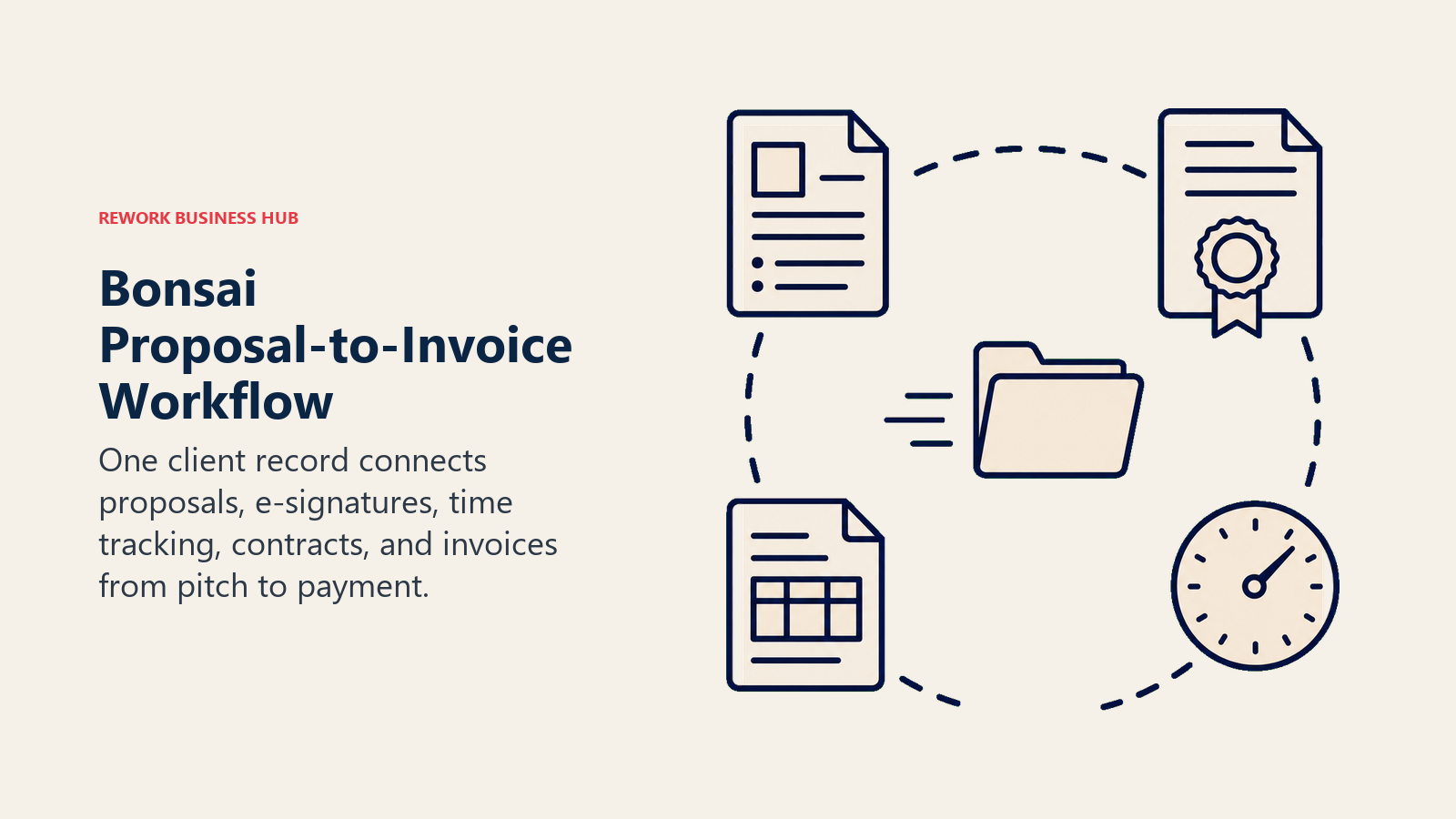
Bonsai is built specifically for the freelance business side: proposals, contracts with e-signatures, time tracking, and invoicing, all tied to the same client record so you're not rebuilding a proposal template from scratch every time. For 90% of solo freelancers, the Essentials plan covers the full loop from pitch to paid invoice.
Best for: Solo freelancers who want proposals, contracts, and invoicing handled by one tool instead of stitching together a PDF app, a separate e-signature tool, and a spreadsheet.
Key strengths:
- Proposals, contracts, and invoices share one client record, no re-entering the same details
- Time tracking rolls straight into an invoice without manual math
- Templates cut proposal turnaround time significantly compared to building one from scratch
Limitations:
- No native AI drafting; it's a workflow tool, not a writing assistant
- Pricing moved to per-user in 2026, so agency-style teams pay more as they add seats
- Standard payment processing fees (roughly 2.9% + $0.30 via Stripe) apply on top of the subscription
Pricing: Basic $9/mo (annual, $15 monthly); Essentials $19/mo (annual, $25 monthly); Premium $29/mo (annual, $39 monthly); Elite $49/mo (annual, 3-user minimum), per Bonsai's pricing page.
Standout use case: Sending a proposal, getting it signed, tracking the project hours, and invoicing the client for those exact hours, all inside one client record.
12. HoneyBook: Client Management for Service-Based Freelancers
HoneyBook covers similar ground to Bonsai (proposals, contracts, invoicing) but leans harder into client relationship management: lead capture forms, an automated client portal, and scheduling built in alongside the paperwork. As of May 2026, HoneyBook AI (chat, email drafts, meeting notes, and lead alerts) ships free on every tier instead of being gated to the top plan.
Best for: Client-facing freelancers (photographers, designers, consultants, event professionals) who want lead capture and client communication built in, not just invoicing.
Key strengths:
- Up to 2 lead capture forms even on the entry Starter plan
- HoneyBook AI (email drafts, meeting notetaker, priority lead alerts) included at every tier since May 2026
- Client portal keeps proposals, contracts, and payments visible to the client in one branded space
Limitations:
- Pricing rose sharply over the past two years, so re-check the current tier before committing
- Payment processing runs 2.9% + $0.25 (Visa/Mastercard) or higher for Amex and ACH
- Automations and integrations are locked behind the Essentials tier and above
Pricing: Starter $29/mo (annual); Essentials $49/mo (annual, discounted from $59); Premium $109/mo (annual, discounted from $129), per HoneyBook's pricing page.
Standout use case: Capturing a lead through a branded form, sending an automated first response, and moving them through proposal to signed contract without leaving the platform.
13. Fiverr Go: Monetizing Your Own Creative Style as an AI Model
Fiverr Go flips the usual AI-versus-freelancer framing: instead of a client using AI to skip hiring you, you train an AI model on your own illustration, writing, or voiceover style and earn a cut every time a client buys the AI-generated output. You keep ownership of the model and set the price per output; Fiverr takes its usual 20% commission on top.
Best for: Established Fiverr sellers (Level 2 and above, in eligible categories) who want a passive income stream built on their existing style.
Key strengths:
- Earns income on outputs a client generates themselves, without you doing the work each time
- You keep ownership and set pricing on your trained models
- Fiverr also offers a Personal AI Assistant that can lift response rates by handling initial client inquiries in your tone
Limitations:
- Requires Level 2 seller status or Seller Plus Premium, not available to new sellers
- Only useful if your work is style-based (illustration, writing, voiceover) rather than project-based consulting
- Some freelancers have raised concerns about AI models undercutting their own custom-work pricing
Pricing: $25/mo for up to 3 active AI Creation Models (2 retrains/month included); Personal AI Assistant $29/mo separately, or bundled into Seller Plus Premium at $29/mo, per Fiverr Go. Fiverr takes a 20% commission on all sales, same as standard gigs.
Standout use case: An established illustrator earning ongoing income from a trained AI model of their style, without taking on more custom commission work than they have hours for.
Freelancer AI Tool Mistakes to Avoid
Most freelancers don't fail at picking a bad tool, they fail at picking too many overlapping ones or ignoring what a subscription actually costs against their margin.
| Mistake | What It Looks Like | What to Do Instead |
|---|---|---|
| Paying for two overlapping business tools | Running Bonsai and HoneyBook at the same time "just in case" | Pick one proposal-to-invoice tool and commit for a full client cycle before switching |
| Ignoring per-transaction payment fees | Budgeting only the subscription, not the 2.9%+ processing fee on every invoice | Factor payment processing into your rates, not just the monthly software cost |
| Sending AI drafts to clients unedited | Copy-pasting a ChatGPT or Jasper draft straight into a client deliverable | Always run a human edit pass, tone and factual accuracy are still your responsibility |
| Assuming free tiers scale with your business | Hitting Otter's 300-minute cap or ChatGPT's usage limit mid-project | Track your actual monthly usage and upgrade before a limit interrupts client work |
| Not reading AI monetization terms carefully | Publishing a Fiverr Go model without understanding retrain limits or ownership terms | Read the platform's terms on ownership and revenue share before you publish |
| Stacking subscriptions you don't use weekly | Paying for Jasper, Notion Business, and Zapier Professional but only opening one regularly | Cancel or downgrade anything you haven't used in the last billing cycle |
Decision Framework
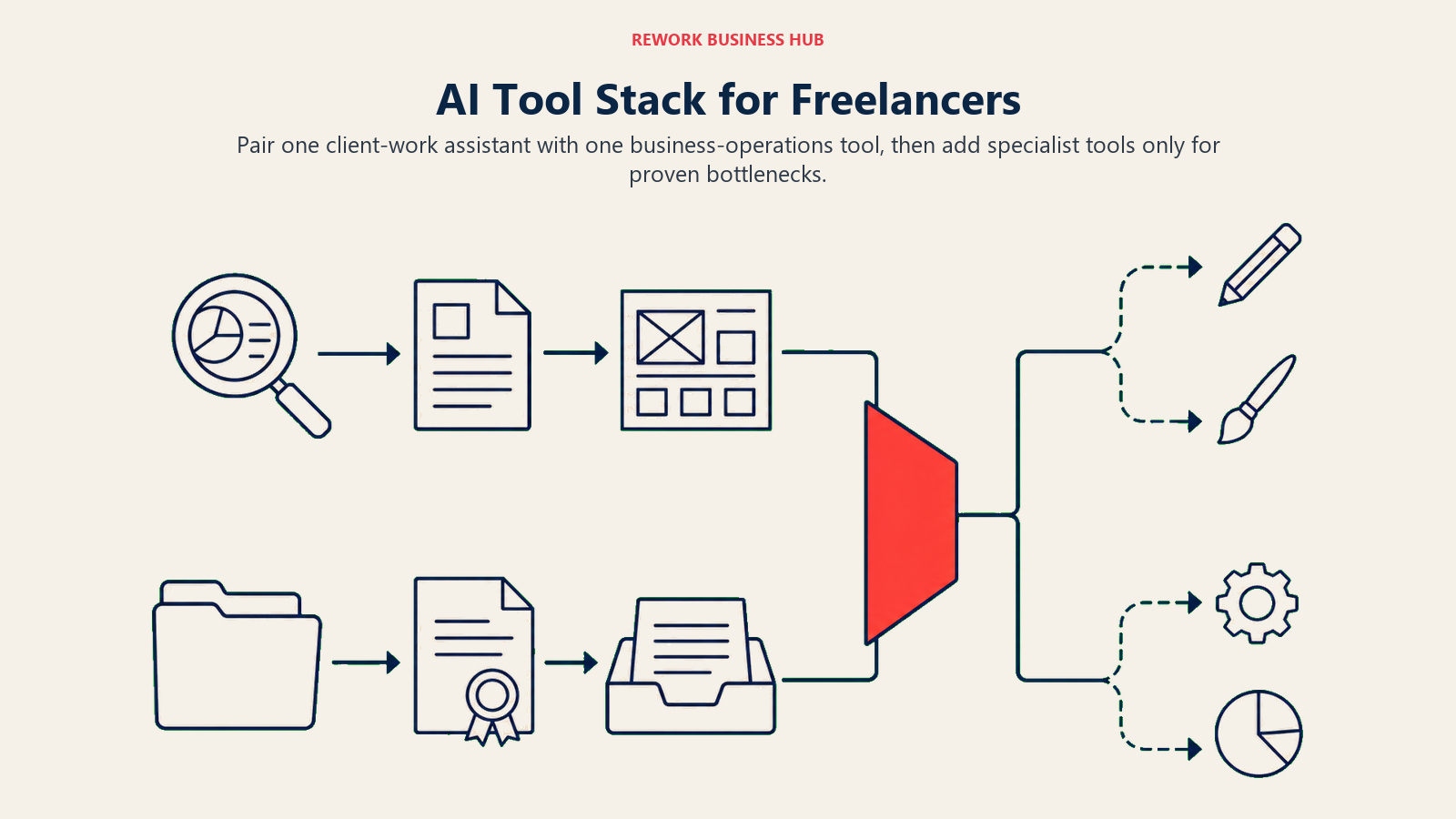
Pair one client-work assistant with one business-operations tool, then add specialist tools only for proven bottlenecks.
| If you need... | Pick... | Why |
|---|---|---|
| One flexible tool for drafting and client emails | ChatGPT | Broadest use case; Canvas for editing; strong free tier |
| Long proposals that follow a detailed brief | Claude | Best instruction-following on long, detailed documents |
| Fast, source-linked research before a pitch | Perplexity | Every answer links back to a checkable source |
| A single workspace for your whole freelance business | Notion AI | AI Agents search across your own notes and docs |
| A final polish before anything ships to a client | Grammarly | Works everywhere you write, catches tone issues |
| Portfolio decks and social content without a designer | Canva | Magic Design plus a consistent brand kit |
| Accurate notes from every client call | Otter | Live transcription with searchable history |
| Editing podcast, video, or audio deliverables | Descript | Edit media by editing the transcript |
| On-brand marketing copy across multiple clients | Jasper | Brand voice profiles per client account |
| Automating the handoffs between your other tools | AI by Zapier | No-code automation with an AI reasoning step built in |
| Proposals, contracts, and invoicing in one workflow | Bonsai | Full pitch-to-paid loop tied to one client record |
| Lead capture plus client relationship management | HoneyBook | Branded client portal, forms, and free AI on every tier |
| Turning your own creative style into passive income | Fiverr Go | Trained AI models that earn without ongoing manual work |
Frequently Asked Questions about AI Tools for Freelancers
What is the best AI tool for freelancers overall?
There's no single best tool because freelancing has two different halves. ChatGPT or Claude cover drafting and research, while Bonsai or HoneyBook cover proposals, contracts, and invoicing. Most freelancers end up running one tool from each category rather than a single all-in-one platform.
Do freelancers actually save time using AI?
Yes. Freelancers who use AI save an average of 8.1 hours a week compared to those who don't, according to Fiverr's 2025 International Freelancer Day survey of 3,500 freelancers, and AI users commonly report 25-40% faster output on the same report.
What's the cheapest way to start using AI as a freelancer?
Start with free tiers: ChatGPT Free, Claude Free, Canva Free, and Grammarly Free cover drafting, design, and editing without a subscription. Add one paid tool, usually a drafting assistant or a proposal-to-invoice platform, once you can point to a specific bottleneck it solves.
Is Bonsai or HoneyBook better for freelancers?
Bonsai leans toward pure business workflow (proposals, contracts, time tracking, invoicing) at a lower entry price. HoneyBook leans toward client relationship management with lead capture forms and a branded client portal, and now includes its AI features free on every tier. Client-facing service businesses (photography, events, design) often prefer HoneyBook; project-based freelancers often prefer Bonsai.
Can AI actually write proposals or contracts for a freelancer?
AI tools like Claude or ChatGPT can draft a strong first pass on a proposal, but contracts specifically should go through a template built for that purpose, like Bonsai's or HoneyBook's contract library, rather than an AI-generated document you haven't had reviewed. Use AI for the pitch and framing, not for the legal language itself.
What is Fiverr Go and is it worth it?
Fiverr Go lets eligible sellers (Level 2 and above) train an AI model on their own creative style for $25/month and earn a share every time a client buys the AI-generated output. It's worth considering if your work is style-based, like illustration or voiceover, and you want a passive income stream on top of custom commissions, but it requires an established Fiverr track record to qualify.
How much should a freelancer budget for AI tools per month?
Most solo freelancers land somewhere between $20 and $70 a month once they've settled on a drafting tool and a proposal-to-invoice tool, per the budget breakdown above. Freelancers producing marketing content at volume, or running a client-heavy service business, often land closer to $100-$150 a month once Jasper or a full HoneyBook tier enters the mix.
Do AI tools replace the need for freelancers?
The data doesn't support that. Freelancers now make up 39% of the entire US workforce, per Upwork, and the freelancers using AI most heavily report higher earnings, not fewer clients. AI is replacing specific tasks (first drafts, transcription, basic design) inside freelance work, not the judgment, relationships, and expertise clients are actually paying for.
What to Do Next
Don't try to adopt all 13 tools at once. Pick the single biggest bottleneck in your business right now, usually either "I spend too long on proposals and invoicing" or "drafting client work takes too long", and add one tool that solves that specific problem. Run it for a full client cycle before adding a second. If you're weighing a broader AI stack beyond freelance-specific tools, Best AI Tools in 2026 covers the wider category, and if your freelance business is starting to look more like a small studio, best AI tools for small business and best AI tools for startups cover what changes once you're not working entirely solo anymore.

Principal Product Marketing Strategist
On this page
- Updated July 2026: What Changed
- Key Facts
- Quick Comparison Table
- How to Choose: By Freelance Task
- How to Choose: By Monthly Budget
- 1. ChatGPT: The Default Drafting and Research Tool
- 2. Claude: Best for Long Proposals and Detailed Client Briefs
- 3. Perplexity: Fast, Cited Research on a New Client or Market
- 4. Notion AI: Running the Whole Freelance Business From One Workspace
- 5. Grammarly: The Editing Pass Before Anything Goes to a Client
- 6. Canva: Portfolios, Proposals, and Social Posts Without a Designer
- 7. Otter: Never Take Client Meeting Notes by Hand Again
- 8. Descript: Editing Audio and Video by Editing the Transcript
- 9. Jasper: On-Brand Marketing Copy for Client Work at Volume
- 10. AI by Zapier: Automating the Busywork Between Your Other Tools
- 11. Bonsai: Proposals, Contracts, and Invoicing in One Place
- 12. HoneyBook: Client Management for Service-Based Freelancers
- 13. Fiverr Go: Monetizing Your Own Creative Style as an AI Model
- Freelancer AI Tool Mistakes to Avoid
- Decision Framework
- What to Do Next