Best AI Tools for TikTok in 2026: 13 Tools Ranked by Job
Turn this article into takeaways for your work.


Each assistant summarizes the article only for you and suggests best practices for your work.
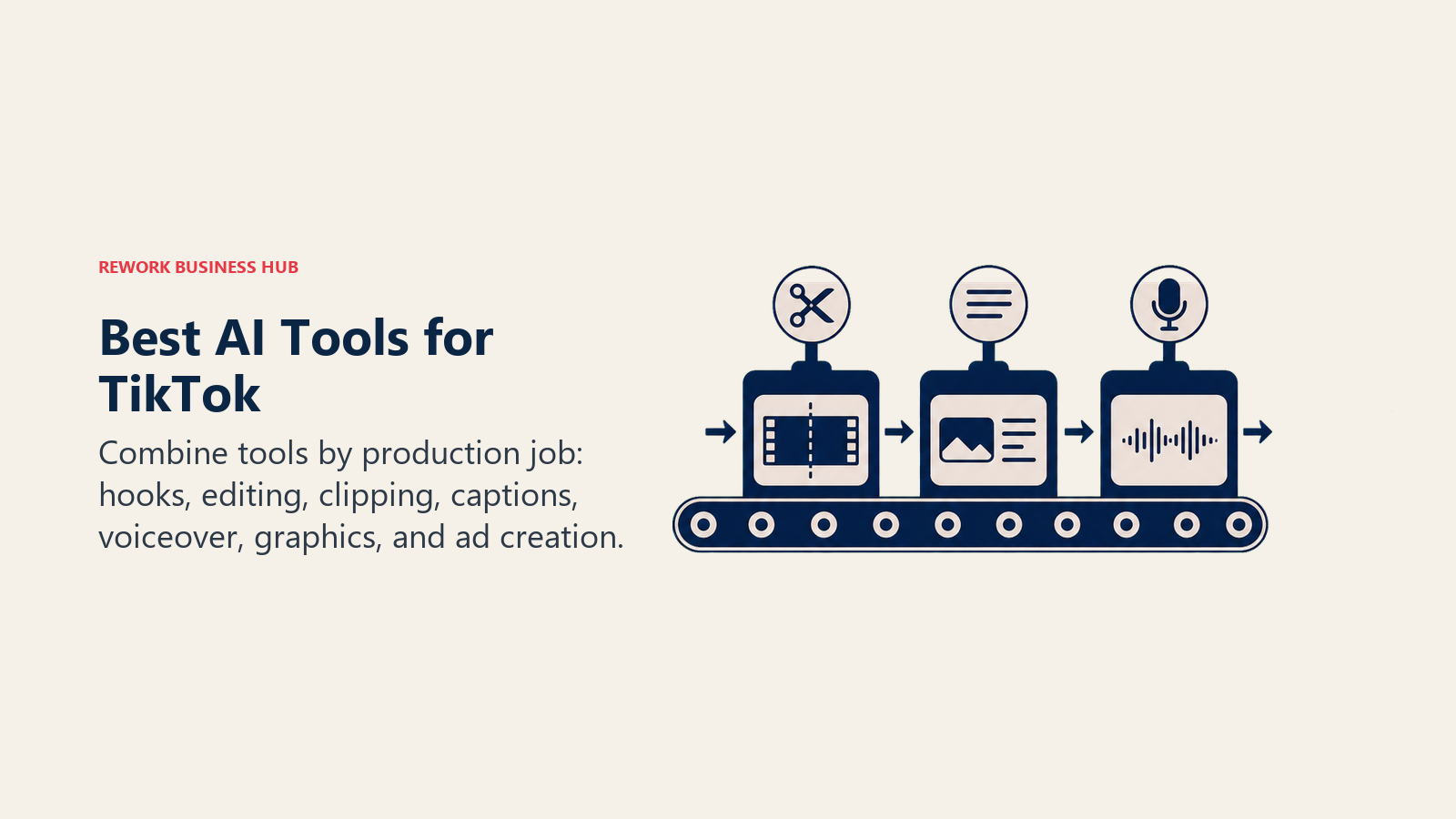
CapCut still owns native, on-app TikTok editing, Opus Clip and Vizard lead for turning long recordings into a week of clips, Submagic and Captions lead for auto-captioning and talking-head polish, ChatGPT leads for scripts and hooks, Predis.ai turns a product URL into a posting queue, Canva covers covers and carousel graphics, ElevenLabs and Fliki lead for AI voiceover, and TikTok Symphony is the platform's own free AI suite for advertisers. No single tool covers a full TikTok workflow end to end, so this guide is organized by the job each tool actually does instead of one flat ranking.
TikTok-adjacent AI tools change pricing and credit models often (five of the thirteen tools here restructured a tier in the past year), so treat every number below as a starting point and confirm it before you commit a budget line.
Key Facts
- TikTok has grown to roughly 1.99 billion monthly active users worldwide, with the average user spending about 1 hour 37 minutes per day in the app and opening it around 10 times daily, per Sprout Social's 2026 TikTok Statistics report.
- TikTok Shop drove an estimated $15.82 billion in US social commerce sales in 2025, about 18.2% of all US social commerce spend, per Sprout Social's 2026 TikTok Statistics report.
- TikTok is the single most-selected platform for 2026 influencer budgets, chosen by 31% of marketers, more than double Instagram's share, per Influencer Marketing Hub's 2026 Influencer Marketing Benchmark Report.
- Among brands running social commerce, TikTok Shop accounts for 66.17% of platform selections, more than five times Instagram Checkout's 13.16%, per Influencer Marketing Hub's 2026 Benchmark Report.
- 94% of marketers plan to use AI in their content creation process in 2026, and 88% now use AI tools daily, per Hootsuite's Social Trends 2026 report.
- Nearly a third of consumers say they're less likely to choose a brand once they know its ads are AI-generated, and 46% aren't comfortable with AI influencers, per Hootsuite's Social Trends 2026 report.
- Short-form video now ranks highest of any ad format for recall and effectiveness per dollar spent, per Hootsuite's Social Trends 2026 report.
What Changed in 2026
TikTok's US business changed hands this year. The joint venture between ByteDance and a group of US investors (Oracle, Silver Lake, and MGX each hold a 15% stake, with additional investors controlling roughly 30.1% and ByteDance retaining a 19.9% minority stake) closed on January 22, 2026, putting the app under 80.1% US ownership. Oracle now houses US user data and acts as the platform's security provider. For creators and marketers, the practical change is small: the app, the algorithm, and Symphony's ad tools all kept running without interruption, but it's worth knowing the ownership structure has genuinely shifted if you're fielding brand-safety questions.
On the tool side: CapCut quietly restructured its plans, renaming its old Pro tier to Standard ($9.99/mo) and introducing a new, pricier Pro tier ($19.99/mo) with 4K export and a larger AI credit pool. VEED moved its entire lineup to per-editor seat pricing across five tiers (Free, Creator, Pro, Studio, Enterprise), so a 3-person team pays a multiple of the advertised single-seat price. ElevenLabs cut its Business tier from $1,320/mo to $990/mo. TikTok itself launched Symphony Agent at Cannes Lions in June 2026, an agentic layer that coordinates Symphony Creative Studio, Content Suite, and TikTok One from a single chat interface, and folded ByteDance's Seedance Dreamina 2.0 video model into Symphony Creative Studio for higher-consistency AI-generated video. If you evaluated any of these tools even six months ago, re-check current tier names and limits before you budget.
Quick Comparison Table
| Tool | Best For | Standout Capability | Starting Price | Free Tier? |
|---|---|---|---|---|
| CapCut | Native, on-phone TikTok editing | Deepest TikTok-native template and effects library | Free; Standard $9.99/mo | Yes |
| Veed | Browser-based multi-platform editing | Auto subtitles, brand kit, AI avatars in one editor | Free; Creator from $10/mo (annual) | Yes |
| Captions | Talking-head video and AI dubbing | AI Edit chat-based editor, eye contact correction | Free (no AI credits); Pro $9.99/mo | Yes |
| Opus Clip | Repurposing long video into TikTok clips | Virality score, multi-platform auto-posting | Free (60 min/mo); Starter $15/mo | Yes |
| Vizard | Repurposing long video, budget alternative | Six connected social accounts on entry paid tier | Free (60 credits/mo); Creator from $14.5/mo (annual) | Yes |
| Submagic | Auto-captioning and viral edit polish | Premium caption templates, eye contact correction | Free (3 videos/mo); Starter $19/mo | Yes |
| Munch | Agency-scale multi-clip repurposing | Bulk long-form upload with watermark-free exports | From $49/mo (200 min/mo) | No |
| ChatGPT | Scripts, hooks, captions, trend riffing | Fast iteration on hooks and video structure | Free; Plus $20/mo | Yes |
| Predis.ai | URL-to-post AI content generation | Turns a product URL into a ready posting queue | Free (15 posts/mo); Core from $32/mo | Yes |
| Canva | Covers, thumbnails, carousel graphics | Magic Studio AI design tools, huge template library | Free; Pro from $15/mo | Yes |
| ElevenLabs | Studio-quality AI voiceover | Most realistic voice cloning on this list | Free (10k credits/mo); Starter $6/mo | Yes |
| Fliki | Text-to-video with built-in voiceover | Fastest path from script to voiced video | Free (36 credits/mo); Standard from $21/mo (annual) | Yes |
| TikTok Symphony | Native AI for TikTok advertisers | Text-to-video, product URL to ad, auto-dubbing | Free inside TikTok Ads Manager | Yes |
1. CapCut: Native TikTok Editing, Still the Default
CapCut is ByteDance's own editing app, which means it was built with TikTok's aspect ratios, trending effects, and export pipeline as the default assumption rather than an afterthought. That's the real reason it stays the most-used TikTok editor: the template library tracks trending sounds and formats faster than any third-party tool, and exporting straight to TikTok skips a step every other tool on this list requires.
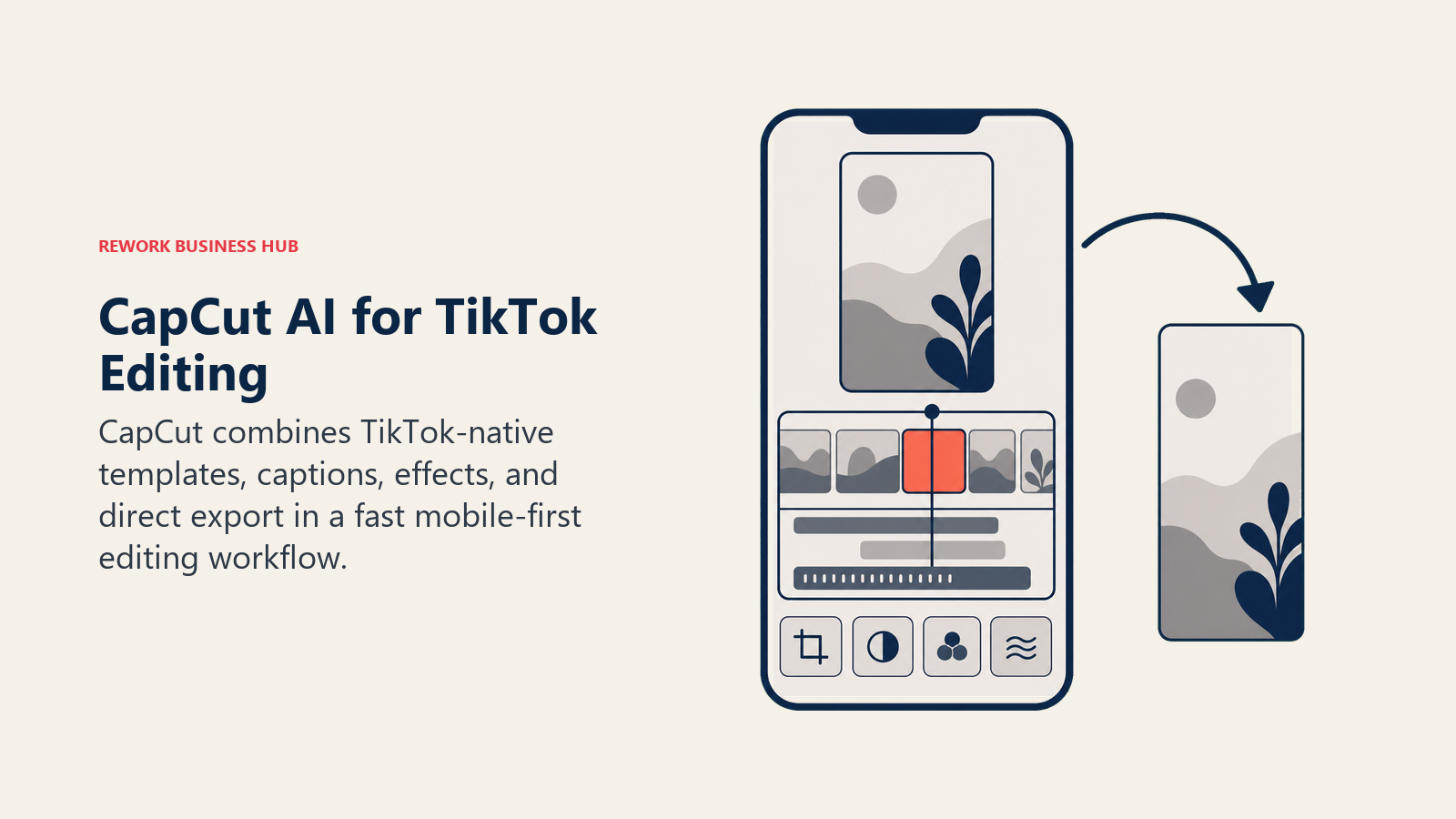
The free tier covers trimming, basic captions, and most templates, which is enough for casual creators. The AI toolkit (auto-captions, background removal, AI-assisted color grading, and text-to-speech) sits behind a paid tier, and CapCut restructured that tier in early 2026: the old Pro plan was renamed Standard, and a new, more expensive Pro tier was introduced with 4K export and a bigger AI credit pool.
| What you get | What you don't |
|---|---|
| Deepest TikTok-native template and trend library | Mobile app store pricing runs higher than web checkout |
| Fast mobile-first workflow, no upload/download step | Desktop editor is less powerful than dedicated NLEs |
| Free tier covers most casual creator needs | AI toolkit gated behind Standard/Pro tiers |
| Auto-captions, AI B-roll, background removal | Credit-based AI limits reset monthly, don't roll over |
Pricing: Free; Standard $9.99/mo; Pro $19.99/mo (web checkout; annual Pro runs about $15/mo, and iOS/Android in-app pricing is higher due to app store fees).
Best for: Solo creators and social teams who post natively to TikTok and want trend-aware templates without leaving the app.
2. Veed: Browser-Based Editing for Multi-Platform Teams
Veed's pitch is that you shouldn't need a desktop editor to produce a polished vertical video. Everything runs in the browser: auto subtitles, a brand kit for consistent fonts and colors across every clip, AI avatars for faceless content, and one-click resizing to TikTok, Reels, and Shorts from the same source file.
For teams juggling TikTok alongside Instagram and YouTube, that resize-once workflow saves real time compared to re-editing per platform. The tradeoff is pricing structure: Veed moved to per-editor seat billing in 2026 across five tiers, so a small team pays a multiple of the single-seat advertised price rather than one flat team rate.
| What you get | What you don't |
|---|---|
| Browser-based, no install, works on any machine | Per-seat pricing scales fast for teams of 3+ |
| One-click resize across TikTok, Reels, Shorts | AI avatar quality trails dedicated avatar tools |
| Brand kit keeps fonts/colors consistent at scale | Advanced color grading below dedicated NLEs |
| Auto subtitles in dozens of languages | Free tier exports are watermarked |
Pricing: Free; Creator from about $10/mo billed annually; Pro around $21/mo per seat; Studio around $35/mo per seat; Enterprise (contact sales).
Best for: Marketing teams publishing the same video across TikTok, Reels, and Shorts who want one editor instead of three.
3. Captions: Talking-Head Video and AI Dubbing
Captions built its entire product around the single most common TikTok format: a person talking to a phone camera. The AI Edit chat-based editor lets you describe a change in plain language and get it applied, eye contact correction fixes the classic problem of talent looking at their script instead of the lens, and AI dubbing translates a video into another language while matching the speaker's mouth movements.
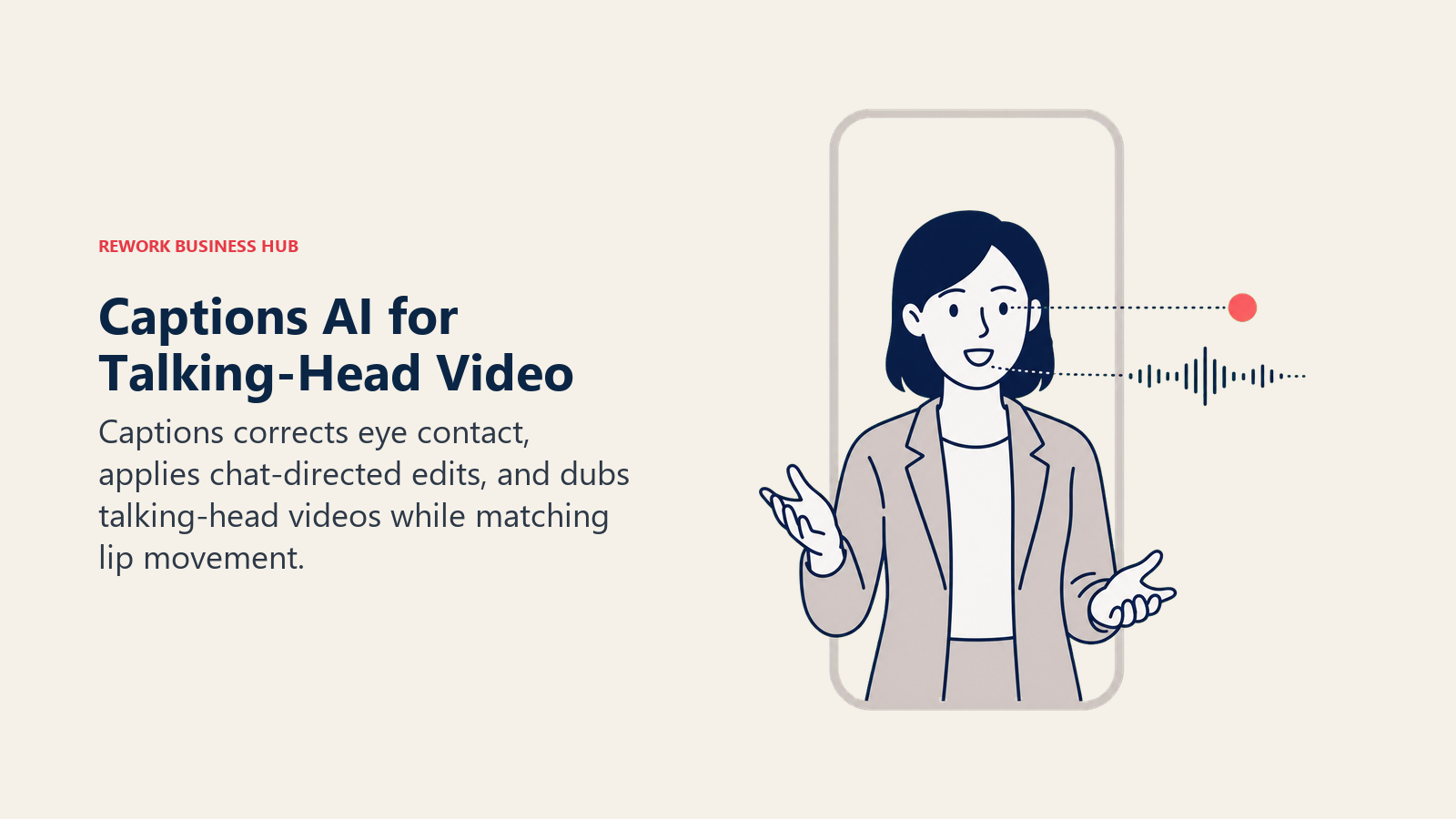
The free tier is genuinely limited (zero generative AI credits), so most creators land on Pro for basic AI editing or Max for the full generative toolkit, including AI avatars and text-to-video. Scale tiers exist for agencies pushing volume, priced by credit bucket rather than seat count.
| What you get | What you don't |
|---|---|
| AI Edit: describe a change, get it applied | Free tier has no generative AI credits at all |
| Eye contact correction fixes off-camera talent | Higher tiers get expensive fast per credit |
| AI dubbing with lip-sync across languages | Best suited to talking-head format specifically |
| AI avatars and text-to-video on Max and up | Less useful for pure B-roll or product content |
Pricing: Free (no AI credits); Pro $9.99/mo; Max $24.99/mo (500 credits); Scale from $69.99/mo (1,400 credits); Enterprise (contact sales).
Best for: Solo creators and coaches producing talking-head TikToks who want AI-assisted cleanup without a real edit suite.
4. Opus Clip: The Category Leader for Repurposing Long Video
Opus Clip popularized the "upload a podcast, get 10 TikTok clips back" workflow, and it's still the most polished version of it. The AI virality score ranks clip candidates before you spend time editing any of them, and the reframe model tracks speakers across a wide frame without the jarring auto-crop artifacts that plague cheaper tools.
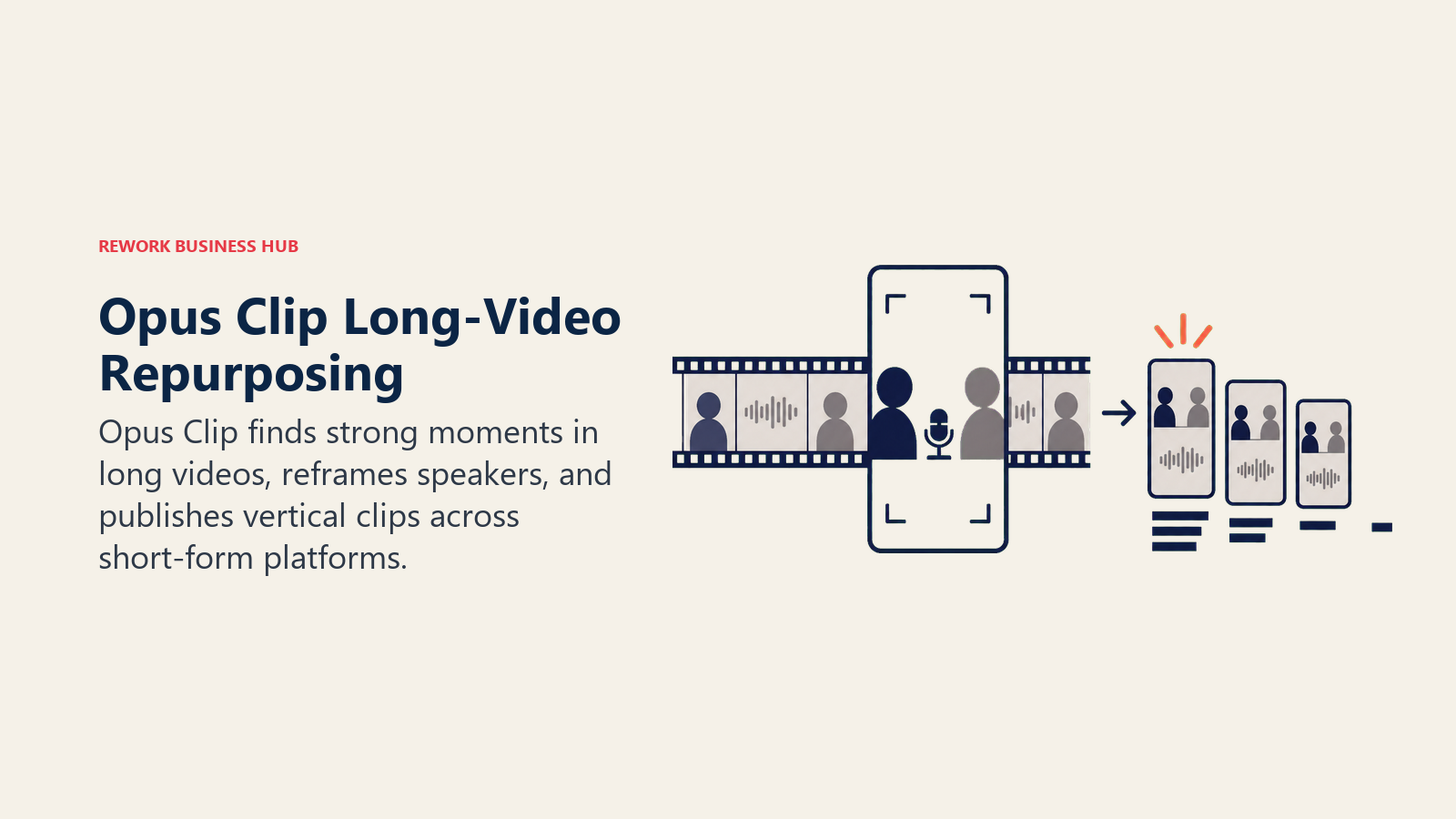
Multi-platform auto-posting (straight to TikTok, YouTube Shorts, and Instagram from inside the tool) is the feature that saves the most time once you're producing clips weekly rather than as a one-off experiment. The Starter tier caps processing minutes and export quality; Pro is where speaker detection and multi-platform posting actually unlock. Related: our best AI tools for YouTube guide covers the same repurposing category from the long-form-creator side.
| What you get | What you don't |
|---|---|
| AI virality score ranks clips before you edit | Credits = source minutes, not output clips |
| Strong speaker tracking and reframing | Free tier exports vanish after 3 days |
| Multi-platform auto-posting from inside the app | Pro tier needed for 1080p and speaker detection |
| Brand kit and custom fonts on Pro | Credits expire (60 days monthly, 12 months annual) |
Pricing: Free (60 min/mo, watermarked, 3-day export); Starter $15/mo (150 min/mo); Pro $29/mo (300 min/mo); Business (contact sales).
Best for: Podcasters, YouTubers, and creators who post long-form content weekly and need a fast pipeline to TikTok clips.
5. Vizard: The Budget Alternative for Clip Repurposing
Vizard does largely the same job as Opus Clip (upload long video, get AI-selected vertical clips back) at a lower entry price. The Creator tier removes the watermark, unlocks 4K exports, and connects up to six social accounts for direct posting, which covers most solo creators managing a TikTok account alongside two or three others.
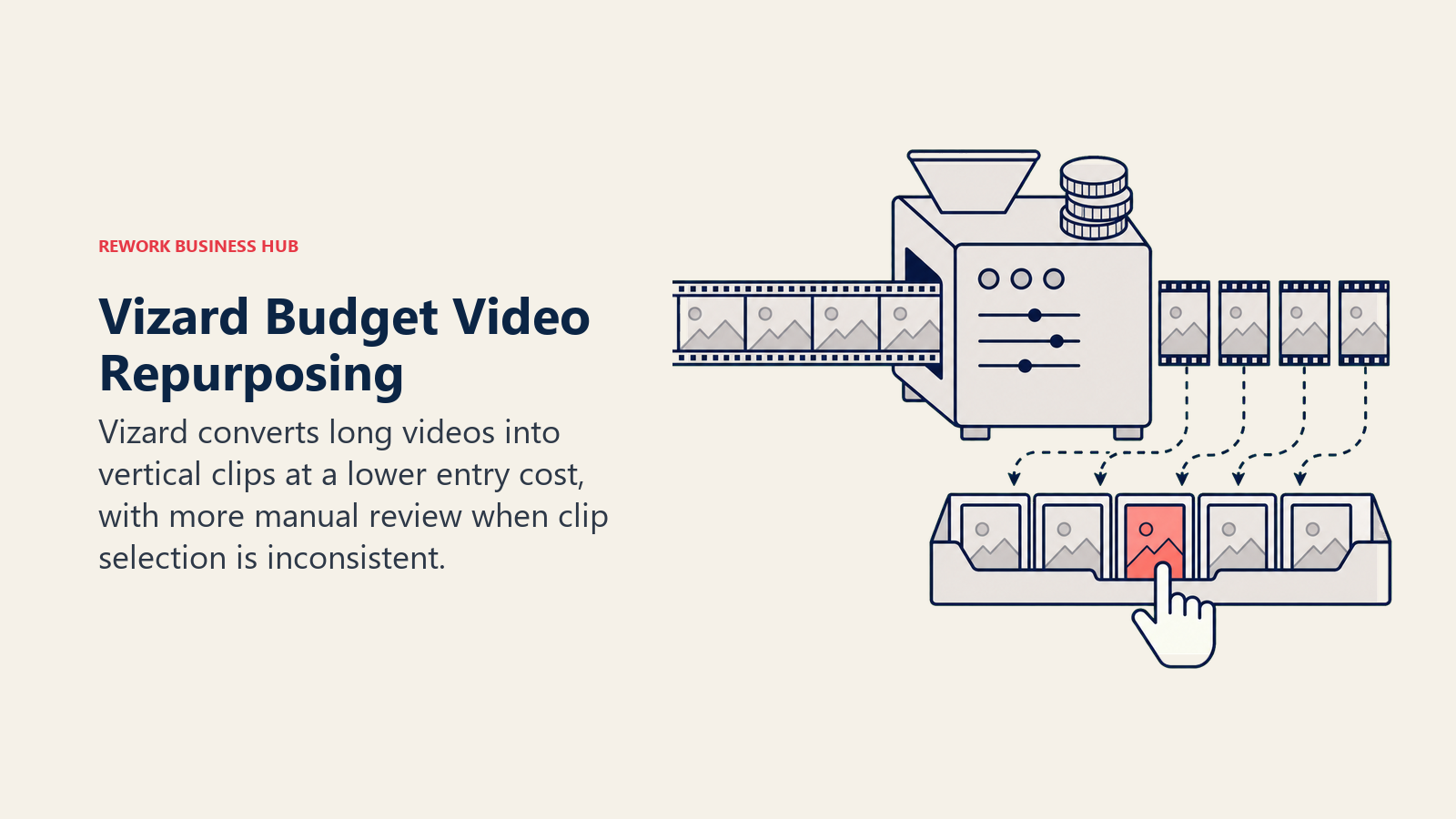
The gap versus Opus Clip shows up in clip selection quality on longer or more complex source video: Vizard's AI is capable but less consistent at picking the genuinely strongest 30 seconds out of an hour-long recording. For creators on a tight budget who are willing to do more manual selection, that tradeoff is often worth the savings.
| What you get | What you don't |
|---|---|
| Lower entry price than Opus Clip for similar core job | Clip selection less consistent on long source video |
| Six connected social accounts on Creator tier | Credit-based system with yearly-package pricing quirks |
| REST API access opens on Creator tier | Business tier needed for shared team workspace |
| Unlimited 4K exports once on a paid tier | Free tier capped at 720p and 10-minute exports |
Pricing: Free (60 credits/mo, 720p, 10-min max); Creator from about $14.5/mo billed annually; Business from about $19.5/mo billed annually; Enterprise (contact sales, 10,000+ min/mo).
Best for: Budget-conscious creators and small teams who need long-to-short repurposing without Opus Clip's price tag.
6. Submagic: Auto-Captions and Viral Edit Polish
Submagic's job is narrower than Opus Clip or Vizard: it takes a video you've already selected and adds the fast-paced captions, emoji highlights, sound effects, and eye contact correction that make a clip feel "edited" rather than raw. It's the step creators add after repurposing, not instead of it.
The tier structure is capped by video count and max length rather than minutes processed, which is a different mental model than Opus Clip's credit system. Pro is the plan most working creators land on: 40 videos a month at up to 5 minutes each covers a daily-posting TikTok cadence with room to spare.
| What you get | What you don't |
|---|---|
| Fast, polished auto-captions with viral styling | Doesn't select or repurpose clips, just polishes them |
| Eye contact correction and premium templates | Video-count caps, not minute-based like Opus Clip |
| Magic Clips add-on extracts clips from long video | Add-on pricing stacks on top of base plan |
| API access on Business tier for automated pipelines | Free tier capped at 90-second, watermarked exports |
Pricing: Free (3 videos/mo, 90-sec max, watermarked); Starter $19/mo (15 videos); Pro $39/mo (40 videos); Business + API $69/mo (100 videos, 4K export).
Best for: Creators and teams who already have raw clips and want fast, consistent auto-caption polish before posting.
7. Munch: Bulk Repurposing for Agencies and Multi-Show Teams
Munch is built for volume in a way the other repurposing tools aren't: it's aimed at agencies and media teams running multiple shows or client accounts through one pipeline, uploading hours of long-form footage a month rather than one podcast episode at a time. Watermark-free exports and AI insights into which segments are likely to perform are included at every tier.
The pricing reflects that positioning. Entry pricing starts well above Opus Clip or Vizard, and it climbs fast as monthly upload minutes scale, which makes Munch a poor fit for a solo creator and a reasonable fit for an agency billing the cost back across several client accounts.
| What you get | What you don't |
|---|---|
| Built for bulk, multi-show, multi-client volume | No free tier, meaningfully pricier entry point |
| Watermark-free exports on every paid tier | Overkill for a single creator's weekly posting |
| AI insight scoring on which segments will land | Less polished single-clip editing than Submagic |
| Scales cleanly to 1,000+ min/mo on top tier | Annual billing required to unlock best per-minute rate |
Pricing: Standard $49/mo (200 min/mo); Elite $116/mo (500 min/mo); Ultimate $220/mo (1,000 min/mo, about $183/mo billed annually).
Best for: Agencies and media teams repurposing long-form video across multiple shows or client accounts every month.
8. ChatGPT: Scripts, Hooks, and Trend Riffing
ChatGPT isn't a TikTok tool specifically, but it's become the default first stop for scripting: writing hooks, structuring a 30-second script around a trending audio format, batch-generating caption variants, or explaining why a competitor's video worked before you riff on the format yourself. Voice mode and image understanding both help when you're iterating on a script against a screenshot of a trending video.
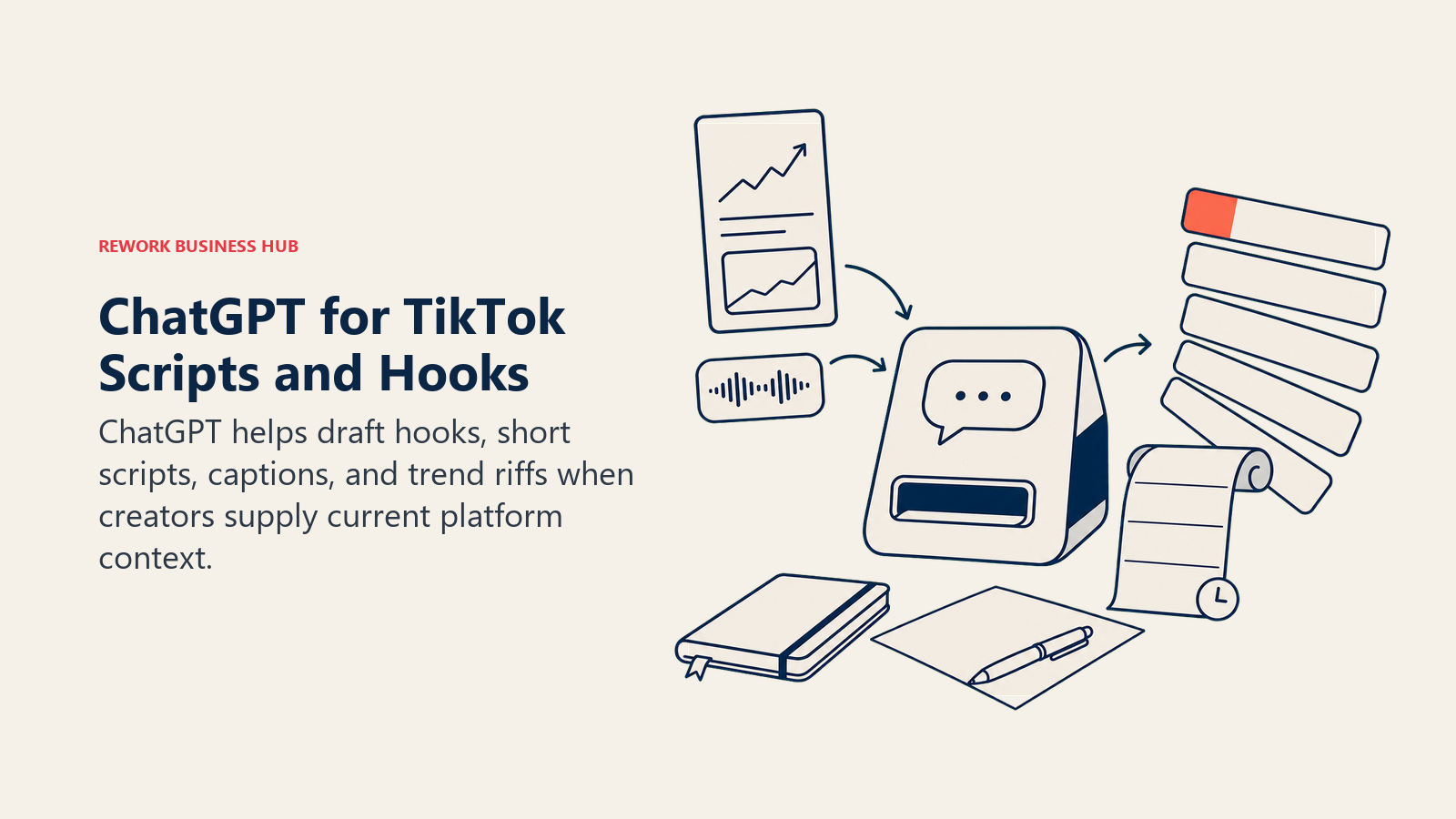
The limitation is that ChatGPT doesn't know what's trending on TikTok right now unless you feed it that context; it's a drafting and structuring tool, not a trend-discovery tool. Pair it with TikTok's own Creative Center or a repurposing tool's analytics for that half of the job. See our best AI tools for content writers guide for deeper scripting and copy tool comparisons.
| What you get | What you don't |
|---|---|
| Fastest iteration loop for hooks and scripts | No built-in TikTok trend or sound data |
| Free tier is genuinely usable for scripting | Team plan needed for shared custom GPTs |
| Custom GPTs can encode your brand voice/format | Doesn't generate or edit video itself |
| Voice and image input for iterating on trends | Output needs a human pass for platform-native tone |
Pricing: Free; Plus $20/mo; Pro $200/mo; Business (Team) $20/user/mo billed annually (2-seat minimum) or $25/user/mo billed monthly.
Best for: Creators and social teams who script before they shoot and want a fast way to iterate on hooks and structure.
9. Predis.ai: URL-to-Post AI Content Generation
Predis.ai's core trick is turning a product URL, a competitor's page, or a simple text prompt into a ready-to-review batch of TikTok-ready videos, carousels, and captions. For e-commerce and small business accounts posting daily without a dedicated content team, that URL-in, drafts-out workflow removes the blank-page problem entirely.
Competitor analysis is a genuinely useful secondary feature: point it at a rival account and it surfaces what's driving their engagement, which is a faster starting point than manually scrolling a competitor's feed. The video maker caps at 30 seconds per clip, which fits TikTok's most common short-form length but limits it for longer storytelling formats.
| What you get | What you don't |
|---|---|
| URL-to-content removes the blank-page problem | Video maker caps at 30 seconds per clip |
| Competitor analysis built into every tier | Credits consumed fast on video-heavy workflows |
| Auto-posting scheduled directly from the tool | Entry tier limited to one brand |
| Faceless and UGC-style video options | Promotional pricing makes list price hard to pin down |
Pricing: Free (15 posts/mo, 1 brand); Core from $32/mo (1,300 credits, frequent promotional pricing); Rise from $79/mo (3,200 credits); Enterprise+ from $249/mo (unlimited brands).
Best for: E-commerce and small business accounts that need a steady posting cadence without a dedicated creative team.
10. Canva: Covers, Thumbnails, and Carousel Graphics
Canva isn't a video-first tool, but it's still where most TikTok accounts make their static assets: profile graphics, carousel slides for TikTok's photo-post format, and cover frames for videos. Magic Studio's AI tools (background remover, Magic Expand, text-to-image, Magic Write) speed up exactly that kind of one-off asset work.
For teams already using Canva for other channels, extending it to TikTok graphics avoids adding another subscription for a job that's genuinely secondary to video editing. It's not trying to compete with CapCut or Veed on video editing depth, and it shouldn't be judged on that basis. See our best AI image generators guide if you need deeper AI image generation than Canva's built-in tools cover.
| What you get | What you don't |
|---|---|
| Huge template library for covers and carousels | Not a serious video editor, static-first tool |
| Magic Studio AI: background remove, expand, write | Business tier pricing is hard to pin down |
| Free tier does real, non-trial-limited work | Team brand kit features gated to paid tiers |
| Brand kit keeps carousel slides on-brand | AI image quality trails dedicated generators |
Pricing: Free; Pro from about $15/mo (or roughly $120/yr billed annually); Business/Teams from about $20-25/user/mo billed annually.
Best for: Social teams who need on-brand static graphics (covers, carousels, profile assets) alongside their video workflow.
11. ElevenLabs: Studio-Quality AI Voiceover
When a TikTok video needs a voiceover that doesn't sound like a robot reading a script (product explainers, faceless content, translated versions of an existing video) ElevenLabs is the most realistic option on the market. Professional voice cloning captures a real speaker's voice with a short sample, which is useful for creators who want to scale output without recording every line themselves.
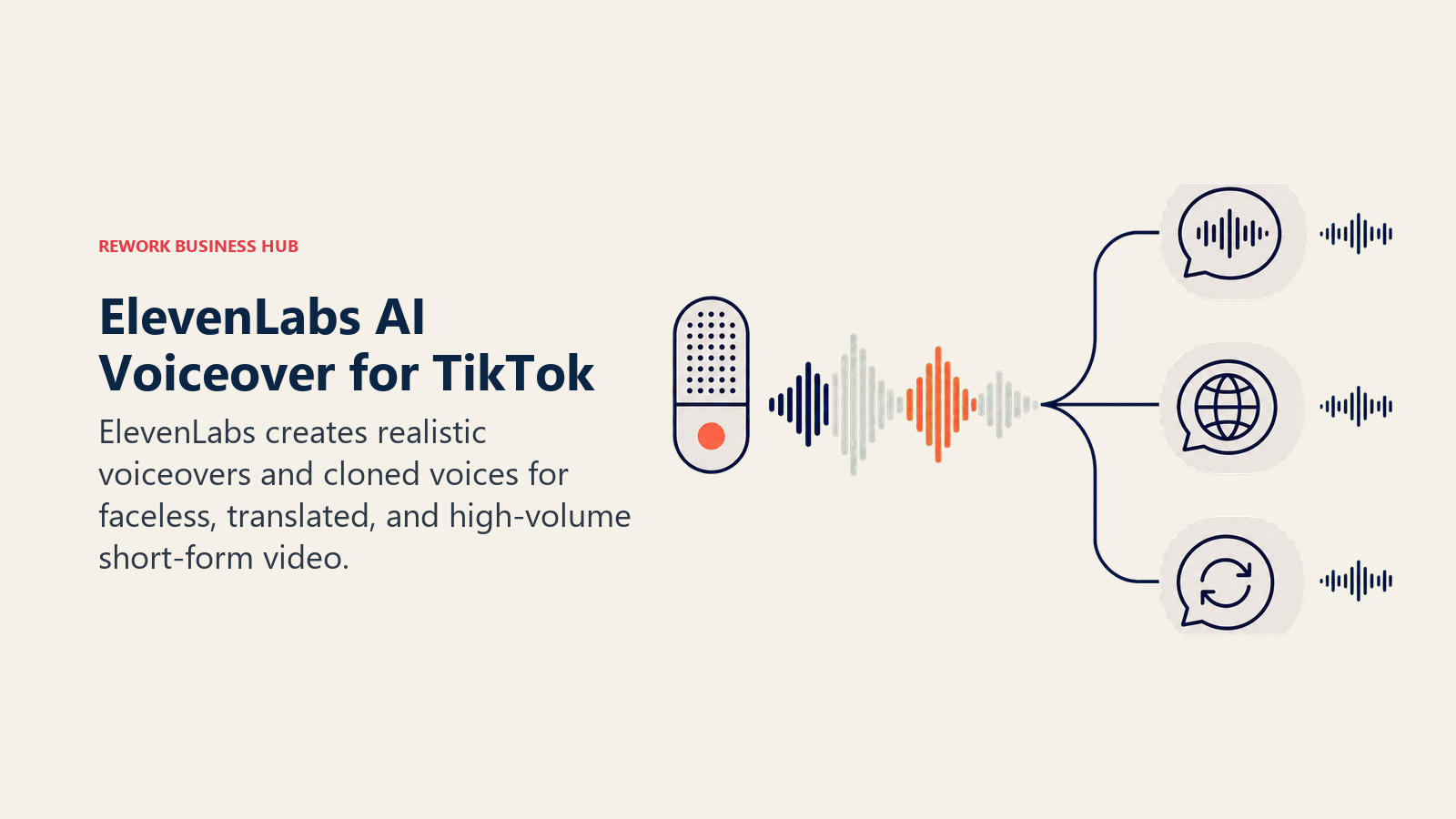
The credit-based pricing rewards planning: casual use fits comfortably in the Free or Starter tier, but voice-heavy production (daily voiceovers across multiple videos) climbs into Creator or Pro territory quickly. See our best AI voice generators guide for a deeper comparison against other voice AI tools if ElevenLabs' pricing doesn't fit your volume.
| What you get | What you don't |
|---|---|
| Most realistic voice cloning and TTS on this list | Credit system needs planning for daily-use volume |
| Professional voice cloning from a short sample | Business tier ($990/mo) is built for teams, not solos |
| Low-latency TTS available on Business and up | Not a video tool, voice only, needs pairing |
| Sound effects and voice design tools included | Free/Starter credits run out fast on longer scripts |
Pricing: Free (10k credits/mo); Starter $6/mo (30k credits); Creator $22/mo (121k credits); Pro $99/mo (600k credits); Scale $299/mo; Business $990/mo ($825/mo billed annually).
Best for: Creators and brands producing voiceover-driven TikToks (explainers, faceless content, translated versions) at real volume.
12. Fliki: Fastest Path from Script to Voiced Video
Fliki's pitch is speed: paste a script or a blog post, pick a voice from its library of over 1,000 options, and get a fully voiced, captioned vertical video back without touching a timeline. For creators who write faster than they edit, that script-to-video shortcut is the whole appeal.
It's not trying to match ElevenLabs on voice realism at the top end, but the built-in video generation (stock footage matched to your script, automatic scene breaks, captions) means you're not stitching together three separate tools. The free tier is workable for testing; anything meant for real posting needs a paid tier for commercial rights alone.
| What you get | What you don't |
|---|---|
| Script to fully voiced, captioned video in minutes | Voice realism trails ElevenLabs at the top end |
| 1,000+ voices across 80+ languages on paid tiers | Free tier has no commercial usage rights |
| Built-in stock footage matching, no separate B-roll tool | Best for script-driven content, less for raw footage editing |
| Voice cloning available from Standard tier up | Premium tier needed for longer-form video (40 min) |
Pricing: Free (36 credits/mo, 720p, watermarked, no commercial rights); Standard from about $21/mo billed annually (about $28/mo monthly); Premium from about $88/mo; Enterprise (contact sales).
Best for: Writers and marketers who script content and want a fast, voice-first path to a finished vertical video.
13. TikTok Symphony: The Platform's Own Free AI Suite
Symphony is TikTok's native AI toolkit, bundled free inside TikTok Ads Manager rather than sold as a separate subscription. Symphony Creative Studio generates video from a text prompt, an existing image, or a product URL; Ads Manager AI Tools handle auto-diagnosis, auto-optimization, and multi-language AI dubbing on running campaigns. In June 2026, TikTok added Symphony Agent at Cannes Lions, a chat-based layer that coordinates Creative Studio, Content Suite, and TikTok One from one interface, and integrated ByteDance's Seedance Dreamina 2.0 model for more consistent AI-generated video output.
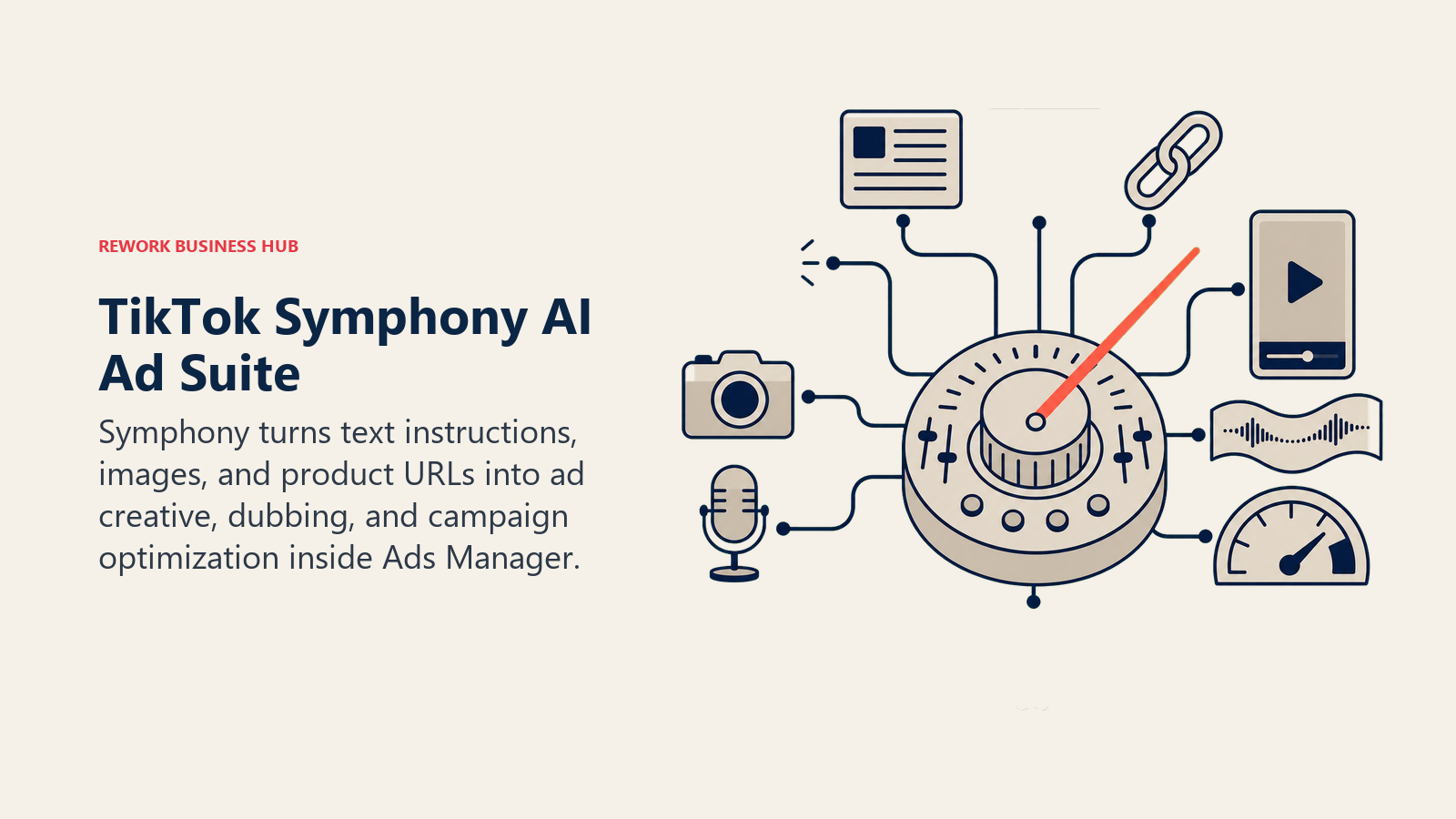
The catch is that Symphony is an advertiser tool, not a general creator tool. You access it through an active TikTok Ads Manager account, and its value is tied to running paid campaigns, not organic posting. TikTok says Symphony output carries automatic AI labels and invisible watermarks, which matters for brand-safety and disclosure conversations. Related: for TikTok content strategy that spans organic and paid, our best AI tools for social media guide covers the scheduling and cross-platform side of the stack.
| What you get | What you don't |
|---|---|
| Free within TikTok Ads Manager, no separate cost | Requires an active ad account and ad spend to access |
| Text-to-video, image-to-video, product URL to ad | Not usable for organic-only creator accounts |
| Auto-dubbing and campaign auto-optimization | Output tied to campaign structure, less flexible standalone |
| Automatic AI labeling and C2PA content credentials | Newer Symphony Agent layer still rolling out broadly |
Pricing: Free, bundled inside TikTok Ads Manager (requires an active ad account; no standalone subscription).
Best for: Brands and agencies running paid TikTok campaigns who want AI-generated ad creative without a separate tool.
How to Build a TikTok Content Stack
Most working TikTok accounts stitch together two or three tools from this list rather than relying on one. Use this table to pick a starting stack based on the job in front of you.
| If you need... | Pick... | Why |
|---|---|---|
| Fast, trend-aware native editing on your phone | CapCut | Built by TikTok's parent company for TikTok's own formats |
| One editor across TikTok, Reels, and Shorts | Veed | Browser-based, one-click resize across platforms |
| To turn a podcast or stream into a week of clips | Opus Clip | Best-in-class virality scoring and speaker tracking |
| The same repurposing job on a tighter budget | Vizard | Comparable core feature set at a lower entry price |
| Fast auto-captions and polish on clips you already cut | Submagic | Purpose-built for the caption-and-polish step specifically |
| Bulk repurposing across multiple shows or clients | Munch | Priced and built for agency-scale monthly volume |
| Scripts, hooks, and caption variants before you shoot | ChatGPT | Fastest iteration loop for structuring a script |
| A steady posting cadence without a creative team | Predis.ai | Turns a product URL into ready-to-review drafts |
| On-brand covers, thumbnails, and carousel slides | Canva | Deepest static-asset template and AI design library |
| Studio-quality voiceover or voice cloning | ElevenLabs | Most realistic TTS and cloning on this list |
| A fast script-to-voiced-video shortcut | Fliki | Skips the timeline entirely for script-driven content |
| Free AI creative tools tied to paid campaigns | TikTok Symphony | Built into Ads Manager at no extra cost |
Common Mistakes Teams Make with AI Tools for TikTok
Most disappointing results with these tools trace back to workflow mistakes, not tool quality. Here's what to fix first.
| Mistake | What It Looks Like | What to Do Instead |
|---|---|---|
| Buying a repurposing tool before you have long-form source | Subscribing to Opus Clip with no podcast or stream to feed it | Confirm you have a recurring source of long video first |
| Skipping the human pass on AI-generated hooks | Posting ChatGPT's first draft script verbatim | Treat AI output as a first draft, edit for platform-native tone |
| Over-relying on one tool for a job it's not built for | Using Canva to try to edit full videos | Match the tool to the job using the stack table above |
| Ignoring credit math until the bill arrives | Running long source video through a per-minute credit tool without checking limits | Check minutes/credits included before uploading, not after |
| Treating TikTok Symphony as a general creator tool | Expecting Symphony access without an ad account | Use Symphony only if you're already running paid TikTok campaigns |
| Not disclosing AI-generated content | Posting AI avatars or AI voiceover without any disclosure | Label AI-generated content; nearly a third of consumers say it affects brand choice |
Frequently Asked Questions about AI Tools for TikTok
What is the best AI tool for TikTok in 2026?
There's no single best tool because TikTok content creation has several distinct jobs. CapCut leads for native editing, Opus Clip and Vizard lead for repurposing long video into clips, ChatGPT leads for scripting, and ElevenLabs leads for AI voiceover. Most working accounts combine two or three tools rather than relying on one.
Is CapCut owned by the same company as TikTok?
Yes. CapCut is developed by ByteDance, the same company that owns TikTok's parent operations globally, which is why it's built with TikTok's aspect ratios, trending effects, and export pipeline as the default assumption rather than an afterthought.
What is TikTok Symphony and is it free?
TikTok Symphony is TikTok's own AI creative suite, covering text-to-video generation, product-URL-to-ad creation, auto-dubbing, and campaign optimization. It's free to use, but it's bundled inside TikTok Ads Manager and requires an active ad account, so it's built for advertisers rather than organic creators.
Who owns TikTok in the US as of 2026?
TikTok's US operations moved to a new joint venture that closed on January 22, 2026. The venture is roughly 80.1% US-owned, with Oracle, Silver Lake, and MGX each holding a 15% stake and additional investors holding about 30.1%, while ByteDance retained a 19.9% minority stake. Oracle also houses US user data and serves as the platform's security provider.
What's the best free AI tool for repurposing long videos into TikTok clips?
Opus Clip's free tier gives 60 processing minutes a month with AI clipping, though exports are watermarked and expire after 3 days. Vizard's free tier offers a similar 60 credits a month with a 10-minute export cap. Both are usable for testing the workflow before committing to a paid plan.
Do I need a separate voiceover tool if I already use CapCut or Veed?
CapCut and Veed both include basic text-to-speech, but the voice quality is noticeably more robotic than a dedicated tool like ElevenLabs or Fliki. If your content leans on voiceover heavily (explainers, faceless content, translated versions) a dedicated voice tool is worth the extra subscription.
How much does it cost to run a full AI TikTok content stack?
A lean solo-creator stack (CapCut Standard, Submagic Starter, and ChatGPT Plus) runs roughly $50 to $60 a month. An agency-scale stack adding Opus Clip Pro, Munch, and ElevenLabs Business can run well over $1,000 a month, so the right budget depends entirely on posting volume and whether you're servicing one account or many.
Are AI-generated TikTok videos labeled as AI content?
TikTok requires AI-generated or AI-edited content to be labeled, and Symphony specifically adds automatic AI labels, invisible watermarks, and C2PA Content Credentials to its output. Consumer sentiment matters here too: Hootsuite's research found nearly a third of consumers say they're less likely to choose a brand once they know its content is AI-generated.
What to Do Next
Don't subscribe to every tool on this list. Pick the one job that's actually slowing you down (editing, repurposing, scripting, or voiceover) and start with a single tool for that job. Run it for two weeks against your real posting cadence before adding a second tool to the stack. If you're publishing the same content across TikTok, Reels, and Shorts, our best AI video editing tools guide covers the broader editing category beyond TikTok specifically, and the best AI tools for digital marketing guide is a good next stop once your content pipeline is running and you need to connect it to campaigns and reporting.

Principal Product Marketing Strategist
On this page
- Key Facts
- What Changed in 2026
- Quick Comparison Table
- 1. CapCut: Native TikTok Editing, Still the Default
- 2. Veed: Browser-Based Editing for Multi-Platform Teams
- 3. Captions: Talking-Head Video and AI Dubbing
- 4. Opus Clip: The Category Leader for Repurposing Long Video
- 5. Vizard: The Budget Alternative for Clip Repurposing
- 6. Submagic: Auto-Captions and Viral Edit Polish
- 7. Munch: Bulk Repurposing for Agencies and Multi-Show Teams
- 8. ChatGPT: Scripts, Hooks, and Trend Riffing
- 9. Predis.ai: URL-to-Post AI Content Generation
- 10. Canva: Covers, Thumbnails, and Carousel Graphics
- 11. ElevenLabs: Studio-Quality AI Voiceover
- 12. Fliki: Fastest Path from Script to Voiced Video
- 13. TikTok Symphony: The Platform's Own Free AI Suite
- How to Build a TikTok Content Stack
- Common Mistakes Teams Make with AI Tools for TikTok
- What to Do Next