Best AI Video Generators in 2026: 14 Tools Ranked by Use Case

Turn this article into takeaways for your work.


Each assistant summarizes the article only for you and suggests best practices for your work.
There's no single best AI video generator in 2026, there's a best one for what you're actually trying to make. OpenAI's Sora 2 and Google's Veo 3 lead on cinematic realism and native audio. Runway and Kling AI lead on creative control for filmmakers and motion designers. Synthesia and HeyGen lead on AI avatars for training and marketing video. Descript, Opus Clip, and Captions lead on turning long recordings into short, captioned clips. This guide ranks 14 tools across those use cases so you can pick the right one instead of subscribing to whichever went viral last week.
Every tool below was evaluated on output quality, pricing transparency, and real-world adoption inside its category, not marketing claims.
Updated July 2026: What Changed
The AI video category moved fast in the first half of 2026. OpenAI shut down the standalone Sora consumer app on April 26, 2026, folding video generation back into ChatGPT Plus and Pro instead of running it as a separate product. Google pushed Veo 3 behind the $249.99/month AI Ultra tier for full access, while giving Gemini app subscribers a handful of daily Veo 3.1 Fast generations at the lower Pro tier. Runway is retiring its Unlimited plan in favor of a new Max tier with a larger credit pool. Kling AI's Ultra tier jumped from $128 to $180 a month in the same window, a reminder that credit-based pricing in this category is still far from settled. If you evaluated this category even six months ago, re-check pricing before you commit a budget line to it.
Key Facts
- 91% of businesses now use video as a marketing tool, back to an all-time high after a small dip in 2025 (Wyzowl, State of Video Marketing 2026: https://wyzowl.com/video-marketing-statistics/)
- 63% of video marketers say they've used AI tools to help create or edit marketing video, up from 51% a year earlier (Wyzowl, State of Video Marketing 2026: https://wyzowl.com/video-marketing-statistics/)
- 82% of video marketers report a good return on their video investment, per the same survey (Wyzowl, State of Video Marketing 2026: https://wyzowl.com/video-marketing-statistics/)
- The global AI video generator market is on pace to hit $946.4 million in 2026 and grow at a 20.3% CAGR through 2033 (Grand View Research: https://www.grandviewresearch.com/press-release/global-ai-video-generator-market)
- Text-to-video is the largest segment of that market at roughly 46% share, ahead of image-to-video and avatar-based generation (Grand View Research: https://www.grandviewresearch.com/industry-analysis/ai-video-generator-market-report)
Quick Comparison Table
| Tool | Best For | Starting Price | Key Strength | Key Limitation |
|---|---|---|---|---|
| OpenAI Sora 2 | Cinematic clips inside the ChatGPT ecosystem | Included in ChatGPT Plus, $20/mo | Strongest general-purpose realism and physics | Consumer app discontinued; API sunsetting Sept 2026 |
| Google Veo 3 | Native audio + visual fidelity | Google AI Pro $19.99/mo (limited); full access needs AI Ultra $249.99/mo | Best synced dialogue, sound effects, and ambience | Full-quality access is gated behind the priciest tier |
| Runway | Filmmakers and VFX-adjacent creative teams | Free; paid from $12/mo (annual) | Deepest creative control (Gen-4, camera tools, Explore Mode) | Credits burn fast at high resolution |
| Kling AI | Motion control and cinematic camera moves on a budget | Free; paid from $10/mo | Strong native 4K and motion control at low entry cost | Credit costs rise sharply at Ultra tier ($180/mo) |
| Luma Dream Machine | Photorealistic footage with camera direction | Free tier; paid from $30/mo | Ray 3 model is fast and strong at photorealism | No cheap mid-tier; jumps to $90/mo for serious use |
| Pika | Stylized, meme-ready social clips | Free; paid from $8/mo (annual) | Cheapest entry point for casual creators | Weaker realism than Sora, Veo, or Runway |
| Adobe Firefly Video | Commercially safe video inside Creative Cloud | Free; paid from $9.99/mo | IP-indemnified, trained on licensed content | Fewer generations per dollar than pure-play rivals |
| Higgsfield | Multi-model access for social-first creators | Paid from $15/mo (annual) | One subscription routes to Kling, Veo, and other models | Newer platform; credit system still evolving |
| Hailuo (MiniMax) | Budget access to frontier models bundled together | Free; paid from about $15/mo | Bundles Veo, Sora, and its own model in one plan | Base-quality renders need credit-heavy upgrades |
| Synthesia | Corporate training and L&D video at scale | Free; paid from $29/mo | Deepest AI avatar library and enterprise compliance | Monthly minute caps are tight below Enterprise |
| HeyGen | Marketing and sales video with talking avatars | Free; paid from $29/mo | Fast avatar creation, voice cloning, easy localization | Business tier adds a per-seat fee on top of the base price |
| Descript | Editing, overdub, and podcast-to-video workflows | Free; paid from $16/mo (annual) | Edits video like a text document; strong overdub | Not a generative model; needs source footage |
| Opus Clip | Turning long-form video into short clips | Free; paid from $15/mo | Virality scoring finds the best moments automatically | Minutes-based credits drain fast on long source files |
| Captions | Solo creators making talking-head social video | Free; paid from $9.99/mo | AI Twin and lipdub features built for one-person teams | Higher tiers needed for the full generative toolkit |
How to Choose an AI Video Generator in 2026
Most teams start by asking "which tool makes the best video," which is the wrong first question. Start with what you're actually producing, because a cinematic text-to-video model like Sora 2 and a talking-avatar tool like HeyGen solve completely different problems even though both get marketed as "AI video."
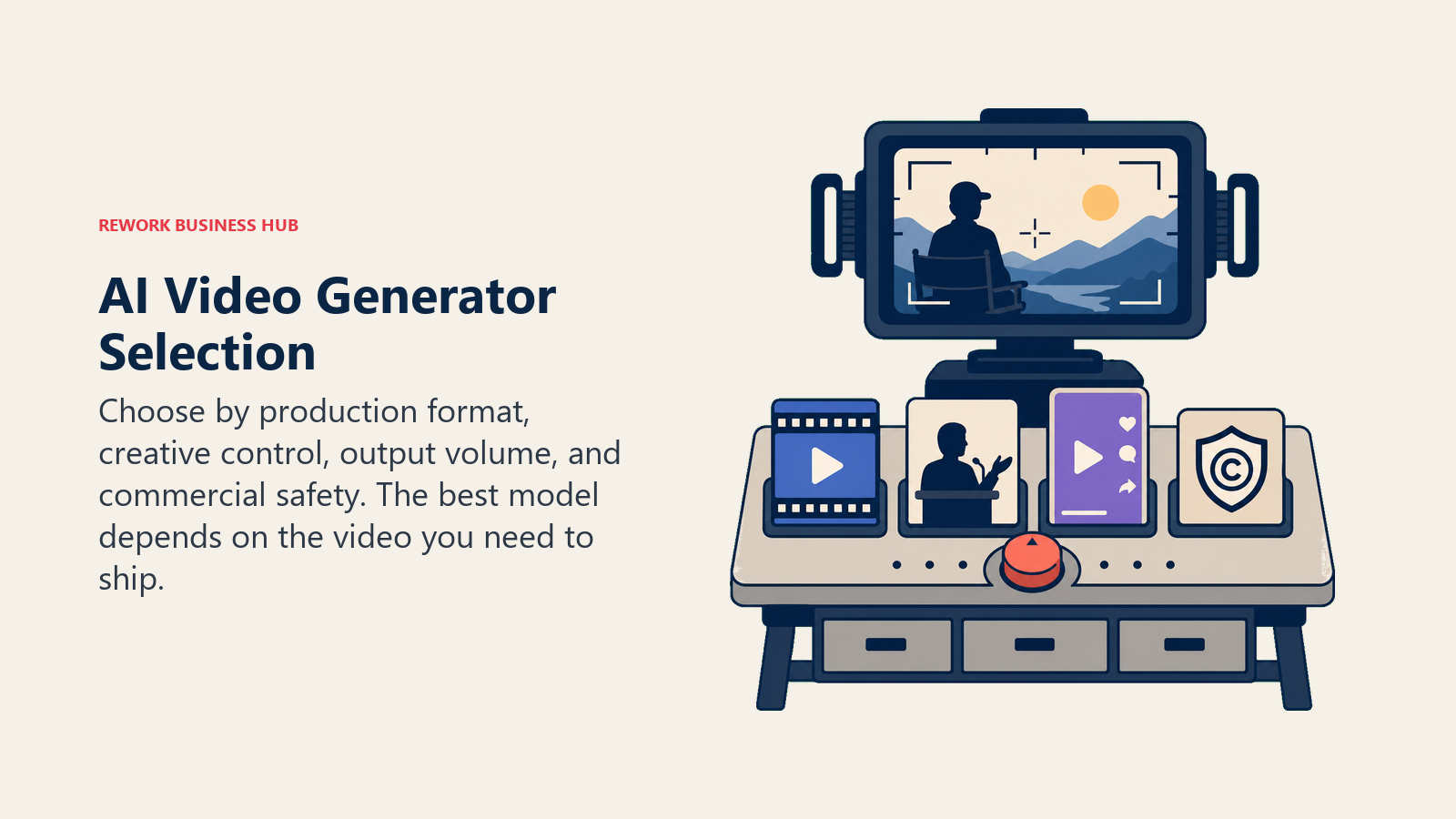
- What are you making? A 30-second product ad, a training video with a presenter, a podcast clip for social, and a VFX shot for a short film all need different tools.
- Do you need a real person on screen? If yes, you want an avatar tool (Synthesia, HeyGen, Captions) or a talking-head editor (Descript), not a generative model.
- How much creative control do you need? Camera moves, consistent characters, and multi-shot sequences favor Runway, Kling, or Luma over a one-shot prompt tool.
- What's your volume? Occasional social clips fit a $10-15/month plan. Daily production for a marketing team needs a $30-90/month tier with real credit headroom.
- Does commercial safety matter? If you're running paid ads or client work, Adobe Firefly Video's licensed-training model and indemnification matter more than raw quality.
If your team is also rebuilding its broader creative and marketing stack around AI, the best AI tools for digital marketing roundup and the best AI tools for content writers guide cover the adjacent categories this list doesn't. And if the person leading this decision is your content marketing manager, the content marketing manager job description template is a useful reference for how that role's scope is shifting alongside these tools.
Framework: By Use Case
| Use Case | What Matters Most | Best Fits |
|---|---|---|
| Cinematic ads and brand films | Realism, physics, native audio | Sora 2, Veo 3, Runway |
| Social-first short clips | Speed, style, low cost per clip | Pika, Kling AI, Higgsfield |
| Corporate training and L&D | Avatar library, compliance, minute caps | Synthesia |
| Sales and marketing avatars | Fast turnaround, voice cloning, localization | HeyGen |
| Podcast and YouTube repurposing | Long-to-short editing, virality scoring | Opus Clip, Descript |
| Solo creator talking-head content | One-person workflow, AI Twin, captions | Captions |
| Agency and client-safe commercial work | Licensed training data, indemnification | Adobe Firefly Video |
| Budget experimentation across models | One subscription, multiple underlying models | Hailuo (MiniMax), Higgsfield |
Framework: By Production Style
| Style | Signal | Best Fits |
|---|---|---|
| Prompt-to-video, no footage needed | Starting from a text or image prompt | Sora 2, Veo 3, Kling AI, Luma, Pika |
| Presenter-led, script-driven | Need a consistent on-screen presenter | Synthesia, HeyGen |
| Edit existing footage | Have raw video or audio to work from | Descript, Opus Clip, Captions |
| Studio-grade creative control | Multi-shot sequences, camera direction, VFX | Runway, Luma Dream Machine |
| Enterprise-safe generation | Legal/IP review required before use | Adobe Firefly Video, Synthesia |
1. OpenAI Sora 2: Strongest General-Purpose Realism
Sora 2 is OpenAI's bet that video generation should live inside the same interface as everything else you already do in ChatGPT, not as a separate destination app. That bet paid off in physics accuracy and object permanence: Sora 2 handles complex motion, lighting continuity, and multi-character scenes better than most rivals in blind side-by-side tests.
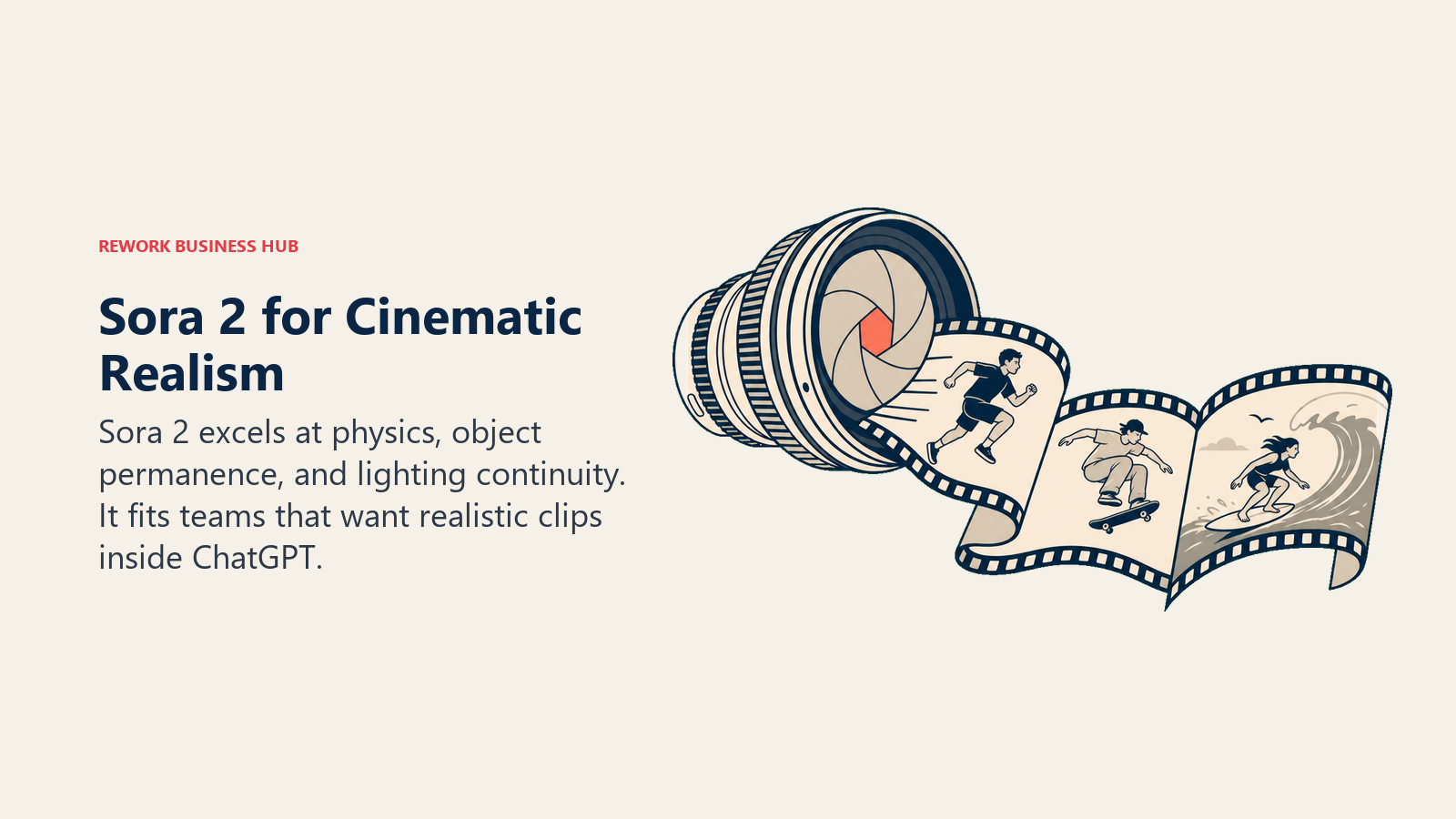
The tradeoff in 2026 is availability. OpenAI shut down the standalone Sora consumer app (web and iOS) on April 26, 2026, so generation now happens through ChatGPT Plus or Pro. The Sora 2 API is still live for developers but is scheduled to sunset on September 24, 2026, which makes it a risky foundation to build a product on right now.
| What you get | What you don't |
|---|---|
| Strongest realism and physics of any general model | Standalone consumer app discontinued (April 2026) |
| Bundled into a subscription you may already pay for | API access sunsetting September 2026 |
| Sora 2 Pro quality available on the $100/mo ChatGPT Pro tier | No dedicated web app outside ChatGPT |
Pricing: Included with ChatGPT Plus ($20/mo, standard limits) or ChatGPT Pro ($100/mo, Sora 2 Pro quality). API pay-as-you-go: $0.10/sec (720p standard), $0.30-$0.70/sec for Sora 2 Pro depending on resolution.
Best for: Teams already paying for ChatGPT who want the highest general-purpose realism without a separate subscription
2. Google Veo 3: Best Native Audio and Dialogue
Veo 3's differentiator is sound. Where most video models generate silent clips you then need to score separately, Veo 3 produces synced dialogue, ambient sound, and sound effects natively in the same generation. For ads and narrative shorts where audio-visual sync sells the realism, that's a meaningful edge over models that treat audio as an afterthought.
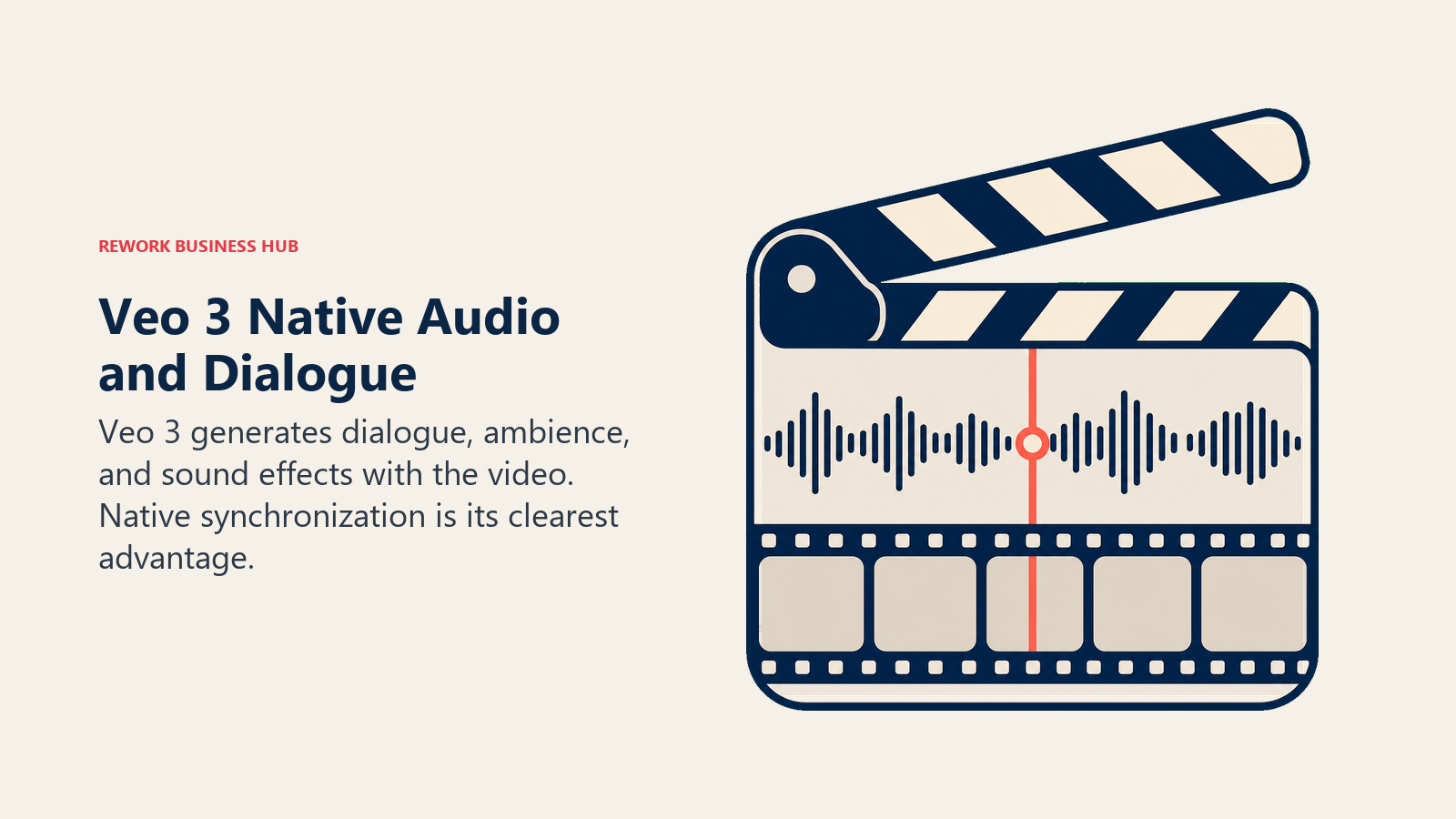
Google gates full-quality Veo 3 behind Google AI Ultra at $249.99/month, which is steep for teams that just want occasional clips. The Gemini app and Google AI Pro ($19.99/mo) give a handful of daily Veo 3.1 Fast generations, which is enough to evaluate the model but not enough to run production volume.
| What you get | What you don't |
|---|---|
| Best native dialogue and sound effect generation | Full Veo 3 access requires the $249.99/mo Ultra tier |
| Flow filmmaking tool with camera controls | Gemini app access is capped at 3-5 generations/day |
| Available via Gemini API, Vertex AI, and Flow | Pay-per-use API costs add up fast at $0.40/sec |
Pricing: Google AI Pro $19.99/mo (limited daily Veo access); Google AI Ultra $249.99/mo (full Veo 3 access, 25,000 monthly credits); Gemini API pay-per-use from $0.15-$0.40/sec.
Best for: Teams that need dialogue-synced video with sound and are already invested in the Google Workspace or Gemini ecosystem
3. Runway: Deepest Creative Control for Filmmakers
Runway built its reputation on being the tool professional filmmakers and VFX artists actually use, not just a novelty generator. Gen-4's camera controls, consistent character references, and Explore Mode for relaxed-rate experimentation give creative teams a level of directorial control that prompt-only competitors don't match.
That control comes at a real cost once you move past casual use. The Standard plan's 625 monthly credits disappear quickly at higher resolutions, and the jump to the new Max tier (replacing Unlimited from September 2026) runs $76-95/month.
| What you get | What you don't |
|---|---|
| Camera direction, character consistency, multi-shot control | Credits burn fast at 1080p and above |
| Explore Mode for unlimited relaxed-rate generation on top tiers | Entry-level plan is thin for regular production |
| Established tool inside professional VFX and film pipelines | Steeper learning curve than one-prompt tools |
Pricing: Runway pricing: Free (125 one-time credits); Standard $12/mo annual ($15 monthly); Pro $28/mo annual ($35 monthly); Max $76/mo annual ($95 monthly).
Best for: Filmmakers, VFX teams, and creative agencies that need directorial control, not just a text box
4. Kling AI: Motion Control at the Lowest Entry Price
Kling AI (from Kuaishou) built its following on strong motion control and camera moves at a price point well below Runway or Luma. Native 4K output, arriving in April 2026, and a growing digital-human feature set have made it a serious option beyond its original social-clip reputation.
The catch is the credit curve. Standard and Pro tiers are genuinely affordable, but Ultra jumped from $128 to $180/month within a six-month window in 2026, a 41% increase that signals the pricing here is still finding its floor.
| What you get | What you don't |
|---|---|
| Native 4K video and strong cinematic camera moves | Ultra tier pricing rose sharply in early 2026 |
| Lowest-cost entry among cinematic-quality generators | Free tier credits expire in 24 hours |
| Digital human and virtual try-on features included | Interface and docs are less polished than Western rivals |
Pricing: Kling AI membership plans: Free; Standard $10/mo ($6.60 annual); Pro $37/mo ($24.42 annual); Premier $92/mo ($60.72 annual); Ultra $180/mo (no annual option).
Best for: Budget-conscious teams that want cinematic-grade motion and camera control without Runway or Veo pricing
5. Luma Dream Machine: Photorealism with Camera Direction
Luma's Ray 3 model (with Ray 3.14 as the current top iteration) is built around photorealism and camera control, positioning it between Runway's full creative suite and a simpler prompt-to-video tool. Ray 3.14 renders natively at 1080p and runs three times cheaper at 720p than the base Ray 3 model.
The pricing structure has a gap: Plus at $30/month is a reasonable entry point, but Pro jumps to $90/month with no middle tier to bridge casual and serious use, which pushes growing teams to a bigger commitment sooner than competitors do.
| What you get | What you don't |
|---|---|
| Strong photorealism and native 1080p rendering | Big jump from $30/mo Plus to $90/mo Pro, no bridge tier |
| Extra credit packs roll over for 12 months | Monthly subscription credits do not roll over |
| Fast generation speed relative to output quality | Smaller community and template library than Runway |
Pricing: Luma pricing: Free tier available; Plus $30/mo; Pro $90/mo; Ultra $300/mo.
Best for: Teams that prioritize photorealistic footage and camera direction over a full creative-suite feature set
6. Pika: Cheapest Entry Point for Social-Style Clips
Pika leans into stylized, expressive, meme-ready output rather than chasing photorealism. Pikascenes (2.2/2.5) makes it easy to combine reference images into a scene, which suits creators making social content, not brand films.
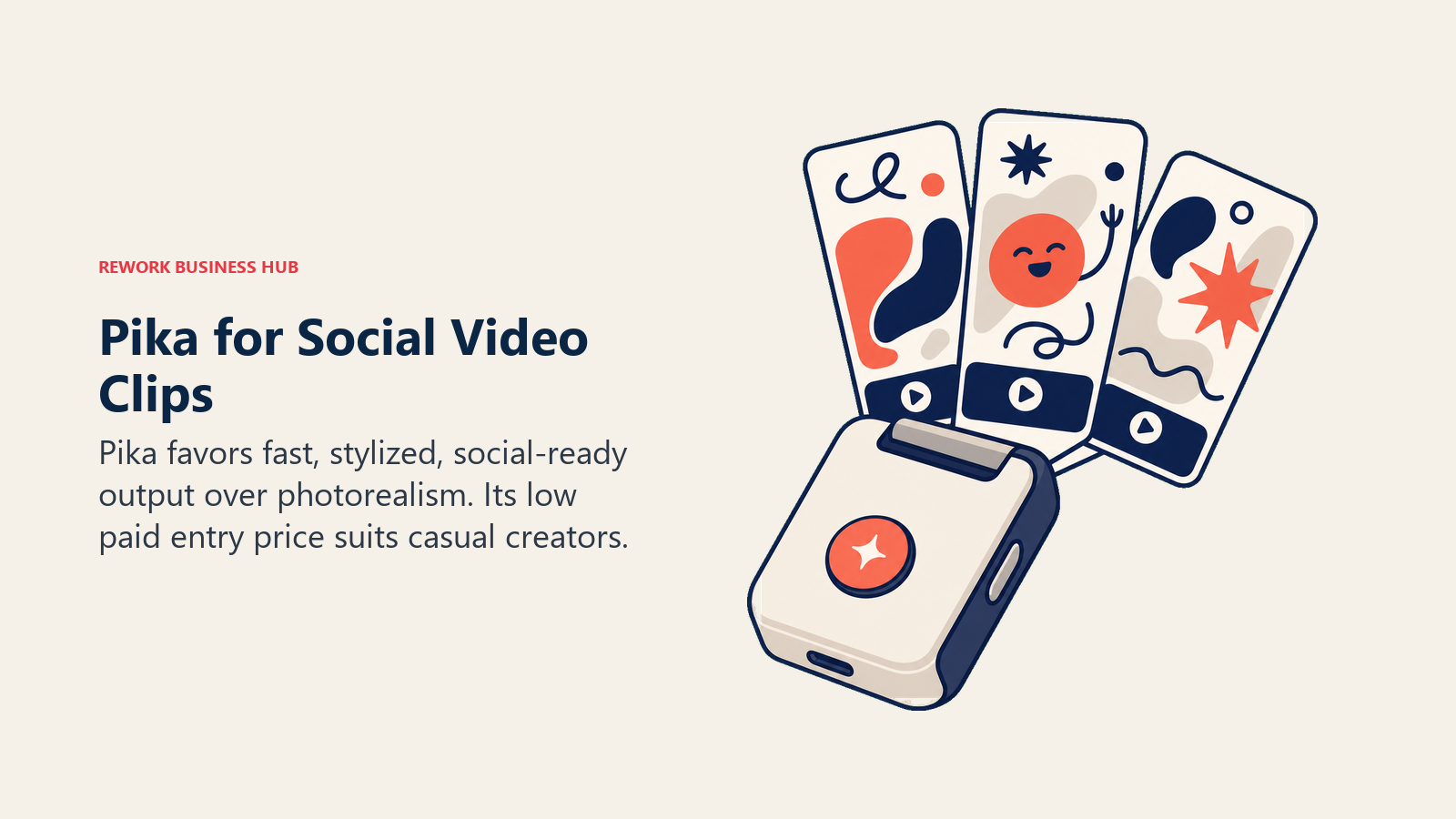
At $8/month for the Standard tier, Pika is the cheapest paid entry point on this list with commercial use rights and no watermark. The realism ceiling is lower than Sora, Veo, or Runway, so it's the wrong choice if photorealism is the goal.
| What you get | What you don't |
|---|---|
| Lowest-cost paid tier with commercial rights ($8/mo) | Realism lags well behind Sora 2, Veo 3, and Runway |
| Pikascenes for combining reference images into a scene | Higher tiers needed for regular 1080p output |
| Fast, casual-friendly generation workflow | Less suited to brand or corporate video |
Pricing: Pika pricing: Free (80 monthly credits, 480p); Standard $8/mo annual ($10 monthly); Pro $28/mo annual ($35 monthly); Fancy $76/mo.
Best for: Social creators and casual users who want fast, stylized clips at the lowest possible price
7. Adobe Firefly Video: The Commercially Safe Choice
Firefly's entire pitch is legal safety. Where most generative video models are trained on scraped web data with murky rights, Adobe trained Firefly on licensed Adobe Stock content and public-domain material, and backs commercial use with IP indemnification. For agencies and brands running paid campaigns, that's not a nice-to-have, it's often the deciding factor.

The tradeoff is credit efficiency. A 5-second clip costs roughly 100 premium credits, so the Standard plan's 2,000 credits cover only about 20 clips a month, less headroom per dollar than Kling or Pika at similar price points.
| What you get | What you don't |
|---|---|
| IP indemnification for commercial and client work | Fewer clips per dollar than pure-play video generators |
| Native integration with Premiere Pro and After Effects | Not the strongest raw realism on this list |
| Bundled into Creative Cloud Pro for teams already on Adobe | Full unlimited video needs the $199.99/mo Premium tier |
Pricing: Adobe Firefly pricing: Free; Standard $9.99/mo (2,000 credits); Pro $19.99/mo (4,000 credits); Pro Plus $49.99/mo (10,000 credits); Premium $199.99/mo (50,000 credits, unlimited video); or Creative Cloud Pro $59.99/mo (bundles 4,000 credits).
Best for: Agencies, brands, and Creative Cloud teams that need commercially indemnified video for paid campaigns. If your design team is also weighing its broader Adobe-vs-alternative stack, the best Canva alternatives guide covers the design side of that decision.
8. Higgsfield: One Subscription, Multiple Underlying Models
Higgsfield's angle is aggregation: instead of picking one model, a Higgsfield subscription routes your prompts to Kling, Veo, and other underlying models depending on the effect you want, with social-ready templates built around trending formats.
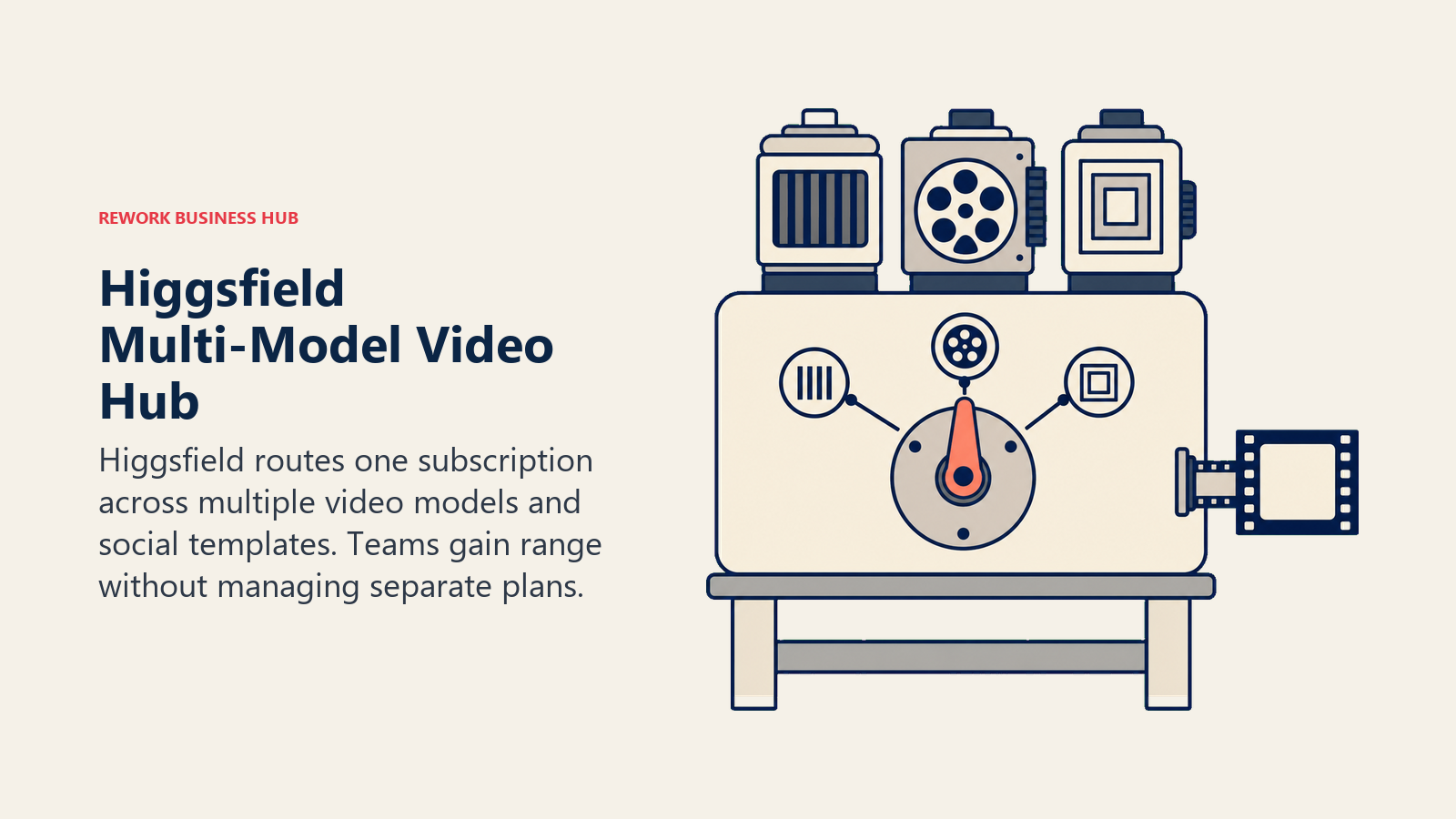
That flexibility is genuinely useful for social teams who don't want to manage four separate subscriptions, but the platform and its credit system are newer and still settling, so expect more change here over the next few quarters than with established single-model tools.
| What you get | What you don't |
|---|---|
| Access to multiple frontier models under one subscription | Newer platform; credit economics still evolving |
| Social-native templates built around trending formats | Less direct creative control than using a model natively |
| Team and Enterprise tiers for agency-scale use | Smaller community and support base than Runway or Kling |
Pricing: Higgsfield pricing: Starter $15/mo (annual, 200 credits); Plus $39/mo (1,000 credits); Ultra $99/mo (3,000+ credits).
Best for: Social media teams who want access to several underlying video models without managing separate subscriptions
9. Hailuo (MiniMax): Budget Access to Frontier Models
Hailuo, MiniMax's consumer video product, bundles access to its own model alongside frontier models like Veo 3.1 and Sora 2 inside one subscription, which makes it a low-cost way to sample multiple generators before committing to a dedicated plan.
Entry pricing is genuinely low (as little as $7.99/month during promotions), but base-quality 512p renders use relatively few credits while the 1080p and cinematic renders that actually look good eat through the monthly allowance fast, pushing regular users toward the $92-$200/month tiers.
| What you get | What you don't |
|---|---|
| Bundles Veo, Sora, and MiniMax's own model in one plan | High-quality renders drain credits much faster than base ones |
| Low-cost entry tier, sometimes under $10/mo on promotion | Credits reset monthly and do not roll over |
| Frequent model updates and feature additions | Newer brand with less enterprise track record |
Pricing: Free tier available; paid plans from $14.99/mo (promotional pricing as low as $7.99/mo) up to Max at $199.99/mo.
Best for: Creators who want to sample multiple frontier video models under one low-cost subscription before committing elsewhere
10. Synthesia: The Enterprise AI Avatar Standard
Synthesia is built for a specific job: turning a script into a presenter-led video without a camera, studio, or actor. That's exactly what corporate training, L&D, and internal comms teams need, and Synthesia's avatar library (180+ stock avatars on the Creator plan, more at Enterprise) plus SCORM export for LMS platforms makes it the default choice for that use case.
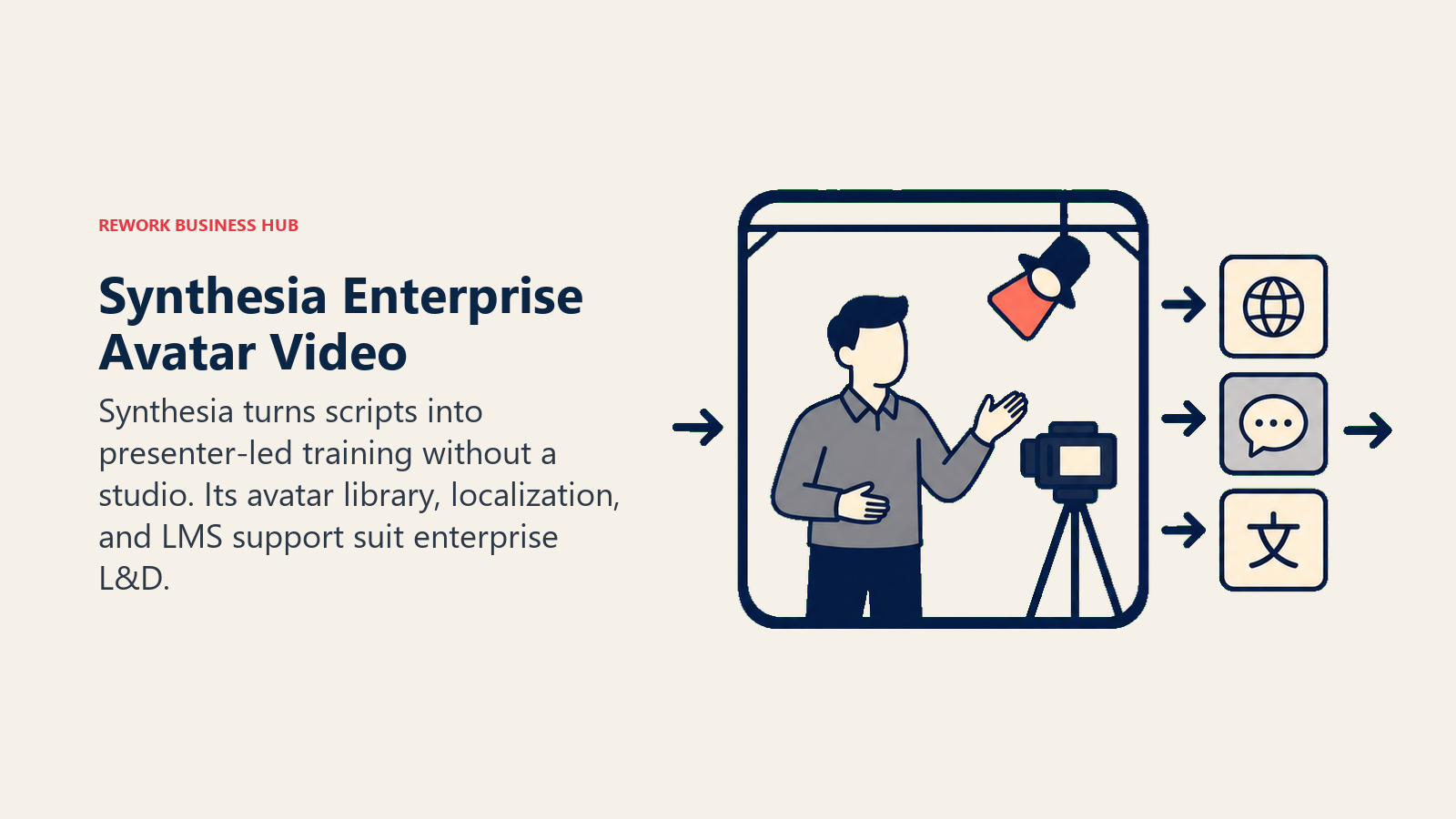
The free and Starter tiers are genuinely limiting: 10 minutes per month caps you to short clips, and personal avatars and multi-avatar scenes require the $89/month Creator tier. If your team needs a lot of presenter-led video regularly, budget for Creator or Enterprise from the start.
| What you get | What you don't |
|---|---|
| Largest and most polished AI avatar library on this list | 10-minute monthly cap on Free and Starter tiers |
| SCORM export and LMS integration for training teams | Enterprise pricing is opaque; expect a real sales process |
| Interactive video and API access on the Creator tier | Not built for cinematic or narrative-style video |
Pricing: Synthesia pricing: Free (10 min/mo, watermarked); Starter $29/mo ($18 annual, 10 min/mo); Creator $89/mo ($64 annual, 30 min/mo); Enterprise custom (unlimited minutes).
Best for: L&D, training, and internal comms teams that need presenter-led video without production overhead
11. HeyGen: Fastest Avatar Video for Marketing and Sales
HeyGen targets a faster-moving use case than Synthesia: marketing and sales teams that need a talking-avatar video turned around quickly, often personalized or localized for a specific audience. Voice cloning and lip-sync translation let one script become dozens of localized versions without re-recording anything.
Team pricing is where HeyGen gets more expensive than it first appears. The Business tier's $149/month base price adds a further $20 per seat, so a 5-person marketing team lands closer to $250/month than the headline number suggests.
| What you get | What you don't |
|---|---|
| Fast avatar generation with voice cloning and lip-sync translation | Business tier stacks a per-seat fee on top of the base price |
| Workspace sharing, comments, and SSO on Business/Enterprise | Free tier caps out at just 3 videos per month |
| 4K export and unlimited voice clones on the Pro tier | Less deep avatar library than Synthesia for training use cases |
Pricing: HeyGen pricing: Free (3 videos/mo); Creator $29/mo ($24 annual); Pro from $49/mo; Business $149/mo + $20/seat/mo; Enterprise custom.
Best for: Marketing and sales teams that need fast, localized, personalized talking-avatar video
12. Descript: Edit Video Like a Text Document
Descript isn't a generative model, it's an editor that happens to include generative AI features (Overdub voice cloning, AI-assisted editing, filler-word removal) layered on top of a transcript-based workflow. You edit the text, and the video and audio follow. For podcasters and YouTubers turning long recordings into polished episodes, that workflow is faster than a traditional timeline editor.
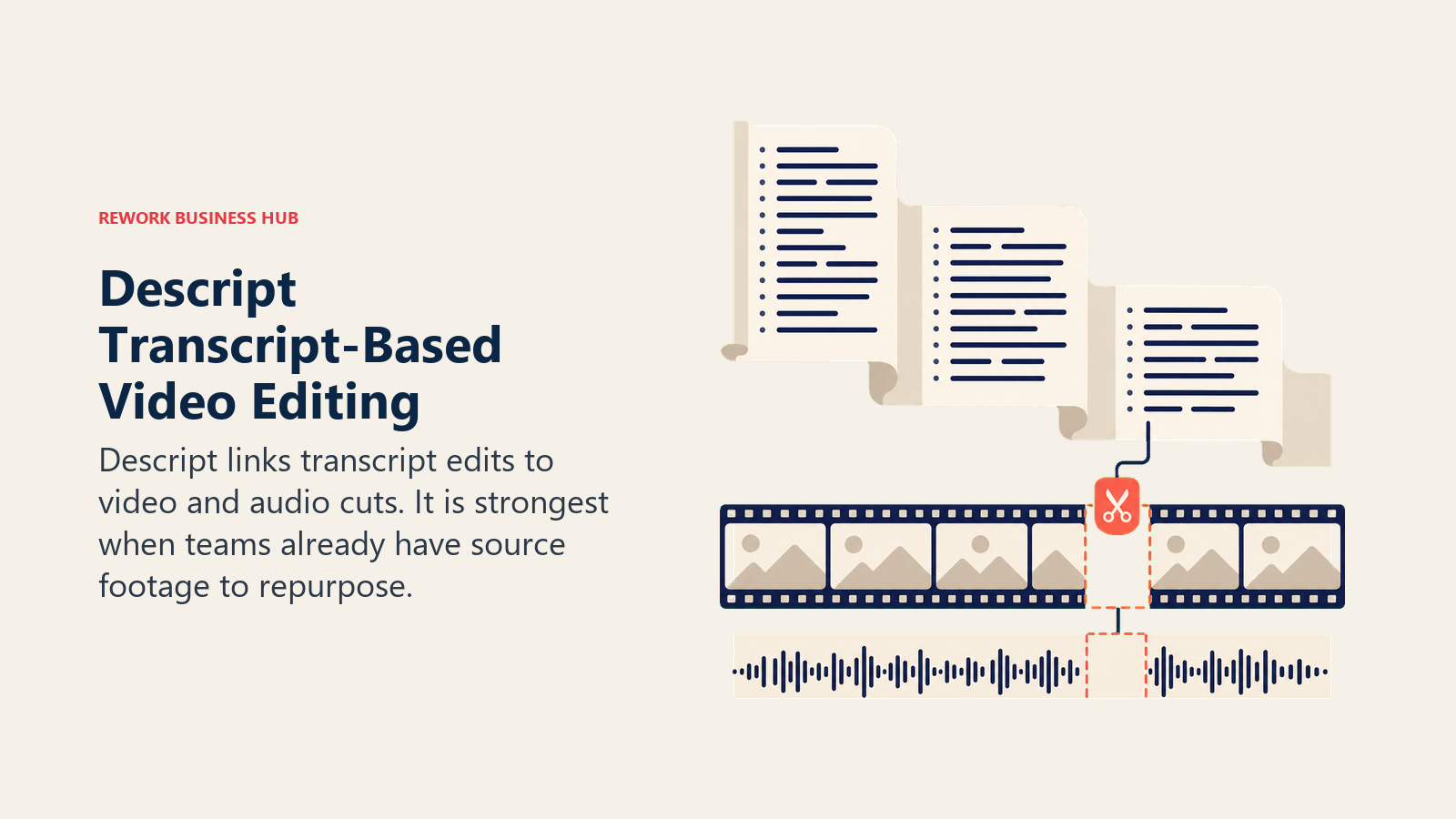
Because Descript needs source footage or audio to start from, it doesn't replace a text-to-video generator for creating content from scratch. Think of it as the editing layer that sits downstream of tools like the ones above.
| What you get | What you don't |
|---|---|
| Transcript-based editing is dramatically faster than timeline editing | Not a generative tool; needs source footage or audio |
| Overdub voice cloning for fixing flubbed lines without re-recording | Hobbyist tier's transcription hours run out fast for daily podcasters |
| Strong for podcast-to-video and multi-track editing | Business tier per-seat pricing adds up for larger teams |
Pricing: Descript pricing: Free (~60 min/mo); Hobbyist $16/mo annual ($24 monthly); Creator $24/mo annual ($35 monthly); Business $50/mo annual ($65 monthly); Enterprise custom.
Best for: Podcasters, YouTubers, and video teams editing existing recordings, not generating clips from scratch. Teams recording a lot of raw screen video before it reaches Descript should also see the best Loom alternatives for the capture side of that workflow.
13. Opus Clip: Automated Long-to-Short Repurposing
Opus Clip solves one problem well: turning a long-form video (a podcast, webinar, or keynote) into a batch of short, captioned clips ranked by an AI virality score, then auto-posting them across TikTok, YouTube Shorts, and Instagram. For teams sitting on hours of unclipped long-form content, that automation saves real editing time.
Pricing runs on processing minutes, not output clips, so a single 60-minute podcast episode consumes 60 minutes of your monthly allowance regardless of how many short clips it produces. Heavy repurposing teams will burn through the Starter tier's 150 minutes quickly.
| What you get | What you don't |
|---|---|
| AI virality scoring surfaces the best moments automatically | Credits are minutes-based; long source files drain them fast |
| Multi-platform auto-posting on the Pro tier | Free tier watermarks exports and deletes them after 3 days |
| Speaker detection built for podcast-style content | Not a generative tool; needs existing long-form footage |
Pricing: Opus Clip pricing: Free (60 min/mo, watermarked); Starter $15/mo (150 min/mo); Pro $29/mo (300 min/mo); Business custom.
Best for: Teams repurposing podcasts, webinars, or keynotes into short-form social clips at scale
14. Captions: Built for the Solo Creator
Captions is designed around a single assumption: one person is doing everything, writing, filming, editing, and posting, without a team. AI Twin (a digital clone of the creator), AI actors, and AI Lipdub let a solo creator produce talking-head video without a full production setup, and the caption styling that gave the app its name is still best-in-class.
The free tier is bare-bones (no AI credits at all), so you need at least the $9.99/month Pro tier to remove watermarks and unlock basic AI editing, and the real generative features (AI Twin, AI actors) require the $24.99/month Max plan.
| What you get | What you don't |
|---|---|
| AI Twin and AI Lipdub built specifically for solo creators | Free tier includes zero AI credits |
| Best-in-class caption templates and styling | Generative features need at minimum the $24.99/mo Max tier |
| Fast mobile-first workflow for talking-head content | Not built for team collaboration or brand-scale production |
Pricing: Captions pricing: Free (no AI credits); Pro $9.99/mo; Max $24.99/mo; Scale from $69.99/mo (1,400+ credits).
Best for: Solo creators and influencers making talking-head social video without a production team
AI Video Buying Mistakes to Avoid
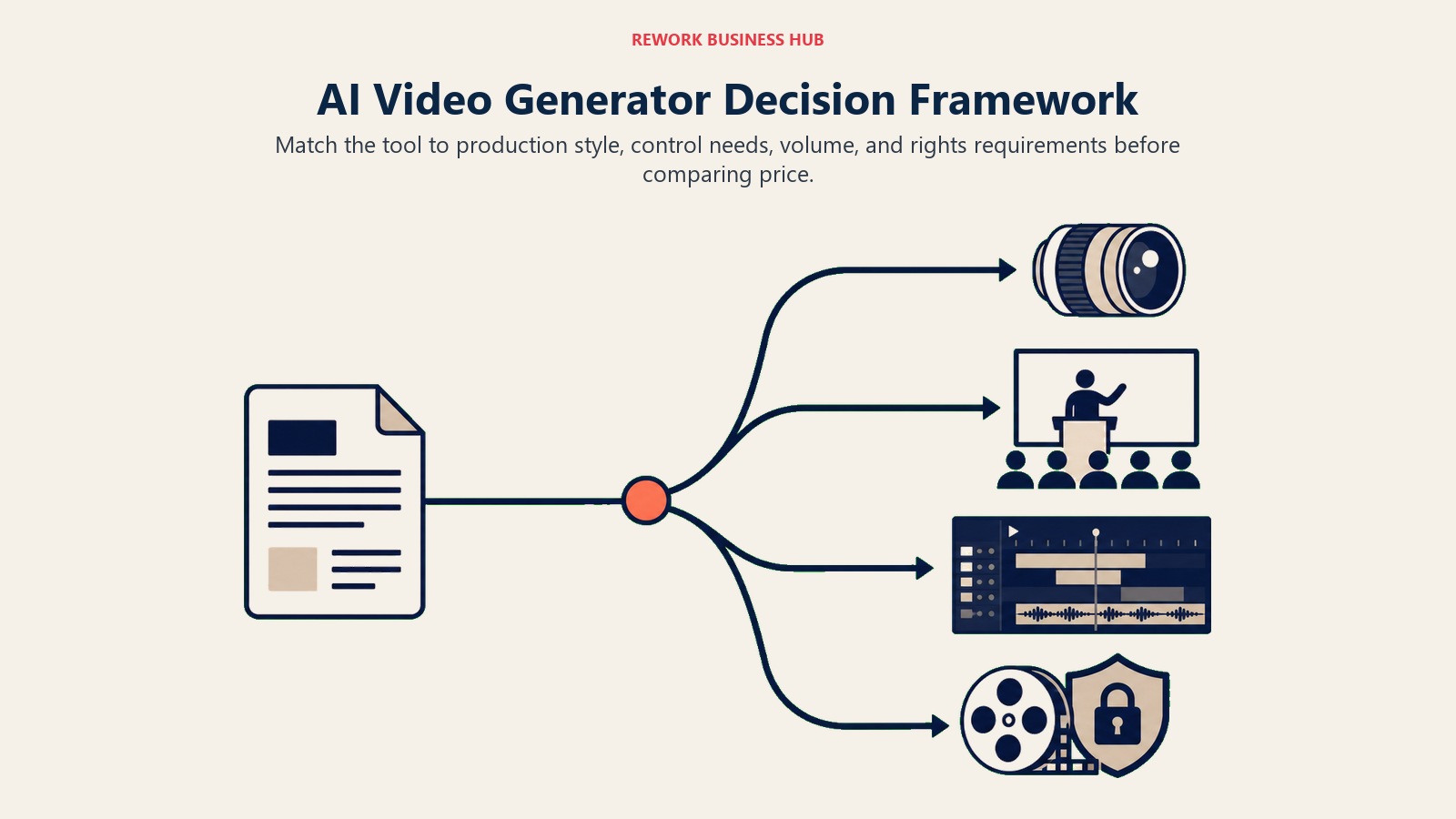
The most common mistake isn't picking the wrong tool, it's picking a tool before defining the actual output you need. Before you commit a budget line, it's worth reviewing how this fits into your broader content operation with the best AI tools for digital marketing guide, which covers where video generation sits alongside the rest of the marketing AI stack.
| Mistake | What It Looks Like | What to Do Instead |
|---|---|---|
| Buying a generative model when you need an avatar tool | Trying to make Sora or Veo produce a talking presenter | Use Synthesia or HeyGen for presenter-led video instead |
| Ignoring credit economics | Choosing the cheapest plan, then hitting the cap in week one | Estimate monthly output first, then match it to a credit tier |
| Skipping the commercial-use check | Using generated footage in paid ads without checking licensing terms | Confirm indemnification (Adobe Firefly Video) for paid campaigns |
| Assuming one model does everything | Trying to use Descript to generate a clip from scratch | Pair a generative model for creation with an editor for repurposing |
| Underestimating team pricing | Budgeting only the base plan price, not per-seat add-ons | Check per-seat fees (HeyGen Business, Descript Business) before scaling |
| Chasing the newest model over the right fit | Switching tools every time a new one launches | Pick for your use case first; re-evaluate quarterly, not weekly |
If your production team is also being restructured around this shift, the videographer and senior video editor job description templates are worth reviewing, since AI video tools are changing what those roles actually do day to day.
Decision Framework
| If you need... | Pick... | Why |
|---|---|---|
| The most realistic general-purpose video, prompt to clip | OpenAI Sora 2 | Strongest physics and realism; bundled into ChatGPT Plus/Pro |
| Native synced dialogue and sound effects | Google Veo 3 | Only major model generating audio and video together natively |
| Full directorial control: camera moves, consistent characters | Runway | Deepest creative toolkit; used in real film and VFX pipelines |
| Cinematic motion control at a lower price | Kling AI | Native 4K and camera control well below Runway/Veo pricing |
| Photorealistic footage with camera direction | Luma Dream Machine | Ray 3 model built specifically for photorealism |
| The cheapest paid entry point for social clips | Pika | $8/mo Standard tier with commercial rights, no watermark |
| Commercially indemnified video for paid campaigns | Adobe Firefly Video | Trained on licensed content; IP indemnification included |
| One subscription across multiple underlying models | Higgsfield | Routes prompts to Kling, Veo, and others from one plan |
| Budget access to sample several frontier models | Hailuo (MiniMax) | Bundles Veo, Sora, and its own model in one low-cost plan |
| An AI avatar for corporate training at scale | Synthesia | Largest avatar library; SCORM export for LMS platforms |
| Fast, localized, personalized avatar video for sales/marketing | HeyGen | Voice cloning and lip-sync translation built in |
| To edit existing footage like a text document | Descript | Transcript-based editing plus Overdub voice cloning |
| To turn long-form video into short clips automatically | Opus Clip | AI virality scoring and multi-platform auto-posting |
| A solo, one-person talking-head video workflow | Captions | AI Twin and AI Lipdub built specifically for solo creators |
For the tools and roles around video production, from writing scripts to editing final cuts, the best AI tools for content writers and best AI coding tools roundups cover the adjacent stack most video-producing teams also need.
Frequently Asked Questions about AI Video Generators
What is the best AI video generator overall in 2026?
There's no single best one. OpenAI's Sora 2 and Google's Veo 3 lead on general-purpose realism, Runway leads on creative control for filmmakers, and Synthesia and HeyGen lead on AI avatars for training and marketing video. Match the tool to your actual output, not a generic "best" ranking.
What's the cheapest AI video generator with commercial rights?
Pika's Standard tier at $8/month (billed annually) is the cheapest paid plan on this list that removes the watermark and includes commercial use rights. Kling AI's Standard tier at roughly $6.60/month annual is close behind, though its quality ceiling is lower than Pika's stylized output at that tier.
Can I use AI-generated video in paid ads without legal risk?
It depends on the model's training data and licensing. Adobe Firefly Video is trained on licensed Adobe Stock and public domain content and backs commercial use with IP indemnification, which makes it the safer default for paid campaigns and client work. Always check a vendor's current commercial-use terms before running generated footage in a paid campaign.
What's the difference between a generative video model and an AI avatar tool?
A generative model like Sora 2, Veo 3, Runway, or Kling AI creates video from a text or image prompt with no real person involved. An AI avatar tool like Synthesia or HeyGen turns a script into a video of a digital presenter speaking it, which is what you want for training, sales, or marketing video that needs a consistent on-screen speaker.
Is AI video good enough to replace a real production shoot?
For training, internal comms, localized marketing, and short social content, yes, avatar tools like Synthesia and HeyGen are already standard practice at many companies. For brand films, commercials with real actors, or anything requiring precise creative direction, generative models are a strong storyboard and pre-visualization tool but not yet a full replacement for a professional shoot.
How does AI video pricing actually work?
Almost every tool on this list uses a credit system rather than a flat per-video price. Credits scale with resolution and clip length, so a 5-second 1080p clip costs far more than a 5-second 480p clip. Before picking a plan, estimate your monthly output at the resolution you actually need, not the cheapest resolution the vendor advertises.
Are there any free AI video generators worth using?
Runway, Kling AI, Pika, Luma, Higgsfield-adjacent tools, Synthesia, HeyGen, Descript, and Opus Clip all offer free tiers. They're useful for evaluating quality and workflow fit, but every one of them caps you on minutes, resolution, or watermarks in ways that make them unworkable for regular production use.
Which AI video tool is best for repurposing podcasts and webinars?
Opus Clip is purpose-built for this: it processes long-form video, scores moments by predicted virality, and auto-posts short clips across platforms. Descript covers the same territory from an editing angle if you also want to polish the long-form version before clipping it.
What to Do Next
Pick your primary use case first, generative, avatar, or repurposing, then trial the top tool in that category with real content before committing to an annual plan. Most of these tools have a usable free or low-cost tier, so run a two-week test with actual footage or scripts rather than the demo prompts on the vendor's homepage. If your team is evaluating the wider AI stack around content production, the best AI tools in 2026 roundup covers where video generation fits alongside writing, coding, and meeting-notes tools, and the Claude vs ChatGPT vs Gemini comparison is a useful next stop if you're also choosing the chatbot that will sit at the center of that stack. And if the source material for your videos comes out of sales or team calls, the Otter vs Fireflies vs Fathom comparison covers the AI meeting tools that can feed clean transcripts into an avatar or editing workflow.

Principal Product Marketing Strategist
On this page
- Updated July 2026: What Changed
- Key Facts
- Quick Comparison Table
- How to Choose an AI Video Generator in 2026
- Framework: By Use Case
- Framework: By Production Style
- 1. OpenAI Sora 2: Strongest General-Purpose Realism
- 2. Google Veo 3: Best Native Audio and Dialogue
- 3. Runway: Deepest Creative Control for Filmmakers
- 4. Kling AI: Motion Control at the Lowest Entry Price
- 5. Luma Dream Machine: Photorealism with Camera Direction
- 6. Pika: Cheapest Entry Point for Social-Style Clips
- 7. Adobe Firefly Video: The Commercially Safe Choice
- 8. Higgsfield: One Subscription, Multiple Underlying Models
- 9. Hailuo (MiniMax): Budget Access to Frontier Models
- 10. Synthesia: The Enterprise AI Avatar Standard
- 11. HeyGen: Fastest Avatar Video for Marketing and Sales
- 12. Descript: Edit Video Like a Text Document
- 13. Opus Clip: Automated Long-to-Short Repurposing
- 14. Captions: Built for the Solo Creator
- AI Video Buying Mistakes to Avoid
- Decision Framework
- What to Do Next