Best AI Tools for Instagram in 2026: 13 Tools Ranked by Job

Turn this article into takeaways for your work.


Each assistant summarizes the article only for you and suggests best practices for your work.
Later and Buffer lead for AI-assisted scheduling, Canva and Predis.ai lead for generating the actual posts and carousels, Flick leads for hashtag research, ManyChat leads for turning comments and DMs into conversations, Metricool and Publer lead for budget-conscious multi-account management, Opus Clip and CapCut lead for Reels, AdCreative.ai leads for ad creative at scale, ChatGPT leads for captions and ideation, and Meta AI now ships its own creative tools directly inside the app. No single tool runs a whole Instagram account end to end, so this guide is organized by the job each tool actually does instead of one flat ranking.
Instagram-adjacent AI tools change tiers and credit limits often (five of the thirteen here restructured pricing in the past year alone), so treat every number as a starting point and confirm it before you commit a budget line.
What Changed in 2026
ManyChat rolled out a full pricing overhaul on March 2, 2026, replacing its old two-tier model with four contact-based tiers (Essential, Pro, Business, Advanced) and moving its AI features behind a flat $29/month add-on that applies regardless of plan. Predis.ai restructured its plans into Core, Rise, and Enterprise+, each priced by monthly AI credits rather than a flat post count. CapCut split its old Pro tier into a cheaper Standard plan and a new, more expensive Pro plan with the full AI toolkit and 4K export. AdCreative.ai pushed its Professional tier well into enterprise territory at $249/month, a jump worth knowing about before you shortlist it for a small team. And Meta briefly rolled out Muse Image, its first native image generation model for Instagram, then suspended it days after launch following backlash over how it sourced public photos, a reminder to check Meta's in-app AI features before you build a workflow around them.
Key Facts
- Instagram has roughly 3 billion monthly active users worldwide, per Hootsuite's Instagram statistics
- Reels now account for 46% of all time spent on the Instagram app, per Hootsuite's Instagram statistics
- Nearly 139 million Facebook and Instagram Reels are watched every minute globally, per Hootsuite's social media statistics roundup (citing Statista)
- AI usage among social media marketers has grown 180% since 2023, and 83% say AI helps them produce significantly more content, per Hootsuite's Social Trends report
- 89.7% of social media marketers use AI at least several times a week, and 64.1% use it daily, per Sociality.io's 2026 AI in Social Media Marketing Report
- 80% of Instagram users follow at least one business account, per Hootsuite's Instagram statistics
Quick Comparison Table
| Tool | Best For | Starting Price | Key Strength | Key Limitation |
|---|---|---|---|---|
| Later | Instagram-first visual scheduling | No free plan; Starter from $18.75/mo (annual) | Visual content calendar, Product Tagging for Instagram Shop | AI credits are metered and run out fast on Starter |
| Canva | AI-generated feed graphics and carousels | Free; Pro around $13/mo (annual) | Massive template library, Magic Studio AI tools | AI credits can run out mid-month on heavy use |
| Predis.ai | Fully AI-generated post packages | Free (15 posts/mo); Core $19/mo | Generates caption, hashtags, and visual in one pass | Credit-metered; competitor analysis eats credits fast |
| Flick | Hashtag research and content planning | Solo from about $14/mo (annual) | Deep hashtag performance data, official Meta partner | Weaker outside Instagram; smaller platform coverage |
| ManyChat | Comment-to-DM automation | Free (25 contacts); Essential $14/mo | #1 Instagram automation platform, Meta-approved | AI features are a flat $29/mo add-on on every tier |
| Buffer | Simple, budget cross-platform scheduling | Free (3 channels); Essentials $5/channel/mo (annual) | Clean UX, transparent per-channel pricing | AI Assistant is basic compared to Instagram specialists |
| Metricool | Instagram analytics and benchmarking | Free (1 brand); Starter $16/mo (annual) | Strong analytics and competitor tracking | AI content generation is thinner than Predis.ai or Flick |
| Publer | Budget multi-account scheduling | Free (3 accounts); paid from about $5/mo per account | Cheapest way to manage several Instagram accounts | AI writer and analytics gated behind Business tier |
| Opus Clip | Long-video-to-Reels repurposing | Free (60 min/mo); Starter $15/mo | AI virality score flags which clips to post first | Metered by source-video minutes, not clips produced |
| CapCut | Reels editing, templates, and effects | Free; Standard about $9.99/mo; Pro $19.99/mo | Huge template and effects library built for Reels | Pro pricing varies by platform (web cheaper than mobile) |
| AdCreative.ai | Instagram and Meta ad creative at scale | Starter $39/mo | Fast creative variant generation with performance scoring | Professional tier jumps to $249/mo |
| ChatGPT | Caption writing and content ideation | Free; Plus $20/mo | Fastest general-purpose drafting tool available | No native Instagram data, scheduling, or publishing |
| Meta AI (in-app) | Native, free creative tools inside Instagram | Free | Built into the app, zero setup, direct access to Reels effects | Feature set changes fast; some tools have been pulled post-launch |
AI Tools for Instagram by Job
Use this table to jump to the section that matches the bottleneck in your workflow right now.
| Job | Tools | Who Needs This |
|---|---|---|
| Scheduling and publishing across the grid, Stories, and Reels | Later, Buffer, Metricool, Publer | Anyone managing more than one Instagram account or planning content weeks out |
| Generating the actual post (caption, hashtags, visual) | Canva, Predis.ai | Small teams without a dedicated designer or copywriter |
| Hashtag and content strategy research | Flick | Accounts trying to grow reach through discovery, not just followers |
| Comment-to-DM automation and lead capture | ManyChat | Businesses that get sales or booking questions in comments and DMs |
| Turning long video into Reels | Opus Clip | Podcasters, coaches, and creators repurposing existing long-form video |
| Editing and styling Reels from scratch | CapCut | Creators and editors building Reels natively for Instagram |
| Ad creative generation for paid Instagram campaigns | AdCreative.ai | Performance marketers running Meta ad accounts |
| Drafting captions, scripts, and content ideas | ChatGPT | Anyone who writes before they design or post |
| Native in-app effects, stickers, and personalization | Meta AI | Any Instagram user or brand posting directly from the app |
1. Later: Best for Instagram-First Visual Scheduling
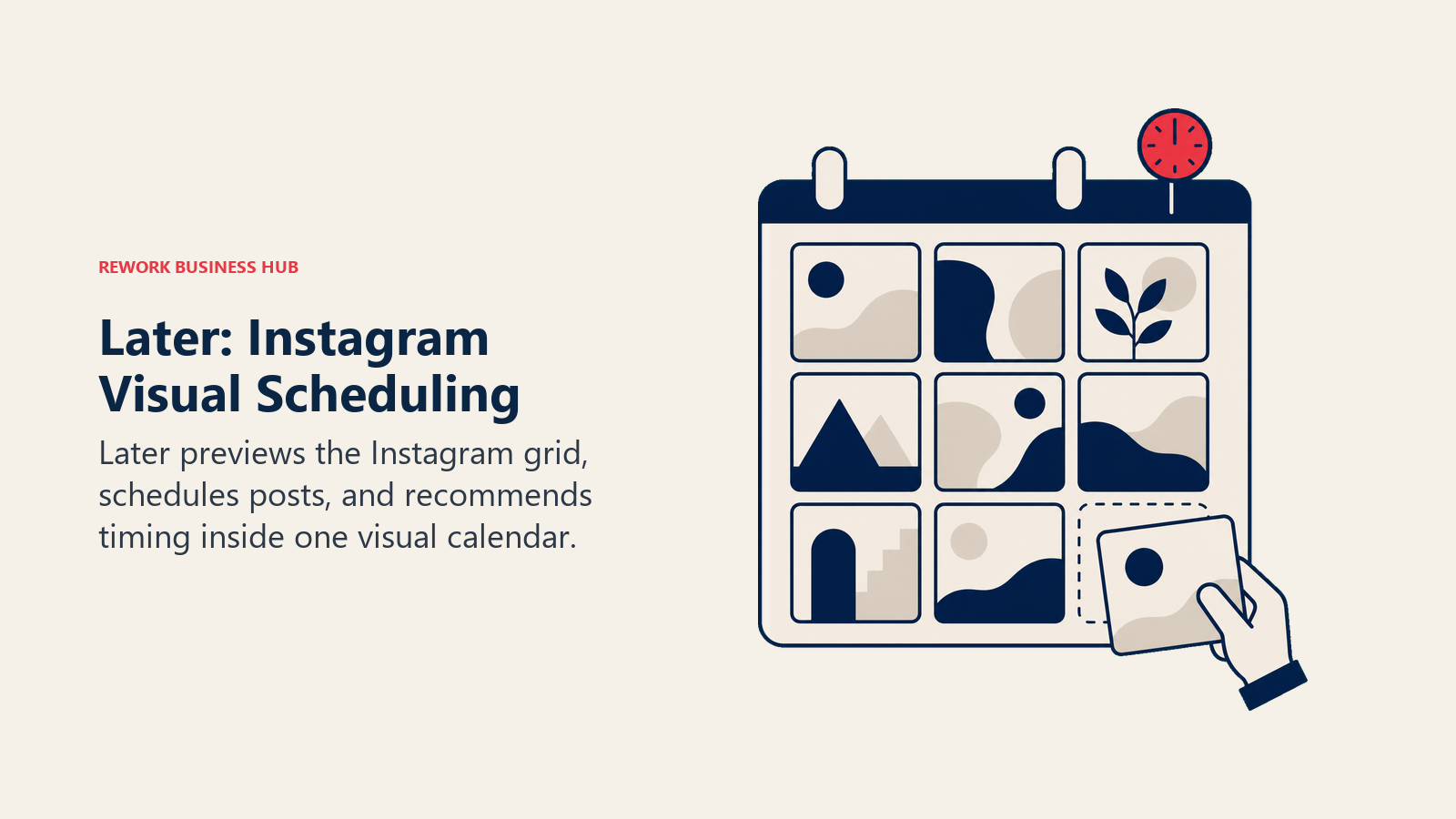
Later built its reputation as the original "link in bio" and visual-grid scheduling tool for Instagram, and in 2026 that visual-first approach is still its edge. The drag-and-drop content calendar shows exactly how your grid will look before you post, which matters more on Instagram than on almost any other platform. Later's AI features cover caption writing, best-time-to-post recommendations, and hashtag suggestions, all pulled into the same workflow as scheduling.
The plan structure is built around "Social Sets," bundles of one profile per platform, rather than a flat account count, so your real capacity depends on how many networks you run. AI credits are also metered per plan (5/month on Starter, 50 on Growth, 100 on Scale), which is thin if you lean on AI for every caption. If your team is mostly running social media at large rather than Instagram specifically, it's worth comparing Later's Instagram-first focus against more general schedulers before committing.
| What you get | What you don't |
|---|---|
| Best-in-class visual content calendar for Instagram grids | No permanent free plan, only a 14-day trial |
| Product Tagging for Instagram Shop on higher tiers | AI credits are metered and thin on the Starter plan |
| Multi-profile posting optimization | Add-ons (extra Social Sets, users, AI credits) require Growth or above |
Pricing: Starter from $18.75/mo (billed annually) or $25/mo month-to-month; Growth $37.50/mo (annual) or $50/mo monthly; Scale $82.50/mo (annual) or $110/mo monthly.
Best for: Brands and creators who plan their Instagram grid visually and need Instagram Shop tagging built in
2. Canva: Best for AI-Generated Feed Graphics and Carousels
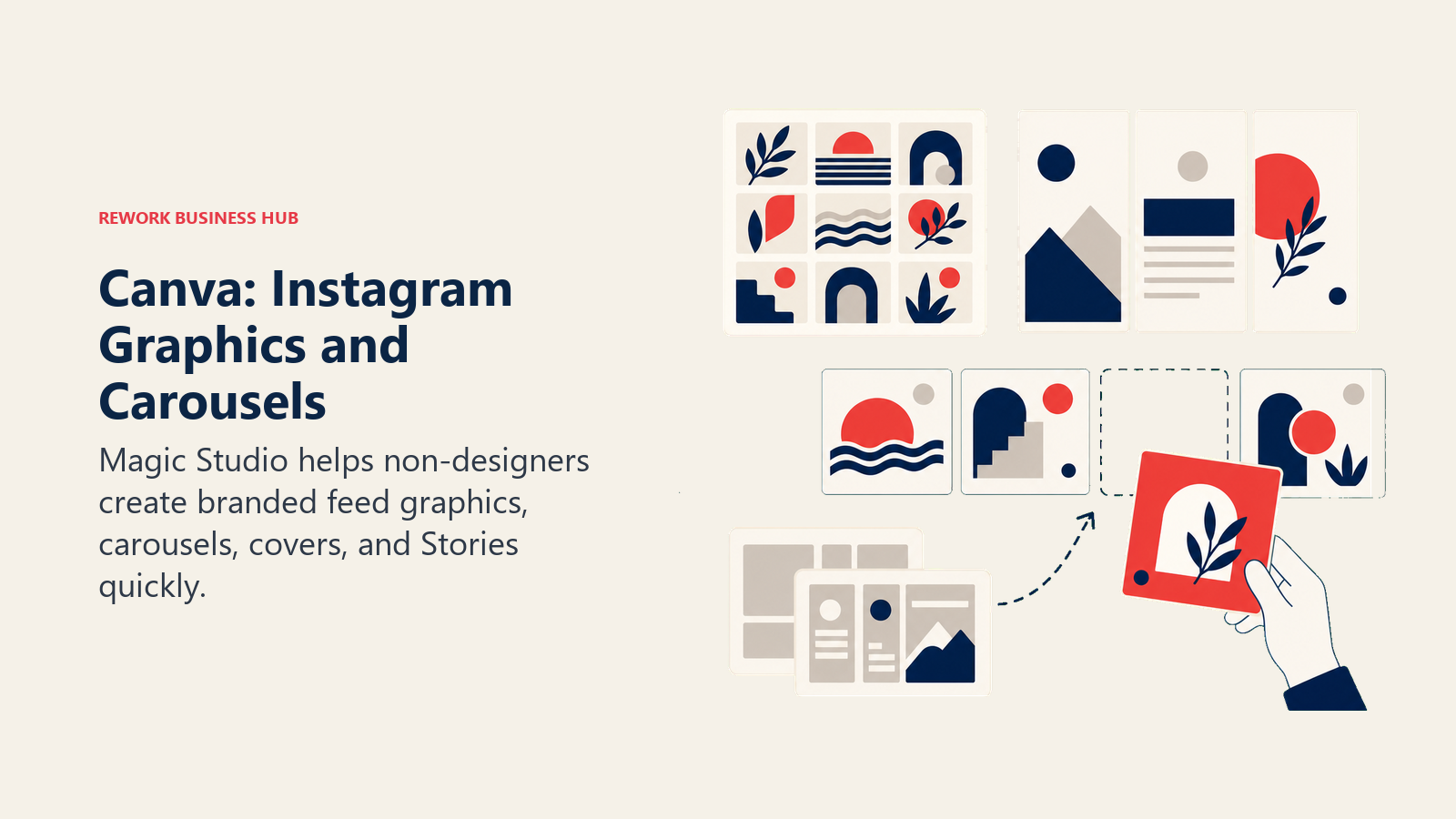
Canva's Magic Studio suite turns it into more than a design tool for Instagram: Magic Write drafts captions, Magic Design generates full post layouts from a prompt, and Magic Media generates images and short video clips directly inside the editor. For teams without a dedicated designer, Canva is often the fastest way to produce Instagram-native carousels, Reels covers, and Story templates that still look on-brand.
The free tier is genuinely usable for basic graphics, but the AI features that matter for a real content pipeline (background generation, AI photo editing, video generation) live behind Pro. Heavy AI users report burning through monthly credits before the billing cycle resets, so budget for that if AI generation is your main use case rather than an occasional assist. Canva pairs well with a dedicated AI image generator for teams that need more control over on-brand visual style than templates alone provide.
| What you get | What you don't |
|---|---|
| Massive template library sized for every Instagram format | AI credits (2,000 standard, 200 premium on Pro) can run out mid-month |
| Magic Write, Magic Design, and Magic Media in one editor | Not built for scheduling or publishing, export and post manually or connect an integration |
| Brand kit support for consistent Instagram aesthetics | Premium AI generations (image, video) consume credits fast |
Pricing: Free; Pro around $13/mo billed annually (roughly $120/yr) or about $15/mo month-to-month.
Best for: Teams without a designer who need fast, on-brand Instagram graphics and carousels
3. Predis.ai: Best for Fully AI-Generated Post Packages
Predis.ai's pitch is that it generates the whole post, caption, hashtags, and visual, from a single prompt or a product URL, rather than handling each piece separately. Feed it a website or a rough idea and it returns a ready-to-review Instagram post, complete with a competitor analysis feature that benchmarks your content against similar accounts in your niche.
The credit-based pricing rewards teams that post frequently: Core includes 1,300 credits a month, enough for dozens of generations, while Rise adds faster generation and auto-posting. The honest tradeoff is that competitor analysis and voice-over generation both draw from the same credit pool as post generation, so heavy research use eats into your content output fast.
| What you get | What you don't |
|---|---|
| End-to-end post generation (caption + hashtags + visual) from one prompt | Credit pool shared across generation, competitor analysis, and voice-over |
| Competitor content analysis built in | No permanent unlimited tier, even Enterprise+ is credit-metered |
| Auto-posting on Rise and above | Free tier limited to 15 AI posts and 5 social channels |
Pricing: Free (15 posts/mo, 1 brand, 5 channels); Core $19/mo (1,300 credits); Rise $40/mo (3,200 credits); Enterprise+ $212/mo (10,000 credits, unlimited brands).
Best for: Small teams and ecommerce brands that want AI to draft the whole post, not just one piece of it
4. Flick: Best for Hashtag Research and Content Planning
Flick is one of the few tools on this list built specifically around Instagram rather than treating it as one channel among many, and it shows in the depth of its hashtag tooling. The hashtag research suite surfaces performance data, competition scoring, and saved hashtag collections that go well beyond Instagram's native search. Flick's AI assistant, Iris, learns a brand's voice over time and drafts captions and content ideas that read closer to what a real account manager would write.
As an officially approved Meta Instagram partner, Flick has deeper access to platform data than most schedulers. The limitation is scope: Flick covers Instagram, Facebook, TikTok, and LinkedIn, but it's not the tool to reach for if you're running a heavy multi-platform operation across five or more networks.
| What you get | What you don't |
|---|---|
| Deep hashtag performance and competition data | Narrower platform coverage than Buffer or Metricool |
| Official Meta Instagram partner status | Pricing quoted in GBP; USD conversion varies with exchange rate |
| AI assistant (Iris) that adapts to brand voice over time | Advanced hashtag features gated behind Pro and Agency tiers |
Pricing: Solo from about $14/mo (billed annually); Pro from about $30/mo (or roughly $24/mo annual); Agency from about $68/mo (roughly $55/mo annual).
Best for: Accounts growing through hashtag-driven discovery rather than paid reach
5. ManyChat: Best for Comment-to-DM Automation and Lead Capture
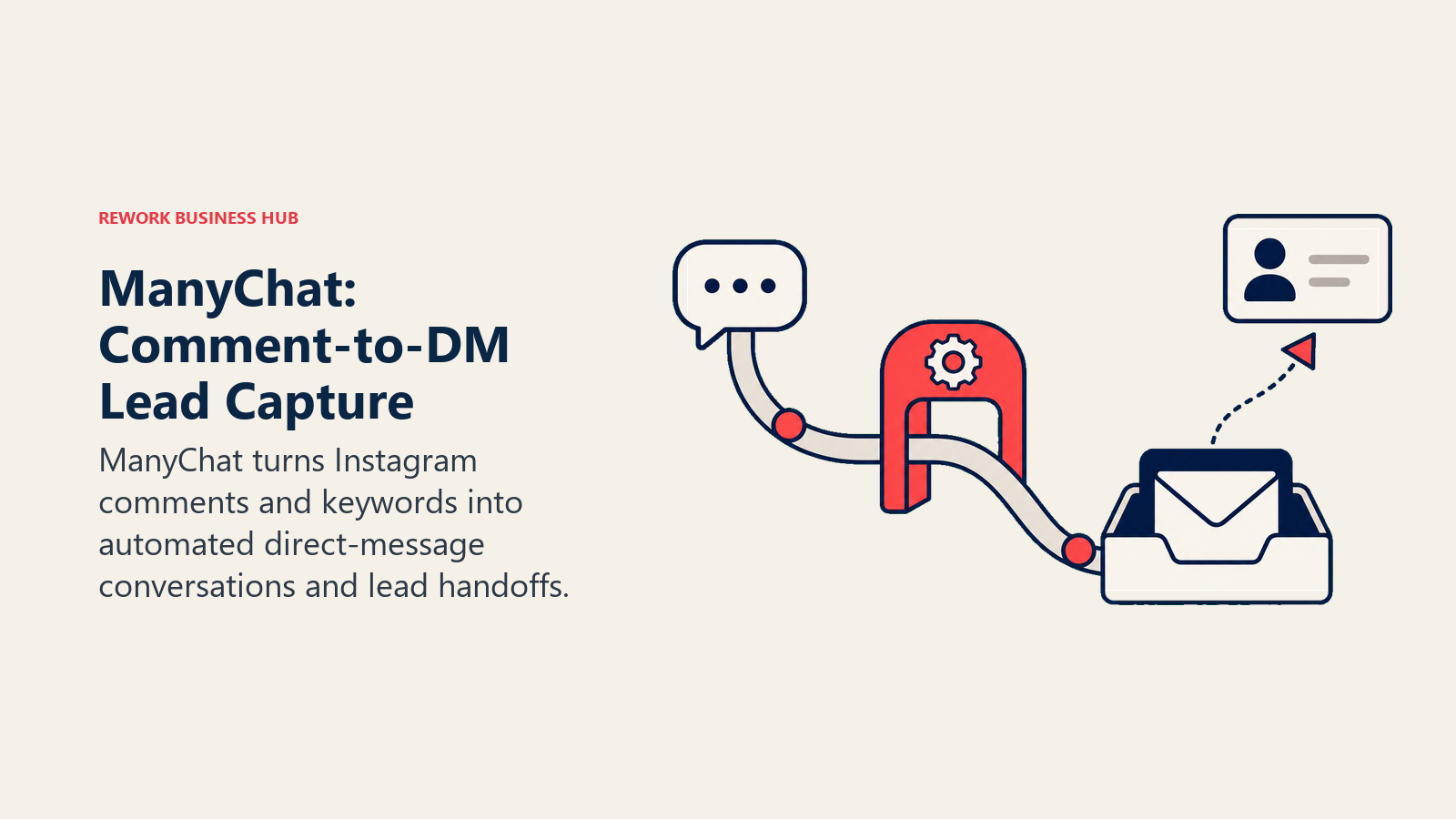
ManyChat is the tool to reach for the moment Instagram engagement turns into a sales or support workload. It automates the comment-to-DM flow ("comment LINK and I'll send it to you") that drives a huge share of Instagram-native lead generation, plus keyword-triggered auto-replies in DMs and Messenger. As an official Meta-approved automation partner, it has direct access to Instagram's messaging API rather than relying on workarounds.
ManyChat rebuilt its pricing around active contacts in March 2026, which means cost now scales with how many people actually engage, not a flat account fee. That's fairer for small accounts but can surprise a fast-growing one: cross the 7,500-contact line on the Business plan and you start paying $0.025 per additional contact. AI features (auto-drafted replies, intent detection) sit behind a flat $29/month add-on on every tier, so budget for that separately if AI matters to your workflow. Teams evaluating broader conversational tooling can compare ManyChat against other AI chatbot builders before committing to an Instagram-specific setup.
If those Instagram comments and DMs turn into real sales conversations, you'll eventually need somewhere for them to land alongside your other channels. Rework's multi-channel inbox pulls Instagram DM into the same contact timeline as WhatsApp, Messenger, TikTok, and website live chat, so a lead generated from a comment doesn't get stuck inside a messaging tool that your sales team never opens.
| What you get | What you don't |
|---|---|
| #1 Instagram automation platform, Meta-approved | AI features cost a flat $29/mo on top of every tier |
| Comment-to-DM automation and keyword triggers | Contact-based billing means growth increases cost, not just seats |
| Direct API access to Instagram and Messenger | Free plan capped at just 25 active contacts as of March 2026 |
Pricing: Free (25 contacts, 2 channels); Essential $14/mo (250 contacts); Pro $29/mo (2,500 contacts); Business $69/mo (7,500 contacts); Advanced $139/mo (25,000 contacts). AI add-on $29/mo on any tier.
Best for: Businesses generating leads or bookings through Instagram comments and DMs
6. Buffer: Best for Simple, Budget Cross-Platform Scheduling
Buffer's pitch has always been simplicity, and its AI Assistant fits that philosophy: it drafts captions and repurposes existing posts for other platforms without burying the feature behind a complicated credit system. Per-channel pricing means you only pay for the Instagram (and other) accounts you actually manage, which keeps costs predictable as you scale.
The free plan is one of the more usable ones in this category, supporting three channels with unlimited idea storage, though posts are capped at 10 per channel until you refill. Where Buffer falls short of Instagram specialists like Flick or Predis.ai is depth: the AI Assistant handles general caption drafting well but doesn't do hashtag research, competitor analysis, or content generation from a product URL.
| What you get | What you don't |
|---|---|
| Transparent per-channel pricing, no hidden bundles | AI Assistant is more basic than Instagram-specific tools |
| Genuinely usable free plan for small accounts | No native hashtag research or competitor benchmarking |
| First comment scheduling and hashtag manager on paid plans | Advanced analytics require the Essentials tier or above |
Pricing: Free (3 channels, 10 posts/channel); Essentials $5/channel/mo (annual) or $6/channel/mo monthly; Team $10/channel/mo (annual) or $12/channel/mo monthly.
Best for: Small teams and solo operators who want predictable, per-channel pricing without a learning curve
7. Metricool: Best for Instagram Analytics and Competitor Benchmarking
Metricool leans into analytics and reporting more than any other tool on this list, tracking Instagram performance alongside competitor accounts, best-time-to-post recommendations, and (on higher tiers) a Looker Studio connector for teams that build custom dashboards. It supports scheduling too, but the reporting depth is the real reason agencies and multi-brand teams pick it.
For teams managing multiple client accounts, Metricool's per-brand pricing model (up to 10 brands on Starter, 50 on Advanced) scales more predictably than per-channel tools. The AI content generation side is thinner than Predis.ai or Flick, more focused on suggesting optimal posting times than drafting captions or hashtags from scratch.
| What you get | What you don't |
|---|---|
| Strong Instagram analytics and competitor tracking | AI content generation is lighter than dedicated content-generation tools |
| Multi-brand pricing scales well for agencies | Free plan capped at 20 posts per month |
| Looker Studio connector on Advanced | Twitter/X analytics and connections cost extra on every tier |
Pricing: Free (1 brand, 20 posts/mo); Starter $16/mo (annual) or $20/mo monthly, up to 10 brands; Advanced $43/mo (annual) or $53/mo monthly, up to 50 brands.
Best for: Agencies and multi-brand teams that need reporting depth as much as scheduling
8. Publer: Best for Budget Multi-Account Scheduling
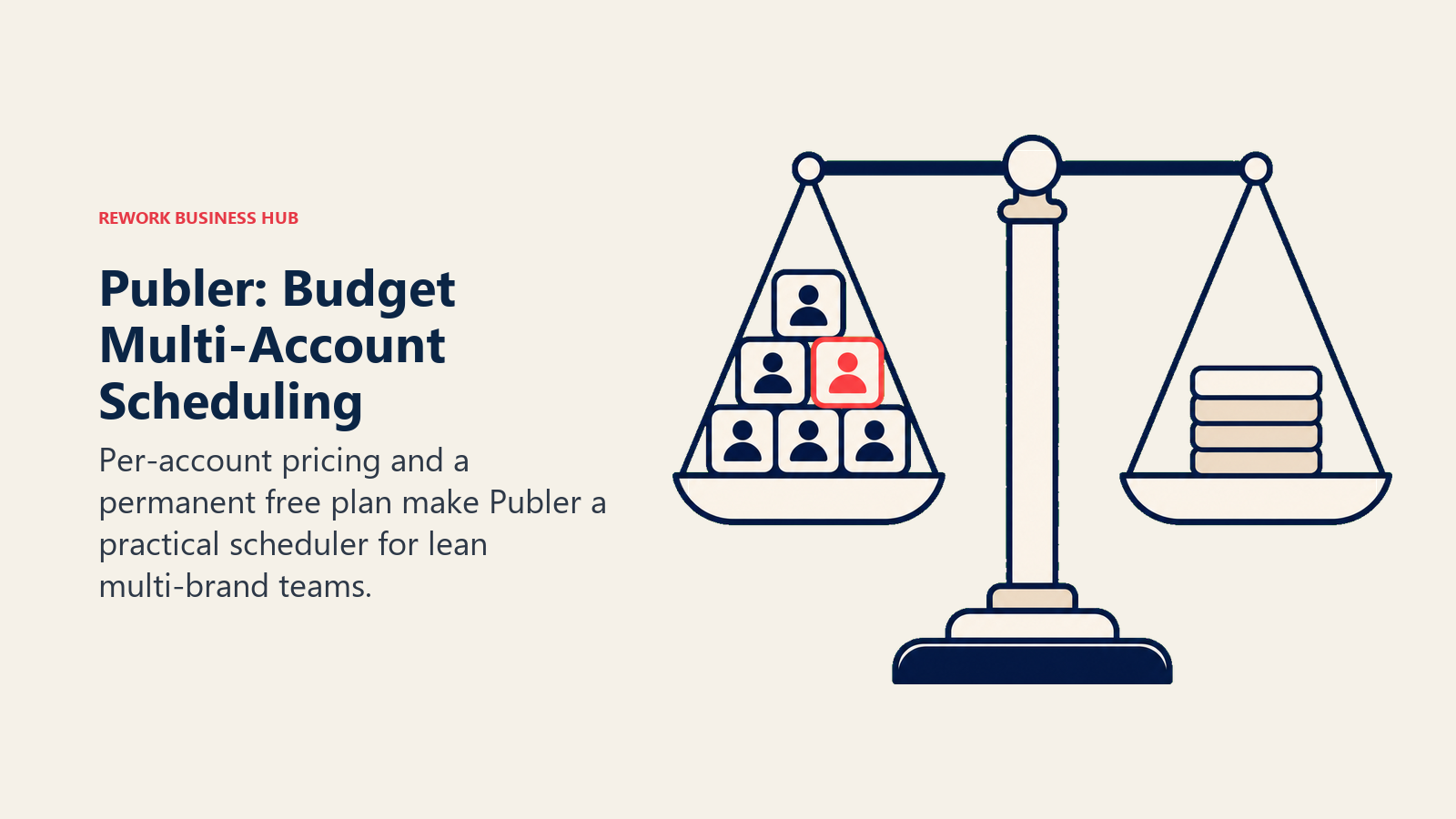
Publer is the tool to reach for when the budget matters more than the feature depth. The free plan covers three social accounts indefinitely, and paid plans scale by adding individual accounts and team seats rather than forcing a jump to a much pricier tier. For every nine accounts or team seats purchased, the tenth is free, a detail that quietly rewards teams managing several Instagram accounts under one roof.
The tradeoff is that Publer's more advanced features, AI caption writing, analytics, best-time-to-post, and hashtag suggestions, sit behind the Business tier rather than being included from the start. It's a strong value pick for a small agency or a brand running several Instagram accounts, less compelling if AI-generated content is your primary reason for buying a tool.
| What you get | What you don't |
|---|---|
| Cheapest per-account scaling of any scheduler on this list | AI writer and analytics gated behind the Business tier |
| Every 10th account or team seat is free | No X/Twitter support on the free plan |
| Works well for agencies managing several client accounts | Base plan pricing looks appealing until you add several accounts |
Pricing: Free (3 accounts); Professional from about $5/mo per account (annual billing), scaling with accounts and team seats added; Business tier adds AI, analytics, and hashtag suggestions.
Best for: Small agencies and multi-account brands prioritizing cost over feature depth
9. Opus Clip: Best for Turning Long Video Into Instagram Reels
Opus Clip solves a specific, high-value problem: turning a podcast, webinar, or long-form video into multiple ready-to-post Reels, complete with an AI virality score that flags which clips are worth posting first. It handles reframing to vertical, animated captions, and speaker detection for multi-person recordings, all without manual editing.
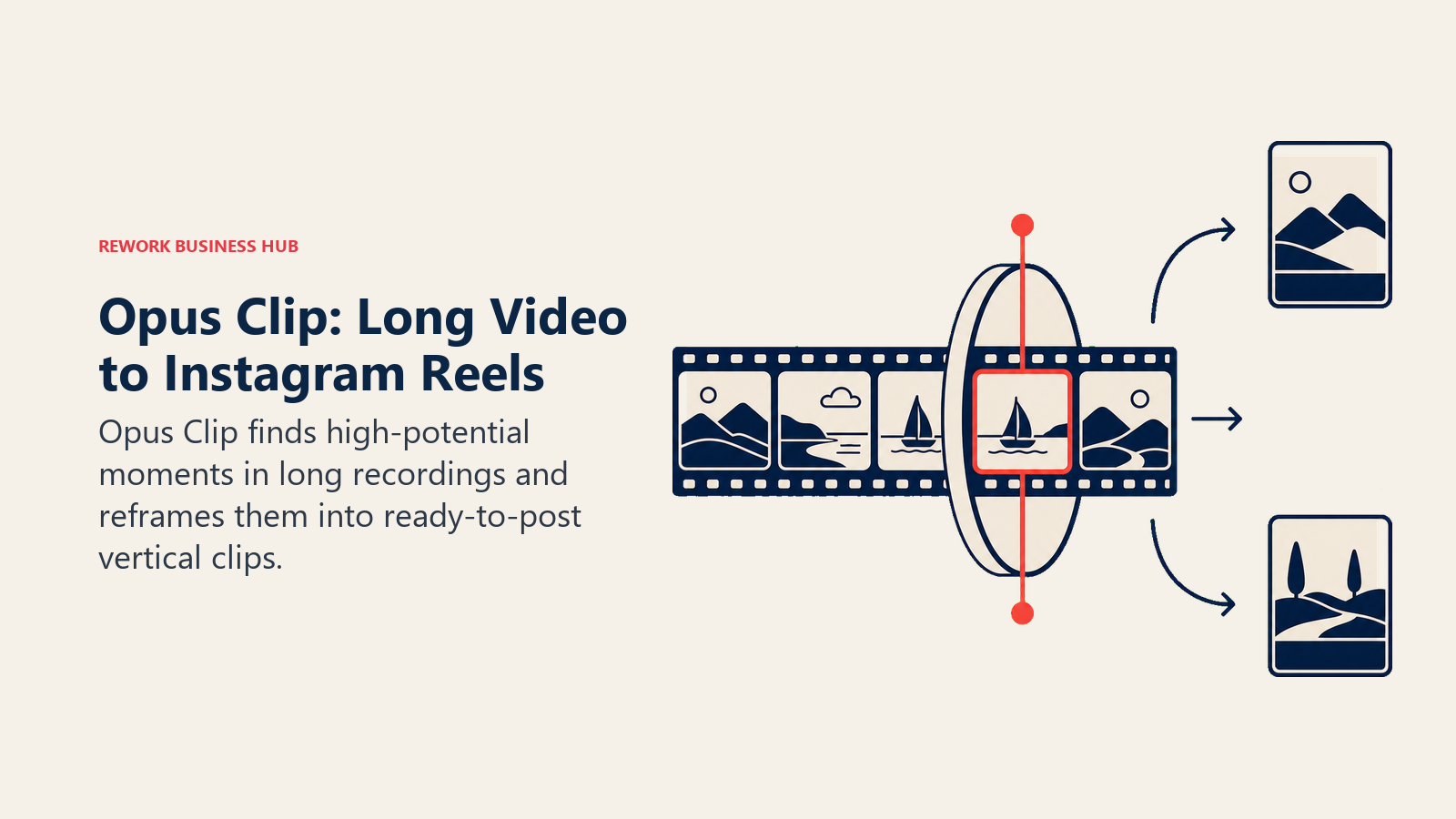
Pricing is metered by source-video minutes rather than clips produced, so a 60-minute podcast episode uses 60 credits regardless of how many Reels it generates. That model rewards teams repurposing long content into many short clips and penalizes teams uploading a lot of raw footage without a clear output plan. For teams building original video from scratch rather than repurposing existing footage, a dedicated AI video generation tool is a better starting point than a clipping tool.
| What you get | What you don't |
|---|---|
| AI virality scoring flags the strongest clips automatically | Billed by source-video minutes, not by clips produced |
| Multi-platform auto-posting on Pro (Instagram, TikTok, YouTube) | Monthly credits expire after 60 days |
| Speaker detection built for podcast and interview content | Cancel and your projects disappear within 3 days |
Pricing: Free (60 min/mo, watermarked, 3-day export); Starter $15/mo (150 min, watermark-free, 720p); Pro $29/mo (300 min, 1080p, virality scoring, multi-platform posting); Business custom.
Best for: Podcasters, coaches, and creators repurposing long-form video into Instagram Reels
10. CapCut: Best for Editing and Styling Reels From Scratch
CapCut remains the default editing app for creators building Reels natively rather than repurposing long-form video, and its 2026 restructuring split what used to be one Pro tier into a cheaper Standard plan and a fuller Pro plan. The template and effects library is enormous, and CapCut's AI toolkit (auto-captions, background removal, AI-generated B-roll) is deep enough that many creators skip a separate editing app entirely.
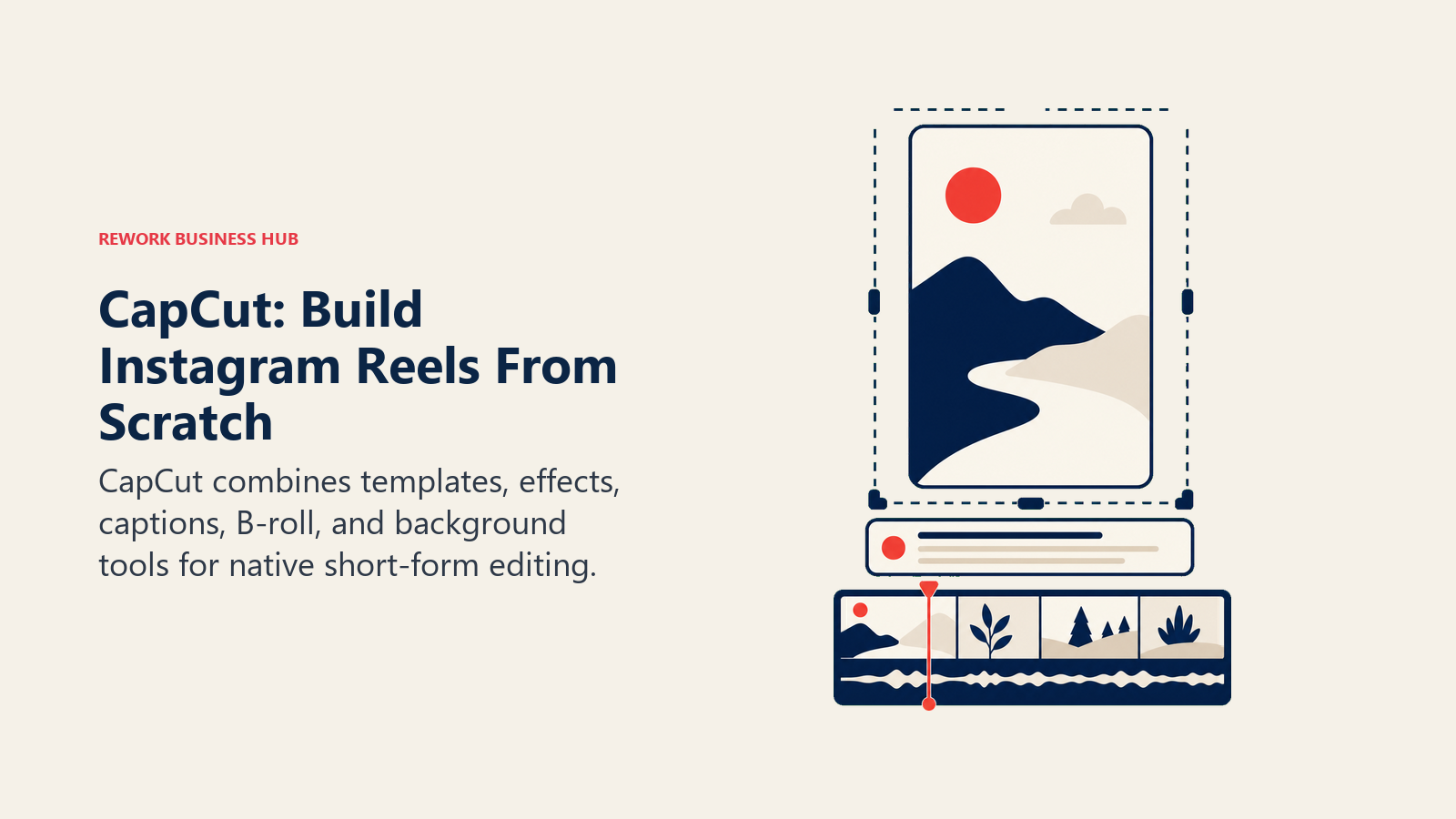
The catch is pricing consistency. CapCut's own pricing varies by platform, the web checkout runs cheaper than the in-app subscription on iOS or Android, so budget-conscious teams should always buy through the web version rather than the mobile app store. For Reels editing that leans on generative AI rather than templates, pair CapCut with a dedicated AI video editing tool comparison before standardizing your whole team on one app.
| What you get | What you don't |
|---|---|
| Huge template and effects library built for short-form video | Pricing varies by platform; mobile app-store price runs higher |
| Full AI toolkit (captions, B-roll, background removal) on Pro | Standard tier caps out before the full AI toolkit unlocks |
| 4K export and 1TB cloud storage on Pro | 1,200 AI points on Pro can run out with heavy generative use |
Pricing: Free; Standard about $9.99/mo; Pro $19.99/mo ($179.99/yr); Team from about $24.99/mo. Mobile in-app pricing runs higher due to app store fees.
Best for: Creators and editors building Reels natively with templates and effects
11. AdCreative.ai: Best for Instagram and Meta Ad Creative at Scale
AdCreative.ai generates ad creative variants, images, headlines, and copy, optimized for Instagram and Facebook ad placements, then scores each variant's likely performance before you spend a dollar on media. For performance marketers running several ad accounts, that generate-and-score loop cuts a meaningful chunk of the manual creative production cycle.
The 2026 pricing shift is worth knowing before you shortlist it: the entry Starter tier ($39/mo) is fine for a single brand, but the Professional tier jumps to $249/month, a significant step up aimed squarely at agencies and larger ad budgets rather than solo marketers testing the waters. Teams evaluating creative generation more broadly should also look at AI ad creative tools built around a wider range of ad formats and platforms.
| What you get | What you don't |
|---|---|
| Fast generation of multiple ad creative variants at once | Professional tier jumps to $249/mo, a steep step from Starter |
| Built-in performance scoring before you spend media budget | Starter tier limited to 1 brand and 10 credits/month |
| Compliance checker AI on higher tiers | Best value only shows up once you're running real ad spend |
Pricing: Starter $39/mo (10 credits, 1 brand); Professional $249/mo (50 credits, 10 brands); Ultimate $999/mo (100 credits, 25 brands); Enterprise custom.
Best for: Performance marketers and agencies running paid Instagram and Meta ad campaigns at volume
12. ChatGPT: Best for Captions, Scripts, and Content Ideation
ChatGPT doesn't post to Instagram, schedule anything, or know your hashtag performance, but it remains the fastest general-purpose tool for drafting captions, brainstorming content angles, and scripting Reels before you shoot or design anything. Plus subscribers also get image generation and a longer context window, useful for keeping a content calendar's tone consistent across a batch of captions.
The honest limitation is that ChatGPT has no native Instagram data: no hashtag performance, no audience insights, no scheduling. It's the ideation and drafting layer that feeds into one of the Instagram-specific tools above, not a replacement for any of them. Teams building a broader AI writing stack should see the full AI writing tools roundup for tools built specifically around long-form and brand-voice consistency.
| What you get | What you don't |
|---|---|
| Fastest general drafting tool for captions and scripts | No native Instagram data, scheduling, or publishing |
| Image generation and longer context on Plus | Requires manual copy-paste into whatever tool actually posts |
| Genuinely useful free tier for occasional caption help | Doesn't learn your brand voice automatically the way Flick's Iris does |
Pricing: Free; Plus $20/mo (unchanged since 2023).
Best for: Anyone who drafts captions, scripts, or content ideas before moving to a design or scheduling tool
13. Meta AI (In-App): Best for Native, Free Creative Tools
Meta AI's tools ship directly inside Instagram, no separate subscription, no export-and-reupload workflow. More than 30 AI-powered effects are available in Stories, Meta AI can generate images inside direct chats, and the algorithm behind your Explore page and Reels recommendations is itself AI-driven, quietly shaping what content gets seen.
The catch in 2026 is that Meta's own AI features are a moving target. Muse Image, Meta's first native image generation model, launched in July 2026 and was suspended within days after backlash over how it could incorporate public Instagram photos into generated images. That's not a reason to avoid Meta AI entirely (the built-in Stories effects and caption tools are solid and free), but it is a reason to treat any brand-new Meta AI feature as something to test cautiously before building a content workflow around it, especially anything involving other people's photos.
| What you get | What you don't |
|---|---|
| Completely free, built directly into the app | Feature availability changes fast and without much warning |
| 30+ AI effects for Stories, no extra tool needed | No scheduling, analytics, or cross-platform publishing |
| Zero setup, works the moment you open the app | Newer features (like Muse Image) have been pulled post-launch |
Pricing: Free.
Best for: Anyone posting directly from the Instagram app who wants effects and assistance without adding another subscription
Decision Framework
Use the table below to build a focused Instagram tool stack around your main job: planning, creation, engagement, analytics, or video production.
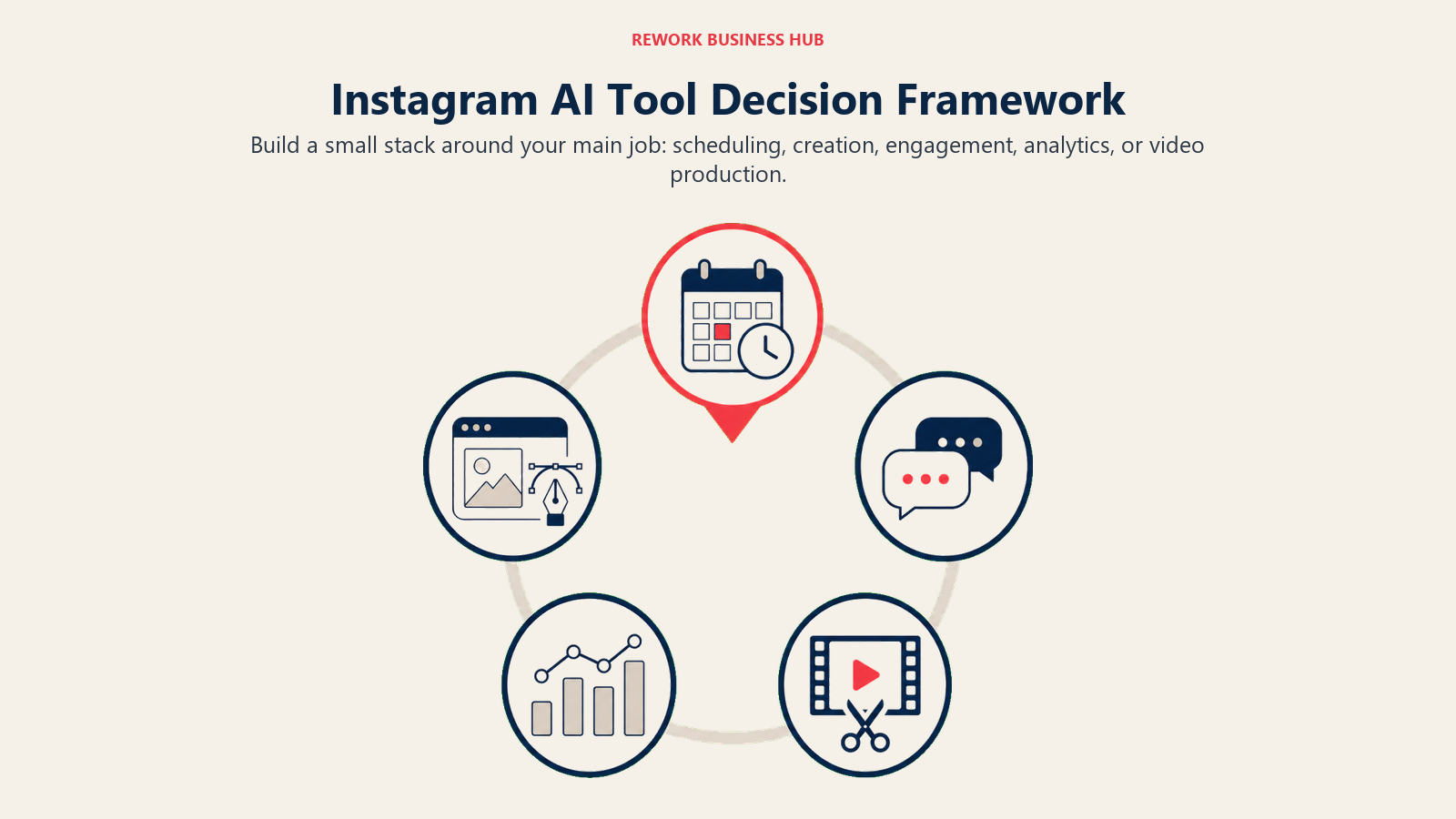
| If you need... | Pick... | Why |
|---|---|---|
| A visual grid calendar built specifically for Instagram | Later | Instagram-first scheduling with Product Tagging for Shop |
| AI-generated graphics and carousels without a designer | Canva | Magic Studio covers caption, image, and layout generation |
| The whole post (caption, hashtags, visual) from one prompt | Predis.ai | End-to-end generation plus built-in competitor analysis |
| Deep hashtag research and discovery strategy | Flick | Official Meta partner with the strongest hashtag data on this list |
| To turn Instagram comments and DMs into conversations | ManyChat | #1 Instagram automation platform, Meta-approved API access |
| Simple, predictable scheduling across several platforms | Buffer | Transparent per-channel pricing, minimal learning curve |
| Analytics and competitor benchmarking depth | Metricool | Strongest reporting and multi-brand pricing for agencies |
| The cheapest way to manage several Instagram accounts | Publer | Per-account pricing with every 10th account free |
| To repurpose long video into Reels | Opus Clip | AI virality scoring flags which clips to post first |
| To edit Reels natively with templates and effects | CapCut | Largest short-form template and effects library |
| Ad creative generation for paid Instagram campaigns | AdCreative.ai | Generates and scores ad variants before you spend media budget |
| Fast caption drafting and content ideation | ChatGPT | Fastest general-purpose drafting tool, no Instagram data needed |
| Free, native effects without another subscription | Meta AI | Built into the app; no setup, no extra cost |
Frequently Asked Questions about AI Tools for Instagram
What is the best AI tool for Instagram in 2026?
There's no single best tool for every account. Later and Buffer lead for scheduling, Canva and Predis.ai lead for generating the actual post, Flick leads for hashtag research, ManyChat leads for turning comments and DMs into conversations, and Opus Clip and CapCut lead for Reels. Most active accounts end up using two or three of these together rather than one all-in-one platform.
Is there a free AI tool for Instagram captions?
Yes. ChatGPT's free tier drafts captions and content ideas, Canva's free plan includes basic Magic Write access, and Meta AI's in-app tools are free with no subscription. Buffer's free plan (3 channels) also includes its AI Assistant for caption drafting.
Can AI automate Instagram DMs and comments?
Yes. ManyChat is the leading tool for this, automating comment-to-DM replies and keyword-triggered DM responses as an official Meta-approved partner. Its free plan covers 25 active contacts, and paid plans scale with contact volume starting at $14/mo.
How much does an AI Instagram scheduler cost?
Entry pricing ranges from free (Buffer, Metricool, Publer all offer usable free tiers) to roughly $14-$20/mo for a single-account paid plan. Multi-brand agency pricing on tools like Metricool or Later can run $40-$110/mo depending on how many accounts and AI credits you need.
What's the best AI tool for turning long videos into Instagram Reels?
Opus Clip is the category leader, using AI virality scoring to flag which clips from a long video are worth posting first. It's priced by source-video minutes processed rather than clips produced, so it rewards repurposing workflows over raw footage uploads.
Does Meta have its own AI tools for Instagram?
Yes. Meta AI ships built-in Stories effects, in-chat image generation, and algorithm-driven content recommendations directly inside the app for free. Newer features move fast, though: Meta's Muse Image generation tool launched and was suspended within days in July 2026 after backlash over how it used public photos.
Is AI-generated Instagram content actually worth using?
The data suggests yes, with caveats. 83% of social marketers say AI helps them produce significantly more content, but most professionals still edit AI output before publishing rather than posting it unreviewed. Treat AI as a drafting and production accelerant, not a fully autonomous content pipeline.
Should I use one all-in-one tool or several specialized ones?
Specialized tools generally win on the specific job they're built for. Flick beats general schedulers on hashtag research, ManyChat beats general chatbot builders on Instagram DM automation specifically, and Opus Clip beats general video editors on virality scoring for clips. Most serious Instagram operations end up running two to four tools together rather than one platform for everything.
What to Do Next
Start by identifying your actual bottleneck instead of shopping for a platform. If you're posting consistently but not planning ahead, a scheduler like Later or Buffer solves that. If content creation itself is the bottleneck, Canva or Predis.ai closes that gap faster than hiring. If Instagram is generating real inbound interest that's getting lost in comments and DMs, ManyChat is the highest-leverage tool on this list to add next.
Run a 30-day trial with your top two picks before you commit to an annual plan. Pricing, credit limits, and feature gates change often enough in this category (five tools on this list restructured pricing in the past year) that a short trial catches problems an annual commitment won't let you undo easily.
If you're building out video alongside your Instagram strategy, the best AI tools for TikTok and best AI tools for YouTube guides cover the platform-specific picks for repurposing the same content elsewhere. And if Instagram is one piece of a broader paid and organic growth stack, the best AI tools for digital marketing and best AI marketing tools roundups cover the tools that sit above channel-specific picks like the ones here. For brands selling through the platform, the best AI tools for ecommerce guide covers where Instagram Shop fits into a wider AI-assisted sales stack.

Principal Product Marketing Strategist
On this page
- What Changed in 2026
- Key Facts
- Quick Comparison Table
- AI Tools for Instagram by Job
- 1. Later: Best for Instagram-First Visual Scheduling
- 2. Canva: Best for AI-Generated Feed Graphics and Carousels
- 3. Predis.ai: Best for Fully AI-Generated Post Packages
- 4. Flick: Best for Hashtag Research and Content Planning
- 5. ManyChat: Best for Comment-to-DM Automation and Lead Capture
- 6. Buffer: Best for Simple, Budget Cross-Platform Scheduling
- 7. Metricool: Best for Instagram Analytics and Competitor Benchmarking
- 8. Publer: Best for Budget Multi-Account Scheduling
- 9. Opus Clip: Best for Turning Long Video Into Instagram Reels
- 10. CapCut: Best for Editing and Styling Reels From Scratch
- 11. AdCreative.ai: Best for Instagram and Meta Ad Creative at Scale
- 12. ChatGPT: Best for Captions, Scripts, and Content Ideation
- 13. Meta AI (In-App): Best for Native, Free Creative Tools
- Decision Framework
- What to Do Next