Best AI Tools for Content Creators and Influencers in 2026: 13 Tools Ranked by Job
Turn this article into takeaways for your work.


Each assistant summarizes the article only for you and suggests best practices for your work.
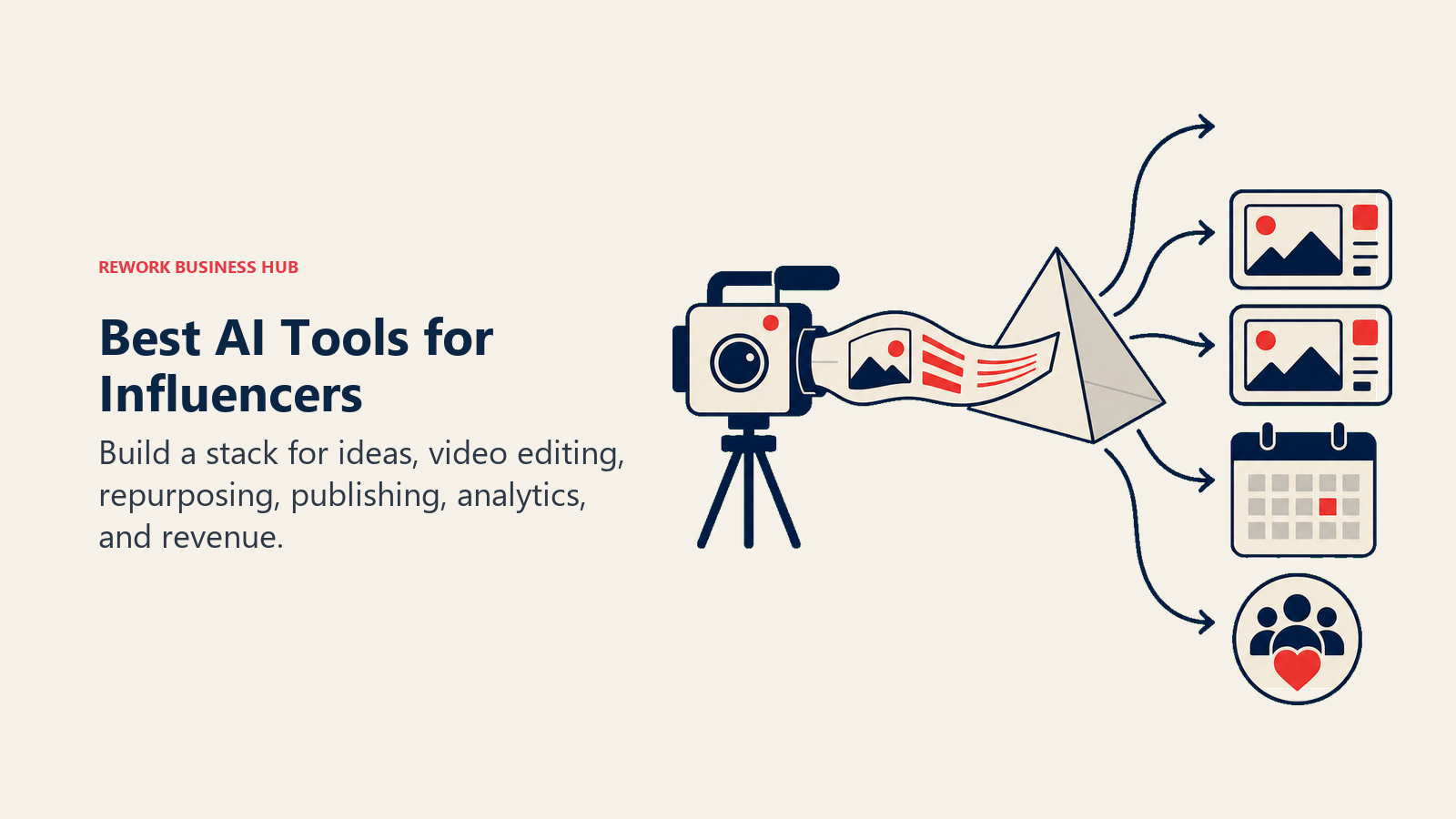
ChatGPT leads for ideation, scripting, and captions, CapCut and Opus Clip lead for turning long footage into finished short-form video, Submagic and Captions lead for auto-editing and AI-generated clips, Descript leads for text-based podcast and long-form editing, ElevenLabs and Fliki lead for AI voice, Canva leads for design and thumbnails, Later and Metricool lead for scheduling and analytics, and Beacons AI and Kajabi lead for turning an audience into revenue. No single tool covers the full creator workflow, so this guide is organized by the job each tool actually does instead of one flat ranking.
AI creator tools change pricing and credit models often, so treat any number below as a starting point and confirm the current plan before you commit a monthly budget to it.
Key Facts
- The creator economy is on track to reach roughly $313 billion in 2026 and could approach $480 billion by 2027, up from a $250 billion baseline, per Goldman Sachs Research.
- Goldman Sachs expects the world's roughly 50 million creators to grow at a 10 to 20% compound annual rate over the next five years, per the same report.
- 87% of creators who use creative AI say it has accelerated the growth of their business or audience, per Adobe's 2026 Creators' Toolkit Report.
- 86% of creators now use generative AI somewhere in their workflow, but 57% say the output still needs moderate to extensive editing before it's ready to publish, per the same Adobe report.
- Global influencer marketing spend is projected to reach roughly $34.1 billion in 2026, and 87.49% of brands expect their influencer budgets to grow this year, per the Influencer Marketing Hub 2026 Benchmark Report.
What Changed in 2026
CapCut quietly restructured its subscription tiers, renaming the old Pro plan to Standard ($10/mo) and introducing a new Pro tier at $20/mo with 4K export, the full AI toolkit, and 1TB of cloud storage. Descript renamed its Pro plan to Creator and added top-up credits that expire 12 months after purchase. Captions expanded its ladder with a Scale tier that stretches from $69.99/mo up to $279.99/mo depending on credit volume. Later collapsed its old four-tier structure into three paid plans (Starter, Growth, Scale) and dropped its free tier entirely. If you priced any of these tools even six months ago, re-check the current tier names and limits before you budget.
Quick Comparison Table
| Tool | Best For | Starting Price | Key Strength | Key Limitation |
|---|---|---|---|---|
| ChatGPT | Scripting, captions, and brainstorming | Free; Plus $20/mo | Fastest general-purpose drafting tool available | No native publishing or platform data |
| CapCut | Mobile-first, all-in-one editing | Free; Standard $10/mo, Pro $20/mo | Fastest path from phone footage to a finished post | Pricing varies by platform and region |
| Opus Clip | Long-to-short repurposing | Free (60 min/mo); Starter $15/mo | AI virality scoring per clip | Credits are consumed by source minutes, not clips made |
| Submagic | Auto-captions, b-roll, and edits | Free (3 videos/mo); Starter $19/mo | One-click viral captions and auto b-roll | Video caps per tier; Magic Clips is a paid add-on |
| Captions | AI-generated video and digital twins | Free; Pro $9.99/mo, Max $24.99/mo | Custom AI actors (digital twins) for hands-free video | Generative features gated behind Max and Scale tiers |
| Descript | Text-based podcast and long-form editing | Free; Creator $24/mo (annual) | Edit video like a text document, Overdub voice cloning | Per-seat pricing; no team volume discount on lower tiers |
| ElevenLabs | AI voice cloning and dubbing | Free; Creator $22/mo | Professional Voice Cloning at a creator-friendly price | Credits burn fast on longer scripts |
| Fliki | Text-to-video with built-in voiceover | Free (~3 min); Standard ~$28/mo | 2,000+ voices across 80+ languages | Free tier has no commercial usage rights |
| Canva | Design, thumbnails, and brand kits | Free; Pro $15/mo ($10/mo annual) | Conversational AI design plus a massive template library | Business tier needed for real brand-kit governance |
| Later | Visual-first scheduling | Starter $25/mo (no free tier) | Clean visual calendar, Canva integration, best-time posting | Dropped its free tier; AI credits are capped per plan |
| Metricool | Multi-platform scheduling and analytics | Free; Starter from $20/mo | Deep analytics across more networks than most schedulers | X/Twitter full analytics reserved for Advanced tier |
| Beacons AI | Link-in-bio and storefront monetization | Free; Creator $10/mo | 0% seller fees on the Creator Plus tier | Free and Creator tiers still charge a 9% seller fee |
| Kajabi | Courses, memberships, and digital products | Basic $179/mo ($143/mo annual) | All-in-one course, membership, and email platform in one login | No true free tier; pricing jumps fast between plans |
1. ChatGPT: Ideation, Scripting, and Captions
Every creator workflow starts with an idea, and ChatGPT is still the fastest way to go from a blank page to a working script, a set of hook variations, or ten caption options for a single post. It doesn't touch your platform data, doesn't publish anything, and doesn't know your audience the way a native analytics tool does, but as a raw drafting engine it's hard to beat on speed.
For creators, the real value shows up in volume work: batching a week of captions in one sitting, turning a rough voice memo transcript into a structured outline, or drafting three different hooks for the same video to A/B test. Pair it with a tool built for AI writing workflows if you need deeper long-form drafting support beyond quick creator copy.
| What you get | What you don't |
|---|---|
| Fastest, most flexible drafting interface available | No native publishing, scheduling, or platform data |
| Free tier and $20/mo Plus cover most solo creator needs | Higher reasoning tiers ($100 to $200/mo) are overkill for most creators |
| Works across every format: scripts, captions, outlines, replies | Requires you to bring your own brand voice and fact-check output |
| ChatGPT Go at $8/mo gives budget creators a cheaper mid-tier | No built-in video or image generation on lower tiers |
Pricing: Free; Go $8/mo; Plus $20/mo; Pro $100 to $200/mo; Business from $25/seat/mo (annual)
Best for: Solo creators and small teams who need fast scripting, captioning, and brainstorming without platform-specific features
2. CapCut: Mobile-First, All-in-One Editing
CapCut earned its dominance on TikTok and Instagram for one reason: it turns raw phone footage into a finished, trend-aware video faster than any desktop editor. Auto-captions, trending templates, background removal, and one-tap transitions all live inside a mobile app most creators already have installed.
The 2026 pricing restructure split what used to be one Pro tier into Standard ($10/mo) and a new Pro tier ($20/mo) that bundles 4K export, the full AI toolkit, and 1TB of cloud storage. That makes CapCut a genuinely different value proposition depending on which tier you land on, and pricing varies further by up to 40 to 50% across regions and app stores, so check the web version first for the lowest rate.
| What you get | What you don't |
|---|---|
| Fastest mobile editing workflow for short-form video | Regional and platform pricing differences add confusion |
| Trending templates and effects updated constantly | Deep color grading and VFX belong to desktop-first tools |
| AI toolkit (backgrounds, auto-reframe, captions) on Pro | Recent tier restructure means old reviews cite outdated prices |
| Free tier is genuinely usable for casual posting | 1TB storage and 4K export locked behind the $20/mo tier |
Pricing: Free; Standard $10/mo; Pro $20/mo ($179.99/yr annual)
Best for: Short-form creators who shoot and edit on their phone and need speed over precision
3. Opus Clip: Long-to-Short Repurposing
Opus Clip solves a specific, expensive problem: turning a 45-minute podcast or webinar into ten short clips worth posting. Its AI virality scoring ranks each potential clip by predicted engagement, so instead of manually scrubbing through an hour of footage, you get a ranked shortlist to start from.
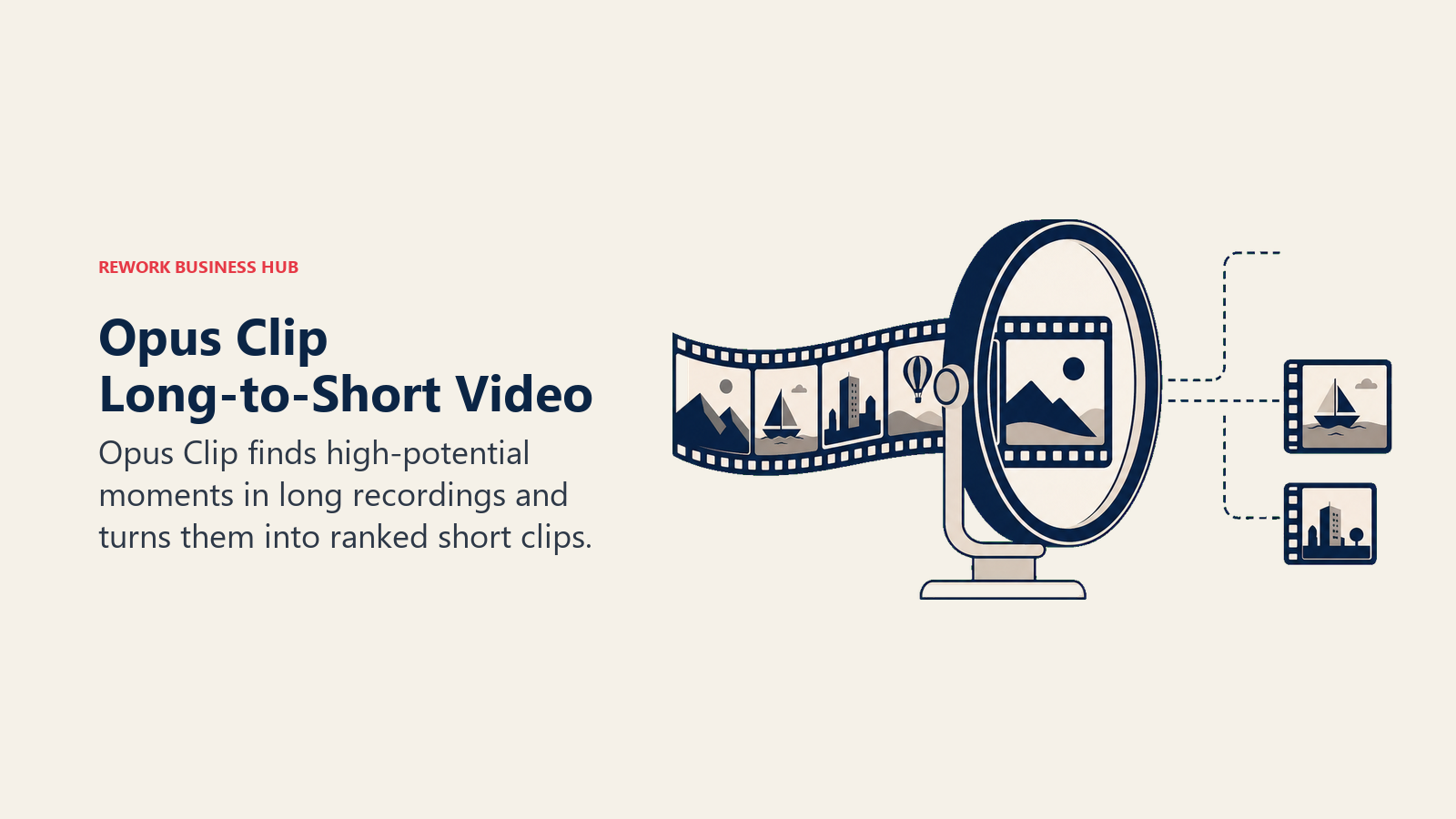
The pricing model is worth understanding before you commit: credits are spent on source video minutes, not on clips produced. Upload a 60-minute podcast and Opus Clip spends 60 credits regardless of how many usable clips it finds. That makes it a better fit for creators repurposing a handful of long recordings than for those with hours of raw footage to process every week. If you're comparing it against other repurposing and editing options, our best AI video editing tools guide covers the wider field.
| What you get | What you don't |
|---|---|
| AI virality scoring narrows hours of footage to the best clips | Credits burn on source minutes, not clips delivered |
| Multi-platform auto-posting on the Pro tier | Free tier exports are watermarked and expire after 3 days |
| Speaker detection built for podcast and webinar formats | Monthly credits expire after 60 days |
| Brand kit with custom fonts on Pro | 1080p export still gated to the $29/mo tier |
Pricing: Free (60 min/mo); Starter $15/mo (150 min); Pro $29/mo (300 min); Business custom
Best for: Podcasters and long-form creators repurposing a handful of recordings into short clips each month
4. Submagic: Auto-Captions, B-Roll, and Edits
Submagic built its reputation on one feature: captions that actually look like the viral templates creators already know from TikTok, generated automatically instead of hand-timed. From there it expanded into auto b-roll insertion, eye contact correction, and one-click editing passes that used to take an editor an hour.
The tier structure caps you by video count rather than minutes, which is a different tradeoff than Opus Clip's minute-based model. Starter covers 15 videos a month, Pro covers 40 and adds the advanced correction tools, and Business unlocks unlimited uploads with 4K/60fps export. The Magic Clips repurposing add-on costs an extra $19/mo on top of any tier, which is easy to miss when budgeting.
| What you get | What you don't |
|---|---|
| Viral-style captions generated automatically, no manual timing | Video-count caps mean heavy posters outgrow tiers fast |
| Auto b-roll and eye contact correction on Pro and above | Magic Clips repurposing is a separate $19/mo add-on |
| Up to 41% off with annual billing | Free tier is limited to 3 watermarked videos a month |
| Business tier unlocks unlimited uploads and 4K/60fps | Business tier at $69/mo is a jump from Pro's $39/mo |
Pricing: Free (3 videos/mo); Starter $19/mo; Pro $39/mo; Business $69/mo
Best for: Short-form creators who post daily and want auto-captions and b-roll without a manual edit pass
5. Captions: AI-Generated Video and Digital Twins
Captions started as a captioning app and became something stranger and more useful: a tool that can generate an entire talking-head video from a script using a "digital twin," an AI model trained on your own face and voice. For creators who need to produce more video than they have hours to film, that's a genuinely different capability than editing software offers.
The free tier covers basic trimming and captions with zero AI credits, which means most of what makes Captions distinctive lives behind the Max tier ($24.99/mo) and up. Scale plans stretch from $69.99/mo to $279.99/mo depending on how many credits you burn generating digital-twin video at volume.
| What you get | What you don't |
|---|---|
| Digital twins let you generate video without filming | Free tier has zero AI credits; core value is paywalled |
| Captions in 100+ languages on the entry Pro tier | Generative features require Max tier ($24.99/mo) minimum |
| Chat-based editor for fast iteration | Heavy generation use pushes you into $70 to $280/mo territory |
| Custom B-roll and sound effects on Max and Scale | Credit consumption isn't always predictable at scale |
Pricing: Free; Pro $9.99/mo; Max $24.99/mo; Scale $69.99 to $279.99/mo
Best for: Creators who want to generate talking-head video from a script without filming every take themselves
6. Descript: Text-Based Podcast and Long-Form Editing
Descript's core idea is still the best pitch in the category: it lets you edit audio and video by editing a text transcript. Delete a filler word from the document and it disappears from the timeline. Overdub lets you fix a flubbed line by typing the correction instead of re-recording. For podcasters and long-form YouTube creators, that alone can cut editing time in half.
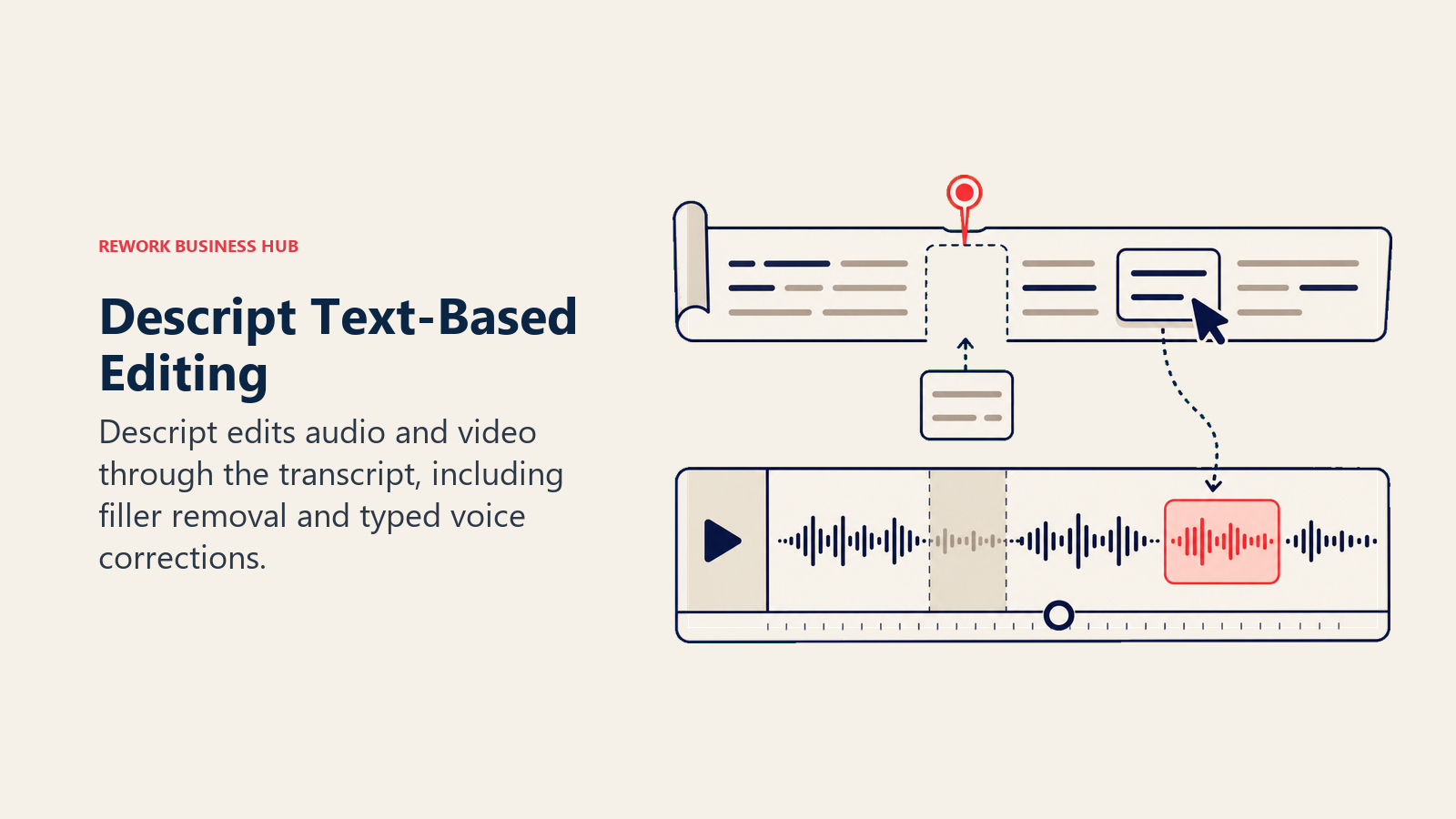
Descript renamed its Pro plan to Creator in 2026 and restructured its media and credit allowances. The Creator tier ($24/mo annual, $35/mo monthly) includes 30 hours of media and 800 AI credits with full access to its Underlord AI assistant. Each additional user is billed at full per-seat rate on the lower tiers, so teams don't get a volume discount until Business.
| What you get | What you don't |
|---|---|
| Edit video like a text document, dramatically faster revisions | Not built for frame-by-frame color or VFX work |
| Overdub voice cloning for fixing flubbed lines | Media minutes and AI credits are both capped per tier |
| Underlord AI assistant on Creator and above | No per-seat volume discount below the Business tier |
| Free tier is a real starting point for short projects | Top-up credits expire 12 months after purchase |
Pricing: Free; Hobbyist $16/mo (annual); Creator $24/mo (annual); Business $50/mo (annual)
Best for: Podcasters and long-form YouTube creators who want transcript-based editing over a traditional timeline
7. ElevenLabs: AI Voice Cloning and Dubbing
ElevenLabs is the AI voice tool most creators end up on eventually, whether for narrating a video without recording live audio, dubbing content into another language while keeping their own voice, or generating a consistent narrator voice for a channel that doesn't want to show a face. Professional Voice Cloning, the feature most serious creators actually want, unlocks at the Creator tier.
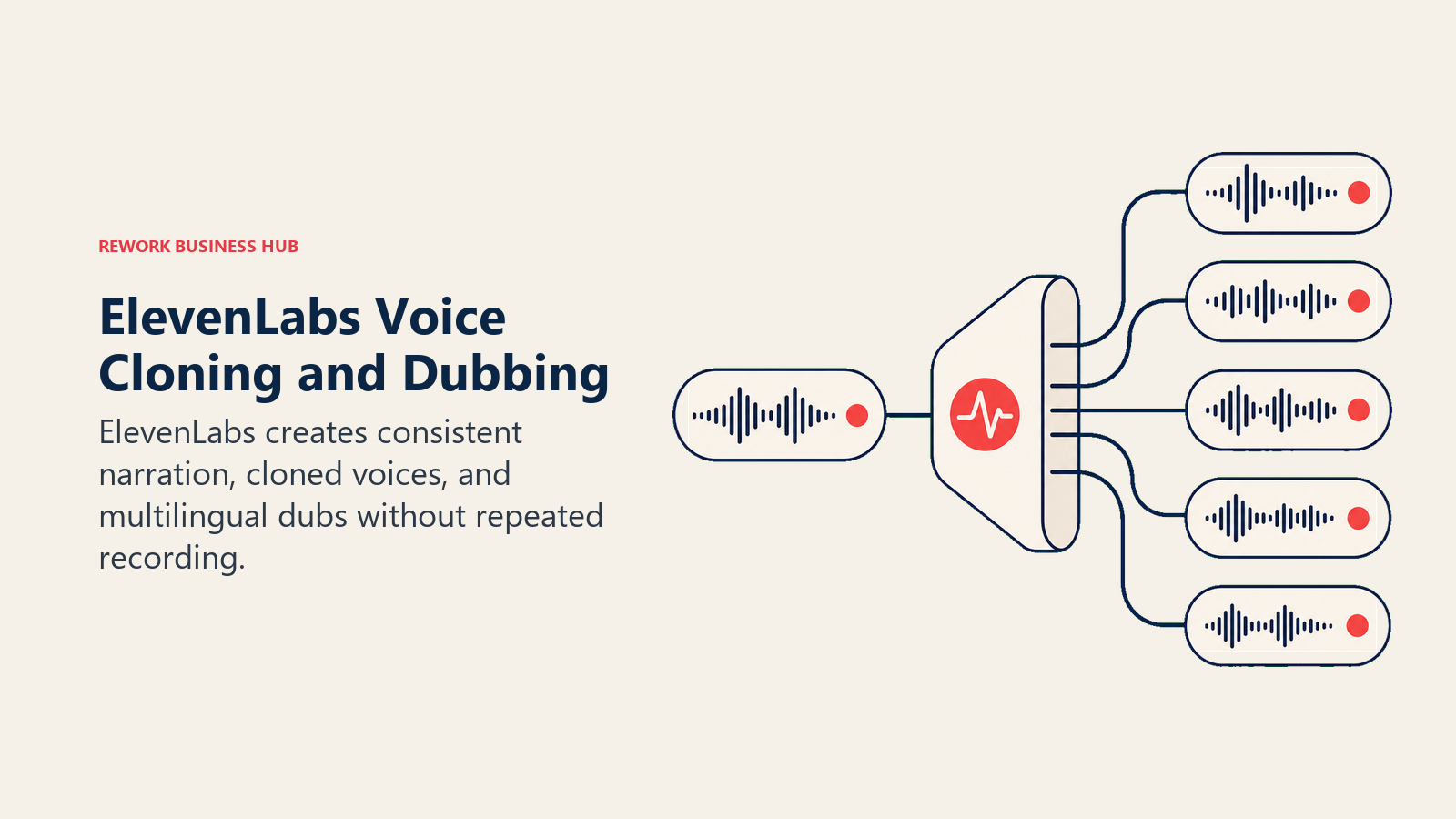
Pricing runs on a credit system that scales from a 10,000-credit free tier up through Business at $990/mo for agencies managing multiple creator voices. For an individual creator, the $22/mo Creator plan (121,000 credits, 192kbps audio, professional cloning) is the practical entry point once you outgrow the free and Starter tiers. If AI voice work leads you into broader audio production, our best AI voice generators guide compares the wider field.
| What you get | What you don't |
|---|---|
| Professional Voice Cloning unlocks at a creator-friendly $22/mo | Credits burn fast on longer scripts and audiobooks |
| 192kbps audio output on Creator tier and above | Free and Starter tiers cap you well below podcast-length use |
| Multi-language dubbing that preserves your own voice | Business-tier seats and volume are priced for agencies, not solos |
| Annual billing knocks the Creator tier to $18.33/mo effective | No native video editing, purely an audio layer |
Pricing: Free; Starter $6/mo; Creator $22/mo; Pro $99/mo; Scale $299/mo; Business $990/mo
Best for: Creators who narrate, dub, or need a consistent AI voice without recording live audio every time
8. Fliki: Text-to-Video with Built-In Voiceover
Fliki takes a script and turns it into a fully voiced video with stock or AI-generated visuals, aimed squarely at creators who want to publish faster than they can film. Its voice library is the standout: more than 2,000 voices across 80-plus languages on the Premium tier, a meaningfully larger catalog than most text-to-video competitors ship.
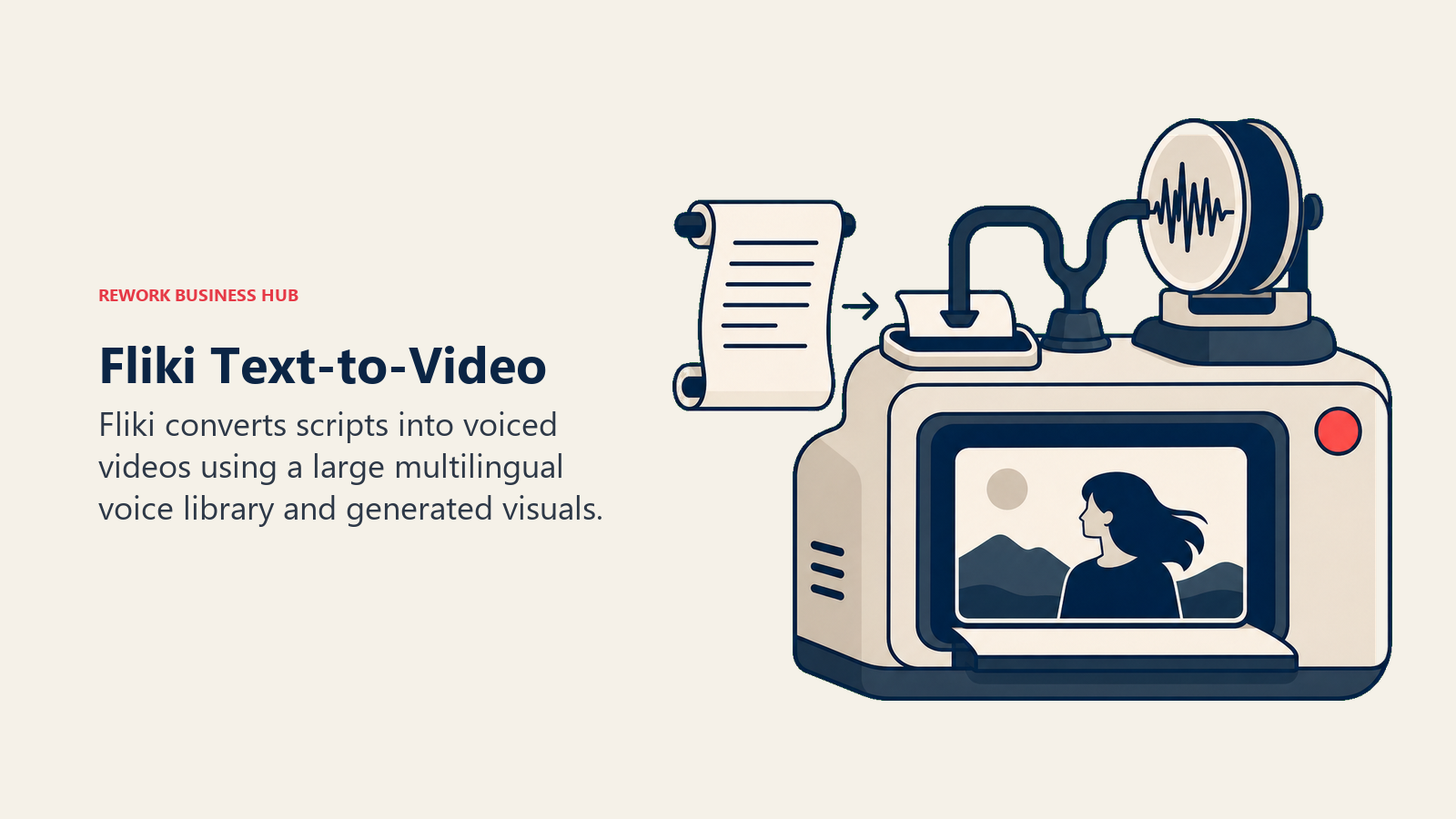
The free tier is genuinely limited: about three minutes of 720p video with a watermark and, critically, no commercial usage rights, meaning anything you make on it can't legally be monetized. Standard removes the watermark and unlocks commercial rights at roughly $21 to $28/mo depending on billing cycle, which is the tier most solo creators actually need to use Fliki for real content.
| What you get | What you don't |
|---|---|
| 2,000+ voices across 80+ languages on Premium | Free tier output has no commercial usage rights |
| Commercial rights and 1080p unlock on Standard | Videos capped around 15 minutes on Standard, 40 on Premium |
| Text-to-video workflow needs no filming at all | Visual quality still trails purpose-built video editors |
| Team seats available on Premium | Annual billing required to hit the lowest effective price |
Pricing: Free (~3 min, watermarked); Standard ~$21 to $28/mo; Premium ~$88/mo
Best for: Faceless-channel creators and educators turning scripts into voiced video without filming
9. Canva: Design, Thumbnails, and Brand Kits
Canva remains the fastest way for a creator without design training to produce a thumbnail, a carousel, or a brand kit that looks consistent across every platform. Its AI layer, Canva AI, added conversational design in 2026, letting creators describe what they want in plain language instead of hunting through templates.
The free tier is legitimately usable for a creator just starting out, but Pro ($15/mo, or $10/mo effective on annual billing) is where the AI tools, brand kit, and background remover stop feeling limited. Business ($20/seat/mo) adds real brand governance for creators who've hired an editor or virtual assistant and need shared brand controls, not just shared files.
| What you get | What you don't |
|---|---|
| Fastest path from blank canvas to on-brand thumbnail or post | Business tier needed for real multi-user brand governance |
| Conversational AI design (Canva AI) speeds up iteration | Deep custom design work still favors dedicated design tools |
| Massive template library covers nearly every platform format | Annual billing required to hit the lowest effective Pro price |
| Free tier is a real starting point, not just a trial | Frequent promotional pricing makes list price hard to pin down |
Pricing: Free; Pro $15/mo ($10/mo annual); Business $20/seat/mo
Best for: Creators who need fast, on-brand design without hiring a graphic designer
10. Later: Visual-First Scheduling
Later built its reputation on a visual content calendar, letting creators drag and drop posts to preview how an Instagram grid or TikTok queue will actually look before anything goes live. Its Canva integration and Instagram best-time-to-post recommendations make it a natural pairing with Canva for creators who design and schedule in the same sitting.
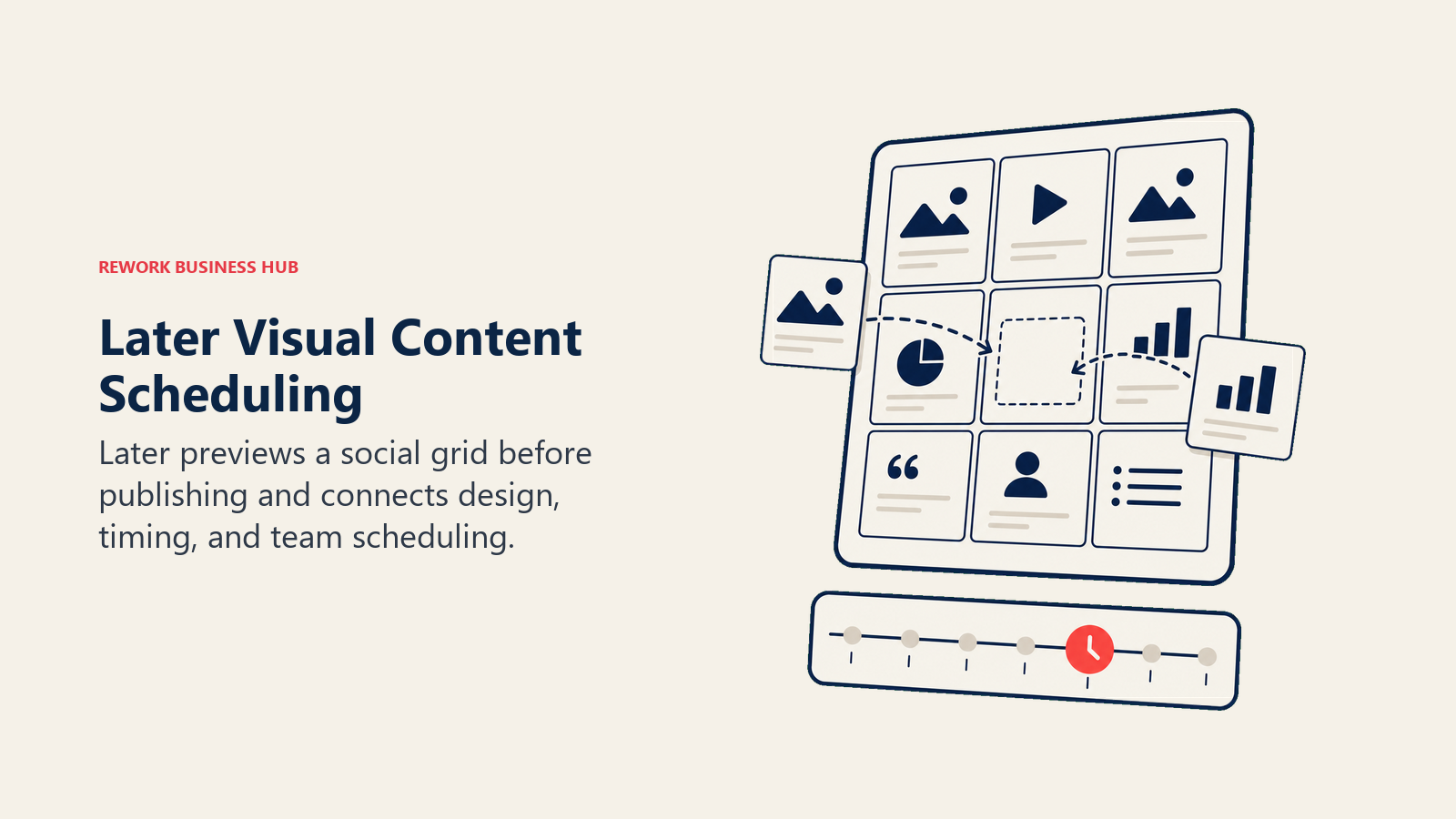
The 2026 restructure is worth knowing about: Later dropped its long-standing free tier entirely and consolidated down to three paid plans. Starter ($25/mo, or $18.75/mo annual) covers one social set and modest AI credits; Growth ($50/mo) doubles the profile allowance and adds collaboration tools for creators working with an assistant or a small team. If scheduling is your main bottleneck rather than design, our best AI tools for social media guide compares Later against the broader scheduler field.
| What you get | What you don't |
|---|---|
| Best-in-class visual grid preview for Instagram and TikTok | No free tier as of the 2026 restructure |
| Canva integration for design-to-schedule workflows | AI credits are capped even on the Growth tier |
| 25% discount across all tiers with annual billing | Entry Starter tier limits you to a single social set |
| Growth tier adds collaboration for creator + assistant setups | Full analytics history requires the higher tiers |
Pricing: Starter $25/mo; Growth $50/mo; Scale $110/mo
Best for: Visual-first creators (Instagram, TikTok) who design content in Canva and want a grid preview before posting
11. Metricool: Multi-Platform Scheduling and Analytics
Metricool's pitch is breadth: it schedules and reports across more networks than most creator-focused schedulers bother to support, including deep analytics that go beyond vanity metrics into competitor tracking and custom reporting. For creators who treat their channel like a business and need to show performance data to a brand partner or agency, that reporting depth matters.
The free tier is unusually generous for a scheduler, covering one brand with up to 20 scheduled posts a month and five competitor profiles. Paid tiers scale by brand count rather than by feature depth alone, which makes Metricool a strong fit for creators managing multiple channels or personas rather than a single account.
| What you get | What you don't |
|---|---|
| Genuinely useful free tier, not just a trial | Full X/Twitter analytics reserved for the Advanced tier |
| Deep analytics and competitor tracking built in | Pricing scales by brand count, which adds up for multi-channel creators |
| AI social media assistant on every tier, including free | Team and client management require the Advanced tier |
| Google Drive and Canva integrations on Starter and above | Custom report templates locked to Advanced and Custom |
Pricing: Free; Starter from $20/mo; Advanced from $53/mo; Custom quote
Best for: Creators managing multiple channels or brand-partner reporting who need deeper analytics than a basic scheduler
12. Beacons AI: Link-in-Bio and Storefront Monetization
Beacons AI turns a link-in-bio page into an actual storefront, bundling digital product sales, a media kit for brand pitches, email capture, and AI-assisted brand outreach into one dashboard. It's built specifically for creators monetizing through digital products and brand deals rather than through a course platform or membership site.
The fee structure is the thing to model carefully before choosing a tier. Free and Creator both still charge a 9% fee on digital product sales. Creator Plus ($30/mo, $25/mo annual) is where that fee drops to 0%, which matters as soon as digital product revenue crosses roughly $250 to $350 a month, the rough point where the fee savings outweigh the subscription cost.
| What you get | What you don't |
|---|---|
| Link-in-bio, media kit, and storefront in one product | 9% seller fee persists through Free and Creator tiers |
| 0% seller fees unlock at Creator Plus ($30/mo) | Full course and membership sales need Creator Plus or higher |
| AI brand outreach and media kit auto-updates | Business Pro tier ($90/mo) is a steep jump for solo creators |
| Real-time analytics available even on the free tier | Custom domain requires at least the Creator tier |
Pricing: Free; Creator $10/mo; Creator Plus $30/mo; Business Pro $90/mo
Best for: Creators monetizing through digital products, affiliate links, and brand deals who want a single storefront page
13. Kajabi: Courses, Memberships, and Digital Products
Kajabi is built for creators whose monetization model has graduated past a single digital download into a real course, a paid community, or a recurring membership. Unlike Beacons AI's link-in-bio approach, Kajabi is a full platform: website, email marketing, checkout, and product delivery all live under one login, with Kajabi AI assisting on course outlines and marketing copy.
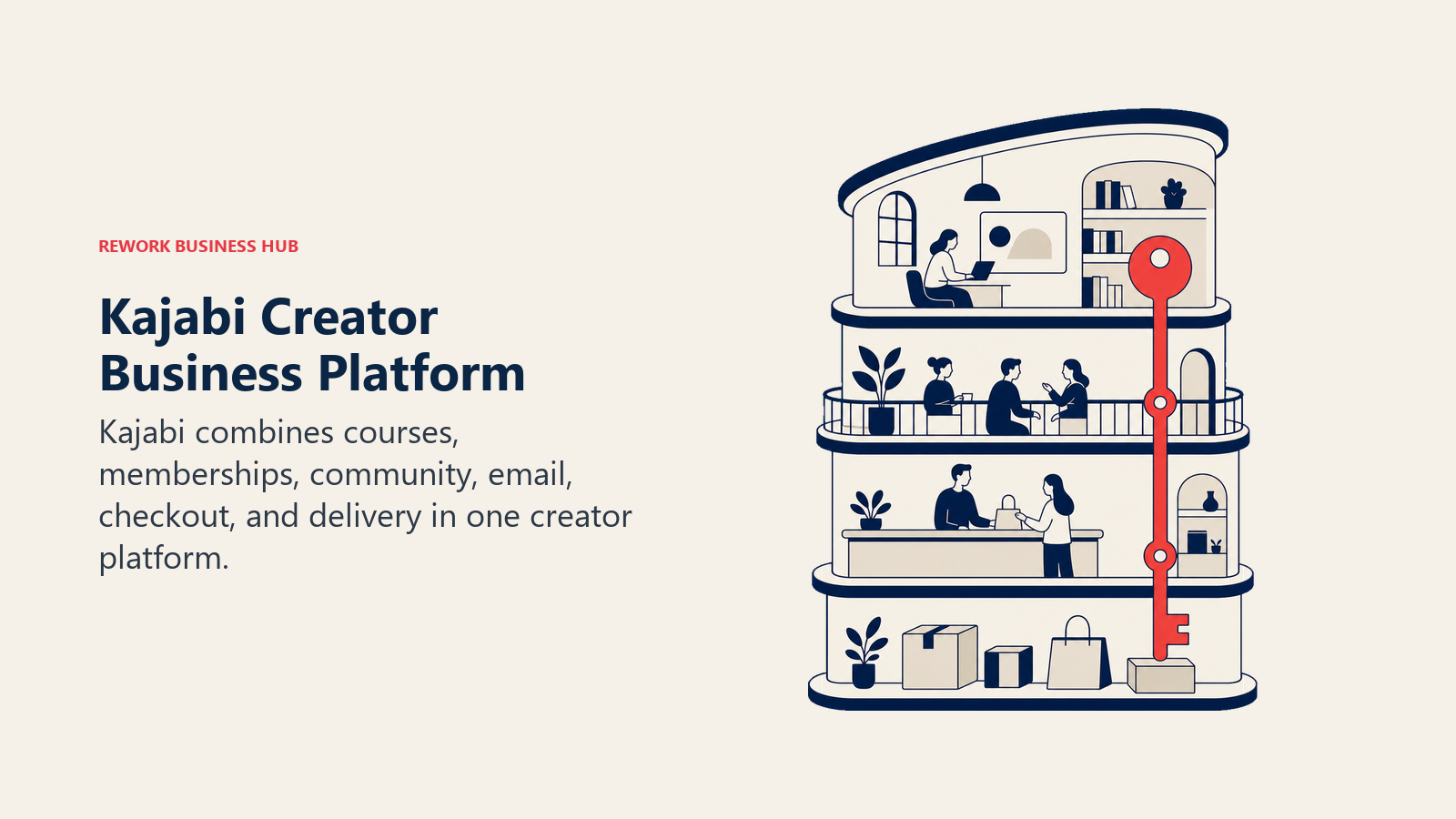
The January 2026 pricing restructure was Kajabi's first major pricing change in years, and it pushed entry pricing higher while introducing a surcharge for creators who connect their own Stripe account instead of using Kajabi Payments. Basic starts at $179/mo ($143/mo annual) for 2,500 contacts and 5 products, a meaningful commitment compared to lighter monetization tools on this list.
| What you get | What you don't |
|---|---|
| Full course, membership, and email platform in one product | No true free tier; entry price is $179/mo |
| Kajabi AI assists with course outlines and marketing copy | Own-Stripe creators now pay a surcharge after the 2026 restructure |
| Unlimited landing pages and funnels on every paid tier | Contact and product limits scale sharply between tiers |
| Growth and Pro tiers add multiple admin users for a team | Overkill for creators who only sell one digital download |
Pricing: Basic $179/mo ($143/mo annual); Growth $249/mo ($199/mo annual); Pro $499/mo ($399/mo annual)
Best for: Creators running paid courses, memberships, or communities who want one platform instead of stitching together five tools
How to Choose: Decision Framework
Match your actual bottleneck to the right tool instead of subscribing to whatever a bigger creator recommended in a video.
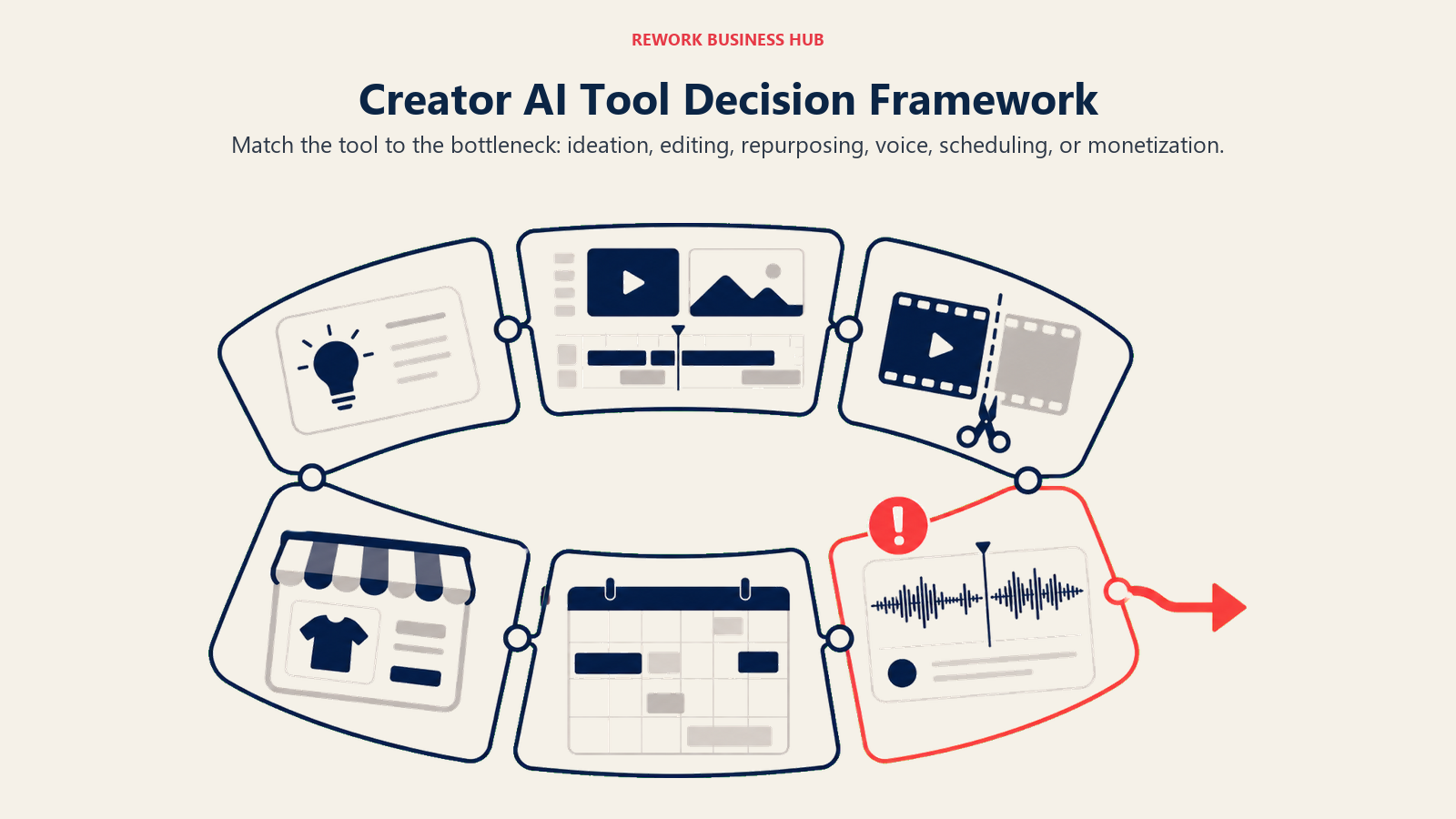
| If you need... | Pick... | Why |
|---|---|---|
| Fast scripts, captions, and brainstorming | ChatGPT | Fastest general-purpose drafting tool, free tier covers most solo use |
| To edit short-form video fast on your phone | CapCut | Trending templates and effects built for mobile-first posting |
| To turn one long recording into many short clips | Opus Clip | AI virality scoring narrows footage to the best moments |
| Viral-style captions without manual timing | Submagic | Auto-captions and b-roll on a per-video pricing model |
| To generate video from a script without filming | Captions | Digital twins produce talking-head video hands-free |
| Transcript-based editing for podcasts or long-form | Descript | Edit video like a document; Overdub fixes flubbed lines |
| A consistent AI voice or multilingual dubbing | ElevenLabs | Professional Voice Cloning at a creator-friendly price point |
| Voiced video from a script with a huge voice library | Fliki | 2,000+ voices across 80+ languages on the Premium tier |
| Fast, on-brand design without a designer | Canva | Conversational AI design plus a massive template library |
| A visual grid preview before you post | Later | Best-in-class Instagram and TikTok grid preview |
| Multi-channel scheduling with deep analytics | Metricool | Broader network coverage and reporting than most schedulers |
| A storefront for digital products and brand deals | Beacons AI | Link-in-bio, media kit, and 0% fees at Creator Plus |
| To run paid courses, memberships, or a community | Kajabi | Full platform: website, email, checkout, and delivery in one login |
Frequently Asked Questions about AI Tools for Content Creators
What is the best AI tool for content creators in 2026?
There's no single best tool because creators need different jobs done. ChatGPT leads for scripting and ideation, CapCut and Opus Clip lead for video editing and repurposing, Canva leads for design, and Beacons AI or Kajabi lead for turning an audience into revenue depending on your monetization model.
Which AI tools are free for influencers just starting out?
ChatGPT, CapCut, Canva, Metricool, and Beacons AI all offer usable free tiers. Fliki also has a free tier, but its output carries no commercial usage rights, so anything made on it legally can't be monetized until you upgrade.
What's the difference between Opus Clip and Submagic?
Opus Clip is built to find the best moments in long footage and turn them into short clips, with AI virality scoring per clip. Submagic is built around fast auto-captioning and b-roll insertion for videos you've already cut. Many creators use both for different stages of the workflow.
Is AI-generated video good enough to replace filming?
It depends on the use case. 87% of creators using creative AI say it has accelerated their business or audience growth, per Adobe's 2026 Creators' Toolkit Report, but 57% of the same creators say AI output still needs moderate to extensive editing before it's ready to publish. Tools like Captions and Fliki work best for faceless or explainer-style content rather than as a full replacement for personality-driven video.
Do I need to disclose when I use AI in my content?
Adobe's 2026 report found 75% of creators believe their audience can already tell when AI was meaningfully involved, but only 49% say they always or often disclose it. Platform and regional disclosure rules vary, so check the specific requirements for any platform or brand partnership you're working with.
How much should a solo creator budget for AI tools each month?
A lean starter stack (ChatGPT Plus, CapCut Standard, Canva Pro) runs roughly $45 to $50/mo. Adding a repurposing tool like Opus Clip or Submagic and a scheduler like Metricool pushes that closer to $90 to $120/mo. Budget upward from there only once a tool is clearly paying for itself in saved editing time or new revenue.
What AI tool should I use to grow my link-in-bio into a real storefront?
Beacons AI is purpose-built for that, bundling a link-in-bio page, media kit, and digital product storefront with fees that drop to 0% at the Creator Plus tier. If you're selling structured courses or running a paid membership instead of one-off digital products, Kajabi is the better fit.
Which scheduling tool is best for a creator managing multiple platforms?
Metricool covers the broadest set of networks with genuine analytics depth, including a usable free tier. Later's strength is its visual grid preview for Instagram and TikTok specifically, which matters more if your content is highly visual than if you're spread across many text and video platforms equally.
What to Do Next
Pick the two tools that solve your current biggest bottleneck, not the two with the most AI features on their landing page. If editing time is eating your week, start with CapCut or Descript. If distribution and consistency are the problem, start with Later or Metricool. If your audience has outgrown a single link-in-bio page, that's the signal to move to Beacons AI or Kajabi. Run each on its free or entry tier for two weeks with real content before you commit to an annual plan.
And if your next bottleneck turns out to be video specifically, whether that's long-form YouTube editing or short-form repurposing, our best AI tools for YouTube and best AI video editing tools guides go deeper on that half of the stack. For creators running paid brand partnerships alongside organic content, the best AI marketing tools guide covers the adjacent tools brands expect you to know. And if you want the full picture across every AI category before you commit to a stack, start with Best AI Tools in 2026: The Top 25 Across Every Category.

Principal Product Marketing Strategist
On this page
- Key Facts
- What Changed in 2026
- Quick Comparison Table
- 1. ChatGPT: Ideation, Scripting, and Captions
- 2. CapCut: Mobile-First, All-in-One Editing
- 3. Opus Clip: Long-to-Short Repurposing
- 4. Submagic: Auto-Captions, B-Roll, and Edits
- 5. Captions: AI-Generated Video and Digital Twins
- 6. Descript: Text-Based Podcast and Long-Form Editing
- 7. ElevenLabs: AI Voice Cloning and Dubbing
- 8. Fliki: Text-to-Video with Built-In Voiceover
- 9. Canva: Design, Thumbnails, and Brand Kits
- 10. Later: Visual-First Scheduling
- 11. Metricool: Multi-Platform Scheduling and Analytics
- 12. Beacons AI: Link-in-Bio and Storefront Monetization
- 13. Kajabi: Courses, Memberships, and Digital Products
- How to Choose: Decision Framework
- What to Do Next