Best AI Coding Tools in 2026: 15 Assistants Ranked by Use Case
Turn this article into takeaways for your work.


Each assistant summarizes the article only for you and suggests best practices for your work.
If you're picking an AI coding tool in 2026, Cursor and Windsurf lead the AI-first IDE category, GitHub Copilot and JetBrains AI Assistant win for teams that want AI bolted onto the editor they already run, Claude Code and Aider lead terminal-based agentic coding, Cline is the strongest free option if you're willing to bring your own API key, and Devin and Replit Agent point at where the category is heading: autonomous agents that plan and execute whole tickets, not just autocomplete lines. This guide ranks 14 tools by the job you actually need done, not by benchmark scores.
Most "best AI coding tools" roundups mix a $10-a-month autocomplete plugin with a $500-a-month autonomous agent and call it a ranking. That's not useful when you're deciding where to spend engineering budget. Each tool below is evaluated on what it actually does, who it's built for, and what it costs, based on capability, IDE fit, and real-world adoption among engineering teams.
Updated July 2026: What Changed
- Windsurf was rebranded to Devin Desktop on June 2, 2026. The product formerly known as Codeium, then Windsurf, is now part of Cognition's Devin family after Cognition acquired Windsurf in December 2025. It still ships as its own IDE with the Cascade agent, but the old Cascade agent hits end of life on July 1, 2026, replaced by Devin Local.
- GitHub Copilot moved to usage-based billing on June 1, 2026. Premium Request Units are retired in favor of GitHub AI Credits, billed per token at $0.01 per credit. Existing annual Pro and Pro+ subscribers keep the old model until renewal; everyone else is on credits now.
- Sourcegraph Cody became enterprise-only. Cody Free and Cody Pro stopped taking new signups in June 2025 and existing accounts were terminated the following month. Cody is now a single $59/user/month Enterprise plan for large codebases; individual users were pointed toward Amp, which spun off as its own company in December 2025.
- Amazon Q Developer is being sunset. AWS closed new signups for the Q Developer IDE plugin and paid subscriptions on May 15, 2026, with support ending April 30, 2027, in favor of AWS's newer agent, Kiro.
- Tabnine dropped its free individual tier and Augment Code retired its individual plans, both moving to team/enterprise-only pricing in 2026, a sign that several vendors are pulling back from the crowded low end of the market to focus on paid seats.
Key Facts
- 84% of developers are using or plan to use AI tools in their development workflow, up from 76% a year earlier, per Stack Overflow's 2025 Developer Survey.
- AI adoption among software professionals reached 90% in 2025, a 14-point jump, with teams spending a median of two hours a day working with AI, according to Google's 2025 DORA State of AI-assisted Software Development report.
- In a controlled GitHub study, developers using Copilot completed a real coding task 55.8% faster than developers working without it, per GitHub's own research.
- A GitHub and Accenture study of 4,800 developers found pull request cycle time dropped from 9.6 days to 2.4 days, a 75% reduction, after Copilot rollout, per the same GitHub research.
- Over 46% of code committed on GitHub is now AI-assisted, with Gartner projecting that share will reach 60% by the end of 2026, per Stanford HAI's 2026 AI Index Report.
- More than 90% of software teams now use AI for core engineering tasks, saving an average of six hours per developer per week, according to McKinsey.
- Despite high adoption, only 33% of developers say they trust the accuracy of AI-generated code, while 46% actively distrust it, per Stack Overflow's 2025 survey.
Quick Comparison Table
| Tool | Best For | Standout Capability | Starting Price | Free Tier? |
|---|---|---|---|---|
| Cursor | AI-first IDE, multi-file refactors | Codebase-aware agent with model choice | $20/mo (Pro) | Yes (Hobby) |
| GitHub Copilot | Teams already on GitHub | Deepest GitHub + VS Code/JetBrains integration | $10/mo (Pro) | Yes (limited) |
| Claude Code | Long-horizon agentic terminal work | Sustained multi-step autonomous sessions | $17-20/mo (Pro) | No (API pay-as-you-go) |
| Windsurf (Devin Desktop) | Fast agentic iteration in its own IDE | Cascade agent + proprietary SWE model | $20/mo (Pro) | Yes (Free) |
| Cline | Free, bring-your-own-key autonomy | Fully autonomous file edits + terminal control | Free (pay inference only) | Yes (fully free core) |
| Aider | Free terminal pair programming | Git-native, auto-commits every change | Free (pay inference only) | Yes (fully free) |
| Zed AI | Speed-obsessed developers | Native Rust editor, near-instant completions | $10/mo (Pro) | Yes (Personal) |
| JetBrains AI Assistant | JetBrains IDE shops (IntelliJ, PyCharm, WebStorm) | Multi-model choice built into the IDE | $10/mo (Pro Individual) | Yes |
| Amazon Q Developer | AWS-native teams (through April 2027) | Native AWS service context + IP indemnity | $19/user/mo (Pro) | Yes (50 req/mo) |
| Tabnine | Air-gapped or on-prem privacy requirements | Fully self-hosted, no code leaves the network | $39/user/mo | No |
| Sourcegraph Cody | Huge enterprise monorepos | Multi-repo code intelligence at scale | $59/user/mo (Enterprise only) | No |
| Replit Agent | Building and shipping full apps in-browser | Agent builds, deploys, and hosts in one flow | $20-25/mo (Core) | Yes (Starter) |
| Devin | Autonomous, end-to-end ticket execution | Plans and executes multi-step engineering tasks unattended | $20/mo + ACU usage | Yes (Free) |
| Augment Code | Large enterprise codebases, team rollout | Deep codebase context engine | $100/mo flat (up to 50 seats) | No |
How to Choose: Decision Framework
Start with the job, not the benchmark. Most teams end up running two tools: one for daily inline coding and one for agentic, multi-file work.
| If you need... | Pick... | Why |
|---|---|---|
| An IDE built around AI from the ground up | Cursor or Windsurf (Devin Desktop) | Native agent, not a bolted-on plugin |
| To stay inside your existing editor and GitHub workflow | GitHub Copilot | Works in VS Code, JetBrains, Vim, Neovim, no editor switch |
| Deep, long-running agentic sessions from the terminal | Claude Code or Aider | Built for sustained multi-step reasoning, not single completions |
| A completely free tool and you're fine managing your own API key | Cline or Aider | Open source, no subscription, pay only for inference |
| The fastest raw editor experience | Zed AI | Native Rust performance, minimal latency |
| Tight integration inside JetBrains IDEs | JetBrains AI Assistant | Built by the same vendor as IntelliJ, PyCharm, WebStorm |
| On-prem or air-gapped deployment for compliance | Tabnine | Only major option built for fully self-hosted use |
| Code intelligence across a massive multi-repo codebase | Sourcegraph Cody | Enterprise-only, purpose-built for large monorepos |
| To build and deploy a full app without leaving the browser | Replit Agent | Agent handles the build, deploy, and hosting loop |
| A fully autonomous agent that works a ticket unattended | Devin | Plans, codes, tests, and reports back with minimal supervision |
| An AWS-native workflow, while it's still supported | Amazon Q Developer | Native AWS context, but sunsetting for Kiro by April 2027 |
| An agent that deeply understands a large existing enterprise codebase | Augment Code | Purpose-built context engine, now Business-tier only |
Categories: Which Type of Tool Do You Need
| Category | Tools | Who It's For |
|---|---|---|
| AI-first IDEs | Cursor, Windsurf (Devin Desktop), Zed AI | Teams willing to switch editors for a deeper agent experience |
| IDE plugins and extensions | GitHub Copilot, JetBrains AI Assistant, Tabnine, Amazon Q Developer, Sourcegraph Cody, Augment Code | Teams that want to keep their current editor |
| Free and open source | Cline, Aider | Individual developers and teams optimizing for cost and control |
| Terminal and CLI agentic tools | Claude Code, Aider | Developers who want AI reasoning without leaving the shell |
| Autonomous cloud agents | Devin, Replit Agent | Teams delegating whole tickets or app builds, not just completions |
1. Cursor: The Default AI-First IDE
Cursor (built by Anysphere) is a VS Code fork with an AI agent wired directly into multi-file editing, not bolted on as a sidebar. Its agent reads your whole codebase, proposes multi-file diffs, and lets you pick the underlying model (Claude Sonnet, GPT-class models, or Cursor's own) per task. Since June 2025 it runs on a credit-based system: Auto mode is unlimited on paid plans, and credits only burn when you manually pick a frontier model.
Best for: developers and small-to-mid engineering teams who want the most capable AI-native IDE available today.
Key strengths: best-in-class multi-file agent reasoning, model choice, unlimited Tab completions on paid plans, fast adoption curve because it's still a VS Code fork.
Limitations: at $60-200/mo for heavier Pro+/Ultra tiers, cost scales quickly for teams that lean on frontier models often; requires switching editors from plain VS Code.
| What you get | What you don't |
|---|---|
| Multi-file, codebase-aware agent | Cost scales fast on Pro+/Ultra with frontier models |
| Choice of underlying model per task | Requires migrating off your current editor |
| Unlimited Auto mode on paid plans | Team plan billing is per-seat, adds up past 20 seats |
Pricing: Hobby free; Pro $20/mo (~$16/mo billed annually); Pro+ $60/mo; Ultra $200/mo; Teams $40/user/mo; Enterprise custom.
2. GitHub Copilot: The Widest Reach
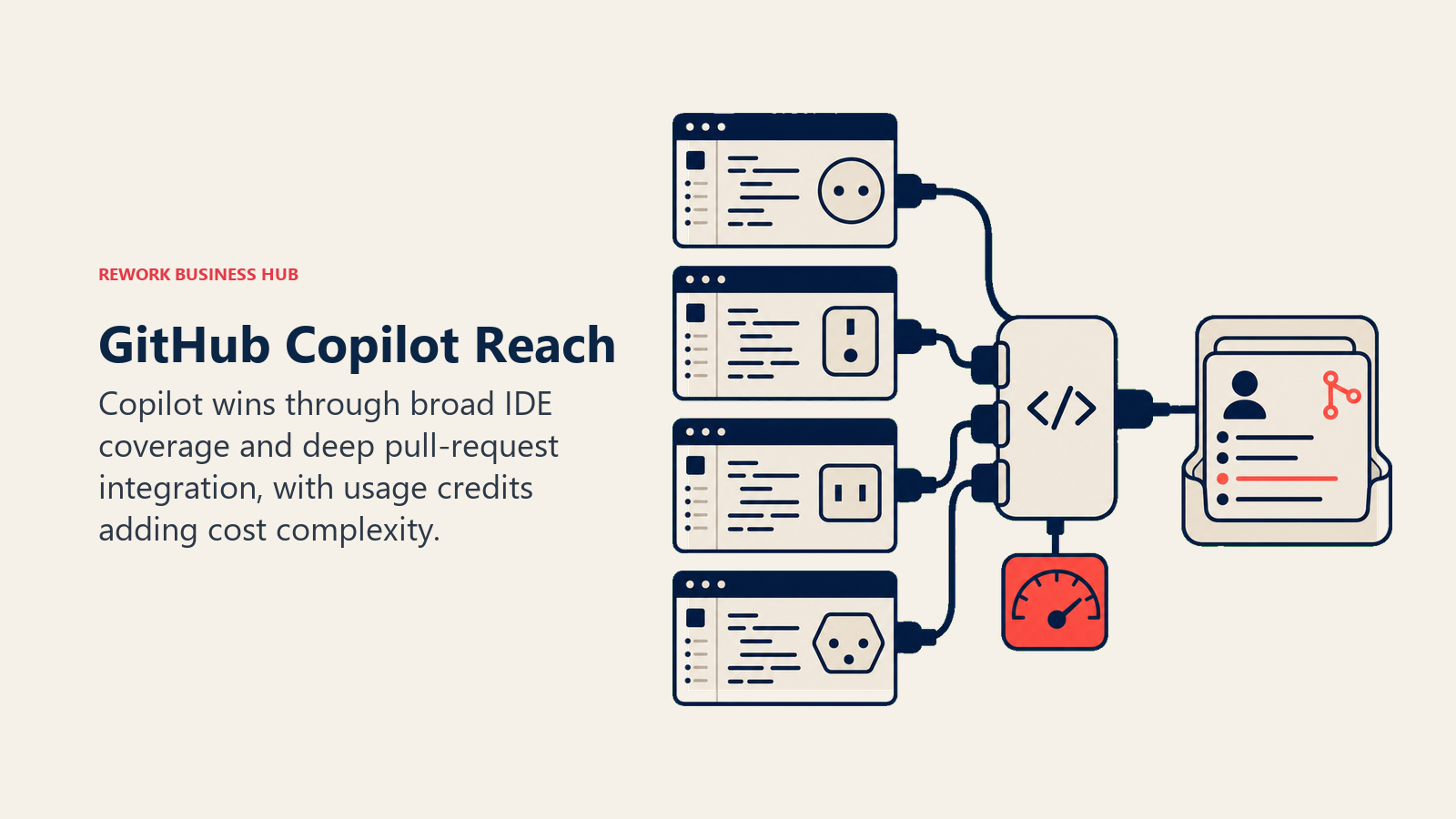
Copilot is the AI coding tool most developers meet first, because it lives inside the editor they're already using: VS Code, JetBrains IDEs, Neovim, Visual Studio, even Eclipse. Its strength was never being the smartest agent in the room; it's the deepest integration with GitHub itself, pull requests, code review, and Actions.
Best for: teams already standardized on GitHub who want AI assistance without changing tools.
Key strengths: broadest IDE support of any tool on this list, tightest GitHub PR and code review integration, strong enterprise governance and admin controls.
Limitations: the June 2026 shift to usage-based GitHub AI Credits means heavy agentic users can burn through included credits faster than the old premium-request model, and per-token billing is harder to forecast than a flat seat price.
| What you get | What you don't |
|---|---|
| Works across nearly every major IDE | Usage-based credits since June 2026 add billing complexity |
| Deepest GitHub PR and review integration | Not the deepest multi-file agent on this list |
| Strong enterprise admin and governance tooling | Free tier is limited for daily agentic use |
Pricing: Free tier (limited); Pro $10/mo ($15 in credits included); Pro+ $39/mo ($70 in credits); Business $19/user/mo; Enterprise $39/user/mo; Max $100/mo ($200 in credits), all billed in GitHub AI Credits at $0.01 each.
3. Claude Code: Built for Long, Agentic Sessions
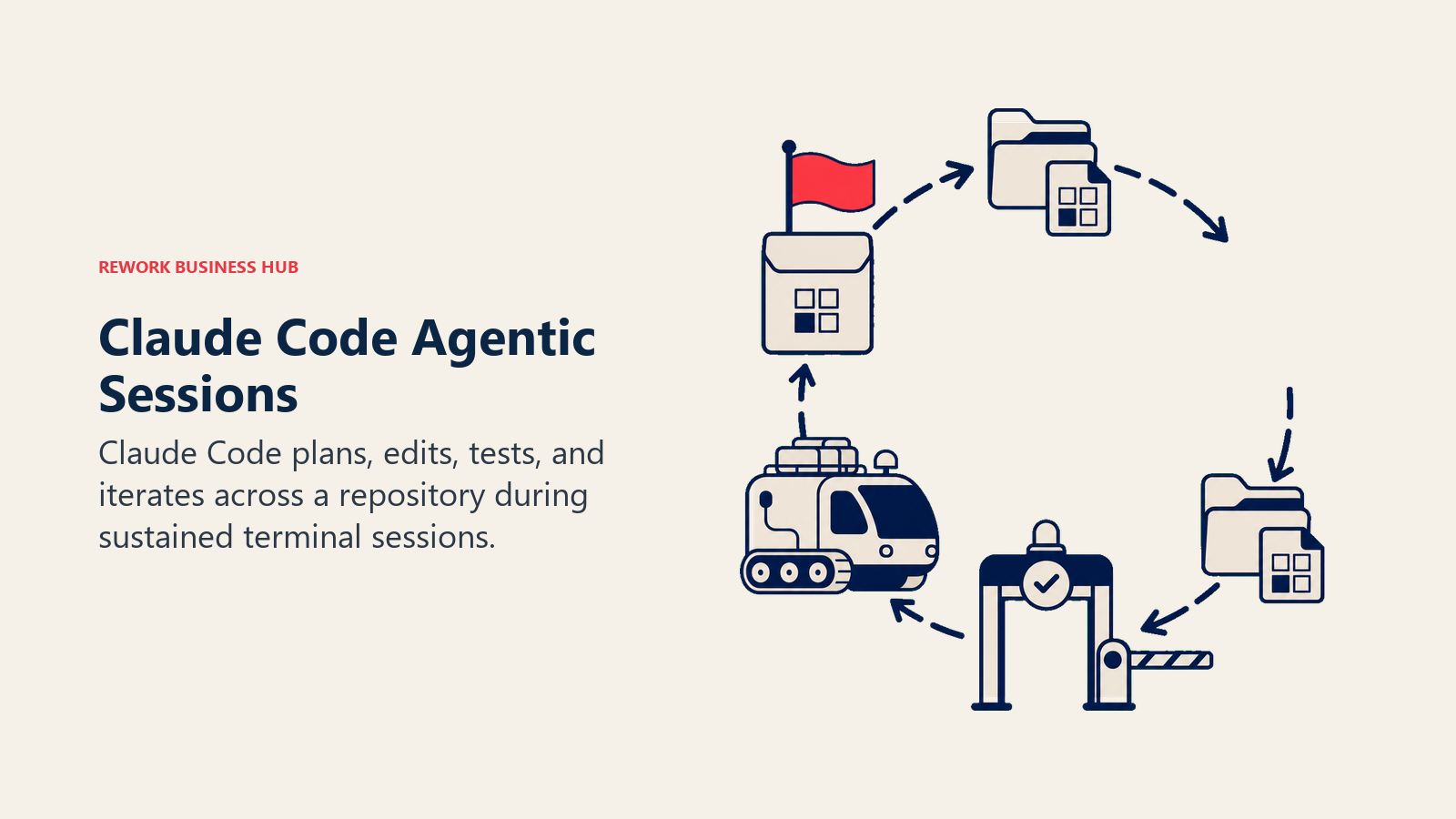
Claude Code is Anthropic's terminal-based coding agent, and it's built differently than an autocomplete plugin: it's meant to run sustained, multi-step sessions where it plans, edits across files, runs tests, and iterates without constant hand-holding. It's included in every paid Claude plan and shares the same usage pool as your regular Claude chats. For how it compares with Cursor and Copilot on cost at 1, 10, and 50 developers and on enterprise controls, see Claude Code vs Cursor vs GitHub Copilot.
Best for: developers who want a genuinely autonomous agent for larger tasks (refactors, migrations, multi-file features) rather than line-by-line suggestions.
Key strengths: strong multi-step reasoning over long sessions, works directly in the terminal against your real repo and git history, no separate IDE to learn.
Limitations: usage is capped by a 5-hour rolling session window and a weekly ceiling, so heavy daily use can hit limits; no dedicated GUI, which some developers prefer and others don't.
| What you get | What you don't |
|---|---|
| Strong long-horizon agentic reasoning | Shares usage pool with your Claude chat plan |
| Native terminal and git-aware workflow | 5-hour session windows plus a weekly cap |
| No new IDE to install or learn | No built-in GUI for developers who want one |
Pricing: Included in Claude Pro ($17/mo billed annually, $20/mo month-to-month); Max 5x $100/mo; Max 20x $200/mo; Team Premium roughly $100-125/seat; or pay-as-you-go via the Anthropic API with no monthly floor.
4. Windsurf (Devin Desktop): The Agentic IDE, Rebranded Again
Windsurf started as Codeium, became Windsurf after a 2024 rebrand, and was folded into Cognition's Devin family as Devin Desktop on June 2, 2026, after Cognition acquired Windsurf in December 2025. It still runs as its own IDE built around the Cascade agent, with fast Tab autocomplete and a proprietary SWE model alongside Claude and GPT-class options.
Best for: developers who want an agentic, AI-first IDE experience similar to Cursor at a comparable or slightly lower price point.
Key strengths: unlimited Tab completions on every plan including free, daily and weekly usage quotas instead of a burnable credit pool, tight integration with Cognition's broader Devin ecosystem.
Limitations: the branding churn (Codeium to Windsurf to Devin Desktop in under two years) makes long-term product identity harder to track, and the old Cascade agent reaches end of life July 1, 2026, replaced by Devin Local.
| What you get | What you don't |
|---|---|
| Unlimited Tab autocomplete on all plans | Third major rebrand in two years creates identity churn |
| Daily/weekly quotas instead of burnable credits | Cascade agent EOL July 1, 2026, migrate to Devin Local |
| Proprietary SWE model plus Claude/GPT options | Newer under Cognition, roadmap still consolidating |
Pricing: Free; Pro $20/mo; Max $200/mo; Teams $40/user/mo; Enterprise custom.
5. Cline: The Free Agent You Control
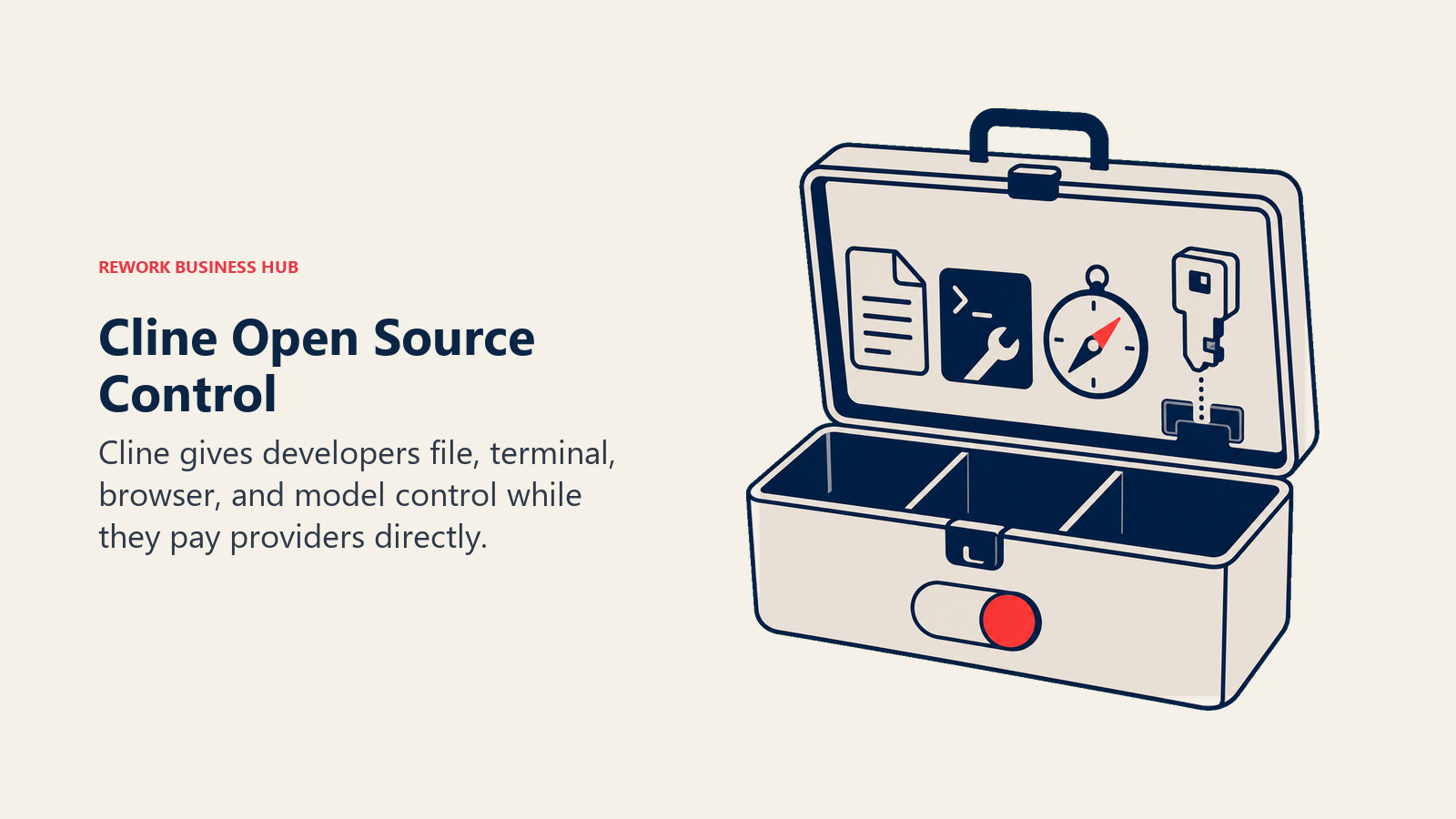
Cline (formerly Claude Dev) is an open-source, Apache 2.0-licensed autonomous coding agent that runs as a VS Code or JetBrains extension. There's no subscription for the core tool: you bring your own API key from Anthropic, OpenAI, or another provider, and pay only for the tokens you use. It can read and write files, run terminal commands, and browse the web for research inside a Plan/Act workflow.
Best for: developers who want a genuinely autonomous agent without paying a vendor markup on top of model costs.
Key strengths: completely free core product, full autonomy over files and terminal, MCP support for connecting external tools, no vendor lock-in on the underlying model.
Limitations: you manage your own API keys and billing across providers, and typical usage runs $5-50/month in inference costs for light-to-moderate use, more for heavy agentic sessions.
| What you get | What you don't |
|---|---|
| Fully free, open-source core (Apache 2.0) | You manage your own API keys and provider billing |
| Full file, terminal, and browser autonomy | No bundled model, cost varies by provider chosen |
| MCP integration for external tools | Team plan needed for shared config across a team |
Pricing: Open Source (core extension) free, pay only for model inference; Teams roughly $20/mo per seat for shared configuration and billing; Enterprise custom.
6. Aider: The Terminal-Native Pair Programmer
Aider is a free, MIT-licensed command-line AI pair programmer with one of the longest track records in this category. It connects to almost any LLM, including local models, and its standout feature is that it commits every change automatically with a sensible commit message, so you get a clean git history you can diff, review, and roll back like any other change.
Best for: developers who live in the terminal and want AI changes to behave like normal, reviewable git commits.
Key strengths: 100% free and open source, model-agnostic (works with Claude, GPT, DeepSeek, and local models), automatic git commits for every change, broad language support.
Limitations: no GUI and no built-in IDE integration beyond the terminal, so it suits developers already comfortable working from the command line.
| What you get | What you don't |
|---|---|
| Free, open-source, MIT-licensed | Terminal-only, no GUI |
| Works with almost any LLM, including local ones | No built-in IDE panel or visual diff review |
| Automatic git commits for every AI change | Less discoverable for developers new to CLI tools |
Pricing: Free and open source; you pay only your chosen LLM provider directly, typically a few cents per implementation.
7. Zed AI: Built for Speed
Zed is a native, Rust-built code editor designed around raw performance, and its AI features are layered on top of that same speed-first philosophy. Personal use is free forever, including 2,000 accepted edit predictions a month. In May 2026, Zed cut its Pro tier price from $20 to $10 a month, one of the more aggressive price moves in the category this year.
Best for: developers who feel friction in slower Electron-based AI editors and want a genuinely fast interface.
Key strengths: native performance with minimal latency, generous free tier for edit predictions, transparent token-based billing on Pro with an included credit bundle.
Limitations: smaller plugin and extension ecosystem than VS Code-based competitors, and its agentic capabilities are less mature than Cursor's or Windsurf's.
| What you get | What you don't |
|---|---|
| Fastest native editor performance in this list | Smaller extension ecosystem than VS Code forks |
| Pro dropped to $10/mo in May 2026 | Agentic features less mature than Cursor/Windsurf |
| Unlimited edit predictions with your own keys | Business tier jumps to $30/seat |
Pricing: Personal free (2,000 edit predictions/mo, unlimited with own keys); Pro $10/mo ($5 in tokens included, overage at API price plus 10%); Business $30/seat/mo.
8. JetBrains AI Assistant: Native to IntelliJ, PyCharm, and WebStorm
For developers already living inside a JetBrains IDE (IntelliJ IDEA, PyCharm, WebStorm, Rider, and the rest), JetBrains AI Assistant is the tightest-integrated option because it's built by the same company as the editor. It launched a genuinely usable free tier in early 2026, including unlimited local completions and limited cloud features, plus support for local models like Ollama and LM Studio.

Best for: teams standardized on JetBrains IDEs who want AI features without a second tool to manage.
Key strengths: deepest integration with JetBrains' own refactoring and navigation tools, choice between multiple frontier models depending on tier, local model support for privacy-sensitive teams.
Limitations: value is tied to already using a JetBrains IDE; teams on VS Code or another editor get nothing from this product.
| What you get | What you don't |
|---|---|
| Deepest integration inside JetBrains IDEs | No value if your team isn't on a JetBrains IDE |
| Free tier with unlimited local completions | Cloud model usage capped on lower tiers |
| Multi-model choice (GPT, Claude, Gemini class) | Business tier pricing doubles Individual pricing |
Pricing: Free tier available; AI Pro Individual $10/mo; AI Pro Business $20/mo; AI Ultimate Individual $30/mo; AI Ultimate Business $60/mo; Enterprise custom. AI Pro ships free with the All Products Pack and dotUltimate subscriptions.
9. Amazon Q Developer: AWS-Native, But Sunsetting
Amazon Q Developer is AWS's coding assistant, built to understand your AWS infrastructure alongside your code: IAM policies, CloudFormation templates, and service configuration. It's a strong fit if your stack is AWS-heavy, but it comes with a hard expiration date: AWS closed new signups for the IDE plugin and paid subscriptions on May 15, 2026, and will end support entirely on April 30, 2027, pointing existing users toward its successor, Kiro.
Best for: teams already deep in AWS who need the runway before migrating, not new adopters.
Key strengths: native understanding of AWS services and infrastructure code, IP indemnity on the Pro tier, straightforward $19/user/month pricing.
Limitations: the product is being wound down. New teams should evaluate Kiro, Copilot, or Cursor instead of onboarding onto a tool with a published end-of-support date.
| What you get | What you don't |
|---|---|
| Native AWS infrastructure and service context | New signups closed May 15, 2026 |
| IP indemnity included on Pro tier | Support ends entirely April 30, 2027 |
| Simple flat $19/user/mo pricing | AWS is directing new users to Kiro instead |
Pricing: Free tier (50 agentic requests/mo, code suggestions, limited code transformation); Pro $19/user/mo.
10. Tabnine: Built for Air-Gapped Environments
Tabnine's whole pitch in 2026 is privacy and control: it's the only tool on this list that offers a genuinely air-gapped, fully self-hosted deployment where code never touches a public cloud API. It retired its free individual tier in April 2025 and has repositioned entirely around enterprise and regulated-industry customers who can't use a SaaS-only AI coding tool.
Best for: regulated industries (finance, healthcare, defense, government contractors) that require code to stay entirely within their own infrastructure.
Key strengths: true on-premise and air-gapped deployment options, IDE chat support across the SDLC, flexible model deployment for compliance-heavy environments.
Limitations: no individual or free tier anymore, self-hosted deployment requires GPU infrastructure that adds real cost, and it's priced at the high end of this list for what individual developers get.
| What you get | What you don't |
|---|---|
| True air-gapped, self-hosted deployment | No free or individual tier since April 2025 |
| Chat and completions across the full SDLC | Self-hosted GPU infrastructure adds real cost |
| Built for compliance-heavy regulated industries | Priced above most competitors at $39-59/user/mo |
Pricing: Code Assistant $39/user/mo; Agentic Platform $59/user/mo; both require annual billing.
11. Sourcegraph Cody: Enterprise Code Intelligence at Scale
Cody's positioning changed completely in 2025: what used to be a free-to-Pro consumer product is now a single Enterprise plan built for organizations with genuinely large, multi-repo codebases. Sourcegraph stopped taking new Free and Pro signups in June 2025, terminated existing accounts the following month, and pointed individual users toward Amp, its newer product that spun off as an independent company in December 2025.
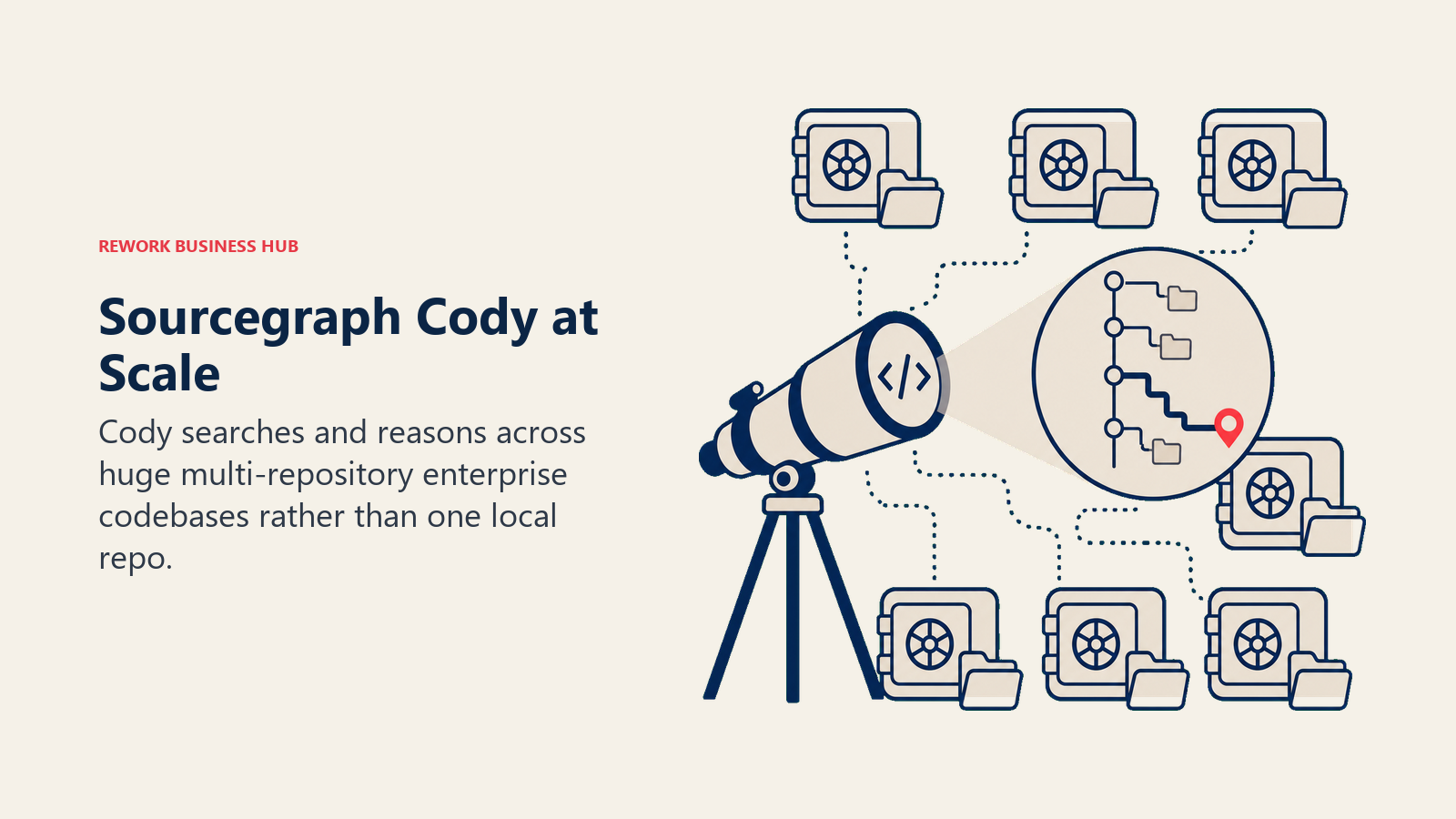
Best for: large enterprises with sprawling, multi-repository codebases that need code intelligence spanning the whole org, not just one repo.
Key strengths: multi-repo context and code search at a scale most competitors don't attempt, strong fit for platform and infrastructure teams navigating large monorepos.
Limitations: enterprise-only pricing and negotiation, no self-serve or individual option anymore, and if you're not operating at genuine enterprise scale, other tools deliver more value per dollar.
| What you get | What you don't |
|---|---|
| Multi-repo intelligence at real enterprise scale | No individual or Pro plan anymore |
| Purpose-built for large, complex monorepos | Requires enterprise sales negotiation |
| Deep code search across the whole org | Amp (the newer product) targets individuals instead |
Pricing: Enterprise only, $59/user/mo (annual negotiation typical).
12. Replit Agent: From Prompt to Deployed App
Replit Agent is less a coding assistant and more a build-and-ship loop that happens entirely in the browser: describe what you want, and the agent scaffolds the app, writes the code, and deploys it, all inside Replit's own cloud environment. It's the strongest option on this list for people who want to go from idea to a running, hosted app without configuring local infrastructure. It sits closer to prompt-to-app builders like Lovable and Bolt.new than to editor assistants, and our vibe coding tools roundup compares those builders on credit pricing and what you can export.
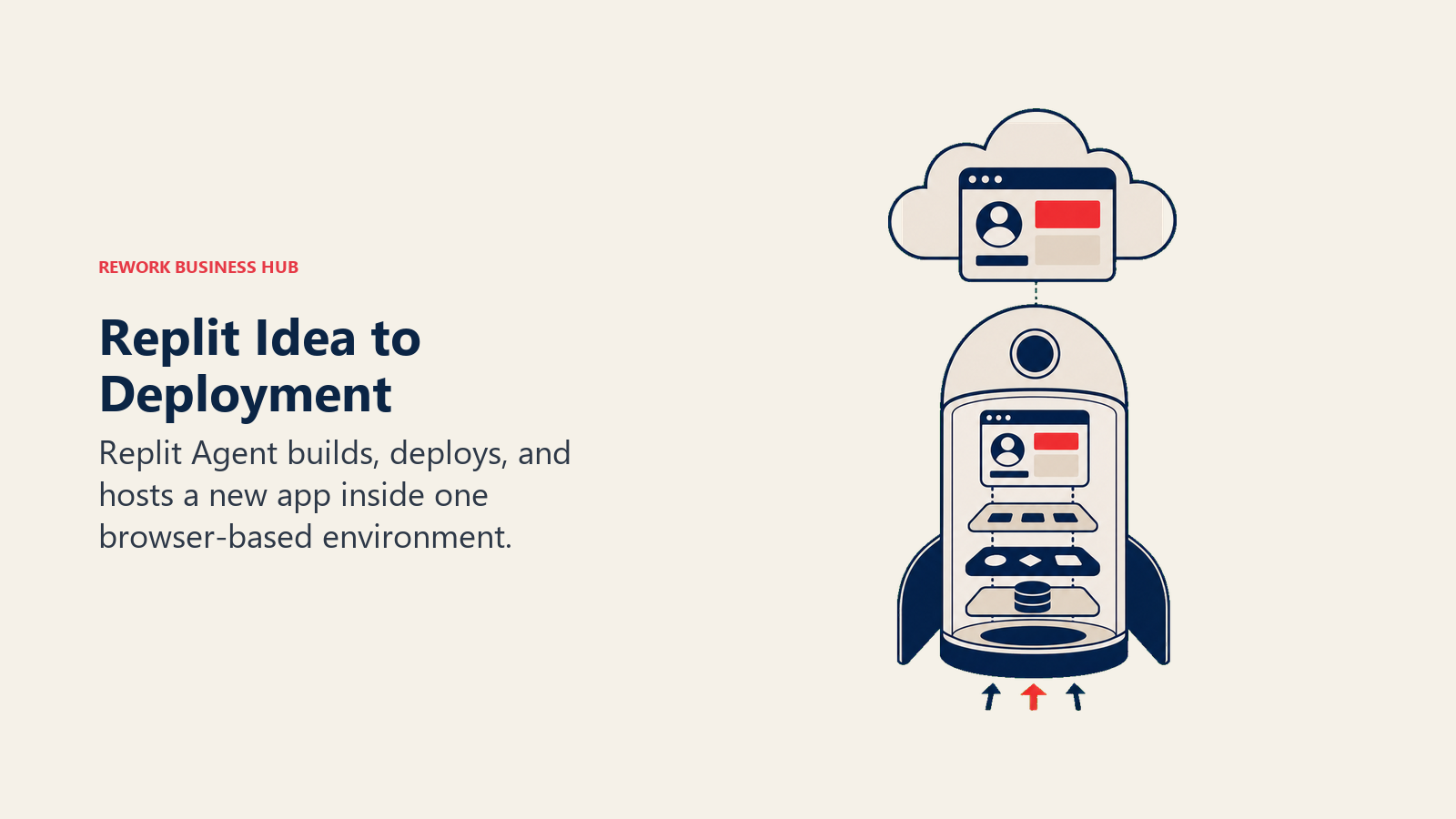
Best for: founders, product managers, and developers who want to prototype and ship a full app quickly without managing hosting themselves.
Key strengths: genuinely end-to-end (build, deploy, and host in one flow), no local environment setup required, credit-based pricing that scales with actual usage.
Limitations: less suited to teams with an existing complex codebase and CI/CD pipeline they need to integrate with; you're building inside Replit's environment, not your own.
| What you get | What you don't |
|---|---|
| End-to-end build, deploy, and hosting in one flow | Best suited to new projects, not existing complex codebases |
| No local environment or infra setup required | You're building inside Replit's platform, not your own stack |
| Pro plan now flat $100/mo for up to 15 builders | Credit-based pricing needs monitoring on heavier projects |
Pricing: Starter free (limited agent, daily credits, 1 published app); Core roughly $20-25/mo with usage credits; Pro $100/mo flat for up to 15 builders; Enterprise custom.
13. Devin: The Fully Autonomous Engineer
Devin, from Cognition, is built to work more like a teammate than a tool: you assign it a ticket, and it plans the approach, writes the code, runs tests, and reports back, largely unattended. It went through a dramatic pricing shift in late 2025, an approximately 96% cut that took the entry point from an eye-watering $500/month baseline down to $20/month for individual use with usage-based billing on top.

Best for: teams that want to delegate well-scoped tickets (bug fixes, small features, migrations) to an agent that works independently rather than pairing with a developer in real time.
Key strengths: genuinely autonomous multi-step task execution, transparent ACU-based usage billing, dramatically more accessible pricing than its original launch.
Limitations: ACU billing (Agentic Computing Units, roughly 15 minutes of active work each) can be hard to estimate up front, and autonomous execution still needs review before merging into production.
| What you get | What you don't |
|---|---|
| Genuinely autonomous, unattended task execution | ACU-based billing takes time to learn to estimate |
| Individual entry point now $20/mo, down 96% from launch | Still needs human review before merging output |
| Team plan removes the 10-session concurrency cap | Best suited to well-scoped tickets, not open-ended work |
Pricing: Free plan available; individual $20/mo plus pay-as-you-go ACU billing at $2.25/ACU; Team $500/mo including 250 ACUs at $2.00 each; Enterprise custom.
14. Augment Code: Deep Context for Large Codebases
Augment Code built its reputation on a context engine designed to understand large, messy, real-world enterprise codebases better than general-purpose competitors. In 2026 it made a hard pivot: individual Indie ($20/mo) and Standard ($60/mo) plans were retired in June, inline completions were removed from legacy plans in March, and the company is now positioning its next act, a multi-agent orchestration product called Intent.
Best for: engineering teams (not individuals) working in large, complex, and often legacy enterprise codebases who need an agent that actually understands the whole system.
Key strengths: context engine built specifically for large, sprawling codebases, flat team pricing that doesn't punish adding seats, strong fit for enterprise rollouts.
Limitations: no individual plan anymore, the product is mid-pivot toward its new Intent orchestration layer, and inline completions have been stripped from what remains of the legacy plans.
| What you get | What you don't |
|---|---|
| Context engine built for large, messy codebases | No individual plan since June 2026 |
| Flat $100/mo covers up to 50 seats, no per-seat math | Inline completions removed from legacy plans |
| Enterprise option for 50+ seat rollouts | Product mid-pivot toward Intent, roadmap in flux |
Pricing: Business $100/mo flat (up to 50 seats, no per-seat charge); Enterprise custom for 50+ seats.
Pricing at a Glance
| Tool | Free Tier | Individual Entry Price | Team/Business Price |
|---|---|---|---|
| Cursor | Yes (Hobby) | $20/mo (Pro) | $40/user/mo |
| GitHub Copilot | Yes (limited) | $10/mo (Pro) | $19/user/mo (Business) |
| Claude Code | No | $17-20/mo (Pro, shared plan) | ~$100-125/seat (Team Premium) |
| Windsurf (Devin Desktop) | Yes | $20/mo (Pro) | $40/user/mo |
| Cline | Yes (full core) | Free + inference cost | ~$20/mo/seat (Teams) |
| Aider | Yes (full tool) | Free + inference cost | N/A |
| Zed AI | Yes (Personal) | $10/mo (Pro) | $30/seat/mo (Business) |
| JetBrains AI Assistant | Yes | $10/mo (Pro Individual) | $20-60/mo (Business tiers) |
| Amazon Q Developer | Yes (50 req/mo) | $19/user/mo (Pro) | Same, per seat |
| Tabnine | No | $39/user/mo | $59/user/mo (Agentic) |
| Sourcegraph Cody | No | N/A | $59/user/mo (Enterprise only) |
| Replit Agent | Yes (Starter) | $20-25/mo (Core) | $100/mo flat, up to 15 builders |
| Devin | Yes | $20/mo + $2.25/ACU | $500/mo (250 ACUs included) |
| Augment Code | No | N/A | $100/mo flat, up to 50 seats |
Where the Category Is Heading
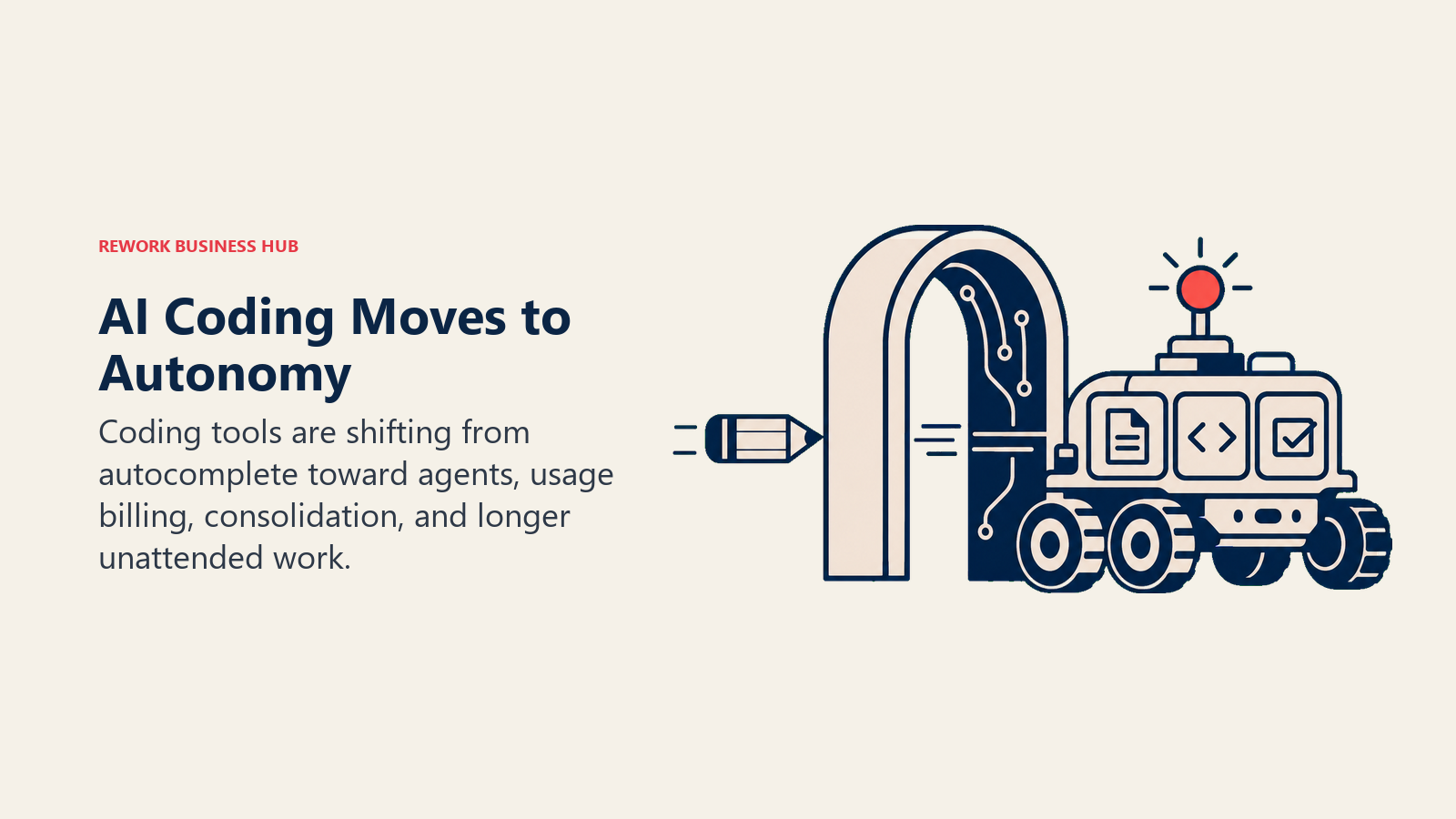
The center of gravity is shifting from autocomplete toward autonomy. Tools that started as inline suggestion engines (Copilot, Tabnine, JetBrains AI) are all racing to add agentic modes, while tools that launched agentic-first (Devin, Cline, Claude Code) are pulling further ahead on long, unattended task execution. Pricing is consolidating around credit and token-based models rather than flat seats, which is more accurate but harder for buyers to forecast, exactly the tension GitHub Copilot's June 2026 shift exposed. Expect more consolidation like the Windsurf-to-Devin-Desktop and Cody-to-Amp moves, as smaller players get folded into larger agent platforms, and expect free and open-source options like Cline and Aider to keep gaining share among developers who'd rather pay a model provider directly than a markup on top.
Frequently Asked Questions about AI Coding Tools
What is the best AI coding tool overall in 2026?
It depends on your workflow. Cursor and Windsurf (Devin Desktop) lead if you want an AI-first IDE. GitHub Copilot wins if you want to stay in your current editor with the widest IDE support. Claude Code and Aider lead for long, agentic terminal sessions rather than line-by-line completions.
What is the best free AI coding tool?
Cline and Aider are fully free and open source, you just bring your own API key and pay the model provider directly. Cursor's Hobby tier, Windsurf's Free tier, and JetBrains AI Assistant's free tier are also genuinely usable for light daily work.
Is GitHub Copilot's new pricing more expensive?
It depends on usage. Copilot moved from Premium Request Units to usage-based GitHub AI Credits on June 1, 2026, billed at $0.01 per credit based on token consumption. Light users on Pro at $10/mo may see little change, but heavy agentic users can burn through included credits faster than the old system.
What happened to Windsurf and Codeium?
Codeium rebranded to Windsurf in 2024. Cognition (the company behind Devin) acquired Windsurf in December 2025, and on June 2, 2026, rebranded it again as Devin Desktop. It still ships as its own IDE with the Cascade agent, now being replaced by Devin Local.
What is the difference between Claude Code and Cursor?
Claude Code is a terminal-based agent built for sustained, long-horizon sessions against your git repo, with no dedicated GUI. Cursor is a full VS Code fork IDE with inline multi-file editing and a visual interface. Many developers use both for different tasks.
Is Amazon Q Developer being discontinued?
AWS closed new signups for the Q Developer IDE plugin and paid subscriptions on May 15, 2026, and will end support entirely on April 30, 2027, in favor of its newer agent, Kiro. Existing users have a migration runway; new teams should look elsewhere.
Which AI coding tool is best for enterprise or regulated industries?
Tabnine is the only option with genuine air-gapped, fully self-hosted deployment. Sourcegraph Cody is enterprise-only and purpose-built for huge multi-repo codebases. Augment Code, now Business-tier only, is built for large teams working in complex legacy enterprise codebases.
Related Reading
- Cursor vs GitHub Copilot vs Windsurf: AI Coding Tools Compared for Engineering Leaders, a deeper decision framework for CTOs evaluating a team-wide rollout
- Best AI Tools in 2026: The Top 25 Across Every Category, the flagship AI tools roundup this guide sits under
- Best Cursor Alternatives, for teams evaluating Cursor specifically against its closest competitors
- Best GitHub Copilot Alternatives, for teams evaluating Copilot specifically against its closest competitors
- Claude vs ChatGPT vs Gemini: Which LLM Fits Your Business in 2026, useful context on the model providers behind several of these tools
- Best AI Tools for Sales in 2026, a sibling roundup for revenue teams building an AI stack
- Best AI Tools for Content Writers in 2026, a sibling roundup for content teams
- Best AI Tools for Digital Marketing in 2026, a sibling roundup for marketing teams
- Best Linear Alternatives, for engineering teams pairing an AI coding tool with new project tracking
- Best Vercel Alternatives, for teams evaluating where AI-generated code gets deployed
What to Do Next
Pick one tool for daily inline coding and, separately, one agentic tool for larger multi-file work, then run both against a real sprint before you standardize across the team. If you're evaluating this as a team-wide rollout rather than a personal choice, read the Cursor vs Copilot vs Windsurf comparison next: it walks through the governance, security, and adoption questions that matter once you're spending five or six figures a year on AI coding tools instead of just picking your own editor.

Principal Product Marketing Strategist
On this page
- Updated July 2026: What Changed
- Key Facts
- Quick Comparison Table
- How to Choose: Decision Framework
- Categories: Which Type of Tool Do You Need
- 1. Cursor: The Default AI-First IDE
- 2. GitHub Copilot: The Widest Reach
- 3. Claude Code: Built for Long, Agentic Sessions
- 4. Windsurf (Devin Desktop): The Agentic IDE, Rebranded Again
- 5. Cline: The Free Agent You Control
- 6. Aider: The Terminal-Native Pair Programmer
- 7. Zed AI: Built for Speed
- 8. JetBrains AI Assistant: Native to IntelliJ, PyCharm, and WebStorm
- 9. Amazon Q Developer: AWS-Native, But Sunsetting
- 10. Tabnine: Built for Air-Gapped Environments
- 11. Sourcegraph Cody: Enterprise Code Intelligence at Scale
- 12. Replit Agent: From Prompt to Deployed App
- 13. Devin: The Fully Autonomous Engineer
- 14. Augment Code: Deep Context for Large Codebases
- Pricing at a Glance
- Where the Category Is Heading
- Related Reading
- What to Do Next