Best AI Tools in 2026: The Top 25 Across Every Category
Turn this article into takeaways for your work.


Each assistant summarizes the article only for you and suggests best practices for your work.
The best AI tools in 2026 aren't one tool, they're a stack. ChatGPT and Claude anchor daily reasoning and drafting, Cursor and GitHub Copilot handle code, Midjourney and Adobe Firefly cover visuals, Otter and Fireflies capture meetings, and category specialists like Surfer SEO, Gamma, and Rework fill in the workflow-specific gaps a general chatbot can't reach. This guide ranks 25 tools across 10 categories so you can build the right stack for your role instead of subscribing to everything.
Every tool below was evaluated on capability, pricing transparency, and real-world adoption inside its category, not on marketing claims. Where a tool changed its pricing model in the last few months (GitHub Copilot's move to usage-based credits, HubSpot Breeze's outcome-based agent pricing, Microsoft's retirement of standalone Copilot Pro), that shift is called out so you don't plan a budget around a tier that no longer exists.
Updated July 2026: What Changed
- Usage-based billing is spreading. GitHub Copilot moved its entire lineup to AI credits on June 1, 2026. Zapier followed on June 15 with model-tier pricing for AI steps. Expect more vendors to blend flat subscriptions with metered AI usage rather than pure per-seat pricing.
- Outcome-based pricing arrived in CRM AI. HubSpot now charges Breeze agents per resolved conversation ($0.50) or per qualified lead ($1.00) instead of a flat add-on fee, on top of the required Pro or Enterprise HubSpot seat.
- Microsoft folded Copilot Pro into Microsoft 365 Premium. The standalone $20/month consumer plan is being phased out; new buyers land on Microsoft 365 Premium or Microsoft 365 Copilot Business instead.
- Model orchestration became the norm, not the exception. Per a16z's most recent enterprise CIO survey, most large organizations now run three or more model families in production rather than standardizing on one vendor, which is why several tools below (Perplexity Max, Cursor) now market themselves on model routing rather than a single flagship model.
Key Facts
- 88% of organizations report using AI in at least one business function, and 79% now use generative AI specifically, up from 65% in 2024 and 33% in 2023, per McKinsey's State of AI research.
- Generative AI reached 53% population adoption within three years, a faster climb than the personal computer or the internet, according to the Stanford AI Index 2026 report.
- Enterprise generative AI spending roughly tripled in a single year, from $11.5 billion to $37 billion, with AI applications now representing more than 6% of the entire software market, per Menlo Ventures' State of Generative AI in the Enterprise report.
- 23% of organizations report they're actively scaling an agentic AI system somewhere in the business, with another 39% experimenting, according to McKinsey.
- Gartner predicts 40% of enterprise applications will be integrated with task-specific AI agents by the end of 2026, up from less than 5% in 2025, per Gartner's newsroom.
- 81% of enterprise IT leaders now orchestrate three or more model families in production, up from 68% a year earlier, according to a16z's enterprise AI CIO survey.
Quick Comparison Table
Use this table to scan all 25 tools at once before diving into a category. Pricing shown is the entry paid tier unless a tool is genuinely free to use for real work.
| Tool | Category | Best For | Starting Price | Free Tier? |
|---|---|---|---|---|
| ChatGPT | AI Assistant | General-purpose reasoning and drafting | $8/mo (Go) | Yes |
| Claude | AI Assistant | Long-context writing, careful reasoning, coding | $20/mo (Pro) | Yes |
| Gemini | AI Assistant | Google Workspace integration, huge context window | $19.99/mo (AI Pro) | Yes |
| Microsoft Copilot | AI Assistant | Microsoft 365 embedded AI | $21/user/mo (Business) | Limited |
| Perplexity | AI Search / Assistant | Cited, sourced answers and research | $20/mo (Pro) | Yes |
| Grok | AI Assistant | Real-time X data, fast responses | $30/mo (SuperGrok) | Yes |
| Jasper | AI Writing | Brand-consistent marketing copy at scale | $59/mo (Pro) | No (7-day trial) |
| Grammarly | AI Writing | Grammar, tone, and rewrite assistance everywhere you type | $12/mo (Pro, annual) | Yes |
| Midjourney | AI Image | Highest-quality stylized image generation | $10/mo (Basic) | No |
| Adobe Firefly | AI Image | Commercially safe images inside Adobe apps | $9.99/mo (Standard) | Yes |
| DALL-E (via ChatGPT/API) | AI Image | Image generation inside an existing ChatGPT workflow | Bundled in ChatGPT Plus ($20/mo) | Limited |
| Runway | AI Video | Professional AI video generation and editing | $12/mo (Standard, annual) | Yes (one-time credits) |
| Synthesia | AI Video | AI avatar and voiceover training videos | $18/mo (Starter, annual) | Yes |
| HeyGen | AI Video | AI avatars for marketing and sales videos | $24/mo (Creator, annual) | Yes |
| Otter.ai | Meeting Notetaker | Real-time transcription with high accuracy | $8.33/mo (Pro, annual) | Yes |
| Fireflies.ai | Meeting Notetaker | CRM-synced meeting notes at scale | $10/mo (Pro, annual) | Yes |
| Fathom | Meeting Notetaker | Free unlimited recording, AI summaries as the paid layer | $16/mo (Premium, annual) | Yes |
| Cursor | AI Coding | AI-native code editor for full projects | $20/mo (Pro) | Yes |
| GitHub Copilot | AI Coding | AI pair programmer inside existing IDEs | $10/mo (Pro) | Yes |
| Zapier (AI by Zapier) | AI Automation | No-code workflow automation with AI steps | $19.99/mo (Professional) | Yes |
| n8n | AI Automation | Technical, self-hostable workflow automation | $24/mo (Starter) | No (paid only) |
| Gamma | AI Presentations | AI-generated decks, docs, and websites | $9/mo (Plus) | Yes |
| Surfer SEO | AI SEO | Data-driven on-page content optimization | $99/mo (Essential) | No |
| Rework | AI Sales / CRM | Unified CRM, lead ops, and multi-channel inbox with AI copilots | $69/mo billed yearly (Sales Engine, 5 seats) | No |
| HubSpot Breeze | AI Sales / CRM | Outcome-priced AI agents on top of HubSpot CRM | $0.50/resolved conversation + HubSpot seat | Limited |
How to Choose: Decision Framework
Most people buy AI tools backward: they subscribe to the most talked-about chatbot, then wonder why their actual bottleneck (meeting follow-up, video production, lead routing) never improved. Work through these two tables before you subscribe to anything.
By Task
| If your bottleneck is... | Start with | Why |
|---|---|---|
| Drafting emails, docs, and general research | ChatGPT or Claude | Broadest general-purpose capability; both have solid free tiers to test fit |
| Finding accurate, sourced answers fast | Perplexity | Built for citation-backed search, not just conversation |
| Writing on-brand marketing copy at volume | Jasper | Brand voice training and marketing-specific templates |
| Catching grammar and tone issues everywhere you type | Grammarly | Runs in the background across email, docs, and Slack |
| Producing polished images without a design team | Adobe Firefly | Commercially safe training data, deep Adobe app integration |
| Making a stylized hero image or concept art | Midjourney | Still the highest ceiling on image quality and style control |
| Turning a script into a video without a camera crew | Synthesia or HeyGen | AI avatars remove the production bottleneck entirely |
| Never losing a client meeting's action items | Otter.ai, Fireflies.ai, or Fathom | All three transcribe and summarize automatically |
| Writing and shipping code faster inside an IDE | GitHub Copilot | Works inside VS Code, JetBrains, and other existing tools |
| Building or rebuilding a codebase with an AI-native editor | Cursor | Purpose-built editor, not a plugin |
| Automating workflows without writing code | Zapier | Largest app library, easiest no-code setup |
| Automating complex, technical, self-hosted workflows | n8n | Full workflow logic and self-hosting for technical teams |
| Building a deck or one-pager in minutes | Gamma | Text-to-deck generation with real design output |
| Ranking content pages higher in search | Surfer SEO | Data-backed content scoring against top-ranking pages |
| Unifying CRM, lead routing, and messaging with AI copilots | Rework | Built for mid-size teams outgrowing spreadsheets, not solo sellers |
By Budget
| Monthly budget per user | What you can realistically run |
|---|---|
| $0 | ChatGPT Free, Claude Free, Gemini Free, Grammarly Free, Fathom Free, GitHub Copilot Free, Cursor Hobby, Adobe Firefly Free |
| Under $20 | Add ChatGPT Go/Plus tier, Claude Pro, Perplexity Pro, Grammarly Pro, Otter Pro, Fireflies Pro, GitHub Copilot Pro, Gamma Plus |
| $20 to $60 | Add Cursor Pro, Midjourney Standard/Pro, Adobe Firefly Pro, Runway Pro, Synthesia Creator, HeyGen Pro |
| $60 to $150 | Add Jasper Pro, GitHub Copilot Pro+, Surfer SEO Essential, Zapier Team, HeyGen Business (seat + base) |
| Package pricing (not per-user) | Rework Sales Engine from $69/month billed yearly, 5 seats included |
AI Assistants and Chatbots
General-purpose AI assistants are the entry point for most people's AI stack, and in 2026 the gap between the top four (ChatGPT, Claude, Gemini, Copilot) has narrowed enough that "which one is best" now depends more on which ecosystem you're already in than raw model quality. If you're choosing your first assistant, our Claude vs ChatGPT vs Gemini breakdown goes deeper on the head-to-head differences.
| Tool | Underlying Model | Standout Strength | Starting Paid Price | Free Tier |
|---|---|---|---|---|
| ChatGPT | GPT-5.6 family | Broadest plugin and app ecosystem, strongest brand recognition | Go $8/mo, Plus $20/mo, Pro $200/mo | Yes, with ads |
| Claude | Claude Sonnet 5 / Opus 4.8 | Long-context reasoning, careful writing, strong coding via Claude Code | Pro $20/mo, Max 5x $100/mo, Max 20x $200/mo | Yes |
| Gemini | Gemini 3.1 Pro | 1M-token context window, deep Google Workspace integration | AI Plus $7.99/mo, AI Pro $19.99/mo, AI Ultra $99.99+/mo | Yes |
| Microsoft Copilot | GPT-based, Microsoft-tuned | Embedded directly in Word, Excel, Outlook, Teams | Business $21/user/mo (annual, promo $18) | Limited, being phased out |
| Perplexity | Multi-model orchestration | Every answer sourced and cited; Model Council cross-checks 3 frontier models on Max | Pro $20/mo, Max $200/mo | Yes |
| Grok | Grok 4.5 | Real-time X (Twitter) data access, fast responses | SuperGrok Lite $10/mo, SuperGrok $30/mo, Heavy $300/mo | Yes, capped |
ChatGPT remains the default reference point for AI assistants because of sheer ecosystem size: custom GPTs, a massive plugin directory, and the broadest name recognition outside tech circles. The Go tier ($8/month) is a genuinely useful low-cost entry point that most competitors don't match. Limitation: at Pro tier pricing ($200/month), it's the most expensive single-user option on this list, and usage limits on the free and Go tiers are tight for daily power users.
Claude wins on long-document handling and coding depth, which is why it shows up disproportionately in developer and research workflows. Anthropic's enterprise API market share has grown to roughly 40% as businesses shift budget away from single-model bets, according to Menlo Ventures. Limitation: no native image generation, so image-heavy workflows still need a second tool.
Gemini is the natural choice if your org already runs on Google Workspace. Google restructured its AI subscriptions in 2026, cutting the Ultra entry price from $249.99 to $99.99/month while keeping the mid-tier AI Pro at $19.99/month with a full 1-million-token context window, useful for feeding entire codebases or long reports into a single prompt.
Microsoft Copilot is mid-transition: the standalone $20/month Copilot Pro consumer plan is being retired in favor of Microsoft 365 Premium, while the business-focused Microsoft 365 Copilot sits at $21/user/month (currently discounted to $18 through September 2026). If your team already pays for Microsoft 365, Copilot is the lowest-friction way to get AI inside Word, Excel, and Outlook without switching tools.
Perplexity solves a different problem than the other four: instead of a conversational assistant, it's built to answer questions with cited sources, which makes it the default choice for research-heavy work where you need to trace a claim back to its origin. The $200/month Max tier adds Model Council, which runs a query across three frontier models simultaneously and shows where they agree or diverge, a genuinely novel approach to reducing single-model hallucination risk. See our Perplexity vs ChatGPT Search vs Gemini comparison for the full research-assistant breakdown.
Grok is the fastest-improving of the six on raw model capability, and its tight X integration gives it a genuine edge for real-time event and sentiment queries other assistants can't match. At $30/month for full access, it undercuts ChatGPT Plus and Claude Pro's usage ceilings while offering a newer flagship model, though its enterprise and team tooling is far less mature than the other five.
AI Writing Tools
Writing tools split into two jobs: generating new copy at volume (Jasper) and improving copy you or a team already wrote (Grammarly). Most teams end up running both. For a full breakdown of the leading options, see Jasper vs Copy.ai vs Writer.
| Tool | Best For | Starting Price | Free Tier |
|---|---|---|---|
| Jasper | Brand-voice marketing copy at scale | $59/mo (Pro, annual) | No, 7-day trial only |
| Grammarly | Grammar, tone, and rewrite checks across every app | $12/mo (Pro, annual) | Yes |
Jasper is purpose-built for marketing teams that need consistent brand voice across dozens of writers and hundreds of assets a month. The Pro plan (unlimited words, 3 trained brand voices) covers most solo marketers; the Business tier moves to custom pricing, typically starting around $900/month once you add seats, API access, and SSO. Limitation: general-purpose assistants like ChatGPT and Claude can now produce comparable first-draft copy for free, so Jasper's value is concentrated in teams that need brand-voice consistency at scale, not individuals writing occasional content.
Grammarly simplified its lineup in 2026, folding its old Premium and Business plans into a single Pro tier at $12/month (annual) that now includes tone suggestions and full-sentence rewrites previously reserved for Business customers. It runs as a background layer across email, Slack, Docs, and most text fields rather than a standalone writing tool, which is why it complements Jasper or ChatGPT rather than competing with them directly.
AI Image Generators
| Tool | Best For | Starting Price | Free Tier |
|---|---|---|---|
| Midjourney | Highest-ceiling stylized and artistic image quality | $10/mo (Basic) | No, no free trial since 2023 |
| Adobe Firefly | Commercially safe images inside Adobe workflows | $9.99/mo (Standard) | Yes, 25 credits/mo |
| DALL-E (ChatGPT/API) | Quick images inside an existing ChatGPT session | Bundled in ChatGPT Plus $20/mo | Limited free generations |
Midjourney still produces the most visually striking output of any mainstream image generator, which is why it remains the default for concept art, marketing key visuals, and anything where aesthetic quality matters more than editability. All paid tiers now include unlimited relaxed-mode generation above Basic, and a Stealth Mode (private generations) unlocks at the $60/month Pro tier. Limitation: Discord- or web-based workflow has a learning curve, and there's no meaningful free tier to test it first.
Adobe Firefly is the safer commercial choice: Adobe trains Firefly on licensed and public-domain content specifically so enterprise customers can use the output without copyright exposure, and it's woven directly into Photoshop, Illustrator, and Express. The Creative Cloud All Apps bundle ($54.99/month) includes 1,000 Firefly credits alongside full access to the rest of Adobe's suite, which is often better value than buying Firefly standalone if your team already touches Adobe tools.
DALL-E, accessed through ChatGPT Plus or the OpenAI API, is the convenience option: if you're already in a ChatGPT conversation and need a supporting image, there's no tool-switching cost. It's not the strongest generator on pure image quality against Midjourney or Firefly, but bundling it into an existing $20/month ChatGPT subscription makes it effectively free for teams already paying for ChatGPT.
AI Video Generators
| Tool | Best For | Starting Price | Free Tier |
|---|---|---|---|
| Runway | Professional-grade generative video and editing | $12/mo (Standard, annual) | Yes, 125 one-time credits |
| Synthesia | AI avatar training and explainer videos | $18/mo (Starter, annual) | Yes, ~10 min/mo |
| HeyGen | AI avatar marketing and sales videos | $24/mo (Creator, annual) | Yes, 3 videos/mo |
Runway targets a different job than Synthesia and HeyGen: it's for generating and editing genuinely new video content (Gen-4.5 model), used heavily in film, advertising, and creative production rather than corporate training. The credit-based system (625 credits/month on Standard) means real usage cost scales with how much video you generate, not a flat seat price. Limitation: credits burn fast on longer or higher-fidelity generations, so light users often land closer to $28 to $76/month in practice.
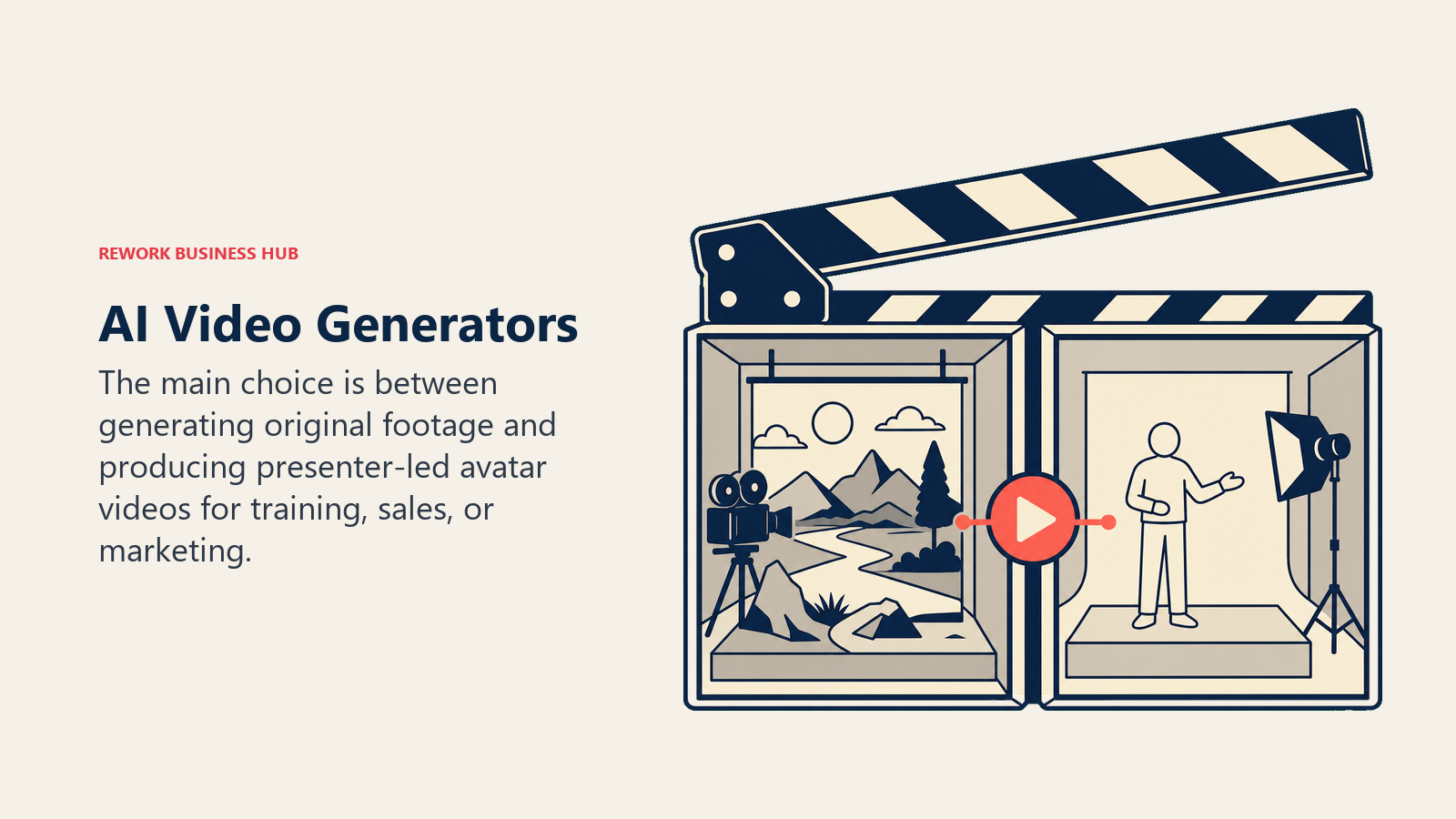
Synthesia is the category leader for AI-avatar corporate video: onboarding, training, and internal comms content that would otherwise need a camera, a presenter, and an editor. Pricing is per-editor-seat, not per-team, so every person creating videos needs their own license, which matters when budgeting for a content team rather than a single video producer.
HeyGen competes directly with Synthesia but leans harder into marketing and sales use cases: personalized outreach videos, ad creative, and multilingual dubbing. The advertised $29/month Creator price is misleading in practice, since higher-fidelity avatar models (Avatar IV/V) burn credits roughly 7x faster than the base avatar tier, meaning real monthly cost for regular users often lands closer to $100/month.
AI Meeting Notetakers
For a full head-to-head, see Otter vs Fireflies vs Fathom.
| Tool | Best For | Starting Price | Free Tier |
|---|---|---|---|
| Otter.ai | High-accuracy real-time transcription | $8.33/mo (Pro, annual) | Yes, 300 min/mo |
| Fireflies.ai | CRM-synced notes across a sales or CS team | $10/mo (Pro, annual) | Yes, 800 min total storage |
| Fathom | Unlimited free recording, paid for AI summaries | $16/mo (Premium, annual) | Yes, unlimited recording, 5 summaries/mo |
Otter.ai remains the most accurate pure transcription engine of the three, which matters most for teams that need a searchable, quotable record of what was actually said, not just a summary. The Pro tier's 1,200 minutes/month covers most individual users; Business ($19.99/user/month annual) adds unlimited transcription for teams that live in back-to-back meetings.
Fireflies.ai differentiates on CRM sync: the Business tier automatically pushes meeting summaries and action items into Salesforce or HubSpot records, which removes a manual logging step sales and CS teams otherwise do by hand. It's the strongest pick of the three for revenue teams specifically. Limitation: AI features (summaries, AskFred, highlights) draw from a shared credit pool that can run out before the month does on heavy usage.
Fathom has the most generous free plan in the category, unlimited recording with no time cap, capped only at 5 AI summaries per month. That makes it a genuinely usable free tool for light users, with the paid tiers ($16 to $25/month annual) unlocking unlimited AI summaries and, at the Business tier, CRM sync comparable to Fireflies.
AI Coding Assistants
For the full comparison, see Cursor vs Copilot vs Windsurf. For a terminal-first agent in the mix, see Claude Code vs Cursor vs GitHub Copilot, and for non-developers building apps from prompts, see the best vibe coding tools in 2026.
| Tool | Best For | Starting Price | Free Tier |
|---|---|---|---|
| Cursor | AI-native editor for full projects and multi-file agents | $20/mo (Pro) | Yes, 2,000 completions/mo |
| GitHub Copilot | AI pair programming inside your existing IDE | $10/mo (Pro) | Yes, limited models |
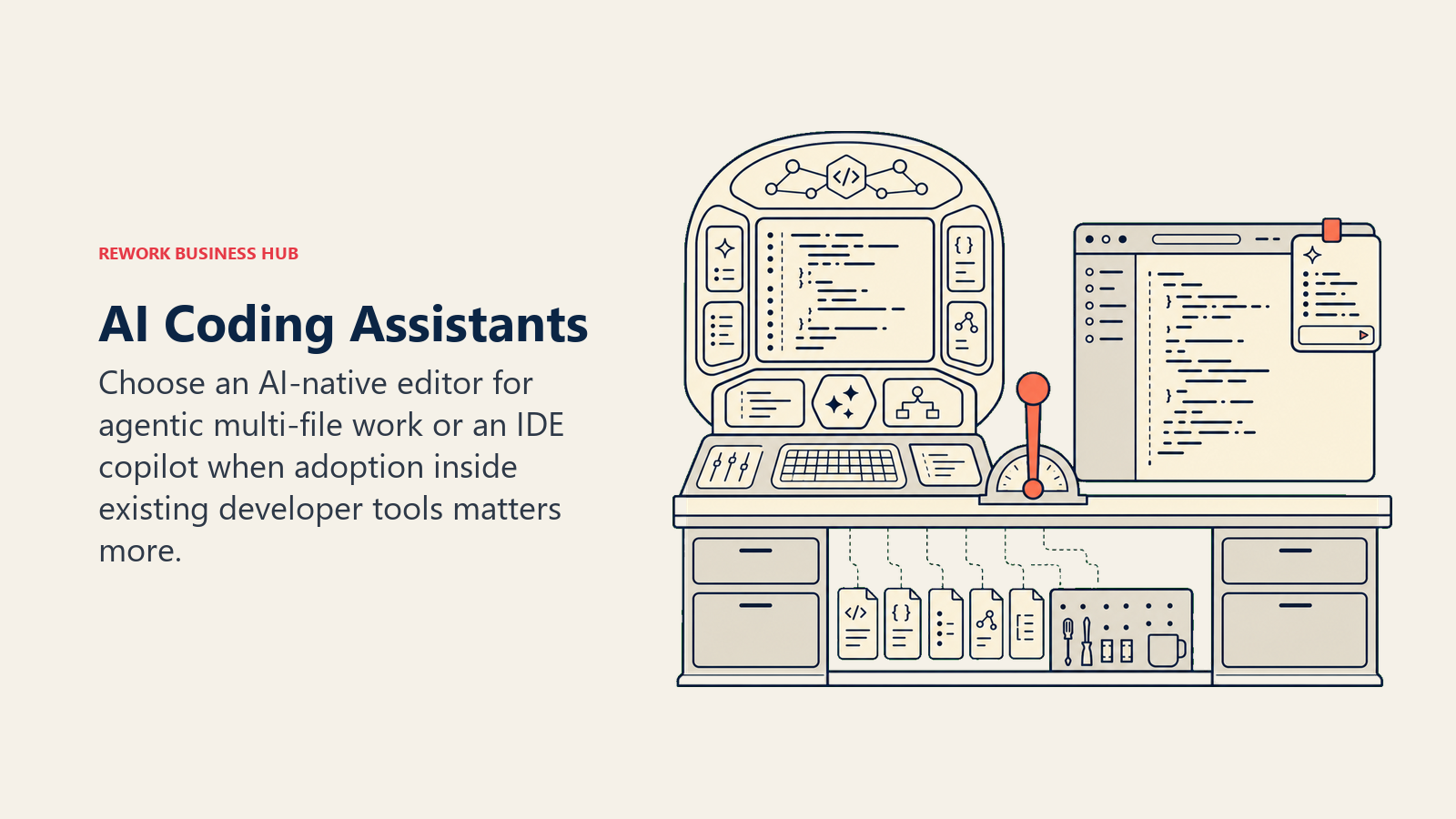
Cursor is a full code editor (a VS Code fork) built around AI from the ground up, with an agent mode that can plan and execute multi-file changes rather than just autocompleting one line at a time. The $20/month Pro tier includes $20 of frontier model usage credits on a metered system introduced in 2025, and Auto mode (a routed, cost-optimized model) runs unlimited on every paid tier. Limitation: because credits meter usage of frontier models specifically, heavy users on complex codebases can burn through the included allowance and need Pro+ ($60/month) or Ultra ($200/month).
GitHub Copilot plugs into the IDE you already use (VS Code, JetBrains, Neovim, Visual Studio) rather than asking you to switch editors, which is the single biggest adoption advantage it has over Cursor. As of June 2026, all tiers run on a usage-based AI credit system layered under the subscription price; Business ($19/seat/month) and Enterprise ($39/seat/month) add centralized management and a larger credit pool for organizations. Per Menlo Ventures, coding and developer tools now pull the single largest share of enterprise AI application spending ($7.3 billion), with roughly half of developers using AI daily, evidence that this category has moved from novelty to default tooling faster than almost any other.
AI Automation Platforms
| Tool | Best For | Starting Price | Free Tier |
|---|---|---|---|
| Zapier (AI by Zapier) | No-code automation with the largest app library | $19.99/mo (Professional, 750 tasks) | Yes, 100 tasks/mo |
| n8n | Technical, self-hostable workflow automation | $24/mo (Starter Cloud, 2,500 executions) | No |
Zapier is still the easiest on-ramp to automation for non-technical teams, with the largest app integration library in the category and AI steps built directly into workflows since mid-2026 (priced by model tier: Standard, Advanced, or Premium, at 1x, 3x, and 5x the base task cost respectively). Zapier Agents and Chatbots are separate paid add-ons (~$20/month each) rather than bundled into core plans, which is worth budgeting for separately if agent-style automation is the goal.
n8n targets technical teams that want full control over workflow logic, including self-hosting for compliance or cost reasons at scale. Cloud pricing starts at $24/month for 2,500 executions, but n8n removed its free tier entirely in 2026, and companies under 20 employees can apply for a 50% discount on the self-hosted Business plan. It's the more technical, more flexible option of the two; Zapier is the faster one to actually ship a workflow in.
AI Presentation and SEO Tools
| Tool | Best For | Starting Price | Free Tier |
|---|---|---|---|
| Gamma | AI-generated decks, docs, and simple websites | $9/mo (Plus, annual $8) | Yes, 400 one-time credits |
| Surfer SEO | Data-driven on-page content optimization against real SERPs | $99/mo (Essential) | No |
Gamma turns a text prompt or outline into a formatted presentation, document, or basic website in minutes, which makes it the fastest way to go from idea to shareable deck without opening a design tool. The Pro tier ($18/month, $15 annual) adds custom branding, analytics, and API access, useful once decks move from personal use to a repeatable team workflow.
Surfer SEO scores your draft content against what's actually ranking on page one for a target keyword, correlating word count, structure, and term usage with real search results rather than generic SEO advice. At $99/month (Essential), it's the most expensive tool per seat on this list outside enterprise CRM, reflecting that it's built for content and SEO teams producing at volume, not occasional bloggers.
AI Tools for Sales and CRM
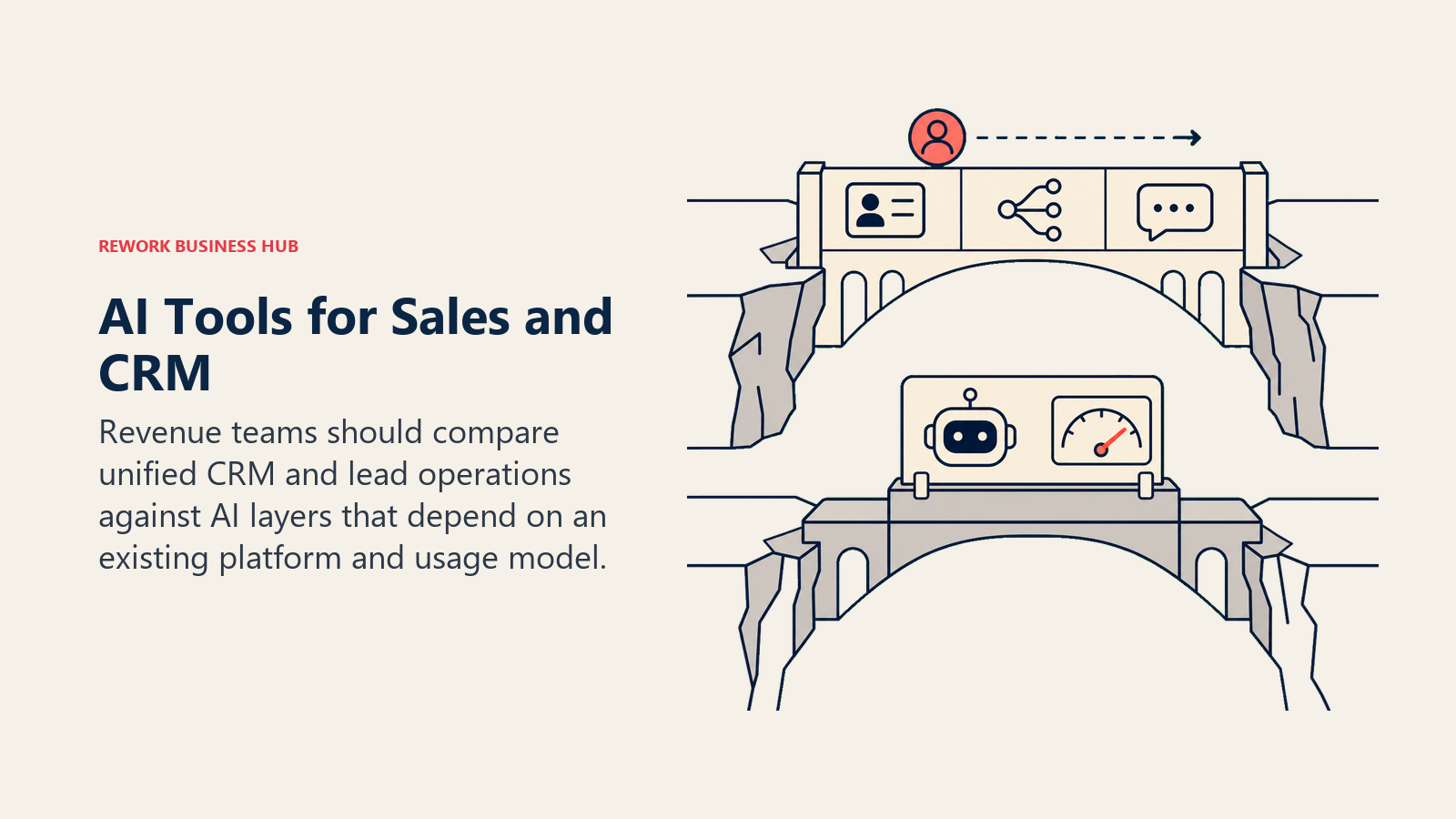
AI has moved from a bolt-on feature to a core expectation in CRM and revenue tooling. This is the one category on this list where Rework genuinely competes, not as the overall #1 pick across all 25 tools, but as a specific fit for mid-size revenue teams that want CRM, lead operations, and AI copilots in one product instead of three stitched-together SKUs.
| Tool | Best For | Starting Price | Free Tier |
|---|---|---|---|
| Rework | Unified CRM + lead ops + multi-channel inbox for mid-size teams | $69/mo billed yearly (Sales Engine, 5 seats) | No |
| HubSpot Breeze | AI agents layered onto an existing HubSpot CRM subscription | $0.50/resolved conversation (Customer Agent) | Limited, requires paid HubSpot tier |
Rework bundles CRM, lead scoring and distribution, and a unified WhatsApp/Messenger/Instagram/Telegram inbox into one data model, with AI copilots for lead scoring, follow-up drafting, and pipeline hygiene built on top rather than sold as a separate SKU. The Sales Engine runs $69/month billed yearly or $80 month to month with 5 sales seats included, and extra seats come in blocks of 5 ($21/month per block, billed yearly); the Revenue Engine, which adds the inbox and lead capture, is $159/month billed yearly. See the full Rework pricing breakdown for current package details.
Best for: 5 to 500-person revenue teams, particularly in B2B SaaS, real estate, education, and e-commerce, that are outgrowing spreadsheets or a bare-bones CRM and want lead routing and multi-channel messaging in the same place deals get tracked.
Not ideal for: solo sellers or 1 to 2 person teams (Rework doesn't sell single-seat licenses, and the coordination features that justify the price don't pay back until multiple people are working shared leads), or F500 enterprises needing Salesforce-level custom-object depth. For a head-to-head against the two largest AI-native competitors in this category, see Rework vs HubSpot Breeze and Rework vs Salesforce Agentforce. For the broader vendor landscape, see the AI sales ops vendor landscape.
HubSpot Breeze takes a fundamentally different pricing approach: instead of a flat AI add-on fee, HubSpot moved to outcome-based pricing in April 2026, charging per resolved support conversation or per qualified lead the AI agent surfaces. That model can be efficient at low volume and expensive fast at scale (real-world total cost ranges from near $0 to over $4,700/month depending on usage), and it requires an underlying HubSpot Professional ($90/seat/month annual) or Enterprise ($150/seat, 10-seat minimum) subscription before any Breeze agent is usable. It's the stronger fit for teams already committed to the HubSpot ecosystem specifically; Rework is the stronger fit for teams that haven't committed to a CRM vendor yet and want lead ops and messaging unified from day one.
Pricing at a Glance
| Tool | Entry Paid (Monthly) | Entry Paid (Annual, if cheaper) | Top Individual/Team Tier |
|---|---|---|---|
| ChatGPT | $8 (Go) | - | $200/mo (Pro) |
| Claude | $20 (Pro) | - | $200/mo (Max 20x) |
| Gemini | $19.99 (AI Pro) | - | $200/mo (AI Ultra top tier) |
| Microsoft Copilot | $25.20 (monthly) | $21/mo (annual, Business) | Enterprise, custom |
| Perplexity | $20 (Pro) | - | $200/mo (Max) |
| Grok | $30 (SuperGrok) | $25/mo (annual) | $300/mo (Heavy) |
| Jasper | $69 (monthly) | $59/mo (annual, Pro) | Business, custom (~$900+/mo) |
| Grammarly | $30 (monthly) | $12/mo (annual, Pro) | Enterprise, custom |
| Midjourney | $10 (Basic) | $8/mo (annual) | $120/mo (Mega) |
| Adobe Firefly | $9.99 (Standard) | - | $199.99/mo (Premium) |
| Runway | $15 (monthly) | $12/mo (annual, Standard) | $76/mo (Max, annual) |
| Synthesia | $29 (monthly) | $18/mo (annual, Starter) | Enterprise, custom |
| HeyGen | $29 (monthly) | $24/mo (annual, Creator) | $149/mo + $20/seat (Business) |
| Otter.ai | $16.99 (monthly) | $8.33/mo (annual, Pro) | $19.99/user/mo (Business, annual) |
| Fireflies.ai | $18 (monthly) | $10/mo (annual, Pro) | $39/seat (Enterprise, annual) |
| Fathom | $20 (monthly) | $16/mo (annual, Premium) | $25/user/mo (Business, annual) |
| Cursor | $20 (Pro) | - | $200/mo (Ultra) |
| GitHub Copilot | $10 (Pro) | - | $39/seat (Enterprise) |
| Zapier | $19.99 (Professional) | - | Enterprise, custom |
| n8n | $24 (Starter) | - | $667/mo (Business, self-hosted) |
| Gamma | $9 (monthly) | $8/mo (annual, Plus) | $90/mo (Ultra) |
| Surfer SEO | $99 (monthly) | $79/mo (annual, Essential) | $219/mo ($175 annual, Scale) |
| Rework | $80 (Sales Engine, 5 seats) | $69/mo (billed yearly, Sales Engine) | $159/mo billed yearly (Revenue Engine, 5 marketing + 5 sales seats) |
| HubSpot Breeze | $0.50/resolved conversation | - | Requires $150/seat Enterprise HubSpot (10-seat min) |
Free vs Paid: Where the Free Tiers Actually Work
Not every free tier is a real option for daily work. This table separates the free tiers worth using from the ones that exist mainly as a trial.
| Tool | Free Tier Is Usable For | Free Tier Breaks Down When |
|---|---|---|
| ChatGPT | Occasional questions, light drafting | You need consistent access during peak hours or GPT-5.6 Sol Pro |
| Claude | Light daily use, testing fit before Pro | You need Claude Code or heavy daily usage |
| Gemini | Testing before committing to Workspace-wide rollout | You need the 1M context window regularly |
| Perplexity | Occasional sourced research | You want Model Council or Comet browser |
| Grammarly | Everyday grammar checks | You need tone rewrites or team features |
| Adobe Firefly | Occasional image generation (25 credits/mo) | You need video, translation, or partner models |
| Runway | Testing the tool once (125 one-time credits) | Any real ongoing production use |
| Synthesia | Testing avatar quality (~10 min/mo) | You need more than one short video a month |
| HeyGen | Testing avatar quality (3 videos/mo) | Any regular content production |
| Otter.ai | Individuals with occasional meetings (300 min/mo) | Daily back-to-back meetings |
| Fireflies.ai | Light users (800 min total storage) | About 6 weeks of regular meetings, then storage fills |
| Fathom | Unlimited recording for anyone | You need more than 5 AI summaries a month |
| Cursor | Light coding, evaluating fit (2,000 completions/mo) | Daily professional development work |
| GitHub Copilot | Testing model quality | Daily professional development work |
| Zapier | Very light automation (100 tasks/mo) | Multi-step workflows or AI steps |
| Gamma | One-time deck creation (400 credits, no refill) | Ongoing deck or doc creation |
Where AI Tools Are Heading in 2026
The center of gravity is shifting from single-purpose chatbots to agentic workflows that take multi-step action, not just generate text. Gartner expects 40% of enterprise applications to embed task-specific AI agents by year-end, up from under 5% a year earlier, and McKinsey found 23% of organizations already scaling an agentic system somewhere in the business. Pricing is moving the same direction: usage-based and outcome-based billing (GitHub Copilot's credits, Zapier's model tiers, HubSpot's per-resolution pricing) is replacing flat per-seat fees across several categories on this list, which means budgeting for AI tools in 2027 will look more like budgeting for cloud compute than for traditional SaaS seats. Multi-model orchestration, running several model families side by side rather than betting on one vendor, has also gone from an edge case to the default enterprise pattern in about a year.
Frequently Asked Questions about the Best AI Tools in 2026
What is the single best AI tool in 2026?
There isn't one. ChatGPT and Claude lead general-purpose assistants, Cursor and GitHub Copilot lead coding, Midjourney and Adobe Firefly lead image generation, and Rework leads unified CRM and lead ops for mid-size sales teams. Pick based on the job, not the headline.
Which AI tools have a genuinely usable free tier?
Fathom (unlimited recording, 5 AI summaries/month), Grammarly (core grammar checks), and Adobe Firefly (25 image credits/month) are the strongest free tiers on this list for real ongoing use, not just a trial.
Is ChatGPT Plus worth $20 a month over the free plan?
For daily use, yes. The free tier has usage caps and lacks access to the top model variants. Occasional users can often get by on the $8/month Go tier or the free plan instead.
Should a small business use Rework or a free CRM instead?
Solo sellers and 1 to 2 person teams are better served by a spreadsheet or a free CRM tier. Rework's engine pricing (Sales Engine from $69/month billed yearly, 5 seats included) starts paying back once a team of roughly 3 to 5+ people needs shared lead visibility and routing, which spreadsheets and single-user tools can't provide.
Do AI meeting notetakers actually save time?
Yes, for teams doing regular client or sales calls. Fireflies' and Fathom's CRM-sync features specifically remove the 5 to 10 minutes of manual call logging reps otherwise do after every call, which compounds across a team fast.
Which AI coding assistant should I pick if I already use VS Code?
GitHub Copilot, since it plugs directly into your existing editor. Cursor is a full editor replacement (a VS Code fork), worth considering if you want deeper multi-file agent capability and don't mind switching editors.
Are AI image generators safe to use commercially?
Adobe Firefly is built specifically for commercial safety, trained on licensed and public-domain content. Midjourney and most other generators carry more legal ambiguity depending on your jurisdiction and use case; check current licensing terms before using output in paid campaigns.
Related Reading
This pillar is the hub for Rework's full AI tools cluster. For role-specific and function-specific picks, see best AI tools for sales, best AI tools for SDRs, best AI tools for business development, best AI tools for content writers, and best AI tools for digital marketing. For head-to-head deep dives on the categories above, see Claude vs ChatGPT vs Gemini, Cursor vs Copilot vs Windsurf, Jasper vs Copy.ai vs Writer, Otter vs Fireflies vs Fathom, and Perplexity vs ChatGPT Search vs Gemini. For the sales AI category specifically, see Rework vs HubSpot Breeze, Rework vs Salesforce Agentforce, and the AI sales ops vendor landscape.
What to Do Next
Don't subscribe to all 25. Pick the one or two categories where you're losing the most time this month (usually meeting follow-up, drafting, or lead routing), test the free tier of the top pick for two weeks, and only add a paid tool once you can point to the specific task it removes from your week. If that bottleneck is CRM, lead routing, or a messy multi-channel inbox for a team of 5 or more, see how Rework's pricing works before you stitch together three separate tools to solve it.

Principal Product Marketing Strategist
On this page
- Updated July 2026: What Changed
- Key Facts
- Quick Comparison Table
- How to Choose: Decision Framework
- By Task
- By Budget
- AI Assistants and Chatbots
- AI Writing Tools
- AI Image Generators
- AI Video Generators
- AI Meeting Notetakers
- AI Coding Assistants
- AI Automation Platforms
- AI Presentation and SEO Tools
- AI Tools for Sales and CRM
- Pricing at a Glance
- Free vs Paid: Where the Free Tiers Actually Work
- Where AI Tools Are Heading in 2026
- Related Reading
- What to Do Next