More in
Sales Tech News
AI Sales Teams Grow 2.6x Faster. Gartner Says Buyers Still Want a Rep
Jun 6, 2026
Aircall Bought Piper AI to Turn Every Sales Call Into Pipeline
Jun 6, 2026
Salesforce Just Handed Marketers AI Agents That Build Sales Pipeline
Jun 6, 2026
Revenue Intelligence Showed You the Risk. Revenue Execution Acts on It.
Jun 5, 2026
Meta Put an AI Agent in WhatsApp That Closes Sales for Any Business
Jun 4, 2026
VCs Poured Over $200M Into AI Sales Startups: The GTM Stack Signal
Jun 4, 2026
Are AI SDRs Worth It in 2026? The Data Says Build a Hybrid Team
Jun 3, 2026
GTM Engineering in 2026: The Sales Hire That Replaces Three Roles
Jun 3, 2026
ZoomInfo Feeds Verified Data to Your AI Sales Agents: The Single-Vendor Tradeoff
Jun 3, 2026
Salesforce Summer '26 Drops Multi-Agent Orchestration June 15. Here's the Sales Ops Audit Before Your Agents Start Handing Off
Jun 2, 2026
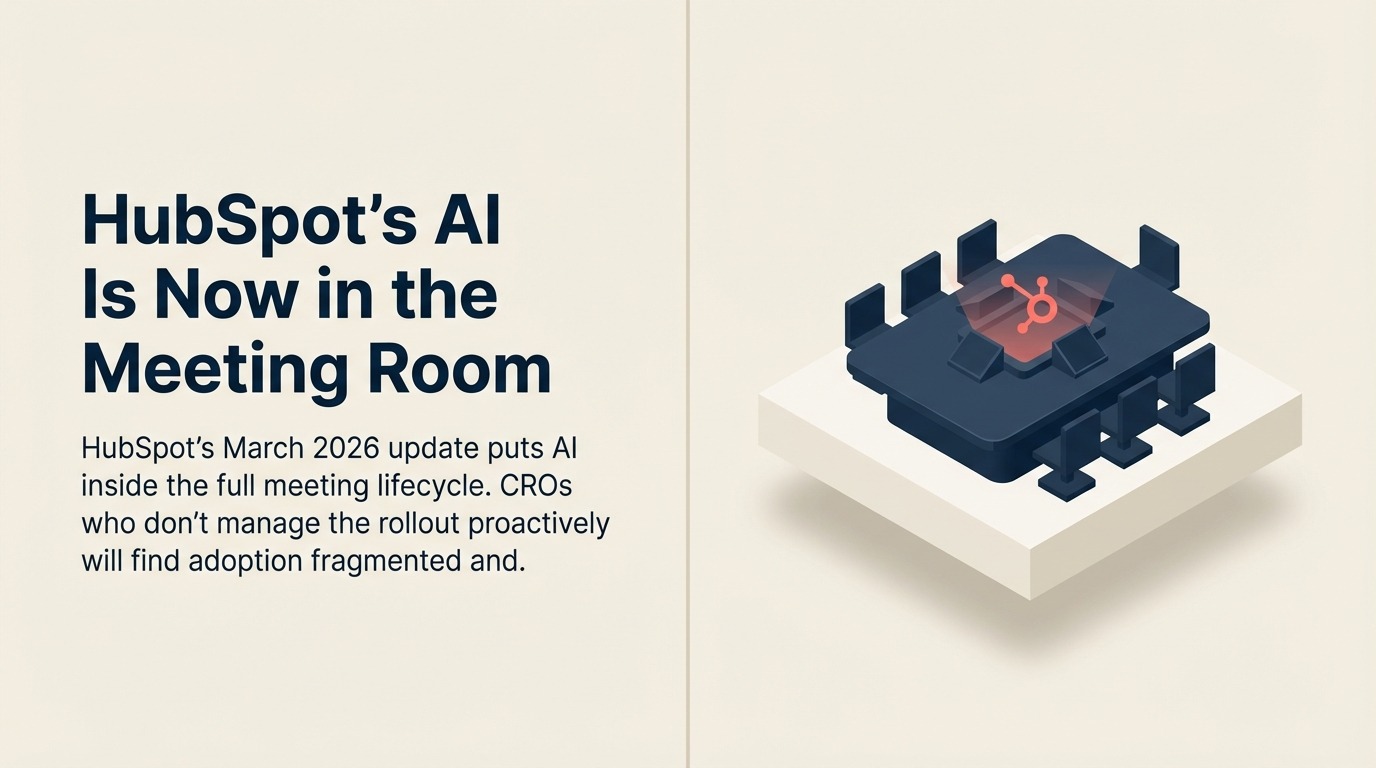
HubSpot's AI Is Now in the Meeting Room: What Sales Leaders Need to Prepare For
Turn this article into takeaways for your work.


Each assistant summarizes the article only for you and suggests best practices for your work.
Most CRM updates land in the product changelog and get skimmed by an admin. HubSpot's March 2026 release is different enough to warrant attention from sales leadership, not just the people who manage the system. According to HubSpot's official release notes, the company shipped a significant batch of AI-driven features, and the most consequential one for sales teams isn't a back-office automation. It's a feature called Smarter Sales Meetings, and it touches the part of the rep's day that leadership cares about most: what happens before, during, and after every customer conversation.
The premise is simple. Per the HubSpot Community release post, the feature bundles pre-meeting briefings, post-meeting AI summaries, and automatically generated follow-up action items into a single interface. Reps walk into calls with AI-assembled context. They walk out with next steps already drafted. The manual documentation step (the one reps skip, rush, or get wrong) is largely removed from the equation.
For a CRO, that's good news on the surface. But the feature only works as intended if your team adopts it deliberately, and it can actually make pipeline data worse if it's deployed without addressing what it depends on. The governance side of this rollout is actually the topic worth reading in depth. The companion piece on Breeze Agent governance for RevOps teams covers what admins need to configure before any agent writes to production records.
What the Feature Does and What It Actually Changes
Before talking about change management, it helps to be clear on mechanics. The pre-meeting briefing layer pulls context from CRM records to prepare reps before calls: account history, contact activity, open deals, recent notes. The quality of that briefing is directly proportional to what's already in CRM.
The post-meeting layer is where day-to-day impact will show up most visibly. AI-generated summaries and next steps appear automatically after calls, cutting the time reps spend on post-call admin. A rep who used to spend 20 minutes after every discovery call updating notes and drafting follow-ups gets most of that time back.
The net effect on pipeline visibility should be positive: more consistent documentation, less variation between how different reps log their calls, faster CRM updates. But "should be" is doing a lot of work in that sentence. The AI summarizes what it can infer from call data and CRM context. If a rep's records are incomplete going into the meeting, the AI summary coming out will reflect that incompleteness.
That's the core tension CROs need to manage. The feature doesn't fix bad data hygiene. It automates around it, which can make inconsistencies less visible, not more.
The Change Management Problem Is the Actual Problem
HubSpot deploying AI into the meeting workflow is a product decision. Whether your team uses it effectively is a management decision. They're different problems, and conflating them is how feature rollouts produce disappointing adoption numbers six months later.
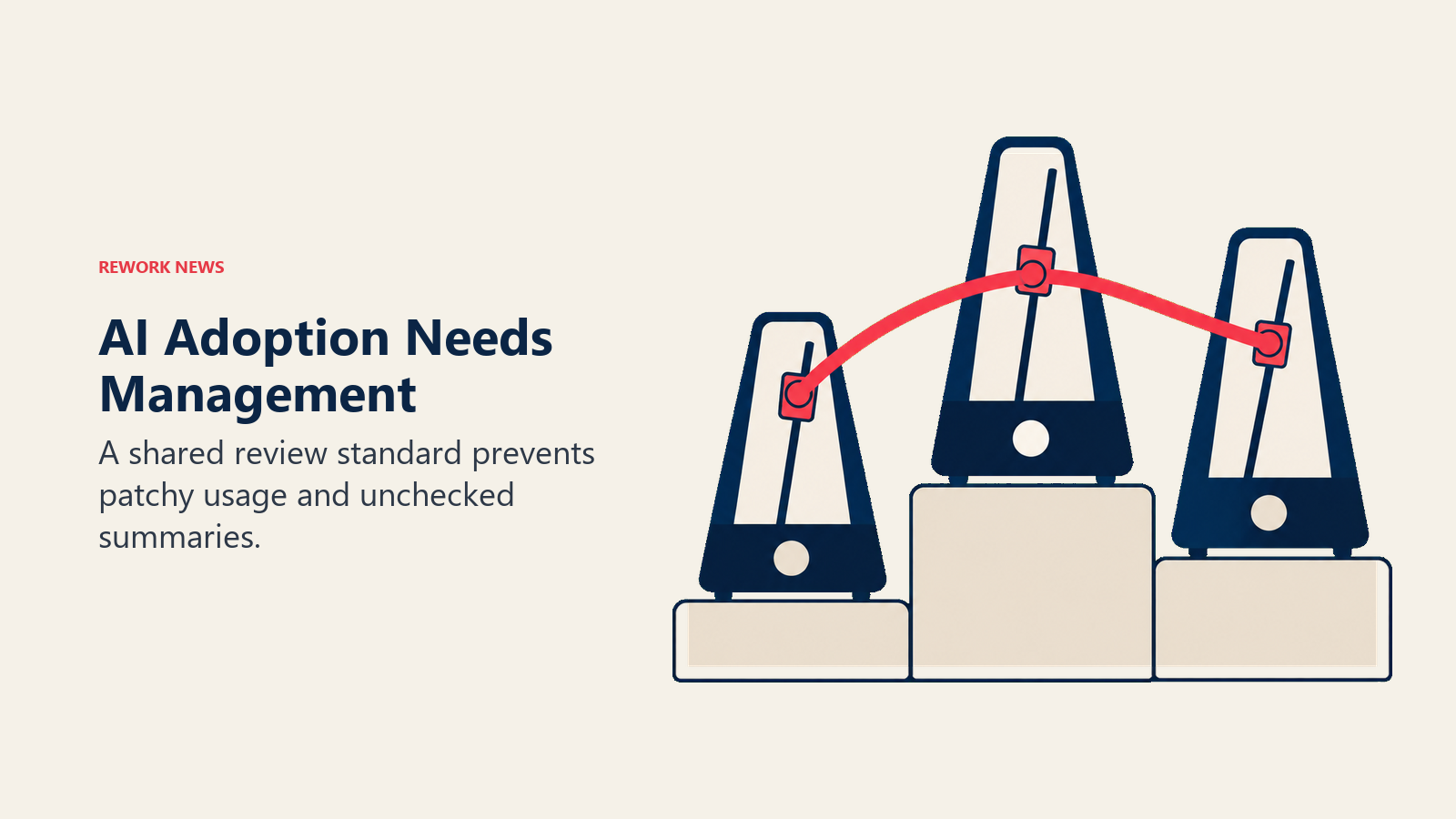
A few patterns tend to play out when AI-assisted tools land in sales teams without active CRO involvement:
Top performers ignore it. Your highest-output reps have established workflows. They're booking meetings, closing deals, and hitting quota without AI summaries. Unless there's a clear expectation they'll use the feature (and a visible example of leadership using it) they'll skip it. This is the same adoption resistance pattern that surfaces every time a new CRM workflow is introduced. The lead follow-up best practices research points to it consistently.
Mid-tier reps adopt it inconsistently. The reps most likely to benefit from AI-generated meeting prep and follow-up are the ones in the middle of the performance distribution. But they also have the most variable habits. Without a team-wide standard, adoption will be patchy.
Data quality degrades in new ways. AI-generated next steps can be accepted and logged as-is, which is fine when the AI gets it right and a real problem when it doesn't. If reps start treating AI summaries as completed tasks rather than first drafts, low-quality notes will populate CRM records without anyone noticing.
Pipeline reviews start relying on AI-generated data before it's been validated. This is the downstream risk CROs tend to miss. If AI summaries are logging consistently, the pipeline looks healthier. Whether it actually is depends on how often the summaries are accurate and how often reps review them before accepting.
A Change Management Framework for the Rollout
The antidote to fragmented adoption is a clear, proactive standard set from the top before the feature goes live for the team. Here's what that looks like in practice:
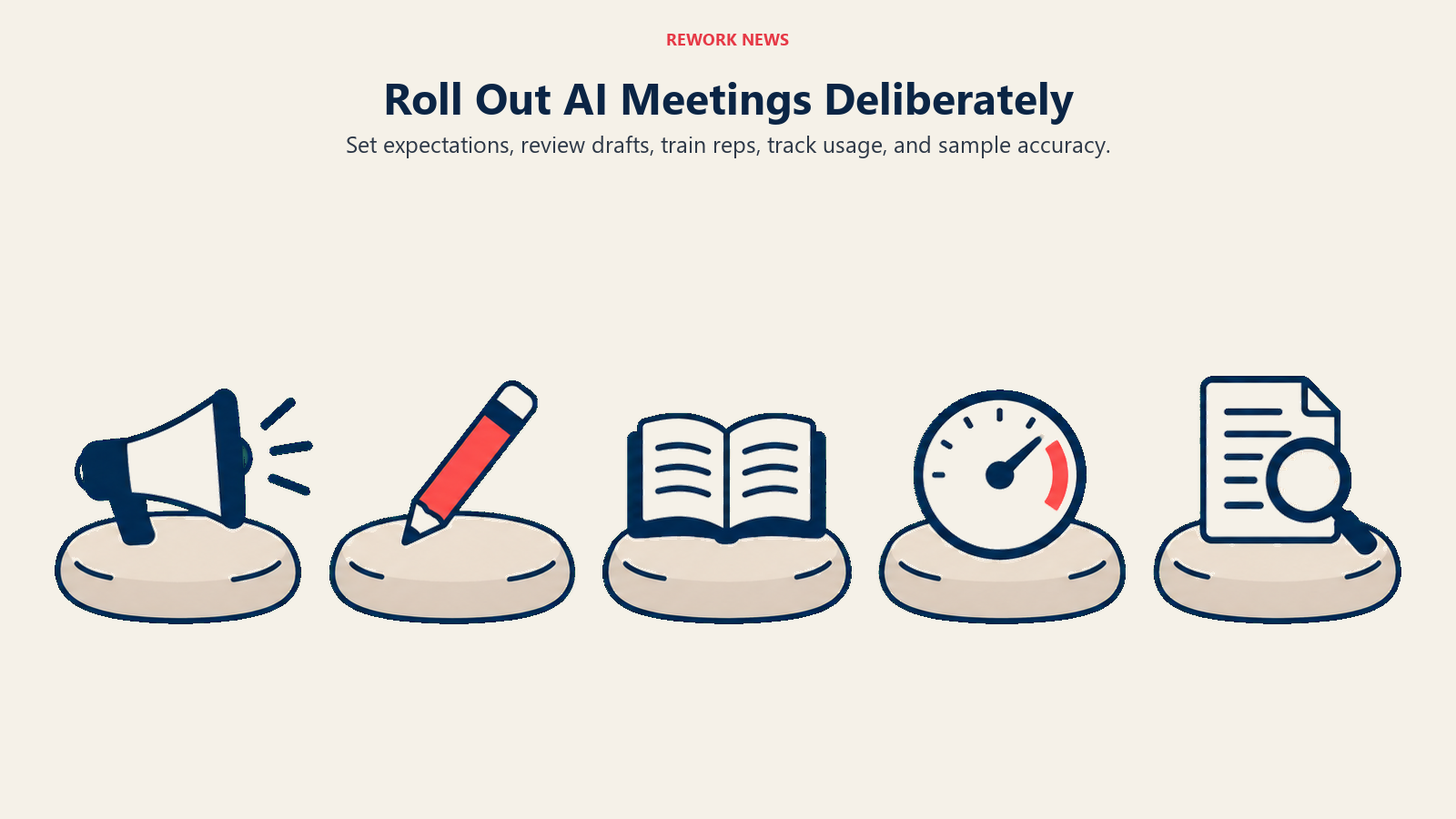
Announce the expectation explicitly. "AI-generated meeting summaries are now part of our standard post-call workflow" is different from "HubSpot has a new AI feature you might want to try." Leadership needs to communicate the former.
Establish a review standard for AI-generated outputs. Reps should treat AI-generated next steps as a first draft requiring human review, not a finished product. Set that expectation in writing and include it in onboarding documentation. If you have a standard for "what a good call log looks like," update it to account for AI-assisted documentation.
Update rep onboarding. Any rep joining your team after this feature goes live should be trained on it from day one. That means your onboarding documentation needs updating before the feature is broadly rolled out, not after you've discovered gaps in adoption.
Track adoption as a leading indicator. Pipeline reviews typically focus on deal metrics: stage progression, close dates, ARR at risk. Add a utilization metric to your reporting cadence (how many post-meeting summaries are being generated, and how many are accepted versus edited versus ignored). Adoption patterns tell you a lot about where the friction is.
Watch for data quality signals. Pull a sample of AI-generated call summaries from your first two weeks of rollout and review them manually. Not to catch bad AI outputs as they happen (you can't do that at scale) but to calibrate how often the AI gets it right in your context, with your deal types, your product, and your reps' communication style.
The CRM Data Quality Issue Is Now More Urgent, Not Less
There's a broader point worth naming here. Every AI feature that pulls from or writes to your CRM raises the stakes on the quality of what's already there. This is the same core argument behind lead data management discipline: garbage in, garbage out applies regardless of how sophisticated the AI layer on top is.
Pre-meeting briefings are only useful if the account and contact records they draw from are current and complete. AI-generated next steps improve over time as the system learns from more accurate inputs. And if Breeze AI features start feeding into pipeline forecasting (a reasonable expectation for future HubSpot releases) those forecasts will only be as accurate as the CRM records behind them.
The March 2026 update is a good moment to audit your current CRM data health, separately from anything AI-related. What percentage of active deals have complete contact information? How current are account records? What's the average gap between a call and a CRM update across your team? And for teams evaluating whether HubSpot's footprint still fits, the CRM comparison guides are worth keeping bookmarked as the category evolves.
These questions matter regardless of which AI features your team adopts. They matter more now that AI is doing more of the interpretation work.
What to Do This Week
The move from "HubSpot shipped a feature" to "our team is using it well" requires active management. Here are the most valuable things to do in the immediate term:
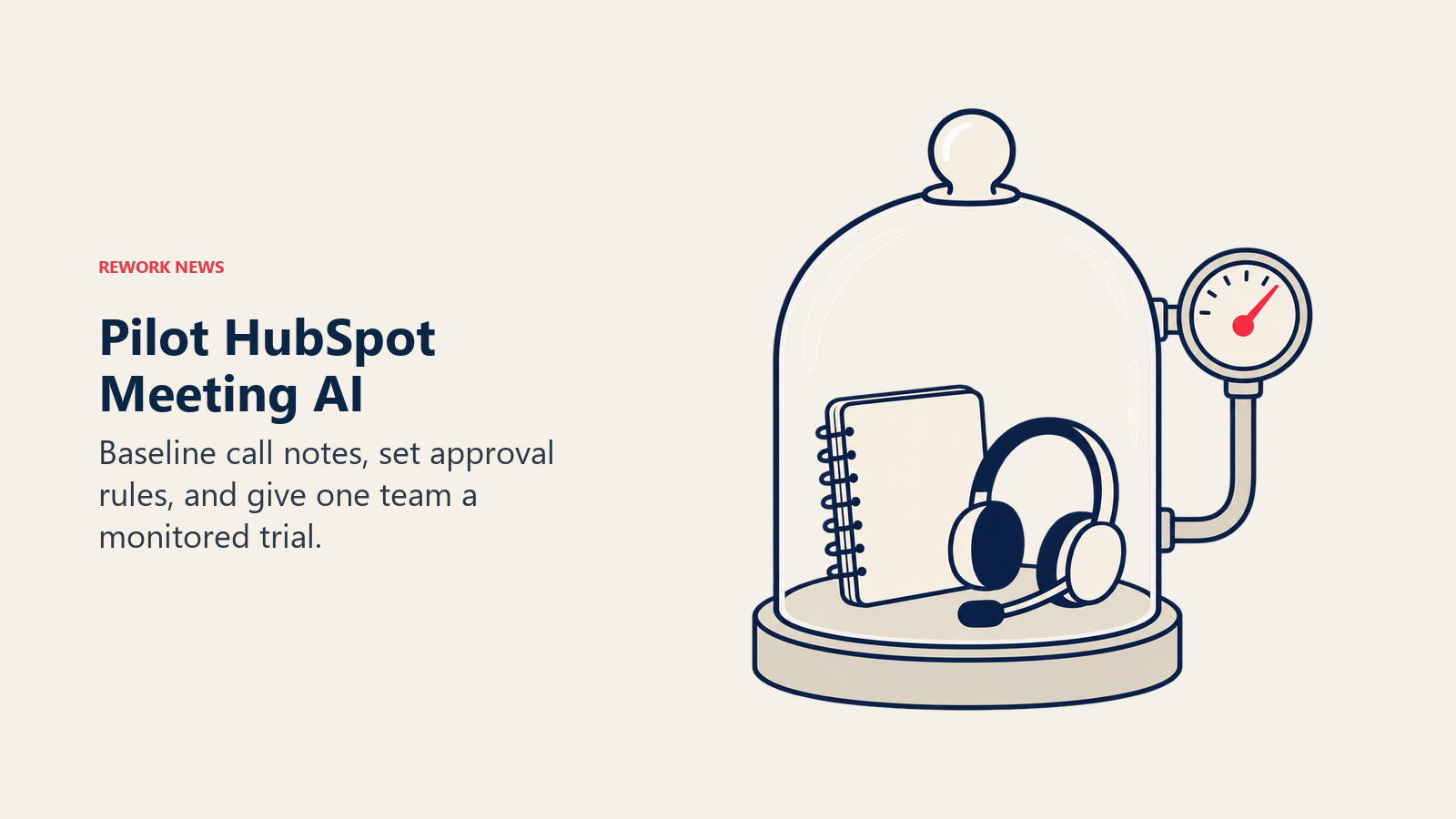
Pull a baseline on current post-meeting documentation quality. Before the AI summary feature changes your team's behavior, understand what the current behavior looks like. Sample 20-30 recent post-call CRM updates across rep performance tiers and assess how complete and accurate they are. This gives you a comparison point.
Decide on the adoption standard before communications go out. Is AI-generated meeting summary usage expected for all calls, or for certain deal stages? Set this before you send any rollout communication, so the message is clear from the start.
Talk to your HubSpot admin about CRM Tool Approval Controls. HubSpot's March release also included controls that let admins require review before AI agents write to CRM records. Understanding how those controls are configured and whether they fit your team's workflows is worth a 30-minute conversation now rather than a data cleanup later.
Name one team to pilot first. Don't roll out AI-assisted meeting workflows across the entire sales org simultaneously. Pick a team with a manager who's willing to monitor adoption closely, run for four weeks, and report back on what's working. Use that feedback to shape the broader rollout.
Brief your frontline managers. CROs set expectations; managers enforce them. If your managers don't understand the feature well enough to explain it and hold their teams accountable, adoption will be inconsistent no matter what leadership communication says.
Learn More
- Before You Turn on HubSpot's Breeze Agents: The governance questions RevOps must answer before Breeze writes to production records
- HubSpot Just Rewrote the AI Pricing Rulebook: What outcome-based pricing means for your renewal strategy
- CRM Workflow Automation: Building the automation foundation that AI meeting features depend on
- AI Agents in the Sales Pipeline: How HubSpot's meeting AI fits into the broader agentic sales picture
Source: HubSpot Community, The March 2026 Industry Edit: Essential HubSpot Updates
