Best TickTick Alternatives in 2026: 13 Task Managers for Personal Lists and Team Work
Turn this article into takeaways for your work.


Each assistant summarizes the article only for you and suggests best practices for your work.
The best TickTick alternative depends entirely on which wall you hit. If the free plan's 9-list, 99-task ceiling pushed you out, Todoist, Any.do and Superlist give you more room for similar money. If you want a better app on Apple hardware, Things 3 is the one people switch to and never leave. If your personal list quietly became your team's shared work, Rework, Asana, Notion and ClickUp are the honest answers. And if what you really liked about TickTick was dragging tasks onto a calendar, Sunsama and Akiflow do that one job far better and charge accordingly.
TickTick deserves credit before we talk about leaving it. Very few apps at any price put a task list, a real calendar, a habit tracker and a Pomodoro timer behind one icon. The natural language parsing is quick, the widgets are good, and Premium lists at US$49.99/year, with ticktick.com regularly running a discounted offer at $35.99/year (about $3.00/month). The App Store also sells a monthly option at $3.99/month. For a single person running a personal system, that is a lot of software for the money.
But four things push people out, and they push people toward very different tools. The first is the free plan. TickTick free gives you 9 lists, 99 tasks per list, 2 shared members per list, 1 attachment per day capped at 10 MB, and list view only. No calendar views at all. The second is sharing. Even Premium tops out at 29 shared members per list, and there is no team or business tier to graduate to, so a growing group has nowhere to go inside the product. The third is craft: some people simply want a nicer, faster, more native app on a Mac or an iPhone. The fourth is the big one. Your to-do list stopped being yours. It now has other people's work in it, due dates other people depend on, and a manager asking what the status is. That is not a to-do app problem any more. If that is you, the task management software roundup covers the wider field, and this guide routes you by exit.
Key Facts
- Workers toggle between applications roughly 1,200 times each day, which adds up to just under four hours a week reorienting themselves, about 9% of their time at work, per a Harvard Business Review study of 137 users across three Fortune 500 companies (HBR, 2022).
- Brief mental blocks created by shifting between tasks can cost as much as 40% of someone's productive time, according to psychologist David Meyer (American Psychological Association).
- Employees using Microsoft 365 are interrupted every 2 minutes by a meeting, email or notification during an eight-hour day, roughly 275 interruptions daily (Microsoft Work Trend Index).
- The average time people spend on a single screen before switching is now 47 seconds, with a median of 40 seconds, down from 2.5 minutes in 2004, per Gloria Mark's field research (APA Speaking of Psychology).
- Knowledge workers spend 58% of the day on "work about work", the coordination around the job rather than the skilled job itself, per Asana's vendor-run 2023 Anatomy of Work Global Index of 9,615 knowledge workers (Asana).
Quick Comparison Table
| Tool | Best For | Starting Price | Key Strength | Key Limitation |
|---|---|---|---|---|
| Todoist | The closest like-for-like swap | Free; Pro US$5/user/month billed yearly ($60/year) | Best natural language input, real Business tier | No habit tracker or built-in Pomodoro |
| Things 3 | Apple-only personal systems | One-time per platform; $9.99 iPhone (US App Store) | Best-crafted native app in the category | Apple only, no web, zero collaboration |
| Any.do | A free plan with a daily planning ritual | Free; Premium $4.99/month billed annually | Daily Planner plus a real Teams tier | Recurring tasks and AI are paywalled |
| Microsoft To Do | Microsoft 365 shops spending nothing extra | Free with a Microsoft account | Outlook and Teams integration you already own | No calendar view, no habits, thin structure |
| Superlist | Shared lists without a 2-person cap | Free; Basic $5/person/month ($59/year) | Notes and tasks in one modern app | Younger product, no habits or Pomodoro |
| Rework | Teams whose task list became real work | Project Engine from $99/mo billed yearly, 5 seats (rework.com/pricing) | Tasks tied to CRM, workflows and team ops | Not a personal to-do app, no free tier |
| Notion | People who want to build their own system | Free; Plus $10/member/month annual | Docs, databases and tasks in one workspace | No opinion out of the box, weak reminders |
| Asana | Cross-functional projects with real reporting | Free (up to 2 users); Starter $10.99/user/month billed annually | Timeline, workload and rules that actually scale | Free plan collaborates for only 2 users |
| Trello | Small groups that think in boards | Free (10 boards, 10 collaborators); Standard $5/user/month annual | Fastest onboarding of any team tool here | Boards only, shallow beyond Kanban |
| ClickUp | Maximum features per dollar | Free Forever; Unlimited $7/user/month billed yearly | Unlimited free plan members, every view | Configuration cost is real and ongoing |
| Google Tasks | Google Workspace users who want nothing else | Free with a Google account | Zero friction inside Gmail and Calendar | A downgrade from TickTick in every direction |
| Sunsama | The timeboxing half of TickTick, done properly | Pro $17/month billed yearly ($22 monthly) | Guided daily planning across all your tools | No free plan, ever, and it is not cheap |
| Akiflow | Keyboard-driven consolidation and time blocking | Pro $16/month billed yearly ($34 billed monthly) | Command bar plus one inbox for every source | Single-player only, high monthly price |
Free Plan Caps, Side by Side
The single most common reason people search for a TickTick alternative is a cap, not a missing feature. Here is what each free plan actually allows, so you can see whether a switch buys you room or just moves the wall.
| Tool | Free plan? | The caps that bite | What paying unlocks |
|---|---|---|---|
| TickTick (baseline) | Yes | 9 lists, 99 tasks per list, 2 shared members per list, 1 attachment/day (10 MB), list view only | 299 lists, 999 tasks per list, 29 shared members, 199 attachments/day, all calendar views |
| Todoist | Yes | 5 personal projects, 3 filter views, 1 week of activity history, 5 MB uploads | Pro: 300 personal projects, 150 filter views, 100 MB uploads, full history |
| Things 3 | No | Paid per platform up front; free trial on the Mac app | Nothing is subscription-gated after purchase |
| Any.do | Yes | No recurring tasks, no AI features, no location reminders | Premium adds recurring tasks, AI, location reminders |
| Microsoft To Do | Yes | Feature set is the ceiling, not a quota | Nothing extra to buy; M365 adds surrounding apps |
| Superlist | Yes | Up to 5 private and shared lists, up to 5 people each, 25 MB uploads, 500 MB storage | Basic: unlimited lists and members, 100 MB uploads, 25 GB storage |
| Rework | No | No free tier, 14-day free trial | Engine with seats in blocks of 5, not per seat |
| Notion | Yes | Collaboration and version history limited on free | Plus adds unlimited blocks for teams and guests |
| Asana | Yes | Up to 2 users can collaborate for free | Starter adds timeline, dashboards and more users |
| Trello | Yes | 10 boards and 10 collaborators per Workspace | Standard adds unlimited boards and advanced checklists |
| ClickUp | Yes | 60 MB storage, 1 form, though free plan members are unlimited | Unlimited: more storage, dashboards, guests |
| Google Tasks | Yes | No sharing, no subtask depth, no views | Nothing to buy |
| Sunsama | No | No free plan, ever, by the vendor's own statement | 14-day trial, no credit card required |
| Akiflow | No | 7-day trial only | Full product on Pro |
Stage Fit Matrix
| Tool | Solo | Small team (2-10) | Growth (10-50) | Mid-market (50-200) |
|---|---|---|---|---|
| Todoist | Strong fit | Good fit | Partial fit | Poor fit |
| Things 3 | Strong fit | Poor fit | Poor fit | Poor fit |
| Any.do | Strong fit | Partial fit | Poor fit | Poor fit |
| Microsoft To Do | Strong fit | Partial fit | Poor fit | Poor fit |
| Superlist | Strong fit | Good fit | Partial fit | Poor fit |
| Rework | Poor fit | Good fit | Strong fit | Strong fit |
| Notion | Good fit | Strong fit | Strong fit | Good fit |
| Asana | Partial fit | Good fit | Strong fit | Strong fit |
| Trello | Partial fit | Strong fit | Partial fit | Poor fit |
| ClickUp | Partial fit | Good fit | Strong fit | Good fit |
| Google Tasks | Strong fit | Poor fit | Poor fit | Poor fit |
| Sunsama | Strong fit | Partial fit | Poor fit | Poor fit |
| Akiflow | Strong fit | Poor fit | Poor fit | Poor fit |
Sizing and Persona Table
| Tool | Team size sweet spot | Primary buyer | Secondary buyer |
|---|---|---|---|
| Todoist | 1-10 | Individual contributor | Small business owner |
| Things 3 | 1-2 | Apple power user | Freelancer, designer, writer |
| Any.do | 1-5 | Individual contributor | Family organizer, small team lead |
| Microsoft To Do | 1-10 | Microsoft 365 admin | Individual contributor |
| Superlist | 2-15 | Team lead who shares lists | Founder, chief of staff |
| Rework | 10-200 | Operations Manager, COO | Sales lead, team manager |
| Notion | 5-200 | Founder, knowledge manager | Product manager |
| Asana | 10-500 | Project manager, VP Operations | Department head |
| Trello | 3-30 | Team lead, project coordinator | Marketing manager |
| ClickUp | 5-200 | Ops lead who likes configuring | Agency owner |
| Google Tasks | 1-3 | Google Workspace user | Nobody buys it, it comes free |
| Sunsama | 1-5 | Senior IC drowning in inputs | Founder, consultant |
| Akiflow | 1-3 | Keyboard-first knowledge worker | Consultant, engineer |
Why People Leave TickTick
| What TickTick does well | Where it stops | Where to go next |
|---|---|---|
| Calendar, habits and Pomodoro in one app | Free plan is list view only, no calendar views | Any.do, Superlist, or pay for TickTick Premium |
| Cheap annual pricing for one person | 9 lists and 99 tasks per list on free | Todoist, Superlist |
| Shared lists for a couple of people | 2 shared members on free, 29 on Premium | Trello, ClickUp, Superlist |
| Personal task tracking | No team or business tier exists at all | Rework, Asana, ClickUp |
| Fast capture and natural language | No timeline, workload or dependency views | Asana, ClickUp, Rework |
| Good enough apps on every platform | Not the most refined app on Apple hardware | Things 3 |
| Time blocking by dragging tasks to a calendar | Planning ritual is manual and unguided | Sunsama, Akiflow |
1. Todoist: The Straight Swap Most TickTick Leavers Land On
Todoist is the closest like-for-like replacement on this list, and it is where most people who leave TickTick end up. Both apps are built on the same idea: capture fast, parse natural language, keep the interface out of your way. Type "review contract every second tuesday at 9am" into either one and it lands correctly. The muscle memory transfers in about a day.
Where Todoist pulls ahead is what happens when the list stops being just yours. TickTick has no team or business tier at all, so a group is stuck sharing personal lists forever. Todoist's Business plan gives you up to 500 team projects, 1,000 team members and guests, and 250 people on a single team project. That is not project management, but it is a real collaboration ceiling instead of a wall at 29 shared members.
The trade you make is the extras. Todoist has no habit tracker and no built-in Pomodoro timer. Its calendar is an integration and a layout rather than TickTick's native multi-view calendar, so if the reason you loved TickTick was seeing tasks and events in a month grid, Todoist will feel like a step sideways. Filters, labels and the karma system are stronger, and the reporting history on Pro is genuinely useful for reviewing where your week went. If you are weighing the two head to head, the Todoist vs TickTick comparison goes deeper on the feature-by-feature differences, and the Todoist alternatives guide covers the same escape routes from the other direction.
One pricing note that matters: Todoist raised its annual prices in December 2025, Pro from $4 to $5 and Business from $6 to $8. Any article still quoting $4 for Pro is out of date.
| What you get | What you don't |
|---|---|
| The best natural language parsing in the category | A habit tracker |
| A real Business tier with 1,000 members and guests | A built-in Pomodoro or focus timer |
| 300 personal projects and 150 filter views on Pro | TickTick's native calendar views |
| Full reporting history and productivity trends | A free plan with more than 5 projects |
| Mature apps, integrations and API on every platform | Timeline, workload or dependency views |
Pricing: Free (Beginner) covers 5 personal projects, 3 filter views, 1 week of activity history and 5 MB uploads. Pro is US$5 per user/month billed yearly ($60 billed yearly) or $7/month billed monthly. Business is US$8 per user/month billed yearly ($96 billed yearly) or $10/user/month billed monthly. (todoist.com/pricing)
Best for: TickTick users who want the same speed and capture flow with a genuine path to team use. Not ideal for: Anyone whose TickTick system was built around habits, the Pomodoro timer or the month calendar view.
2. Things 3: The Apple Answer, Bought Once and Never Billed Again
Some people do not leave TickTick because it lacks a feature. They leave because they want a better object. Things 3 is that object. It is the most carefully made task manager on Apple platforms, and after nearly a decade it still feels faster and calmer than anything shipping today.
The structure is opinionated in a way TickTick is not. Areas hold ongoing responsibilities, Projects hold work with an end, headings break projects into phases, and the Today, Upcoming, Anytime and Someday views give you a single decision path each morning. Quick Entry with autofill captures from anywhere on a Mac without breaking your flow. Calendar events show up alongside tasks in Today and Upcoming, so you get most of the scheduling context TickTick gives you without the full calendar app. If your system is built on Getting Things Done, Things 3 maps onto it more cleanly than any subscription app in this roundup.
Now the honest part, because it disqualifies a lot of readers. There is no Android app. There is no web app. There is no collaboration of any kind, not even the 2 shared members TickTick gives you for free. No habit tracking, no Pomodoro, no natural language beyond dates. It is a single-player app for one ecosystem, and it does not pretend otherwise. The upside is the billing model: you buy it once per platform and you are done, which over a few years costs less than most subscriptions here.
| What you get | What you don't |
|---|---|
| The most refined interface in the category | Any Android or web client |
| One-time purchase, no recurring subscription | Sharing, assignment or comments |
| A clean GTD structure with Areas and Projects | Habit tracking or a Pomodoro timer |
| Fast Quick Entry capture on macOS | A month or week calendar view |
| Calendar events surfaced inside Today and Upcoming | Any reporting |
Pricing: A one-time purchase per platform with no subscription. Cultured Code does not publish dollar figures on its own site and points buyers to the App Store; Things 3 for iPhone is $9.99 on the US App Store. Mac, iPad and Vision versions are sold separately, and a Mac sale is running, so check the current store price rather than trusting any number in a listicle. A free trial is available for the Mac app from culturedcode.com.
Best for: Solo Apple users who want the nicest possible personal system and never share a list. Not ideal for: Anyone on Android or Windows, and anyone who shares work with even one other person.
3. Any.do: A Free Plan That Does Not Cap Your Lists the Same Way
Any.do is the alternative for people whose specific complaint is the 9-list ceiling. Its Personal plan is free forever and does not meter lists the way TickTick does. You get tasks and lists, reminders, a calendar, the Daily Planner and sync across devices without paying anything.
The Daily Planner is the reason to look here rather than at another generic list app. It is a short morning ritual: Any.do surfaces what is due, what rolled over and what is on your calendar, and you decide what actually happens today. That is the same instinct behind TickTick's calendar drag, delivered as a habit rather than a view. Any.do is also one of the few consumer-grade task apps with a proper Teams tier, which matters because TickTick has none at all. And there is a Family plan, which is genuinely the right answer for the shared grocery-and-chores use case that pushes a lot of people past TickTick's 2 free shared members.
The catch is what sits behind the paywall. Recurring tasks are a Premium feature, and for a TickTick user whose system runs on repeating tasks, that turns the free plan into a downgrade rather than an upgrade. The AI features and location reminders are paid too. Any.do is also shallower than TickTick on calendar views and has no habit tracker or focus timer, so treat it as a swap for the list-and-planning half of TickTick, not the whole thing.
| What you get | What you don't |
|---|---|
| A free forever plan without a hard list cap | Recurring tasks on the free plan |
| The Daily Planner morning ritual | A habit tracker or Pomodoro timer |
| A real Teams tier and a Family plan | TickTick's depth of calendar views |
| Voice input and natural capture | Location reminders without Premium |
| Clean cross-platform apps including Android and web | Serious project structure or reporting |
Pricing: Personal is free forever. Premium is $4.99/month billed annually or $7.99/month billed monthly. Family is $8.33/month for 4 members billed annually or $9.99/month billed monthly. Teams is $4.99/member/month billed annually or $7.99/member/month billed monthly. Older articles quoting $2.99 for Premium are stale. (any.do/pricing)
Best for: People who hit TickTick's list cap and want a free plan plus an actual daily planning habit. Not ideal for: Anyone who lives on recurring tasks and refuses to pay, or who needs habits and focus timers in the same app.
4. Microsoft To Do: Free, Fine, and Already Paid For
If your company runs on Microsoft 365, To Do is the alternative you already own. It is free with a Microsoft account, and there is no upsell path inside the product, so the cost conversation ends immediately.
What makes it worth considering over TickTick is not the app itself, it is the surface area around it. Emails you flag in Outlook appear as tasks. Tasks assigned to you in Planner and Microsoft Teams show up in your list. My Day resets each morning and asks you to pick what matters, which is a lighter version of Any.do's planner. For anyone whose work arrives by email and gets assigned in Teams, that plumbing removes a daily copy-paste ritual that no third-party app can fully replace. The toggle tax is real: HBR measured about 1,200 app switches a day costing just under four hours a week, and staying inside one suite is the cheapest way to cut it.
The limits are obvious the moment you compare feature lists. There is no calendar view inside To Do, no habit tracking, no Pomodoro, no natural language parsing worth the name, and sharing is a simple list share with no roles or permissions. Structure is shallow: lists, tasks, steps, and that is it. If you picked TickTick for its extras, To Do will feel like giving up three apps to save a $49.99/year subscription ($35.99 on the discounted offer).
| What you get | What you don't |
|---|---|
| Free with any Microsoft account | A calendar view inside the app |
| Flagged Outlook email arriving as tasks | Habits, Pomodoro or focus tracking |
| Planner and Teams assignments in one list | Meaningful natural language input |
| My Day daily reset | Project structure, reporting or views |
| No extra license for most Microsoft 365 shops | Any real path to team project management |
Pricing: Free with a Microsoft account. It is also included with Microsoft 365 business plans, which list To Do among their productivity apps, but you do not need a paid plan to use it. (microsoft.com/en-us/microsoft-365/business)
Best for: Microsoft 365 teams that want a competent free list app with zero new spend and zero new logins. Not ideal for: People who chose TickTick specifically for the calendar, the habits or the timer.
5. Superlist: Shared Lists Without the Two-Person Cap
Superlist comes from the team behind Wunderlist, and it is the most credible modern rebuild of the shared-list idea. The pitch is that tasks and notes belong in the same document rather than in two apps, so a list can hold a checklist, a paragraph of context and a link without you opening a separate wiki.
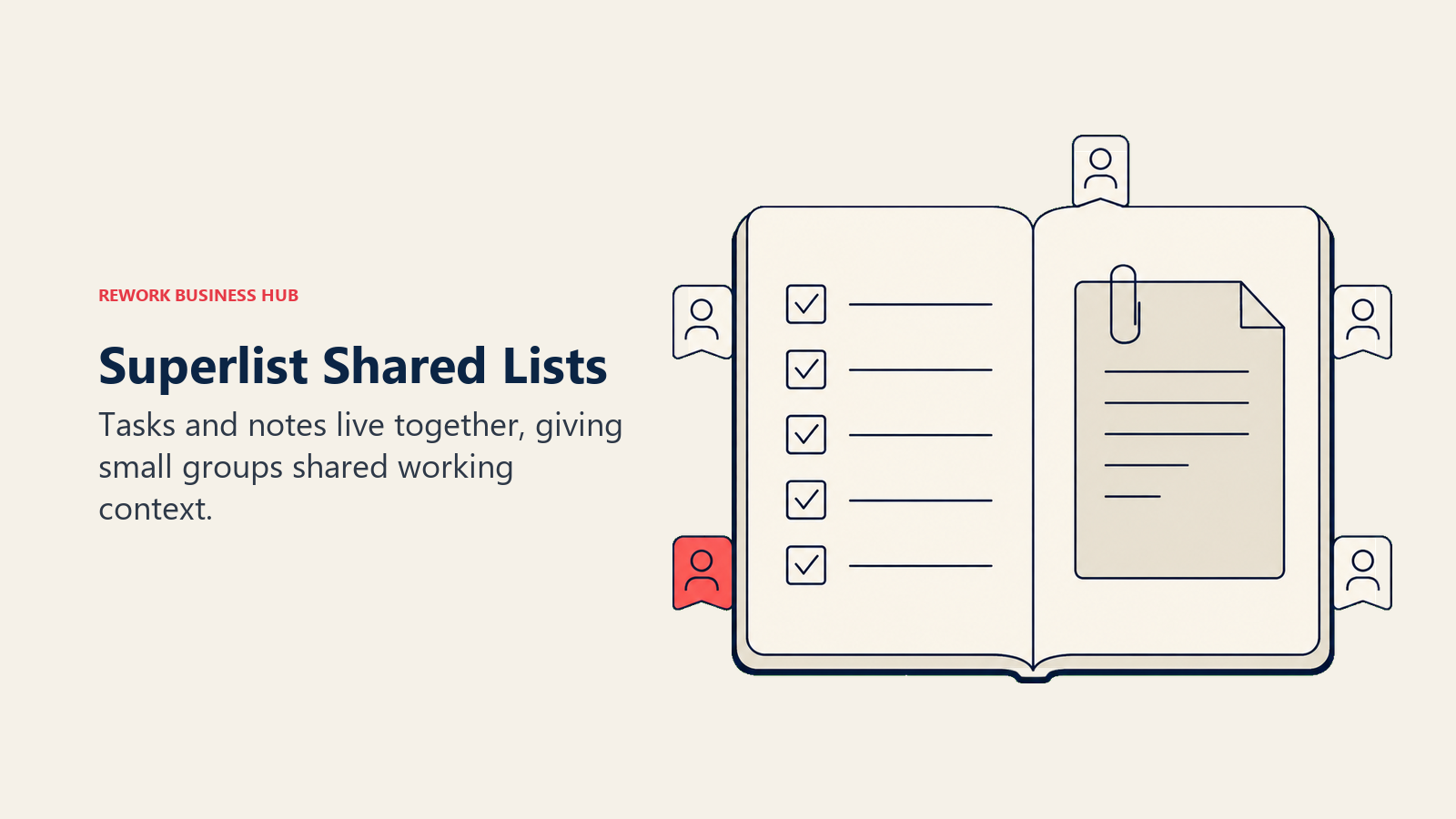
For a TickTick user, the interesting number is on the free plan. TickTick free allows 2 shared members per list. Superlist free allows up to 5 private and shared lists with up to 5 people on each, plus unlimited tasks and notes, 25 MB uploads and 500 MB storage. So Superlist is tighter on list count and considerably more generous on people. If your reason for leaving is that you and three colleagues cannot work in one list without paying, that swap alone solves it. Paid Basic then removes the list ceiling entirely and adds unlimited team members, which puts it ahead of anything TickTick sells.
Be clear-eyed about maturity and scope. Superlist has no habit tracker, no Pomodoro timer, and its calendar handling is nowhere near TickTick's. It is a younger product than everything else in this roundup, though it is actively shipping, with release 1.57.0 landing in August 2026. The AI features on the top tier (meeting notes, chat, email and Slack summarization) are aimed at a different buyer than the person who just wants more room for lists.
| What you get | What you don't |
|---|---|
| Notes and tasks living in the same list | A habit tracker or focus timer |
| Free plan allows 5 people per shared list | TickTick's calendar views |
| Unlimited lists and members on Basic | A long track record or deep integrations catalogue |
| A genuinely modern, fast interface | Timeline, workload or dependency planning |
| Voice AI and integrations from the paid tier up | A cheap way into the AI tier |
Pricing: Free is $0/person/month with up to 5 private and shared lists (up to 5 people each), unlimited tasks and notes, 25 MB uploads and 500 MB storage. Basic is $5/person/month ($59 yearly) with unlimited lists, sublists, shared lists and team members, Voice AI, all integrations, 100 MB uploads and 25 GB storage. Super is $21/person/month ($249 yearly) and adds unlimited AI meeting notes, unlimited AI chat and email and Slack task summarization. (superlist.com/pricing)
Best for: Small groups who need more than 2 people on a shared list without buying a project management platform. Not ideal for: Habit and Pomodoro users, and anyone who needs a mature integration ecosystem today.
6. Rework: When the To-Do List Quietly Became the Team's Work
Start with the disqualifier, because it saves half of you a click. Rework is not a personal to-do app. If you are one person looking for a better place to keep your groceries, your gym habit and your reading list, Rework is the wrong answer and Todoist or Things 3 is the right one. Nothing below changes that.
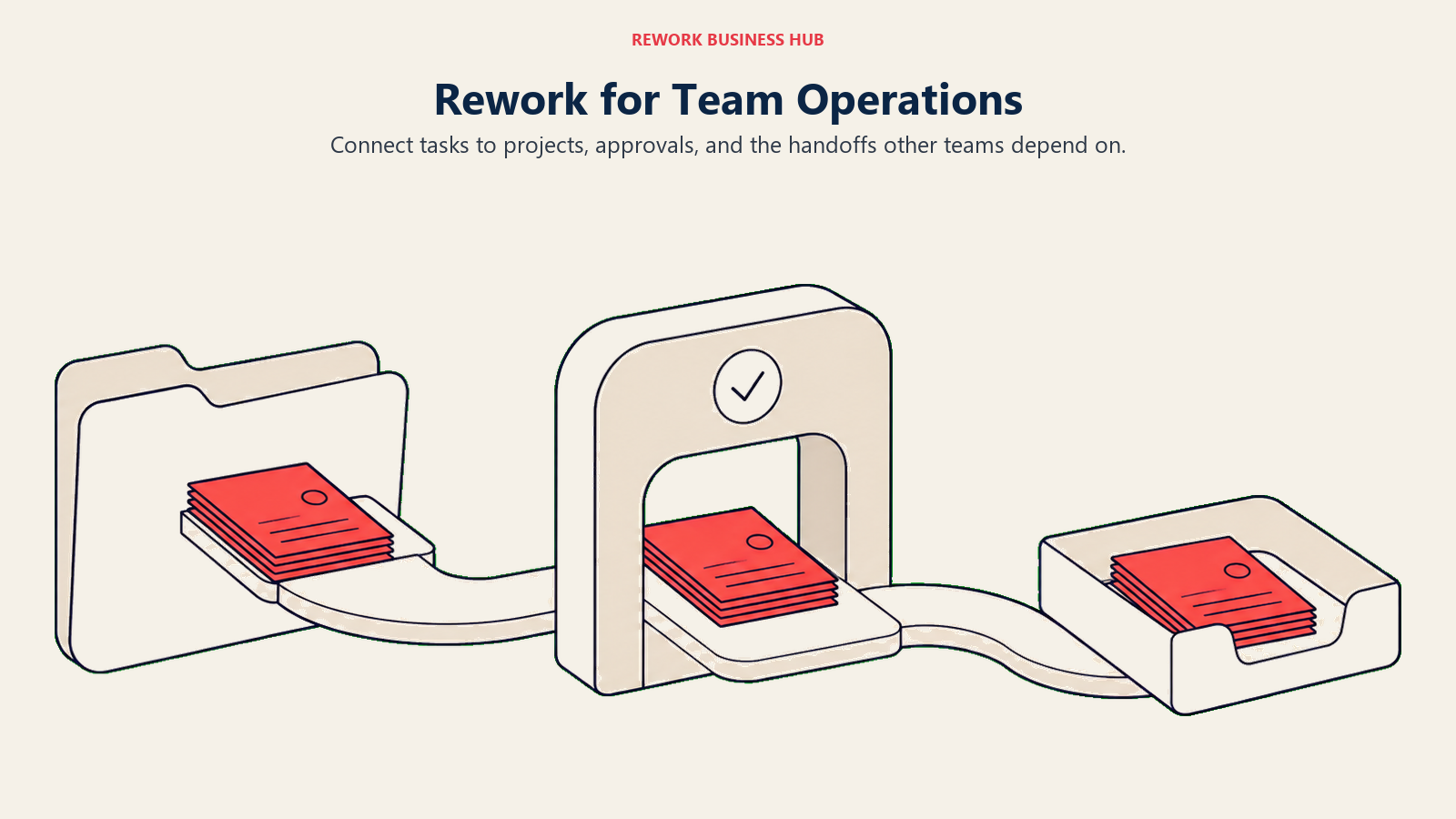
Rework earns a place on this list for a specific reader: the person whose TickTick lists stopped being personal. You started sharing a list with a colleague, then three, then the whole team started dropping work in it. Now there are due dates other people depend on, handoffs that live in comments, and a manager asking for a status you have to reconstruct by scrolling. TickTick has no team tier to grow into, so the usual move is to bolt a second tool alongside it and start paying the toggle tax between them.
Rework's approach is to treat tasks as one view of the work rather than the whole system. Tasks, boards, projects and calendars sit in the same workspace as CRM records, lead pipelines and cross-team workflows, so a task can be attached to the client or deal it exists because of. When a deal closes, the onboarding tasks it triggers do not need to be retyped into a personal list app. Managers get completion and pipeline reporting from the same place, which is the piece TickTick was never built to provide. If you are comparing the consolidation argument specifically, Rework vs Notion and Rework vs Asana put it side by side with the two most common team destinations, and the true cost of software sprawl explains why the second and third tool costs more than its sticker price.
The honest trade is weight. Rework asks you to set things up. It has no free tier to poke at over a weekend, and its pricing comes as an engine with seats in blocks of 5 rather than sold by the seat, which is either a relief or a barrier depending on how you buy software. For a team of 8 leaving TickTick together, one engine plus one extra block of 5 seats covers everyone. For a single person, it is absurd.
| What you get | What you don't |
|---|---|
| Tasks connected to CRM, leads and workflows | A lightweight personal to-do app |
| List, board, calendar and table views for teams | A free tier to try before you commit |
| Cross-team automation and handoffs | Habit tracking or a Pomodoro timer |
| Reporting on both task completion and pipeline | A quick weekend setup |
| One workspace instead of three logins | Any sensible fit for a solo user |
Pricing: The Project Engine is $99/month billed yearly ($1,188/year), or $120 month to month, with 5 work seats included. Extra seats come in blocks of 5 at $13/month per block on yearly billing, so 10 seats run $1,344/year. There is no free tier, only a 14-day free trial. (rework.com/pricing)
Best for: Teams of roughly 10 to 200 where the shared task list is now real operational work tied to clients, leads and handoffs. Not ideal for: Solo users, and any small group whose tasks genuinely are just tasks. Stay on TickTick Premium or move to Todoist.
7. Notion: Build the TickTick You Actually Wanted
Notion is the answer for people whose complaint about TickTick is not a cap but a shape. You want the list to sit next to the notes, the meeting doc, the project brief and the reference table, and you are willing to build that yourself.
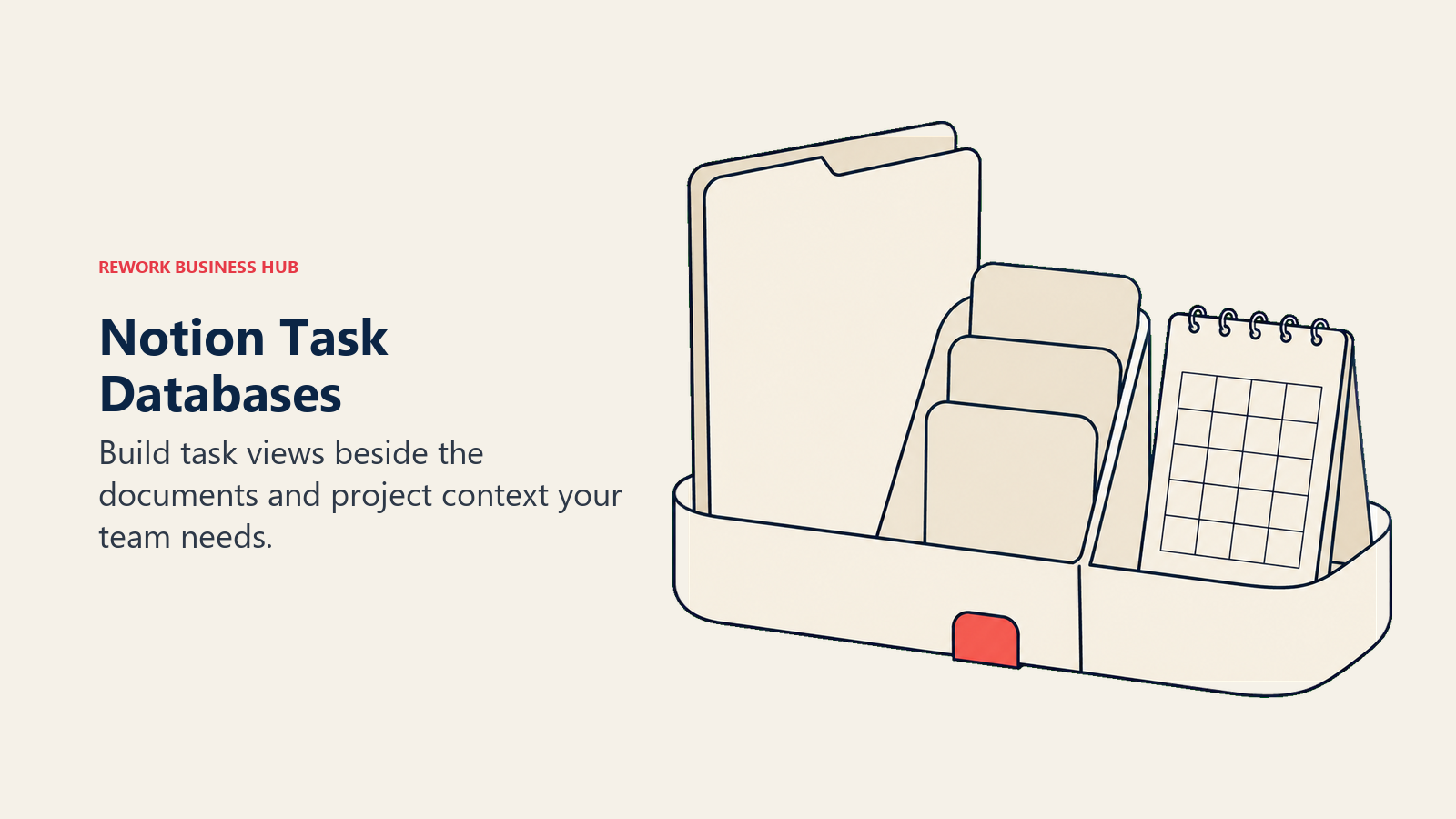
A Notion task system is a database with views. You can build a Today view, a board by status, a calendar by due date, and a filtered view per project, then embed any of them inside a doc. Nothing here is off the shelf, which is exactly the point and exactly the risk. People who enjoy the building get a system no packaged app can match. People who do not end up with three half-finished templates and go back to a list app. Its AI features have expanded through 2026, including a Custom Agents add-on billed by credits rather than per seat.
Against TickTick specifically, Notion loses on the things a task app is supposed to nail. Reminders are weaker and easier to miss. There is no habit tracker or Pomodoro without building one. Mobile capture is slower than TickTick's widget. What you gain is that your tasks stop living in a silo, and a team can work in the same space without the 29-member ceiling. If Notion is on your shortlist, the Notion alternatives roundup is worth a read first, because the flexibility that sells it is also the thing most teams later cite as the reason they left.
| What you get | What you don't |
|---|---|
| Docs, databases and tasks in one workspace | An opinionated task system out of the box |
| Any view you can define, filtered any way | Reliable reminders and notifications |
| A generous free plan for individuals | Habits, Pomodoro or focus tracking |
| Strong team collaboration with no member cap | Fast mobile capture |
| Templates and an enormous community library | A setup you can finish in an afternoon |
Pricing: There is a free plan. Plus is $10/member/month on annual billing (monthly billing runs higher) and Business is $20/member/month on annual billing, with Enterprise priced on request. Notion's page states you save up to 20% with yearly billing. The Custom Agents add-on is free to try, then $10 per 1,000 monthly Notion credits. (notion.com/pricing)
Best for: People and small teams who want tasks, docs and knowledge in one place and enjoy building the system. Not ideal for: Anyone who wants to open an app and be told what to do today without configuring anything first.
8. Asana: Real Project Management, With a Free Plan That Stops at Two
Asana is where TickTick users land when the honest answer is that they no longer have a task management problem. They have a project management problem: work with dependencies, owners, deadlines that move other deadlines, and a manager who needs to see all of it at once.
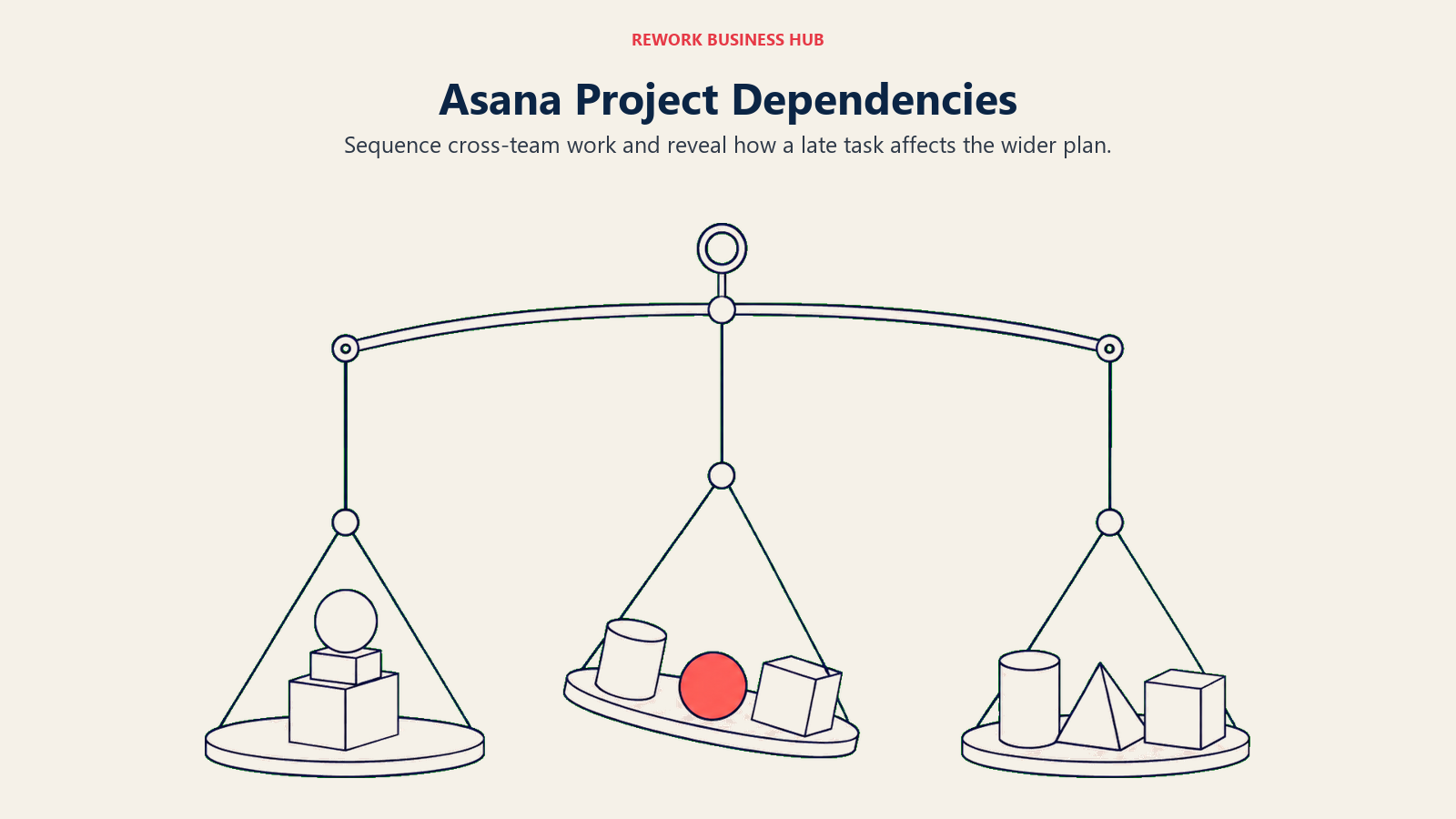
What you get is a different category of tool. Timeline shows how work sequences and what slips when something is late. Workload shows who is buried before they tell you. Rules automate the handoffs that currently live in someone's head. Portfolios and Goals roll everything up for people who never open a task list themselves. None of this exists in TickTick at any price, and none of it is a nice-to-have once more than about eight people depend on the same plan.
Now the detail that trips up almost every article on this topic. Asana's free Personal plan allows up to 2 users to collaborate for free. Not 10, not 15. If you are a group of five leaving TickTick because 2 free shared members was too tight, Asana's free plan does not solve that; you are budgeting for Starter at $10.99/user/month billed annually from day one. That is about $132 per person per year, against TickTick Premium's $49.99 list price ($35.99 on the discounted offer). Worth it if you need timelines and workload. A bad trade if you just wanted more lists. The Asana alternatives guide covers the cheaper ways to get most of this.
| What you get | What you don't |
|---|---|
| Timeline, workload, portfolios and goals | A free plan for more than 2 collaborators |
| Rules and automation for handoffs | A good personal daily list experience |
| Dashboards and reporting managers actually read | Habits, Pomodoro or personal focus tools |
| Mature integrations and admin controls | A cheap seat price at scale |
| Templates for common cross-functional work | A quick, low-training rollout |
Pricing: Personal is free and allows up to 2 users to collaborate. Starter is $10.99/user/month billed annually or $13.49 billed monthly. Advanced is $24.99/user/month billed annually or $30.49 billed monthly. Enterprise and Enterprise+ are quoted by sales. (asana.com/pricing)
Best for: Teams of 10 or more running cross-functional projects that need sequencing, workload and reporting. Not ideal for: Individuals, and small groups who assumed the free plan would cover the whole team.
9. Trello: The Cheapest Way to Get a Team Off Shared Lists
Trello is the low-friction step up. If TickTick's shared lists were working right up until you added the fourth person, Trello solves that in an afternoon with no training, no onboarding project and, for a small group, no money.
The free plan is the headline here. Up to 10 boards per Workspace and up to 10 collaborators per Workspace, which is five times TickTick's free sharing limit and, notably, five times what Asana's free plan allows. A board with three or four columns is enough structure for most small teams, and the visual model is immediately legible to people who have never used a project tool. If Kanban is new to your team, what is Kanban covers the working method behind the board so you set the columns up around your actual flow rather than copying a template.
The ceiling arrives fast, though. Trello is boards, and everything beyond boards is a Power-Up or a paid tier. There is no workload view, no dependency handling, and reporting is thin until Premium. Personal task management inside Trello is worse than TickTick, not better: no natural language capture worth using, no habits, no timer. Trello is the right call for a small team that needs shared visibility, not for the person who wants a better personal system. The Trello alternatives guide covers where teams go when boards stop being enough.
| What you get | What you don't |
|---|---|
| 10 collaborators per Workspace on the free plan | Workload, dependencies or resource views |
| The fastest onboarding of any team tool here | A good personal daily task experience |
| A clear visual model everyone understands | Reporting before the Premium tier |
| Power-Ups for calendar, automation and more | Depth beyond the board metaphor |
| Butler automation included on all plans | Habits, focus timers or natural language capture |
Pricing: Free covers up to 10 boards per Workspace and up to 10 collaborators per Workspace. Standard is $5/user/month billed annually or $6 billed monthly. Premium is $10/user/month billed annually or $12.50 billed monthly. Enterprise is $17.50/user/month billed annually ($210.00 annual price per user). (trello.com/pricing)
Best for: Small teams of 3 to 15 who need shared visibility today without a rollout project. Not ideal for: Solo users looking to replace a personal task manager, and teams needing timelines or workload.
10. ClickUp: Every Feature You Wanted, Plus Two Hundred You Didn't
ClickUp is the maximalist option, and for a specific kind of TickTick refugee it is the obvious one. You liked that TickTick bundled four apps into one. ClickUp bundles about forty, and its free plan does something no other tool here matches: unlimited free plan members and unlimited tasks.
Read that against TickTick's free ceiling of 2 shared members per list and you can see why teams on a zero budget end up here. You can put your whole group in ClickUp Free, give everyone tasks, and only run into limits on storage (60 MB) and forms (1). Every view TickTick charges for exists, plus Gantt, mind maps, docs, whiteboards, goals, time tracking and dashboards. AI is sold as an add-on rather than bundled, so you are not paying for it unless you want it.
The cost is not on the price sheet. ClickUp requires decisions: what a Space is, which of the seven task statuses you actually use, which of the dozen views your team defaults to. Left unconfigured, it is noisier than TickTick and slower to load. Teams that assign someone to own the setup do well; teams that let everyone configure their own corner end up with a mess nobody trusts. Compare it with the field in the ClickUp alternatives guide before committing, especially if nobody on the team wants the admin job.
| What you get | What you don't |
|---|---|
| Unlimited free plan members and tasks | A simple, opinionated default setup |
| Every view including Gantt, calendar and mind map | Fast performance on huge workspaces |
| Docs, whiteboards, goals and time tracking bundled | AI included in the base price |
| Deep automation on paid tiers | A tool that works well unconfigured |
| Aggressive per-seat pricing for what is included | A calm personal daily list |
Pricing: Free Forever includes unlimited tasks, unlimited free plan members, 60 MB of storage and 1 form. Unlimited is $7/user/month billed yearly or $10/user/month billed monthly. Business is $12/user/month billed yearly or $19/user/month billed monthly. The ClickUp Brain add-on is $9/user/month, and Everything AI is $28/user/month. Enterprise is quoted by sales. (clickup.com/pricing)
Best for: Budget-conscious teams who want every feature in one place and have someone willing to own configuration. Not ideal for: Anyone whose complaint about TickTick was that it already had too many tabs.
11. Google Tasks: The Zero-Friction Floor
Google Tasks belongs on this list for honesty, not enthusiasm. It is free with a Google account, it lives in the sidebar of Gmail and Google Calendar, and tasks with a date appear on your calendar automatically. If your entire working day happens inside Google Workspace, that proximity is worth more than a feature list.
It is also, measured against TickTick, a downgrade in every direction except friction. No habit tracking. No Pomodoro. No natural language parsing. No sharing or assignment. Subtasks exist but shallowly, and there is no meaningful view beyond a list. You are trading four capabilities for one benefit: the tasks are already where your email and calendar are, so you stop switching apps to check them.
That is a real benefit for one particular reader. If you honestly audit your TickTick usage and find you used the list and nothing else, ignoring the habits and never starting a Pomodoro, then Google Tasks removes an app and an annual bill without costing you anything you actually used. If you used the extras, this will feel like moving into an empty room.
| What you get | What you don't |
|---|---|
| Free, with nothing to install or configure | Habits, focus timers or natural language input |
| Tasks visible inside Gmail and Google Calendar | Sharing, assignment or collaboration |
| Dated tasks appearing on your calendar | Views, filters or reporting |
| Nothing to learn | Deep subtasks, attachments or priorities |
| No annual bill to justify | Any path to team use |
Pricing: Free with a Google account, including personal Gmail accounts and Google Workspace plans. (workspace.google.com/products/tasks)
Best for: People who only ever used TickTick's list and want that list where their email already is. Not ideal for: Anyone who used habits, the Pomodoro timer, calendar views or shared lists.
12. Sunsama: The Timeboxing Half of TickTick, Done Properly
Some people do not want a bigger list. They want the part of TickTick where you drag a task onto a calendar and commit to when it happens. Sunsama is built entirely around that, and it is much better at it than TickTick.
The product is a daily planning ritual with software attached. Each morning it walks you through your calendar, pulls in tasks from wherever they live (Todoist, Asana, Trello, Jira, Gmail, Slack and more), asks you to estimate each one, and stops you when you have planned more than the day physically holds. That last part is the whole point. Most task apps let you schedule 14 hours of work into an 8-hour day and then make you feel bad about it. Sunsama refuses. Each evening it closes the loop with a shutdown review. Given that people now average 47 seconds on a screen before switching, a tool whose only job is protecting a planned block is a reasonable thing to pay for.
The catch is the price and the shape of the product. There is no free plan and, per Sunsama's own pricing page, there never will be. Pro is $17/month billed yearly, which is $204 a year, roughly four to six times TickTick Premium's $49.99 list price ($35.99 on the discounted offer). Sunsama frames that as about $1 per workday, which is a fair way to think about it if planning is your bottleneck. It is also a single-player tool: no team boards, no assignment, no reporting. If your issue is team work, this is the wrong shelf entirely. The Sunsama alternatives guide covers cheaper ways to get a planning ritual, and if you want AI to do the scheduling rather than guide it, Motion alternatives is the shortlist for that.
| What you get | What you don't |
|---|---|
| A guided daily planning and shutdown ritual | Any free plan, now or later |
| Tasks pulled in from every tool you already use | Team boards, assignment or reporting |
| Realistic capacity planning that pushes back | A low price next to TickTick Premium |
| Calendar-first timeboxing done properly | Habit tracking |
| A 14-day trial with no credit card required | A place to store long-term reference lists |
Pricing: Pro is $17 per month billed yearly, or $22 per month billed monthly. There is no free plan and Sunsama's pricing page states it does not plan to add one. A 14-day free trial requires no credit card. Enterprise pricing is by request. (sunsama.com/pricing)
Best for: Individuals whose real problem is deciding what fits in today, not where to store tasks. Not ideal for: Anyone on a tight budget, and anyone whose motivation for switching is team collaboration.
13. Akiflow: One Inbox, One Command Bar, One Calendar
Akiflow is Sunsama's keyboard-driven cousin. Same core belief, that tasks mean nothing until they occupy time on a calendar, delivered to someone who would rather never touch a mouse.
The consolidation is the draw. Akiflow pulls tasks and messages out of Slack, Gmail, Notion, Asana, Todoist and a long list of others into a single inbox you process to zero, then drag onto your calendar in time blocks. The command bar handles capture, scheduling, snoozing and search without leaving the keyboard. For someone whose work arrives in six places and who was using TickTick as a manual copy-paste destination for all of them, that is a genuine step change rather than a nicer list.
Two things rule it out for most readers. The first is price: Pro Yearly works out to $16 per month billed yearly, and if you pay month to month it is $34 per month, which is the highest monthly figure on this list by a wide margin. There is no free plan and the trial is 7 days, so you are deciding quickly. The second is scope. Akiflow is aggressively single-player. No shared boards, no assignment, no team reporting, no habits. It is a personal command center, priced like a team tool.
| What you get | What you don't |
|---|---|
| One inbox pulling tasks from every connected app | Any free plan |
| A fast command bar for keyboard-first work | Team collaboration of any kind |
| Time blocking directly onto your calendar | Habit tracking or Pomodoro |
| Rituals for daily and weekly planning | A cheap monthly option |
| Deep two-way integrations with the tools you keep | Much value if your work arrives in one place |
Pricing: Pro is $16 per month billed yearly (listed against a $19 struck-through rate) or $34 per month billed monthly. There is no free plan, and the trial runs 7 days. (akiflow.com/pricing)
Best for: Keyboard-first individuals consolidating tasks from many tools into one planned day. Not ideal for: Budget-sensitive users, teams, and anyone whose tasks already all live in one app.
How to Choose: Decision Framework
Identify your main constraint, then test tools built for that kind of work.
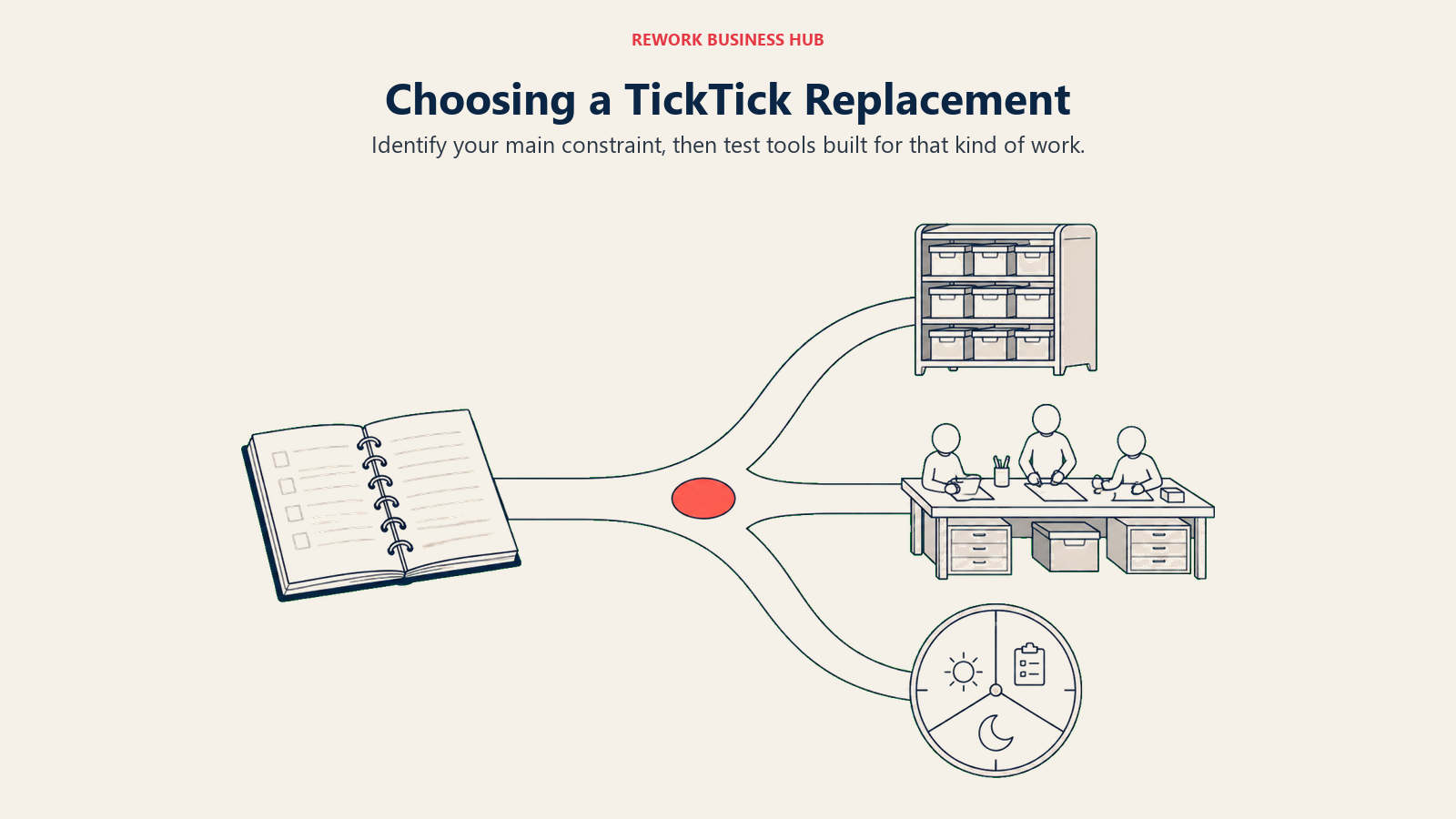
| If you need... | Pick this |
|---|---|
| The same app you had, with room to grow into a team | Todoist |
| The nicest possible app on Apple hardware, bought once | Things 3 |
| A free plan without a hard list cap, plus a daily ritual | Any.do |
| Zero new spend inside Microsoft 365 | Microsoft To Do |
| More than 2 people on a shared list, for free | Superlist or Trello |
| Tasks connected to clients, leads and team operations | Rework |
| Tasks living beside docs and knowledge, built your way | Notion |
| Timelines, workload and reporting for 10 or more people | Asana |
| Shared visibility for a small team, today, with no training | Trello |
| Every feature and unlimited free members on a zero budget | ClickUp |
| Nothing but a list, inside Gmail and Google Calendar | Google Tasks |
| A guided daily plan that stops you overcommitting | Sunsama |
| One keyboard-driven inbox across six different tools | Akiflow |
| A cheap all-in-one for one person, honestly | Stay on TickTick Premium |
What a TickTick Replacement Actually Has to Beat
Before you migrate anything, be precise about what you are replacing. TickTick bundles four products, and almost nothing else on this list bundles all four.
The list manager is the easy part. Todoist, Any.do, Superlist and Things 3 all match or beat it, and any team tool here covers it adequately.
The calendar is where switchers get surprised. TickTick's calendar views (month, week, 3-day, day) with drag-to-schedule are Premium features, and the free-plan reality is list view only. If that view is what you use daily, your realistic replacements are Sunsama, Akiflow, or a team tool with a calendar view like ClickUp or Rework. Notion can do it if you build it. Todoist cannot, not natively.
The habits and the Pomodoro timer are the hardest to replace inside one app. Nothing on this list bundles both. If they matter to you, plan on either keeping TickTick Premium for that alone or accepting a separate app. That is not a small admission, and it is the reason a chunk of readers who research alternatives end up staying. The Eisenhower matrix is worth revisiting either way, because most people's real problem is which task to do, not which app holds it.
The sharing is the exit that does not come back. Once other people depend on your list, no personal task app is the answer, including TickTick Premium at 29 shared members. That is when the shortlist becomes Rework, Asana, ClickUp or Notion, and when the right question changes from "which app" to "who needs to see this work and what do they need to see".
What to Do Next
Pick two tools from the framework above, not five, and run them in parallel for two weeks with real work. Do not migrate your archive. Move one active project or one week of actual tasks and see which app you open without thinking on day ten.
If you are solo and the free caps were the whole problem, start with Todoist and Any.do. If Apple polish was the problem, buy Things 3 for the platform you use most and try it for a week before buying a second platform. If the problem was that four people cannot work in one list, try Superlist and Trello on their free plans before you spend anything. And if your list has become the team's work, with clients, handoffs and someone asking for a status, skip the personal tools entirely and evaluate Rework or Asana. Migrating twice in six months costs far more than picking the heavier tool once.
Related reading:
- Best task management software in 2026: the full category, not just TickTick's neighbours
- Choosing tools for productivity: a framework for picking without regret
- The true cost of software sprawl: why the second and third tool costs more than its price tag
External resources:
- TickTick pricing: free plan limits and Premium features
- Todoist pricing: Beginner, Pro and Business plans
- Asana pricing: free plan user limits and paid tiers
- ClickUp pricing: Free Forever, Unlimited and Business
- Sunsama pricing: why there is no free plan
Frequently Asked Questions about TickTick Alternatives
What are TickTick's free plan limits?
TickTick's free plan allows 9 lists, 99 tasks per list, 2 shared members per list, 1 attachment per day at up to 10 MB, and list view only. Premium raises those to 299 lists, 999 tasks per list, 29 shared members and 199 attachments per day, and unlocks all calendar views.
How much does TickTick Premium cost?
TickTick Premium lists at US$49.99/year, and ticktick.com regularly runs a discounted offer at $35.99/year, which works out to about $3.00/month. The App Store also sells a monthly option at $3.99/month. There is no team or business tier.
What is the best free TickTick alternative?
It depends which cap pushed you out. Any.do's Personal plan is free forever without TickTick's list ceiling. Superlist's free plan allows 5 people per shared list instead of 2. Trello's free plan allows 10 collaborators per Workspace, and ClickUp's free plan allows unlimited members. Microsoft To Do and Google Tasks are free but far more basic.
Is Todoist better than TickTick?
For pure list management and for any path toward team use, yes. Todoist has better natural language parsing, more projects and filters on Pro, and an actual Business tier. TickTick wins on bundled extras, since Todoist has no habit tracker, no Pomodoro timer and no native calendar views.
Does TickTick have a team plan?
No. TickTick sells only a personal Premium subscription, and sharing tops out at 29 members per list even on Premium. Teams that outgrow that have to move to a tool built for collaboration, such as Trello, ClickUp, Asana or Rework.
What is the best TickTick alternative for teams?
For teams whose tasks connect to clients, leads and operations, Rework, which is sold as an engine with seats in blocks of 5 rather than per seat. For cross-functional projects that need timelines and workload, Asana. For a zero-budget team, ClickUp's free plan allows unlimited members. Note that Asana's free plan allows only 2 users to collaborate, so most teams pay from day one.
What is the best TickTick alternative for Apple users?
Things 3. It is the most refined native task manager on Apple platforms and is a one-time purchase per platform rather than a subscription, with the iPhone app at $9.99 on the US App Store. The trade is that it has no Android app, no web app and no collaboration at all.
Which TickTick alternative has a calendar view?
Sunsama and Akiflow are built around calendar-based time blocking and do it better than TickTick. Among broader tools, ClickUp, Rework and Notion all offer calendar views, though Notion requires you to build yours. Todoist does not have a native calendar view of TickTick's kind.
Does Rework have a free plan?
No. Rework has no free tier, only a 14-day free trial. The Project Engine is $99/month billed yearly, or $120 month to month, with 5 work seats included, and extra seats come in blocks of 5 at $13/month per block on yearly billing. It is priced and built for teams, not for individual task management.

Principal Product Marketing Strategist
On this page
- Key Facts
- Quick Comparison Table
- Free Plan Caps, Side by Side
- Stage Fit Matrix
- Sizing and Persona Table
- Why People Leave TickTick
- 1. Todoist: The Straight Swap Most TickTick Leavers Land On
- 2. Things 3: The Apple Answer, Bought Once and Never Billed Again
- 3. Any.do: A Free Plan That Does Not Cap Your Lists the Same Way
- 4. Microsoft To Do: Free, Fine, and Already Paid For
- 5. Superlist: Shared Lists Without the Two-Person Cap
- 6. Rework: When the To-Do List Quietly Became the Team's Work
- 7. Notion: Build the TickTick You Actually Wanted
- 8. Asana: Real Project Management, With a Free Plan That Stops at Two
- 9. Trello: The Cheapest Way to Get a Team Off Shared Lists
- 10. ClickUp: Every Feature You Wanted, Plus Two Hundred You Didn't
- 11. Google Tasks: The Zero-Friction Floor
- 12. Sunsama: The Timeboxing Half of TickTick, Done Properly
- 13. Akiflow: One Inbox, One Command Bar, One Calendar
- How to Choose: Decision Framework
- What a TickTick Replacement Actually Has to Beat
- What to Do Next