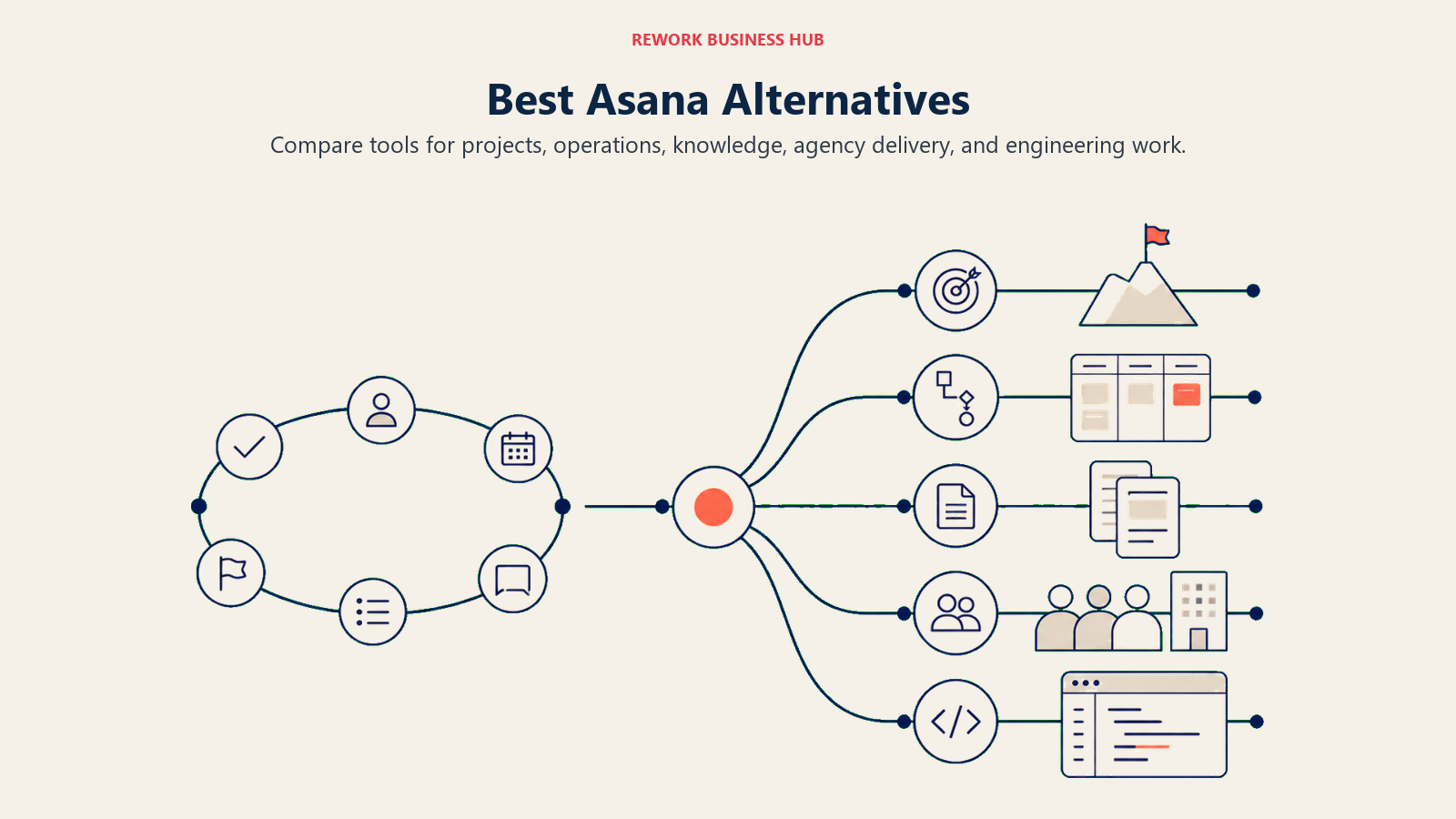
Best Asana Alternatives in 2026: 11 Tools for Teams That Need More Than Project Management
Turn this article into takeaways for your work.


Each assistant summarizes the article only for you and suggests best practices for your work.
Asana is a well-built product. It handles project tracking cleanly, has solid integrations, and a large enough customer base that your team has probably already used it. But if you're reading this, something isn't working.
For mid-size teams running cross-functional operations, the cracks show up fast: 250 automation runs per month on the Business plan, no native wiki or document layer, reporting that doesn't bend to your actual metrics, and per-seat pricing that gets expensive when you need everyone from sales to ops to HR to collaborate in one space. Understanding the true cost of software sprawl often reframes the evaluation. The monthly seat cost is rarely the full picture. When a team outgrows "project management" and needs actual operations management, Asana starts to feel like a constraint rather than a solution. This guide breaks down 11 honest alternatives: what each does well, where each falls short, and which situations each one actually fits.
Quick Comparison Table
| Tool | Best For | Starting Price | Key Strength | Key Limitation |
|---|---|---|---|---|
| Rework | Cross-team ops + CRM for mid-size teams | From $99/mo billed yearly, 5 seats (rework.com/pricing) | Dedicated ops workflows + built-in CRM and lead management | Not for solo/micro teams or pure kanban use cases |
| Monday.com | Visual boards, Work OS flexibility | ~$9/seat/mo (Basic) | Highly customizable, strong dashboards | Can become expensive and complex at scale |
| ClickUp | Everything-app power users | Free tier; $7/seat/mo (Unlimited) | Deepest feature set in the market | Feature overload for most teams |
| Notion | Docs-first teams who also want tasks | Free tier; $10/seat/mo (Plus) | Best-in-class docs + pages + database combo | Weak task management compared to dedicated PM tools |
| Wrike | Enterprise PM + creative review | $9.80/seat/mo (Team) | Strong proofing tools, enterprise security | Complex setup; expensive at higher tiers |
| Smartsheet | Spreadsheet-native teams | $9/seat/mo (Pro) | Familiar grid interface, strong reporting | Limited for non-spreadsheet workflows |
| Trello | Simple Kanban, small teams | Free tier; $5/seat/mo (Standard) | Easiest to learn in this list | Outgrown quickly; limited structure for complex ops |
| Basecamp | Communication-first PM | $15/user/mo or $349/mo flat | Flat-rate team plan, strong async comms | No resource management, limited automation |
| Teamwork | Agency and client project management | $10.99/seat/mo | Client-facing PM, billing integration | Focused on agencies; not a fit for internal ops teams |
| Linear | Modern issue tracking for product teams | Free tier; $10/seat/mo | Fast, opinionated, loved by eng/product teams | Not built for non-technical workflows |
| Airtable | Structured databases + automations | Free tier; $20/seat/mo (Team) | Flexible relational data + strong automations | Steeper learning curve; pricier at scale |
1. Rework: Dedicated Ops and CRM Workflows for Mid-Size Teams
Asana is a project management tool. Rework is an operations platform. That's not a marketing distinction; it's a structural one. Where Asana gives you a flexible task board and asks you to configure it for your process, Rework ships opinionated, pre-built workflow templates designed for the cross-functional realities that mid-size companies actually run: sales handoffs, client onboarding, procurement approvals, lead distribution, and recurring ops cycles.
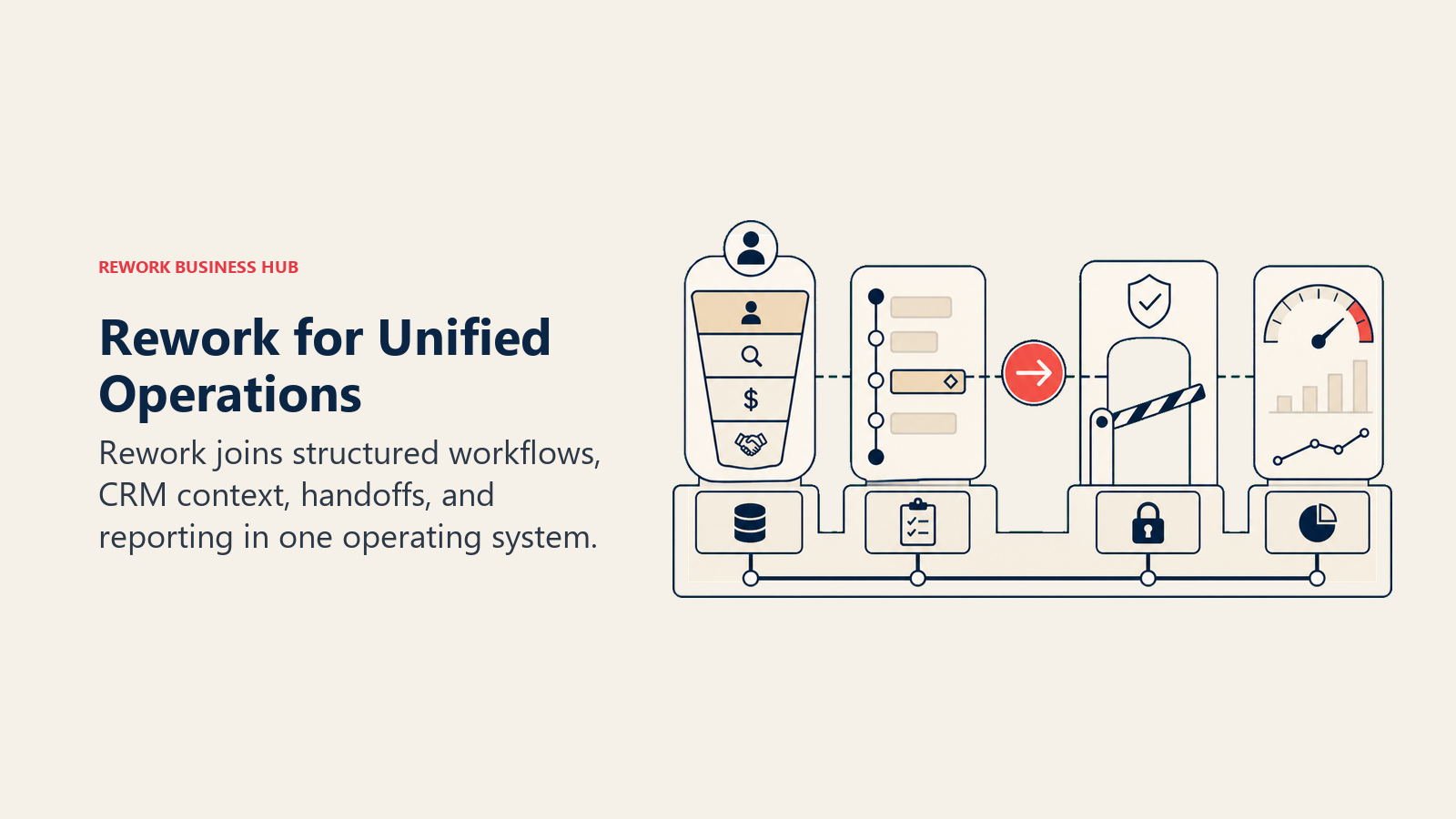
The other meaningful difference is CRM. If your team is managing leads, deals, or client relationships alongside projects and internal workflows, Rework handles both in one product. You don't stitch a CRM onto a PM tool. That's particularly relevant for ops teams, RevOps, and companies where sales and operations overlap daily.
Rework fits teams of 20 to 500 people that have outgrown spreadsheets but don't want Salesforce-level complexity. It's not the right call for a 5-person startup that just needs task tracking, and it's not a Figma or Jira replacement.
| What you get | What you don't |
|---|---|
| Pre-built ops workflow templates | A blank canvas for custom builds |
| Full CRM + lead management in one product | Depth for pure engineering issue tracking |
| Unified chat inbox (WhatsApp, Messenger, Instagram DM, live chat) | Free tier for micro teams |
| Cross-team ops with approval chains and SLA rules | Figma-style creative workflow tools |
| Mid-size pricing without Enterprise-tier gates | A Salesforce-equivalent governance layer |
Pricing: Process Engine from $99/month billed yearly ($1,188/year) or $120 month to month, with 5 work seats included; extra seats come in blocks of 5 ($13/month per block, billed yearly). The CRM is the Sales Engine, from $69/month billed yearly; the chat inbox and lead management sit in the Marketing Engine ($99/month billed yearly), and the Revenue Engine bundles both for $159/month billed yearly. (rework.com/pricing)
Best for: Mid-size ops, RevOps, sales + marketing + CS teams running shared workflows
2. Monday.com: Visual Boards and Work OS Flexibility
Monday.com is the most direct Asana alternative for teams who want to stay in a flexible, visual work management system but need more dashboard depth and customization. If you're already evaluating Monday in depth, the best Monday.com alternatives guide covers what comes after that decision. Its "Work OS" framing means you can build a CRM, a PM tool, an HR tracker, and a marketing calendar, all in one account, all connected. And if you want a direct feature comparison, our Rework vs Monday breakdown covers how ops-focused workflows differ between the two.
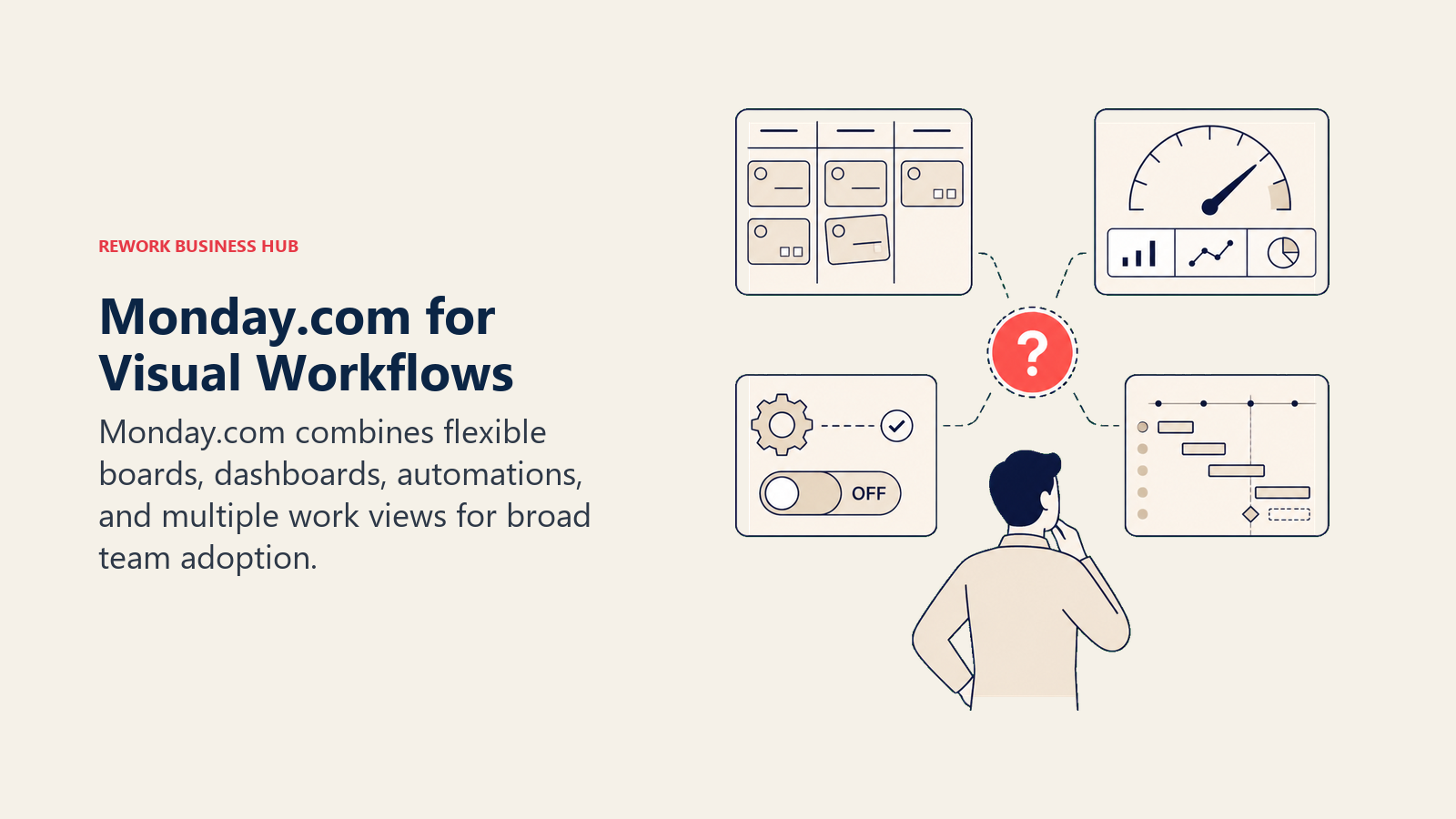
The trade-off is complexity. Monday's power comes from its flexibility, but that flexibility means you're configuring everything yourself. If you want automation, you're building it. If you want cross-team visibility, you're wiring it. Teams that want a tool that works out of the box often hit a wall before they get to productivity.
Pricing scales up quickly. The Pro plan (where most serious teams land) is $19/seat/month billed annually, which adds up fast at 50+ seats.
| What you get | What you don't |
|---|---|
| Highly visual boards and timelines | Ops-specific templates out of the box |
| Strong dashboard and reporting tools | Built-in CRM at lower tiers |
| 200+ integrations | Flat-rate pricing option |
| Work OS flexibility across departments | Low configuration overhead |
Pricing: From $9/seat/mo (Basic); most teams need Pro at $19/seat/mo
Best for: Teams that want visual project tracking with reporting flexibility and don't mind the setup work
3. ClickUp: The Everything-App
ClickUp's pitch is simple: replace every other tool. It has tasks, docs, goals, whiteboards, time tracking, a CRM module, AI writing, and more. The feature breadth is genuinely unmatched in this list.
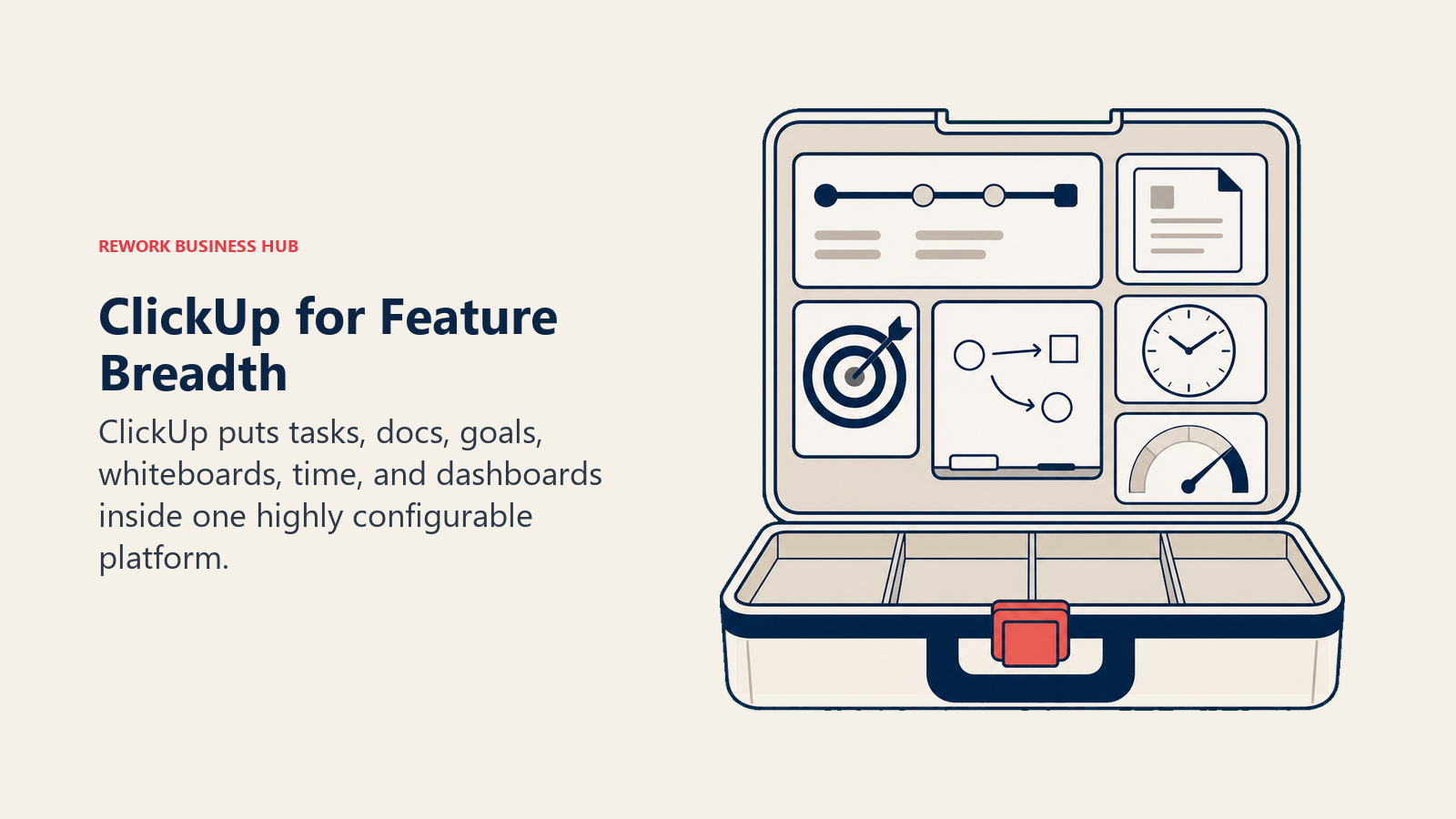
But breadth is also the problem. ClickUp requires real configuration investment before it works well, and the sheer number of options can paralyze teams that just want to get things done. It's also had a historically inconsistent reputation for reliability and performance. Teams that thrive on ClickUp tend to have a dedicated admin or ops lead who maintains the setup.
If your team has that capacity and wants maximum control over how your work is structured, ClickUp is worth serious consideration.
| What you get | What you don't |
|---|---|
| Deepest feature set in the market | Low-friction onboarding |
| Free tier with real functionality | Predictable performance at high volumes |
| Docs, goals, and time tracking native | Focused, opinionated workflows |
| CRM module available | Consistent product experience |
Pricing: Free; $7/seat/mo (Unlimited); $12/seat/mo (Business)
Best for: Power users who want maximum configurability and have an admin to maintain the system
4. Notion: Docs-First Workspace
Notion is the best knowledge management and documentation tool in this list. If your team's core complaint about Asana is that work and documentation live in separate places, Notion fixes that. Notes, wikis, project tracking, and databases all live together with a clean, modular interface. Our Rework vs Notion comparison is worth a look if Notion is making your shortlist alongside a workflow platform.
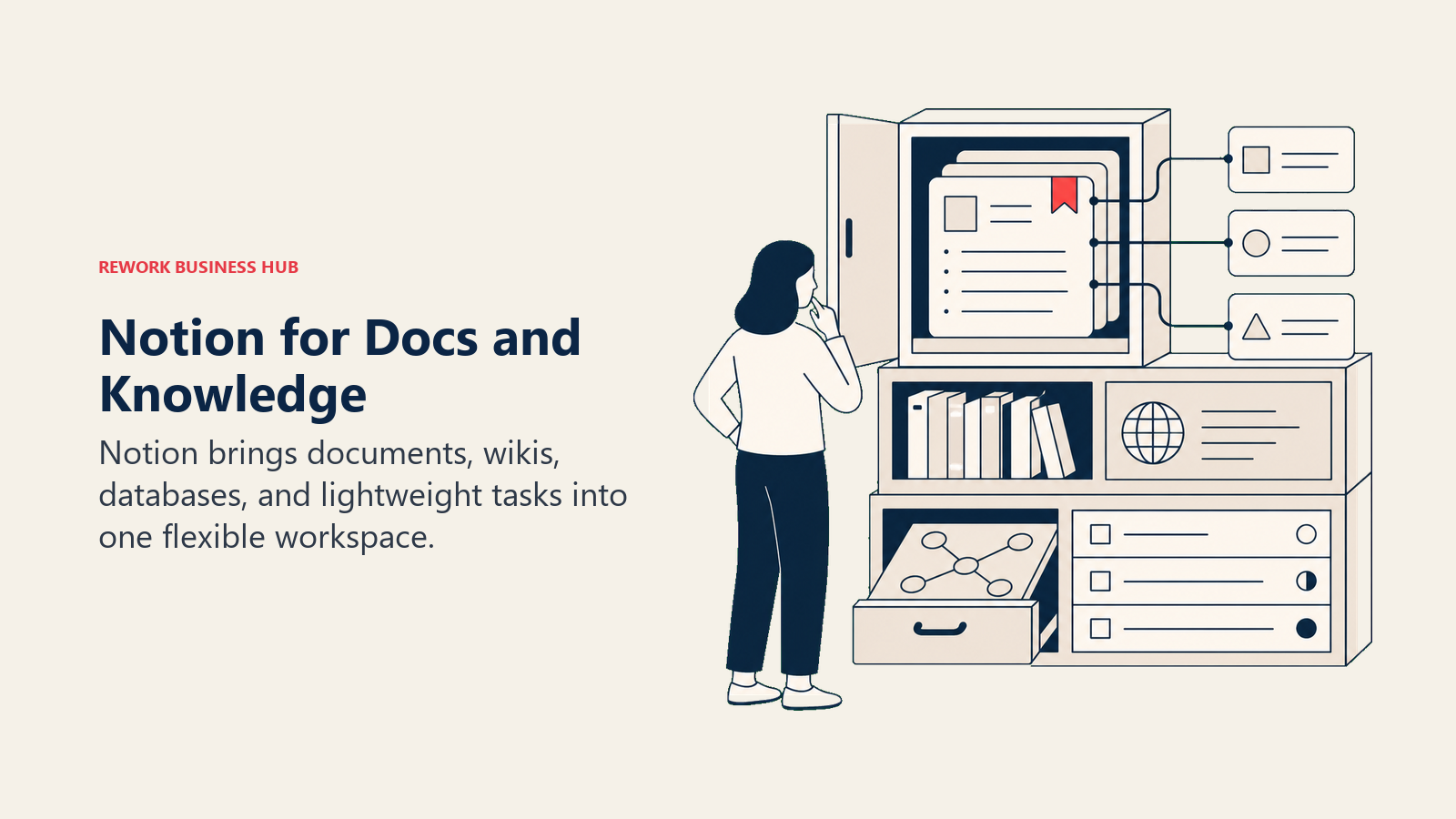
Where it falls short is task management depth. Notion's project and task layer is functional but doesn't match Asana's for structured PM workflows. Due dates, dependencies, workload views, and automation are all weaker than Asana, let alone purpose-built ops tools.
Notion works best as a knowledge layer that includes light task management, not as a PM replacement for teams with complex multi-team execution needs.
| What you get | What you don't |
|---|---|
| Best-in-class docs, wikis, and databases | Strong native task management |
| Clean, flexible interface | Timeline and dependency views |
| Notion AI included on paid plans | Automation depth |
| Generous free tier | Workload management |
Pricing: Free; $10/seat/mo (Plus); $15/seat/mo (Business)
Best for: Teams where documentation and knowledge management are the primary use case, with tasks as a secondary layer
5. Wrike: Enterprise PM and Creative Proofing
Wrike sits at the intersection of project management and creative operations. It has strong proofing and approval tools built in, making it a genuine fit for marketing teams, agencies, and creative departments that need structured review cycles alongside project tracking.
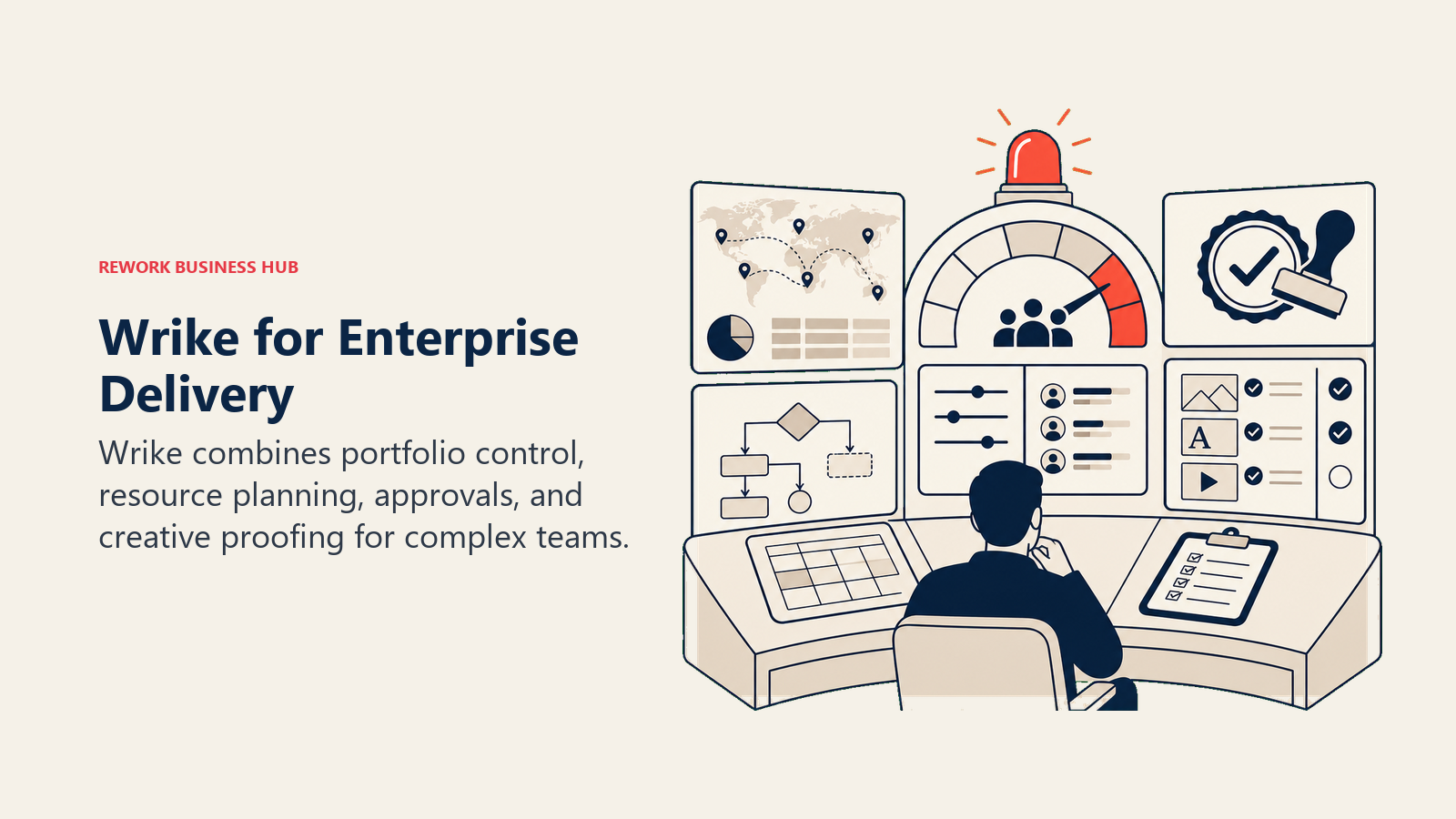
The enterprise security and compliance features are also genuinely stronger than most tools in this list. If your company has audit requirements or needs granular permission controls, Wrike handles that better than most.
The downside is complexity and price. Wrike has a steeper learning curve, and the plans that include proofing, analytics, or advanced integrations are significantly more expensive.
| What you get | What you don't |
|---|---|
| Strong creative proofing and approvals | Simple onboarding |
| Enterprise security and compliance | Budget-friendly pricing |
| Gantt charts and resource management | Flexibility for non-PM use cases |
| 400+ integrations | CRM or sales ops functionality |
Pricing: $9.80/seat/mo (Team); $24.80/seat/mo (Business); Enterprise pricing on request
Best for: Marketing teams, creative agencies, and enterprises with structured review and compliance needs
6. Smartsheet: Spreadsheet-Native Work Management
Smartsheet is the bridge between spreadsheets and purpose-built PM tools. If your team currently runs everything in Excel or Google Sheets and finds Asana's interface foreign, Smartsheet offers a familiar grid-based interface with more power underneath.
The reporting and dashboard capabilities are notably strong. Smartsheet's dashboards are one of the better options in this category for teams that care about rollup visibility across multiple projects.
The limitation is the same as its strength: it's built around grids. Teams running non-spreadsheet workflows, like CRM pipelines, cross-team ops, or conversational work, will find it feels like a workaround.
| What you get | What you don't |
|---|---|
| Familiar grid/spreadsheet interface | Modern task or kanban UI |
| Strong rollup dashboards and reporting | CRM or ops workflow templates |
| Solid resource management | Low-friction onboarding for non-spreadsheet teams |
| Government and enterprise compliance options | Flexibility for non-linear workflows |
Pricing: $9/seat/mo (Pro); $19/seat/mo (Business)
Best for: Teams with a spreadsheet-native culture that need more structure and reporting than Excel provides
7. Trello: Simple Kanban
Trello is the simplest tool in this list. It's card-and-board Kanban, done well. If your team's workflow genuinely fits that model (discrete tasks moving through defined stages), Trello delivers that with almost no setup friction.
The limitation is the ceiling. Trello doesn't have native Gantt views, workload management, meaningful automation depth, or cross-board reporting. Teams that have grown beyond simple Kanban usually outgrow Trello within months. The fact that you're reading a "Best Asana alternatives" article suggests you've probably already outgrown Trello too.
It's best used as a lightweight personal tool or for very small teams with simple, predictable workflows.
| What you get | What you don't |
|---|---|
| Fastest setup in this list | Complex workflow support |
| Very gentle learning curve | Cross-project visibility |
| Free tier with real functionality | Automation depth |
| Clean Kanban UI | Timeline, Gantt, or resource views on lower plans |
Pricing: Free; $5/seat/mo (Standard); $10/seat/mo (Premium)
Best for: Very small teams with simple, visual workflows who don't need cross-team coordination
8. Basecamp: Communication-First Project Management
Basecamp's design philosophy is intentionally opinionated: less feature surface, better async communication. It puts message boards, group chat, file sharing, and to-do lists together in a way that reduces notification noise and meeting overhead.
The flat-rate pricing ($349/month for unlimited users) is genuinely attractive for teams with a high headcount. If you're managing 30+ people and the per-seat costs of other tools are painful, Basecamp's model is a real differentiator.
The ceiling is real though. Basecamp has no resource management, no timeline view, limited automation, and no reporting to speak of. It's a communication and coordination layer, not a work execution platform.
| What you get | What you don't |
|---|---|
| Flat-rate pricing (unlimited users) | Resource or workload management |
| Strong async communication tools | Automation or rules engine |
| Simple, low-noise interface | Gantt or timeline views |
| File and document management | Cross-project reporting |
Pricing: $15/user/mo OR $349/mo flat for unlimited users
Best for: Teams that prioritize async communication and want a predictable, flat-rate cost structure
9. Teamwork: Agency and Client Project Management
Teamwork is purpose-built for agencies and client-service businesses. It includes time tracking, billable hour management, client-facing portals, and project budgeting as first-class features, not add-ons. If your work involves delivering projects to external clients and billing by the hour, Teamwork has a more complete solution than Asana.
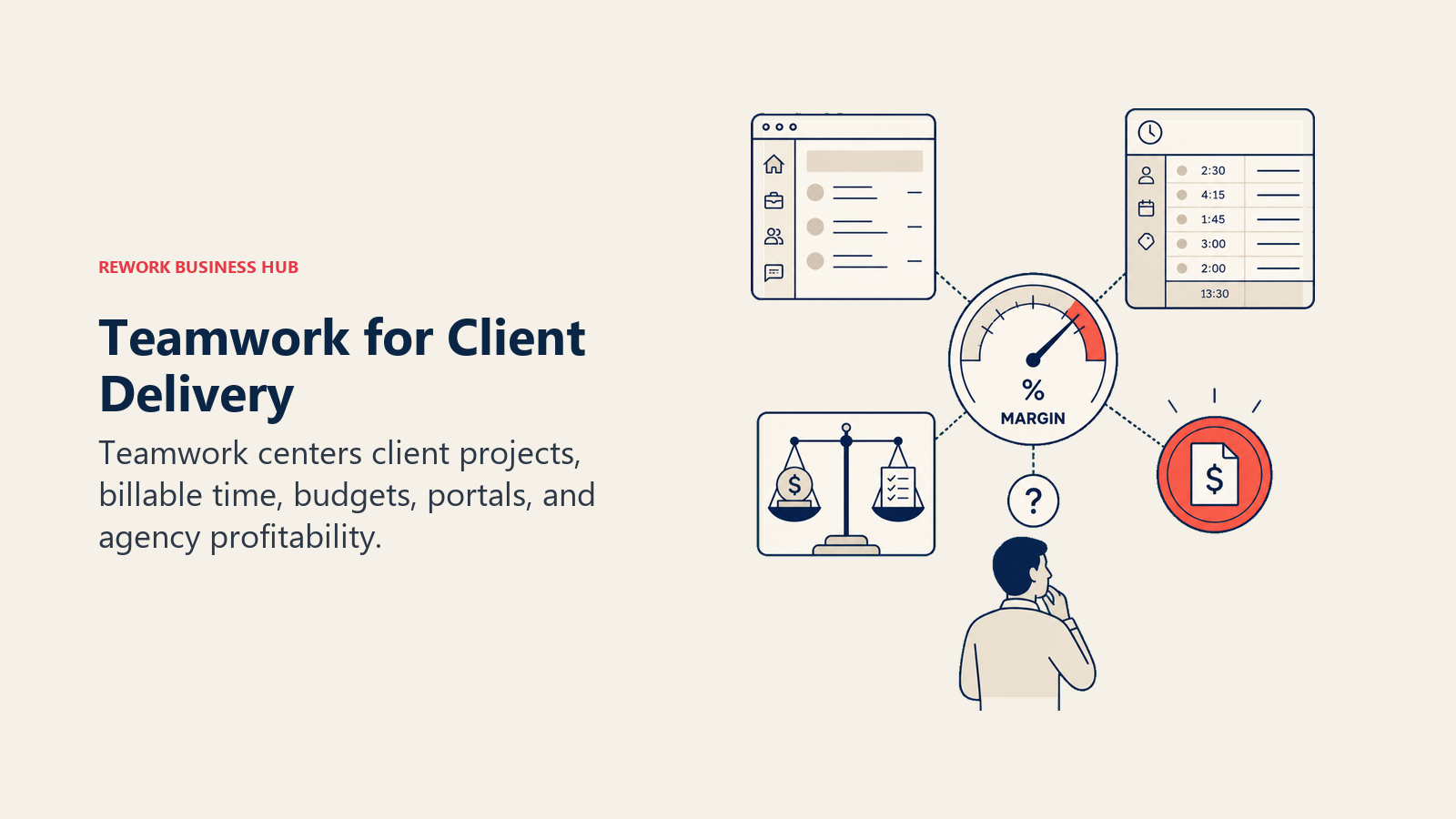
For internal teams without a client-delivery model, Teamwork is likely overkill and its interface will feel oriented toward a workflow you don't have.
| What you get | What you don't |
|---|---|
| Native time tracking and billing | Fit for internal-only teams |
| Client portals and external collaboration | CRM or sales workflow tools |
| Resource management and budget tracking | Simplicity for non-agency use cases |
| Strong project health reporting | Competitive pricing for enterprise |
Pricing: $10.99/seat/mo (Deliver); $19.99/seat/mo (Grow)
Best for: Agencies, consultancies, and client-service teams that bill by project or hour
10. Linear: Modern Issue Tracking
Linear is the fastest, most opinionated issue tracker in this list. It was built by engineers, for engineers, with a product team secondarily. The interface is clean, keyboard-shortcut-driven, and designed for teams that care about shipping software quickly.
If your Asana frustration comes from tracking product bugs, sprints, and engineering cycles, Linear is likely the right answer. But if your team includes sales, marketing, HR, or ops alongside engineering, Linear's narrow focus means those teams will still need another tool.
| What you get | What you don't |
|---|---|
| Fastest, cleanest issue tracker in the market | Support for non-technical workflows |
| Excellent GitHub/GitLab integration | Cross-team ops features |
| Strong sprint and cycle management | CRM or sales tooling |
| Keyboard-first, low-friction interface | Flexibility for custom workflow types |
Pricing: Free (up to 250 issues); $8/seat/mo (Standard); $14/seat/mo (Plus)
Best for: Engineering and product teams that need a fast, opinionated issue tracker
11. Airtable: Structured Databases and Automations
Airtable sits at the intersection of spreadsheet and database. Its automation capabilities are genuinely strong (far beyond Asana's 250-run cap), and its relational data model lets you build structured workflows that would break in a simple task tool.
The trade-off is price and learning curve. Airtable's Team plan runs $20/seat/month, which is more expensive than most alternatives here. And building non-trivial workflows requires enough familiarity with relational databases that non-technical users often struggle. If you have a technical ops lead who can architect the setup, Airtable rewards that investment. But if Airtable is hitting its own limits for you, the best Airtable alternatives guide covers where teams go from there.
| What you get | What you don't |
|---|---|
| Strong relational database model | Simple out-of-the-box setup |
| Generous automation limits | Budget pricing |
| Flexible views (grid, kanban, calendar, gallery) | Native CRM depth |
| 700+ integrations | Purpose-built ops workflow templates |
Pricing: Free; $20/seat/mo (Team); $45/seat/mo (Business)
Best for: Teams with structured, data-heavy workflows and a technical ops lead who can build and maintain the setup
How to Choose: Decision Framework
| If you need this... | Pick this |
|---|---|
| Cross-team ops workflows + CRM in one product | Rework |
| Maximum visual flexibility + strong dashboards | Monday.com |
| The deepest feature set you can configure | ClickUp |
| Docs, wikis, and knowledge management with light tasks | Notion |
| Creative proofing + enterprise compliance | Wrike |
| Spreadsheet-native teams that need more structure | Smartsheet |
| The simplest possible Kanban, small team | Trello |
| Async-first communication with flat-rate pricing | Basecamp |
| Client-service, billing, and agency delivery | Teamwork |
| Engineering and product issue tracking | Linear |
| Relational data + strong automations | Airtable |
One more signal worth naming: if the core frustration with Asana is that it doesn't connect project work to your sales pipeline, lead management, or customer operations, most tools on this list share that limitation. They're still project management tools. Rework is the one built to treat cross-team operations and CRM as a single system rather than two products bolted together.
What to Do Next
Pick your top two options from this list and run a two-week parallel pilot. Give each tool one real, active workflow, not a test project. The setup friction, the questions your team asks in week one, and the places where the tool breaks down will tell you more than any comparison guide. If the main driver is outgrowing Asana's automation limits or needing docs + tasks in one place, start with ClickUp or Notion. If the driver is connecting project work to operations and customer data, start with Rework.
Before your pilot, use the 30-60-90 day onboarding plan framework to structure how your team will ramp on whichever tool you choose. It prevents the "everyone uses it differently" entropy that kills most new tool rollouts.
Also worth reading before you decide: Async-First vs Remote-First if distributed work is central to your team's setup, and our best Wrike alternatives and best Teamwork alternatives guides if either of those tools made your shortlist.
External references: Asana pricing page | Monday.com pricing | ClickUp pricing | G2: Best Asana alternatives | Gartner reviews: project management software

Customer Success Operations Manager
On this page
- Quick Comparison Table
- 1. Rework: Dedicated Ops and CRM Workflows for Mid-Size Teams
- 2. Monday.com: Visual Boards and Work OS Flexibility
- 3. ClickUp: The Everything-App
- 4. Notion: Docs-First Workspace
- 5. Wrike: Enterprise PM and Creative Proofing
- 6. Smartsheet: Spreadsheet-Native Work Management
- 7. Trello: Simple Kanban
- 8. Basecamp: Communication-First Project Management
- 9. Teamwork: Agency and Client Project Management
- 10. Linear: Modern Issue Tracking
- 11. Airtable: Structured Databases and Automations
- How to Choose: Decision Framework
- What to Do Next