Todoist vs TickTick in 2026: Which Task Manager Fits How You Actually Work?
Turn this article into takeaways for your work.


Each assistant summarizes the article only for you and suggests best practices for your work.
Search "Todoist vs TickTick" and you get a feature checklist that makes the contest look settled. TickTick has a habit tracker, a Pomodoro timer, an Eisenhower matrix view, four calendar layouts and a countdown widget. Todoist has none of those. Count features and you can stop reading after the first table.
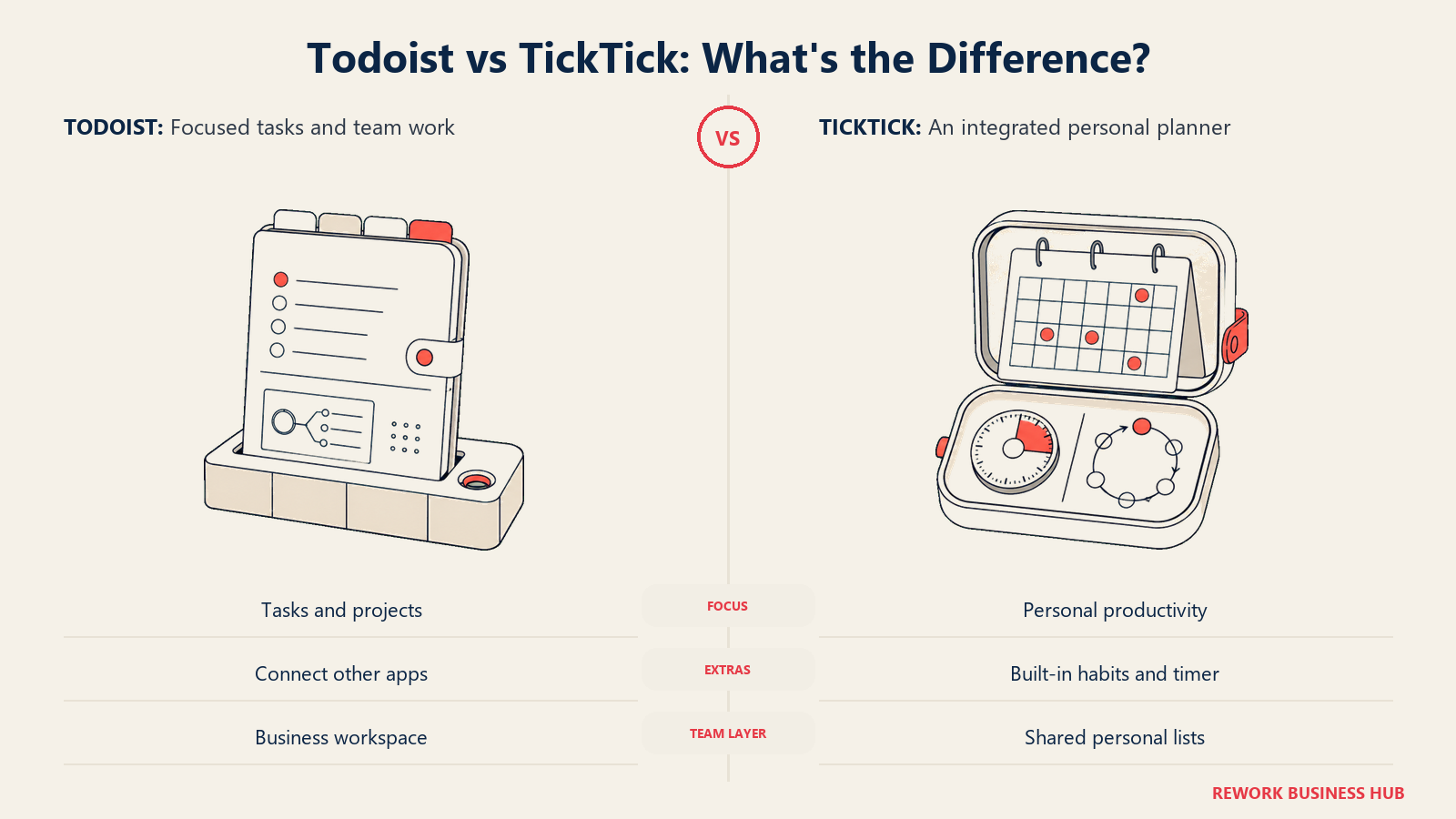
That feature count is also why a lot of people move to TickTick, use the habit tracker enthusiastically for three weeks, stop opening the Pomodoro timer, and drift back to a plain list. The count answers a question nobody actually has. The real question underneath "which one should I use" is a question about shape: do you want a focused list-and-project tool that stays out of the way and scales into a team, or do you want one app that absorbs your tasks, your calendar, your habits and your focus timer and asks you to run your whole personal system inside it.
That is the honest split here, and it decides the answer faster than any feature grid. Todoist is the more disciplined tool with the better capture and a genuine team tier. TickTick is the all-in-one personal system with no team product at all. This piece covers capture and natural language, views and calendar handling, the built-in extras, free plan caps, collaboration, platforms and offline behaviour, both pricing pages in detail, real cost at 1, 5 and 25 people, and what migrating between them actually costs you. If you have not narrowed the field to these two yet, the wider roundup in best task management software is the better starting point.
TL;DR
| Todoist | TickTick | |
|---|---|---|
| What it is | A focused list and project manager with excellent capture | An all-in-one personal productivity suite |
| Core strength | Natural language quick add, clean project structure, a real team tier | Tasks, calendar, habits, Pomodoro and Eisenhower matrix in one app |
| Free plan | Beginner: 5 personal projects, 3 filter views, 1 week activity history, 5 MB uploads | 9 lists, 99 tasks per list, 2 shared members per list, 1 attachment a day |
| Cheapest paid tier | Pro: US$5 per user/month billed yearly ($60 billed yearly). $7/month billed monthly | Premium lists at US$49.99/year, with ticktick.com regularly running a discounted offer at $35.99/year |
| Team tier | Business: US$8 per user/month billed yearly ($96 billed yearly). $10/user/month billed monthly | None. There is no team or business tier at all |
| Calendar views | Calendar layout on Pro and Business only | Month, day, 3-day and week views on Premium |
| Habit tracking | Not built in | Built in, 5 habits free and 299 on Premium |
| Best for | Someone who wants one reliable task system, and small teams that need shared projects with admin control | Someone running their entire personal system in one app and happy to stay solo |
Who Each Tool Is Built For
Both tools sell to individuals. Only one of them sells to a team, and that is the difference most comparisons bury under a features table.
| Todoist | TickTick | |
|---|---|---|
| Sweet spot | One person who wants a dependable list, plus teams of roughly 3 to 50 sharing projects | One person running tasks, calendar and habits in a single app |
| Buying trigger | Outgrew notes and reminders, wants capture that never loses a task, or needs a shared workspace with roles | Tired of paying for four apps (tasks, calendar, habit tracker, focus timer) and wants them merged |
| Who it frustrates | People who want habit tracking and a focus timer without adding a second app | Anyone who needs shared team projects, admin control, or one central bill |
| Philosophy | Do one job well, integrate for the rest | Absorb the adjacent jobs so you stop switching apps |
| Ceiling | Business tier scales to 1,000 team members and guests | 29 shared members on a single list, and no workspace above that |
If you are early enough in the search that you want to see the wider field rather than a head-to-head, best Todoist alternatives and best TickTick alternatives both widen the shortlist, and neither locks you into these two.
Capture and Natural Language
This is the least glamorous section and the one that decides whether a task manager survives past month two. A tool you have to think about before adding a task is a tool you stop adding tasks to, and an empty task manager is worse than a paper list because you trusted it once.
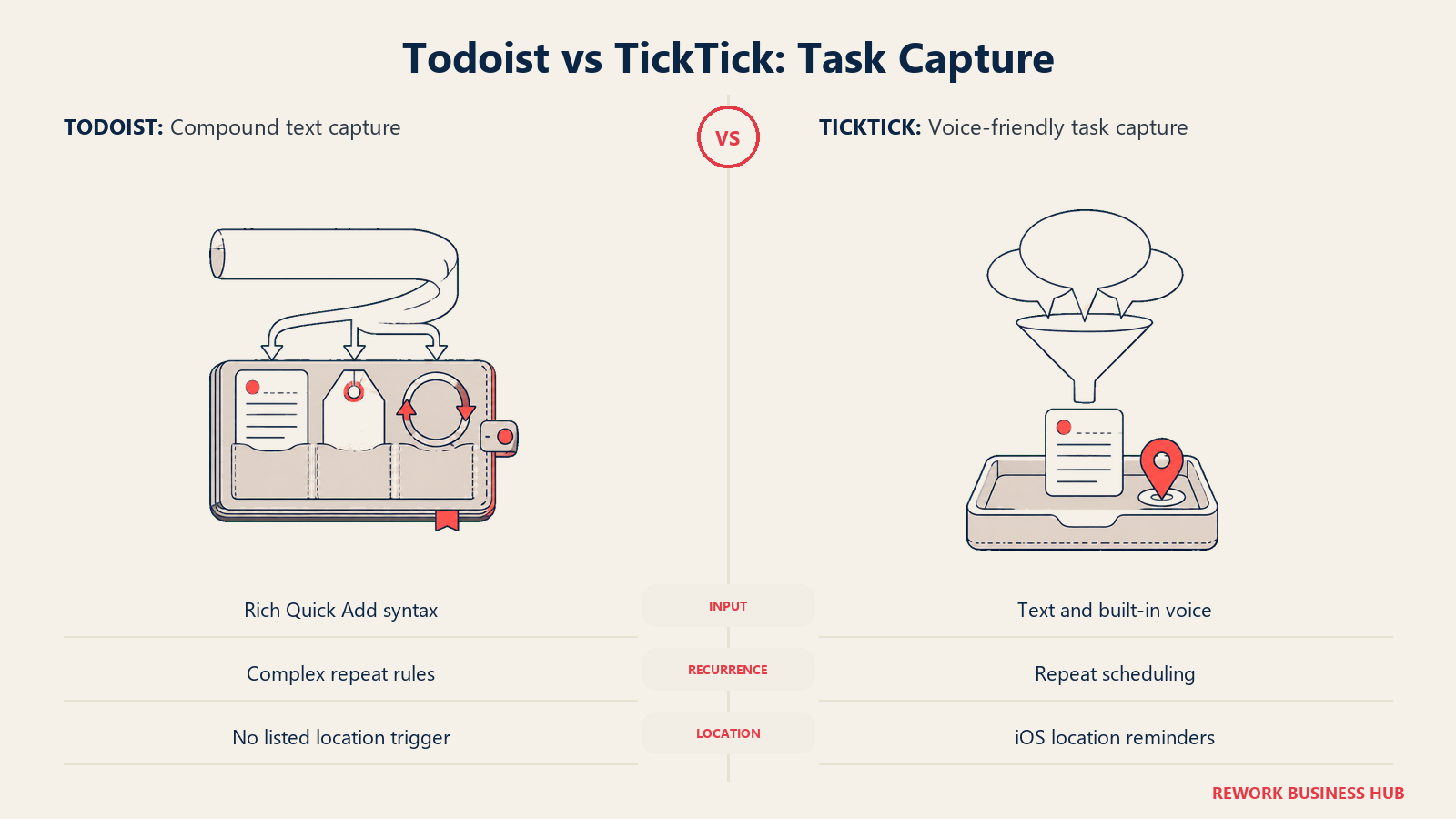
Todoist's Quick Add is the best implementation of this in the category, and it has been for years. Type "review Q4 budget every 3rd Monday at 9am #Finance @deep-work p1" and Todoist parses the recurrence, the time, the project, the label and the priority in one line without you touching a date picker or a dropdown. The recurrence engine in particular handles patterns most competitors cannot express at all: every other Tuesday, every last workday of the month, every 3 days starting next Friday. If your system depends on recurring commitments, that engine is doing more work for you than any calendar view would.
TickTick parses natural language too, and it does it competently. Type a task with "tomorrow 3pm" in it and TickTick lifts the date out. What it does not match is Todoist's depth on the compound case, where project, label, priority and a complex recurrence all need to come out of the same sentence. TickTick compensates in a different direction: built-in voice input converts spoken text into a task, and it ships location reminders on iOS, which Todoist does not list at all. If most of your capture happens while you are walking away from a conversation rather than sitting at a keyboard, that trade may go TickTick's way.
Capture quality matters more than any single feature because it decides whether the system stays trustworthy. That is the same idea sitting underneath Getting Things Done: the collection habit only works if collecting costs you nothing.
| Capture method | Todoist | TickTick |
|---|---|---|
| Natural language | Quick Add parses dates, times, projects, labels, priorities and recurrence from one line | NLP identifies dates and times from typed text |
| Complex recurrence | Strongest in the category, handles compound and irregular patterns | Flexible repeat scheduling, less expressive on compound patterns |
| Voice input | Voice notes on comments, plus capture through assistants and integrations | Built-in voice input converted straight into a task |
| Email to task | Yes | Email plugin, forward a message into a list |
| Browser and desktop | Browser extension, desktop shortcut, 80+ integrations | Browser context menu, desktop shortcut, widgets |
| Location reminders | Not listed on the features page | Yes, iOS only per TickTick's own features page |
Views and Calendar
Here the direction reverses, and it is the clearest structural advantage TickTick holds.
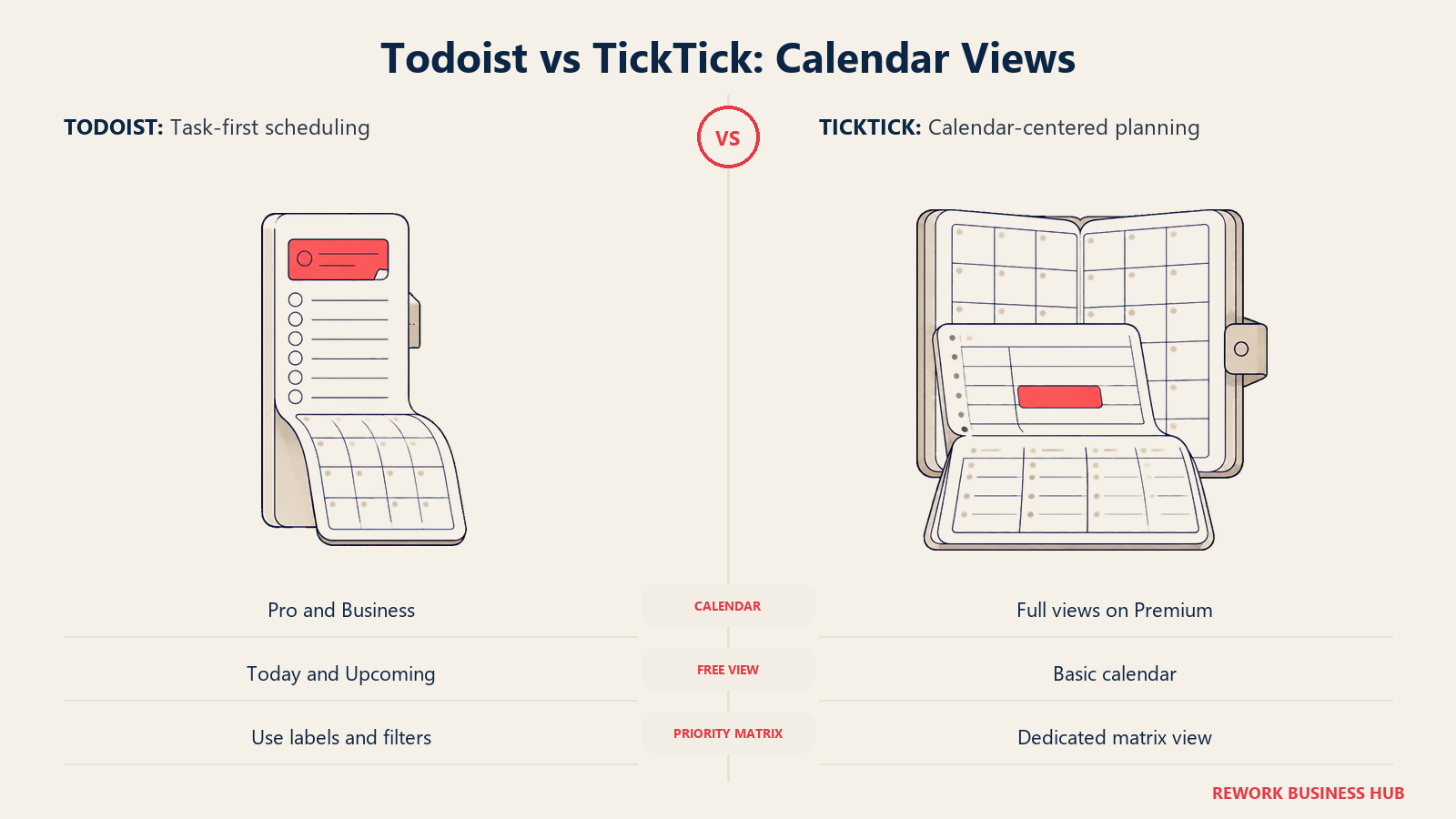
TickTick treats the calendar as a first-class view of your tasks, not a place you export them to. Premium unlocks month, day, 3-day and week layouts, so a task with a time on it appears where your day actually happens. Free users get list view and a basic calendar, which is a meaningful limitation given that the calendar is the reason many people try TickTick in the first place. TickTick also ships a timeline view and, separately, the Eisenhower matrix as an actual view rather than a labelling convention.
Todoist reached the calendar later and put it behind the paywall. Calendar layout is a Pro and Business feature and is explicitly not on the Beginner plan. What Todoist does give you free is the Today and Upcoming views with drag-and-drop rescheduling, which for a lot of people is 90% of what a calendar view was going to do anyway. Board layout exists on projects, and board layout inside label and filter views is a Pro addition.
There is a real argument for TickTick's approach beyond convenience. Migrating a to-do list into a calendar is not just a display preference, it is a distinct technique, and the evidence for it is stronger than for most productivity habits (see Key Facts below). If you plan by dropping tasks into time slots, TickTick removes a step Todoist makes you take through an integration.
| View | Todoist | TickTick |
|---|---|---|
| List | Default, on every plan | Default, and the main view on the free plan |
| Board (Kanban) | Project board layout; board layout in label and filter views is Pro | Kanban view |
| Calendar layout | Pro and Business only, not on Beginner | Month, day, 3-day and week views on Premium; basic calendar on free |
| Timeline | Not listed on the features page | Timeline view for task duration |
| Eisenhower matrix | Not a native view | Built in as a dedicated view |
| Today and Upcoming | Today and Upcoming with drag-and-drop scheduling | Today and smart list views |
| Saved filters | 3 filter views free, 150 on Pro | Filters and tags, with smart list caps rising on Premium |
If the matrix view is the specific thing pulling you toward TickTick, it is worth knowing the method before you buy the tool. The Eisenhower matrix explains what it is actually for, and where a personal urgency grid stops being the right instrument.
Habits, Pomodoro and the Built-In Extras
This is TickTick's headline advantage and the single biggest reason people switch to it. It is also the part worth being most sceptical about before you decide.
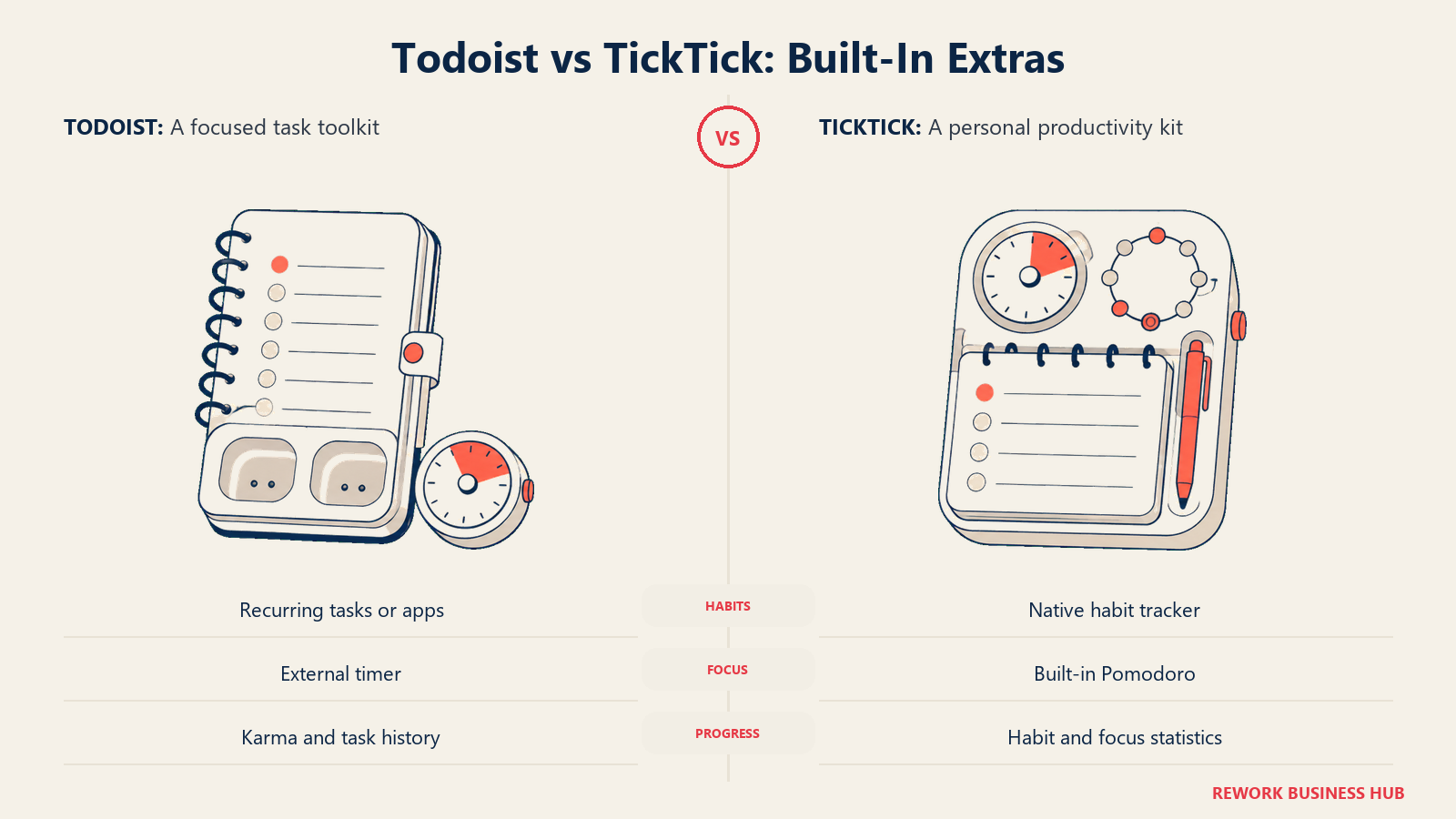
TickTick ships a habit tracker with statistics, a Pomodoro timer, countdowns, and the matrix view mentioned above. Free accounts get 5 habits and 5 countdowns; Premium raises both to 299. The pitch is straightforward and genuinely appealing: instead of paying for a task app, a habit app and a focus timer, you pay once and open one icon.
Todoist ships none of these. Its extras are Karma, which awards points and tracks streaks for completing tasks, and productivity visualizations by week and month backed by activity history. That is a deliberate narrowness, not an oversight. Todoist's position is that habits are recurring tasks and focus timers belong to whatever app you already like, and its 80+ integrations exist to make that stitching cheap.
Be honest with yourself about which of these you will still be using in March. A habit tracker only pays off if you keep at it long enough for the behaviour to stick, and the research puts that horizon further out than most people expect. Consolidating four subscriptions into one is a real saving and a real reduction in software sprawl; consolidating four apps you will abandon anyway just moves the abandonment into one place.
| Built-in extra | Todoist | TickTick |
|---|---|---|
| Habit tracker | Not built in; people model habits as recurring tasks or use a separate app | Built in with statistics. 5 habits free, 299 on Premium |
| Pomodoro timer | Not built in | Built in |
| Eisenhower matrix | Not built in | Built in as a view |
| Countdown | Not built in | Built in. 5 free, 299 on Premium |
| Gamified progress | Todoist Karma: points and streaks for completed tasks | Habit streaks and focus statistics |
| Reporting | Productivity visualizations by week and month, plus activity history | Focus and habit statistics |
| Notes and documents | Task descriptions with links and attachments | Task descriptions and notes, plus a notes list type |
Neither of these is a note-taking app, and stretching one into that role is where both tend to break. If half of what you are trying to store is reference material rather than actions, look at best Obsidian alternatives instead of forcing it into a task list.
Free Plan Limits Head to Head
Most people meet these two on the free tier, so the caps decide the experience long before the price does. They cap completely different things, which makes a straight comparison harder than it looks and more useful once you do it.
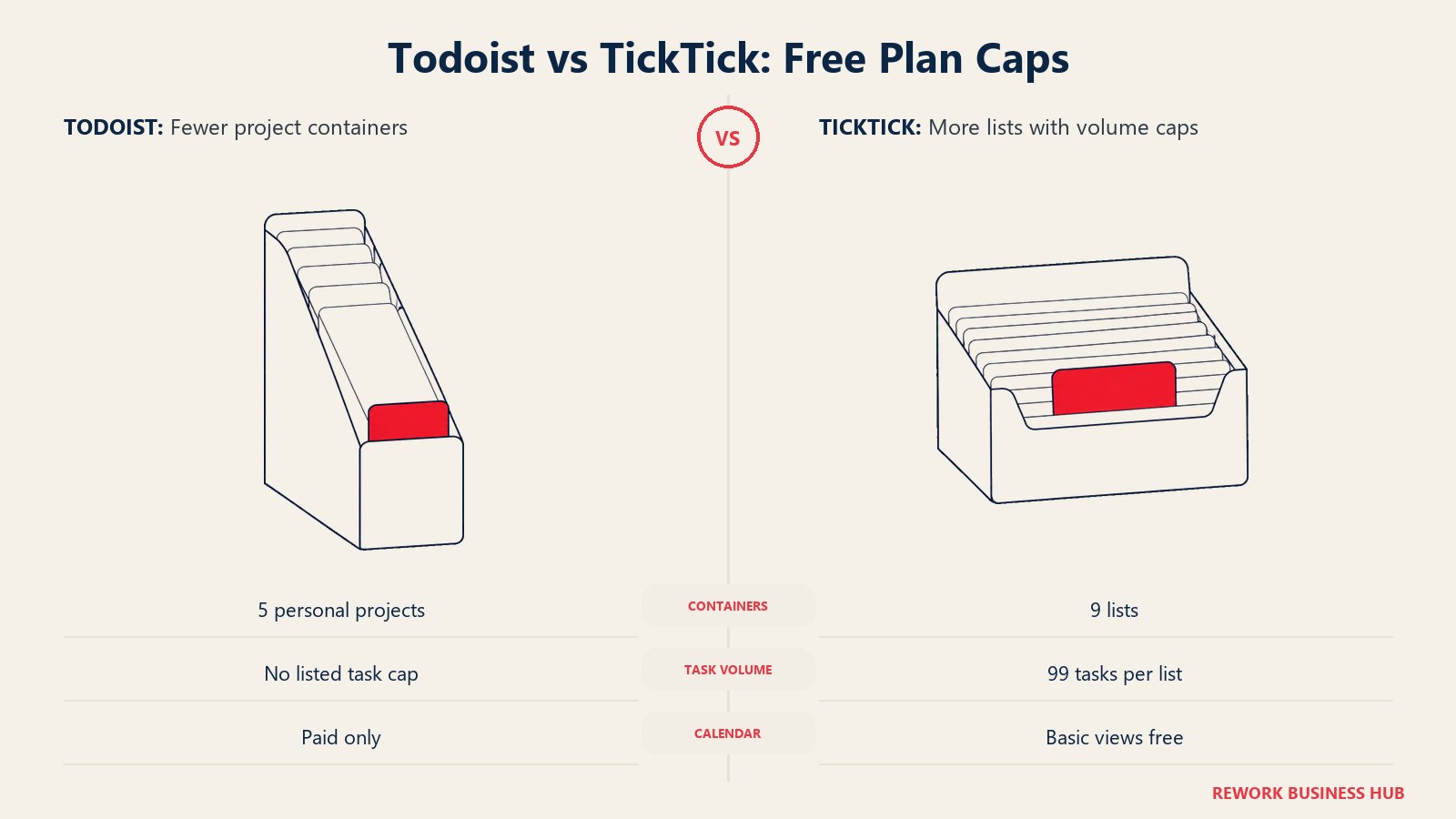
Todoist's free plan restricts structure. Five personal projects is tight, and three filter views means you cannot build many custom perspectives. But it does not put a ceiling on how many tasks you throw at it, so a heavy user with a simple structure can live on it for a long time.
TickTick's free plan restricts volume. Nine lists is more generous than five projects, but 99 tasks per list is a hard cap you will hit if you keep completed work around, and one attachment a day with a 10 MB limit is restrictive if you attach anything regularly. The bigger constraint is that the calendar views most people came for are Premium.
| Free plan limit | Todoist Beginner | TickTick free |
|---|---|---|
| Containers | 5 personal projects | 9 lists |
| Tasks | The pricing page caps projects, not task count | 99 tasks per list |
| Saved views | 3 filter views | Basic views; the full calendar layouts are Premium |
| Sharing | Shared projects with collaborators | 2 shared members per list |
| Attachments | 5 MB file uploads | 1 attachment per day, 10 MB maximum |
| Activity history | 1 week | Not published as a separate cap |
| Reminders | Task reminders | 2 reminders per task |
| Habits | Not a feature | 5 habits |
| Calendar | No calendar layout | Basic calendar views only |
The practical read: if you keep a small number of projects and a lot of tasks, Todoist free lasts longer. If you keep many small lists and few tasks in each, TickTick free lasts longer. If you want the calendar, TickTick free is a trial rather than a home.
Key Facts
- Forming a daily habit took participants an average of 66 days, with a range of 18 to 254 days, in Lally et al.'s study of habit formation in the real world. (University of Surrey, with Dr Pippa Lally)
- Brief mental blocks from shifting between tasks can cost as much as 40% of someone's productive time, according to psychologist David E. Meyer. (American Psychological Association)
- Employees using Microsoft 365 are interrupted every 2 minutes by a meeting, email or notification, per Microsoft's Work Trend Index special report "Breaking Down the Infinite Workday". (Microsoft WorkLab)
- In a survey of 100 productivity hacks, timeboxing, meaning migrating to-do lists into calendars, was ranked the most useful of all of them. (Harvard Business Review, Marc Zao-Sanders)
- Knowledge workers spend 58% of the day on "work about work", the coordination around the job rather than the skilled work they were hired for, per Asana's vendor-run 2023 Anatomy of Work Global Index of 9,615 knowledge workers. (Asana)
Collaboration and Team Use
This is where the comparison stops being close, and it is the section most feature grids skip because there is nothing to grid.
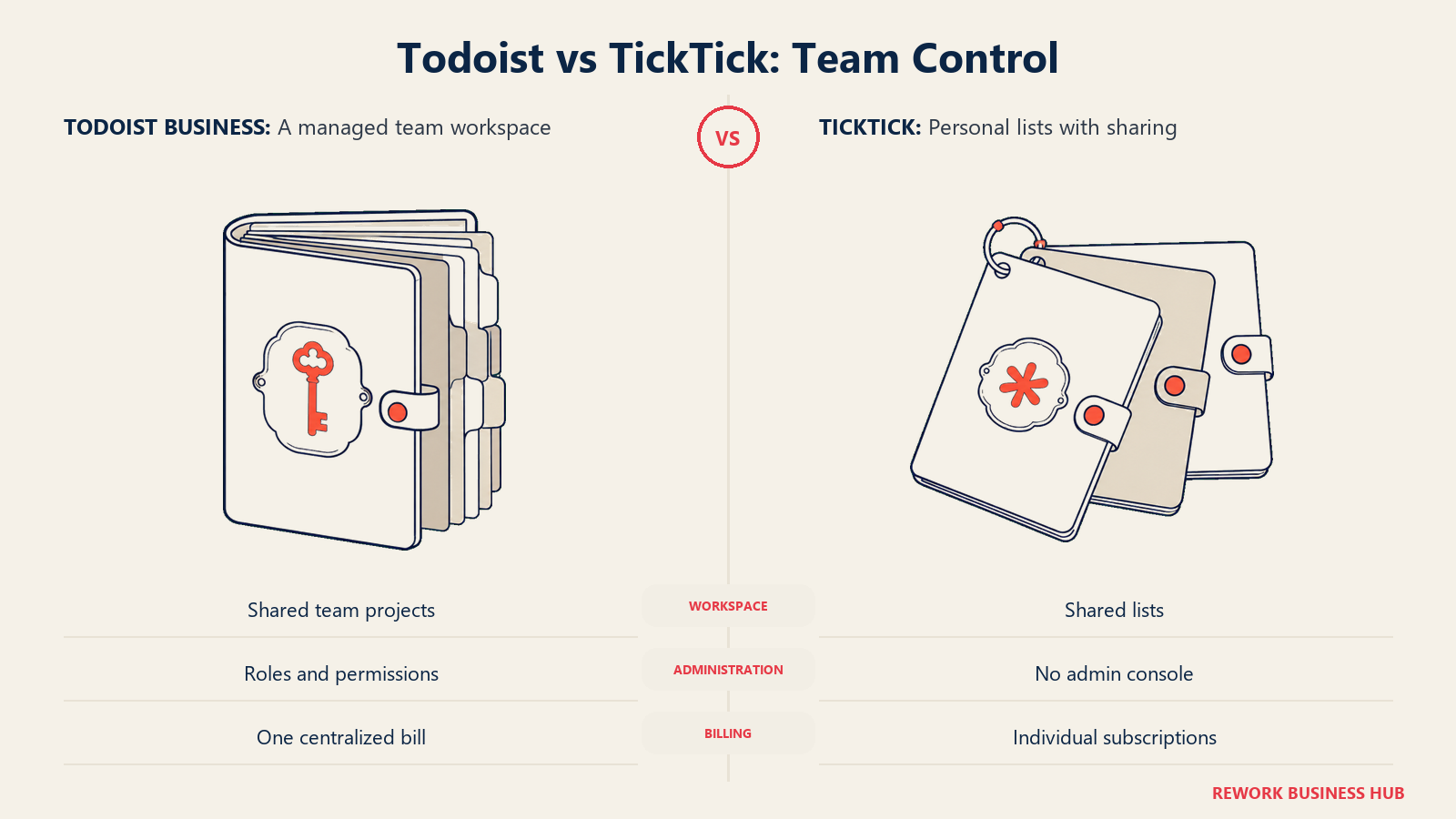
Todoist Business is a real team product. It gives you a shared team workspace, public and private team projects, up to 500 team projects, 1,000 team members and guests, 250 people per team project, team roles and permissions, shared templates, team project folders, 150 custom team filters, granular team activity logs, centralized billing, and SOC 2 Type II certification. That is not enterprise work management, but it is a legitimate answer for a 5 to 50 person team that wants shared task lists with an admin who can actually administer them.
TickTick has no team tier. None. What it has is list sharing: 2 members per list on free, 29 on Premium. Everyone you share with buys their own Premium subscription individually, on their own card, with their own renewal date. There is no workspace, no roles, no permission model, no admin console, no central bill, and no way to reclaim a leaver's data. For one person sharing a grocery list with a partner that is completely fine. For a team of twelve it is a liability you will discover the first time someone leaves.
| Collaboration capability | Todoist | TickTick |
|---|---|---|
| Shared containers | Shared projects on every plan | Shared lists: 2 members free, 29 on Premium |
| Team workspace | Business: shared workspace with public and private team projects | None |
| Ceiling | 1,000 team members and guests, 250 people per team project, up to 500 team projects | 29 shared members on one list |
| Roles and permissions | Team roles and permissions on Business | None |
| Central billing | Centralized team billing on Business | None. Every person buys their own subscription |
| Audit and compliance | Granular team activity logs, SOC 2 Type II on Business | Not offered |
| Shared templates | Business | Not offered |
If what you actually need is team project delivery rather than shared personal lists, both of these are the wrong category and you will feel it within a quarter. Best project management software covers the tools built for that job.
Platforms and Offline
Neither tool is going to lose you on platform coverage. Both run on iOS, Android, macOS, Windows and the web, both have browser extensions, both offer home screen widgets, and both work offline and sync when the connection returns, which matters more than the marketing suggests if you plan on trains, planes or in buildings with bad reception.
The differences are at the edges. TickTick's widget catalogue is capped on the free tier and unlimited on Premium, which is a strange thing to gate but there it is. Todoist's integration list is the deeper one at 80+ connections, which matters precisely because Todoist expects you to bolt the missing pieces on rather than shipping them.
| Todoist | TickTick | |
|---|---|---|
| Mobile | iOS, Android | iOS, Android |
| Desktop | macOS, Windows, web | macOS, Windows, web |
| Browser extensions | Yes | Yes |
| Offline | Works offline, syncs on reconnect | Works offline, syncs on reconnect |
| Widgets | Home screen widgets | Home screen widgets, basic on free and unlimited on Premium |
| Integrations | 80+ integrations | Calendar, email and browser integrations |
| Approach to gaps | Fill them with an integration | Fill them with a built-in feature |
Todoist Pricing in Detail
Todoist raised its annual prices in December 2025, moving Pro from $4 to $5 and Business from $6 to $8 per user per month billed yearly. Any article still quoting $4 is stale, and there are a lot of them.
| Plan | Billed yearly | Billed monthly | Key caps |
|---|---|---|---|
| Beginner (free) | $0 | $0 | 5 personal projects, 3 filter views, 1 week activity history, 5 MB uploads, no calendar layout, no team features |
| Pro | US$5 per user/month ($60 billed yearly) | $7/month | 300 personal projects, 150 filter views, 100 MB uploads, calendar layout, full reporting history, task duration, custom reminders |
| Business | US$8 per user/month ($96 billed yearly) | $10/user/month | Everything in Pro per member, shared team workspace, up to 500 team projects, 1,000 team members and guests, roles and permissions, centralized billing, SOC 2 Type II |
Source: Todoist's pricing page.
The Pro to Business gap is $3 per user per month billed yearly, or $36 per user per year. That is what a shared workspace, roles, admin logs and one bill cost you. For a team of ten it is $360 a year to stop administering ten separate personal accounts, which is usually the easiest expense to justify in this whole comparison.
TickTick Pricing in Detail
TickTick prices simply and confusingly at the same time. Premium lists at US$49.99/year, and ticktick.com regularly runs a discounted offer at $35.99/year, which works out at roughly $3.00 a month. The App Store also carries a $3.99/month option. Which figure you see depends on when you land on the page, so treat $49.99 as the list price you might pay and $35.99 as the one you probably will.
| Plan | Price | Key caps |
|---|---|---|
| Free | $0 | 9 lists, 99 tasks per list, 2 shared members per list, 1 attachment/day at 10 MB, 2 reminders per task, 5 habits, 5 countdowns, basic calendar and widgets |
| Premium | Lists at US$49.99/year, with ticktick.com regularly running a discounted offer at $35.99/year. App Store monthly option $3.99/month | 299 lists, 999 tasks per list, 29 shared members, 199 attachments/day, 5 reminders per task, 299 habits, 299 countdowns, all calendar views, unlimited widgets, custom smart lists |
| Team or Business | Does not exist | There is no team or business tier |
Source: TickTick's upgrade page.
That last row is not a formatting quirk. It is the most consequential fact in this article and the one that should decide the comparison for anyone buying on behalf of more than themselves.
The True Cost at 1, 5 and 25 People
Sticker price tells you almost nothing here, because the two products stop being comparable the moment more than one person is involved. All figures below use annual billing and each vendor's own published rates.
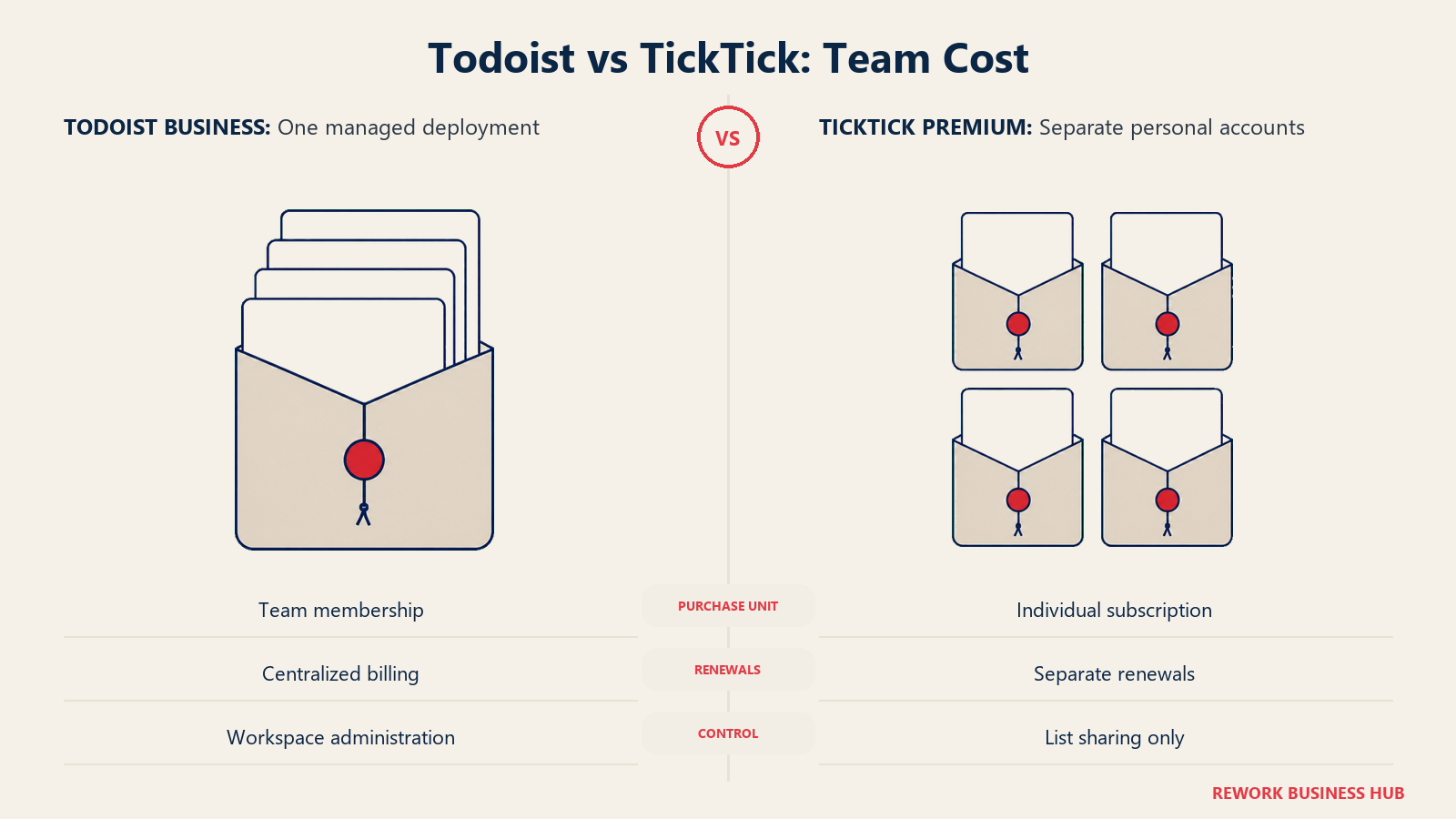
| Team size | Todoist Pro (annual) | Todoist Business (annual) | TickTick Premium, list price | TickTick Premium, current offer |
|---|---|---|---|---|
| 1 person | $60/yr (1 x $60) | Not the tier for a solo user | $49.99/yr | $35.99/yr |
| 5 people | $300/yr (5 x $60), five personal accounts, no shared workspace | $480/yr (5 x $96), one workspace, roles, one bill | $249.95/yr (5 x $49.99), five separate personal subscriptions | $179.95/yr (5 x $35.99), five separate personal subscriptions |
| 25 people | $1,500/yr (25 x $60), still 25 personal accounts with no admin | $2,400/yr (25 x $96), one workspace, roles, activity logs, one bill | $1,249.75/yr (25 x $49.99), 25 separate personal subscriptions, no admin | $899.75/yr (25 x $35.99), 25 separate personal subscriptions, no admin |
At one person, TickTick wins on price whichever figure you get. Even the $49.99 list price undercuts Todoist Pro's $60, and the $35.99 offer is a 40% saving against it. If it is just you, and the calendar and habit features matter, TickTick is the cheaper and more capable buy. That is a clean result and it is worth saying plainly.
At 25 people the table becomes misleading unless you read the notes. TickTick's column, $1,249.75 at the $49.99 list price or $899.75 at the $35.99 offer, looks like the winner by a wide margin, and it is not a deployment. It is 25 individual consumer subscriptions with 25 renewal dates, 25 payment methods to expense, no admin console, no permission model, no shared workspace, and no way to recover a list when someone leaves the company. Todoist Business at $2,400 buys $1,500 of Pro-equivalent licences plus $900 of the administrative apparatus that makes a 25-person rollout survivable. Comparing those two numbers as if they bought the same thing is the exact error that makes per-seat maths so easy to get wrong; the wider problem is covered in why seat-based pricing is dying.
The honest summary is that Todoist and TickTick only compete at 1 seat. Above roughly 3 people, they are in different categories and price is not the deciding variable.
Migration Effort Between the Two
Both tools import from the other, and both imports are lossy in ways you will not notice until you need the thing that got dropped.
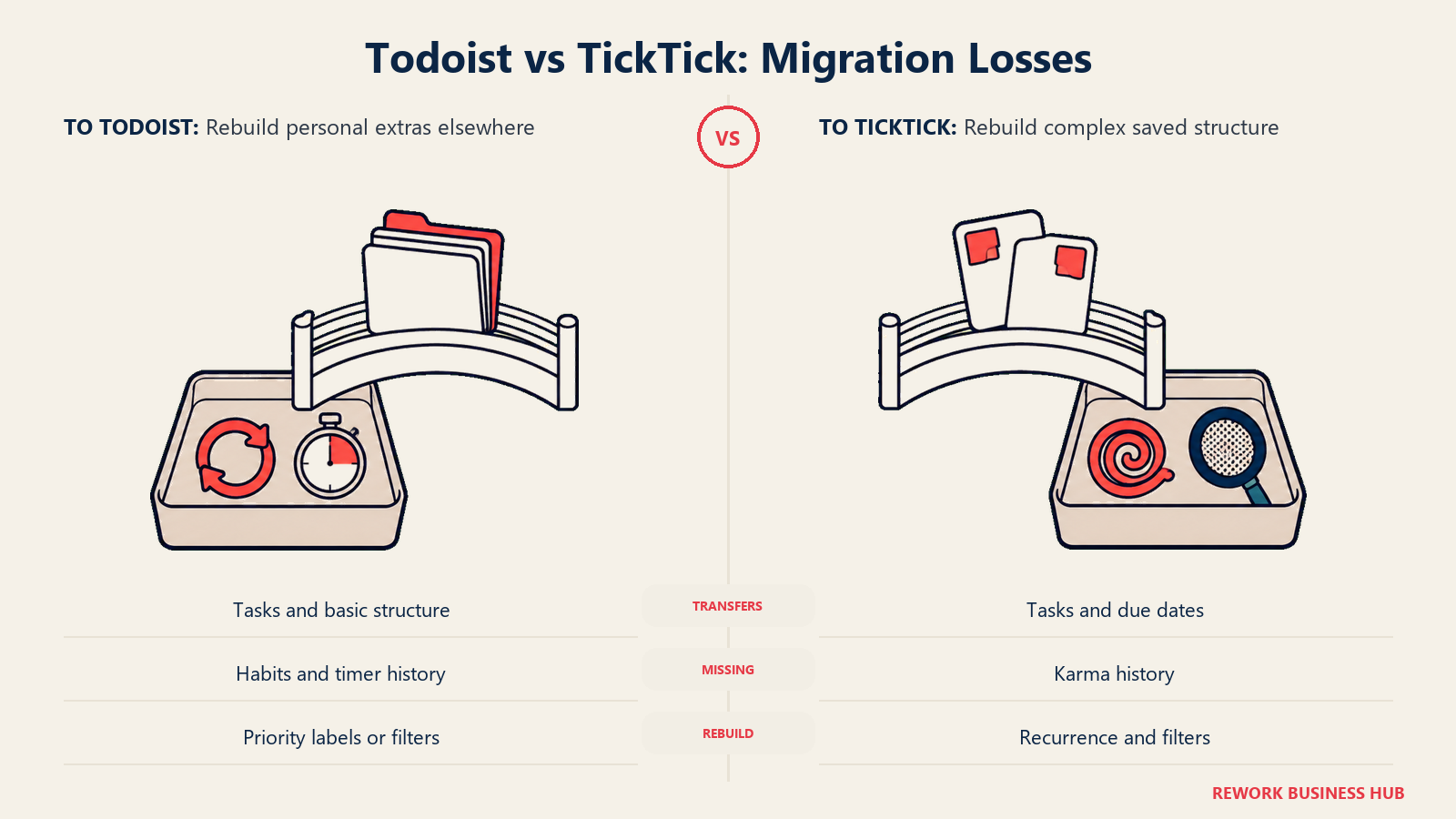
TickTick imports from Todoist directly, which is the easier direction and the more commonly travelled one. Lists, tasks, due dates and basic structure come across. Todoist Karma history does not, complex recurrence rules frequently need rebuilding by hand, and filters do not translate because TickTick's smart lists work differently. Budget an afternoon to rebuild your saved views.
Going the other way, Todoist imports from CSV and from TickTick's export, and the losses are more painful because you are usually leaving TickTick for a team reason. Habits, Pomodoro history and countdowns have no destination in Todoist at all, so they are simply gone. Anything living in the Eisenhower matrix arrives as ordinary tasks and you rebuild the prioritization as labels or filters.
Two things make either migration less painful. First, archive rather than migrate completed work, since importing years of finished tasks is what pushes people into TickTick's 999-tasks-per-list cap on day one. Second, do not migrate a system you were unhappy with; rebuild the structure you actually want while you are in there, because this is the cheapest moment you will ever get to do it. If you want a framework for that rather than a straight port, choosing tools for productivity works through the decision properly.
When Todoist Is the Right Call
- You need a shared team workspace with an admin. Todoist Business is a real team product with roles, permissions, activity logs, central billing and SOC 2 Type II. TickTick has nothing at this layer, so this alone settles it.
- Your capture is compound and your recurrence is irregular. If you routinely add tasks with a project, a label, a priority and an unusual repeat pattern in one line, Todoist's Quick Add is measurably better at parsing it and you will notice daily.
- You want a task manager, not a productivity system. Some people work better when the tool refuses to become a habit tracker and a timer and a calendar. Todoist's narrowness is a design choice, and for a certain kind of user it is the whole appeal.
- You already have tools you like for the adjacent jobs. If your calendar, notes and focus timer are settled, TickTick's built-ins are duplication rather than consolidation, and Todoist's 80+ integrations are built for exactly this stack.
When TickTick Is the Right Call
- It is just you, and it is going to stay just you. At one seat TickTick is both cheaper ($49.99/year at list, or $35.99 on the current offer, against Todoist Pro's $60) and more capable. There is no argument to make here for Todoist unless capture depth is your priority.
- You want the calendar in the same app as the tasks. Month, day, 3-day and week views on Premium mean you plan where the work happens rather than exporting to a calendar and losing the connection.
- You are currently paying for three or four apps that TickTick replaces. Task manager plus habit tracker plus Pomodoro timer plus countdown widget consolidating into one subscription, at $49.99 a year list or $35.99 on the current offer, is a genuine saving rather than a marketing line.
- You want the Eisenhower matrix as an actual view. Todoist can approximate it with labels and filters. TickTick just gives it to you, and for people who prioritize this way that removes real friction.
If Neither Fits
Both of these are personal task managers first. Todoist's Business tier stretches that into small-team territory honestly, and TickTick does not stretch at all. That is the right shape when the work genuinely belongs to individuals who occasionally share a list.
It is the wrong shape if the reason you are reading this comparison is that a team's shared work has been living in someone's private to-do list. That happens constantly: a process runs, the steps exist only in one person's app, and every handoff is a message asking what stage something is at. Neither Todoist nor TickTick fixes that, because a personal task list has no concept of a process, an owner changing mid-flow, or a stage something has to pass through. A work platform is a different category with a different price. Rework's Process Engine is one of those: it sells as an engine with seats in blocks of 5 rather than per seat, at $99/month billed yearly ($1,188/year) or $120 month to month with 5 seats included, plus $13/month for each extra block of 5 seats on yearly billing (rework.com/pricing). It has no free tier, only a 14-day free trial, and it is deliberate overkill for one person managing their own week, so if you are the only user here, stay with Todoist or TickTick. If you want to see how that category compares to the tools people usually reach for, Rework vs Asana and Rework vs Notion cover it directly.
Decision Framework
| If you are... | Pick |
|---|---|
| A solo user who wants tasks, calendar, habits and a focus timer in one app | TickTick |
| Buying for a team that needs a shared workspace, roles and one bill | Todoist Business |
| Adding tasks constantly with compound syntax and irregular recurrence | Todoist |
| Planning by dropping tasks into calendar slots every morning | TickTick |
| Trying to cut three or four personal subscriptions down to one | TickTick |
| Already happy with your calendar, notes and timer, and just want the list to be excellent | Todoist |
| Sharing a handful of lists with a partner or one collaborator | Either. TickTick free allows 2 shared members per list, Todoist free allows shared projects |
| Finding that shared team processes keep ending up in someone's personal list | Neither. See "If Neither Fits" above |
What to Do Next
Answer one question before you compare another feature: is anyone other than you going to depend on what is in this tool. If yes, and there is any chance the group grows past a few people, Todoist Business is the only one of the two that has an answer, and the $2,400 a year that costs at 25 people is buying administration rather than features. If no, run TickTick free for two weeks and pay attention to one thing only, which is whether you are still opening the habit tracker and the Pomodoro timer in week two. If you are, Premium at $49.99 a year list, or $35.99 on the current offer, is the better buy than Todoist Pro at $60. If you are not, you wanted a list, and Todoist's capture will serve you better for the next decade than a suite of features you stopped using in February.
Frequently Asked Questions about Todoist vs TickTick
Is Todoist or TickTick cheaper?
For one person, TickTick. Its Premium tier lists at US$49.99/year, and ticktick.com regularly runs a discounted offer at $35.99/year, against Todoist Pro at US$5 per user/month billed yearly ($60 billed yearly). For a team the comparison breaks down, because TickTick has no team tier at all, so 25 people means 25 separate personal subscriptions rather than a deployment.
Does TickTick have a team or business plan?
No. TickTick sells a free plan and a Premium plan and nothing above them. You can share a list with up to 2 members on free and 29 on Premium, but there is no shared workspace, no roles or permissions, no admin console and no central billing. Everyone buys their own subscription individually.
Does Todoist have habit tracking and a Pomodoro timer?
Not natively. Todoist ships Karma, which awards points and tracks streaks for completed tasks, plus productivity visualizations and activity history. Habits are usually modelled as recurring tasks, and focus timers come from one of Todoist's 80+ integrations. TickTick builds both in, with 5 habits on the free plan and 299 on Premium.
Can I get a calendar view on Todoist's free plan?
No. Calendar layout is a Pro and Business feature and is explicitly excluded from the Beginner free plan. The free plan does include the Today and Upcoming views with drag-and-drop rescheduling, which covers a lot of the same ground. TickTick puts its full month, day, 3-day and week views behind Premium too, leaving free users with basic calendar views.
How hard is it to switch between Todoist and TickTick?
Manageable in either direction, but lossy. TickTick imports directly from Todoist and carries lists, tasks and due dates, while complex recurrence rules and saved filters usually need rebuilding. Going to Todoist, habits, Pomodoro history and countdowns have no destination and are lost entirely. Archive completed work before you move rather than importing it, or you will hit TickTick's 999-tasks-per-list cap immediately.
Which one is better for a small team of five?
Todoist Business, at US$8 per user/month billed yearly ($96 billed yearly), so $480/year for five. It gives you one shared workspace, roles and permissions, activity logs and a single bill. Five TickTick Premium subscriptions would cost $249.95/year at the $49.99 list price or $179.95 at the $35.99 offer, but they are five unconnected personal accounts with no admin layer and no way to recover a list when someone leaves.
Why do some articles say Todoist Pro is $4 a month?
Because they are out of date. Todoist raised its annual prices in December 2025, moving Pro from $4 to $5 and Business from $6 to $8 per user per month billed yearly. Any figure below $5 for Pro on annual billing is stale.

Principal Product Marketing Strategist
On this page
- TL;DR
- Who Each Tool Is Built For
- Capture and Natural Language
- Views and Calendar
- Habits, Pomodoro and the Built-In Extras
- Free Plan Limits Head to Head
- Key Facts
- Collaboration and Team Use
- Platforms and Offline
- Todoist Pricing in Detail
- TickTick Pricing in Detail
- The True Cost at 1, 5 and 25 People
- Migration Effort Between the Two
- When Todoist Is the Right Call
- When TickTick Is the Right Call
- If Neither Fits
- Decision Framework
- What to Do Next