Best Trello Alternatives in 2026: 12 Tools for Teams That Outgrew Kanban Boards
Turn this article into takeaways for your work.


Each assistant summarizes the article only for you and suggests best practices for your work.
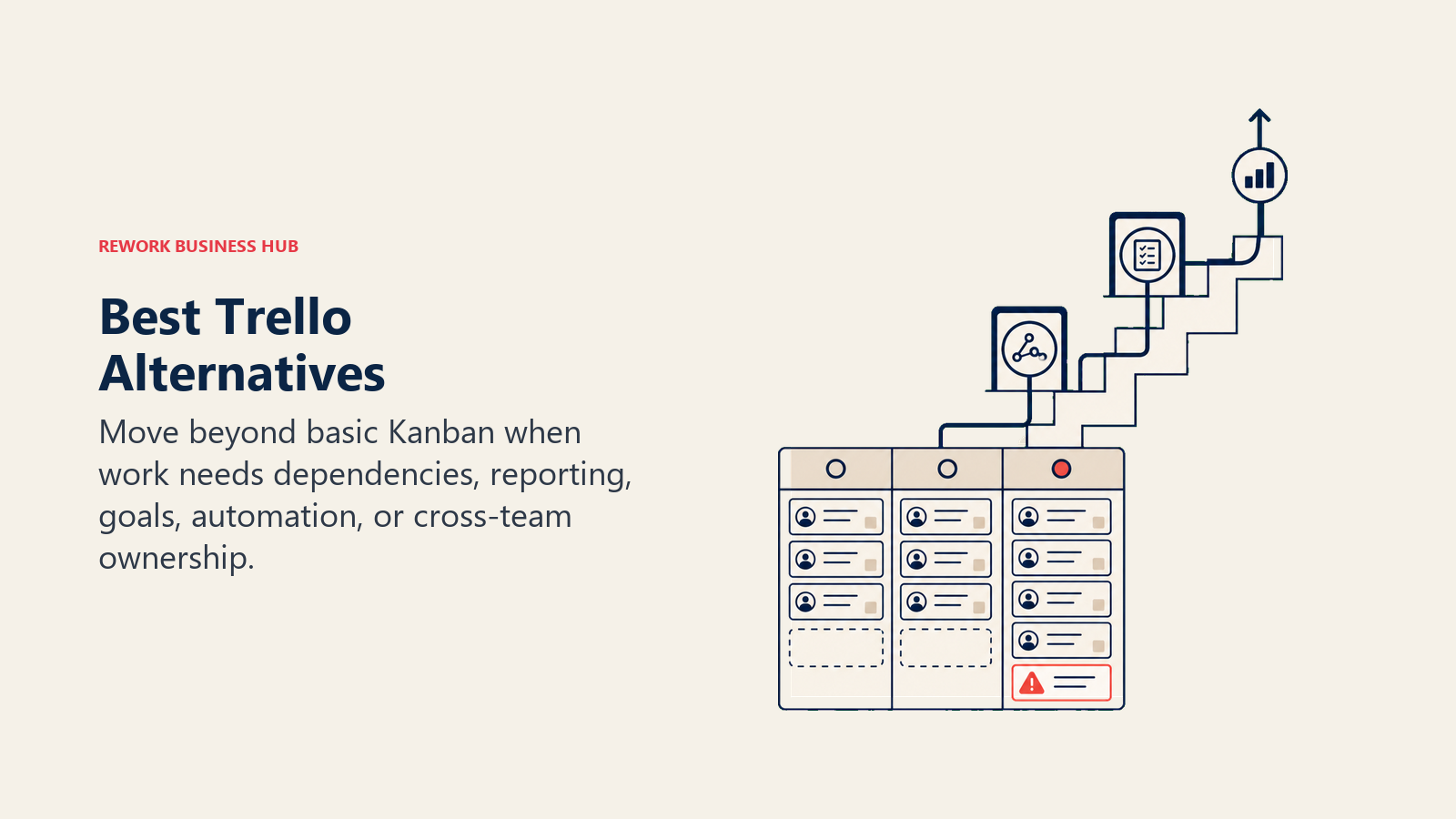
Trello is genuinely good at what it does. Card-based kanban, fast setup, visual and intuitive. It's the tool that turned project management from a spreadsheet problem into something anyone could see and understand in five minutes. If your team just needs to move work across a few columns, Trello still does that cleanly. But that ceiling arrives fast. And when it does, you feel it in specific, painful ways. If Asana or Monday is on your shortlist, the best Asana alternatives guide is a useful companion read before you commit to that direction.
There's no native automation worth relying on without Power-Ups. Reporting is essentially absent. You can't set goals or tie work to OKRs. The Power-Up ecosystem fragments your stack instead of unifying it. And the biggest gap: there's no workflow engine. Trello models your process on a board; it doesn't enforce it. Teams often fill this gap by keeping decision logs separately, which works until the team size makes that unsustainable too. Once you're past 15-20 people and work has real dependencies, real deadlines, and real accountability, "move the card" stops being enough. This article is for teams at that inflection point, ready to replace Trello with something that grows with you.
Quick Comparison Table
| Tool | Best For | Starting Price (per seat/mo) | Key Strength | Key Limitation |
|---|---|---|---|---|
| Asana | Project tracking + portfolio visibility | $10.99 (Starter) | Goals, Portfolios, Timeline, strong automations | Weak CRM; no native lead management |
| Monday.com | Visual boards + Work OS | $9 (Basic) | Flexible column types, visual dashboards | Expensive at scale; not opinionated enough |
| Rework | Cross-team ops + CRM + workflows | From $99/mo billed yearly, 5 seats (rework.com/pricing) | Dedicated process workflows + full CRM + unified inbox | Not a flexible blank-canvas tool |
| ClickUp | Everything-app with high configurability | $7 (Unlimited) | Tasks, docs, goals, chat, whiteboards in one | Feature bloat; steep learning curve |
| Notion | Docs + databases + light task management | $10 (Plus) | Flexible knowledge base + project databases | No real process enforcement |
| Linear | Modern issue tracking for product teams | $10 (Basic) | Speed, clean UX, cycles, automation | Engineering-first; not company-wide |
| Basecamp | Communication-first project management | $15/user or $299/mo flat | Simple structure, flat-rate pricing, Campfires | No Gantt, minimal reporting |
| Todoist | Personal and small team task management | Free / $4 (Pro) | Clean UI, fast capture, recurring tasks | No workflow engine; team features limited |
| Airtable | Database-powered team workflows | $20 (Team) | Relational data + multiple views | Expensive for large teams; complex to maintain |
| KanbanFlow | Pure kanban + Pomodoro focus technique | Free / $5 (Premium) | Simplest kanban with time tracking built in | Very limited beyond kanban boards |
| Jira | Engineering project management | $8.15 (Standard) | Deep issue tracking, sprints, DevOps integrations | Complex for non-technical teams |
| Teamwork | Agency and client-facing project management | $10.99 (Deliver) | Client billing, time tracking, retainer management | Less suited for internal ops teams |
Stage Fit Matrix
| Tool | Startup (1-15) | Growth (15-60) | Mid-Market (60-200) | Enterprise (200+) |
|---|---|---|---|---|
| Asana | Good fit | Great fit | Great fit | Good fit |
| Monday.com | Good fit | Good fit | Good fit | Expensive |
| Rework | Limited fit | Good fit | Best fit | Partial fit |
| ClickUp | Good fit | Good fit | Good fit | Mixed reviews |
| Notion | Great fit | Good fit | Partial fit | Limited |
| Linear | Great fit | Great fit | Good fit | Limited |
| Basecamp | Great fit | Good fit | Limited | Not ideal |
| Todoist | Great fit | Partial fit | Not ideal | Not ideal |
| Airtable | Good fit | Good fit | Good fit | Limited |
| KanbanFlow | Great fit | Partial fit | Not ideal | Not ideal |
| Jira | Partial fit | Great fit | Great fit | Great fit |
| Teamwork | Good fit | Great fit | Good fit | Limited |
Sizing and Persona Table
| Tool | Sweet Spot Team Size | Primary Buyer | Team vs Company-Wide |
|---|---|---|---|
| Asana | 10-500 | PMO Director, VP of Operations, Head of Marketing | Company-wide |
| Monday.com | 10-500 | Operations Manager, Marketing Director, IT | Company-wide |
| Rework | 20-500 | COO, Head of Ops, RevOps Lead, Founder-Operator | Company-wide |
| ClickUp | 5-300 | Project Manager, Head of Ops, Team Lead | Company-wide |
| Notion | 5-200 | Head of Product, Engineering Manager, Content Lead | Team-level first |
| Linear | 5-150 | Head of Product, CTO, Engineering Manager | Product/Eng teams |
| Basecamp | 5-100 | Founder, Project Manager, Small Agency Owner | Company-wide (small) |
| Todoist | 1-30 | Individual contributor, Team Lead, Solo Founder | Personal + small team |
| Airtable | 5-200 | Operations Analyst, Head of Marketing, BizOps | Team-level first |
| KanbanFlow | 1-20 | Individual, Team Lead, Freelancer | Personal + small team |
| Jira | 10-500+ | Engineering Manager, CTO, VP of Engineering | Engineering teams |
| Teamwork | 10-200 | Agency Director, Project Manager, Client Services Lead | Project teams |
1. Asana: Mature Project Management + Automation
Asana has earned its position as the go-to project management platform for operations teams that need more than boards. The Goals feature ties individual tasks to company OKRs. Portfolios give directors and VPs a cross-project view that Trello simply can't provide. And the automation engine in the Business tier is genuinely powerful: multi-step rules, branching logic, and cross-project automations that don't require a Power-Up to configure.
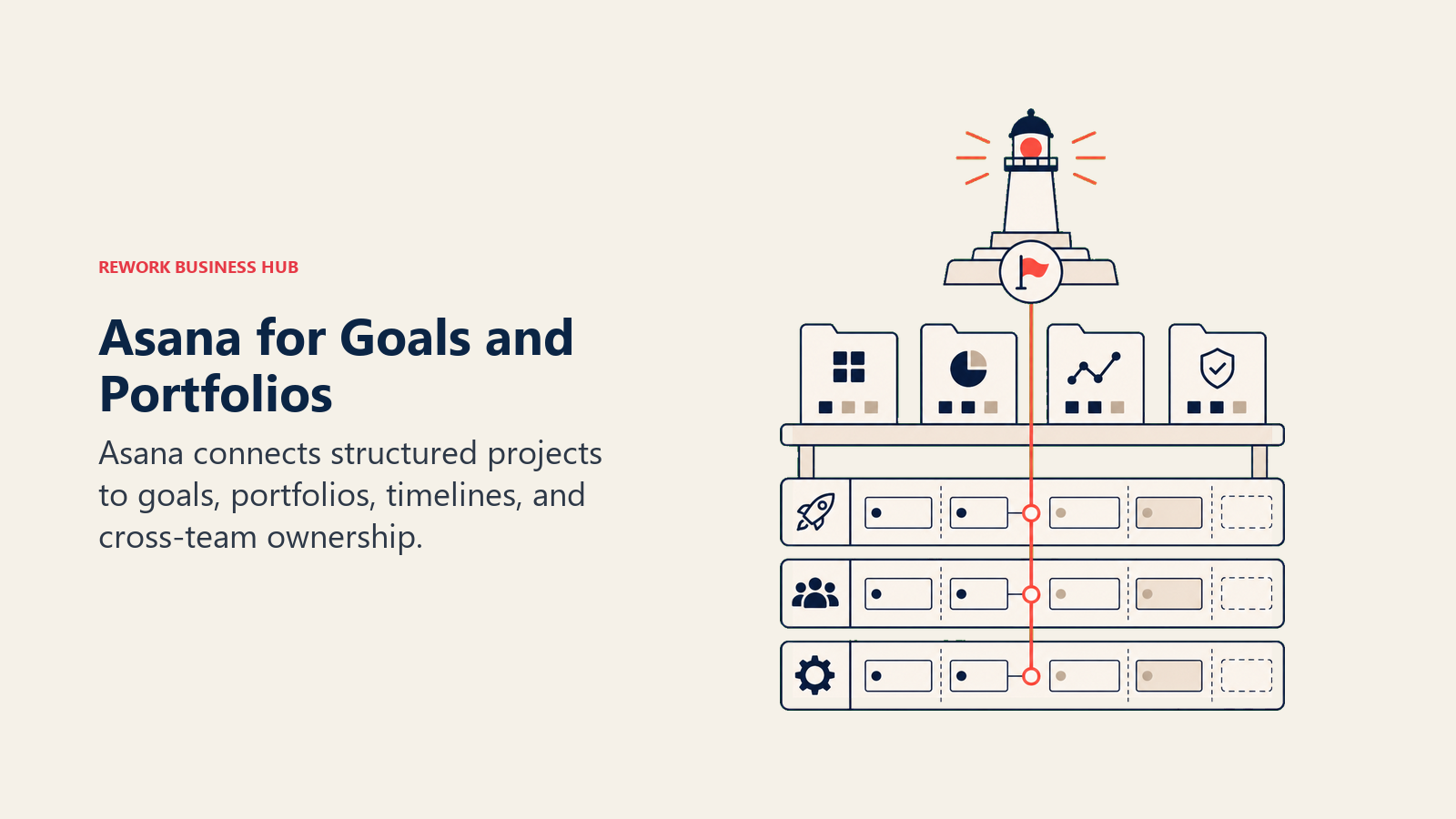
It's cleaner than ClickUp and more structured than Notion for teams running actual projects. The gap shows up when you try to extend it into customer-facing work. Asana isn't a CRM and doesn't pretend to be. If your ops function has any sales or client management angle, you'll be stitching Asana to HubSpot and hoping handoffs don't fall through.
| What you get | What you don't |
|---|---|
| Goals, Portfolios, and Timeline for directors and VPs | Native CRM or lead management |
| Multi-step automation rules without add-ons | Flat-rate pricing (cost scales with seats) |
| Workload view for resource management | Strong reporting without the Business tier |
| 200+ app integrations including Salesforce, Slack, Jira | True real-time collaboration |
Pricing: Free for up to 10 users; $10.99/seat/mo (Starter); $24.99/seat/mo (Advanced). See Asana's pricing page for current details.
Best for: Project-heavy operations teams at 15-300 people that run multiple concurrent workstreams and need cross-project visibility for leadership
2. Monday.com: Visual Boards + Work OS
Monday pitches itself as a Work OS: the idea being that you can build any workflow, track any type of work, and eventually run your whole business on it. And in terms of raw flexibility, Monday delivers. Column types are rich (formulas, time tracking, dependency links, status fields), dashboards are highly configurable, and the automation builder has gotten genuinely useful in recent years.
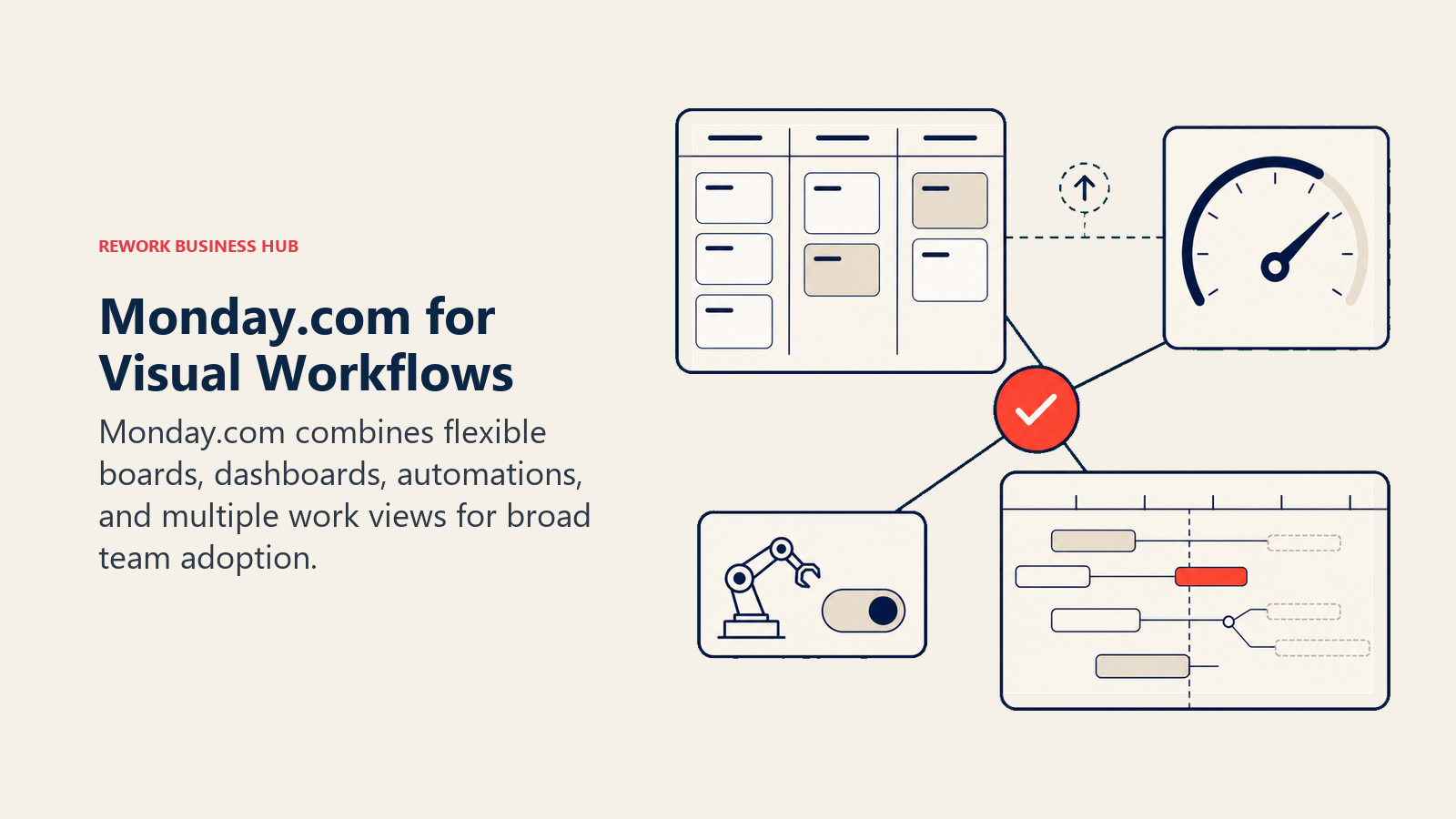
The problem is the same one that drives people away from Trello in a different form: flexibility without opinion. Monday gives you building blocks; you still have to assemble the process yourself. And at larger team sizes, you end up maintaining Monday instead of using it. The pricing jump from Pro to Enterprise is jarring if you need features like enterprise-grade security, advanced reporting, or unlimited automations. The best Monday alternatives guide is worth reading if you're landing here from a Monday evaluation rather than a Trello one.
| What you get | What you don't |
|---|---|
| Highly flexible column types and dashboard views | Process enforcement: it models workflows, it doesn't run them |
| Strong automations on Pro and above | Affordable pricing at large team sizes |
| Workdocs, forms, and whiteboards built in | Native CRM depth (Monday CRM is a separate product) |
| App marketplace with 200+ integrations | Opinionated templates that work out of the box |
Pricing: Free for 2 seats; $9/seat/mo (Basic); $12/seat/mo (Standard); $19/seat/mo (Pro). See Monday.com's pricing page for current details.
Best for: Marketing, creative, and operations teams at 10-200 people that want flexible project views and are willing to build their own workflows
3. Rework: Dedicated Ops Workflows + CRM in One Product
Trello is a team tool. Rework is a company-wide platform. That's the core difference, and it is also why Rework sits third here: if you mainly want a better board for one team, Asana and Monday.com are the easier step up. Rework's Projects app does have kanban boards, plus table, list, timeline and calendar views, but where Trello gives you boards and cards, Rework ships opinionated, ready-to-run process templates that tell your team how work should flow, not just where it sits. Onboarding, approvals, sales ops, client delivery, procurement: these are first-class use cases with built-in structure, not things you configure from blank columns.
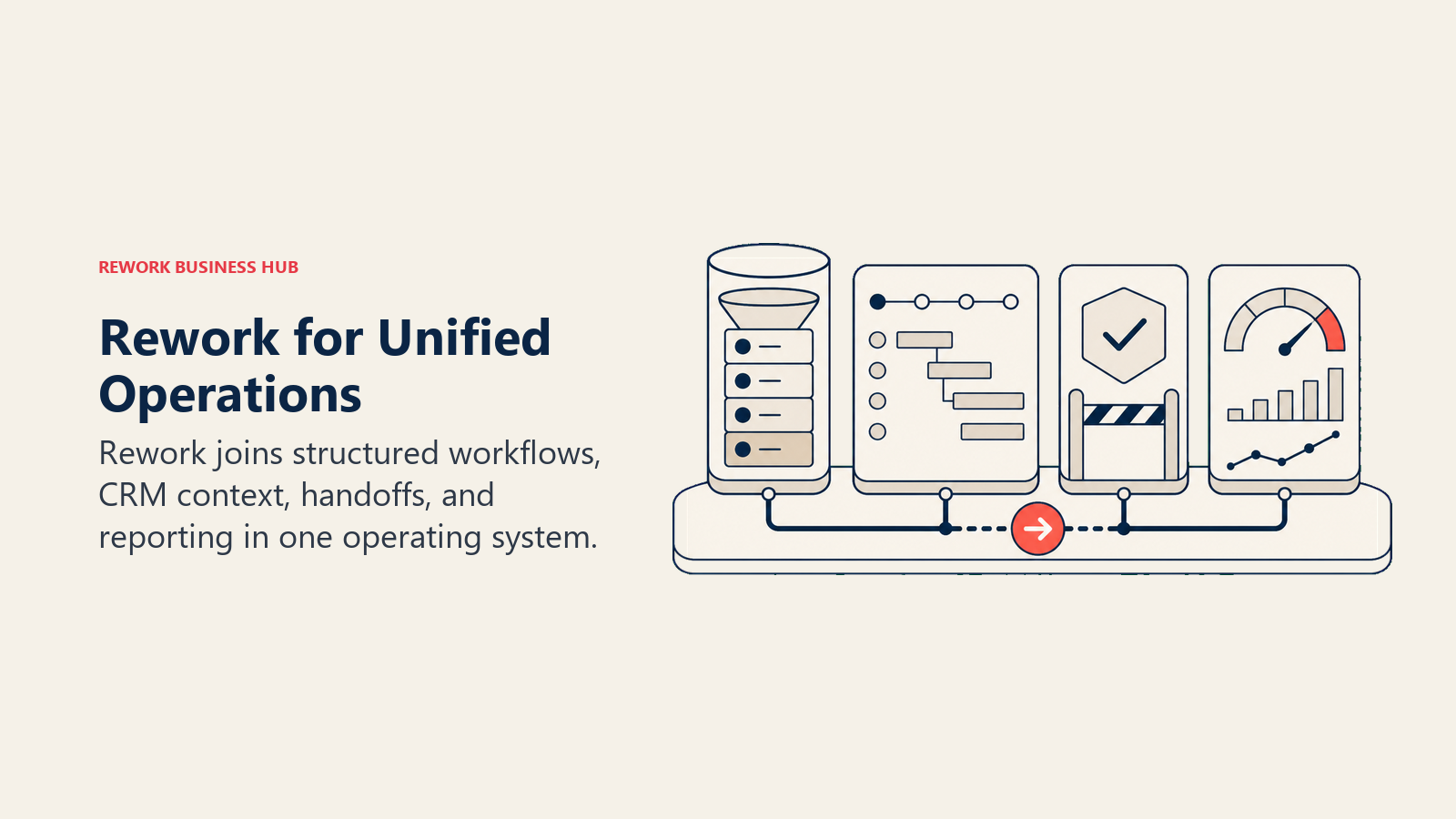
But the real story for teams evaluating Trello alternatives is what Rework adds beyond project management. It includes a full CRM and Lead Management module, with a chat inbox that pulls WhatsApp, Messenger, Instagram DM, TikTok, Telegram, LINE, Zalo, and web chat into one contact timeline (email lives in a separate Mail app). If your team does anything with sales or customer relationships alongside running operations, Rework eliminates the need for a separate CRM while Trello can't come close.
| What you get | What you don't |
|---|---|
| Purpose-built process templates for ops, sales, onboarding, approvals | Blank-canvas flexibility (it's opinionated by design) |
| Full CRM + Lead Management in the same product | Cheapest per-seat option for small teams |
| Chat inbox for the major messaging apps, tied to contact records | Deep engineering workflows (Linear and Jira win here) |
| Round-robin, territory, and SLA lead routing built in | Simple free kanban boards |
| Cross-team workflows that enforce process, not just model it | Solo/freelancer use cases |
Pricing: Boards and projects are in the Project Engine, and approvals and process workflows in the Process Engine; each is from $99/month billed yearly ($1,188/year) or $120 month to month, with 5 work seats included, and extra seats come in blocks of 5 ($13/month per block, billed yearly). The CRM is the Sales Engine, from $69/month billed yearly; lead capture, routing and the chat inbox are in the Marketing Engine ($99/month billed yearly). 14-day free trial, no free plan. (rework.com/pricing)
Best for: 20-500 person companies where sales, marketing, ops, and CS run shared workflows and stitching together Trello + HubSpot + Slack still leaves gaps
4. ClickUp: The Everything-App
ClickUp's positioning is straightforward: replace every tool you use with one. Tasks, docs, whiteboards, goals, chat, time tracking, dashboards, sprints: it's all there. For teams that want to consolidate their stack, ClickUp makes a strong argument on paper. And the $7/seat/mo Unlimited tier gives you genuinely unlimited tasks, storage, and integrations for a price that undercuts almost every competitor.
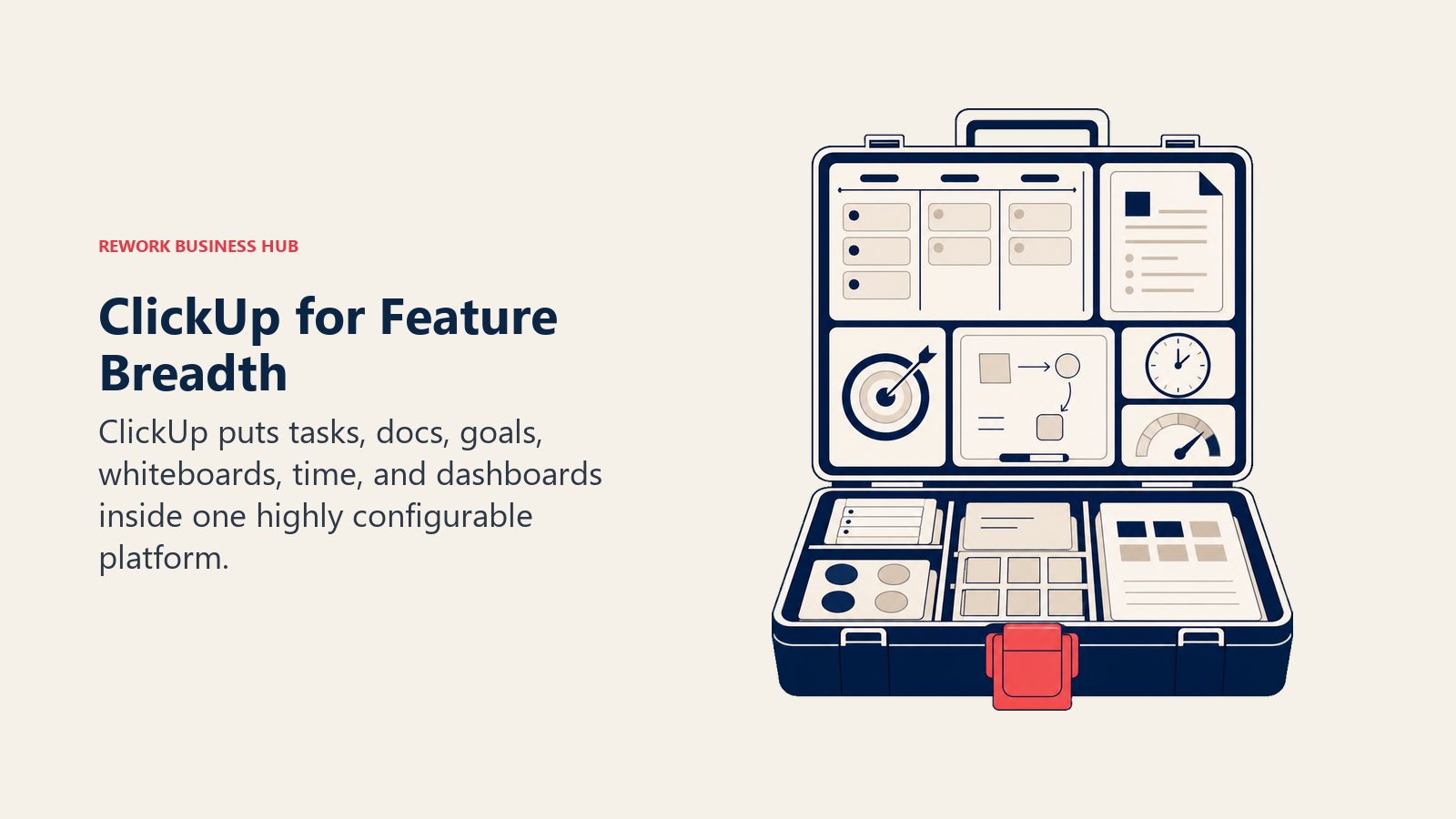
But there's a real cost to "everything": complexity. New users regularly report hours spent configuring spaces, folders, and views before getting anything done. ClickUp's feature surface is enormous, and unless someone owns the setup and maintains it, teams end up with sprawl. It's a great fit for technically comfortable teams that have the bandwidth to build their own system. It's a poor fit for ops teams that want the tool to prescribe the process.
| What you get | What you don't |
|---|---|
| Tasks, docs, goals, chat, whiteboards, time tracking in one product | Fast onboarding: setup is complex |
| Highly affordable Unlimited tier | Process enforcement: flexible but not opinionated |
| Sprint planning, backlog management, custom views | Native CRM or lead management module |
| Custom statuses, fields, automations, and dashboards | Clean, minimal UI (power users love it; others get lost) |
Pricing: Free tier available; $7/seat/mo (Unlimited); $12/seat/mo (Business)
Best for: Tech-forward teams at 5-200 people that want maximum configurability and have someone willing to own the setup
5. Notion: Docs + Databases + Light Tasks
Notion is what you use when your team's knowledge lives in too many places and you want one source of truth for documentation, wikis, meeting notes, and lightweight project tracking. The database view system is genuinely powerful: the same table can render as a board, calendar, gallery, or timeline. For small teams or teams that think in terms of documents first and tasks second, Notion is excellent.
Where it falls short as a Trello alternative is process enforcement. Notion databases don't send reminders, don't enforce status transitions, and don't route work automatically. It's a tool for teams that are disciplined and self-directed. Cross-functional ops teams with complex handoffs, SLAs, and accountability requirements will quickly feel its limits. You'll also hit real pricing friction at larger team sizes. The best Notion alternatives covers what the exit from Notion looks like if you need structured ops.
| What you get | What you don't |
|---|---|
| Best-in-class connected docs and databases | Automated workflows or process enforcement |
| Flexible views (board, table, timeline, gallery) | Native task notifications or reminders without workarounds |
| Notion AI built into all paid tiers | Strong Gantt-style planning |
| Great for knowledge management and wikis | Scalable ops workflows for cross-functional teams |
Pricing: Free tier; $10/seat/mo (Plus); $15/seat/mo (Business)
Best for: Product, design, and knowledge-heavy teams at 5-100 people who think in documents first and want tasks embedded in their writing environment
6. Linear: Modern Issue Tracking for Fast Teams
Linear built its reputation on one thing: speed. The keyboard-driven interface, the instant search, the cycle-based sprint system: everything is optimized to reduce friction between a team member and their work. Engineers love it. Product managers love it. It's the spiritual opposite of Jira: opinionated about how modern product teams should work, and fast enough to actually feel good to use.
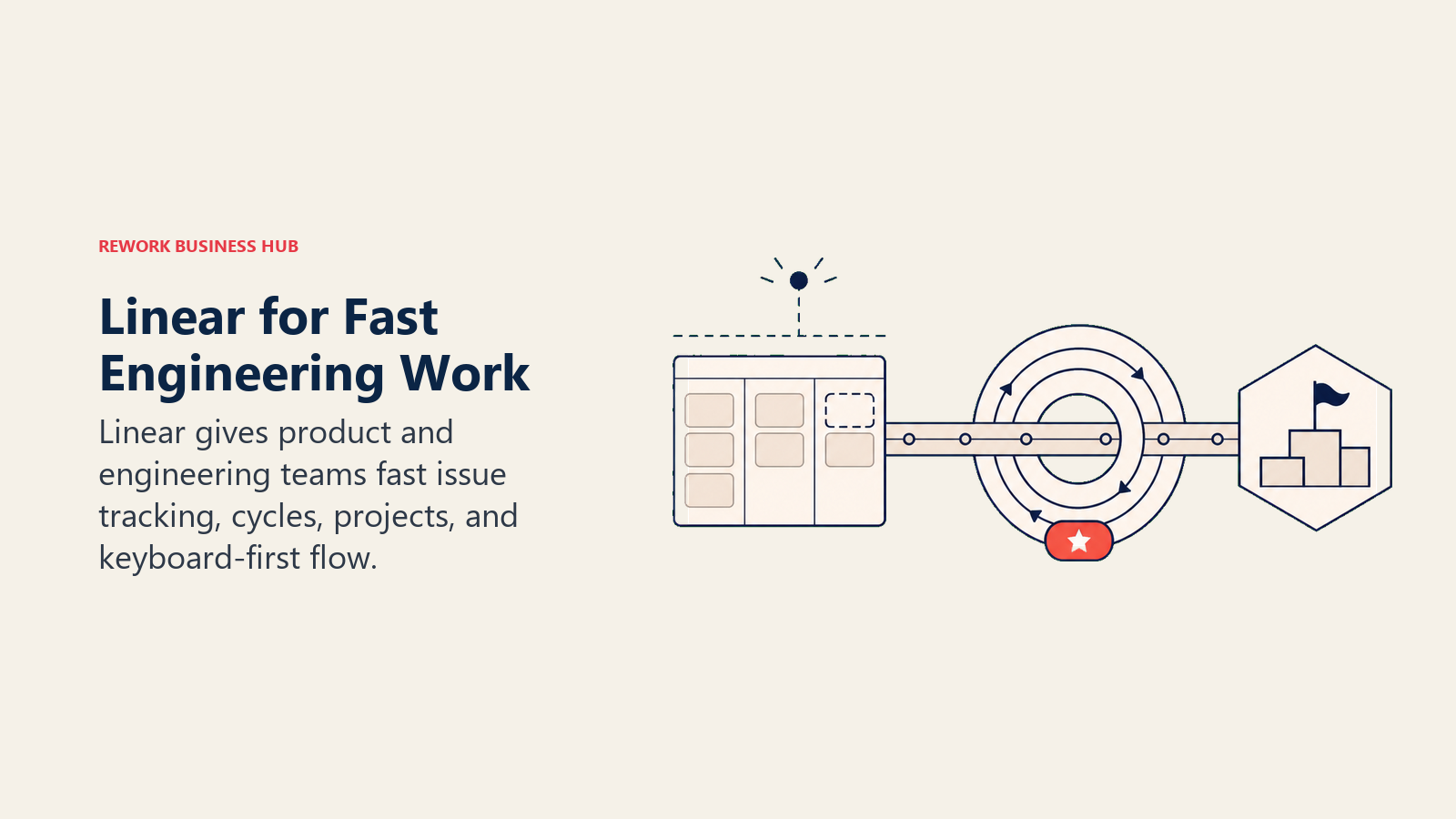
The question is whether your team is a "product team" in Linear's sense. It's designed for software development and product delivery workflows. If your team does engineering, design, and product management, Linear is probably the best tool in this list for your specific work. If you're a broader ops or business team, you'll hit its edges quickly. It's not a company-wide platform.
| What you get | What you don't |
|---|---|
| Best-in-class UX and keyboard-driven speed | Broad ops or business workflow coverage |
| Cycles (sprints), roadmaps, and priority management | Native CRM, lead management, or multi-channel comms |
| Strong GitHub, GitLab, and Figma integrations | Resource management or capacity planning |
| Clean, fast, intuitive for technical teams | Cost-effective scaling beyond 100+ seats |
Pricing: Free for up to 250 issues; $10/seat/mo (Basic); $16/seat/mo (Business). See Linear's pricing page for current details.
Best for: Engineering and product teams at 5-150 people that find Jira too slow and Trello too simple
7. Basecamp: Communication-First Project Management
Basecamp has been around long enough to know exactly what it is and what it isn't. It's a simple, structured tool that puts team communication and project organization in one place: message boards, to-do lists, document storage, group chat (Campfires), and a basic scheduler. There's no Gantt chart, no fancy automation, and no resource management. And for teams that find most project management tools overcomplicated, that's a feature.
The flat-rate pricing model ($299/mo for unlimited users) makes Basecamp genuinely attractive for growing teams where per-seat costs are becoming painful. But if you need reporting, timeline views, or workflow automation, Basecamp will disappoint. It's a communication-first tool that happens to include tasks, not the other way around.
| What you get | What you don't |
|---|---|
| Flat-rate pricing ($299/mo unlimited users) | Gantt, timeline, or portfolio views |
| Message boards, Campfires, and Pings in one place | Automation or rules engine |
| Simple to-do lists, file storage, and scheduling | Advanced reporting or dashboards |
| Low learning curve (teams adopt it in days) | Process enforcement or workflow routing |
Pricing: $15/user/mo OR $299/mo flat (unlimited users). See Basecamp's pricing page for current details.
Best for: Small-to-mid agencies and teams at 10-80 people that prioritize communication clarity over workflow sophistication, especially where per-seat costs are a concern
8. Todoist: Personal + Small Team Task Management
Todoist sits closest to Trello in the "simple and focused" category, but it leans further into individual productivity and personal task management than team collaboration. The natural language date parsing, recurring tasks, and quick capture are genuinely best-in-class for getting tasks out of your head fast. Karma points and productivity trends are genuinely useful for individual users trying to build habits.
For teams, Todoist's shared projects work fine for small groups: shared task lists, assignments, comments, and priorities. But it doesn't scale into complex project management. No Gantt, no dependencies, no automation worth speaking of. If you're a solo founder or a team of under 10 people who just needs something cleaner than Trello and lighter than Asana, Todoist is worth a look.
| What you get | What you don't |
|---|---|
| Best natural language date parsing in the market | Team-level workflow automation |
| Clean, fast UI across all platforms | Complex project views (Gantt, timeline, portfolio) |
| Recurring tasks, priorities, and labels | Resource management or capacity planning |
| Affordable entry point (free tier is generous) | Company-wide process enforcement |
Pricing: Free tier; $4/mo (Pro); $6/user/mo (Business)
Best for: Individual contributors and teams of 1-15 who want a clean, fast personal task manager and don't need complex workflow features
9. Airtable: Database-Powered Workflows
Airtable occupies a unique position: it's more powerful than a spreadsheet and more flexible than most project management tools, because it treats data as a database rather than a flat list. Linked records, lookup fields, rollup formulas, and multiple views (grid, kanban, calendar, gallery, form, Gantt) make it genuinely powerful for operations teams that are data-driven. If your team's workflows are about managing records (inventory, content calendar, vendor contacts, project tracking), Airtable is excellent.
The tradeoff is complexity and cost. Building a serious Airtable base requires real investment in setup and ongoing maintenance. And the Team tier ($20/seat/mo) is significantly more expensive than most alternatives in this list. For teams that treat Airtable as a no-code database platform, that's justified. For teams that just want project management, there are cheaper options.
| What you get | What you don't |
|---|---|
| Relational database structure with linked records | Cheap per-seat pricing at scale |
| Multiple views including Gantt, calendar, gallery | Workflow automation without Airtable Automations setup |
| Airtable AI for field summarization and generation | Team communication features |
| Strong API for building internal tools | Fast onboarding: setup takes time |
Pricing: Free tier; $20/seat/mo (Team); $45/seat/mo (Business). See Airtable's pricing page for current details.
Best for: Operations and marketing teams at 10-200 people that are data-first and want a flexible database foundation for custom workflows
10. KanbanFlow: Pure Kanban + Pomodoro
KanbanFlow does one thing and does it simply: kanban boards with a built-in Pomodoro timer. If your reason for leaving Trello isn't "we need more features" but "we want something even cleaner with time tracking built in," KanbanFlow is the answer. The Pomodoro integration is genuinely useful for individual focus work: you start a timer on a task and the tool logs your focused sessions automatically.
It's not a tool for growing teams or complex workflows. There's no automation, no reporting beyond basic task counts and time logs, and no integration depth. But for freelancers, small creative teams, and individuals who live by the Pomodoro method, it's a better fit than Trello because it doesn't ask you to install a Power-Up to track your time.
| What you get | What you don't |
|---|---|
| Native Pomodoro timer with task-level time logging | Workflow automation or rules |
| Clean, minimal kanban with swim lanes | Portfolio or cross-project views |
| WIP limits to enforce flow discipline | Team communication features |
| Free tier that's actually usable | Integrations with common business tools |
Pricing: Free tier; $5/user/mo (Premium)
Best for: Freelancers, individual contributors, and small teams of 1-10 who want a simple kanban board with built-in focus timers and basic time tracking
11. Jira: Engineering Project Management
Jira is the most powerful issue tracking and engineering project management tool in this list, and also the most complex to set up and maintain. Epics, stories, bugs, sprints, backlogs, roadmaps, DevOps integrations: Jira is built for software delivery at scale. If your team ships software, Jira's depth is genuinely valuable. The integrations with GitHub, Bitbucket, Confluence, and the broader Atlassian ecosystem create a development workflow that no other tool in this list can match.
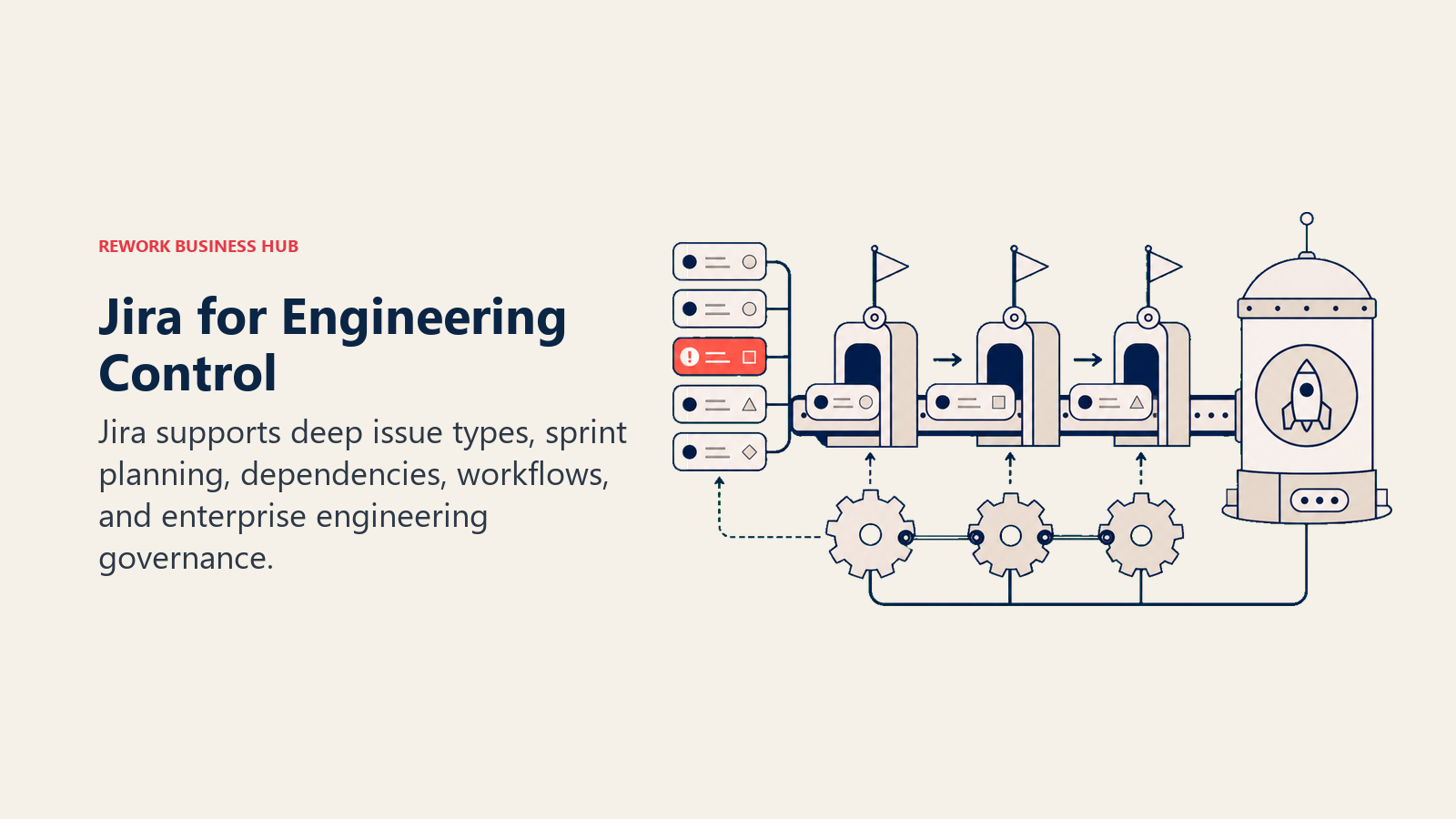
But Jira's reputation for complexity is earned. Non-technical users struggle with it. Setting up a Jira project correctly requires someone who knows what they're doing. While Atlassian has made significant efforts to make Jira more accessible, it's still primarily an engineering tool that expands outward, not a company-wide platform that happens to serve engineering. The best Jira alternatives guide covers where teams go when Jira's engineering bias becomes the problem.
| What you get | What you don't |
|---|---|
| Best-in-class engineering workflow: sprints, epics, backlogs | Simple onboarding for non-technical users |
| Deep Atlassian integrations (Confluence, Bitbucket, Compass) | Clean UI: it's dense by design |
| Advanced automation and scripting with Forge | Native CRM, lead management, or multi-channel comms |
| Highly configurable workflows, screens, and permissions | Affordable predictable pricing at scale |
Pricing: Free for up to 10 users; $8.15/user/mo (Standard); $16/user/mo (Premium). See Jira's pricing page for current details.
Best for: Engineering and product teams at 10-500+ people that run agile development sprints and need deep DevOps integration
12. Teamwork: Agency-Focused Project Management
Teamwork was built for agencies and professional services teams that manage client-facing projects, track billable hours, and run retainer relationships. Client billing, budget tracking, time logging, and invoice generation are built-in features that most project management tools treat as an afterthought. If your team charges clients by the hour or manages multiple simultaneous client engagements, Teamwork has functionality that Trello can't touch.
The trade-off is that Teamwork's internal ops features are less developed than its client-facing ones. It's a project tool first and a company platform second. Teams that mix internal operations with client delivery will find it fits the client side well and the internal side less so. For pure agency work, though, it's one of the most complete tools in this category. And if Teamwork itself is the one you're replacing, the best Teamwork alternatives guide covers that from every angle.
| What you get | What you don't |
|---|---|
| Client billing, time tracking, and retainer management built in | Strong internal ops or cross-team workflow features |
| Budget tracking and invoice generation | Modern, fast UI (feels dated in places) |
| Client portal for external stakeholder visibility | Affordable pricing at large team sizes |
| Milestones, dependencies, and Gantt chart | Native CRM or lead management |
Pricing: Free for up to 5 users; $10.99/user/mo (Deliver); $19.99/user/mo (Grow). See Teamwork's pricing page for current details.
Best for: Agencies and professional services teams at 10-200 people that manage multiple client engagements and need billable time tracking built into the project tool
Why Teams Leave Trello: The Real Ceiling
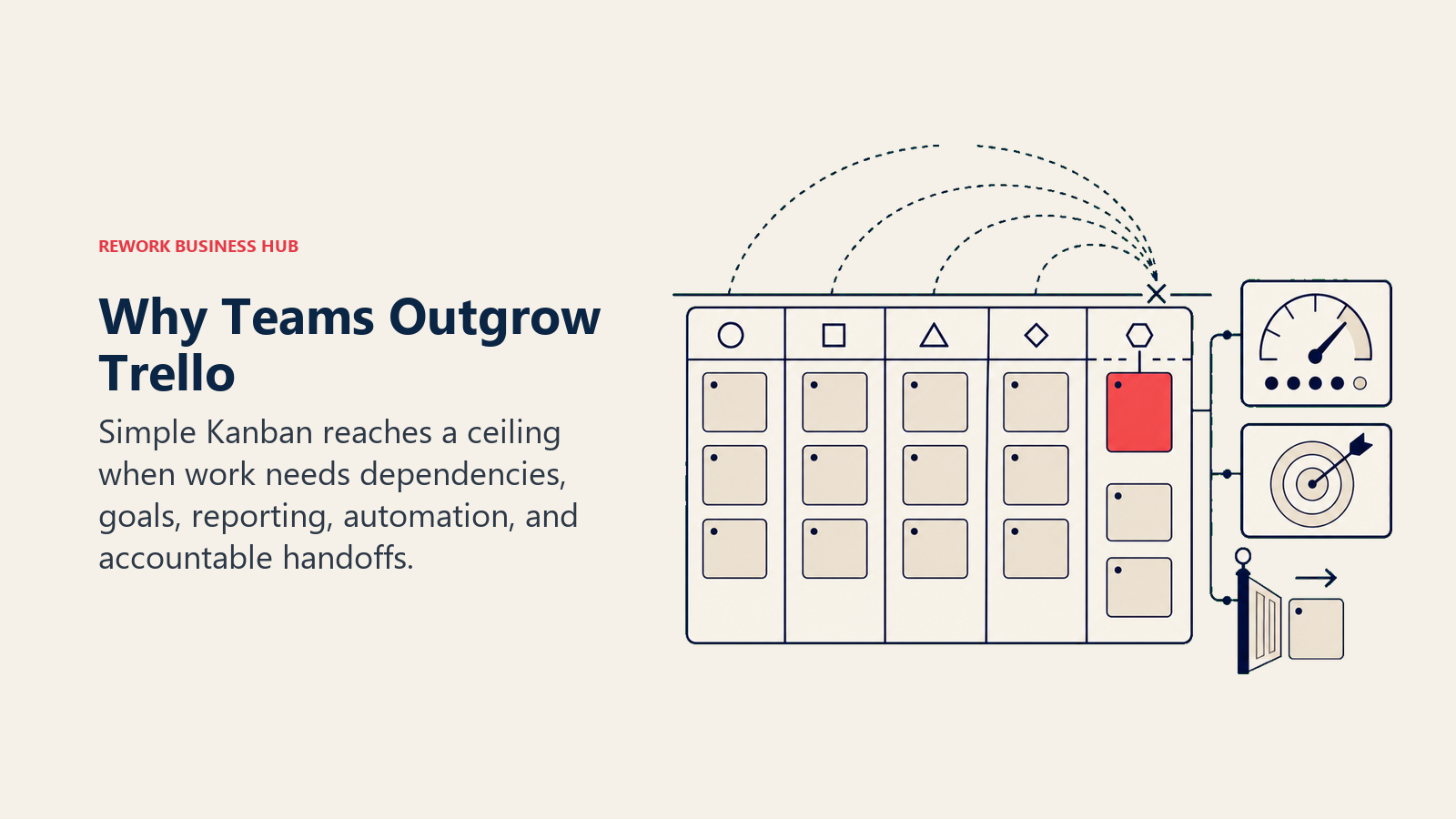
Trello's methodology is "simplicity-first visual Kanban." It's card-based collaboration, designed for small teams who want to see work in motion without training or setup. That's genuinely valuable. But that same philosophy becomes a constraint:
| Trello Limitation | What Teams Actually Need |
|---|---|
| No native automation without Power-Ups | Rules that trigger across boards when work changes state |
| No reporting or dashboards | On-demand visibility into team throughput, blockers, and trends |
| No goals or OKR tracking | Work tied to what actually matters at the company level |
| Power-Ups create stack fragmentation | Fewer tools, not more integration points |
| No workflow engine | Process that enforces the steps, not just models them |
| Team tool only (not company-wide) | A platform that scales from 10 people to 300 people |
The moment a team needs any of these, Trello stops being a solution and starts being the problem. Trello works well from one to 30 people running simple boards. Beyond that, you're patching it.
G2's comparison data on Trello vs alternatives is worth scanning if you want to see how real users frame the same gaps. The pattern is consistent across thousands of reviews.
How to Choose: Decision Framework
| If you need this... | Pick this |
|---|---|
| Portfolio visibility, goals, and OKRs for a 30-300 person team | Asana |
| Maximum flexibility and you're willing to build your own workflows | ClickUp or Monday.com |
| Cross-team ops + CRM + lead management in one product | Rework |
| A knowledge-first workspace with light project tracking | Notion |
| Fast, clean engineering issue tracking without Jira's complexity | Linear |
| Simple communication + tasks with flat-rate pricing | Basecamp |
| Personal productivity + small team task management | Todoist |
| Database-driven workflows with relational data | Airtable |
| Pure kanban + Pomodoro focus technique | KanbanFlow |
| Full agile software development at scale | Jira |
| Agency project management with client billing | Teamwork |
What to Do Next
Pick your top two candidates, map your team's most frequent workflow (a sales handoff, an onboarding process, or a client delivery sequence) and run both tools against that specific workflow for two weeks. The tool that handles your real process without requiring a workaround wins. Most teams know within a week which one fits. Don't let a feature list override what you actually see in practice.
Also worth reading before you switch: the true cost of software sprawl. Trello's free tier makes it easy to underestimate what the full transition to a real ops tool will cost in time and adoption effort. And if your team evaluates the best Monday.com alternatives in the same window, that guide complements this one well. If async-first work is how your team operates, that context also shapes which PM tool actually fits your communication patterns.
Pricing data current as of early 2026. Check each vendor's pricing page before making a purchase decision.

Customer Success Operations Manager
On this page
- Quick Comparison Table
- Stage Fit Matrix
- Sizing and Persona Table
- 1. Asana: Mature Project Management + Automation
- 2. Monday.com: Visual Boards + Work OS
- 3. Rework: Dedicated Ops Workflows + CRM in One Product
- 4. ClickUp: The Everything-App
- 5. Notion: Docs + Databases + Light Tasks
- 6. Linear: Modern Issue Tracking for Fast Teams
- 7. Basecamp: Communication-First Project Management
- 8. Todoist: Personal + Small Team Task Management
- 9. Airtable: Database-Powered Workflows
- 10. KanbanFlow: Pure Kanban + Pomodoro
- 11. Jira: Engineering Project Management
- 12. Teamwork: Agency-Focused Project Management
- Why Teams Leave Trello: The Real Ceiling
- How to Choose: Decision Framework
- What to Do Next