Best Motion Alternatives in 2026: 13 Tools for AI Scheduling, Daily Planning, and Team Work
Turn this article into takeaways for your work.


Each assistant summarizes the article only for you and suggests best practices for your work.
The best Motion alternative depends on which part of Motion stopped working for you. If the price is the problem, Reclaim.ai has a free tier and starts at $10 per seat. If the auto-scheduling is the problem, Sunsama and Akiflow give you a daily plan you build yourself in ten minutes. If you actually needed team project management rather than a smarter calendar, Rework, ClickUp, and Asana are the honest answers. The 13 tools below are ordered by how closely they solve a Motion user's problem, with pricing pulled from each vendor's own pricing page.
Motion's pitch is genuinely clever. You dump tasks in with a duration and a deadline, and the AI drops them into open slots on your calendar, reshuffling automatically when a meeting lands on top of your afternoon. For people who chronically underestimate how long work takes, seeing the week fill up in real time is a useful shock. Motion charges $19 per seat per month for Pro AI and $29 per seat per month for Business AI, with annual billing advertised at 33% off and no free plan at all.
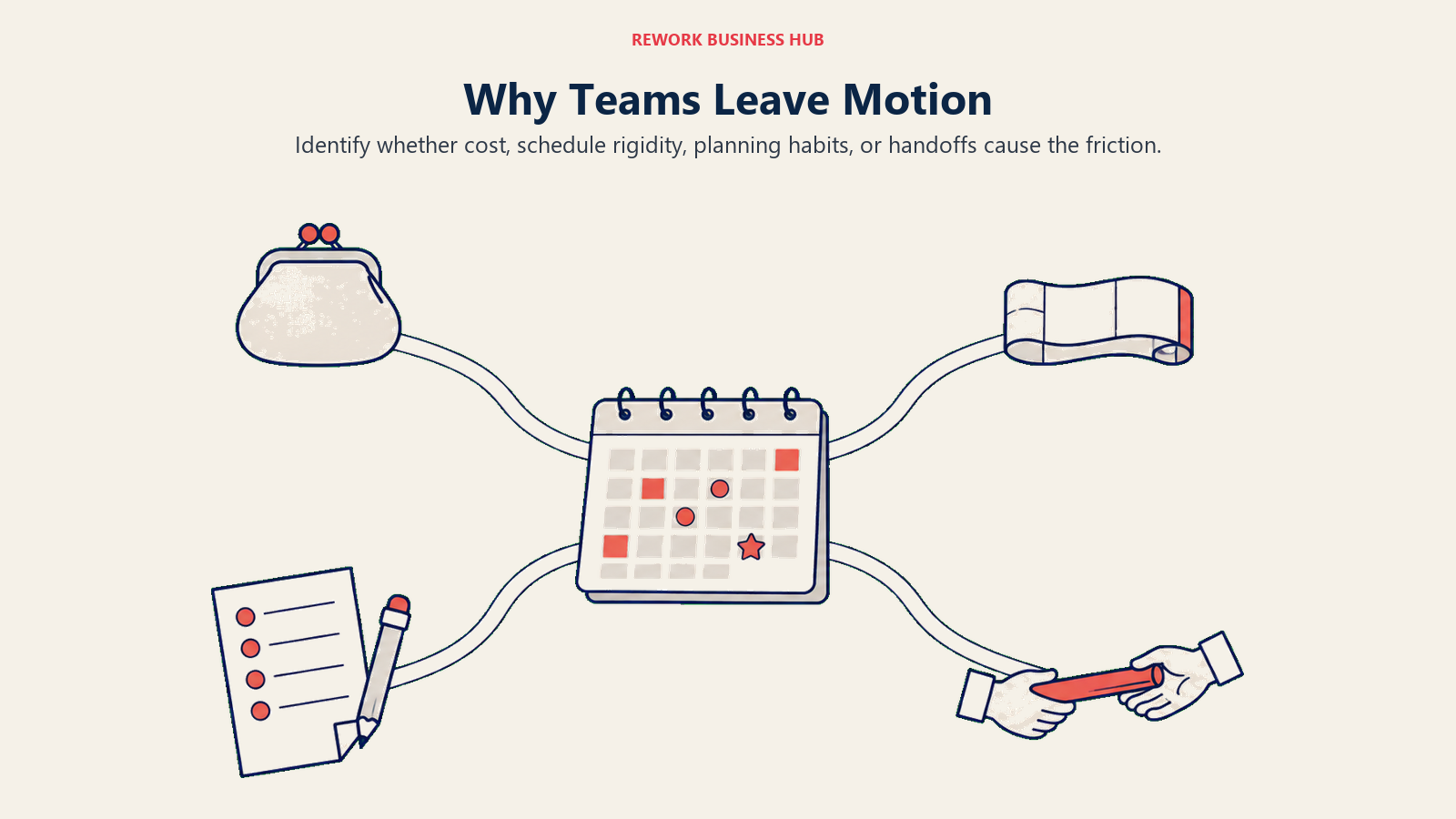
That model creates four predictable exits. Some people leave over cost, because two or three seats of Motion buys a whole team plan somewhere else. Some leave because the auto-scheduler is too assertive: it keeps moving blocks, and you end up managing the scheduler instead of doing the work. Some want the opposite of automation, a short daily ritual where a human decides what today looks like. And some discover, three weeks in, that their real problem was never a packed calendar. It was work handed between people with no shared place to track it. This guide routes you by which of those four you are.
Key Facts
- Employees using Microsoft 365 are interrupted every 2 minutes by a meeting, email, or notification, roughly 275 times a day, per Microsoft's 2025 Work Trend Index special report covering 31,000 knowledge workers across 31 markets. (Microsoft WorkLab)
- 48% of employees and 52% of leaders say their work feels chaotic and fragmented, from the same Microsoft report. (Microsoft WorkLab)
- Knowledge workers get an average of 2.9 deep work sessions per week but say they need 4.2, a 31.3% shortfall, per Reclaim.ai's 2026 Deep Work Trends Report. (Reclaim.ai)
- 75% of knowledge workers already use AI at work, a figure that nearly doubled in six months, per the 2024 Work Trend Index from Microsoft and LinkedIn. (Microsoft WorkLab)
- 62% of the workday goes to repetitive, mundane tasks, per Asana's 2023 Anatomy of Work Global Index, based on 9,615 global knowledge workers. (Asana)
Why People Leave Motion: The Four Exits
Before you compare feature grids, work out which exit you are taking. Picking a tool that solves a different problem than the one you have is how people end up switching twice in a year.
| The exit you are taking | What it sounds like in practice | Where to look first |
|---|---|---|
| Price per seat | "$19 a seat with no free plan is a lot for a to-do list with a calendar" | Reclaim.ai, Todoist, TickTick, Superlist, Trello |
| Auto-scheduling rigidity | "It keeps moving my blocks and I spend more time correcting it than working" | Reclaim.ai, Morgen, Akiflow |
| Wanting a human daily plan | "I don't want an algorithm to decide my day. I want ten minutes to decide it myself" | Sunsama, Akiflow, Morgen |
| Needing real team project management | "My calendar was never the bottleneck. Handoffs between people were" | Rework, ClickUp, Asana, monday.com |
Most readers land in two of these at once. The most common pair is cost plus team needs, which is exactly the point where a per-seat personal tool stops making sense and a platform starts to. If you want the wider view of that category before you shortlist, the task management software roundup for 2026 covers the field without the Motion framing.
Quick Comparison Table
| Tool | Best For | Starting Price | Key Strength | Key Limitation |
|---|---|---|---|---|
| Reclaim.ai | Auto-scheduling without the Motion price tag | Free Lite; Starter $10/seat/month | Defends focus time around your real calendar | Scheduling only, not a project tool |
| Sunsama | A calm human daily planning ritual | $17/month billed yearly ($22 billed monthly) | Guided daily and weekly planning | No free plan, and never will be |
| Akiflow | Consolidating tasks from many tools into one day | $16/month billed yearly ($34 billed monthly) | Universal inbox plus time blocking | Steep monthly price, no free plan |
| Morgen | Calendar-first time blocking with optional AI | $15/month billed yearly ($30 billed monthly) | Best multi-calendar handling on this list | Thin task management on its own |
| Todoist | A dependable task list without any AI scheduler | Free; Pro $5/user/month billed yearly | Fast capture and natural language input | No auto-scheduling, light reporting |
| Rework | Teams whose real problem is cross-team coordination | Project Engine from $99/mo billed yearly, 5 seats (rework.com/pricing) | Tasks, projects, and CRM in one workspace | No AI auto-scheduling, no free tier |
| ClickUp | One tool for tasks, docs, and projects | Free Forever; Unlimited $7/user/month billed yearly | Enormous feature surface for the price | Setup burden and feature overload |
| Asana | Cross-functional project management at scale | Free for up to 2 collaborators; Starter $10.99/user/month annual | Timelines, workload, and reporting | Free plan is now tiny, pricey at scale |
| Notion | Teams who want docs and tasks in one place | Free; Plus $10/member/month annual | Build the exact system you want | You have to build it yourself |
| TickTick | Personal tasks plus calendar on a small budget | Free; Premium $49.99/year list price ($35.99 offer) | Calendar views, habits, Pomodoro | No team or business tier at all |
| Superlist | Small teams wanting a fast shared list | Free; Basic $5/person/month ($59 yearly) | Clean shared lists with notes built in | Not a project management tool |
| Trello | Visual thinkers who want boards, not blocks | Free; Standard $5/user/month annual | Easiest onboarding in the category | Limited once work leaves the board |
| monday.com | Ops teams building custom workflows | Free up to 2 seats; Basic $9/seat/month annual | Configurable boards and automations | Seat math climbs fast, tiered features |
Stage Fit Matrix
| Tool | Solo/Freelancer | Small Team (2-10) | Growth Stage (10-50) | Mid-Market (50-200) |
|---|---|---|---|---|
| Reclaim.ai | Strong fit | Strong fit | Good fit | Partial fit |
| Sunsama | Strong fit | Good fit | Partial fit | Poor fit |
| Akiflow | Strong fit | Partial fit | Poor fit | Poor fit |
| Morgen | Strong fit | Good fit | Partial fit | Poor fit |
| Todoist | Strong fit | Good fit | Partial fit | Poor fit |
| Rework | Poor fit | Strong fit | Strong fit | Good fit |
| ClickUp | Partial fit | Strong fit | Strong fit | Good fit |
| Asana | Partial fit | Good fit | Strong fit | Strong fit |
| Notion | Good fit | Strong fit | Good fit | Partial fit |
| TickTick | Strong fit | Partial fit | Poor fit | Poor fit |
| Superlist | Strong fit | Good fit | Partial fit | Poor fit |
| Trello | Good fit | Strong fit | Partial fit | Poor fit |
| monday.com | Poor fit | Good fit | Strong fit | Strong fit |
Sizing and Persona Table
| Tool | Team Size Sweet Spot | Primary Buyer | Secondary Buyer |
|---|---|---|---|
| Reclaim.ai | 1-25 | Individual contributor, eng manager | Chief of staff |
| Sunsama | 1-10 | Founder, consultant, senior IC | Coach or agency lead |
| Akiflow | 1-5 | Power user juggling several tools | Freelancer |
| Morgen | 1-10 | Calendar-heavy professional | Small consulting team |
| Todoist | 1-20 | Individual contributor | Small business owner |
| Rework | 10-150 | Operations Manager, COO | Sales lead, department head |
| ClickUp | 5-200 | Team lead, PMO | Founder wearing many hats |
| Asana | 20-500 | Project Manager, VP Operations | Marketing or product lead |
| Notion | 3-100 | Founder, knowledge manager | Product manager |
| TickTick | 1-3 | Individual contributor | Student, freelancer |
| Superlist | 1-15 | Small team lead | Individual contributor |
| Trello | 3-30 | Team lead, coordinator | Marketing manager |
| monday.com | 20-300 | Operations lead, RevOps | Department head |
A Note on Clockwise, Which No Longer Exists
If you are searching for Motion alternatives in 2026, you will still find articles recommending Clockwise. Ignore them. Clockwise was the best known AI calendar assistant in the category and the one most often compared head to head with Motion. Salesforce hired the team behind it for its Agentforce work, and the product was shut down on 27 March 2026, about a week after the news broke. Salesforce said plainly that it was not acquiring Clockwise or its technology. User data was deleted rather than transferred, and paid customers were refunded for unused time. (The Register)
That matters for two reasons. The obvious one is that Clockwise is not an option, so any comparison table listing it is stale. The less obvious one is what it says about this category. A funded, well-loved scheduling product with enterprise logos was worth more to an acquirer as a hiring event than as a business. When you pick a single-purpose AI scheduler, weigh how much of your daily workflow you are willing to rebuild if the product disappears with a week of notice. Tools that sit on top of your existing calendar, like Reclaim.ai and Morgen, are easier to walk away from than tools that become the only place your tasks live.
1. Reclaim.ai: Auto-Scheduling That Works Around Your Calendar Instead of Owning It
Reclaim.ai is the closest like-for-like swap for Motion, and it is the first stop for anyone leaving over price. It connects to Google Calendar and Outlook, then schedules recurring habits, tasks, and one-on-ones into the gaps, defending focus blocks and moving them when something urgent lands. The philosophical difference from Motion is real: Motion wants to own your day and produce the plan, while Reclaim treats your calendar as the source of truth and negotiates around it.
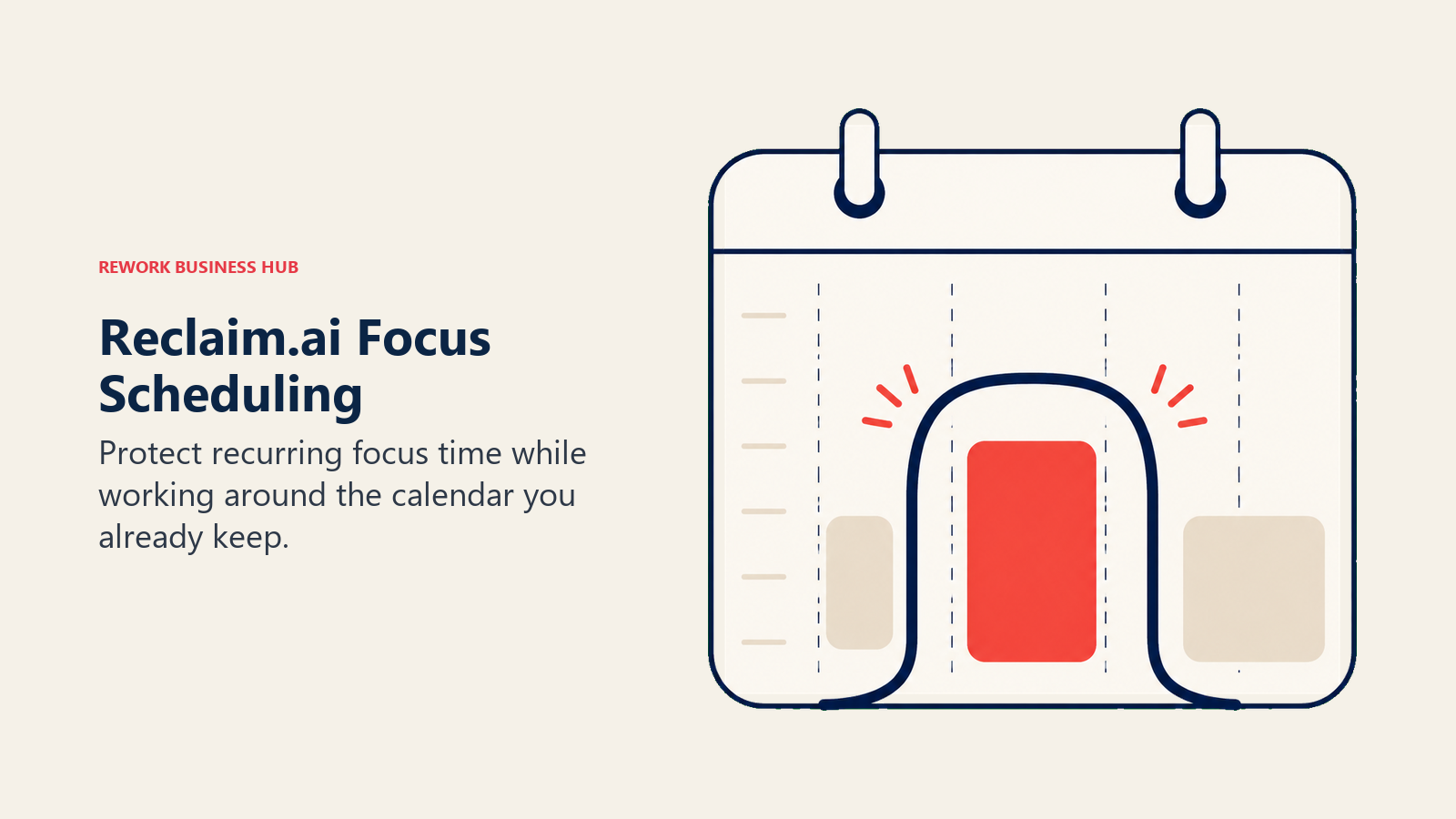
That makes it noticeably less rigid in daily use. Habits like "two hours of deep work before noon, four days a week" get protected but stay flexible. Smart meetings find a slot that works for both people without a scheduling thread. If Motion's constant reshuffling was what wore you down, Reclaim's lighter touch is usually the fix.
Ownership is worth knowing. Dropbox acquired Reclaim.ai in August 2024 and the product is still operating with no sunset announced, which after the Clockwise shutdown is a fair thing to check before you commit a team. Reclaim is also the only tool in this group with a genuinely usable free tier, which makes it easy to test before spending anything.
| What you get | What you don't |
|---|---|
| A free Lite plan with real scheduling | Project management or client work tracking |
| Habits, tasks, and buffer time auto-defended | A place for docs, files, or team discussion |
| Smart meetings and scheduling links | Deep task hierarchy or dependencies |
| Google Calendar and Outlook support | Motion's all-in-one AI project generation |
| Per-seat pricing that starts a third below Motion | Anything useful without a connected calendar |
Pricing: Lite is free, with a 1 week scheduling range, 2 connected calendars, and 1 scheduling link. Starter is $10 per seat per month for up to 10 seats. Business is $15 per seat per month for up to 100 seats. Enterprise requires a 100-seat minimum and annual billing. Reclaim advertises 29% off for an annual commitment.
Best for: Anyone who liked the idea of Motion but wants a free trial run, a lower seat price, and a scheduler that defers to the calendar you already keep. Not ideal for: Teams who need to track projects, not just protect time. Reclaim has no opinion about who owns what work.
2. Sunsama: The Ten Minute Daily Planning Ritual
Sunsama is the anti-Motion. There is no algorithm deciding your day. Instead, every morning it walks you through a short guided ritual: pull tasks in from your other tools, estimate how long each will take, drag them onto your calendar, and commit to a realistic day. When you have planned more than the day holds, Sunsama tells you, then asks what you want to drop. That single friction point is the whole product.
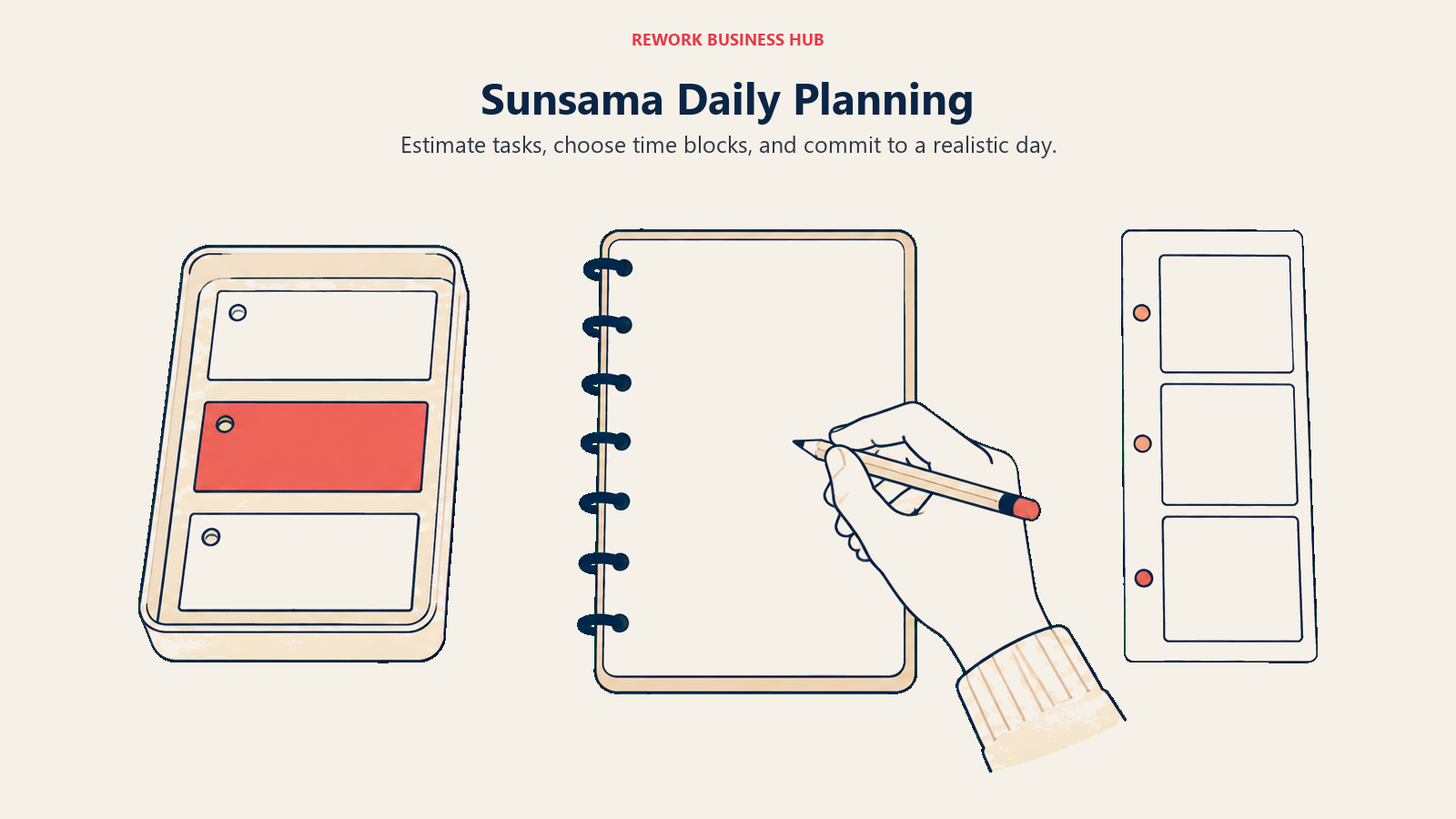
People who bounce off auto-scheduling usually love this. The plan is yours, so you trust it, and you stop fighting a scheduler that keeps rearranging your afternoon. It pulls tasks from Todoist, Asana, Trello, Jira, Gmail, and Slack, so it works as a planning layer over the tools you already run. There is a weekly review as well, which is the part most personal systems skip and then quietly fail without. If you have ever tried to run Getting Things Done properly, Sunsama is the closest thing on the market to a product built around the weekly review.
The trade-off is price and discipline. Sunsama costs more than most personal task managers and it only works if you show up for the ritual. Skip three mornings and it becomes an expensive list.
| What you get | What you don't |
|---|---|
| Guided daily planning with time estimates | Any automation that plans the day for you |
| Weekly review and shutdown routines | A free plan, now or later |
| Task import from a dozen other tools | Team project tracking or reporting |
| Calendar time blocking with drag and drop | Value if you skip the daily ritual |
| Honest workload warnings when you overcommit | A cheap option for a whole team |
Pricing: Pro is $17 per month billed yearly, or $22 per month billed monthly. There is a 14-day free trial with no credit card required, and Enterprise is contact sales. Sunsama says on its own pricing page that it does not have a free forever plan and does not plan to. The company frames the cost as roughly a dollar per workday.
Best for: Founders, consultants, and senior individual contributors who want to decide their own day and will actually do the ten minute planning session. Not ideal for: Anyone hoping the tool will plan for them, and anyone who needs a free tier to get buy-in. For a deeper look at the tools competing directly with it, see the Sunsama alternatives guide.
3. Akiflow: One Inbox for Every Task You Own, Then Time Blocked
Akiflow's premise is that your tasks are scattered across eight places and that is the actual problem, not scheduling. It pulls from Slack, Gmail, Notion, Asana, Todoist, Jira, ClickUp, and dozens more into a single universal inbox, then makes you triage each item to a day and a time block. The command bar is fast enough that keyboard-first users get through a morning triage in a couple of minutes.
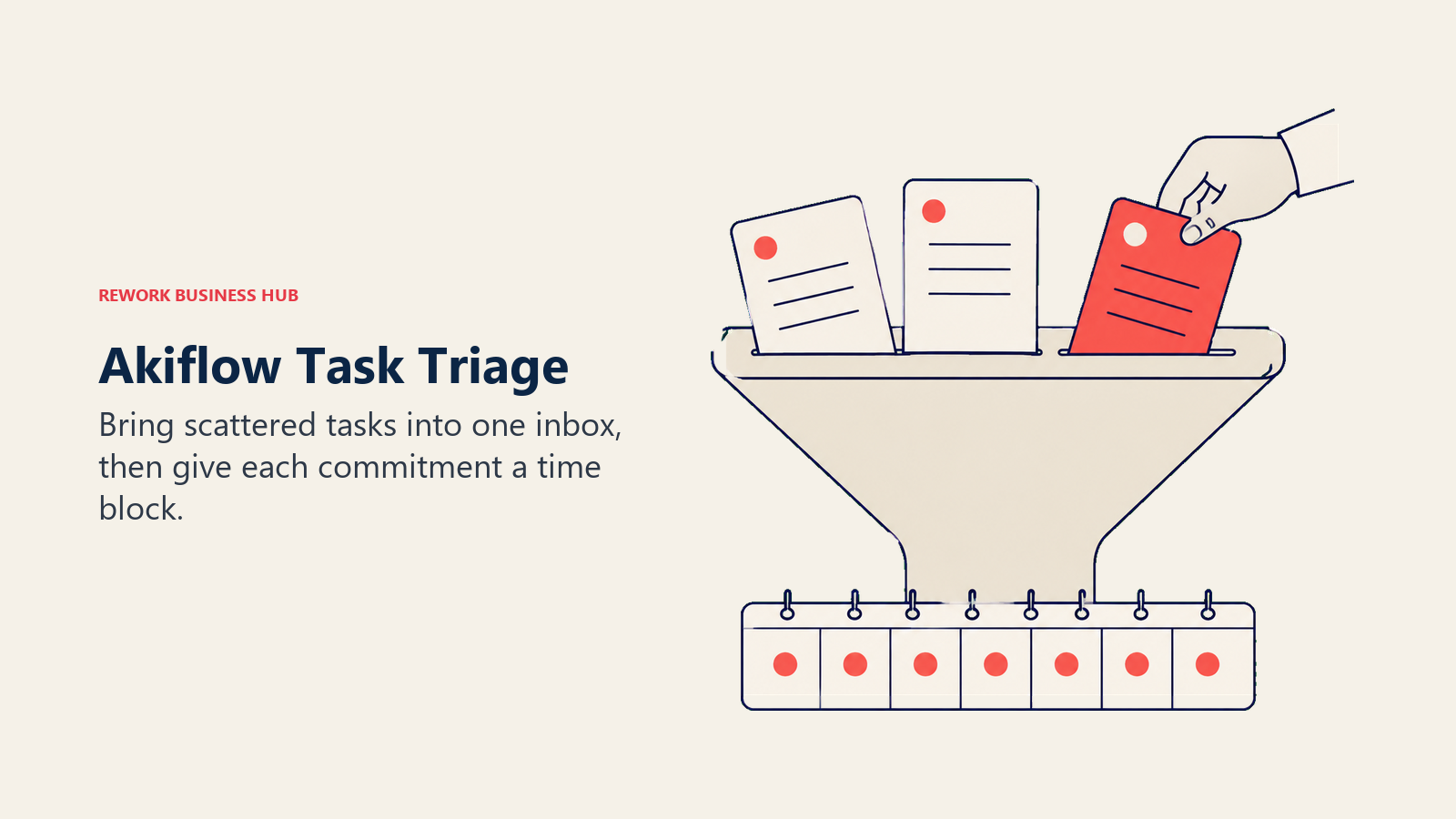
Compared with Motion, Akiflow is manual by design. It will not decide when your work happens. It just makes sure nothing is hiding in a Slack thread and that whatever you committed to has a slot. For people whose complaint about Motion was "I could not see why it scheduled things that way," that transparency is the selling point.
The catch is the price shape. Akiflow's monthly rate is the highest per-person figure on this list by a wide margin, and there is no free plan to soften the trial. The annual rate is reasonable for a serious daily driver, but it is a real commitment for a tool that lives or dies on habit.
| What you get | What you don't |
|---|---|
| Universal inbox across many source tools | Any automated scheduling |
| Fast keyboard-driven triage and command bar | A free plan |
| Time blocking straight into your calendar | Team collaboration or shared projects |
| Daily and weekly planning views | A gentle monthly price |
| Rituals that force a decision on every task | Reporting for managers |
Pricing: Pro Yearly is $16 per month billed yearly. Pro Monthly is $34 per month billed monthly. There is no free plan and the trial runs 7 days.
Best for: Power users drowning in notifications across many tools who want one triage surface and will pay yearly for it. Not ideal for: Anyone testing casually. At $34 on a monthly plan, a half-used month costs more than a year of Todoist Pro.
4. Morgen: Calendar First, With Planning Bolted On Properly
Morgen starts from the calendar rather than the task list, which is why it wins for people who live in three or four calendars at once. It handles Google, Outlook, iCloud, Fastmail, and CalDAV in one view, on Mac, Windows, Linux, iOS, and Android. That platform coverage sounds mundane until you have tried to run a personal Gmail calendar, a work Outlook calendar, and a client shared calendar through a tool that only supports two of them.
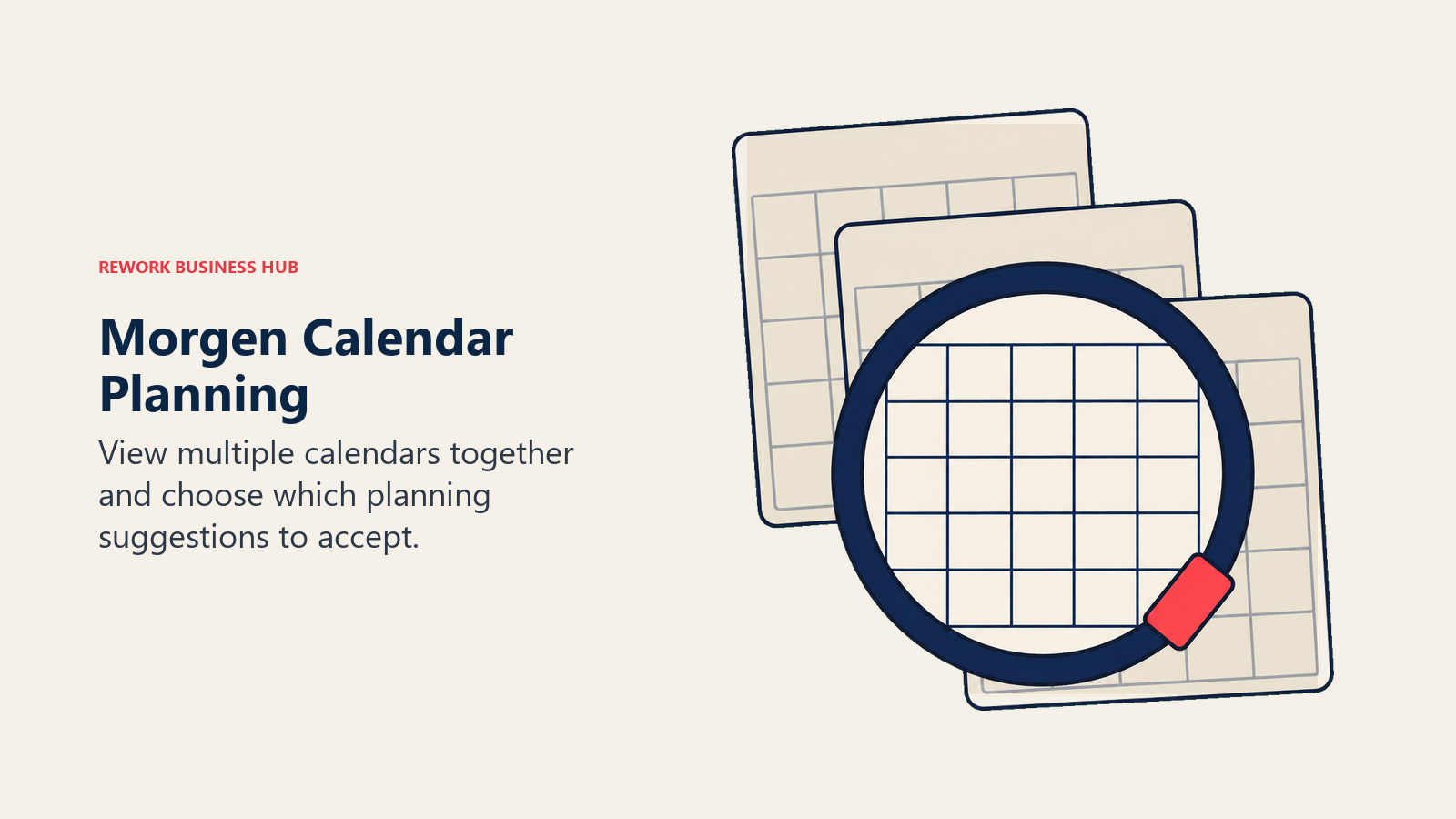
On top of the calendar sits a task layer that syncs with Todoist, Ticktick, Google Tasks, Notion, and others, plus an AI planner that will suggest a schedule if you want one. The difference from Motion is consent: the suggestion arrives, you accept or ignore it, and nothing gets rearranged behind your back. Morgen also has open workflow scripting, which is unusual in this category and genuinely useful if you want your own rules rather than the vendor's.
Read the pricing carefully, because Morgen's Team plan costs less per seat than its Individual plan. That is what the vendor prints on its own page.
| What you get | What you don't |
|---|---|
| Genuinely excellent multi-calendar handling | A free plan |
| Desktop apps on Mac, Windows, and Linux | Deep task management on its own |
| Optional AI planner you accept or ignore | Project tracking or team reporting |
| Two-way sync with several task tools | Motion's fully automatic rescheduling |
| Scriptable workflows for custom rules | Value if you only have one calendar |
Pricing: Individual is USD 30 per month billed monthly, or USD 15 per month billed yearly. Team is USD 25 per seat per month billed monthly, or USD 10 per seat per month billed yearly, with a two-seat minimum. There is a 14-day free trial with no credit card required, and no free plan is listed.
Best for: People juggling several calendars across platforms who want time blocking and keep task management in a tool they already like. Not ideal for: Anyone wanting one app to hold both the plan and the work. Morgen expects a task tool alongside it. Our primer on automated scheduling covers where that split makes sense.
5. Todoist: Drop the Scheduler and Keep a List That Never Breaks
Sometimes the honest answer to "which AI scheduler should I switch to" is none of them. A large share of people who try Motion discover the problem was not that their calendar lacked intelligence. It was that their task list was scattered and untrusted, and once tasks live in one reliable place the calendar stops feeling chaotic. Todoist is the safest version of that answer: fast capture, natural language input, projects, labels, filters, and a mobile app that opens instantly.
There is no auto-scheduling here and no calendar packing. What you get is a list you will still be using in five years, at a price that does not make you think about it. For teams, the Business tier adds shared projects and roles without turning into a project management suite.
Be aware that Todoist raised its annual prices in December 2025, so older comparison articles quoting $4 for Pro are out of date.
| What you get | What you don't |
|---|---|
| Best in class quick capture and parsing | AI scheduling of any kind |
| A free plan good enough for real use | Time blocking inside the app |
| Filters and labels that scale to thousands of tasks | Gantt, timeline, or workload views |
| Solid apps on every platform | Deep reporting for managers |
| Shared projects on the Business tier | Client, deal, or account context |
Pricing: The Beginner plan is free with 5 personal projects and 3 filter views. Pro is $5 per user per month billed yearly ($60 a year), or $7 per month billed monthly. Business is $8 per user per month billed yearly ($96 a year), or $10 per user per month billed monthly.
Best for: People who want to stop paying for AI scheduling and just keep a trustworthy list, optionally paired with Morgen or Sunsama for the calendar half. Not ideal for: Teams needing project structure. If that is you, our Todoist alternatives guide walks the step up.
6. Rework: For Teams Whose Real Problem Was Coordination, Not Calendars
Here is the uncomfortable diagnosis a lot of Motion trials end with. The calendar was full, the AI packed it beautifully, and work still slipped, because the delays were never inside one person's day. They were in handoffs: the brief sitting with design, the client answer nobody logged, the follow up that lived in someone's head. No scheduler fixes that, because the bottleneck is between people rather than between meetings.
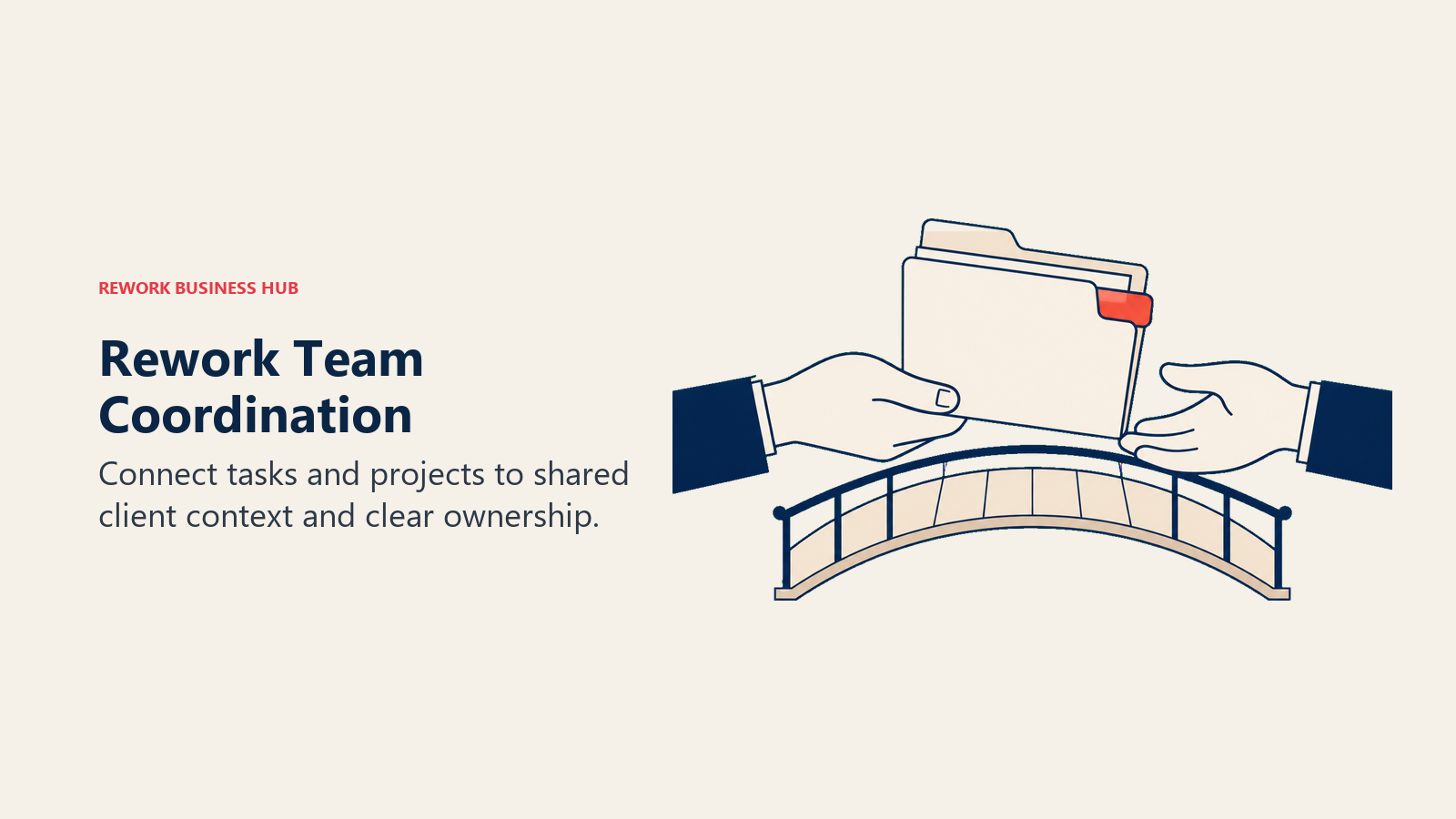
Rework is built for that gap. It puts tasks, projects, and workflows in the same workspace as the CRM and lead data they relate to, so a task carries the account, deal, or process it belongs to instead of floating as a line item. Work moves through stages with owners and due dates, and managers get visibility across teams rather than one person's schedule. That is a different job from Motion's, which is exactly why it comes up: the reader who has already tried two AI schedulers and still misses deadlines usually has a coordination problem wearing a productivity costume.
Say the limits plainly. Rework does not do AI auto-scheduling. It will not pack your calendar, defend focus blocks, or rebuild your afternoon when a meeting lands. It is not a calendar assistant and it is not for one person. If your problem really is personal time management, pick Reclaim.ai or Sunsama and be happier.
| What you get | What you don't |
|---|---|
| Tasks and projects tied to CRM and account data | AI auto-scheduling into your calendar |
| Multiple views (list, board, calendar, table) | A personal daily planning ritual |
| Cross-team workflows with owners and stages | A free tier of any kind |
| Team reporting beyond individual task counts | A fit for solo users or one-seat buyers |
| Engine pricing, seats in blocks of 5 instead of per-seat creep | Deep single-user calendar intelligence |
Pricing: The Project Engine is $99 per month billed yearly ($1,188 per year), or $120 month to month, with 5 work seats included. Extra seats come in blocks of 5 at $13 per month per block on yearly billing, so 25 seats run $1,812 per year. There is no free tier, but there is a 14-day free trial. (rework.com/pricing)
Best for: Teams of roughly 10 to 150 where work crosses functions and the delays live in handoffs rather than in anyone's calendar. Not ideal for: Solo users and anyone who came here specifically for AI scheduling. See Rework vs Asana if project management platforms are the shortlist you are actually building.
7. ClickUp: The Everything App, With All That Implies
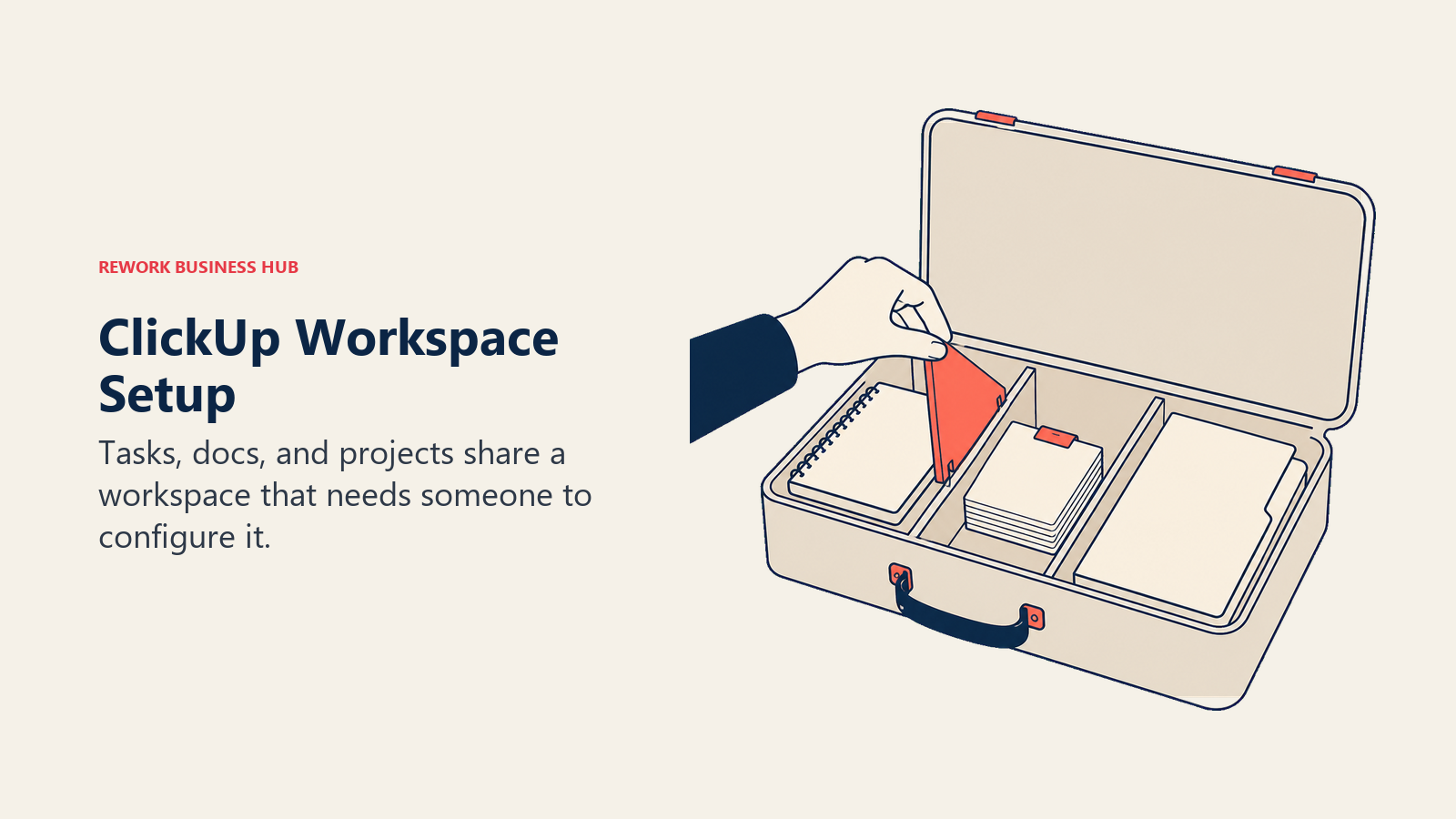
ClickUp is what people pick when they want Motion's ambition without Motion's price per seat. It covers tasks, docs, whiteboards, goals, time tracking, dashboards, and a calendar view, with a free tier that includes unlimited tasks and unlimited free plan members. For a small team, the value density is hard to argue with.
ClickUp also has an AI layer, sold as an add-on rather than baked into the base price, which is the honest way to compare it with Motion. The base plans are cheap; the AI is where the cost lands. Its AI can summarise threads, draft updates, and suggest task breakdowns, but it does not auto-schedule your day the way Motion does. If you want the calendar packing behaviour specifically, ClickUp is not a direct replacement.
The real cost of ClickUp is setup. The flexibility that makes it powerful means somebody on your team has to make a hundred decisions about hierarchy, custom fields, statuses, and views before it feels good. Teams that assign an owner to that job tend to be happy. Teams that roll it out and hope tend to churn.
| What you get | What you don't |
|---|---|
| A free plan with unlimited tasks and members | Motion-style automatic calendar packing |
| Docs, whiteboards, goals, and dashboards | A tool that is useful on day one |
| Custom fields, statuses, and views | AI included in the base price |
| Time tracking on paid tiers | A calm, minimal interface |
| Automations without a separate product | Low administrative overhead |
Pricing: Free Forever includes 60MB storage, unlimited tasks, unlimited free plan members, and 1 form. Unlimited is $7 per user per month billed yearly, or $10 per user per month billed monthly. Business is $12 per user per month billed yearly, or $19 per user per month billed monthly. ClickUp Brain is a $9 per user per month add-on, and Everything AI is $28 per user per month. Enterprise is contact sales.
Best for: Teams who want maximum capability per dollar and have someone willing to own the configuration. Not ideal for: Anyone leaving Motion because they wanted less to manage. Compare the field in our ClickUp alternatives guide.
8. Asana: Grown Up Project Management With Real Reporting
Asana is the default answer when a Motion user realises they need to manage a team's work rather than their own week. It does the things a personal scheduler never will: timelines and dependencies, workload views that show who is overloaded before the deadline slips, portfolios for leadership, and goals tied to the projects underneath them. Its My Tasks view gives each person a clean daily list, which softens the transition for someone used to a personal tool.
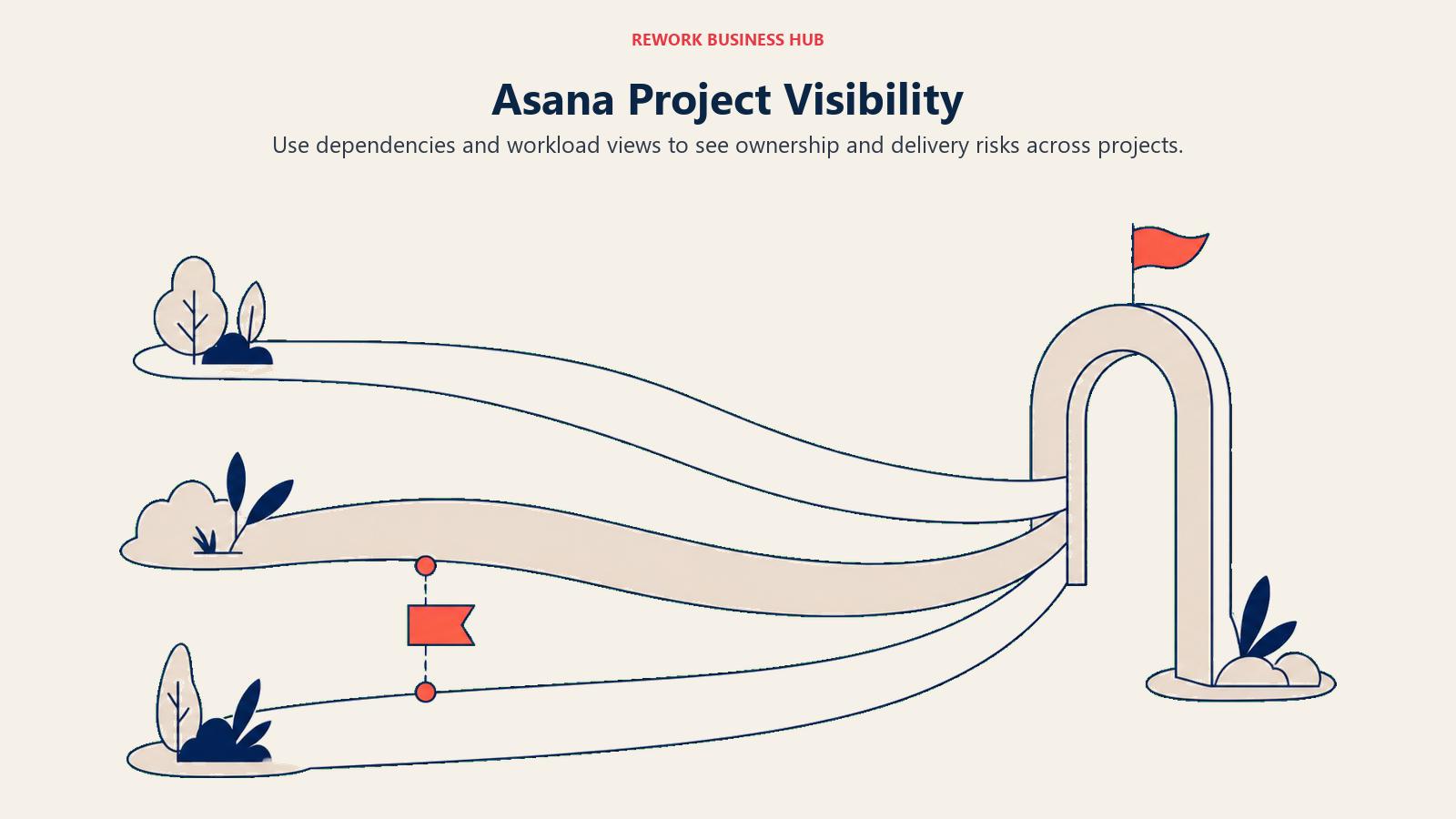
The Motion comparison is straightforward. Motion tells one person when to do their work. Asana tells a group what the work is, who owns it, and whether it is on track. If your slipped deadlines came from unclear ownership rather than a badly packed day, that is the swap to make.
One number to get right, because almost every roundup online has it wrong. Asana's free Personal plan now allows up to 2 users to collaborate for free. It is not 10 and it is not 15, whatever older articles say. That change matters if your plan was to trial Asana across a small team without paying, because at three people you are already on a paid tier.
| What you get | What you don't |
|---|---|
| Timeline, dependencies, and workload views | Any AI packing of your personal calendar |
| Portfolios and goals for leadership visibility | A generous free plan (2 collaborators) |
| Rules and automations without code | Cheap seats at 50 or 100 people |
| Strong integrations across the stack | Built-in CRM or client account context |
| Forms and intake for request management | A short learning curve |
Pricing: Personal is free and allows up to 2 users to collaborate. Starter is $10.99 per user per month billed annually, or $13.49 billed monthly. Advanced is $24.99 per user per month billed annually, or $30.49 billed monthly. Enterprise and Enterprise+ are contact sales.
Best for: Teams of 20 or more running cross-functional projects that need timelines, dependencies, and reporting a manager can act on. Not ideal for: Individuals and pairs looking for a cheap upgrade from Motion. See Asana alternatives if the price is the sticking point.
9. Notion: Build the System Motion Wouldn't Let You Build
The most common Motion complaint that Notion answers is rigidity. Motion has strong opinions about how a task should be described and when it should happen. Notion has none. You define the properties, the views, the relations between projects and clients and notes, and the daily dashboard that pulls it together. People who want their system to match how they actually think end up here.
Notion also collapses two tools into one. Meeting notes, specs, wikis, and the tasks that come out of them live in the same place, which removes a whole category of copying between apps. Its AI features handle summarising, writing, and question answering across your workspace, with a Custom Agents add-on sold on credits.
The honest warning is that Notion gives you a kit, not a product. Out of the box it does not manage tasks well, and the first two weeks are construction work. Teams who love it usually had one person who enjoyed building the system. Teams who abandoned it usually did not.
| What you get | What you don't |
|---|---|
| Docs, wikis, and databases in one workspace | A working task system out of the box |
| Relations between tasks, projects, and clients | Auto-scheduling or calendar packing |
| A genuinely useful free plan | Strong workload or capacity views |
| AI writing and search across your content | Guardrails against building a mess |
| Templates for almost any workflow | Speed at very large database sizes |
Pricing: There is a free plan. Notion Plus is $10 per member per month on annual billing (monthly runs higher) and Business is $20 per member per month on annual billing, with Enterprise custom. Notion states you save up to 20% with yearly billing. The Custom Agents add-on is free to try, then $10 per 1,000 monthly Notion credits.
Best for: Small teams and founders who want docs and work in one place and will invest a week designing the system. Not ideal for: Anyone who wants structure handed to them. Read Notion alternatives before you commit a team to a build.
10. TickTick: The Cheapest Way to Keep Tasks and Calendar Together
TickTick is the budget answer for a Motion user who mostly wanted to see tasks and events on one timeline. It has calendar views by month, day, three days, and week, a built-in Pomodoro timer, habit tracking, and natural language input. Nothing gets scheduled for you, but dragging a task onto a slot takes a second and the result is a plan you chose.
For a solo user, the value is obvious. The paid tier costs less per year than a single month of most tools on this list, and the free plan is usable if your workload is light. What TickTick does not have is any team story at all. There is no business tier, no admin controls, and no reporting. Sharing is limited to a handful of members per list.
Quote its price carefully, because the internet mostly quotes the discount. Premium lists at $49.99 per year, and TickTick regularly runs an offer at $35.99 per year, which works out around $3.00 a month. The App Store also sells a monthly option at $3.99.
| What you get | What you don't |
|---|---|
| Calendar views plus tasks in one app | Any team or business tier |
| Pomodoro timer and habit tracking | Admin controls or reporting |
| Natural language input and smart lists | Project management structure |
| A workable free plan for light use | More than 29 shared members per list |
| The lowest paid price in this comparison | Automated scheduling |
Pricing: The free plan allows 9 lists, 99 tasks per list, 2 shared members per list, and 1 attachment per day. Premium lists at $49.99 per year, with a frequently running offer at $35.99 per year, roughly $3.00 a month. A $3.99 monthly option exists on the App Store. Premium raises limits to 299 lists, 999 tasks per list, and 29 shared members, and unlocks all calendar views.
Best for: Individuals who want tasks and calendar together for the price of a coffee a month. Not ideal for: Teams of any size. There is no tier for you, at any price.
11. Superlist: A Fast Shared List That Small Teams Actually Use
Superlist comes from the team behind Wunderlist, and it shows. It is quick, clean, and built around lists that hold tasks and notes in the same document, so the context for a task sits next to the task instead of in a linked doc nobody opens. For a team of five who found Motion too heavy and Asana too corporate, it is a comfortable middle.
The AI story here is about capture and summary rather than scheduling. Voice AI on the paid tiers turns spoken notes into tasks, and the top tier adds AI meeting notes and email and Slack summarisation. Superlist will not plan your day, and it does not pretend to.
Product risk is worth a sentence in a category that just lost Clockwise. Superlist is actively shipping, with release 1.57.0 landing on 14 August 2026, so this is a live product rather than a maintenance-mode one.
| What you get | What you don't |
|---|---|
| Tasks and notes in the same list | Timelines, dependencies, or workload |
| A real free plan for up to 5 lists | Auto-scheduling |
| Unlimited team members on Basic | Deep reporting for managers |
| Voice AI capture on paid tiers | CRM or client account context |
| Fast, clean apps across platforms | A fit for 50-plus person rollouts |
Pricing: Free is $0 per person per month with up to 5 private and shared lists of up to 5 people each, unlimited tasks and notes, and 500MB storage. Basic is $5 per person per month or $59 yearly, with unlimited lists and team members and 25GB storage. Super is $21 per person per month or $249 yearly, adding unlimited AI meeting notes, unlimited AI chat, and email and Slack summarisation.
Best for: Small teams who want shared lists with notes built in and no configuration project. Not ideal for: Anyone who needs project structure or manager reporting.
12. Trello: Boards Instead of Blocks
Trello answers a different question than Motion, which is why it works for some people leaving it. Motion asks "when will you do this." Trello asks "where is this in the process." For work that moves through stages rather than filling hours, seeing a card move from Doing to Review communicates more than any calendar block does.
The strength is onboarding. A team can adopt Trello in an afternoon with no training, which is a real advantage when the last tool failed because nobody kept it updated. Power-Ups add calendar views, automation through Butler, and integrations, and the free plan is generous enough for a small team to run a genuine project on.
The ceiling arrives quickly. Once work needs dependencies, workload balancing, or reporting across projects, boards stop being enough. A card that says Blocked does not tell you what it is blocked on or who has to move first.
| What you get | What you don't |
|---|---|
| The easiest onboarding in the category | Time blocking or scheduling |
| A free plan with 10 boards per Workspace | Dependencies and critical path |
| Butler automation without extra cost | Workload or capacity views |
| Power-Ups for calendar and integrations | Cross-project reporting |
| Card-level checklists and due dates | Depth once projects get complex |
Pricing: Free covers up to 10 boards per Workspace and up to 10 collaborators per Workspace. Standard is $5 per user per month billed annually, or $6 billed monthly. Premium is $10 per user per month billed annually, or $12.50 billed monthly. Enterprise is $17.50 per user per month billed annually, which works out at $210.00 per user per year.
Best for: Small teams who think visually and need adoption to happen without training. Not ideal for: Complex projects with dependencies, or anyone who wanted a calendar-first tool.
13. monday.com: Configurable Ops Workflows for Bigger Teams
monday.com sits at the far end of this list from Motion, and that is the point. It is a work operating system where boards are configured per team, automations move items between them, and dashboards roll everything up for leadership. Teams pick it when the work is process-shaped and the process is theirs: onboarding pipelines, campaign calendars, request intake, approvals.
Compared with the AI schedulers, monday.com does nothing for one person's afternoon. What it does is make repeatable multi-person work visible and consistent. If your Motion trial revealed that nobody knew which stage anything was in, that is the problem monday.com was designed for.
Two cautions on cost. The free plan tops out at 2 seats, so it is a demo rather than a starting point, and useful features are spread across tiers so the plan you want is rarely the cheapest one. At 30 or 50 seats the annual number gets serious, which is worth reading alongside our take on why seat-based pricing is dying.
| What you get | What you don't |
|---|---|
| Highly configurable boards per team | Personal calendar intelligence |
| Automations and dashboards across teams | A meaningful free plan (2 seats) |
| Strong intake forms and request routing | Flat pricing as you grow |
| Time tracking and workload on higher tiers | Everything on the entry tier |
| Broad integration catalogue | A quick, low-effort rollout |
Pricing: Free covers up to 2 seats. Basic is $9 per seat per month, Standard is $12 per seat per month, and Pro is $19 per seat per month, all billed annually. Monthly billing is higher. Enterprise is contact sales.
Best for: Operations-heavy teams of 20 or more who want to model their own processes and report across them. Not ideal for: Individuals, and small teams who will not use the configuration depth they are paying for.
How to Choose: Decision Framework
Use the decision framework to choose the planning or coordination problem your replacement needs to solve.
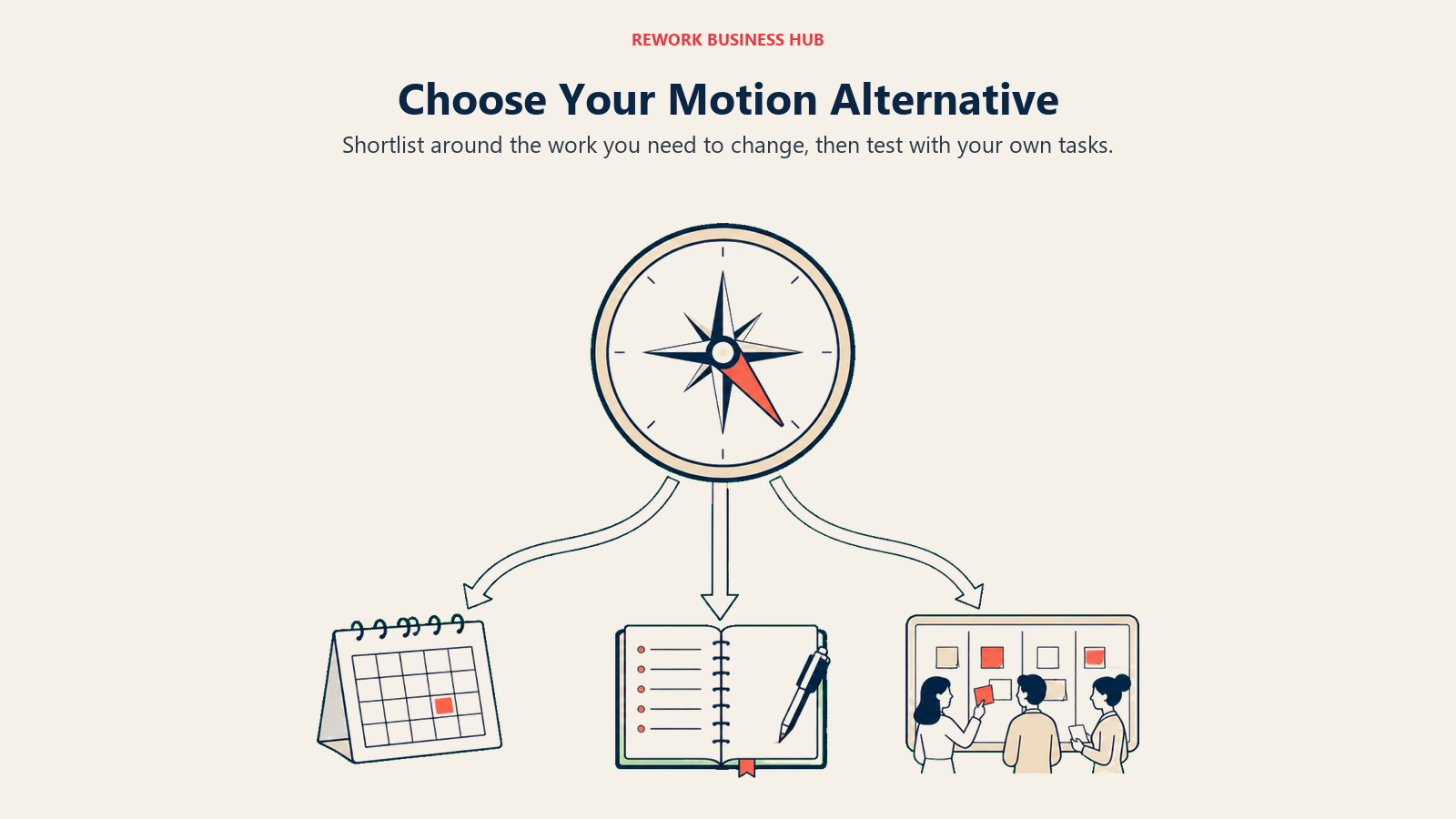
| If you need... | Pick this |
|---|---|
| Auto-scheduling with a free tier to test first | Reclaim.ai |
| A human daily plan instead of an algorithm | Sunsama |
| One triage inbox across many tools | Akiflow |
| Several calendars handled properly in one view | Morgen |
| A reliable task list and no AI scheduler at all | Todoist |
| Team coordination tied to client and deal context | Rework |
| Maximum features per dollar for a small team | ClickUp |
| Timelines, workload, and manager reporting | Asana |
| Docs and tasks in one flexible workspace | Notion |
| Tasks plus calendar on the smallest budget | TickTick |
| A fast shared list with notes built in | Superlist |
| Visual boards anyone can adopt in an afternoon | Trello |
| Configurable ops processes across departments | monday.com |
What Motion Actually Does Well
It would be dishonest to run a list like this without saying where Motion still wins. Nothing else here does full automatic scheduling as aggressively or as completely. You give it tasks with durations and deadlines, and it produces a plan for the whole week, then rebuilds that plan every time reality interferes. For a certain kind of user, usually someone with many small commitments and a calendar that changes hourly, that is genuinely the right tool.
Motion's Business AI tier also adds team capacity planning, timeline and Gantt views, time tracking, and permissions, so it is not purely a personal product. And if your objection is only the price, be honest about the comparison: at $19 per seat per month it costs more than Todoist or Trello but less per seat than Asana Advanced.
The cases where Motion loses are specific. It loses when the automation fights you, because a scheduler you argue with costs more attention than the manual planning it replaced. It loses when there is no free tier to prove the value before the invoice. And it loses when the underlying problem was coordination between people, since a perfectly packed calendar cannot fix work waiting on someone else. That last one is worth a hard look before you buy another per-seat tool, and our breakdown of the true cost of software sprawl is a decent gut check on how many of these you are already paying for.
What to Do Next
Pick two tools from different exits, not two from the same one. Testing Sunsama against Akiflow tells you little, because they answer the same question. Testing Reclaim.ai against Sunsama tells you whether you want automation or a ritual, which is the decision that actually matters.
Then run both for two full weeks against real work, not a sample project. Keep the one you still open on a bad Thursday without thinking about it. If neither survives, the problem is not the tool. It is that your work depends on other people and you need a shared system rather than a personal one, in which case start with Rework or Asana and stop shopping for schedulers. The wider project management software roundup covers that end of the shortlist.
External resources:
- Motion pricing: Pro AI and Business AI tiers
- Reclaim.ai pricing: Lite, Starter, Business, Enterprise
- Sunsama pricing: Pro and the 14-day trial
- Microsoft Work Trend Index: the interruption and fragmentation data
- Reclaim.ai Deep Work Trends Report: the deep work deficit numbers
Frequently Asked Questions about Motion Alternatives
What is the closest alternative to Motion?
Reclaim.ai is the closest like-for-like swap. It does AI scheduling against your existing Google or Outlook calendar, defends recurring focus habits, and starts at $10 per seat per month with a free Lite plan, against Motion's $19 per seat per month and no free plan. The main behavioural difference is that Reclaim works around your calendar rather than trying to own the whole day.
Is there a free Motion alternative?
Yes, several. Reclaim.ai has a free Lite plan with real scheduling. Todoist, ClickUp, Notion, TickTick, Superlist, and Trello all have free tiers, and Asana and monday.com have free plans that are now capped at 2 collaborators and 2 seats respectively. Rework has no free tier: the Project Engine starts at $99 per month billed yearly with 5 seats included, after a 14-day free trial.
Why did Clockwise shut down and what should its users do?
Salesforce hired the Clockwise team for its Agentforce work and the product was shut down on 27 March 2026, roughly a week after the news. Salesforce said it was not acquiring Clockwise or its technology, user data was deleted rather than transferred, and paid customers were refunded for unused time. Former Clockwise users looking for automatic focus-time defence generally land on Reclaim.ai, and those who want to plan manually go to Morgen or Sunsama.
Is Motion worth $19 per seat per month?
It depends on whether you want automation or control. Motion is the most aggressive automatic scheduler available, and for people with many small commitments and a volatile calendar it earns the price. If you find yourself correcting its decisions, you are paying a premium for work you are then redoing by hand, and a planning tool like Sunsama at $17 per month billed yearly or Akiflow at $16 per month billed yearly gives you the plan without the argument.
What is the best Motion alternative for teams?
That depends on what your team is missing. For cross-functional projects with timelines and workload reporting, Asana. For maximum features per dollar, ClickUp. For configurable operational processes, monday.com. For teams where tasks connect to clients, deals, and handoffs between departments, Rework, which sells engines rather than per-seat licences, from $99 per month billed yearly with 5 seats included.
Can I keep my task manager and just add scheduling?
Yes, and it is often the cheapest fix. Morgen syncs two-way with Todoist, TickTick, Google Tasks, and Notion, and Akiflow pulls from Slack, Gmail, Asana, Jira, and more. Reclaim.ai schedules against your calendar without replacing your task list. Keeping your existing list and adding a thin planning layer is usually less disruptive than migrating everything into one AI tool.
Does AI scheduling actually help?
It helps with a specific problem, which is protecting focus time on a calendar other people can write to. Reclaim.ai's 2026 Deep Work Trends Report found knowledge workers averaging 2.9 deep work sessions a week against the 4.2 they say they need, and Microsoft's Work Trend Index found employees interrupted roughly every 2 minutes. Automation can defend blocks against that pressure. It cannot fix work that is stuck waiting on another person, which is a coordination problem rather than a scheduling one.

Principal Product Marketing Strategist
On this page
- Key Facts
- Why People Leave Motion: The Four Exits
- Quick Comparison Table
- Stage Fit Matrix
- Sizing and Persona Table
- A Note on Clockwise, Which No Longer Exists
- 1. Reclaim.ai: Auto-Scheduling That Works Around Your Calendar Instead of Owning It
- 2. Sunsama: The Ten Minute Daily Planning Ritual
- 3. Akiflow: One Inbox for Every Task You Own, Then Time Blocked
- 4. Morgen: Calendar First, With Planning Bolted On Properly
- 5. Todoist: Drop the Scheduler and Keep a List That Never Breaks
- 6. Rework: For Teams Whose Real Problem Was Coordination, Not Calendars
- 7. ClickUp: The Everything App, With All That Implies
- 8. Asana: Grown Up Project Management With Real Reporting
- 9. Notion: Build the System Motion Wouldn't Let You Build
- 10. TickTick: The Cheapest Way to Keep Tasks and Calendar Together
- 11. Superlist: A Fast Shared List That Small Teams Actually Use
- 12. Trello: Boards Instead of Blocks
- 13. monday.com: Configurable Ops Workflows for Bigger Teams
- How to Choose: Decision Framework
- What Motion Actually Does Well
- What to Do Next