Best Notion Alternatives in 2026: 10 Tools for Teams That Need Real Workflows
Turn this article into takeaways for your work.


Each assistant summarizes the article only for you and suggests best practices for your work.
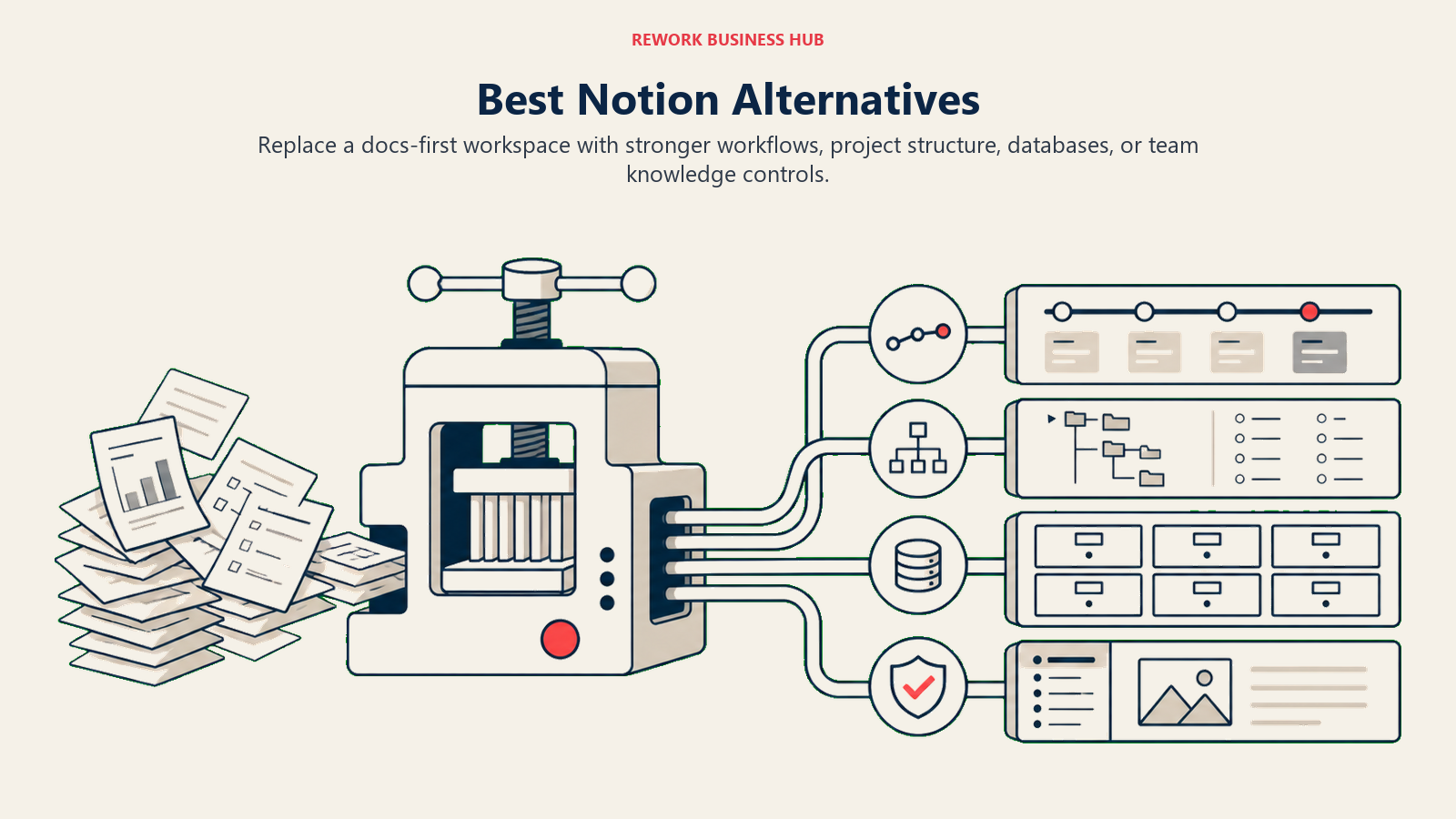
The best Notion alternatives in 2026 are Monday.com, Rework, Asana, ClickUp, Coda, Airtable, Confluence, Slite, Nuclino, and Craft. The right pick depends on what Notion is failing at for you: choose Monday or Asana for structured project management, Rework for CRM plus ops workflows, ClickUp or Coda for flexible all-in-one work, and Slite or Nuclino for a clean team wiki.
Notion is genuinely good at what it is: a flexible, beautiful, docs-as-canvas workspace where your team can write things down, organize pages, and build light databases. For small teams and solo operators, that's often enough.
But here's what happens at scale. You add 30 people. Someone builds a CRM in Notion. Someone else builds a project tracker. A third person adds a meeting notes template. Six months later you have 400 pages, no enforced structure, zero workflow automation, and a search experience that surfaces the wrong results. This is when the true cost of software sprawl becomes visible: not just in money, but in the time spent navigating tools instead of doing work. The tool that felt like freedom at 5 people becomes chaos at 50. Leadership wants a status update; nobody knows which database has the right view. Sales wants lead routing; Notion doesn't do that. Ops wants SLA tracking; there's a template for that, but nobody used it consistently.
That's the moment teams start looking for something else. This article is for you at that moment. We've reviewed the 10 most relevant Notion alternatives across a few distinct categories: dedicated ops workflow tools, project management platforms, flexible databases, enterprise wikis, and document editors. The honest answer is that different teams need different things, and the right tool depends more on what you're actually trying to accomplish than on any single feature list.
Quick Comparison Table
| Tool | Best For | Starting Price | Key Strength | Key Limitation |
|---|---|---|---|---|
| Monday.com | Visual project tracking + automation | $9/user/mo (Basic) | Flexible boards, strong automations, polished UI | Can get expensive; automations limited on lower tiers |
| Rework | Mid-size teams needing ops workflows + CRM | From $99/mo billed yearly, 5 seats (rework.com/pricing) | Dedicated cross-team workflows + CRM in one product | Not a docs/wiki tool; overkill for content-only teams |
| Asana | Project management + goals tracking | $10.99/user/mo | Timeline, Goals, portfolio-level visibility | Weak cross-team ops; no CRM |
| ClickUp | Everything-app (closest to Notion in scope) | Free; $7/user/mo (Unlimited) | Deep feature set, very flexible | Steep learning curve; can feel overwhelming |
| Coda | Docs that run logic + formulas | Free; $10/user/mo | Packs (apps), formula-powered pages | Niche skill requirement; smaller ecosystem |
| Airtable | Database-first structured work | Free; $20/user/mo | Relational databases, views, automations | Not a workflow or CRM tool; needs config |
| Confluence | Enterprise knowledge base + Jira users | $5.75/user/mo | Deep Jira integration, enterprise governance | Heavy for SMBs; poor UX for non-technical users |
| Slite | Team knowledge base (Notion-like, simpler) | Free; $8/user/mo | Fast, clean, AI-powered search | Limited structure enforcement; no workflows |
| Nuclino | Lightweight wiki for growing teams | Free; $6/user/mo | Simple, visual graph view, fast onboarding | Very basic; not built for project management |
| Craft | Beautiful document writing | Free; $4.58/mo personal | Exceptional document experience | No team ops, no workflow engine, no database |
1. Monday.com: Visual Boards + Automation
Monday.com sits in the visual project management category, but it's grown well beyond kanban boards. You get customizable work views (boards, timelines, Gantt, forms), a solid automation builder, and a cleaner UI than most competitors.
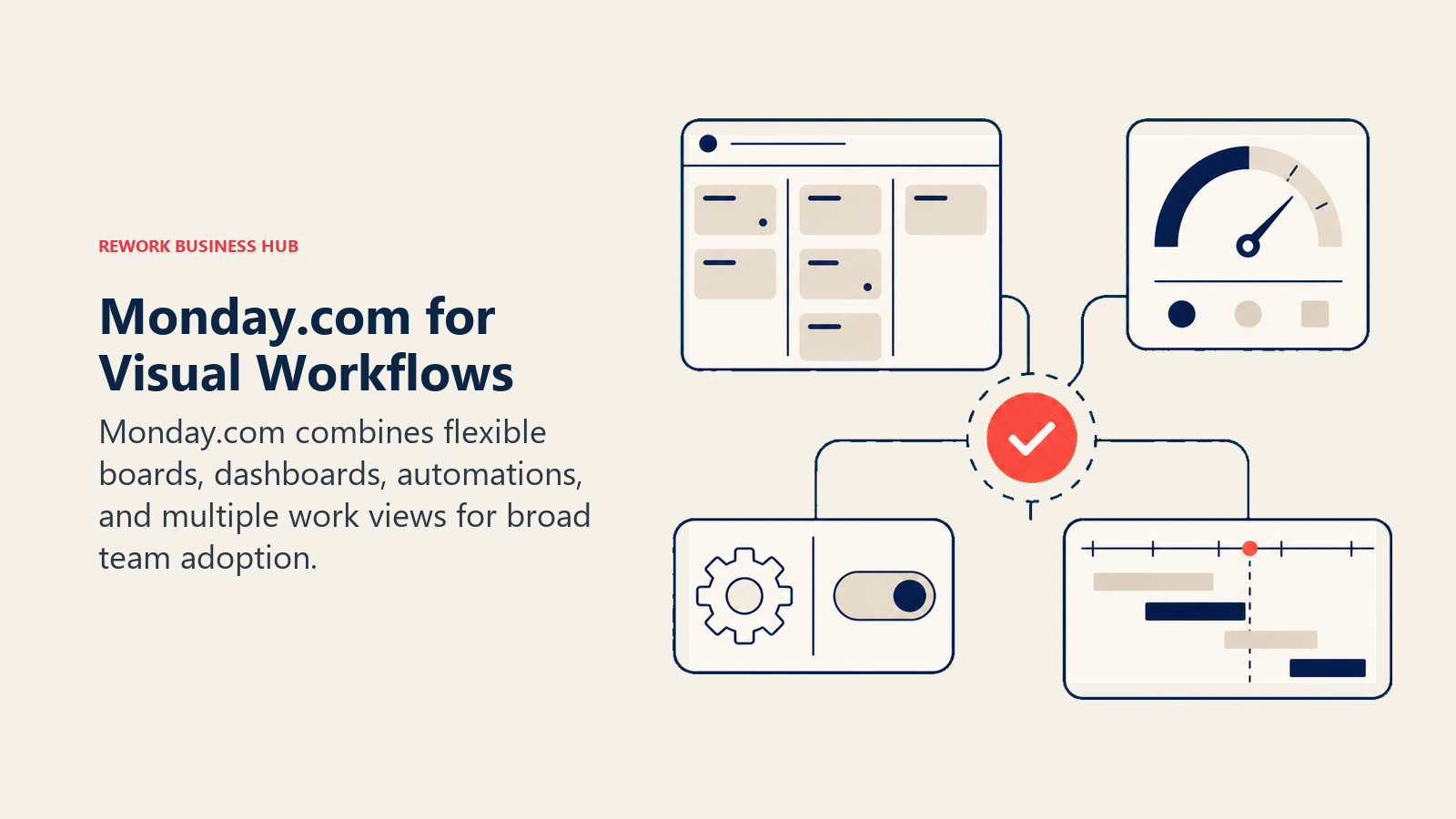
Where Monday wins over Notion: it actually enforces status fields, due dates, and owner assignments. Your team can't just leave work in an ambiguous text block. The structure is visible.
Where it still falls short for ops-heavy teams: Monday's automations are powerful but get expensive quickly. The Basic plan ($9/user/mo) has no automations. Standard ($12/user/mo) caps you at 250 automated actions per month. If you're running meaningful workflow automation, you're on Pro ($19/user/mo) minimum. The best Monday alternatives guide covers this pricing problem in depth if you want more context before committing.
| What you get | What you don't |
|---|---|
| 27+ column types, flexible work structure | A CRM with lead distribution or chat inbox |
| 250+ integrations, including Salesforce and HubSpot | Deep cross-team process enforcement |
| Solid automations at Pro tier | Automation at scale without paying Pro/Enterprise |
| Monday CRM as a separate product (additional cost) | Native ops workflow templates |
Pricing: $9-$19/user/mo (Basic to Pro). Enterprise pricing on request. Annual billing. See Monday.com's pricing page for current details.
Best for: Teams leaving Notion for better project structure and visibility. Marketing, creative, and ops teams that need visual board management and basic automation.
2. Rework: Dedicated Ops Workflows + CRM (Structured Work, Not Docs)
If the reason you're leaving Notion is that your team needs real workflows, enforced process, and a CRM that isn't duct-taped together from a database template, Rework is a direct answer. It ranks second, behind Monday.com, because Monday covers more of the general project work Notion teams already run and has the larger integration ecosystem.
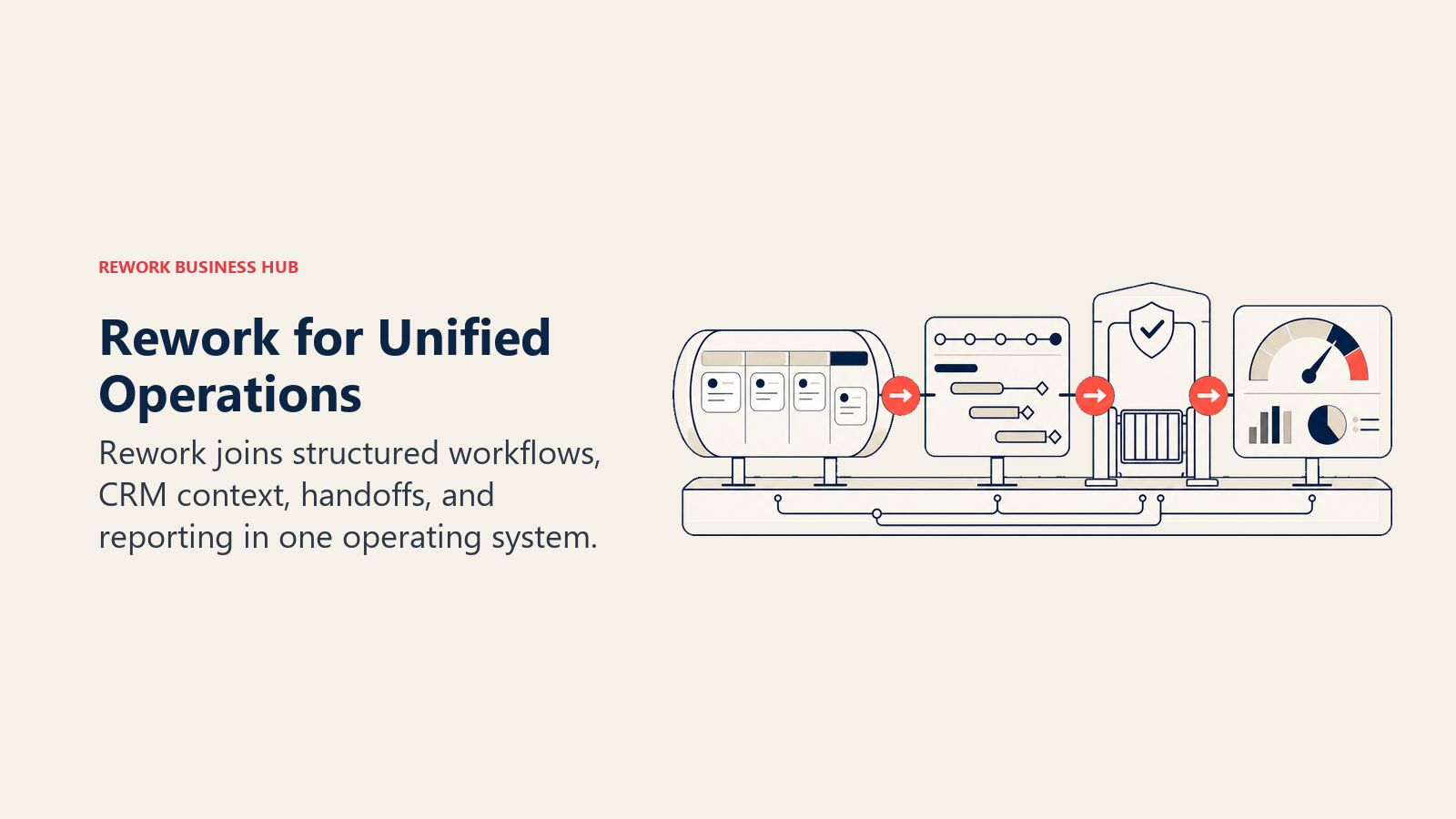
Rework isn't trying to replace Notion's docs experience. Projects can hold documents in folders and pages, but there is no flexible workspace-wide page editor and no wiki for team knowledge. What it does is give mid-size cross-functional teams a single product that covers CRM, lead management, and operational workflows without requiring your RevOps lead to spend three weeks configuring it from scratch.
The core contrast with Notion: Rework ships process templates that are actually wired up and enforced. Round-robin lead distribution, SLA-based routing, approval chains, cross-team handoffs. These aren't things you model in a Notion database. They're workflows that run automatically.
| What you get | What you don't |
|---|---|
| CRM + lead management as one built-in product | A docs/wiki experience |
| Cross-team ops workflows with enforcement | Flexible blank-canvas building |
| Chat inbox (WhatsApp, Messenger, IG DM, TikTok, Telegram, LINE, Zalo, live chat; no email or SMS) | A large template marketplace |
| Lead capture, scoring, distribution, and pipeline in one product | Deep marketing automation (Marketo-grade) |
| Process templates for onboarding, approvals, procurement, sales ops | Fine-grained permissions for large enterprise governance |
Pricing: Process Engine from $99/month billed yearly ($1,188/year) or $120 month to month, with 5 work seats included; extra seats come in blocks of 5 ($13/month per block, billed yearly). The CRM is the Sales Engine, from $69/month billed yearly; lead capture, routing and the chat inbox are in the Marketing Engine ($99/month billed yearly), or take the Revenue Engine ($159/month billed yearly) for all three. 14-day free trial, no free plan. (rework.com/pricing)
Best for: Mid-size teams (20-500 people) in B2B SaaS, professional services, e-commerce, or any org where Sales, Marketing, and Ops share workflows and data. COOs, RevOps leads, and Heads of Sales who need structured process, not a canvas.
Not ideal for: Solo founders, pure content/docs teams, or any team that primarily needs a knowledge base rather than an ops workflow engine.
3. Asana: Project Management + Goals
Asana's reputation is built on project management done right: clear task ownership, multi-step projects, timeline views, and now Goals for tracking OKRs at the portfolio level. It's one of the cleanest tools in its category.
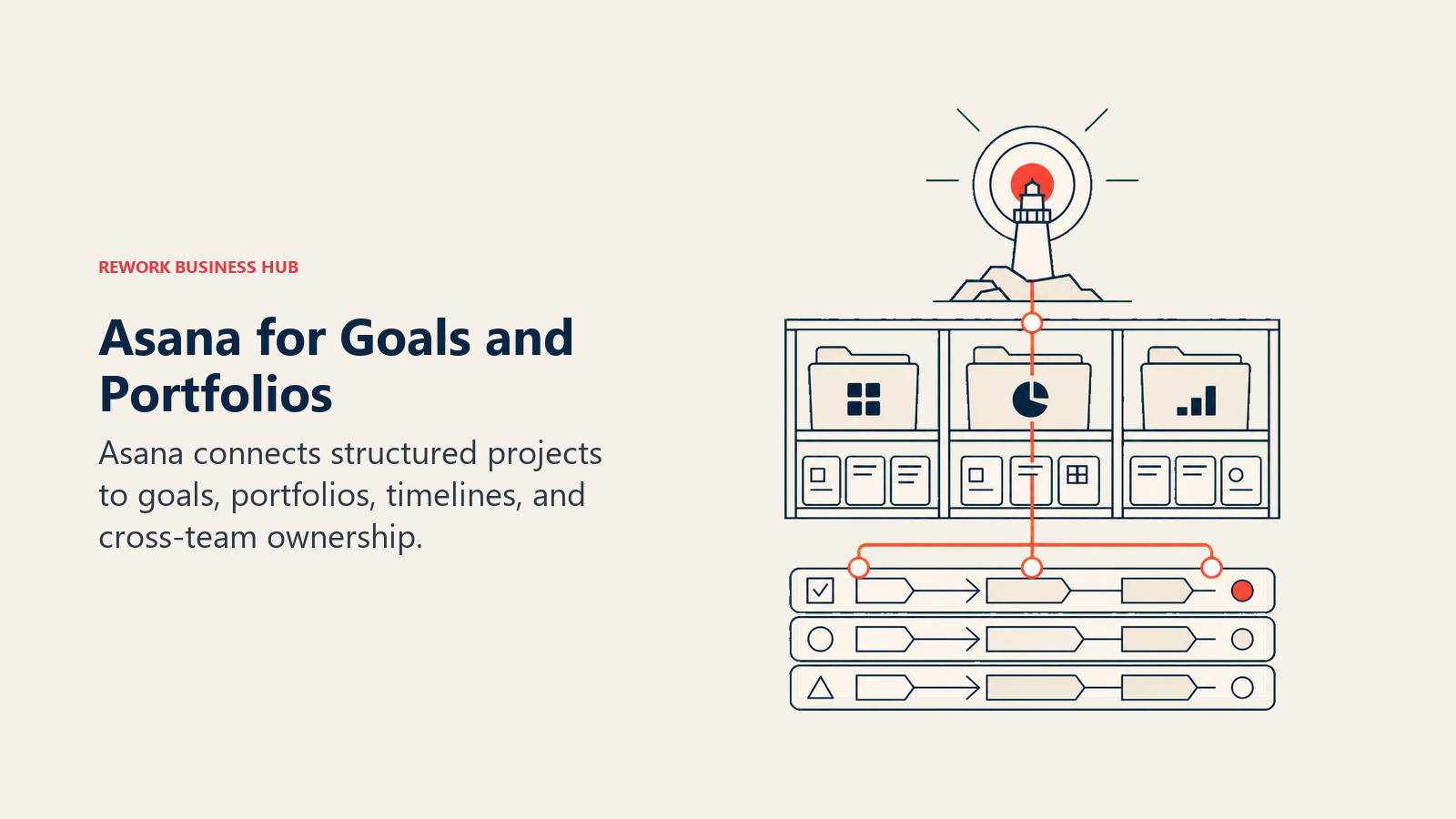
For teams leaving Notion because work management was undisciplined, Asana is a strong candidate. It enforces accountability in a way Notion doesn't. Every task has an owner and a due date. Portfolios show project health across teams.
The honest limitation: Asana is a project management tool, not an ops workflow platform. It doesn't do CRM, lead routing, or cross-team process orchestration. And the pricing jumps significantly from Premium ($10.99/user/mo) to Business ($24.99/user/mo) for anything involving portfolios or goals. Teams wanting to go deeper here should check Asana's product page for the latest feature breakdown.
| What you get | What you don't |
|---|---|
| Strong multi-project management and timelines | CRM or sales pipeline |
| Goals + portfolio tracking (Business tier) | Workflow automation depth |
| 200+ integrations | Cross-team ops workflows |
| Forms for intake and work requests | A knowledge base or wiki |
Pricing: $10.99/user/mo (Premium), $24.99/user/mo (Business). Free tier available with limited features.
Best for: Project-driven teams in marketing, operations, or product who need structured execution and visibility. Organizations scaling OKRs across departments.
4. ClickUp: The Everything-App (Closest Notion Competitor in Scope)
ClickUp is the most direct Notion competitor in terms of raw feature scope. It does docs, tasks, goals, whiteboards, time tracking, CRM (basic), forms, automations, and a chat layer. If Notion is a flexible canvas, ClickUp is a flexible machine room.

The upside: you can consolidate a lot of tools into ClickUp. Teams that found Notion too document-centric and not structured enough often land here.
The honest tradeoff: ClickUp is genuinely complex. The onboarding curve is steep, the interface can feel dense, and getting the most out of it requires real configuration work. Teams without an internal champion to set it up often end up using 20% of the product and feeling like they're paying for the rest. The best ClickUp alternatives guide is useful if you want to map out your options before committing.
| What you get | What you don't |
|---|---|
| Docs + tasks + goals + time tracking + automations in one | Simplicity (it's a complex tool) |
| Very flexible, configure it for almost anything | A native CRM with lead distribution |
| Strong free tier for individual use | Fast onboarding without a dedicated admin |
| 1,000+ integrations | Purpose-built ops workflow templates |
Pricing: Free (generous), $7/user/mo (Unlimited), $12/user/mo (Business). Annual billing.
Best for: Teams that want Notion's flexibility but with more structure, task management, and automation. Teams with an internal power user willing to configure the workspace. Startups and SMBs watching budget.
5. Coda: Docs as Apps, Formula-Powered
Coda occupies a unique space: it's more flexible than Notion's databases because pages can run logic, formulas, and automations called "Packs" (pre-built app integrations). Think of it as spreadsheet logic embedded in a document layer.
If your team has been building "apps" in Notion with workarounds, Coda removes most of those workarounds. You can build a functioning project tracker, an intake form that triggers actions, or a client dashboard with real logic, without writing code.
The honest tradeoff: Coda has a smaller ecosystem than Notion, and the formula syntax has a learning curve that's more like spreadsheets than most docs tools. It's powerful for the right team and confusing for teams that just want to write and organize. The best Coda alternatives guide is worth checking if you're not sure it fits.
| What you get | What you don't |
|---|---|
| Formula-powered pages with real logic | A large template community |
| Packs for Salesforce, Jira, Figma, Slack, and more | A simple onboarding path for non-technical teams |
| Flexible tables that act like spreadsheets | A CRM or workflow engine |
| AI doc generation (Coda AI) | Native mobile experience as polished as Notion |
Pricing: Free (personal, limited), $10/user/mo (Pro), $30/user/mo (Team). Annual billing.
Best for: Ops teams and RevOps leads who want doc-as-app functionality. Teams comfortable with spreadsheet logic who need more dynamic pages than Notion offers.
6. Airtable: Database-First Structured Work
Airtable is the tool for teams where the data model matters more than the document experience. It's a relational database with a friendly UI, multiple view types (grid, gallery, kanban, calendar, Gantt), and a solid automation layer.
Where Airtable beats Notion: if you need actual relational data, multi-table lookups, and data integrity across linked records, Airtable is a purpose-built solution. Notion's databases are single-table and limited in relational functionality.
Where it doesn't replace Notion: Airtable isn't a docs tool at all. You won't write meeting notes or SOPs in Airtable. It's a structured data layer, not a workspace.
| What you get | What you don't |
|---|---|
| True relational databases with linked records | A docs or wiki experience |
| 50+ views, including Gantt and calendar | Workflow automation depth at lower tiers |
| Solid API and integration support | A CRM with lead lifecycle management |
| Airtable Automations for basic workflow | Purpose-built process templates |
Pricing: Free (limited), $20/user/mo (Team), $45/user/mo (Business). Annual billing.
Best for: Operations, marketing, and product teams that live in structured data. Content calendars, asset tracking, product catalogs, ops databases.
7. Confluence: Enterprise Wiki + Jira Integration
Confluence is Atlassian's enterprise knowledge base, and if your engineering team is on Jira, it's the obvious pairing. Pages link directly to Jira issues. Sprint retrospectives, product specs, and incident post-mortems flow naturally between the two products.
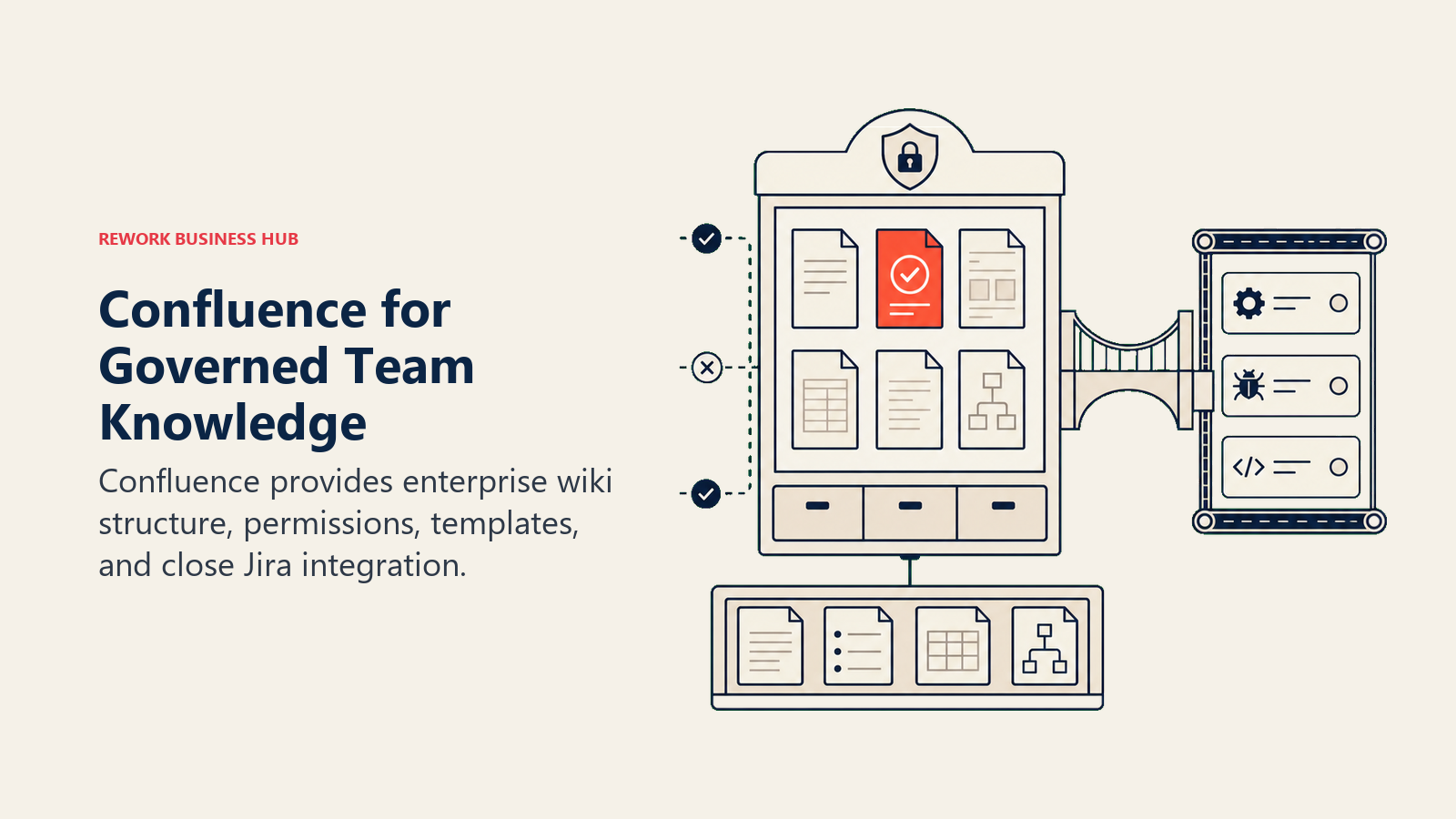
For teams leaving Notion for a more structured knowledge management system, Confluence delivers governance, permissions, and compliance features that Notion doesn't match at enterprise scale.
But Confluence has a reputation problem for good reason: the UX is heavy. Creating a page is slower than in Notion. Navigation is less intuitive. Non-technical teams often find it harder to adopt. It's also less suited for project management or ops workflows. Teams using Confluence often look at the best Jira alternatives when they're reconsidering the whole Atlassian stack.
| What you get | What you don't |
|---|---|
| Deep Jira integration and cross-linking | A lightweight, fast user experience |
| Enterprise governance: spaces, permissions, compliance | Project management or workflow automation |
| Templates for specs, retros, RFCs, runbooks | A clean mobile experience |
| Atlassian ecosystem (Bitbucket, Trello, etc.) | A CRM or ops workflow layer |
Pricing: Free (up to 10 users), $5.75/user/mo (Standard), $11/user/mo (Premium). Enterprise plans available.
Best for: Engineering and product organizations already on Jira. Enterprise teams needing structured knowledge management with governance controls.
8. Slite: Team Knowledge Base
Slite is a cleaner, simpler Notion for teams that want a knowledge base and nothing more. It does docs, wikis, templates, and AI-powered search without the complexity of a full work management system.
If the main thing your team wants from Notion is a place to write and find information (and the project management overhead of tools like Asana feels like overkill), Slite is worth a look. The AI search in particular is noticeably better than Notion's for surfacing relevant docs quickly.
It won't solve your workflow or CRM problems. But it won't create new ones either.
| What you get | What you don't |
|---|---|
| Clean, fast docs and wiki experience | Workflow automation or task management |
| AI-powered search across all content | A database or structured data layer |
| Templates for onboarding, SOPs, meeting notes | Integration depth comparable to larger platforms |
| Simple permissions and access control | A CRM or cross-team ops layer |
Pricing: Free (up to 10 users), $8/user/mo (Standard), $12.5/user/mo (Premium). Annual billing.
Best for: Growing teams that primarily need a clean knowledge base. Remote teams standardizing documentation without a complex ops need.
9. Nuclino: Lightweight Collaborative Wiki
Nuclino is deliberately minimal. No databases, no kanban boards, no automations. It's a linked-page wiki with a visual graph view that shows how documents connect. The onboarding is faster than any other tool on this list.
For small teams that found Notion too complex and just want a fast, organized place to store knowledge, Nuclino is the cleanest option. The graph view is genuinely useful for teams with dense knowledge structures.
The honest limitation: if your team grows past the pure documentation use case, you'll likely outgrow Nuclino quickly.
| What you get | What you don't |
|---|---|
| Fast, clean wiki with real-time editing | Tasks, project management, or automation |
| Visual graph view of linked pages | A database layer |
| Simple, intuitive onboarding | Enterprise governance or permissions |
| Affordable pricing | Integration depth |
Pricing: Free (up to 50 items), $6/user/mo (Standard), $12/user/mo (Premium). Annual billing.
Best for: Small teams (under 25 people) that need a knowledge base and nothing else. Teams where adoption speed is the primary concern.
10. Craft: Beautiful Document Editor
Craft is a document editor first, and it shows. The writing experience is among the best in this category: clean, fast, excellent on Apple devices, with a design sensibility that makes documents actually pleasant to produce and share.
It's not competing with Notion as a workspace platform. There's no database, no project management, no workflow automation. But for executives, consultants, and teams where the quality of written output matters, Craft is worth knowing.
| What you get | What you don't |
|---|---|
| Best-in-class document writing experience | Databases, tasks, or workflow tools |
| Beautiful sharing and export (PDF, web page) | Team workspace or collaboration features at scale |
| Excellent iOS/macOS experience | A platform for cross-team operations |
| AI writing assistance | Integration with ops or CRM tools |
Pricing: Free (personal, limited), $4.58/mo (personal annual), $10/user/mo (Business). Annual billing.
Best for: Executives, consultants, and small creative teams who produce a lot of written deliverables and care about presentation quality.
How to Choose: Decision Framework
| If your team needs... | Pick this |
|---|---|
| Visual project management with clean automation | Monday.com |
| CRM + ops workflows + lead management in one product | Rework |
| Structured project execution + OKR tracking | Asana |
| Notion-level flexibility with more structure and tasks | ClickUp |
| Logic-powered docs that act like apps | Coda |
| Relational databases without a docs layer | Airtable |
| Enterprise wiki tightly integrated with Jira | Confluence |
| A simple, clean knowledge base with AI search | Slite |
| The fastest wiki onboarding, minimal feature set | Nuclino |
| Best-in-class document writing and presentation | Craft |
Why People Leave Notion
It's worth naming clearly, because the right alternative depends on which Notion limitation is actually costing you.
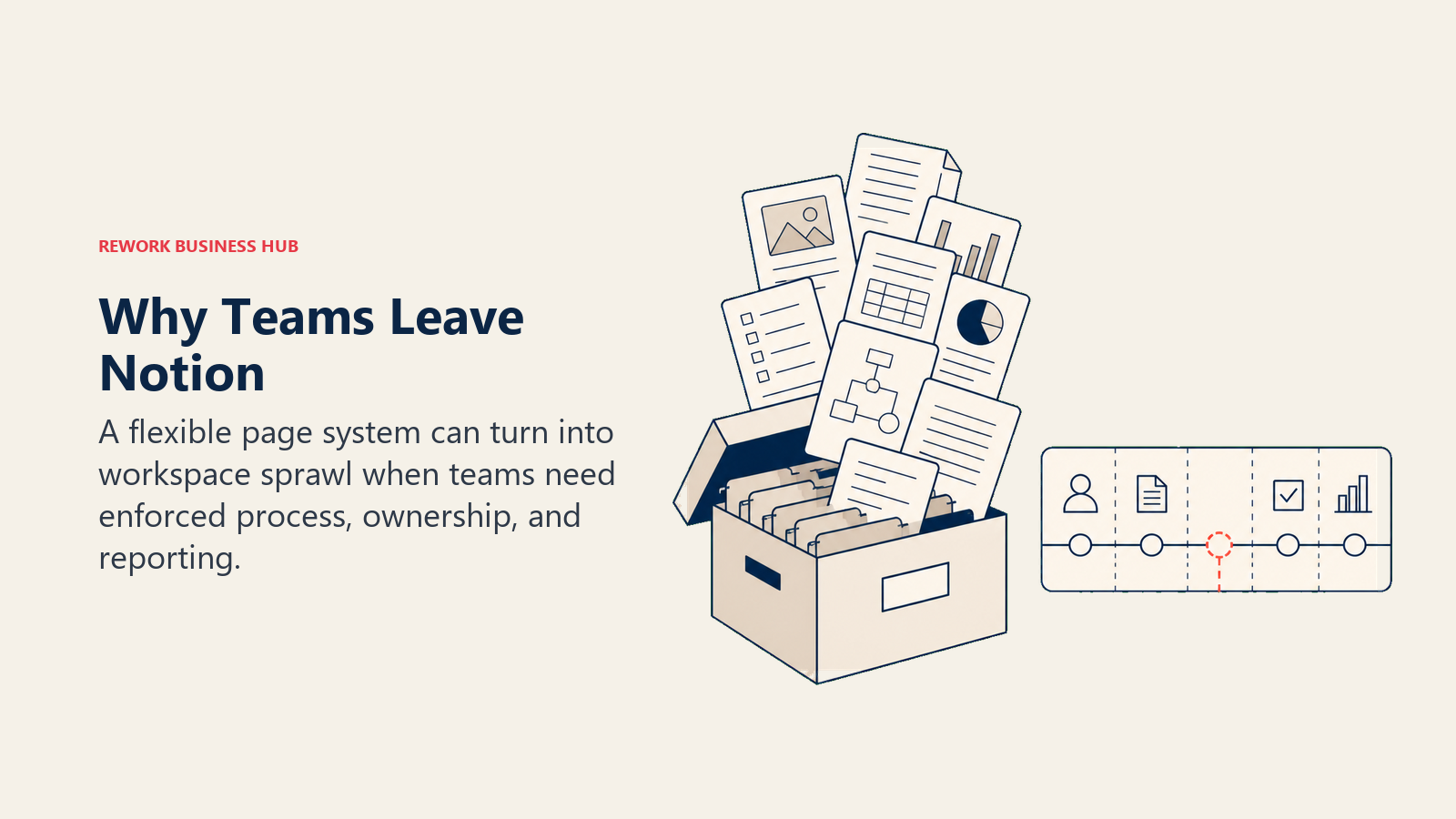
No enforced structure. Notion gives every user full freedom to create pages however they want. That's great at the start. At 30+ people, you get 15 different ways to track the same project, inconsistent naming, and database views that only the person who built them understands. Tools like Monday, Asana, and Rework enforce structure by design. A team operating agreement alongside a tool switch can prevent rebuilding the same chaos in the replacement system.
Weak native automation. Notion's automation is limited to basic property updates and database triggers. It's not a workflow engine. If you want conditional routing, cross-tool triggers, or anything resembling a business process, you're in Zapier territory immediately. Monday, ClickUp, Coda, and Rework all have significantly more native automation depth.
Limited permissions. At the free and Plus tiers, Notion's permission model is coarse. You can't restrict editing at the block level or set granular access per database column. Confluence and Rework's Advanced edition (org-chart permissions and custom roles) handle permission requirements considerably better.
No real workflow engine. You can model a workflow in Notion, but the tool won't run it. There's no SLA tracking, no assignment rules, no escalation logic. Monday.com and Rework are built for workflows that actually execute, not just documents that describe them. If your team uses Airtable for structured data alongside Notion for docs, the best Airtable alternatives guide is worth reading before you consolidate.
Works as docs and wiki, not as ops. This is the core fit issue. Notion is excellent at knowledge capture and flexible information architecture. It was never designed to be the operational system of record for a 50-person cross-functional team. If that's what you need, you're looking at the wrong tool, no matter how many templates you add. Gartner's analysis of content collaboration platforms breaks down where tools like Notion actually fit vs. purpose-built ops platforms.
What to Do Next
Run a two-week pilot with your top two picks. Don't evaluate tools in isolation. Have the actual team that will use it daily do real work in it during the trial. For ops workflow tools like Rework and Monday, that means importing one live process. For wiki tools like Slite and Nuclino, that means migrating one documentation area. And if you're also looking at replacing ClickUp as part of the same consolidation, the best ClickUp alternatives guide covers that transition in parallel.
The right Notion alternative isn't the one with the most features. It's the one your team will actually use consistently, and that enforces the structure your current setup is missing.
Frequently Asked Questions
What is the best Notion alternative for teams that need real workflows? Monday.com is the strongest general pick: it enforces owners, statuses and due dates and has solid automation on its Pro tier. If the workflows you need also involve leads and a CRM, Rework is the more direct fit, with round-robin lead routing, SLA-based assignment, and approval chains that Notion can only describe, not run. Asana is the pick if you mainly need structured project execution and goals.
Is there a free Notion alternative? Yes. ClickUp, Coda, Airtable, Slite, and Nuclino all offer free tiers, and ClickUp's is the most generous for individual and small-team use. Free tiers usually cap automations, storage, or seats, so confirm the limits against your team size before committing.
Why do teams leave Notion as they scale? The most common reasons are no enforced structure, weak native automation, coarse permissions, and the lack of a real workflow engine. Notion excels at docs and knowledge capture but was not designed to be the operational system of record for a 50-person cross-functional team.
Which Notion alternative is best for a knowledge base? Slite and Nuclino are the cleanest knowledge-base replacements. Slite adds strong AI-powered search, while Nuclino offers the fastest onboarding and a visual graph view. Confluence is the better fit for enterprise teams that need governance and deep Jira integration.
Pricing and feature data current as of early 2026. Check each vendor's pricing page before making a purchase decision.

Customer Success Operations Manager
On this page
- Quick Comparison Table
- 1. Monday.com: Visual Boards + Automation
- 2. Rework: Dedicated Ops Workflows + CRM (Structured Work, Not Docs)
- 3. Asana: Project Management + Goals
- 4. ClickUp: The Everything-App (Closest Notion Competitor in Scope)
- 5. Coda: Docs as Apps, Formula-Powered
- 6. Airtable: Database-First Structured Work
- 7. Confluence: Enterprise Wiki + Jira Integration
- 8. Slite: Team Knowledge Base
- 9. Nuclino: Lightweight Collaborative Wiki
- 10. Craft: Beautiful Document Editor
- How to Choose: Decision Framework
- Why People Leave Notion
- What to Do Next
- Frequently Asked Questions