Best Todoist Alternatives in 2026: 9 Task Management Tools for Individuals and Teams
Turn this article into takeaways for your work.


Each assistant summarizes the article only for you and suggests best practices for your work.
The best Todoist alternatives in 2026 depend on whether you're solo or scaling a team. For personal task management, TickTick, Things 3, and Any.do match Todoist's simplicity with extras like calendar views and daily planning. For teams, Asana and Notion handle real project management, and Trello covers visual Kanban boards. The 9 picks below are sorted by use case, with real pricing and honest fit notes.
Todoist has earned its reputation. It's clean, fast, and the natural language input ("buy milk every friday") is genuinely good. For solo users doing GTD, it's hard to beat the simplicity.
But here's the thing: most people searching for Todoist alternatives aren't looking for something simpler. They're looking for something that does more. Teams hitting 5-10 people find Todoist's collaboration features thin. Managers who need reporting get basic activity logs, not the dashboards they need. Anyone wanting a Gantt view or timeline is out of luck entirely. And if you're on the Business plan paying $8/user/month, you're probably wondering what exactly that premium buys beyond a few admin controls. That gap between what Todoist promises and what growing teams actually need is where most of these searches start.
This guide covers 9 alternatives built for different needs: from lightweight personal tools to full team project management platforms. We've included real pricing, honest "not ideal for" lines, and a decision framework at the end so you can match the right tool to where your team actually is.
Quick Comparison Table
| Tool | Best For | Starting Price | Key Strength | Key Limitation |
|---|---|---|---|---|
| TickTick | Personal productivity with a calendar view | Free (9 lists); $49.99/yr list, $35.99/yr offer | Calendar integration + habit tracking | Weak team collaboration |
| Microsoft To Do | Microsoft 365 users | Free (included in M365) | Deep Outlook/Teams integration | Very basic, no real project management |
| Things 3 | Apple ecosystem power users | $9.99 one-time (iPhone) | Best-in-class UX for Mac/iOS | Apple only, no Android, no web |
| Any.do | Simple personal lists with daily planning | Free; $4.99/mo Premium (annual) | Daily Planner feature + voice input | Shallow team features |
| Asana | Mid-size teams managing cross-functional work | Free (2 collaborators); $10.99/user/mo annual | Timeline, workload, reporting | Expensive at scale; steep learning curve |
| Notion | Teams wanting docs + tasks in one workspace | Free; $10/user/mo | Flexibility: build your own system | No real task management out of the box |
| Google Tasks | Gmail/Google Workspace users | Free | Zero friction for Google users | Bare minimum - no subtasks, no priorities |
| Trello | Visual thinkers using Kanban boards | Free; $5/user/mo | Easy onboarding, Kanban clarity | Limited beyond boards |
| Habitica | Gamification-motivated solo users | Free; $9/mo subscription | Gamified XP/rewards system | Not a professional tool |
Stage Fit Matrix
| Tool | Solo/Freelancer | Small Team (2-10) | Growth Stage (10-50) | Mid-Market (50-200) |
|---|---|---|---|---|
| TickTick | Strong fit | Partial fit | Poor fit | Poor fit |
| Microsoft To Do | Strong fit | Partial fit | Poor fit | Poor fit |
| Things 3 | Strong fit | Poor fit | Poor fit | Poor fit |
| Any.do | Strong fit | Partial fit | Poor fit | Poor fit |
| Asana | Partial fit | Good fit | Strong fit | Strong fit |
| Notion | Partial fit | Good fit | Strong fit | Good fit |
| Google Tasks | Strong fit | Poor fit | Poor fit | Poor fit |
| Trello | Partial fit | Good fit | Partial fit | Poor fit |
| Habitica | Strong fit | Poor fit | Poor fit | Poor fit |
Sizing and Persona Table
| Tool | Team Size Sweet Spot | Primary Buyer | Secondary Buyer |
|---|---|---|---|
| TickTick | 1-3 | Individual contributor | N/A |
| Microsoft To Do | 1-10 | M365 admin deploying free tools | Individual contributor |
| Things 3 | 1-2 | Apple power user | Freelancer, designer |
| Any.do | 1-5 | Individual contributor | Small business owner |
| Asana | 10-500 | Project Manager, VP Operations | Department head |
| Notion | 5-200 | Founder, Knowledge Manager | Product Manager |
| Google Tasks | 1-5 | Google Workspace user | N/A |
| Trello | 3-30 | Team lead, project coordinator | Marketing Manager |
| Habitica | 1-3 | Gamification-motivated individual | N/A |
1. TickTick: Personal Productivity with a Calendar You'll Actually Use
TickTick is the closest spiritual sibling to Todoist on this list. Both are GTD-inspired, both have natural language input, and both prioritize a clean interface over feature sprawl. But TickTick pulls ahead in two areas: the built-in Pomodoro timer and a calendar view that shows your tasks and events together in a single timeline.
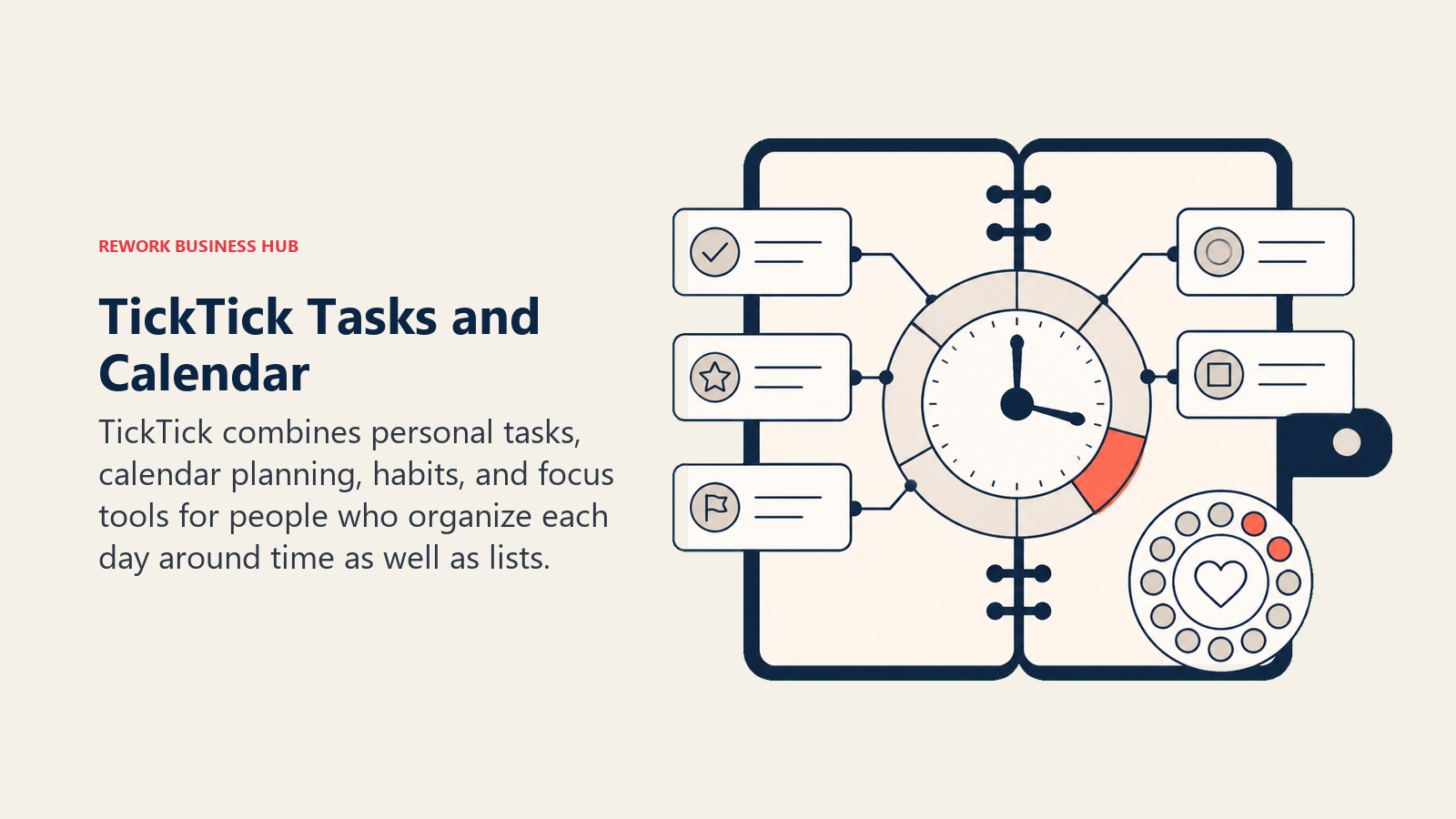
The philosophy here is "productivity tool for the individual." TickTick treats tasks as time-blocked commitments, not just items on a list. The calendar integration lets you drag tasks onto your schedule, which closes the gap between "things I need to do" and "when I'm actually doing them." Habitica gets the gamification crowd; TickTick gets the time-blocking crowd.
Sizing and stage fit: this is a 1-5 person tool. Collaboration features exist but they're thin. You can share lists and assign tasks, but there's no real project tracking, no workload visibility, and reporting is minimal. If you're a freelancer, solo founder, or someone who hit Todoist's limits and wants slightly more structure without a huge context switch, TickTick earns serious consideration.
| What you get | What you don't |
|---|---|
| Calendar view with task + event integration | Real team collaboration features |
| Built-in Pomodoro and focus timer | Project management (Gantt, timeline) |
| Natural language input like Todoist | Meaningful reporting |
| Habit tracker | Deep API/integrations |
| Available on all platforms including Android | Workload management |
Pricing: Free plan, capped at 9 lists and 99 tasks per list. Premium lists at $49.99/year, and ticktick.com regularly runs a $35.99/year offer; the App Store also sells a $3.99/month option. There is no team tier.
Best for: Individuals and freelancers who want Todoist-level simplicity plus a calendar view and focus tools. Not ideal for: Teams larger than 5. The collaboration layer doesn't scale.
2. Microsoft To Do: The Zero-Cost Option for Microsoft 365 Users
Microsoft To Do is what happens when you take Wunderlist (which Microsoft acquired in 2015) and rebuild it inside the Microsoft 365 ecosystem. The result is a basic but competent task manager with one massive advantage: if your company already pays for Microsoft 365, you pay nothing extra for To Do.
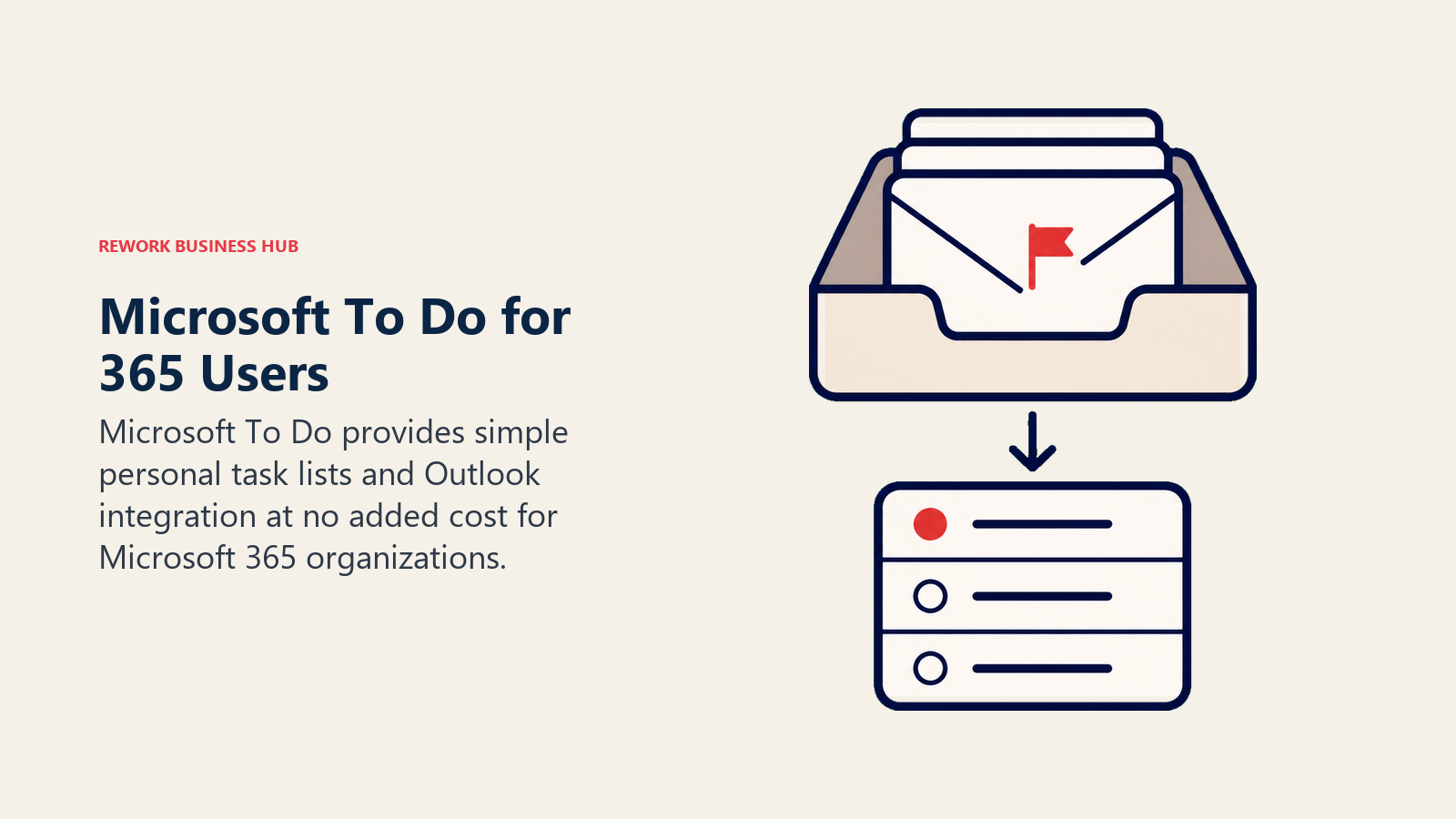
The methodology is simple personal task management with inbox-style capture. My Day, the flagship feature, lets you manually curate a daily list from your broader task backlog. It's deliberate, not automated. You pick what matters today, which forces prioritization even if the mechanism is manual.
Where To Do genuinely shines is Outlook integration. Tasks created from flagged emails appear in To Do automatically. Teams integration means you can create tasks from chat messages. For organizations that live in Microsoft tools, this frictionless connectivity matters more than any feature comparison.
| What you get | What you don't |
|---|---|
| Deep Outlook + Teams + Planner integration | Project management features |
| Included in Microsoft 365 at no extra cost | Timeline, Gantt, reporting |
| Shared lists and step-by-step subtasks | Useful collaboration beyond shared lists |
| Clean, fast interface | Flexibility or customization |
| Available on all platforms | Any meaningful team management |
Pricing: Free (included with Microsoft 365 Business Basic at $7.00/user/month paid yearly and above).
Best for: Microsoft 365 users who want personal task management without adding another tool or another bill. Not ideal for: Teams that need project management depth. This is a personal to-do app, not a team platform.
3. Things 3: The Most Beautiful Task Manager Ever Built (If You're on Apple)
Things 3 by Cultured Code is not a cloud SaaS. It's a one-time purchase native app for Mac, iPhone, and iPad. That distinction is everything. Things 3 doesn't have a web app. It doesn't have Android. It stores your data locally. And it charges once, not monthly.
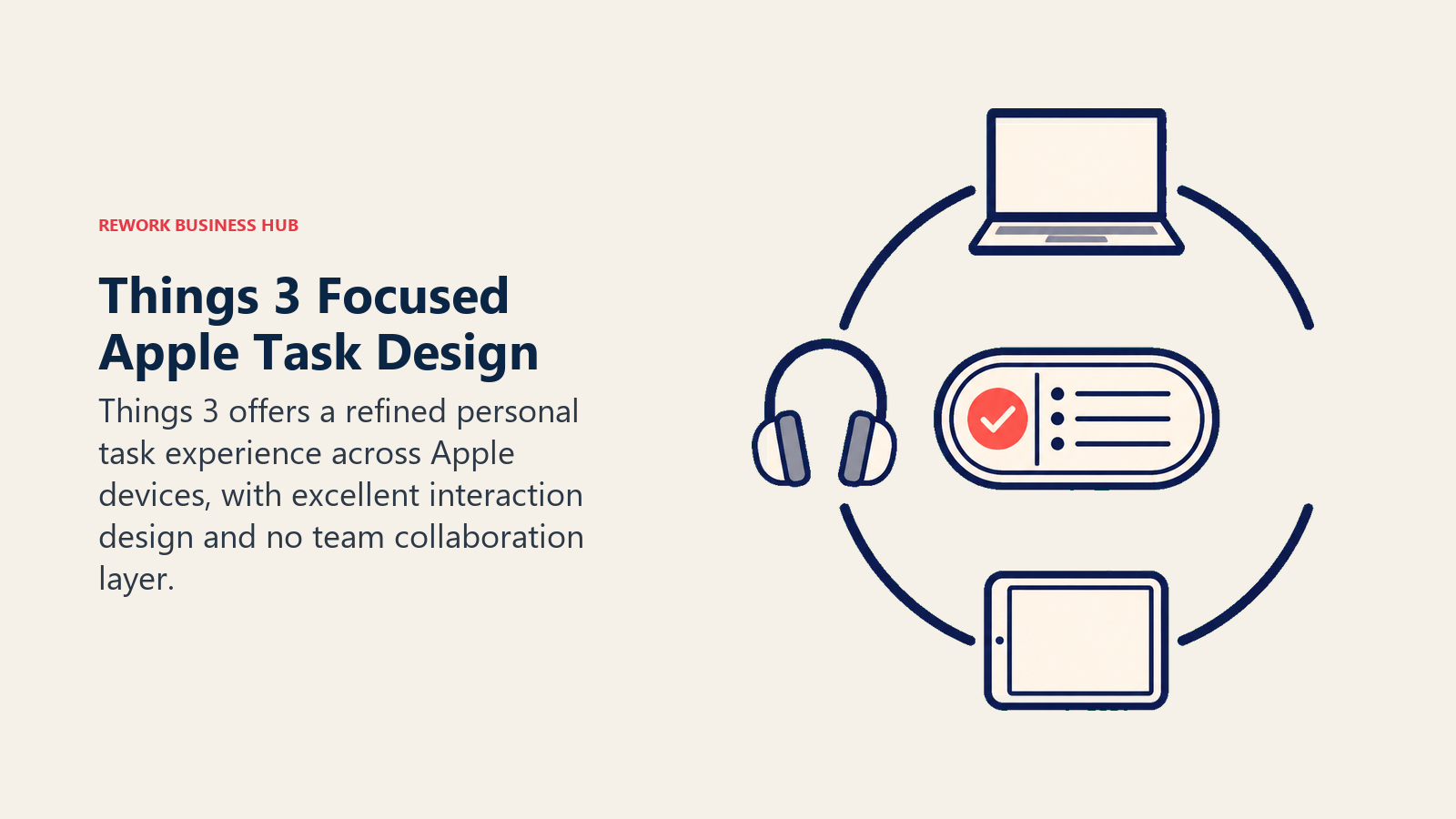
The philosophy is Apple-native productivity: frictionless capture, structured organization (Areas → Projects → Tasks), and an interface that feels crafted rather than assembled. The Quick Entry window, available system-wide with a keyboard shortcut, is the best task capture experience in the category. The design has won Apple Design Awards for a reason.
For solo professionals and freelancers deep in the Apple ecosystem (Mac for work, iPhone for capture, iPad for planning), Things 3 is the strongest Todoist alternative on this list for personal use. The Today view, Upcoming timeline, and Logbook give you a complete picture of your work without complexity.
| What you get | What you don't |
|---|---|
| Best UX in the category - genuinely beautiful | Android, Windows, or web access |
| One-time purchase, no subscription | Team collaboration |
| Area → Project → Task hierarchy | Real-time sync with non-Apple users |
| Quick Entry from anywhere on Mac | Integrations or API |
| Rock-solid iCloud sync | Reporting of any kind |
Pricing: $9.99 (iPhone), $19.99 (iPad), $49.99 (Mac). One-time purchases.
Best for: Apple-only freelancers, designers, and knowledge workers who want the best personal task manager money can buy. Not ideal for: Anyone not fully committed to Apple devices. Teams of any size.
4. Any.do: Daily Planning for People Who Keep Forgetting What's Important
Any.do occupies a specific niche: task management with a daily planning ritual baked in. The Daily Planner feature prompts you each morning to review your tasks and intentionally schedule your day. It's a habit-forming nudge, not just a to-do list.
The philosophy is "capture everywhere, plan daily." Voice input works well for quick capture. The interface is clean and fast. Any.do integrates with Google Calendar and Outlook Calendar so your tasks and events live in one view, similar to TickTick but simpler.
Where Any.do gets honest credit is the personal productivity user who struggles to sit down and actually decide what to do. The Daily Planner gives structure to that decision. The team features (shared projects, comments, assignments) are present but clearly secondary to the personal use case.
| What you get | What you don't |
|---|---|
| Daily Planner for intentional daily review | Real project management |
| Voice input and quick capture | Subtask depth or complex hierarchies |
| Calendar integration (Google + Outlook) | Team reporting |
| Clean mobile-first interface | Workload visibility |
| Simple task assignments for small teams | Advanced automation |
Pricing: Free plan. Premium at $4.99/month billed annually, $7.99 billed monthly. Teams at $4.99/member/month billed annually, $7.99 billed monthly.
Best for: Individuals and very small teams (under 5) who want a daily planning ritual and clean mobile experience. Not ideal for: Teams beyond 5 people, or anyone needing project tracking, timelines, or reporting.
5. Asana: The Standard for Mid-Size Team Project Management
Asana is what Todoist is trying not to become: a complex project management tool with a learning curve. But that complexity is the point. For teams that have outgrown simple task lists and need real project management (timelines, workload management, goal tracking, and integrations), Asana is the category benchmark.
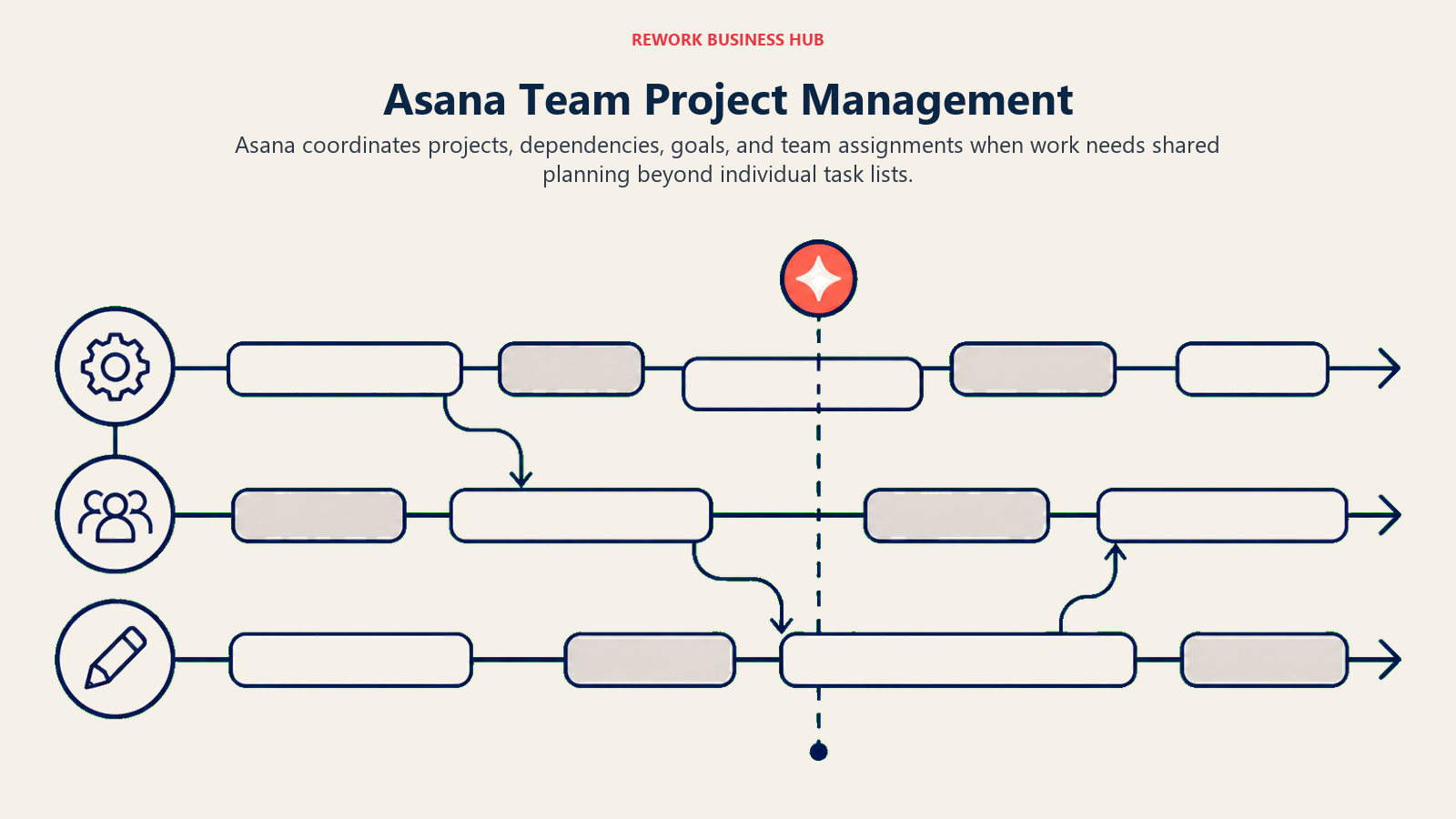
The philosophy is "work graph": Asana models tasks, projects, teams, goals, and dependencies as a connected graph, not just a list. A task can belong to multiple projects, goals can be tied to work, and portfolio views can give leaders visibility across every initiative without micromanaging.
Sizing and stage fit: Asana earns its place from roughly 10 to 500 employees. Below 10, the complexity is unnecessary. Above 500, enterprise tools with stronger governance and data controls start to win. In the 10-200 employee range for teams with a real project management need, Asana is a defensible choice. For teams deciding between Asana and similar project tools, best Asana alternatives breaks down the comparison across the main competitors.
| What you get | What you don't |
|---|---|
| Timeline (Gantt), boards, list, and calendar views | Simplicity - there's a real learning curve |
| Workload view for capacity management | CRM or sales features |
| Portfolio and goal tracking | Budget-friendliness at scale |
| Rules and workflow automation | Fast onboarding for non-technical users |
| 200+ integrations | Value at the price point for smaller teams |
Pricing: Free plan (up to 10 users). Starter at $10.99/user/month. Advanced at $24.99/user/month.
Best for: Mid-size teams (10-200) doing cross-functional project work who need timelines, workload management, and reporting. Not ideal for: Solo users, very small teams, or anyone who doesn't have a dedicated project management need.
6. Notion: Build Your Own System (But Bring Your Own Structure)
Notion is not a task manager. It's a workspace where you can build a task manager, if you're willing to set one up. That flexibility is both the appeal and the warning.
The philosophy is "docs as the operating system." Notion treats everything (tasks, wikis, databases, roadmaps) as pages inside a hierarchy. Databases are the core primitive. You can create a task database with custom properties, multiple views (board, table, calendar, list, gallery, timeline), and filters that exactly match how your team works. No other tool gives you that configurability.
The catch: Notion ships no opinionated default system. There's no inbox, no daily review, no built-in workflow. You build it. For teams with someone who likes tinkering with productivity systems, that's liberating. For teams who just want to assign a task, it's frustrating. Teams weighing Notion against other collaborative workspaces can find a deeper breakdown in best Notion alternatives.
| What you get | What you don't |
|---|---|
| Fully customizable databases and views | A ready-to-use task management system |
| Docs + tasks + wikis in one workspace | Built-in workflows or automations |
| Timeline, board, calendar, table views | Reliable notifications |
| Team wiki and knowledge management | Simplicity or fast onboarding |
| Flexible permissions and sharing | Strong mobile experience |
Pricing: Free plan. Plus at $10/user/month. Business at $15/user/month.
Best for: 5-100 person teams that want tasks and knowledge management in one flexible workspace and have someone who can set it up right. Not ideal for: Teams that need an out-of-the-box system. Notion rewards investment. If you won't invest, it becomes a mess of disconnected pages.
7. Google Tasks: The Zero-Friction Option for Google Workspace Users
Google Tasks is the opposite of Notion. There's almost nothing to configure. It's a list. Tasks have due dates, notes, and subtasks, and that's mostly it. But if you live in Gmail, Google Calendar, and Google Workspace, Google Tasks earns a look precisely because of that zero-friction positioning.
The philosophy is "tasks where you already work." The Tasks panel appears natively inside Gmail and Google Calendar. You can create a task from an email in two clicks. Due date tasks appear on your Google Calendar automatically. If your workflow lives entirely inside Google Workspace, the integration value alone is real.
The honest limitation: Google Tasks is genuinely basic. No priorities beyond a manual sort. No labels or filters in the traditional sense. No reporting, no assignments (in the personal version), and no project-level organization. It's a scratchpad, not a system.
| What you get | What you don't |
|---|---|
| Native Gmail and Google Calendar integration | Priorities, labels, or filtering |
| Completely free | Project management of any kind |
| Zero learning curve | Team assignments or reporting |
| Tasks appear on Google Calendar | Integrations beyond Google's own apps |
| Subtasks with notes | Any real organizational structure |
Pricing: Free. Included with any Google account or Google Workspace subscription.
Best for: Solo users and very small teams who live in Gmail and want tasks that show up on their calendar without adding a new app. Not ideal for: Anyone who needs priorities, project structure, or team collaboration.
8. Trello: Visual Kanban for Teams Who Think in Boards
Trello is the original modern Kanban board for mainstream business users. Launched in 2011 and acquired by Atlassian in 2017, Trello built its reputation on one idea: tasks as cards you move across columns. It's intuitive to the point where you can onboard a non-technical team member in 10 minutes.
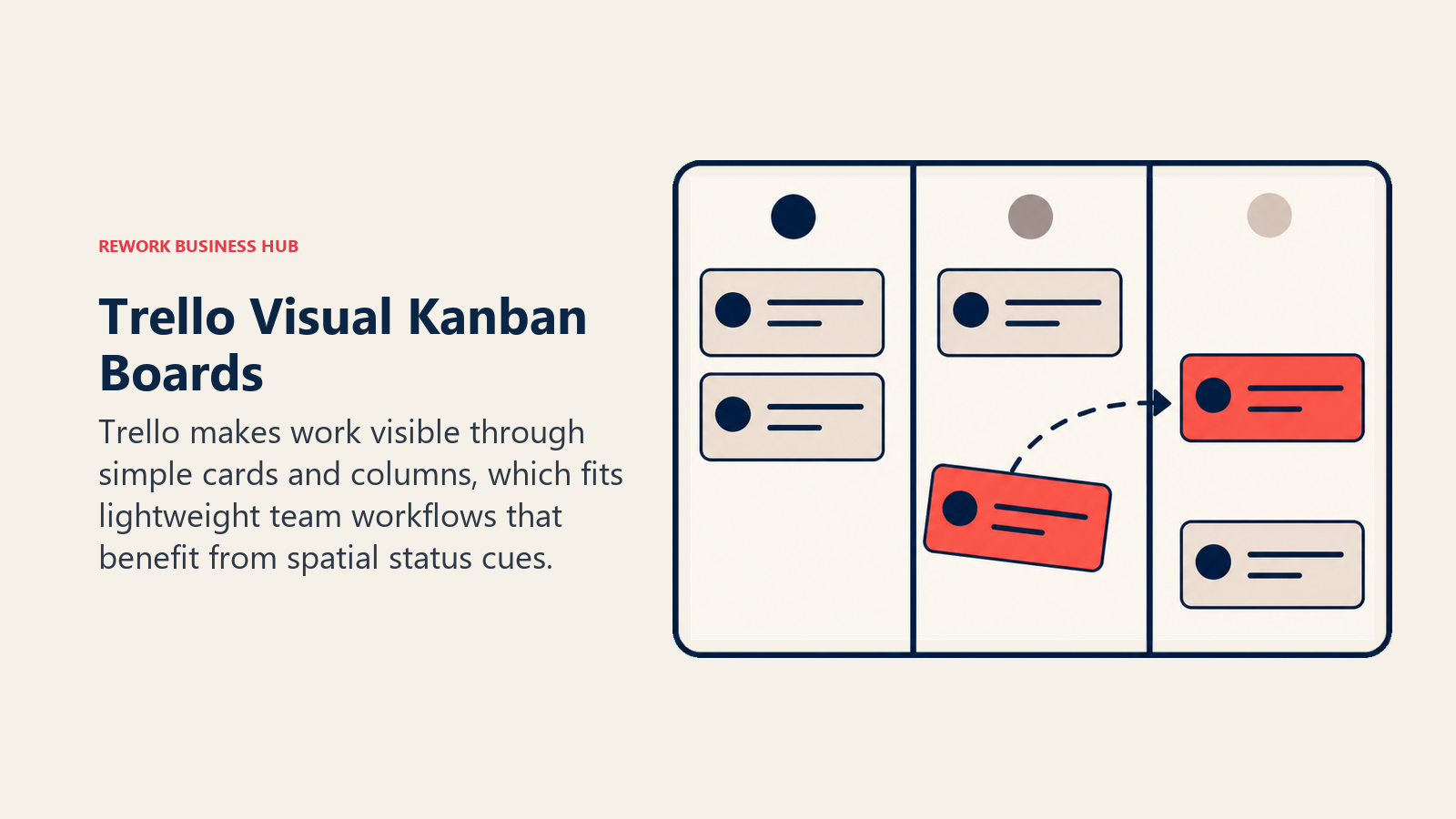
The philosophy is "visual workflow management." Trello makes the state of your work visible at a glance. Columns represent stages (To Do → In Progress → Review → Done). Cards represent tasks. Everyone on the team can see what's moving, what's stuck, and what's done without opening a report.
Trello has expanded with "Power-Ups" (integrations and add-ons) and additional views (timeline, calendar, table) on paid plans. But the core is still Kanban, and that's where it shines. It's also where it reaches its ceiling. For managing a complex project with dependencies, milestones, and workload data, Trello shows its limitations.
| What you get | What you don't |
|---|---|
| Best-in-class Kanban board UX | Complex project management |
| Fast onboarding - 10 minutes to productive | Gantt or dependency tracking on free plan |
| Card checklists, attachments, labels, due dates | Real reporting |
| Automation via Butler (no-code) | Workload management |
| Free plan covers most small team needs | Deep customization without Power-Ups |
Pricing: Free plan (unlimited cards, 10 boards per workspace). Standard at $5/user/month. Premium at $10/user/month.
Best for: Small to mid-size teams (3-30) that want visual Kanban workflow management without a steep learning curve. Not ideal for: Teams needing timelines, budgets, resource management, or anything beyond task tracking.
9. Habitica: Gamified Productivity for the Intrinsically Motivated
Habitica is unlike everything else on this list. It turns your to-do list into an RPG. Completing tasks earns XP, gold, and gear for your character. Missing habits deals damage to your health bar. You can join parties with friends, fight monsters together, and unlock new equipment by staying on top of your work.
The philosophy is radical: use game psychology to make discipline feel like play. For a specific type of person (someone who finds external accountability games genuinely motivating), Habitica works. It's widely used by students, freelancers, and people building new habits who find traditional productivity tools feel like punishment.
This is not a professional team management tool. It has no real project structure, no integrations with business software, and no reporting. But it earns a spot on this list because for the right individual, it solves a motivation problem that a better interface alone never will.
| What you get | What you don't |
|---|---|
| Gamified XP, rewards, and party mechanics | Professional project management |
| Habits, dailies, and to-do tracking | Business integrations |
| Social accountability via parties and guilds | Any reporting or analytics |
| Free tier covers most functionality | Team management features |
| Active community and active development | A serious tool for serious teams |
Pricing: Free plan. Subscription at $9/month or $47.99/year. One-time Crown purchase also available.
Best for: Individuals who are intrinsically motivated by games and want a habit/task system that feels rewarding rather than punishing. Not ideal for: Any professional team context. This is a solo productivity tool.
Why People Leave Todoist: A Summary
| Pain Point | What Todoist Offers | What Teams Actually Need |
|---|---|---|
| Team collaboration | Basic assignments + comments | Role-based access, workload visibility |
| Project management | Projects and sections | Timelines, dependencies, milestones |
| Reporting | Activity log | Progress dashboards, completion rates |
| Visual planning | No timeline/Gantt | Calendar, Gantt, roadmap views |
| CRM integration | Third-party only | Built-in or native connectivity |
| Pricing value | $8/user/mo Business | Feature-justified per-seat cost |
| Natural language parsing | Good but inconsistent | Reliable input that just works |
The pattern across these pain points is the same: Todoist is a personal task manager that teams keep trying to stretch into a team operations tool. It bends at around 5 people and breaks at around 10, usually when someone asks for a timeline view, a workload report, or a way to tie tasks back to the client or deal they belong to. If your switch is driven by one of those gaps, skip the like-for-like swaps (TickTick, Things 3) and shortlist a team platform (Asana, Notion) instead, so you don't repeat the migration in six months.
How to Choose: Decision Framework
| If you need... | Pick this |
|---|---|
| Personal GTD with calendar view | TickTick |
| Apple-native, beautifully crafted personal tasks | Things 3 |
| You're already in Microsoft 365 and want free | Microsoft To Do |
| Cross-functional project management with timelines | Asana |
| Docs + tasks + flexibility to build your own system | Notion |
| Visual Kanban for a small-to-mid team | Trello |
| Zero extra cost inside Google Workspace | Google Tasks |
| Daily planning ritual for personal productivity | Any.do |
| Gamified habit-building for solo use | Habitica |
What Makes a Todoist Replacement Worth It
Not every tool on this list replaces Todoist for every use case. The right call depends on three variables.
First, how many people are using it. Todoist is genuinely great for 1-5 people. The alternatives that compete at that level are TickTick, Things 3, and Any.do. If you're 10+ people, you're looking at Asana or Notion.
Second, whether you need project management or just task management. Task management is lists, assignments, due dates. Project management is timelines, dependencies, workload, portfolio views. Asana and Notion do project management. The rest are task managers.
Third, how much your tasks overlap with other business data. If your tasks are genuinely isolated (personal to-dos, solo projects), the lightweight tools win. If your tasks connect to clients, deals, and other teams' work, you need a team platform like Asana or Notion rather than a personal list. Teams making this transition may also want to look at best Monday alternatives: Monday is often the first "step up" from Todoist that teams evaluate before realizing they need something more ops-connected.
What to Do Next
Pick your top two from the table above and run both for two weeks. Don't migrate everything. Run a real project or two weeks of actual work in each tool. The winner is the one you still use naturally at the end of week two without thinking about it.
If you're a team of 5 or more, put a team platform (Asana or Notion) in your top two. Timelines, workload views, and team reporting are the gaps Todoist never closed, and they usually matter most when teams hit their growth wall.
Related reading:
- The true cost of software sprawl: why separate task and CRM tools cost more than they save
- Decision-Making Velocity: how tool consolidation changes how fast teams can actually move
External Resources:
- Todoist pricing: Free, Pro, and Business plans
- Asana pricing: Free, Starter, and Advanced tiers
- Notion pricing: Free, Plus, Business, Enterprise
- Trello pricing: Free, Standard, Premium plans
FAQ
Is there a free Todoist alternative? Yes, several. Google Tasks is completely free. Microsoft To Do is free with Microsoft 365. Trello, Notion, TickTick, and Any.do all have usable free plans, though Asana caps its free tier at 2 collaborators.
What's the best Todoist alternative for teams? For cross-functional project management, Asana. For flexibility, Notion. For visual Kanban on a small-to-mid team, Trello. It depends on whether you need task management or project management.
Is TickTick better than Todoist? For personal use with a calendar view and focus tools, yes. TickTick edges ahead. For teams, neither is the right answer. Both are personal productivity tools at heart.
What replaced Todoist for Apple users? Things 3 is the most recommended replacement for Apple-ecosystem power users. It's a one-time purchase, native app with arguably the best UX in the category.
Is Asana a good Todoist alternative? For teams of 10+, absolutely. Asana is a different category (project management vs. task management), but it covers everything Todoist does and adds timelines, workload management, and serious reporting.

Principal Product Marketing Strategist
On this page
- Quick Comparison Table
- Stage Fit Matrix
- Sizing and Persona Table
- 1. TickTick: Personal Productivity with a Calendar You'll Actually Use
- 2. Microsoft To Do: The Zero-Cost Option for Microsoft 365 Users
- 3. Things 3: The Most Beautiful Task Manager Ever Built (If You're on Apple)
- 4. Any.do: Daily Planning for People Who Keep Forgetting What's Important
- 5. Asana: The Standard for Mid-Size Team Project Management
- 6. Notion: Build Your Own System (But Bring Your Own Structure)
- 7. Google Tasks: The Zero-Friction Option for Google Workspace Users
- 8. Trello: Visual Kanban for Teams Who Think in Boards
- 9. Habitica: Gamified Productivity for the Intrinsically Motivated
- Why People Leave Todoist: A Summary
- How to Choose: Decision Framework
- What Makes a Todoist Replacement Worth It
- What to Do Next
- FAQ